
Shipping Port Industrial Harbour

$60

Formats (8)
Native | 3ds Max 2023 | Corona 9
3ds Max 2023 | Other
Maya 2023 | Arnold
Blender 3.4 | Cycles Render
OBJ
FBX
Other Files
TEXTURES.rar MS00075_PORTSHIP.mtl
Specifications
Publish Date February 16, 2011
Product ID 587108
Polygons 1,161,377
Vertices 1,164,109
Polygonal
Textures
Materials
UV Mapped
Mixed Unwrapped UVs
member avatar
muva_store
119 Products | Contributor Since 2005
Have questions? Chat with us now.

Description

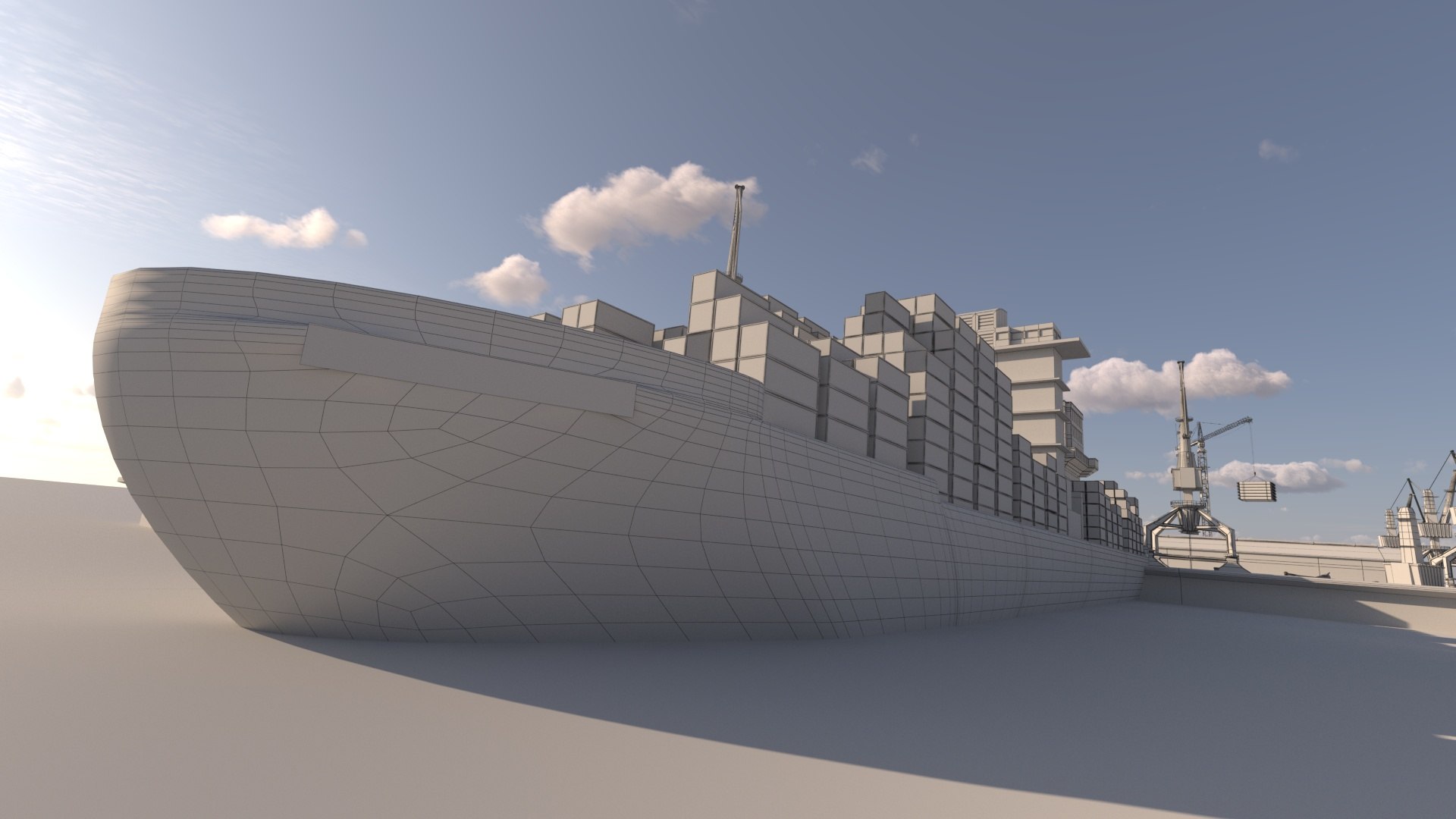
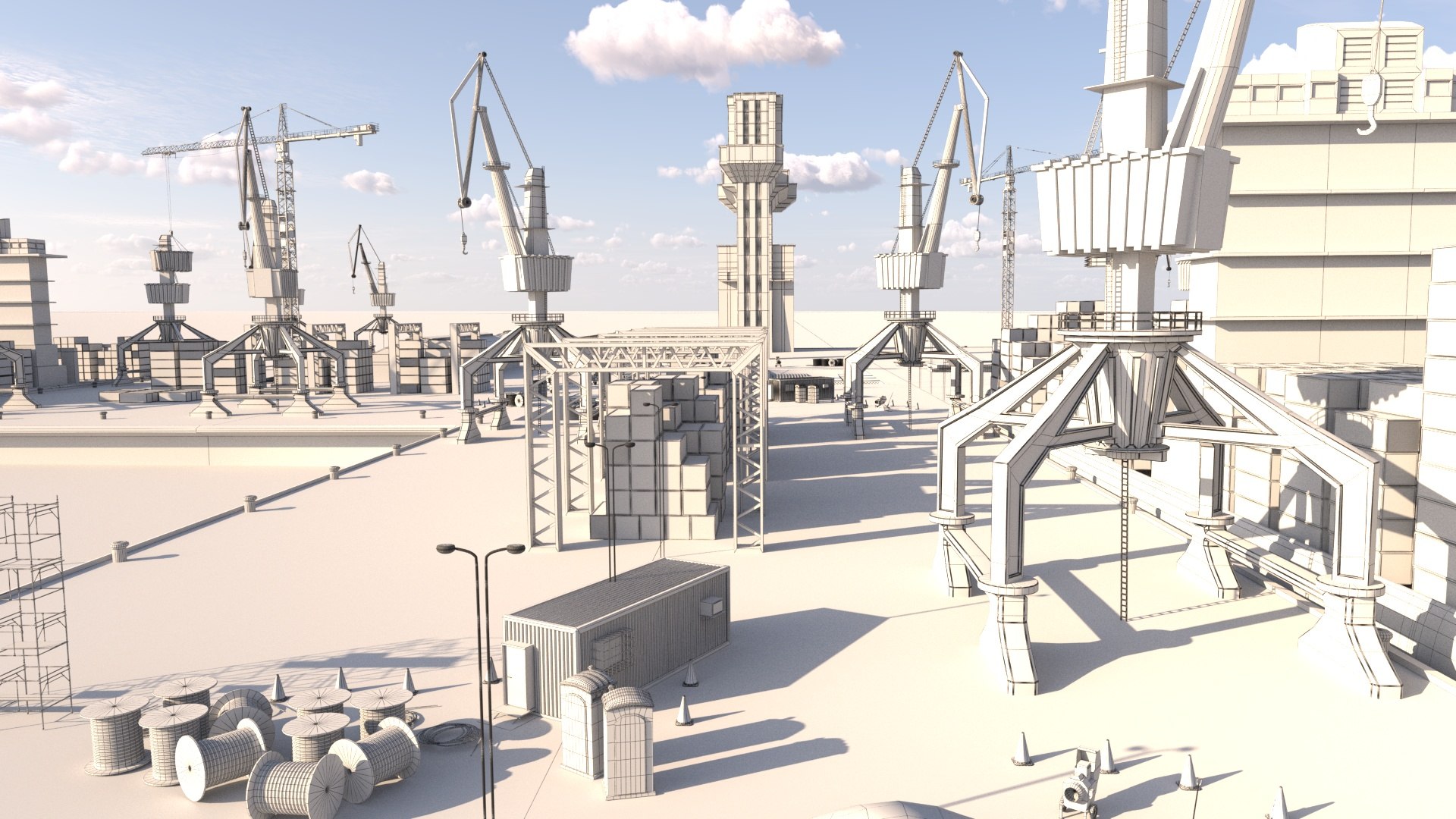
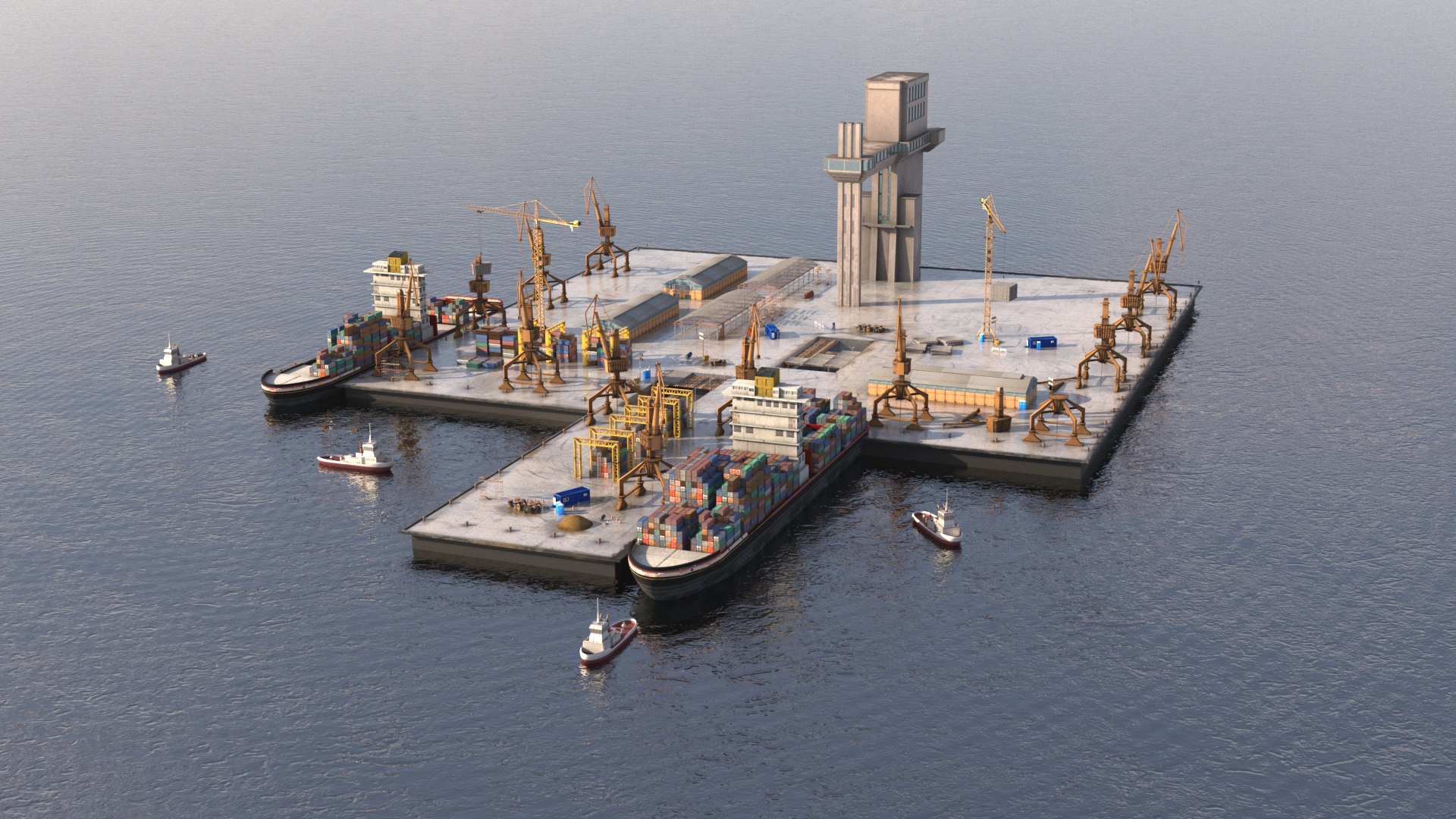
Evolve your project with an amazing port ship / shipyard with our 3D model pack!

Featuring different models, including boats and various parts of a port ship, this pack has everything you need to create a realistic and detailed port environment. Each model is crafted with the utmost attention to detail, boasting incredible textures and lifelike realism.

Professionally made to meet the highest standards, this pack is the perfect choice for any project that requires a top-notch port ship environment.

=================================================================

Features:

Highly detailed 3D models

Compatible with 3DSMax, Maya, Blender and any other 3d software when downloading the universal format .FBX

Fully optimized for your personal or professional project

The models are named, grouped and layered professionally


=================================================================

Formats:
3DSMax native file, also included:

.obj

.fbx

.mtl

.blend

.ma

=================================================================

Polygons: 1.161.377

Vertices: 1.164.109

Select Enhanced License

  • $10,000 in Legal Protection (Indemnification)
  • Uncapped Legal Protection (Indemnification)
  • Waiver from injunctive relief
  • Assignable model rights
  • $1,000,000 in Legal Protection (Indemnification)
  • Waiver from injunctive relief
  • Assignable model rights
  • $250,000 in Legal Protection (Indemnification)
  • Assignable model rights
Read more about enhanced license tiers, or contact us at enterprise@turbosquid.com. Already a Shutterstock Enterprise Customer? Contact your Shutterstock Sales Support Agent to talk about adding 3D.

About Conversion Requests

To submit a conversion request for a purchased asset, please complete our Conversion Request Form.

If you have not yet purchased a model, please review our Documentation about Conversions to learn about what limitations you may encounter with a conversion.

For any additional questions about a model’s suitability for conversion, please contact TurboSquid Support.

Loading...