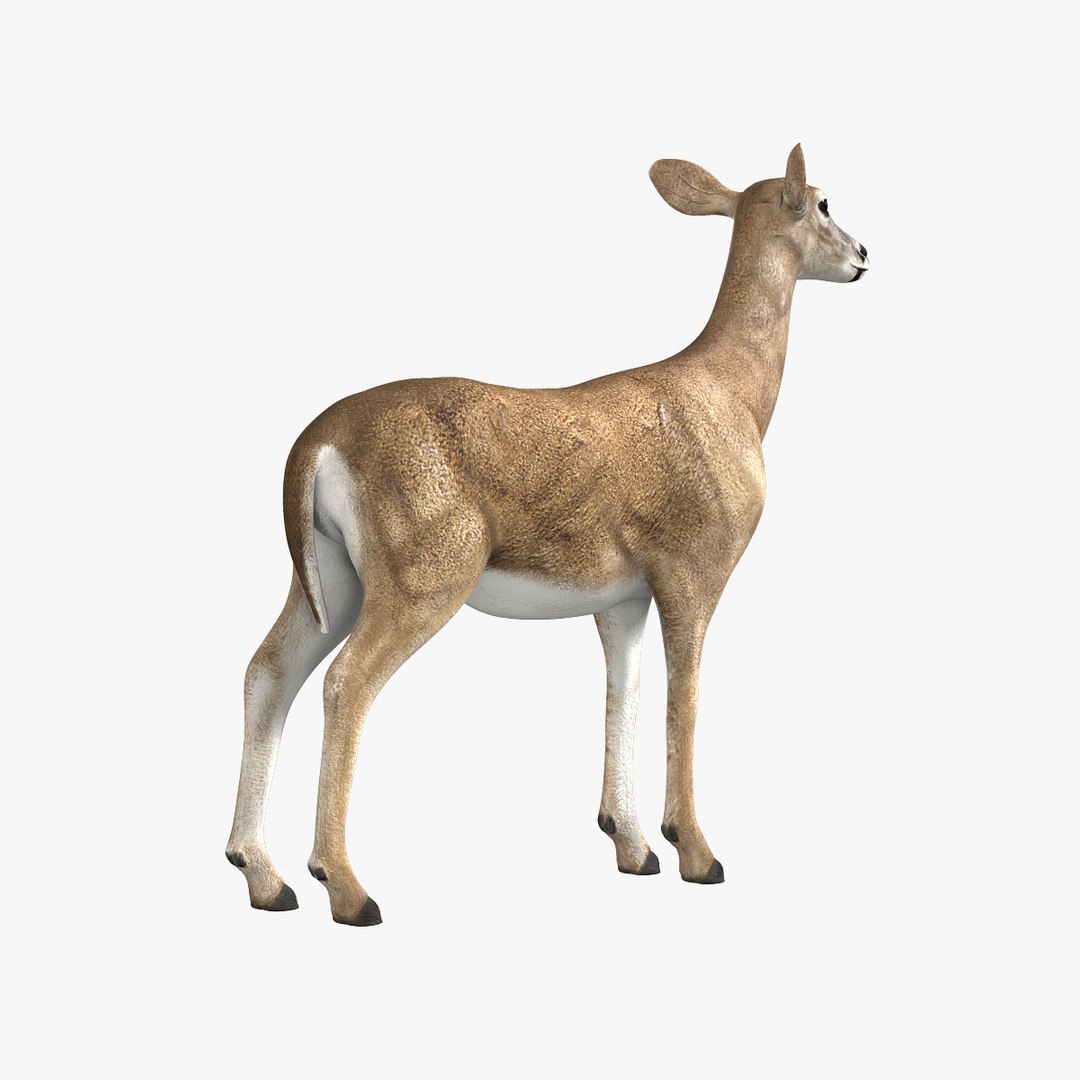
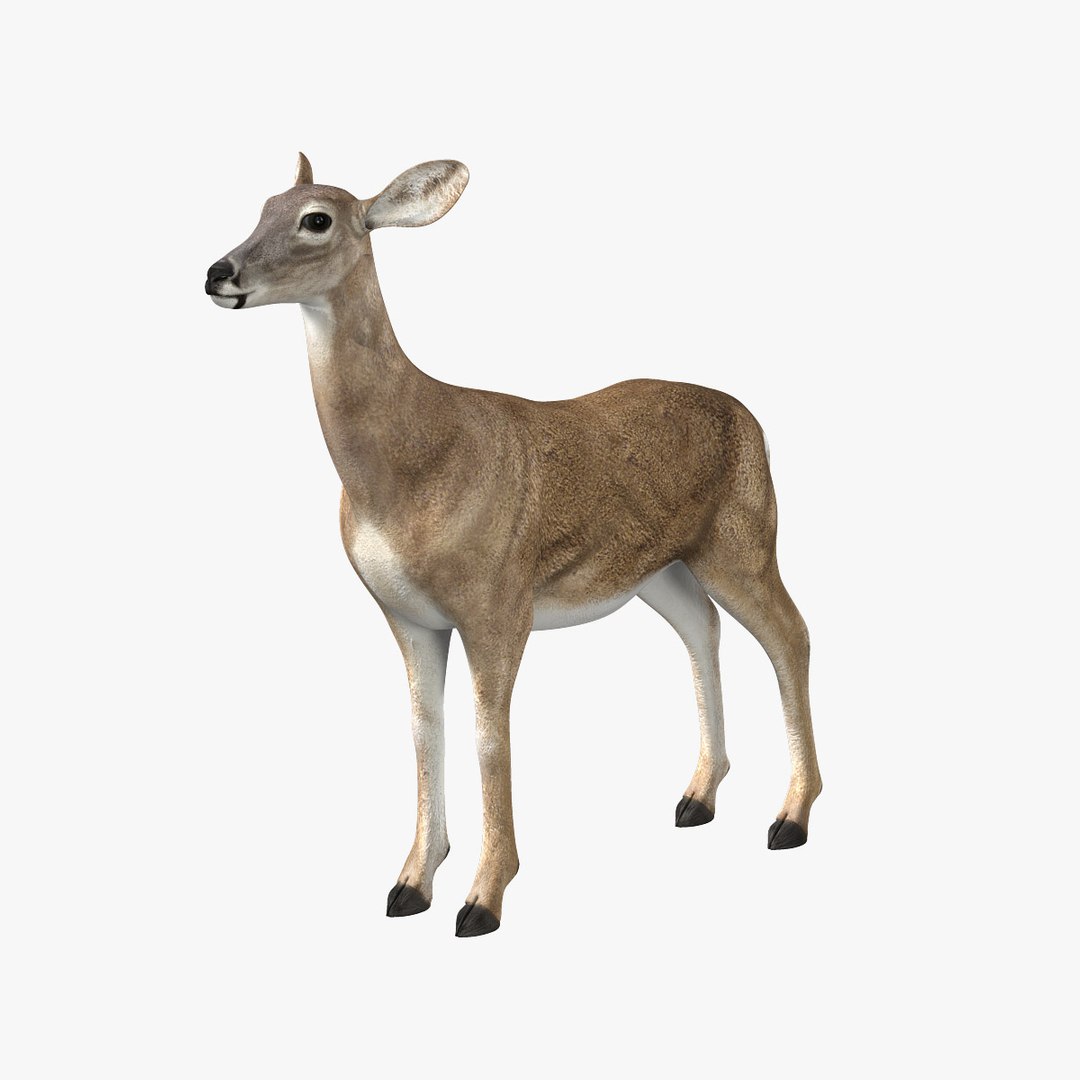
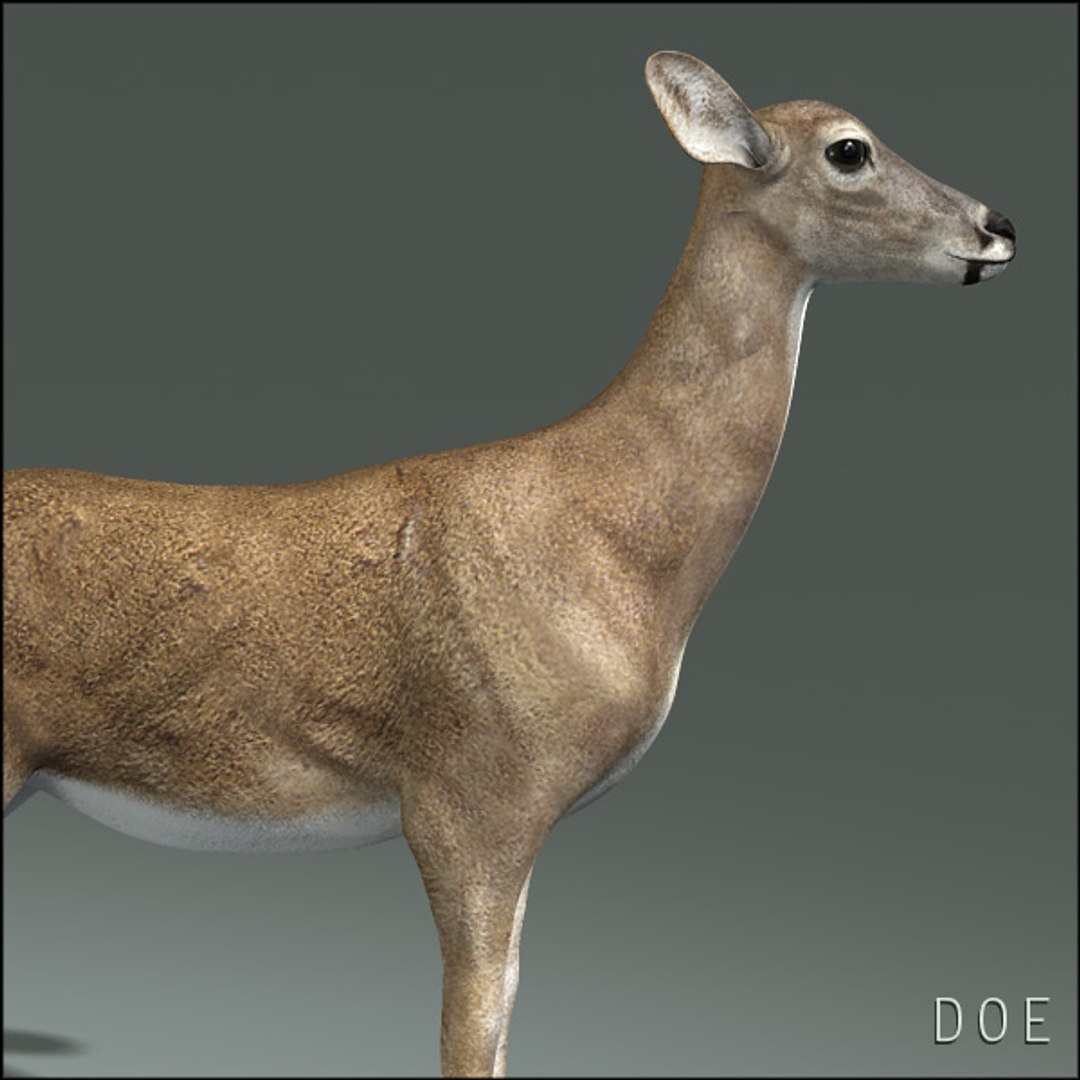
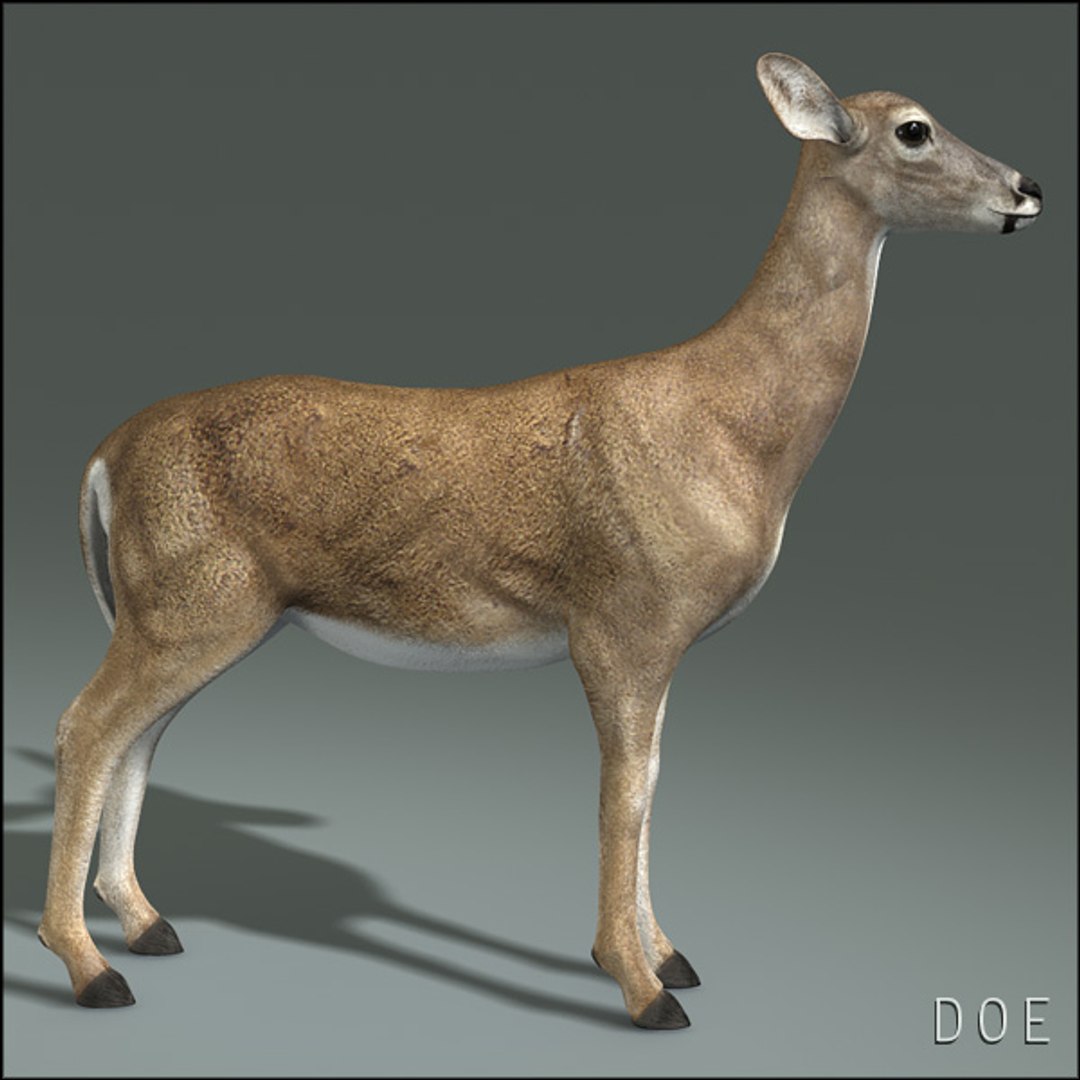
Doe (ANIMATED)

$299

Standard License | Upgrade License
Formats (2)
Free file format Conversions available
Native | Maya 2011 | mental ray
Maya 2018 | Arnold
Other Files
DoeRunLoop.wmv
Specifications
Publish Date August 07, 2010
Product ID 549540
Polygons 10,594
Vertices 10,818
Polygonal Quads/Tris Geometry
Textures
Materials
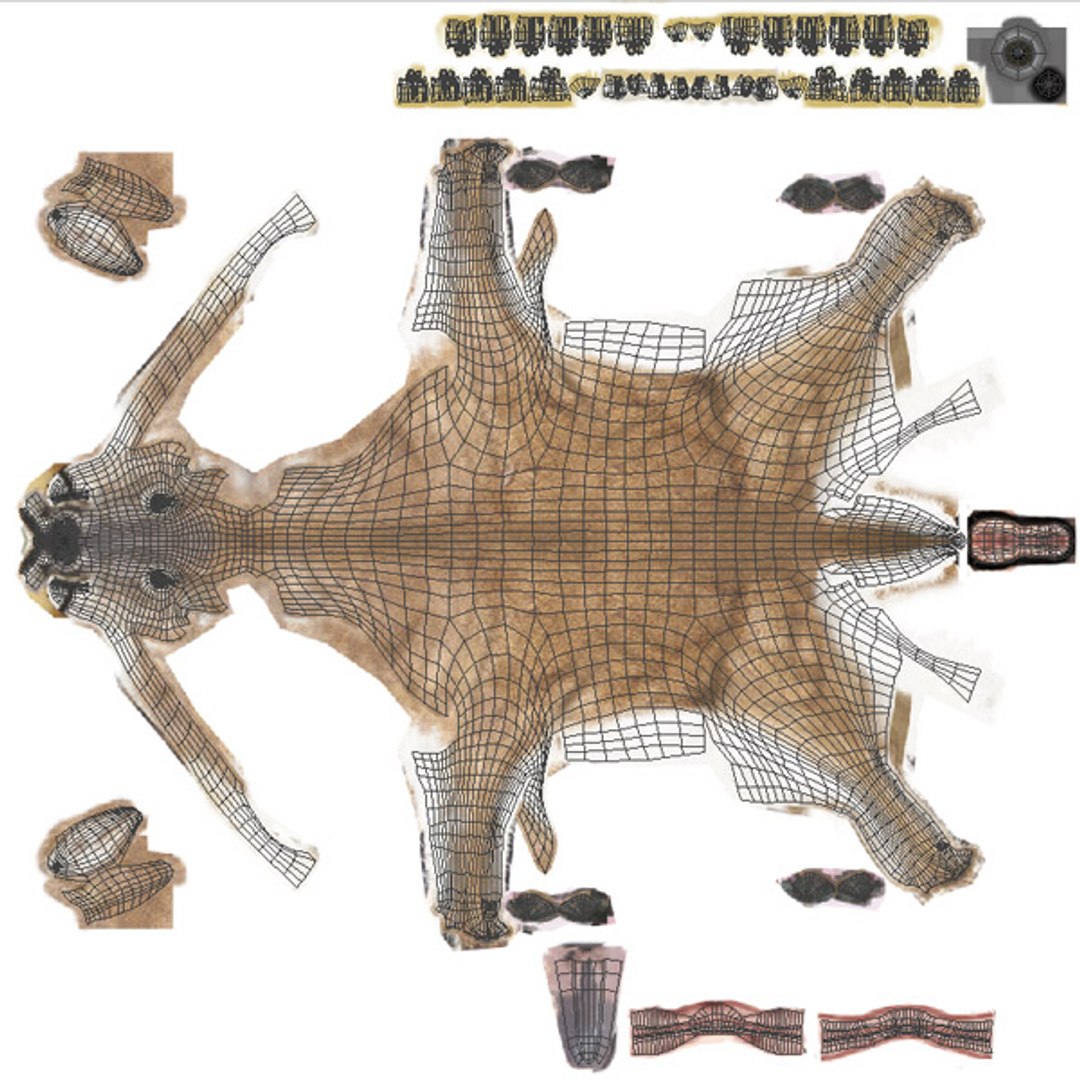
UV Mapped
Non-overlapping Unwrapped UVs
Rigged
Animated
member avatar
Massimo Righi
564 Products | Contributor Since 2005
Have questions? Chat with us now.

Description

***INCLUDES THE UPDATED MAYA 2018/ ARNOLD FORMAT

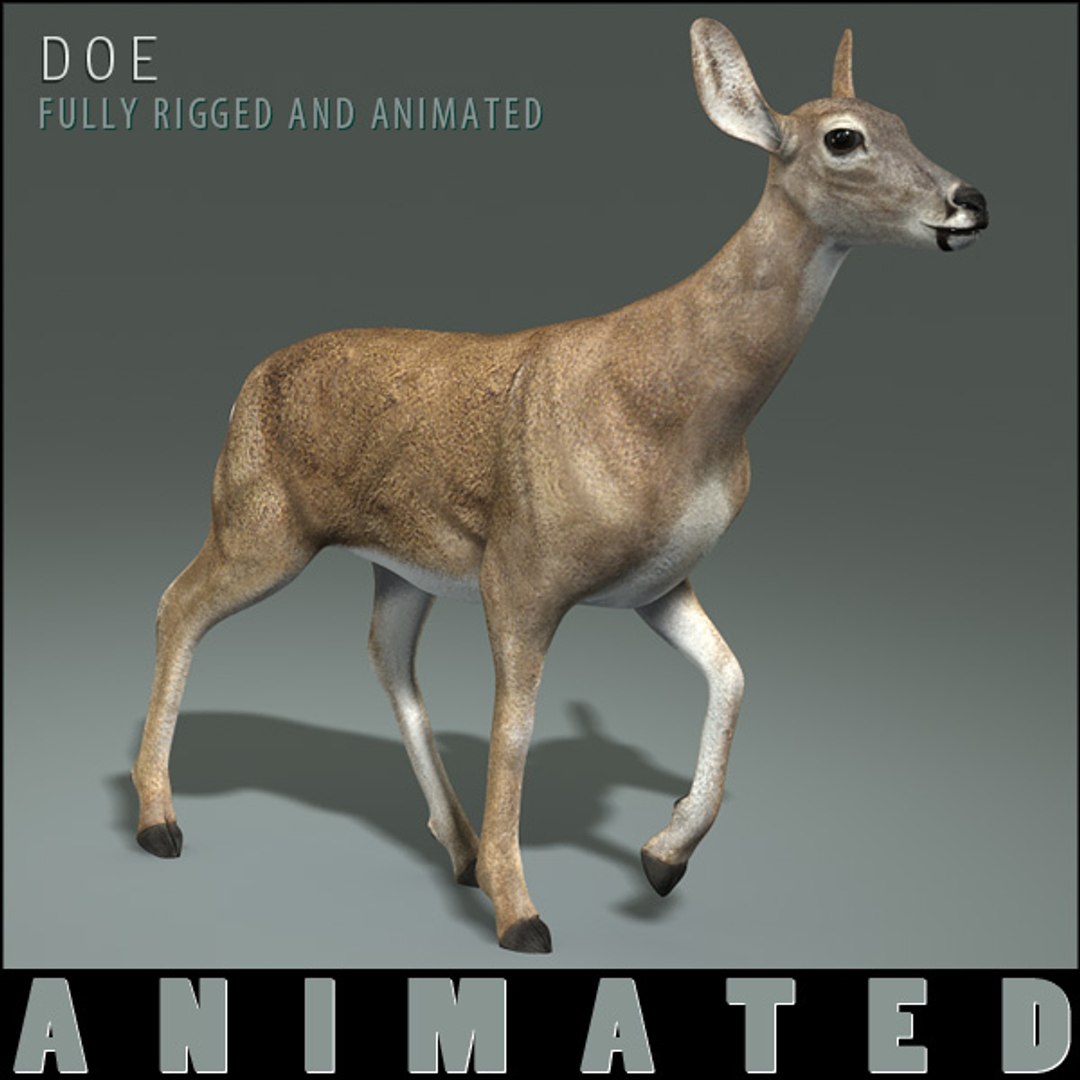
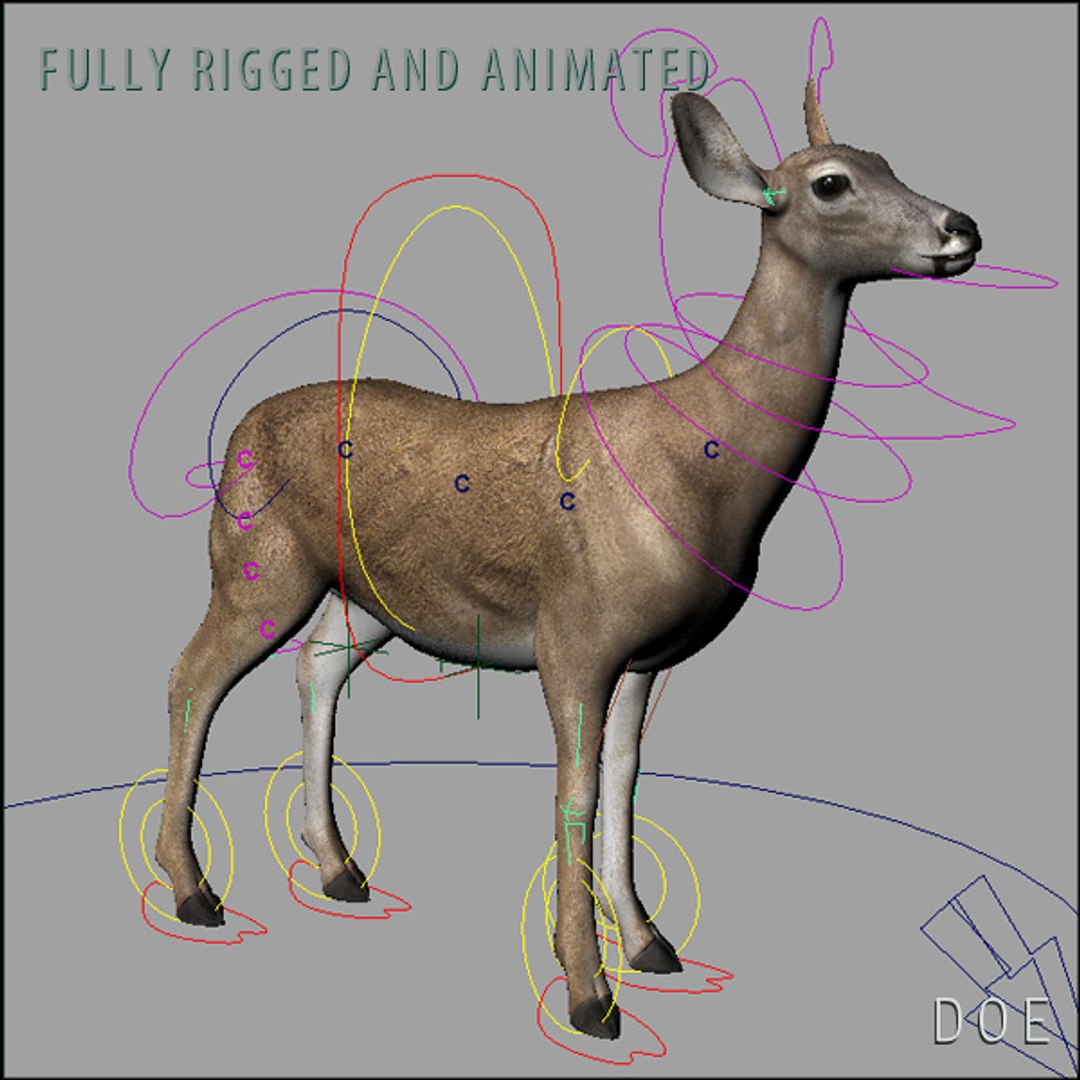
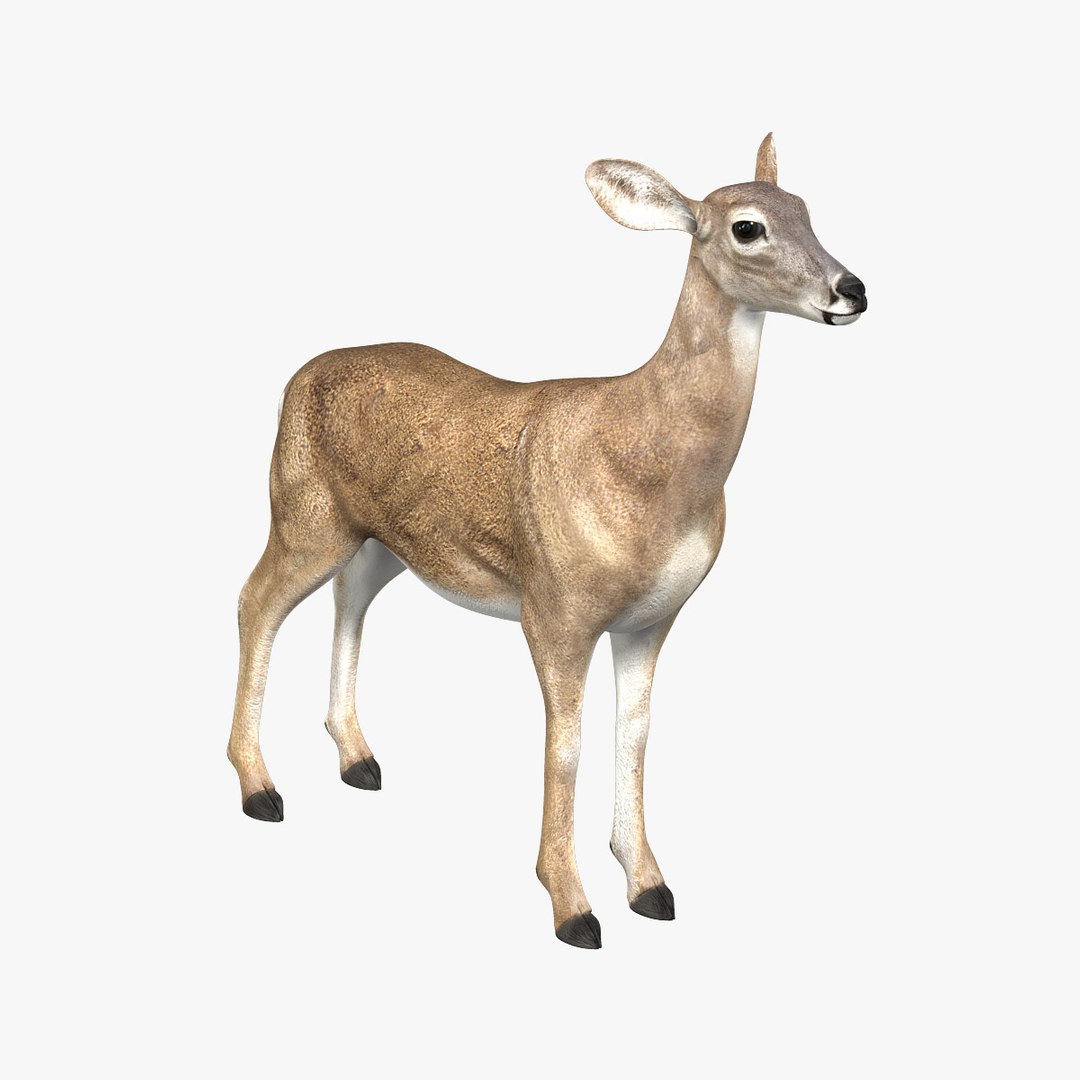
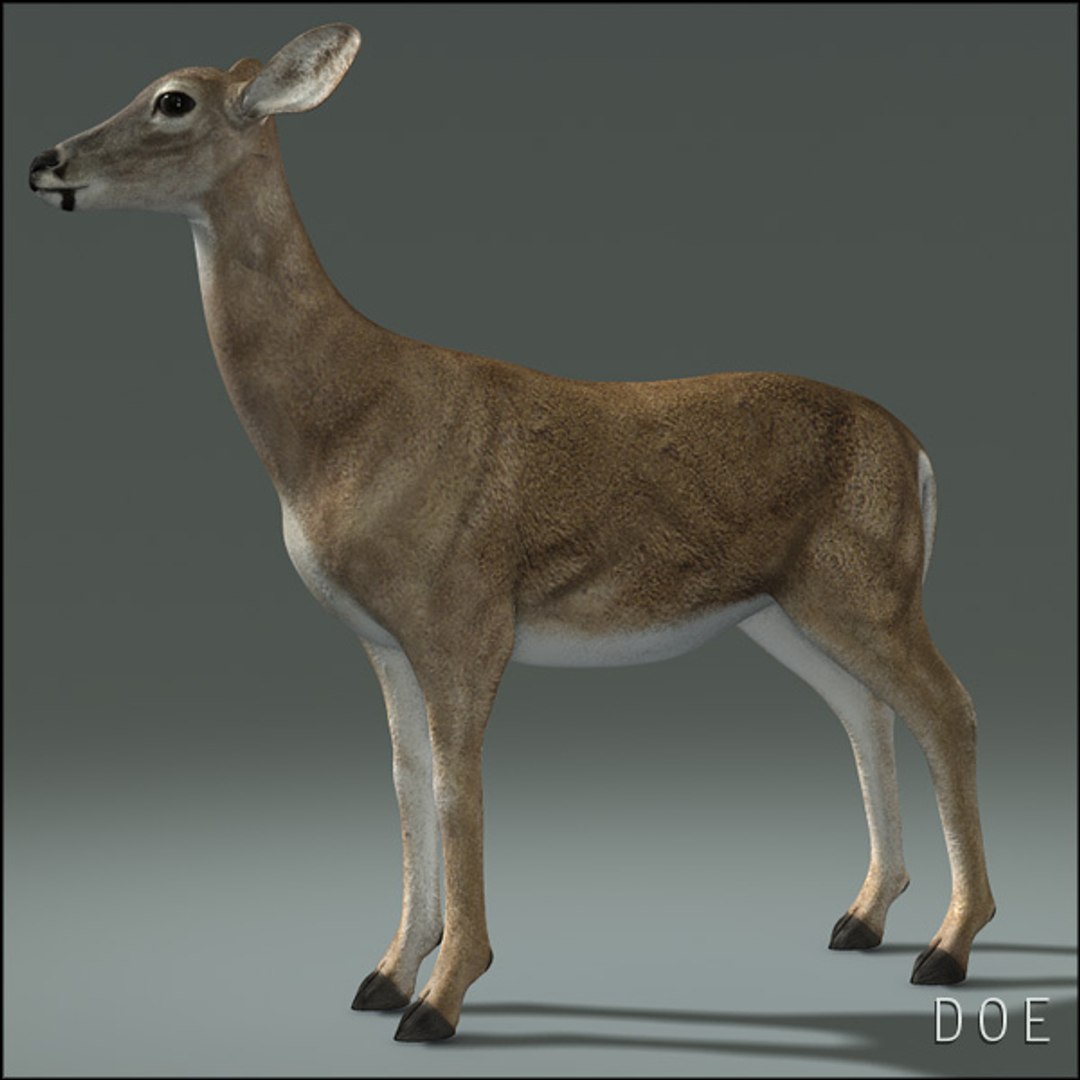
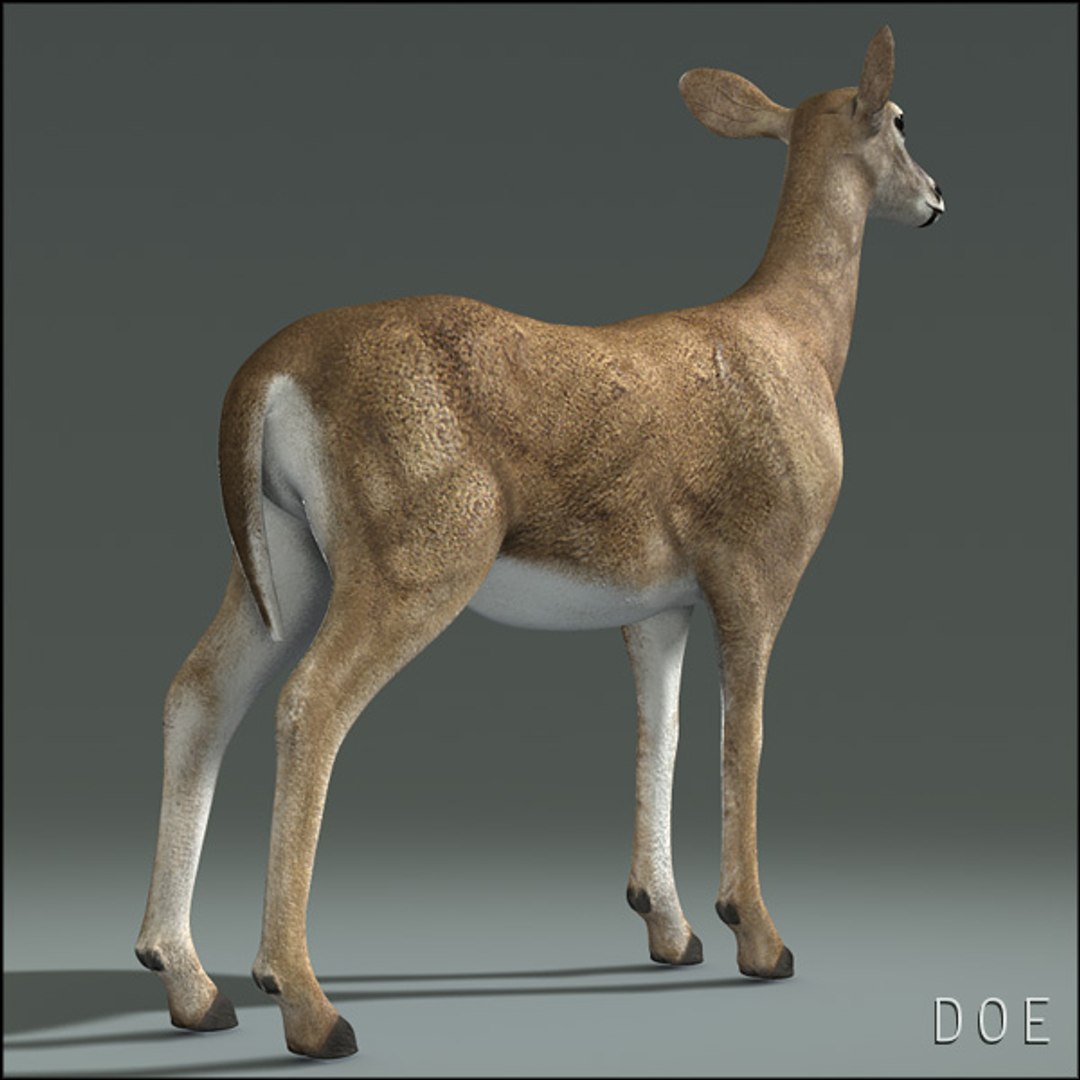
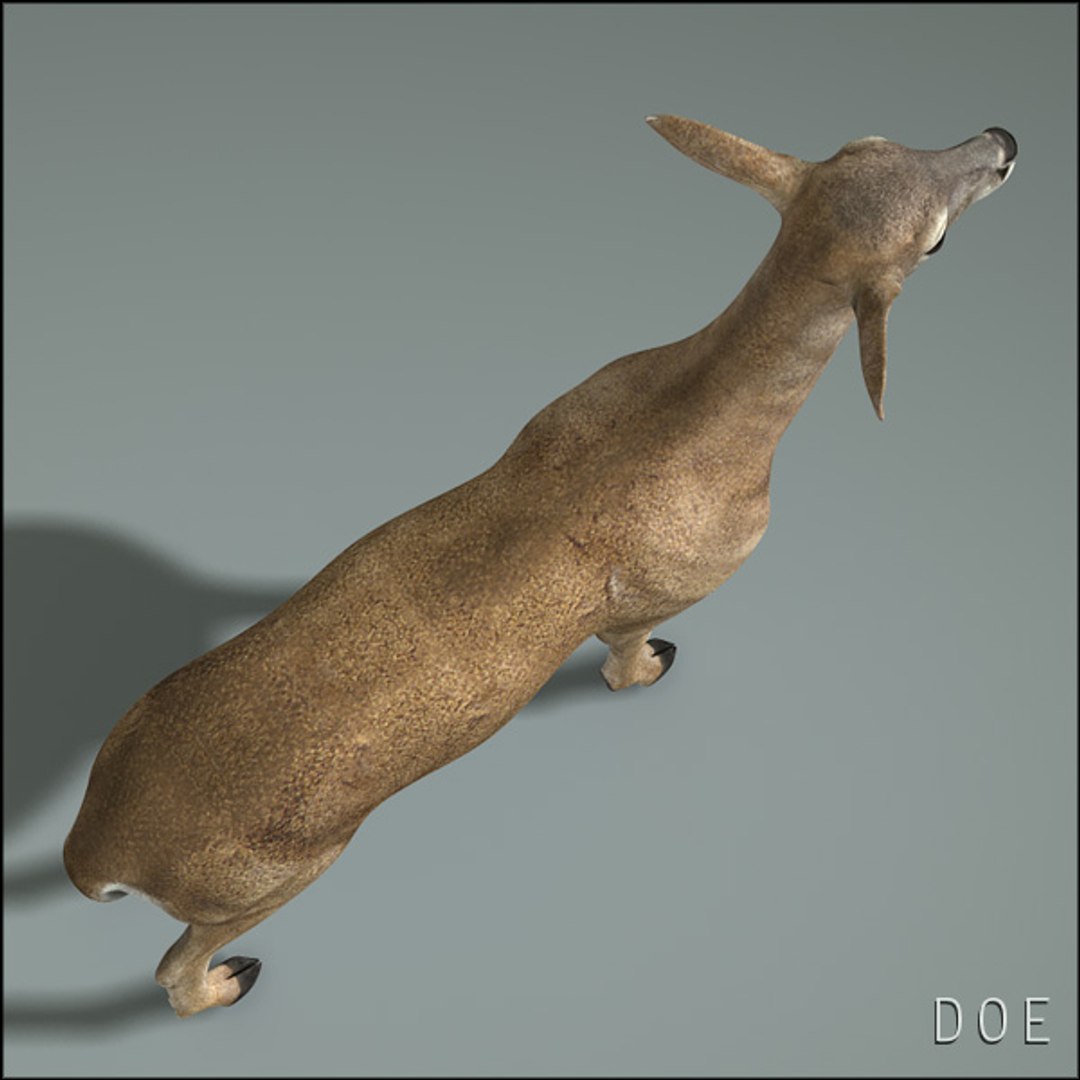
High Detailed Photorealistic Doe (female deer), UVmapped, smoothable, fully rigged and animated, Maya 2011 (no plugins needed)
Ready to render exactly as you see above.
High resolution textures (main color texture is .TGA)

color: 4096x4096
specular : 4096x4096
diffuse : 4096x4096
bump: 4096x4096

This asset comes fully rigged and with the following animation sets:

1) Death (1-33)
2) Walk loop (100-119)
3) Breath (200-234)
4) Run loop (300-310)
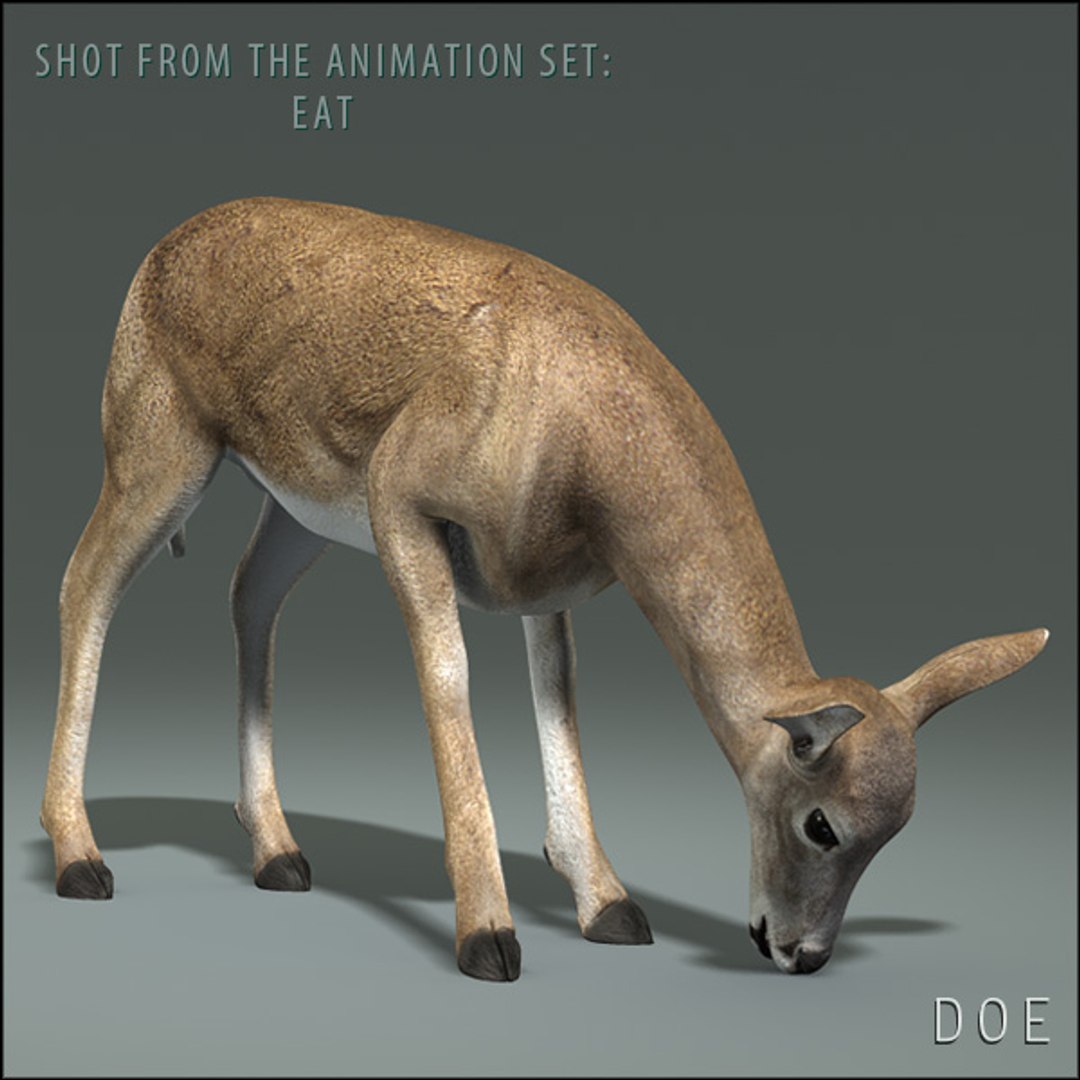
5) Eat (400-499)
6) Look by side (500-599)
7) Attack (600-650)
8) Gets hit (700-750)
9) Agressive (800-834)

Formats included:

.mb (maya 2011 binary)
.ma (maya 2011 ascii)

The Maya 2011 formats are set with the "3" hotkey for the geometry approximation preview and render.

Total Polycount (quads): 10498

Total: 10594
main mesh: 5734
eyeballs/corneas: 256
gum/teeth/tongue: 4604

CHECK OUT THE ANIMATIONS!

-----

NO POSTWORK ON THESE RENDERS (MENTAL RAY)


***INCLUDES THE UPDATED MAYA 2018/ ARNOLD FORMAT

Select Enhanced License

  • $10,000 in Legal Protection (Indemnification)
  • Uncapped Legal Protection (Indemnification)
  • Waiver from injunctive relief
  • Assignable model rights
  • $1,000,000 in Legal Protection (Indemnification)
  • Waiver from injunctive relief
  • Assignable model rights
  • $250,000 in Legal Protection (Indemnification)
  • Assignable model rights
Read more about enhanced license tiers, or contact us at enterprise@turbosquid.com. Already a Shutterstock Enterprise Customer? Contact your Shutterstock Sales Support Agent to talk about adding 3D.

About Conversion Requests

To submit a conversion request for a purchased asset, please complete our Conversion Request Form.

If you have not yet purchased a model, please review our Documentation about Conversions to learn about what limitations you may encounter with a conversion.

For any additional questions about a model’s suitability for conversion, please contact TurboSquid Support.

Loading...