
3ds Max Rock Creation Kit

$12

Standard License | Upgrade License
Formats (1)
Native | 3ds Max 2012 | V-Ray 2
Other Files
maps.zip
Specifications
Publish Date January 15, 2014
Product ID 793510
Polygons 6,000,000
Vertices 3,000,000
Polygonal
Textures
Materials
UV Mapped
Mixed Unwrapped UVs
member avatar
YtoooB
15 Products | Contributor Since 2008
Have questions? Chat with us now.

Description

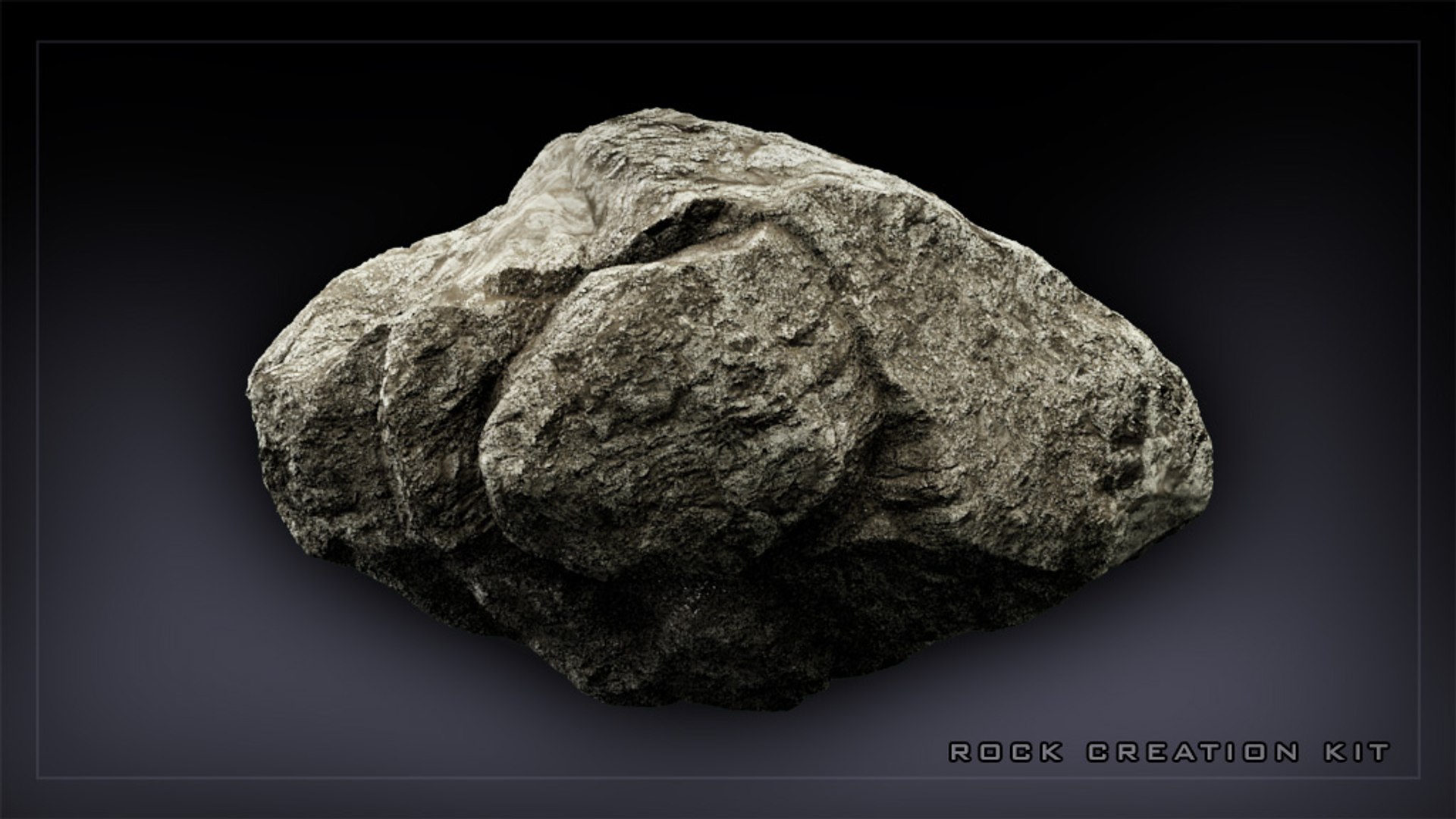
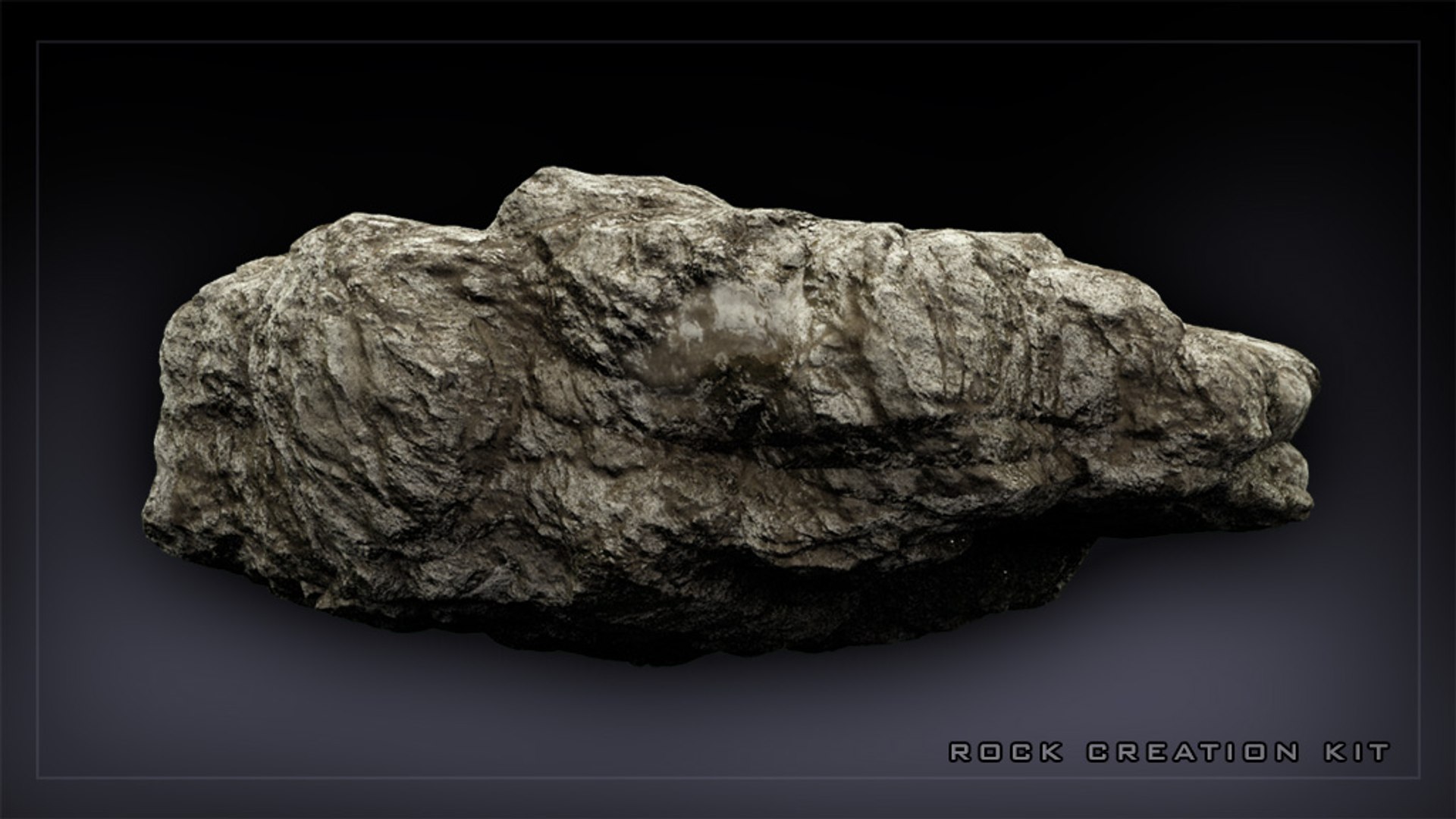
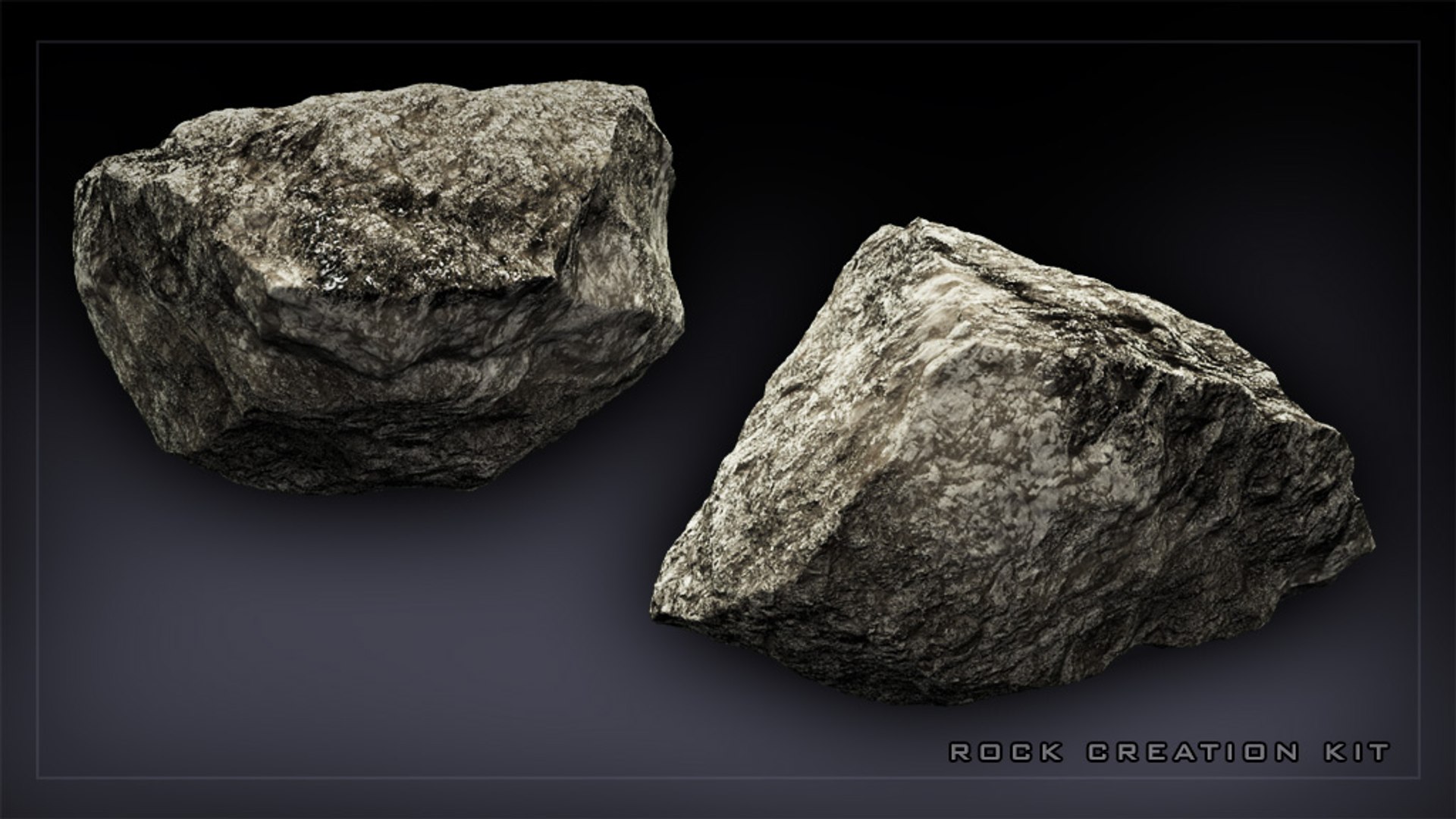
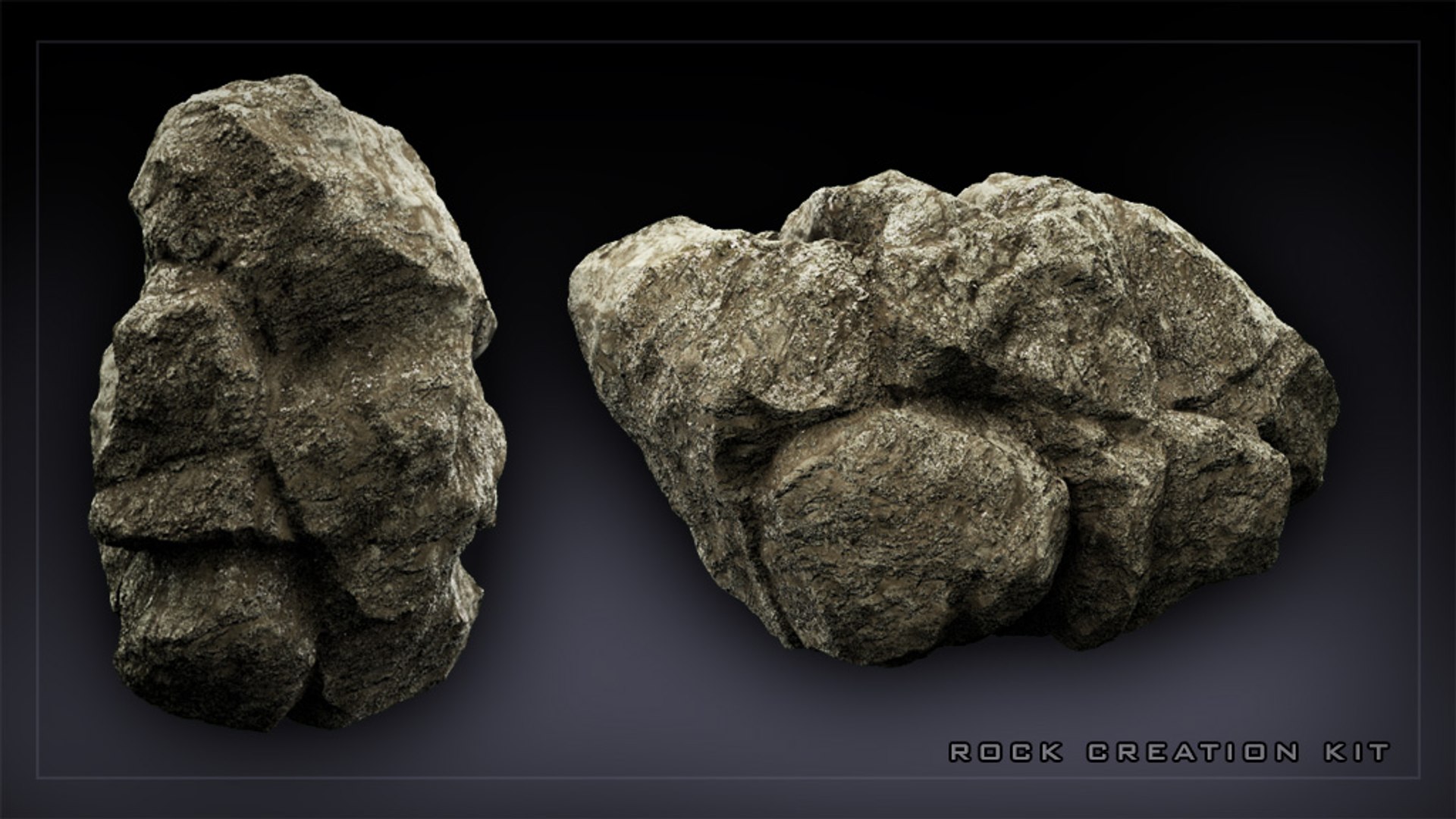
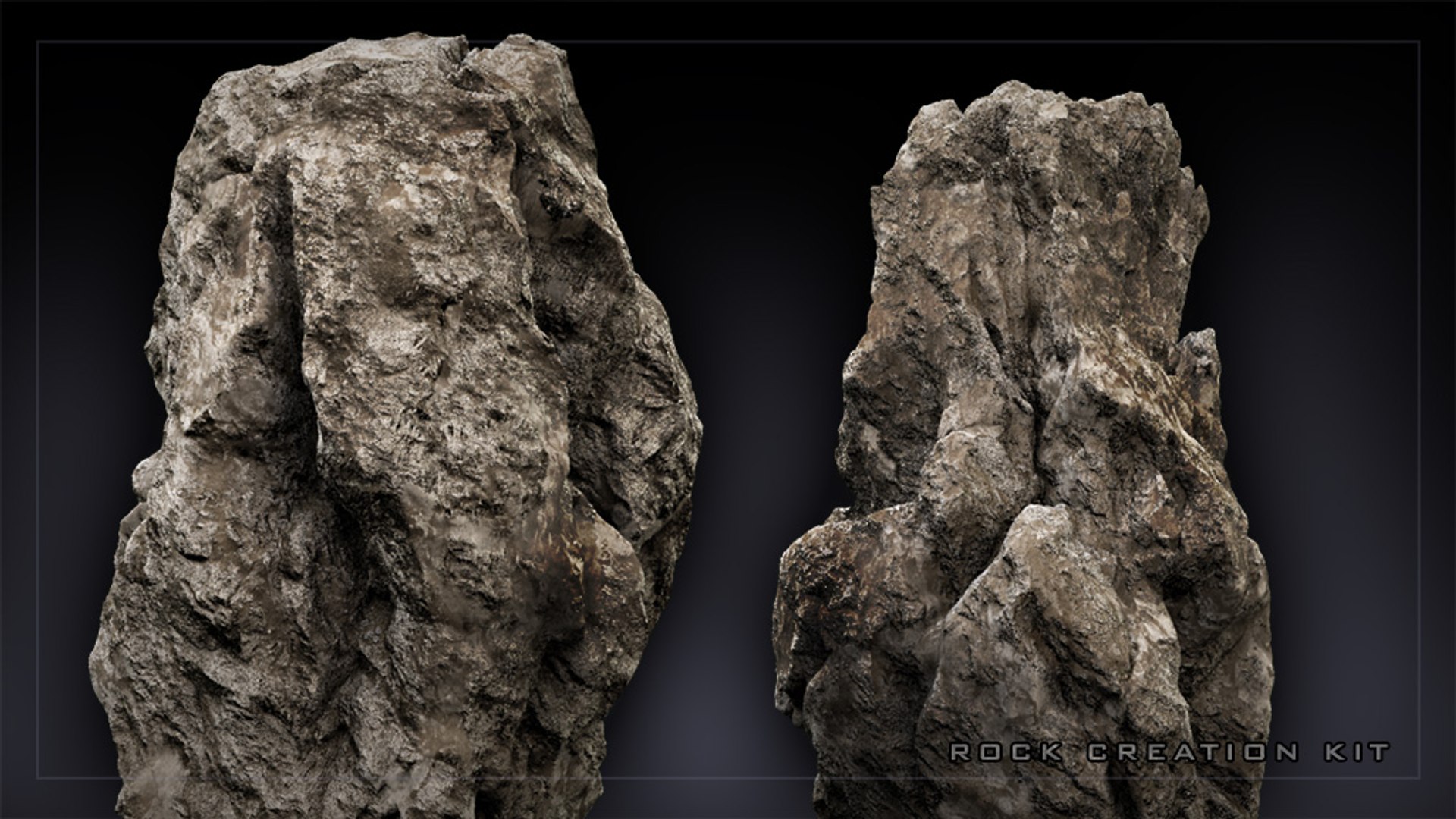
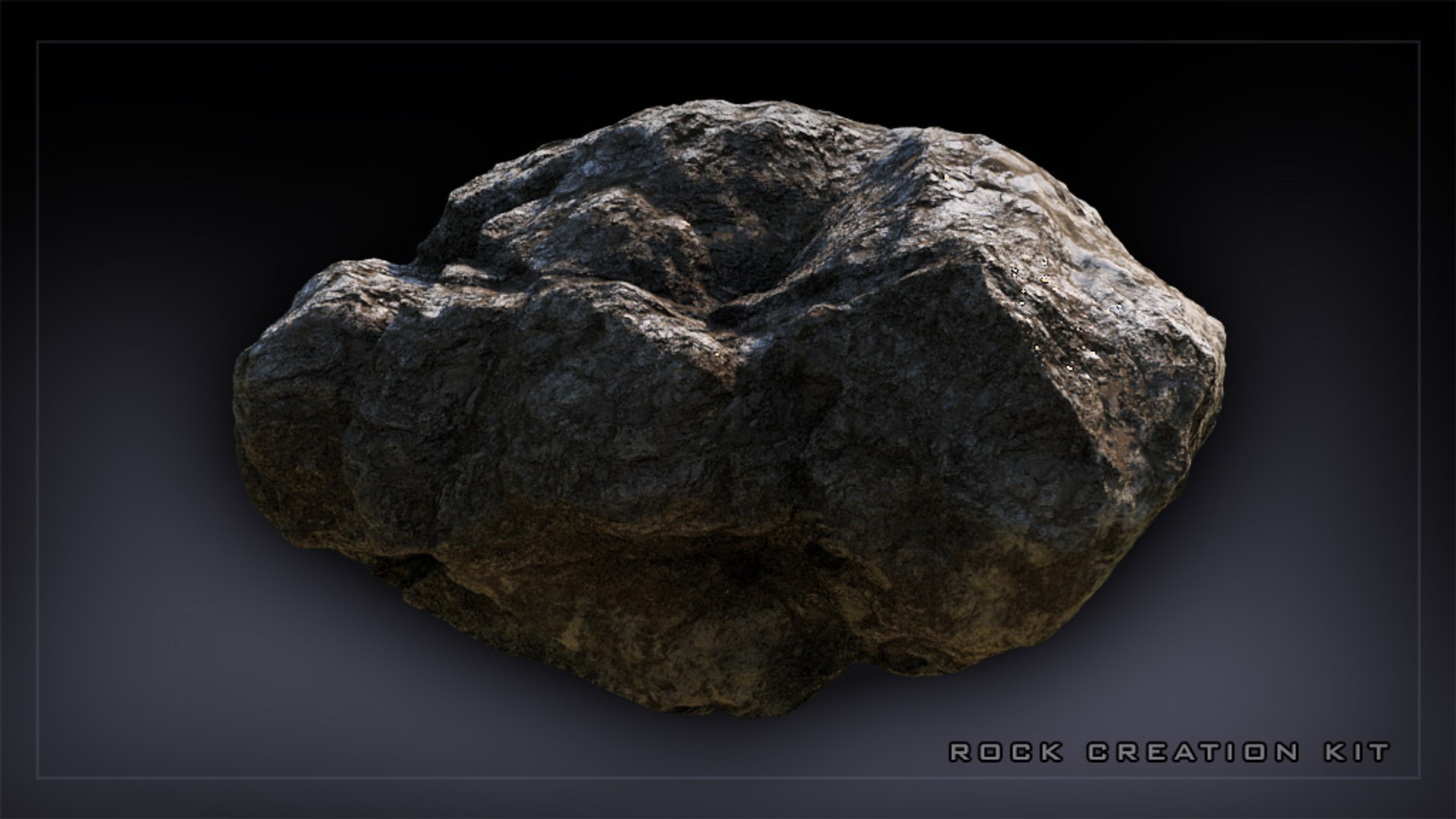
3ds Max Rock Creation Kit

This package contains a 3ds Max scene with procedural models of various rocks. There are different sizes with complete construction history and used maps allowing any changes to the models like scaling, shape changing and other tweking that you would need.

This is not a usual model collection, this one gives you all the possibilities to study and use the technique that was used to create it from scratch. There was no sculpting involved and you can easily make more and more variations of the rocks without the need to sculp anything. All inside 3ds Max with basic tools.

The models are quite a dense geometry so keep in mind that you can quickly get to milions of polygons when you scatter them around your scene. This can be very resource hungry but it also enables you to render it in close up and you still get decent details.

The usage of this is endless. You can use the models as they are, just put them into your visualization and render. Or you can take the as a base for your own models that you create from these ones, it's all up to you how you use it.

Scene is prepared for V-Ray renderer and contains also the final shader for the rock as you can see on the renders below.

You will need 3ds Max 2012 or higher to open the scene.

Select Enhanced License

  • $10,000 in Legal Protection (Indemnification)
  • Uncapped Legal Protection (Indemnification)
  • Waiver from injunctive relief
  • Assignable model rights
  • $1,000,000 in Legal Protection (Indemnification)
  • Waiver from injunctive relief
  • Assignable model rights
  • $250,000 in Legal Protection (Indemnification)
  • Assignable model rights
Read more about enhanced license tiers, or contact us at enterprise@turbosquid.com. Already a Shutterstock Enterprise Customer? Contact your Shutterstock Sales Support Agent to talk about adding 3D.

About Conversion Requests

To submit a conversion request for a purchased asset, please complete our Conversion Request Form.

If you have not yet purchased a model, please review our Documentation about Conversions to learn about what limitations you may encounter with a conversion.

For any additional questions about a model’s suitability for conversion, please contact TurboSquid Support.

Loading...