3Ds Max Quick Control Tool v1.7 – Fast and Precise Object Control Utility for 3Ds Max
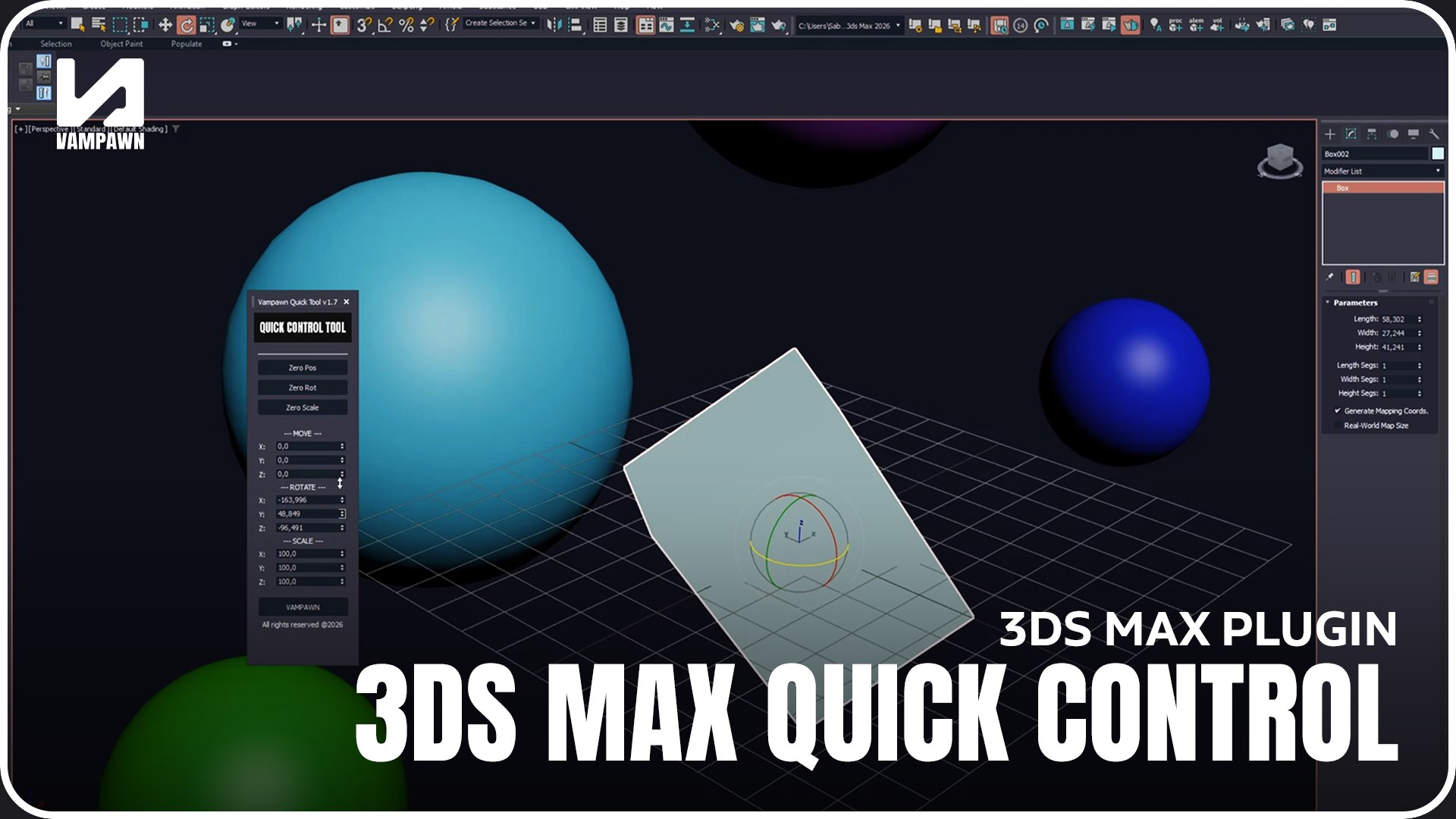
3Ds Max Quick Control Tool v1.7 is a lightweight and practical utility designed to simplify object control directly inside your 3Ds Max scenes. Built especially for artists who prefer numeric and value-based transformations, this tool improves precision, clarity, and speed during daily production tasks.
Key Features:
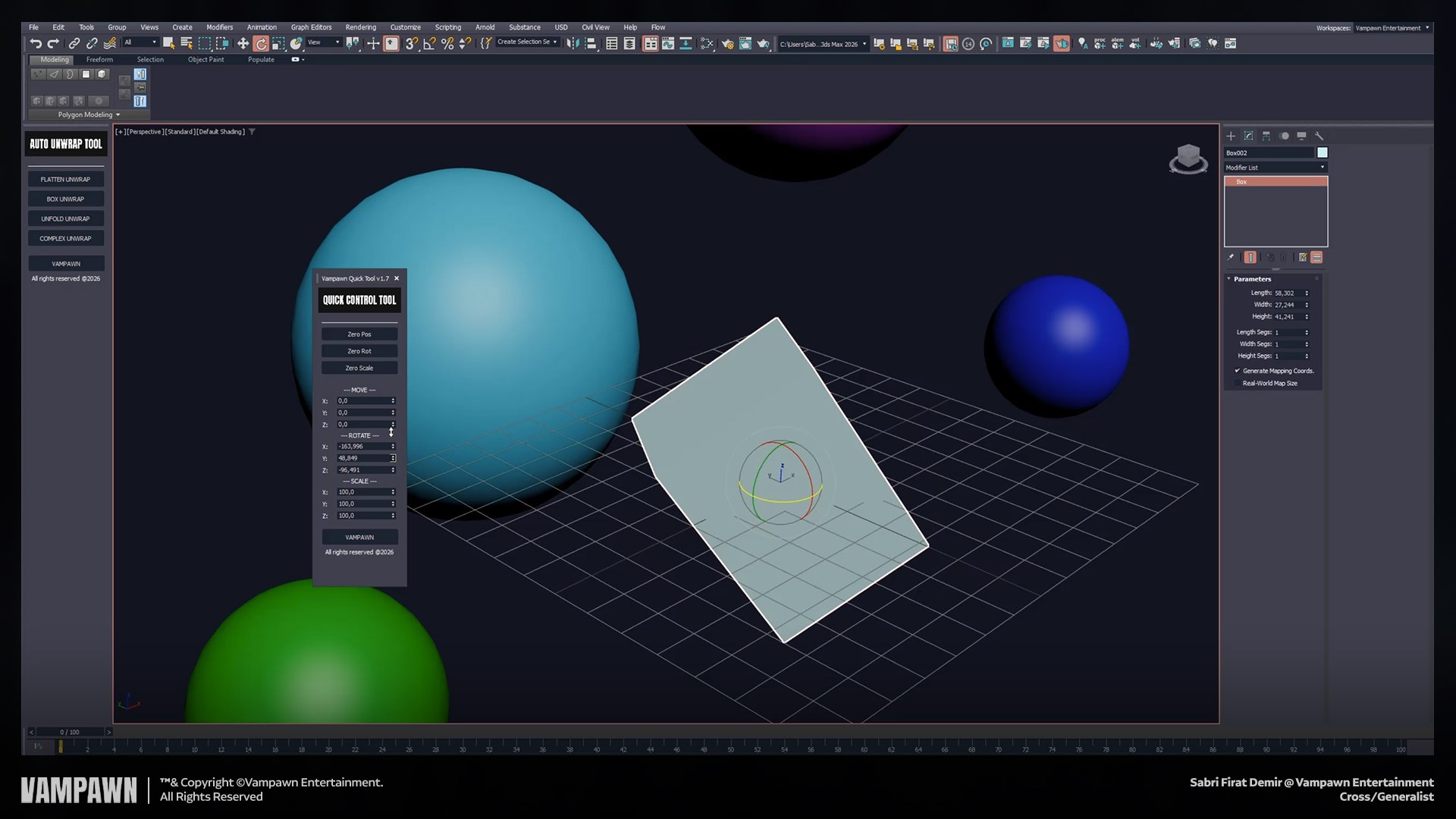
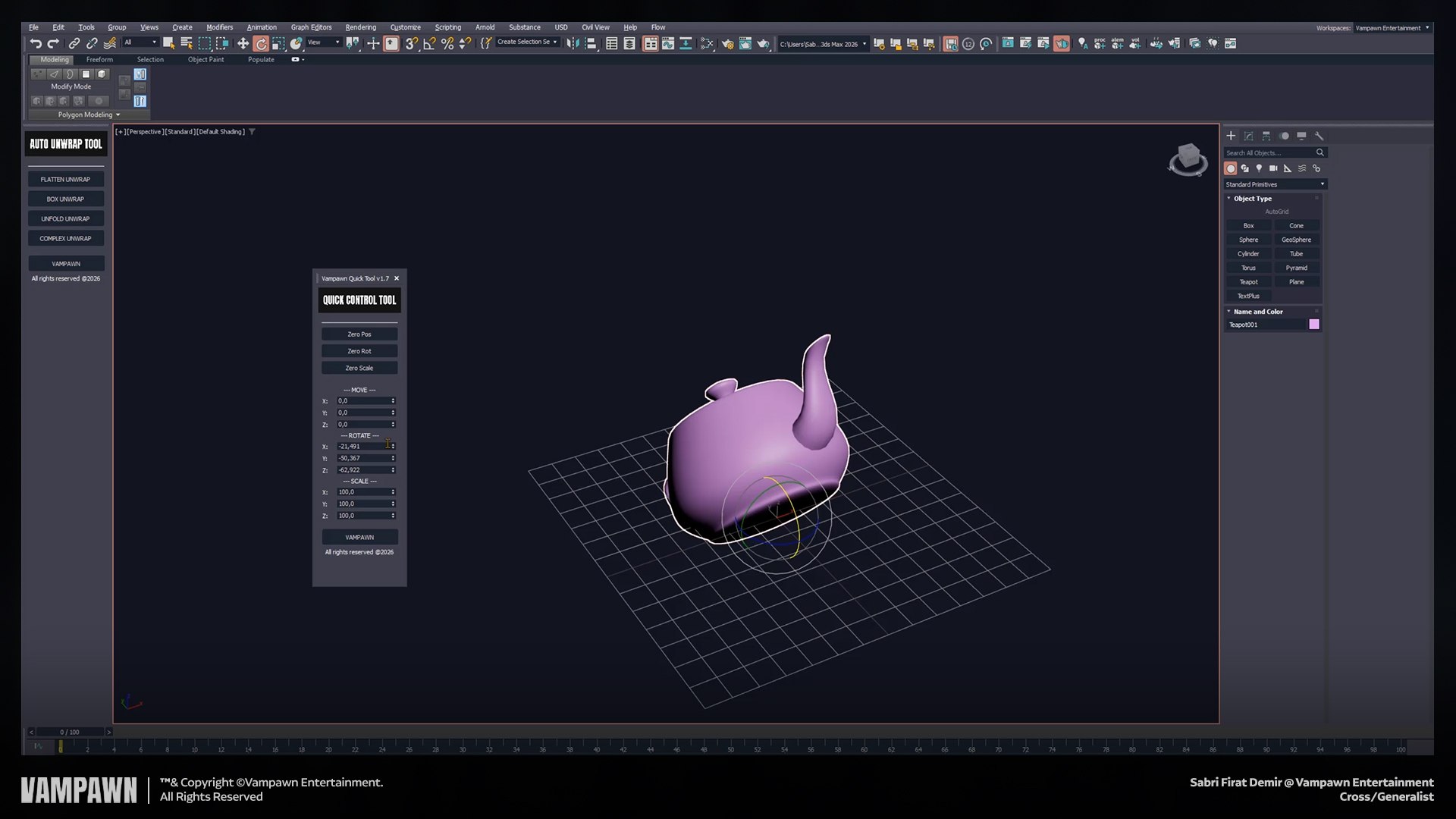
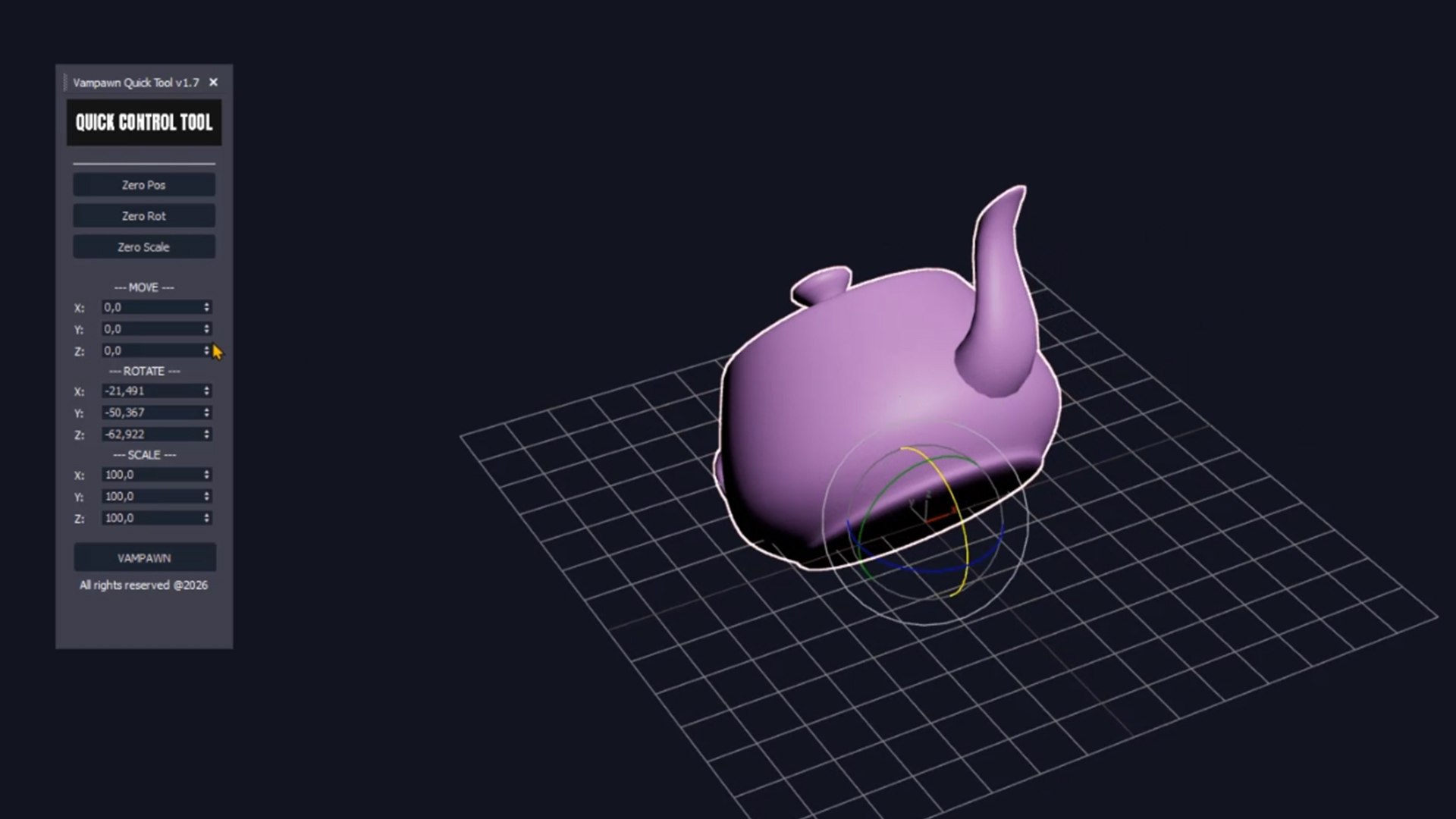
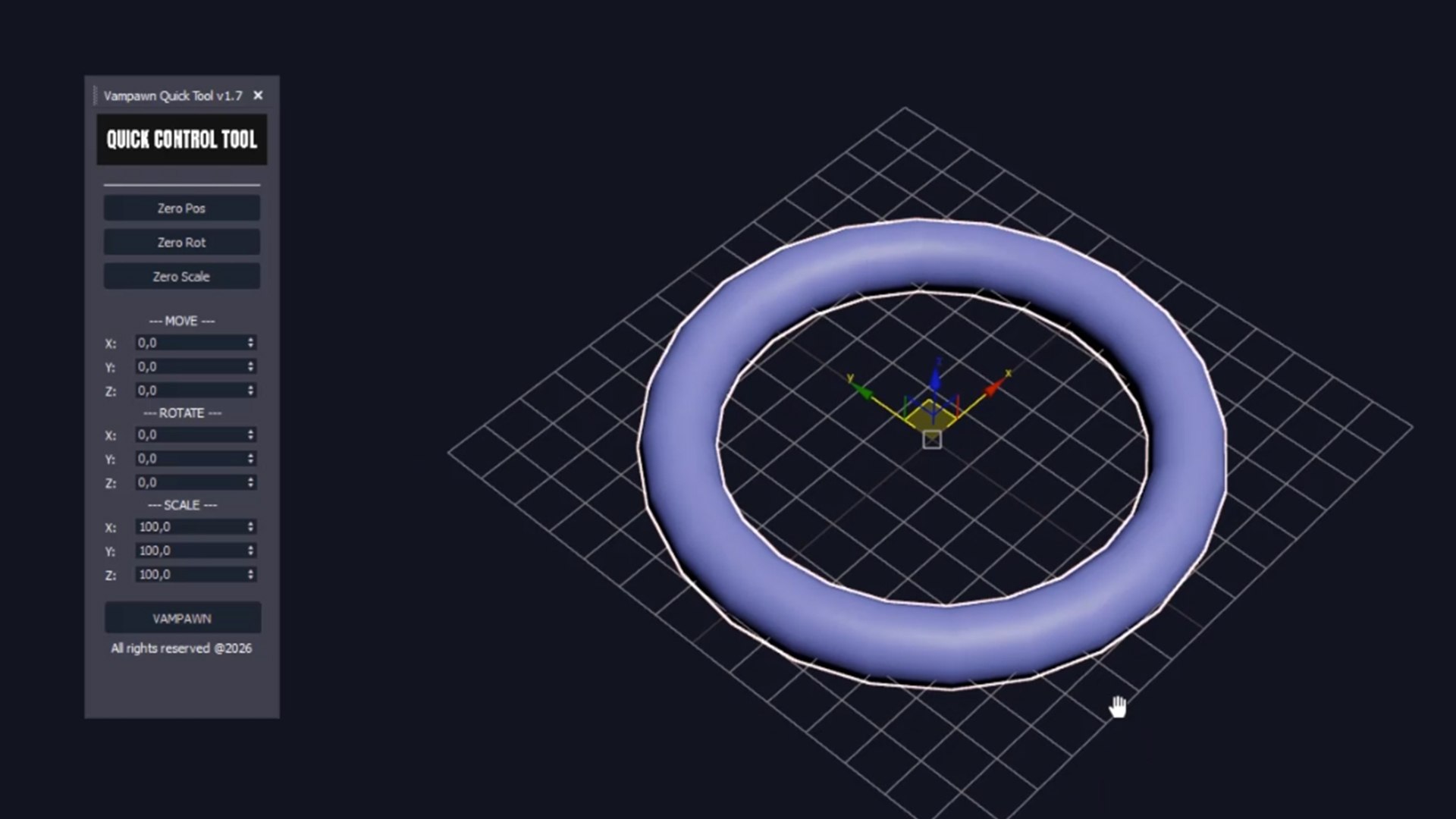
- Alternative Scene Control Tool: Provides a streamlined interface for quick and efficient object control in 3Ds Max scenes.
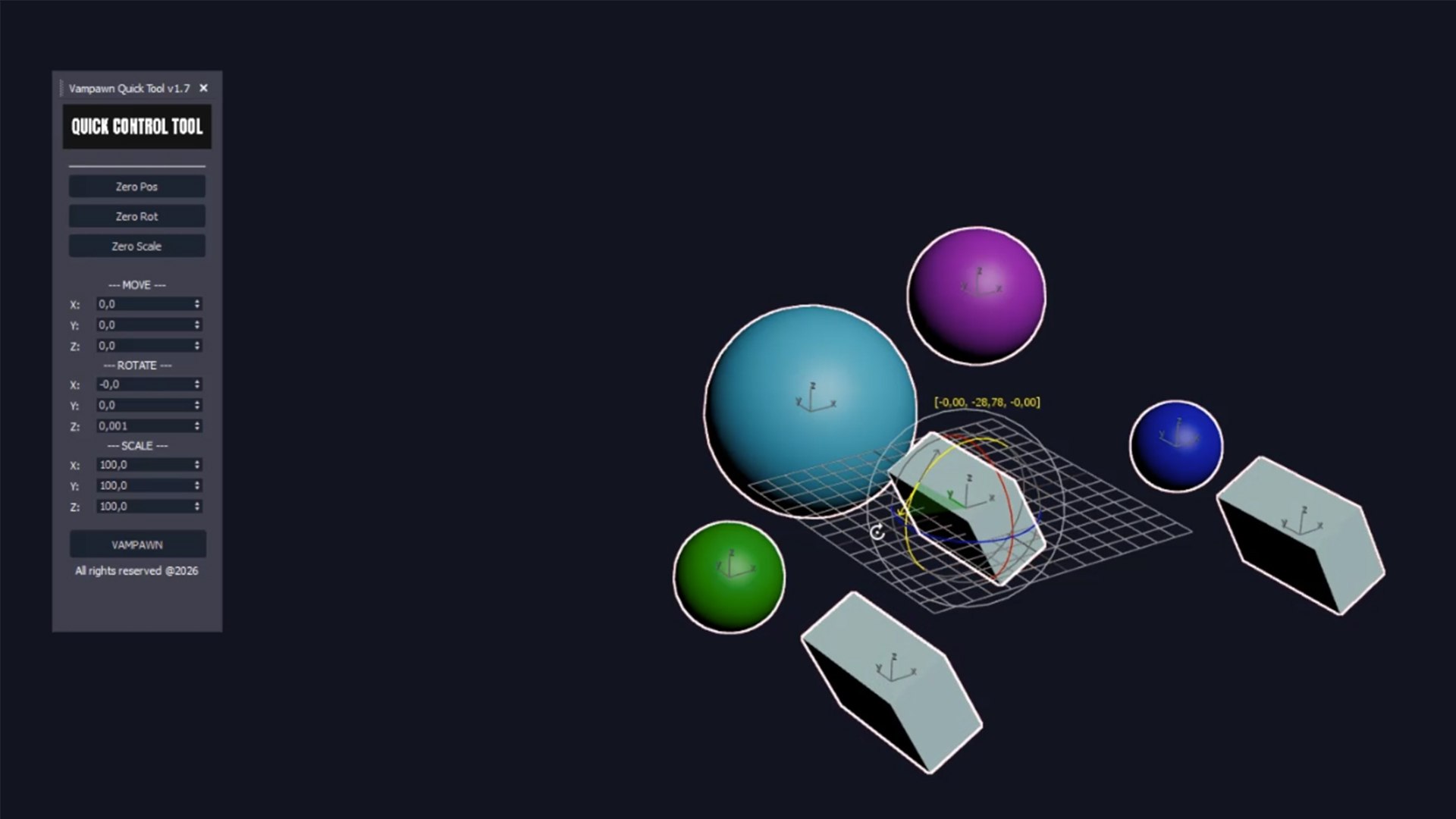
- Value-Based Transformation Workflow: Ideal for users who prefer entering exact values for position, rotation, and scale.
- Real-Time Object Information: Displays current object parameters and details simultaneously for better control and awareness.
- 3 One-Click Reset Buttons: Allows fast reset of transformations applied to objects with simple and intuitive controls.
- User-Friendly Design: Built to simplify workflows and reduce repetitive manual operations.
Why Choose This Tool?
- Improved Precision: Perfect for technical and value-driven modeling workflows.
- Faster Scene Management: Saves time when adjusting and resetting object transformations.
- Clean and Practical Interface: Easy to understand and quick to integrate into daily use.
- Production-Ready Utility: Suitable for modeling, layout, environment setup, and scene organization tasks.
Created by SFDEMIR (Sabri F?rat Demir), 3Ds Max Quick Control Tool v1.7 is designed to enhance efficiency and accuracy in professional 3Ds Max workflows. A simple but powerful helper for artists who value control and speed.
2025 Vampawn Entertainment. All Rights Reserved.