
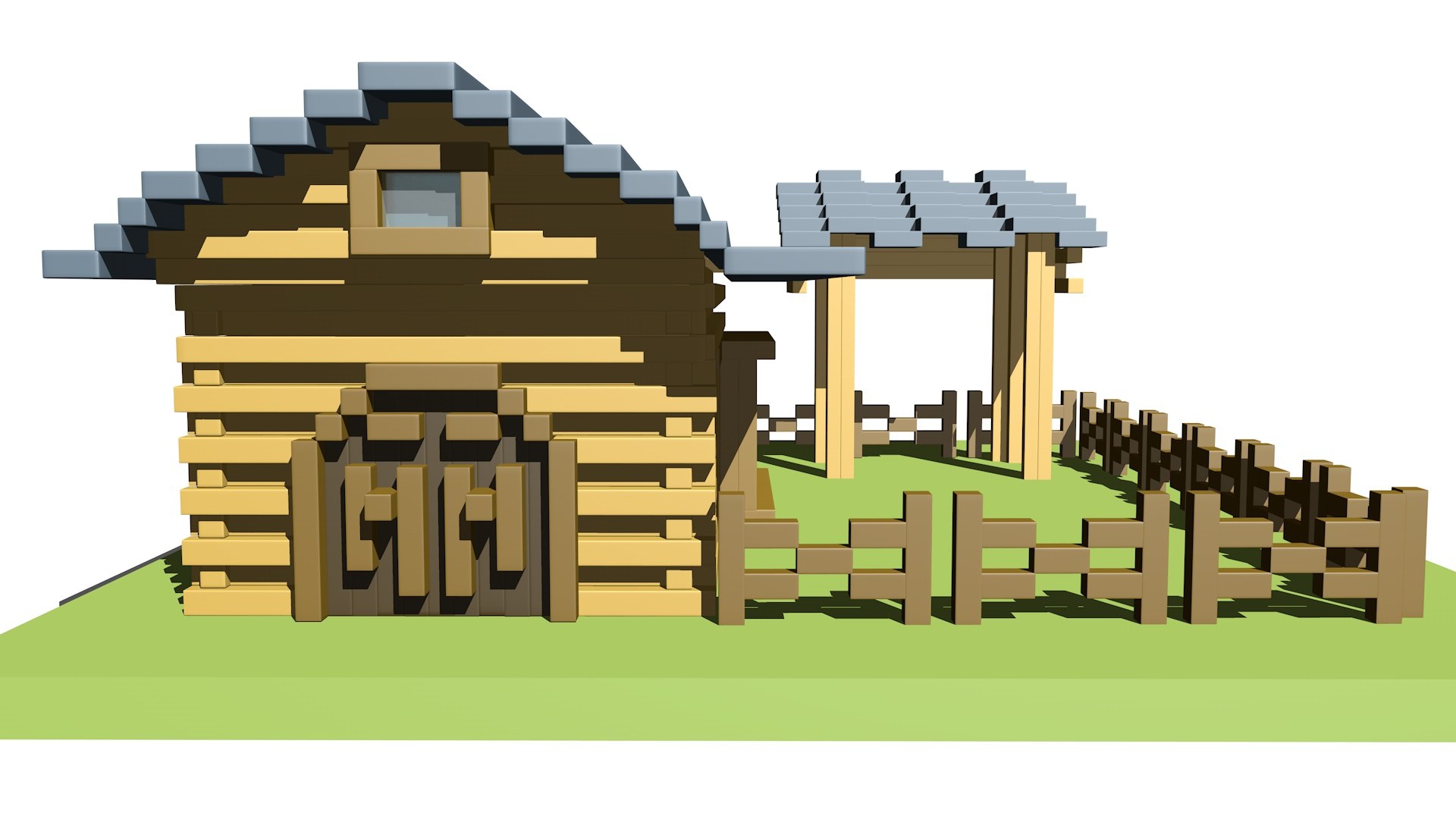
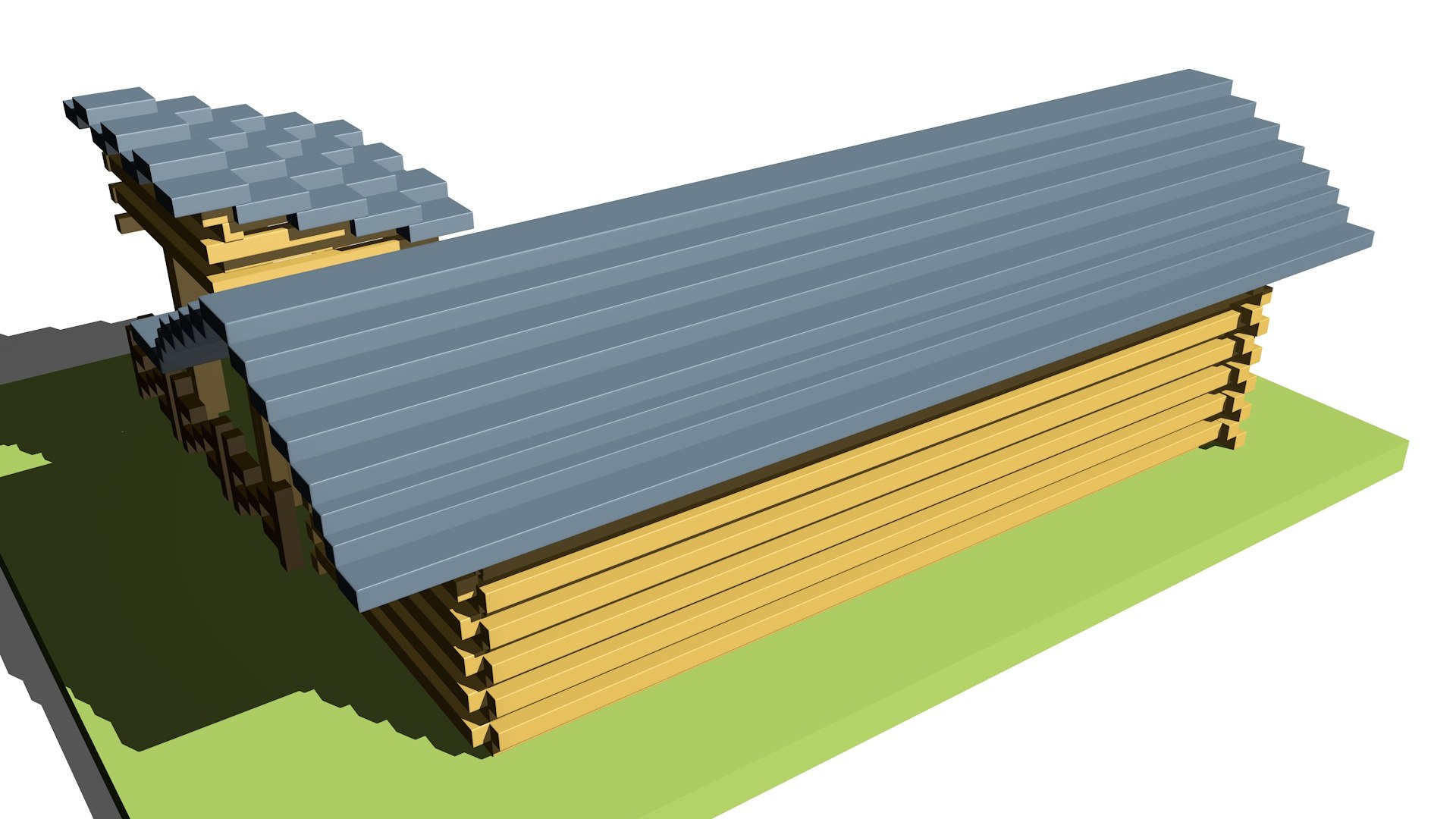
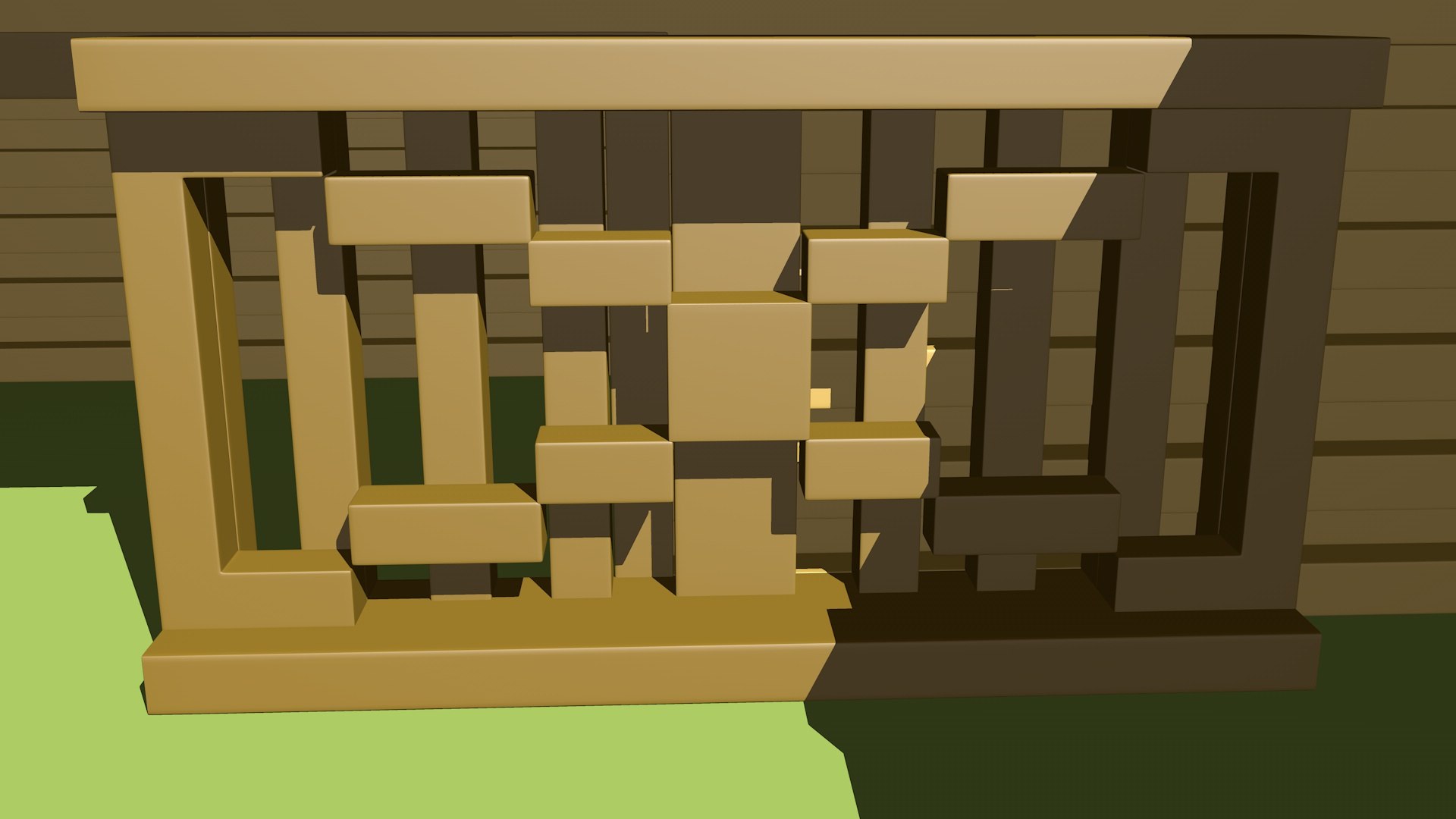
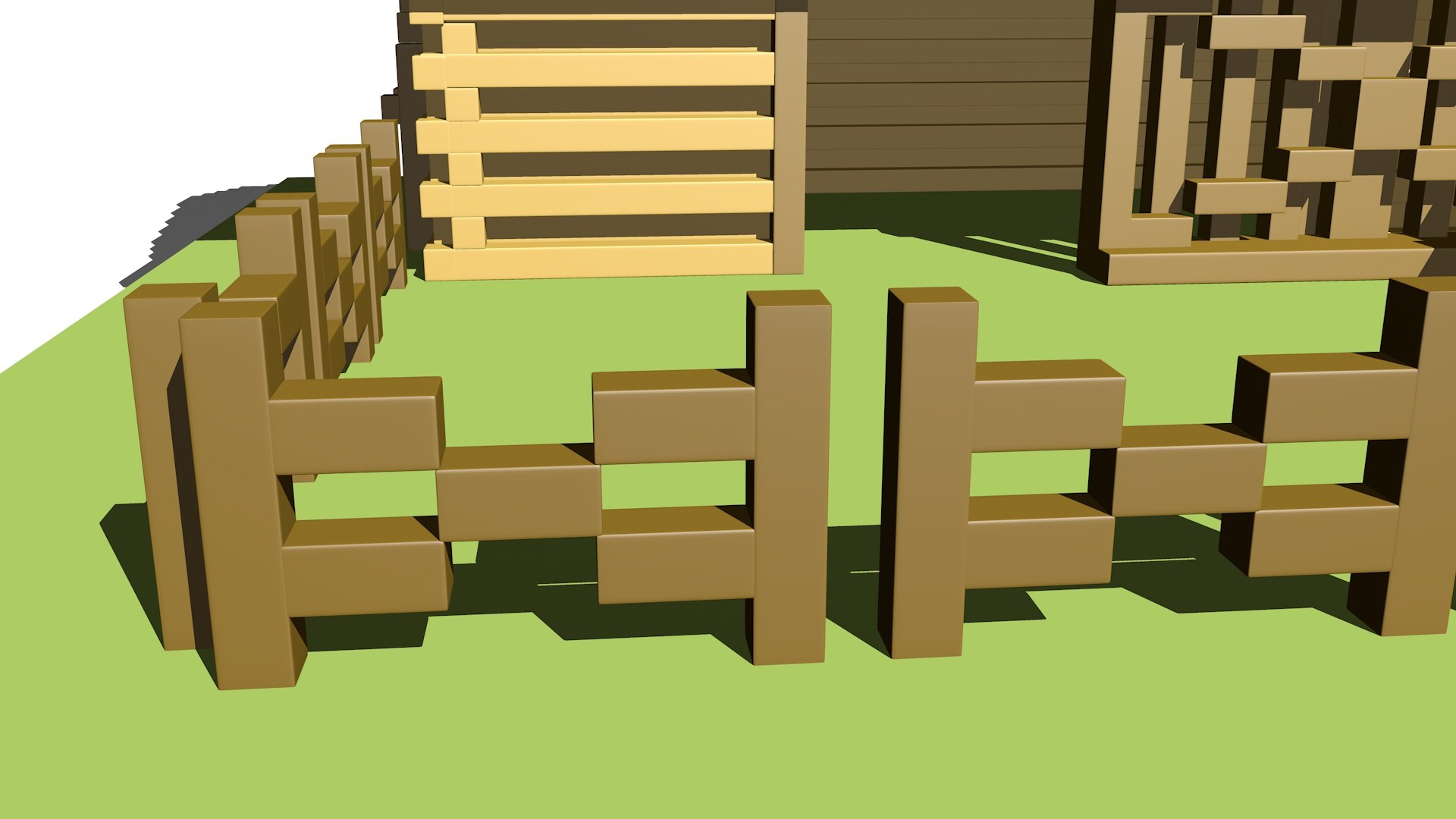
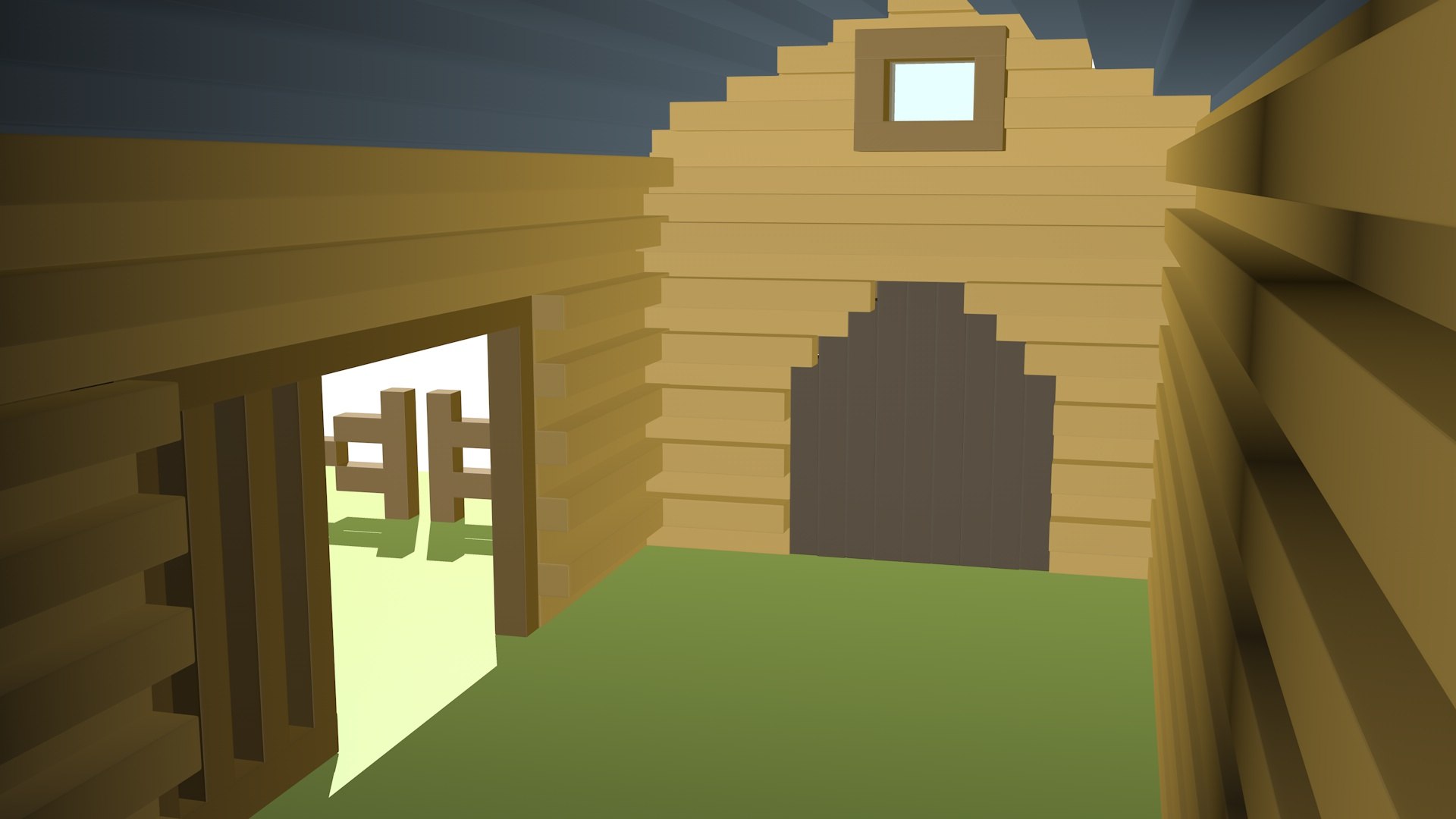
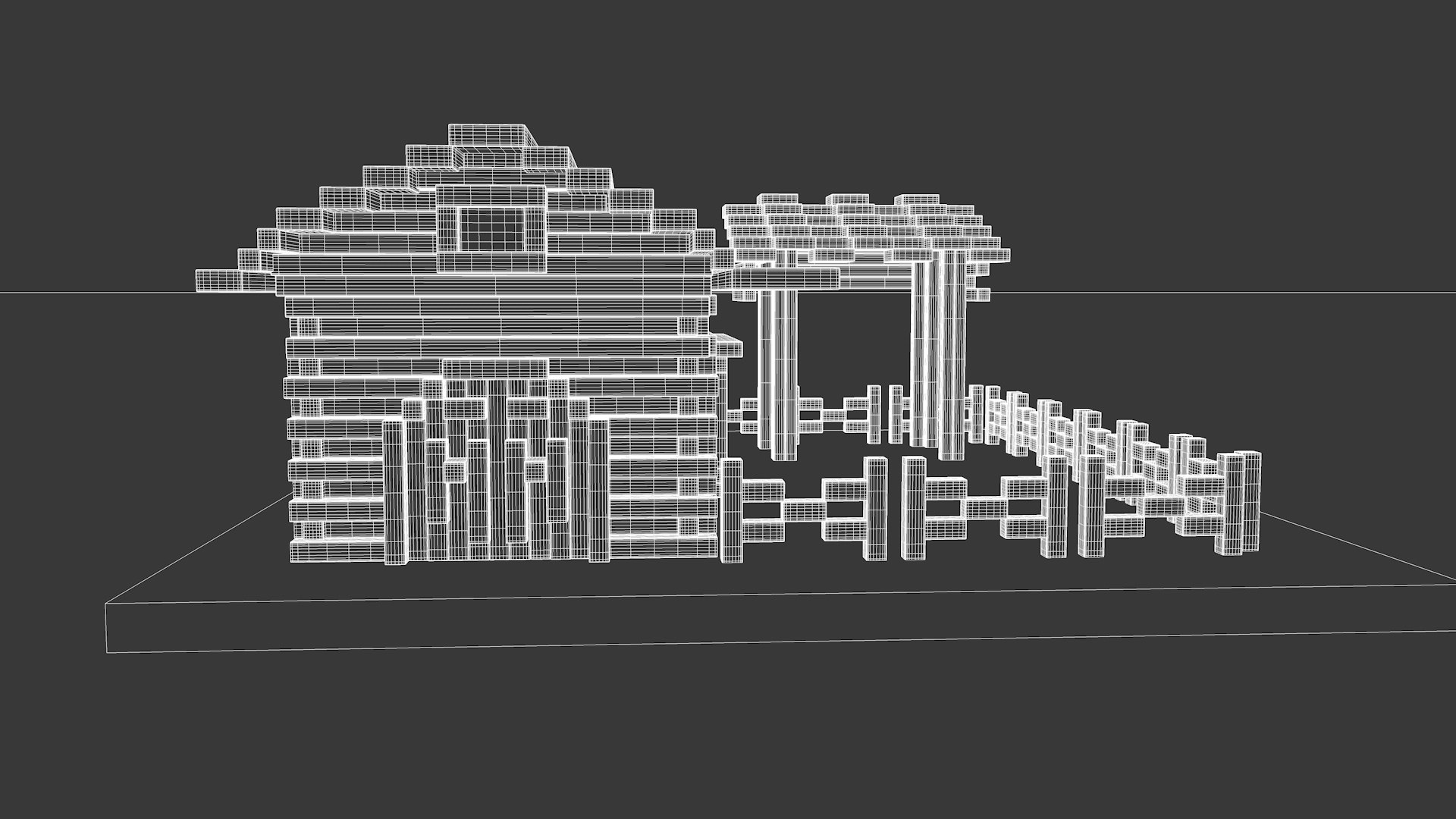
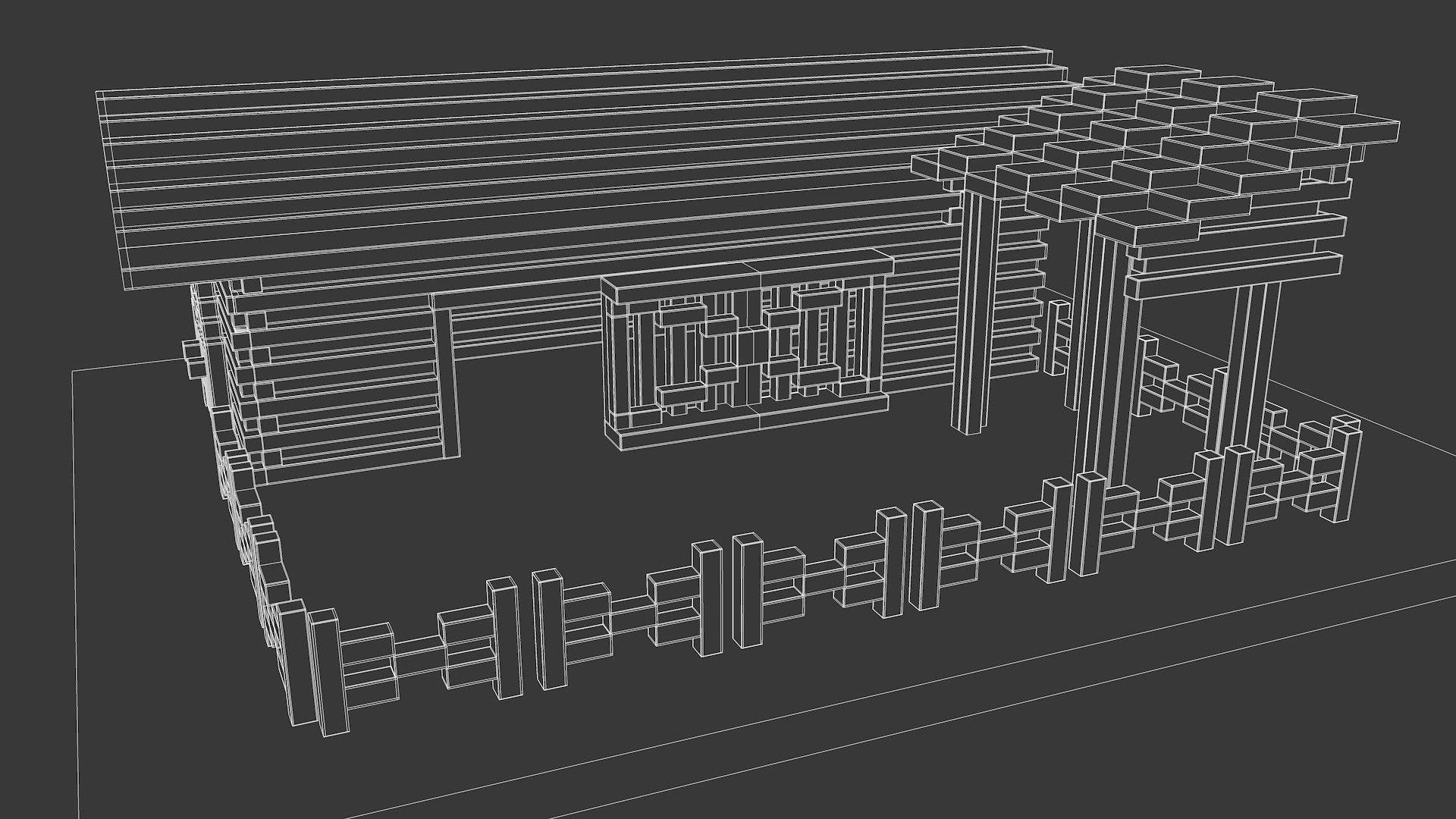
Cattle corral

$3

Standard License | Upgrade License
Formats (3)
Native | Cinema 4D R21.207 | Other 21
Maya 20 | Other 20
FBX
Specifications
Publish Date February 15, 2021
Product ID 1692478
Polygons 17,142
Vertices 17,764
Polygonal Quads Only
Materials
TurboSquid Exclusive
member avatar
Glooner
7 Products | Contributor Since 2016
Have questions? Chat with us now.

Description

The model is presented in 2 versions, for each format:

1 consists of 13 main parts.

2 consists of more than 200 bricks

The model was originally modeled in cinema 4d R21 in a standard render. The preview has no post-processing.

Features:

Model with standard materials, without textures.

You don't need a special plugin to open the scene.

The model does not include the background or scenes used in the preview images.

File formats:

C4D is presented in the highpoly format with the ability to disable surface partitioning for a low-poly model. There are 2 files available: 1-the model is divided into 13 main parts and contains 17,142 polygons.2-the model consists of more than 200 bricks and contains 10785 polygons

  • FBS version 7.5 (2016) contains standard materials and has only a low-poly format. There are 2 files:1-the model is divided into 13 main parts and contains 17142 polygons.2-the model consists of more than 200 bricks and contains 10785 polygons
  • Maya version 2020 contains standard materials. There are 2 files available:1-the model is divided into 13 main parts and contains 17,142 polygons.2-the model consists of more than 200 bricks and contains 10785 polygons

Select Enhanced License

  • $10,000 in Legal Protection (Indemnification)
  • Uncapped Legal Protection (Indemnification)
  • Waiver from injunctive relief
  • Assignable model rights
  • $1,000,000 in Legal Protection (Indemnification)
  • Waiver from injunctive relief
  • Assignable model rights
  • $250,000 in Legal Protection (Indemnification)
  • Assignable model rights
Read more about enhanced license tiers, or contact us at enterprise@turbosquid.com. Already a Shutterstock Enterprise Customer? Contact your Shutterstock Sales Support Agent to talk about adding 3D.

About Conversion Requests

To submit a conversion request for a purchased asset, please complete our Conversion Request Form.

If you have not yet purchased a model, please review our Documentation about Conversions to learn about what limitations you may encounter with a conversion.

For any additional questions about a model’s suitability for conversion, please contact TurboSquid Support.

Loading...