
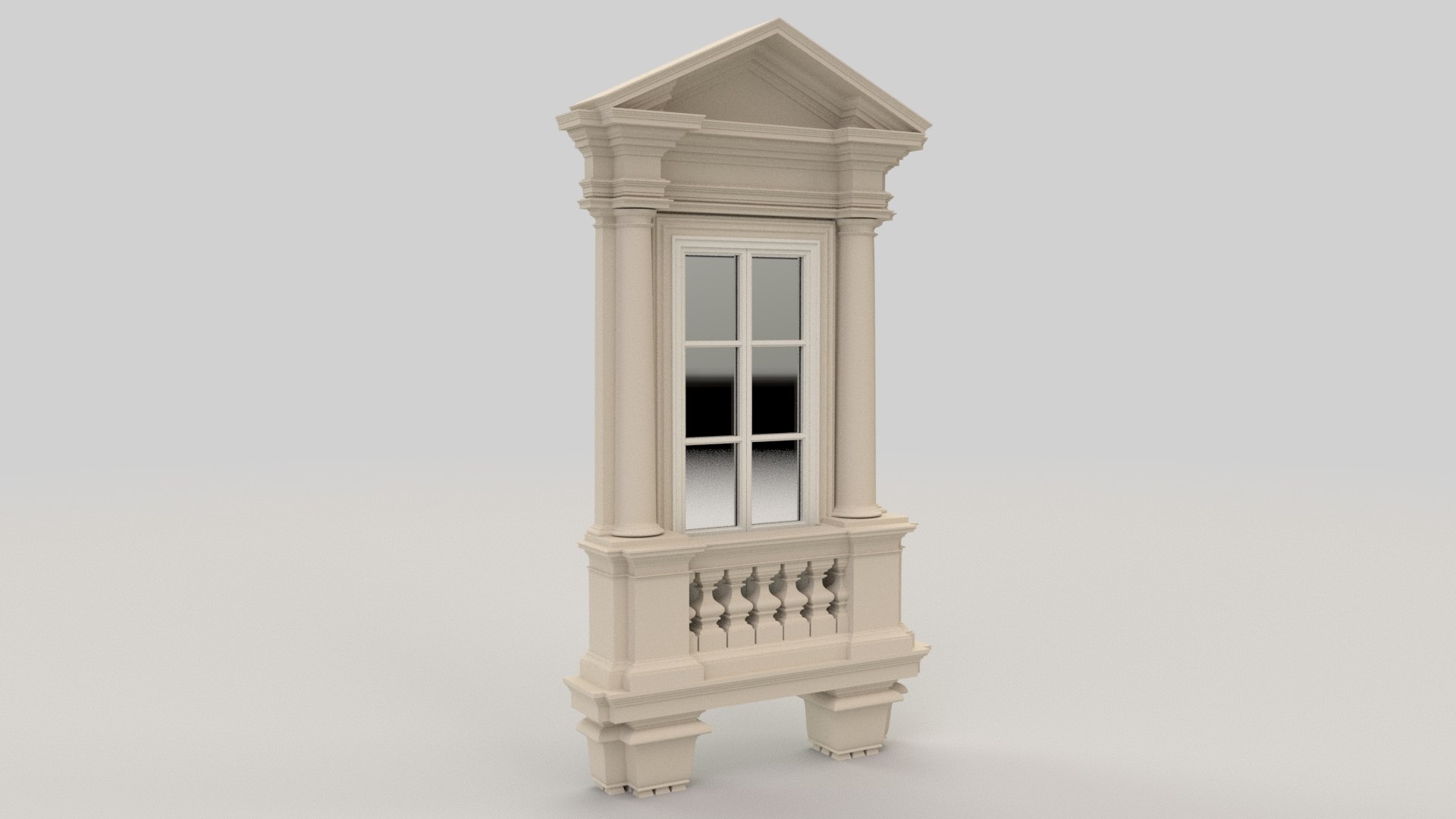
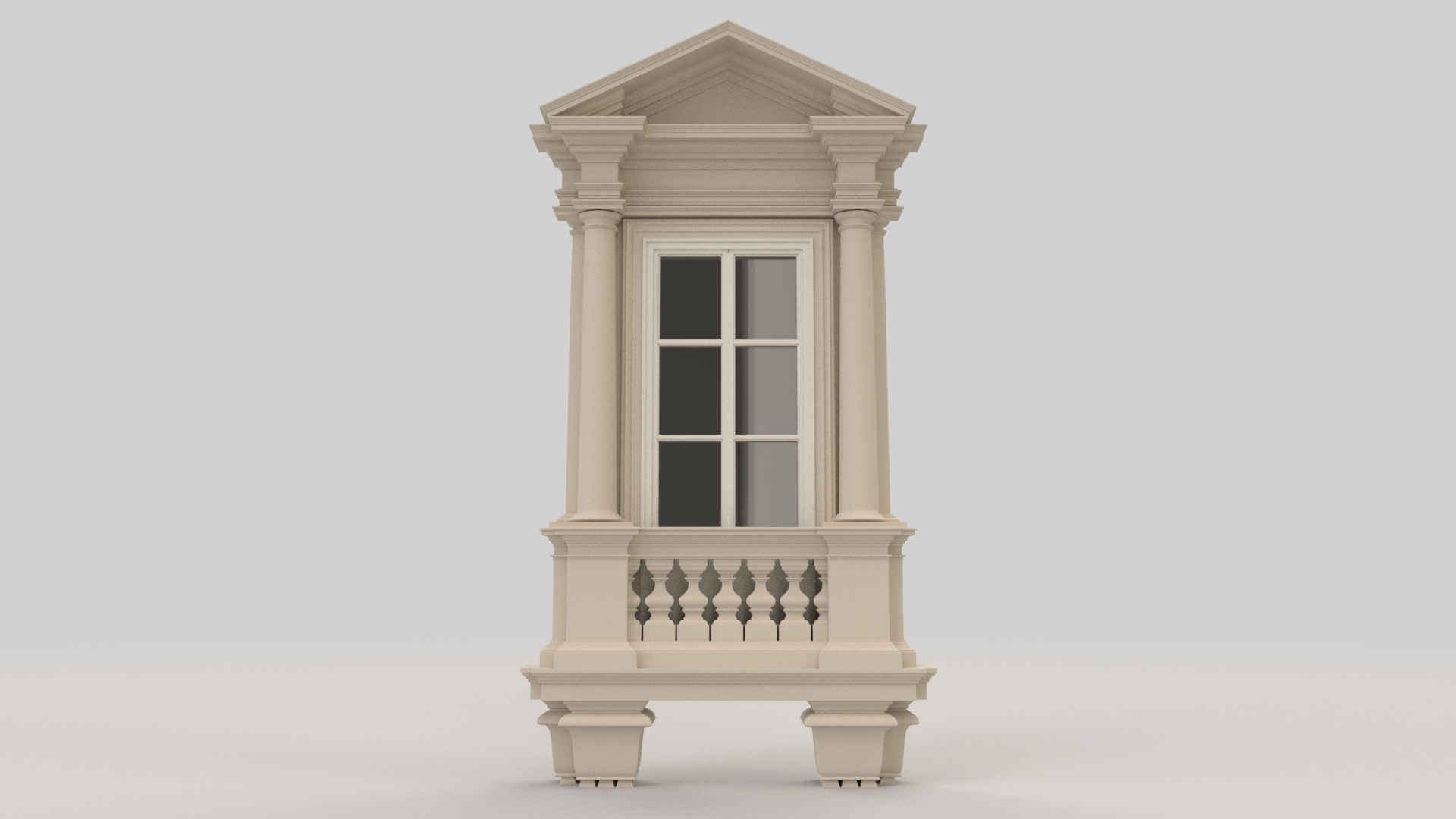
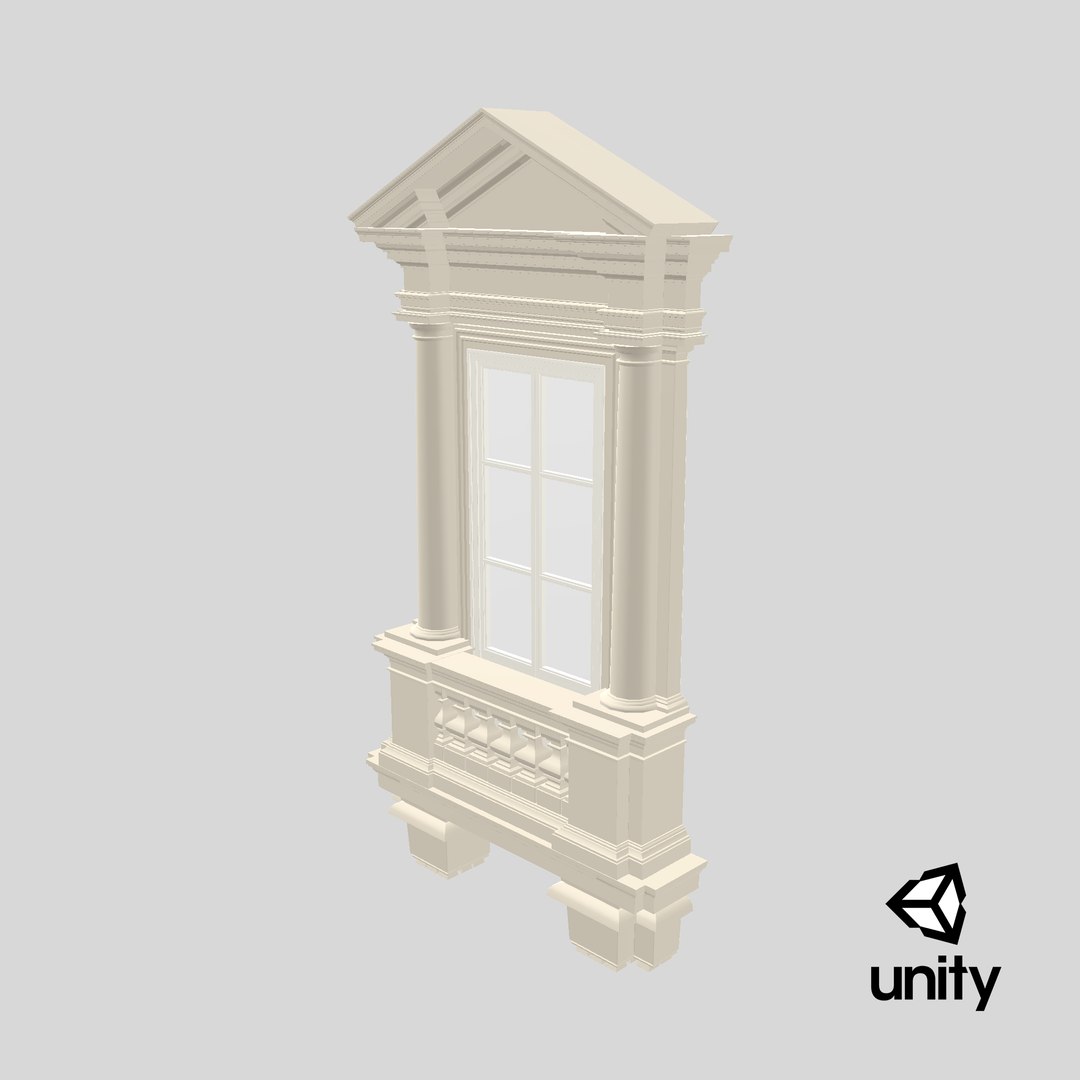
Window X1

$19

Standard License | Upgrade License
Formats (14)
Native | Maya 2018 | Arnold 5.0.1.0
Blender 3.4 | Blender Render 3.4
Maya 2017 | Arnold 5.3.1.1
Maya 2015 | V-Ray 3.2
Cinema 4D R18 | Arnold 3.2
Cinema 4D R18 | Advanced Render 3.2
3ds Max 2015 | V-Ray 5.20.23
3ds Max 2018 | Arnold 7.0
Unreal 4.10 | Other
Unity 5.4 | Other
OBJ
FBX
glTF
Specifications
Publish Date October 16, 2019
Product ID 1460955
Polygons 24,456
Vertices 25,251
Polygonal Quads/Tris Geometry
Textures
Materials
UV Mapped
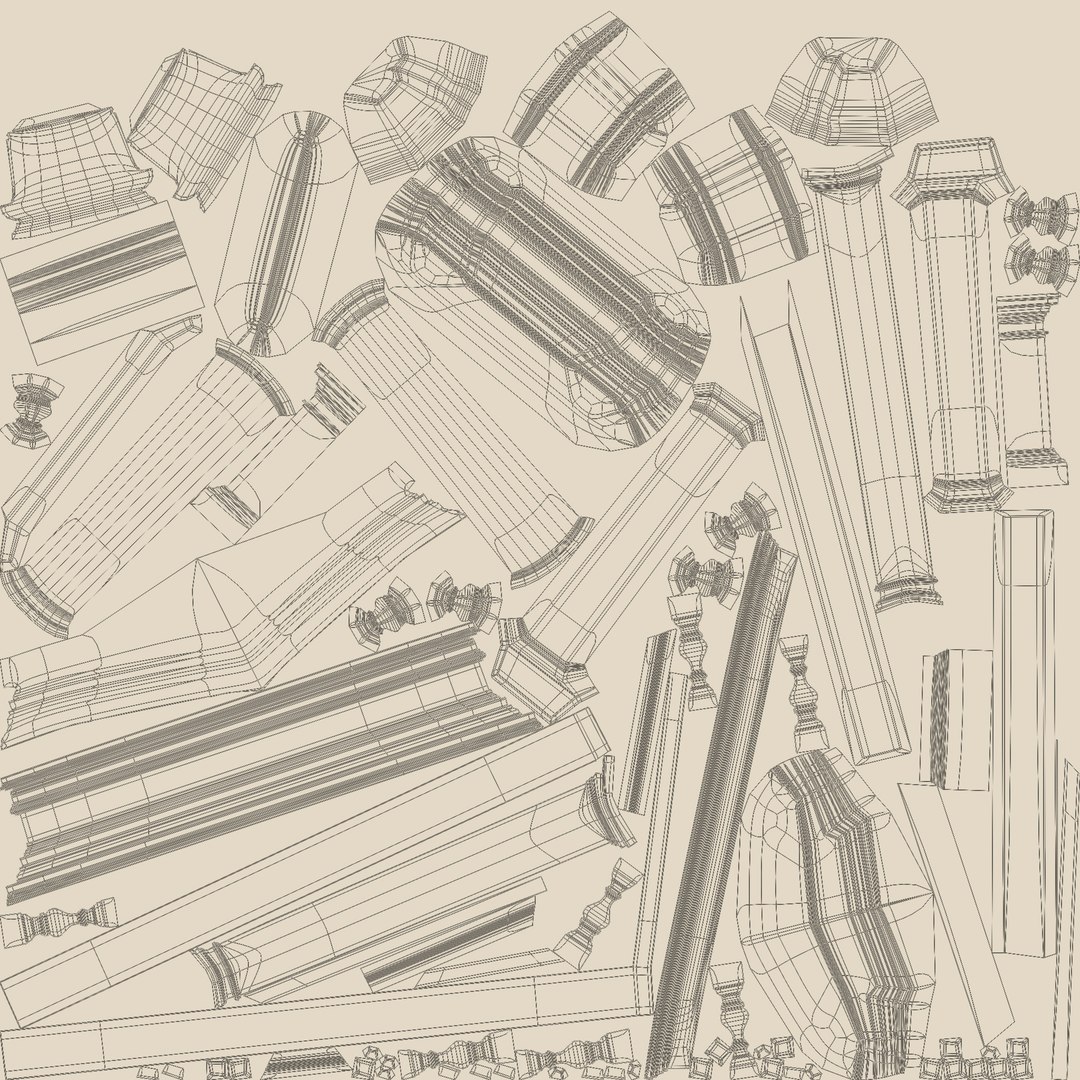
Non-overlapping Unwrapped UVs
PBR
StemCell Certified
TurboSquid Exclusive

member avatar
aelxr
317 Products | Contributor Since 2015
Have questions? Chat with us now.

Description

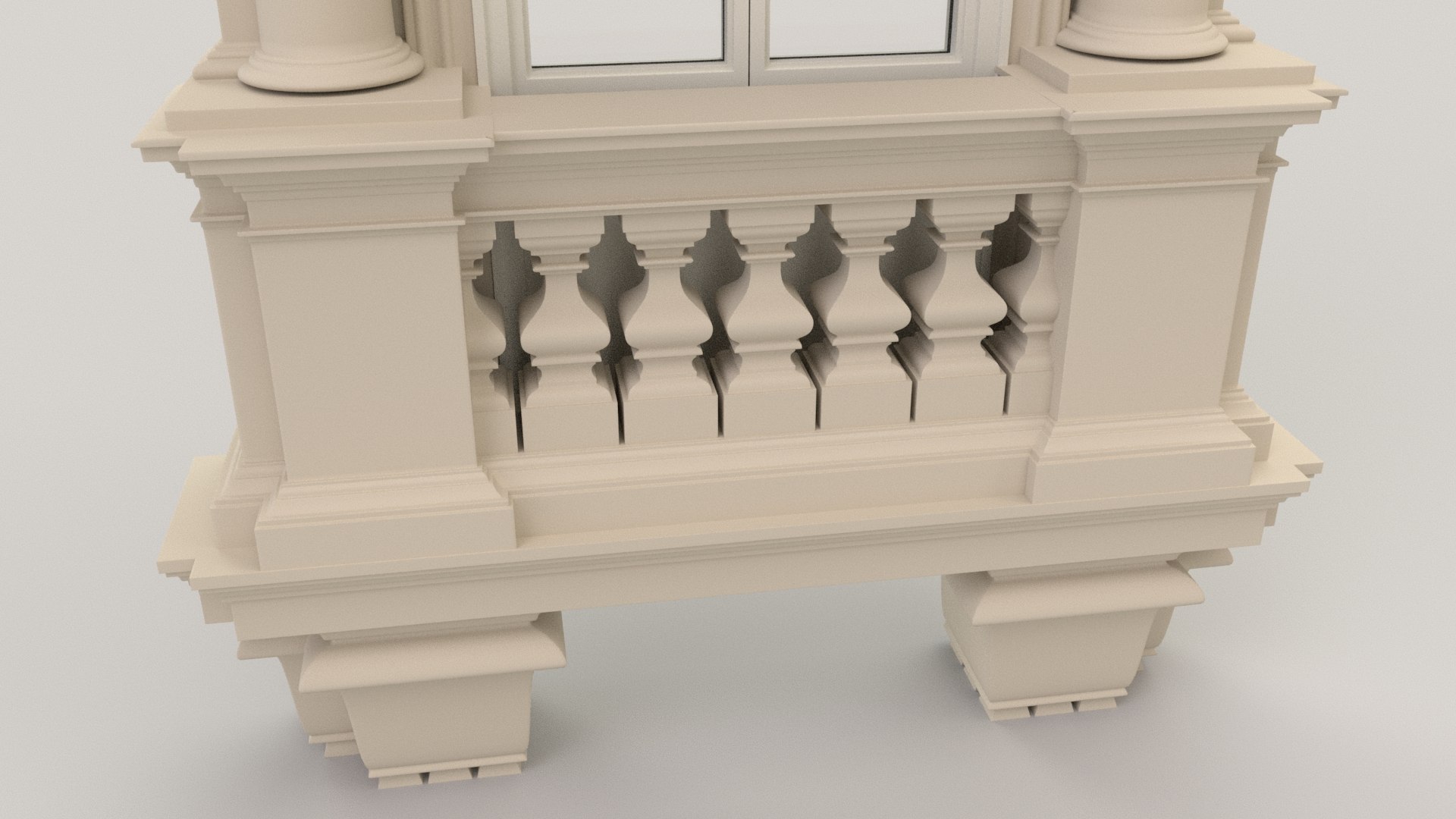
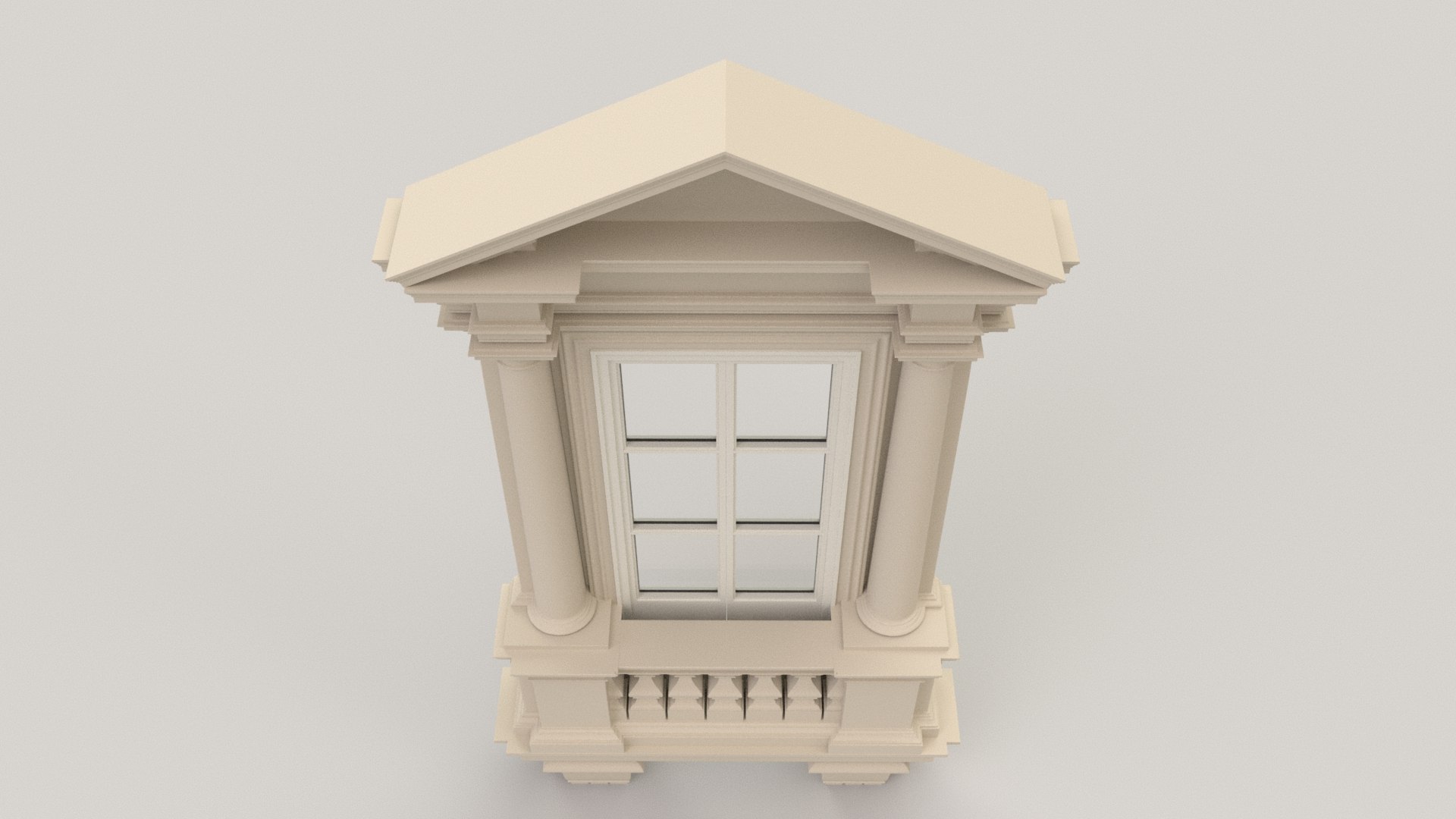
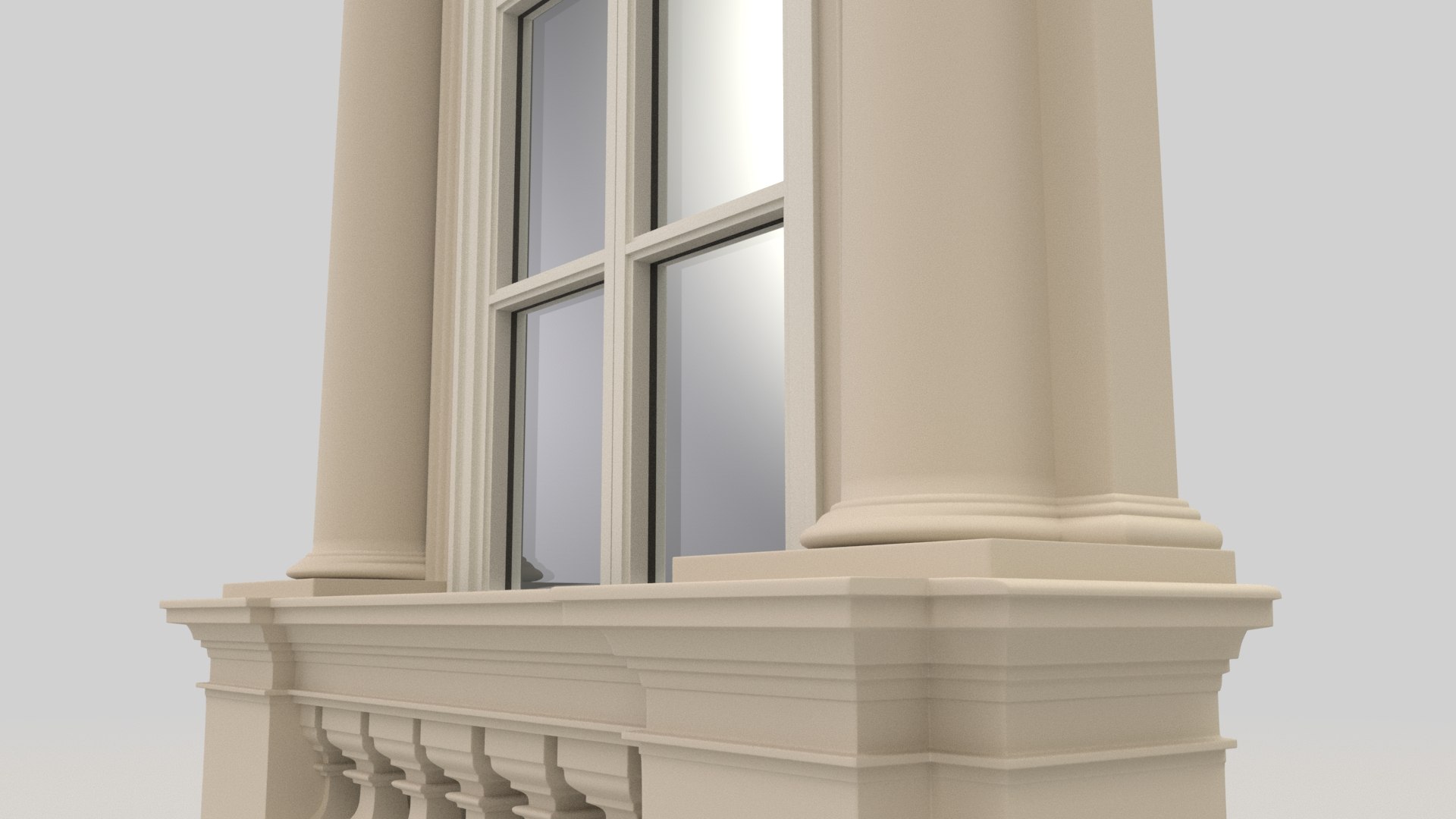
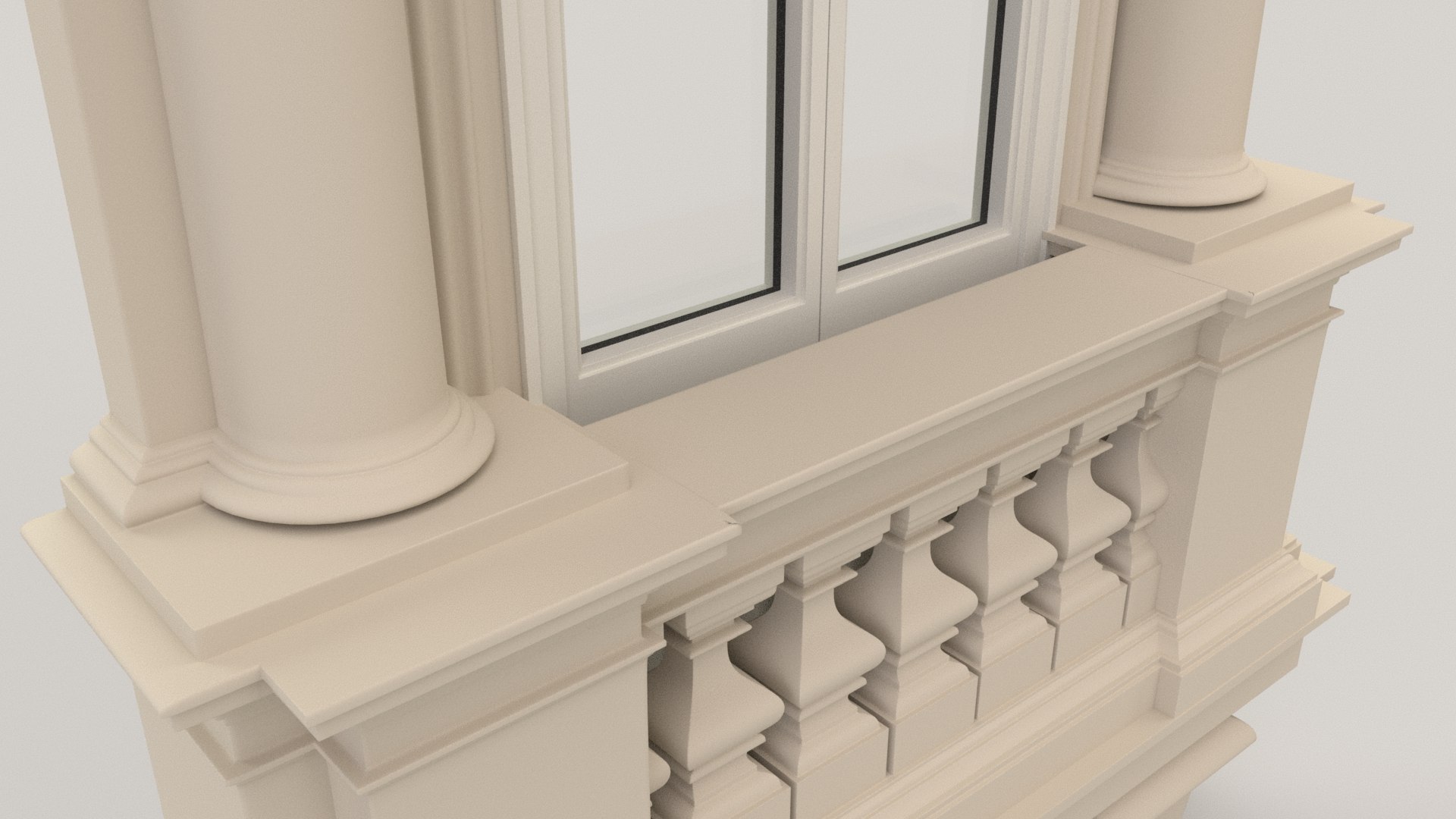
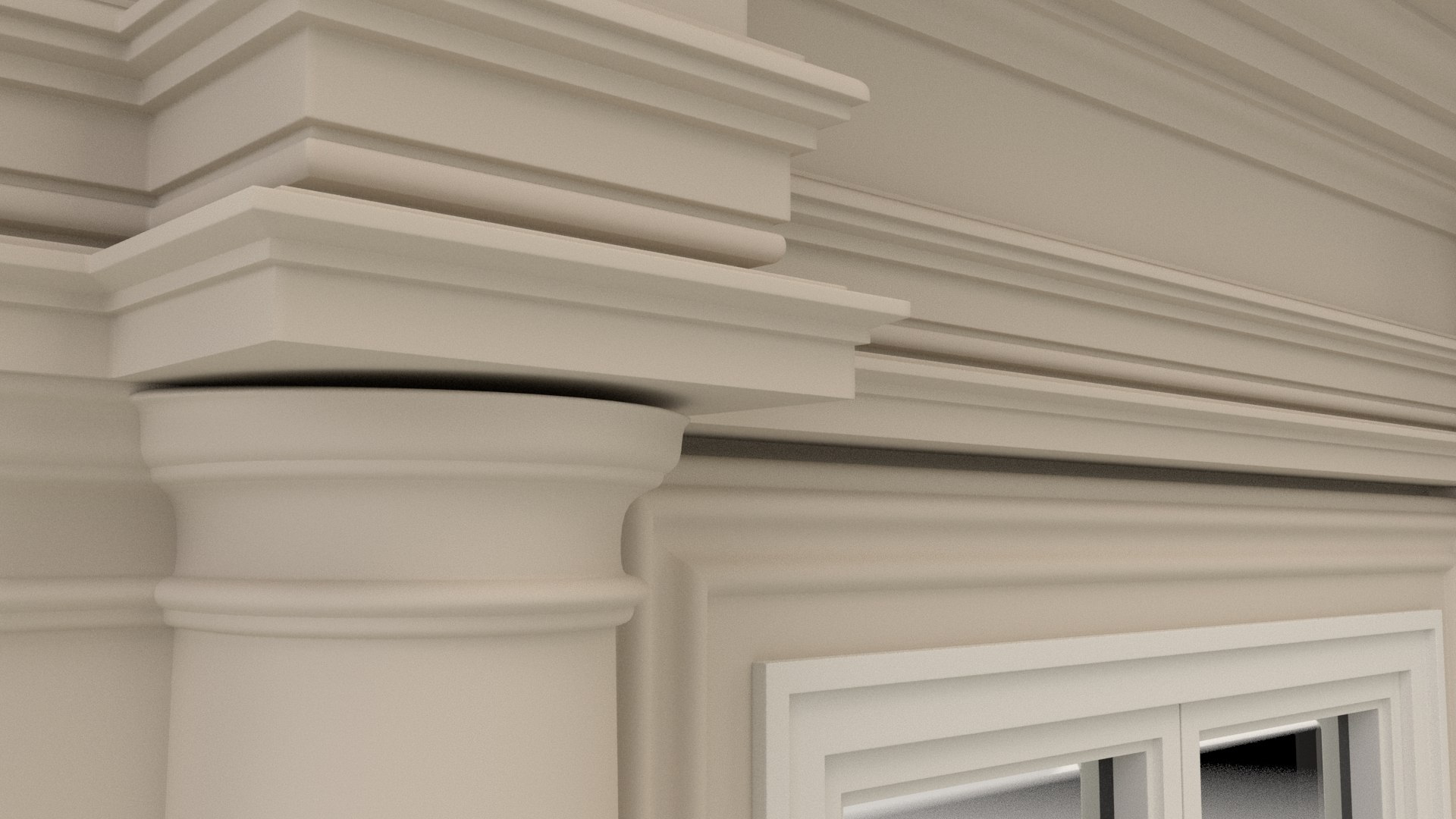
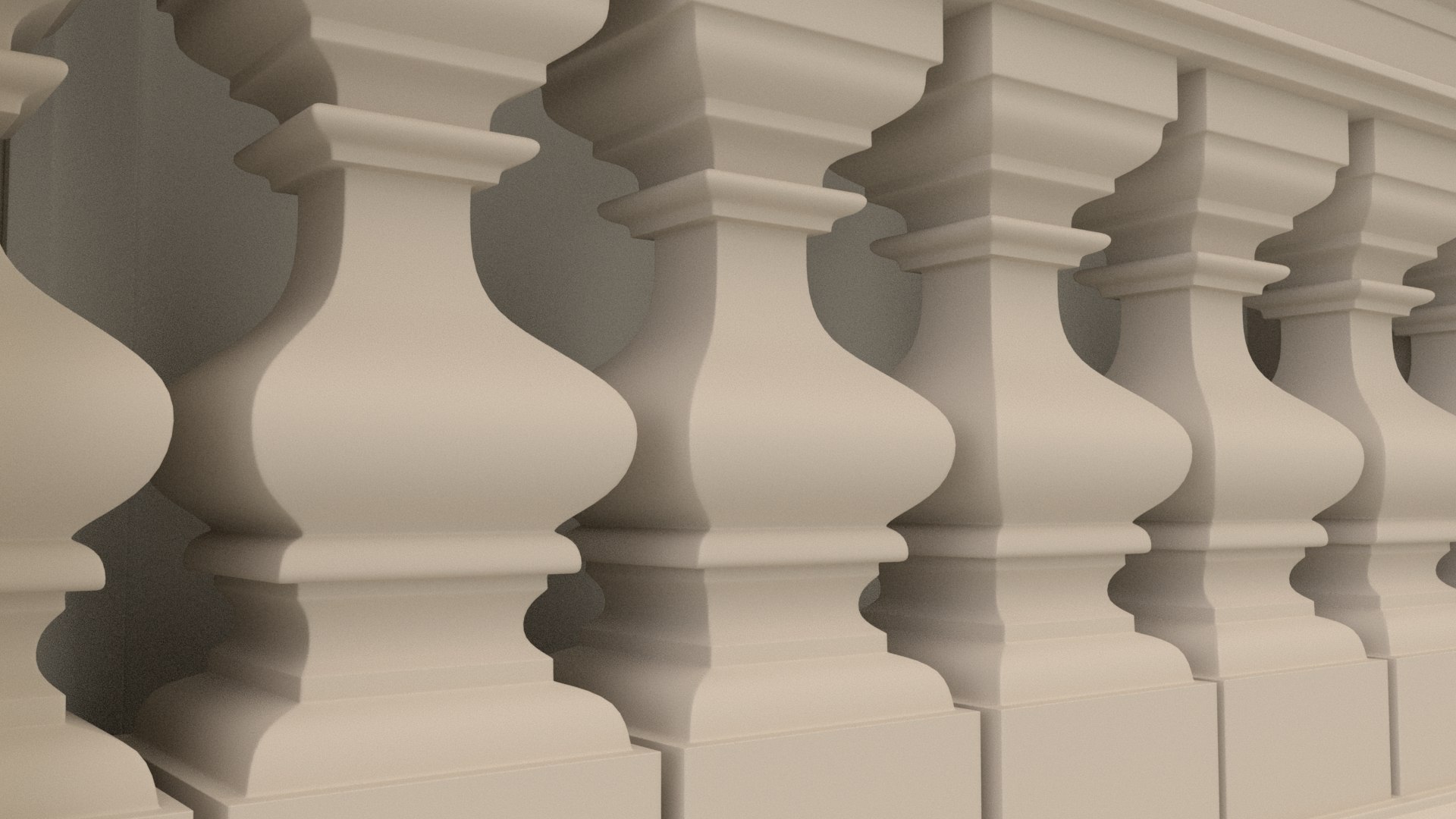
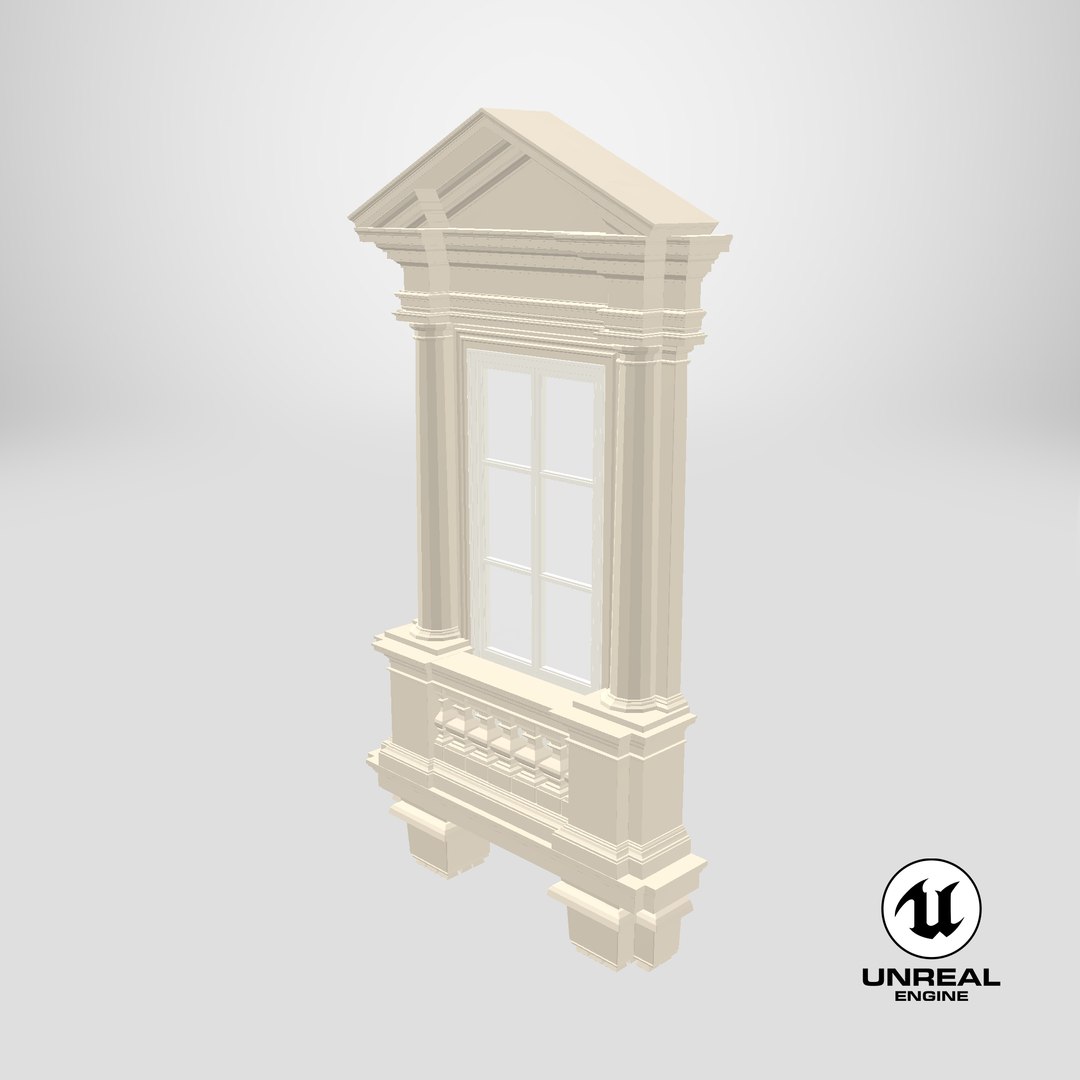
Window X1
________________________

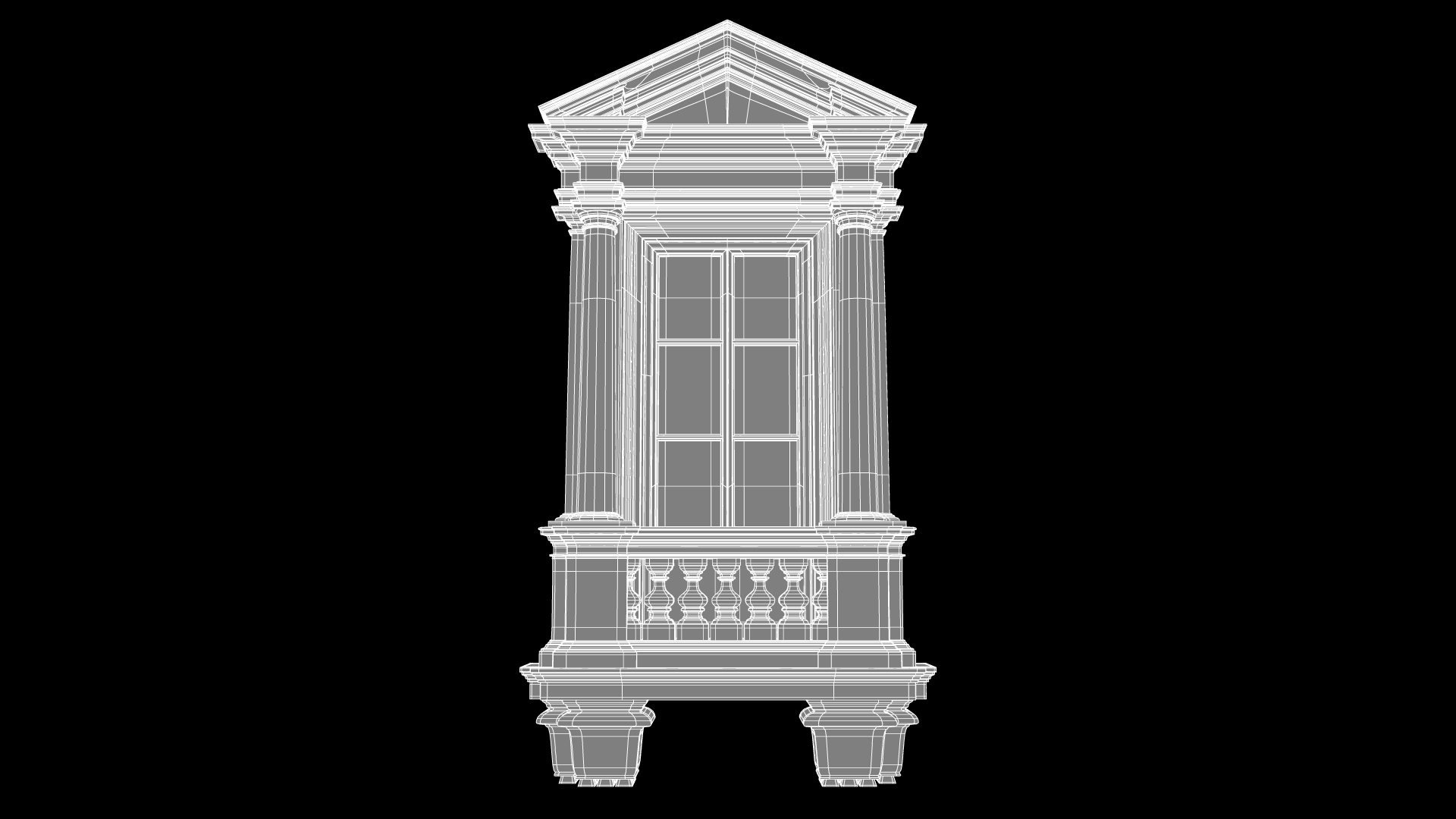
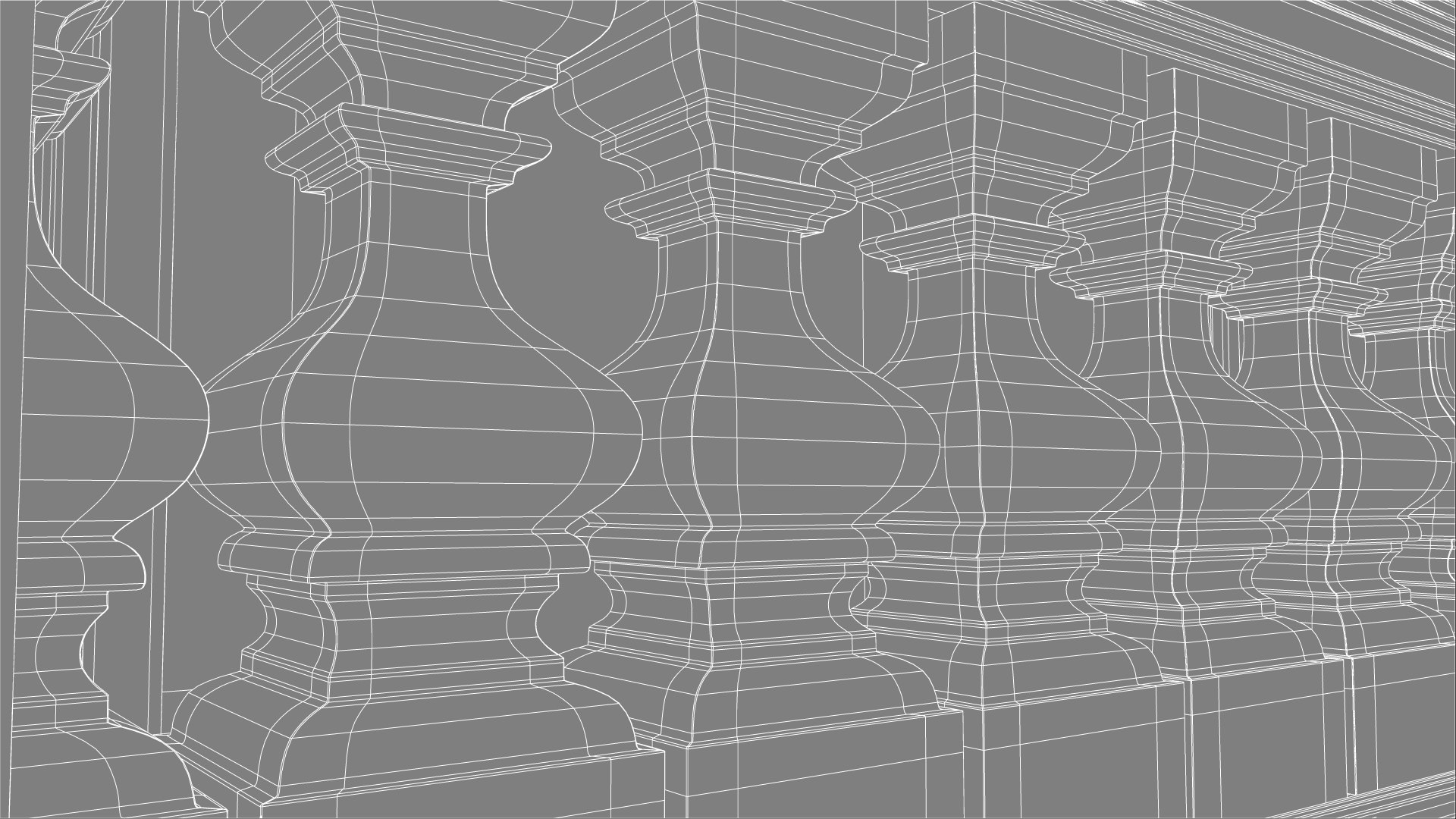
* clean geometry (99.3%-quads, 0.7%-tris, 0%-Ngons);
* completely ready to render as seen in preview with Arnold settings (camera and HDRI-file magiclight2.exr for Image Based Lighting INCLUDED);
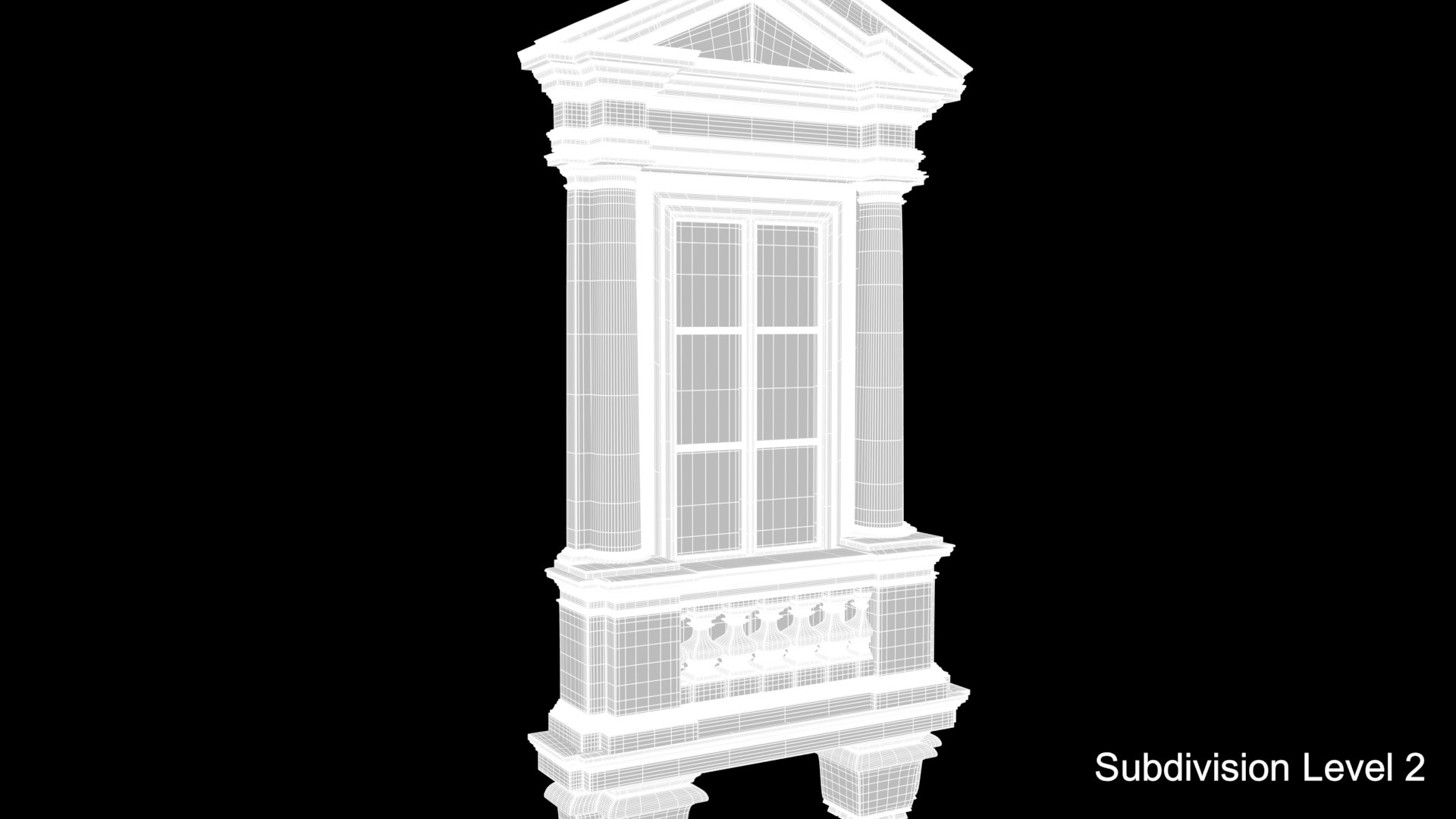
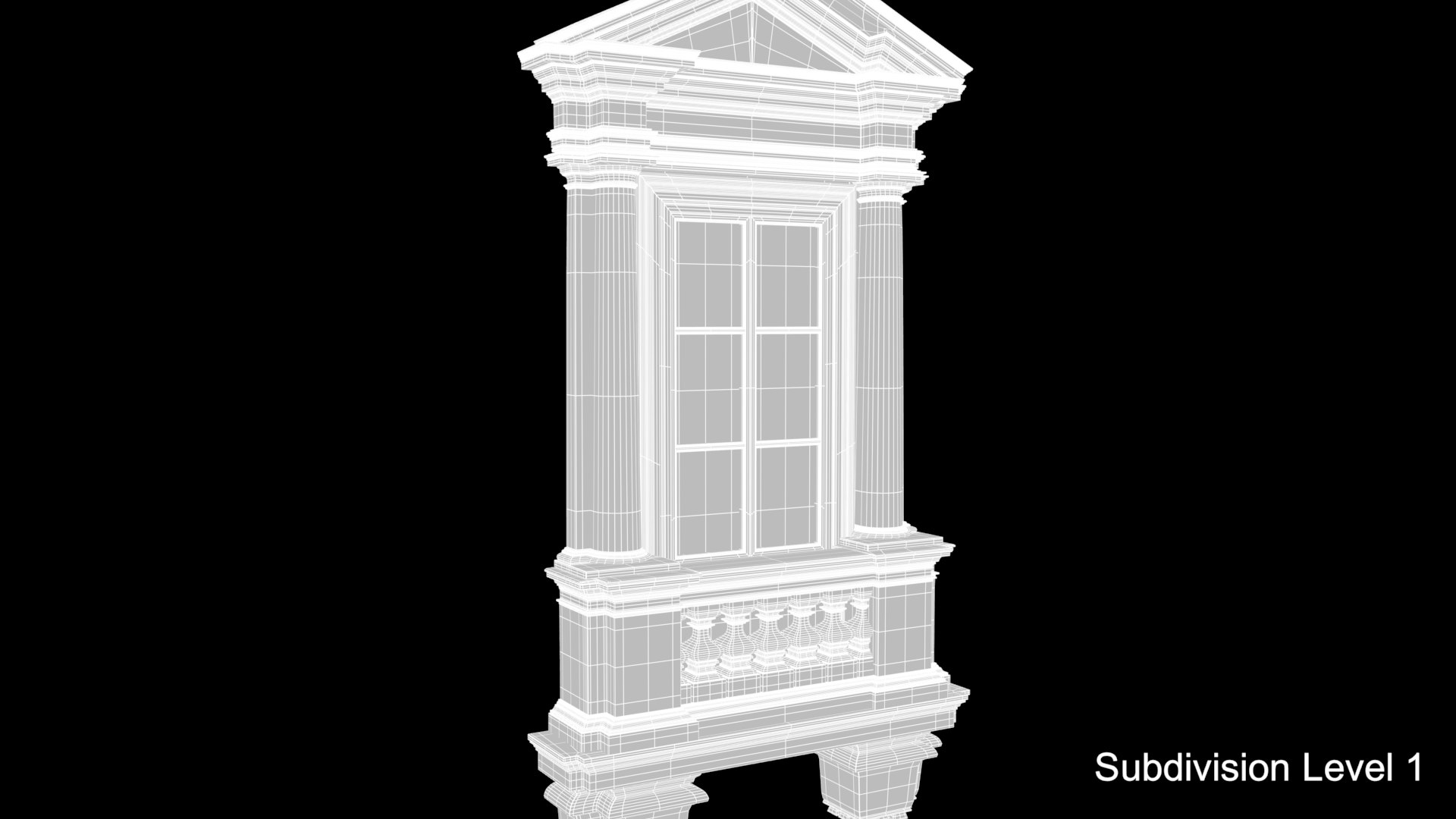
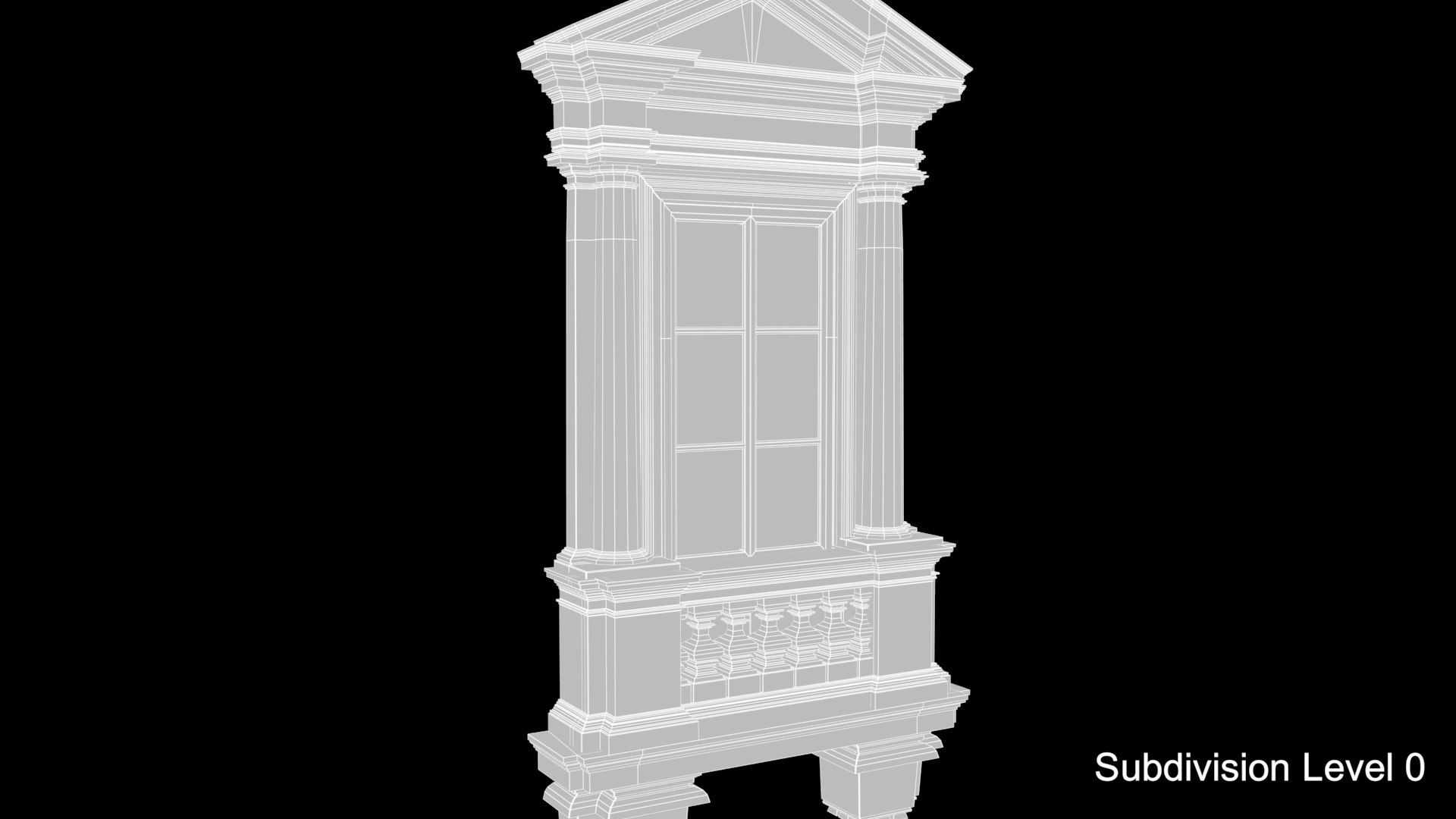
* polygons intelligently distributed for good edge flow, clean topology and further subdivision:
subdivision level 0: 24456 polygons; 25251 vertices;
subdivision level 1: 97656 polygons, 99376 vertices;
subdivision level 2: 390624 polygons, 394026 vertices.
* original size 198 cm * 371 cm * 43 cm;
* centered at 0,0,0 origin and can be sized and imported into any scene.

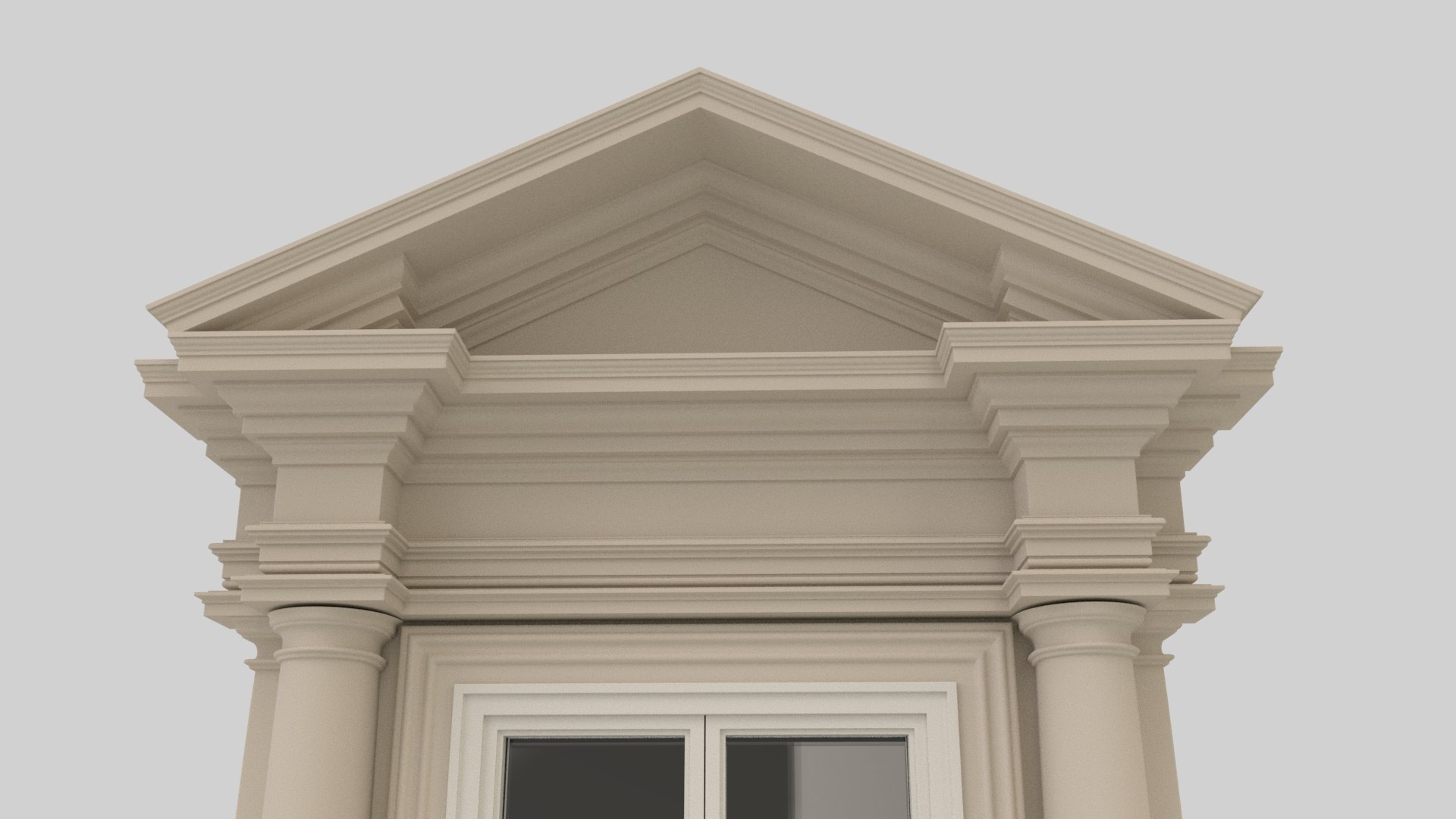
GREAT for visualization & close up renders.
Originally modeled in Maya. FBX, OBJ files are exported so they may need some shading and rendering setup.

_____________________
click on the username =aelxr= to see all collection>>

Select Enhanced License

  • $10,000 in Legal Protection (Indemnification)
  • Uncapped Legal Protection (Indemnification)
  • Waiver from injunctive relief
  • Assignable model rights
  • $1,000,000 in Legal Protection (Indemnification)
  • Waiver from injunctive relief
  • Assignable model rights
  • $250,000 in Legal Protection (Indemnification)
  • Assignable model rights
Read more about enhanced license tiers, or contact us at enterprise@turbosquid.com. Already a Shutterstock Enterprise Customer? Contact your Shutterstock Sales Support Agent to talk about adding 3D.

About Conversion Requests

To submit a conversion request for a purchased asset, please complete our Conversion Request Form.

If you have not yet purchased a model, please review our Documentation about Conversions to learn about what limitations you may encounter with a conversion.

For any additional questions about a model’s suitability for conversion, please contact TurboSquid Support.

Loading...