

Wat Phra Thailand

Free

Formats (12)
Native | 3ds Max 2015 | Corona 1,7
Blender 2,91,2 | Blender Render
Unity 1 | Other
STL
Other Textures 3
Collada
FBX
3D Studio
Other Textures 9
OBJ
Specifications
Publish Date March 05, 2023
Product ID 2036672
Polygons 128
Vertices 119
Polygonal
Textures
Materials
UV Mapped
Mixed Unwrapped UVs
PBR
Real-Time

member avatar
clickpay3d
2117 Products | Contributor Since 2020
Have questions? Chat with us now.

Description

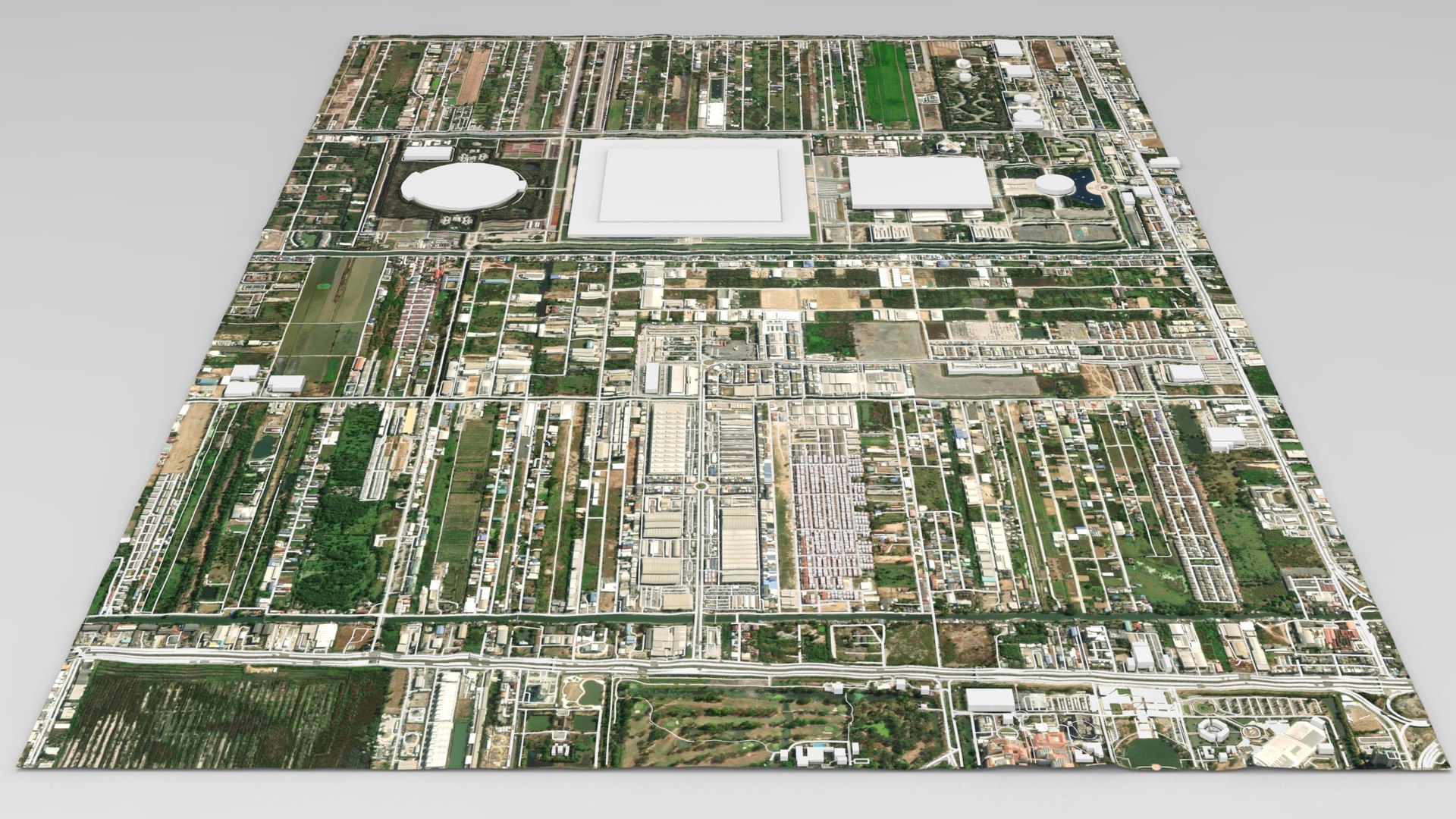
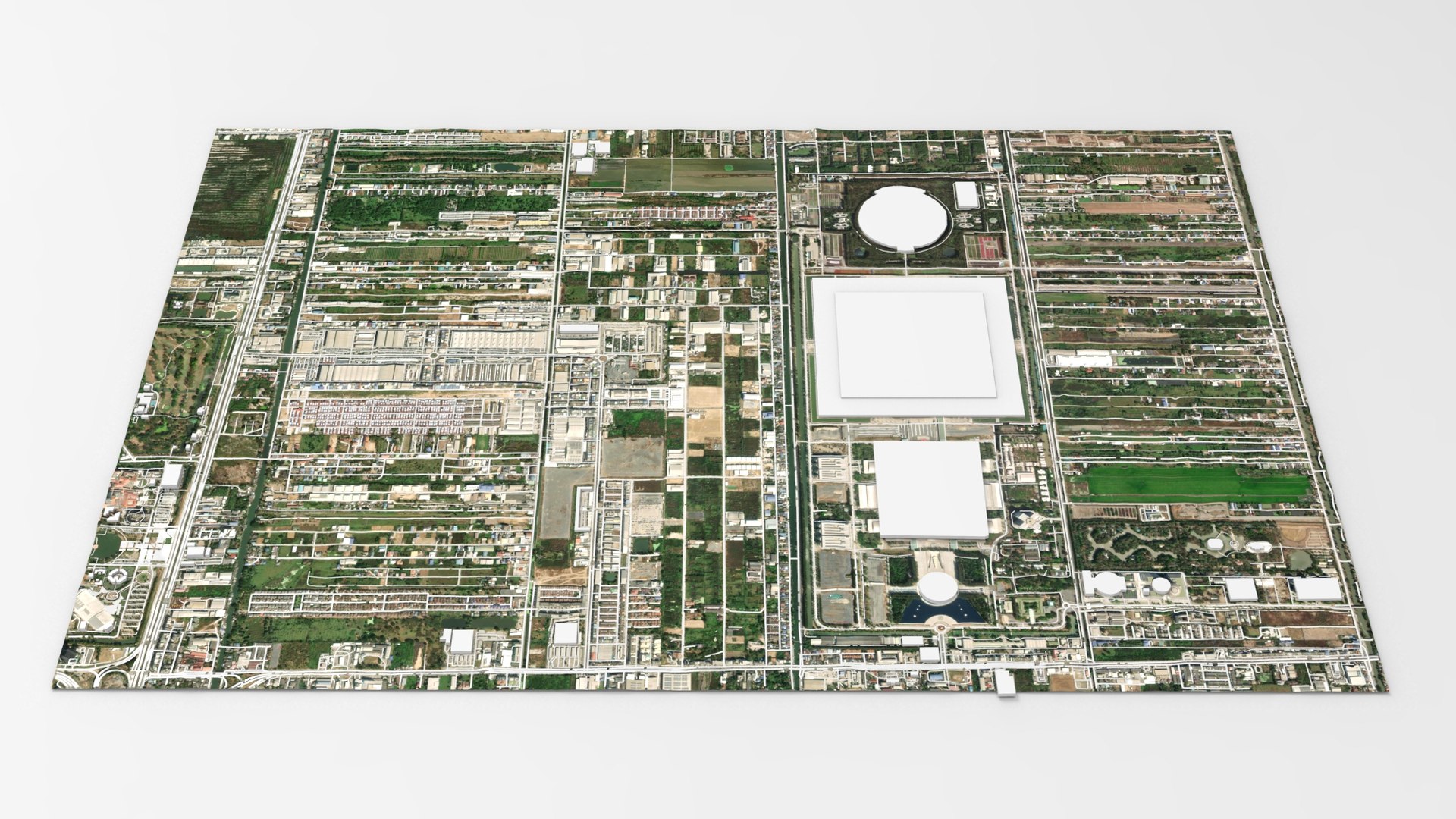
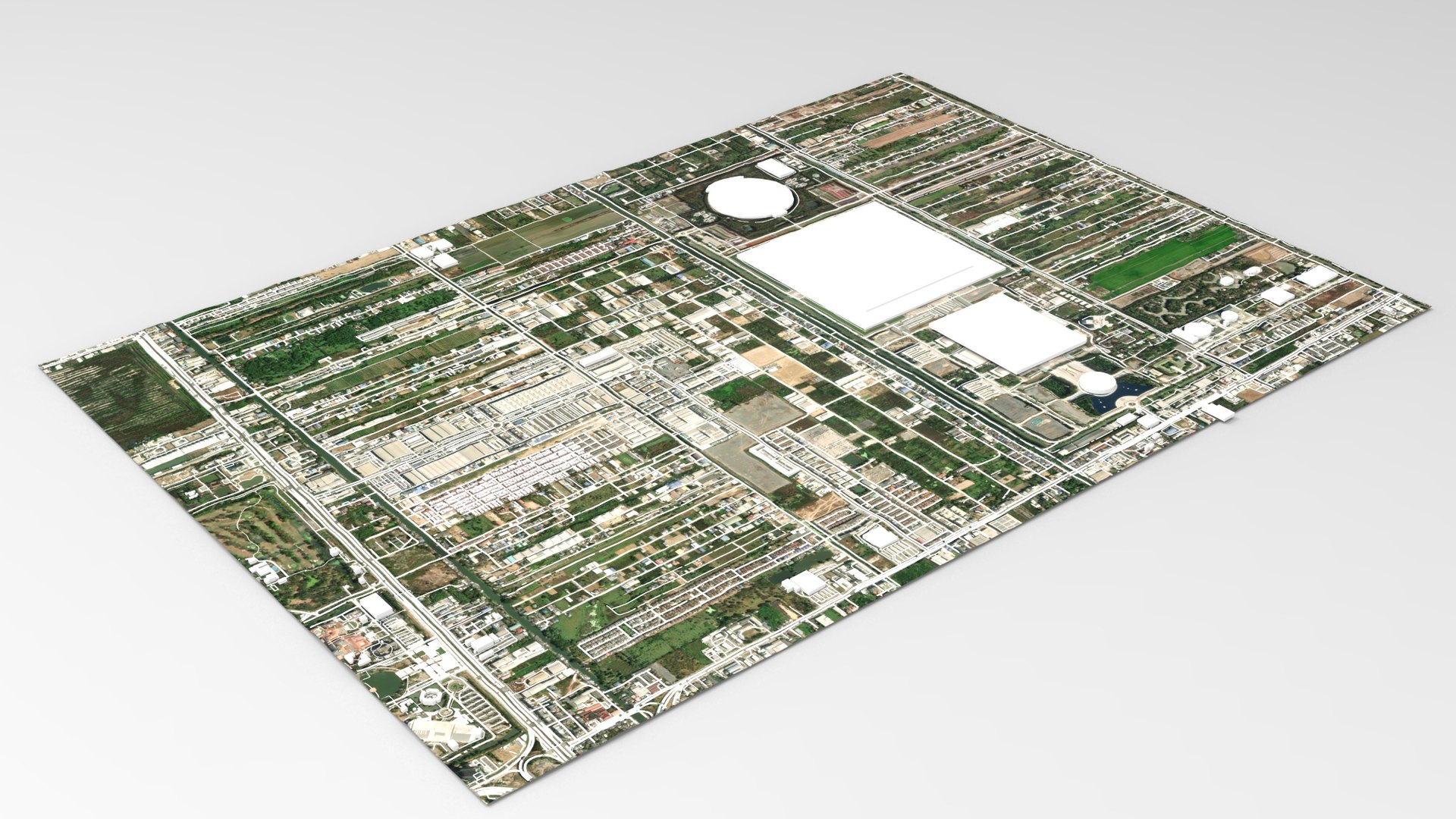
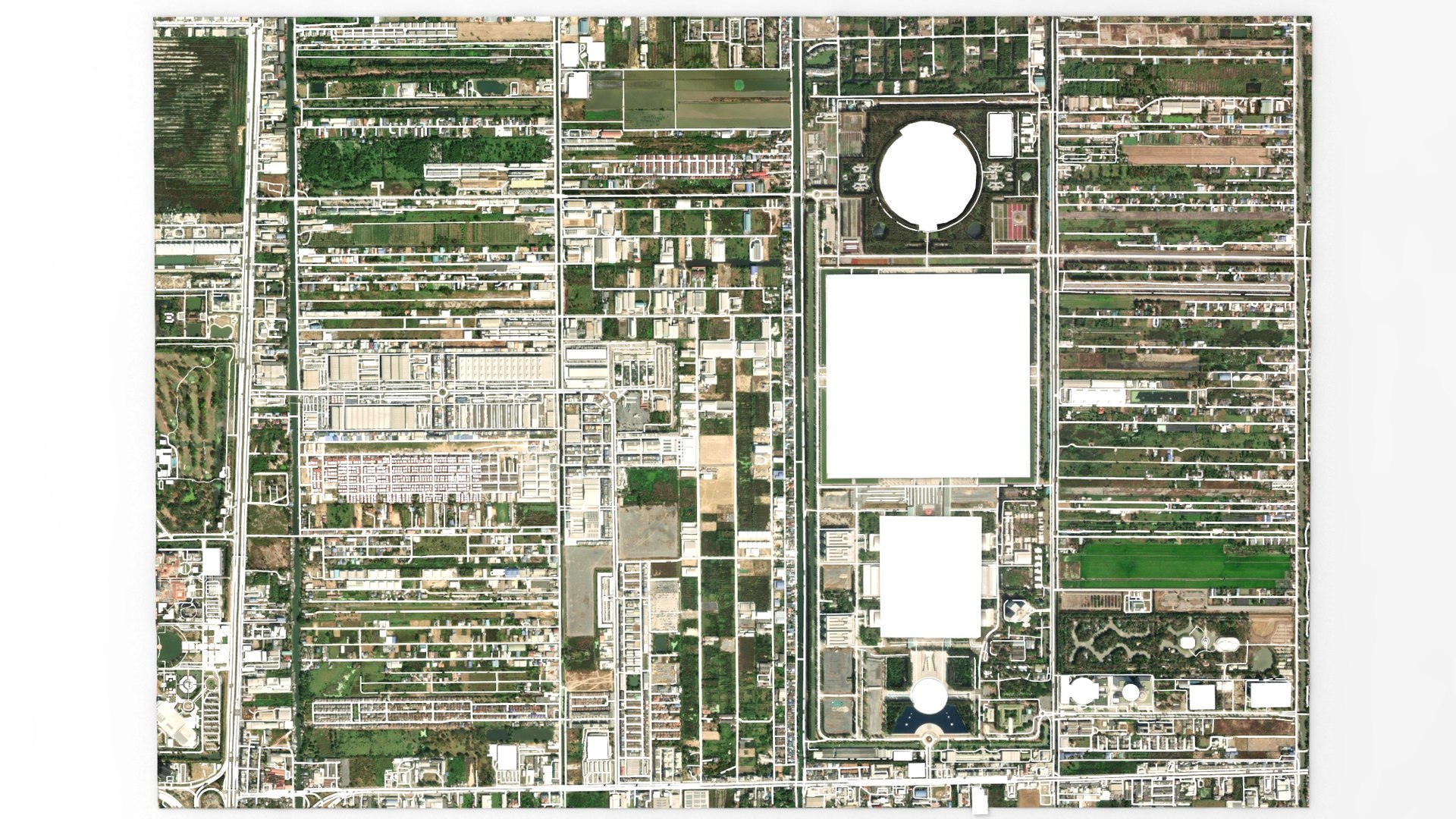
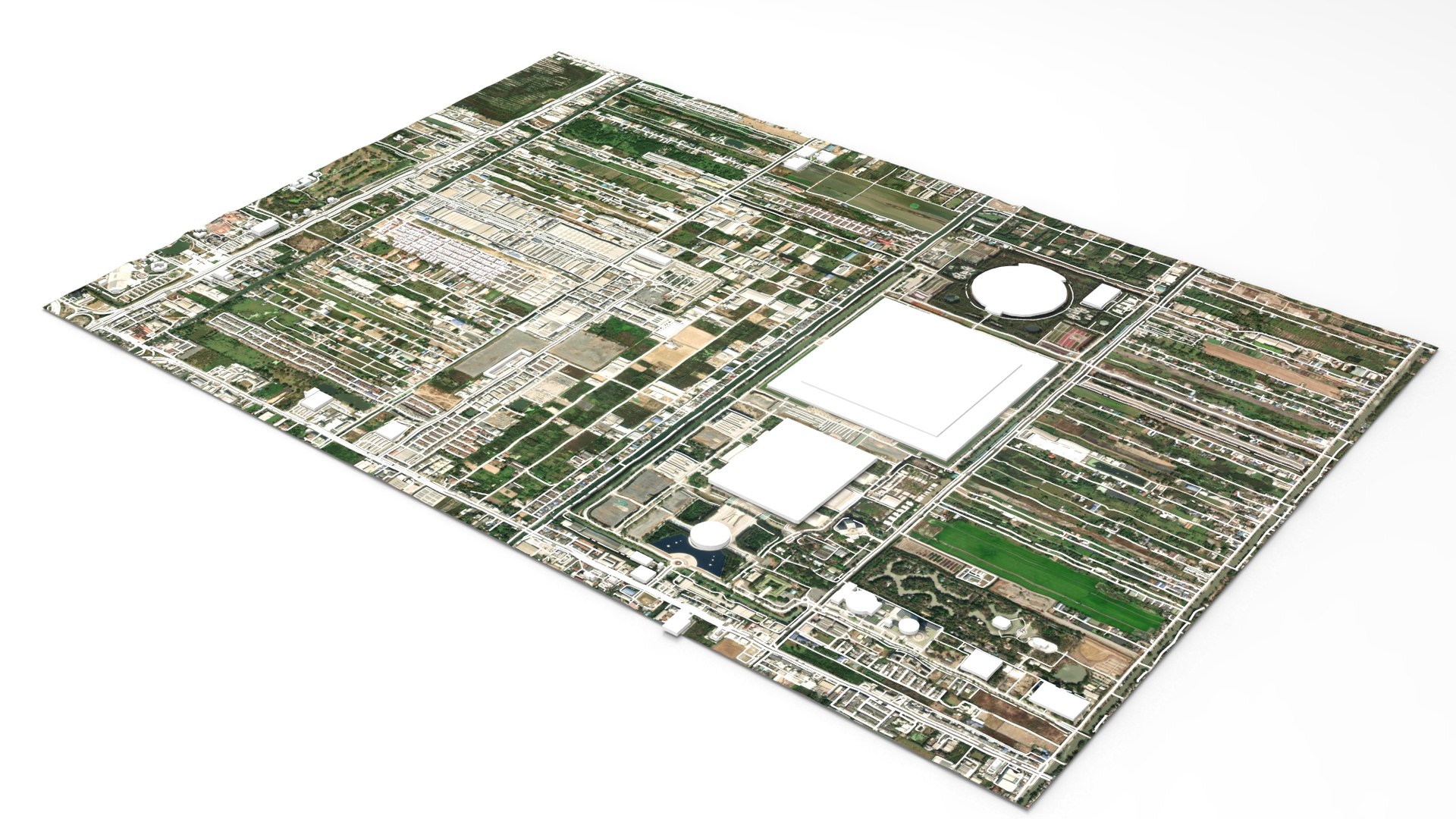
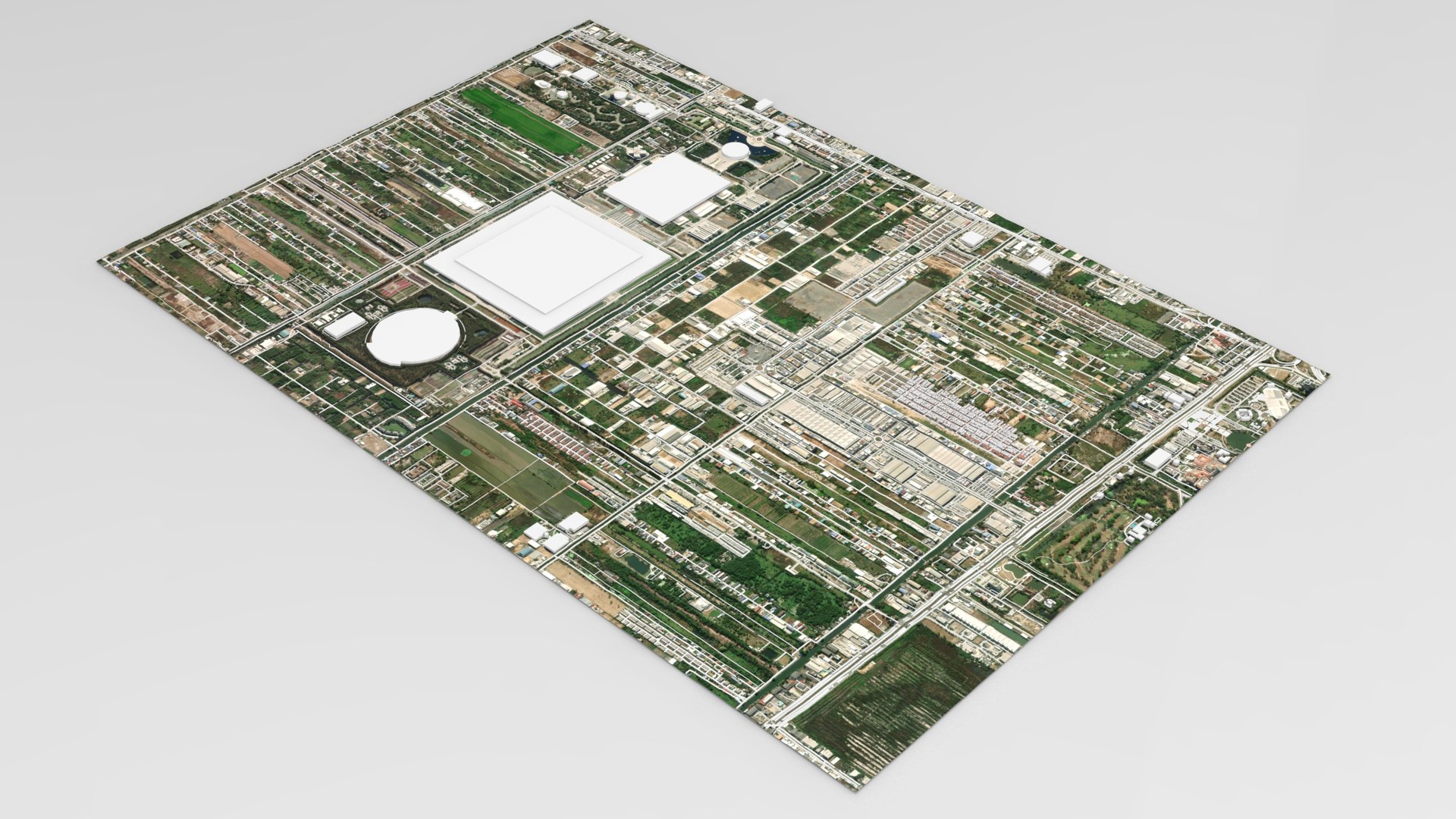
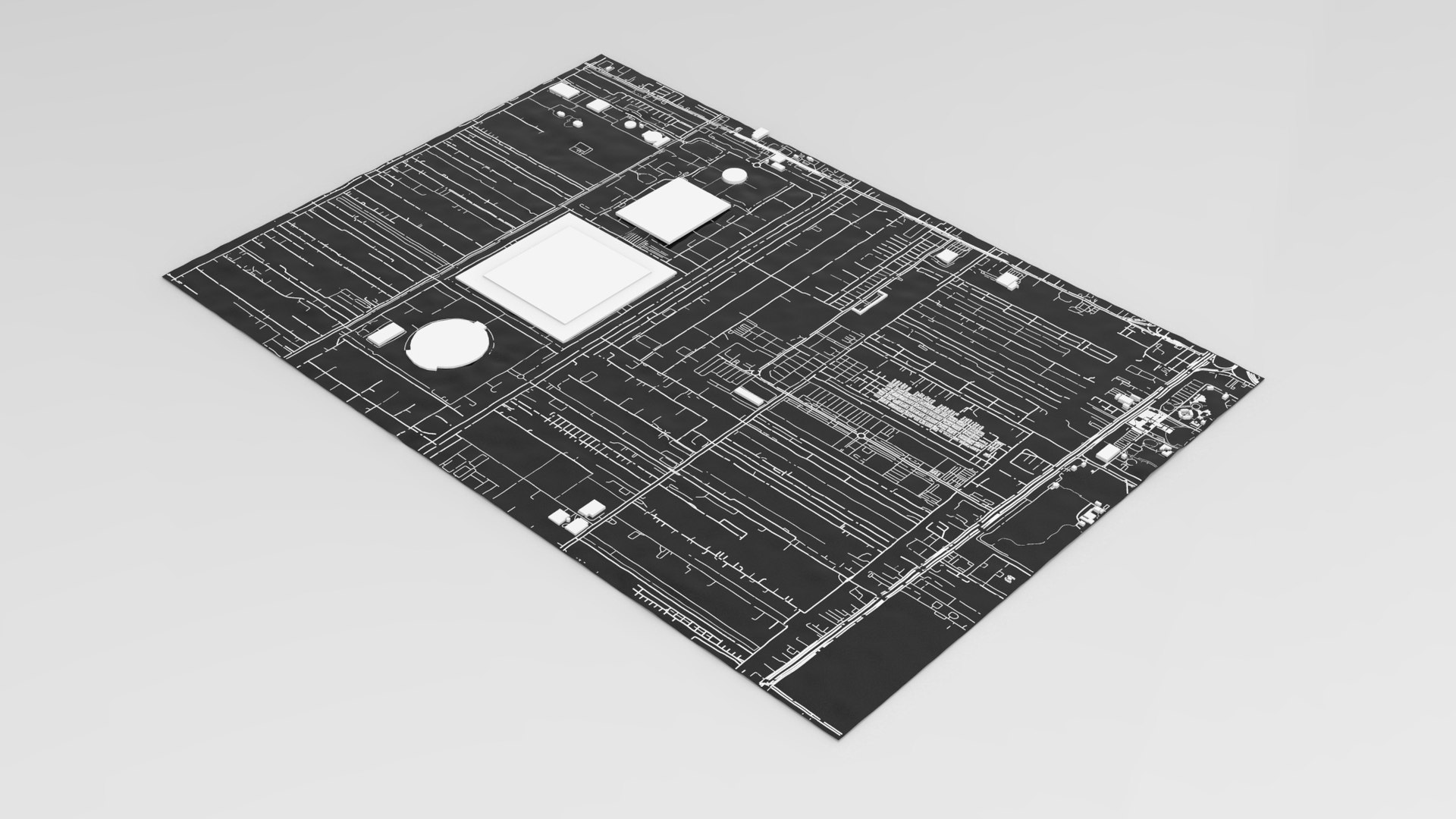
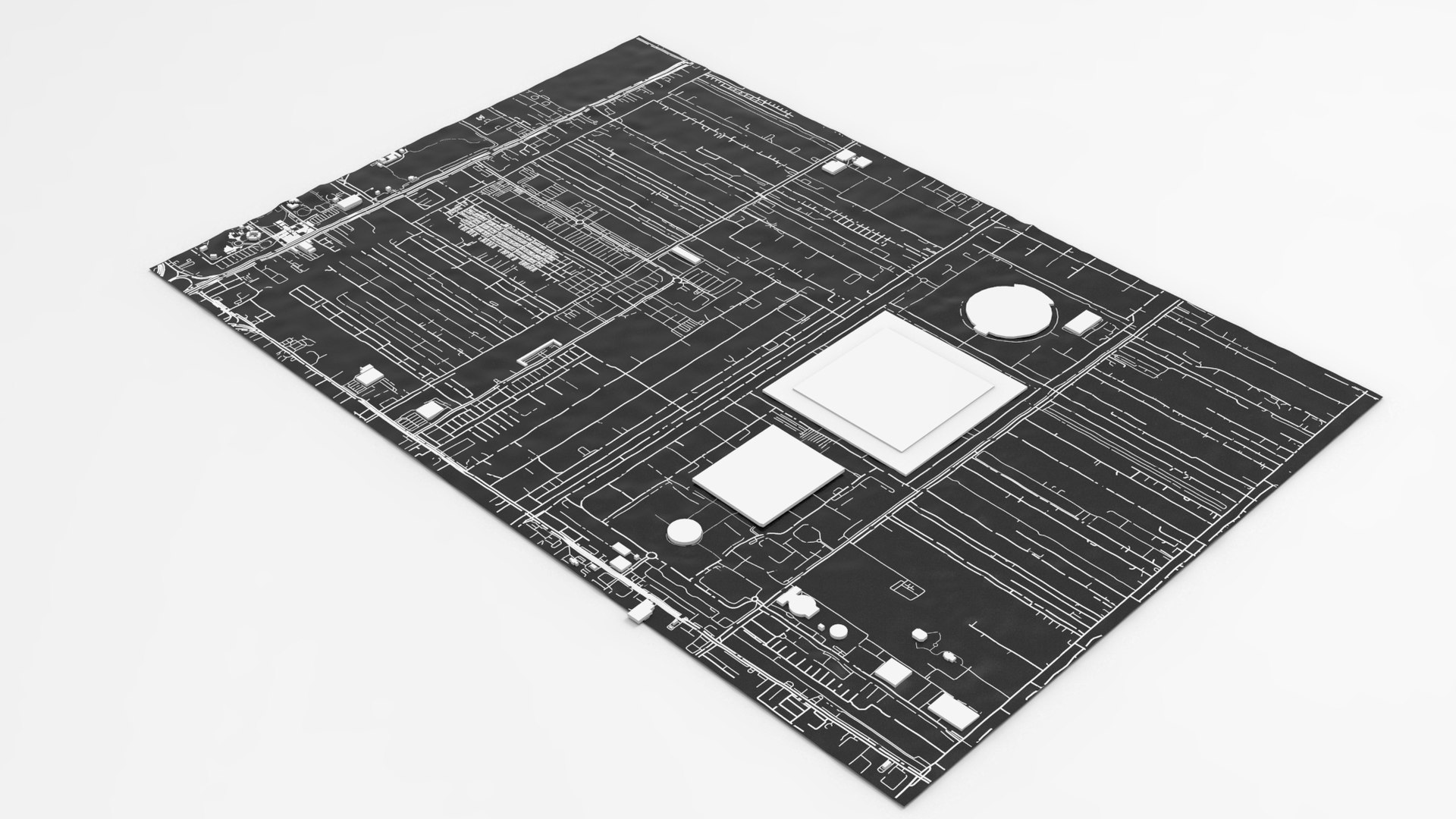
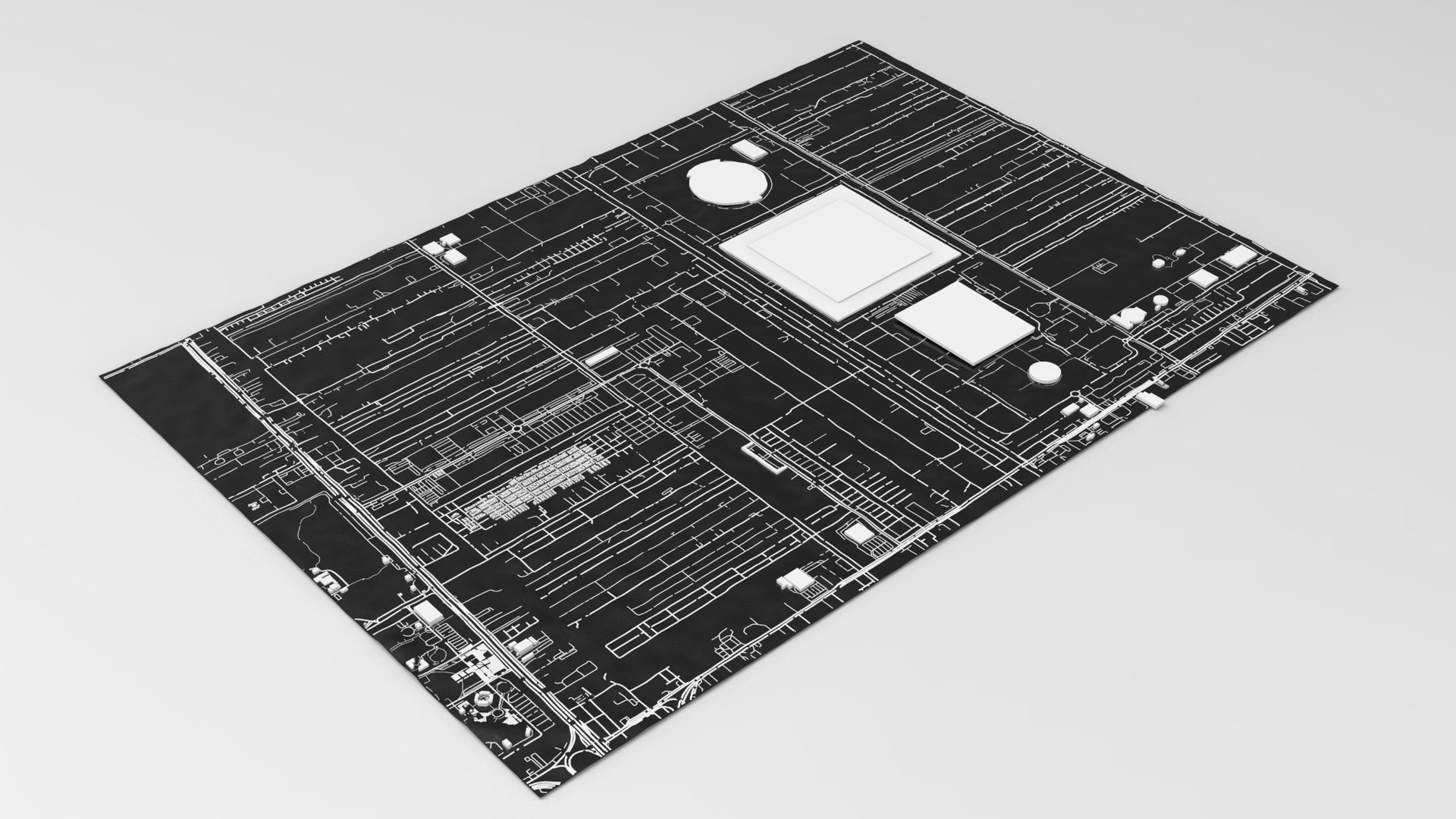
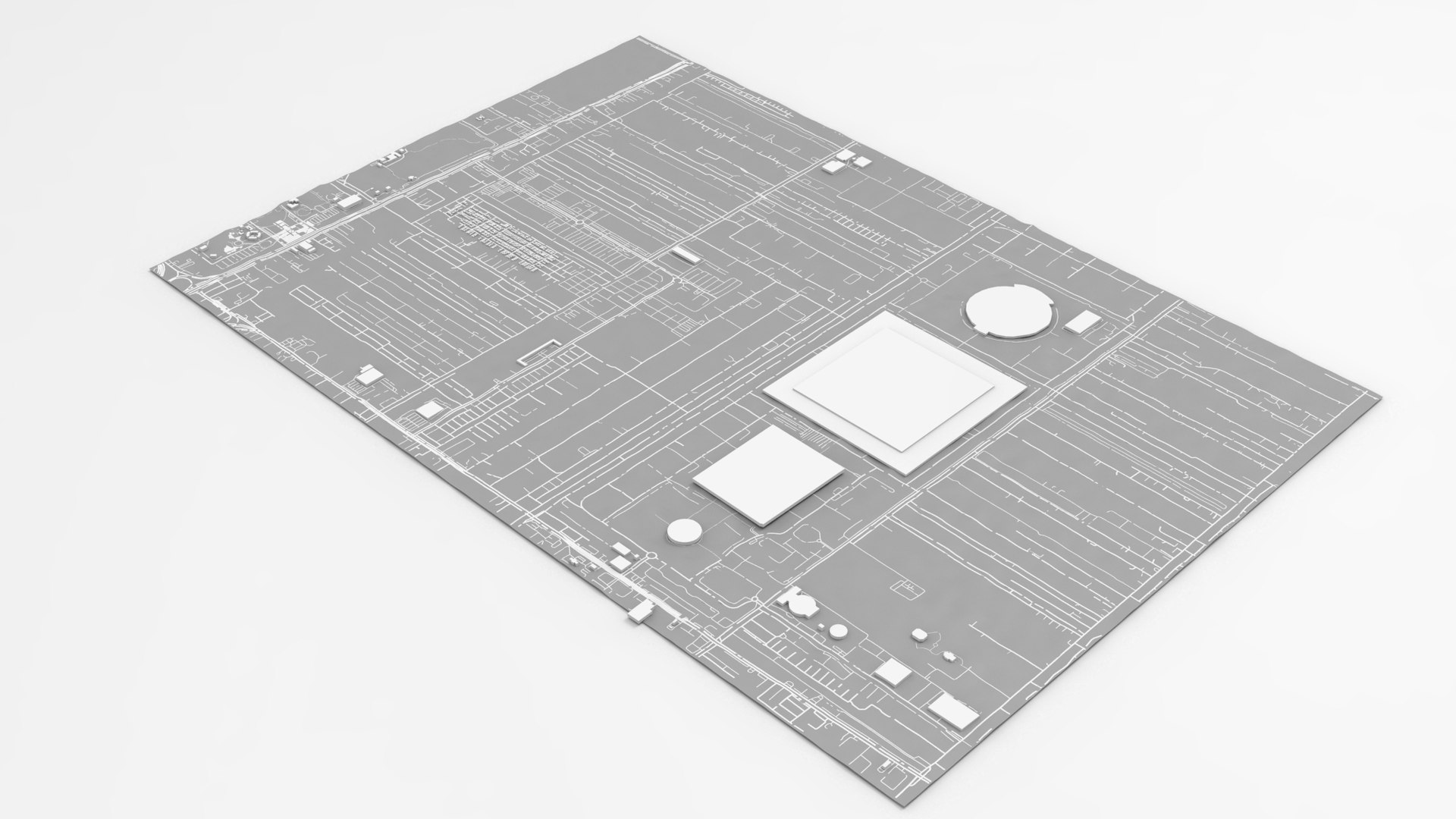
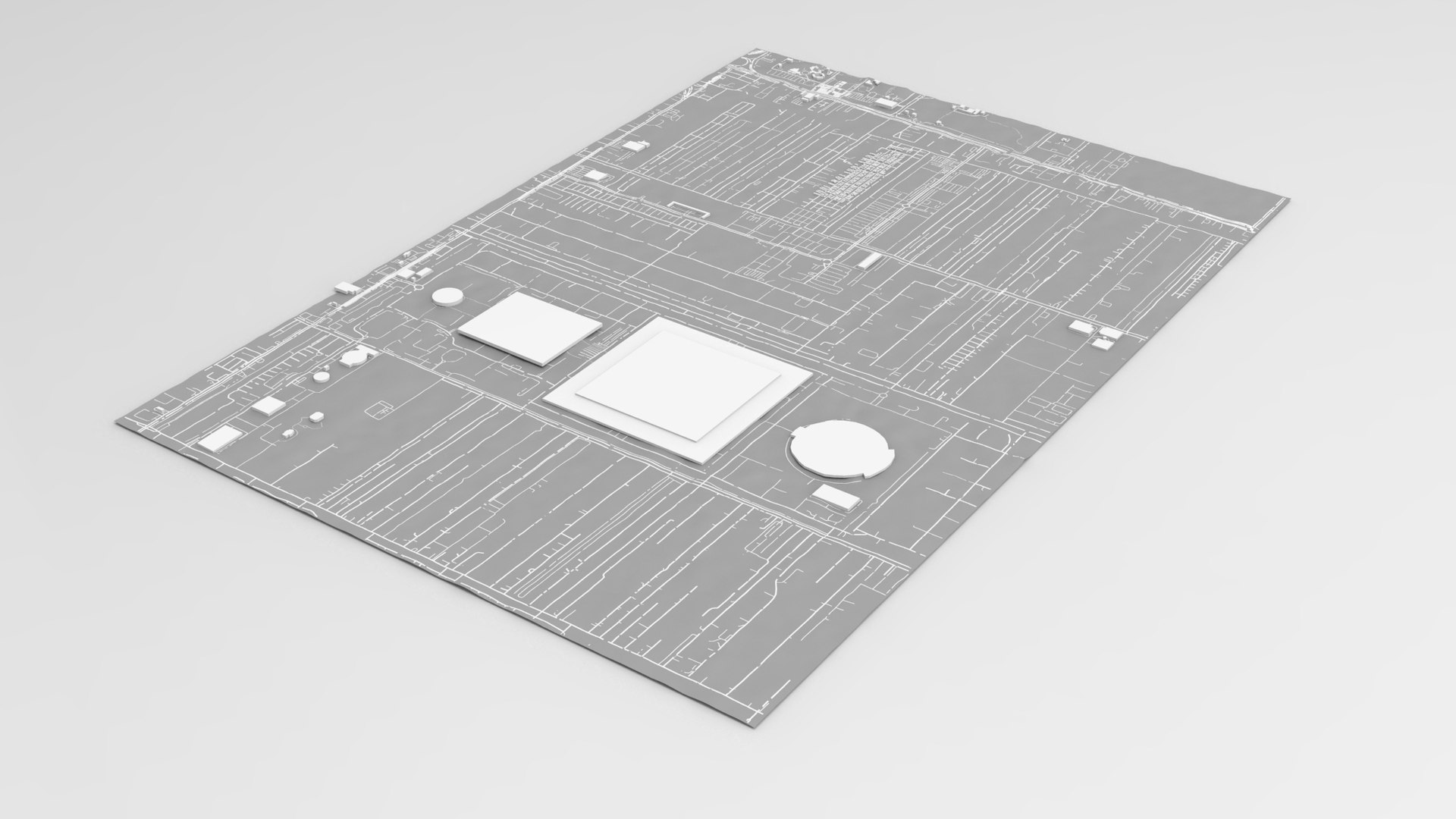
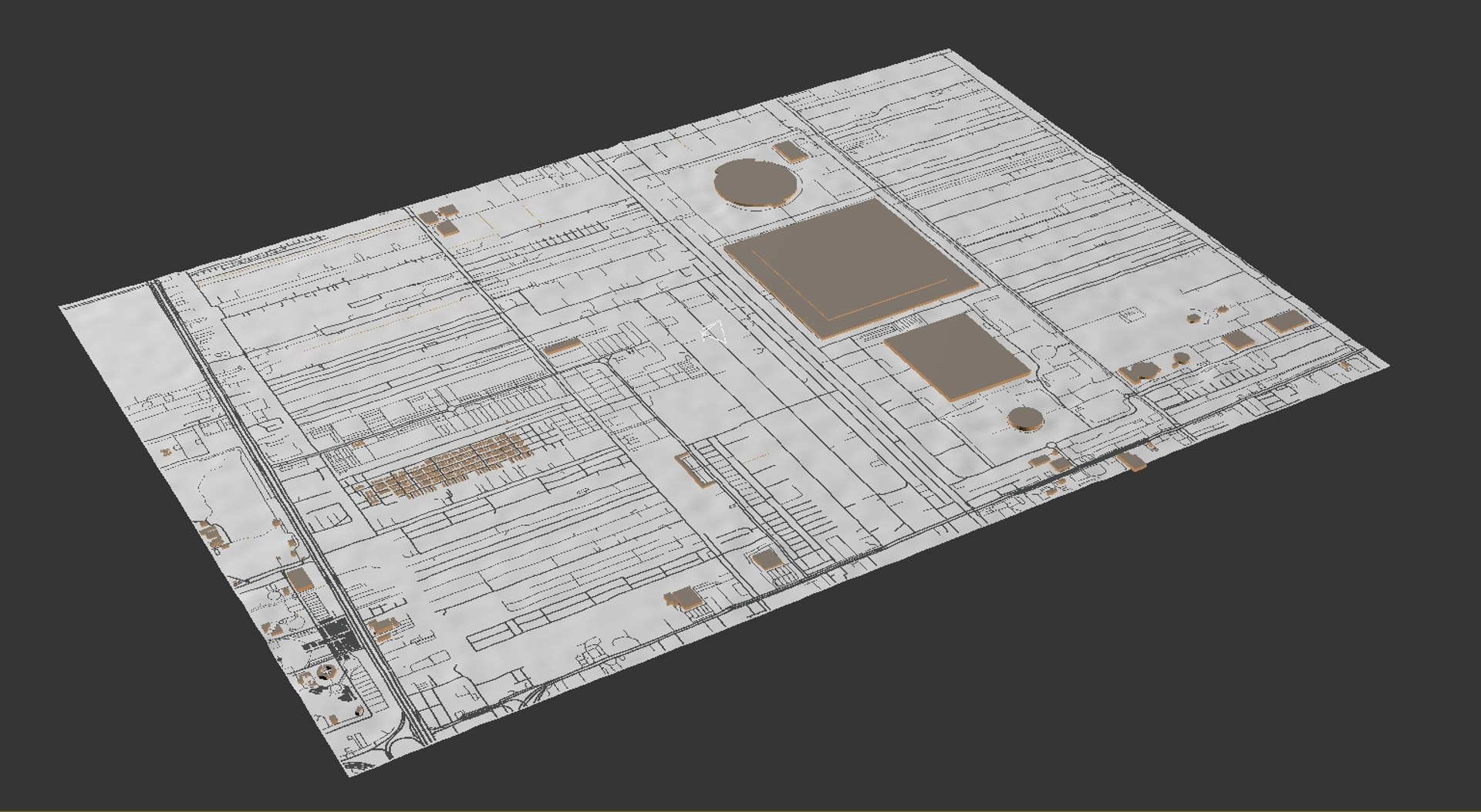
Wat Phra Thailand

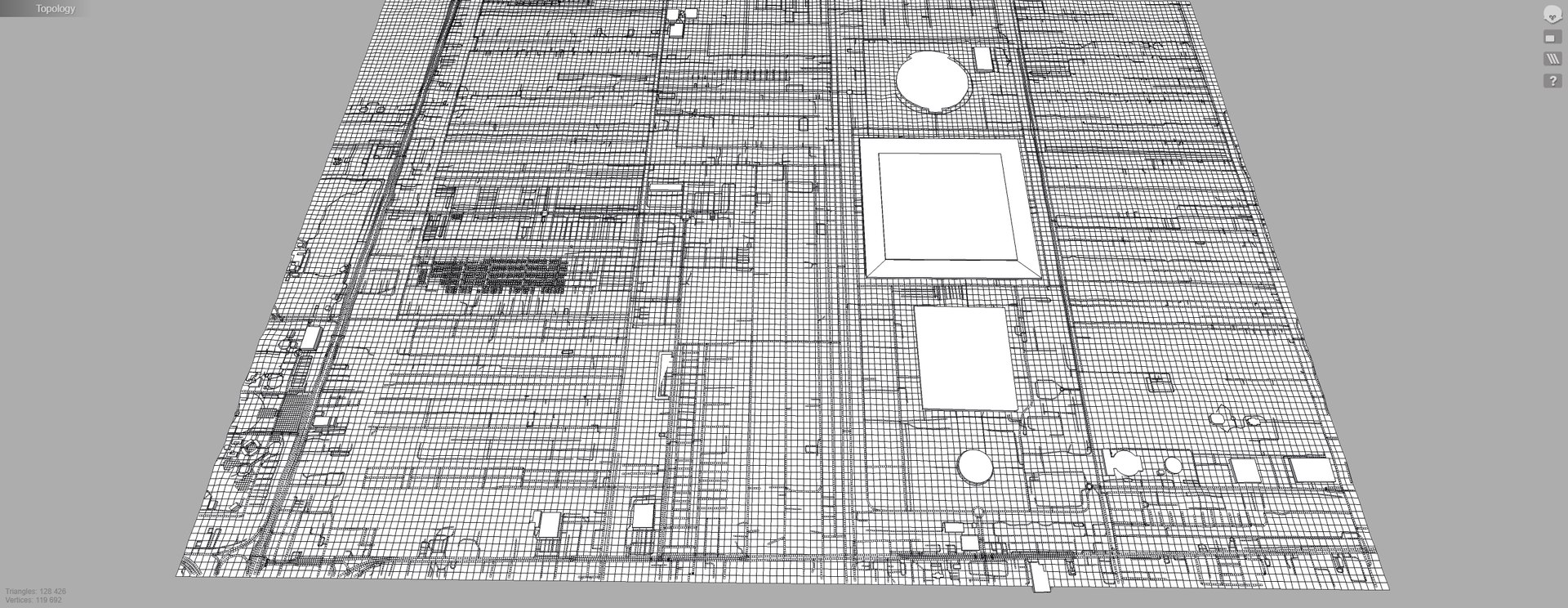
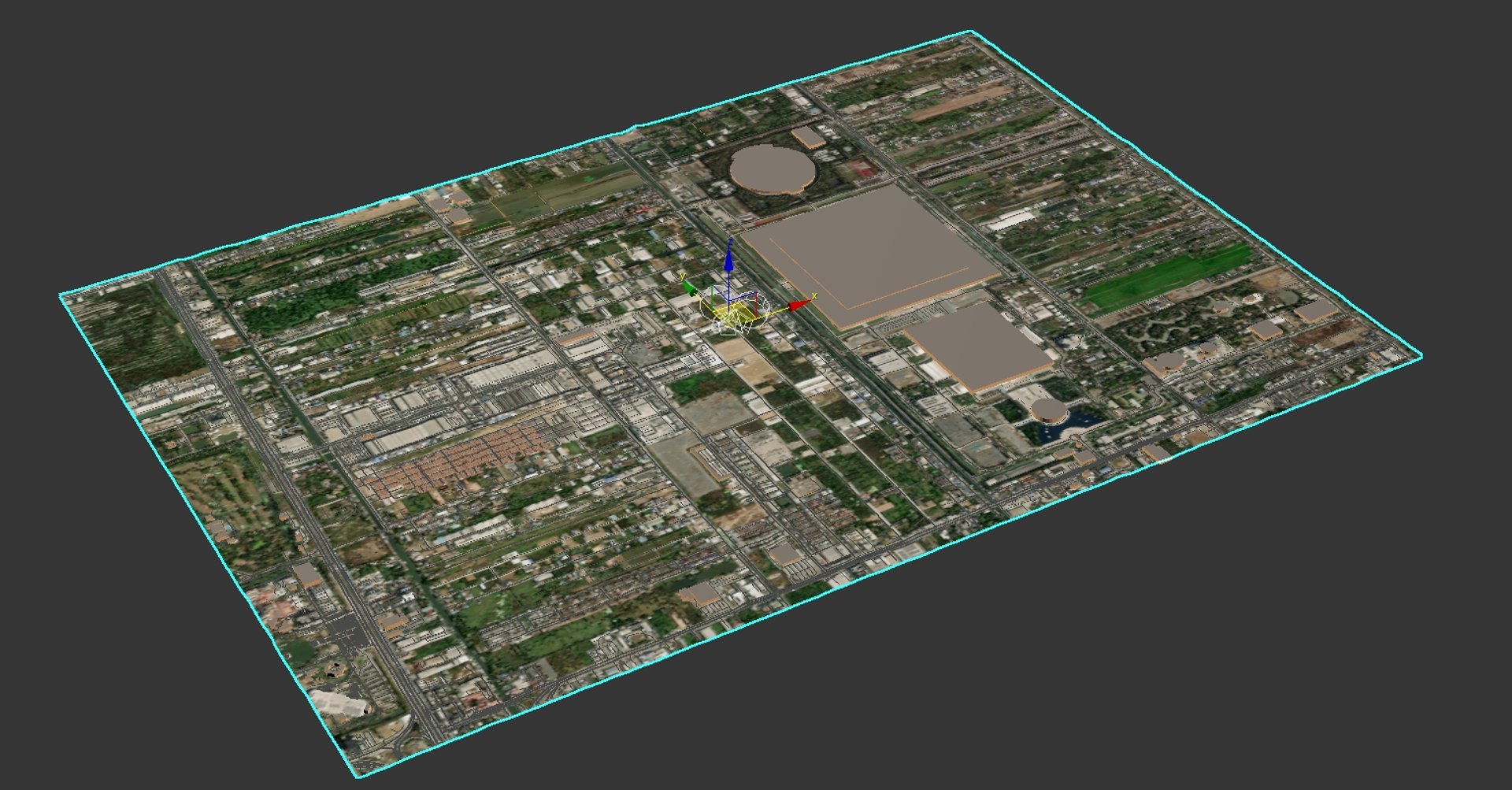
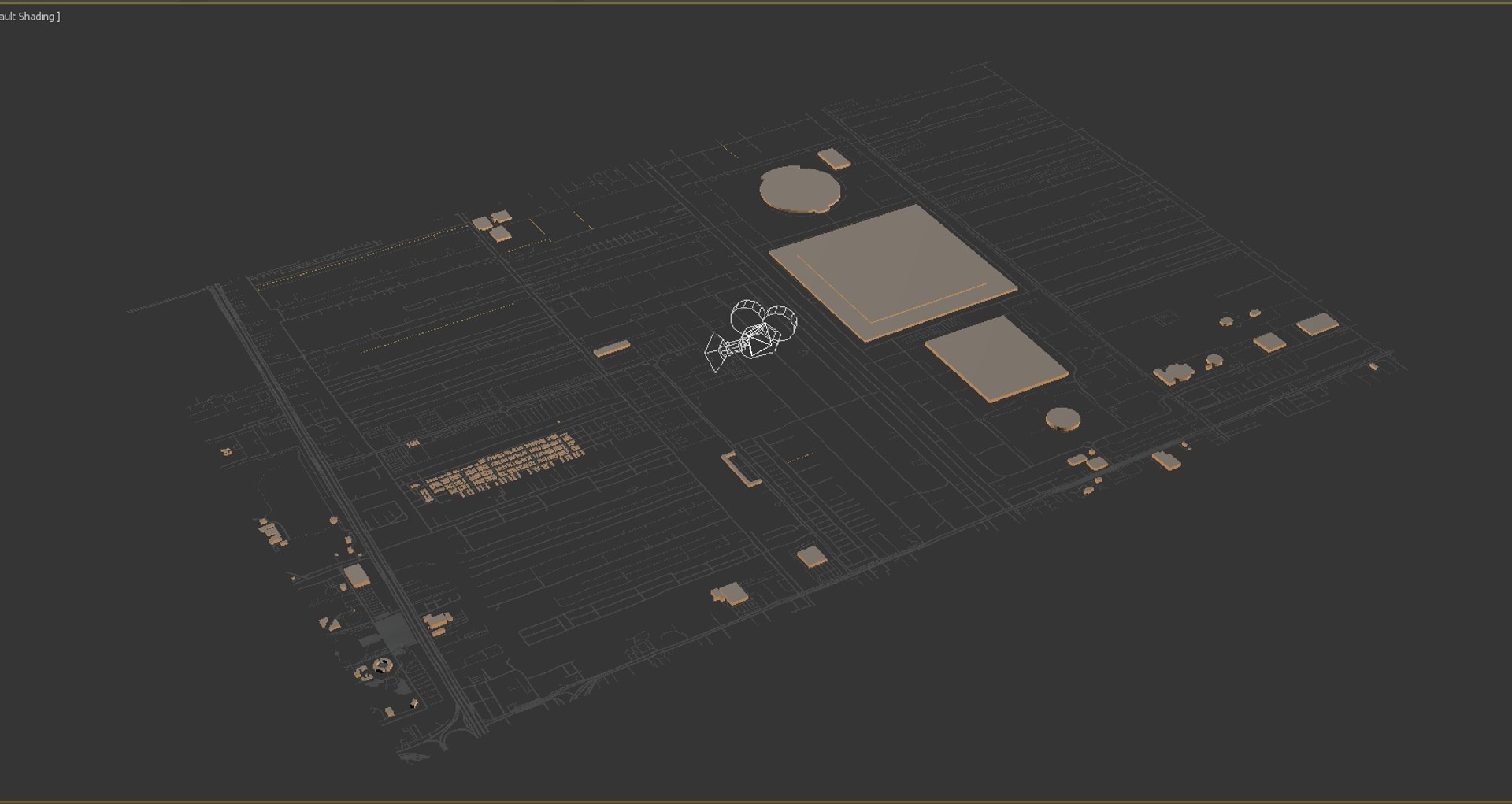
Wat Phra Dhammakaya is a Buddhist temple located in the province of Pathum Thani, not far from Bangkok. The temple belongs to the community of the unorthodox Buddhist Dhammakaya movement. Its construction began in 1970 and was completed in 1985. This is one of the largest temples in Thailand.

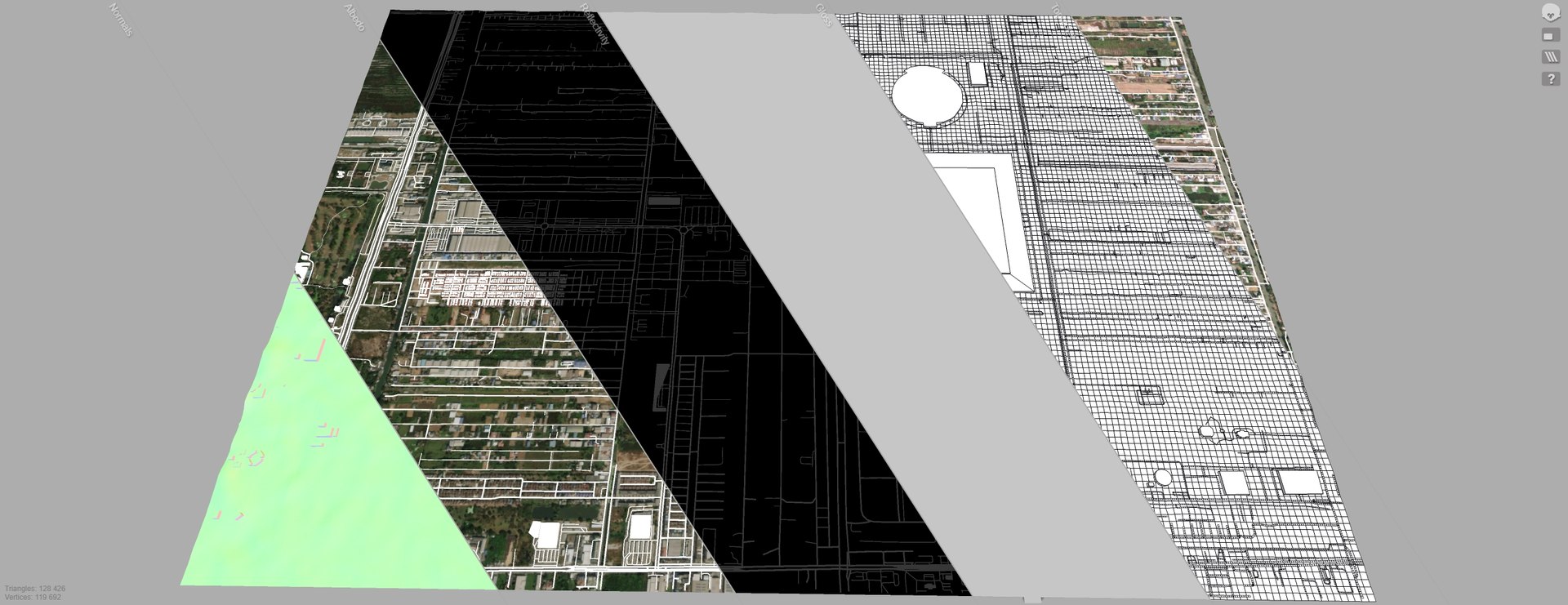
Is a high quality model. Models possible to use in any project. Originally modelled in Blender 2.91.2 and 3ds max 2015. Final images rendered with Corona render 1.7 and Marmoset Toolbag 3

Model resolutions are optimized for polygon efficiency. All colors can be easily modified. Model is fully textured with all materials applied. No cleaning up necessary, just drop your models into the scene and start rendering. No special plugin needed to open scene.

File formats:

3ds Max 2015

OBJ (Multi Format)

3DS (Multi Format)

FBX (Multi Format)

Marmoset Toolbag 3 scene with materials

Unitypackage

(blend) Blender 2.91.2 (dae) Collada

Keyshot 9 scene

Stl (stereolithography)

If you need to make a model of any piece of land or city, write to us and we will fulfill your order

Select Enhanced License

  • $10,000 in Legal Protection (Indemnification)
  • Uncapped Legal Protection (Indemnification)
  • Waiver from injunctive relief
  • Assignable model rights
  • $1,000,000 in Legal Protection (Indemnification)
  • Waiver from injunctive relief
  • Assignable model rights
  • $250,000 in Legal Protection (Indemnification)
  • Assignable model rights
Read more about enhanced license tiers, or contact us at enterprise@turbosquid.com. Already a Shutterstock Enterprise Customer? Contact your Shutterstock Sales Support Agent to talk about adding 3D.

About Conversion Requests

To submit a conversion request for a purchased asset, please complete our Conversion Request Form.

If you have not yet purchased a model, please review our Documentation about Conversions to learn about what limitations you may encounter with a conversion.

For any additional questions about a model’s suitability for conversion, please contact TurboSquid Support.

Loading...