
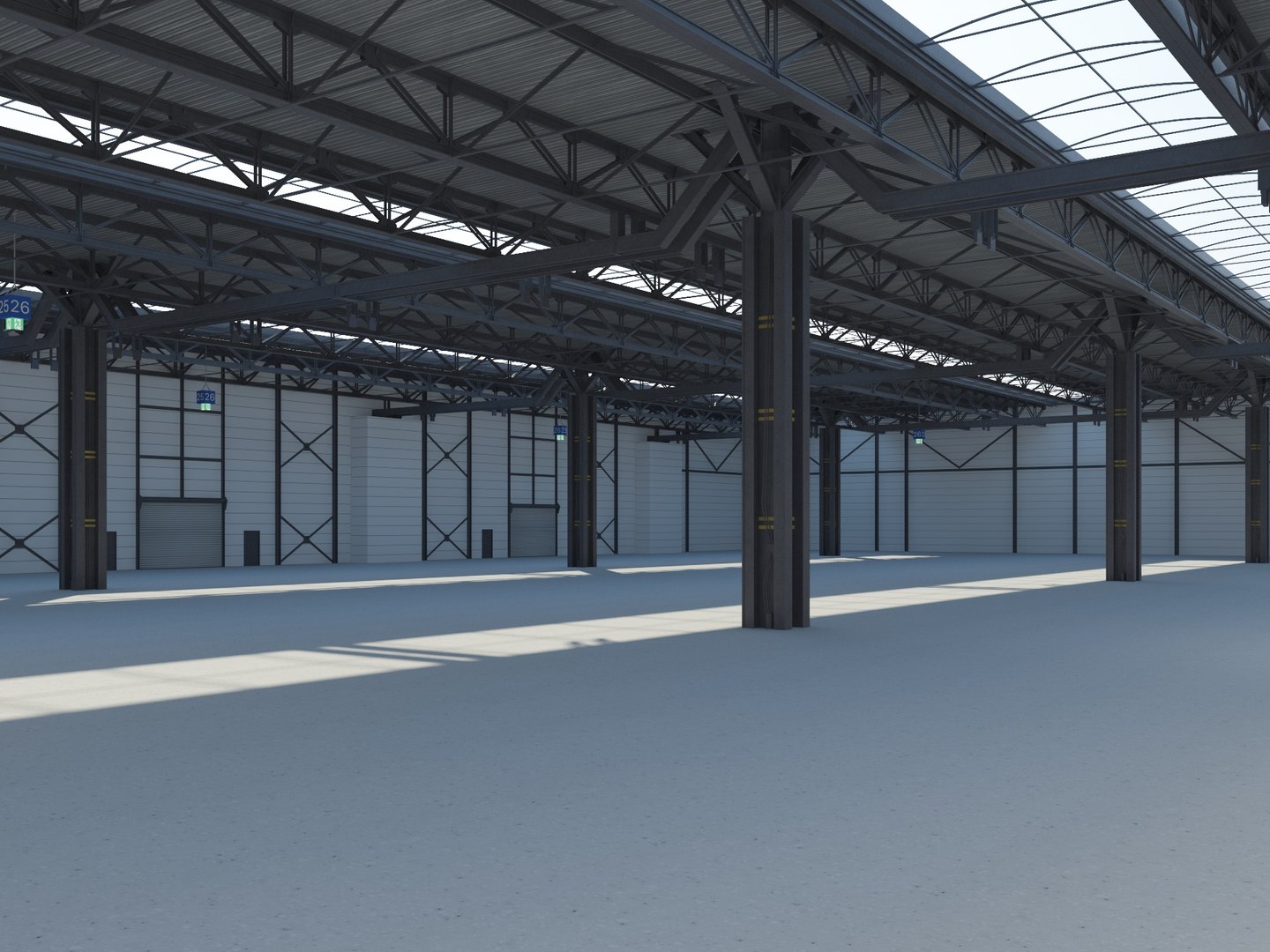
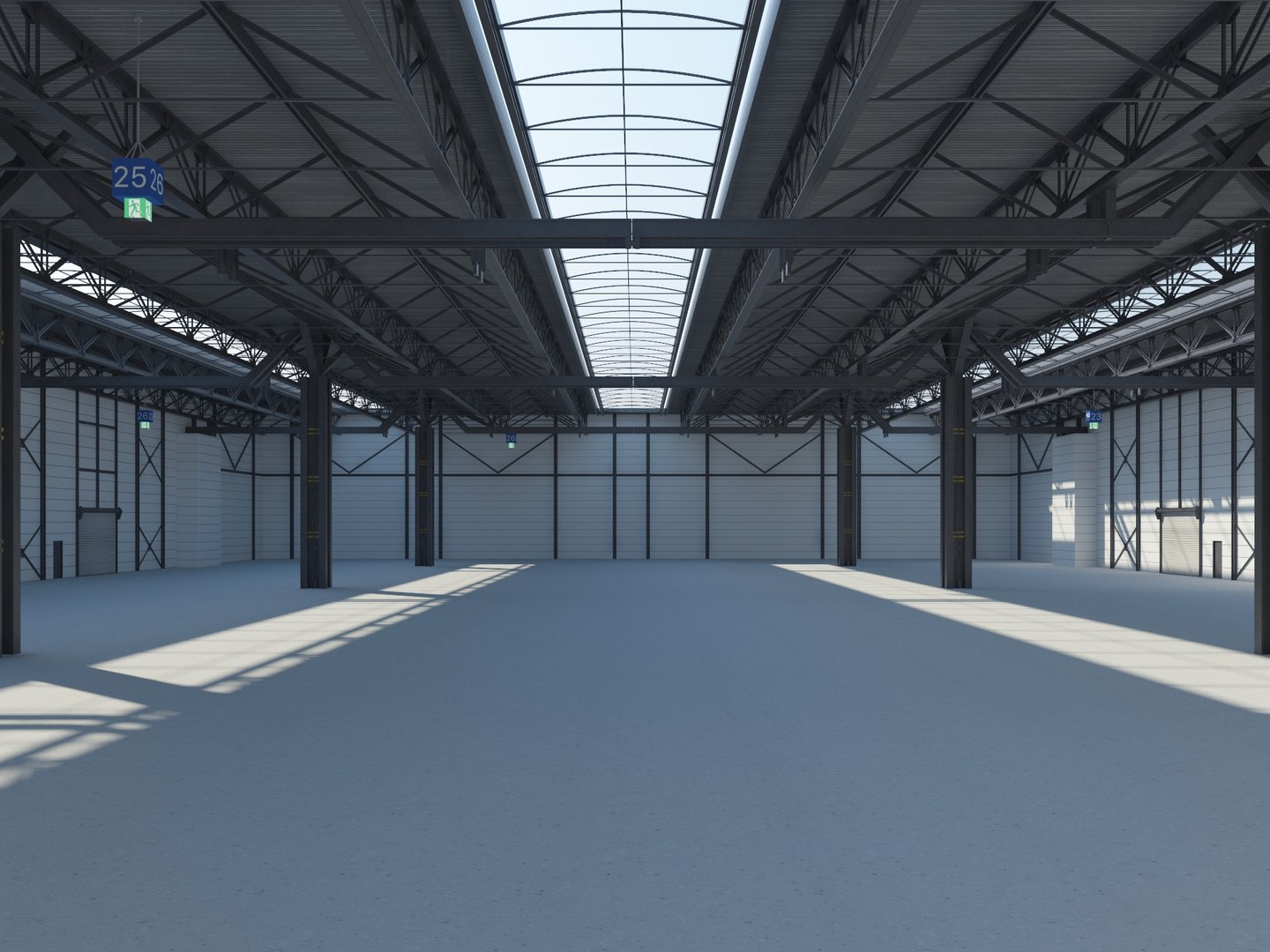
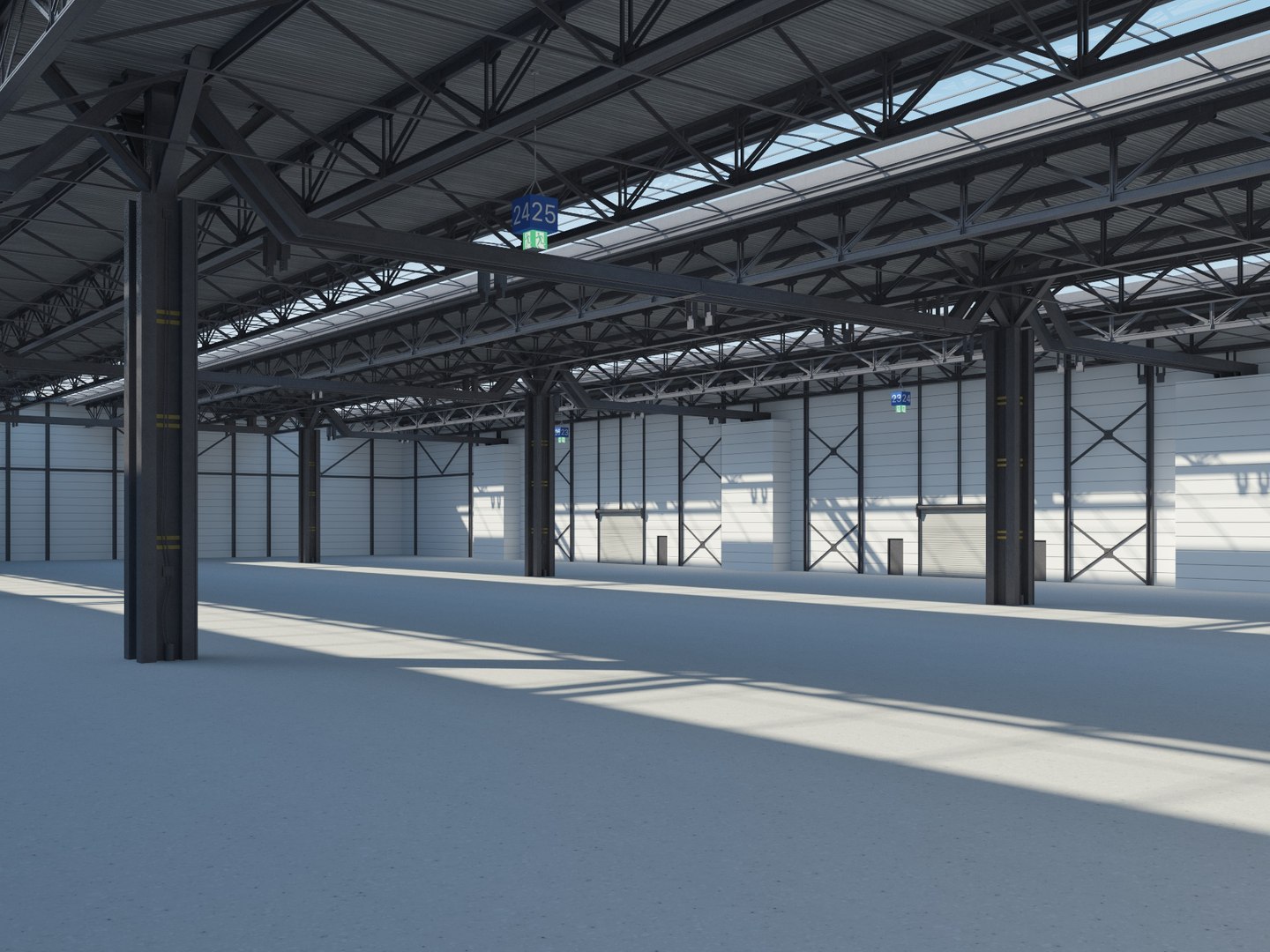
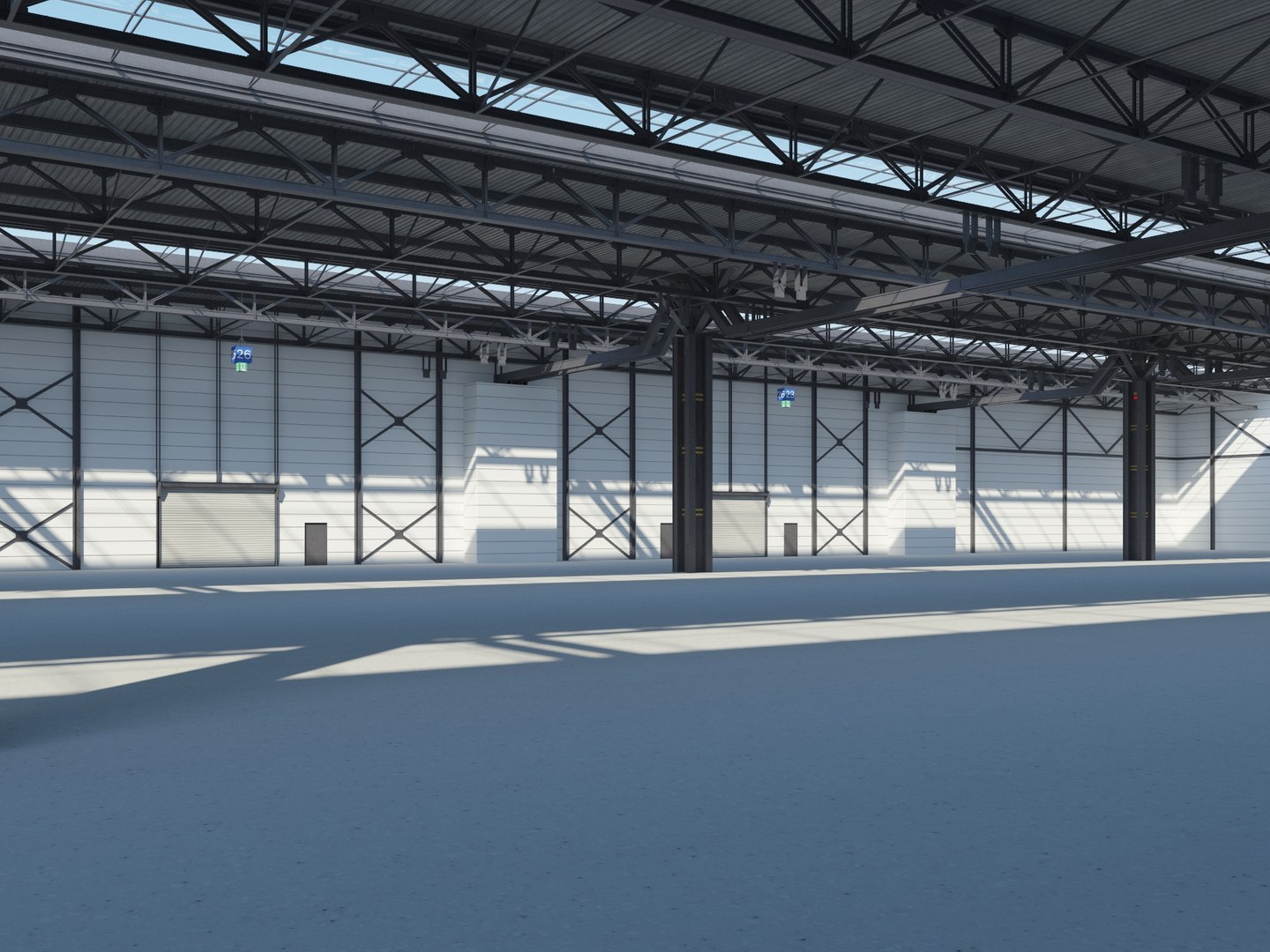
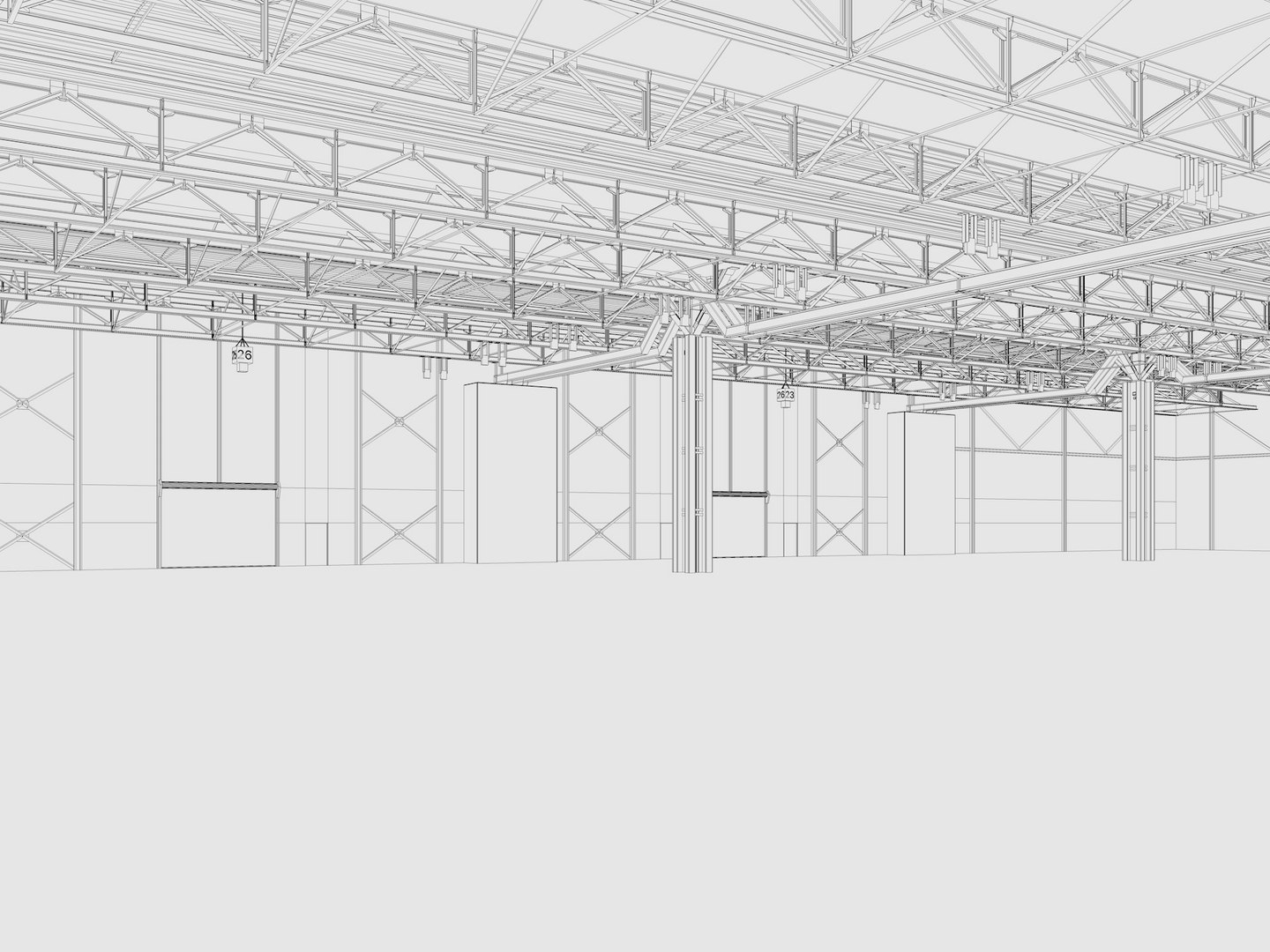
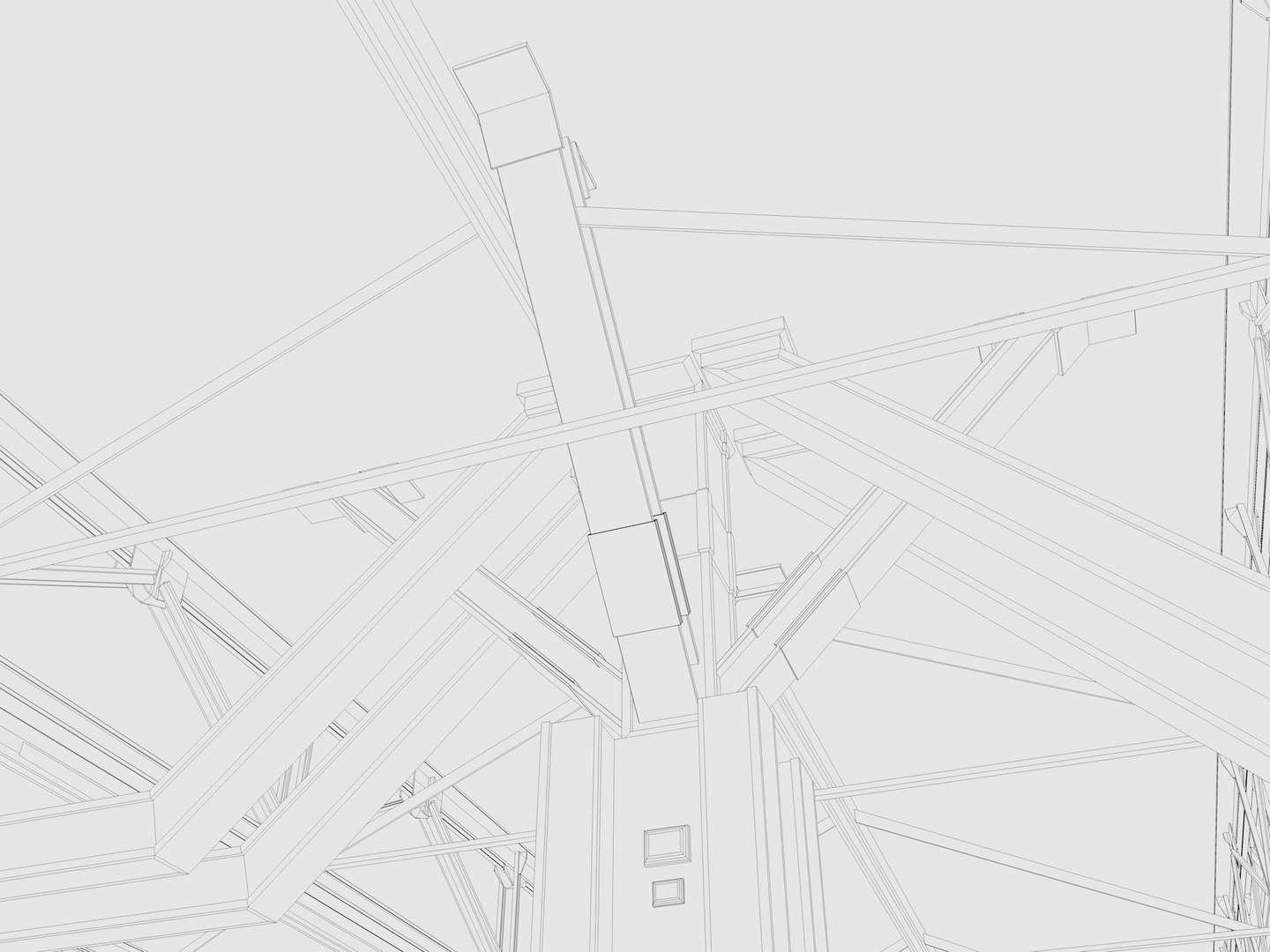
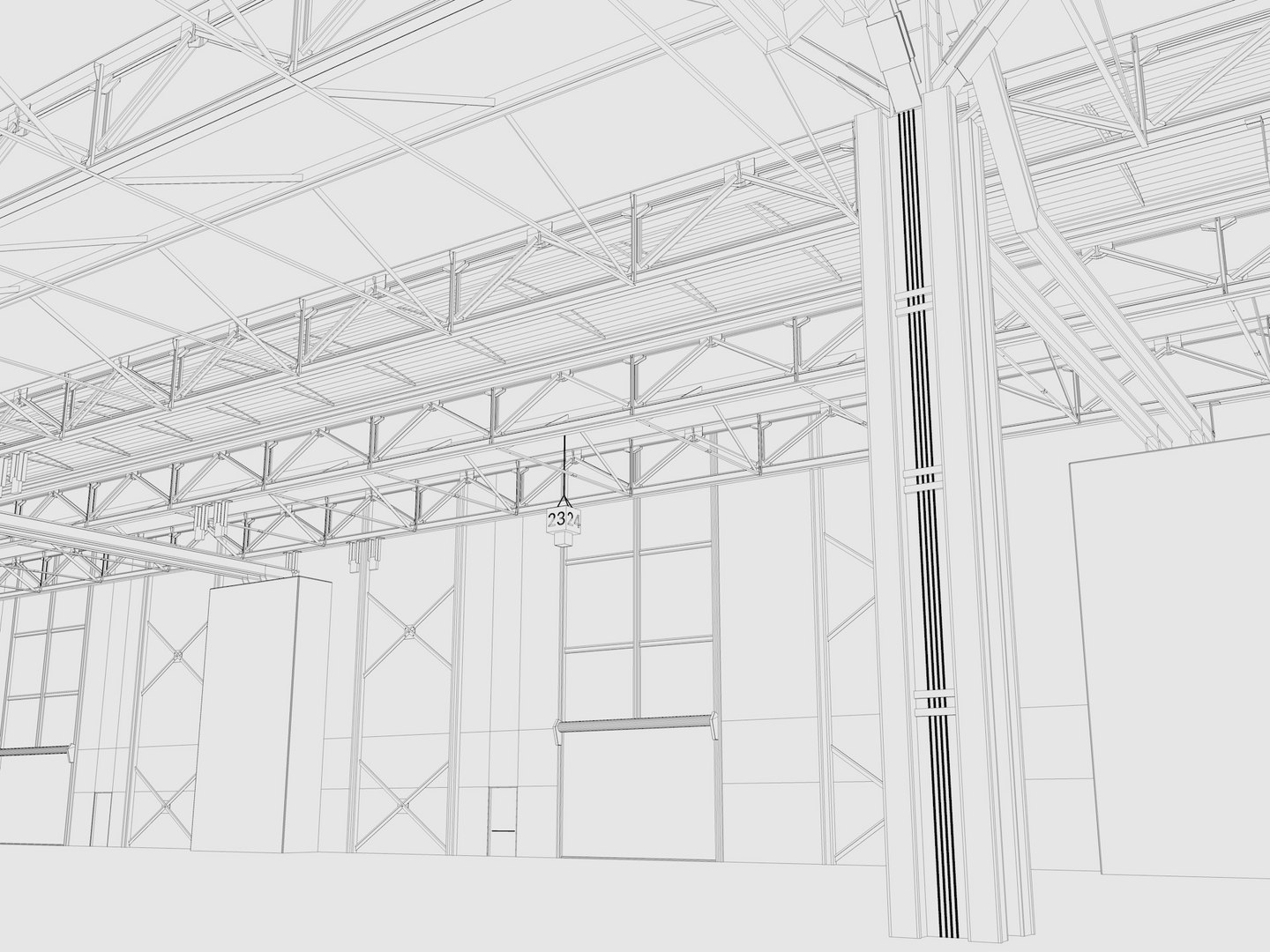
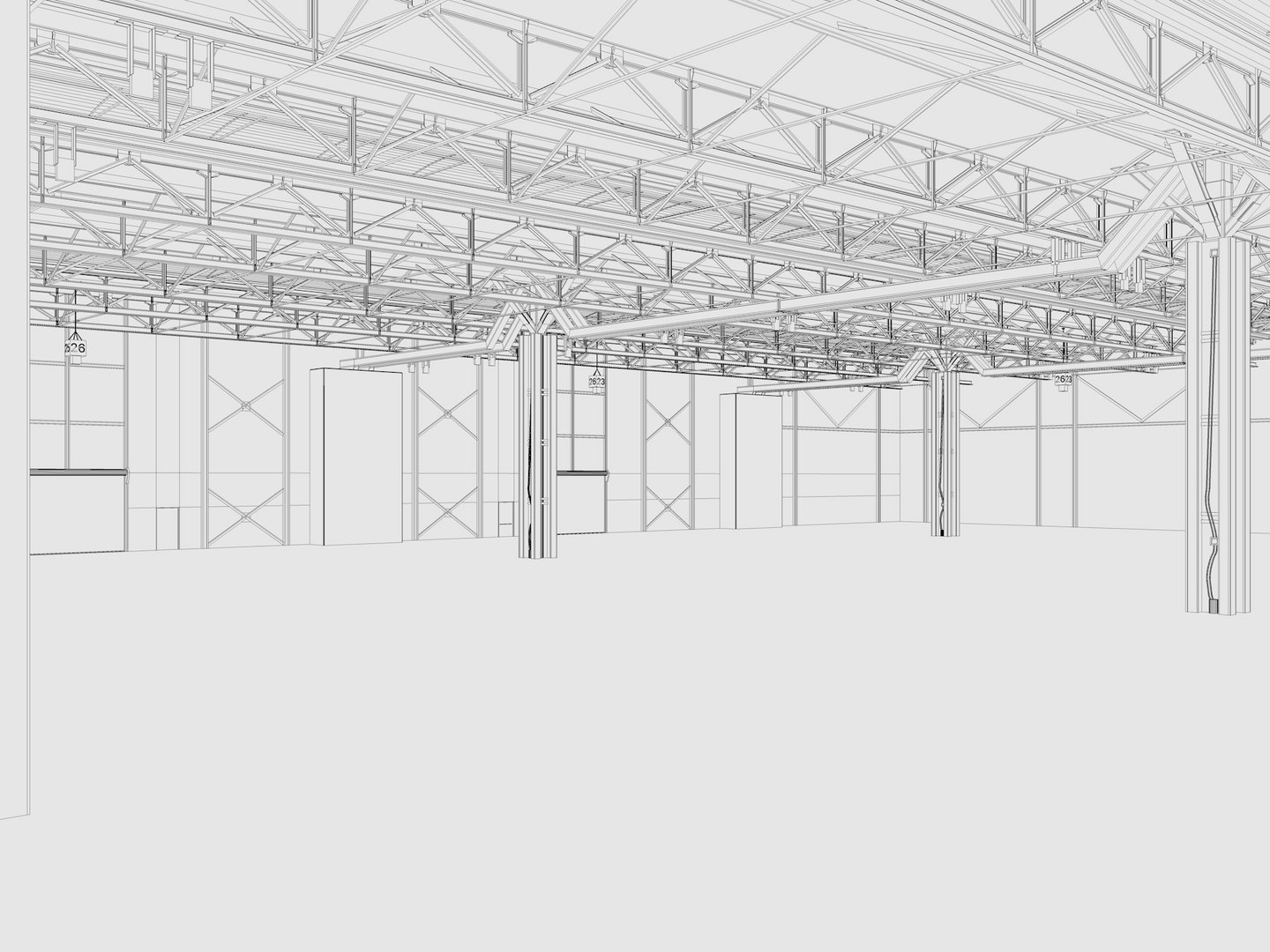
Warehouse 3

$15

Standard License | Upgrade License
Formats (5)
Native | 3ds Max 2016 | Default Scanline
Cinema 4D R19 | V-Ray 3.60
Blender 2.83 | Blender Render default
FBX
Collada dae
Specifications
Publish Date May 17, 2023
Product ID 2071317
Polygons 172,237
Vertices 173,062
Polygonal
Textures
Materials

member avatar
DnD05
489 Products | Contributor Since 2014
Have questions? Chat with us now.

Description

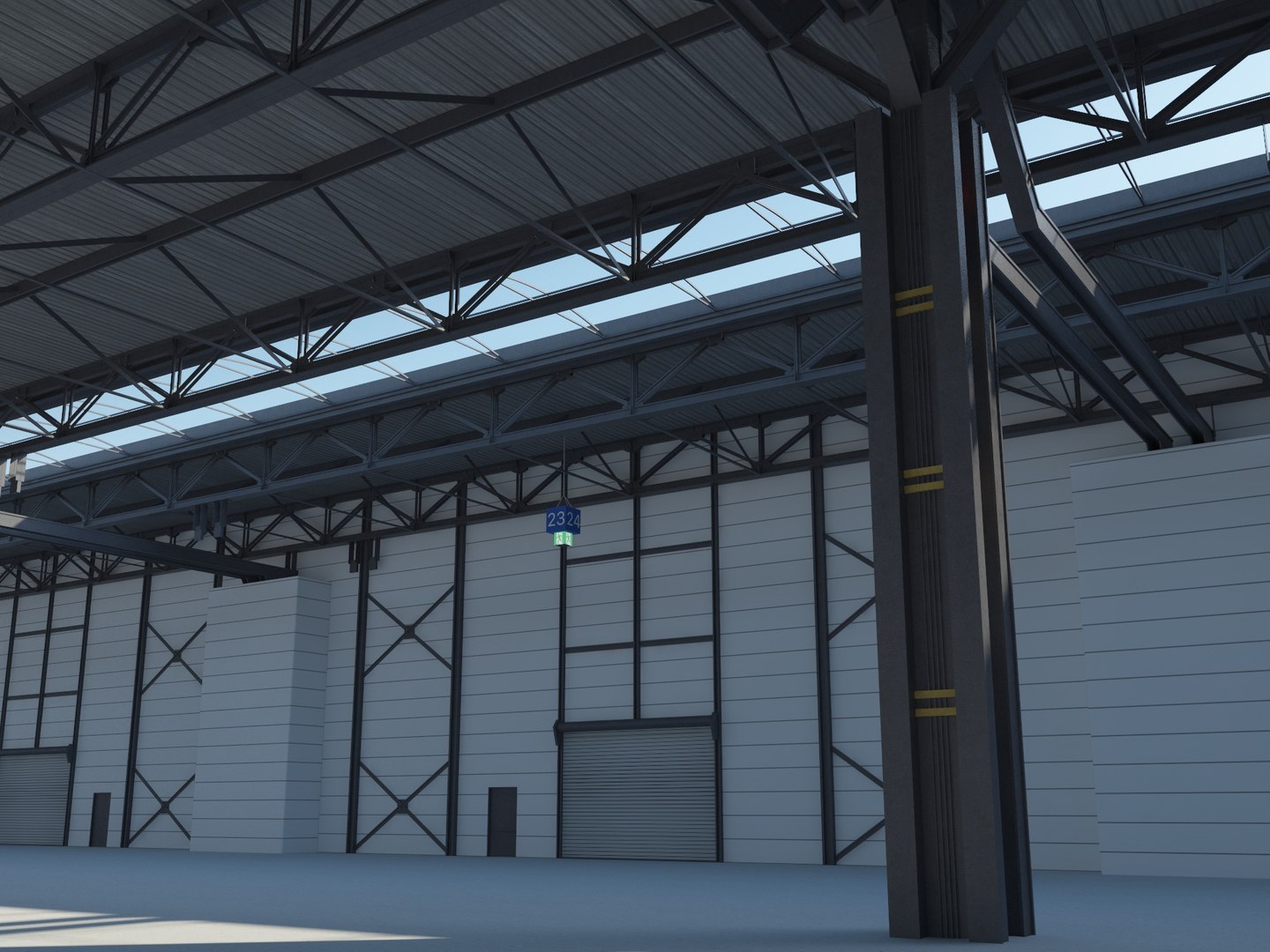
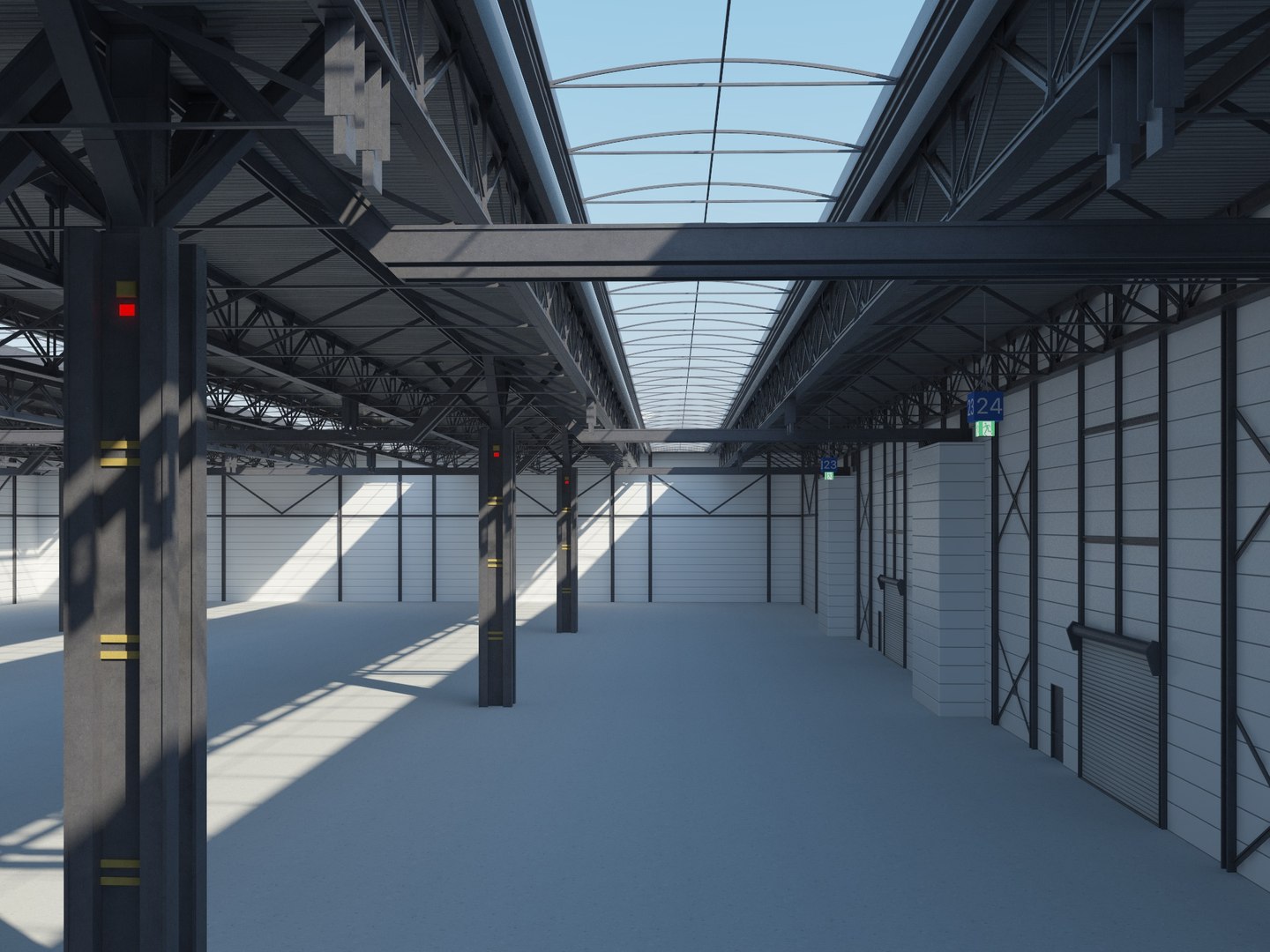
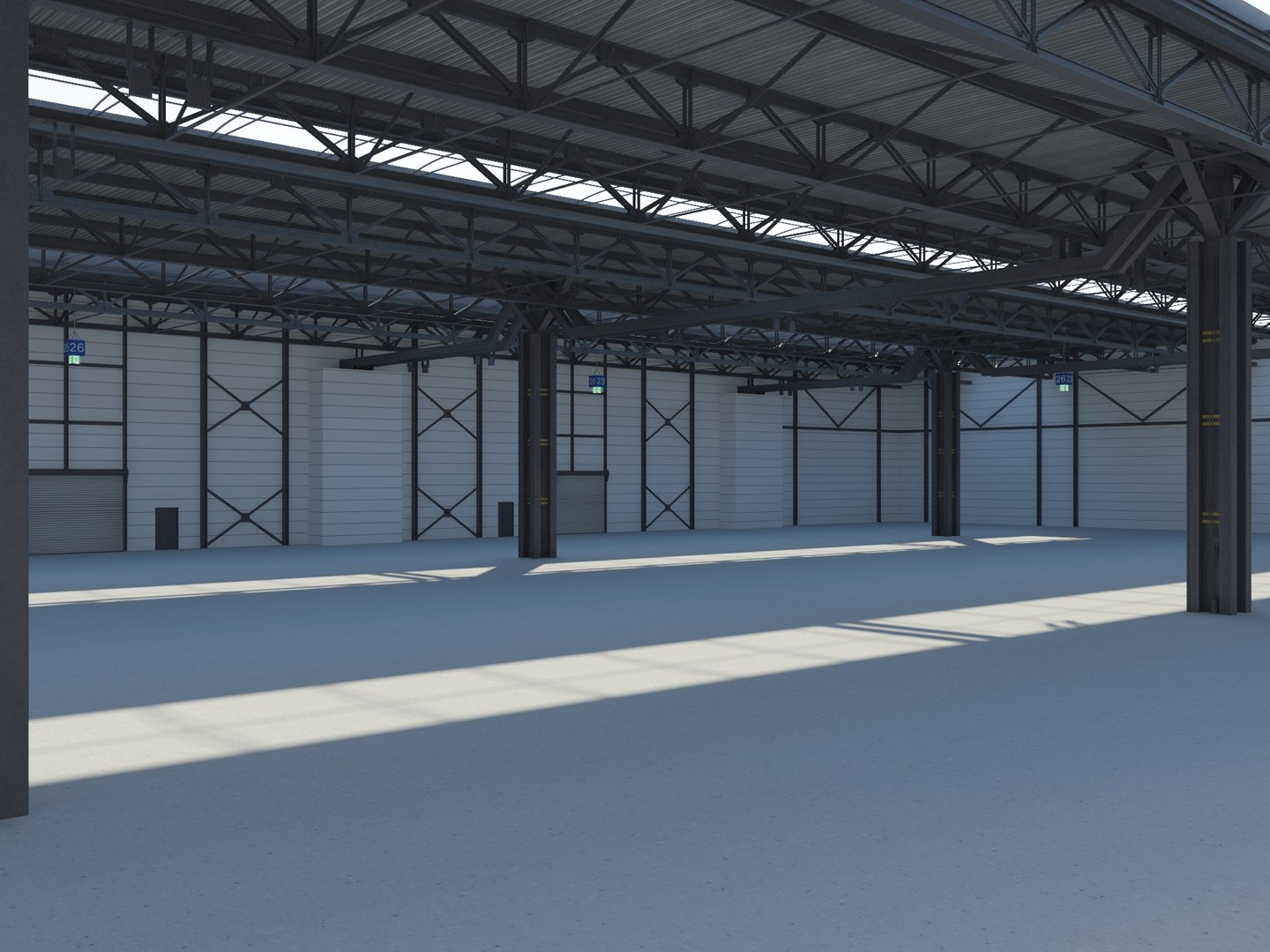
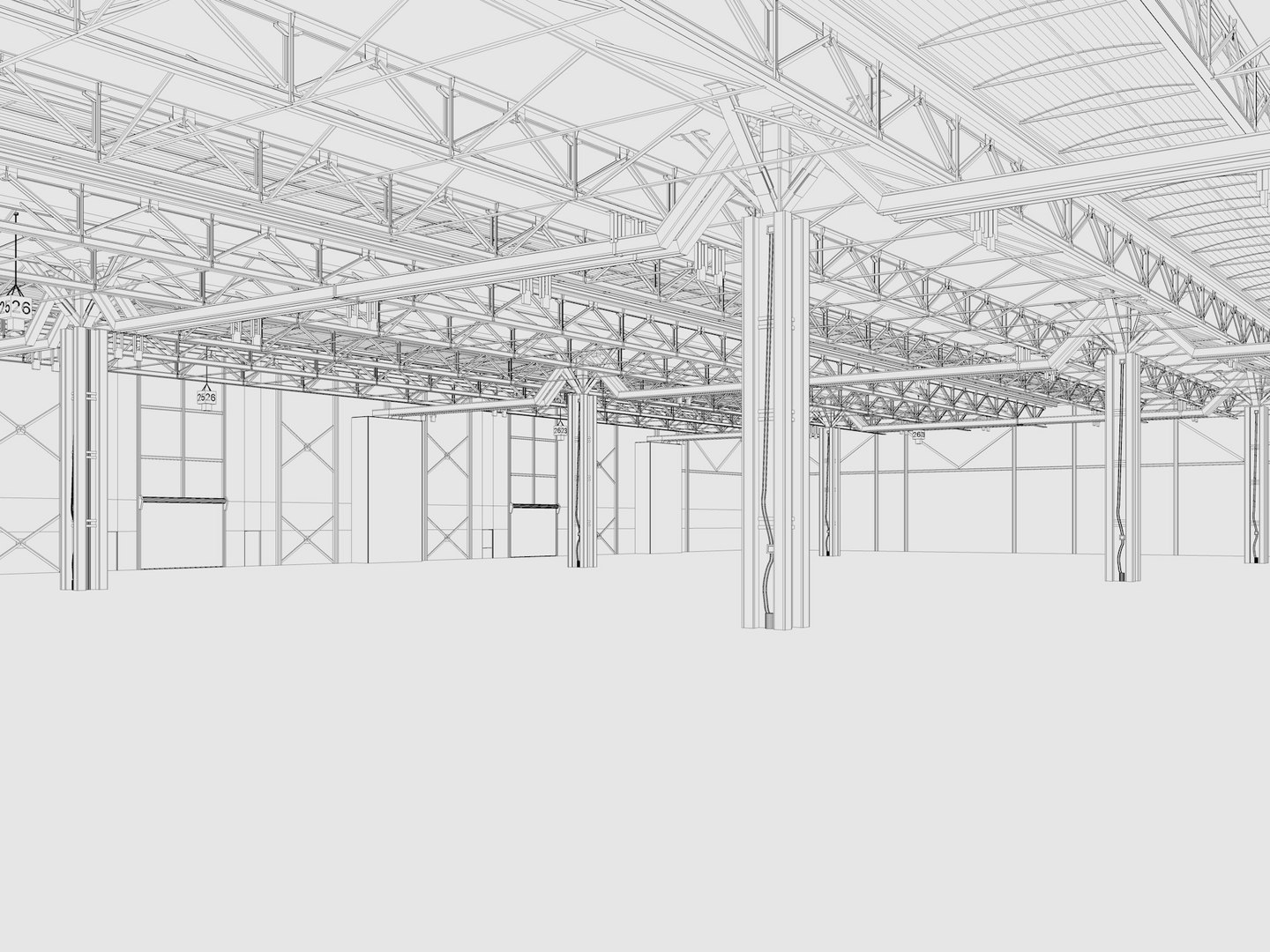
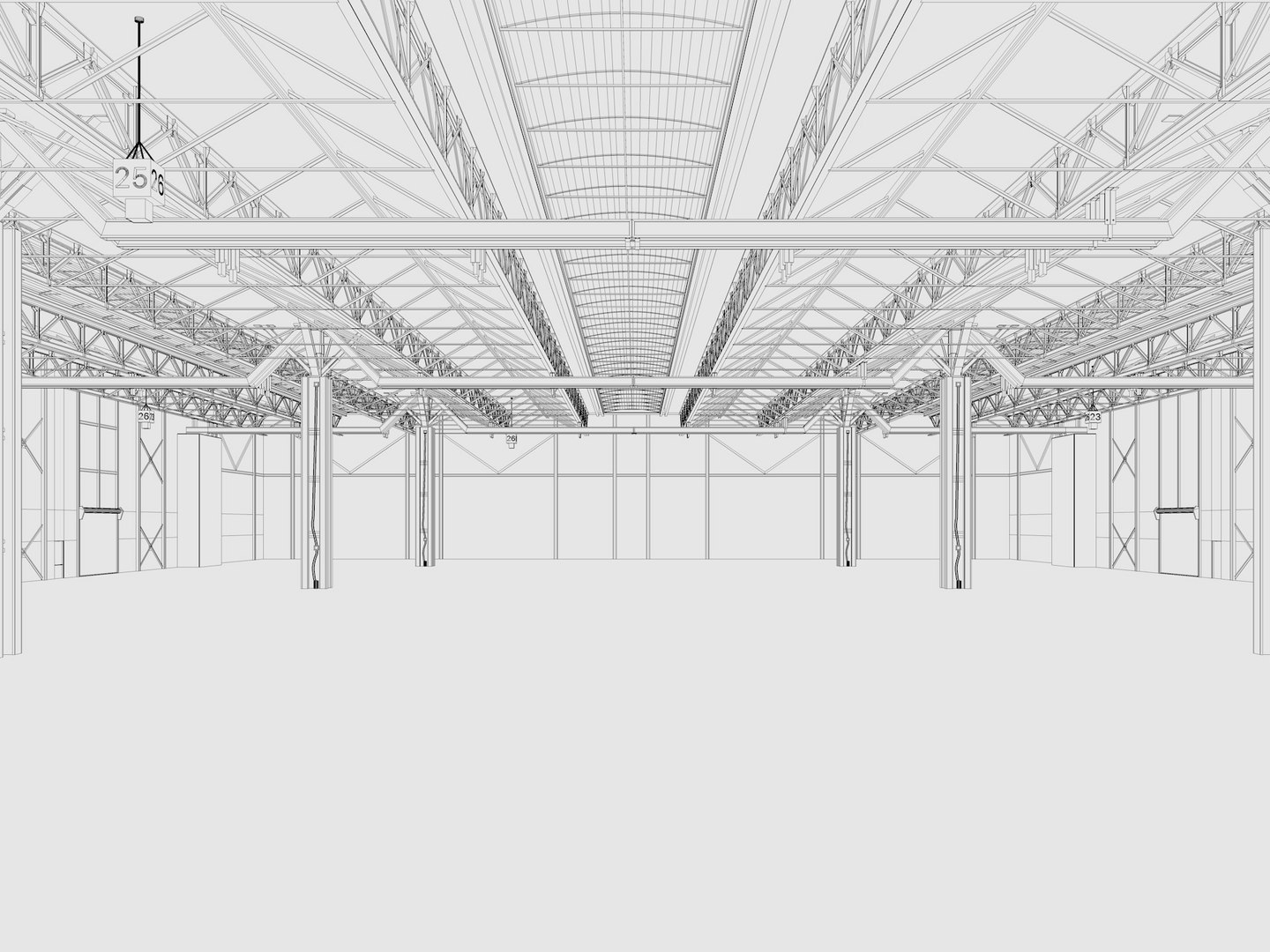
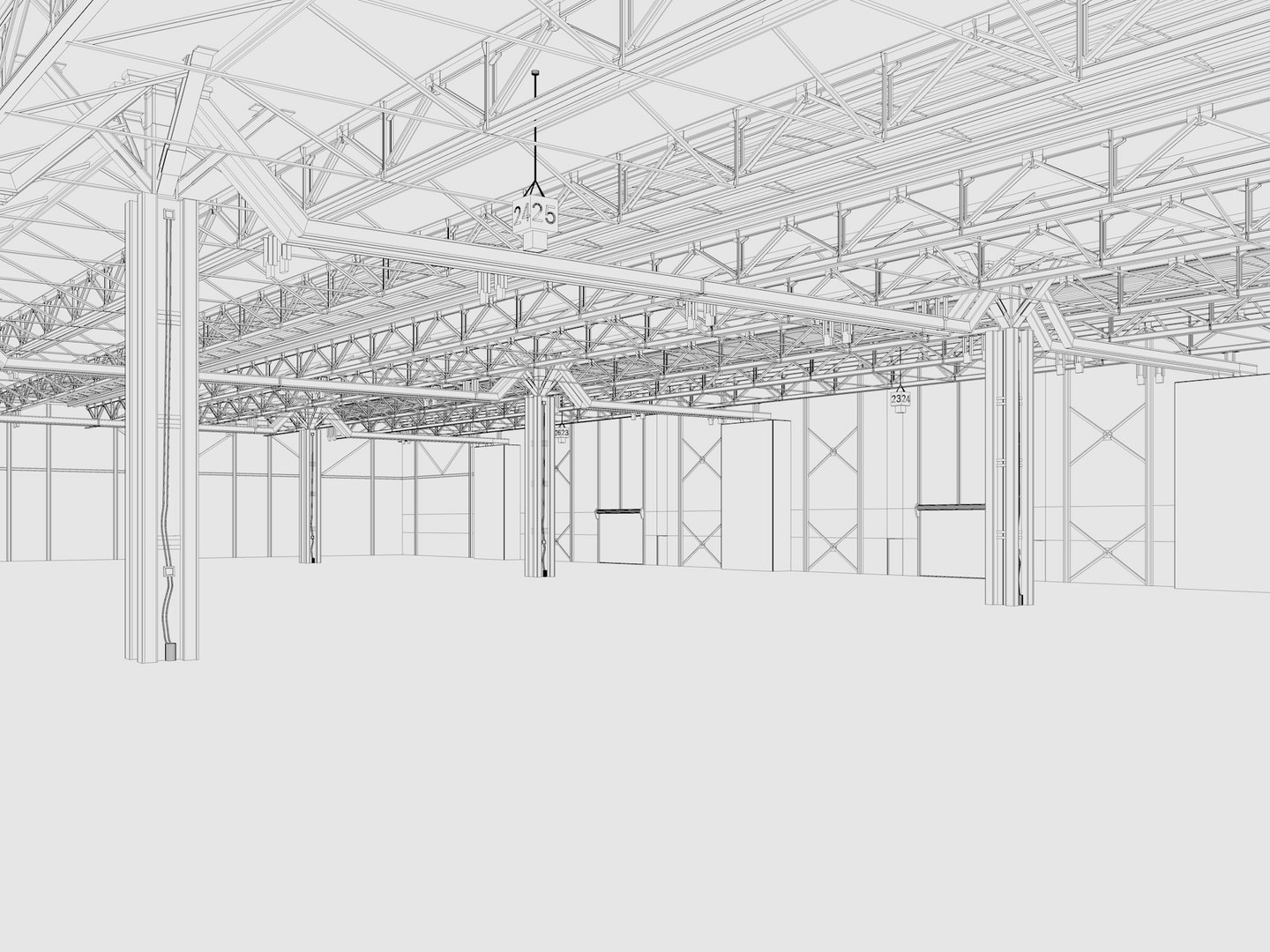
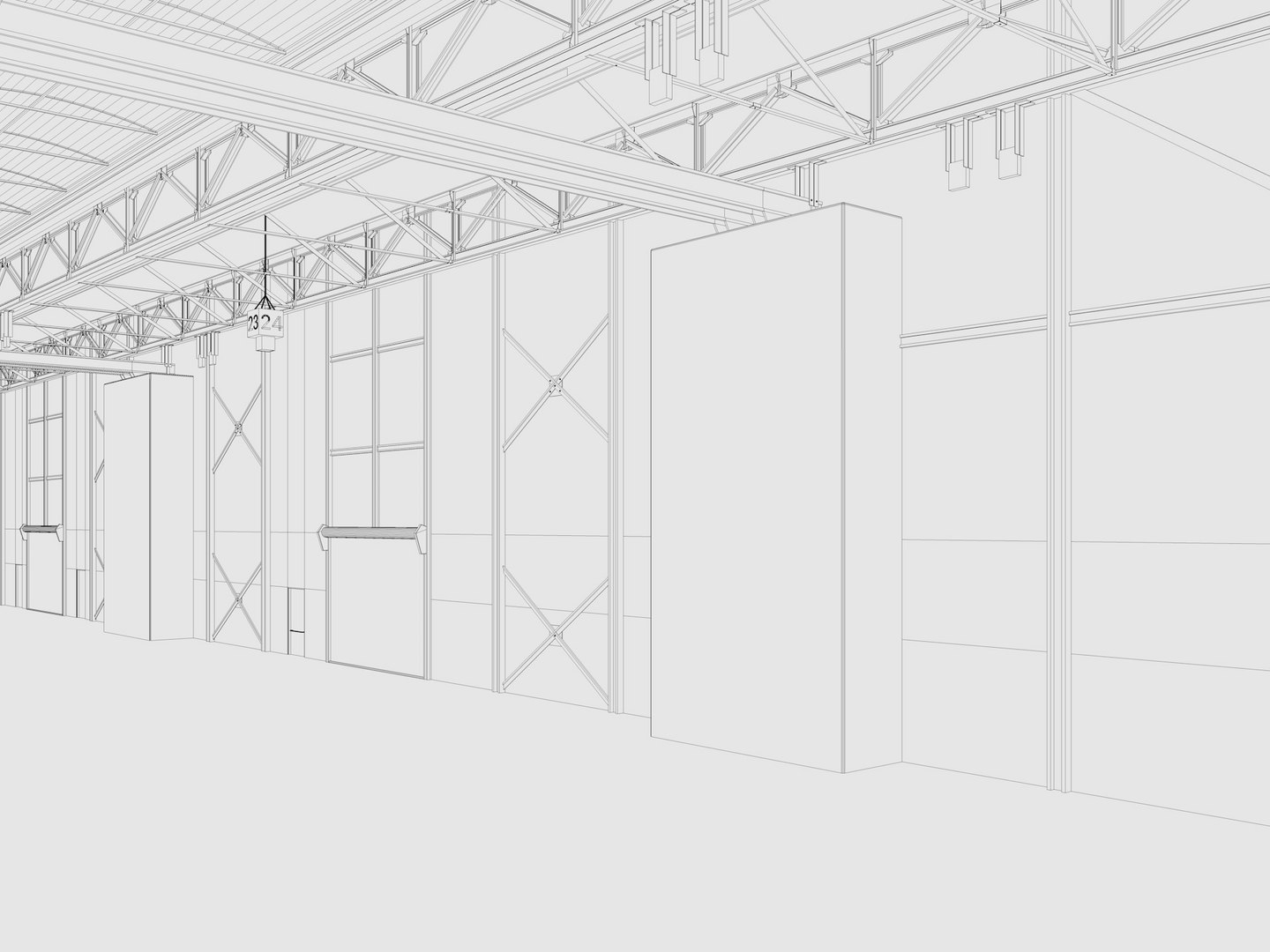
  • originally created cinema4d R19 ready scene
  • rendered with vrayforc4d 3.60 ready scene
  • If you open a model made in vrayforc4d 3.6 with vray 5, you have to replace the sun and other lights.
  • Modeled objects are grouped.
  • only textured not UVMAPPED
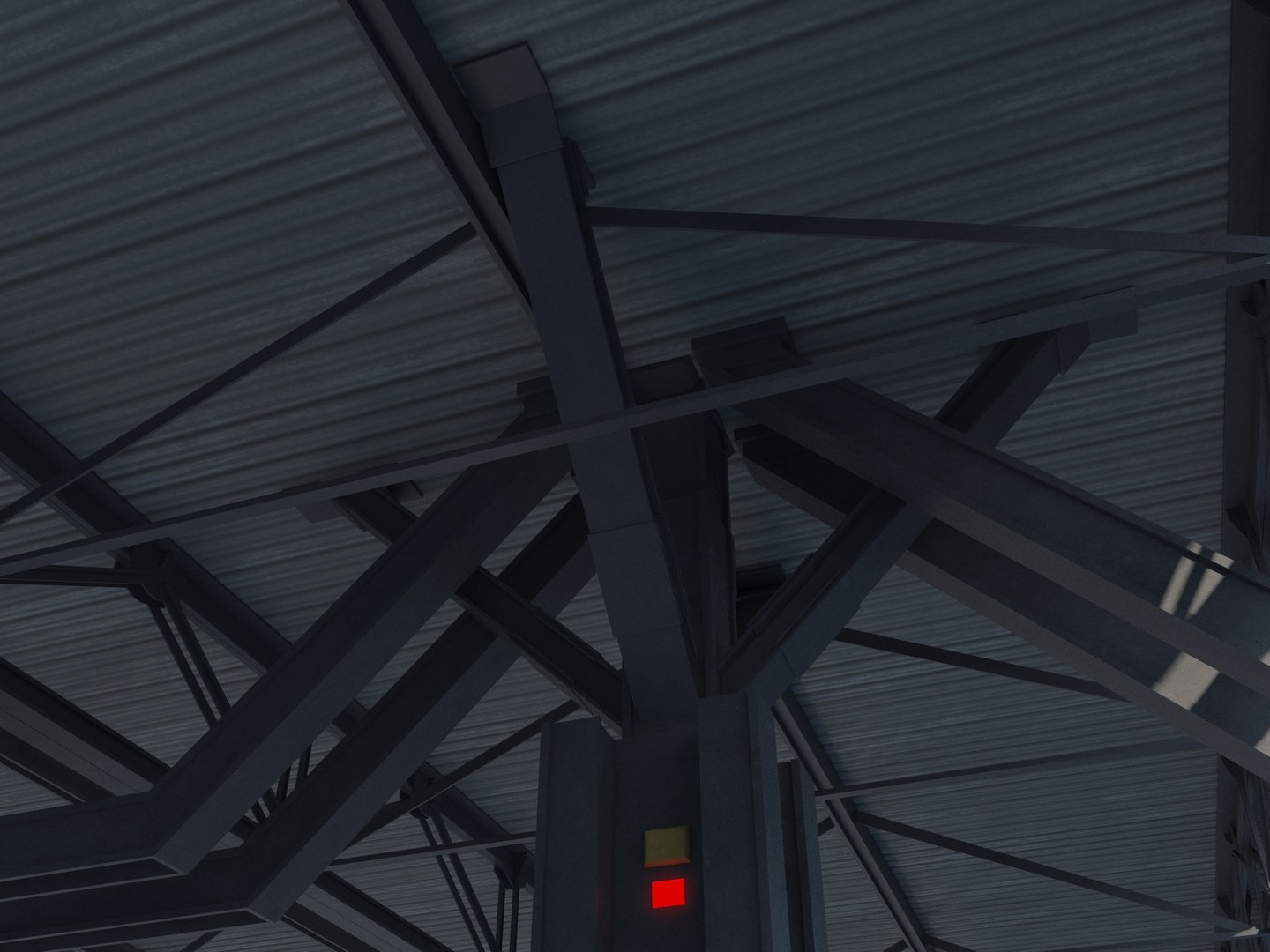
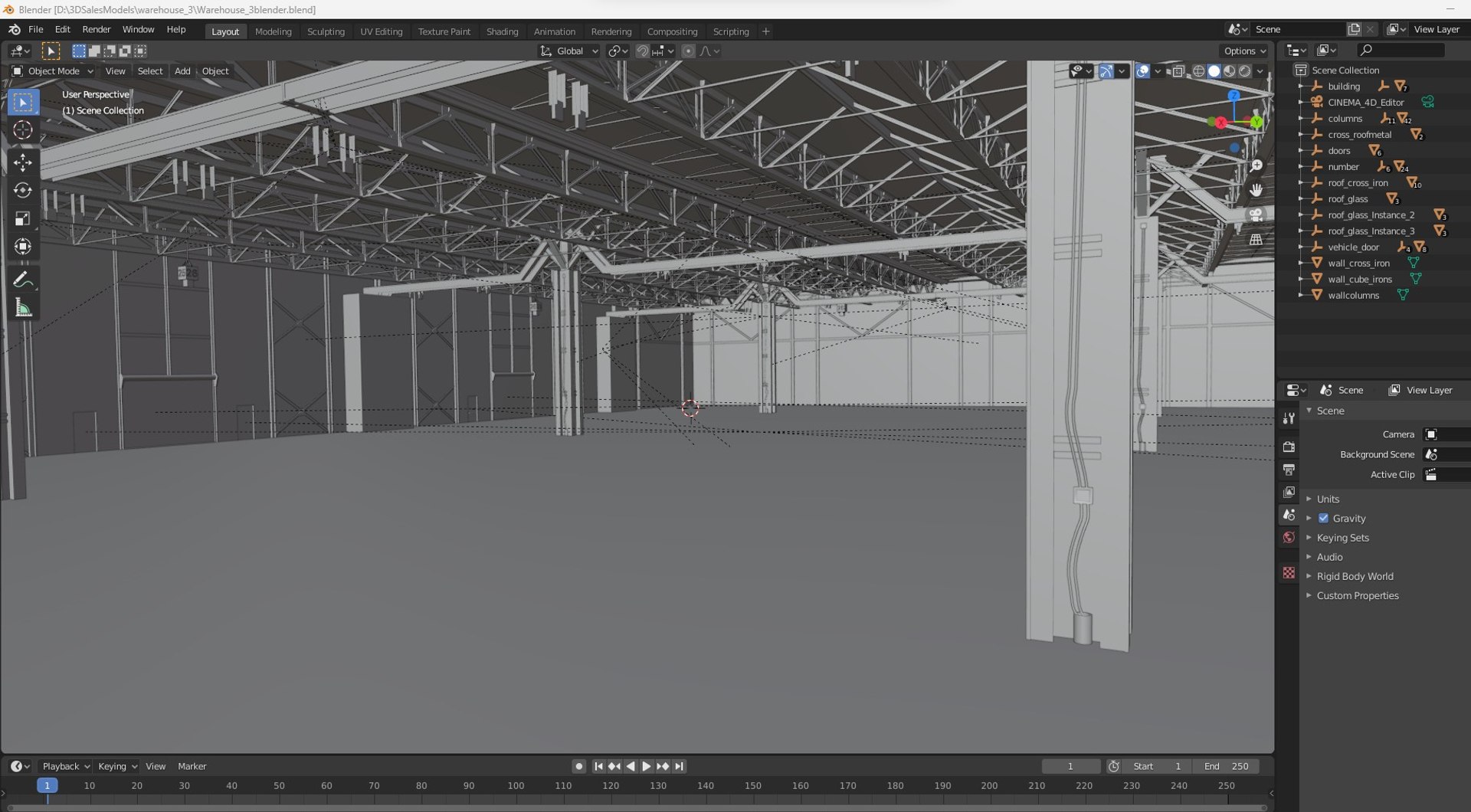
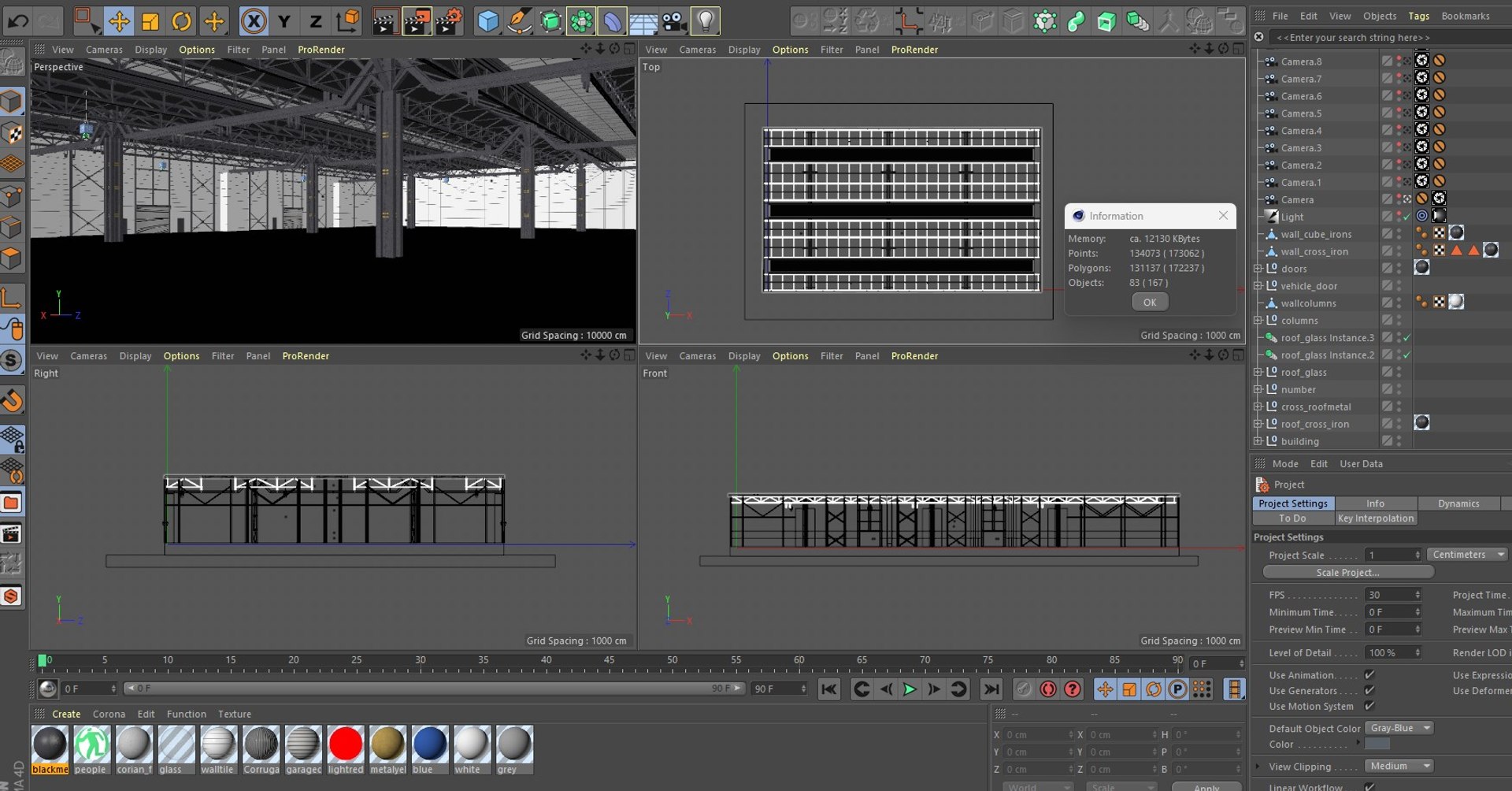
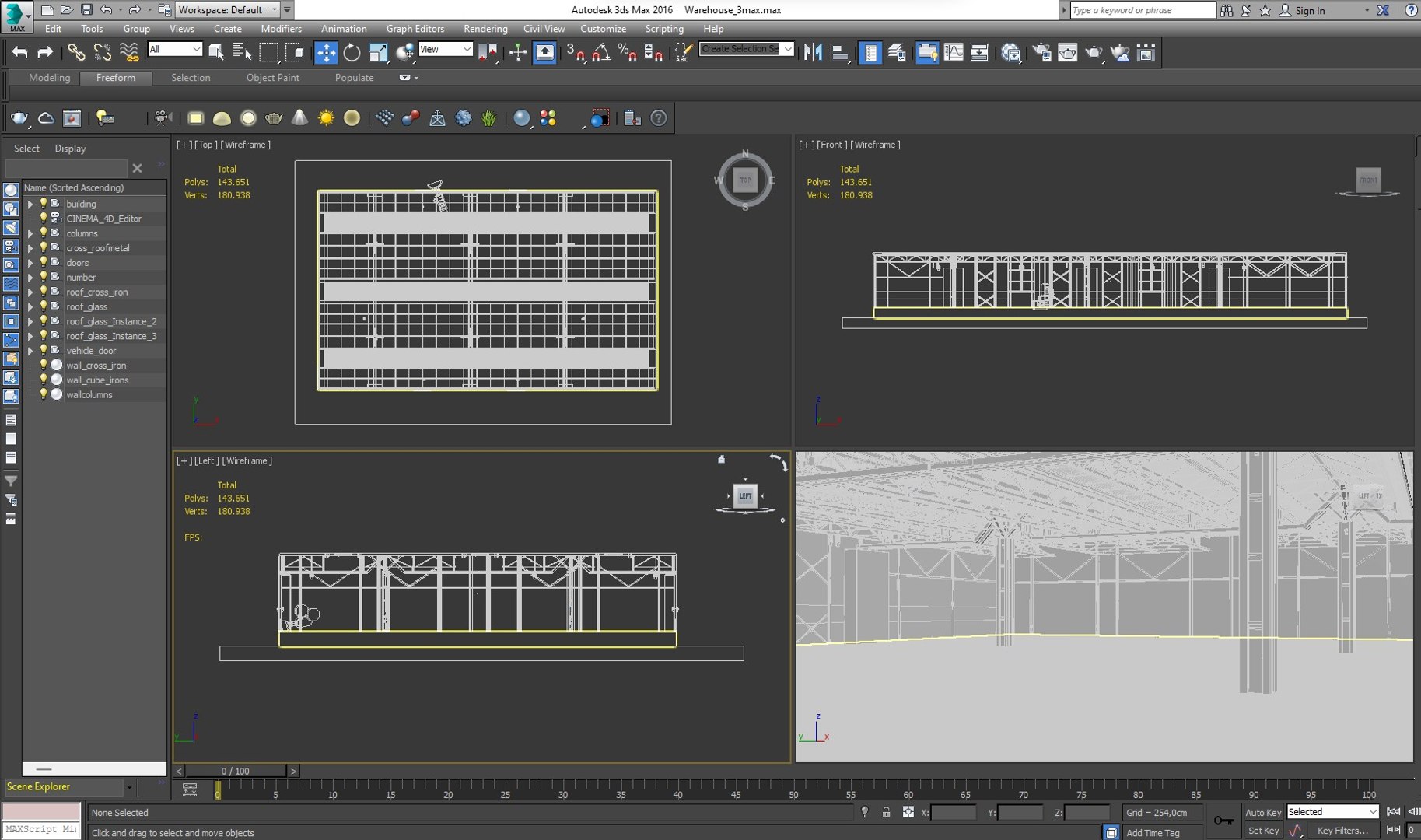
  • max , c4d , blender screenshots are available in photos.
  • The model does not contain materials and textures in the exported formats
  • only native file ready to render cinema4d and vrayforc4d 3.60
  • There is no texture in the exported formats because I use Vray material
  • in exported formats , you must reassign the materials
  • models are grouped so you can simply reassign material.

  • FORMATS
  • Cinema4d R19 (vrayforc4d 3.60) ready to render with texture and materials
  • 3DSMAX 2016 (no material and texture only model)
  • Blender 2.83 (no material and texture only model)
  • FBX (no material and texture only model)
  • DAE (no material and texture only model)
  • you can see the screenshots without buying the model

  • Geometry
  • Polygons : 172237
  • Vertex : 173062

Select Enhanced License

  • $10,000 in Legal Protection (Indemnification)
  • Uncapped Legal Protection (Indemnification)
  • Waiver from injunctive relief
  • Assignable model rights
  • $1,000,000 in Legal Protection (Indemnification)
  • Waiver from injunctive relief
  • Assignable model rights
  • $250,000 in Legal Protection (Indemnification)
  • Assignable model rights
Read more about enhanced license tiers, or contact us at enterprise@turbosquid.com. Already a Shutterstock Enterprise Customer? Contact your Shutterstock Sales Support Agent to talk about adding 3D.

About Conversion Requests

To submit a conversion request for a purchased asset, please complete our Conversion Request Form.

If you have not yet purchased a model, please review our Documentation about Conversions to learn about what limitations you may encounter with a conversion.

For any additional questions about a model’s suitability for conversion, please contact TurboSquid Support.

Loading...