
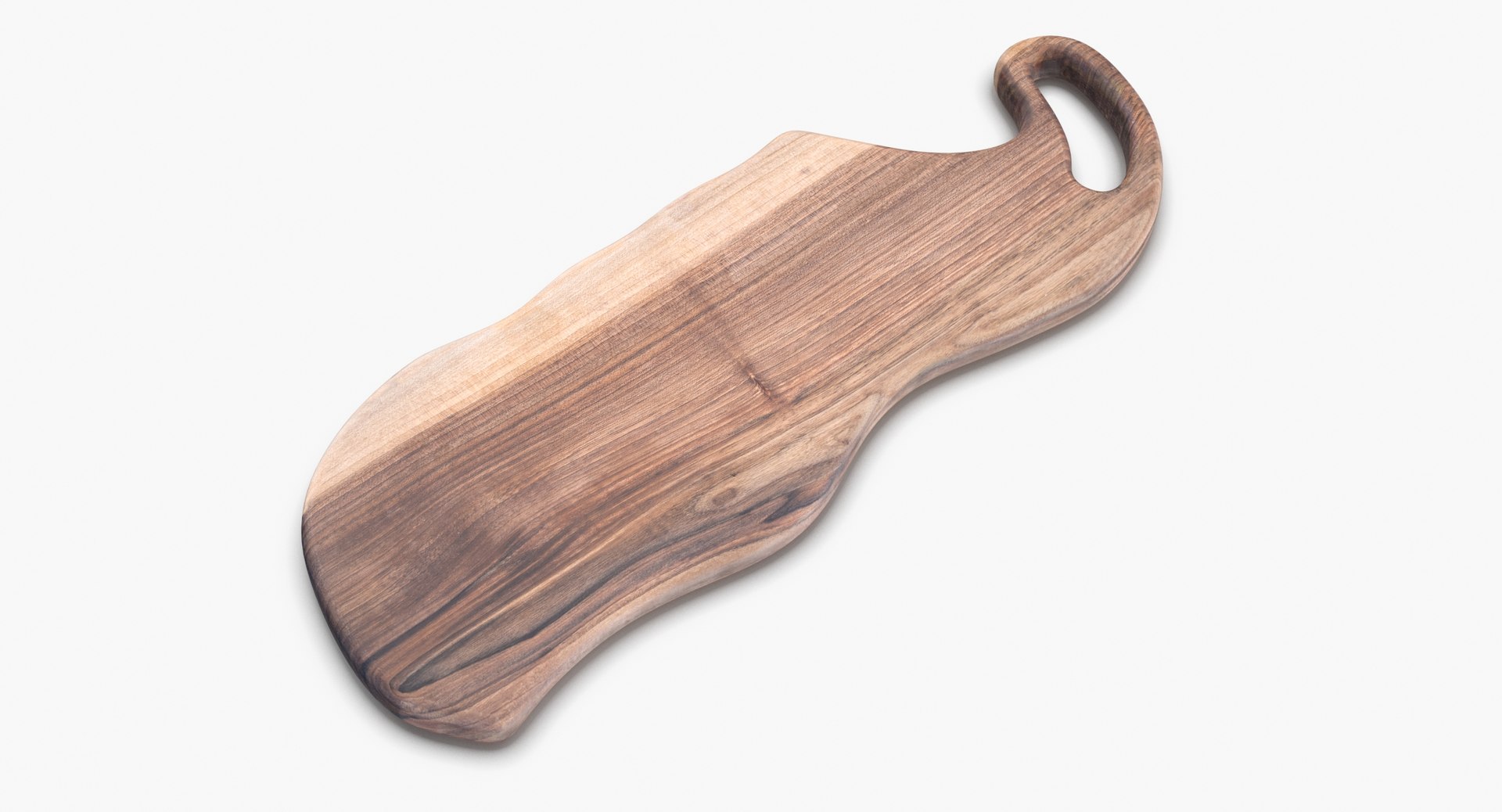
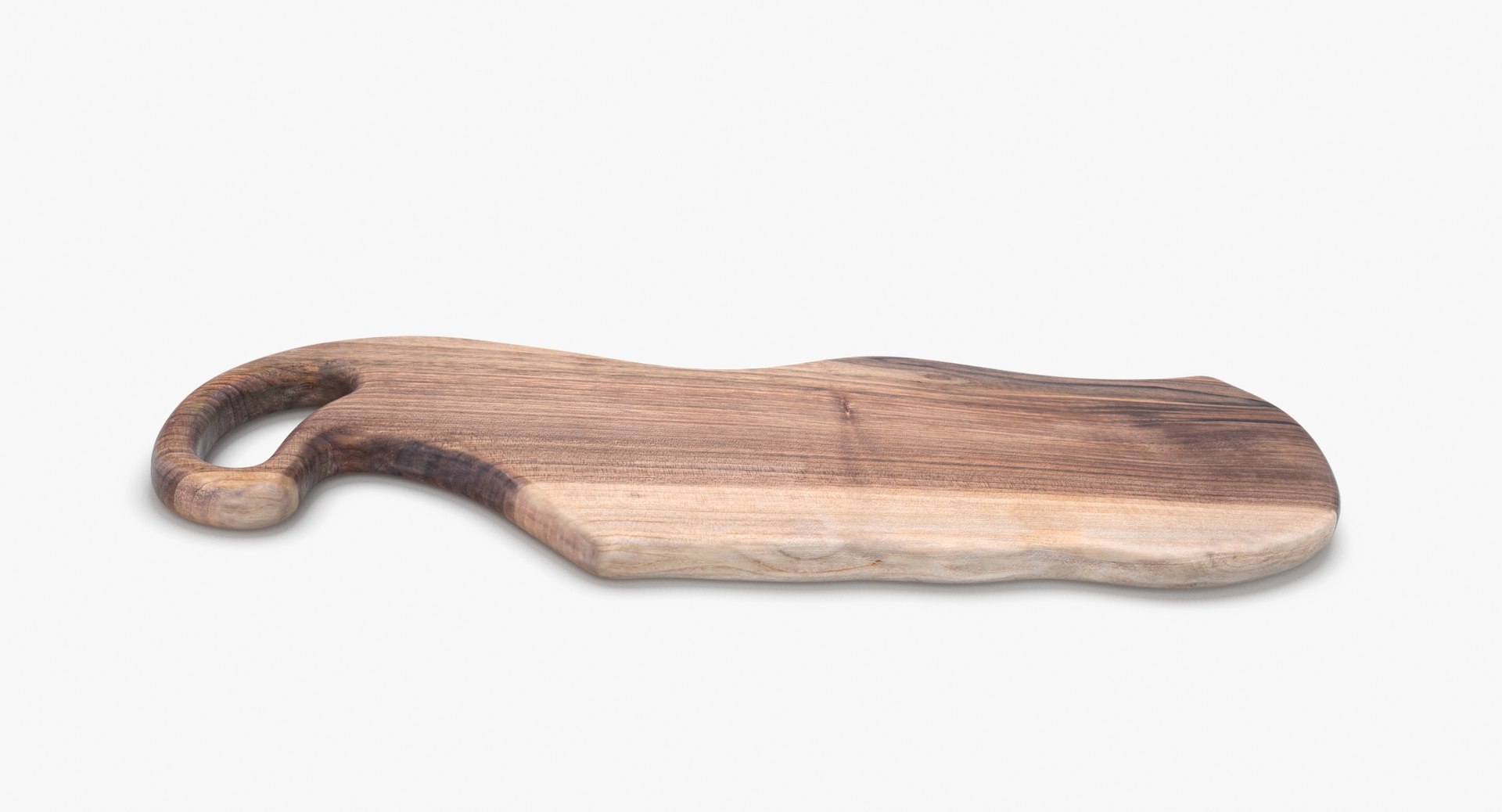
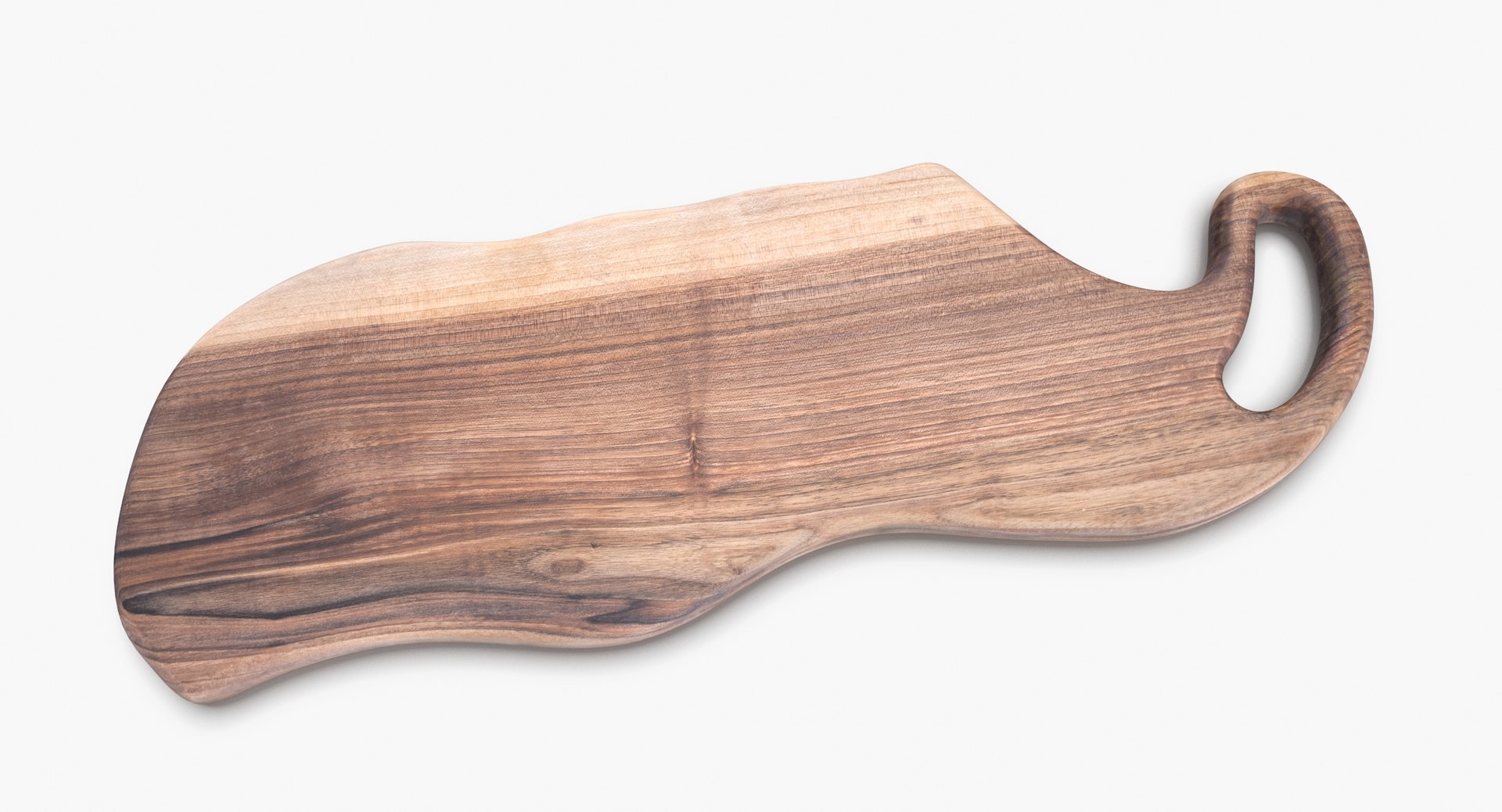
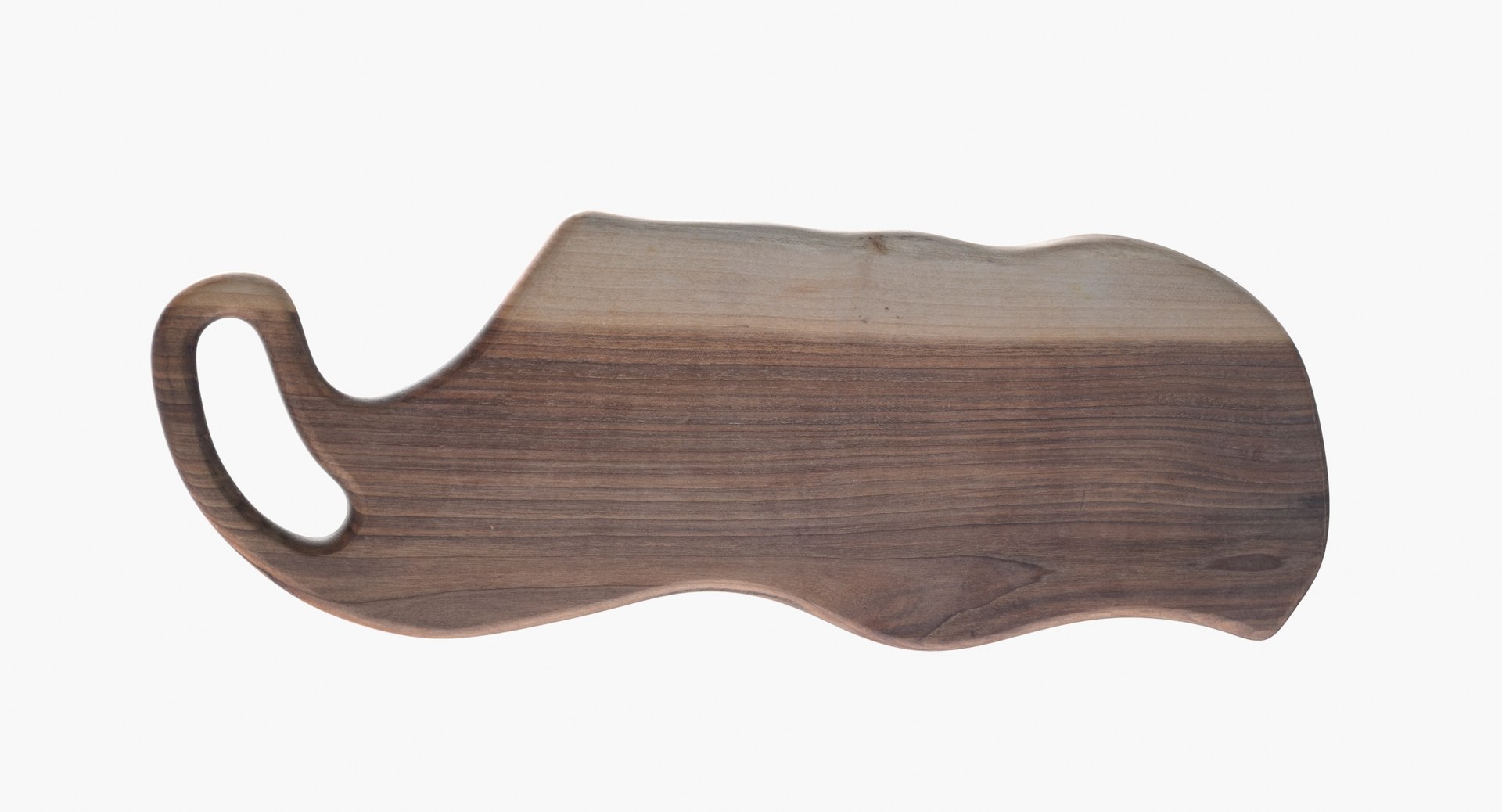
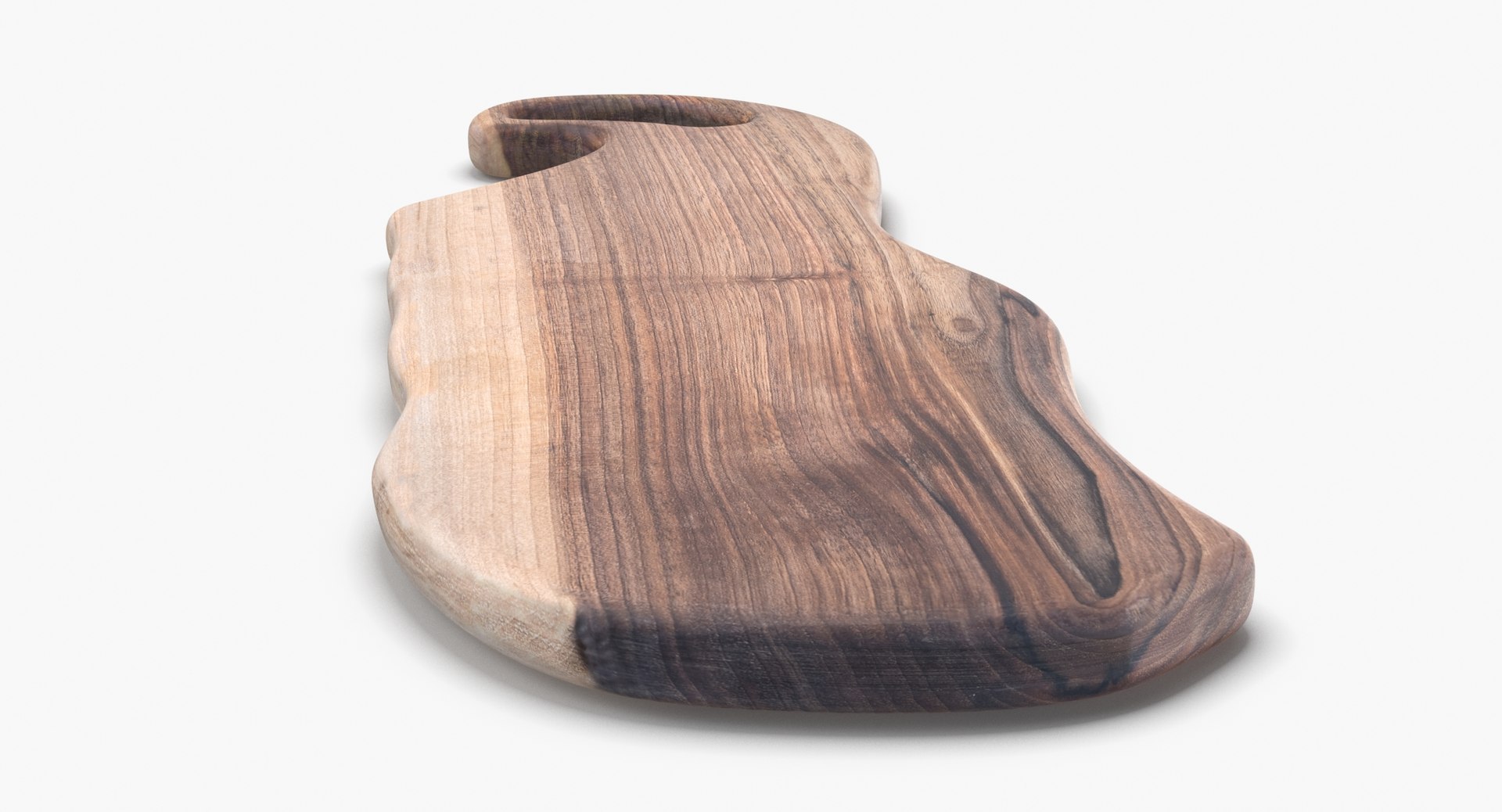
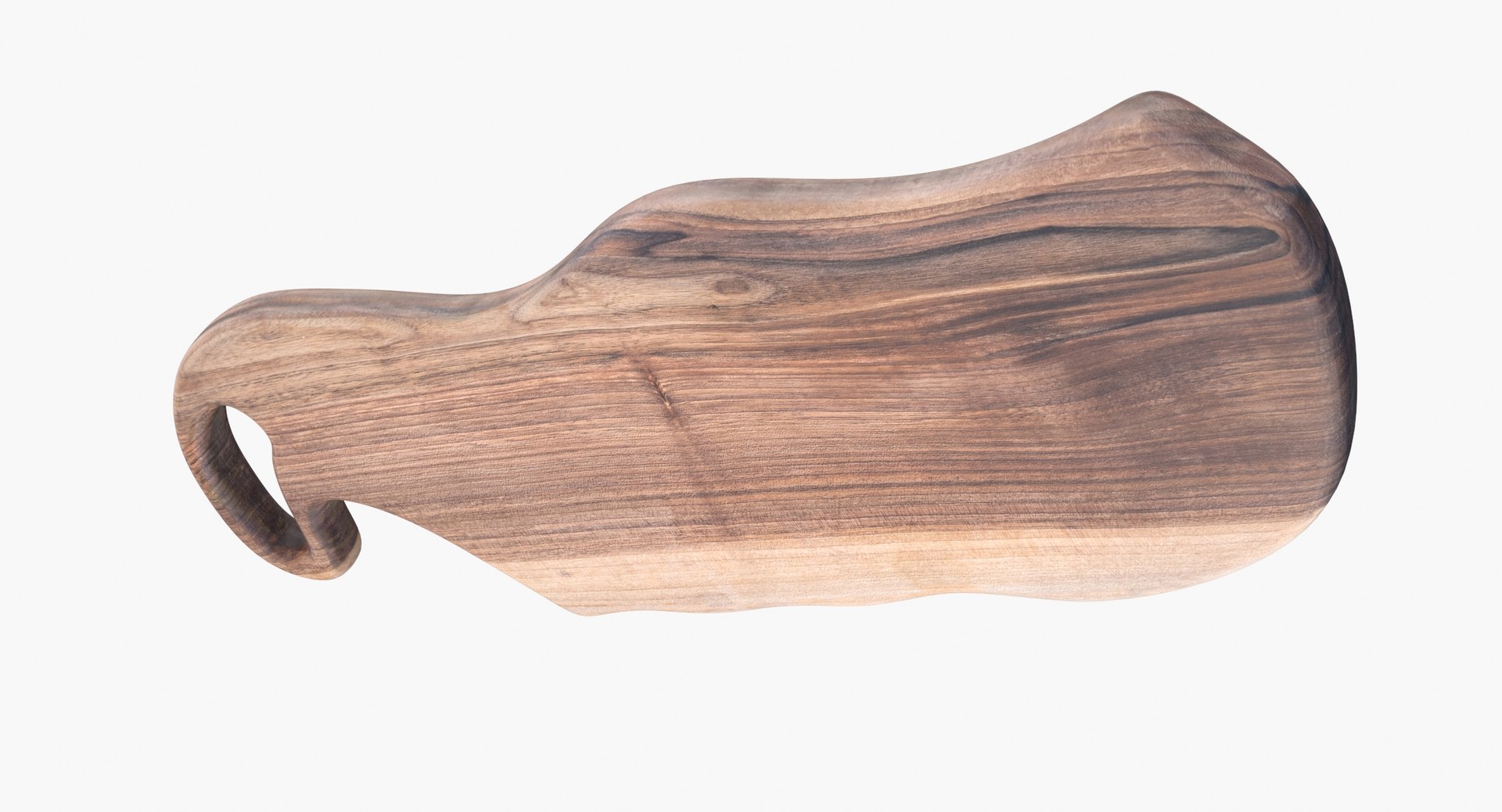
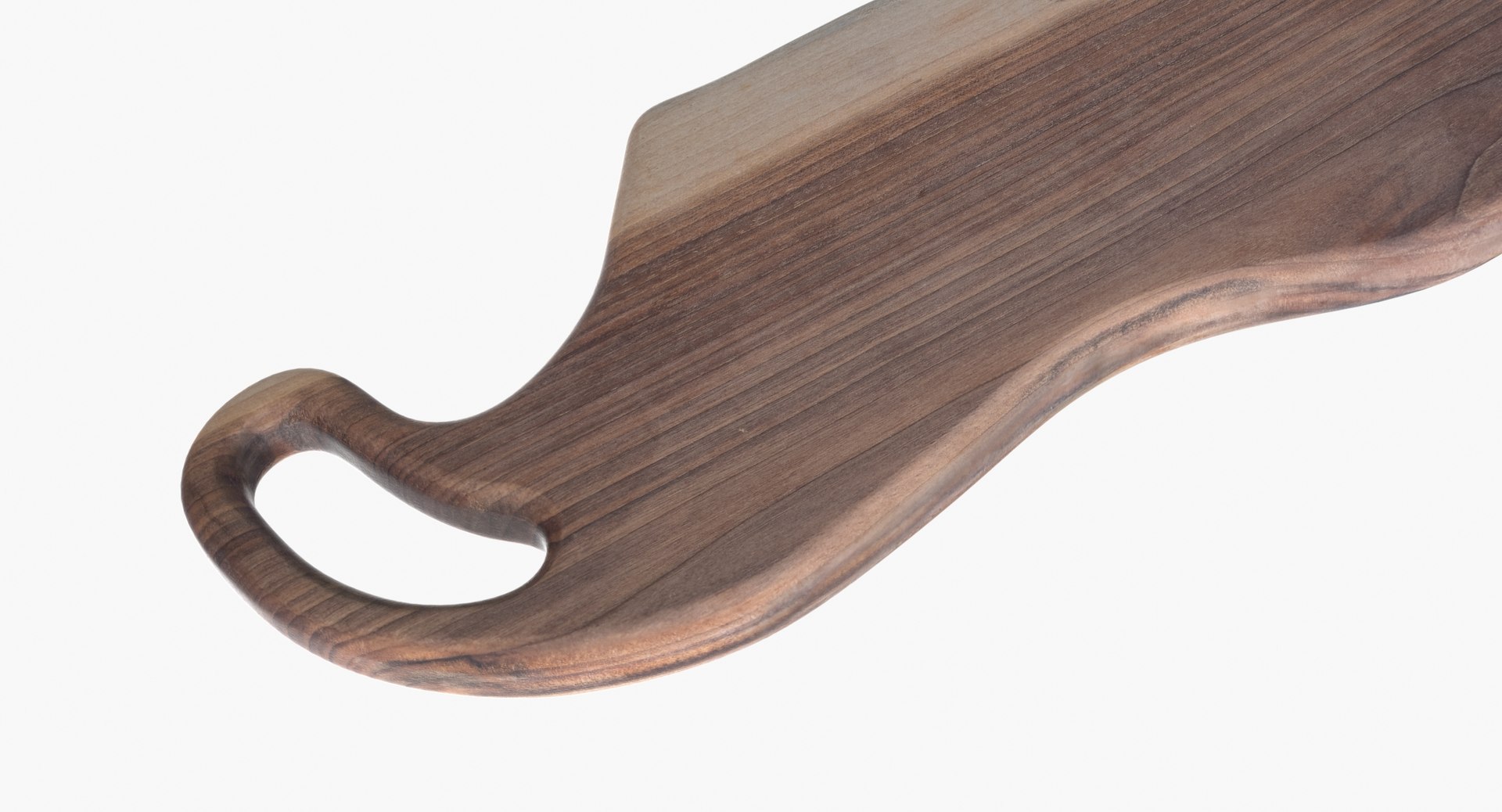
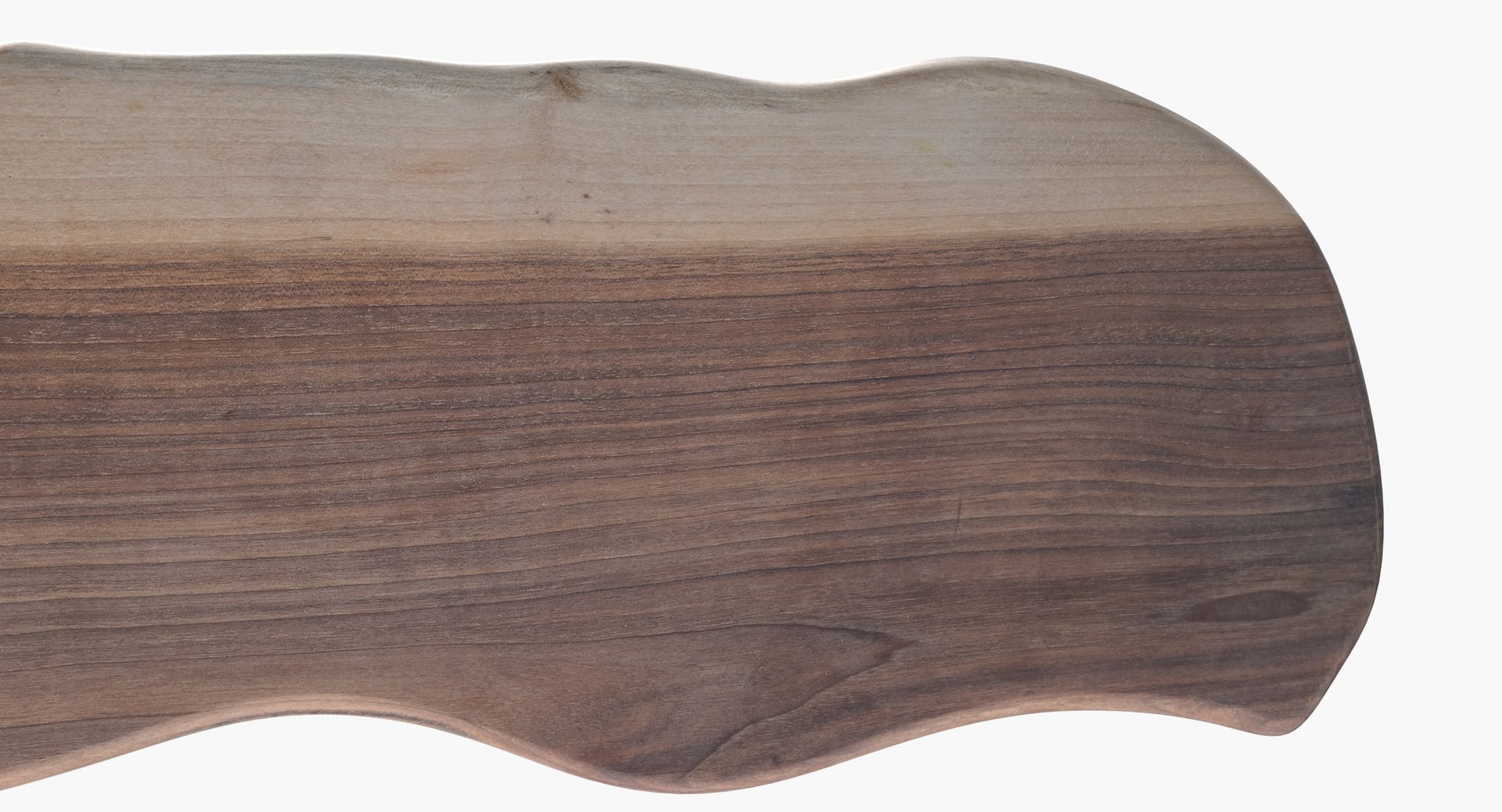
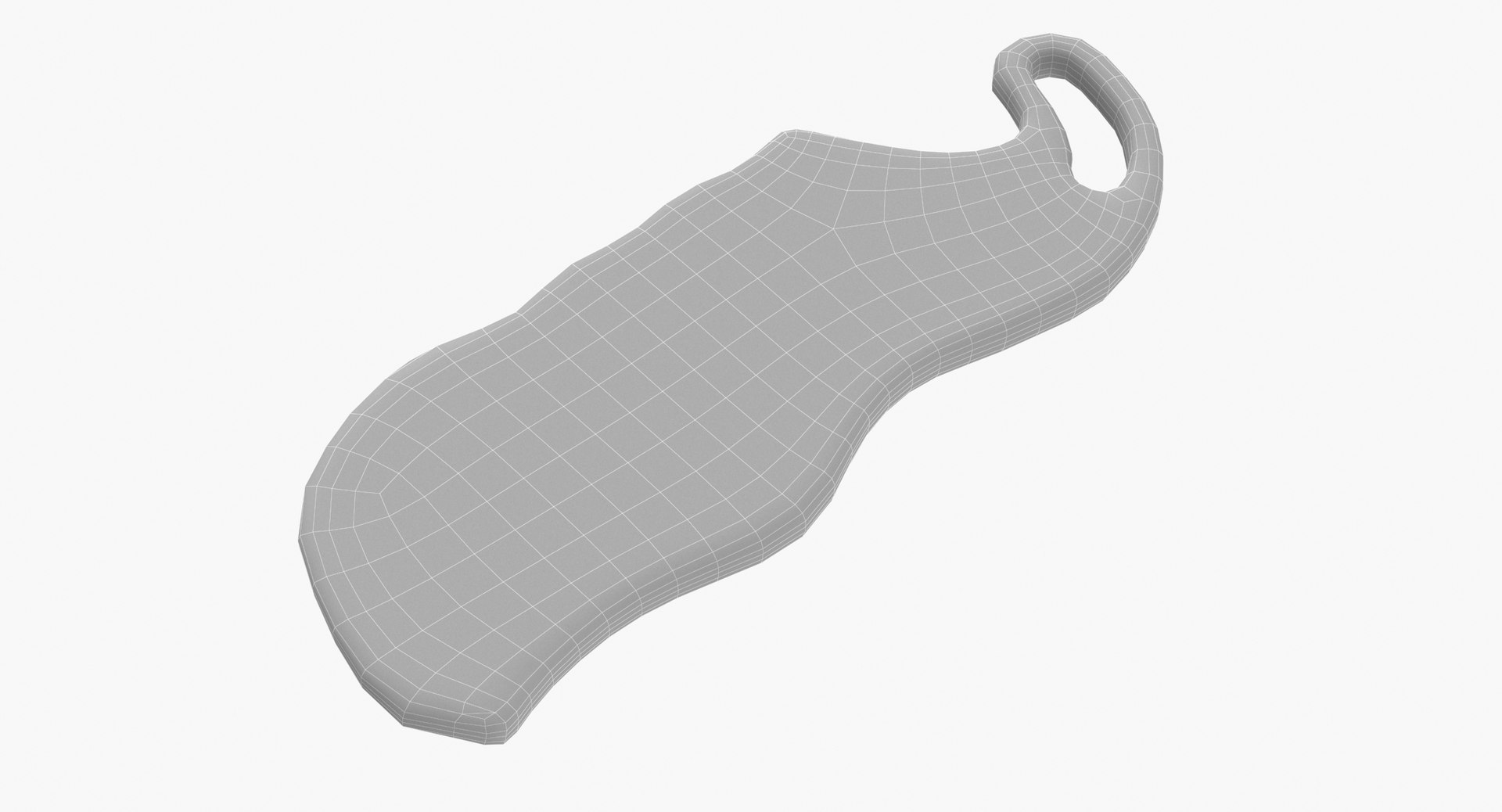
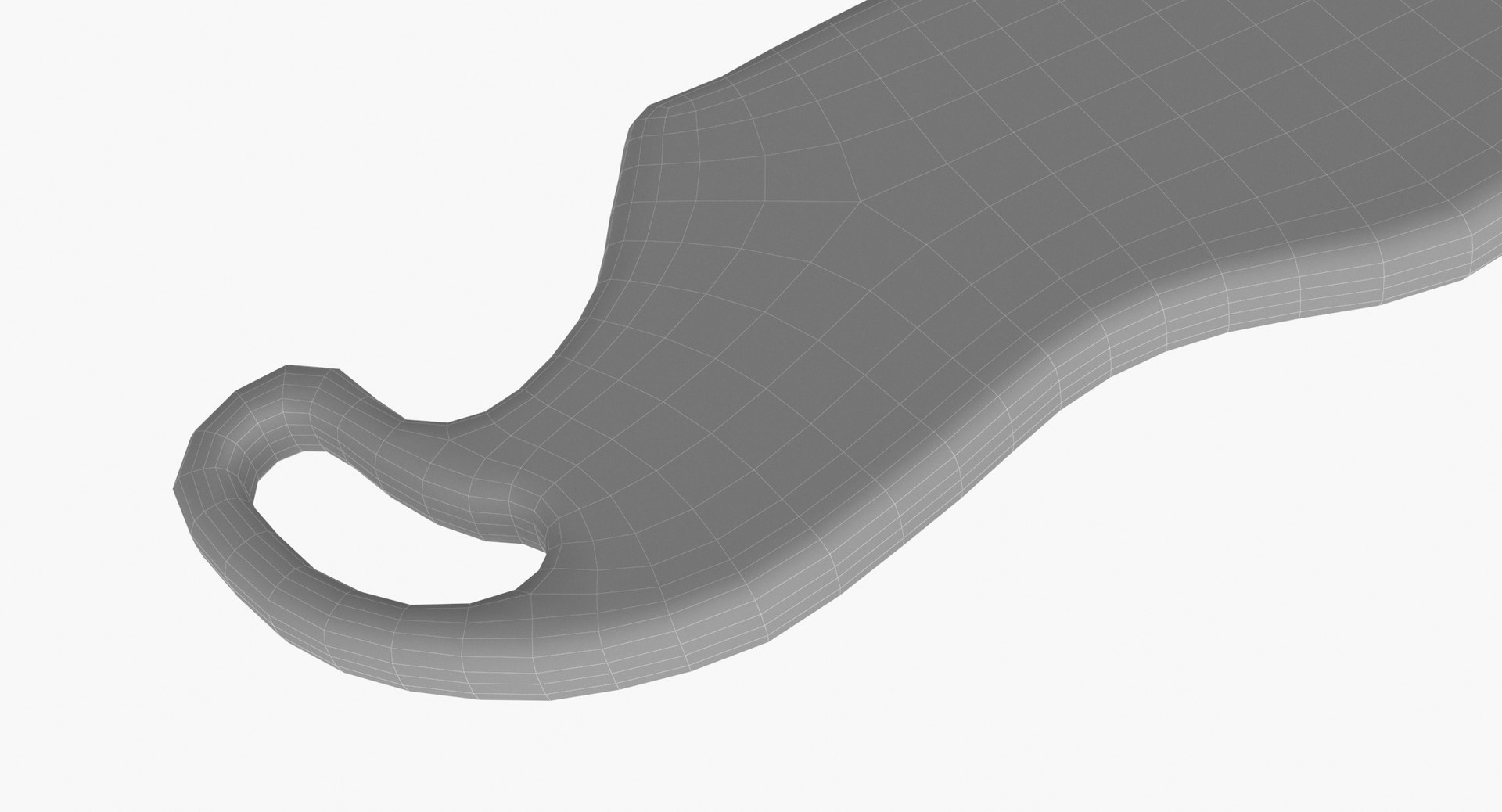
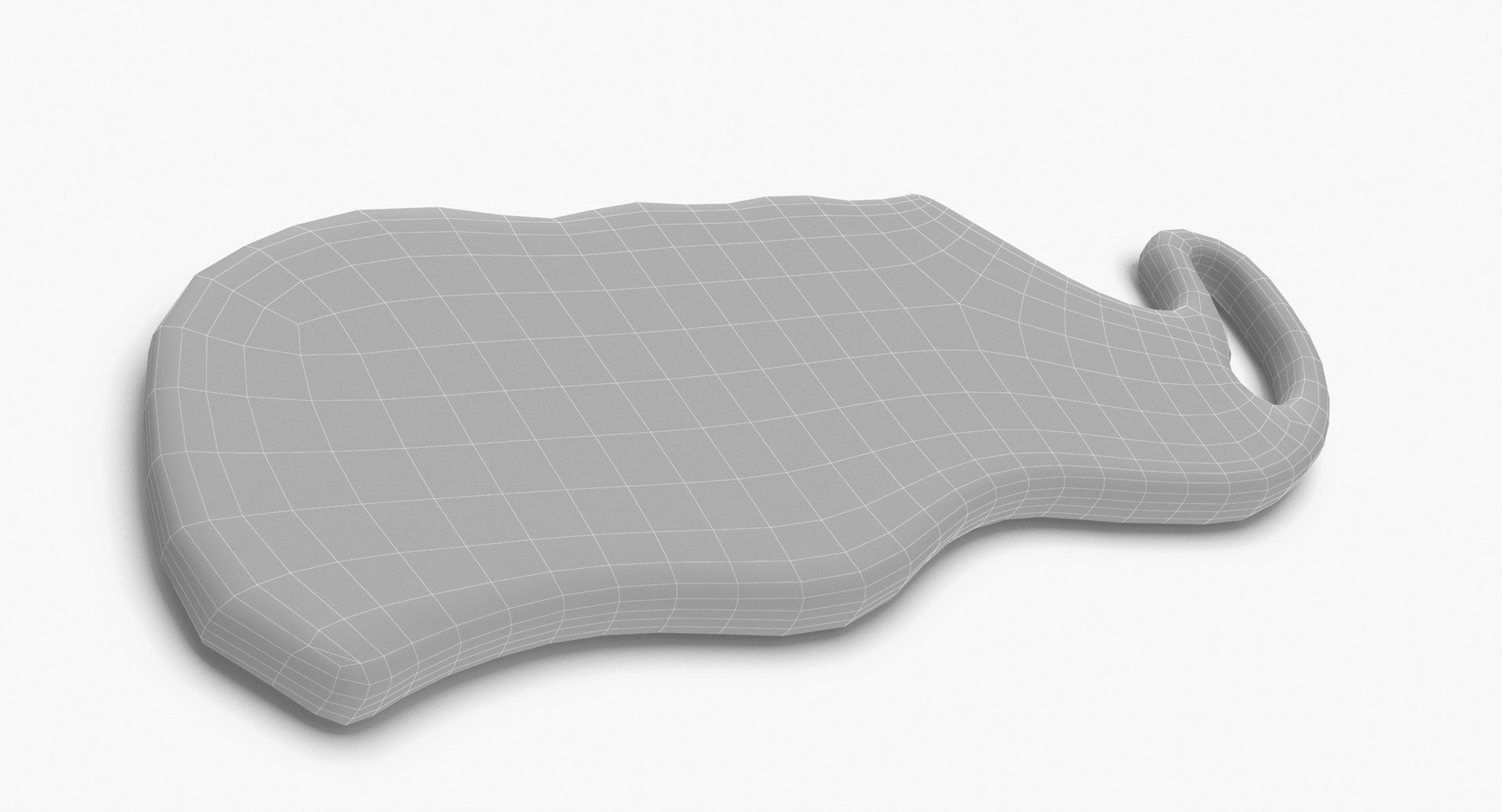
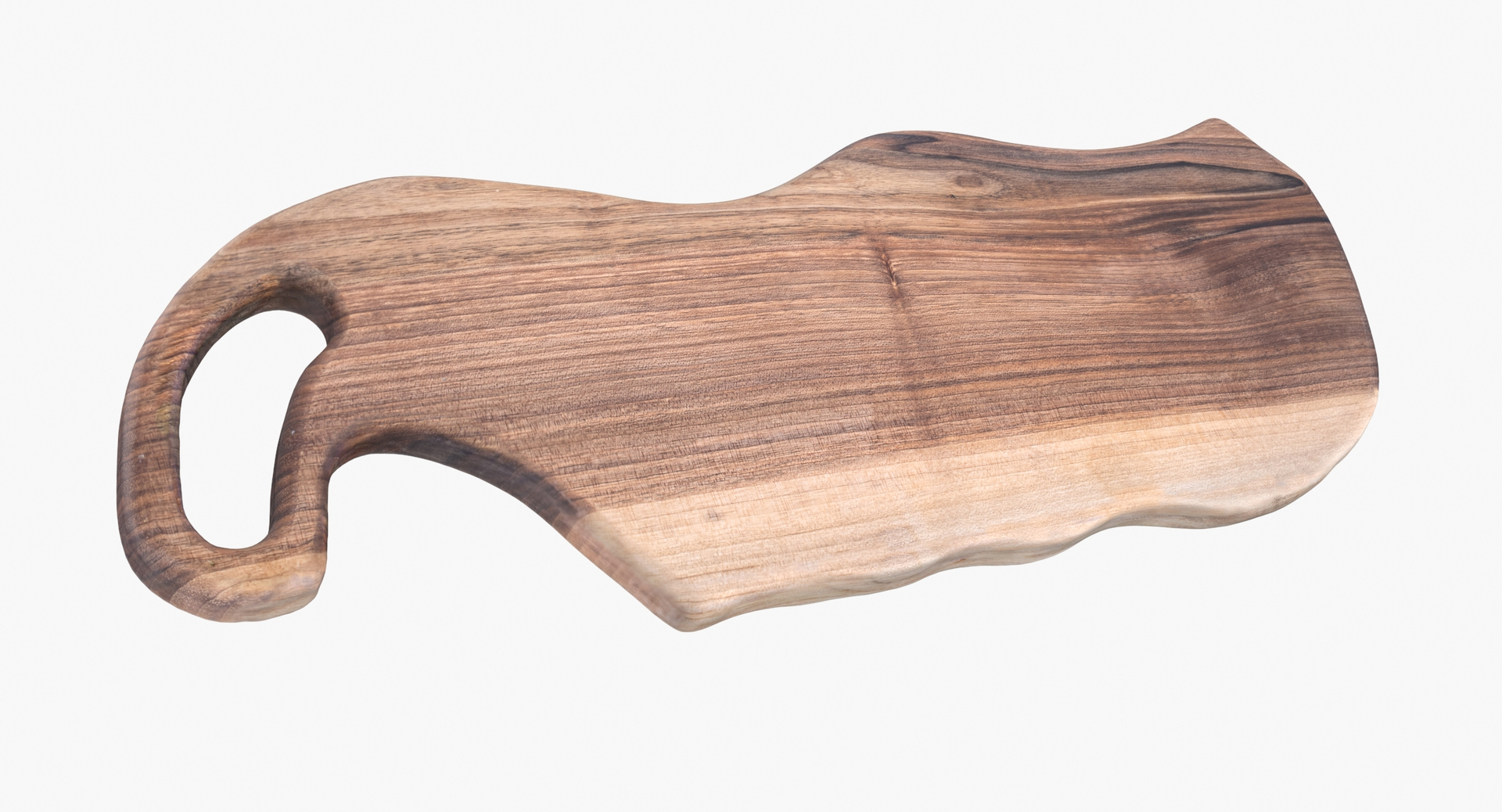
Walnut Cutting Board

$24

Standard License | Upgrade License
Formats (12)
Free file format Conversions available
Native | 3ds Max 2012 | V-Ray 3.14
Cinema 4D R16 | Default Scanline
3ds Max 2012 | mental ray
Cinema 4D R16 | V-Ray 2.55
glTF
3ds Max
USD
FBX
OBJ
Specifications
Publish Date August 03, 2022
Product ID 1937491
Polygons 1,168
Vertices 1,167
Polygonal Quads/Tris Geometry
Textures
Materials
UV Mapped
Non-overlapping Unwrapped UVs
PBR
Real-Time
TurboSquid Exclusive
member avatar
mirich21
36 Products | Contributor Since 2016
Have questions? Chat with us now.

Description

Wallnut Cuttingboard is a high quality, photorealistic 3D model.
Everything is optimised to give you best quality for up to 5k renders. Renderings shown here have no postprocessing.
The model is suitable for any visual production - broadcast, high-res film close-up, advertising, design visualization, etc.
The model was created in 3Ds Max 2012, then fully textured and rendered using V-Ray.
This model contains 1 objects.
Model created in real world size.
Units used - centimeters

Dimensions:
x =17,8 cm
y =48,2 cm
z =2.4cm

Poly counts:
Poly count : 1168
Vert count : 1167

Clean topology.
No N-Gons.
Model is fully sub-dividable.
No extra plugins are needed for this model.

Model uses Displacement map for details.
3ds Max model has Displacement (or VRayDisplacement in case of V-Ray scene) with modifier applied.

All the objects of the model are named.
All the materials are named.
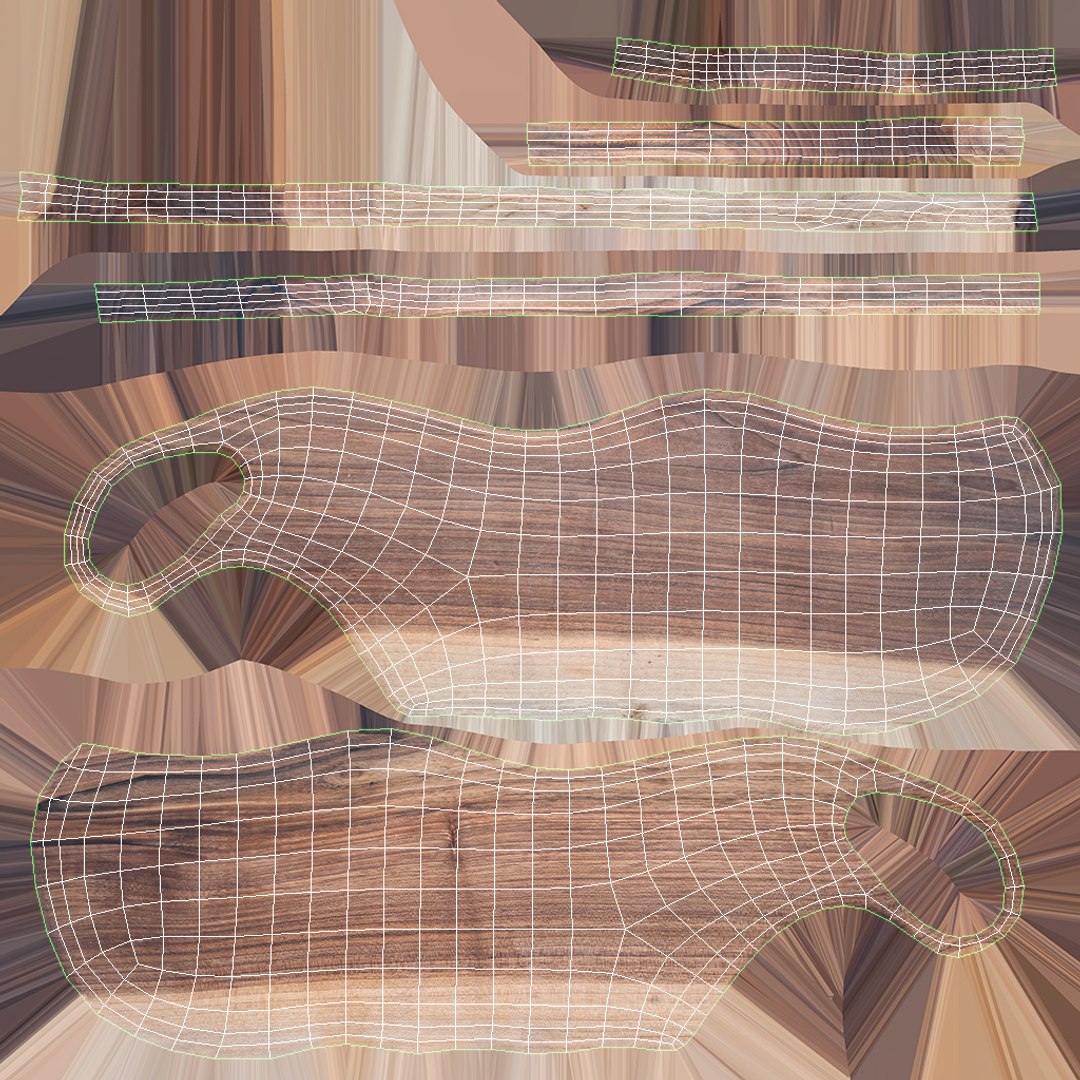
All objects have fully unwrapped UVs
All Textures are PNG format - resolutions 8192 x 8192 pix

Select Enhanced License

  • $10,000 in Legal Protection (Indemnification)
  • Uncapped Legal Protection (Indemnification)
  • Waiver from injunctive relief
  • Assignable model rights
  • $1,000,000 in Legal Protection (Indemnification)
  • Waiver from injunctive relief
  • Assignable model rights
  • $250,000 in Legal Protection (Indemnification)
  • Assignable model rights
Read more about enhanced license tiers, or contact us at enterprise@turbosquid.com. Already a Shutterstock Enterprise Customer? Contact your Shutterstock Sales Support Agent to talk about adding 3D.

About Conversion Requests

To submit a conversion request for a purchased asset, please complete our Conversion Request Form.

If you have not yet purchased a model, please review our Documentation about Conversions to learn about what limitations you may encounter with a conversion.

For any additional questions about a model’s suitability for conversion, please contact TurboSquid Support.

Loading...