
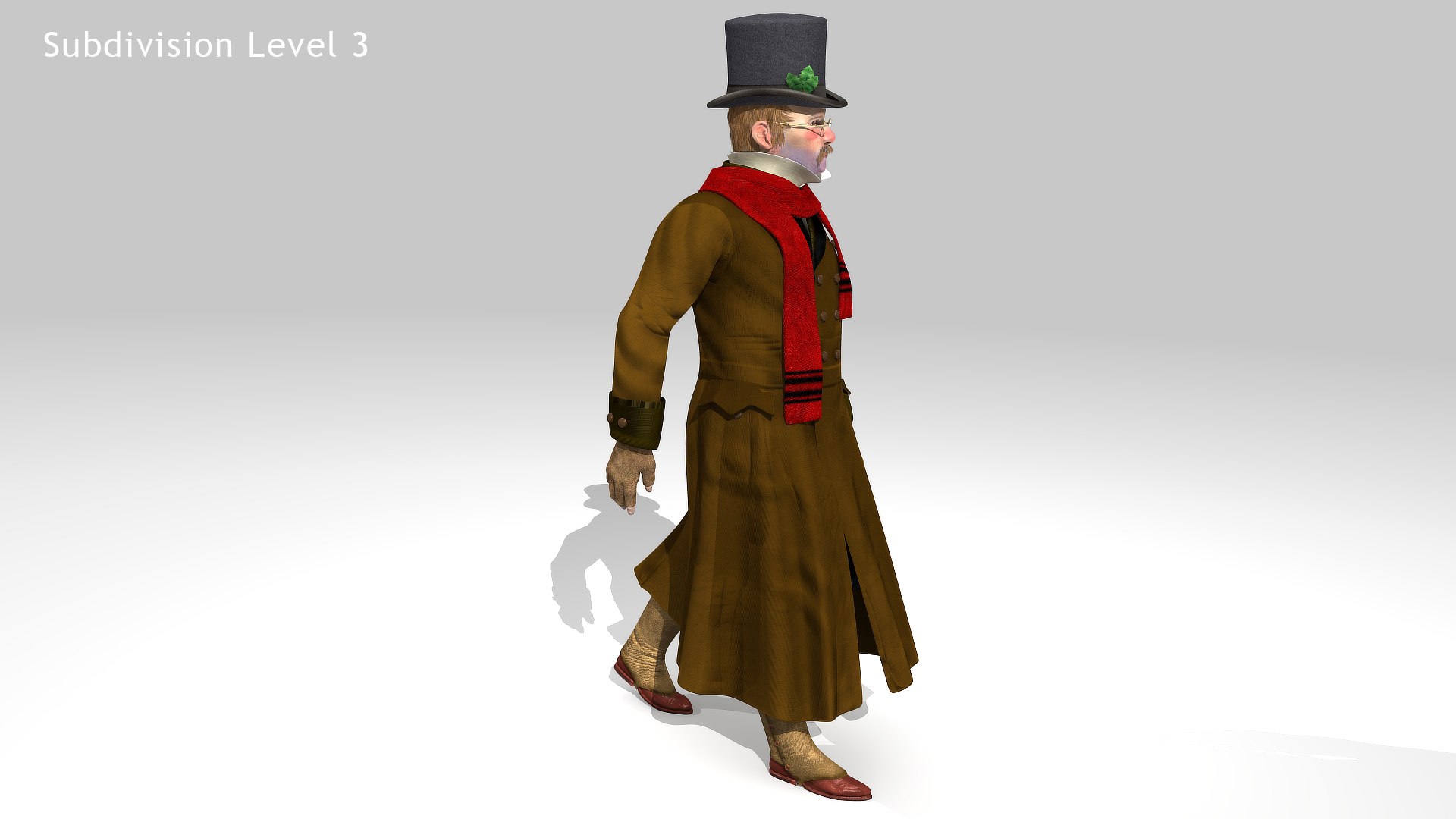
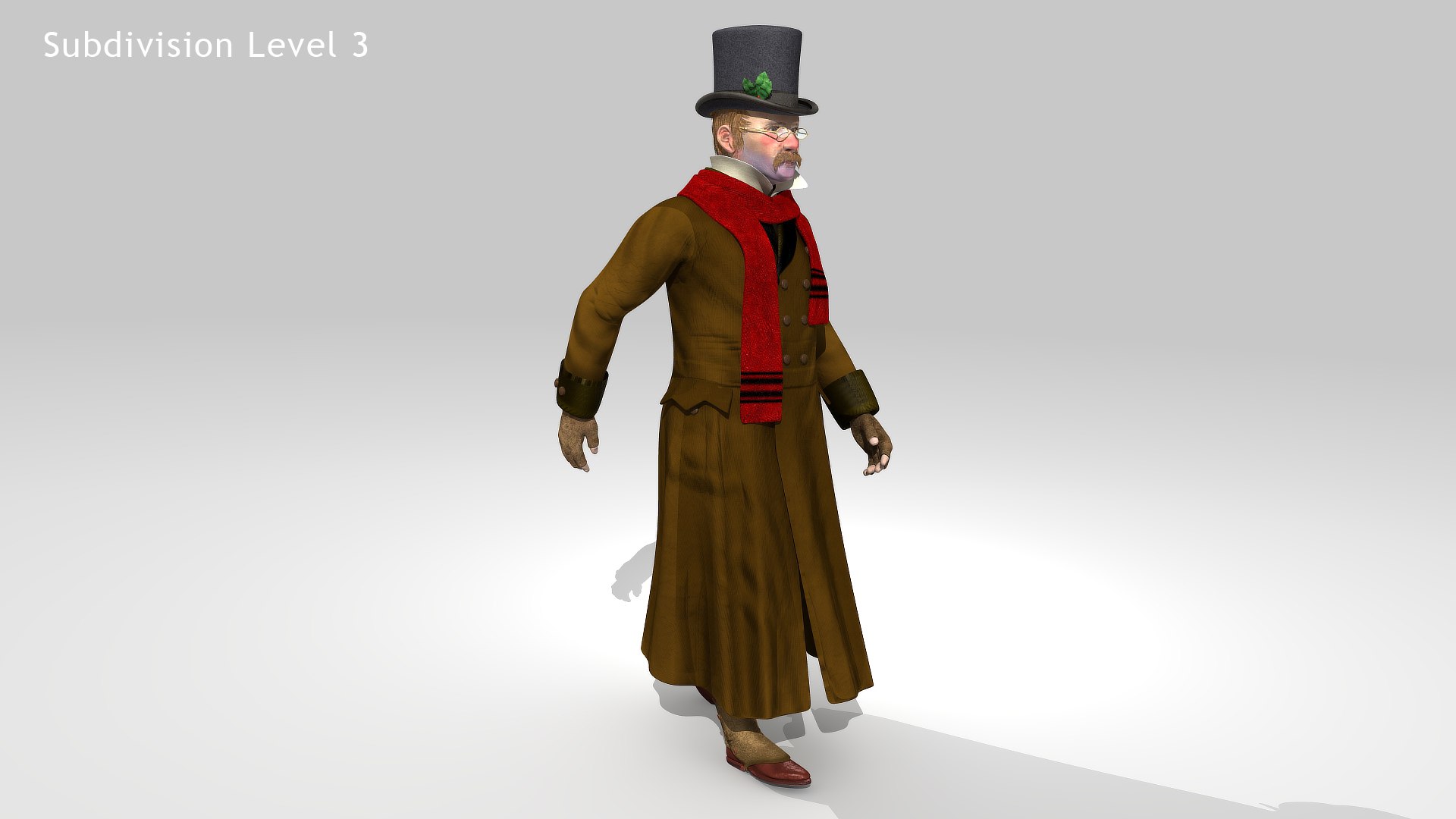
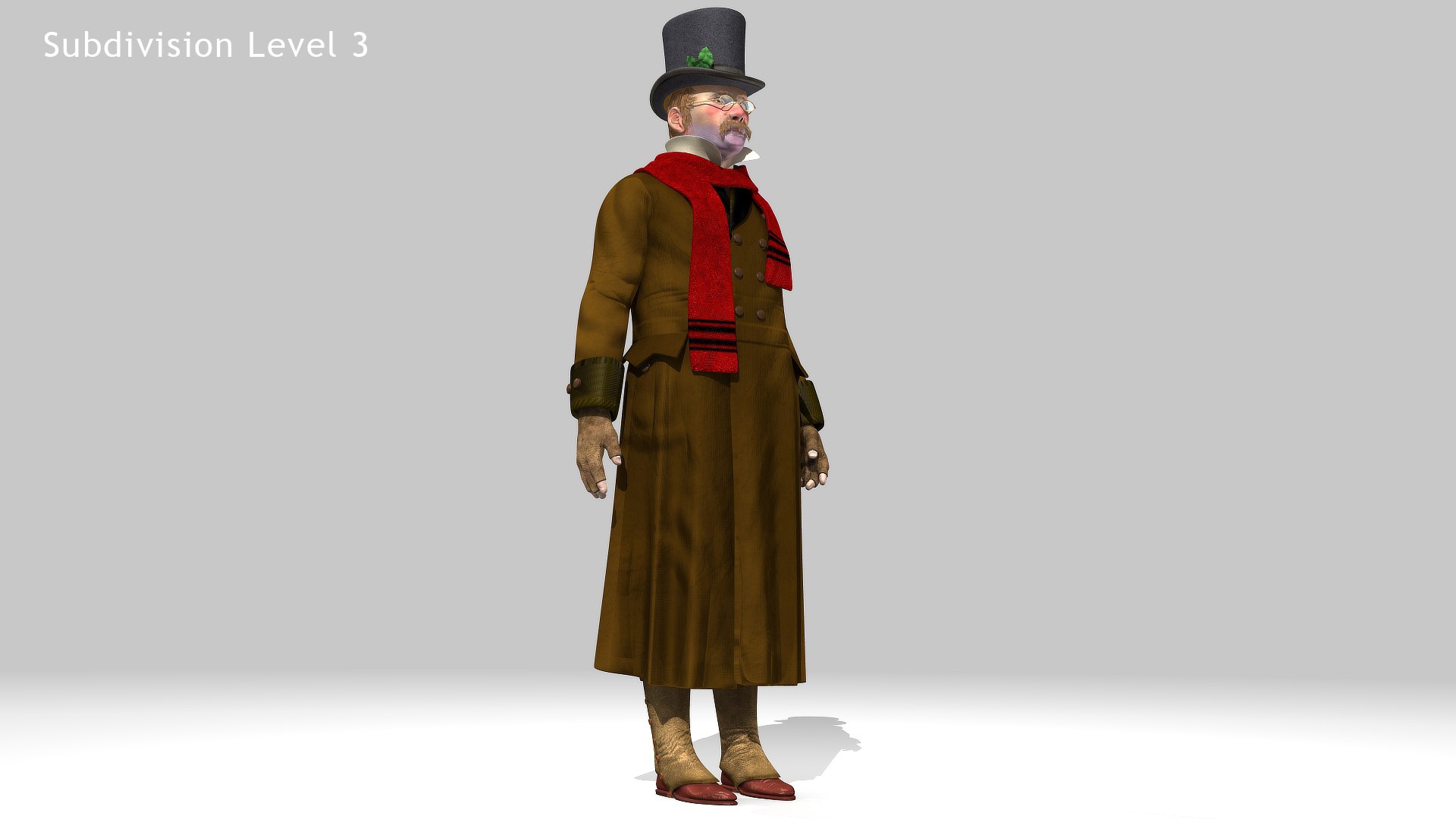
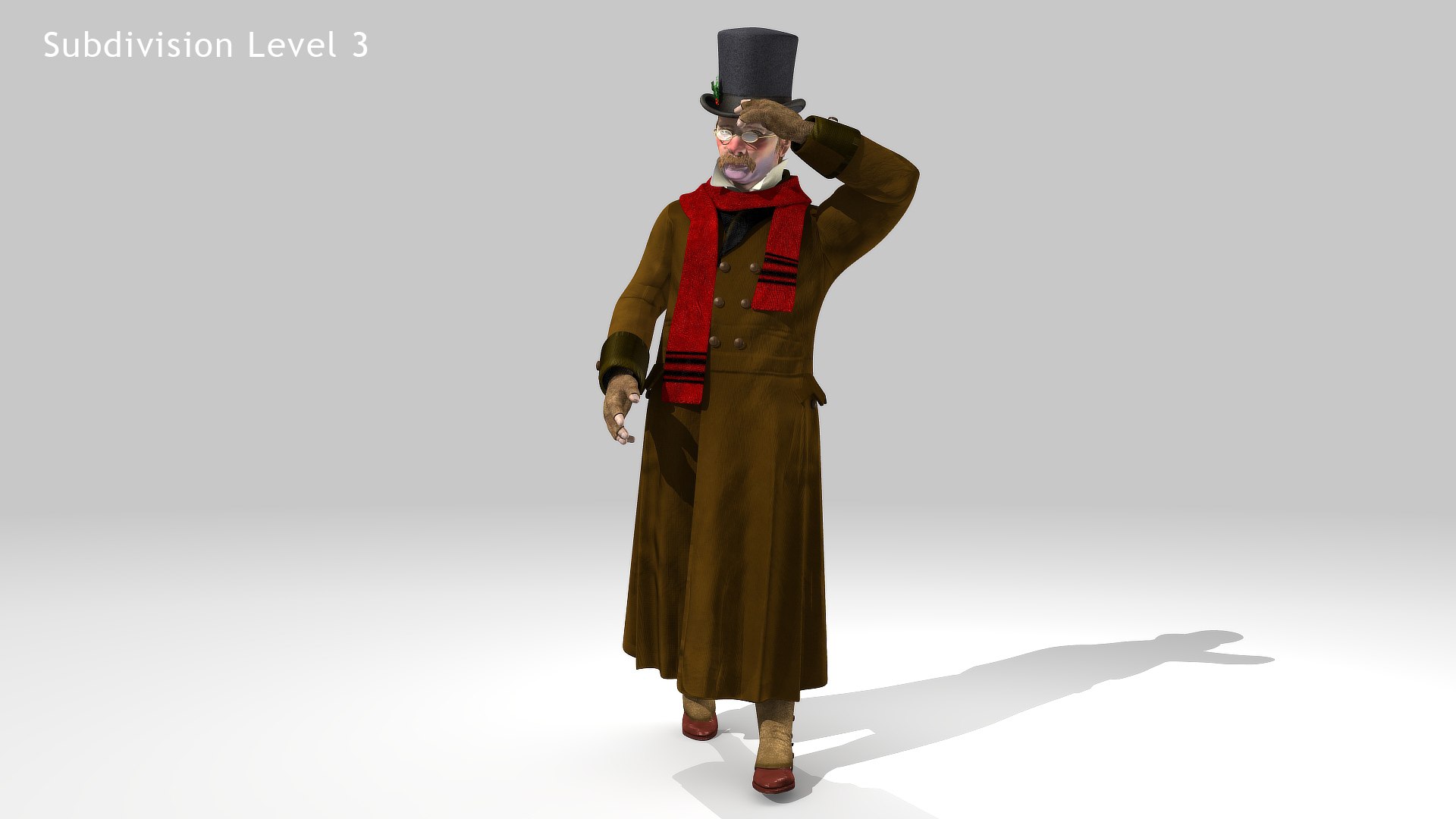
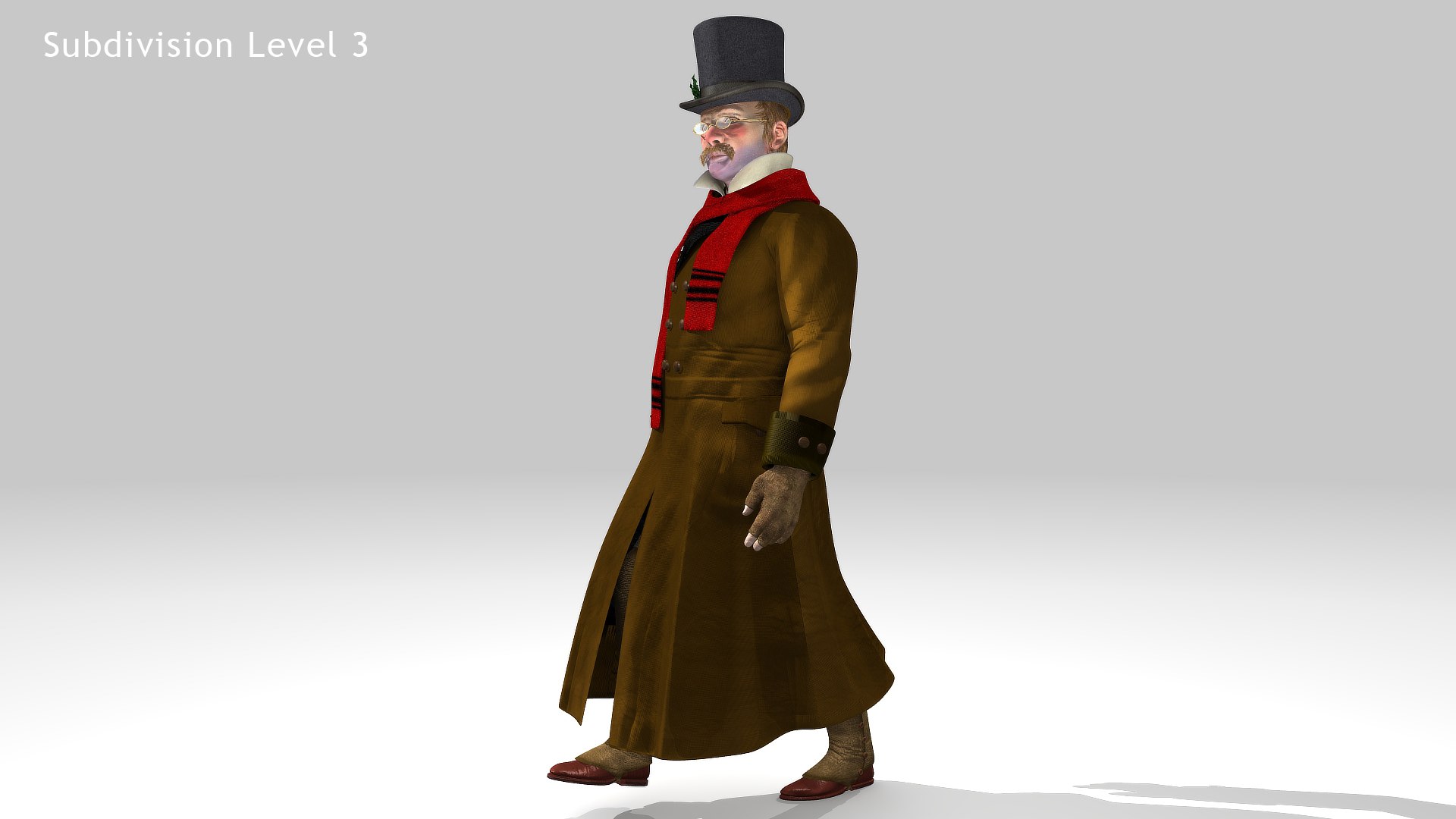
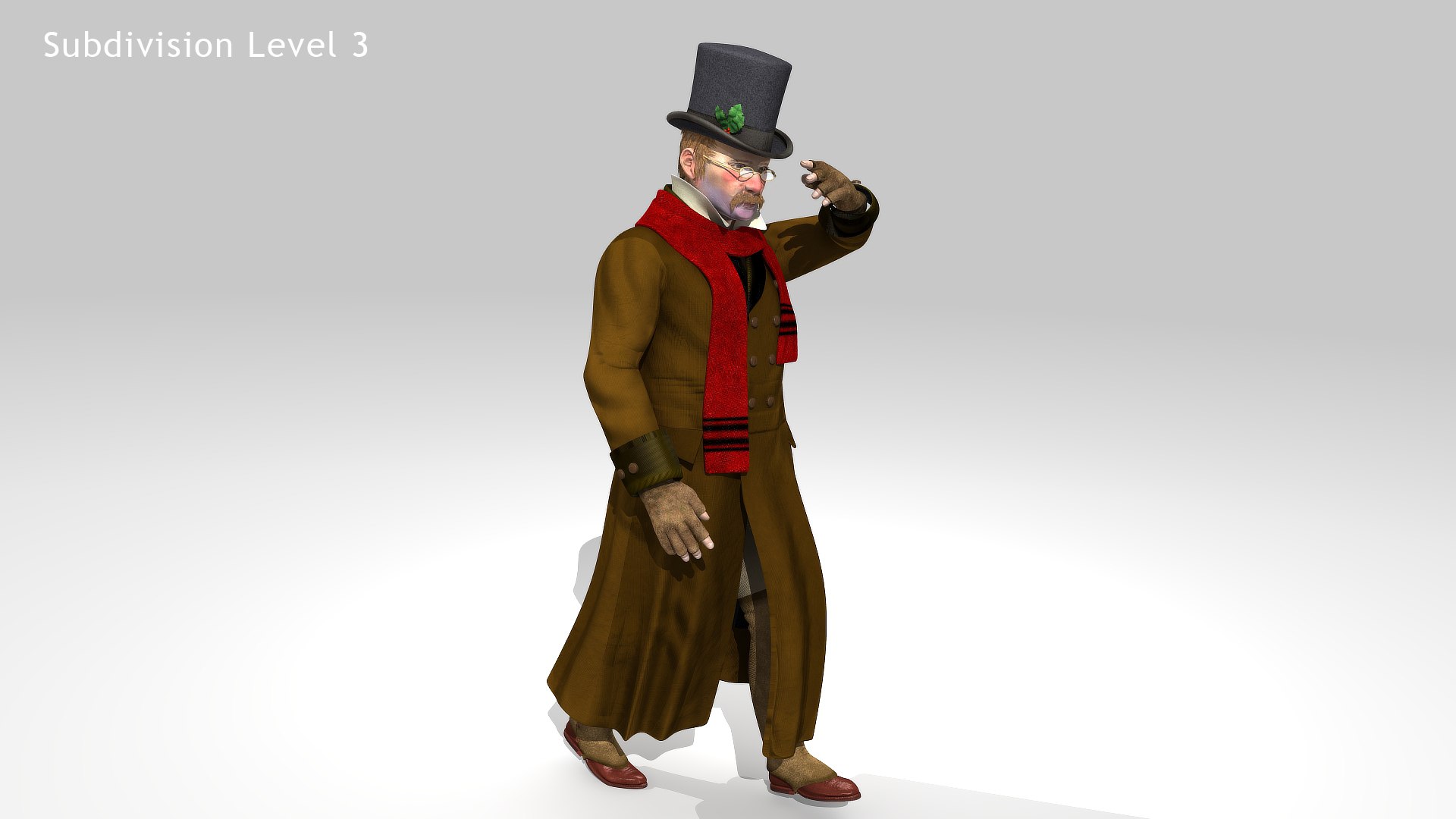
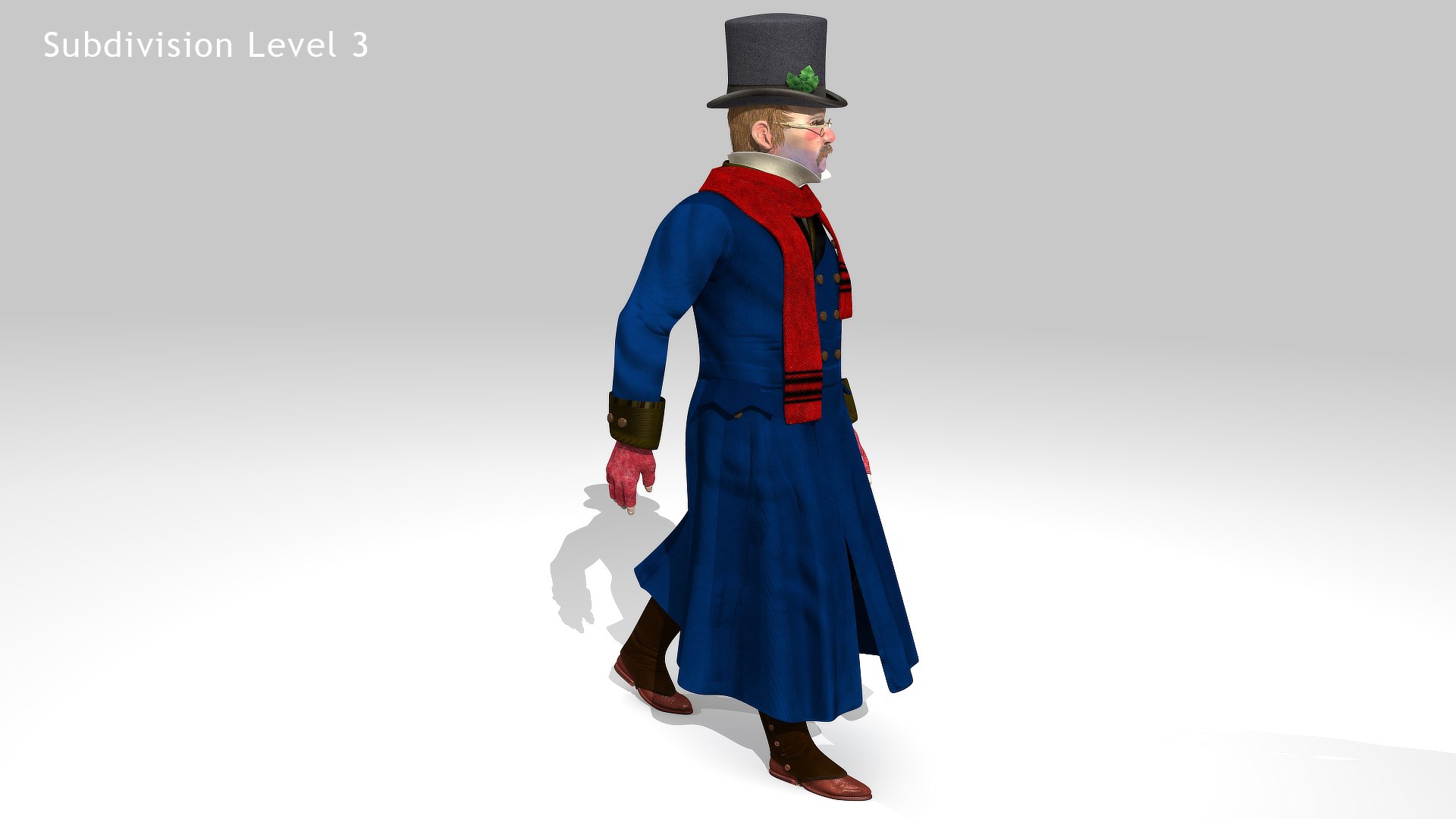
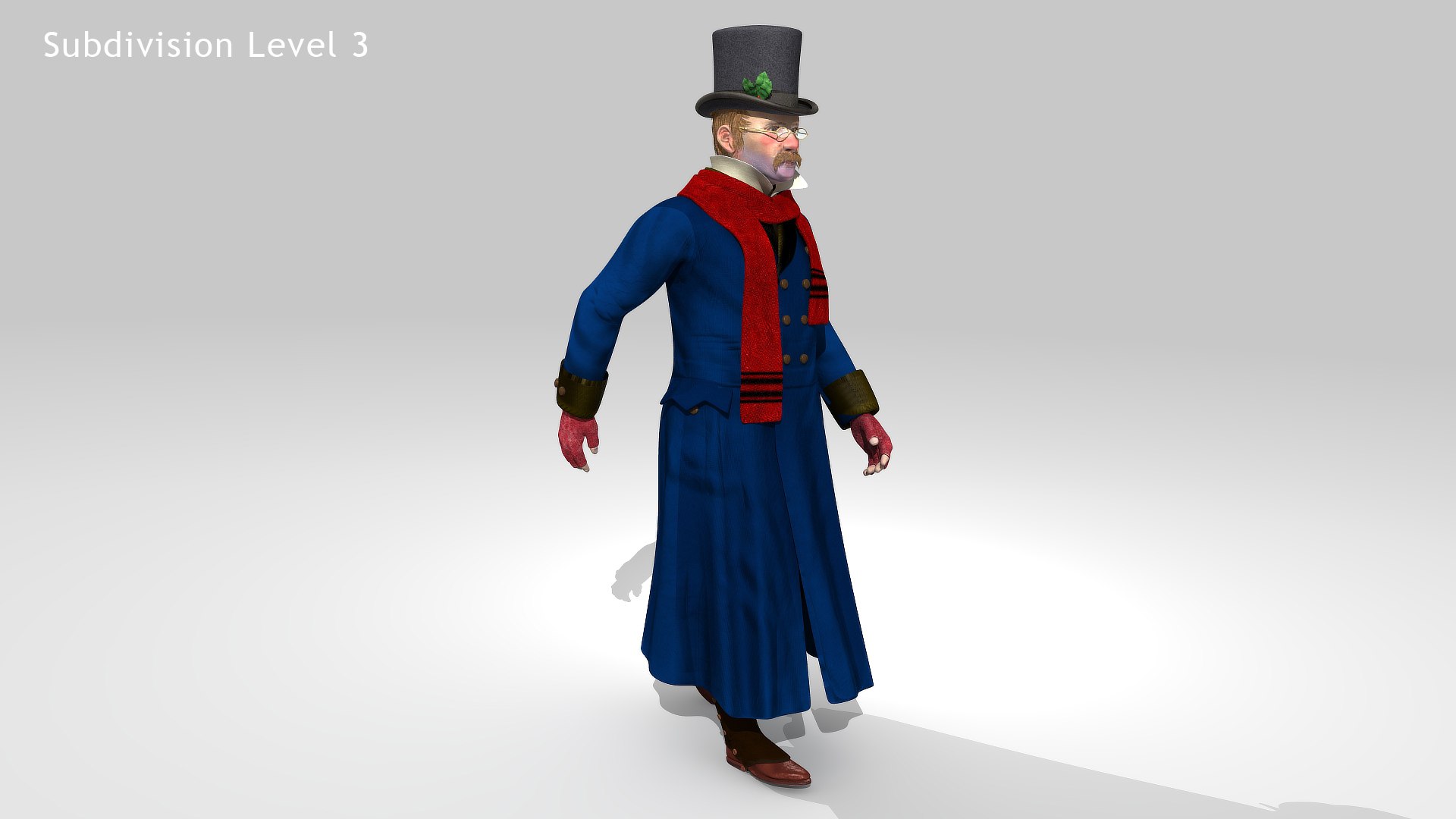
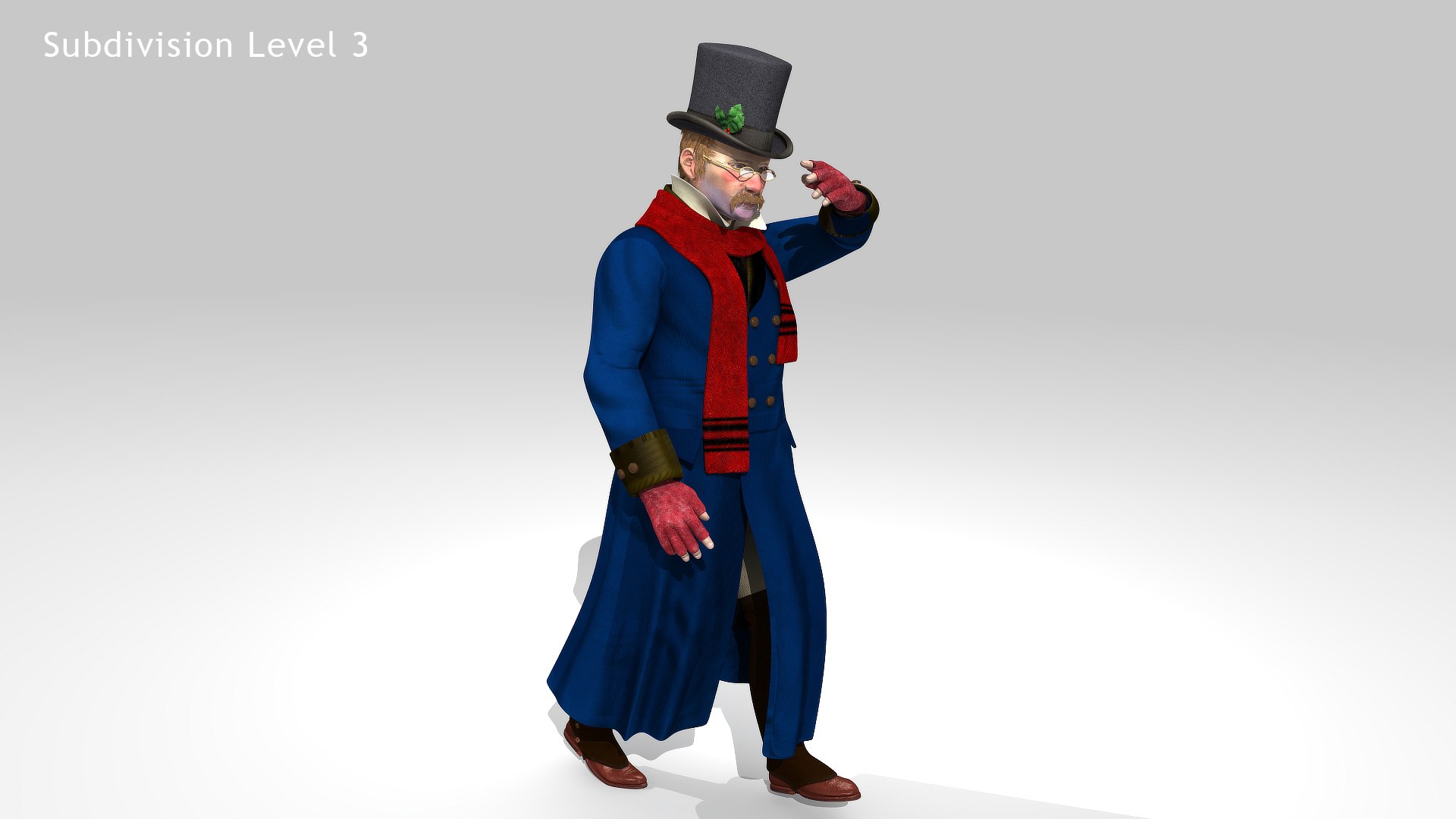
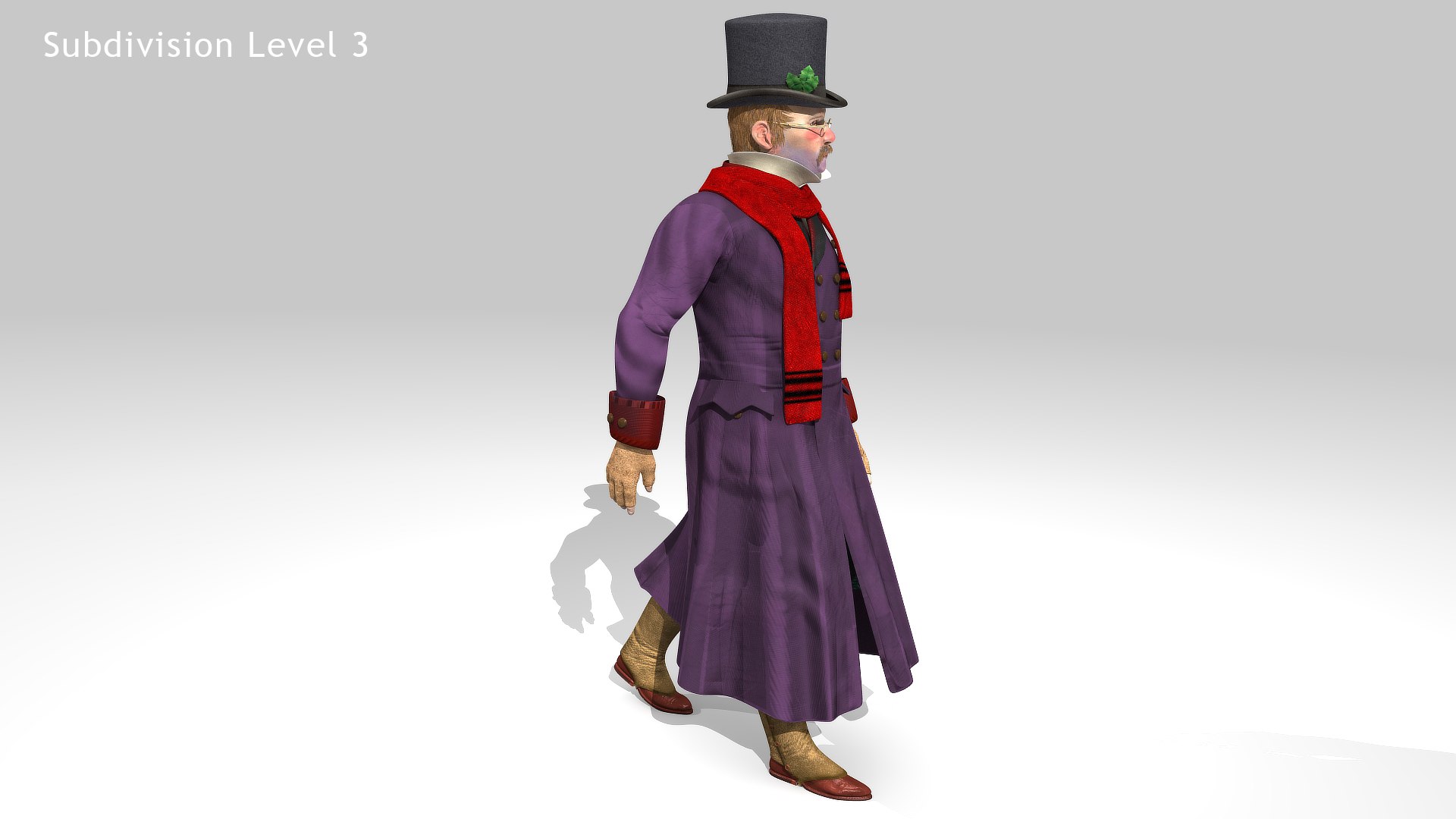
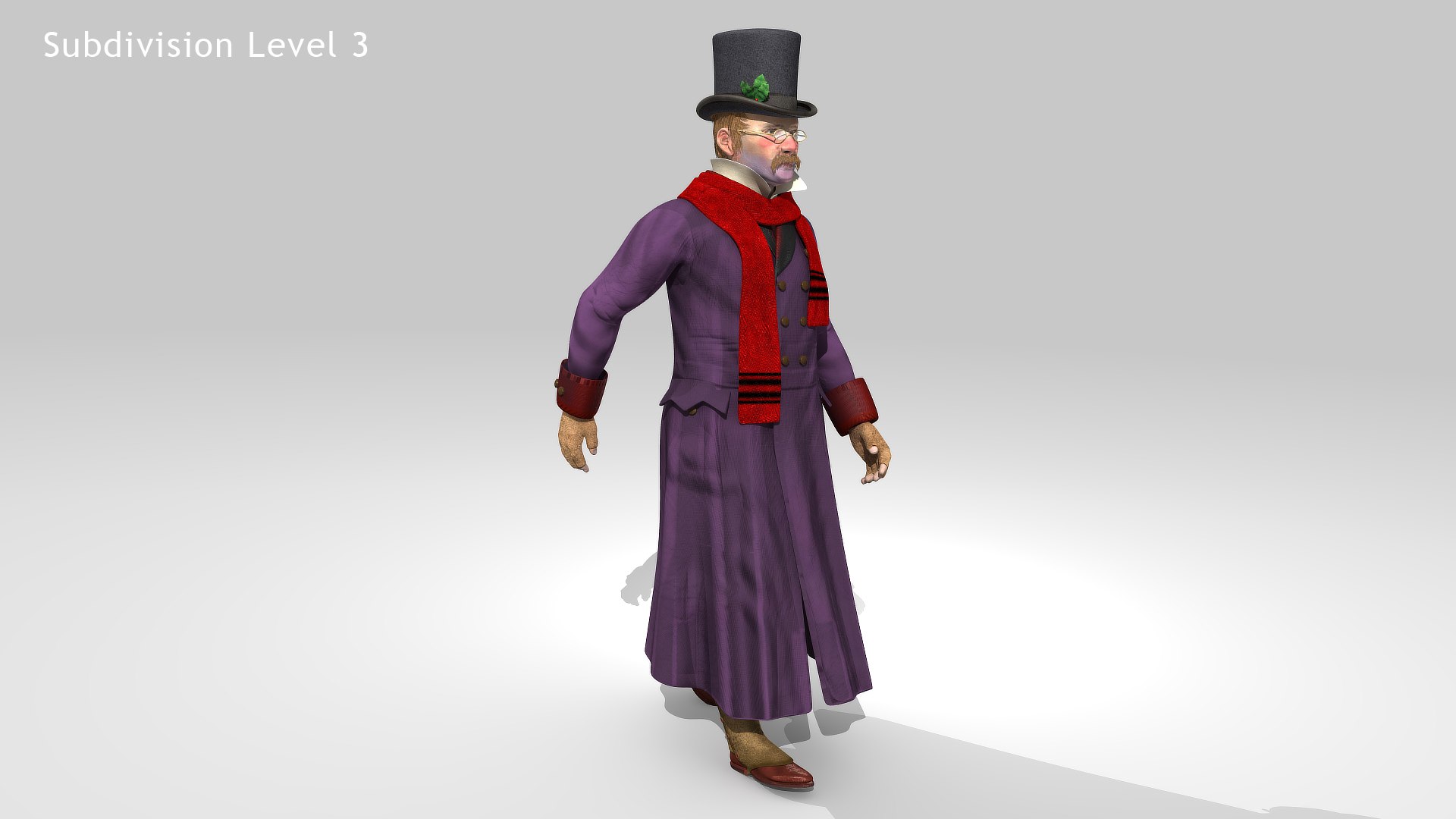
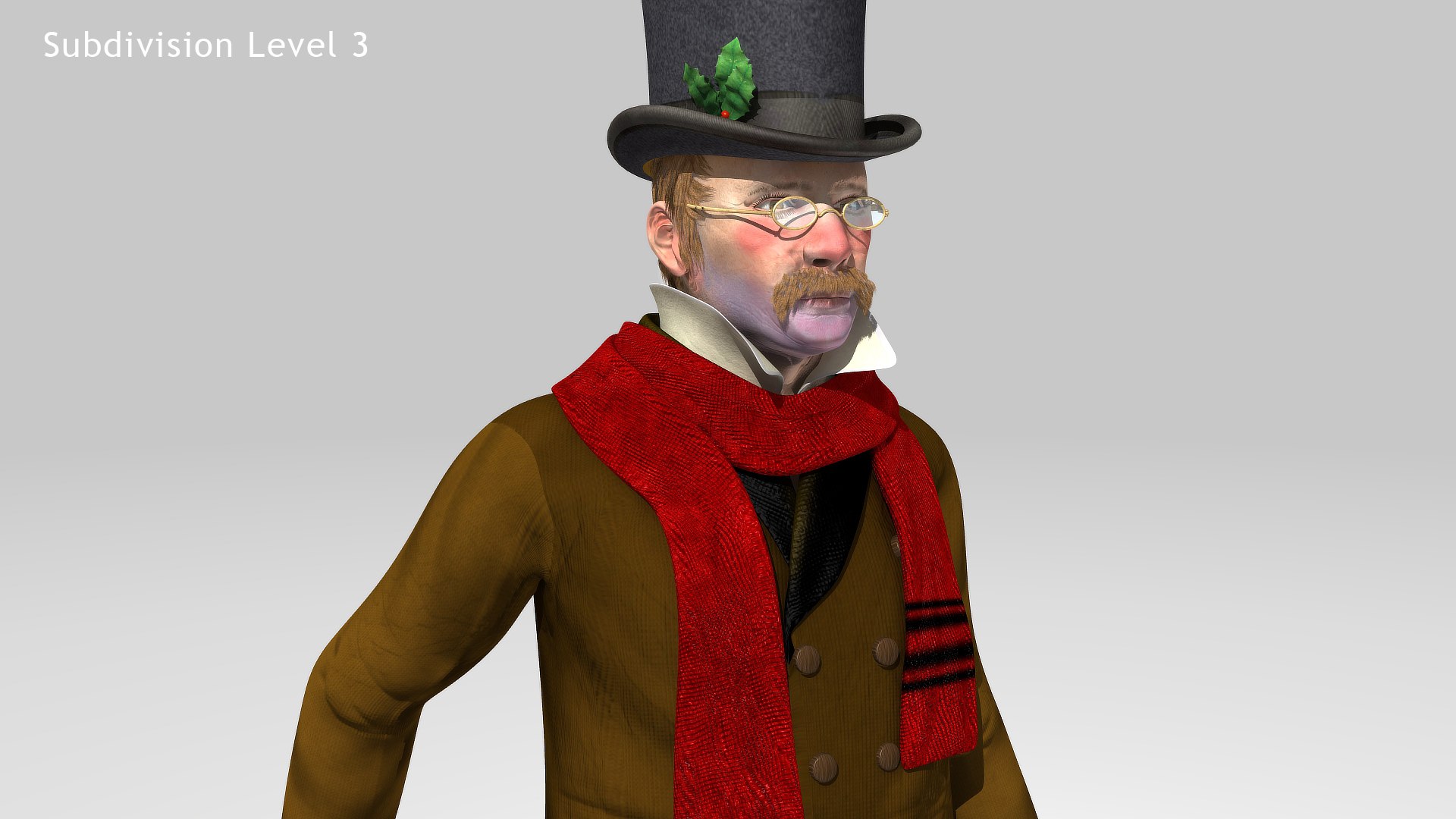
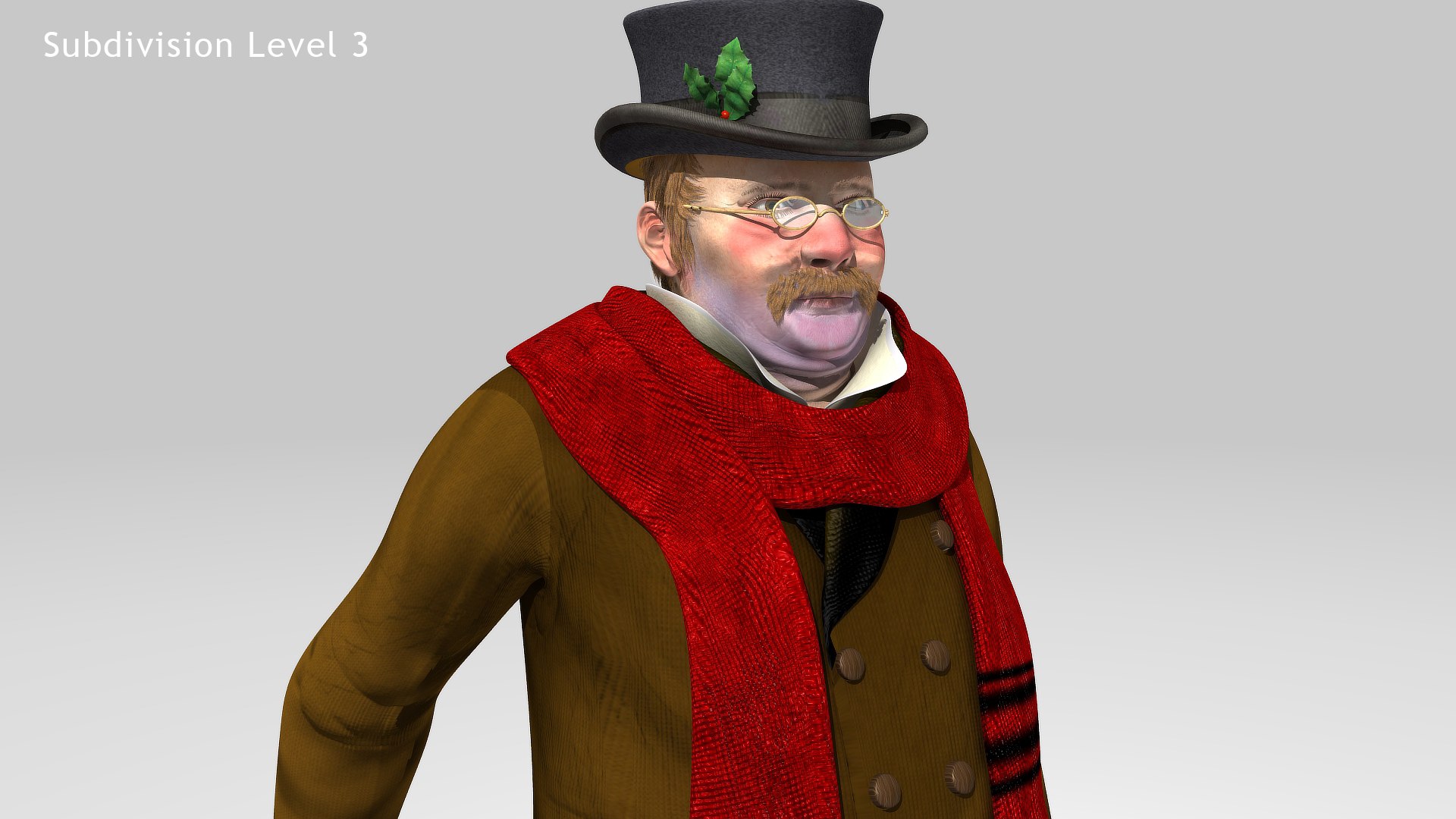
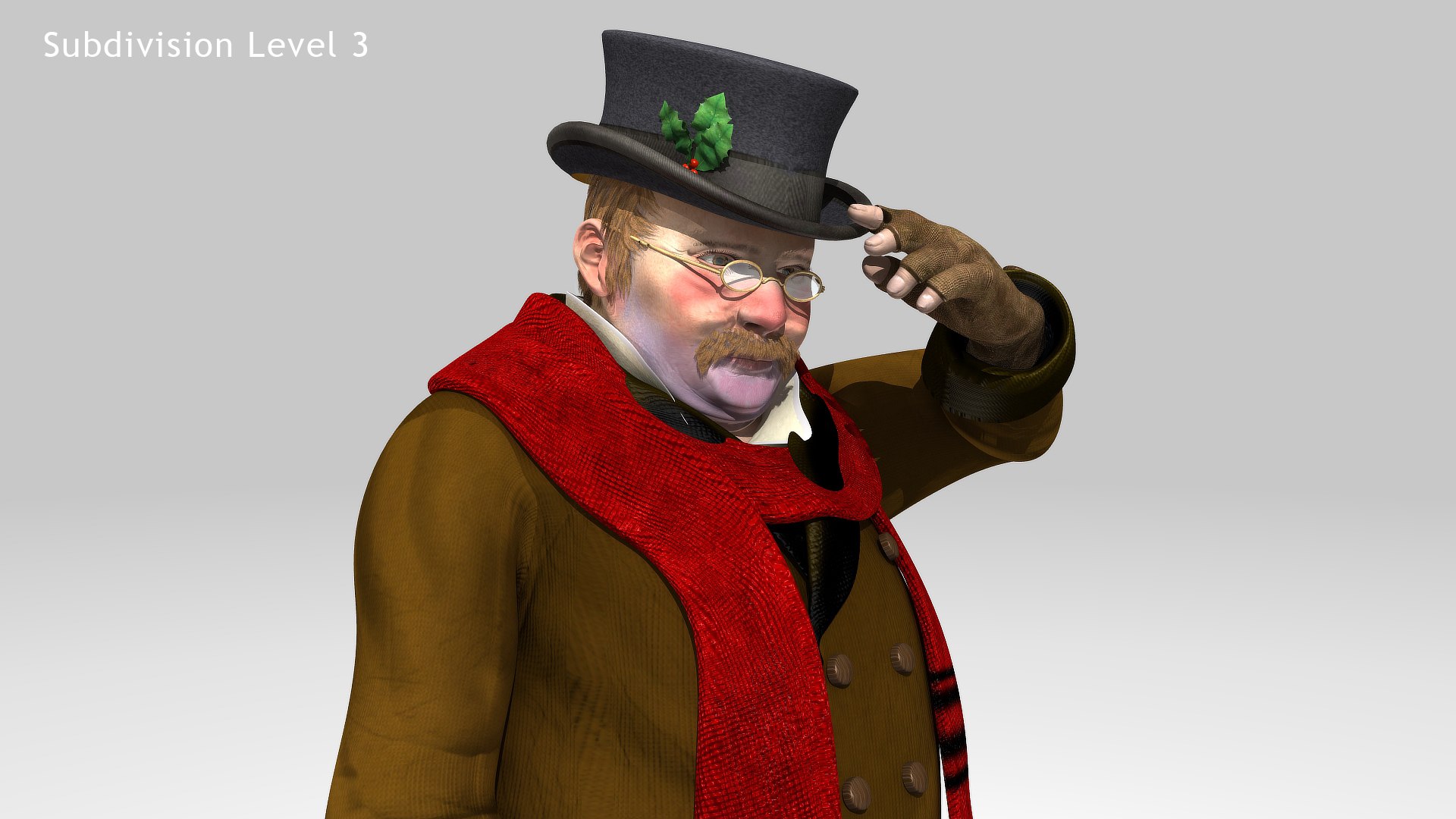
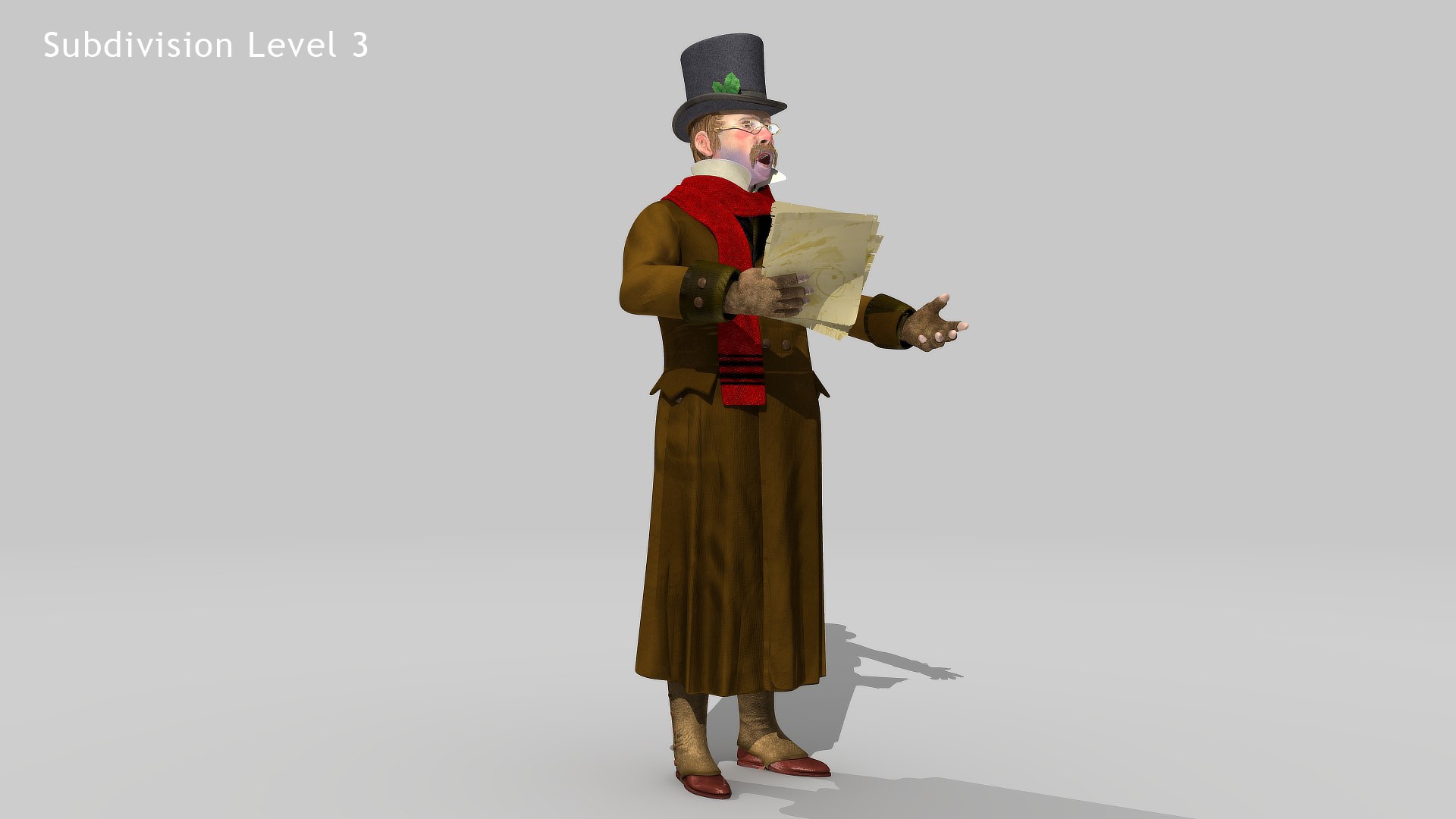
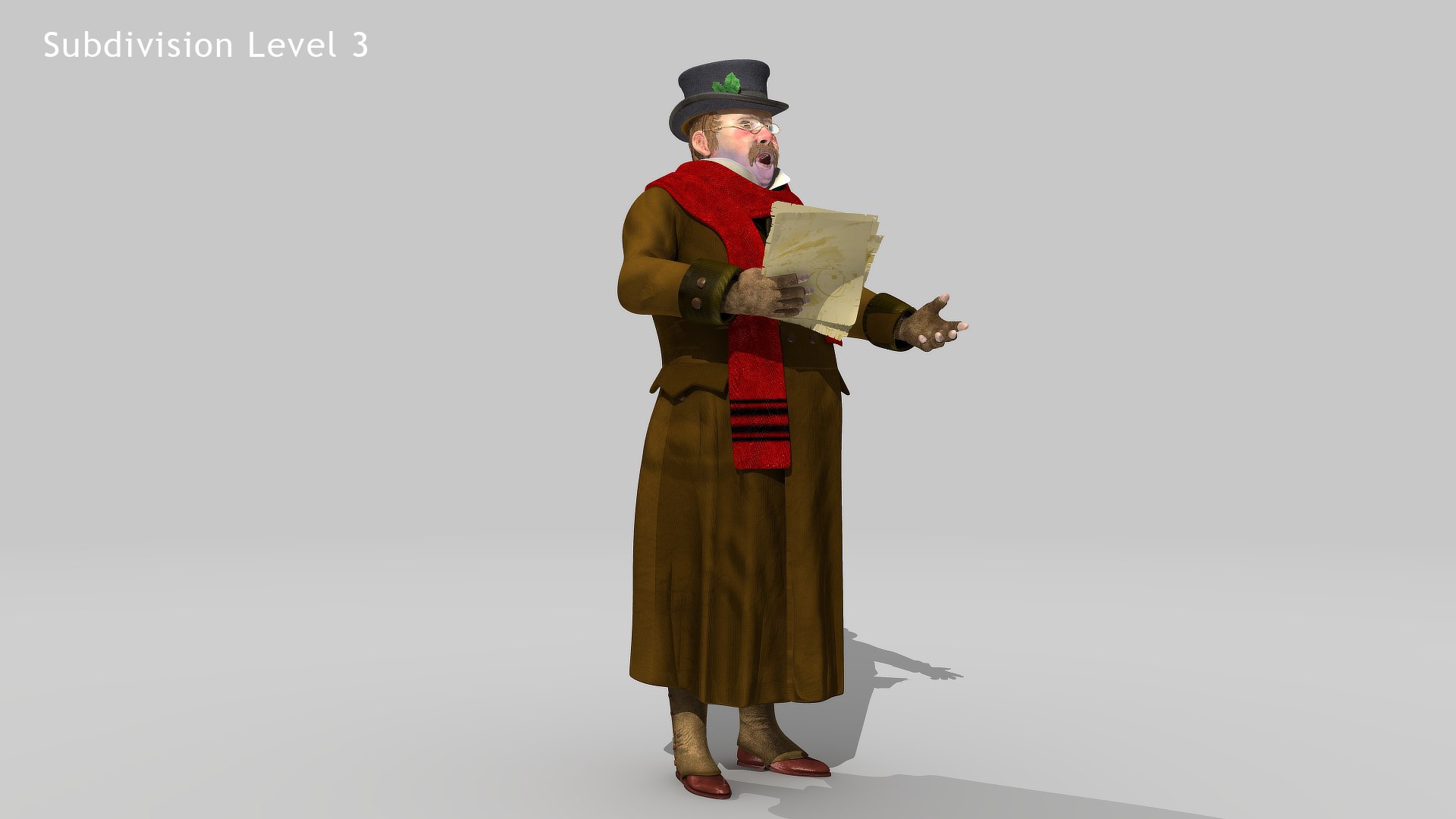
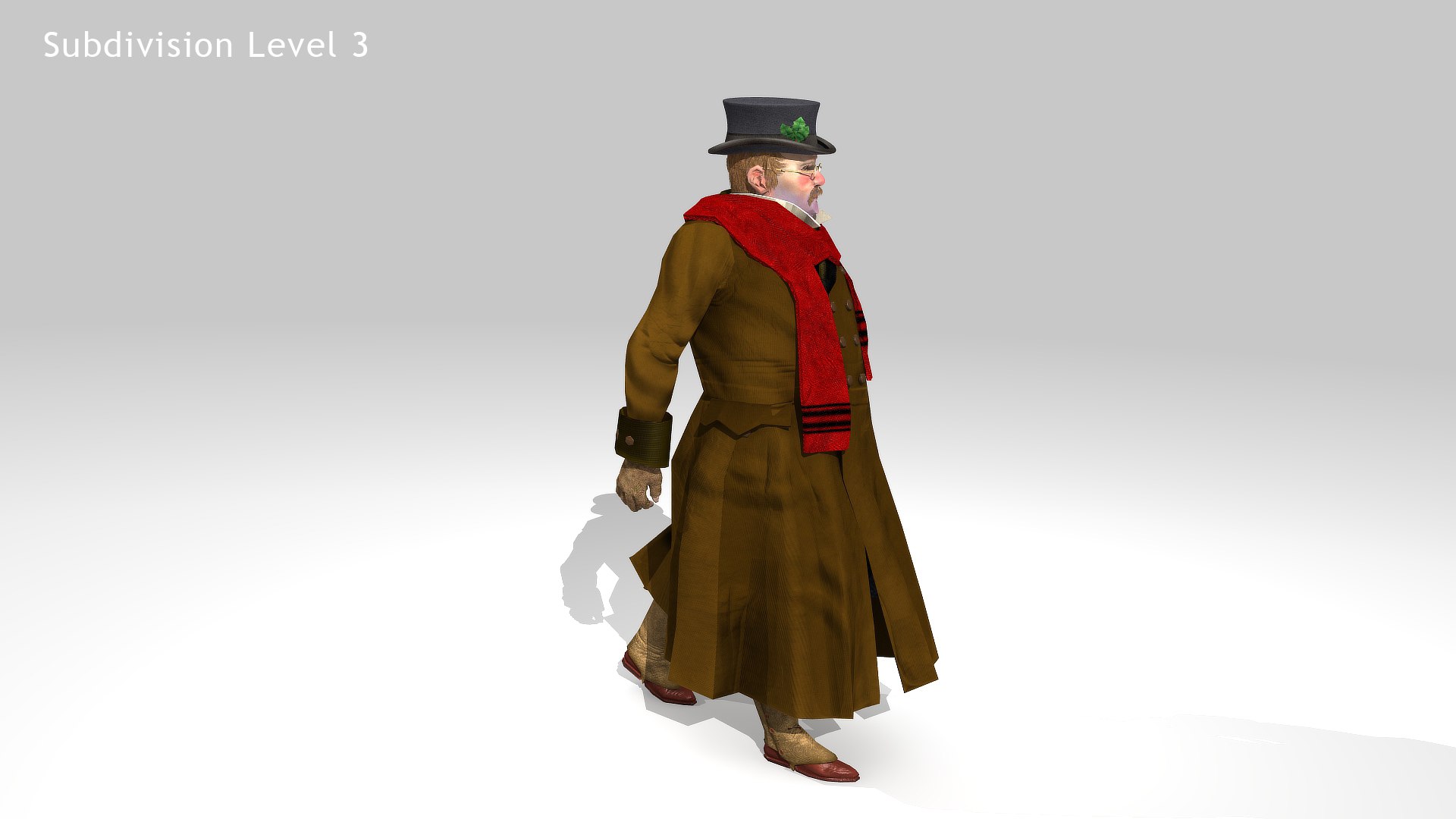
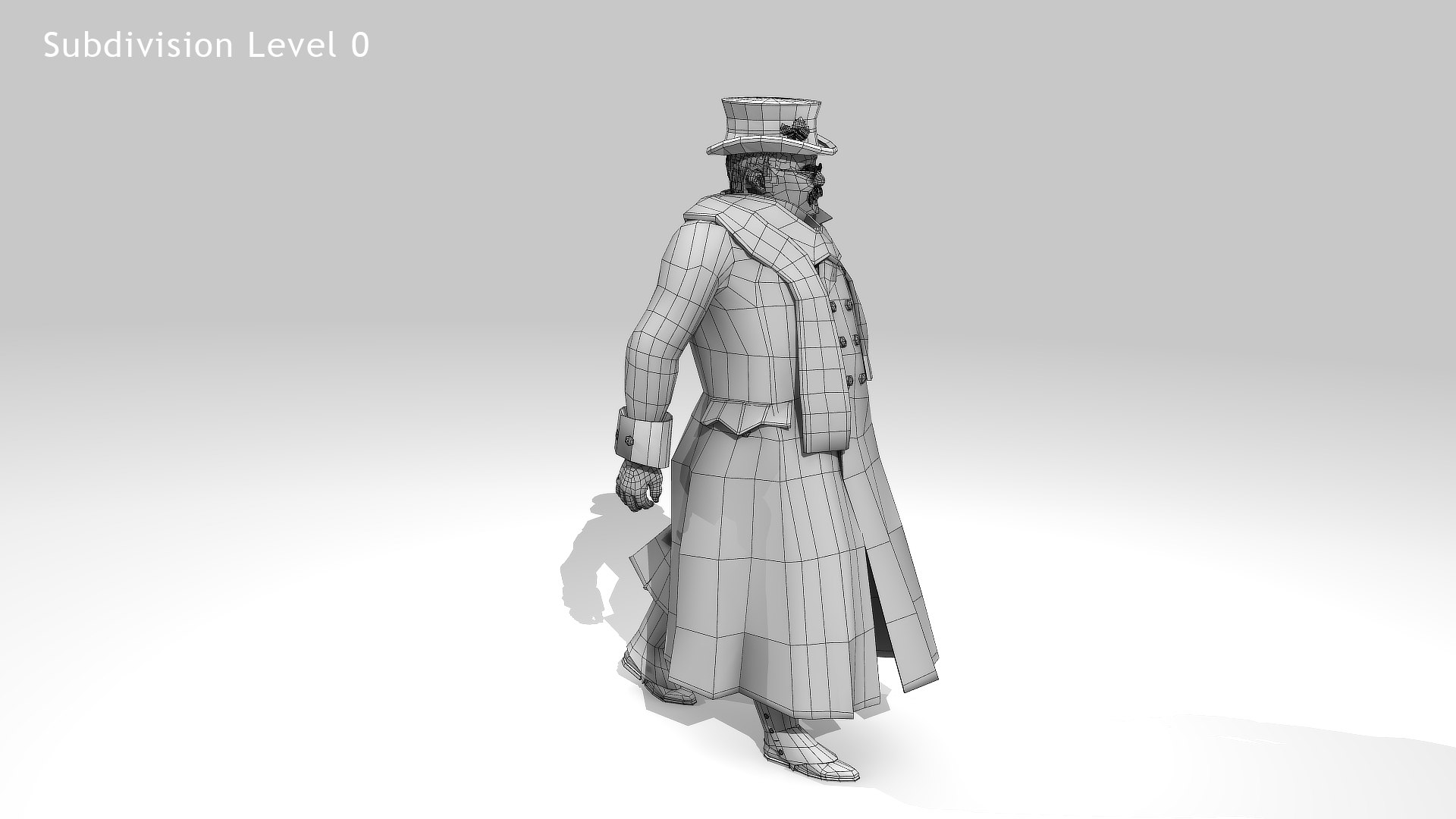
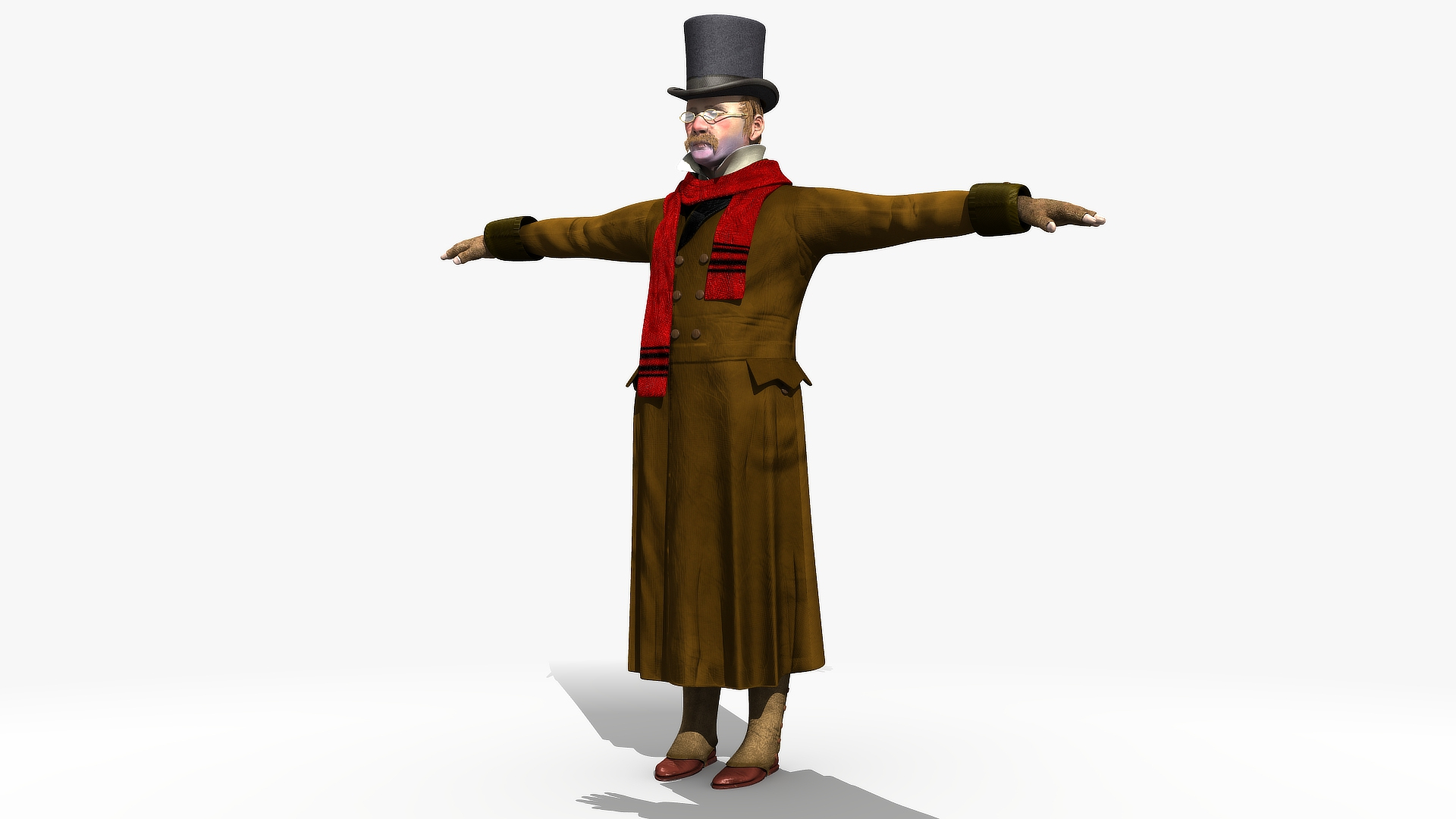

Victorian Man 1 - five in one

$95

Standard License | Upgrade License
Formats (10)
Free file format Conversions available
Native | Lightwave 2011 | Default Scanline
Lightwave 2018 | Default Scanline
Lightwave 2020 | Default Scanline
3ds Max 2009 | mental ray
3ds Max 2020 | V-Ray 4.10.03
3ds Max 2020 | Arnold
FBX
OBJ
Specifications
Publish Date February 17, 2021
Product ID 1693407
Polygons 11,764
Vertices 12,265
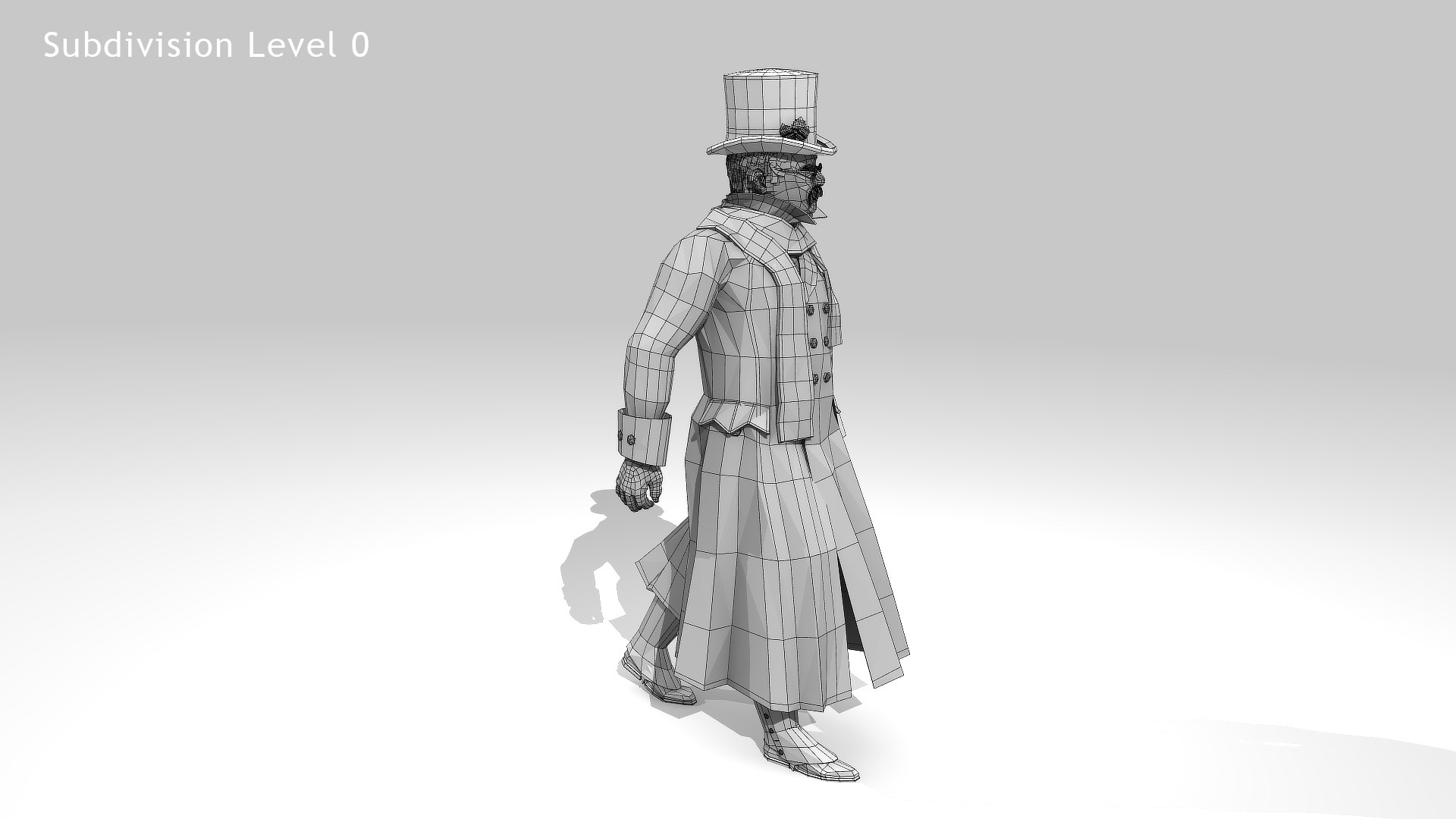
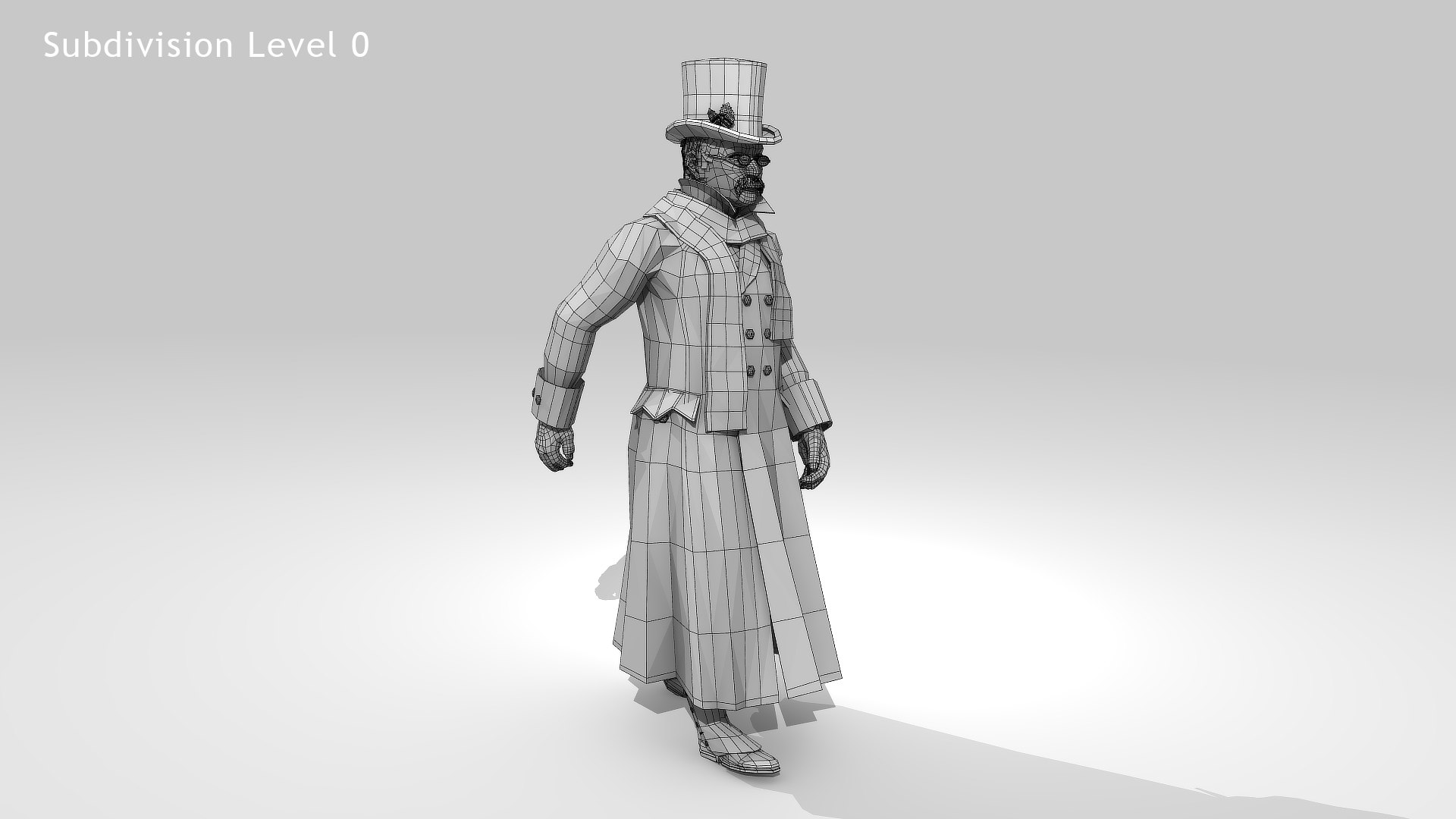
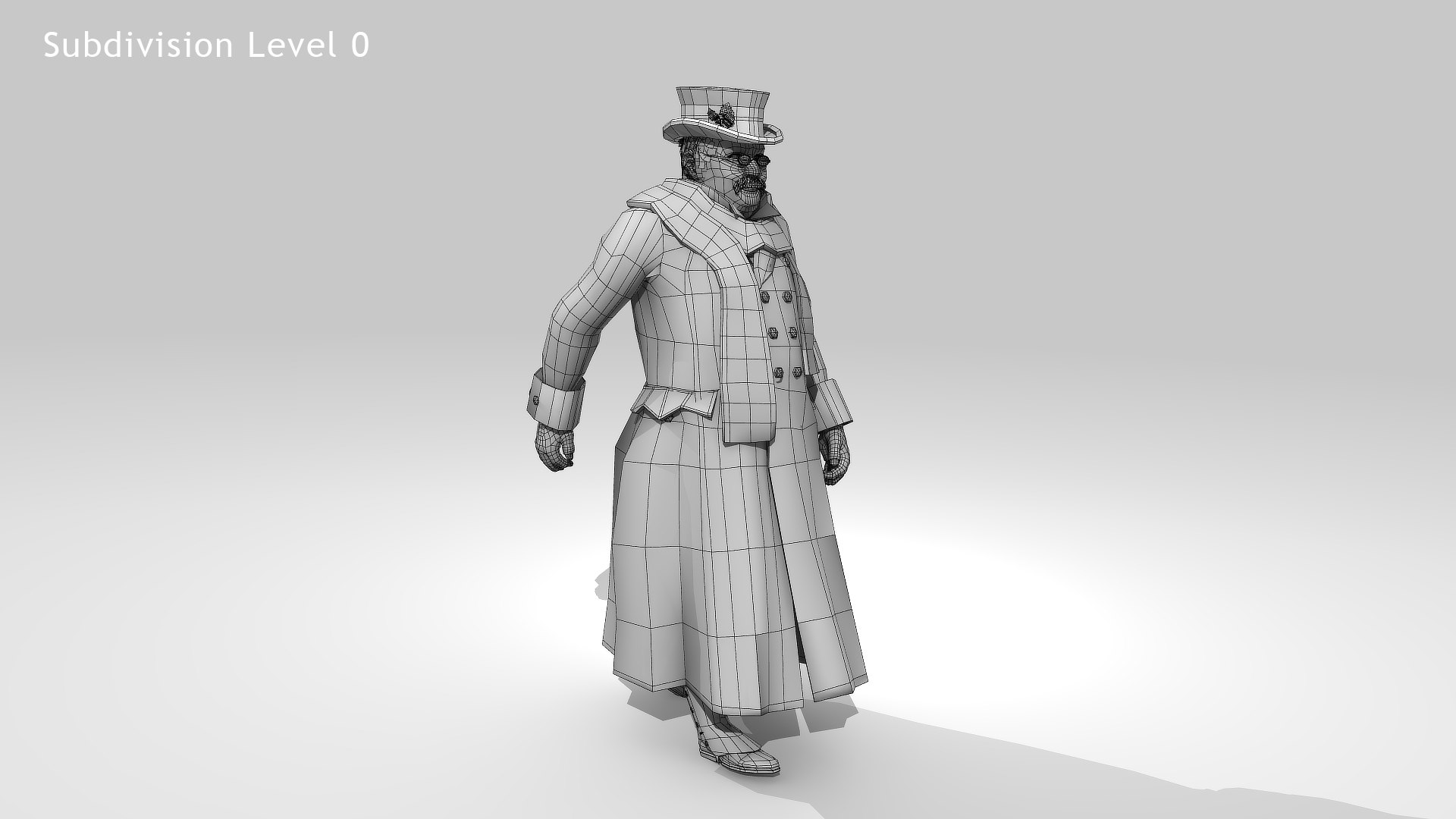
Polygonal Quads Only
Textures
Materials
UV Mapped
Non-overlapping Unwrapped UVs
Rigged
Animated
PBR
Real-Time
member avatar
r189
157 Products | Contributor Since 2005
Have questions? Chat with us now.

Description

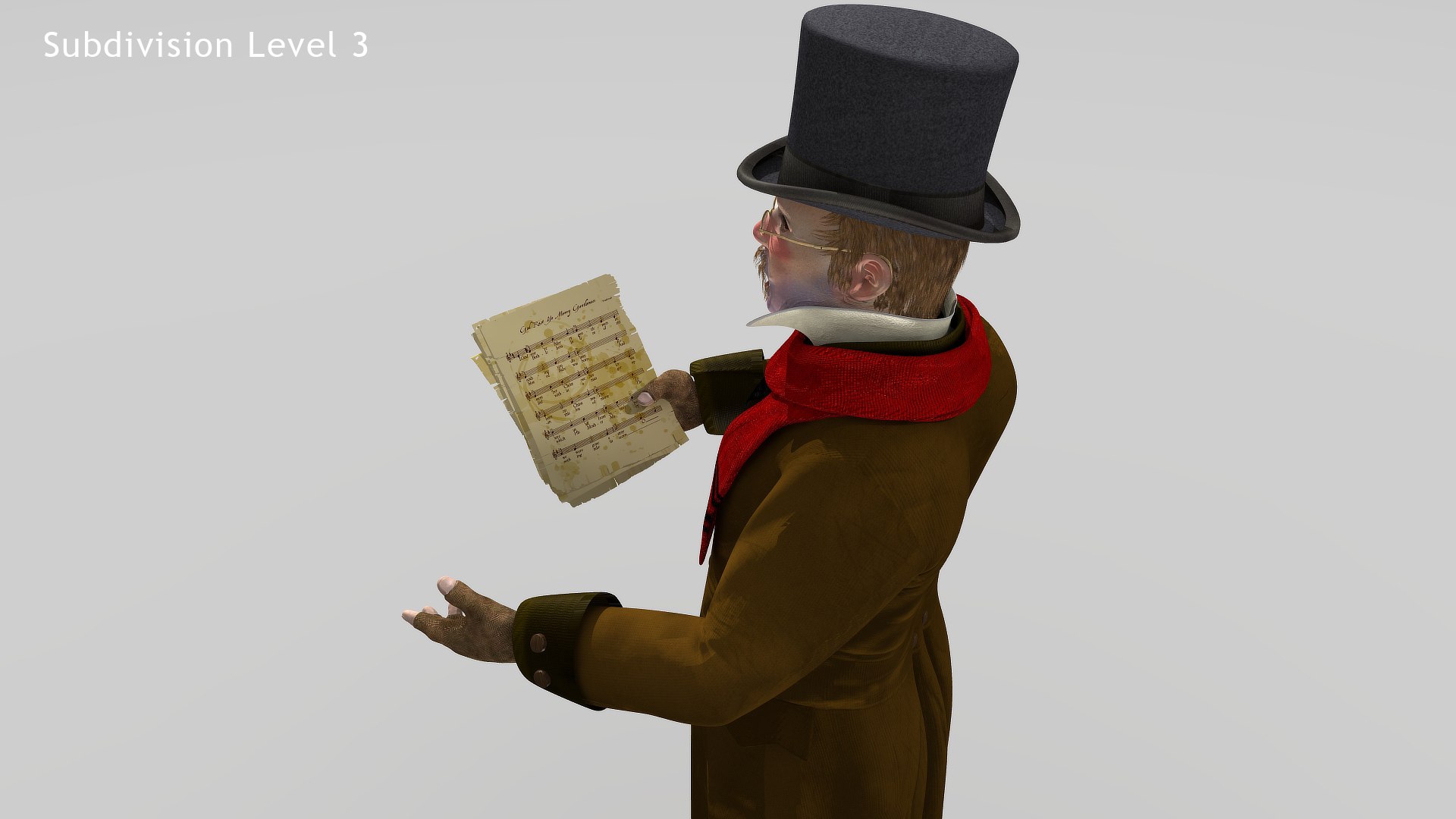
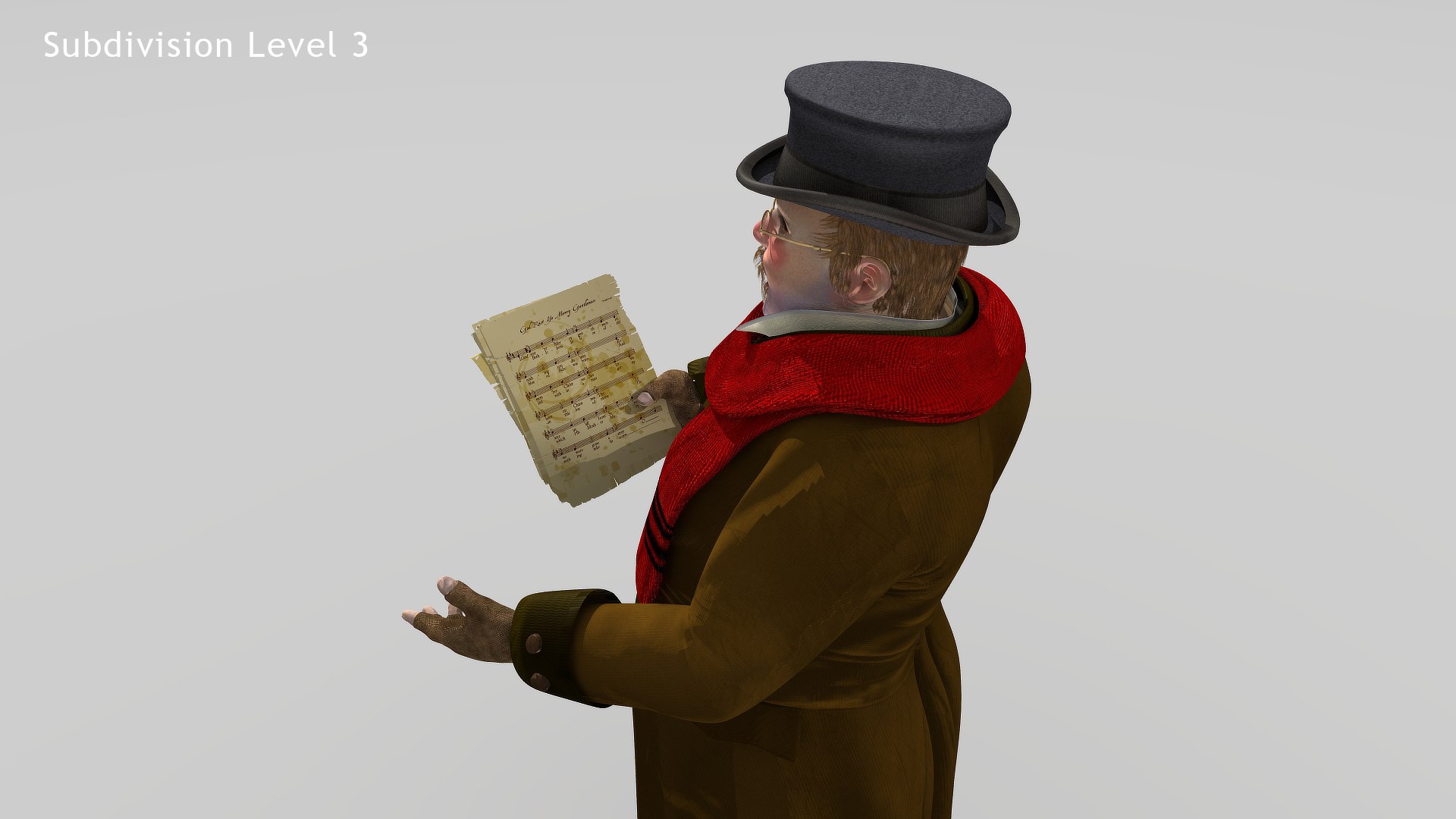
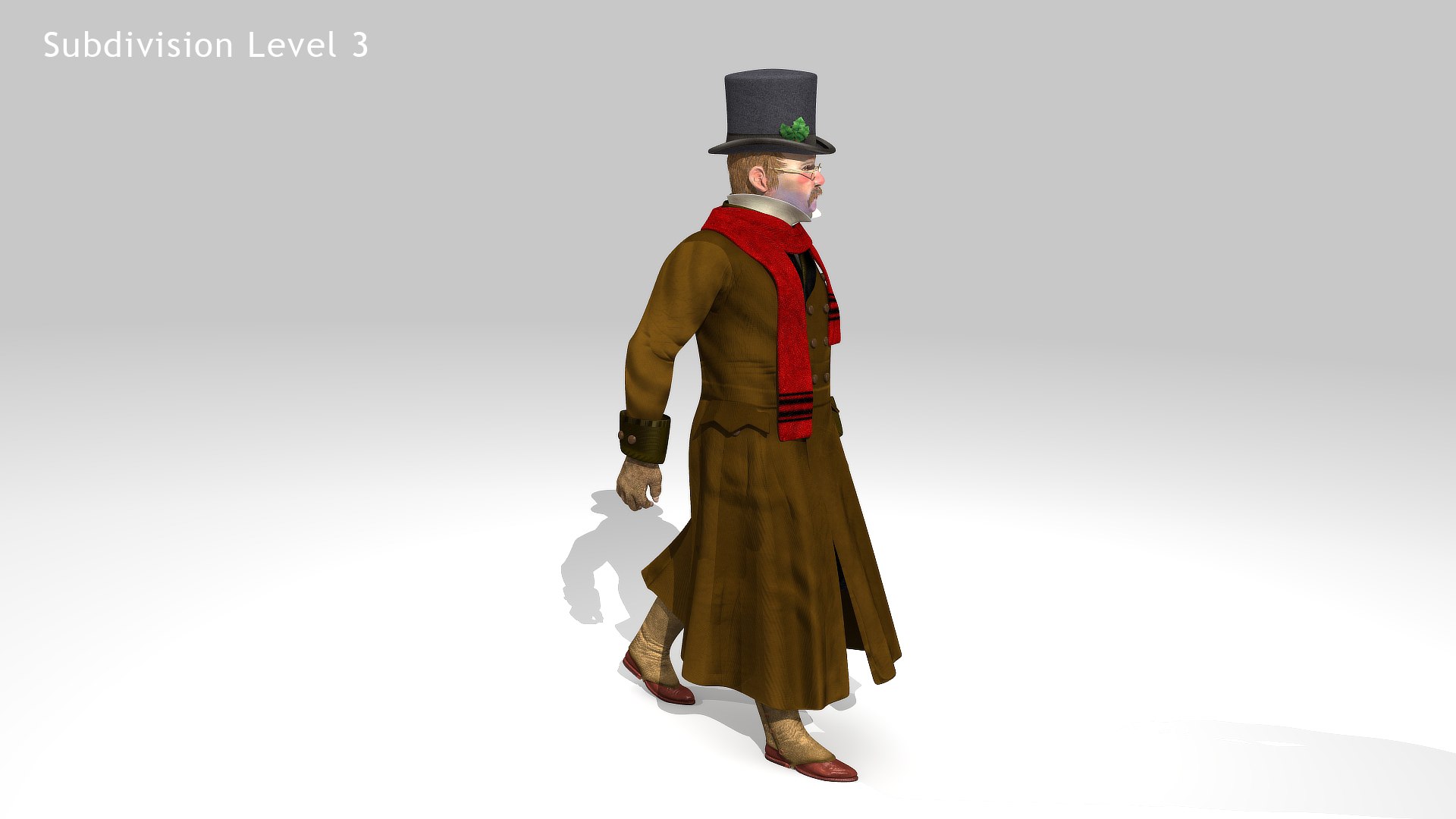
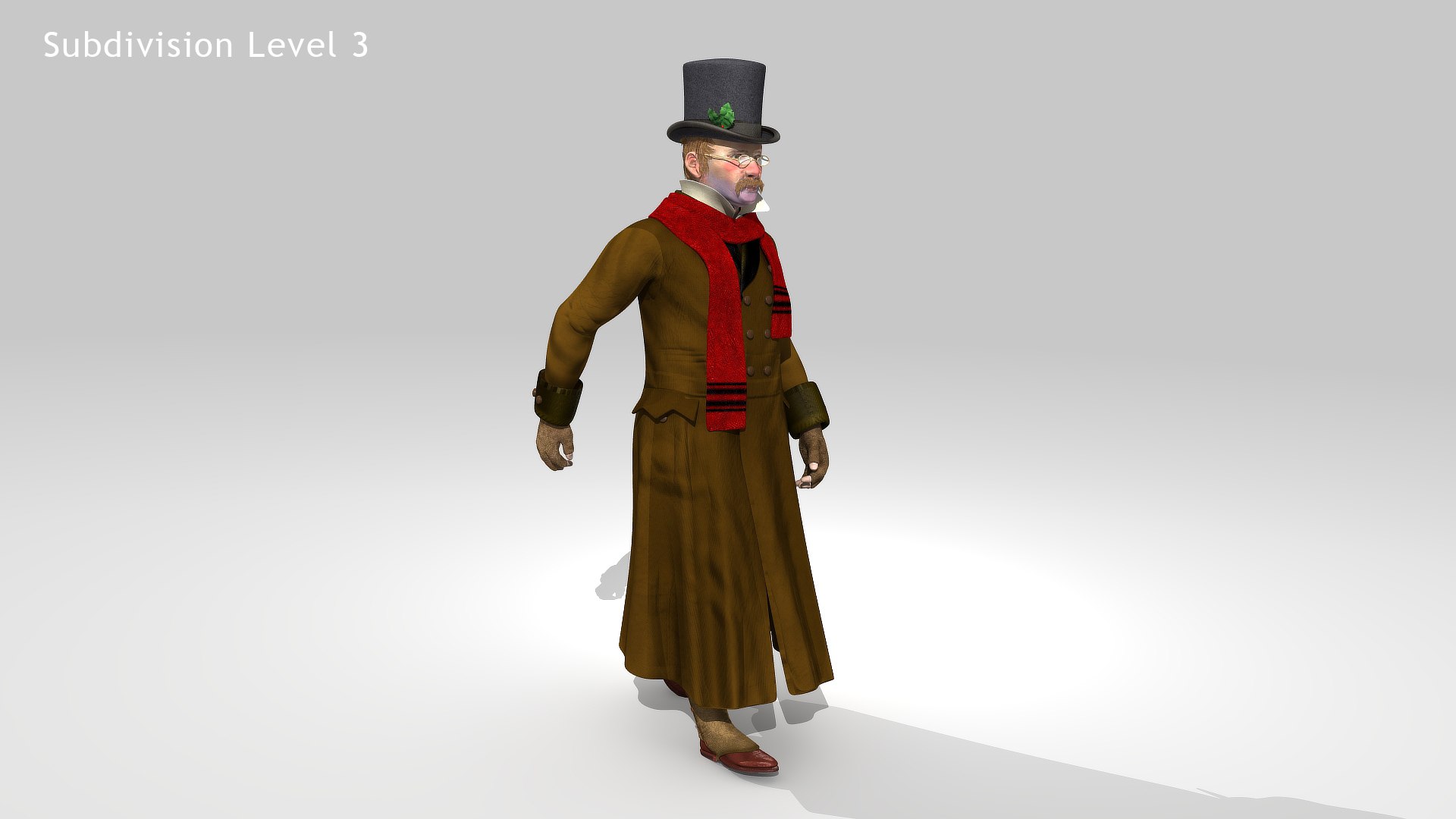
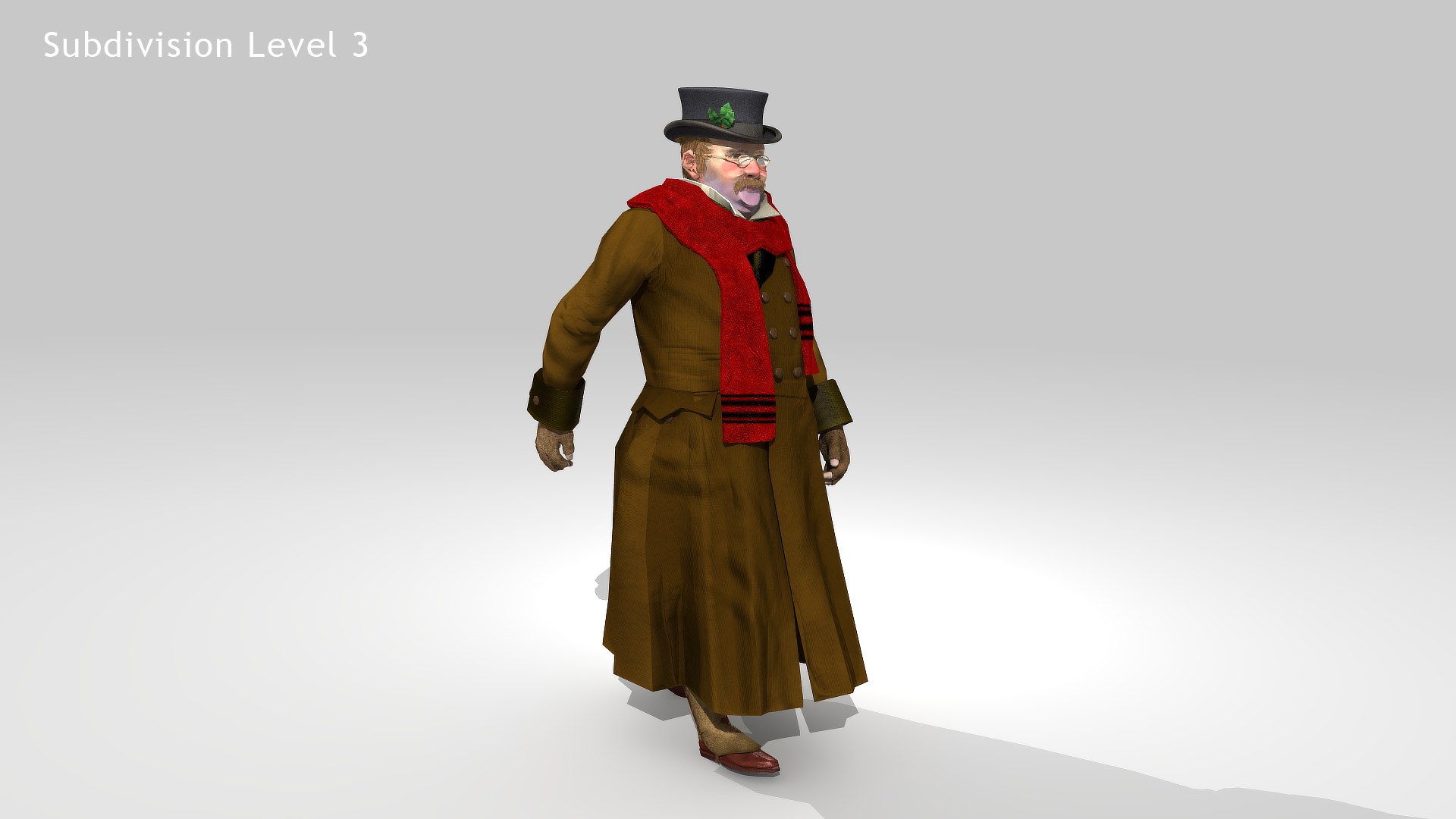
Victorian Dickens Man 1 - one model 2 versions 3 color maps - All Quad
This is a general Victorian man in greatcoat and top hat - He Doesn't have to be singing. You can apply the "0-B_FatMan3" morph to make him a different person. and on top of that there are 3 Image map sets to change the colors of his clothes. Works well in Dickensian street scene or steam punk scenario.

Victorian Dickens Man 1 - one model 2 versions 3 color maps Rigged and Animated for Lightwave version 11.6 and LW 2020 and up and for 3DS Max version 8.5 and 3DS Max 2020 and up
Max: Standard, VRAY, ARNOLD
LW: Standard, BSDF, PBR
OBJ: including the obj morphs.
FBX:LW 2011, LW 2018, LW 2020, Max 2009, Max, 2020

*************** MAX USERS***************
2009 and 2020 versions are already setup and work correctly.

This model uses Tangent Directx Normal maps. For 3DS Max users, the 3DS Max 2009 model works correctly as is. If you import this into a later version of 3DS Max (I don’t know when they changed things) you’ll need to: 1) goto>> “GAMA and> Turn off LUTE 2) goto>> bottom of screen - “Normal Bump> Select Directx, so it reads the maps correctly.

Even then, in the newer versions of Max the Normals maps will be very low (not showing up well) - They are there and will work, you just need to “turn up the volume” on them. So for “Body” instead of 1.0 in the “normal map” node use 1.2 or higher and in the “additional Bump” node instead of 0.08 use 0.008.
*************** MAX USERS***************

This model comes with several pre-animated scenes to get you started:
VM-ZERO.lws (base T-Pose and Rigged Scene)
VM-WalkStopTIP-FIN.lws
VM-WalkStop-FIN
VM-SING-01.lws (Man is Carolling with sheet music)
SIG_VG_Both_01

I don’t like to have too many control objects in my rigs, I like them simple and so I try to access the bones directly as often as possible. you can remove or add to the control objects I have placed on the rig.

>>>>>>>In Lightwave “VM-Master” moves the entire rigged object
In Max the “LOC-POINT” moves the entire rigged object

MAX: The main controlling Object “CtrlC_COG” attached to "ROOT" bone
LW: The main controlling Bone is the "ROOT" bone

Max: The feet and legs are controlled by "LT-Foot" and "RT-Foot" objects respectively. When you select a foot controller in Max under the “Modify” menu you will find “Custom Attributes” which have Heel To and Ball of foot controls.
LW: The feet and legs are controlled by "LT-Foot" and "RT-Foot" bones respectively. LW has “Lt_ToeControl” and “RT_ToeControl” for horizontal toe control - LW Also has “LT_OnToes” and “RT_OnToes” to rock toes up

Max: The hands are controlled by the “CtrlC_LT_Hand” and “CtrlC_RT_Hand” objects
LW: The hands are controlled by the “LT_Hand” and “RT_Hand” Bones

Max: the Knees and Elbows are managed by “CtrlC_LT_Elbow”and “CtrlC_RT_Elbow” and “CtrlC_LT_Knee” and “CtrlC_RT_Knee” objects

LW: the Knees and Elbows are a bit different and are managed by “LT_Shoulder” and “RT_Shoulder” and “LT_Knee_Rotate” and “RT_Knee_Rotate” objects - a bit tricky at first, but you’ll get the hang of it

Max: The Head, Neck, shoulders, fingers and spine(s) all have their own bones as controllers
LW: The Head, Neck, shoulders, fingers and spine(s) all have their own bones as controllers

SEE README FILE FOR COMPLETE INFORMATION

Select Enhanced License

  • $10,000 in Legal Protection (Indemnification)
  • Uncapped Legal Protection (Indemnification)
  • Waiver from injunctive relief
  • Assignable model rights
  • $1,000,000 in Legal Protection (Indemnification)
  • Waiver from injunctive relief
  • Assignable model rights
  • $250,000 in Legal Protection (Indemnification)
  • Assignable model rights
Read more about enhanced license tiers, or contact us at enterprise@turbosquid.com. Already a Shutterstock Enterprise Customer? Contact your Shutterstock Sales Support Agent to talk about adding 3D.

About Conversion Requests

To submit a conversion request for a purchased asset, please complete our Conversion Request Form.

If you have not yet purchased a model, please review our Documentation about Conversions to learn about what limitations you may encounter with a conversion.

For any additional questions about a model’s suitability for conversion, please contact TurboSquid Support.

Loading...