
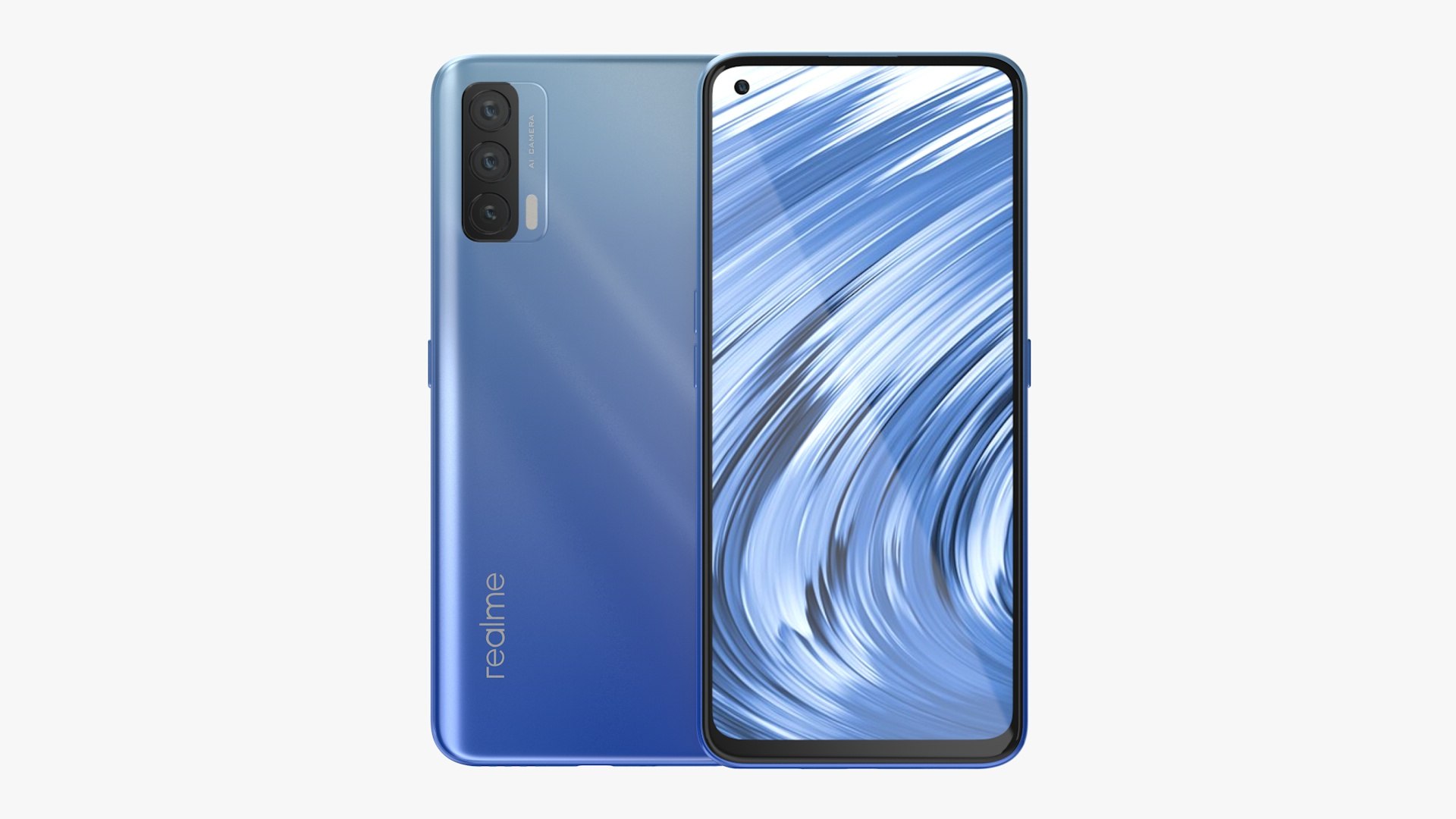
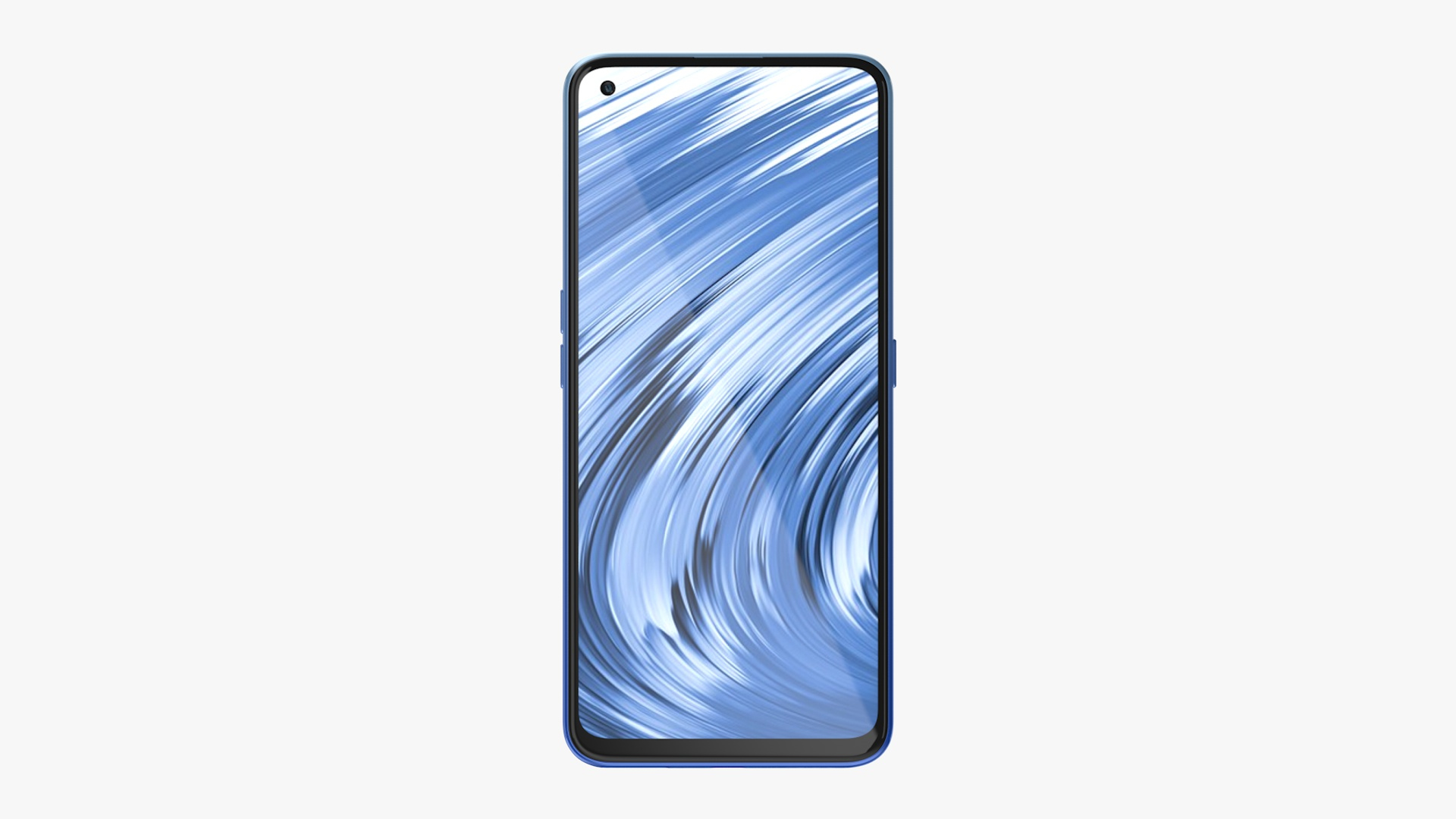
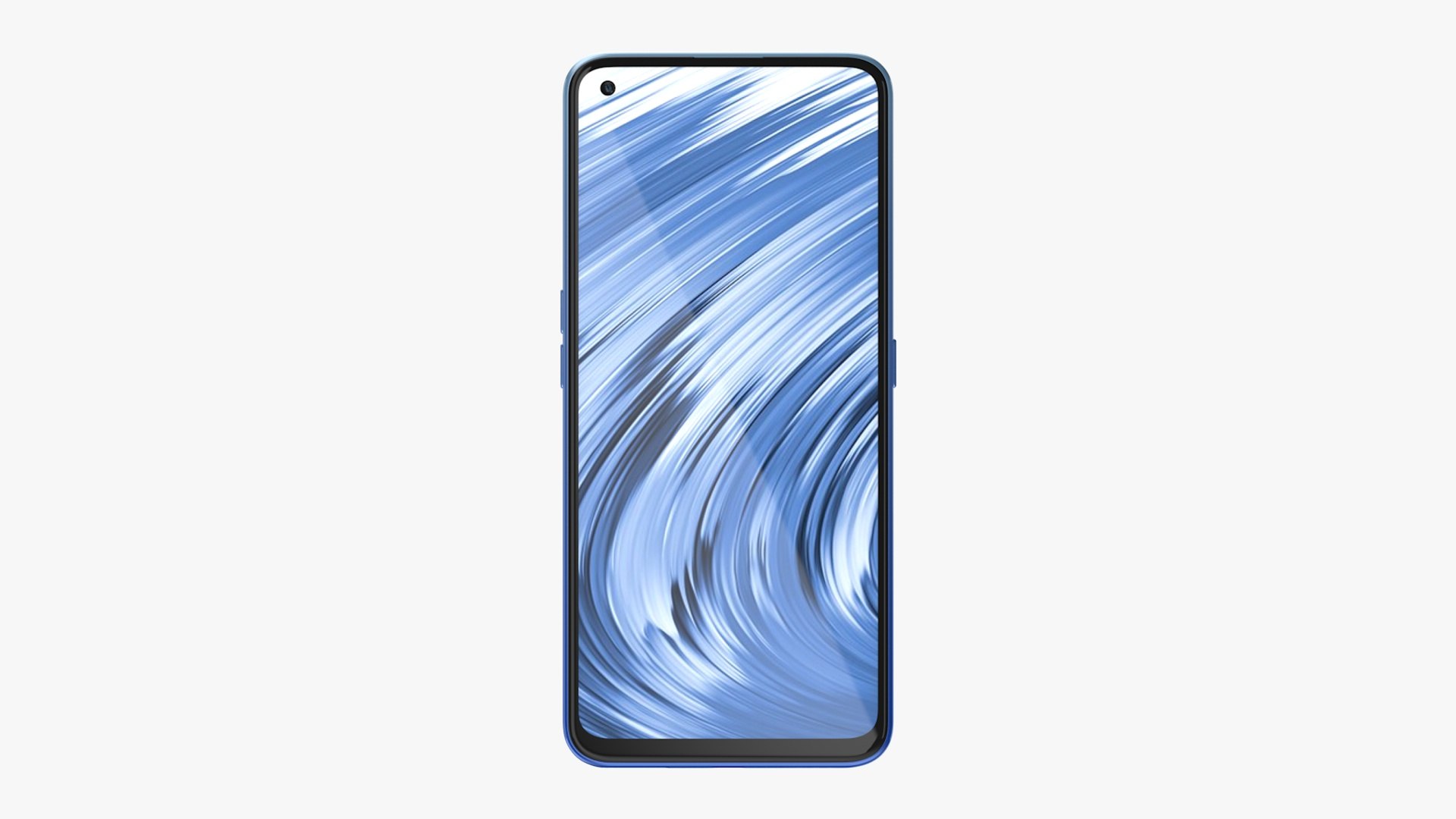
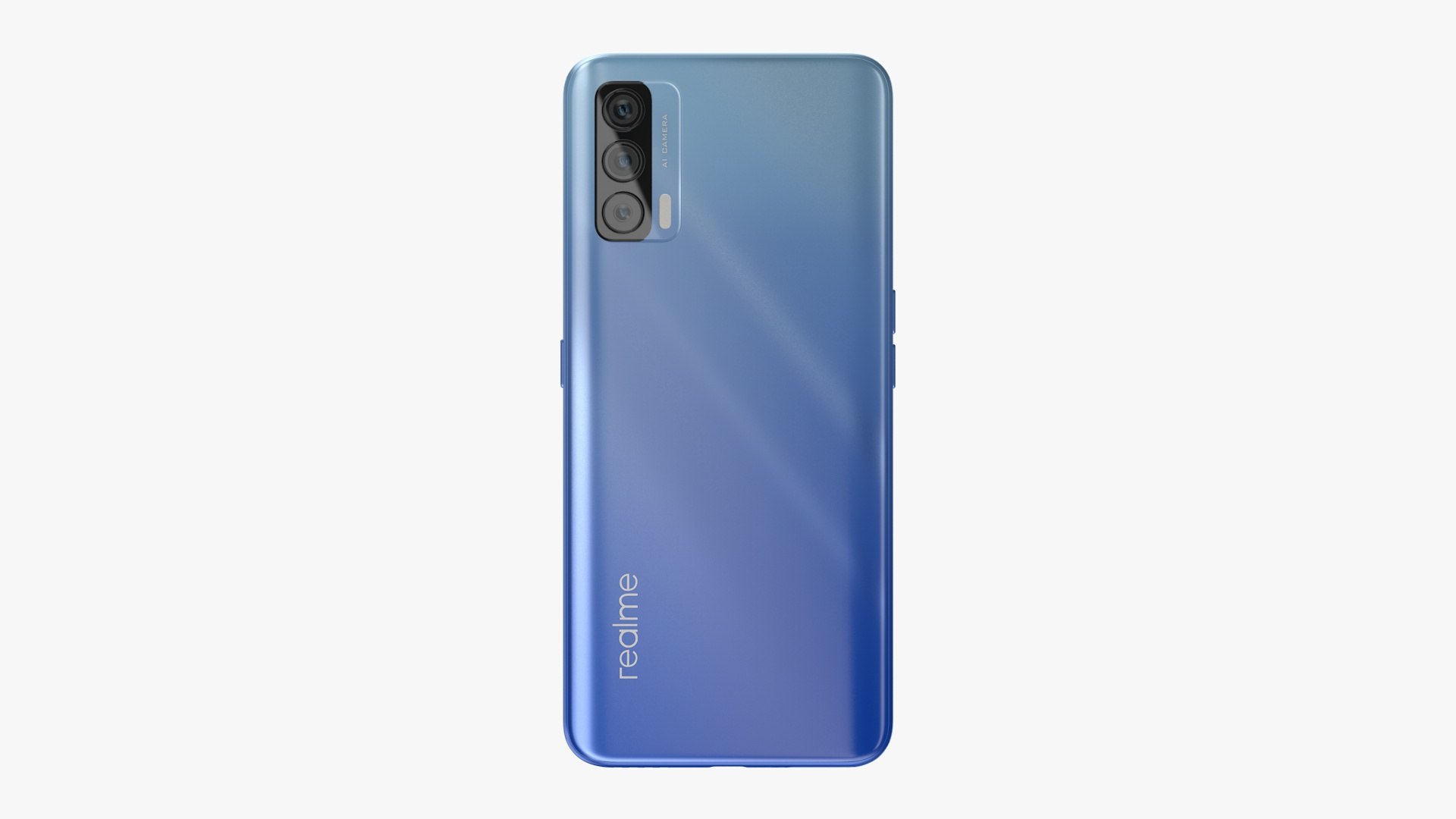
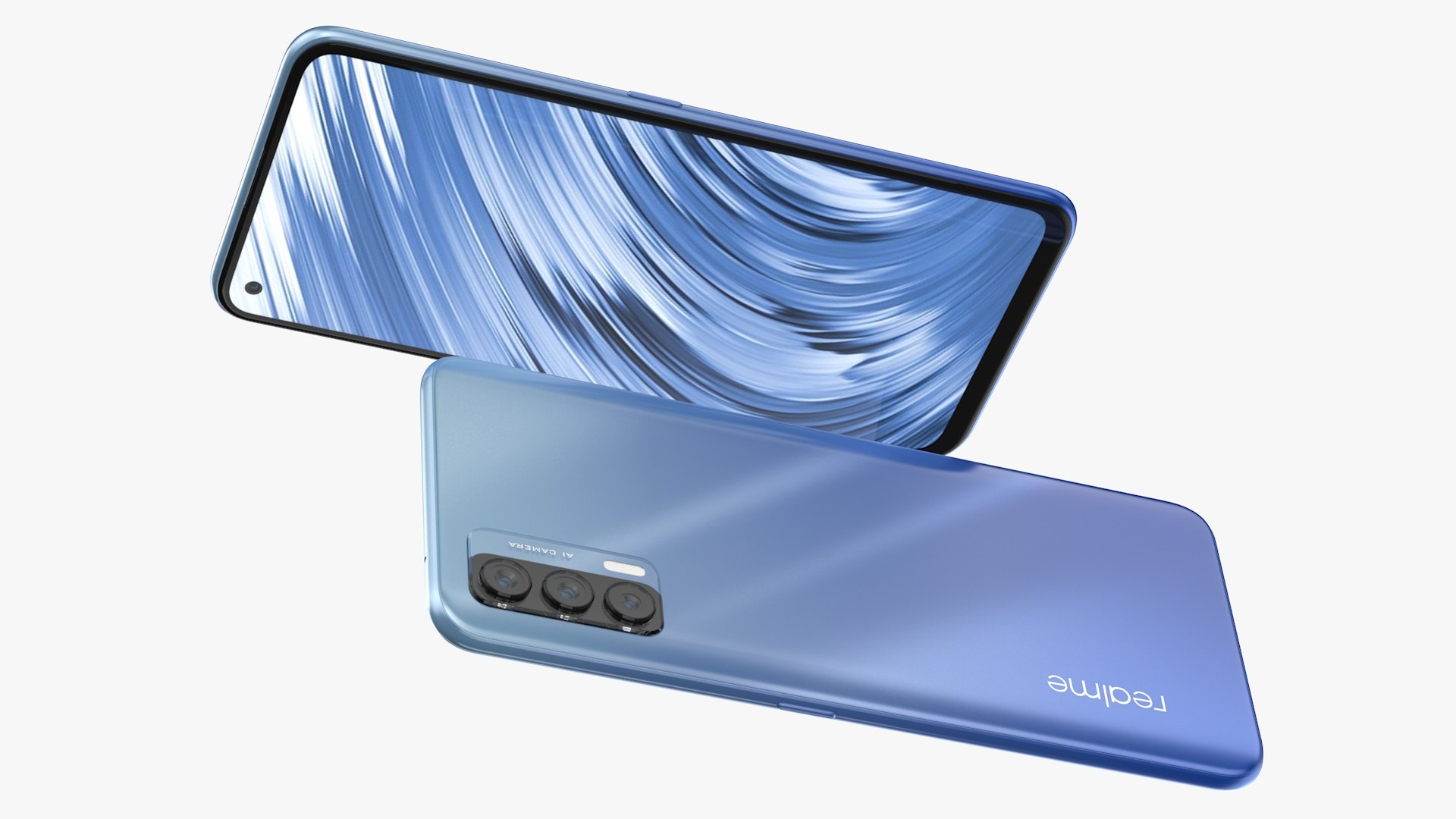
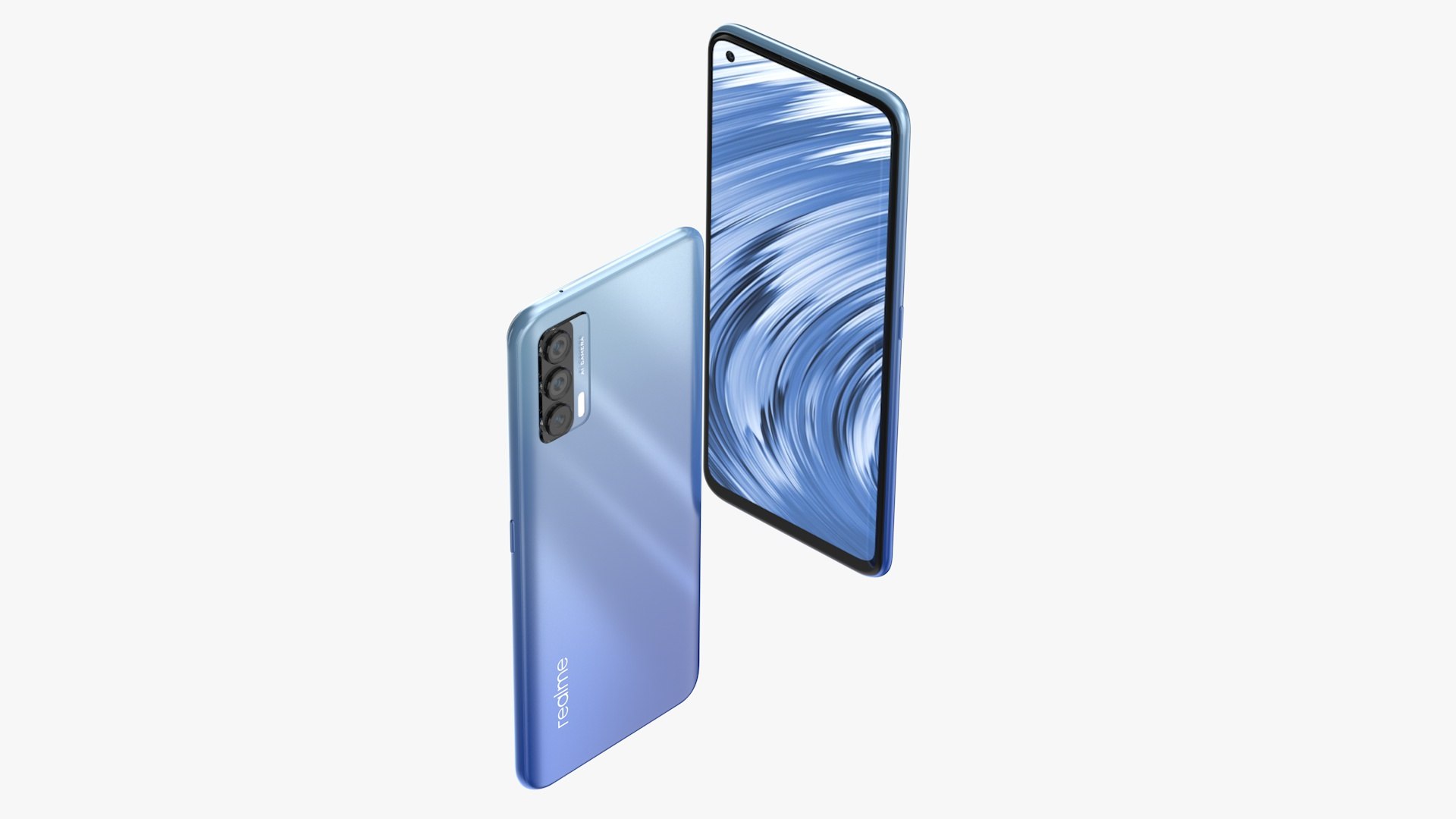
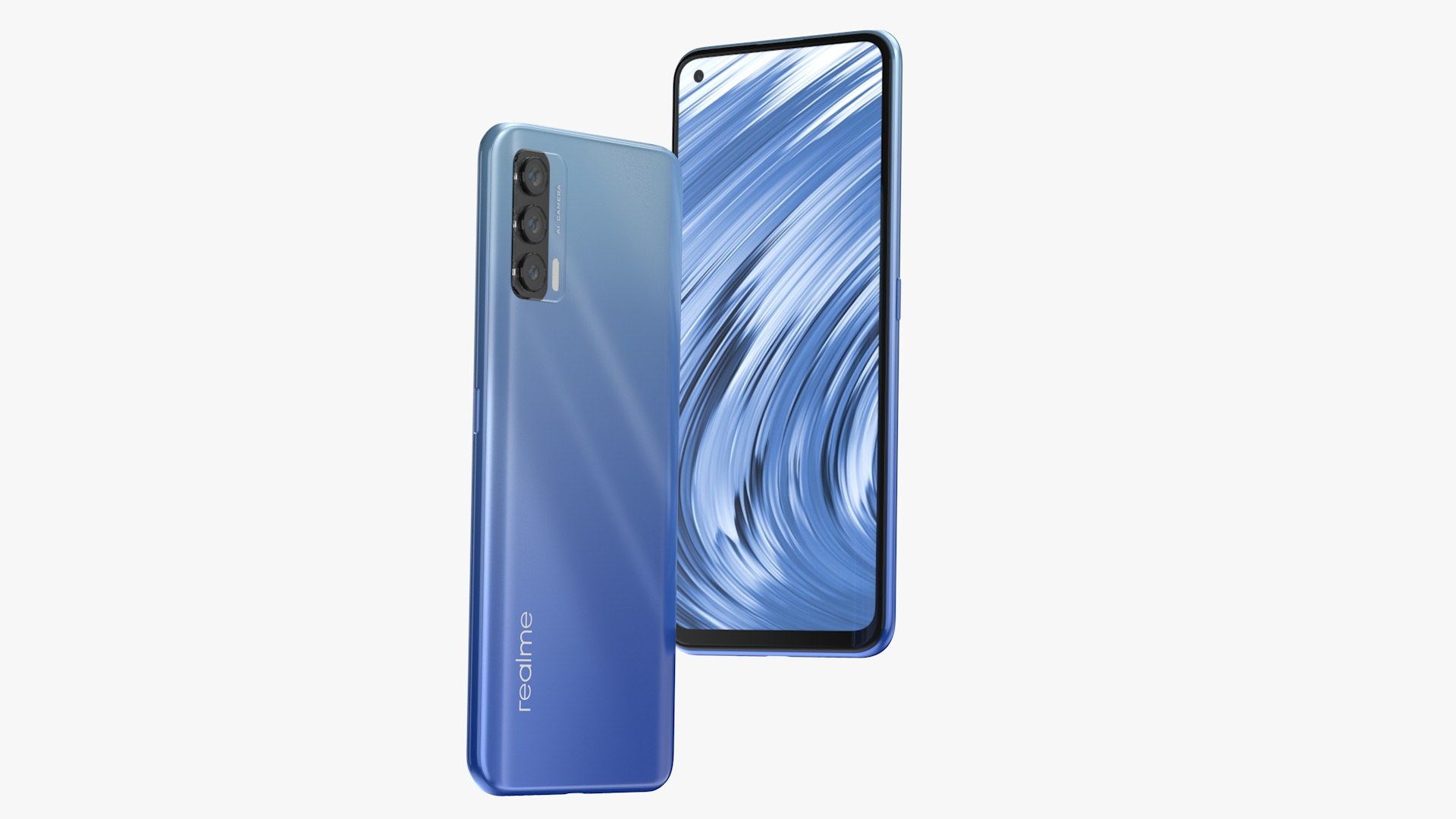
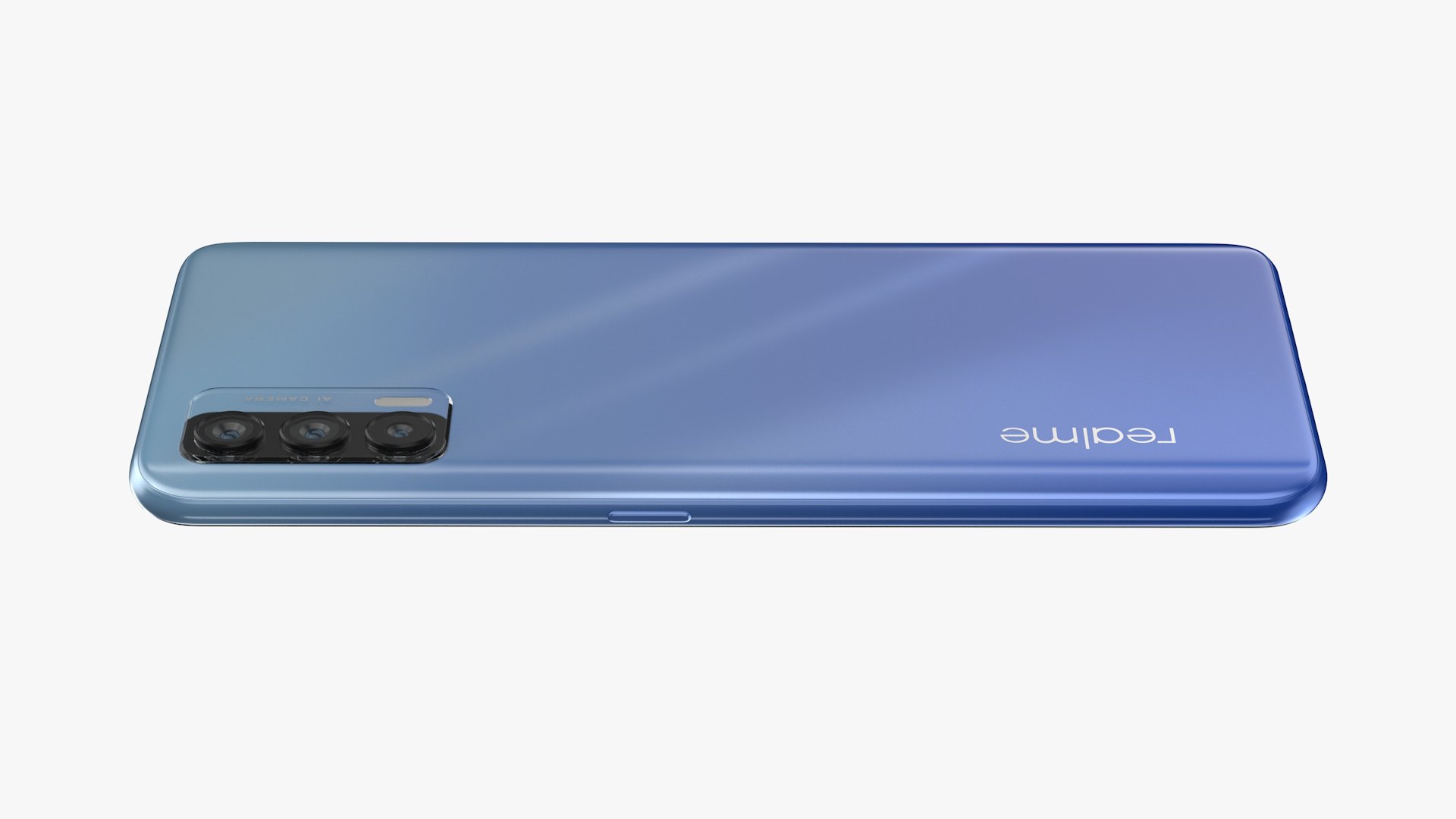
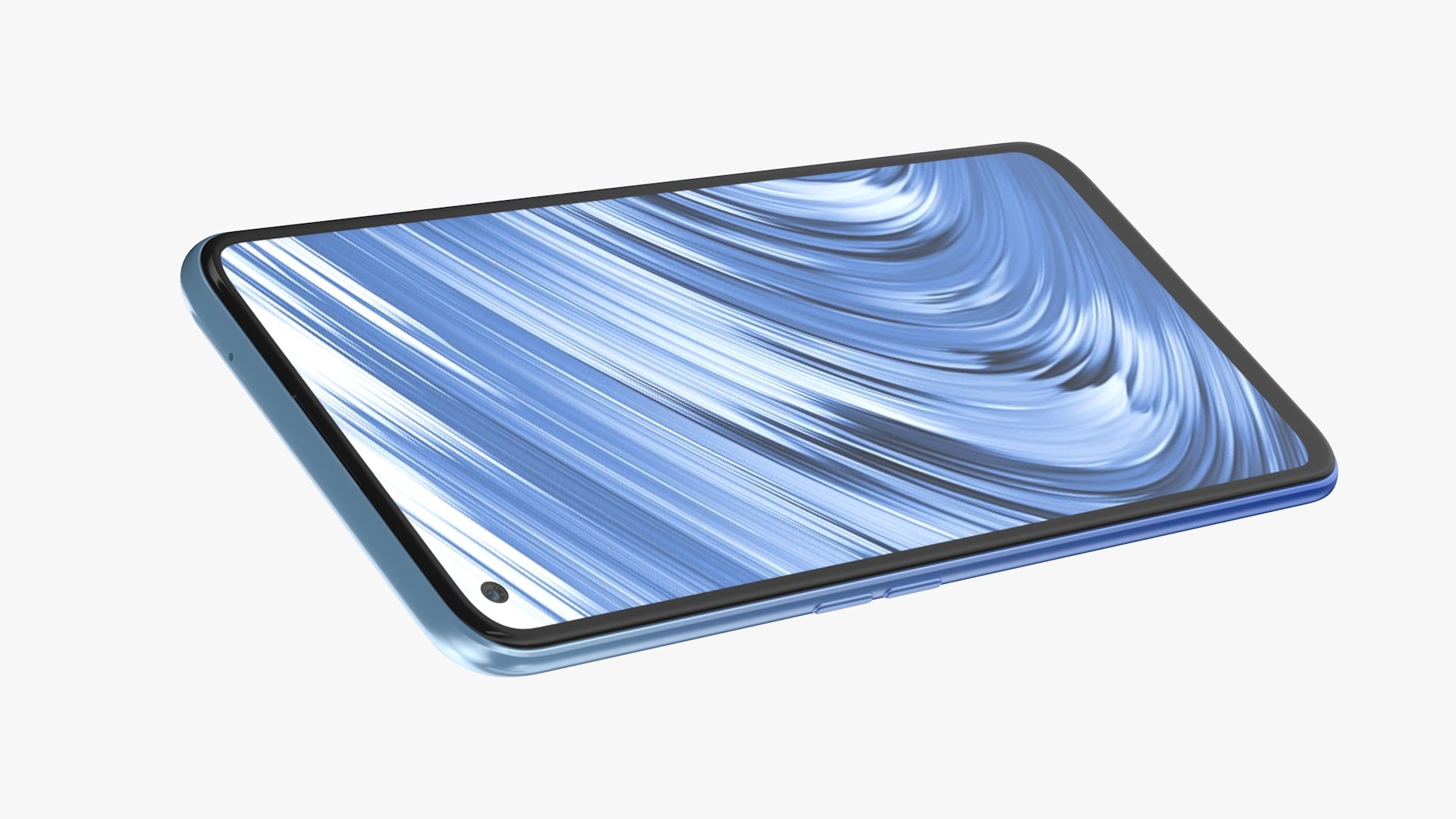
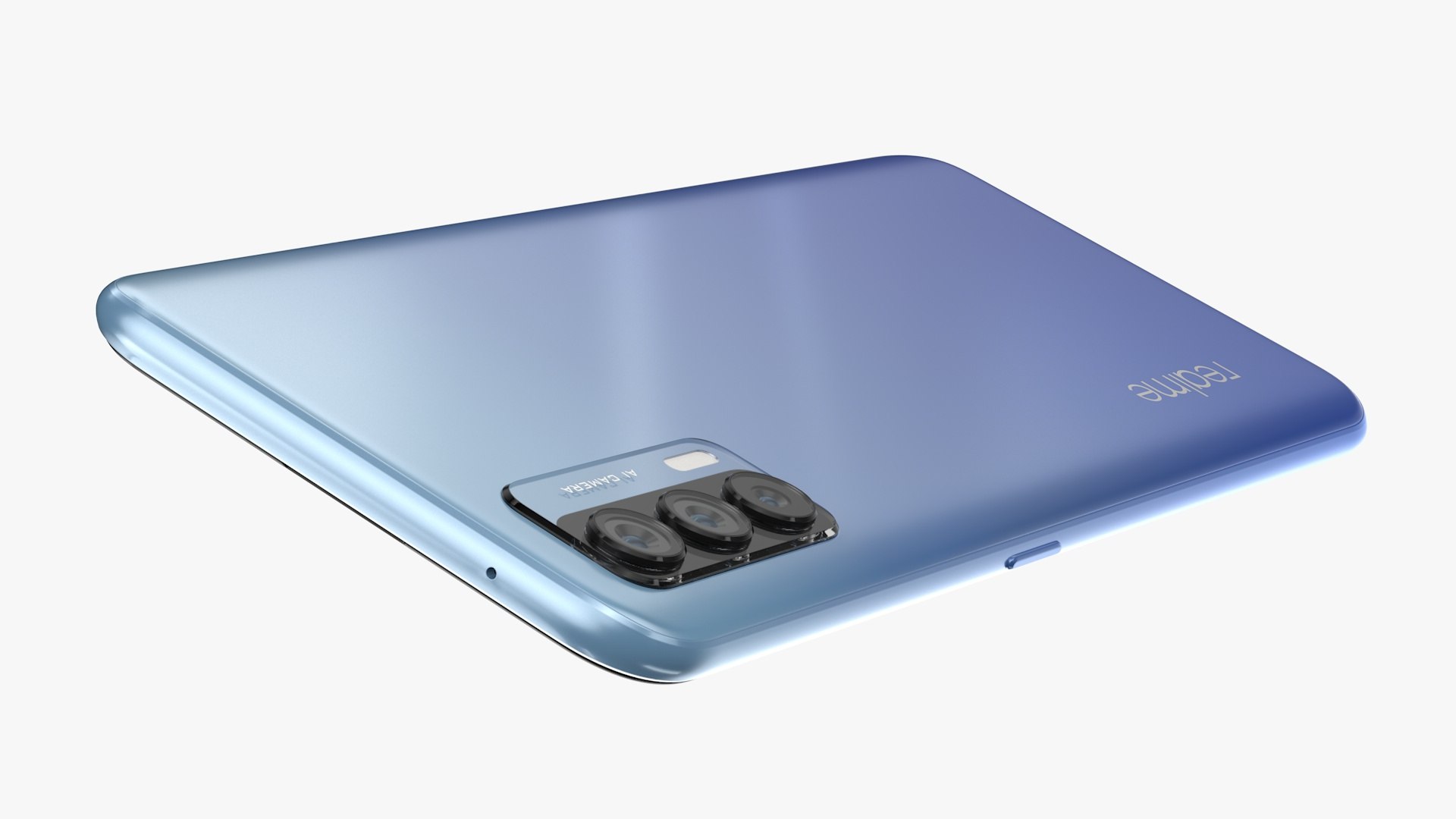
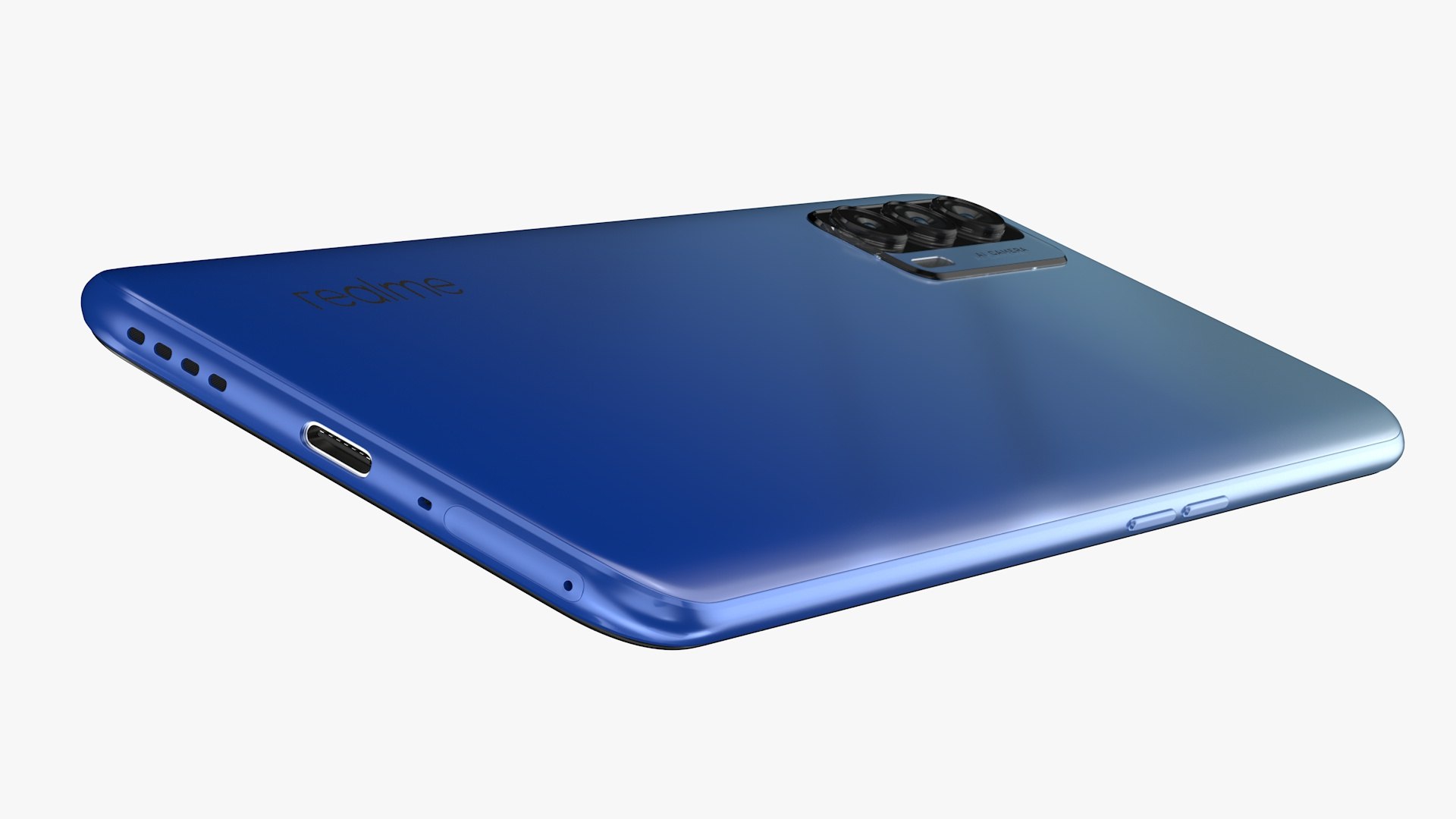
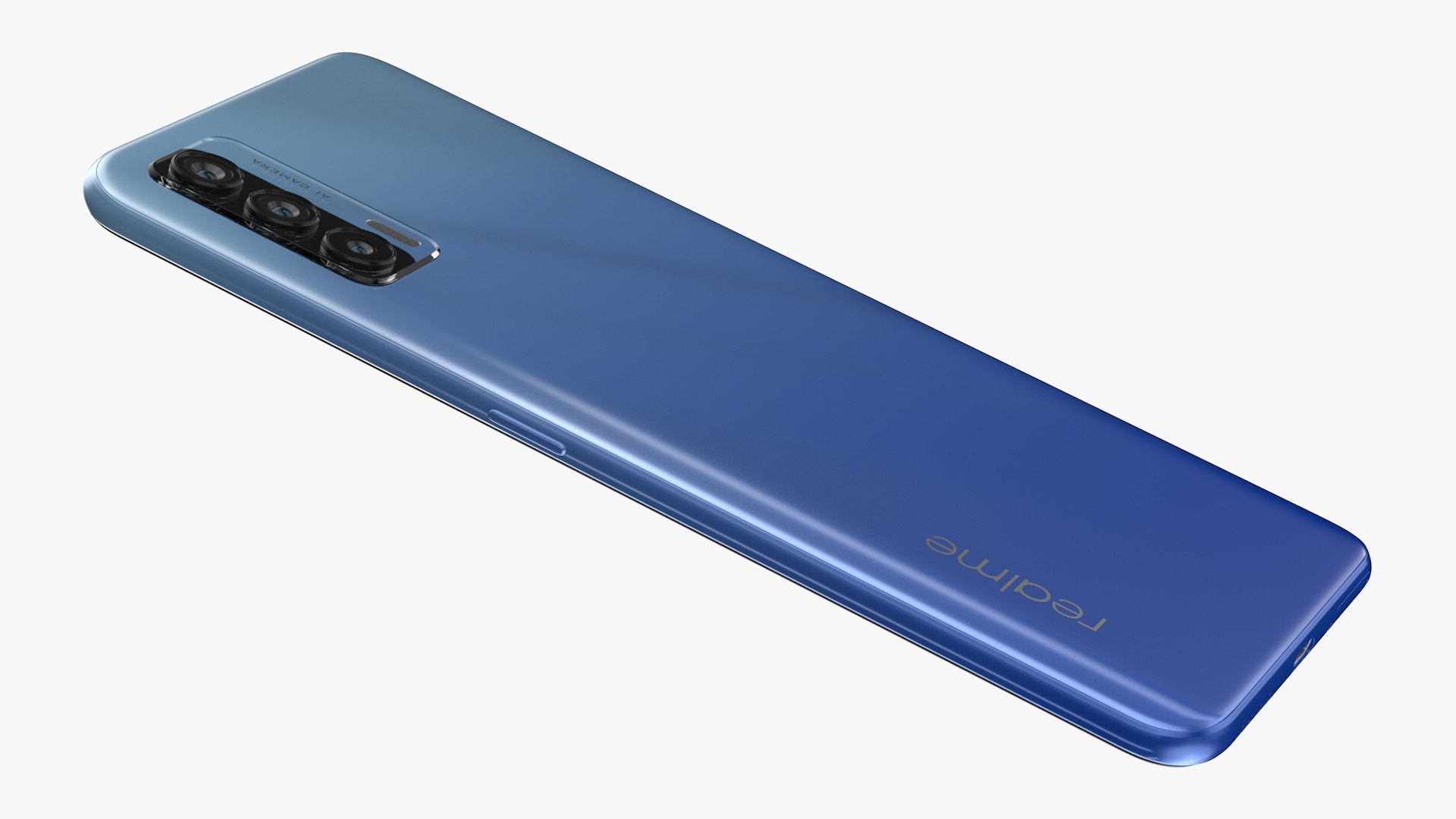
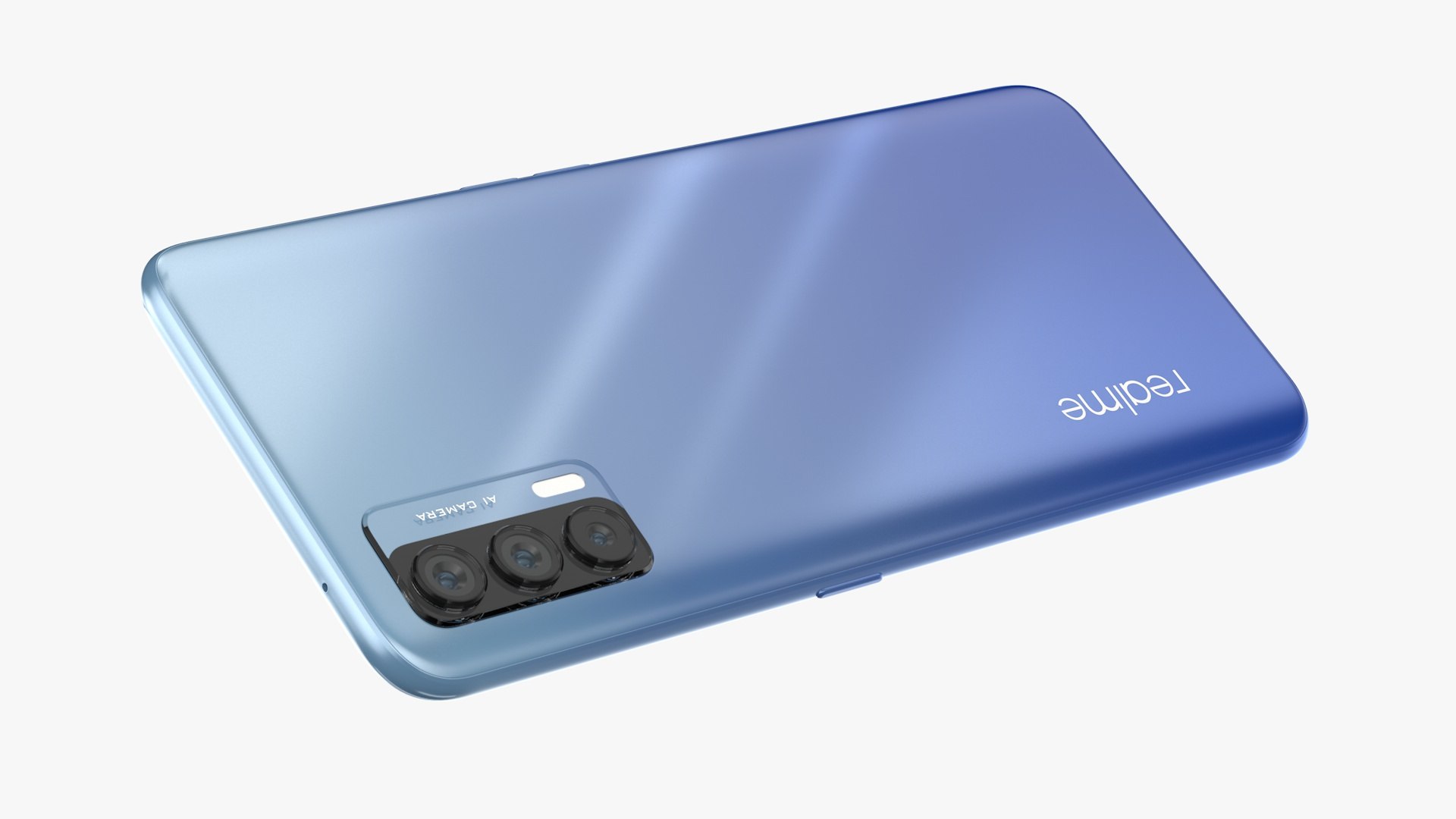
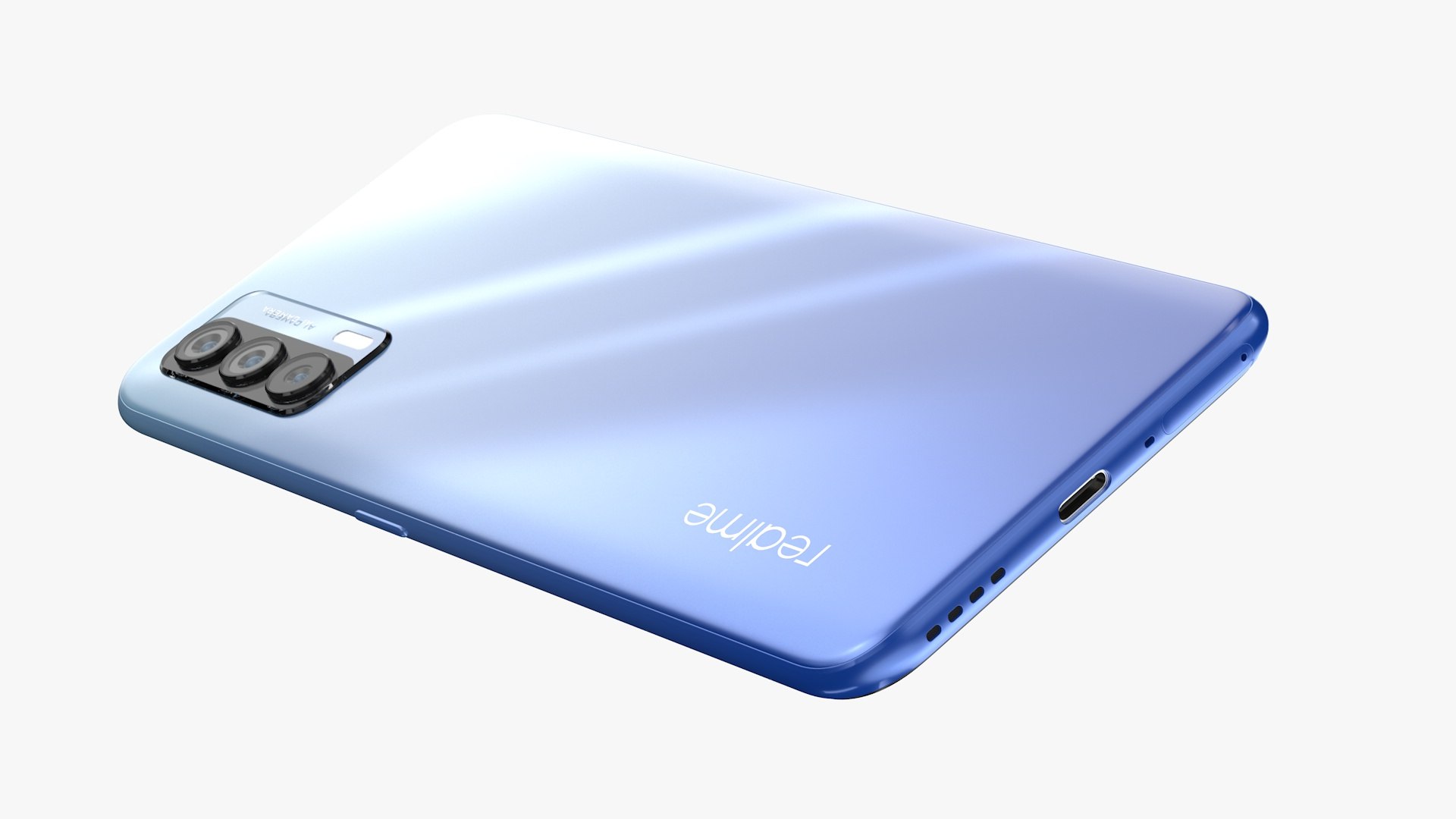
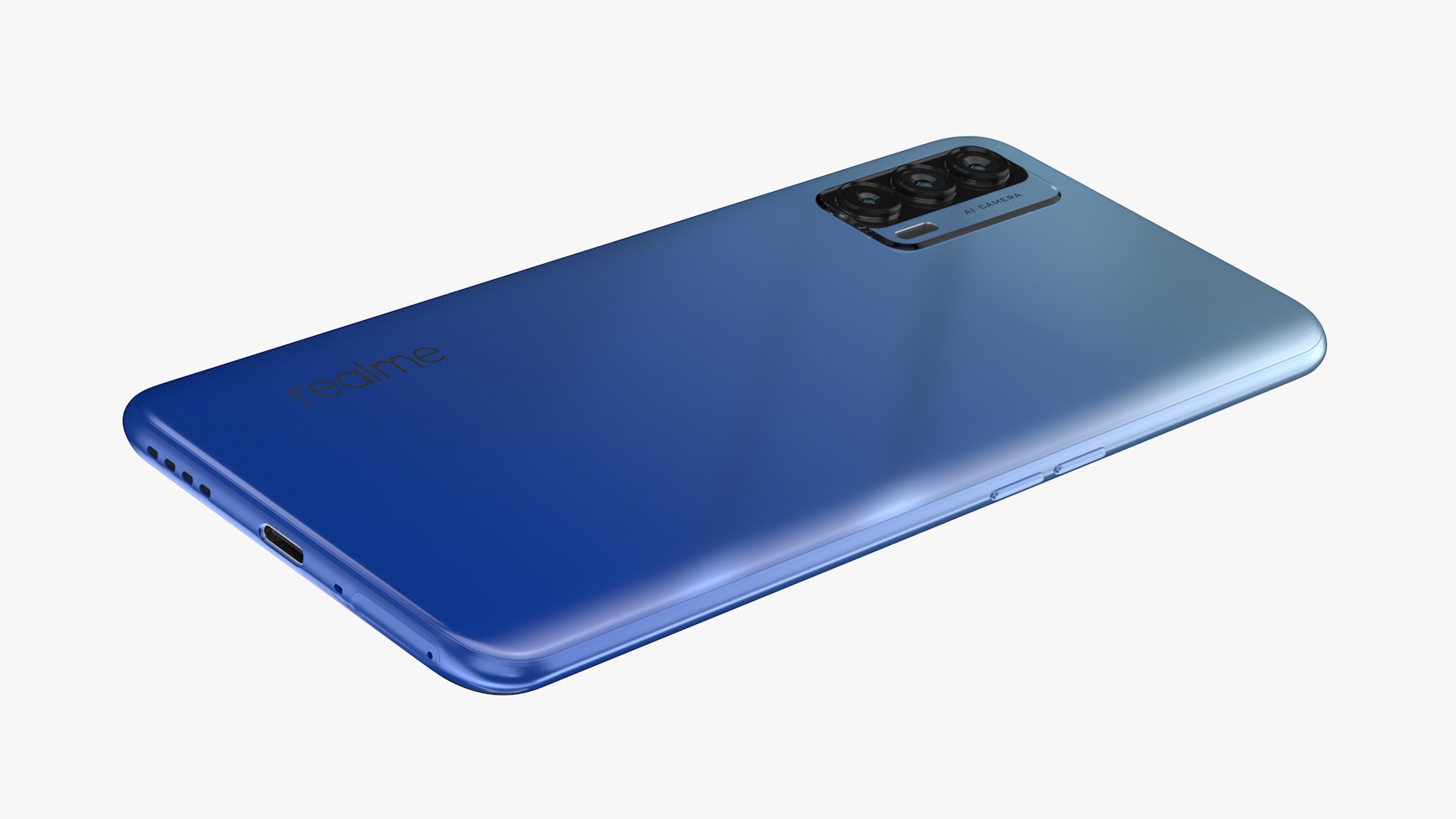
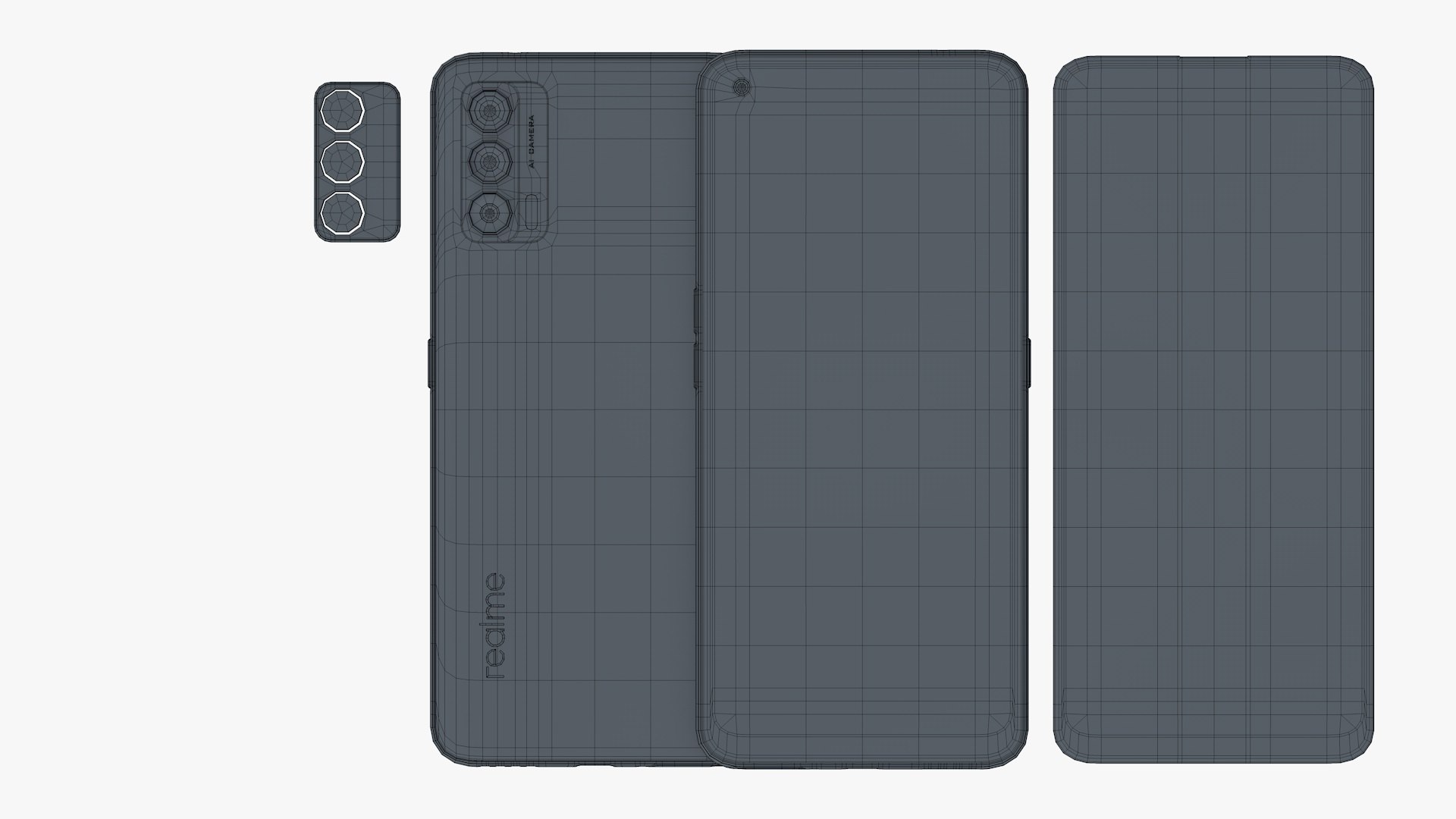
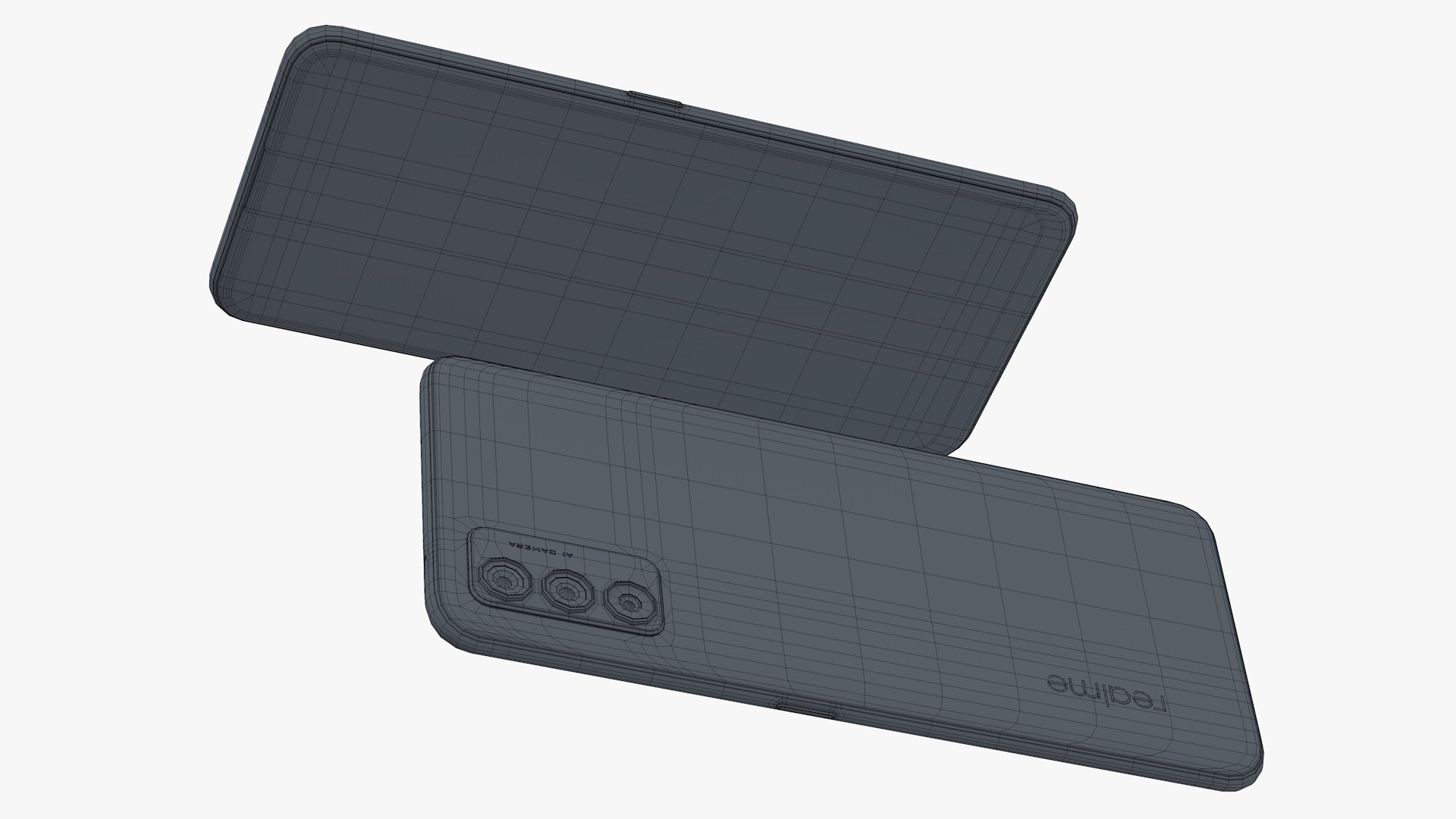
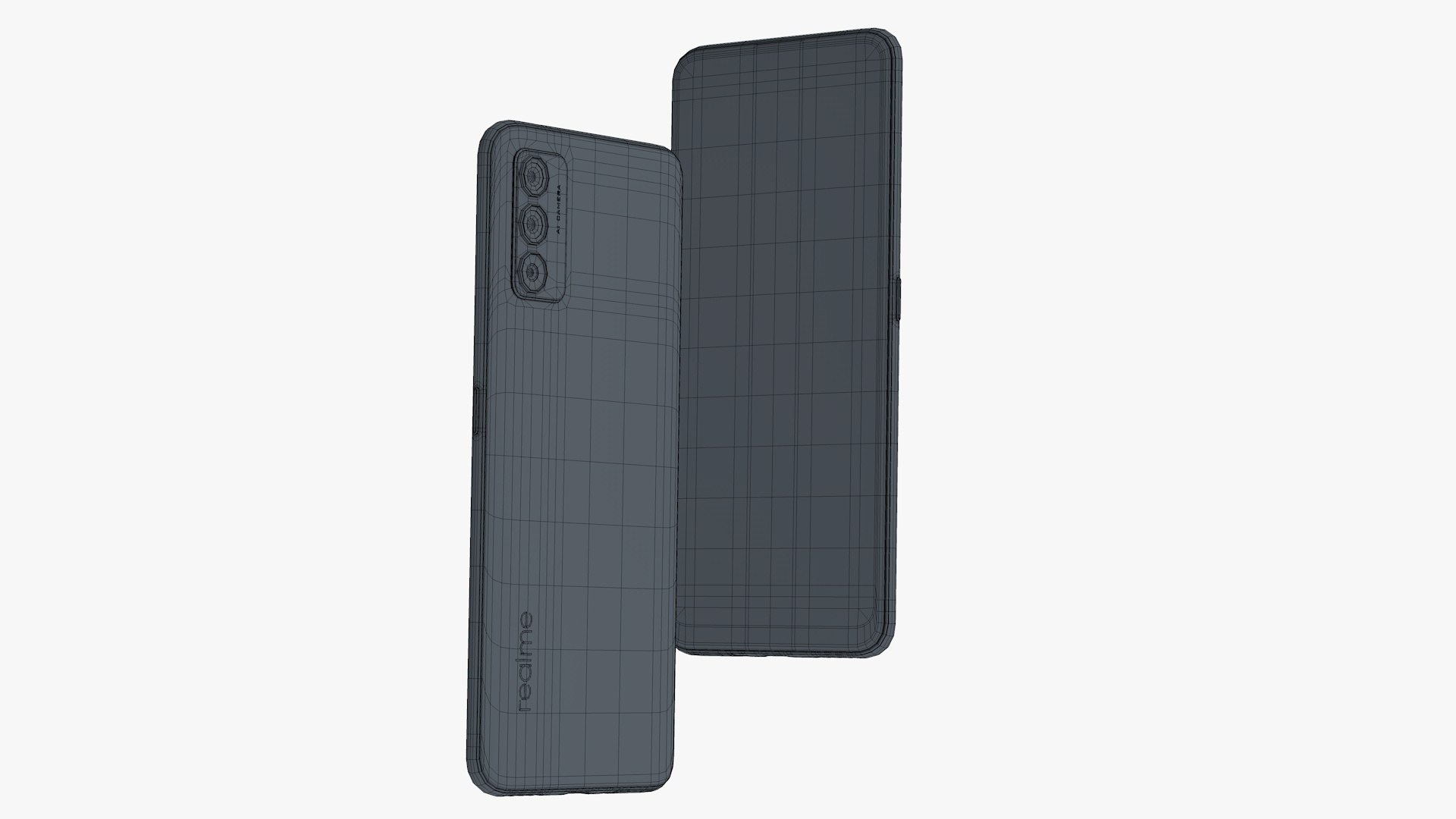
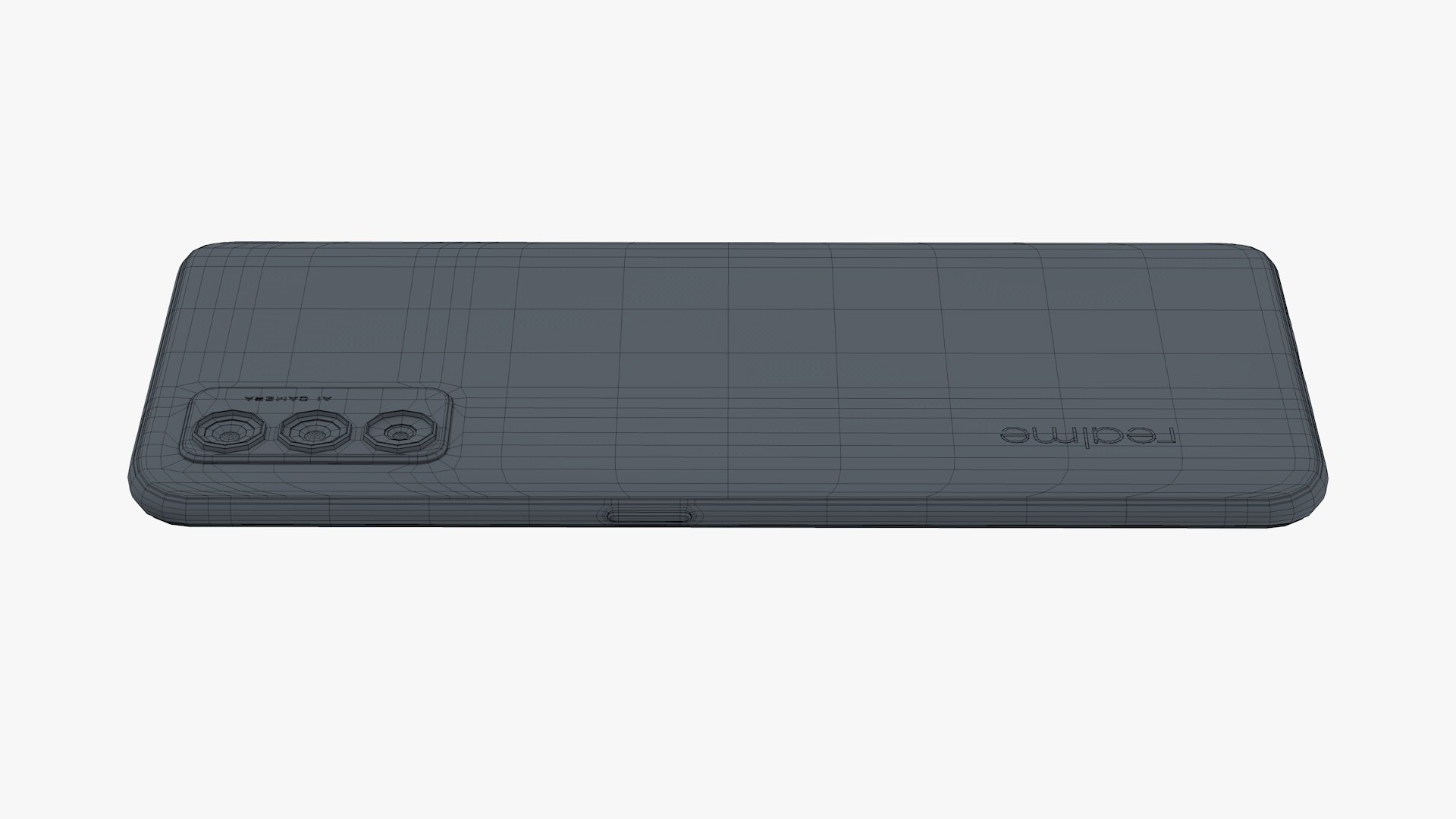
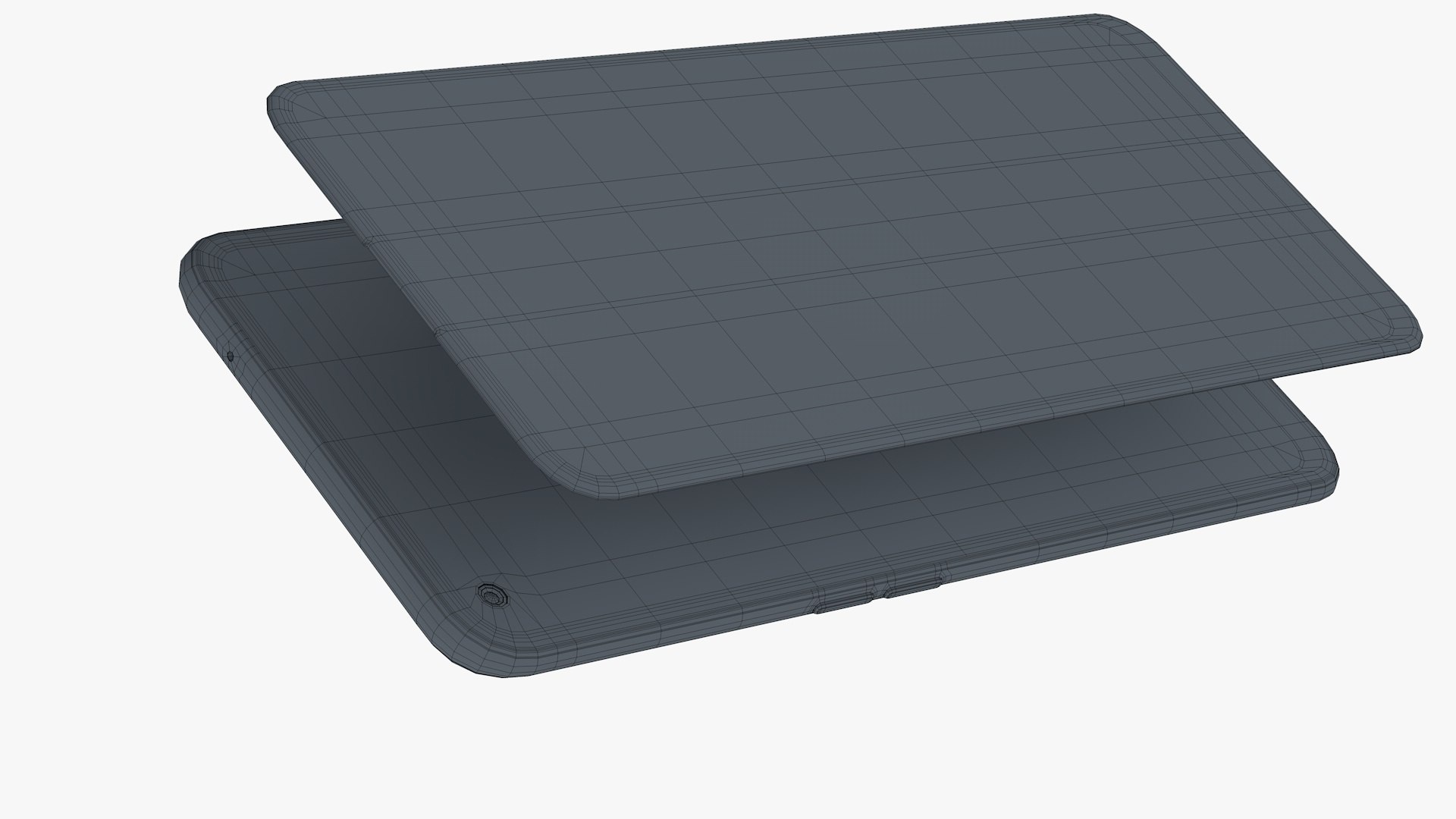
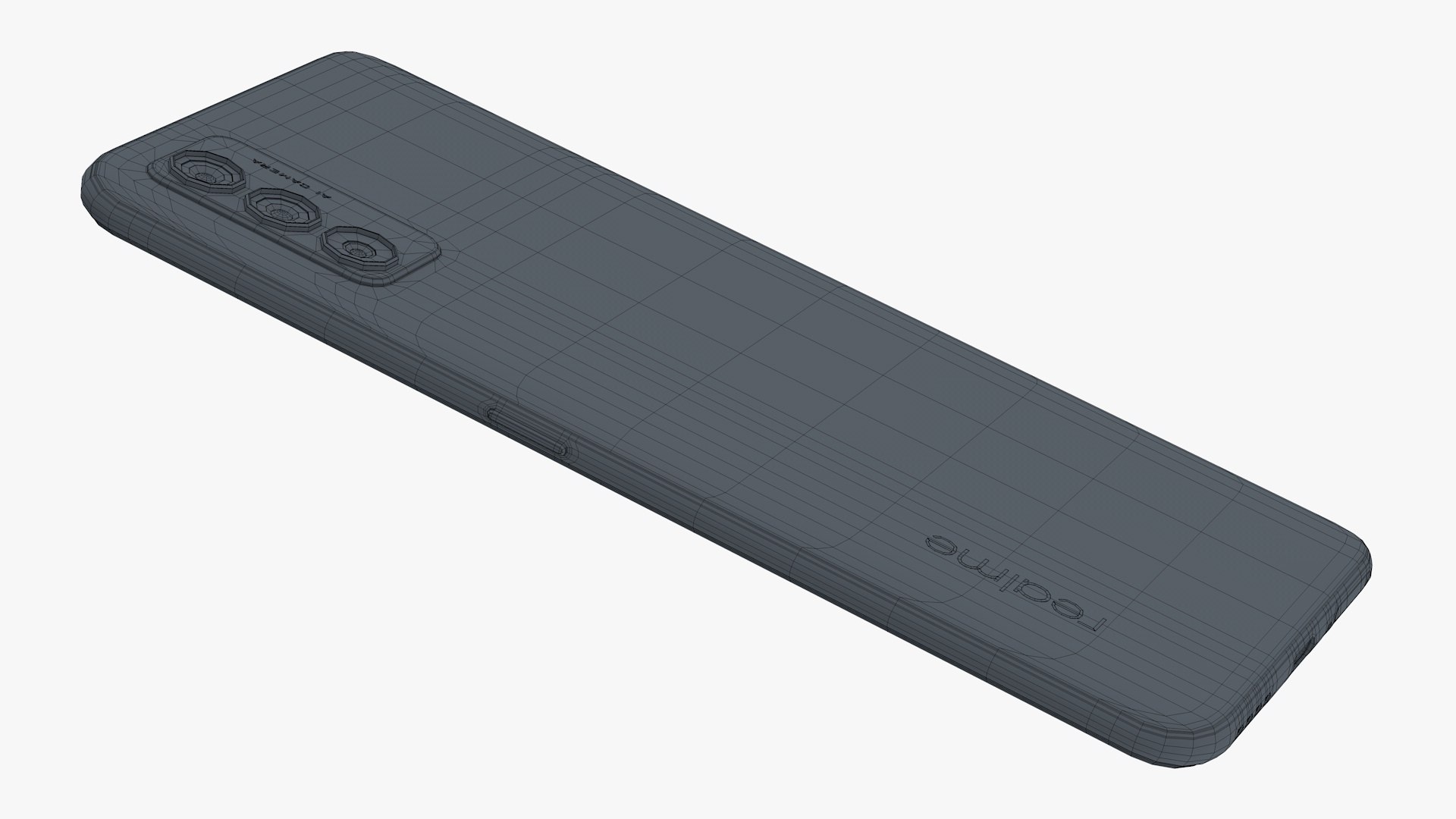
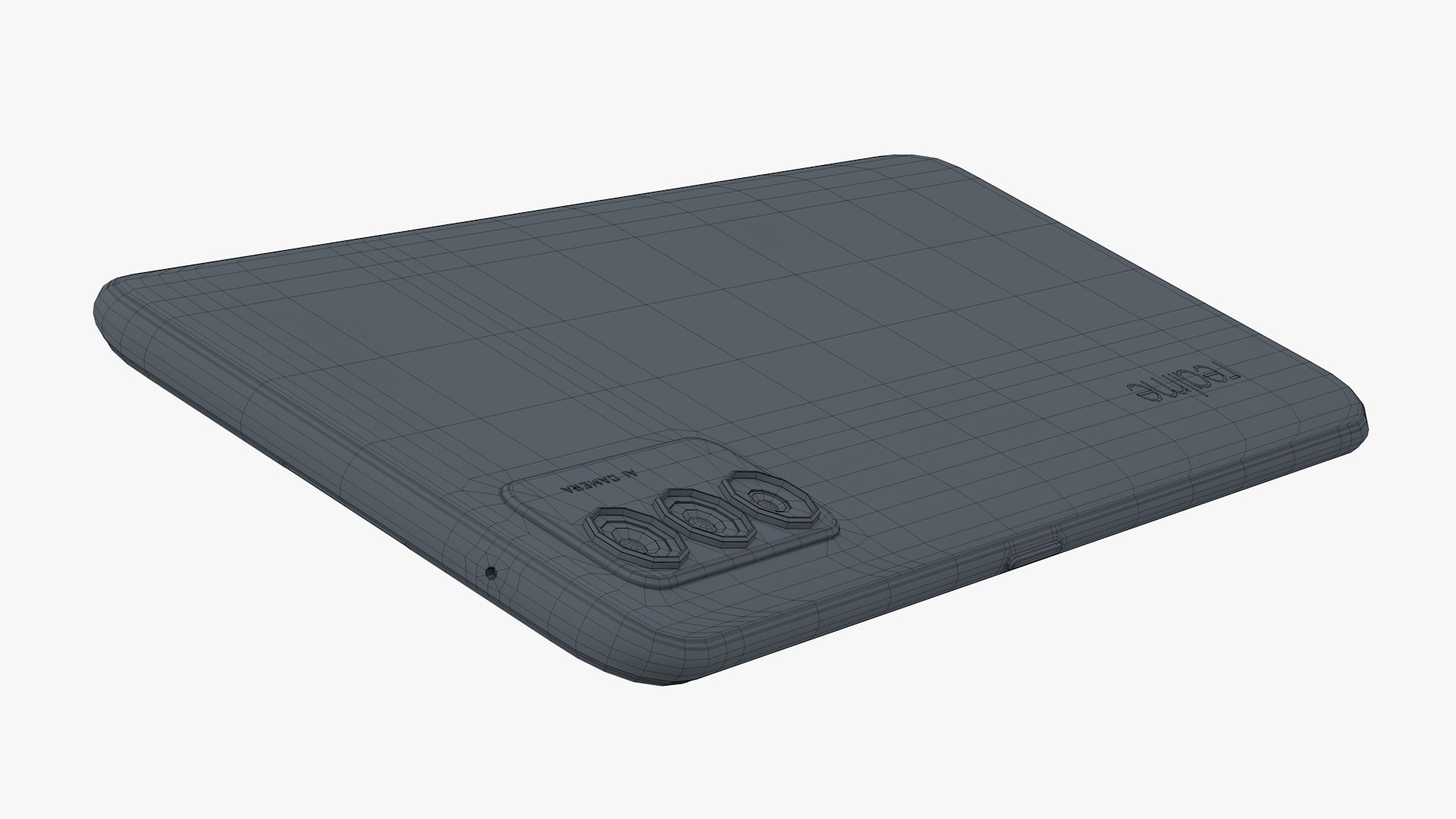
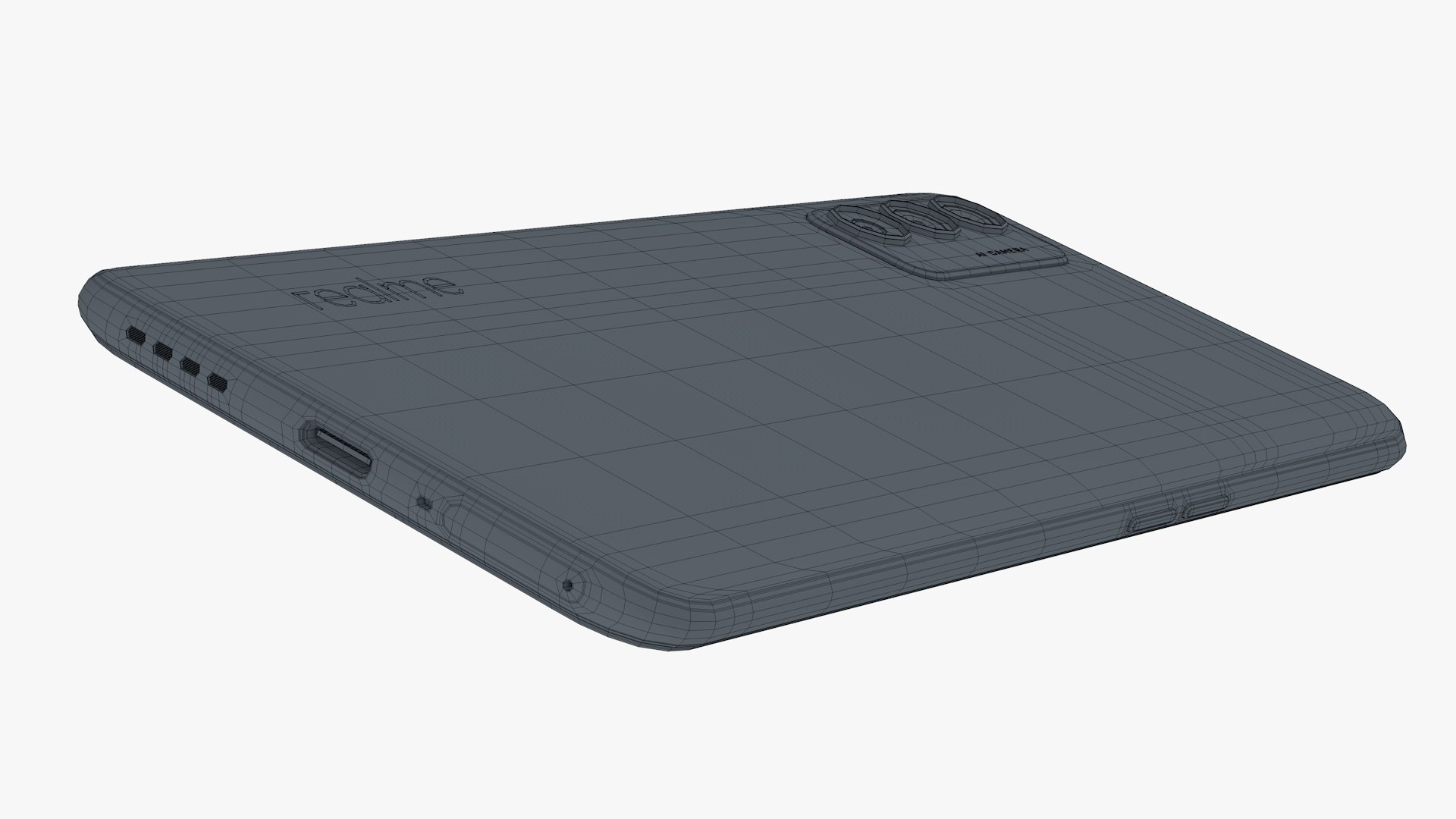
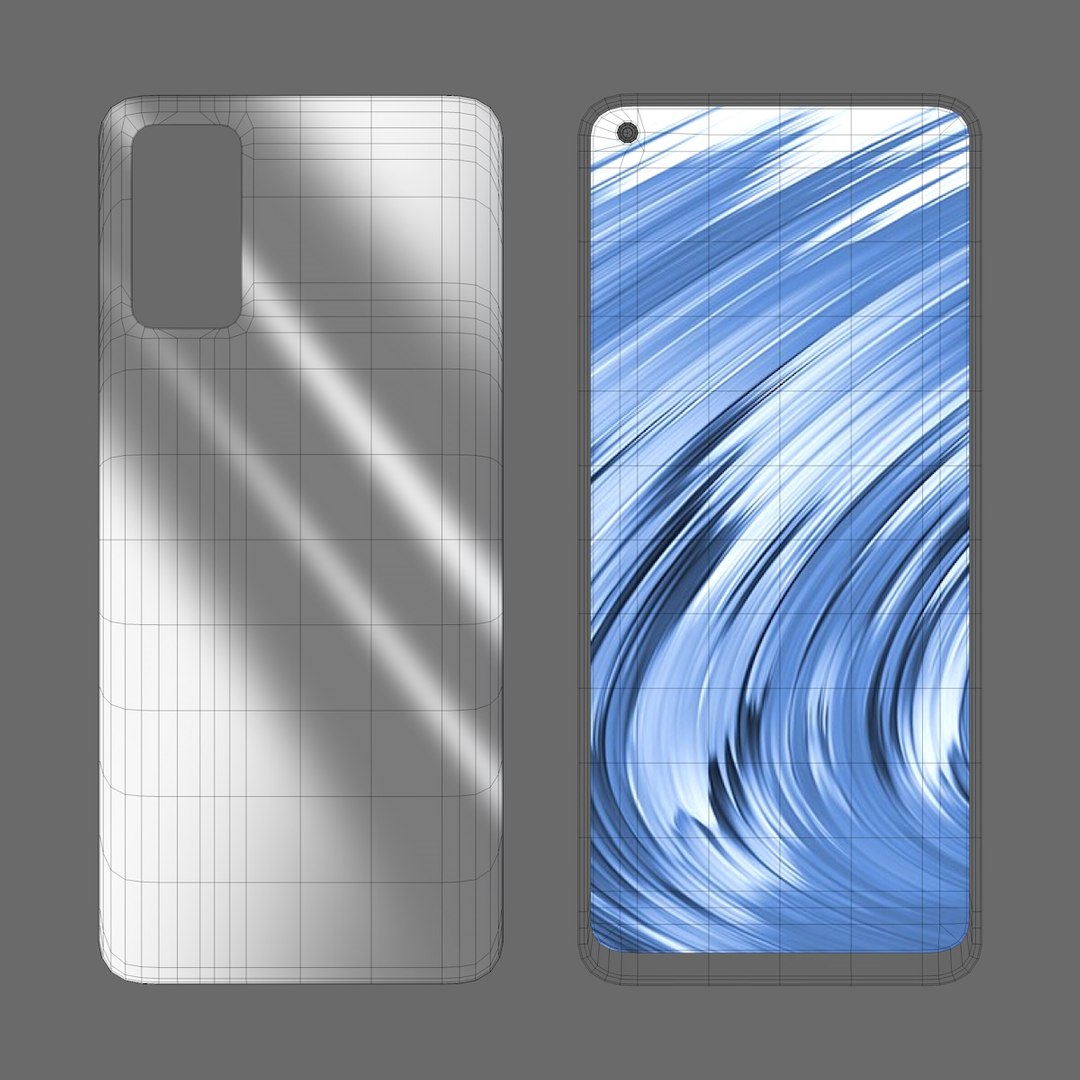
Realme V15 Blue

$39

Standard License | Upgrade License
Editorial Uses Only
Formats (4)
Free file format Conversions available
Native | Cinema 4D r20 | Advanced Render
FBX
3D Studio
OBJ
Specifications
Publish Date February 16, 2021
Product ID 1692726
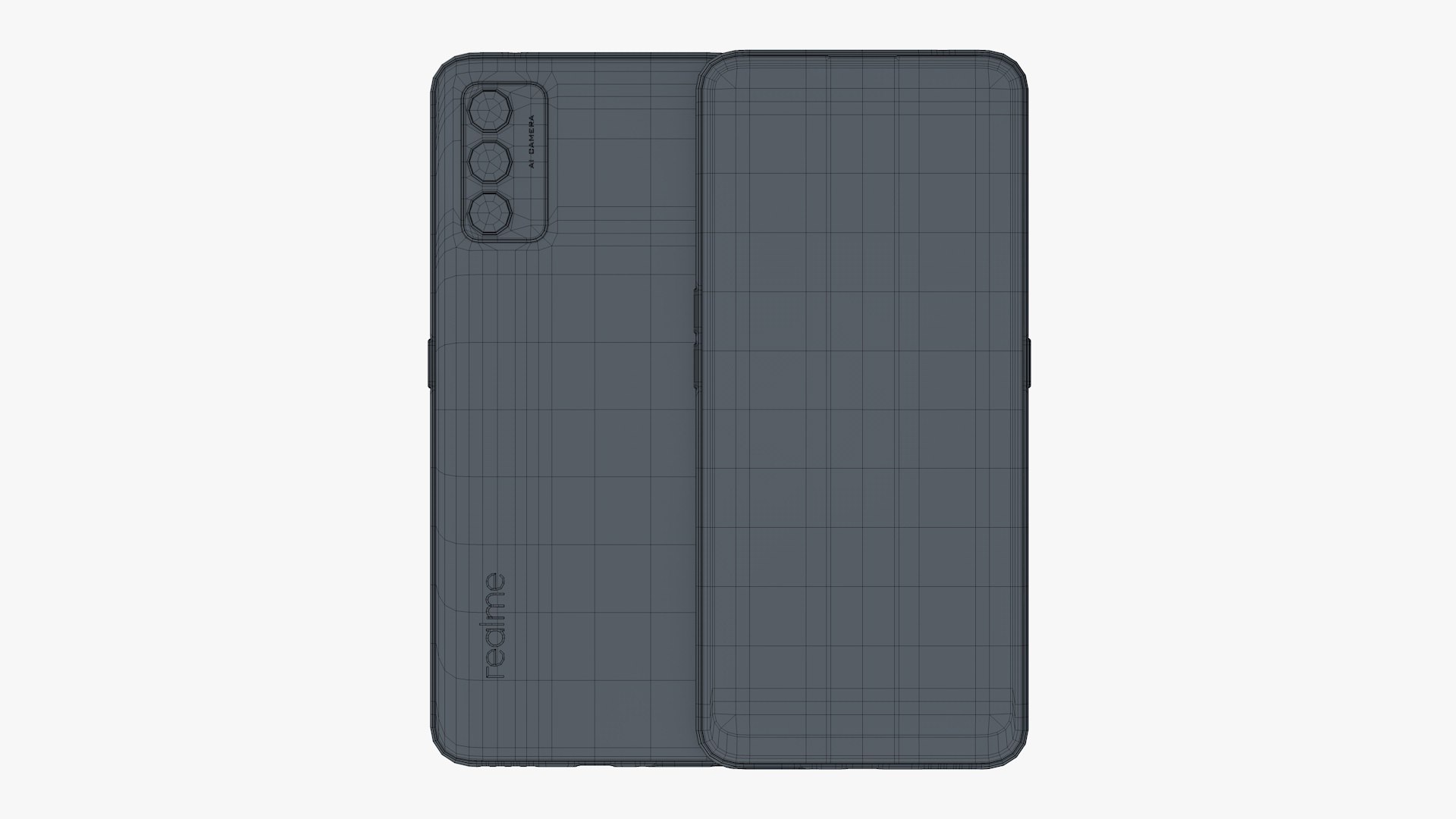
Polygons 35,050
Vertices 37,080
Polygonal Quads/Tris Geometry
Textures
Materials
UV Mapped
Non-overlapping Unwrapped UVs
TurboSquid Exclusive
member avatar
T_haseeb
1539 Products | Contributor Since 2014
Have questions? Chat with us now.

Description

High detailed 3D model of Realme V15 in Blue color.

Main features:

- Originally created with Cinema 4D r20
- Separate objects like Frame, screen glass and back. Total number of objects is 12 for single phone model and total of 24 for the scene that displays in signature image. All objects are intelligently named
- Unit system is set to centimeter. Real-world scale
- All textures and materials are included and assigned
-4 textures, and they have a max resolution of 1440px x 3200px
-Lighting scene setup is also included
- Previews rendered in Cinema 4D r20

Special notes:

- .obj format is recommended for import in other 3d software. If your software doesn't support .obj format, please use 3ds format; .obj format was exported from Cinema 4D. The geometry for .obj format is set to quads

- .c4d files can be loaded in Cinema 4D r13 or higher.
- but the materials are created using layered reflection channel of Cinema 4d and therefore Cinema 4D's r16 or higher version is recommended.

- If you like this model then feel free to checkout my other models too, and have a nice day.

Select Enhanced License

  • $10,000 in Legal Protection (Indemnification)
  • Uncapped Legal Protection (Indemnification)
  • Waiver from injunctive relief
  • Assignable model rights
  • $1,000,000 in Legal Protection (Indemnification)
  • Waiver from injunctive relief
  • Assignable model rights
  • $250,000 in Legal Protection (Indemnification)
  • Assignable model rights
Read more about enhanced license tiers, or contact us at enterprise@turbosquid.com. Already a Shutterstock Enterprise Customer? Contact your Shutterstock Sales Support Agent to talk about adding 3D.

About Conversion Requests

To submit a conversion request for a purchased asset, please complete our Conversion Request Form.

If you have not yet purchased a model, please review our Documentation about Conversions to learn about what limitations you may encounter with a conversion.

For any additional questions about a model’s suitability for conversion, please contact TurboSquid Support.

Loading...