
Tower Avala

$59

Standard License | Upgrade License
Editorial Uses Only
Formats (8)
Free file format Conversions available
Cinema 4D R19 | mental ray
Lightwave 11.5 | Default Scanline
Maya 2016 | mental ray
3ds Max 2017 | mental ray
3D Studio
FBX
OBJ
Specifications
Publish Date October 28, 2020
Product ID 1640940
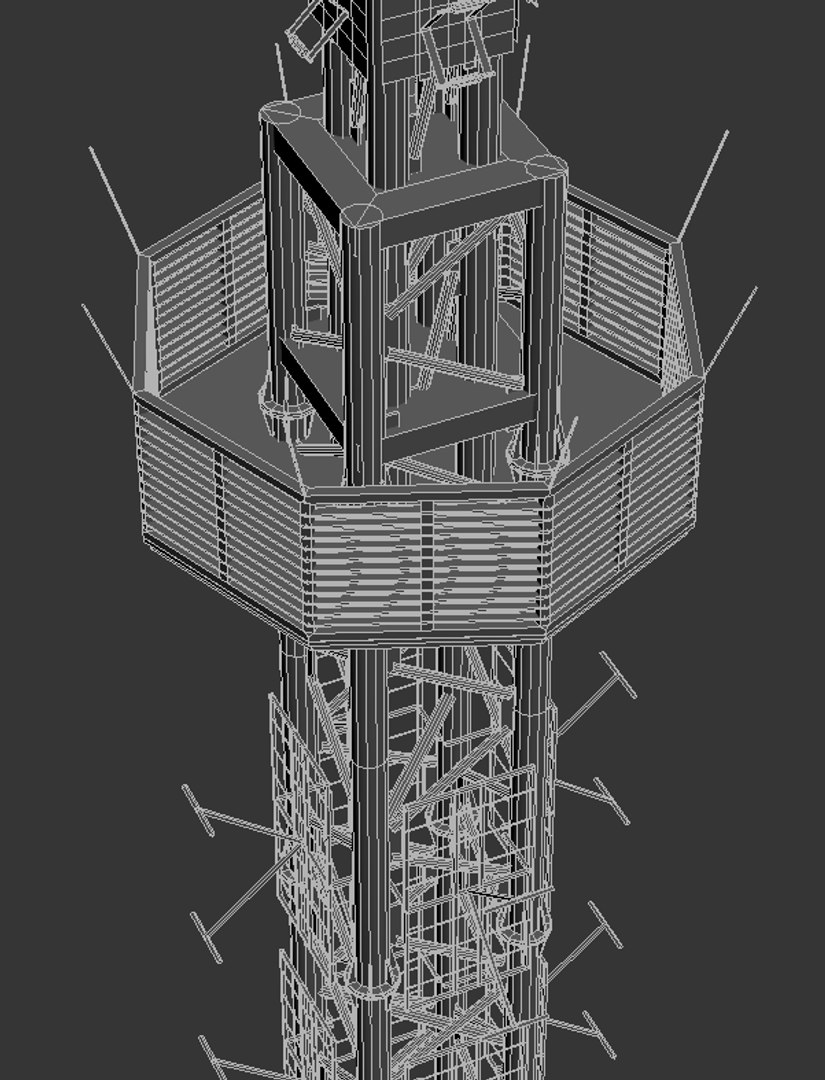
Polygons 78,981
Vertices 94,919
Polygonal
Textures
Materials
UV Mapped
Mixed Unwrapped UVs

member avatar
CodeName3D
16 Products | Contributor Since 2020
Have questions? Chat with us now.

Description

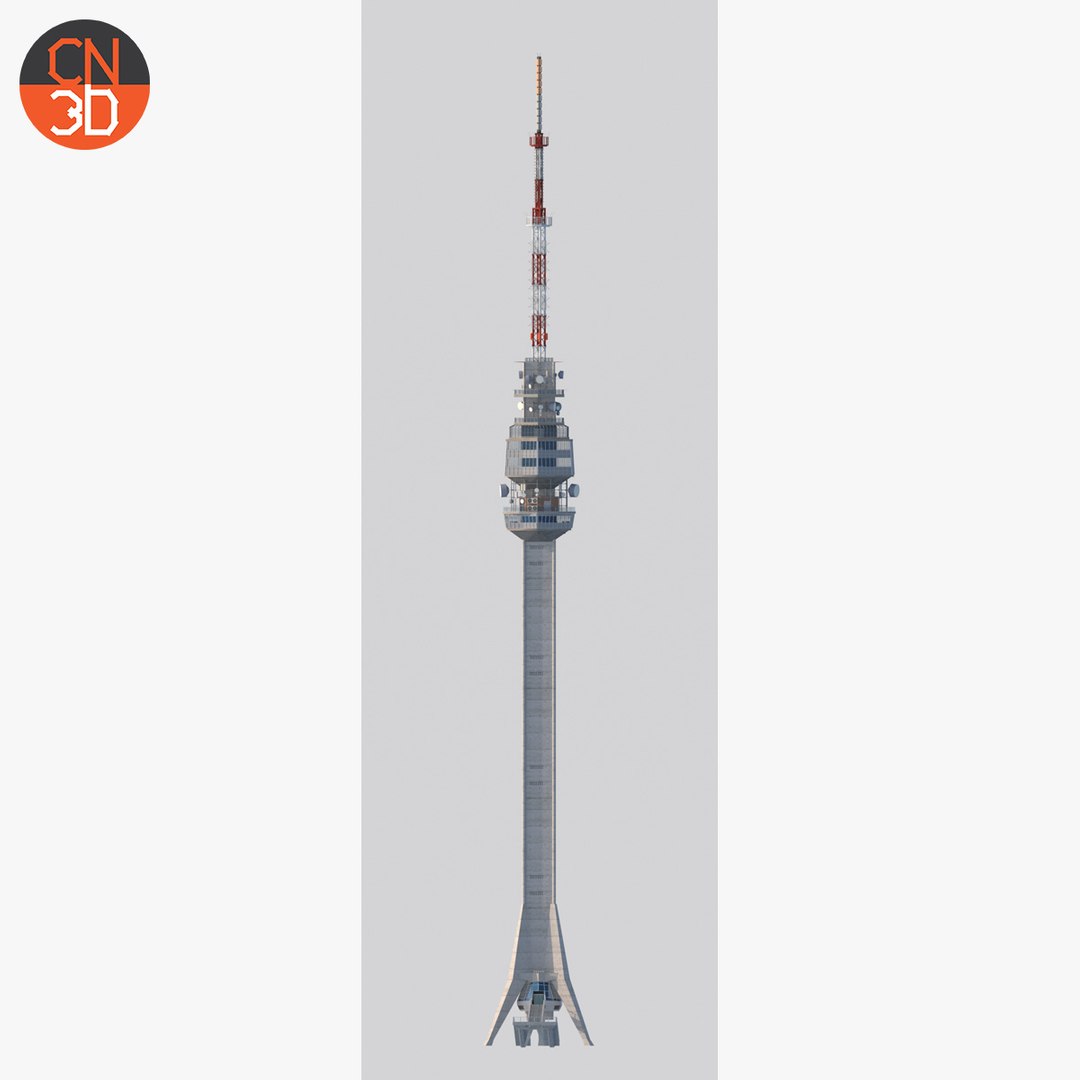
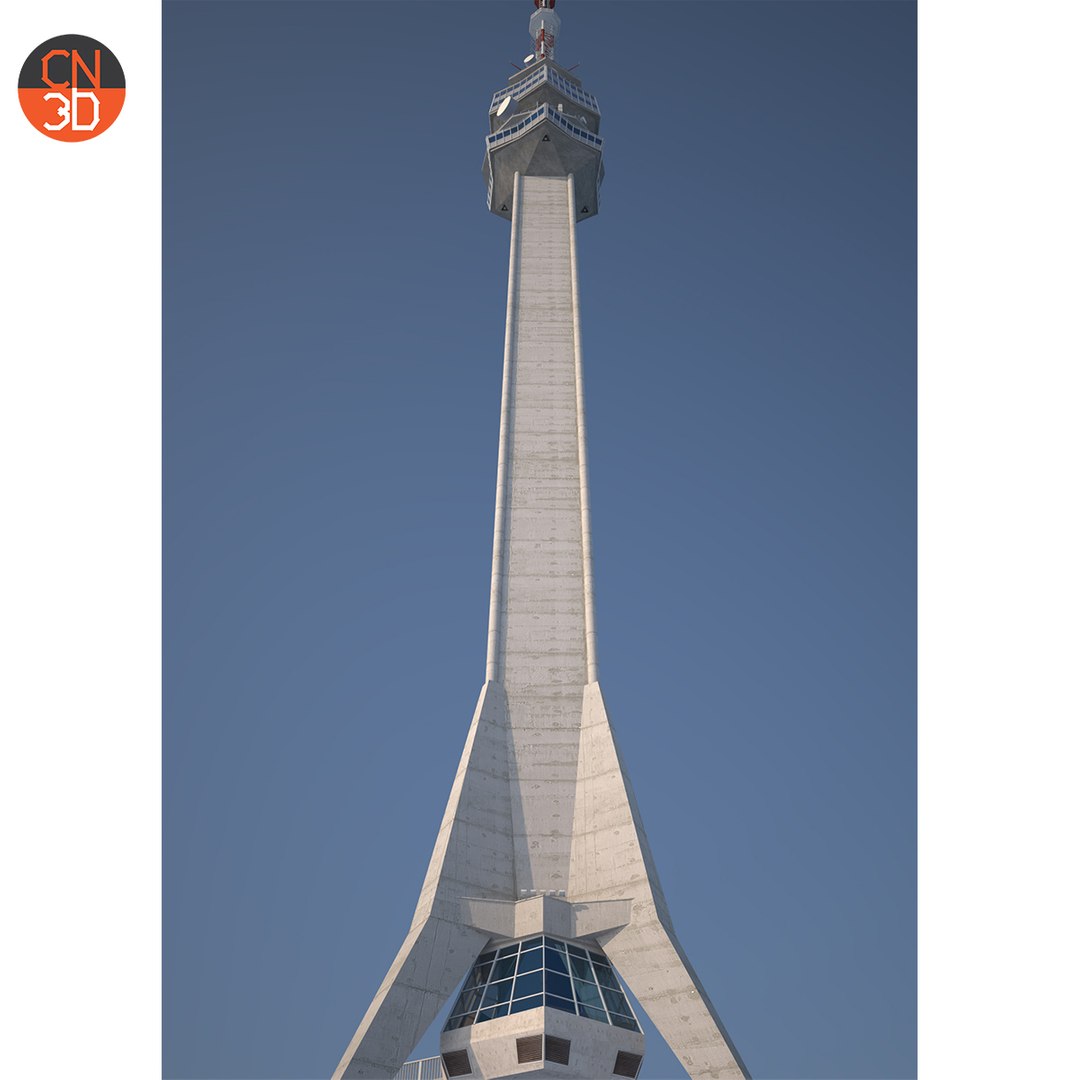
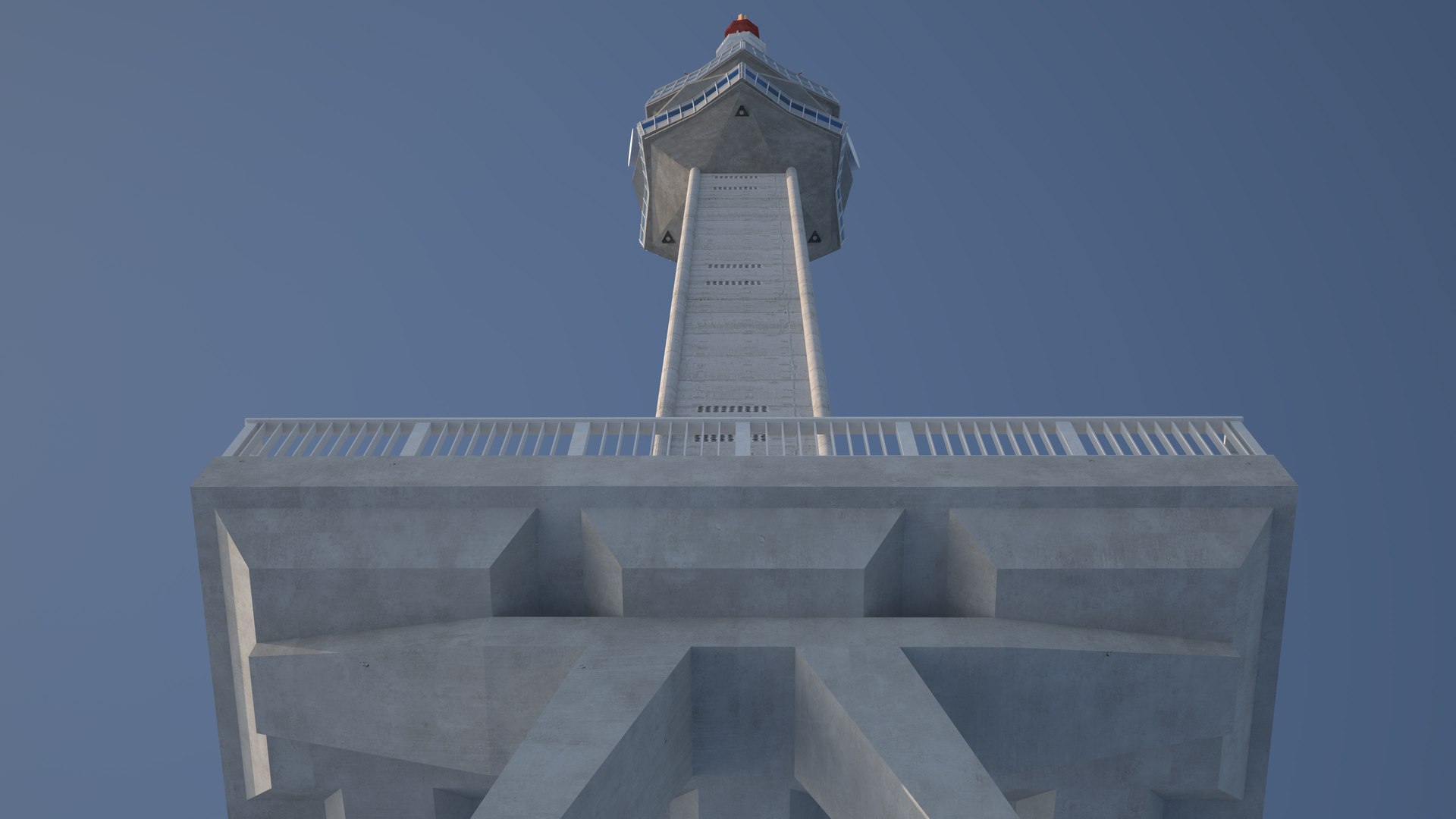
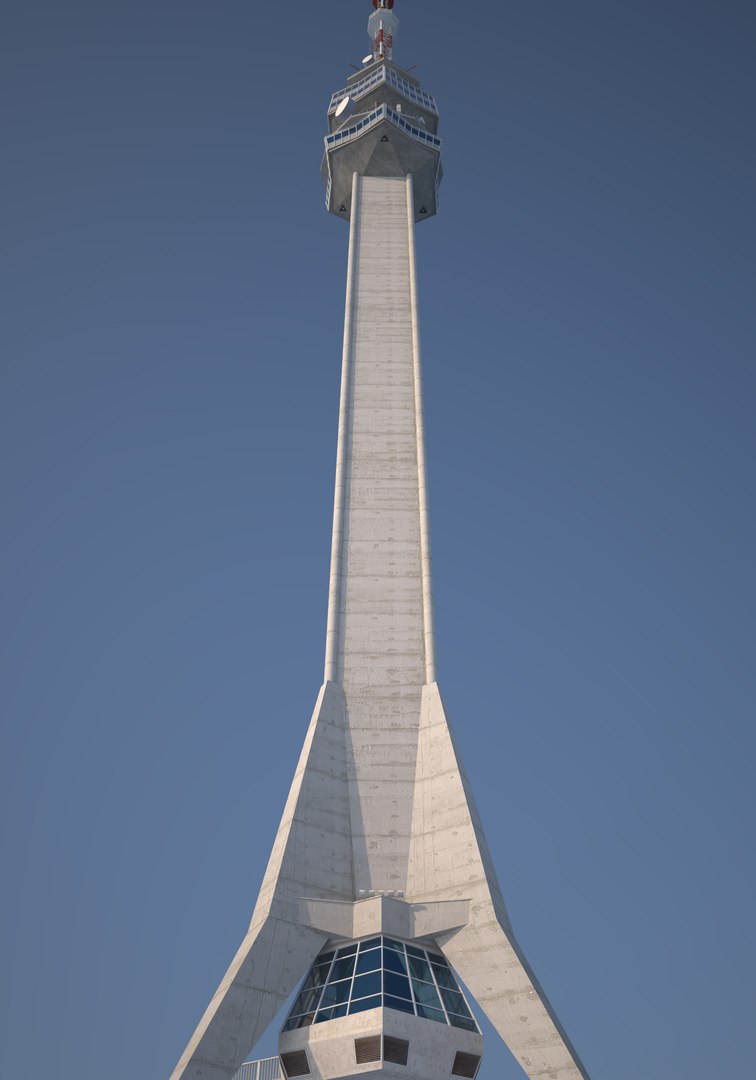
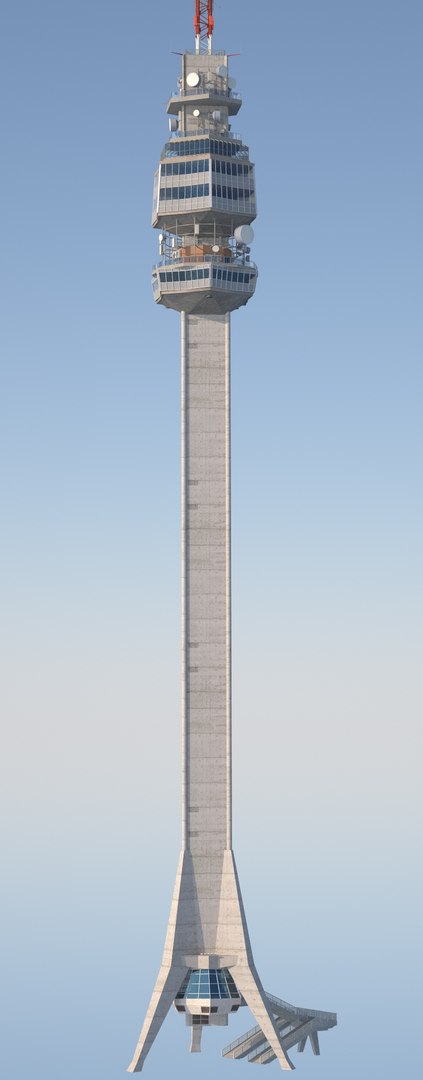
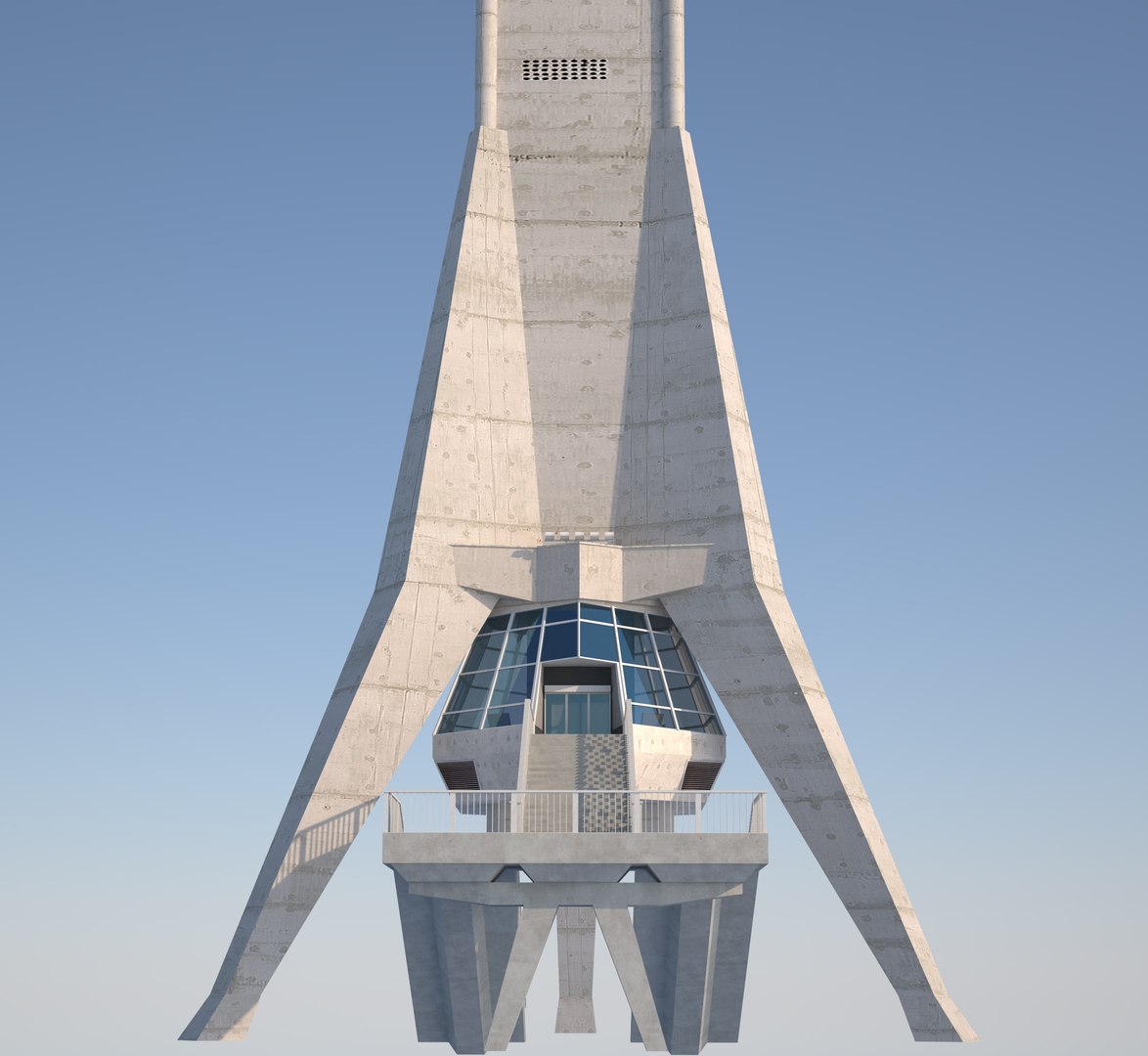
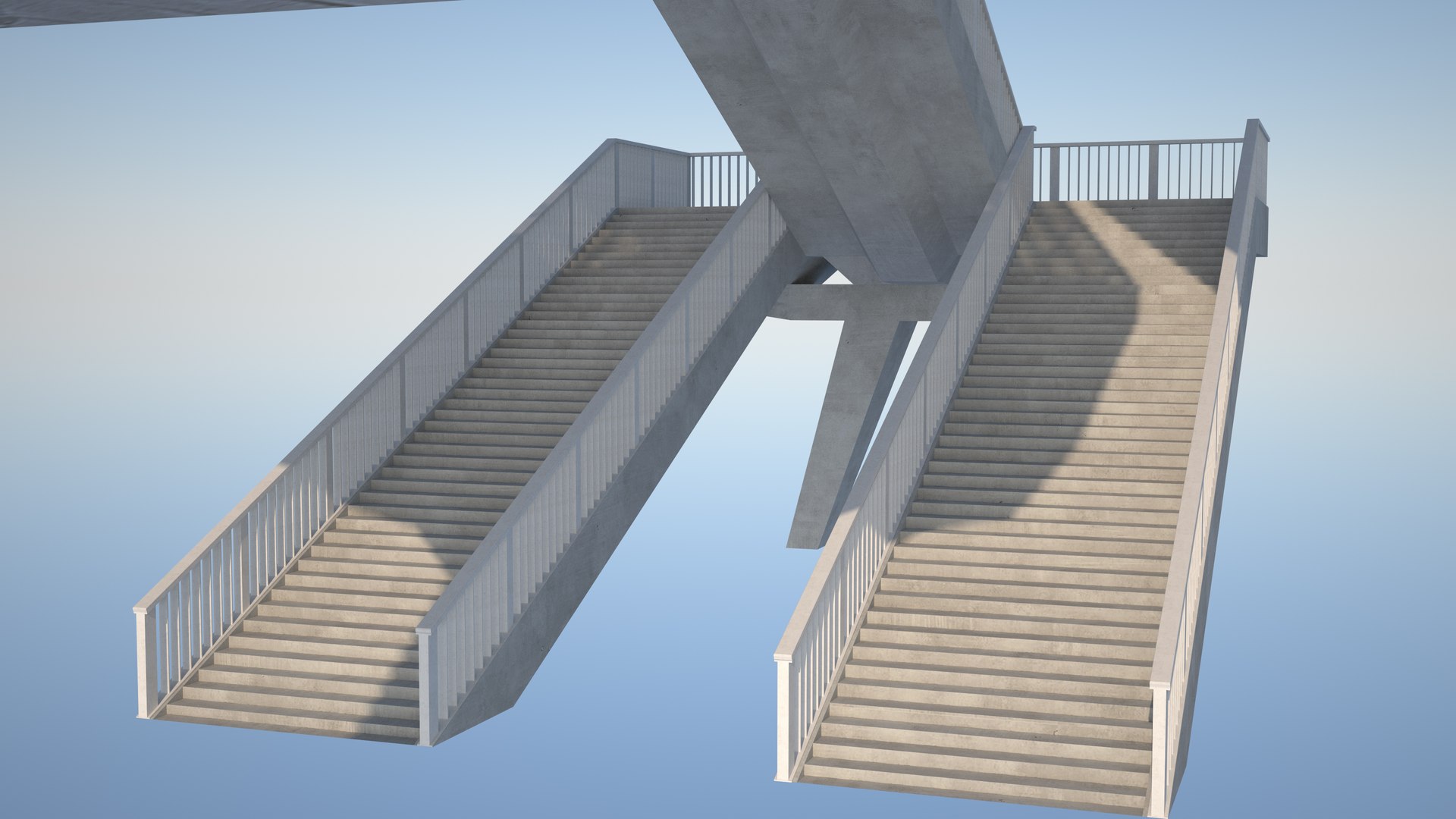
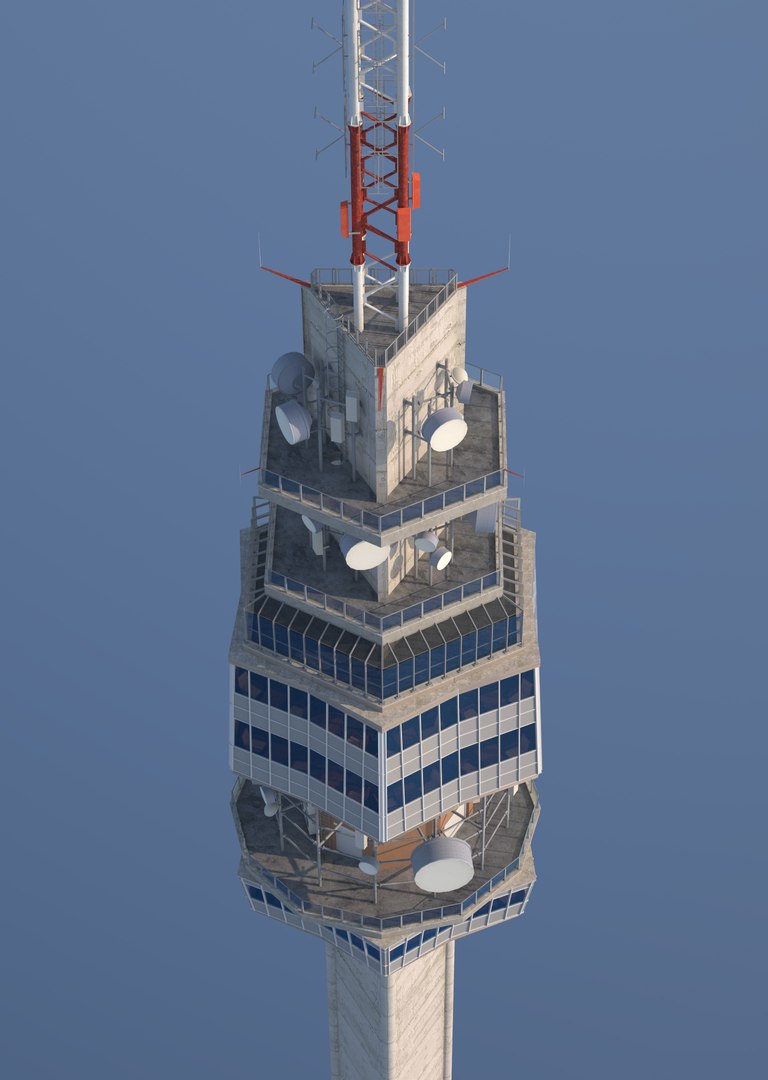
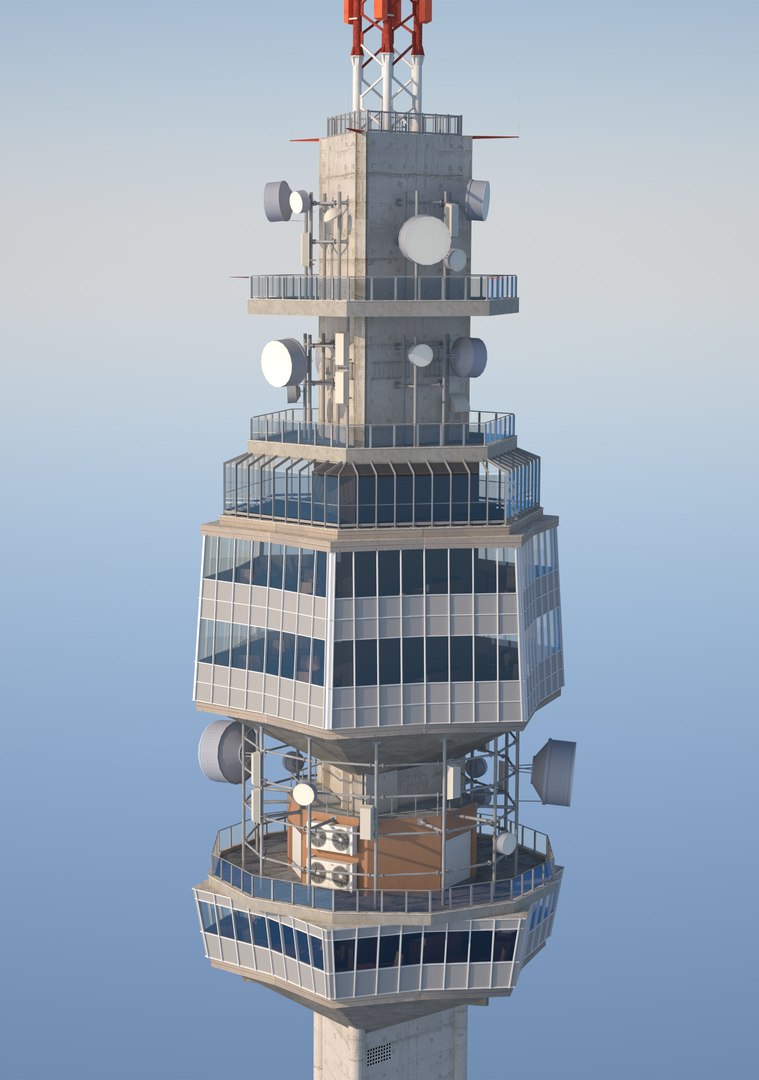
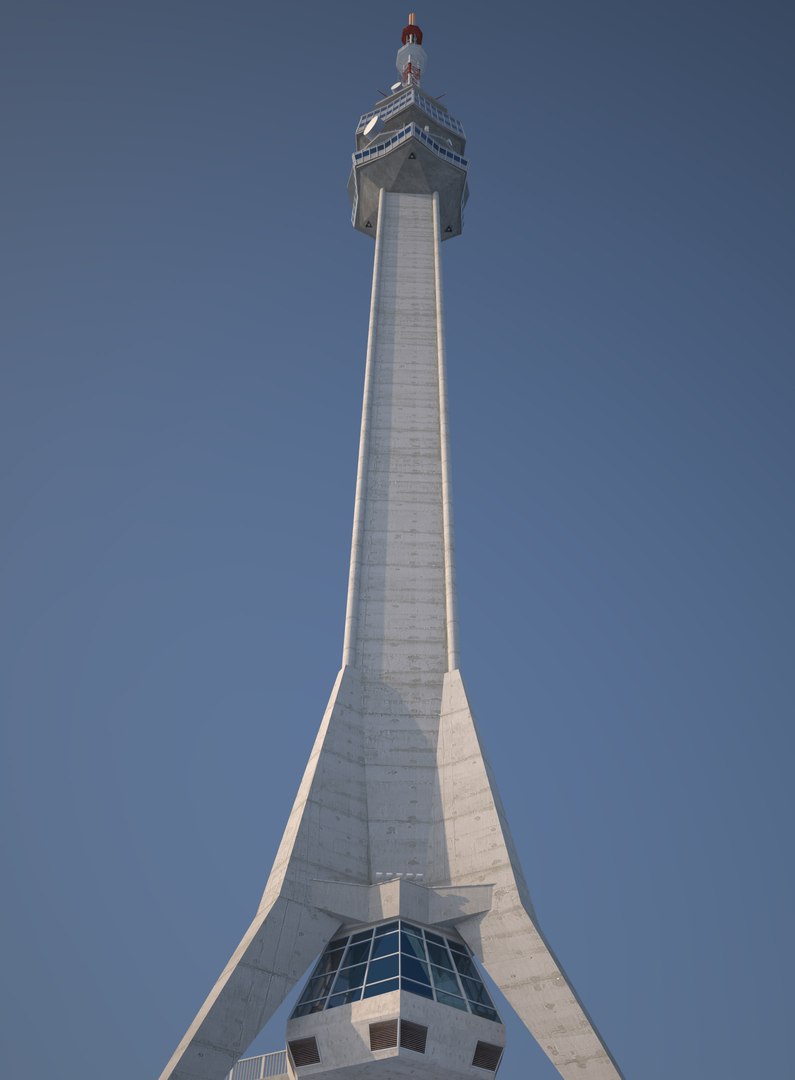
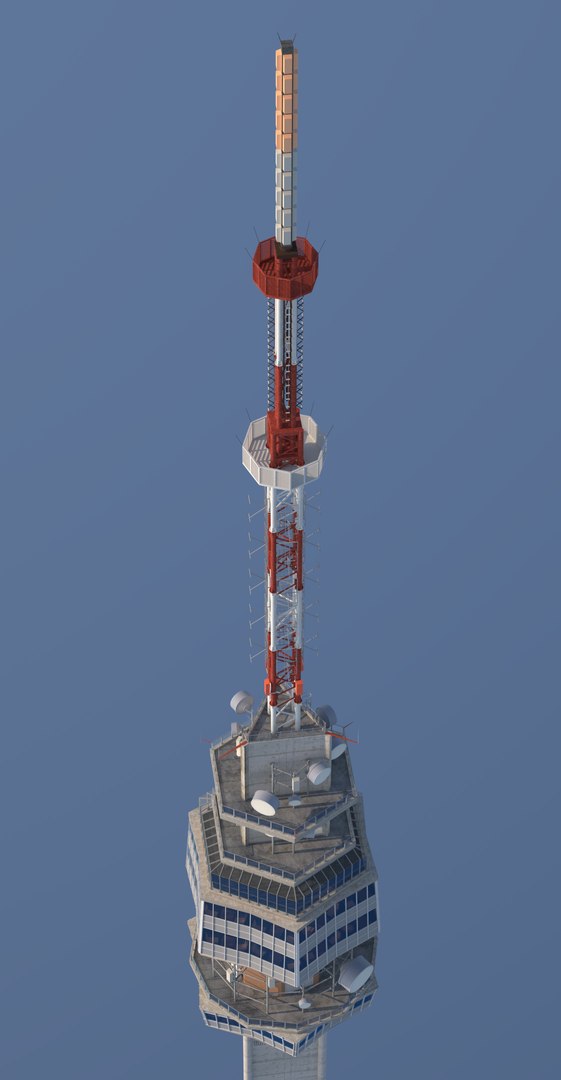
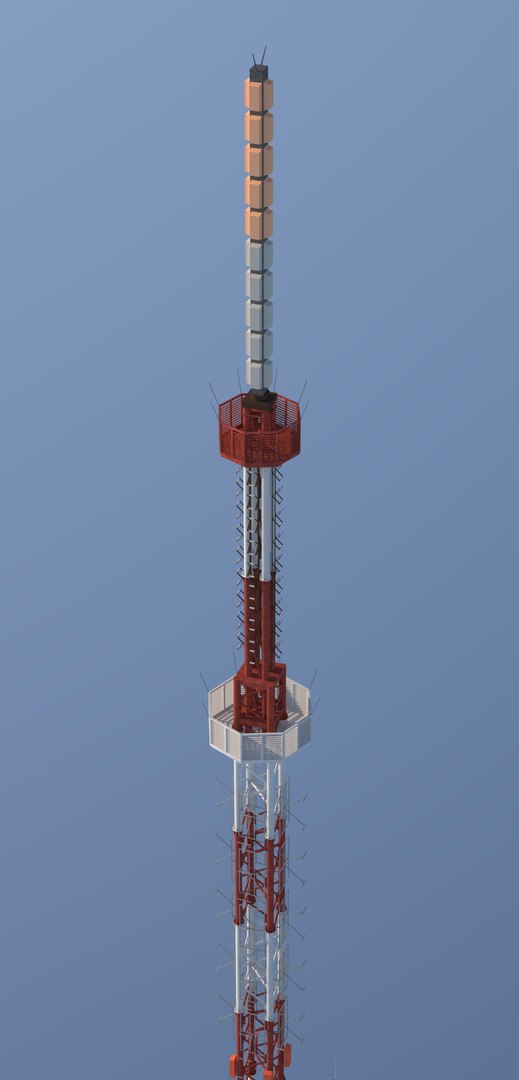
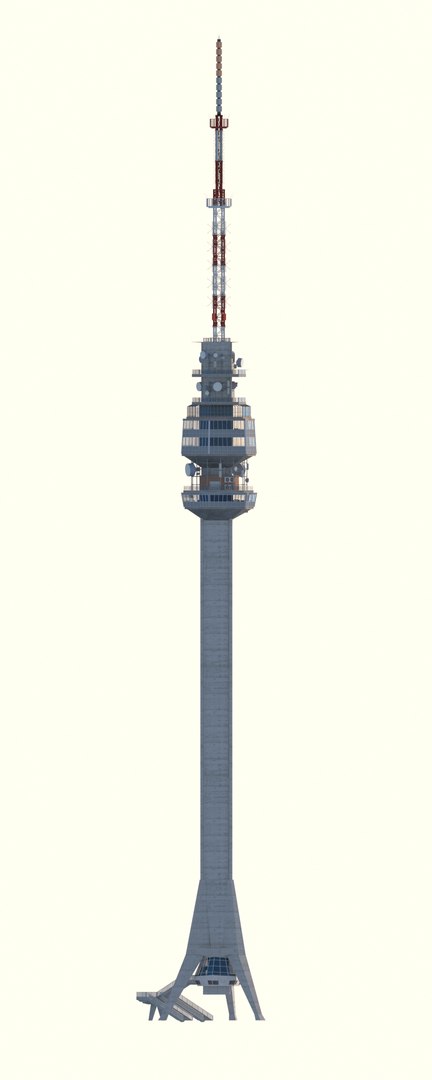
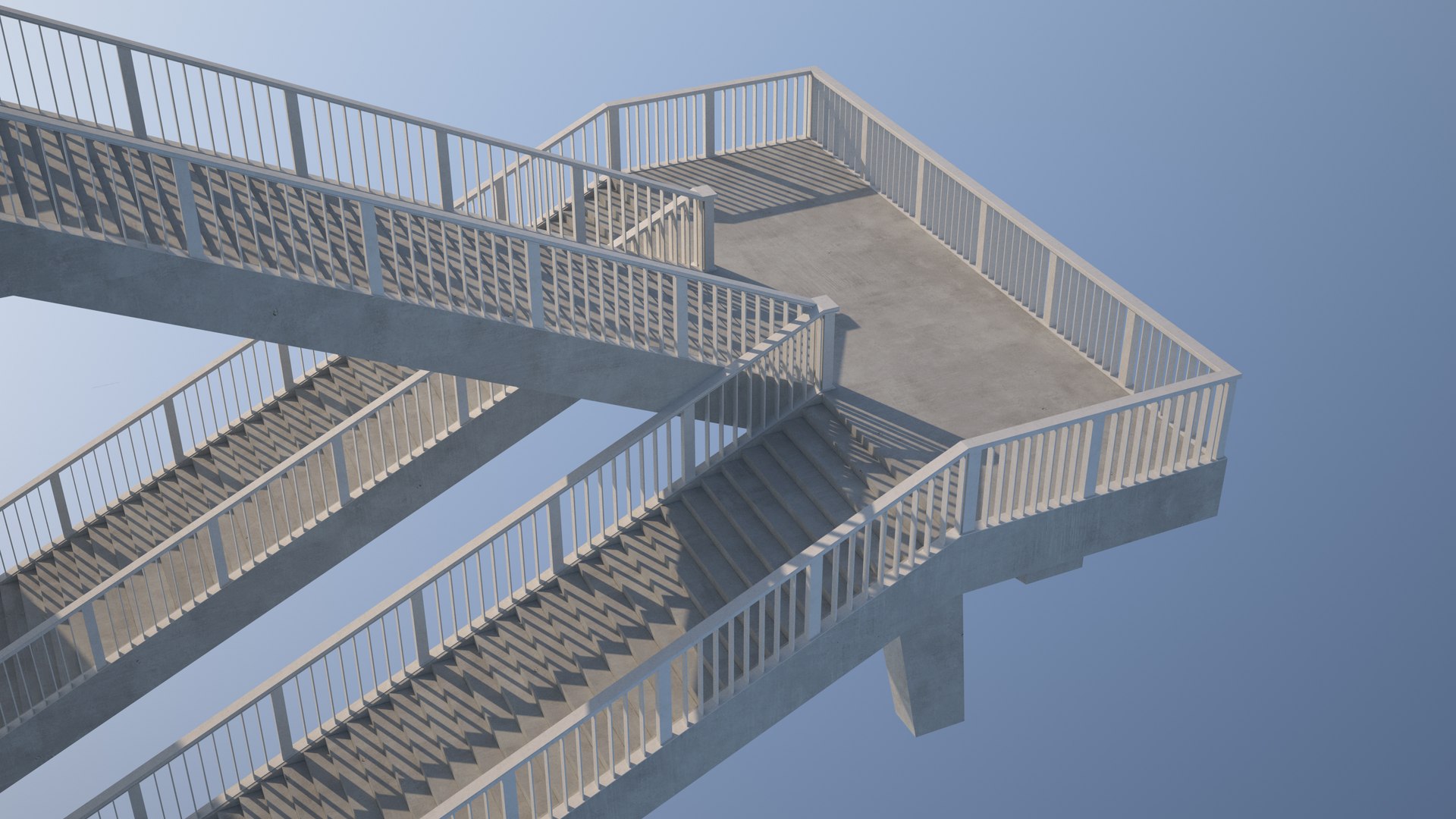
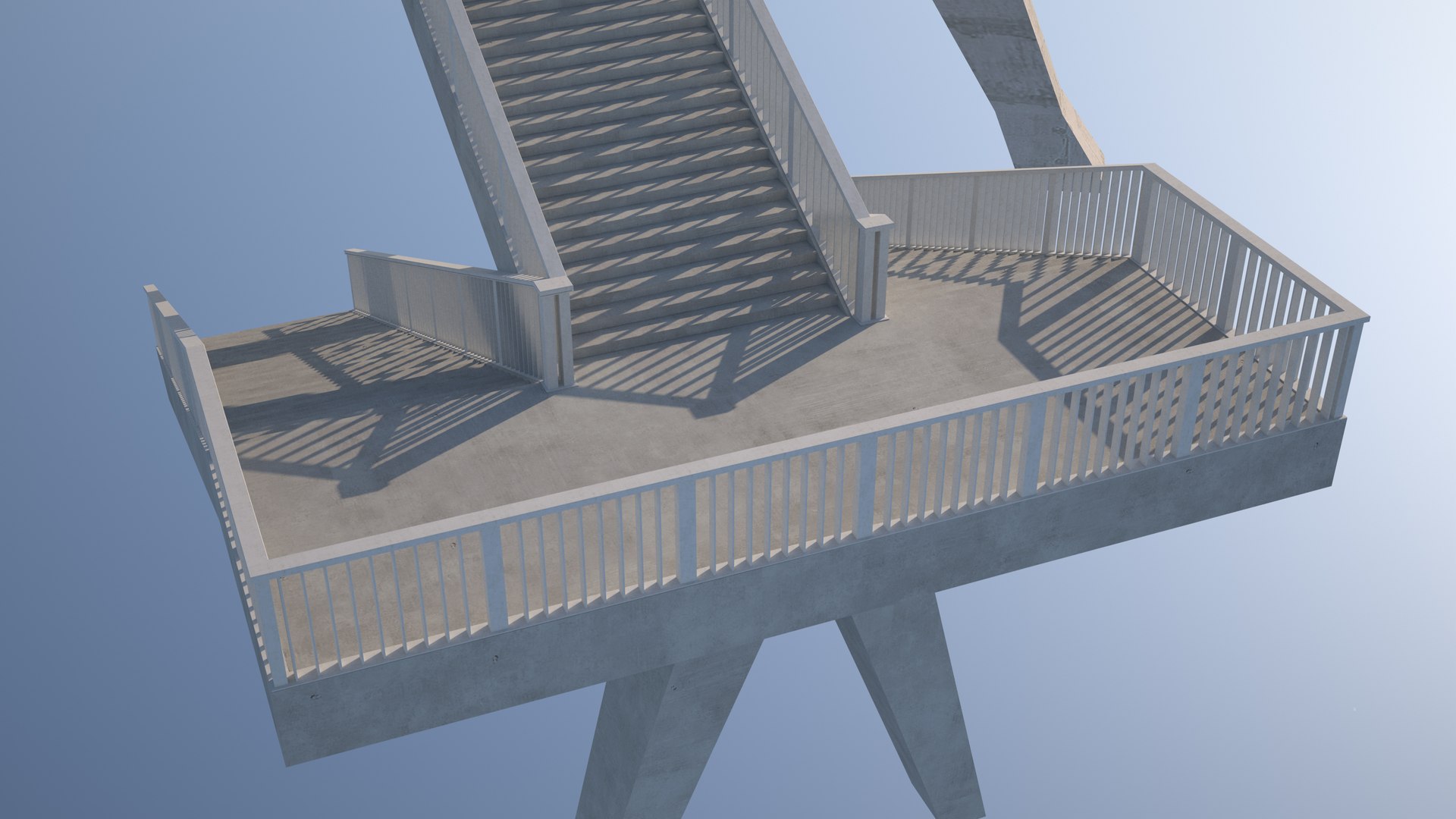
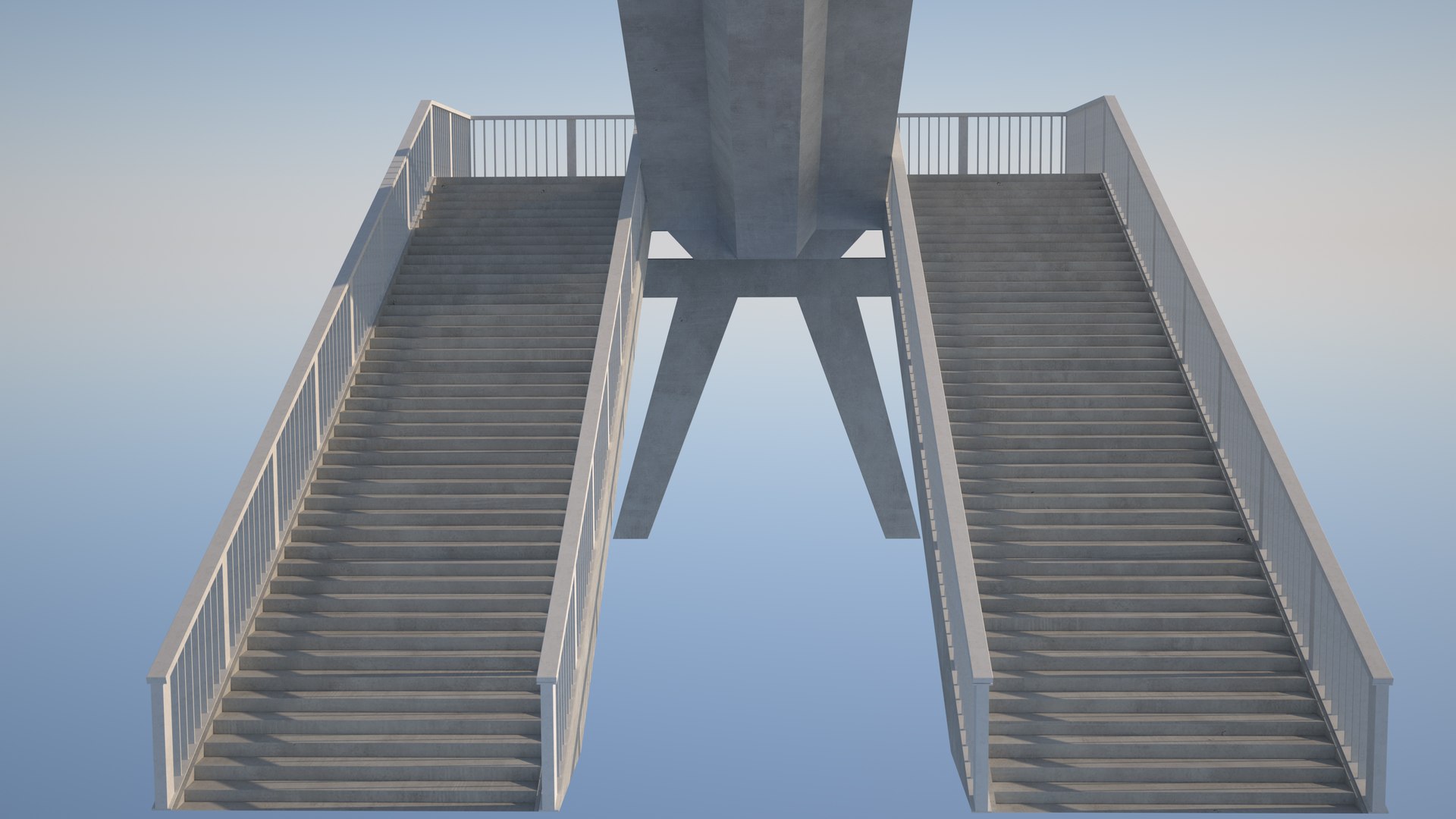
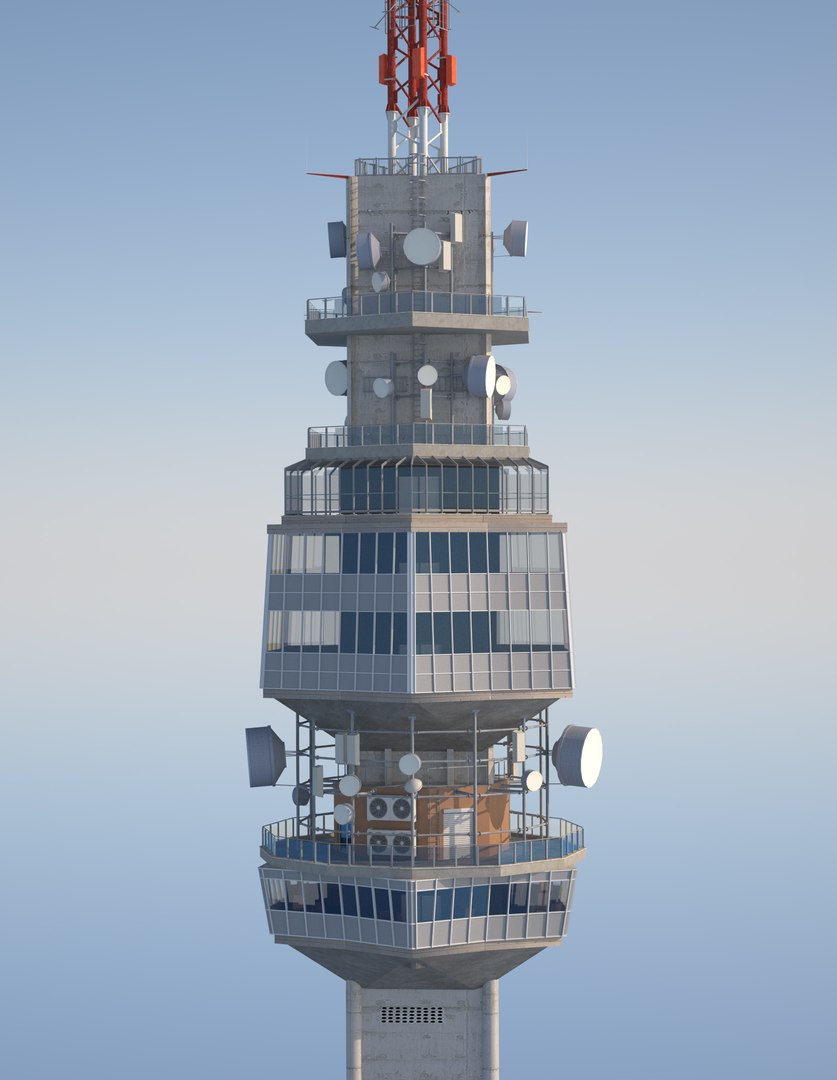
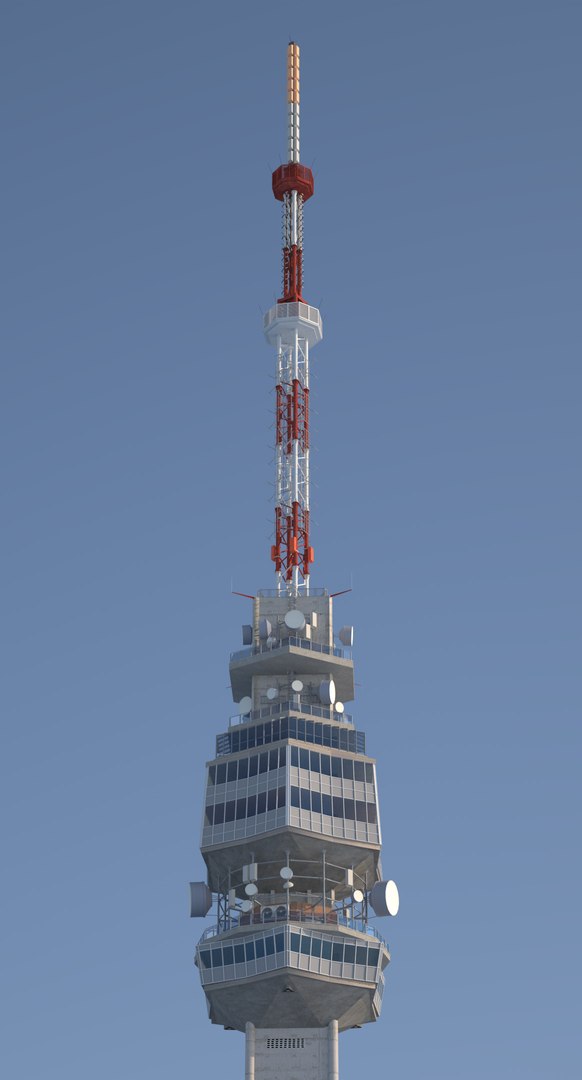
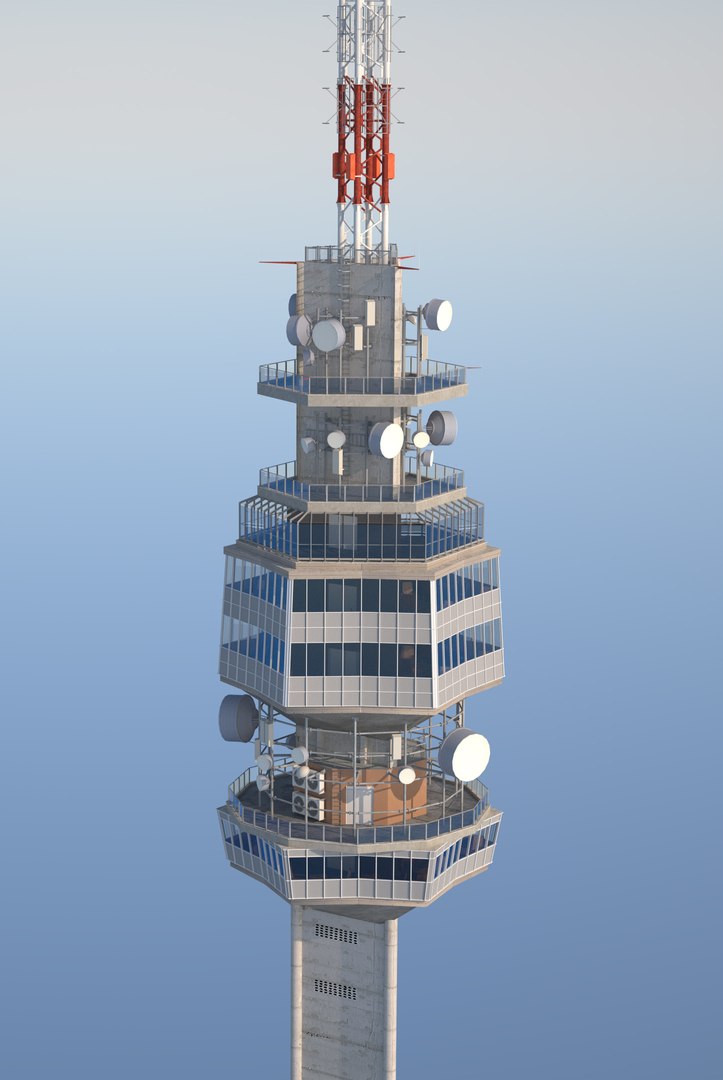
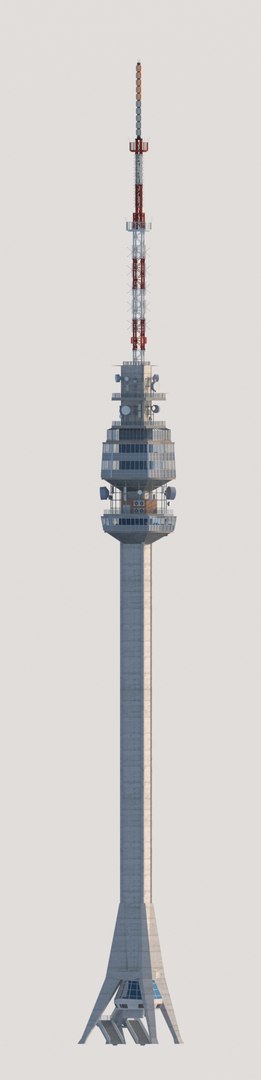
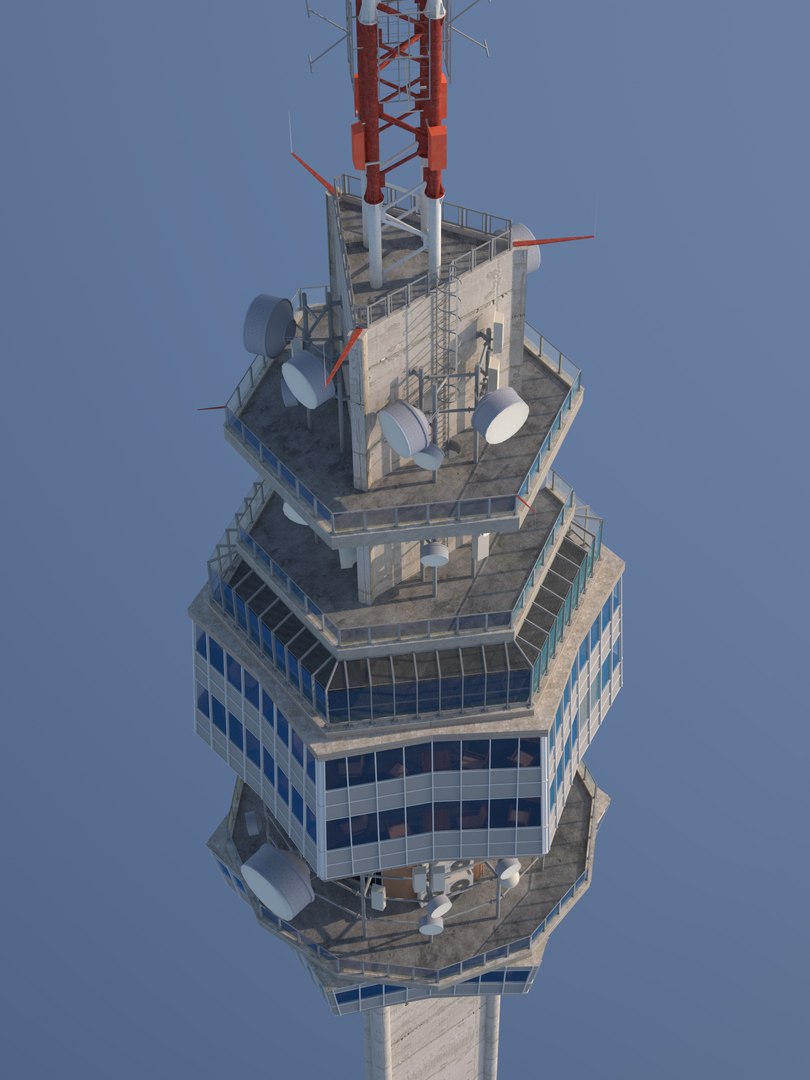
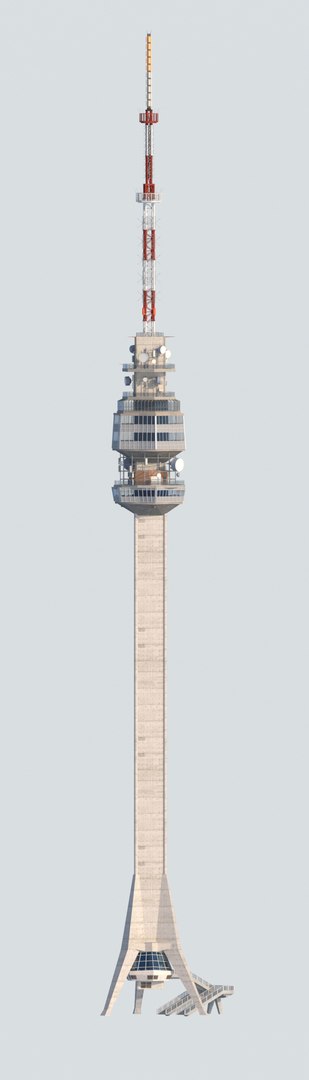
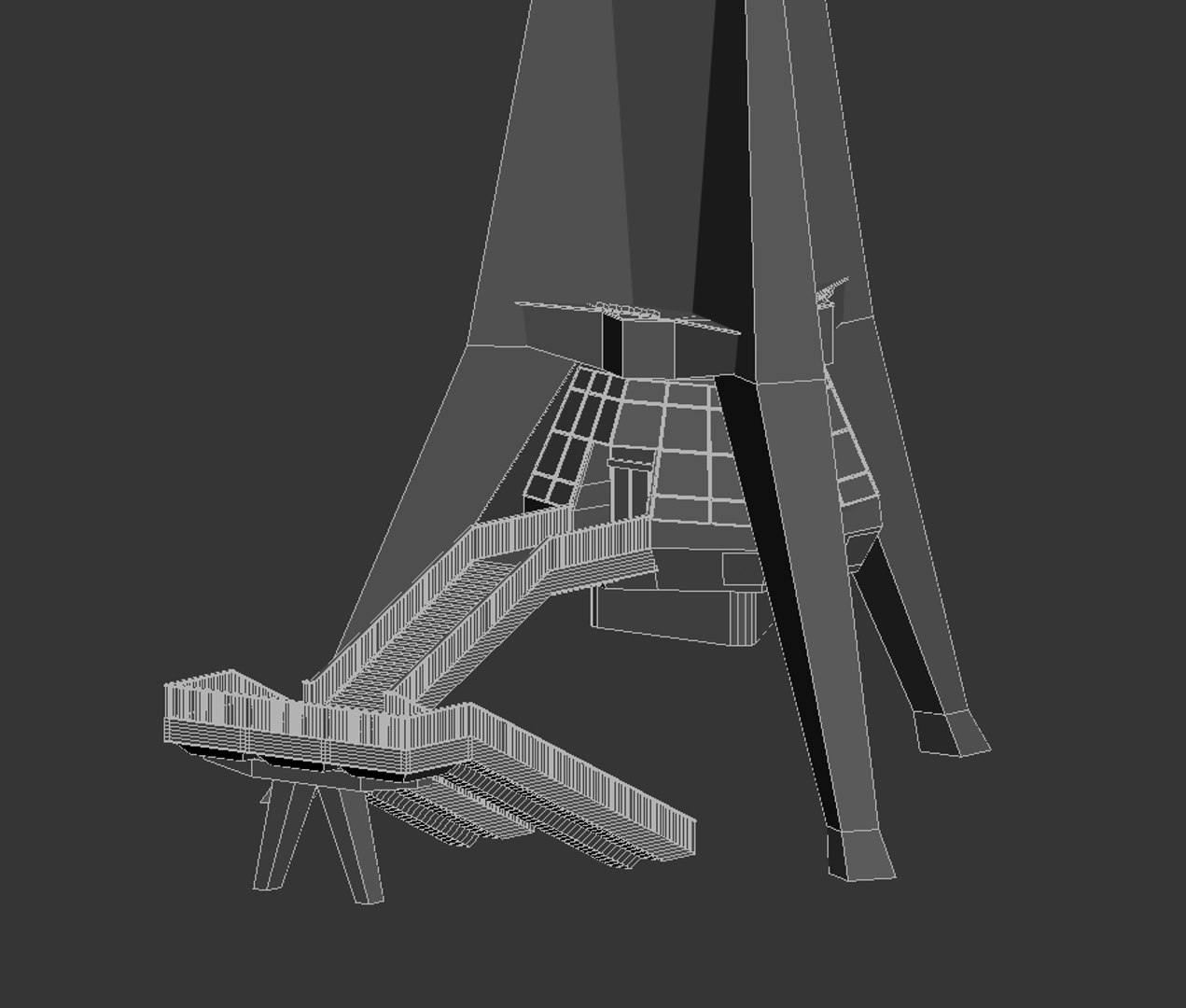
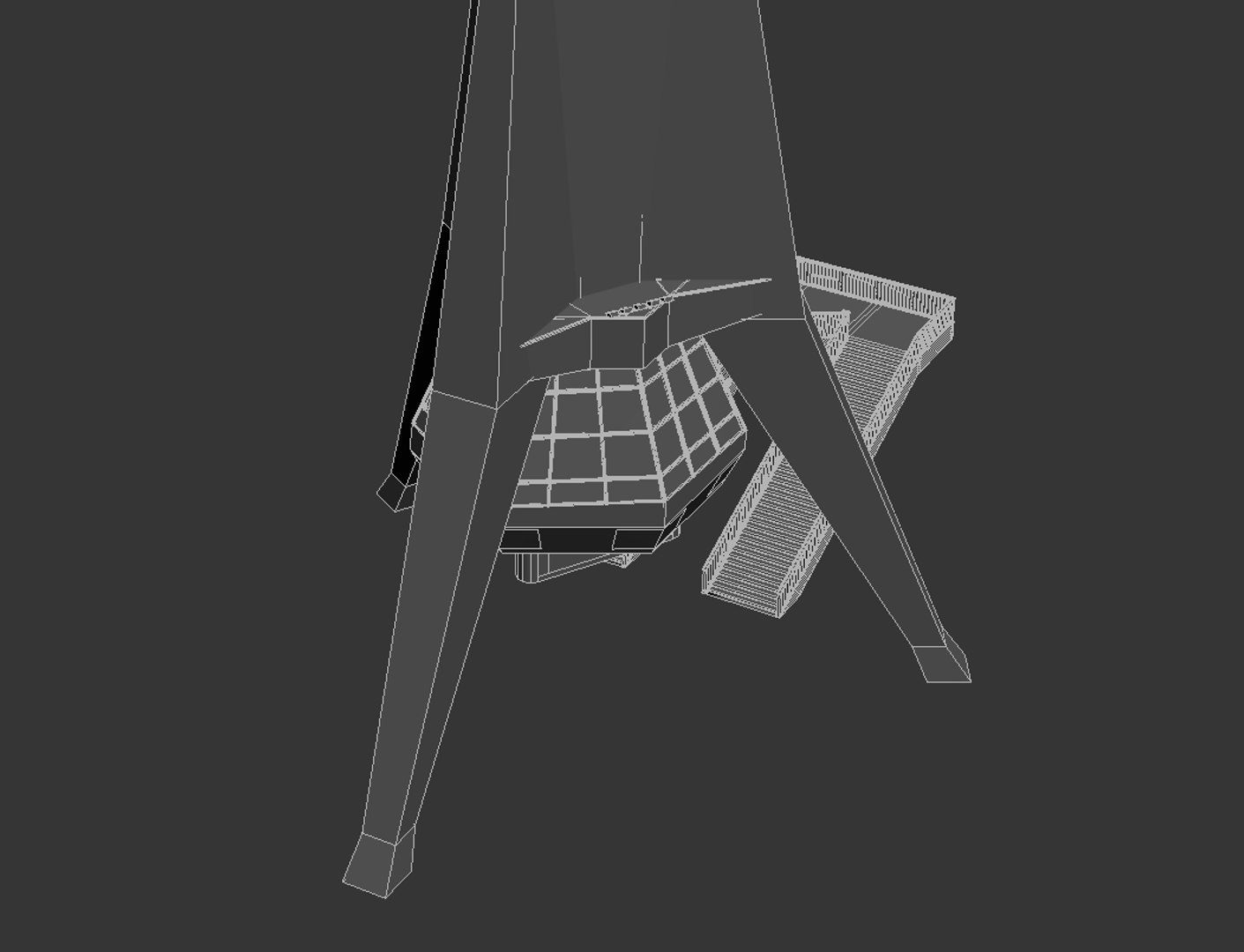
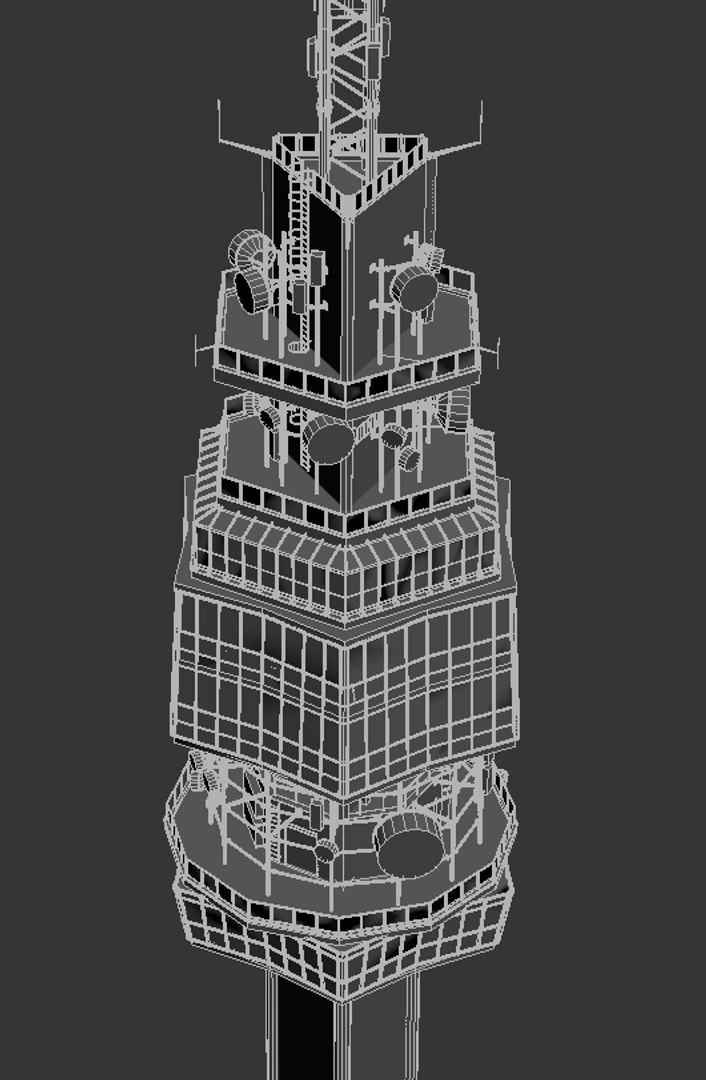
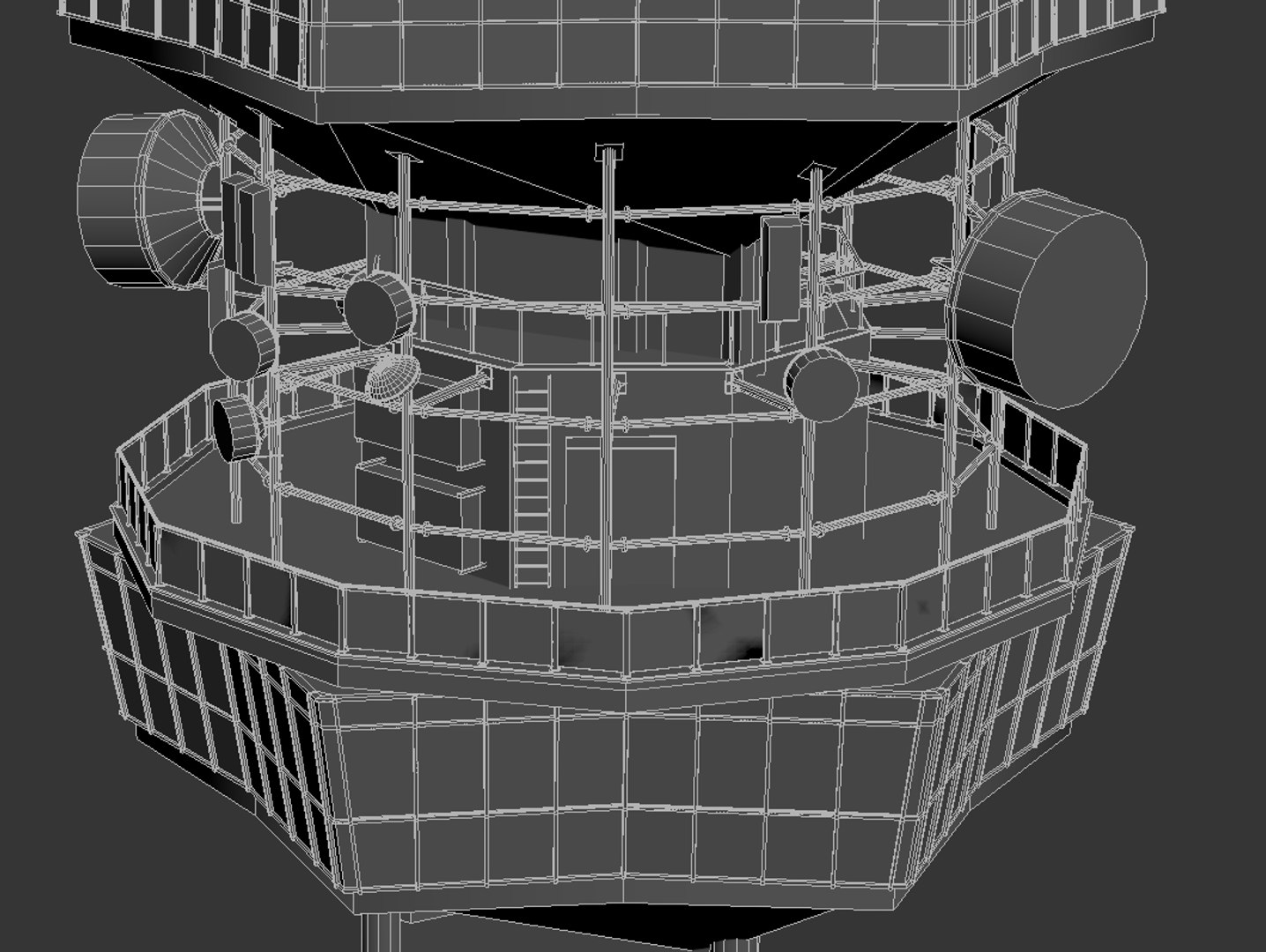
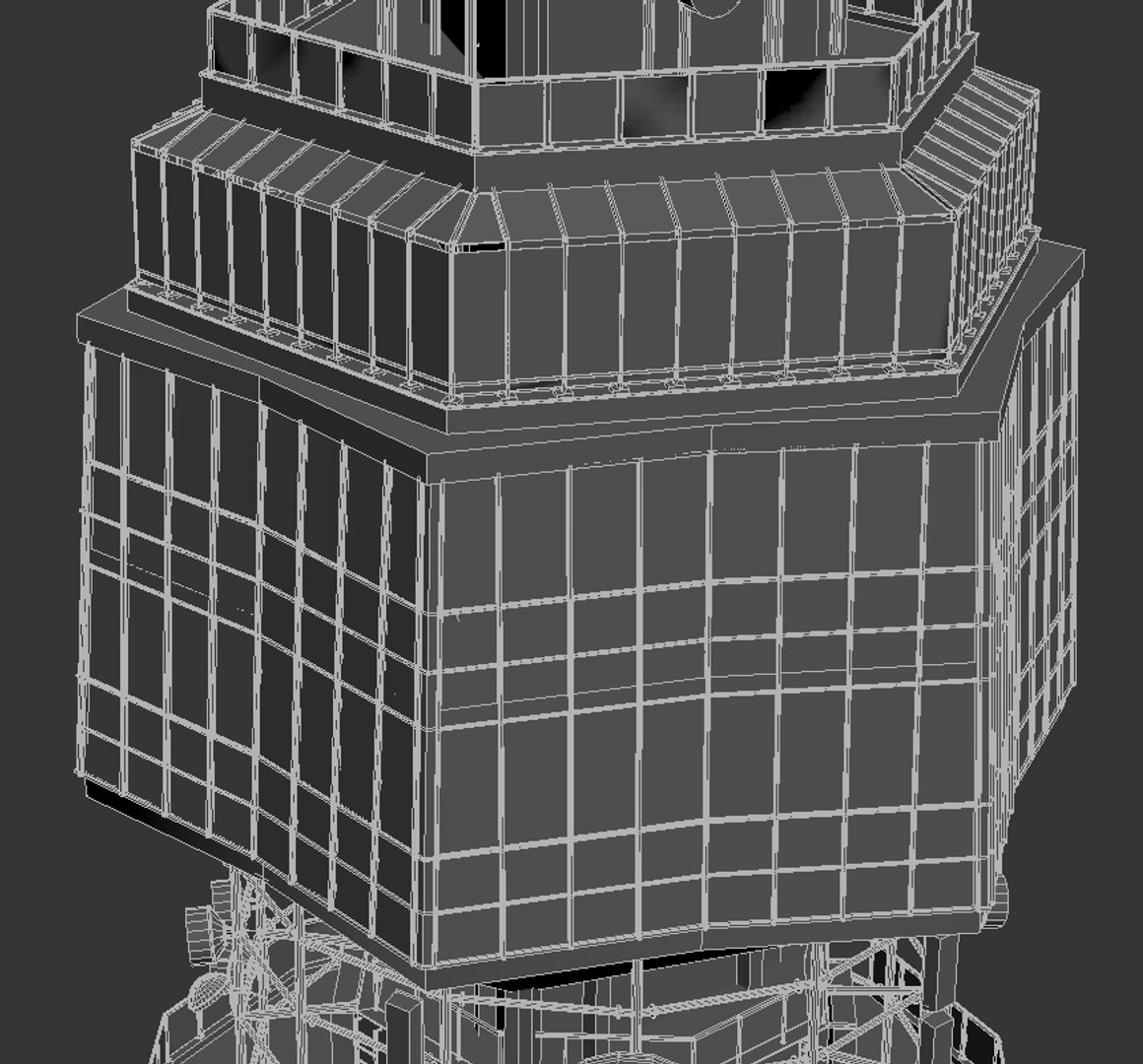
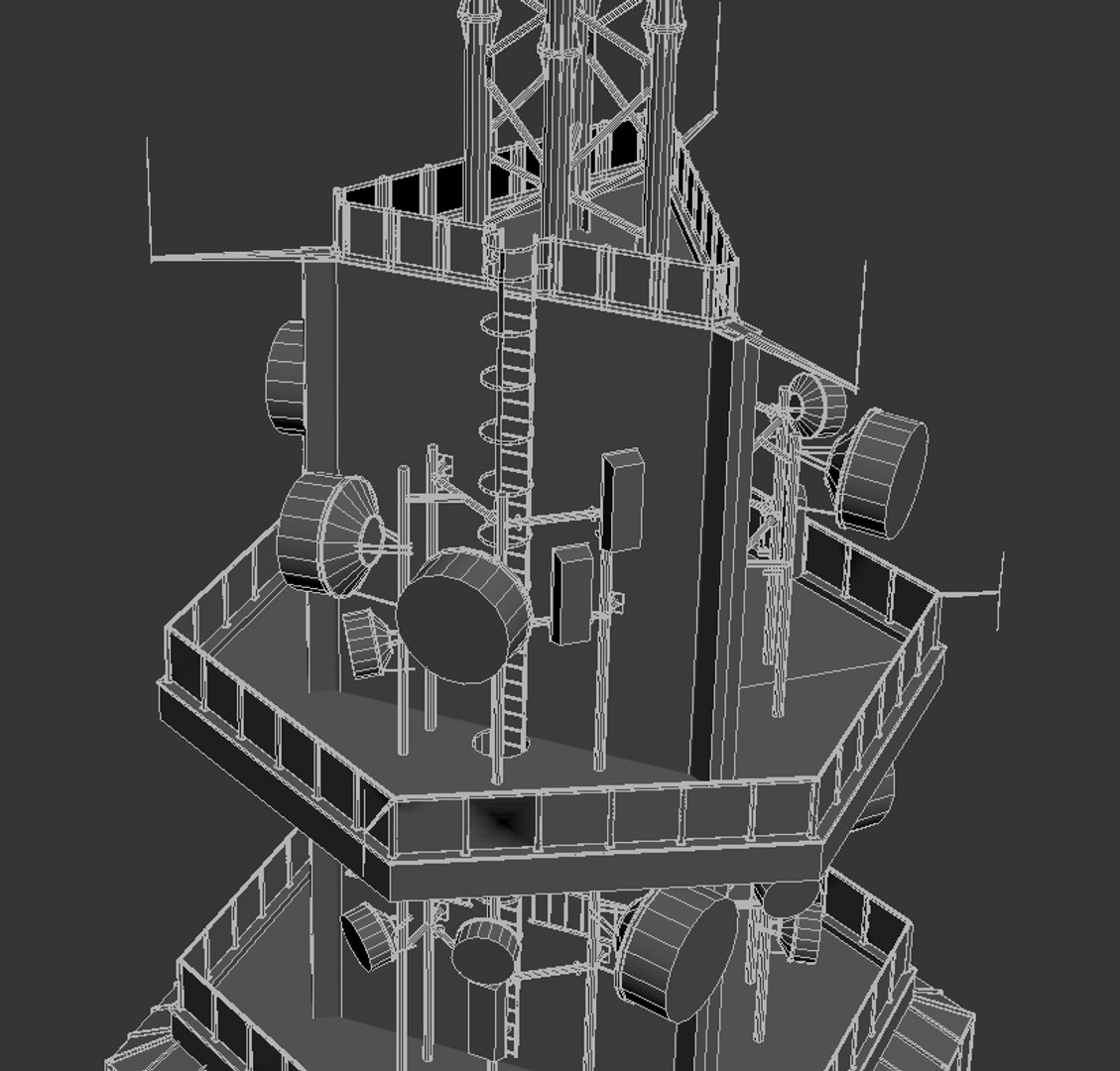
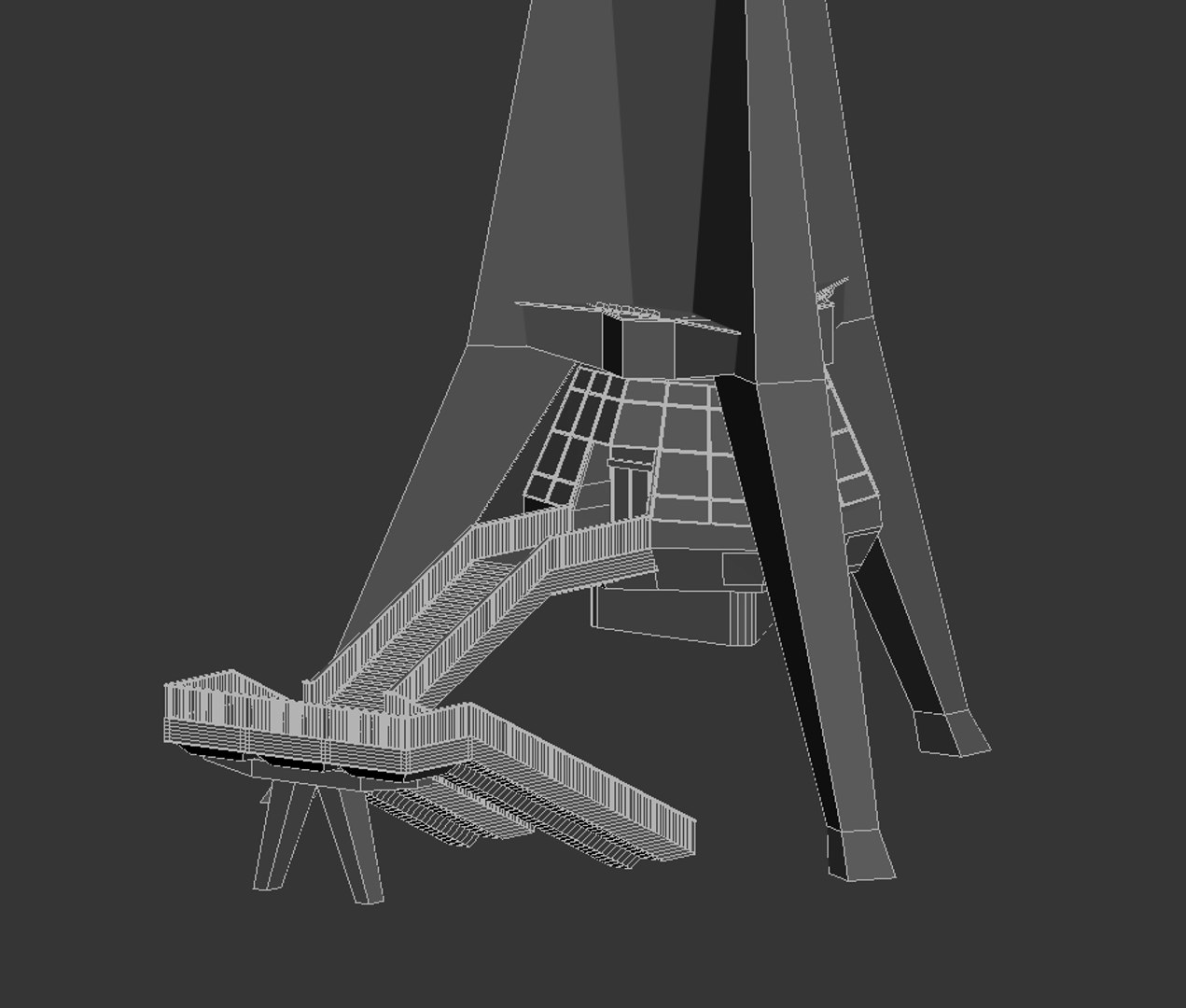
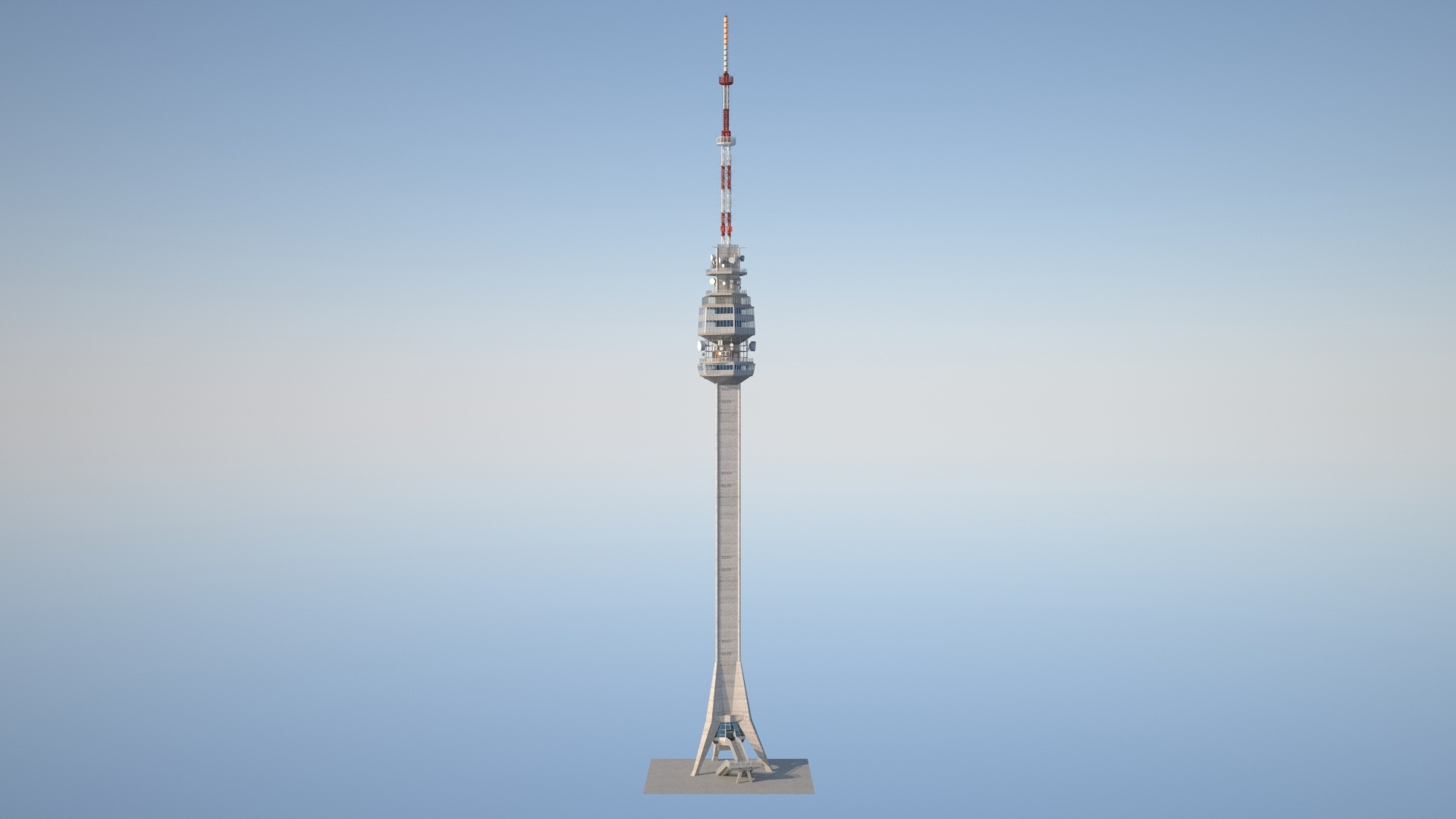
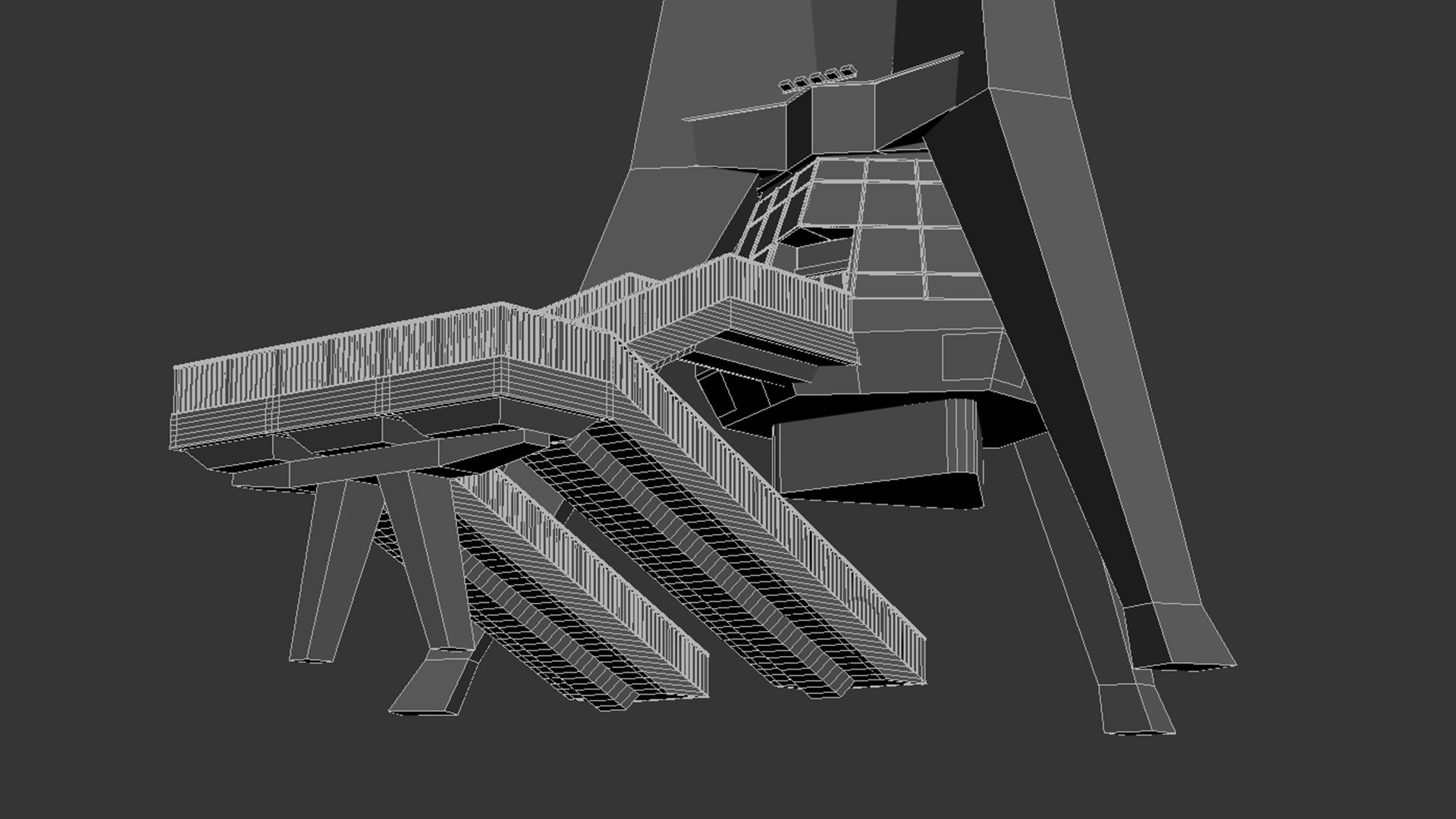
Communication tower. The 3D model was created is base on real world tower, in real units of measurement. The 3D model is 220.5 meters high. The stairs are modified compared to the original, to get a model that fits more easily into any environment.

Model statistics: Polygons: 78,981 Vertices: 94,919

Our recommendation is to watch renders over a 4k monitor or tv-s. All renders are in 4k resolution. Renders are made in Maxwell render plugin, we use Maxwell only for renders. You don't need to use or have Maxwell render plugin for using the model.

Information related to the tower: This tower is located near Belgrade, Serbia. It is the highest tower in the country. Avala Tower represents a telecommunication tower and a tourist attraction.

Formats provided:

3DS Max (max)
Multi Format (3ds)
Multi Format (obj and mtl)
Multi Format (fbx)
Cinema 4D (c4d)
Maya (mb)
Maya (ma)
Ligtwave (lwo)
Note: all textures are contained in the file named 3DS MAX.

If you need a modification of the model or additional models and details, feel free to contact us.

Codename3D Team

Select Enhanced License

  • $10,000 in Legal Protection (Indemnification)
  • Uncapped Legal Protection (Indemnification)
  • Waiver from injunctive relief
  • Assignable model rights
  • $1,000,000 in Legal Protection (Indemnification)
  • Waiver from injunctive relief
  • Assignable model rights
  • $250,000 in Legal Protection (Indemnification)
  • Assignable model rights
Read more about enhanced license tiers, or contact us at enterprise@turbosquid.com. Already a Shutterstock Enterprise Customer? Contact your Shutterstock Sales Support Agent to talk about adding 3D.

About Conversion Requests

To submit a conversion request for a purchased asset, please complete our Conversion Request Form.

If you have not yet purchased a model, please review our Documentation about Conversions to learn about what limitations you may encounter with a conversion.

For any additional questions about a model’s suitability for conversion, please contact TurboSquid Support.

Loading...