


CGAXIS MODELS VOLUME 52 3D SUPERMARKET II(1)

$169

Standard License | Upgrade License
Editorial Uses Only
Formats (9)
Native | Cinema 4D 10 | Advanced Render
Cinema 4D 11 | V-Ray
3ds Max 2010 | mental ray
3ds Max 2010 | Default Scanline
3ds Max 2010 | V-Ray
FBX
OBJ
Other Files
CGAxis_Models_Volume_52_MAPS.zip
Specifications
Publish Date October 14, 2014
Product ID 857405
Polygons 9,999,999
Vertices 9,999,999
Polygonal
Textures
Materials
UV Mapped
Unknown Unwrapped UVs

member avatar
cgaxis
5040 Products | Contributor Since 2007
Have questions? Chat with us now.

Description

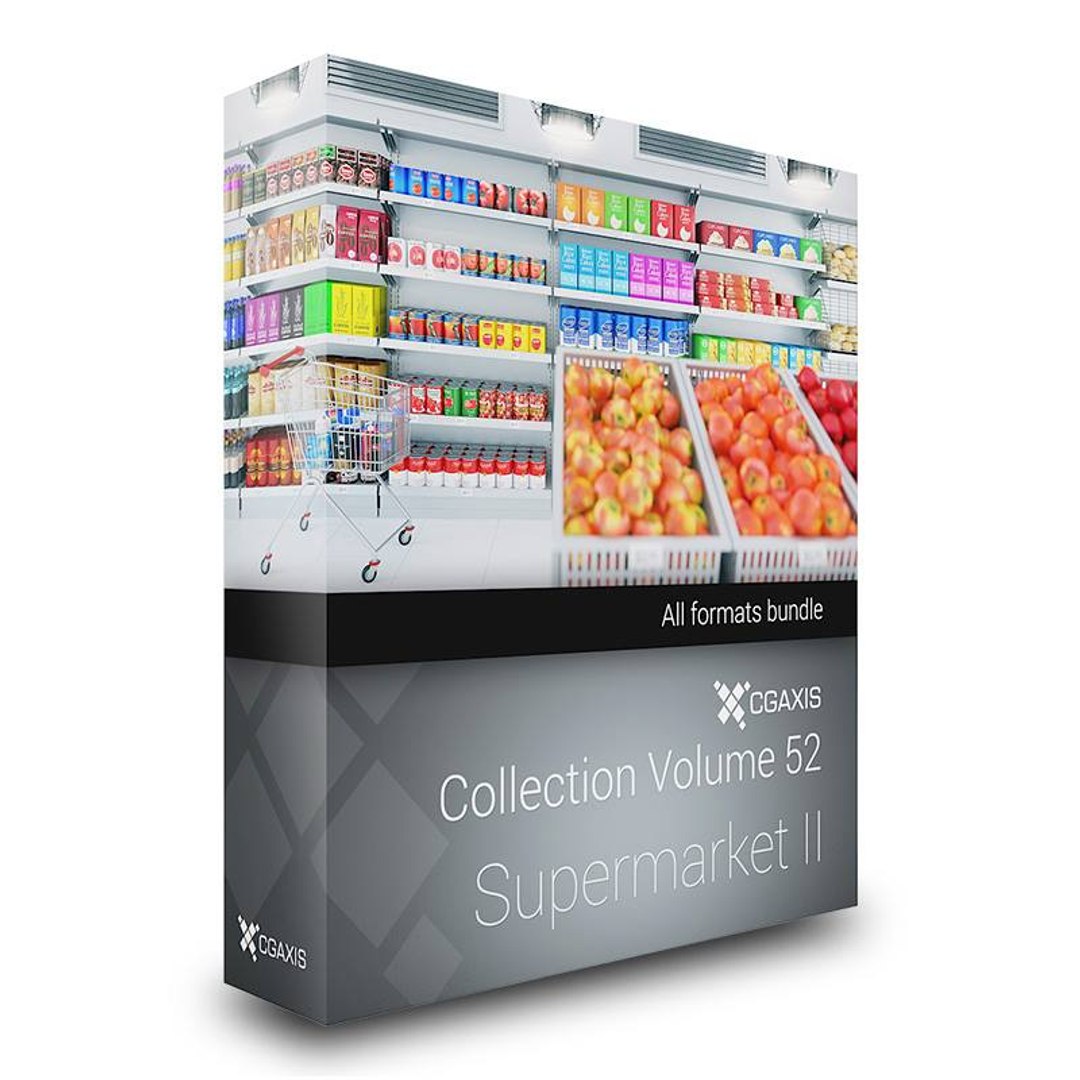
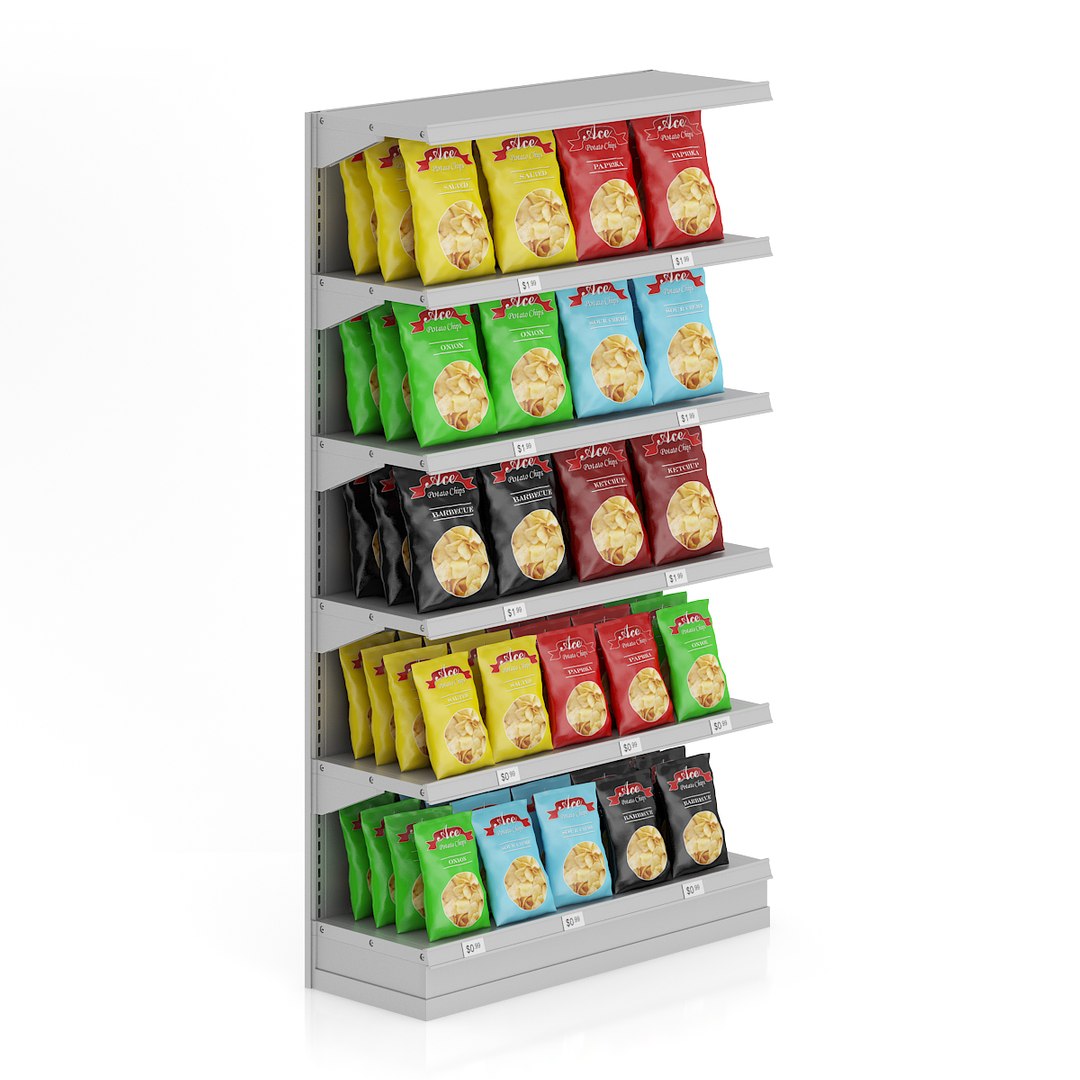
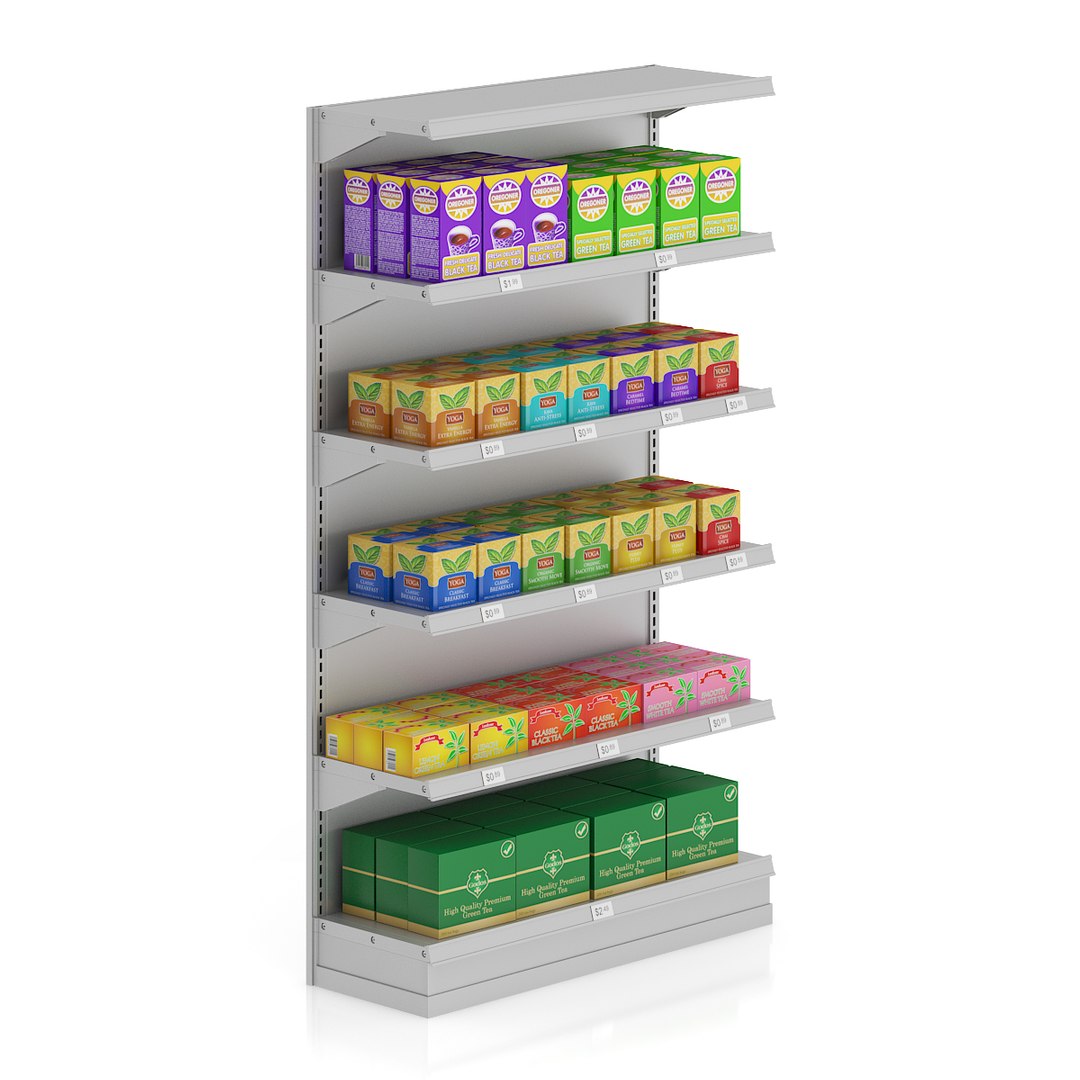
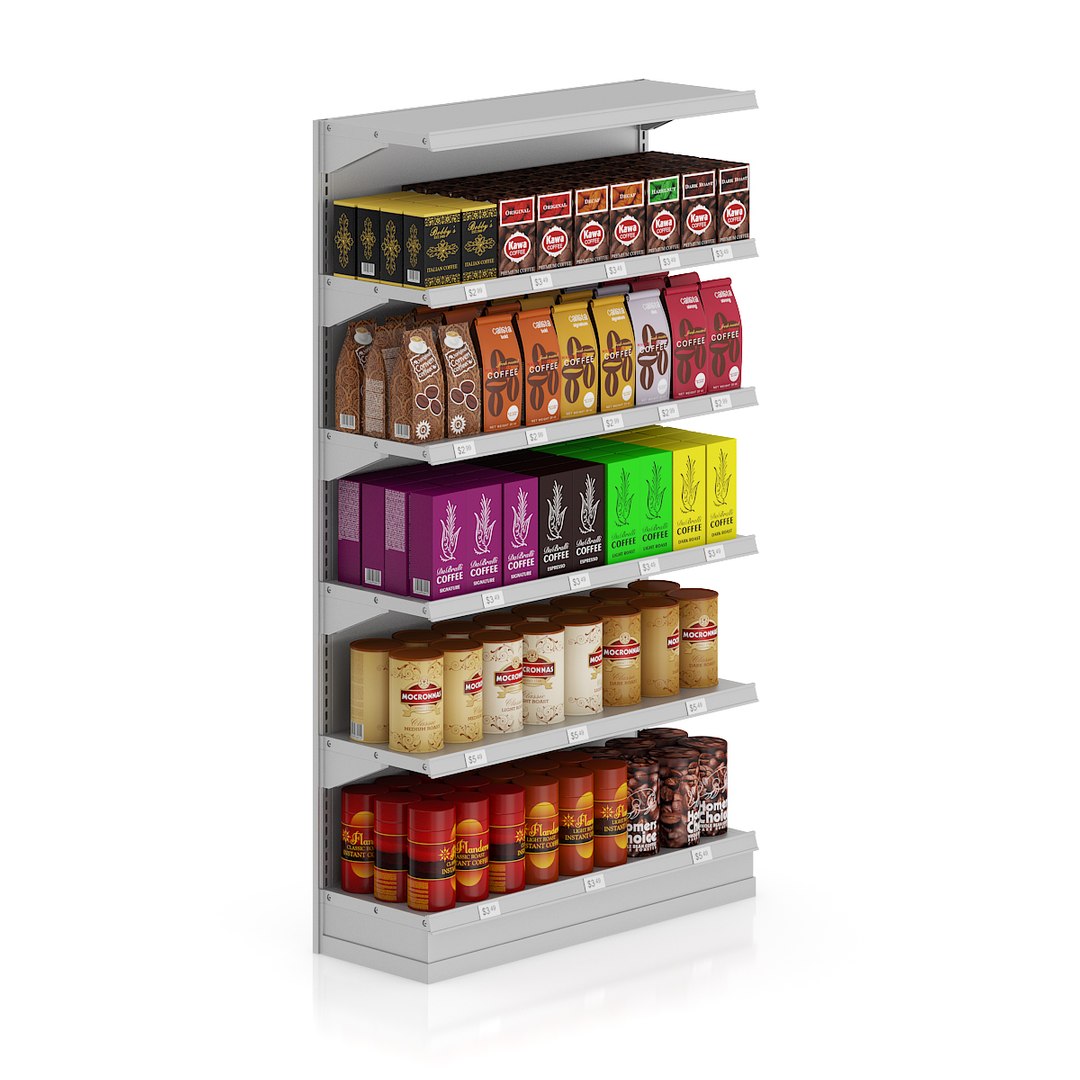
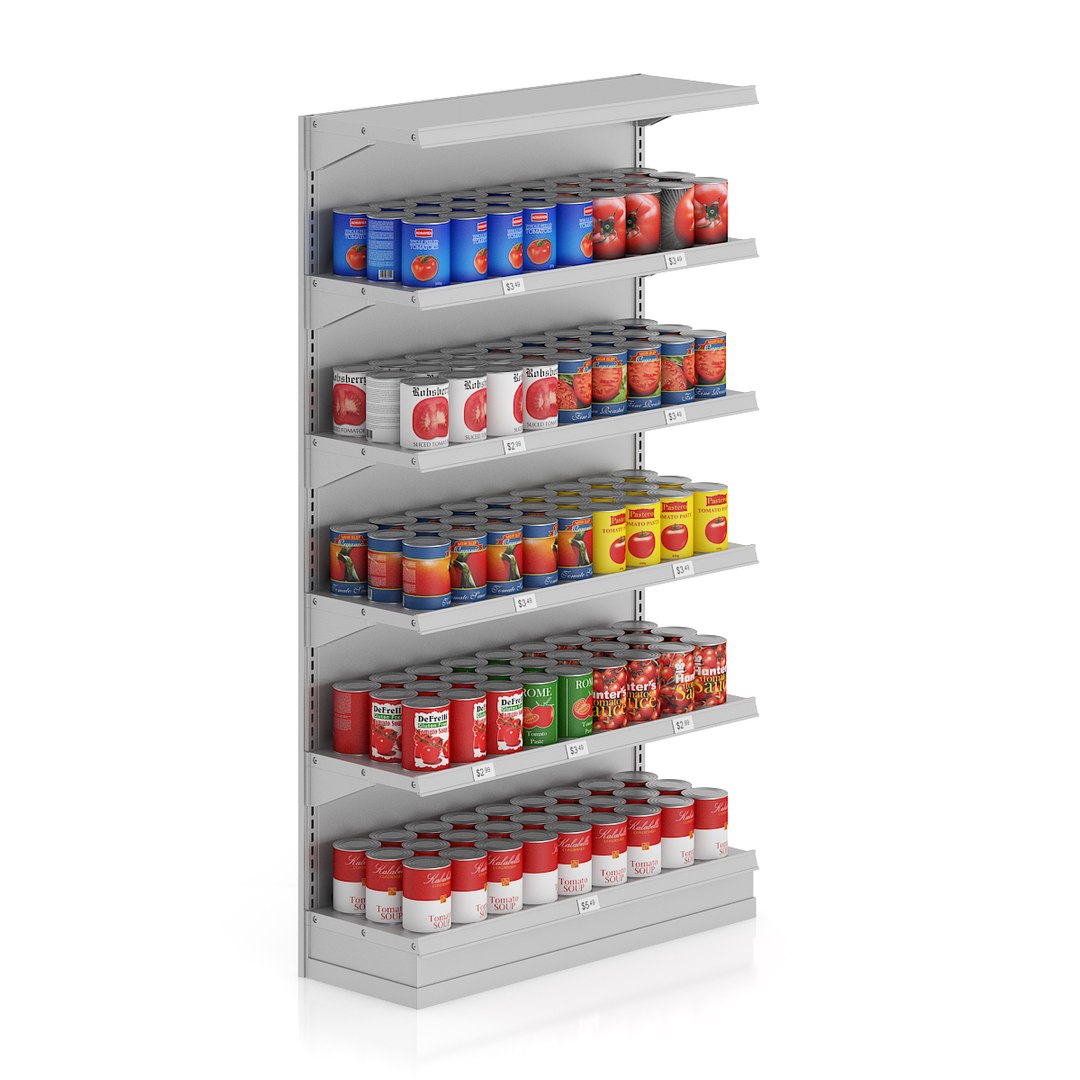
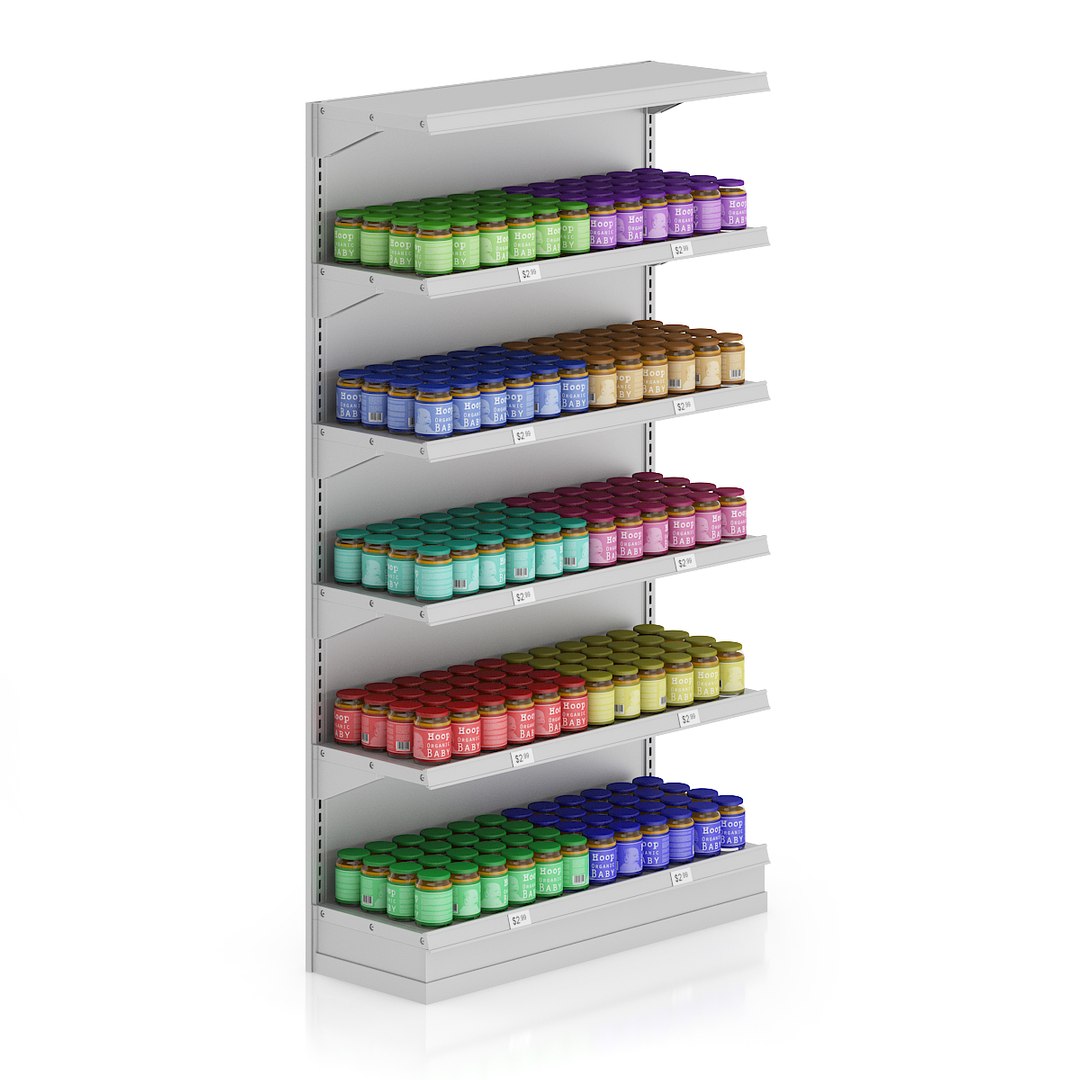
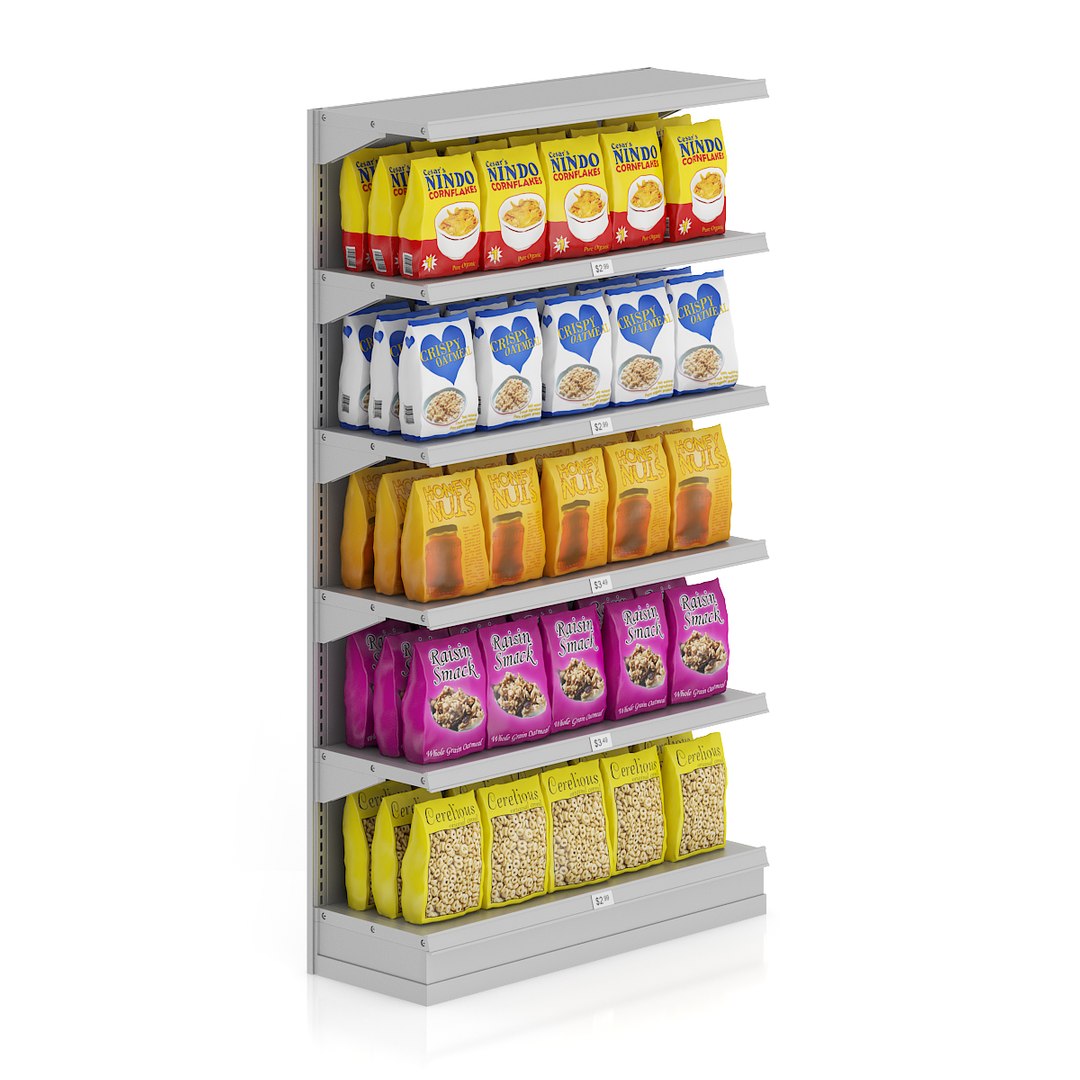
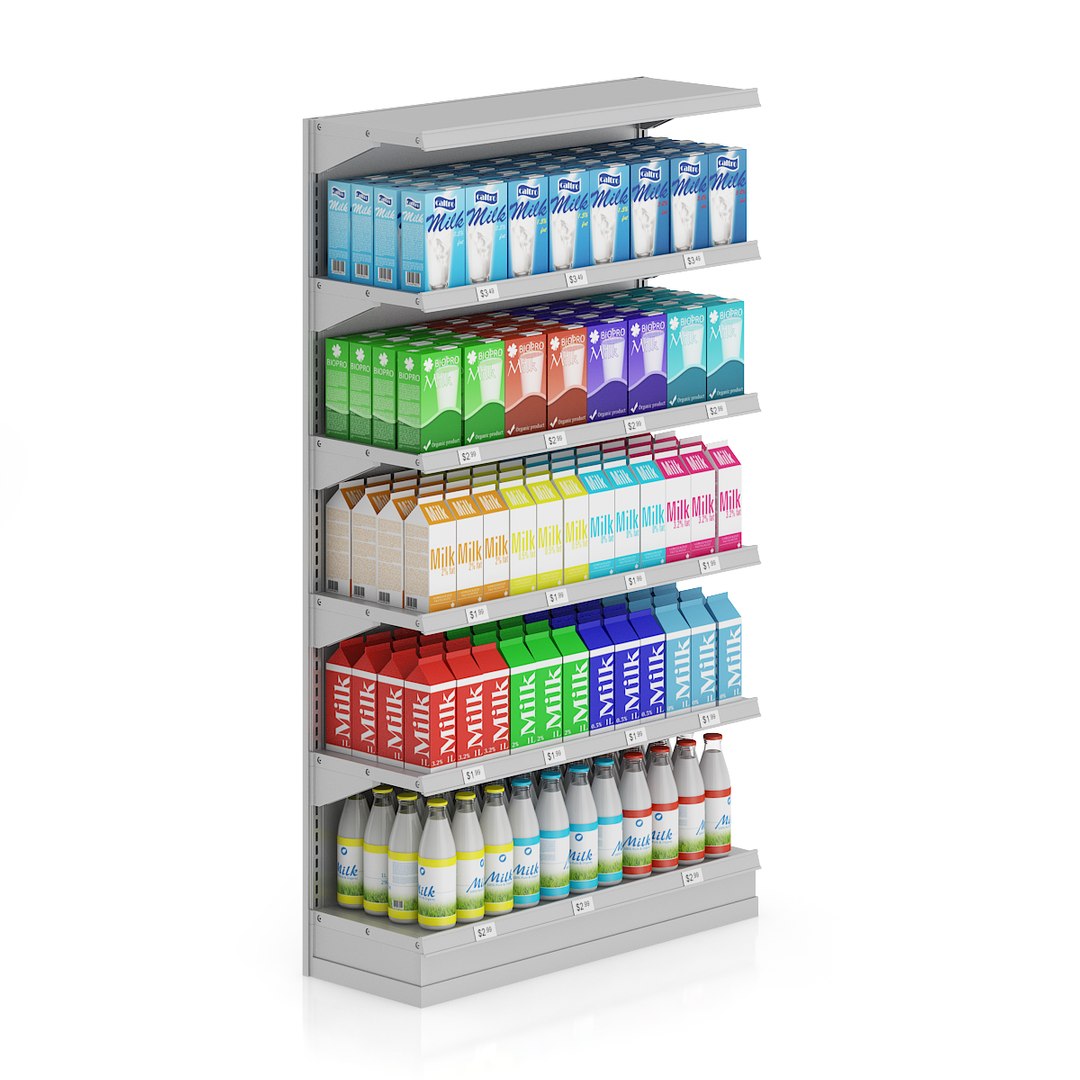
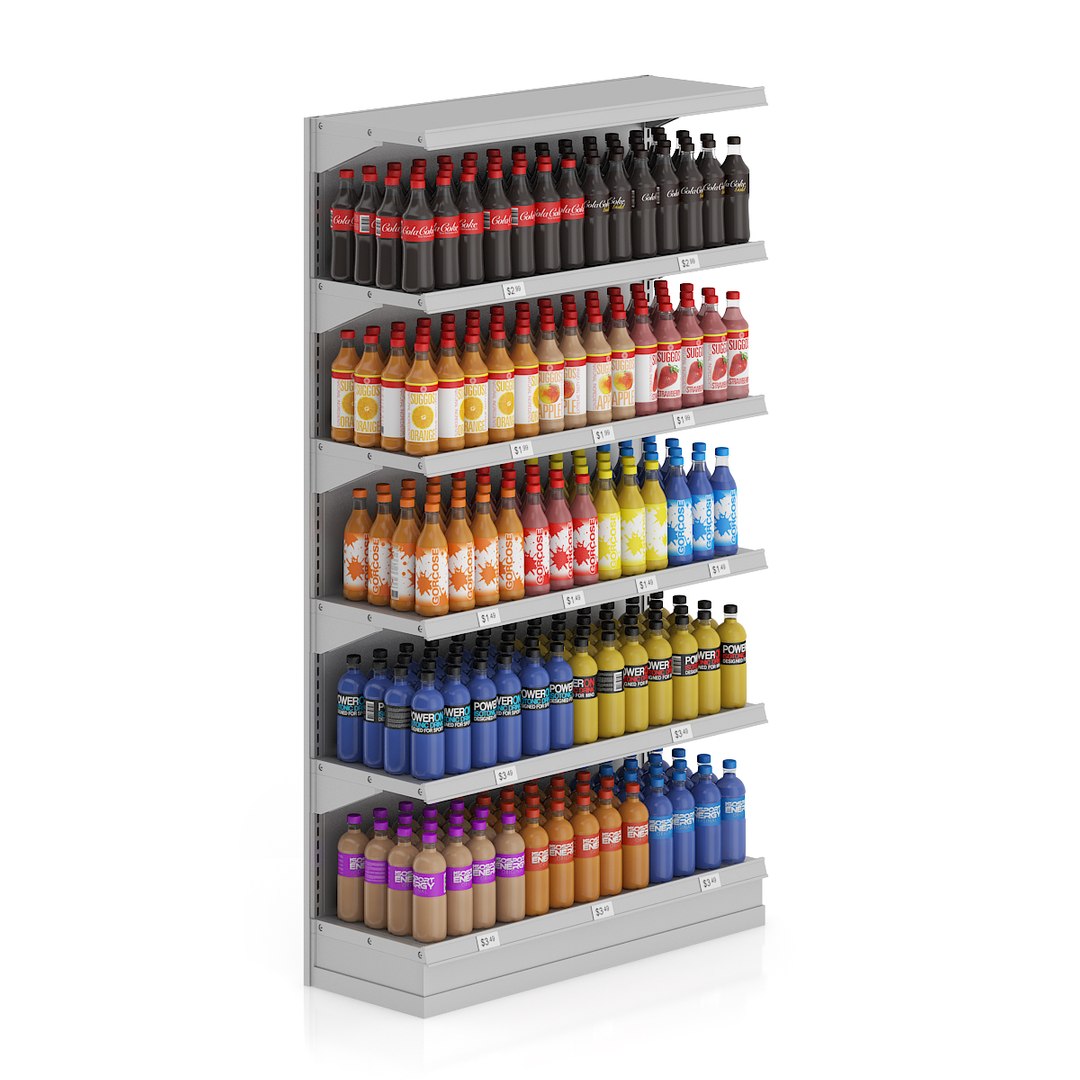
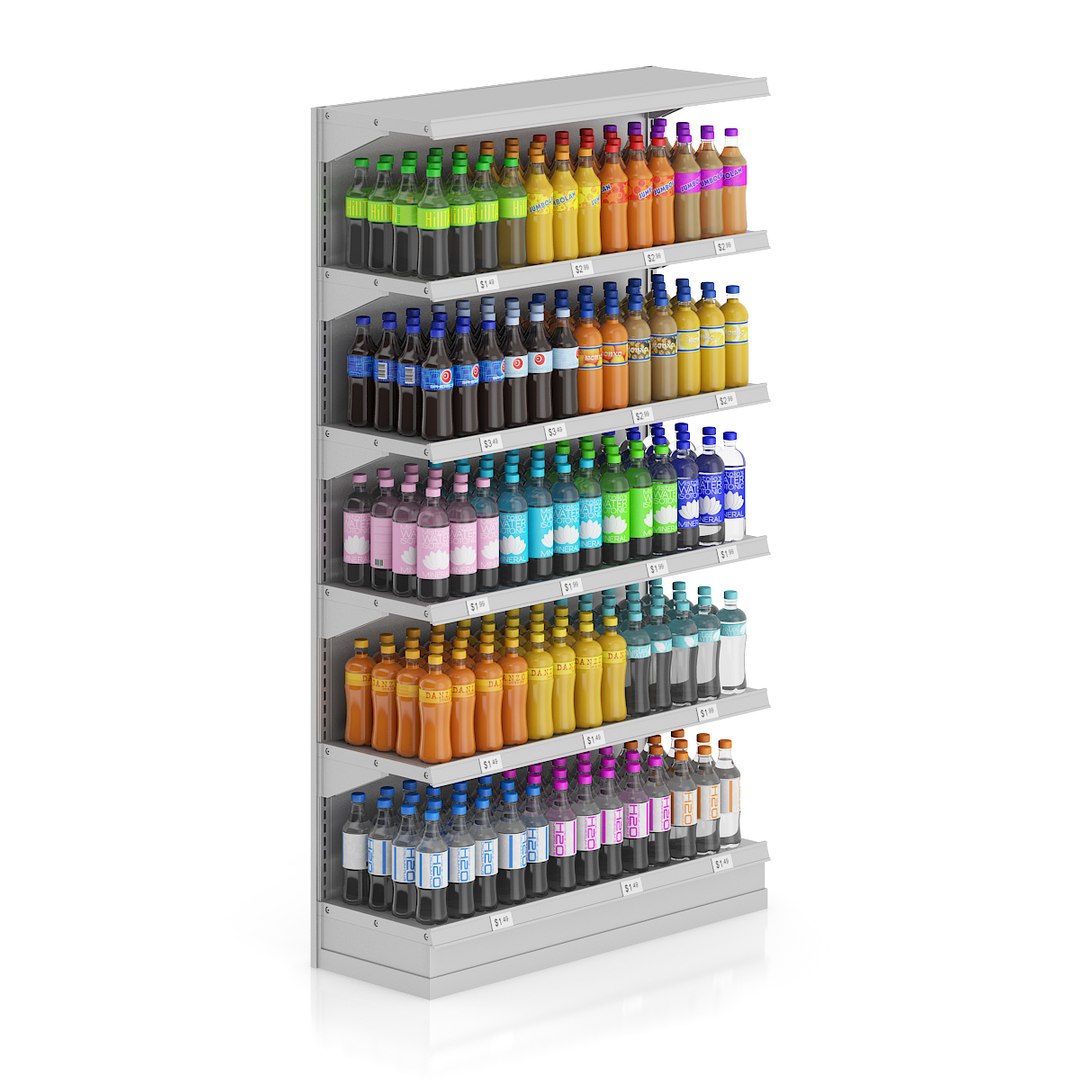
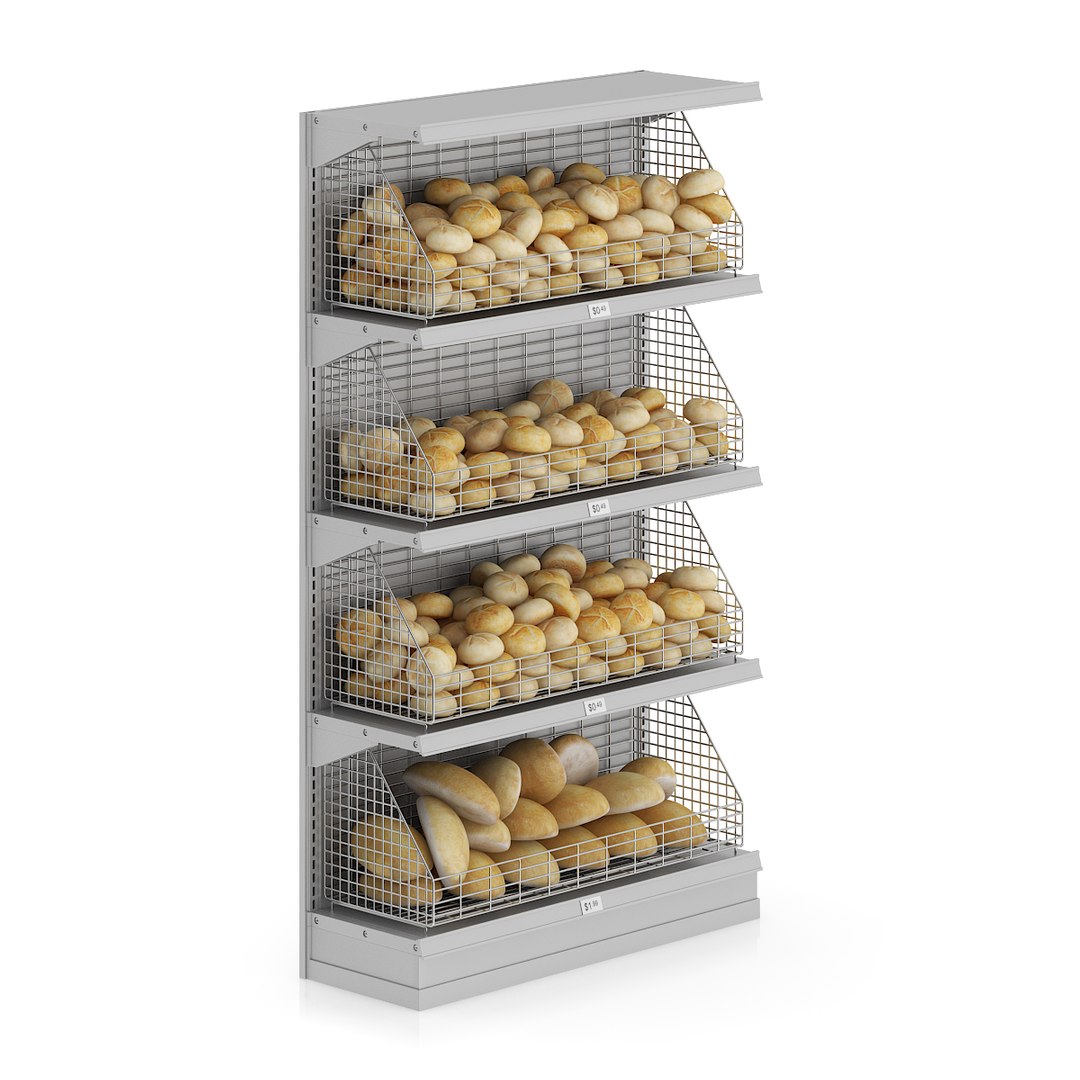
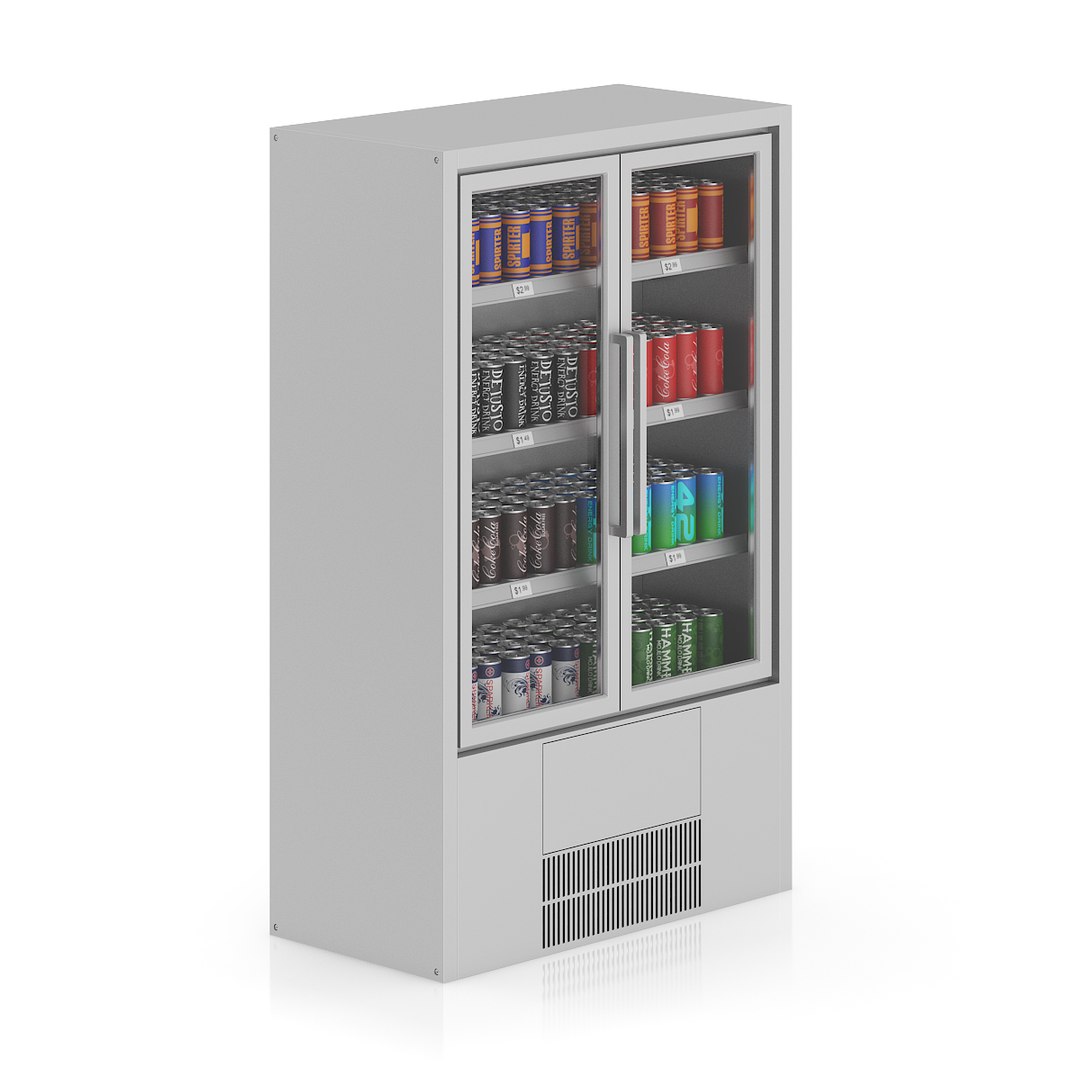
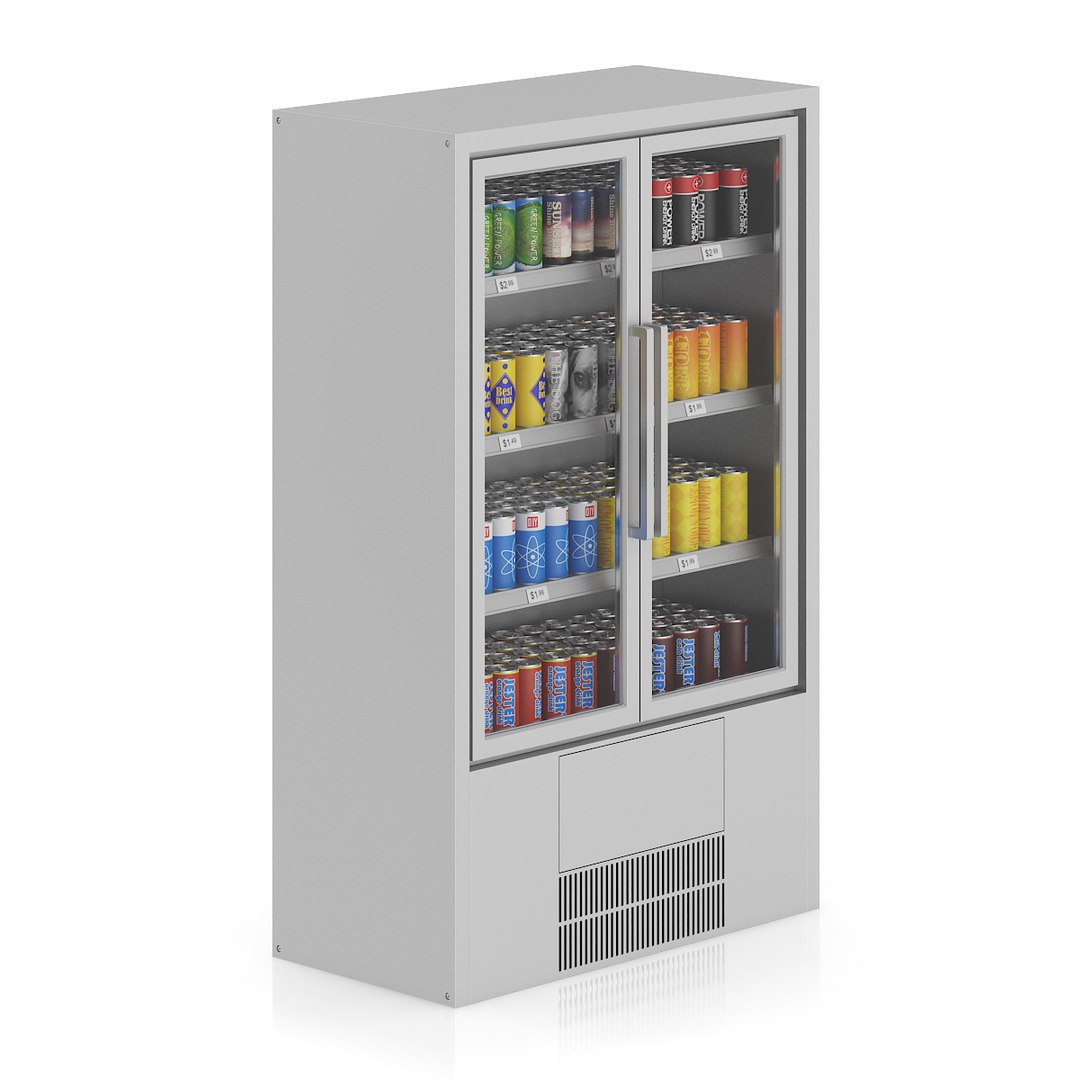
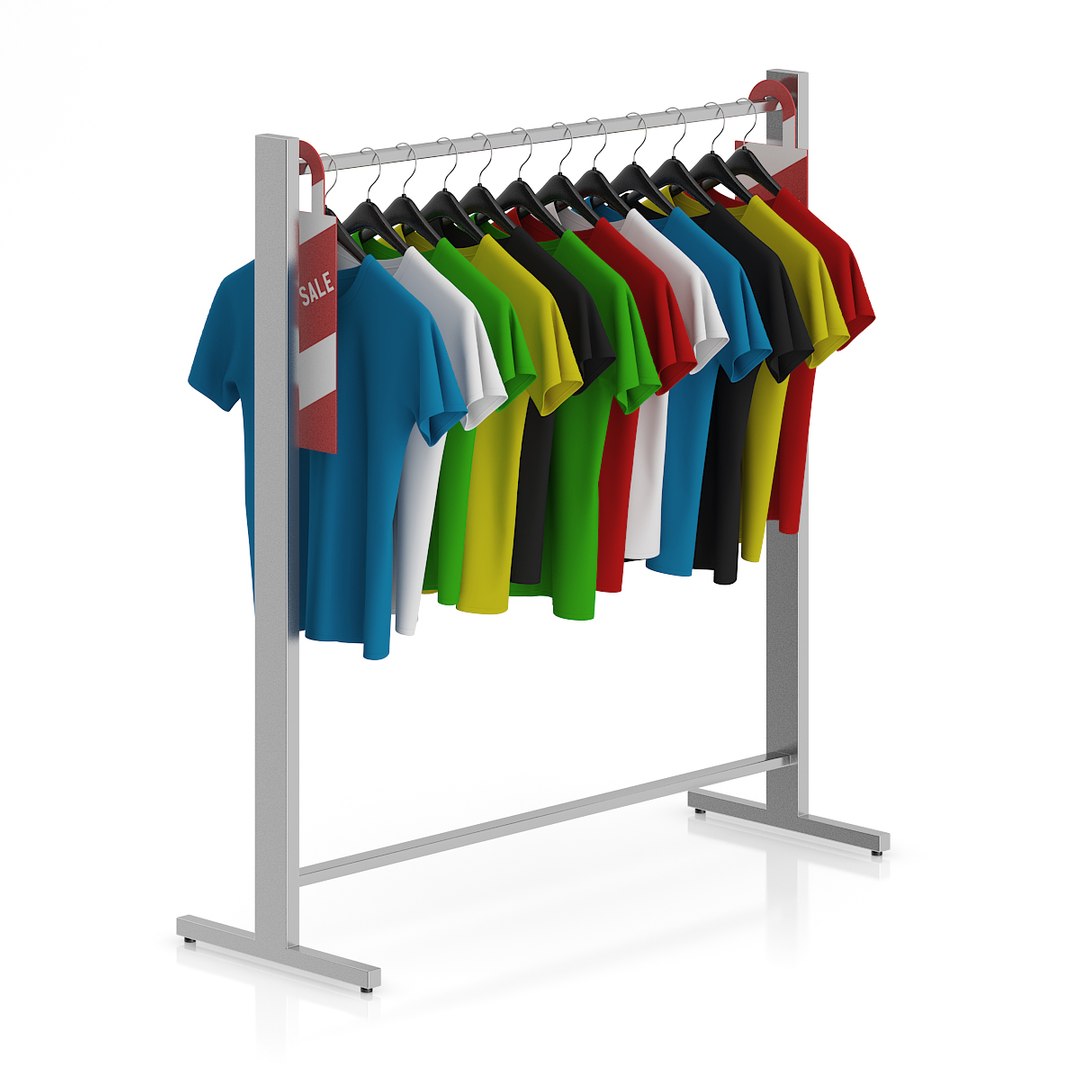
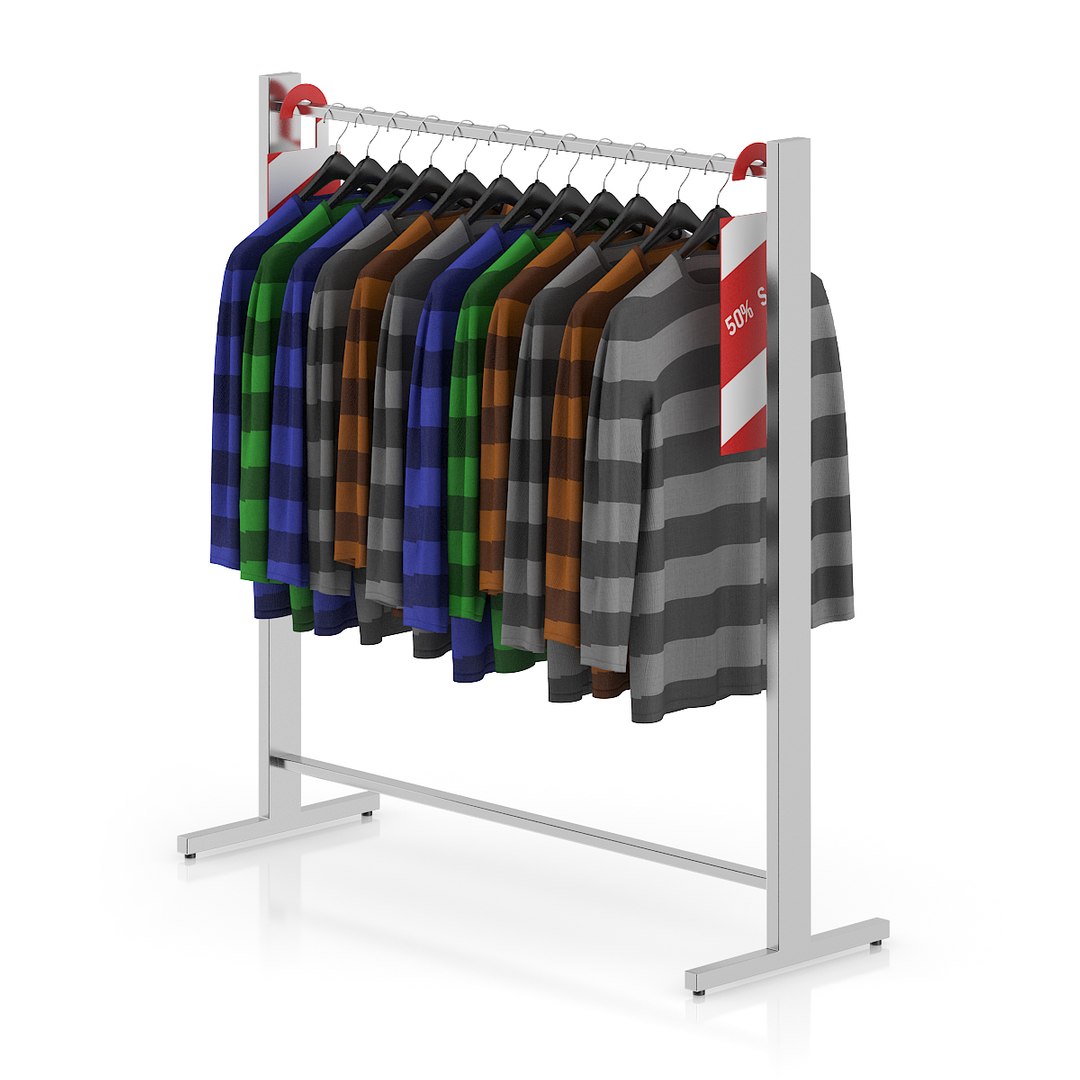
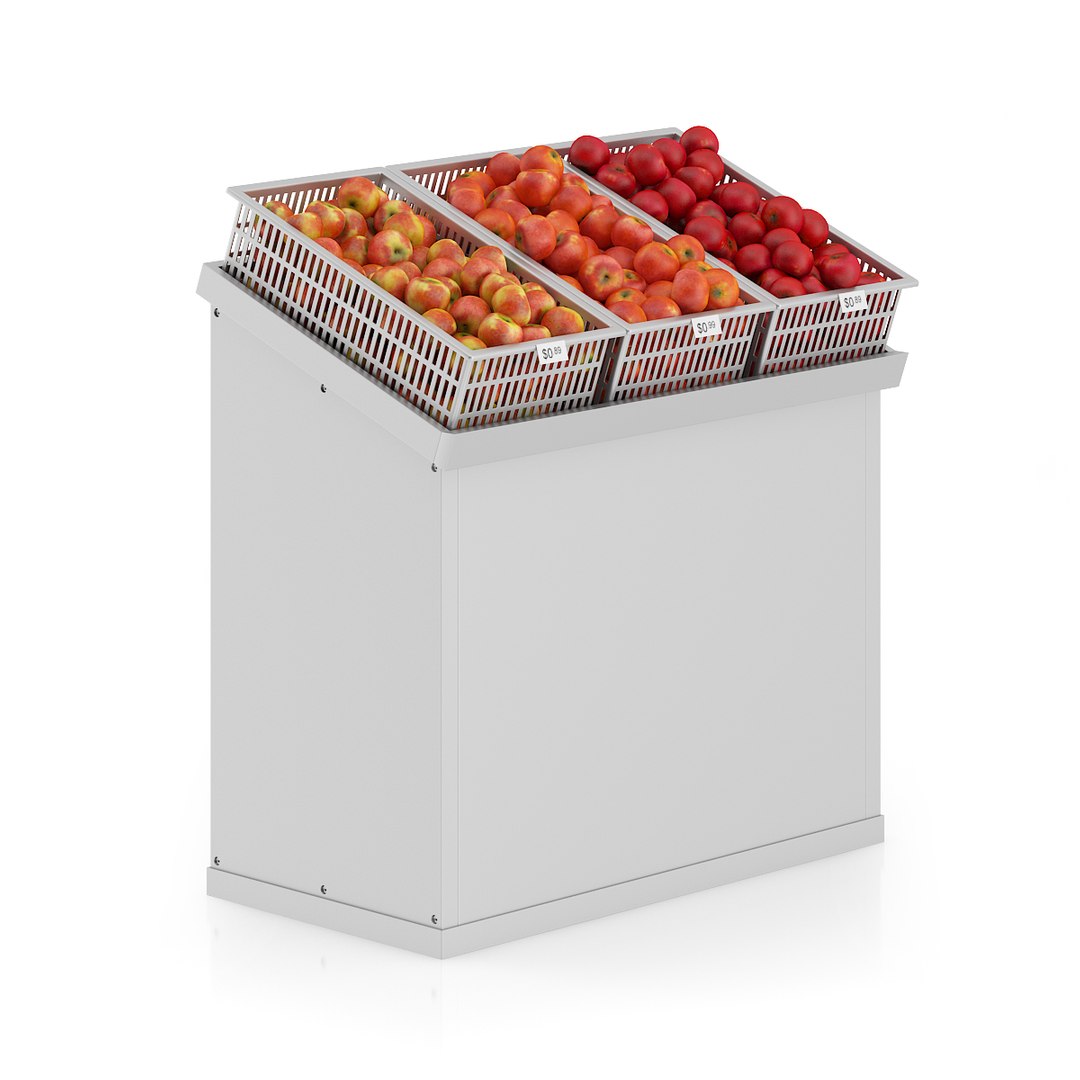
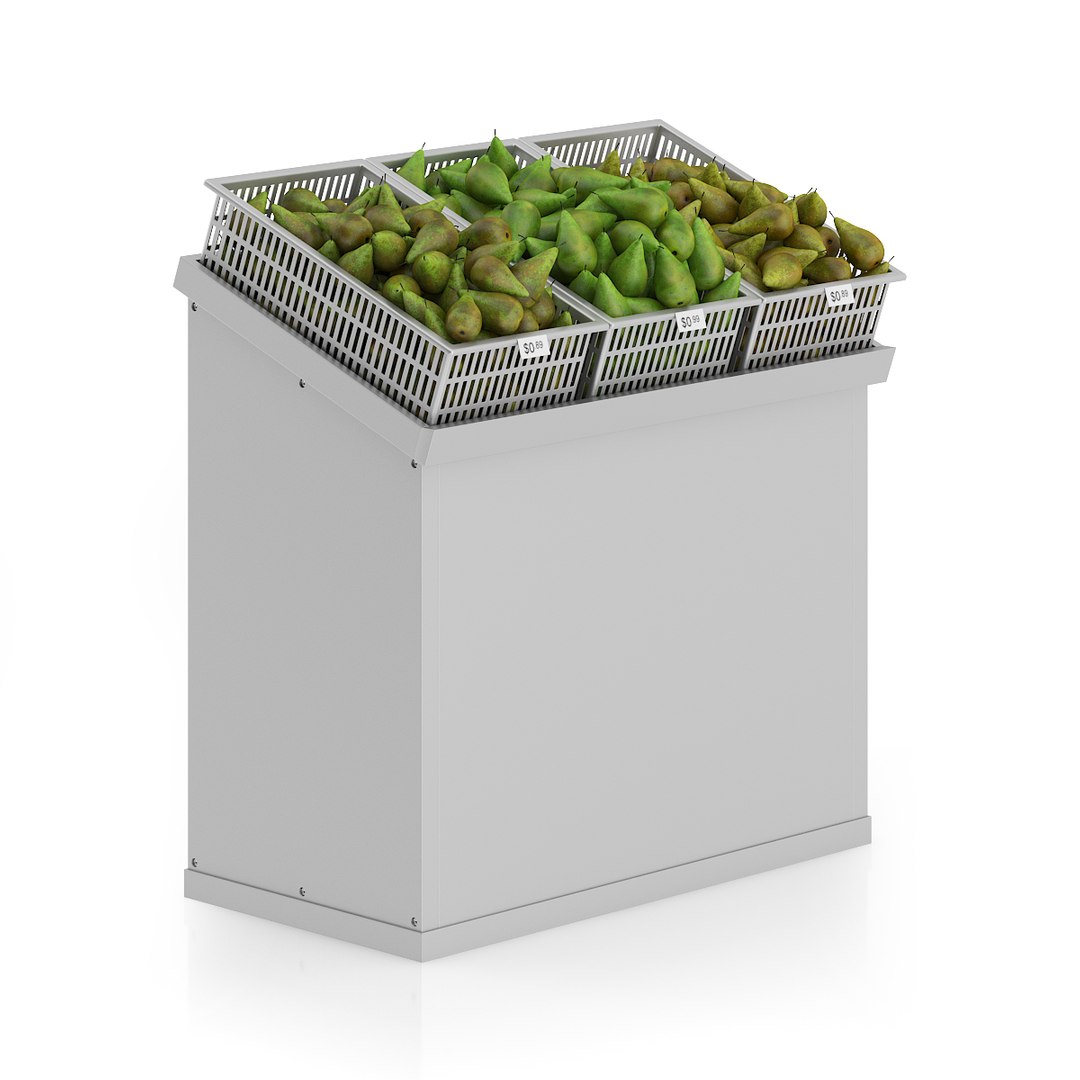
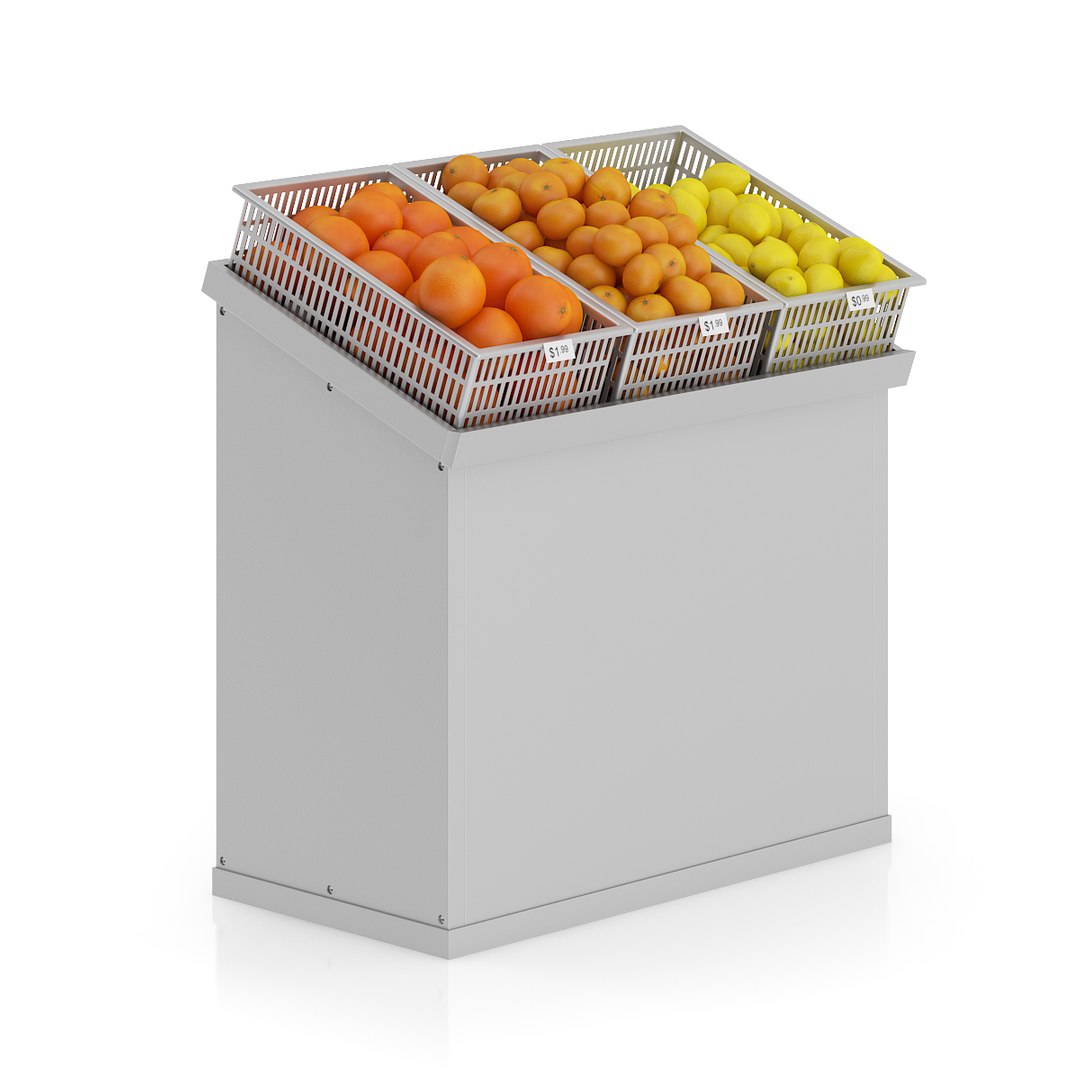
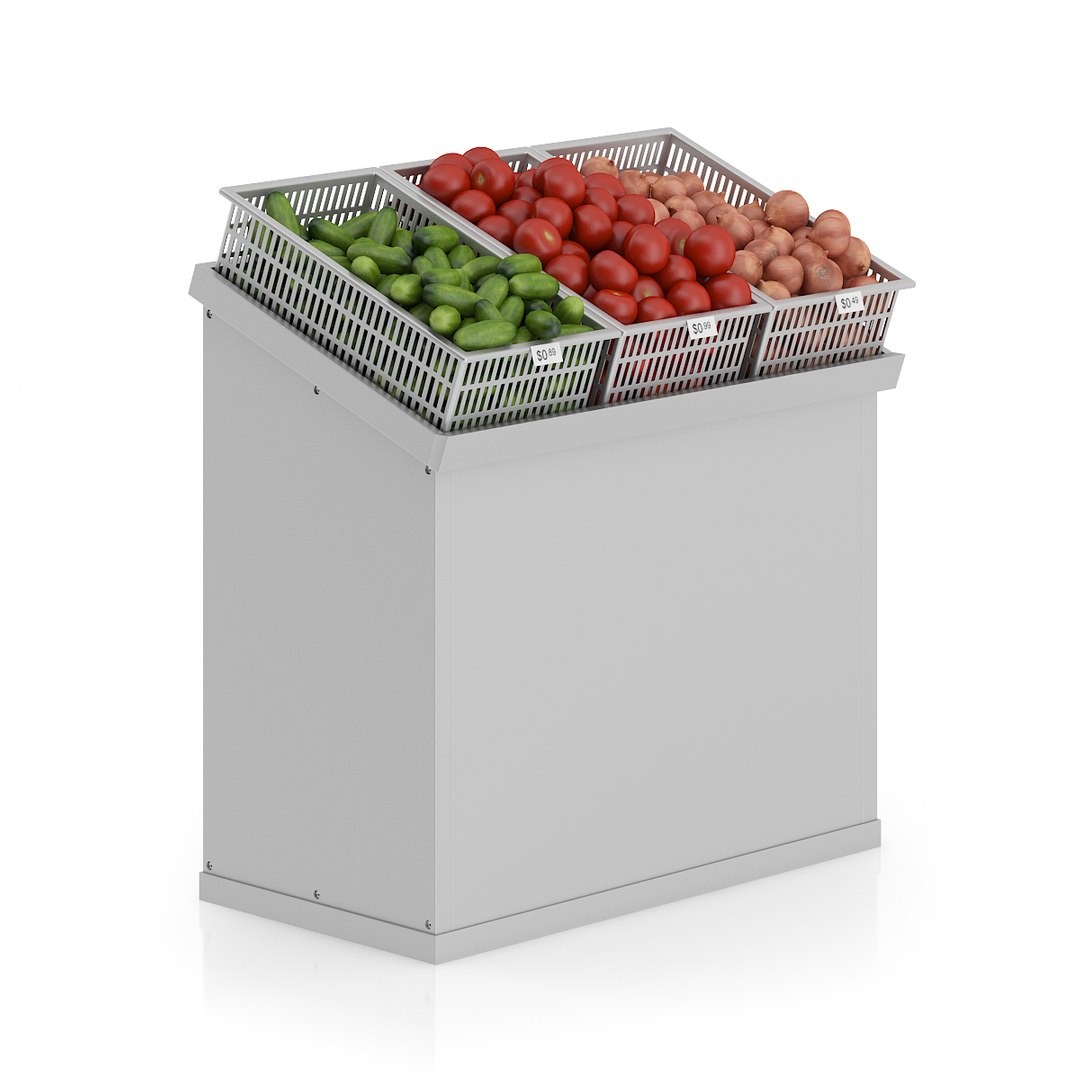
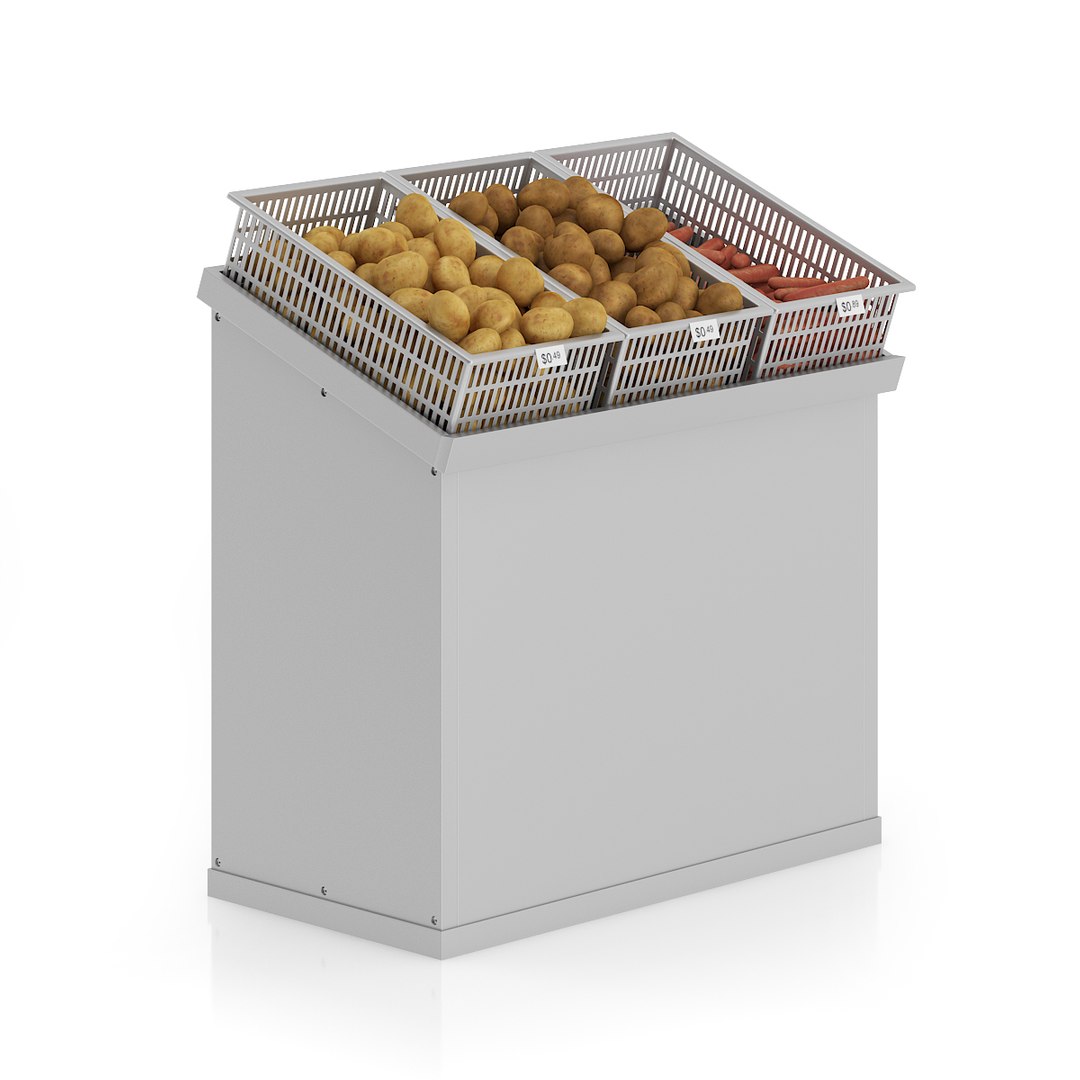
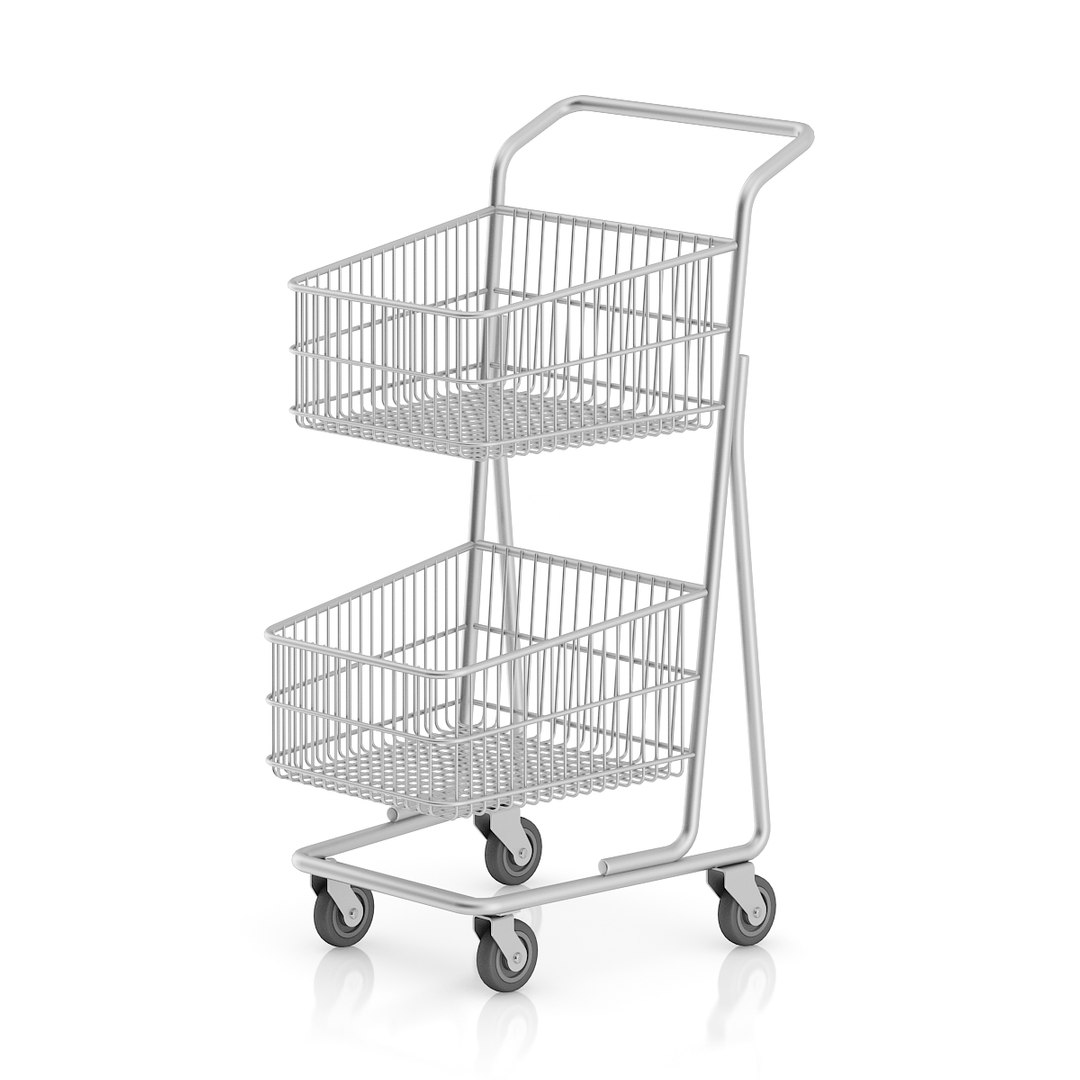
In this collection you can find many useful 3d models of shop and supermarket equipment. It contains 25 highly detailed models.
Each of them is mapped and textured if diffuse, bump or reflect map are used. Others have prepared materials with diffuse color and reflect set properly.
Materials are prepared for 3ds max 2010 or higher (VRay, Mental Ray, Scanline) and Cinema 4D 11 or higher (Advanced Renderer, VRay). You can also download this collection in FBX and OBJ file formats in which models are also mapped.

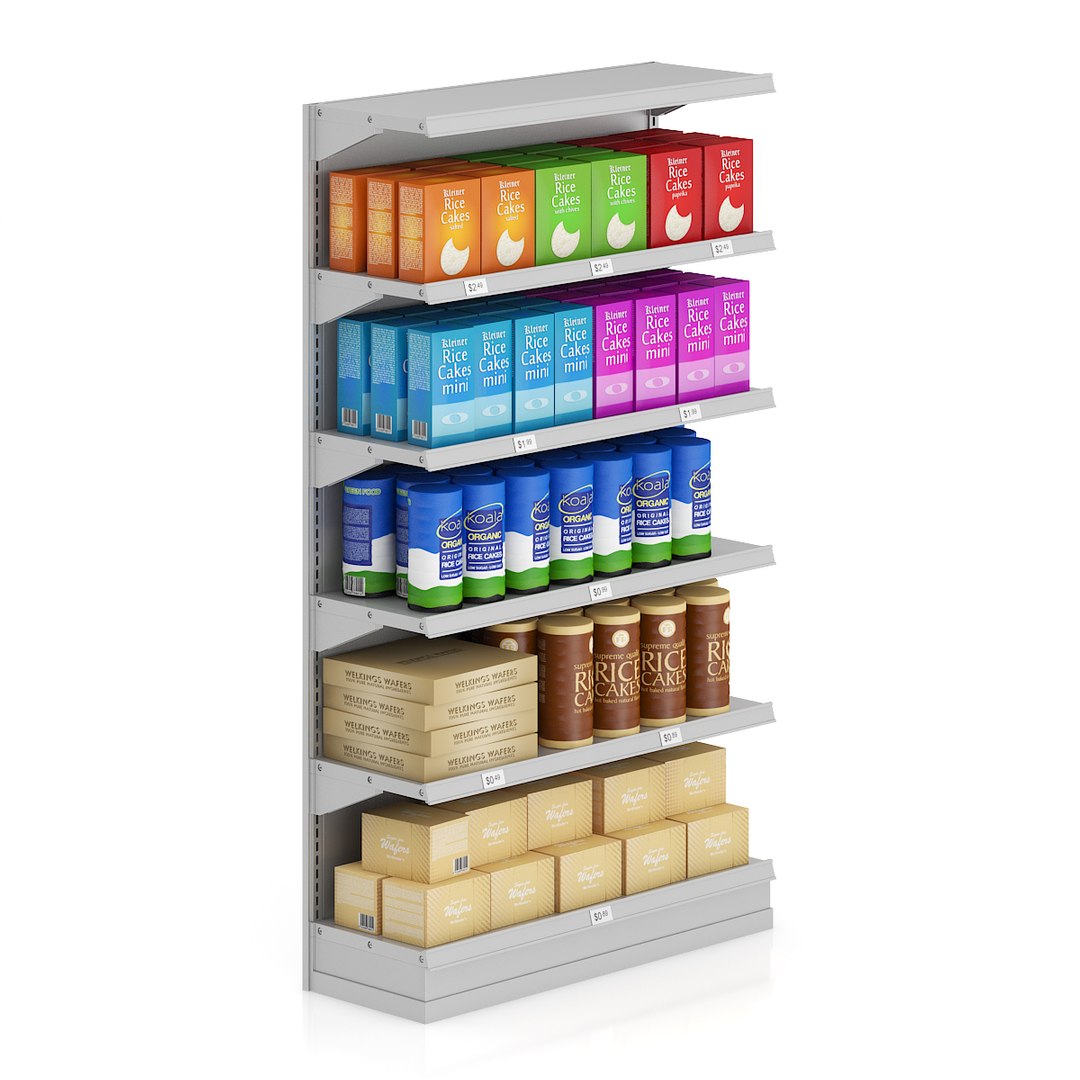
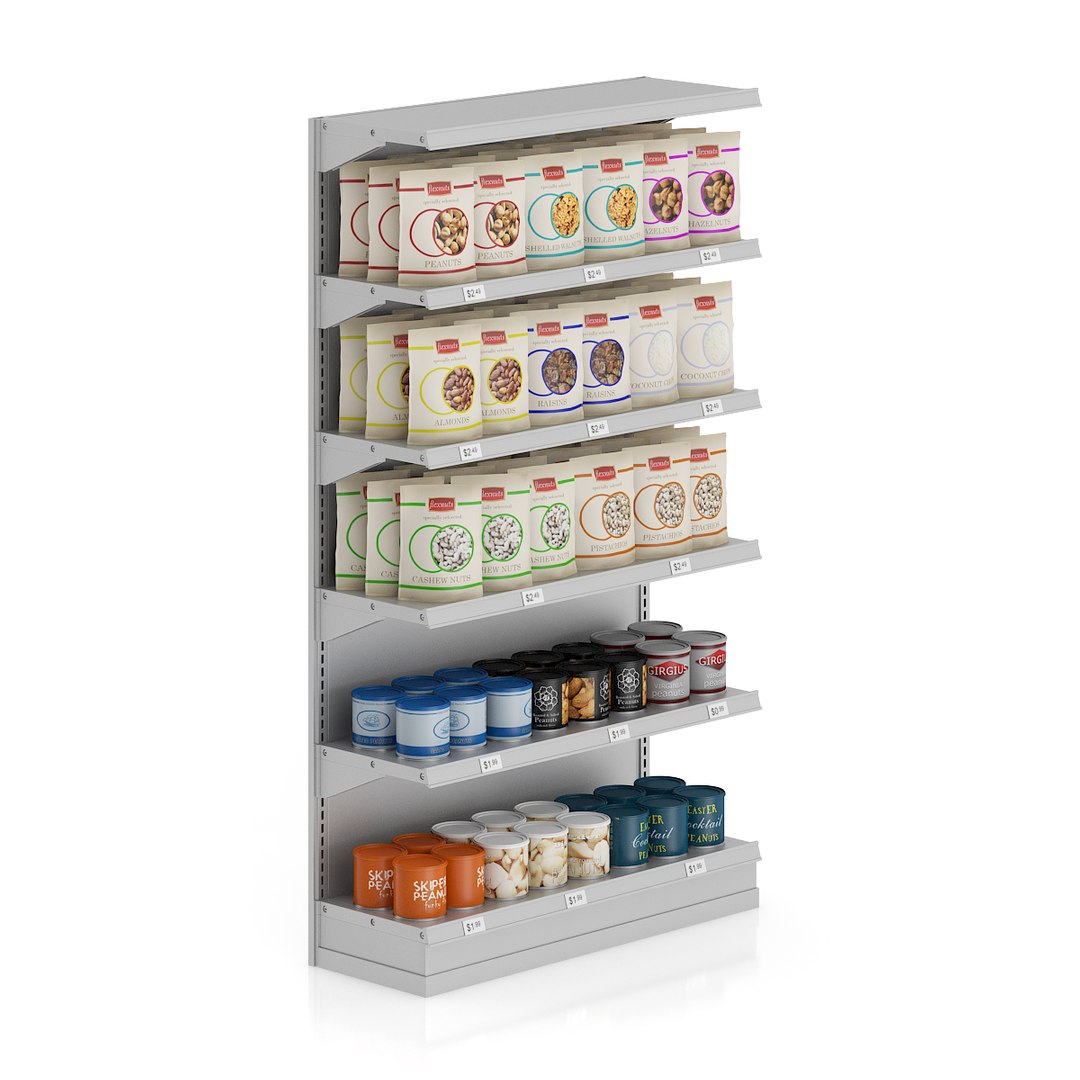
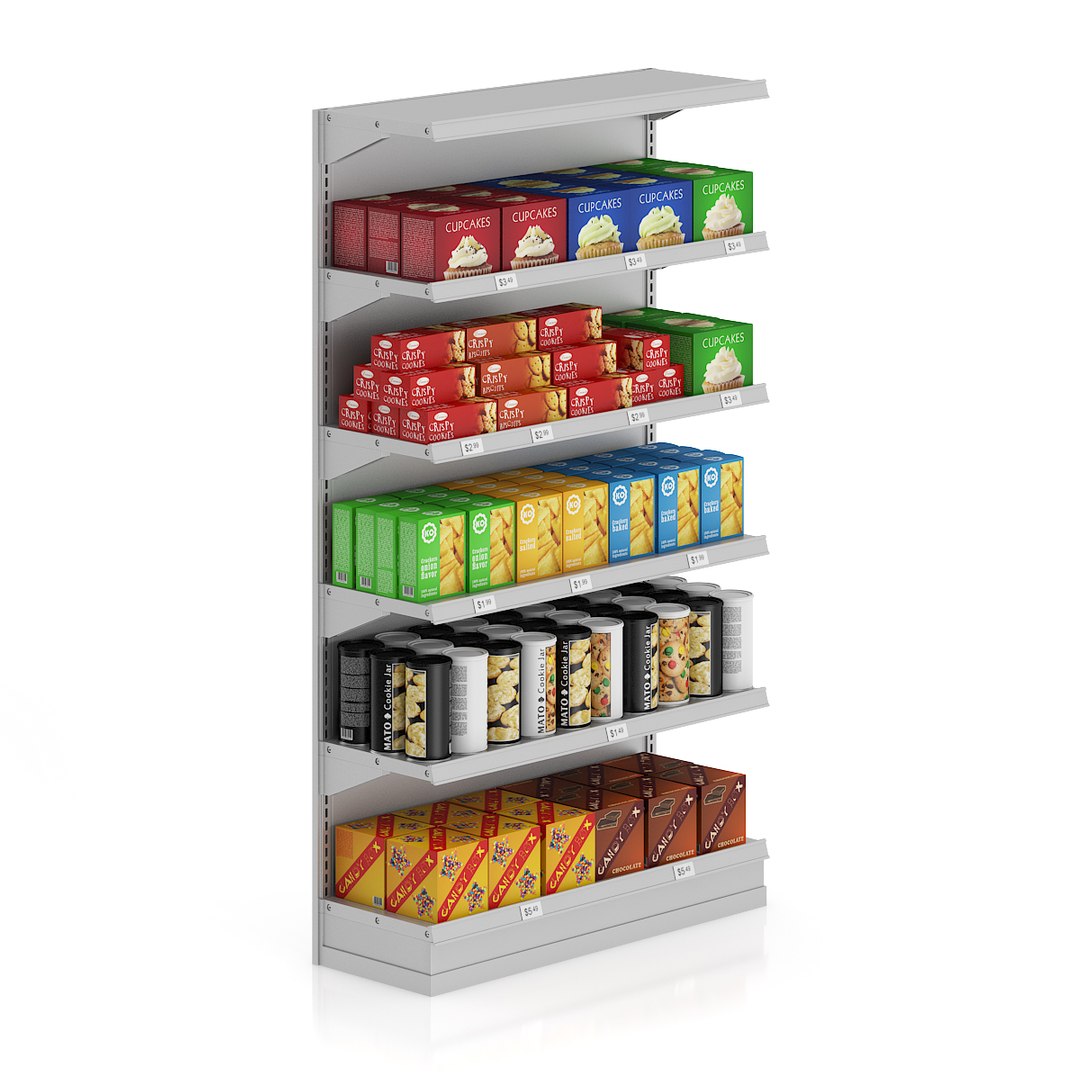
CGAxis Models Volume 52 3D Supermarket II is perfect if you are going to make a project of big store or supermarket scene. It is also very useful beacuse all models are similar and are prepared to easily and quickly connect them with each other. You can find in it 3D models like: market shelfs with wafers, coffees, teas, sweets and cookies, nuts, potato chips, canned tomatos, milk and many others, you can also find t-shirts, sweaters on hangers and market fridges.

Select Enhanced License

  • $10,000 in Legal Protection (Indemnification)
  • Uncapped Legal Protection (Indemnification)
  • Waiver from injunctive relief
  • Assignable model rights
  • $1,000,000 in Legal Protection (Indemnification)
  • Waiver from injunctive relief
  • Assignable model rights
  • $250,000 in Legal Protection (Indemnification)
  • Assignable model rights
Read more about enhanced license tiers, or contact us at enterprise@turbosquid.com. Already a Shutterstock Enterprise Customer? Contact your Shutterstock Sales Support Agent to talk about adding 3D.

About Conversion Requests

To submit a conversion request for a purchased asset, please complete our Conversion Request Form.

If you have not yet purchased a model, please review our Documentation about Conversions to learn about what limitations you may encounter with a conversion.

For any additional questions about a model’s suitability for conversion, please contact TurboSquid Support.

Loading...