
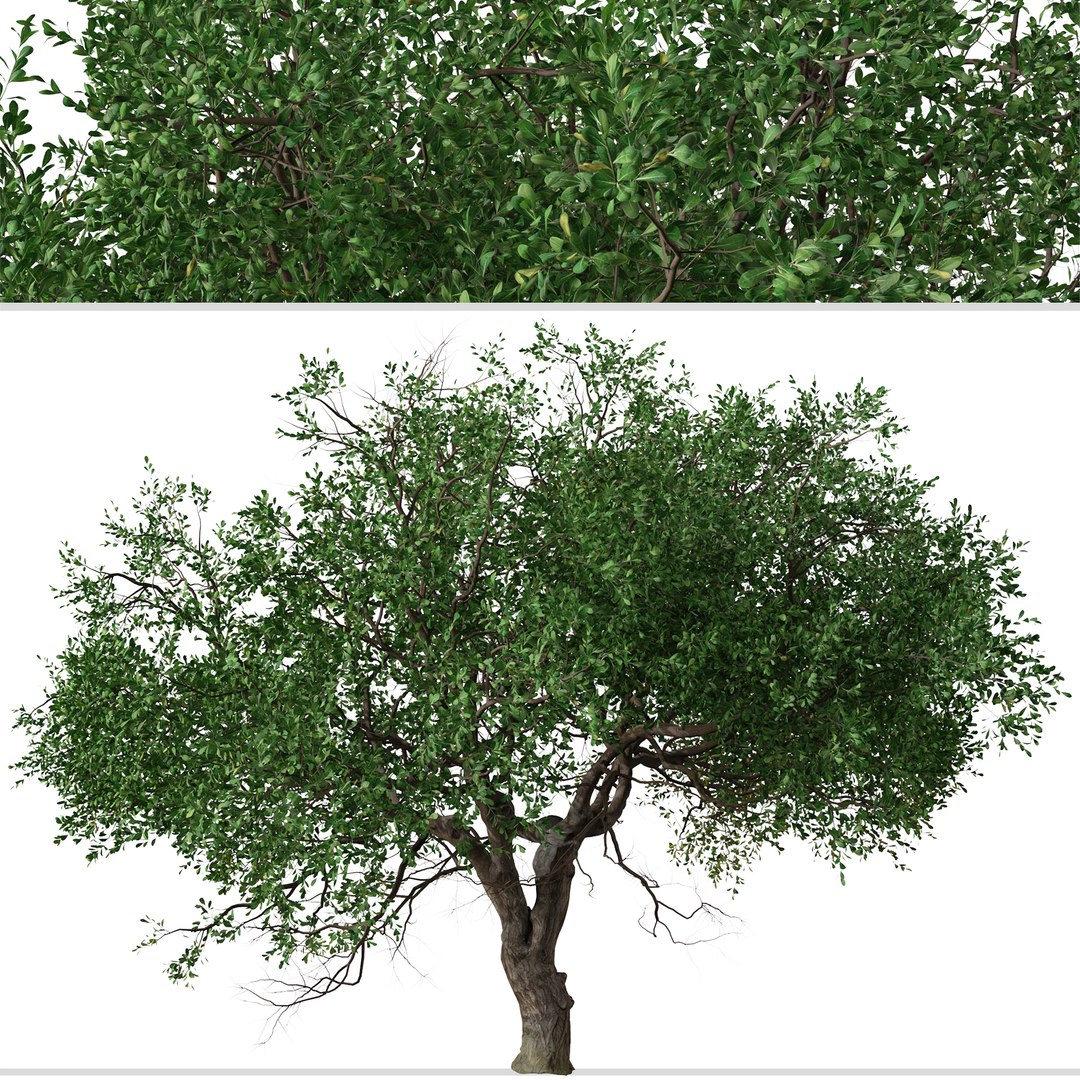
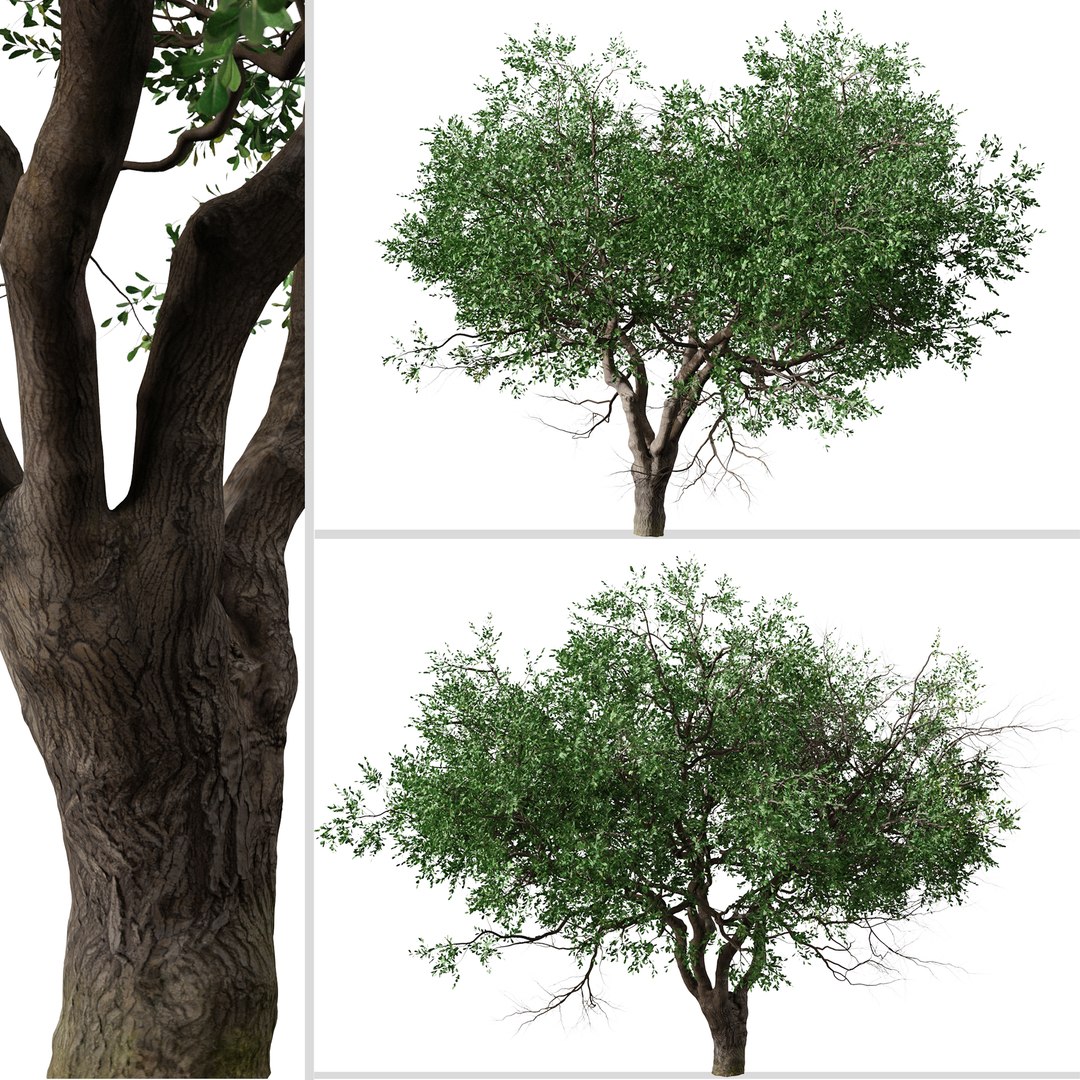
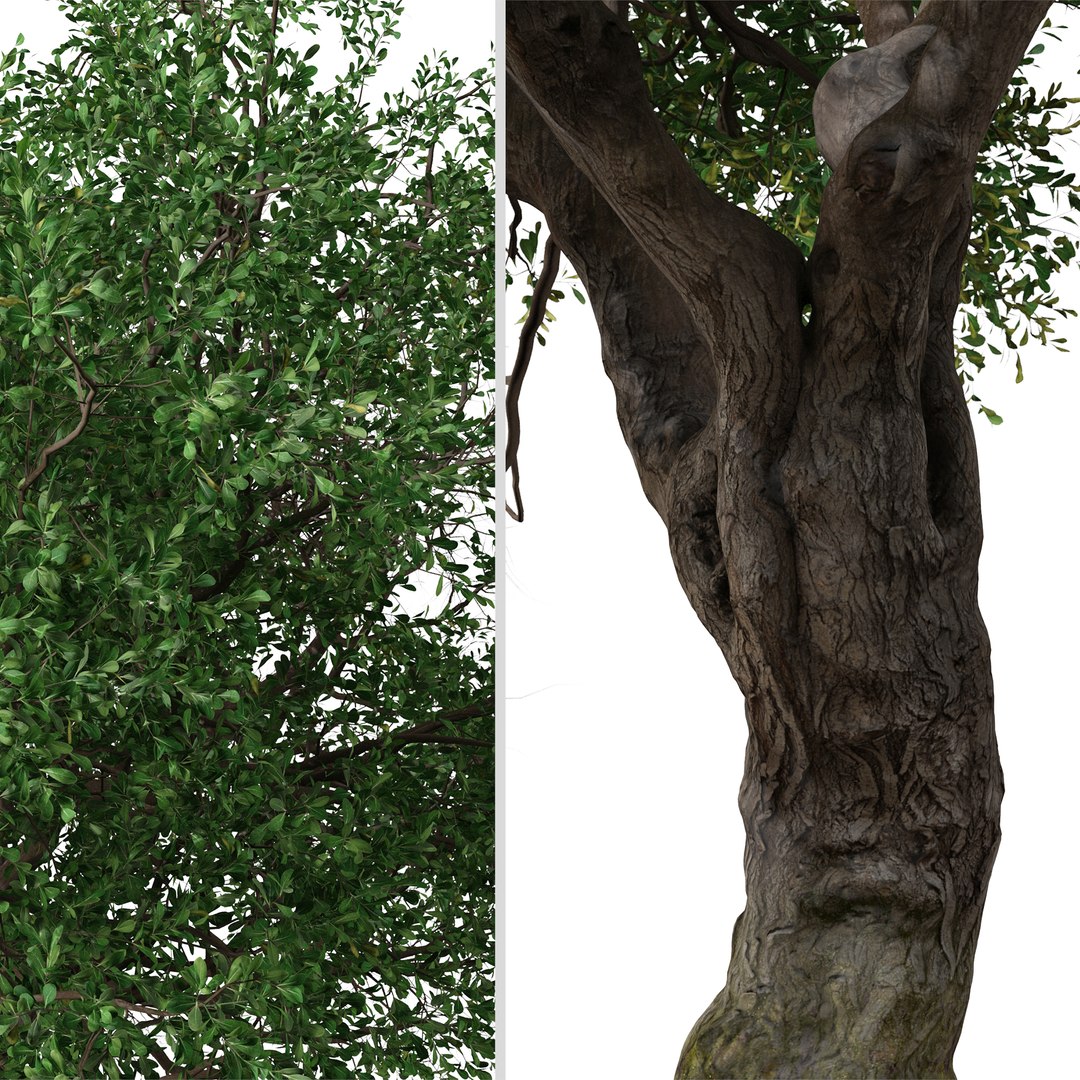
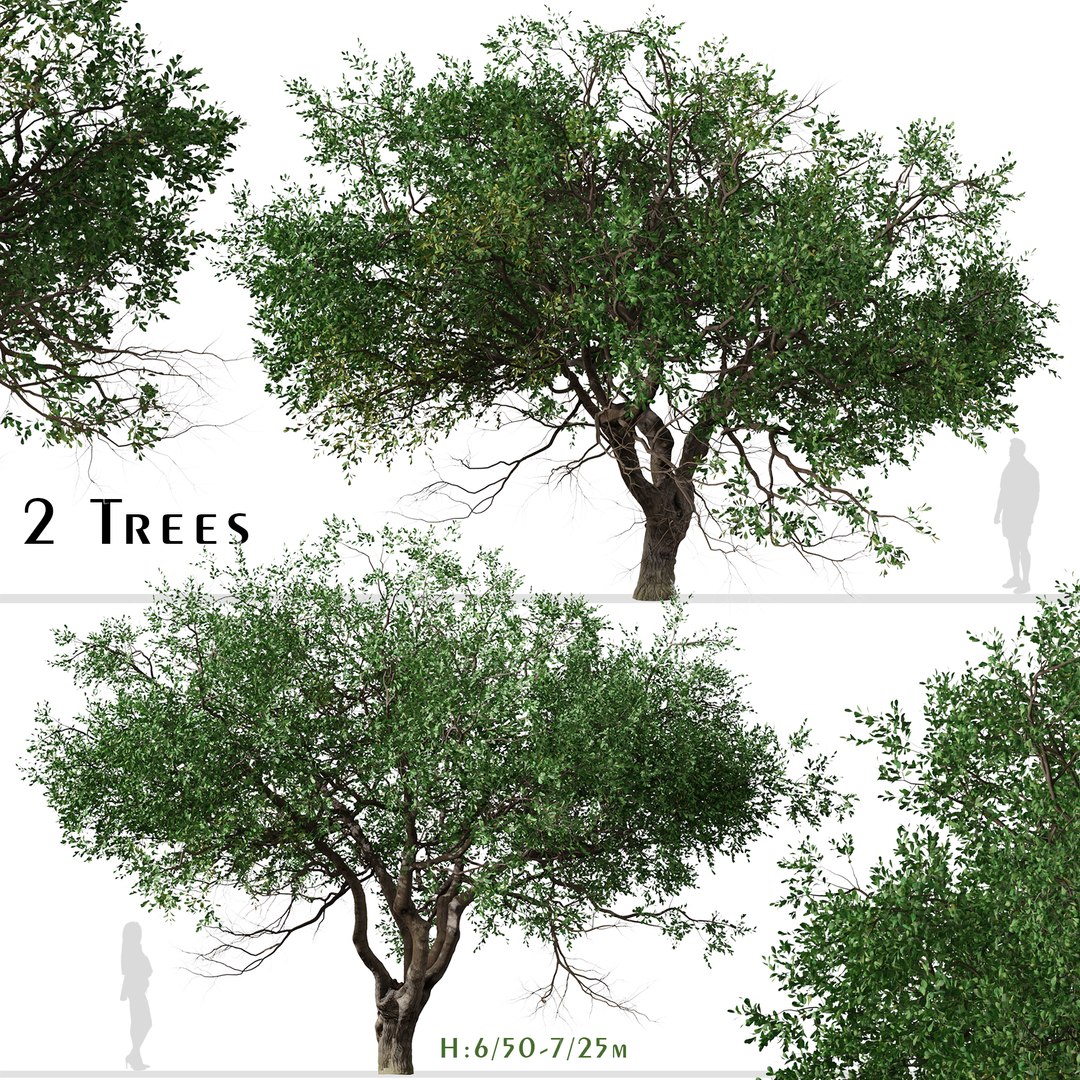
Set of Black Olive or Bucida buceras Tree - 2 Trees

$2

Standard License | Upgrade License
Formats (5)
Native | 3ds Max 2014 | V-Ray 5
Unreal UE4 | Other
Cinema 4D S24 | Default Scanline
Blender 2.92 | Cycles Render
OBJ Exchange
Specifications
Publish Date November 13, 2022
Product ID 1986806
Polygons 2,147,396
Vertices 1,754,942
Polygonal
Textures
Materials
UV Mapped
Overlapping Unwrapped UVs

member avatar
Moonikoffice1
498 Products | Contributor Since 2022
Have questions? Chat with us now.

Description

2 different Black Olive Trees in the scene.

Black Olive Tree aka , Oxhorn Bucida or Shady Lady is a tropical species with dense trunks and smooth oval-shaped leaves. The rich foliage and stately appearance make the Black Olive Tree a favorite among gardeners and architects. The most well-known type is the Shady Lady Black Olive Tree, which is a smaller, dense type variety. This Florida native is not the common edible olive, despite small, black seed-capsules. It's a tall evergreen tree with wind-resistant branches densely filled with lush, dark bluish-green, leathery leaves.

Polygons (Total number of scene): 2,147,396

Verts (Total number of scene): 1,754,942

Black Olive Tree1: 6/50 m

Black Olive Tree2: 7/25 m

In the archive: 3Ds MAX ( V-ray - 2014 ) , Blender , OBJ , FBX , Unreal Engine , Cinema 4D and ...

*Features:

-Optimized for Distant and Closeup Views

- Clean topology

- Unwrapped Overlapping

- Real World Scale

- Transformed into zero

- Object Named

- Material Named

- Units: Centimeters

Have a good one!

Select Enhanced License

  • $10,000 in Legal Protection (Indemnification)
  • Uncapped Legal Protection (Indemnification)
  • Waiver from injunctive relief
  • Assignable model rights
  • $1,000,000 in Legal Protection (Indemnification)
  • Waiver from injunctive relief
  • Assignable model rights
  • $250,000 in Legal Protection (Indemnification)
  • Assignable model rights
Read more about enhanced license tiers, or contact us at enterprise@turbosquid.com. Already a Shutterstock Enterprise Customer? Contact your Shutterstock Sales Support Agent to talk about adding 3D.

About Conversion Requests

To submit a conversion request for a purchased asset, please complete our Conversion Request Form.

If you have not yet purchased a model, please review our Documentation about Conversions to learn about what limitations you may encounter with a conversion.

For any additional questions about a model’s suitability for conversion, please contact TurboSquid Support.

Loading...