
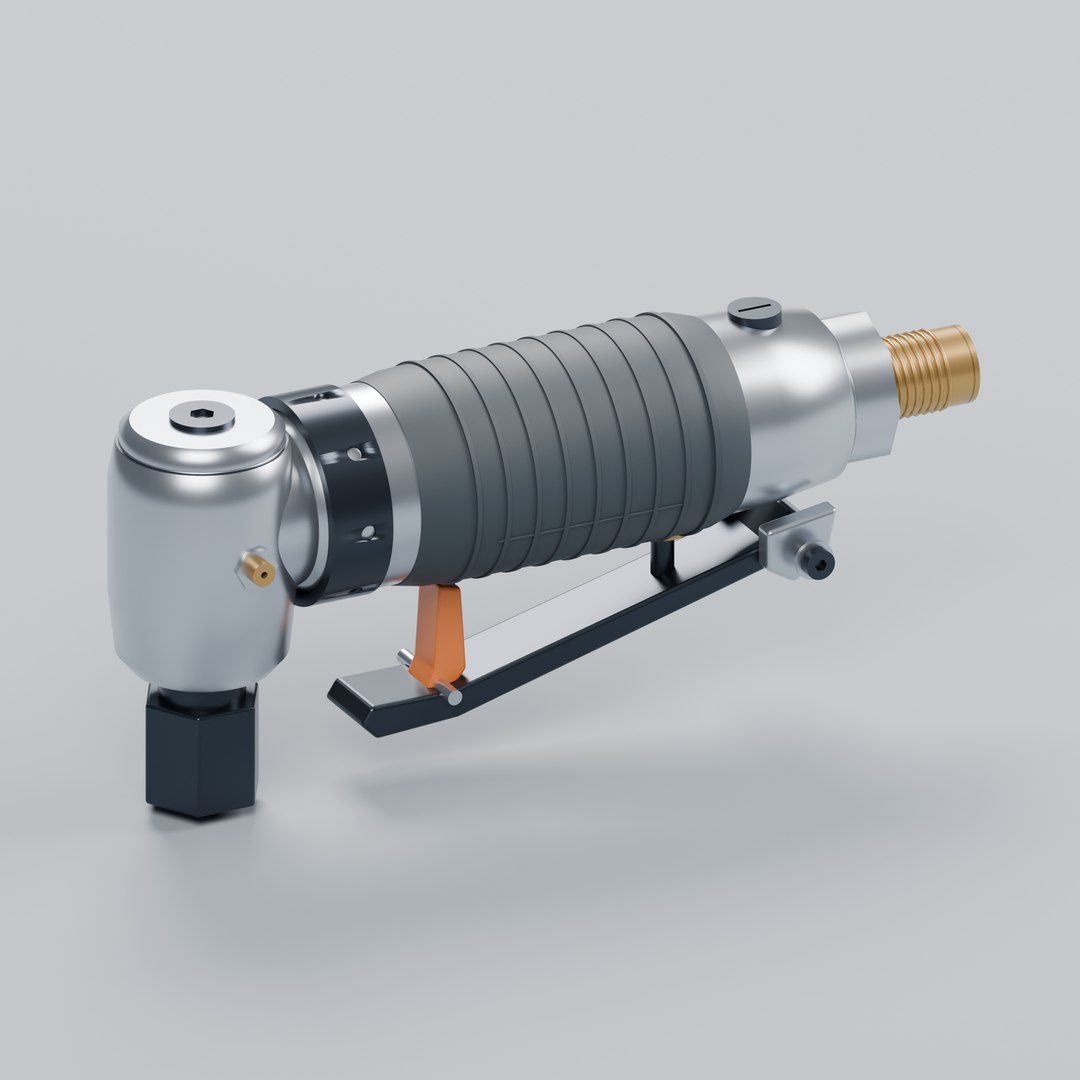
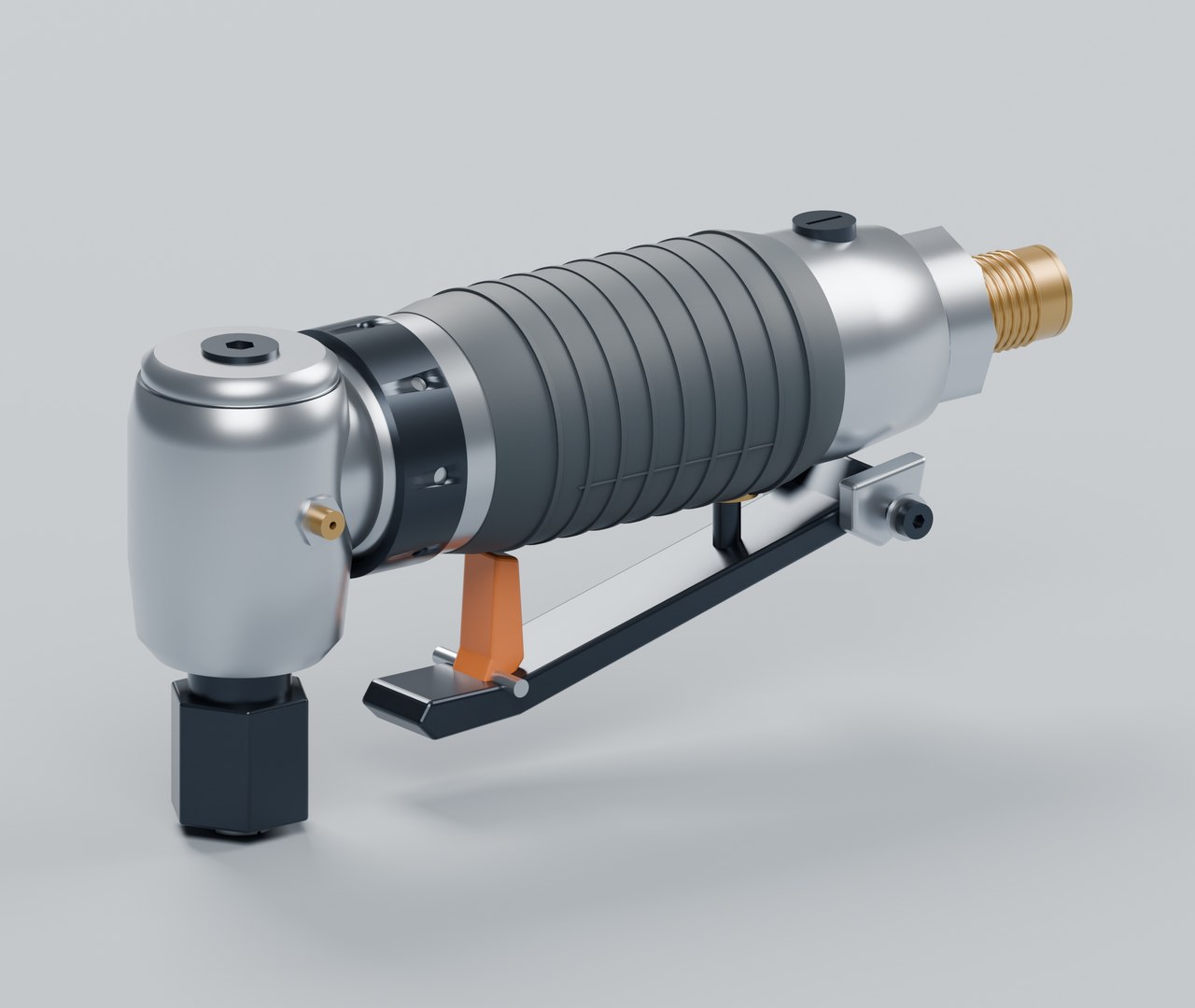
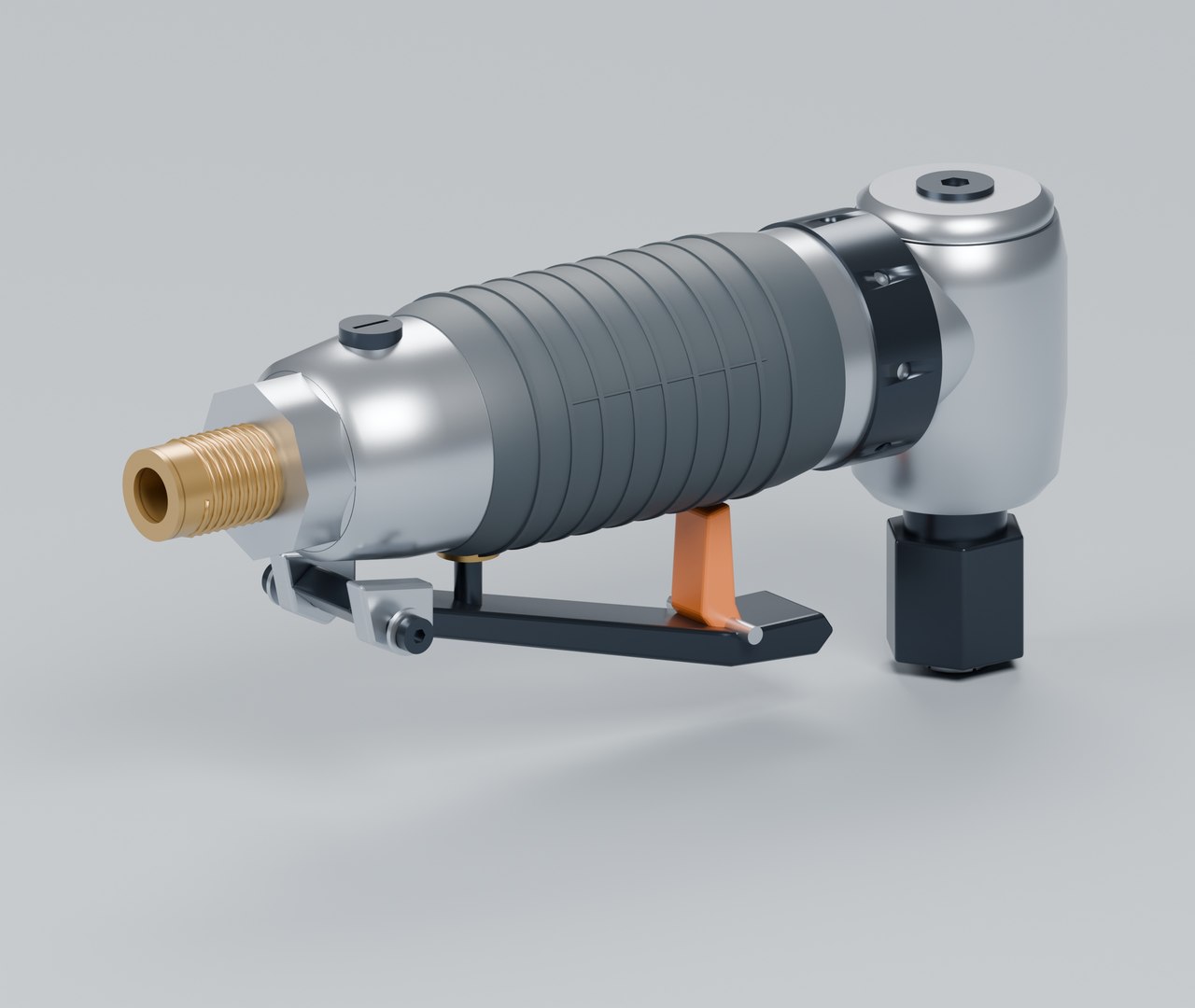
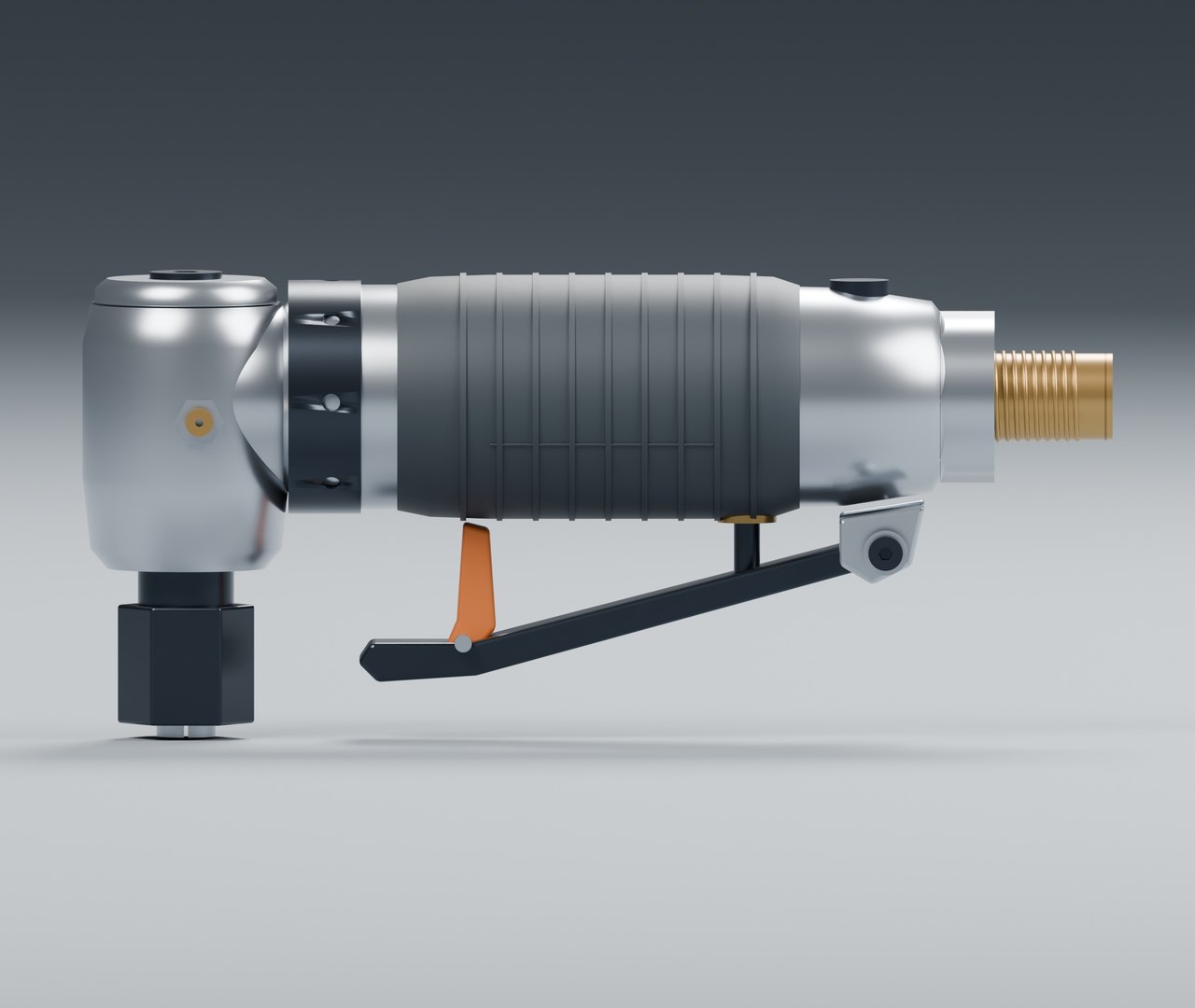
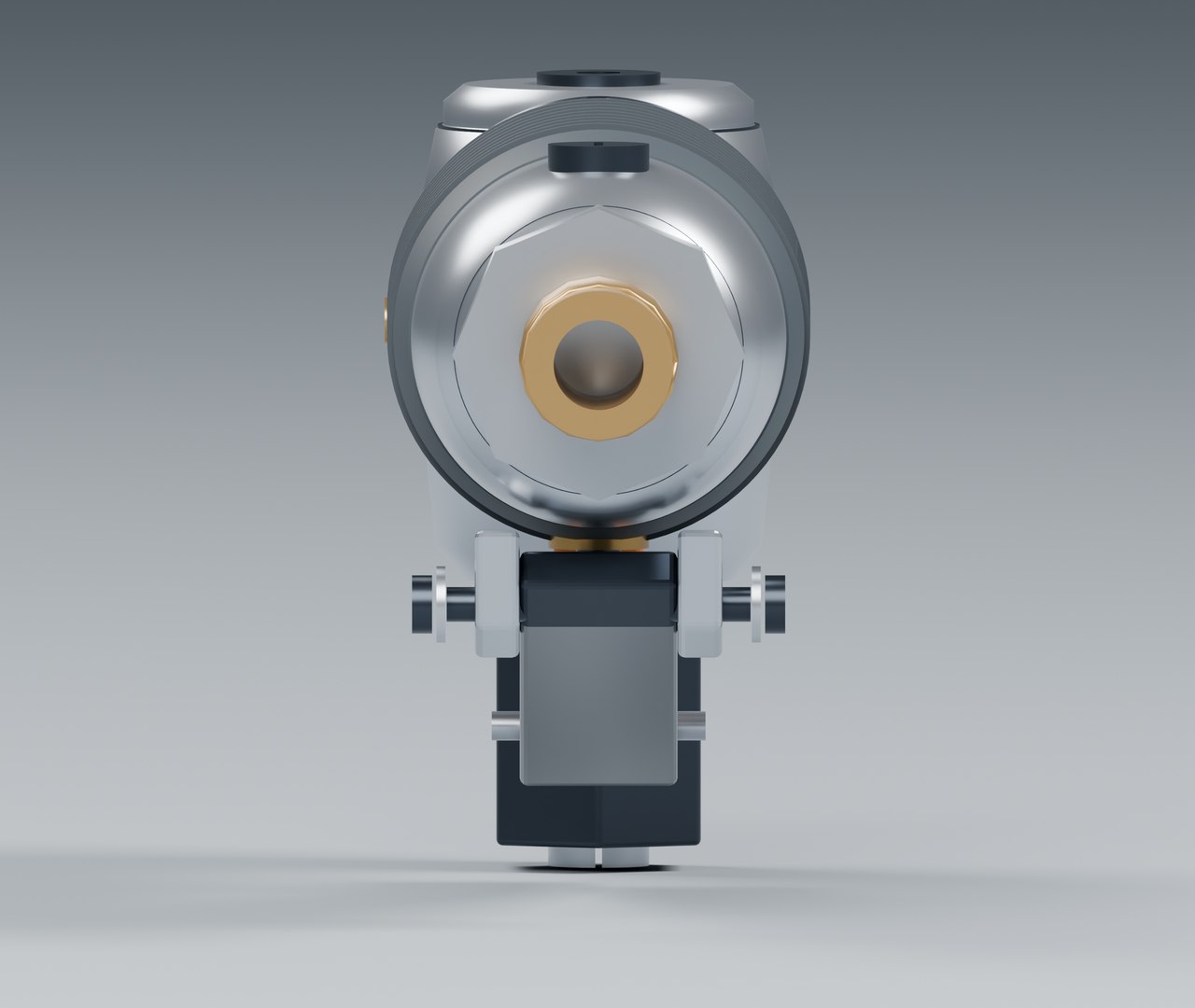
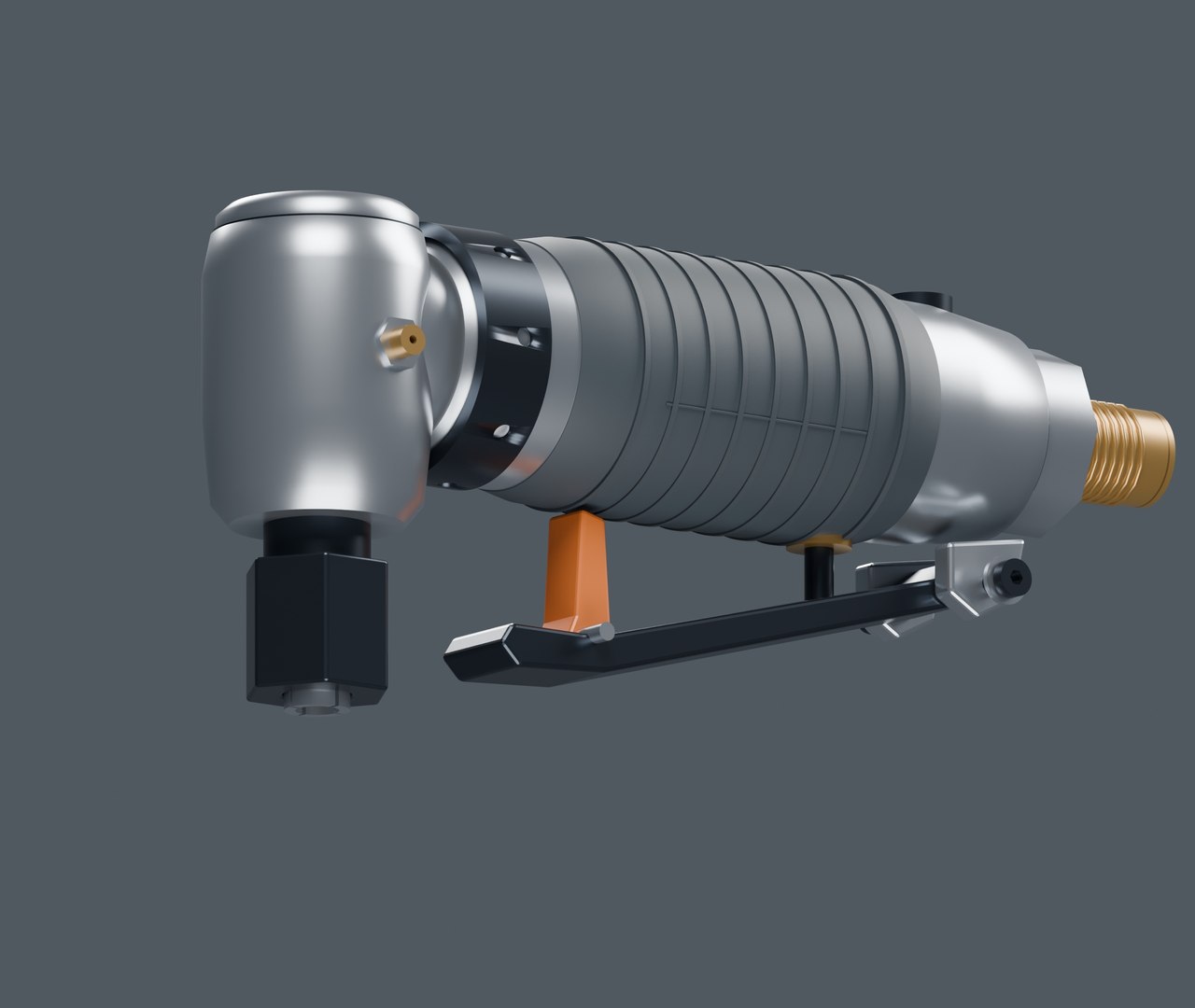
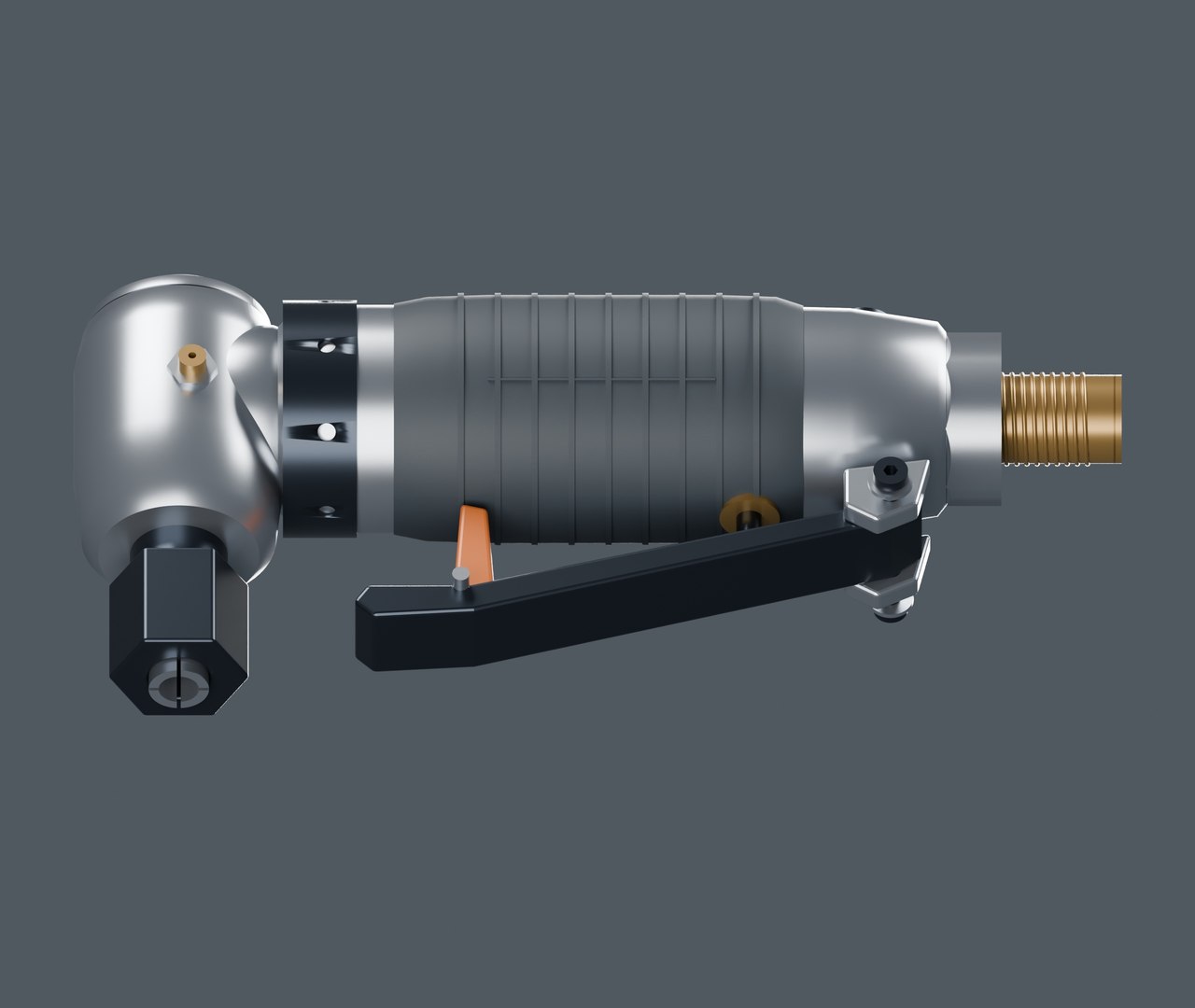
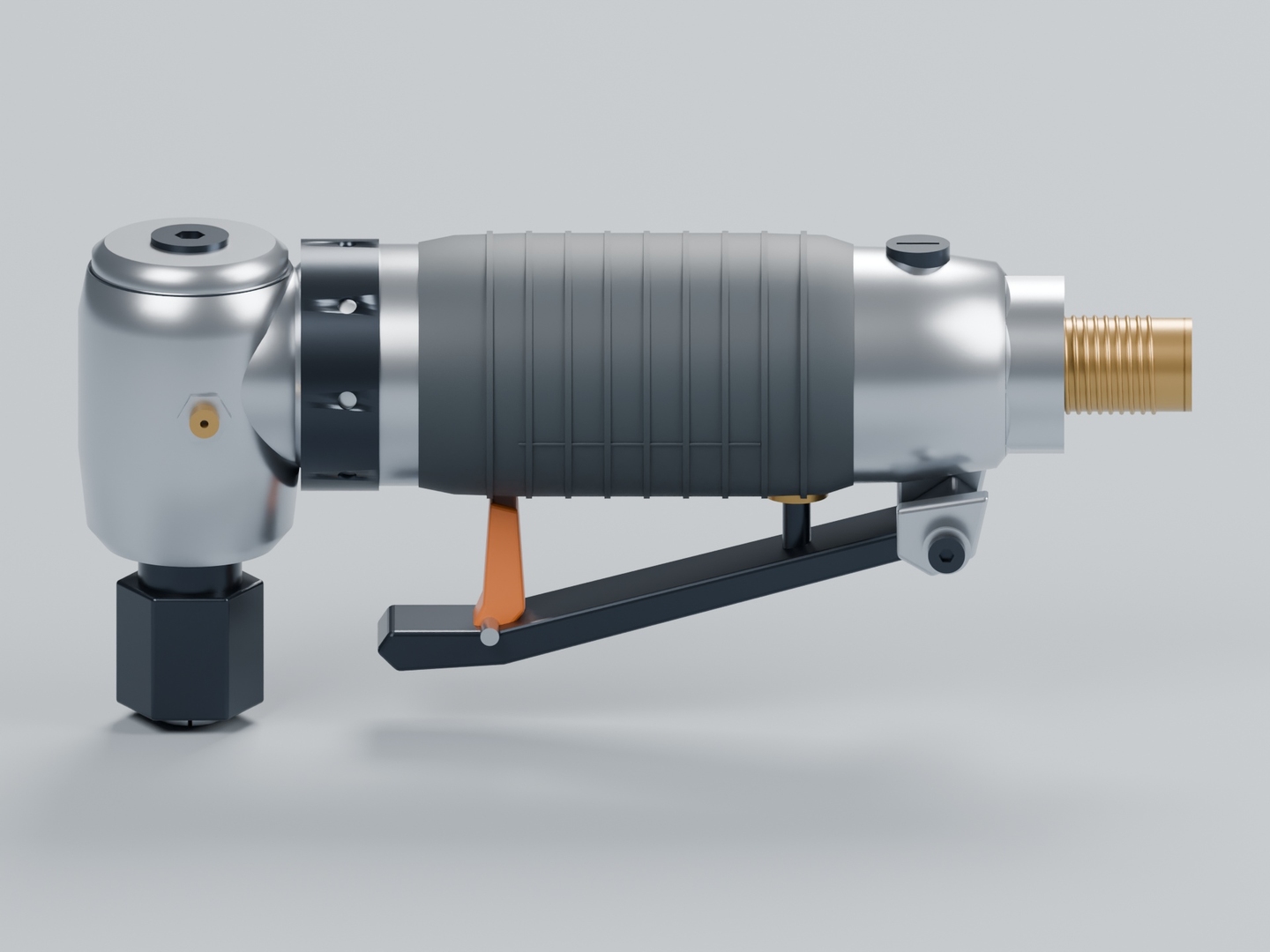
Right Angle Die Grinder with Safety Paddle and Collet

$9

Formats (2)
Native | Blender 5.2.2 | Cycles Render 5.2.2
FBX 7.4
Specifications
Publish Date October 29, 2026
Product ID 2643019
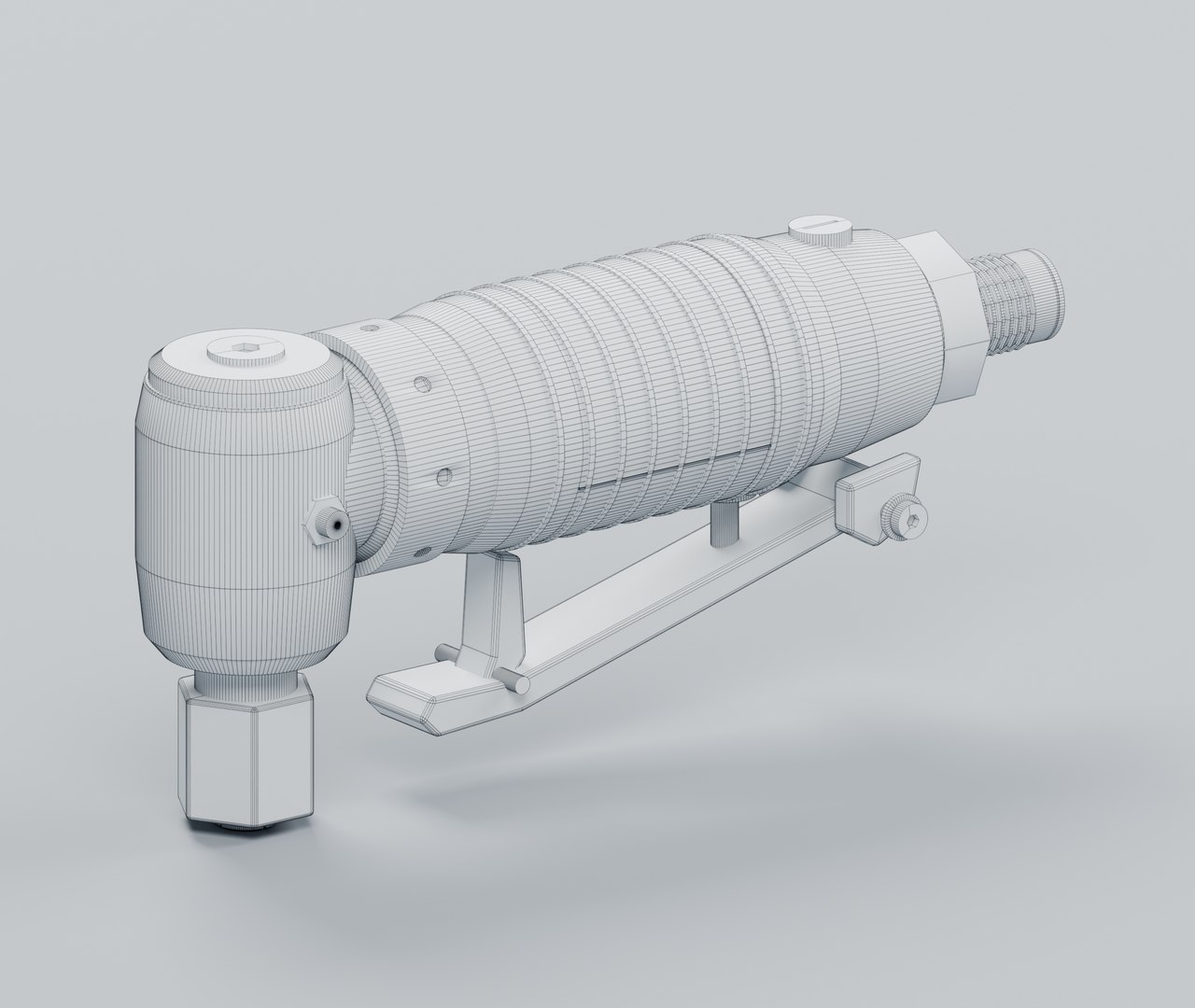
Polygons 13,084
Vertices 14,656
Polygonal Quads/Tris Geometry
Materials
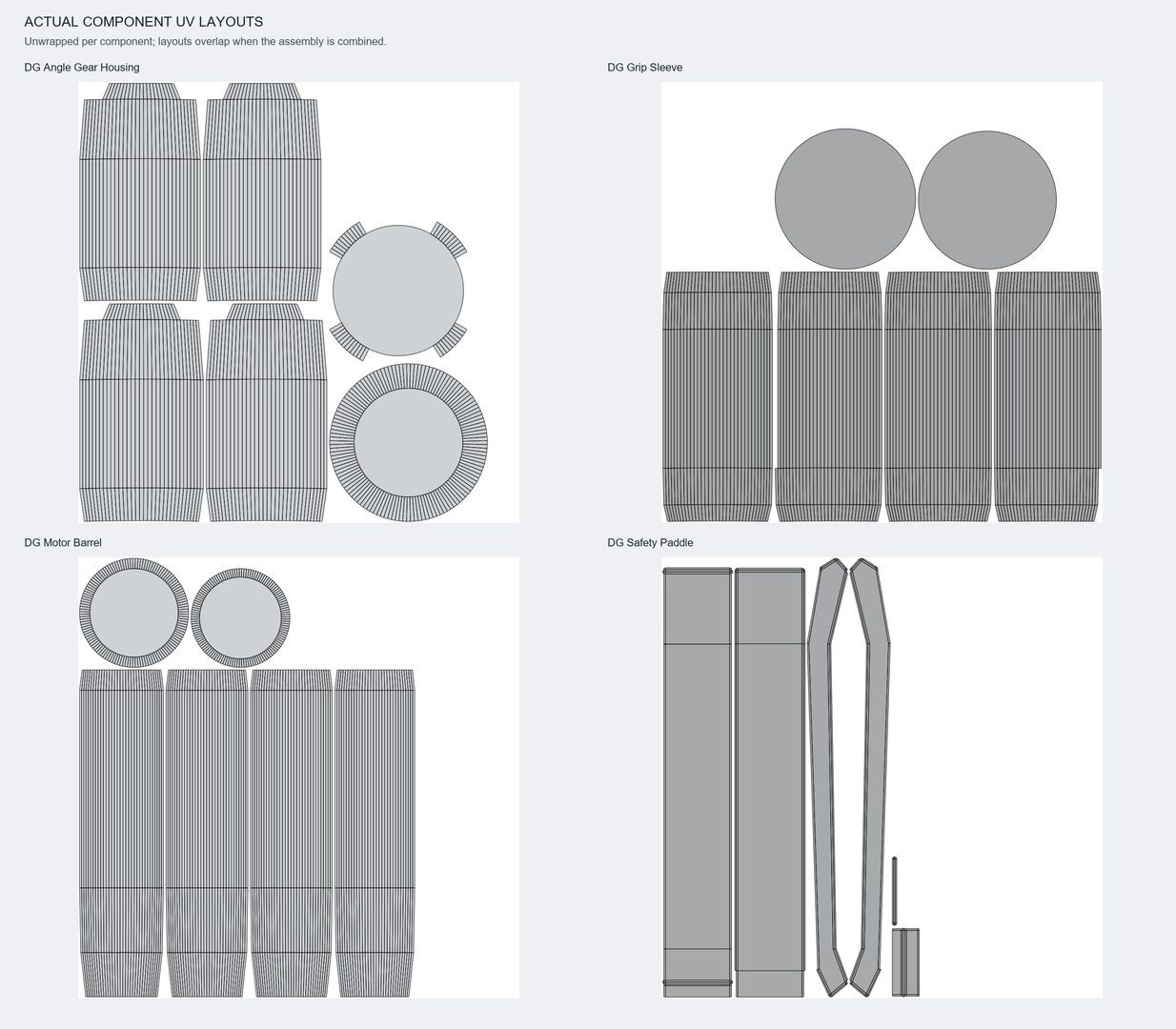
UV Mapped
Overlapping Unwrapped UVs
member avatar
Authentic 3D Models UK
621 Products | Contributor Since 2026
Have questions? Chat with us now.

Description

Detailed unbranded pneumatic right angle die grinder with a satin alloy gearbox and motor barrel, contoured rubber sleeve, separate safety paddle and blocking latch, open slotted collet, vented exhaust collar, regulator and hollow threaded inlet.

FILES AND SCALE

Native Blender 5.2.2 asset and a separate Cycles studio scene, plus a polygon-preserving FBX 7.4 file. Metric scale; overall dimensions approximately 15.6 x 3.8 x 7.1 cm. 42 mesh components, 13,084 polygons, 14,656 vertices and 29,268 evaluated triangles; 97.8% quads.

MATERIALS AND UVS

Five editable PBR materials distinguish satin alloy, blackened steel, rubber, brass fittings and coloured controls. Blender includes subtle procedural microfinish; FBX preserves base material values but procedural detail needs recreating in the target renderer. No image textures. Each component is UV unwrapped; assembly layouts overlap.

NOTES

Static exterior assembly for visualization, with separate named components. No rig, pneumatic simulation, internal motor or working mechanism is included. Visual threads and interfaces are not fabrication geometry. Includes a separate Cycles studio scene.

Select Enhanced License

  • $10,000 in Legal Protection (Indemnification)
  • Uncapped Legal Protection (Indemnification)
  • Waiver from injunctive relief
  • Assignable model rights
  • $1,000,000 in Legal Protection (Indemnification)
  • Waiver from injunctive relief
  • Assignable model rights
  • $250,000 in Legal Protection (Indemnification)
  • Assignable model rights
Read more about enhanced license tiers, or contact us at enterprise@turbosquid.com. Already a Shutterstock Enterprise Customer? Contact your Shutterstock Sales Support Agent to talk about adding 3D.

About Conversion Requests

To submit a conversion request for a purchased asset, please complete our Conversion Request Form.

If you have not yet purchased a model, please review our Documentation about Conversions to learn about what limitations you may encounter with a conversion.

For any additional questions about a model’s suitability for conversion, please contact TurboSquid Support.

Loading...