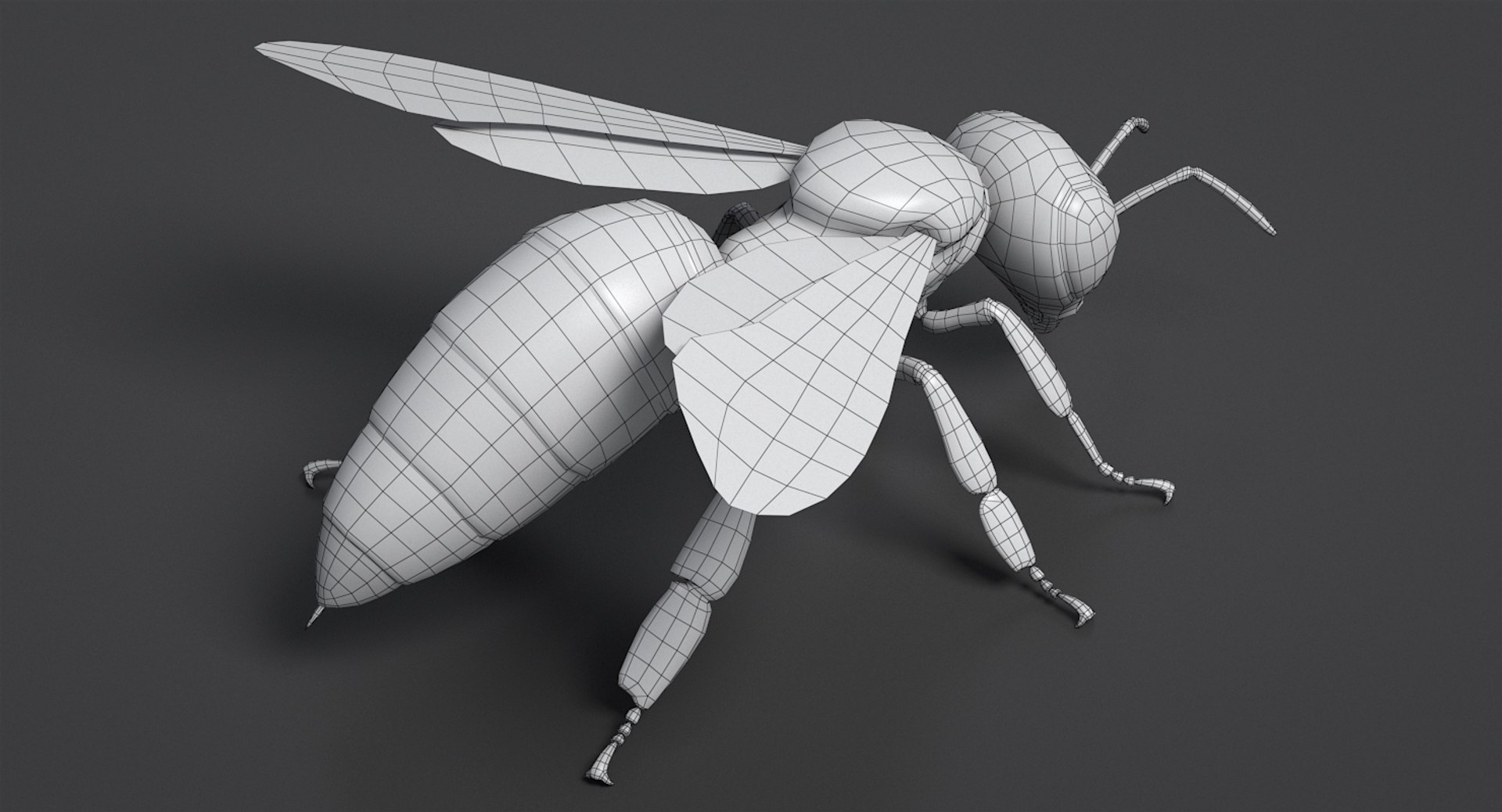
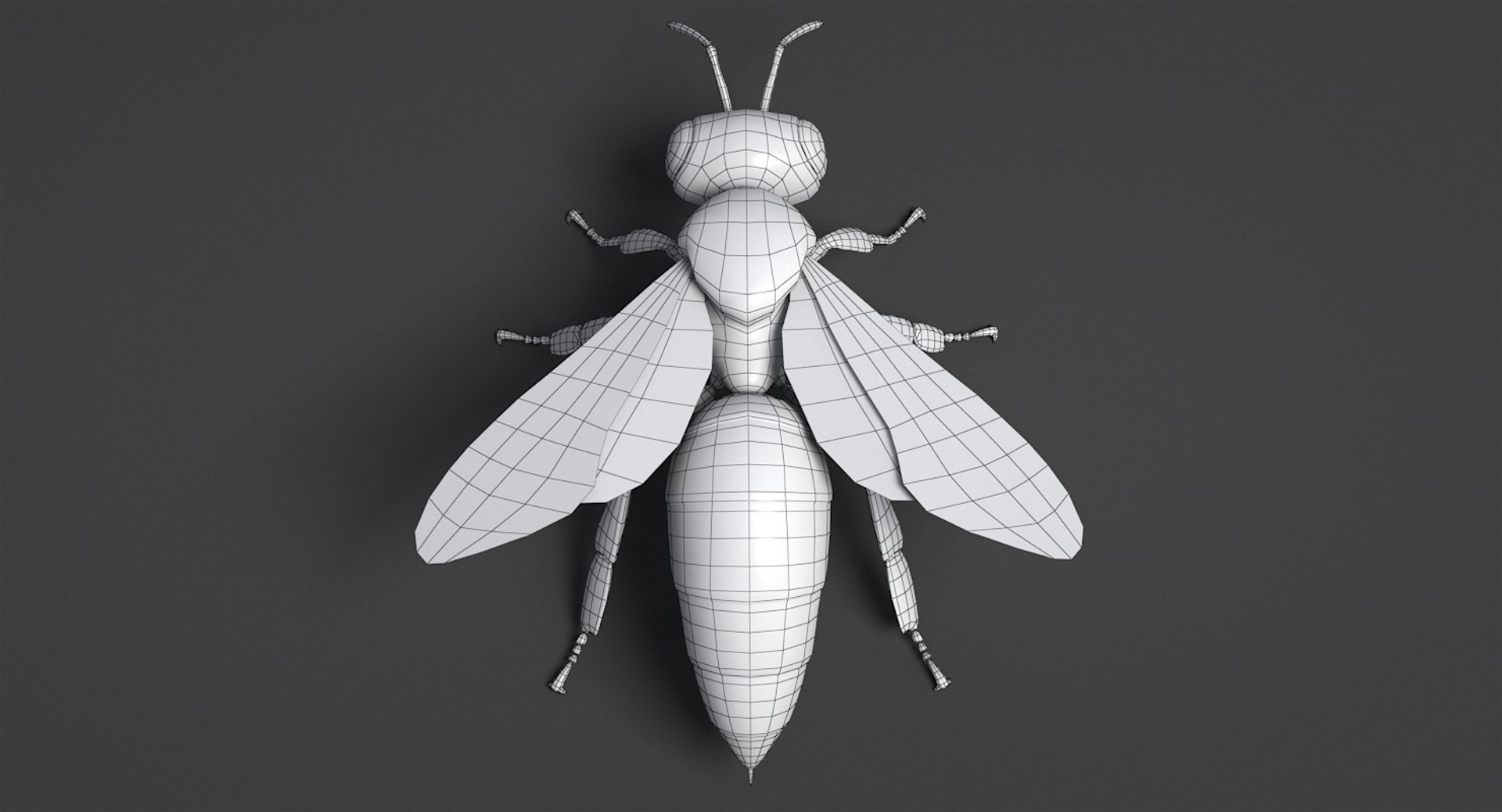
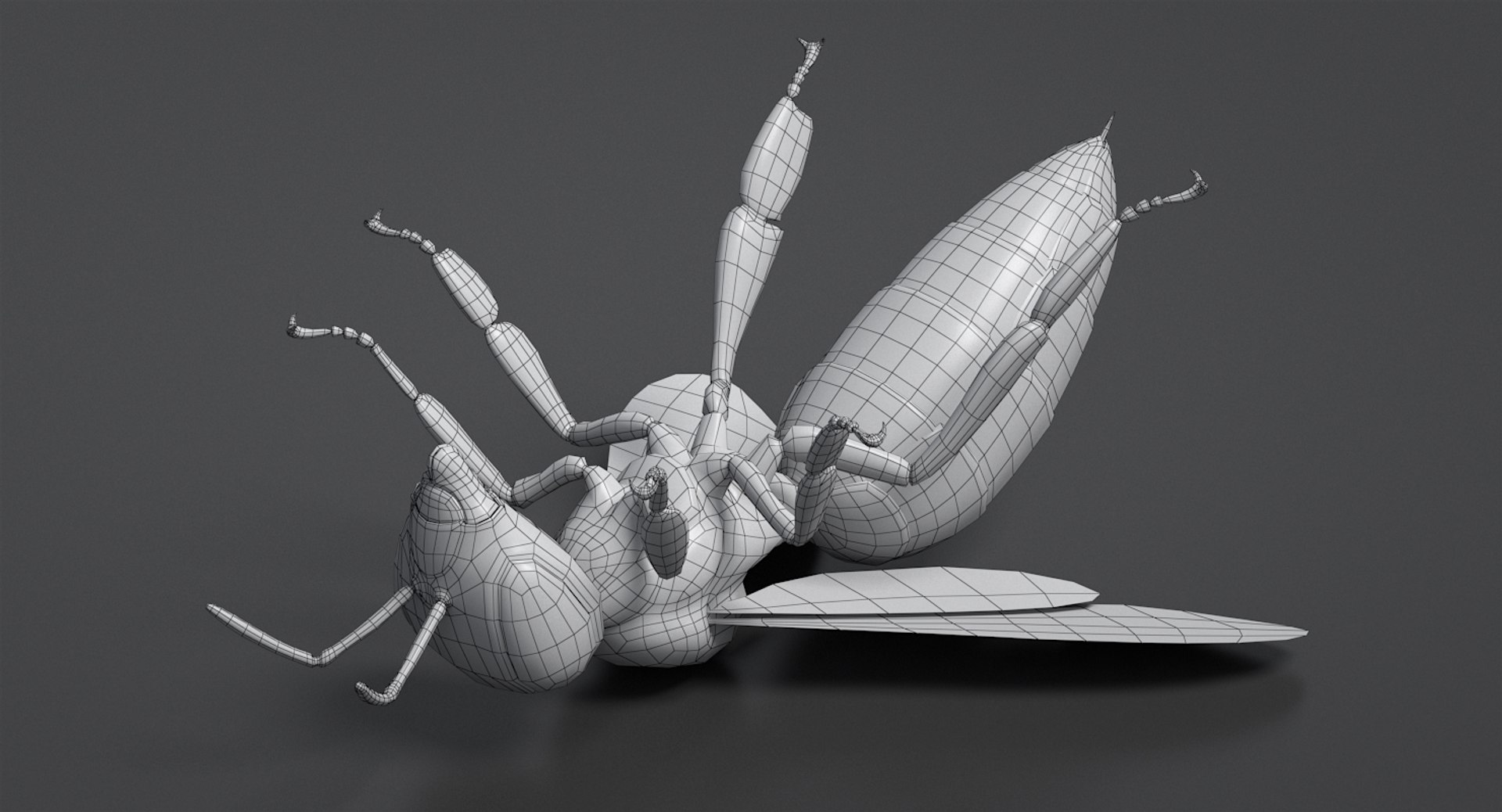
Realistic Honey Bee

$99

Standard License | Upgrade License
Formats (3)
Free file format Conversions available
Native | 3ds Max 2014 | V-Ray 3.50.04
FBX
OBJ
Specifications
Publish Date February 05, 2019
Product ID 1375206
Polygons 6,382
Vertices 6,617
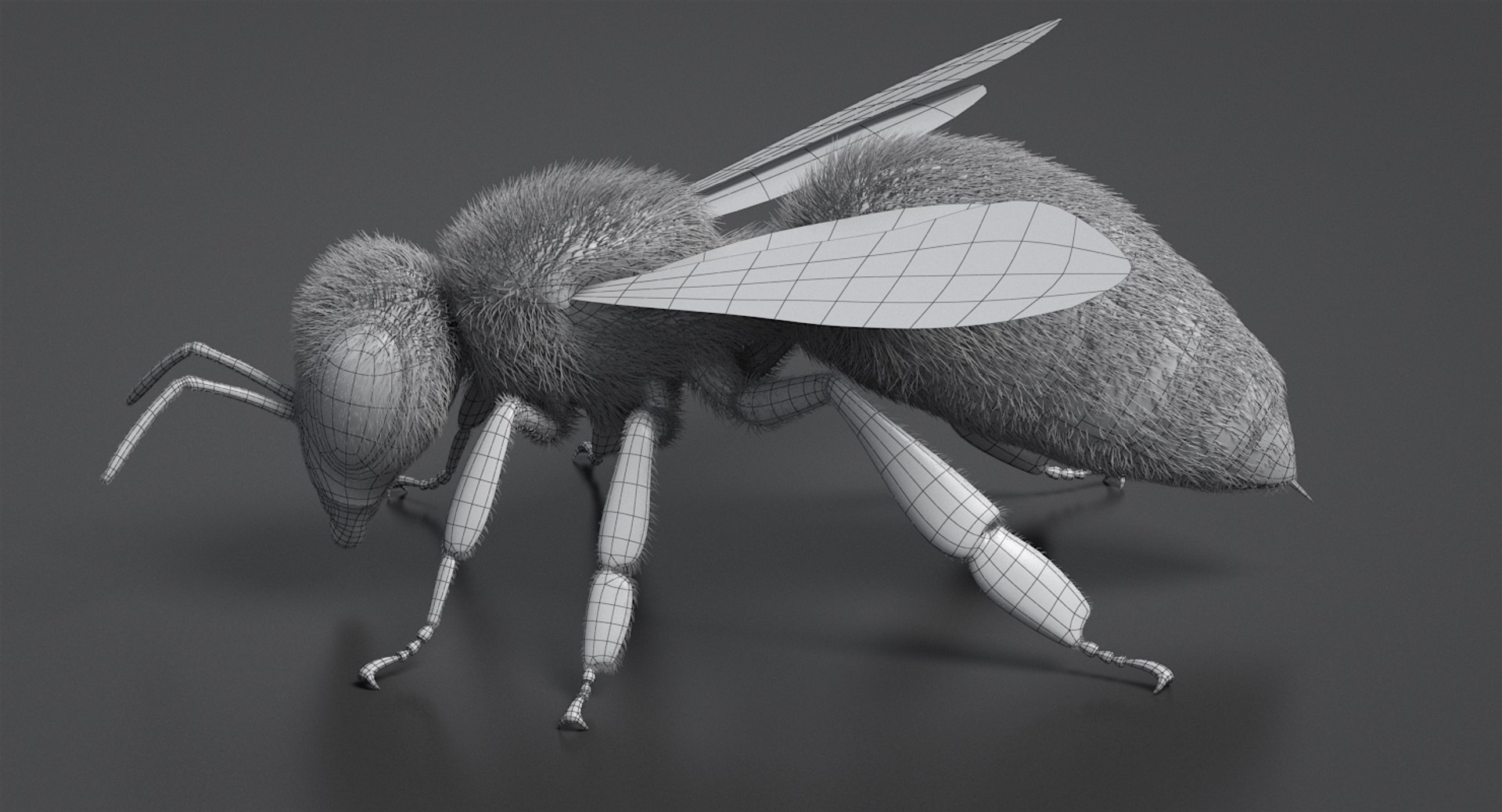
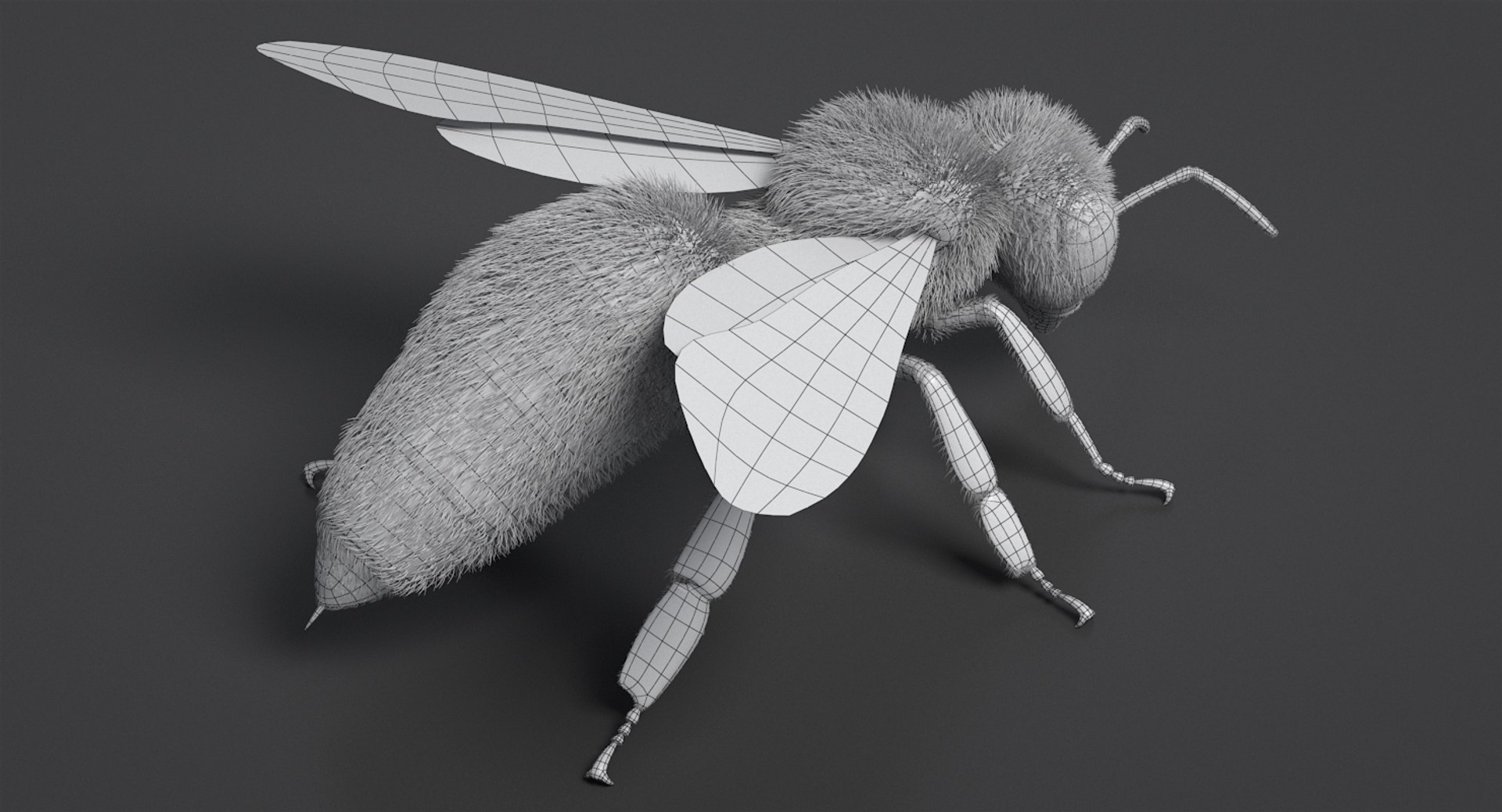
Polygonal Quads/Tris Geometry
Textures
Materials
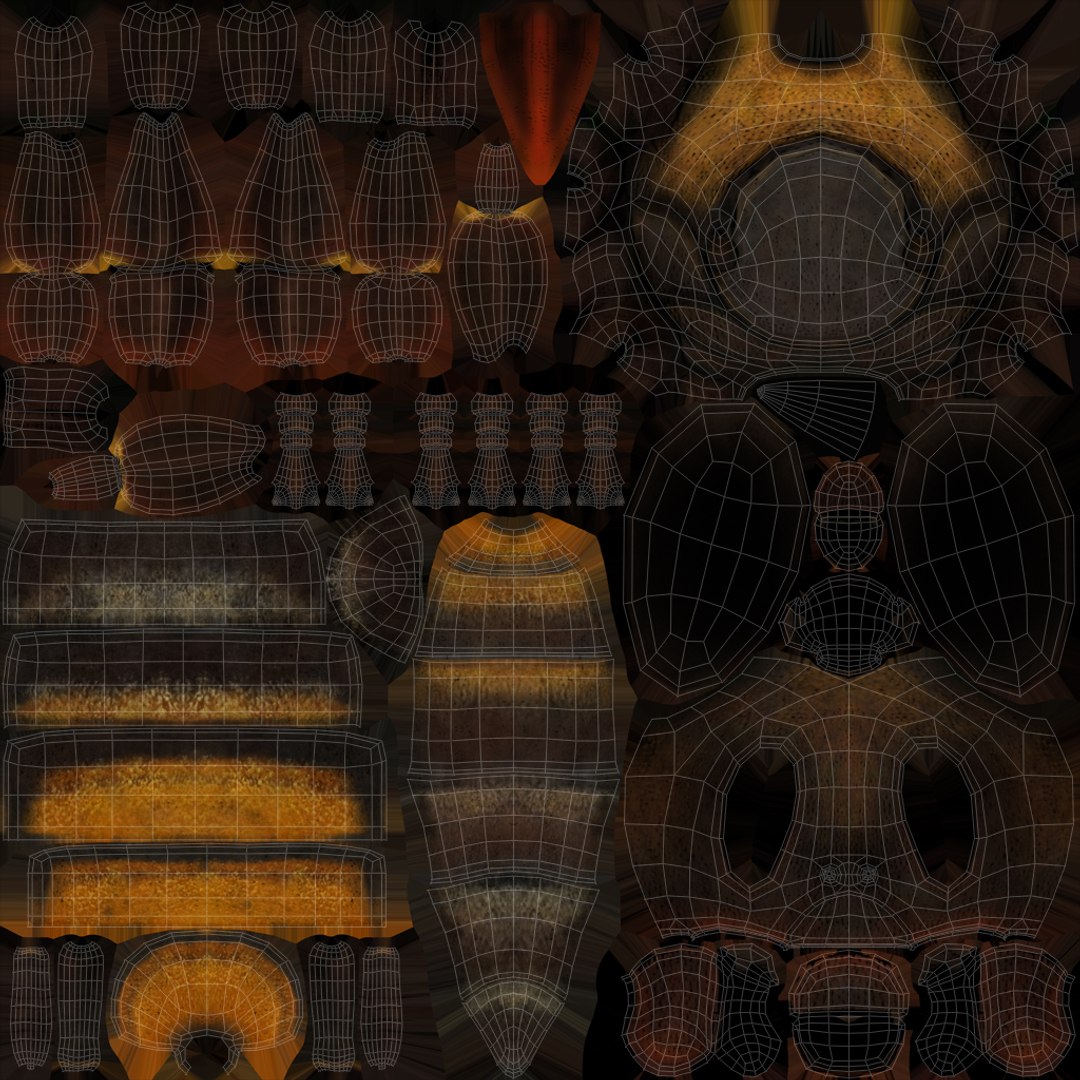
UV Mapped
Non-overlapping Unwrapped UVs
TurboSquid Exclusive
member avatar
NiceModels
1837 Products | Contributor Since 2011
Have questions? Chat with us now.

Description

3DS MAX, FBX, OBJ.
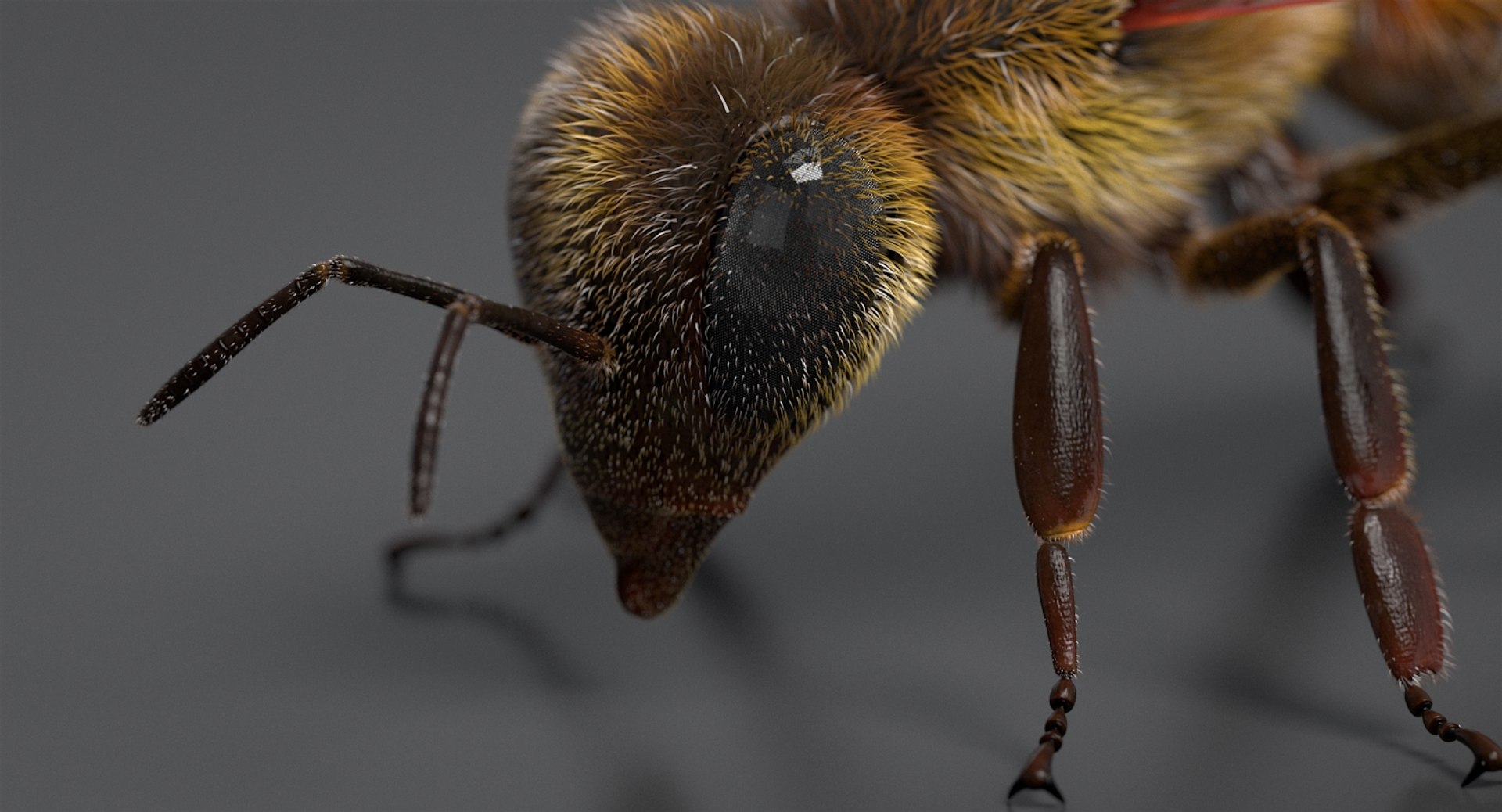
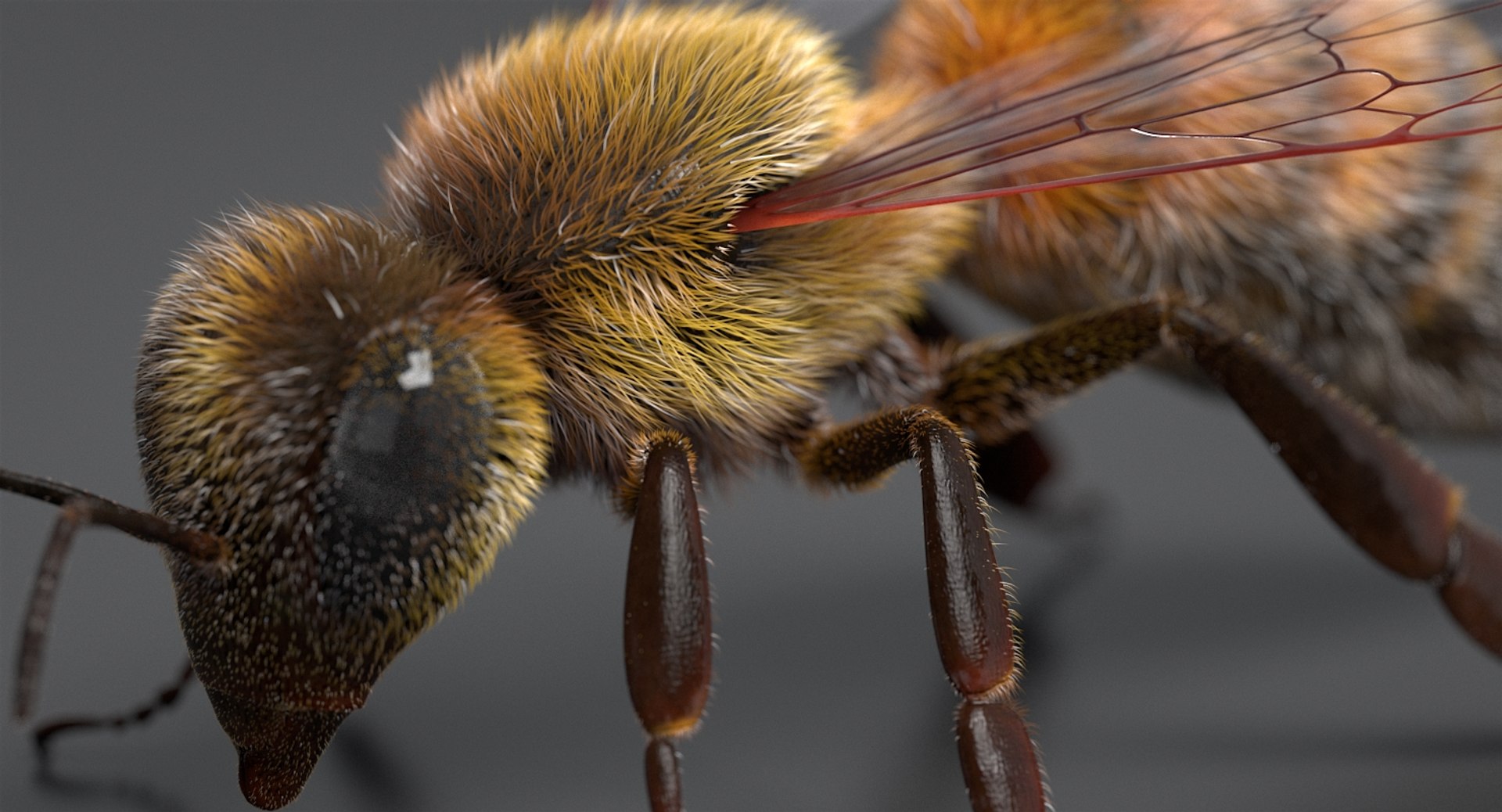
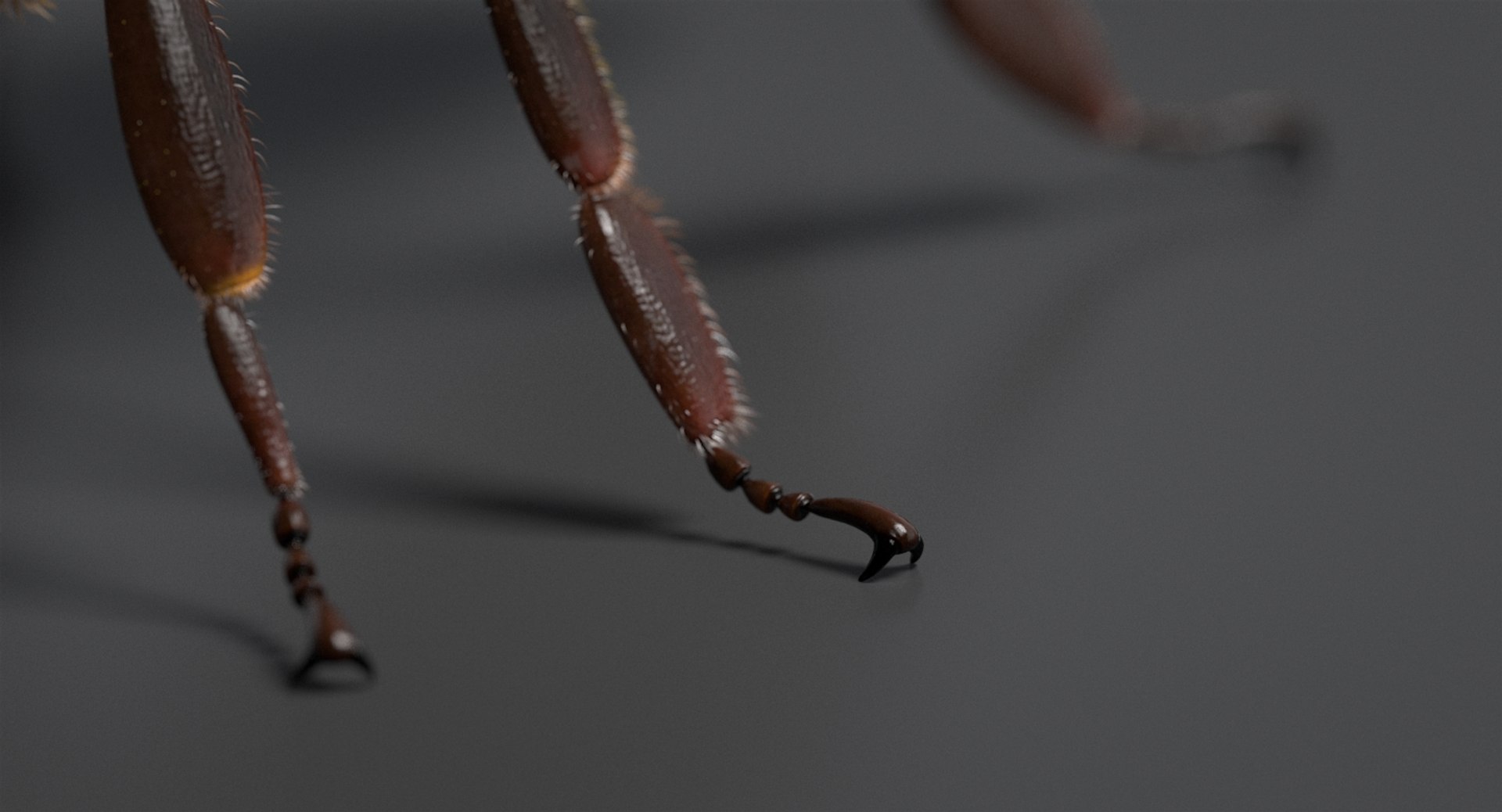
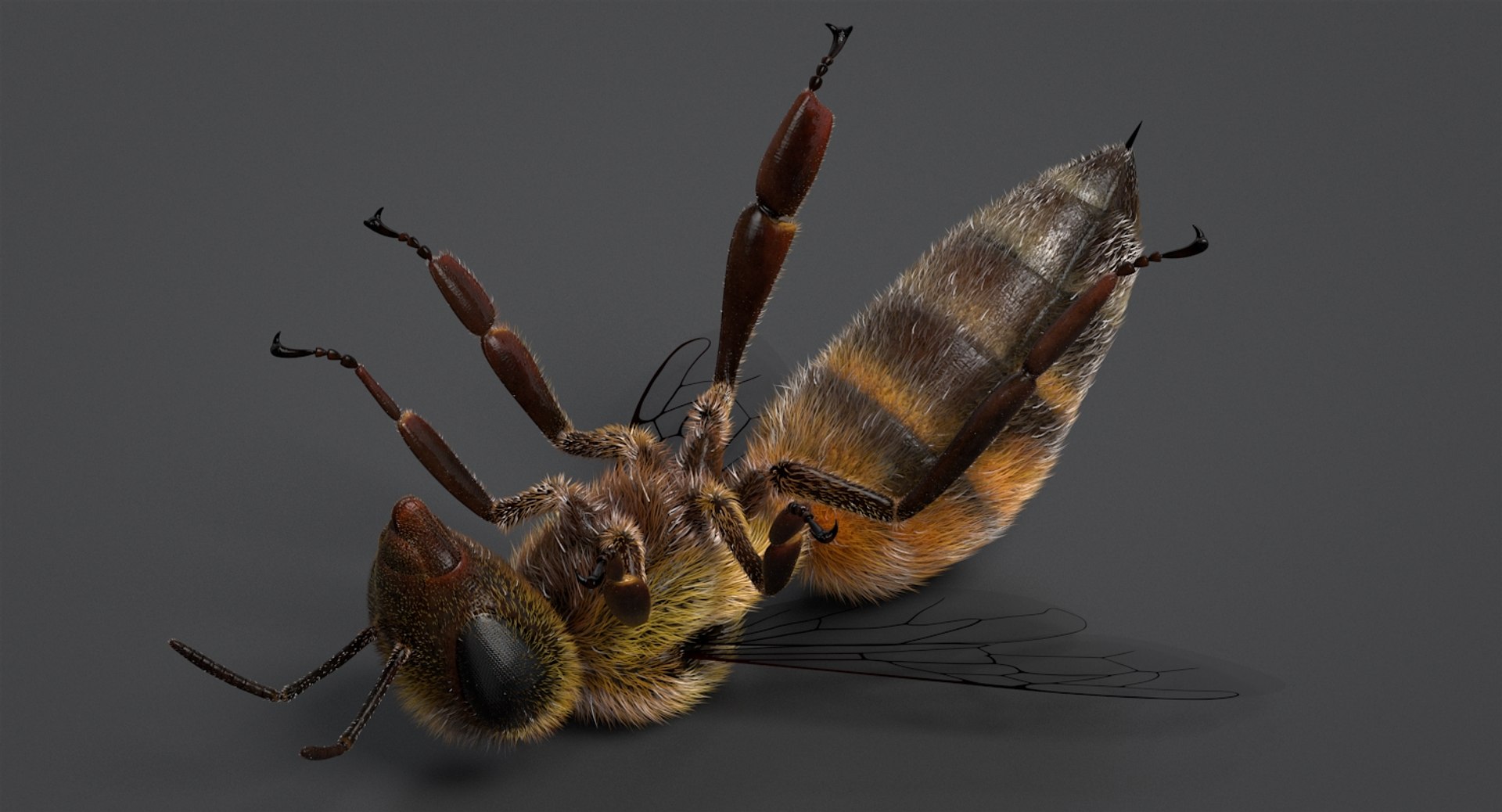
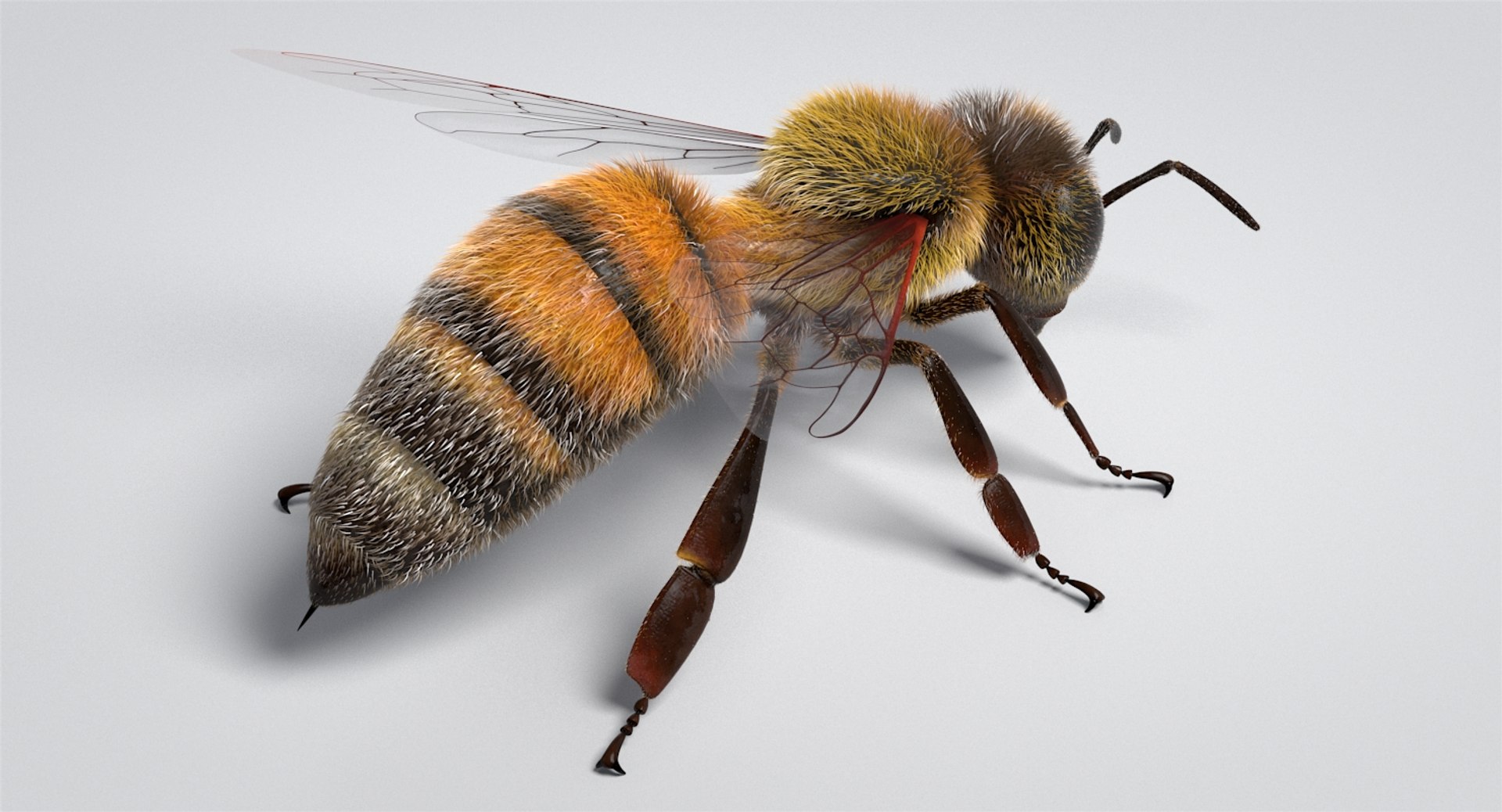
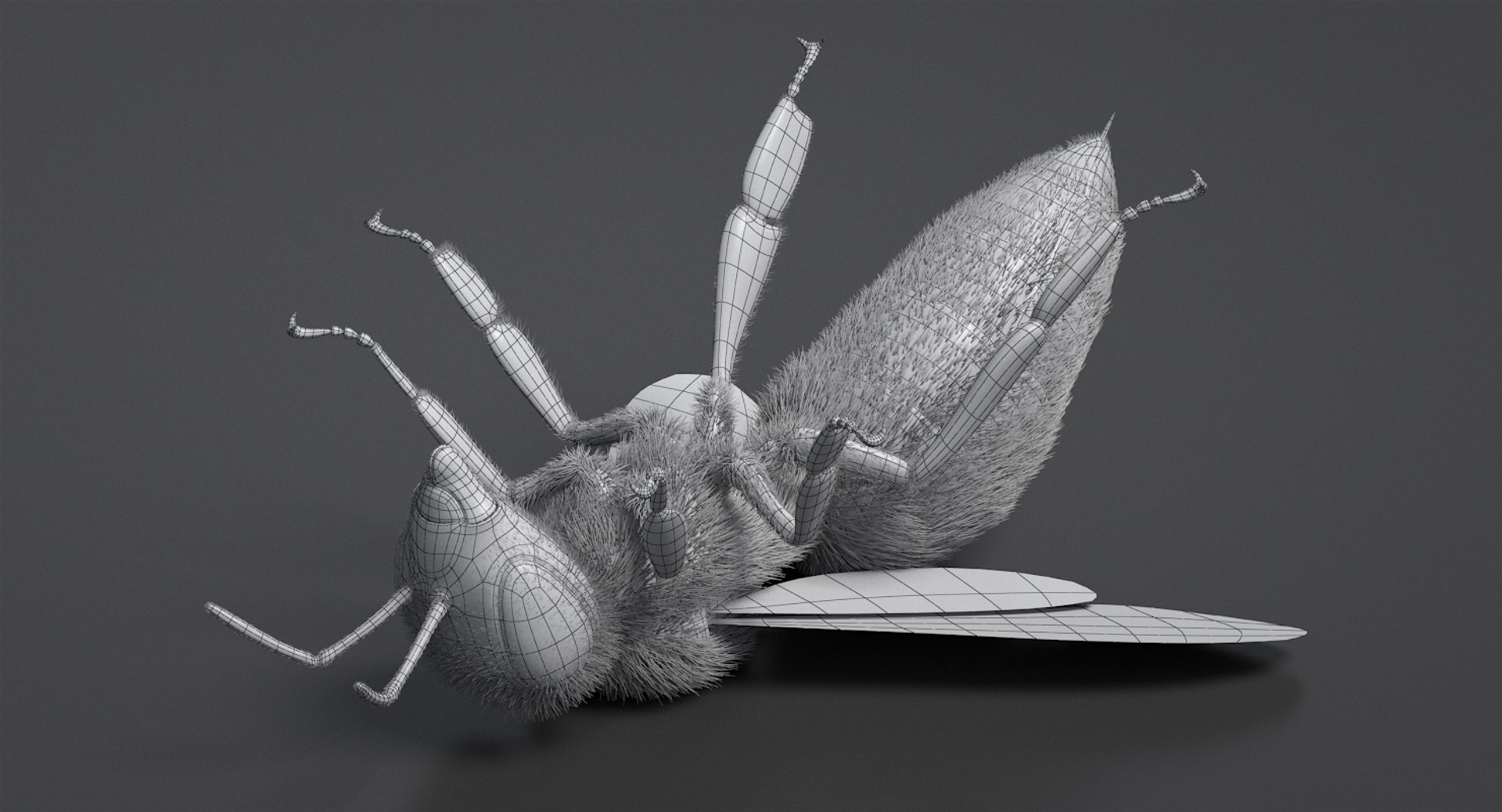
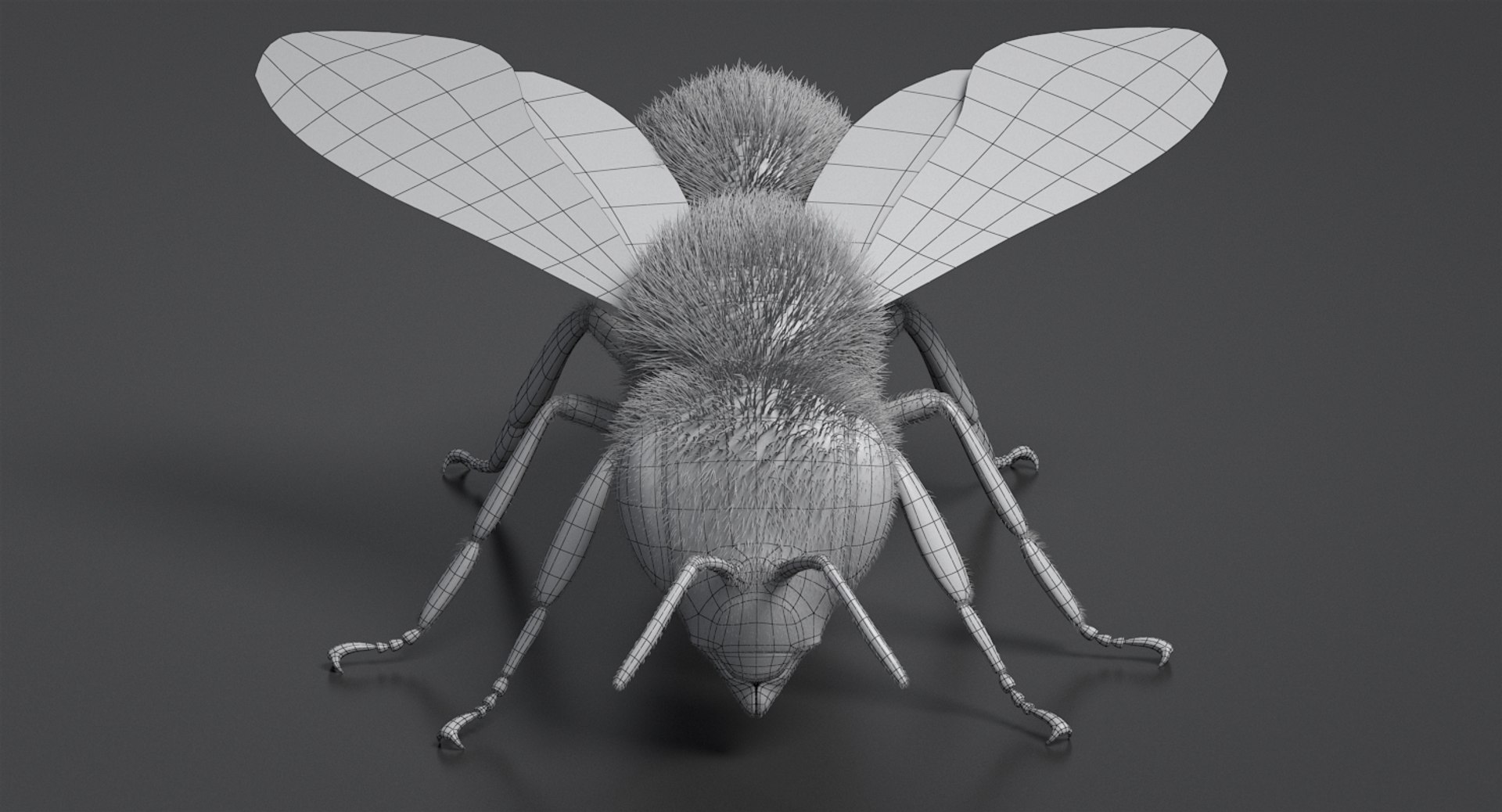
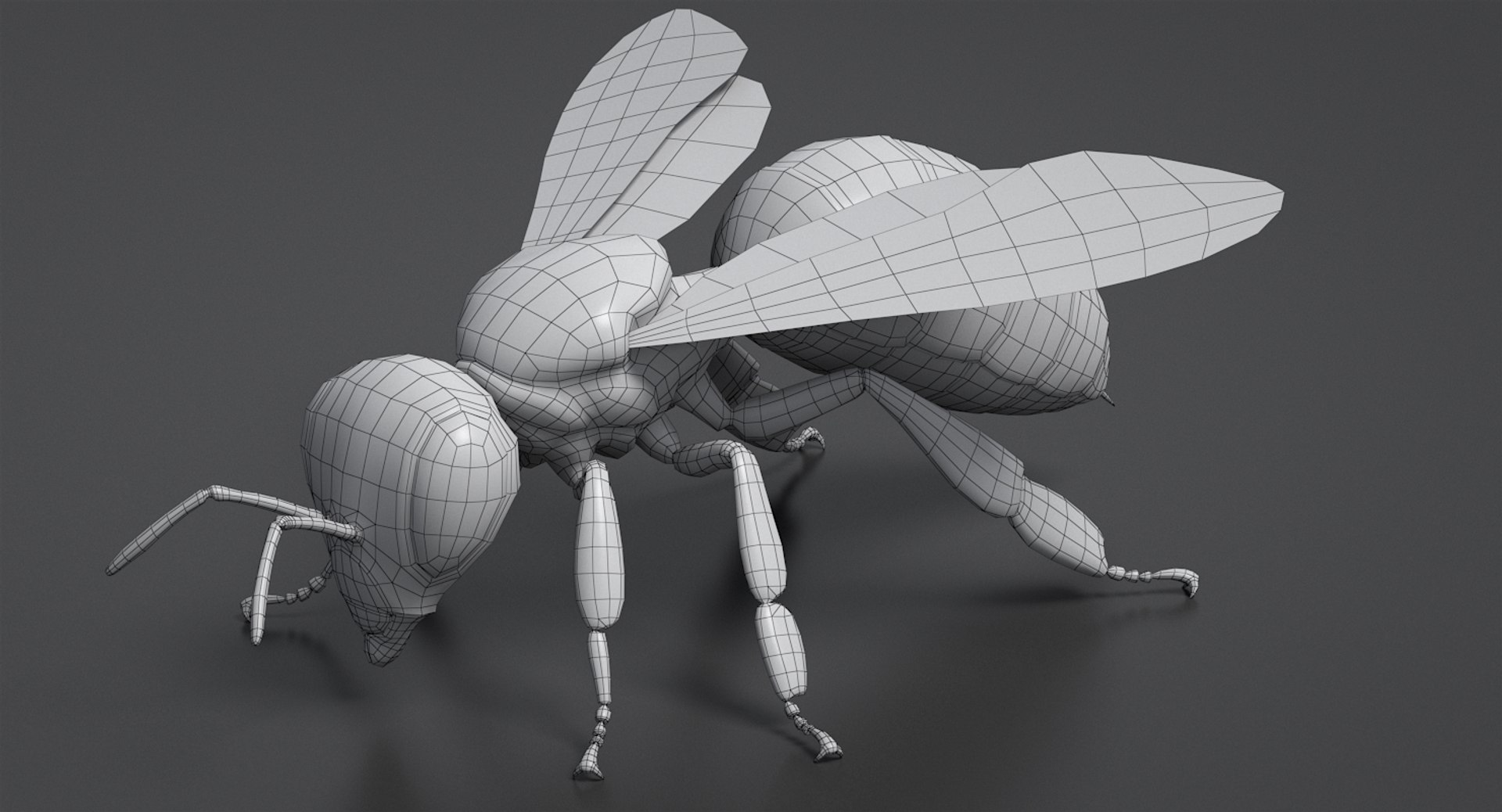
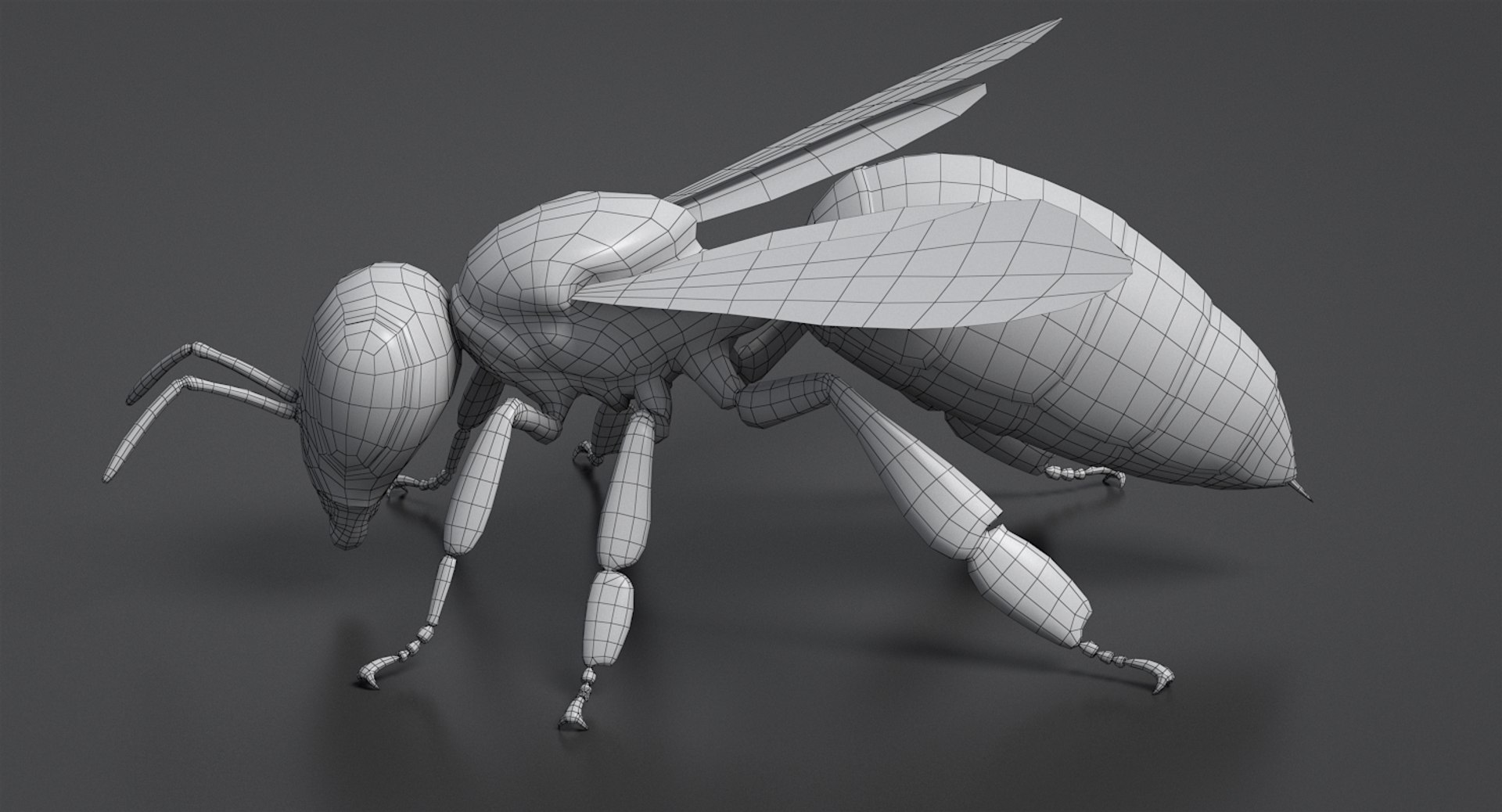
- Realistic Bee 3D model. Detailed. High quality. Materials ready.
- Nicely organized. Correct names for all objects and good topology. TRI and QUAD polygons only.
- Textured.
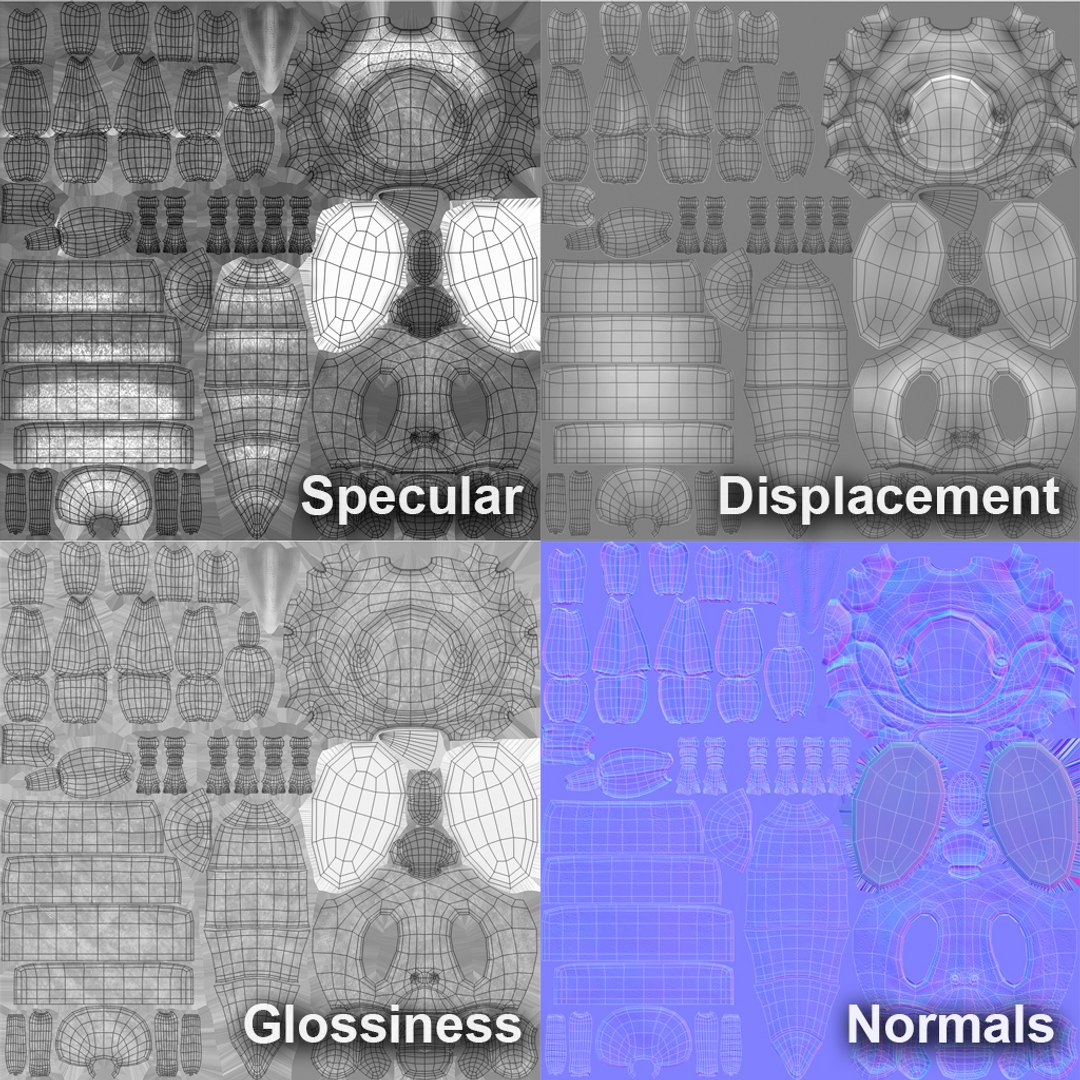
Bee Body:
Diffuse 4096x4096 PNG
Displacement 4096x4096 TIFF
Glossiness 4096x4096 PNG
Normals 4096x4096 PNG
Bump 4096x4096 PNG
Specular 4096x4096 PNG
Bee Fur:
Bend 1024x1024 JPEG
Density 1024x1024 JPEG
Length 1024x1024 JPEG
Thickness 1024x1024 JPEG
Diffuse Root 2048x2048 JPEG
Diffuse Tips 2048x2048 JPEG
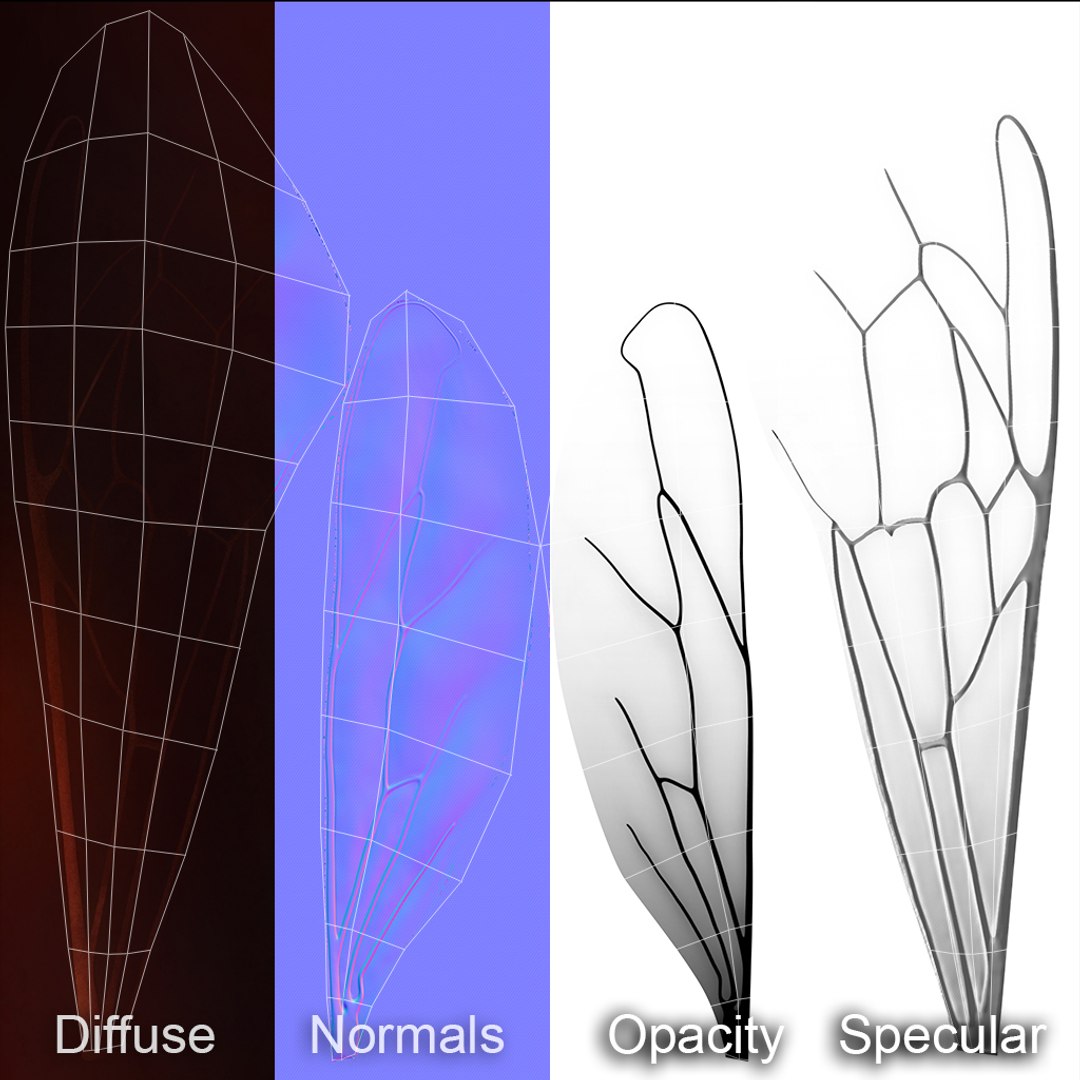
Bee Wings
Alpha 2048x2048 JPEG
Opacity 2048x2048 JPEG
Diffuse 2048x2048 JPEG
Normals 2048x2048 PNG
Specular 2048x2048 JPEG
- Materials and render setuped in 3ds max Vray (render verison 3.50.04). Fully photorealistic. Materials are setuped in the best way to emitate the realistic shading model.
- Fur made with Vray Fur. Custom textures control bend direction, density, length and thickness of VrayFur.
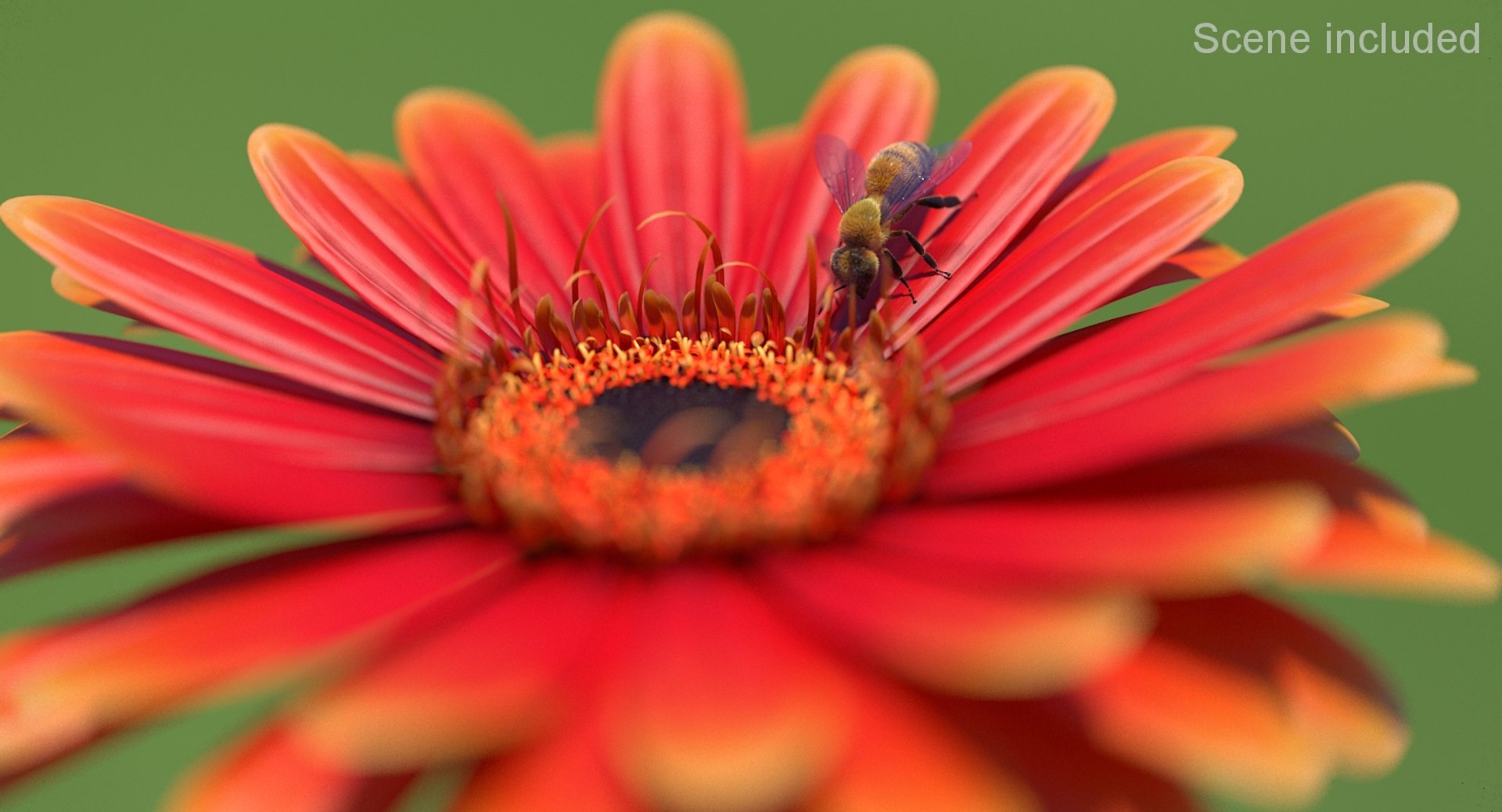
- Includes scenes with render setups.
- Real world scale. Units of measure: centimeters.
- No 3rd party plugin needed (except V-Ray).

Select Enhanced License

  • $10,000 in Legal Protection (Indemnification)
  • Uncapped Legal Protection (Indemnification)
  • Waiver from injunctive relief
  • Assignable model rights
  • $1,000,000 in Legal Protection (Indemnification)
  • Waiver from injunctive relief
  • Assignable model rights
  • $250,000 in Legal Protection (Indemnification)
  • Assignable model rights
Read more about enhanced license tiers, or contact us at enterprise@turbosquid.com. Already a Shutterstock Enterprise Customer? Contact your Shutterstock Sales Support Agent to talk about adding 3D.

About Conversion Requests

To submit a conversion request for a purchased asset, please complete our Conversion Request Form.

If you have not yet purchased a model, please review our Documentation about Conversions to learn about what limitations you may encounter with a conversion.

For any additional questions about a model’s suitability for conversion, please contact TurboSquid Support.

Loading...