
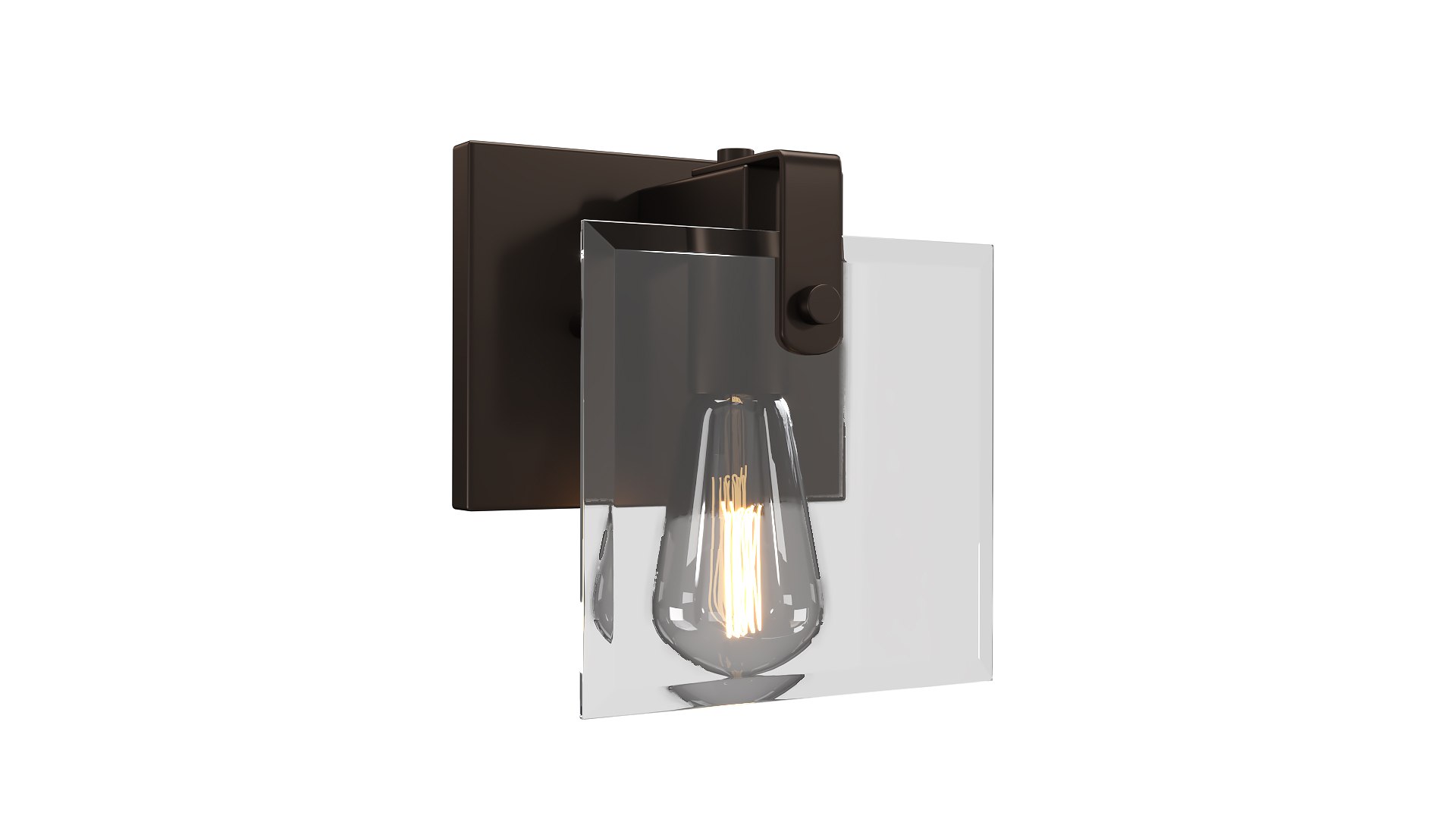
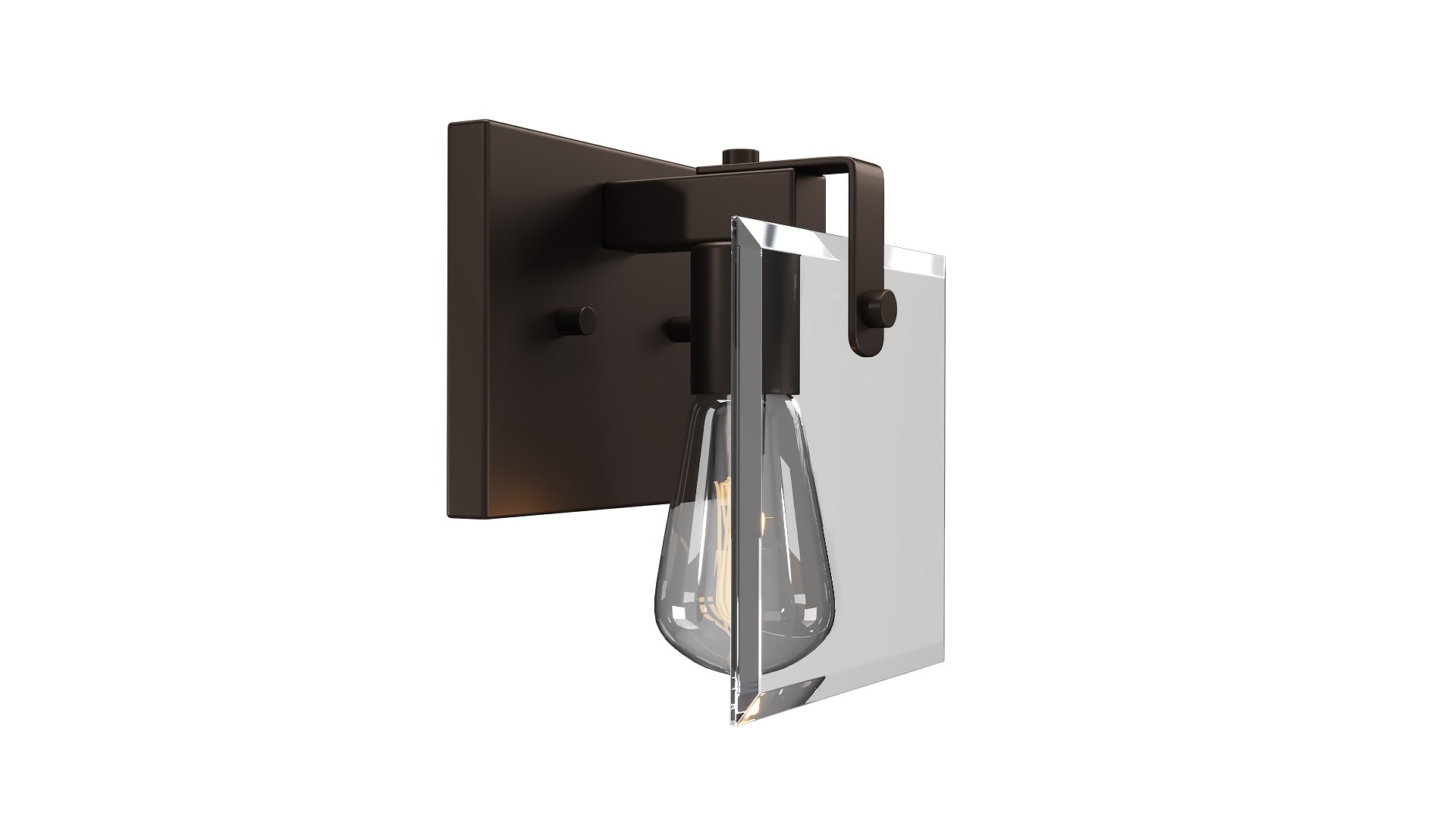
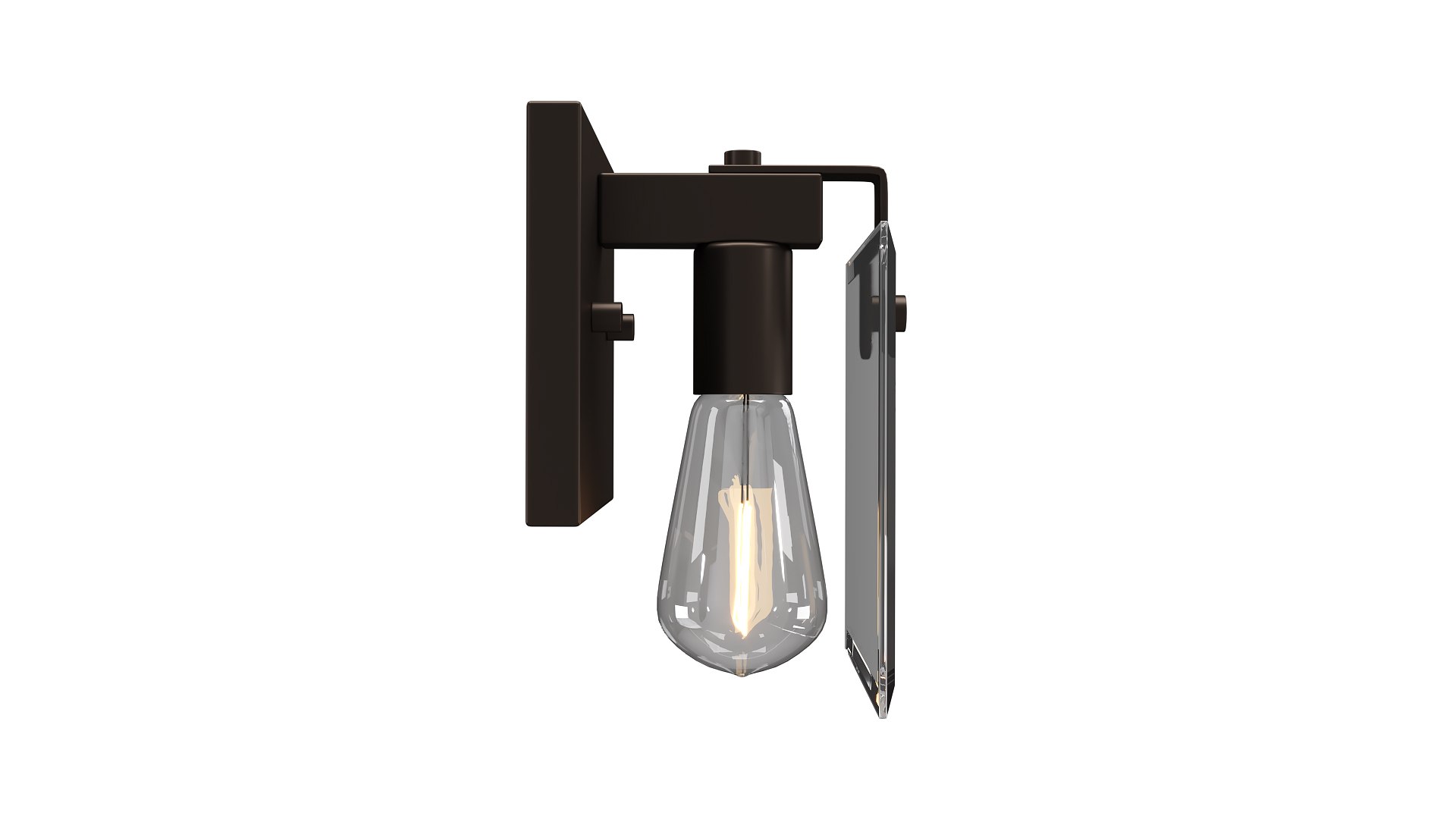
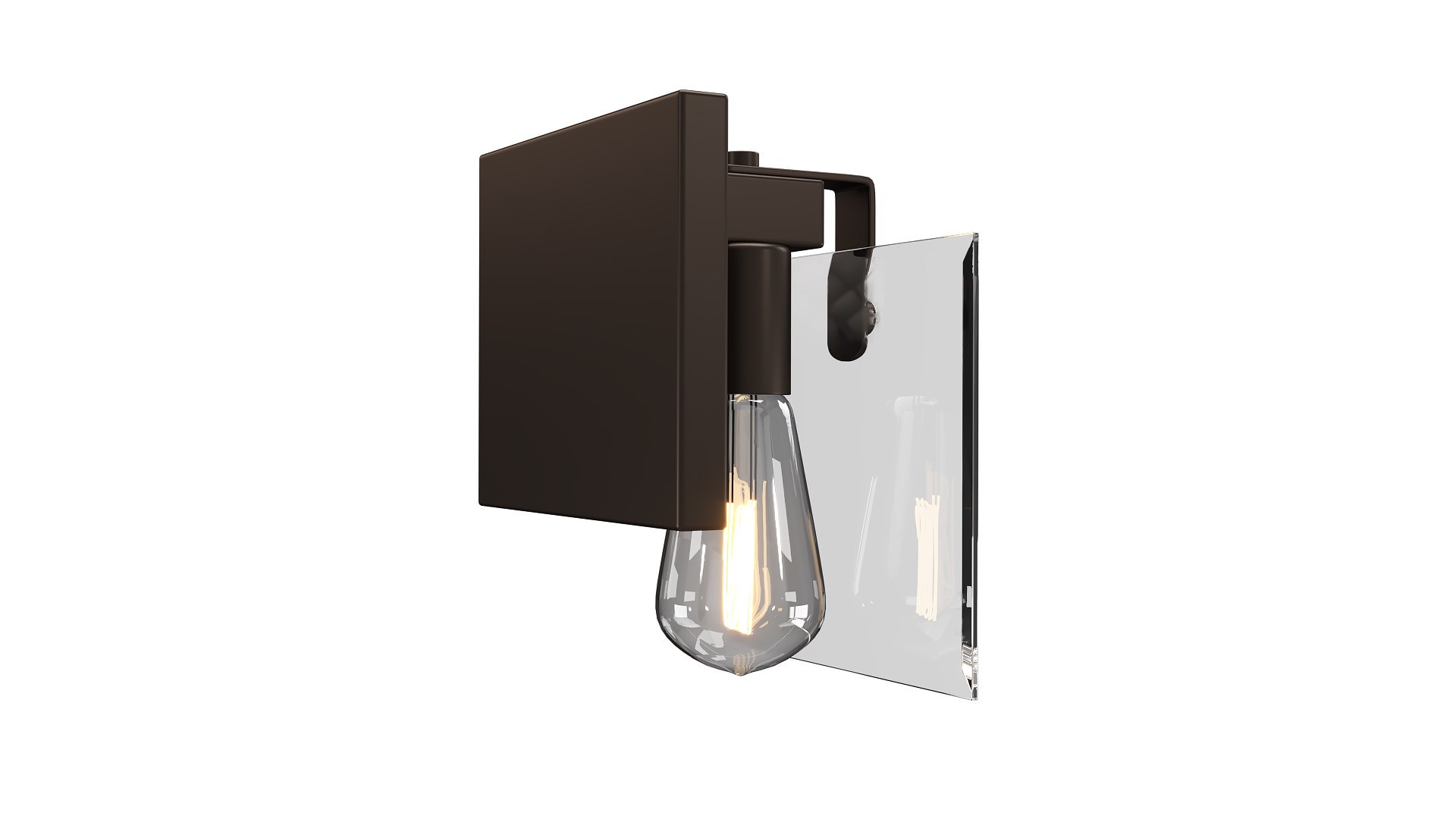
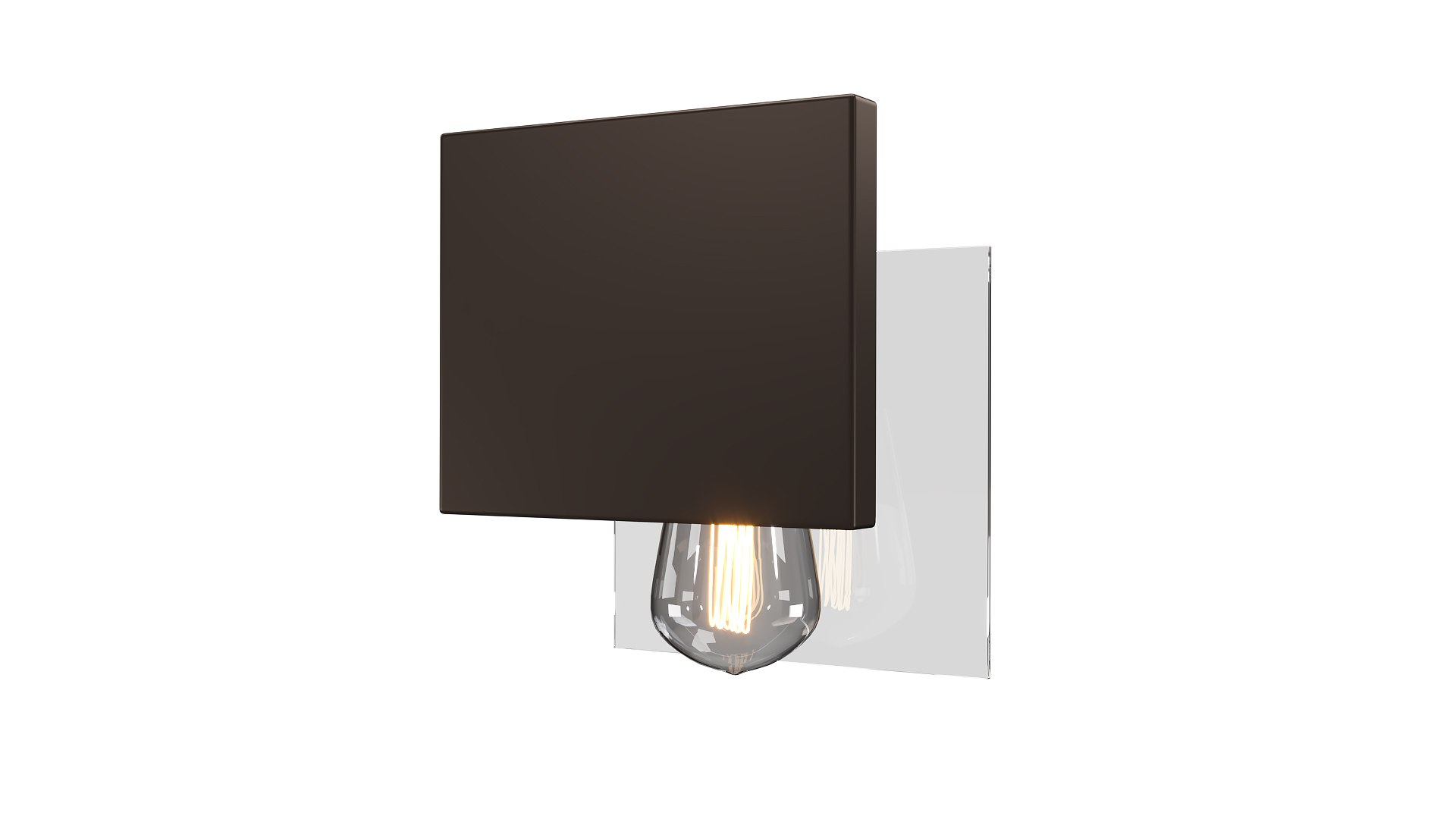
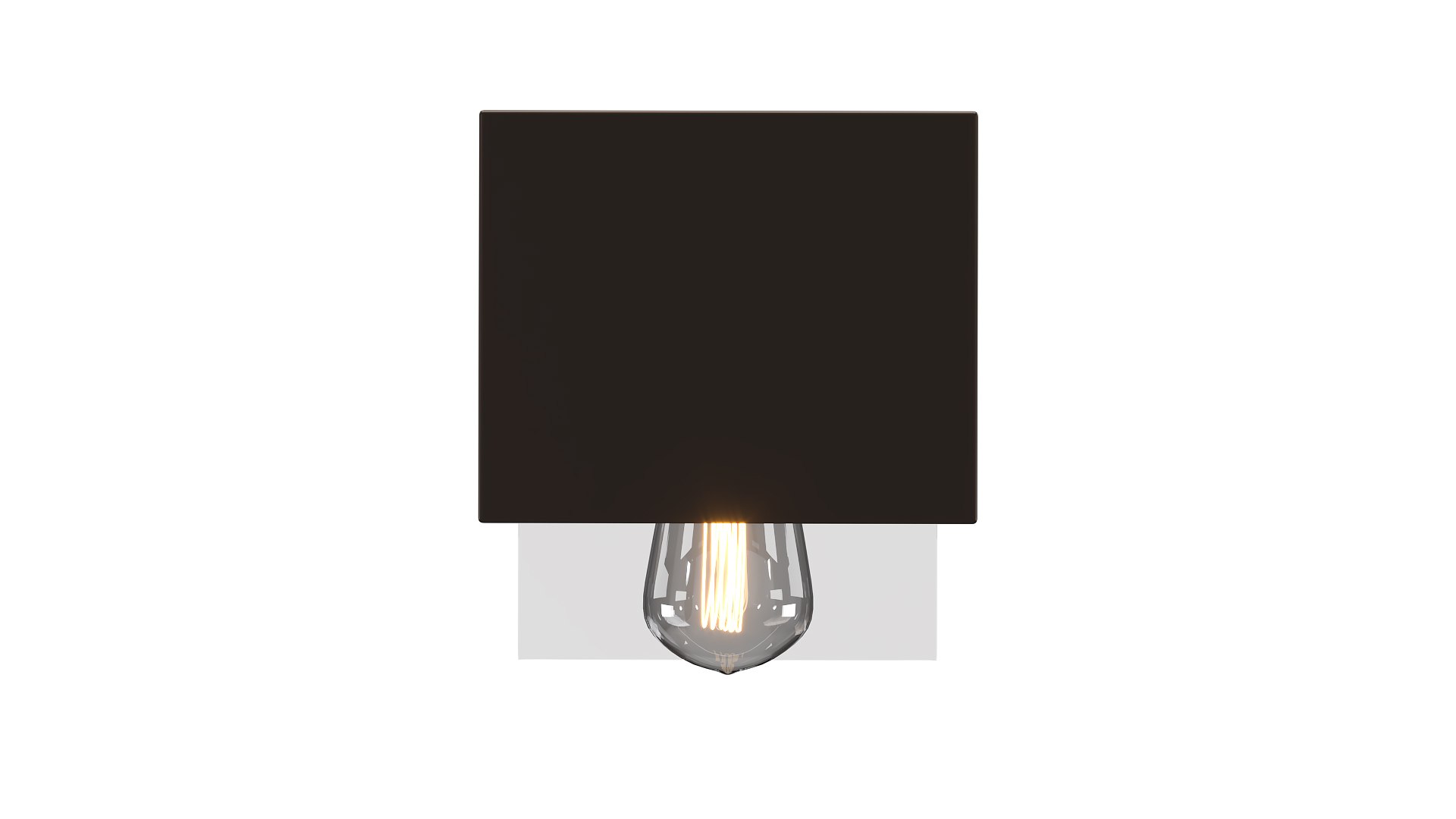
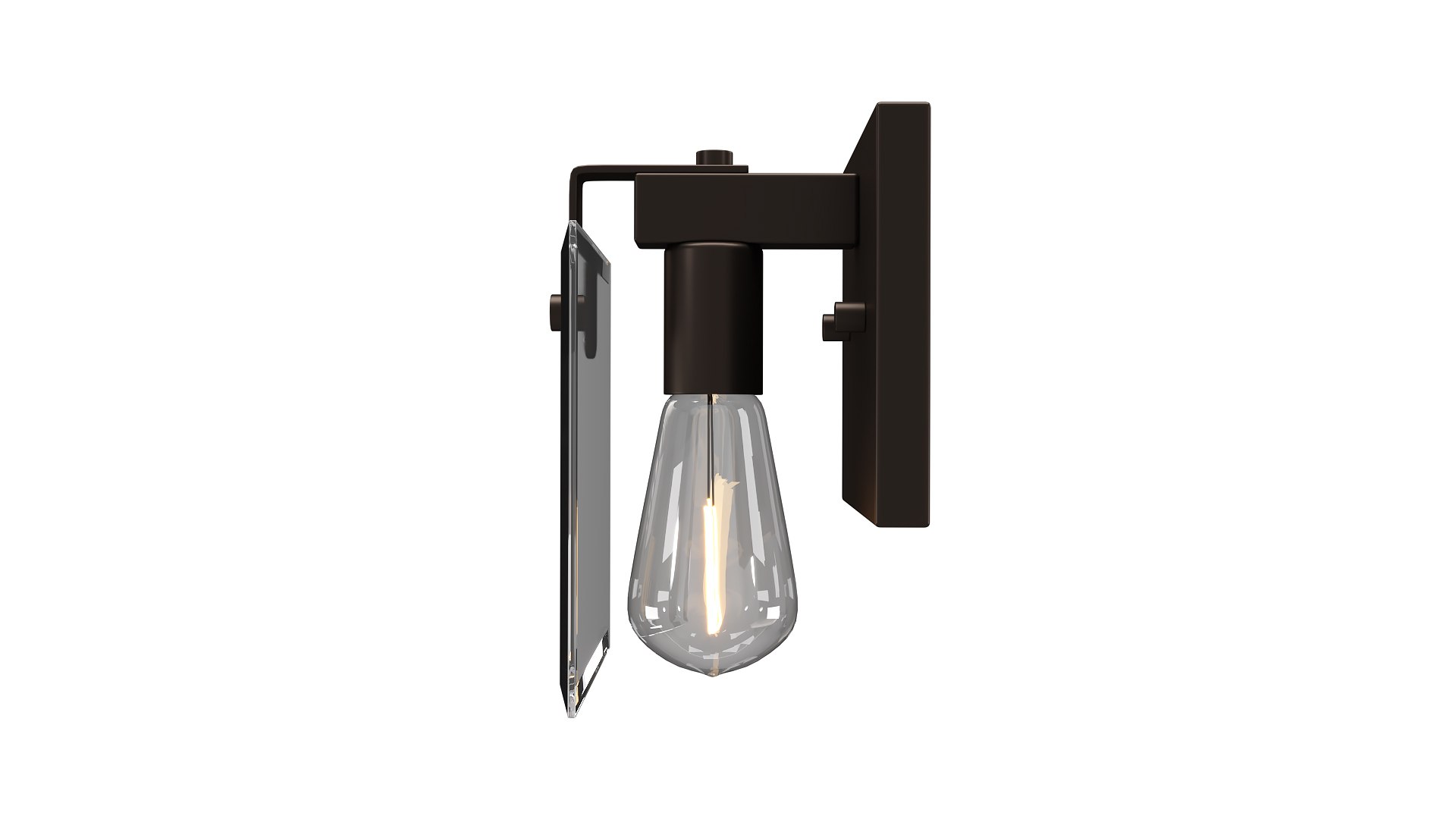
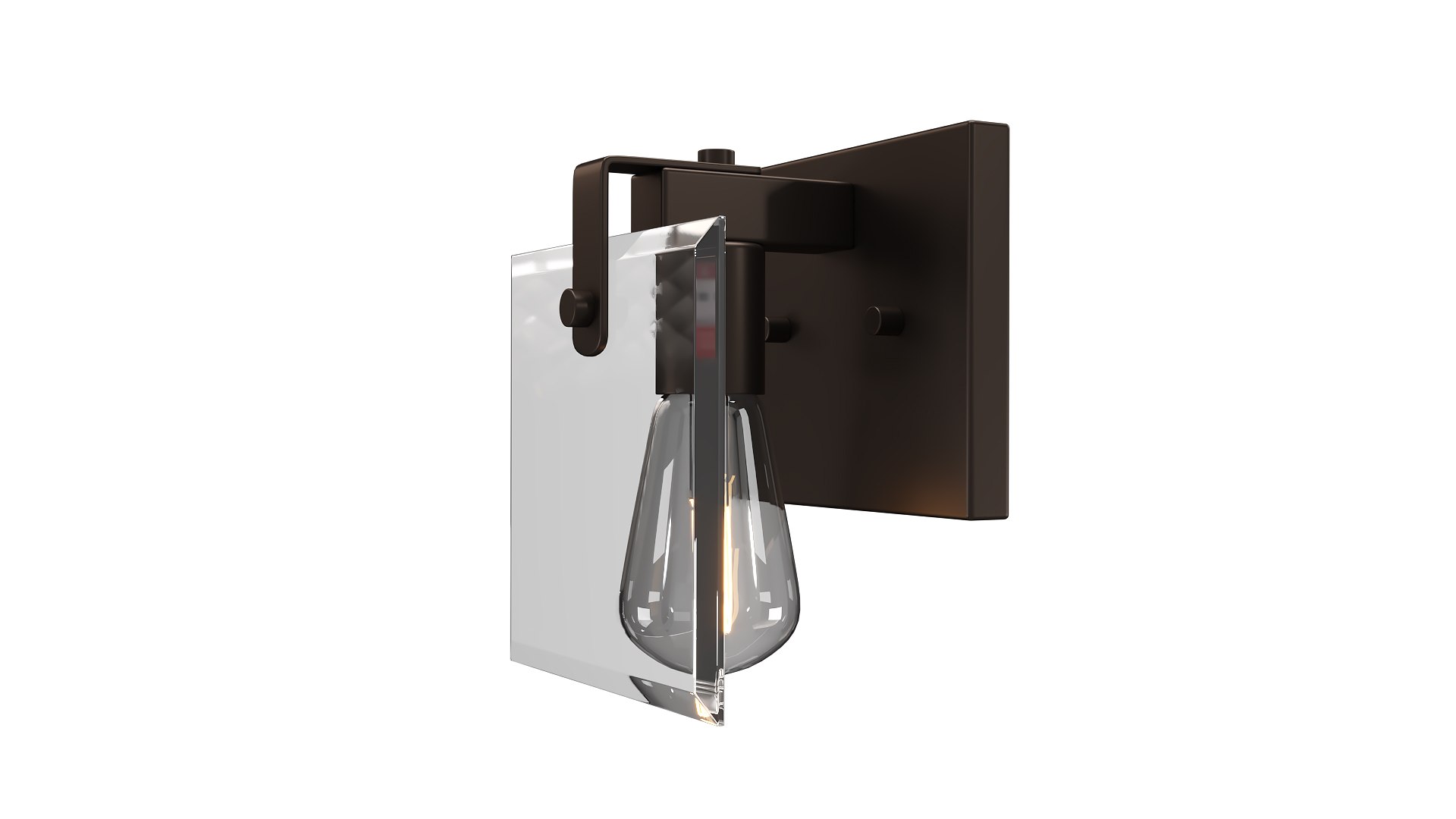
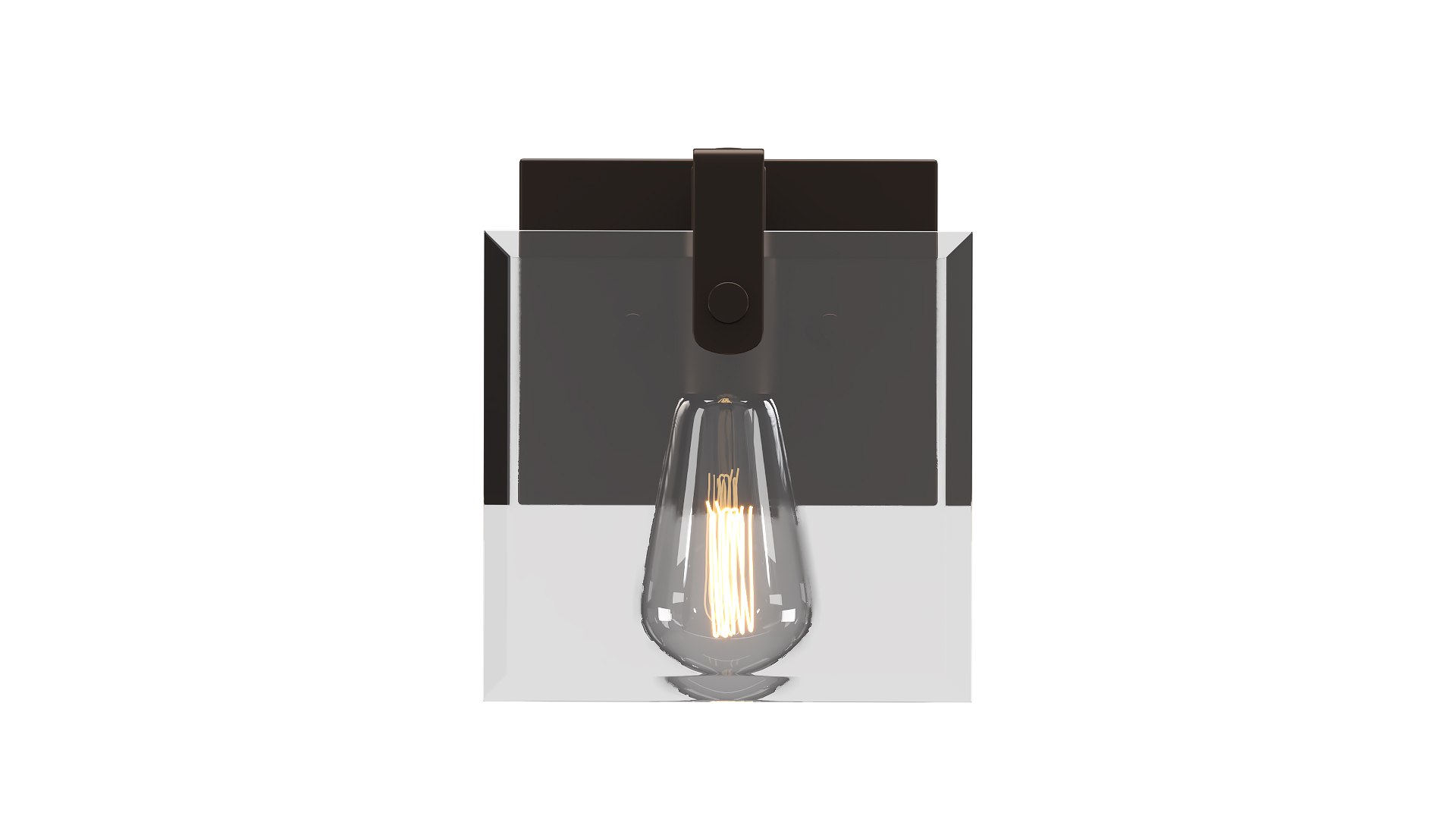
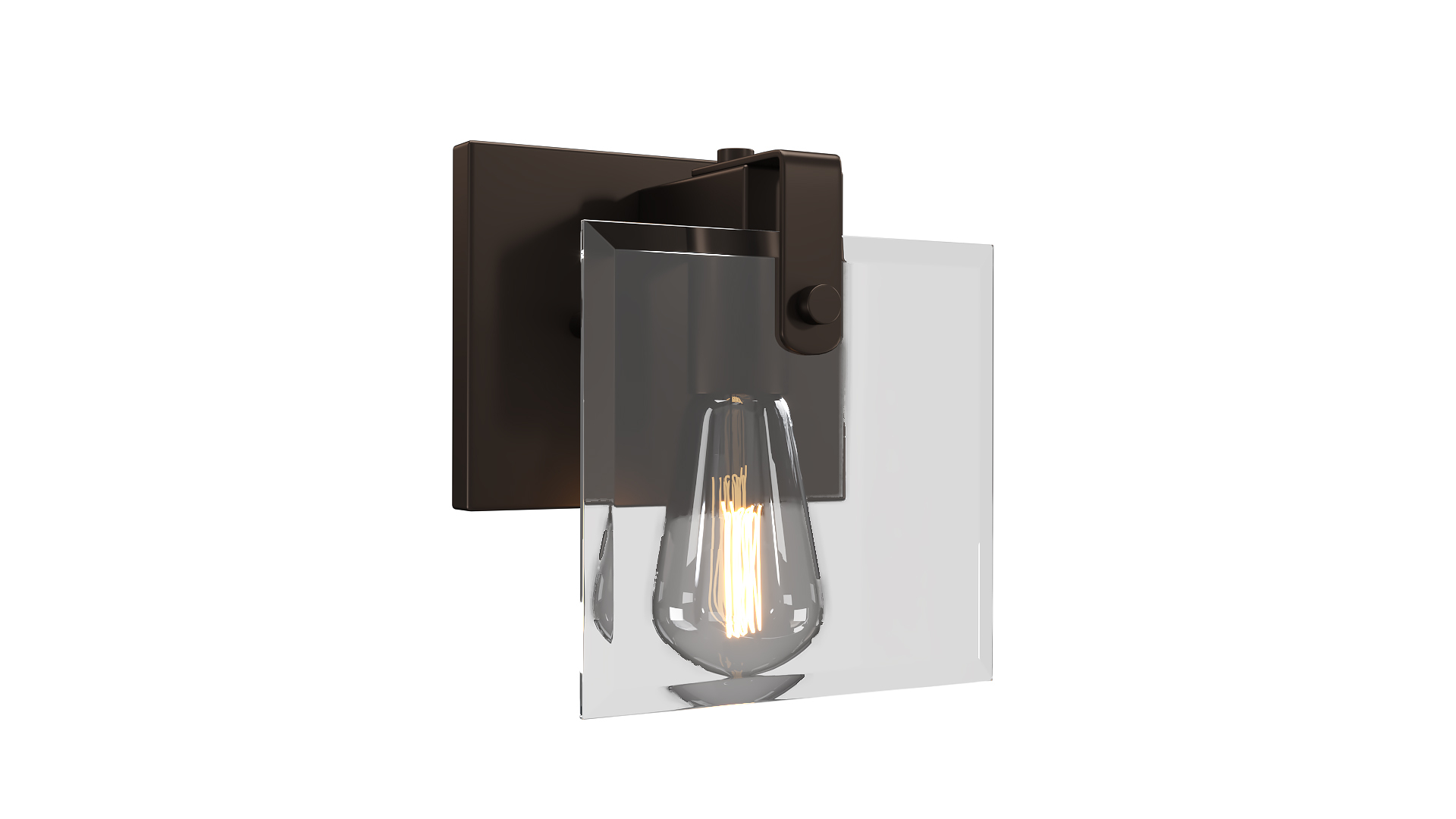
Progress Lighting Glayse 1-Light P300105

$7

Standard License | Upgrade License
Editorial Uses Only
Formats (10)
Native | 3ds Max 2020 | V-Ray 5
3ds Max 2015 | Corona
3ds Max 2015 | V-Ray
3ds Max 2018 | Corona
3ds Max 2020 | Corona 7
3ds Max 2018 | V-Ray
3D Studio
Other Textures
FBX
OBJ
Specifications
Publish Date November 21, 2024
Product ID 2311708
Polygons 13,300
Vertices 9,703
Polygonal
Materials
Mixed Unwrapped UVs

member avatar
enamulroni
449 Products | Contributor Since 2021
Have questions? Chat with us now.

Description

Progress Lighting Glayse 1-Light P300105 3d model – a high-quality 3D model that brings a new level of detail and realism to your rendering projects. This photo-realistic model is perfect for close-up renders and has been created with precision using 3ds Max 2020, with additional versions compatible with 3ds Max 2018, 2015 all rendered using V-Ray & Corona. The renders showcase the model in its raw with no post-processing.

Key Features:

- High-quality polygonal model suitable for visualization.
- Real-world scale maintained for authenticity.
- Turbosmooth Modifier applied for adjustable resolution.
- Customizable colors for easy modification.
- All necessary textures and materials included.
- No need for third-party plugins to open the scene.
- Thoughtfully organized with correctly renamed objects, groups, and layers.
- Units used in centimeters (cm).

File Formats:

- 3ds Max 2020 V-Ray 5 Corona 7
- 3ds Max 2018 V-Ray Corona
- 3ds Max 2015 V-Ray Corona
- 3DS
- OBJ
- FBX

Polys: 13300
Verts: 9703

Select Enhanced License

  • $10,000 in Legal Protection (Indemnification)
  • Uncapped Legal Protection (Indemnification)
  • Waiver from injunctive relief
  • Assignable model rights
  • $1,000,000 in Legal Protection (Indemnification)
  • Waiver from injunctive relief
  • Assignable model rights
  • $250,000 in Legal Protection (Indemnification)
  • Assignable model rights
Read more about enhanced license tiers, or contact us at enterprise@turbosquid.com. Already a Shutterstock Enterprise Customer? Contact your Shutterstock Sales Support Agent to talk about adding 3D.

About Conversion Requests

To submit a conversion request for a purchased asset, please complete our Conversion Request Form.

If you have not yet purchased a model, please review our Documentation about Conversions to learn about what limitations you may encounter with a conversion.

For any additional questions about a model’s suitability for conversion, please contact TurboSquid Support.

Loading...