
Portapivot set glass door constructor

$12

Standard License | Upgrade License
Editorial Uses Only
Formats (5)
3ds Max 2016 | Corona 5
3ds Max 2016 | V-Ray 3.20.03
OBJ
FBX
Specifications
Publish Date September 10, 2022
Product ID 1956379
Polygons 1,574,618
Vertices 1,604,121
Polygonal Quads Only
Textures
Materials
Non-overlapping Unwrapped UVs
member avatar
Koresh
133 Products | Contributor Since 2020
Have questions? Chat with us now.

Description

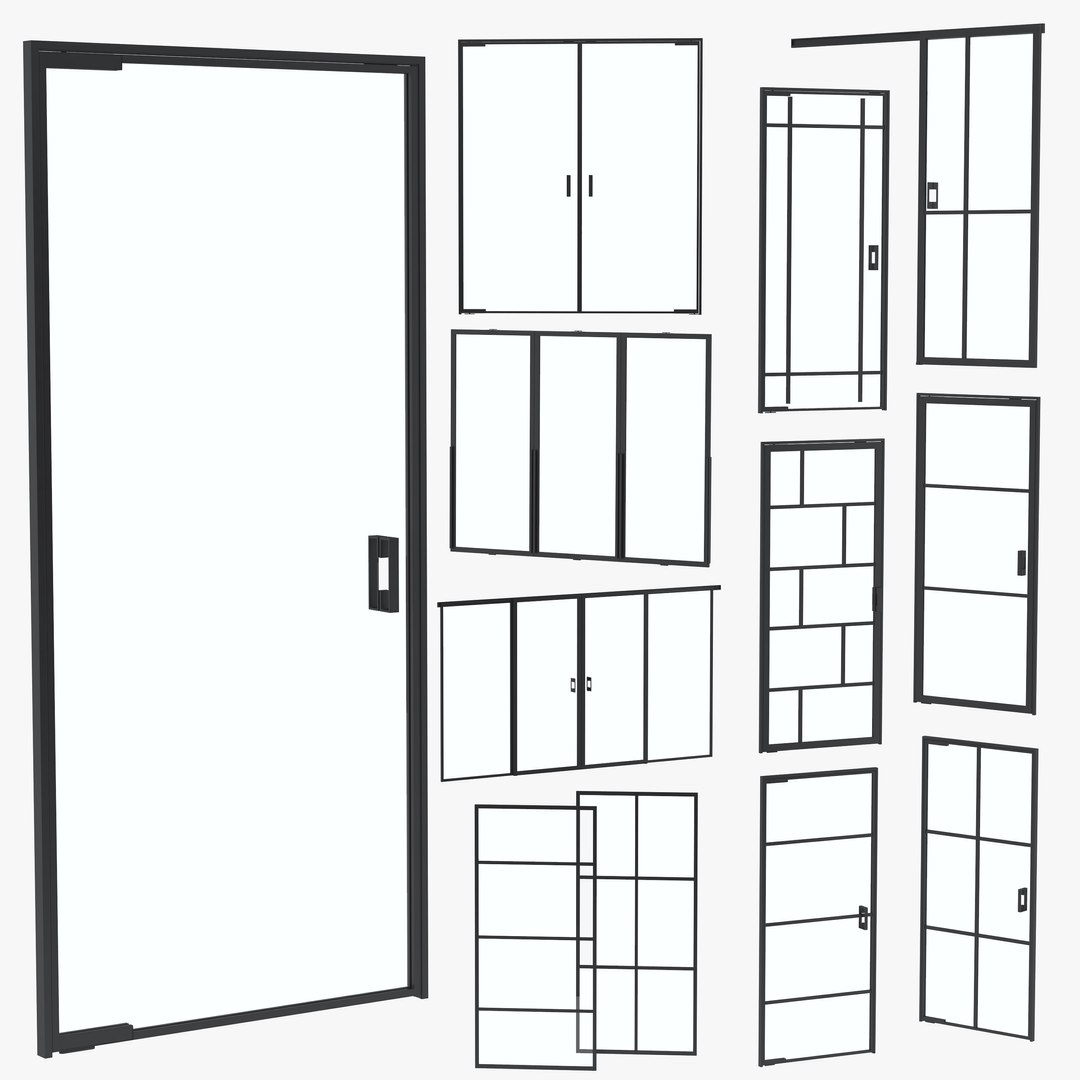
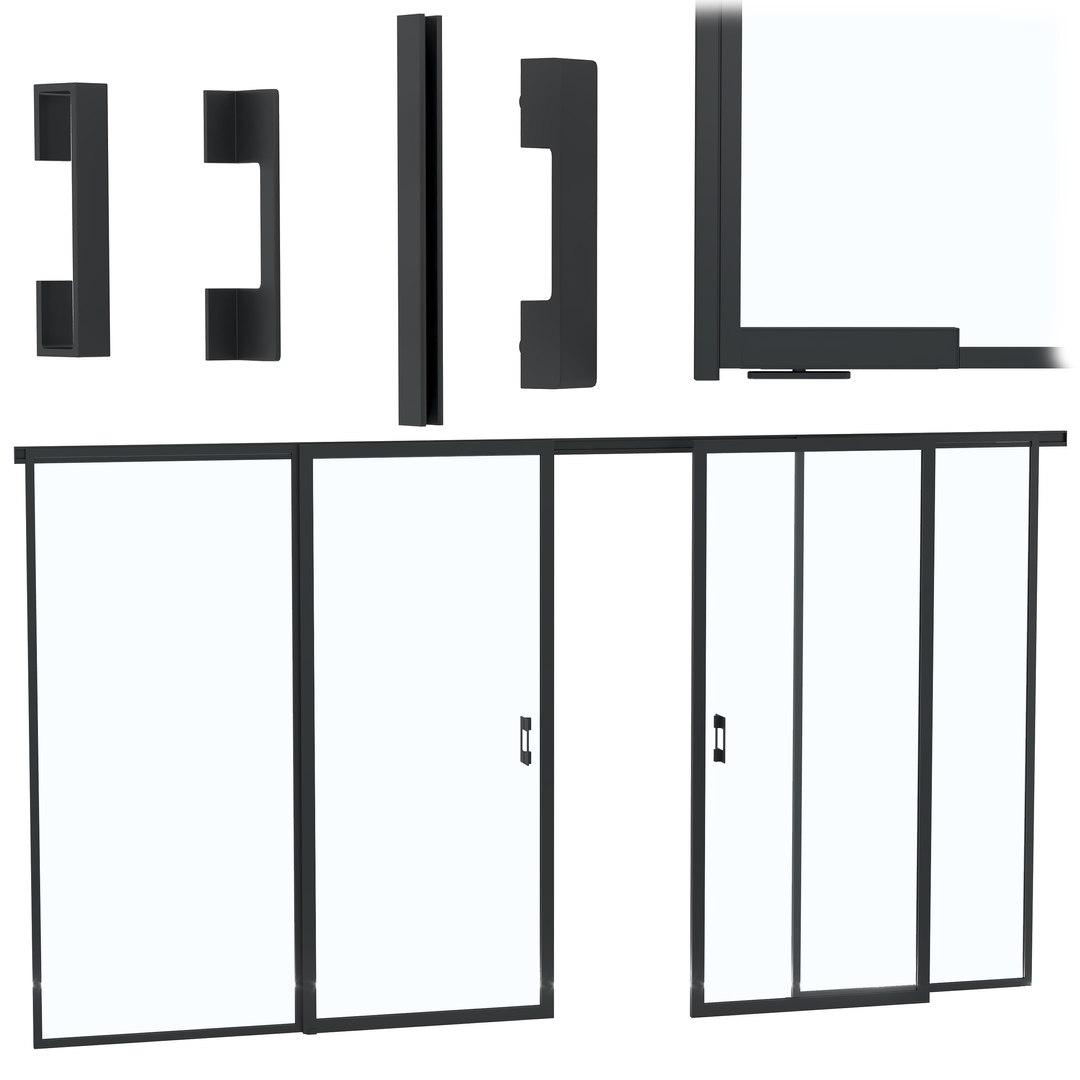
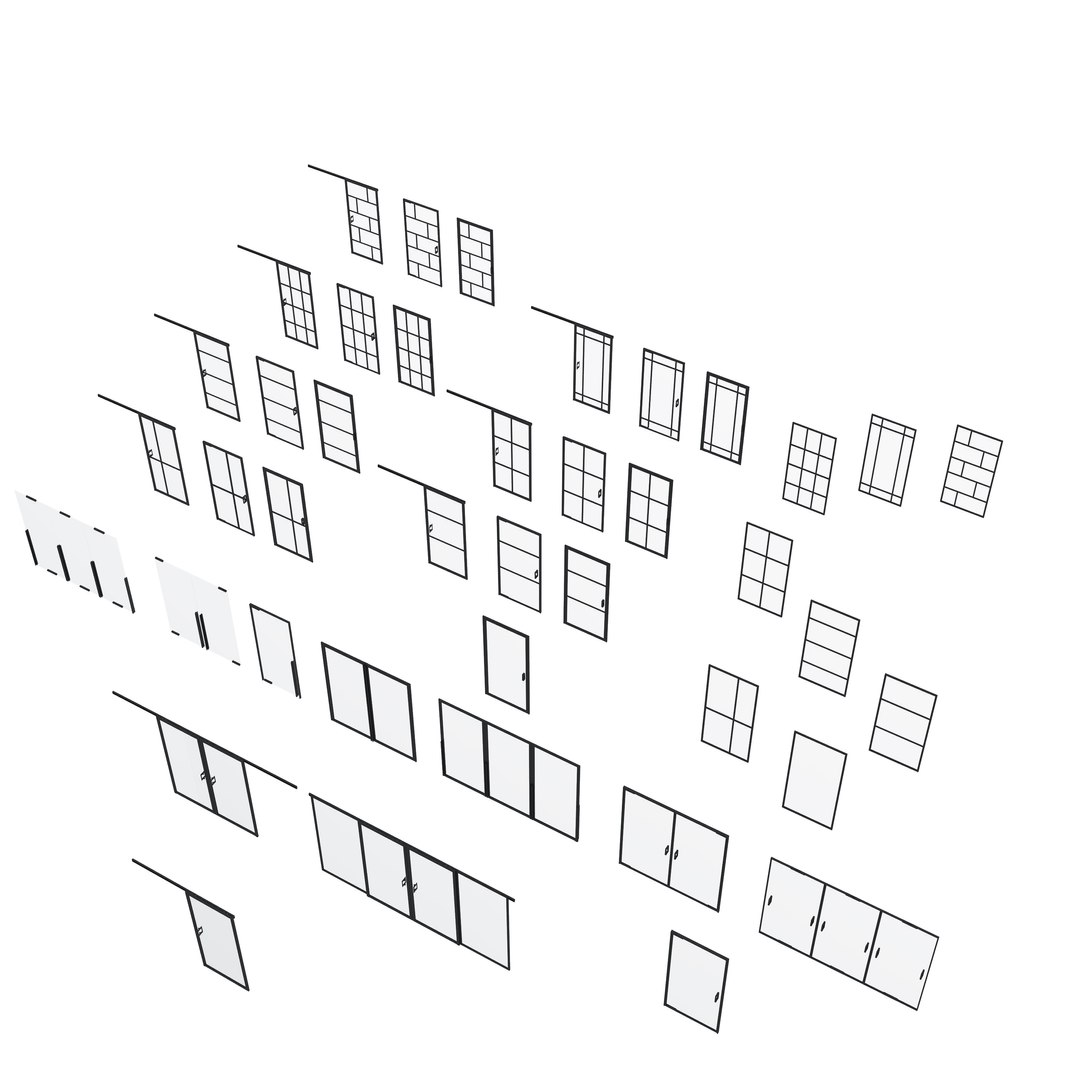
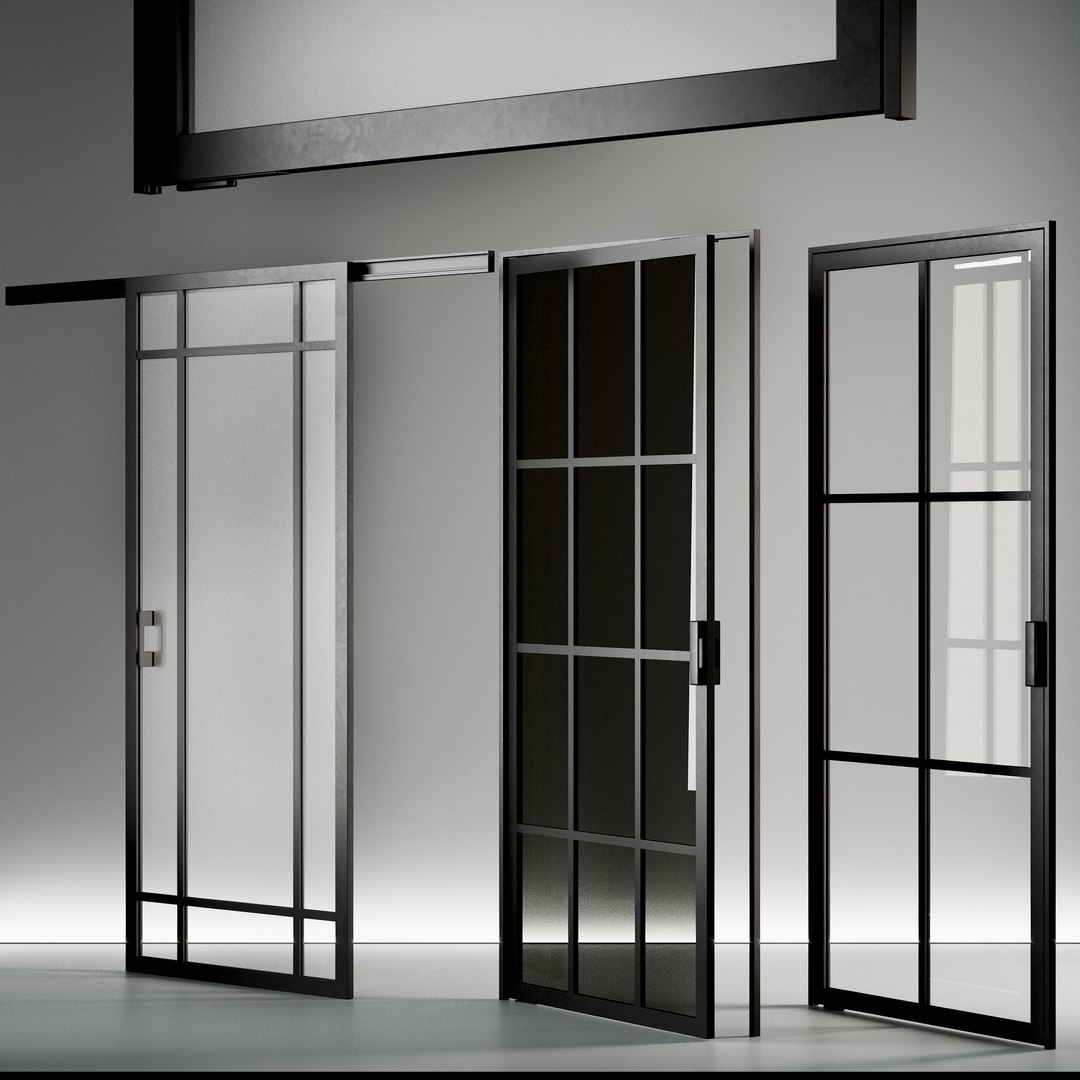
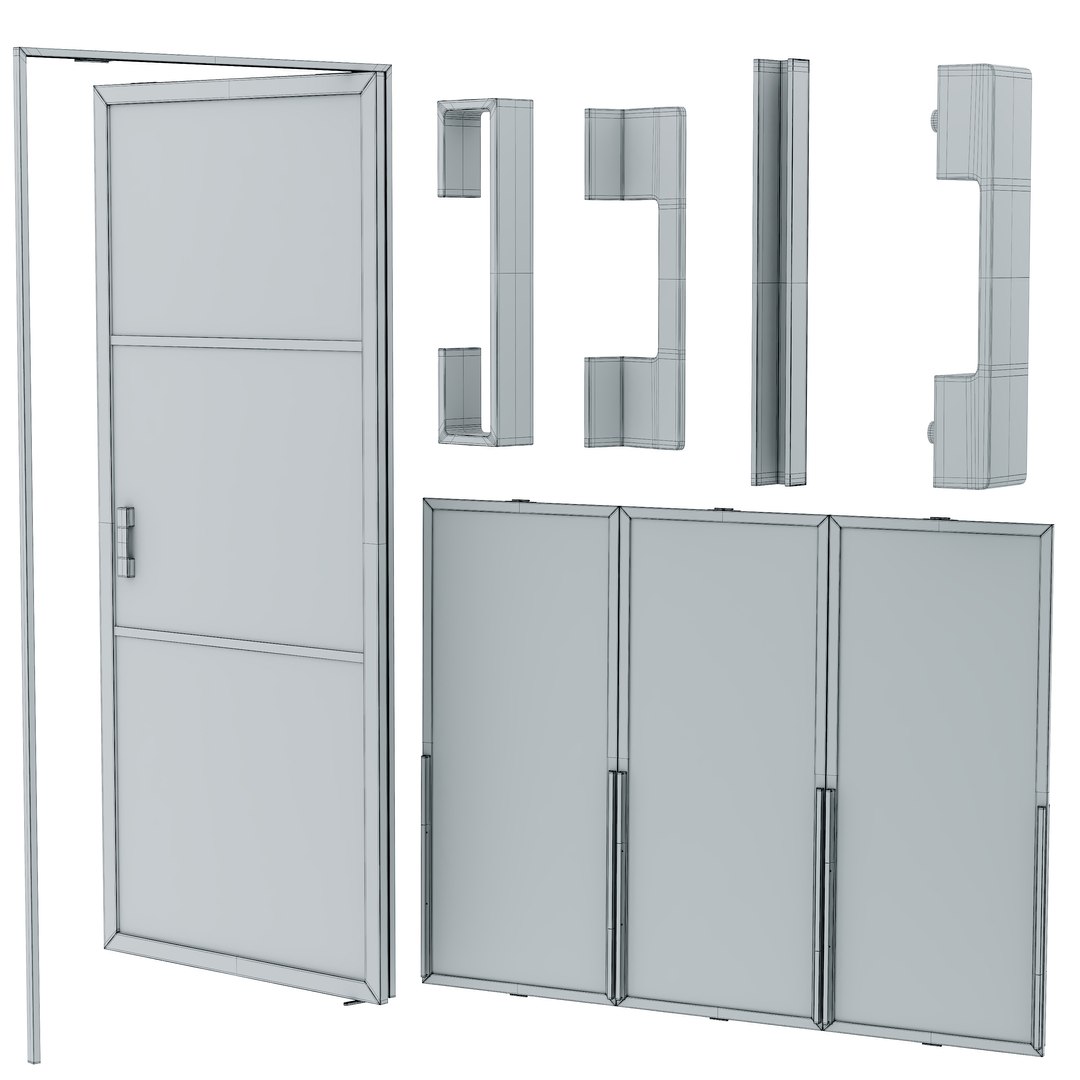
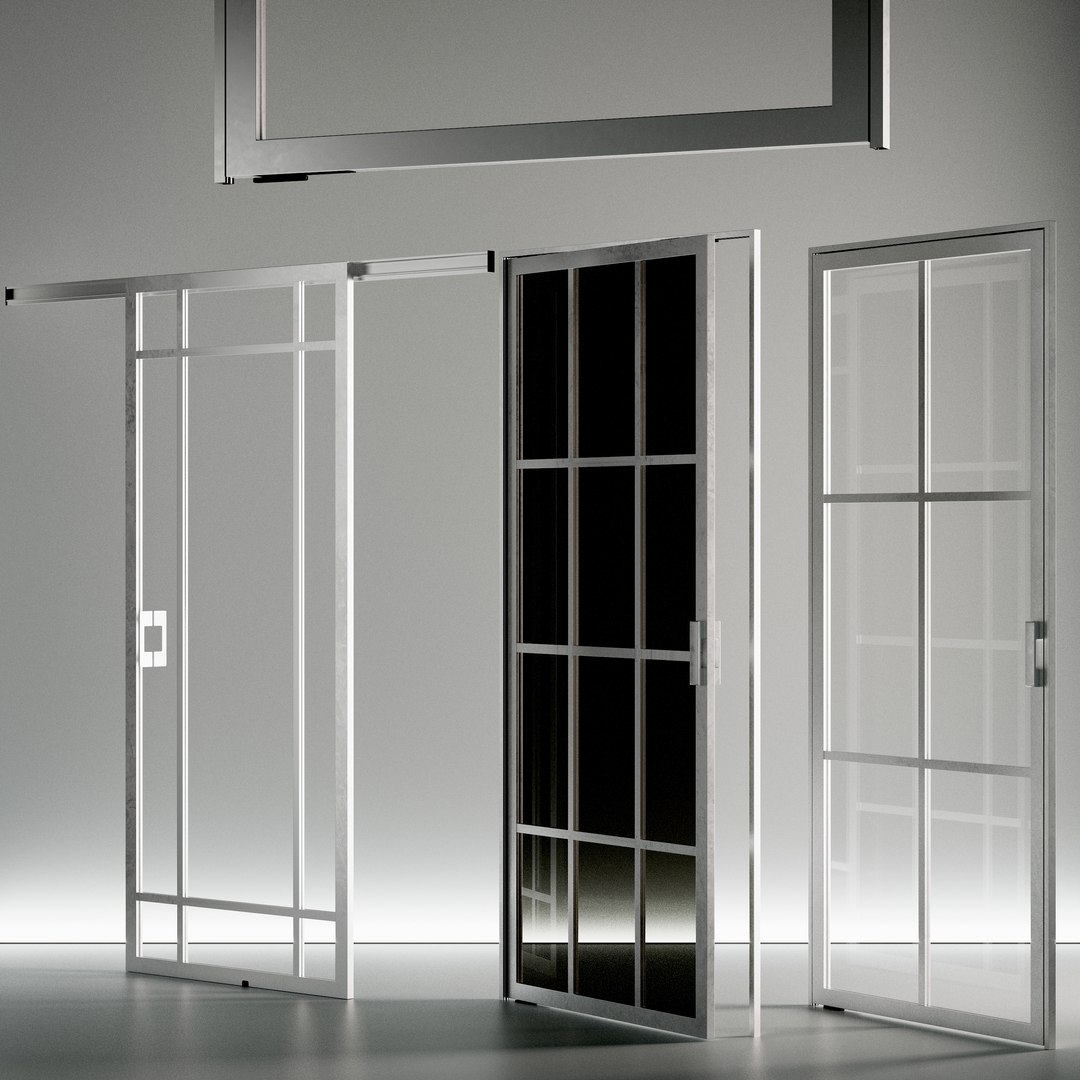
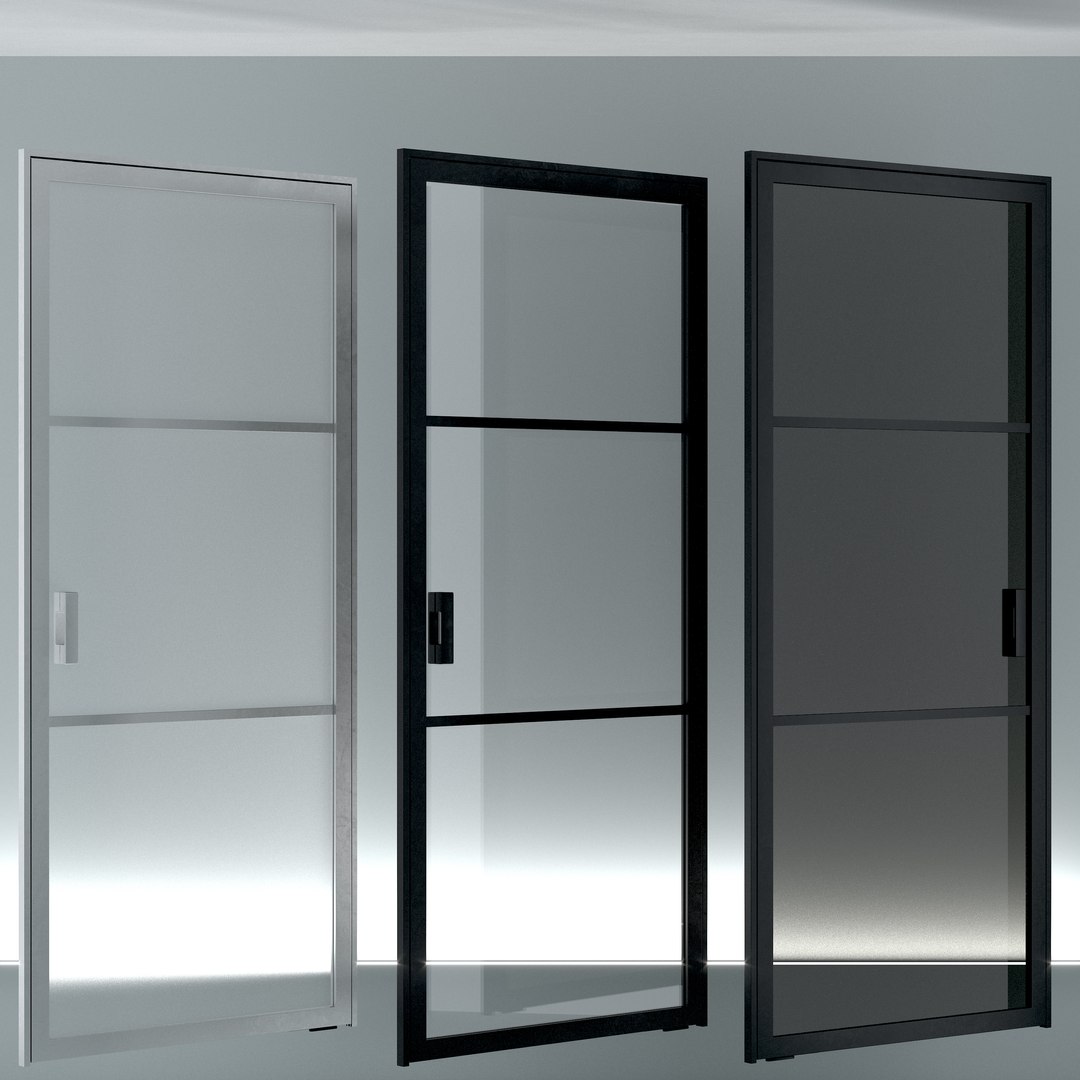
41 combinations of glass doors are presented, which can be easily transformed to the desired size. Doors are grouped and made up of individual elements, which makes it easy to customize designs to suit your requirements. Door color black and metallic, glass color - black, matte, transparent

Door size:
W.1100mm x H.2500mm

The archive contains:
- max2016 (Corona 5)
-obj
-FBX
- textures

Units: mm
Polys: 1574618 Verts: 1604121

The number of polygons is specified without the TurboSmooth modifier

Stage organization:

- all objects are given names in the scene;
- real size of the world (system blocks - mm);
- all previews are rendered in 3ds max Corona;
- the model is completely ready to use visualization in 3ds max + Corona + vray.


Those who work in V-Ray versions lower than 3.1, be careful, in the materials in the BRDF section there is Microfaset GTR ( GGX ), if your version is older than 3.1, then the BRDF field will be empty. Choose Blinn, Phong or Ward - whichever suits you best

Select Enhanced License

  • $10,000 in Legal Protection (Indemnification)
  • Uncapped Legal Protection (Indemnification)
  • Waiver from injunctive relief
  • Assignable model rights
  • $1,000,000 in Legal Protection (Indemnification)
  • Waiver from injunctive relief
  • Assignable model rights
  • $250,000 in Legal Protection (Indemnification)
  • Assignable model rights
Read more about enhanced license tiers, or contact us at enterprise@turbosquid.com. Already a Shutterstock Enterprise Customer? Contact your Shutterstock Sales Support Agent to talk about adding 3D.

About Conversion Requests

To submit a conversion request for a purchased asset, please complete our Conversion Request Form.

If you have not yet purchased a model, please review our Documentation about Conversions to learn about what limitations you may encounter with a conversion.

For any additional questions about a model’s suitability for conversion, please contact TurboSquid Support.

Loading...