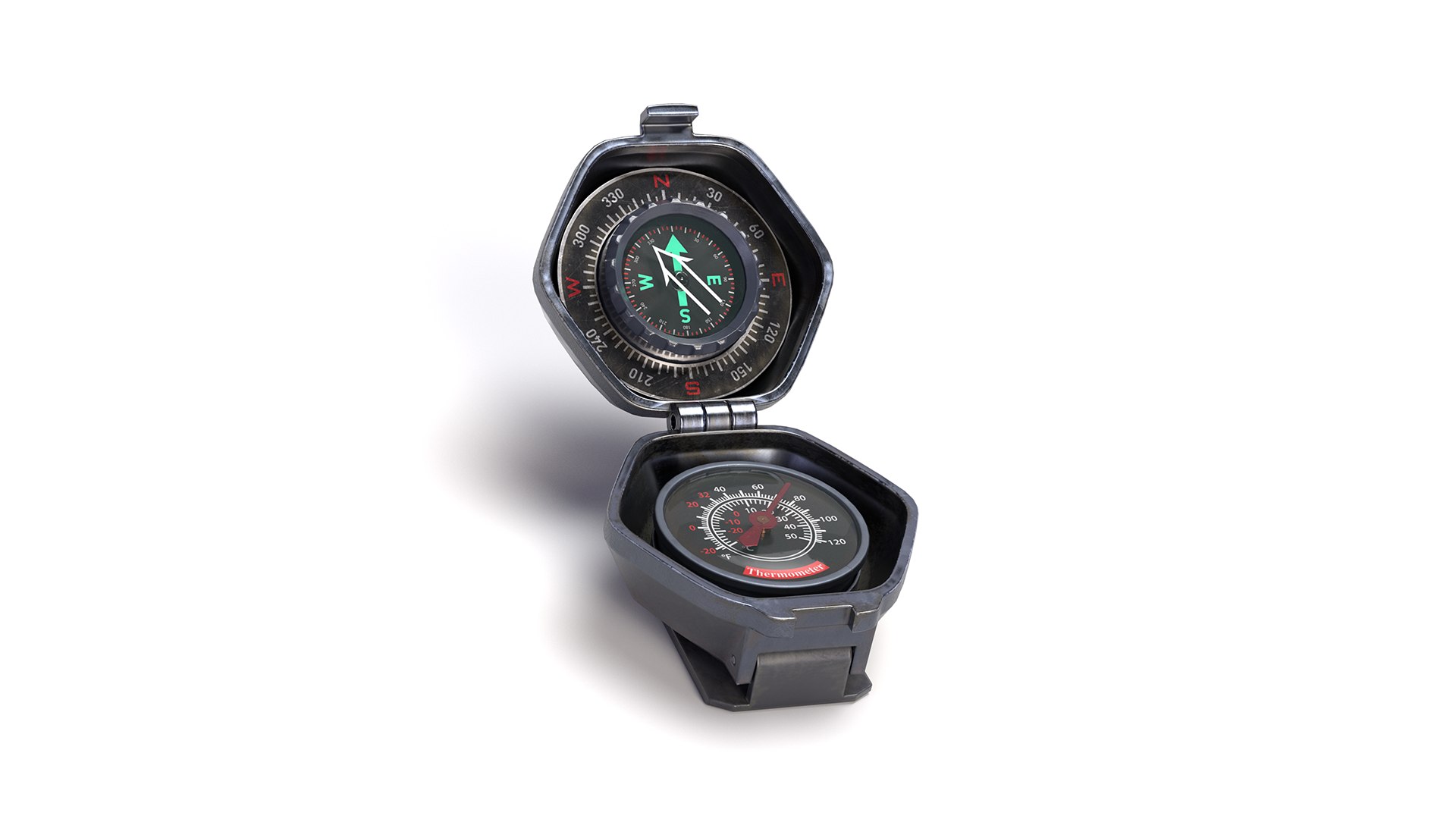
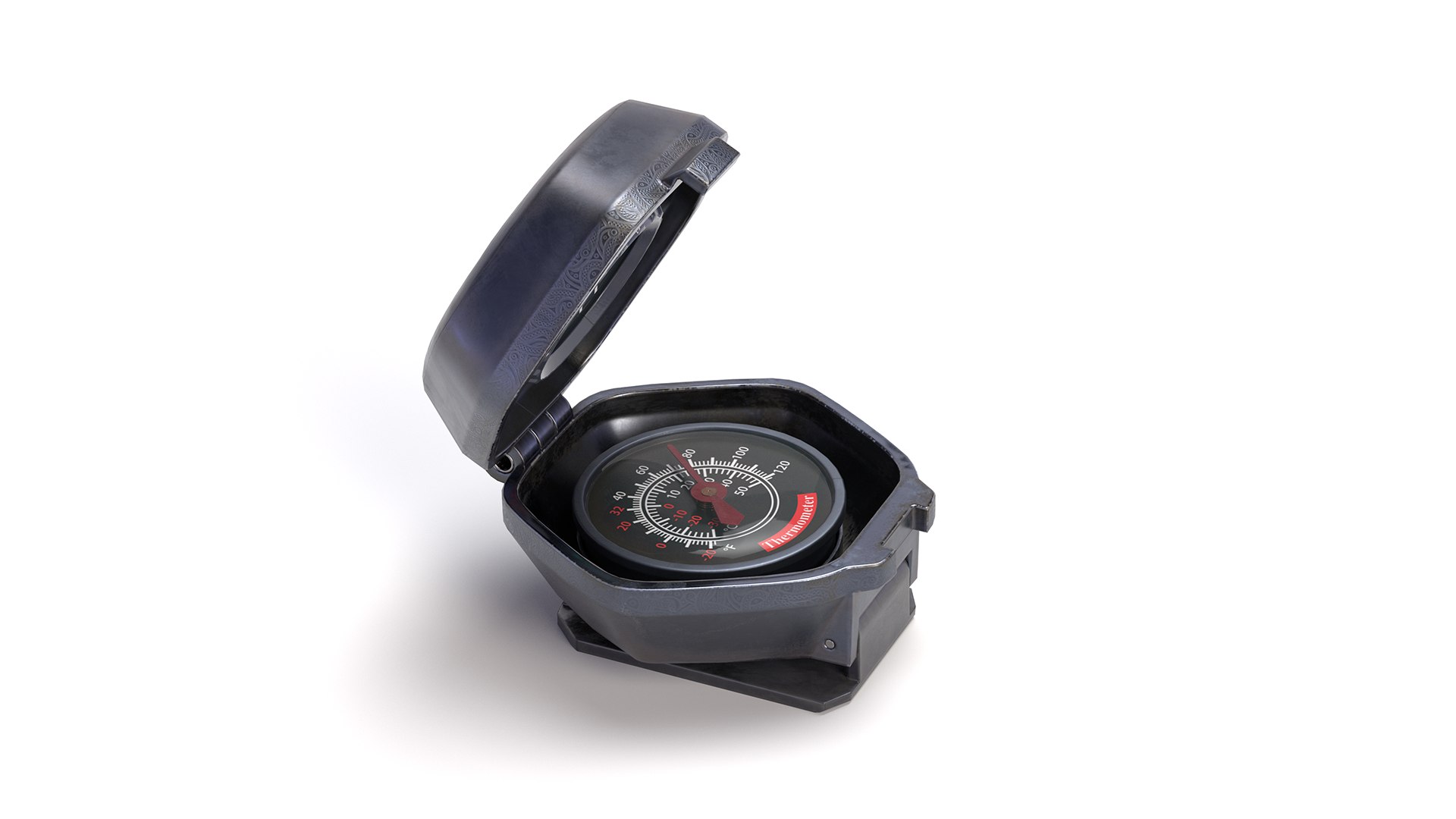
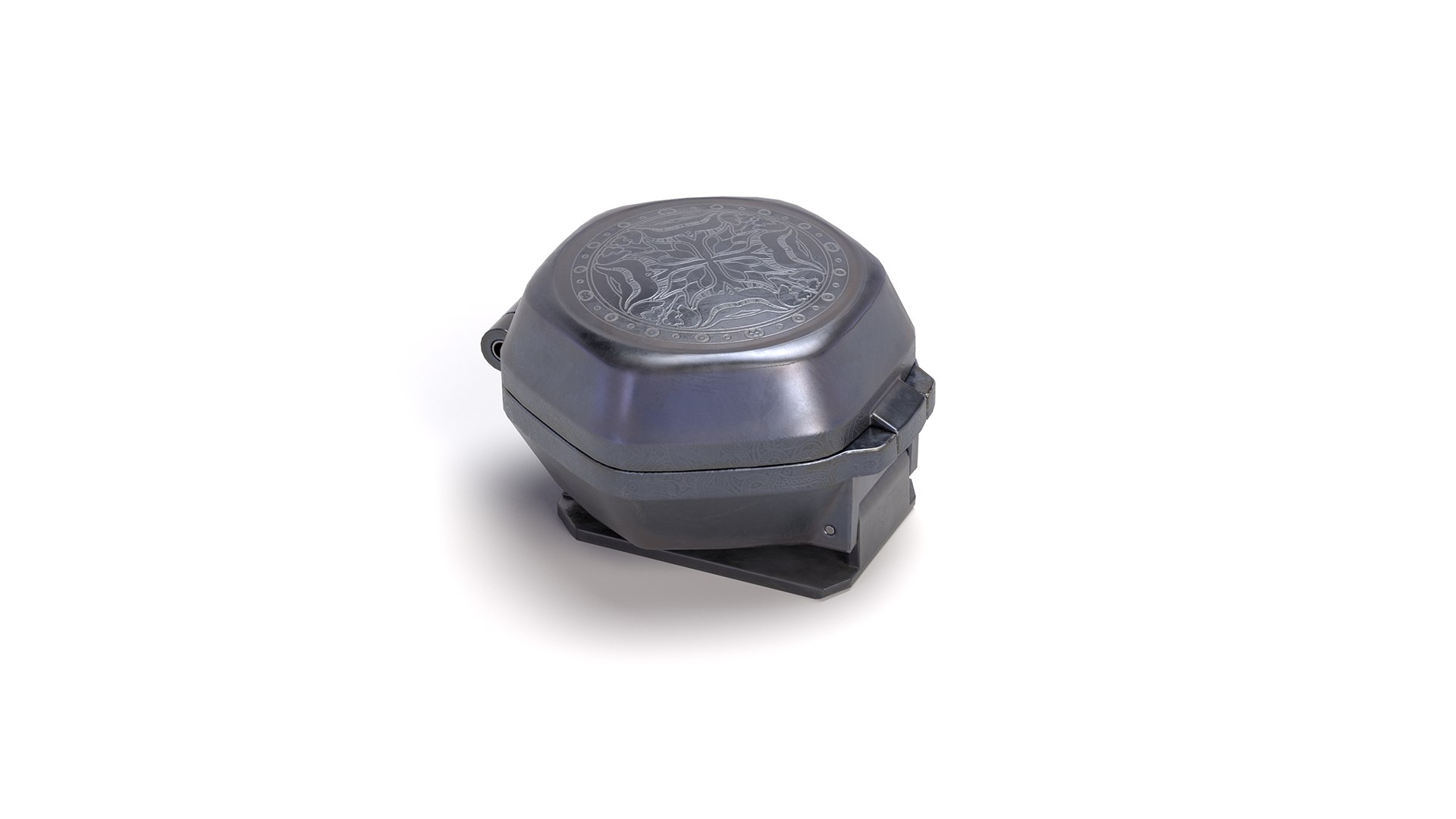
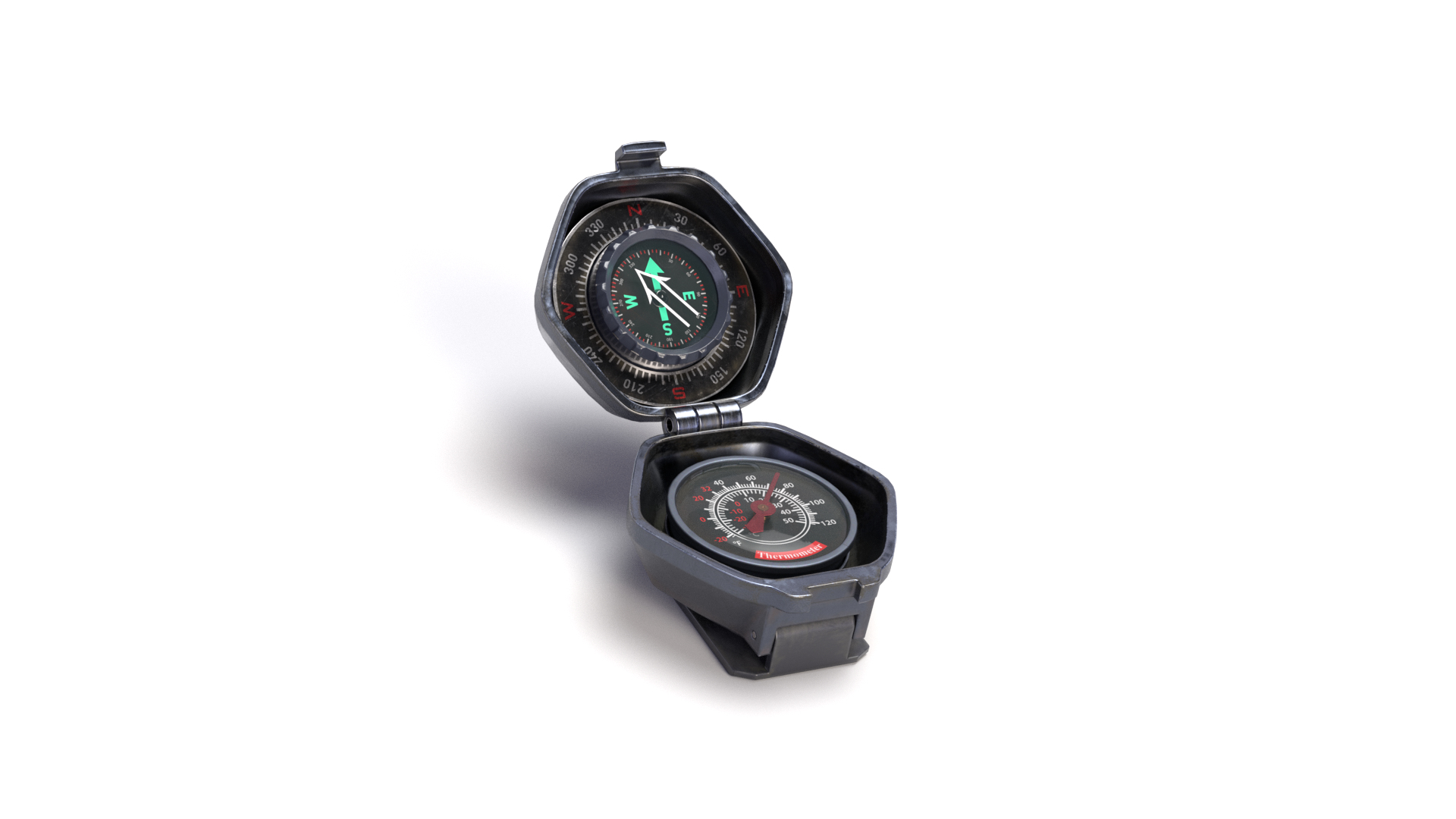
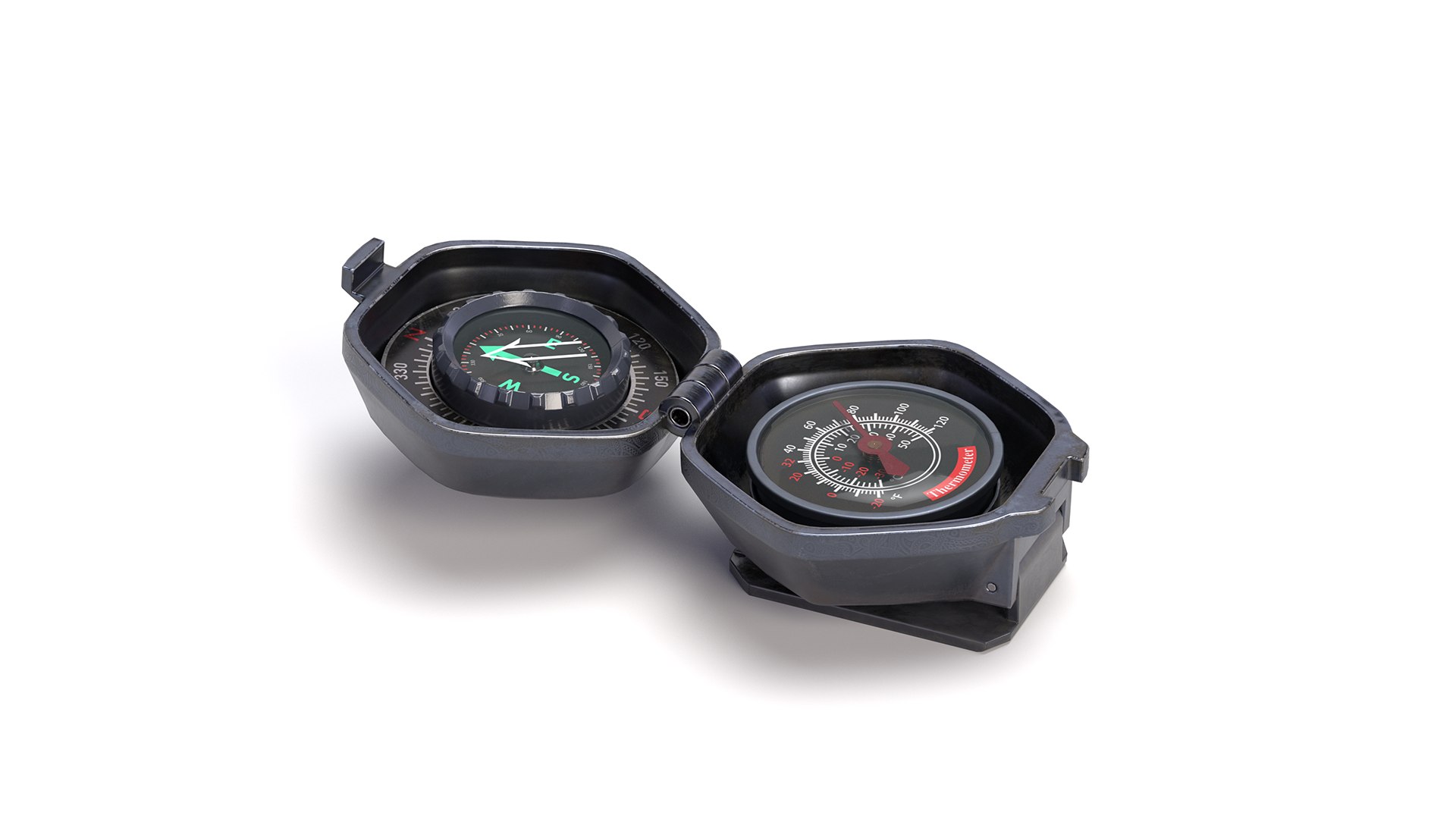
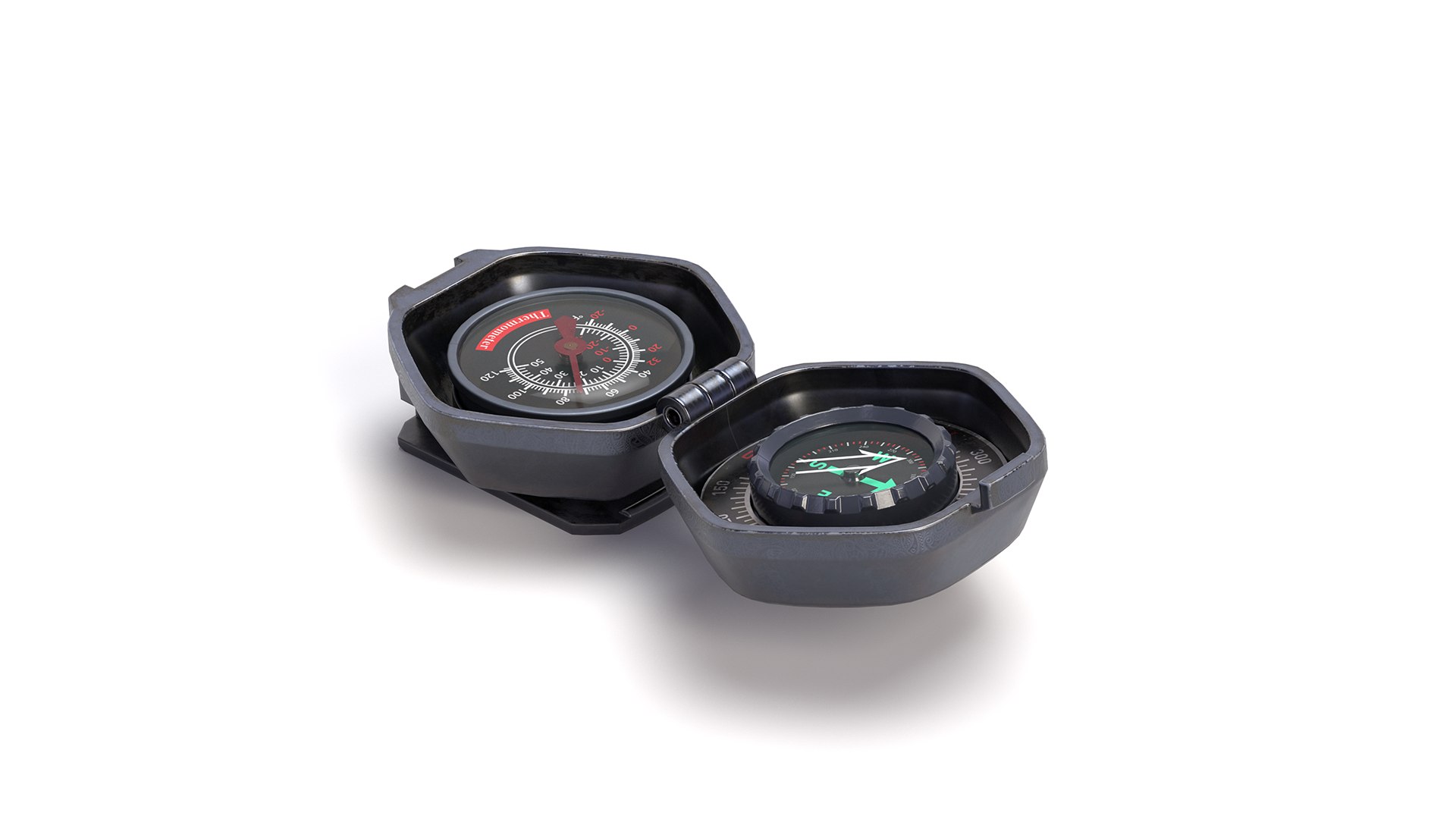
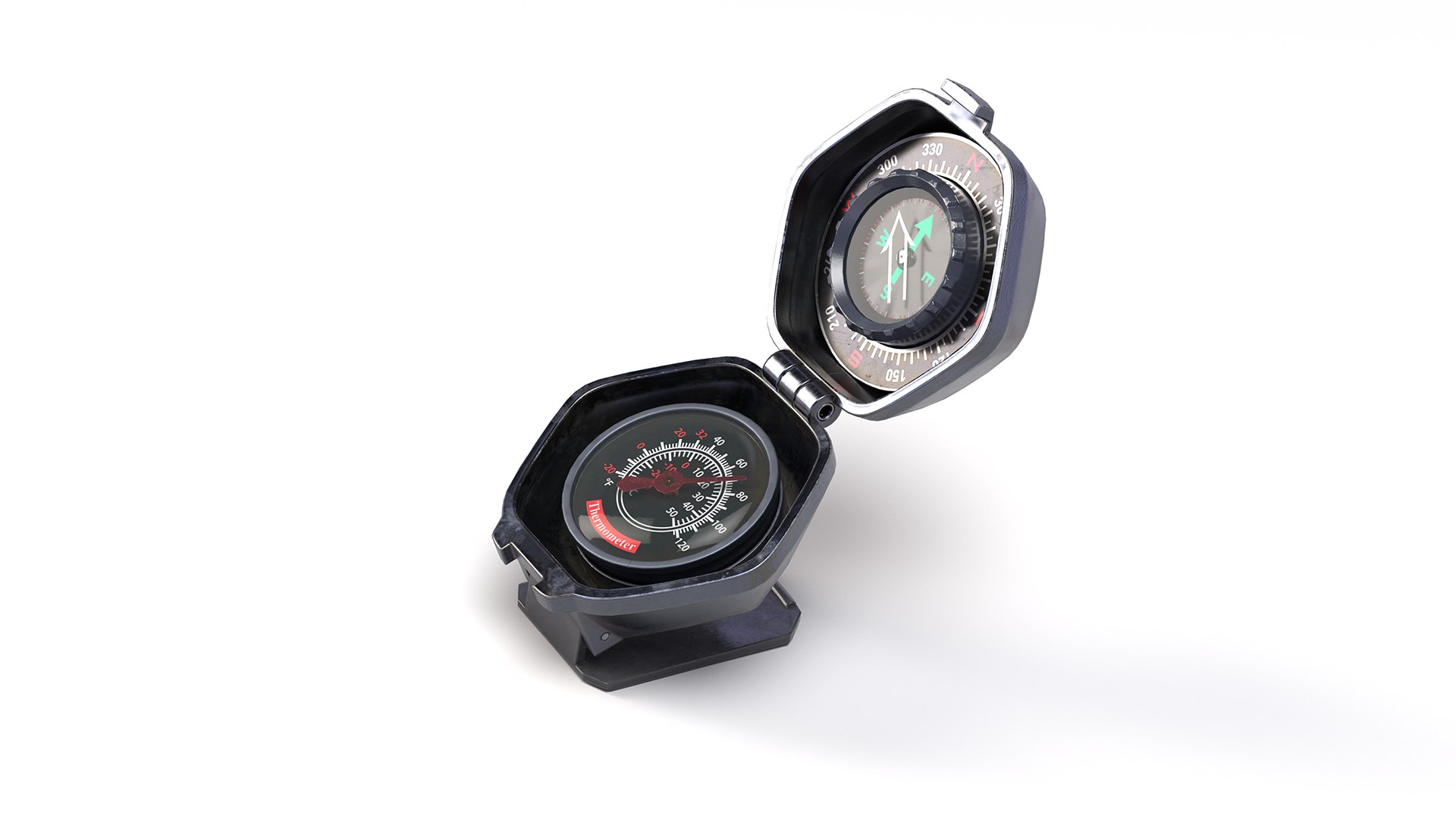
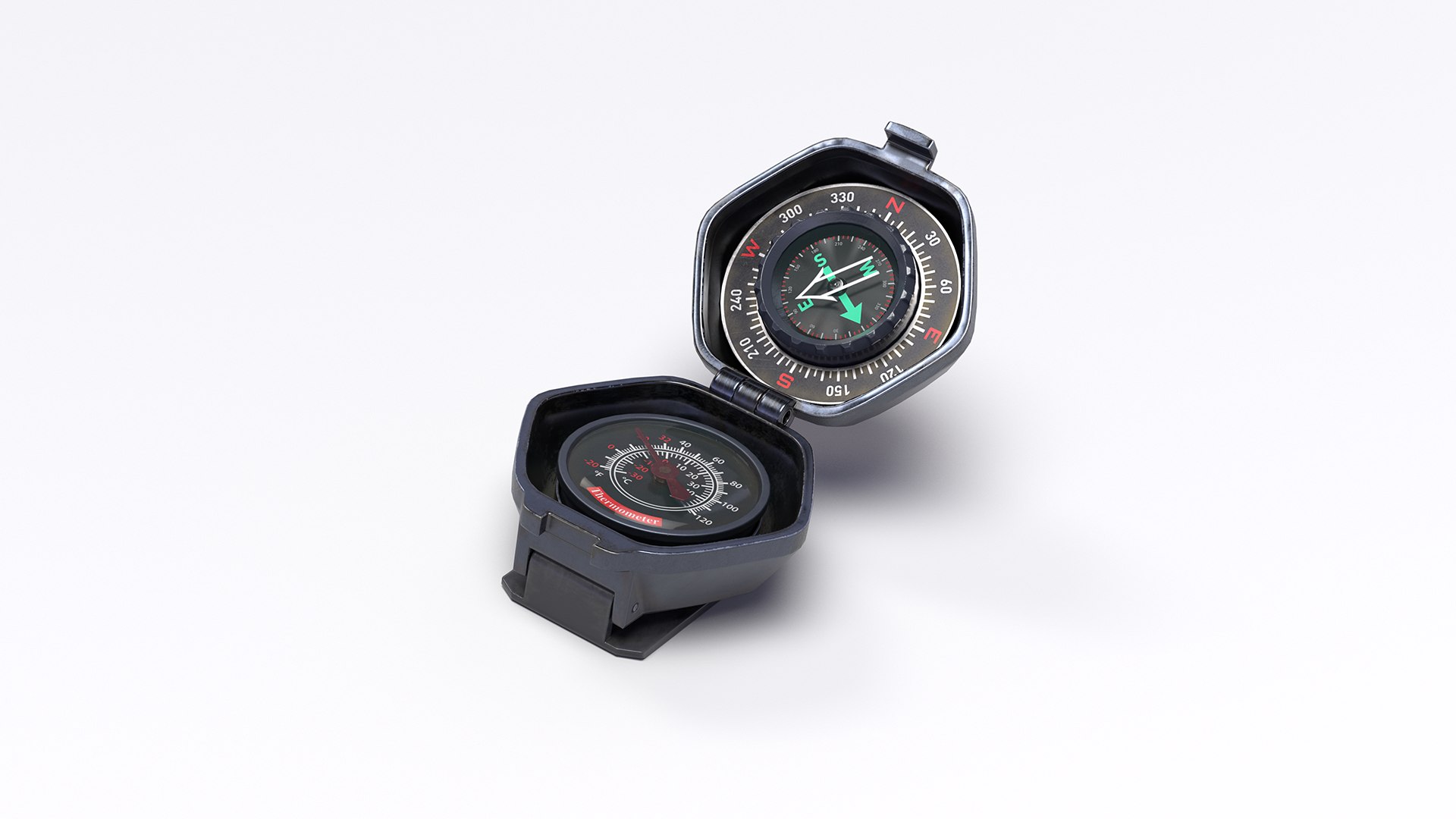
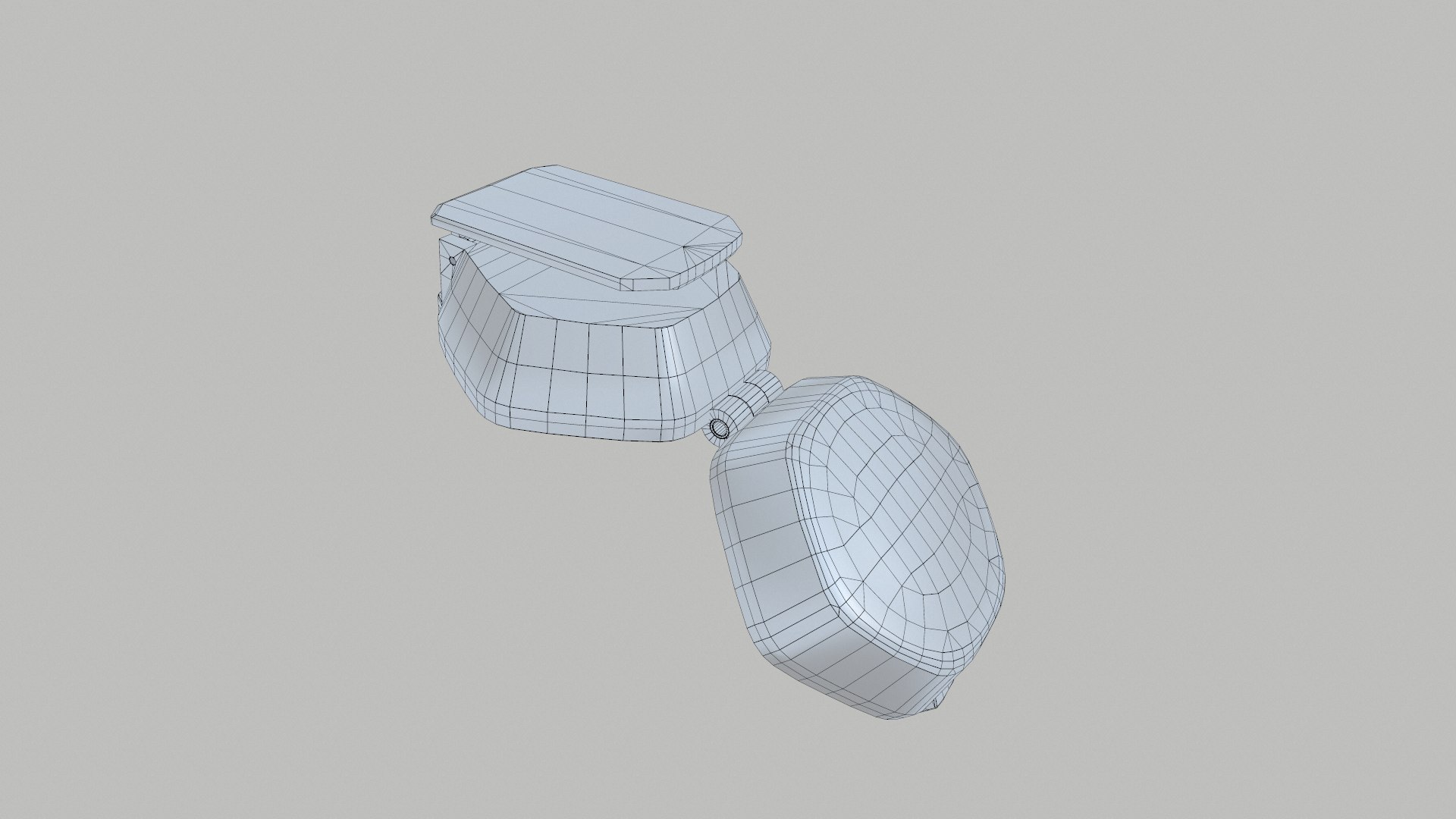
Portable Compass and Thermometer Navigation Tool

$99

Standard License | Upgrade License
Formats (3)
Free file format Conversions available
Native | Blender 2.92.0 | Cycles Render
FBX
OBJ
Specifications
Publish Date April 27, 2021
Product ID 1725186
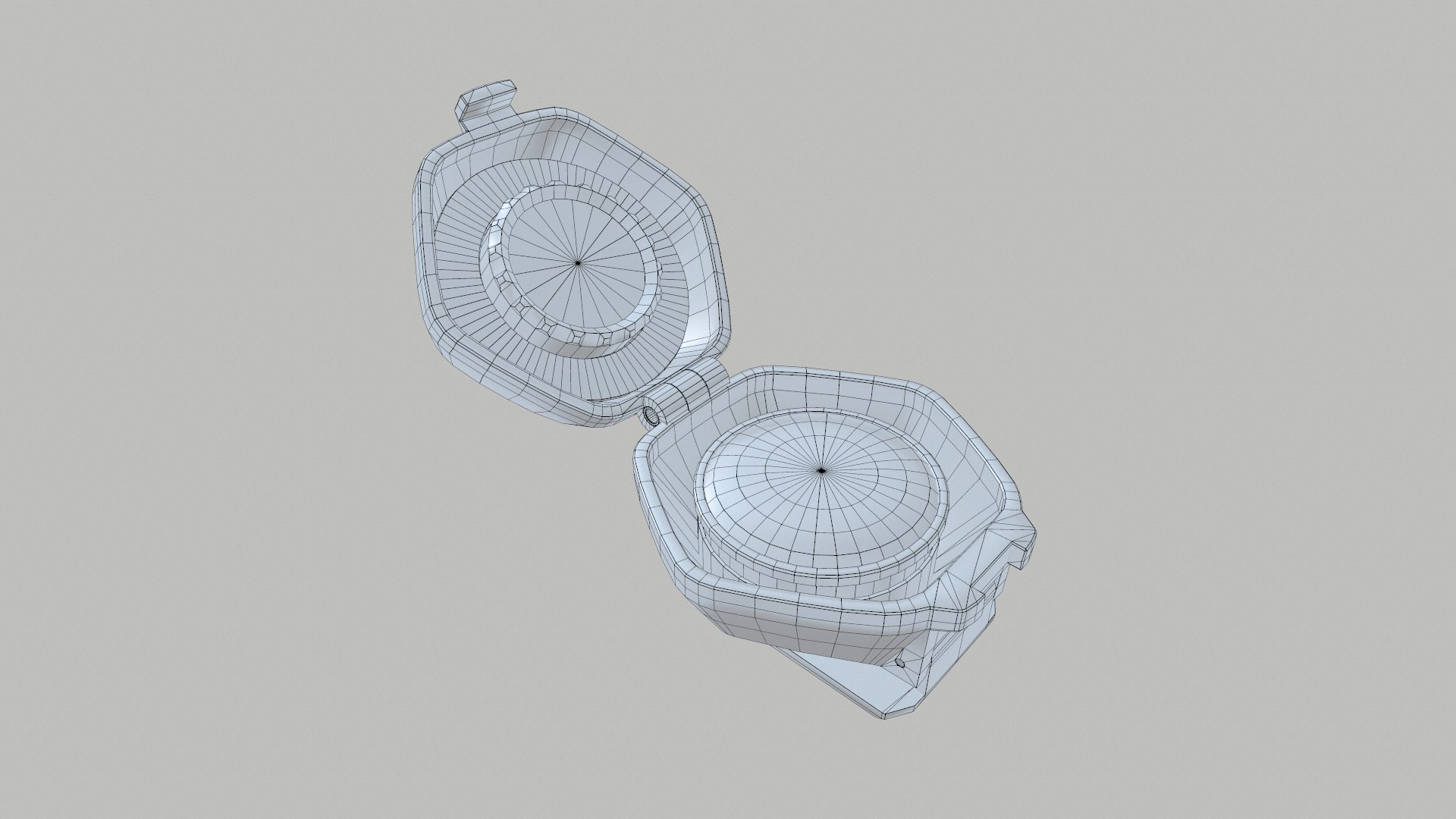
Polygons 3,363
Vertices 3,315
Polygonal Quads/Tris Geometry
Textures
Materials
UV Mapped
Non-overlapping Unwrapped UVs
PBR
member avatar
anlu
46 Products | Contributor Since 2013
Have questions? Chat with us now.

Description

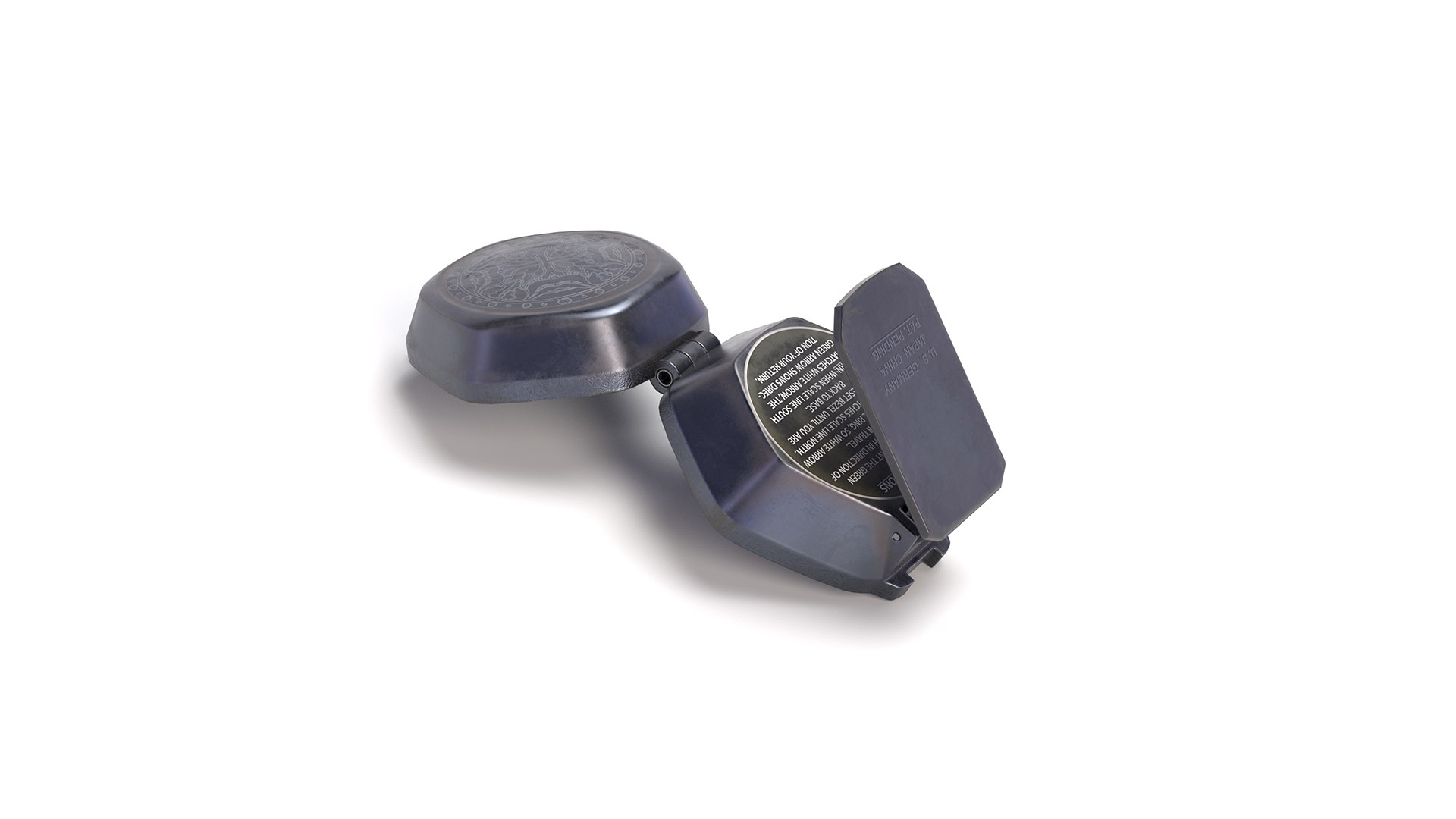
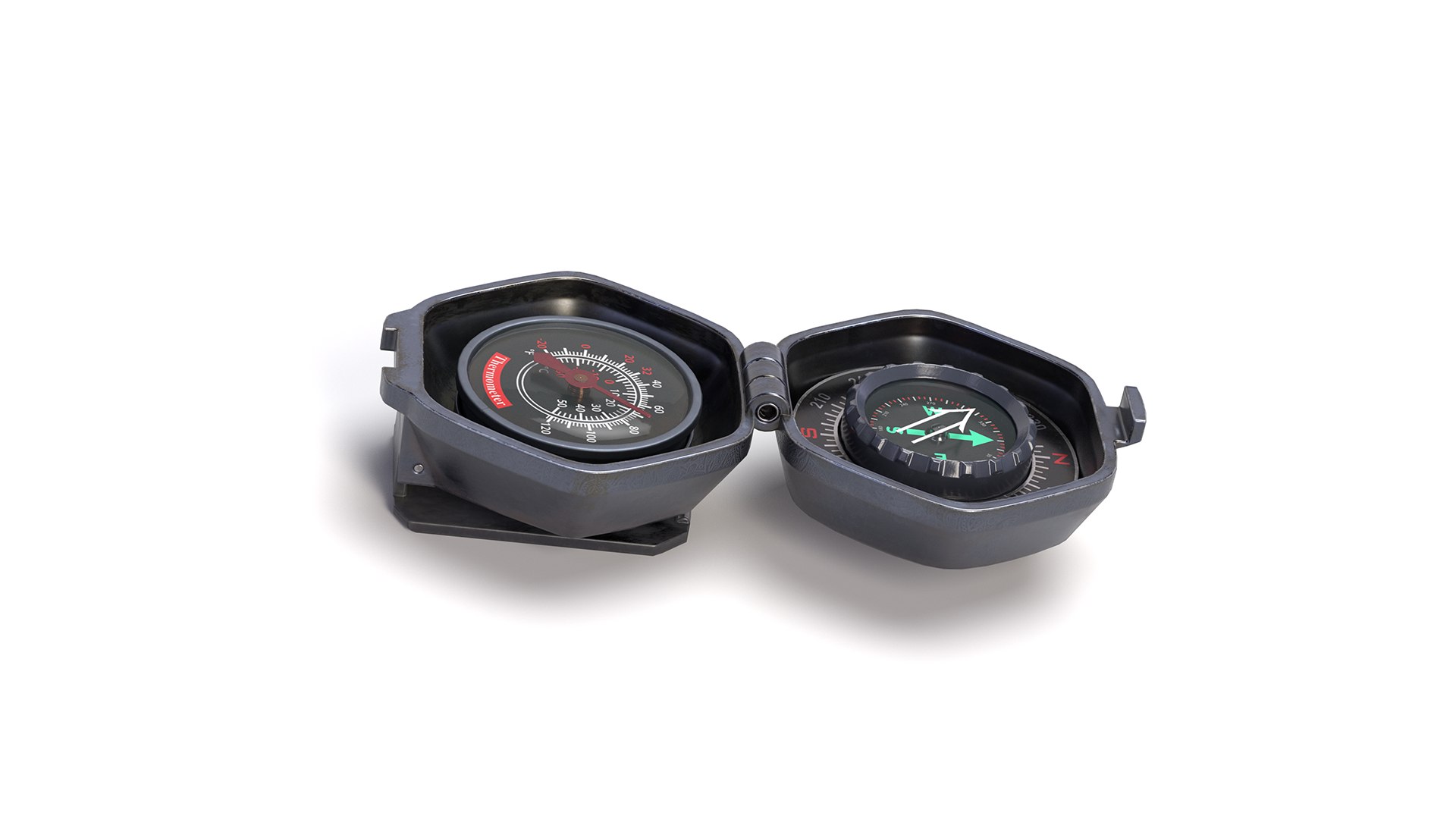
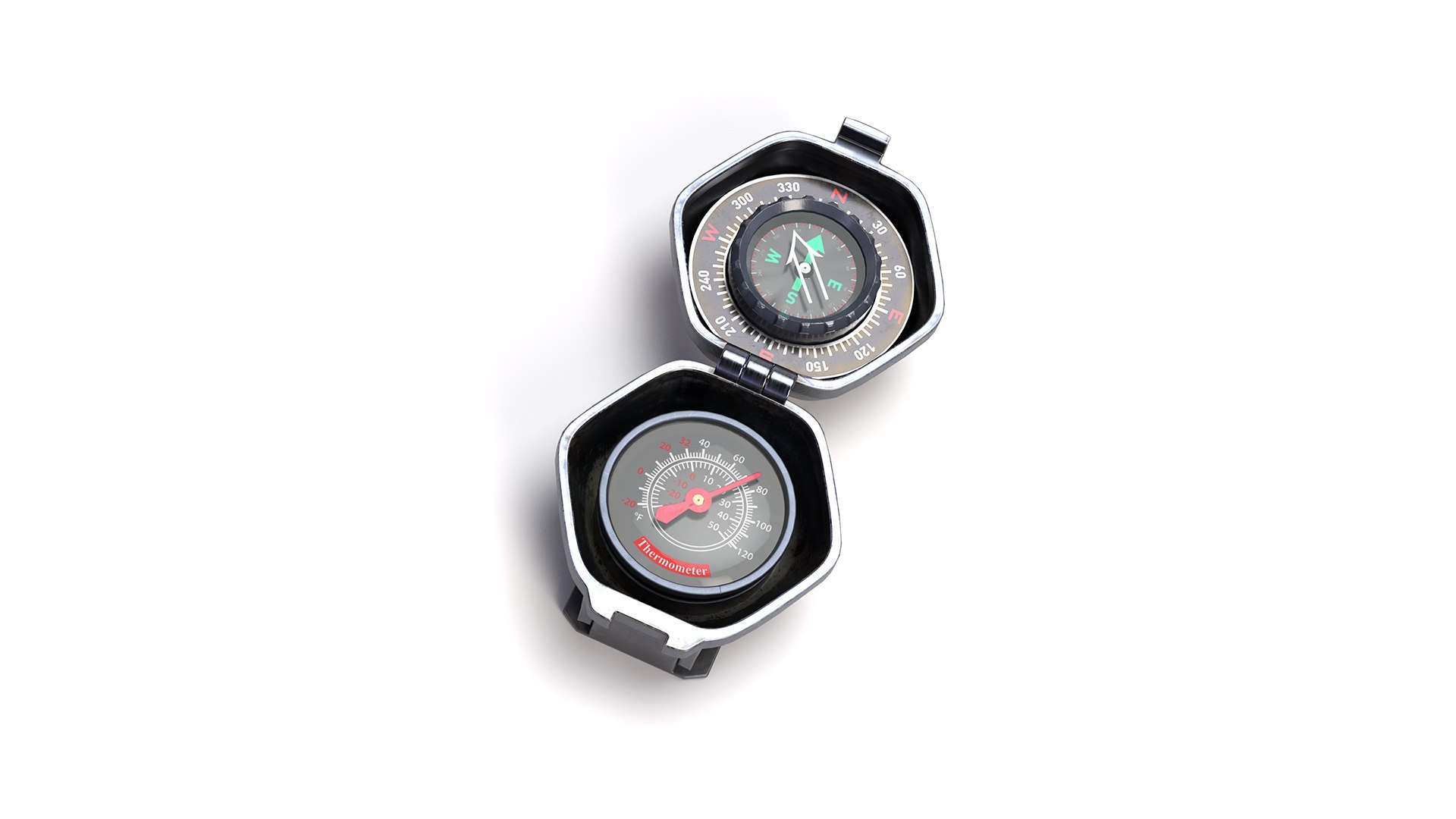
Realistic 3D model of Portable Compass and Thermometer Navigation Tool.

Features:
- High quality model, correctly scaled for an accurate representation of the object.
- Studio setup and HDRI are included in Blender file. Models are grouped for easy selection, and objects are logically named for easy scene management.

- This model can be easily rigged and animated as all pivot points are correctly set.

- Ready for instant rendering.
- Real-world scale.
- All objects have non-overlapping unwrapped UVs.
- Real-time ready.
- 2048 x 2048 textures:
portable_compass_and_thermometer_navigation_tool_BaseColorOpacity (BaseColor, Alpha: Opacity)
portable_compass_and_thermometer_navigation_tool_Normal (OpenGL Normal)
portable_compass_and_thermometer_navigation_tool_RoughnessMetallicAO  (Red: Roughness, Green: Metallic, Blue: Ambient Occlusion)
portable_compass_and_thermometer_navigation_tool_Emissive (Emissive)
- Textures in TGA format.
- Rendered in Cycles Render.
- .fbx and .obj files are exported from native file format and may require material/pivot point adjustments to match with preview images.

Select Enhanced License

  • $10,000 in Legal Protection (Indemnification)
  • Uncapped Legal Protection (Indemnification)
  • Waiver from injunctive relief
  • Assignable model rights
  • $1,000,000 in Legal Protection (Indemnification)
  • Waiver from injunctive relief
  • Assignable model rights
  • $250,000 in Legal Protection (Indemnification)
  • Assignable model rights
Read more about enhanced license tiers, or contact us at enterprise@turbosquid.com. Already a Shutterstock Enterprise Customer? Contact your Shutterstock Sales Support Agent to talk about adding 3D.

About Conversion Requests

To submit a conversion request for a purchased asset, please complete our Conversion Request Form.

If you have not yet purchased a model, please review our Documentation about Conversions to learn about what limitations you may encounter with a conversion.

For any additional questions about a model’s suitability for conversion, please contact TurboSquid Support.

Loading...