
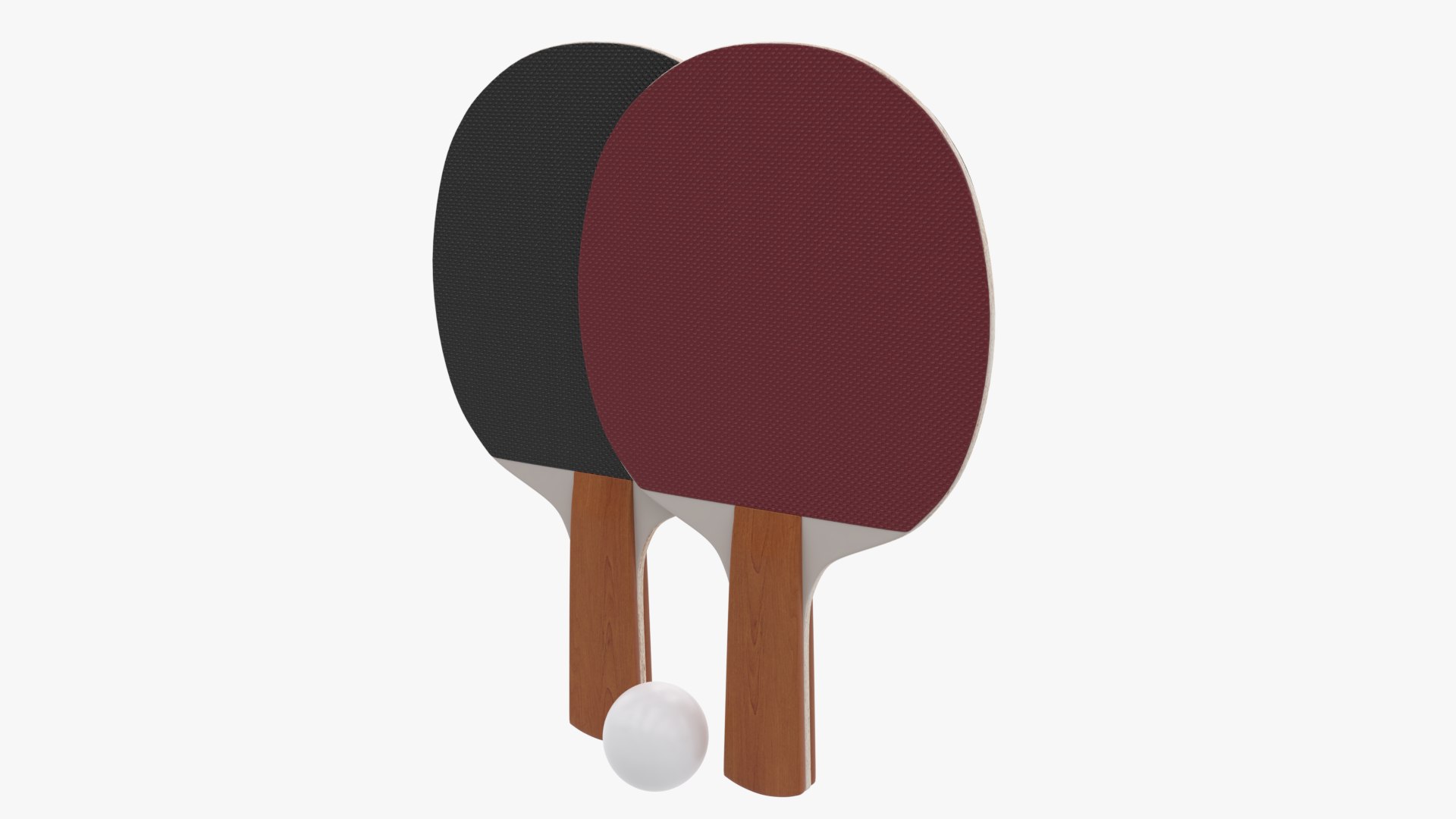
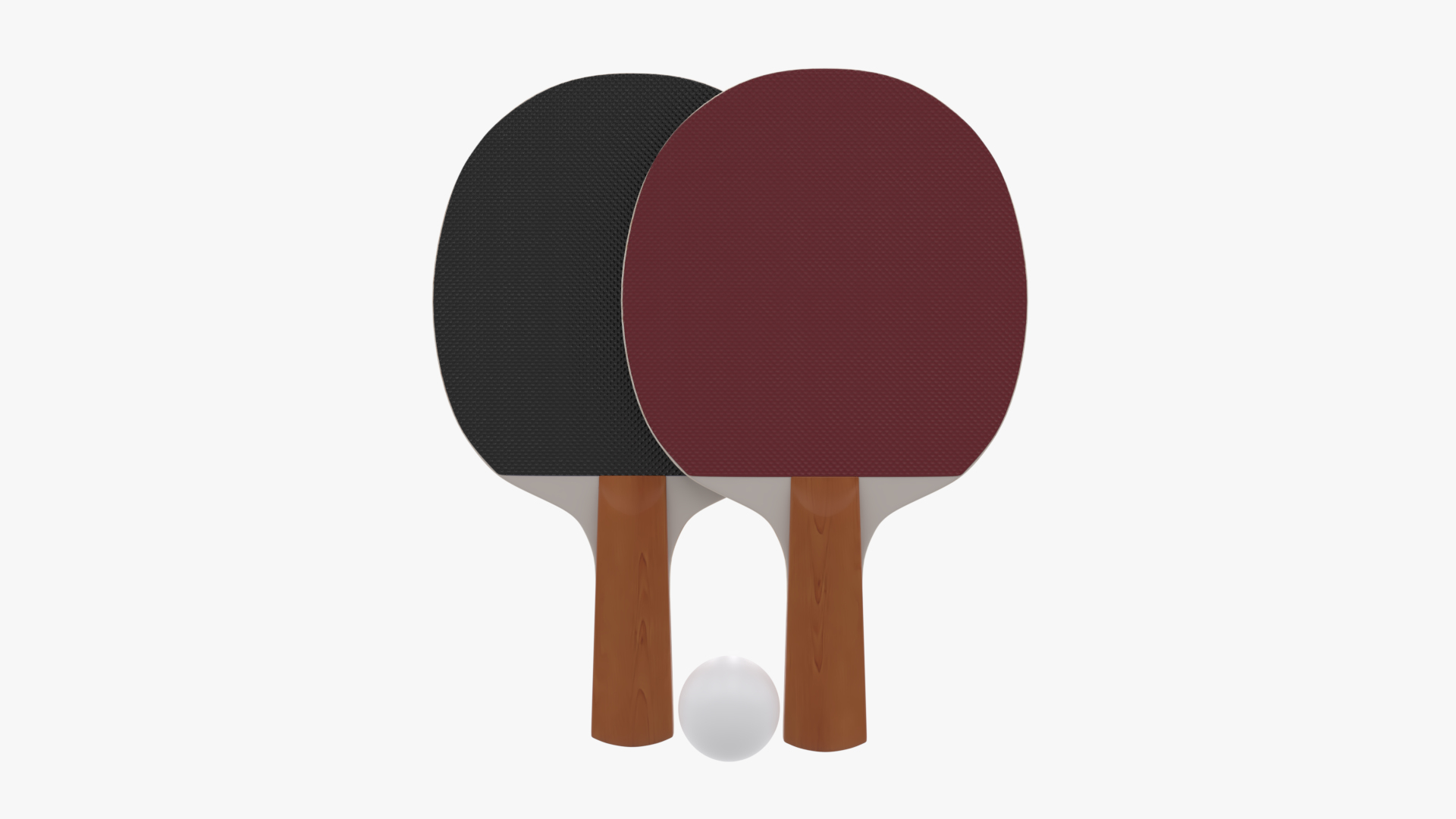
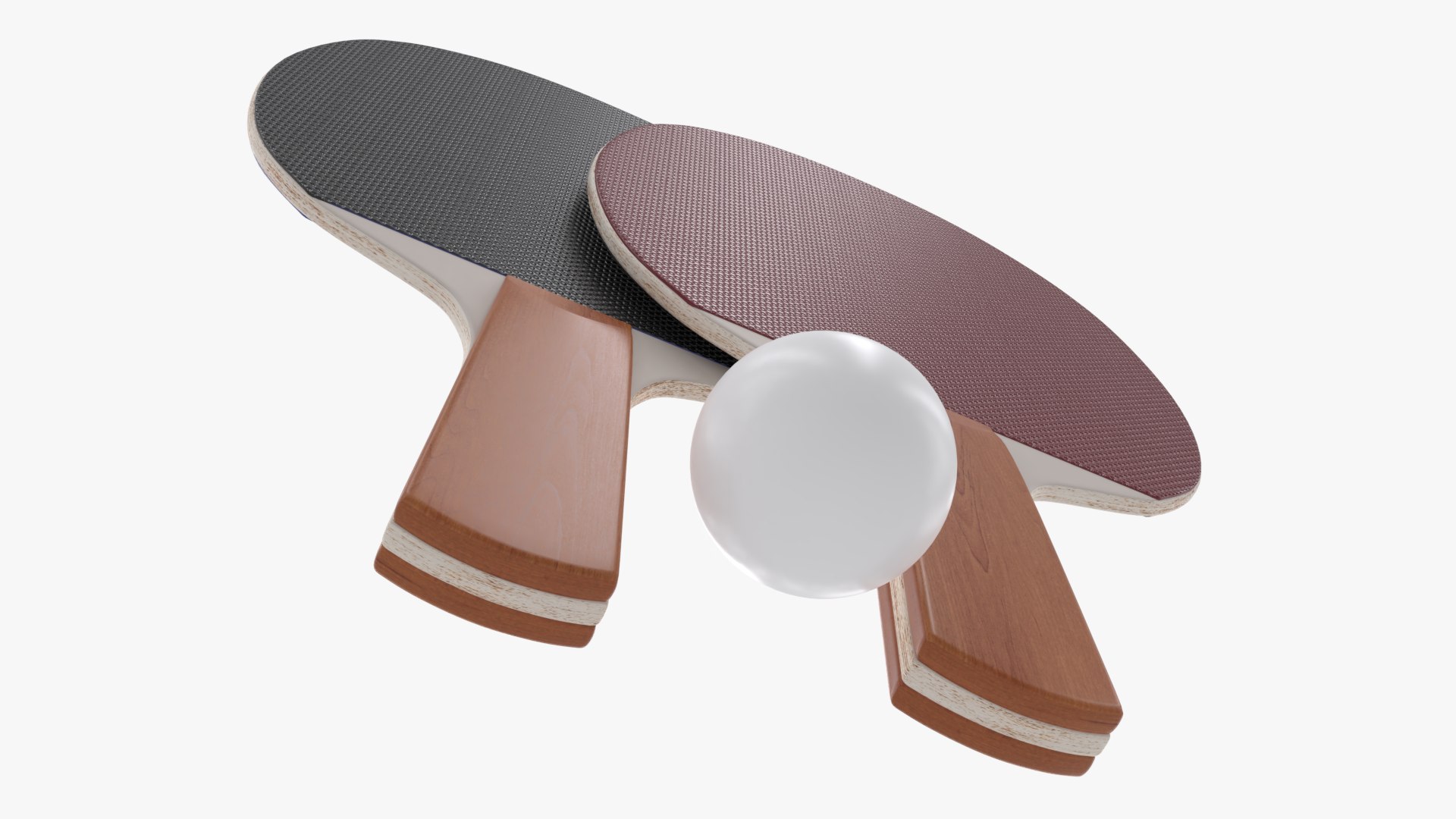
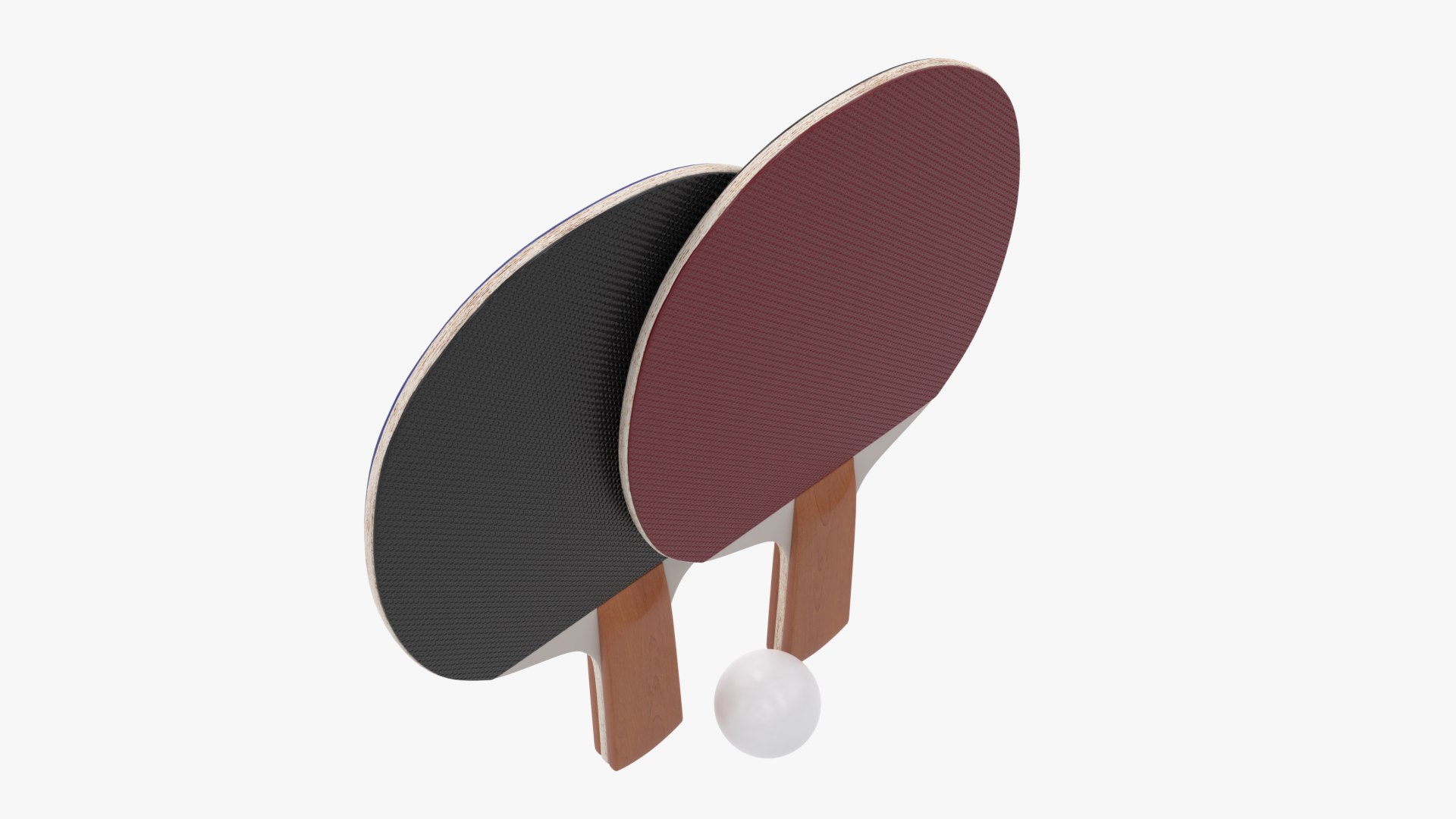
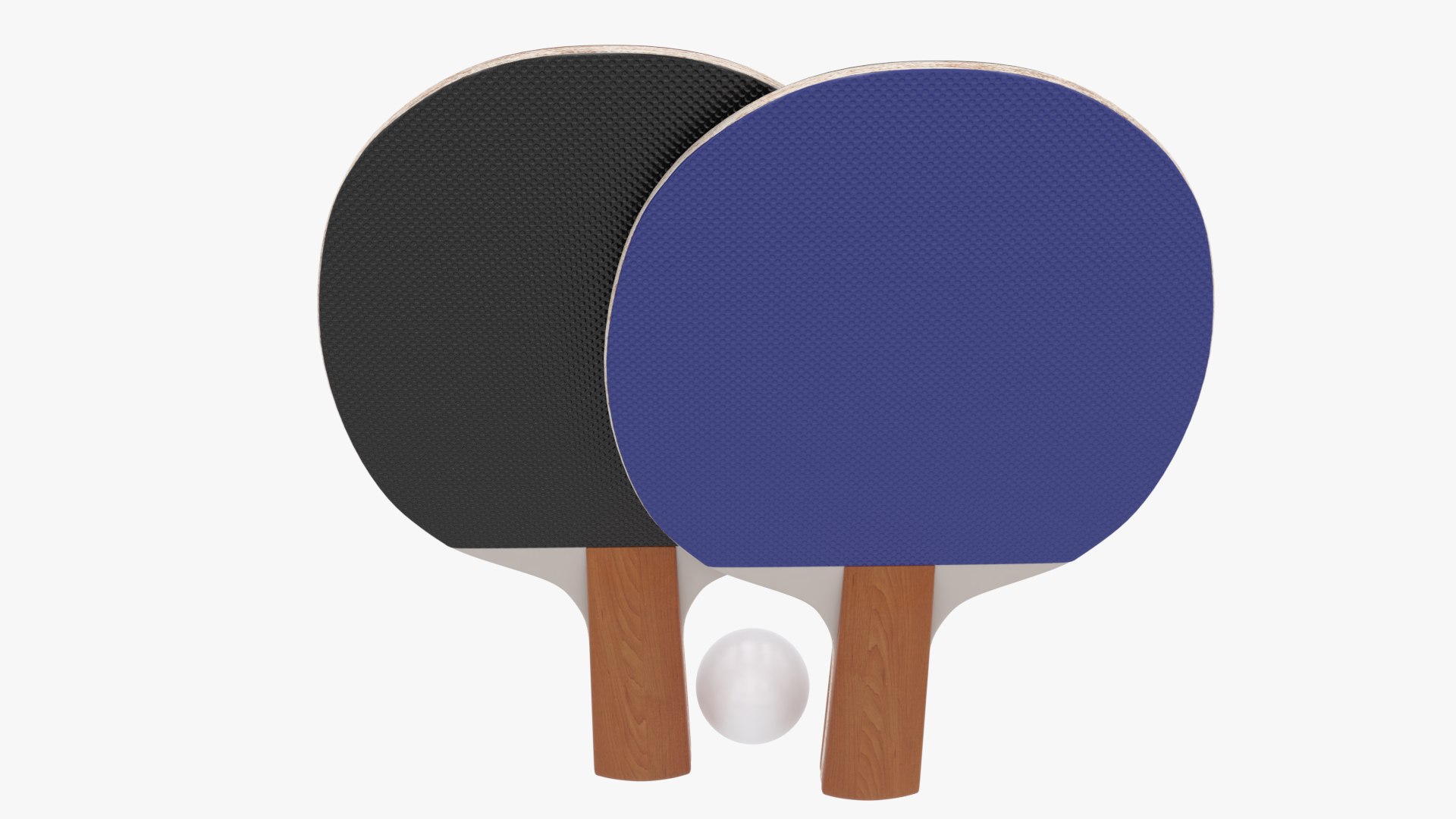
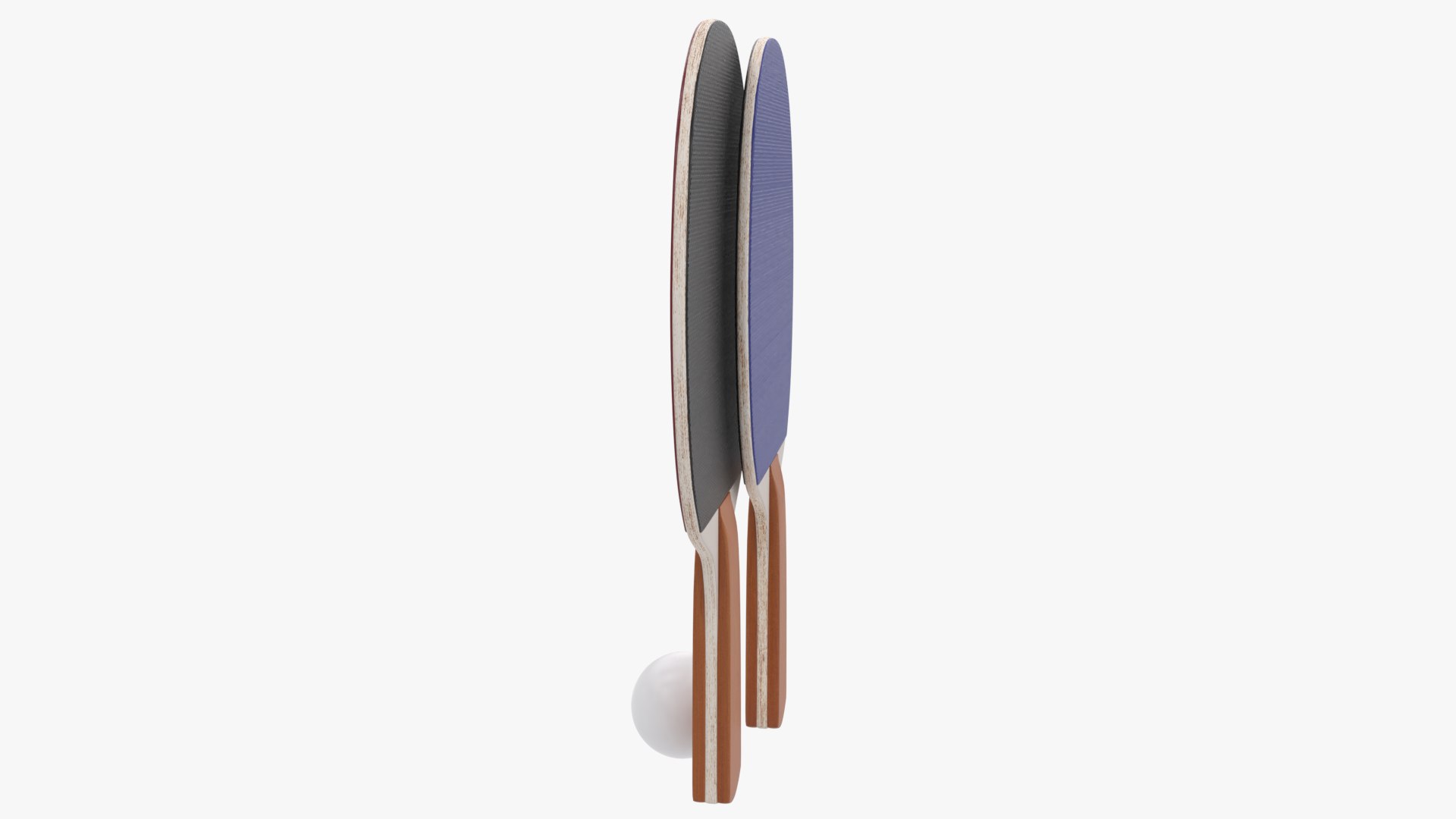
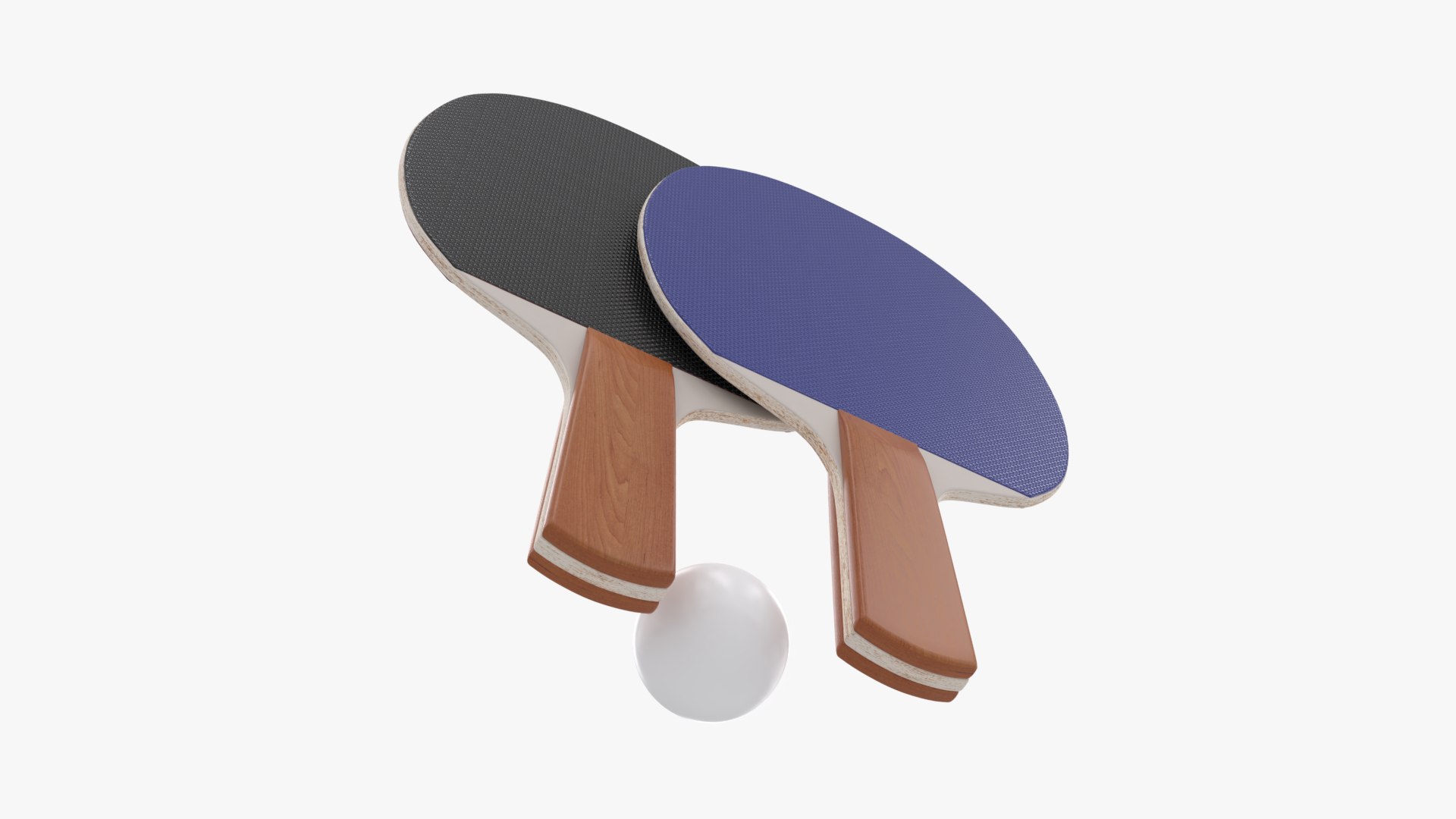
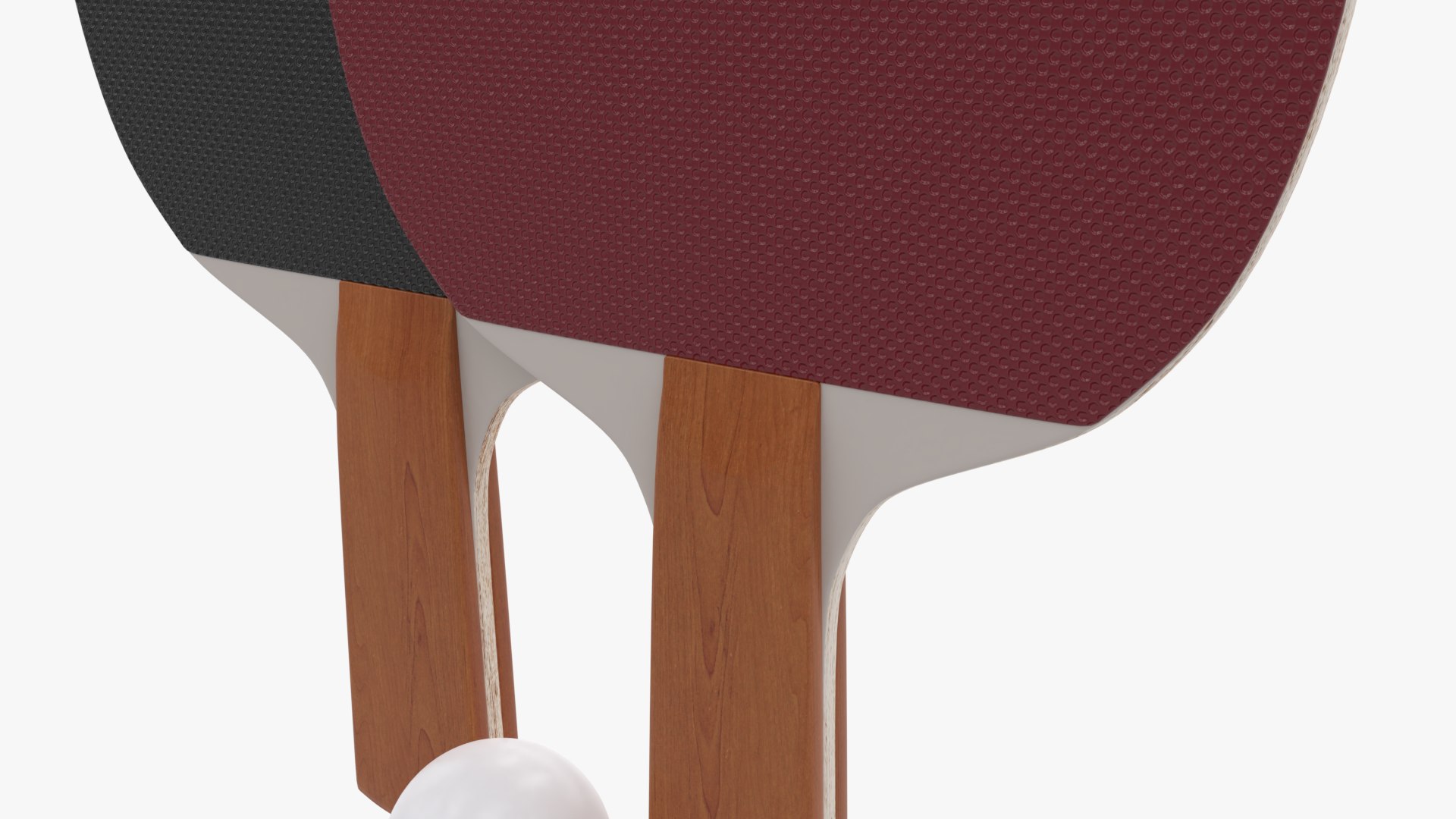
Ping Pong Paddles and Ball

$24

Standard License | Upgrade License
Formats (4)
Native | Blender 2.79b | Cycles Render
3D Studio
FBX
OBJ
Specifications
Publish Date November 23, 2020
Product ID 1654149
Polygons 1,720
Vertices 1,930
Polygonal Quads Only
Textures
Materials
UV Mapped
Non-overlapping Unwrapped UVs
PBR
TurboSquid Exclusive
member avatar
3dMindStudio
230 Products | Contributor Since 2020
Have questions? Chat with us now.

Description

This Ping Pong Paddles and Ball is realistic and high quality 3d model,suitable for close-up renders and will enhance details and realism to any 3D project .

// Features :

- Clean topology and only quads
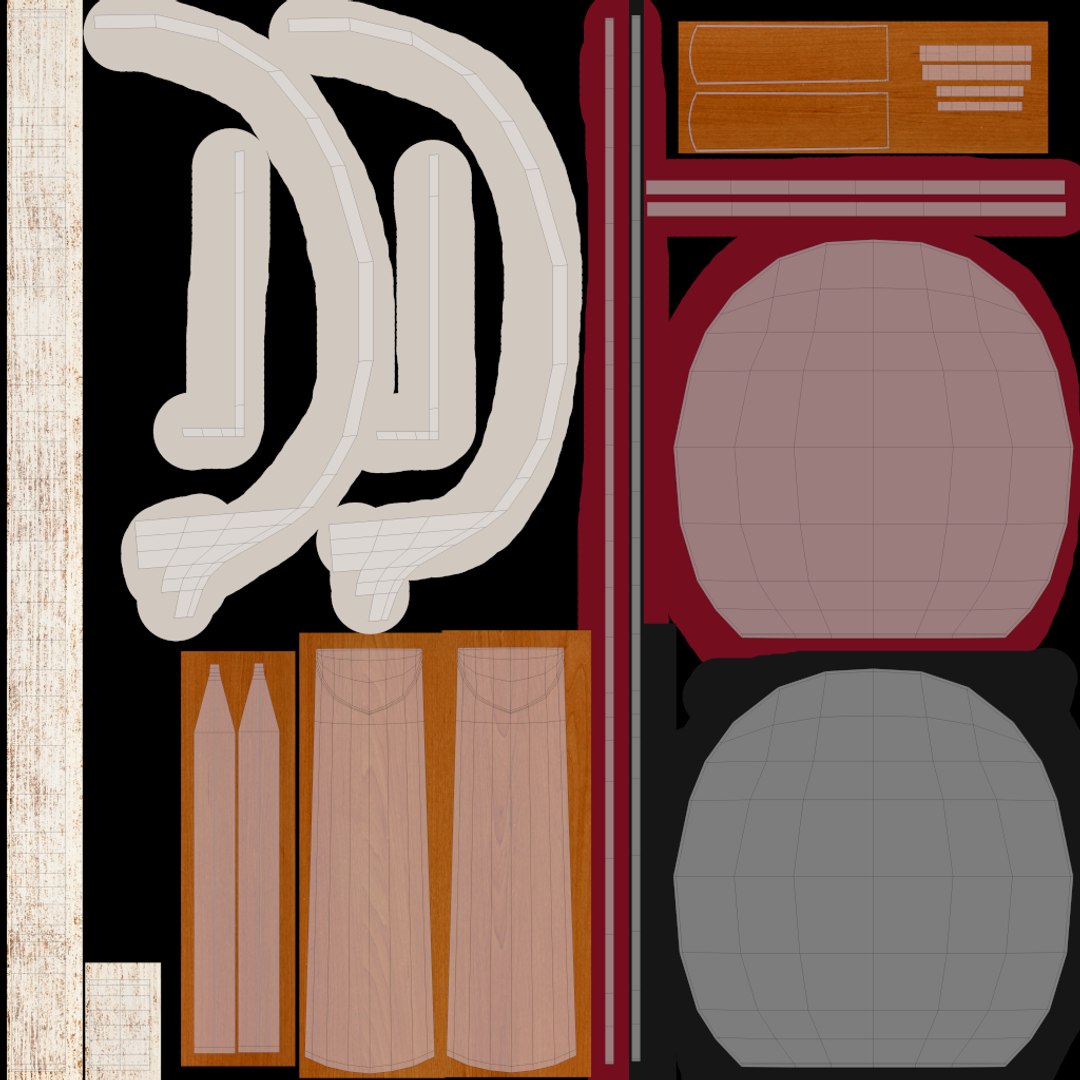
- Completely Uv Unwrapped
- Subdivision Modifier can be used to increase mesh resolution if necessary
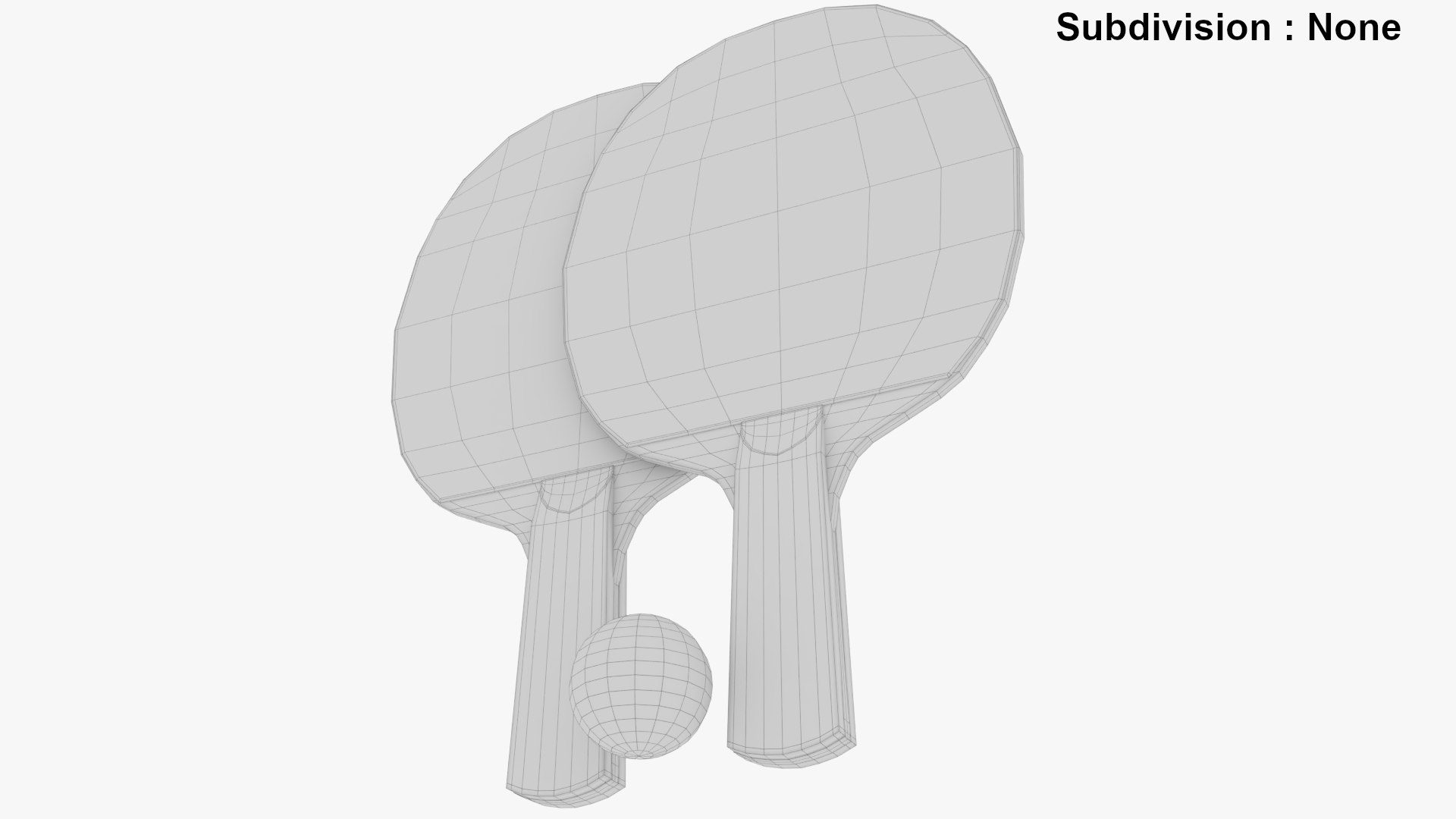
Subdivision Level : None
Polygons count : 1720
Vertices count : 1930
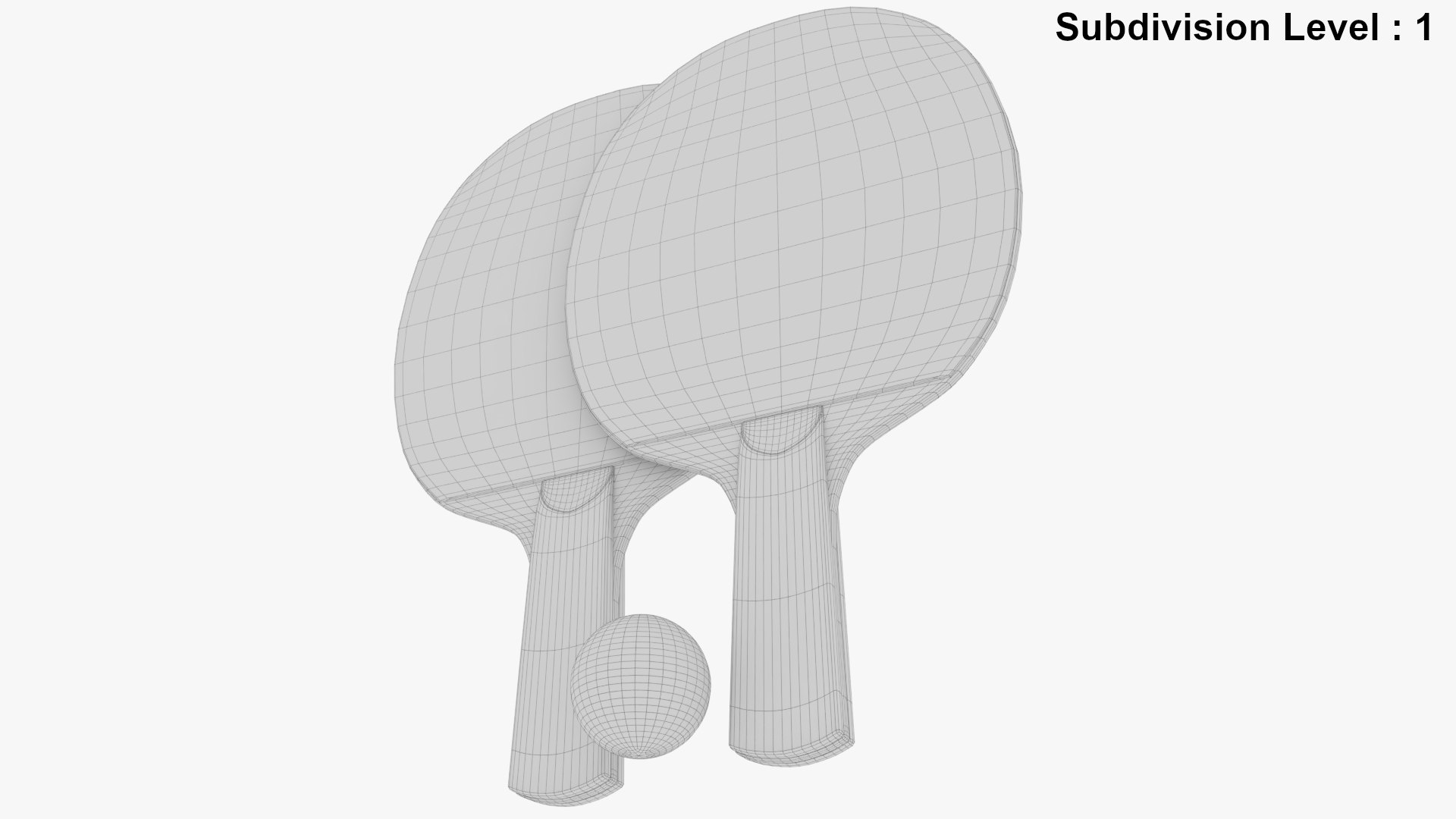
Subdivision Level : 1
Polygons count : 6880
Vertices count : 7294
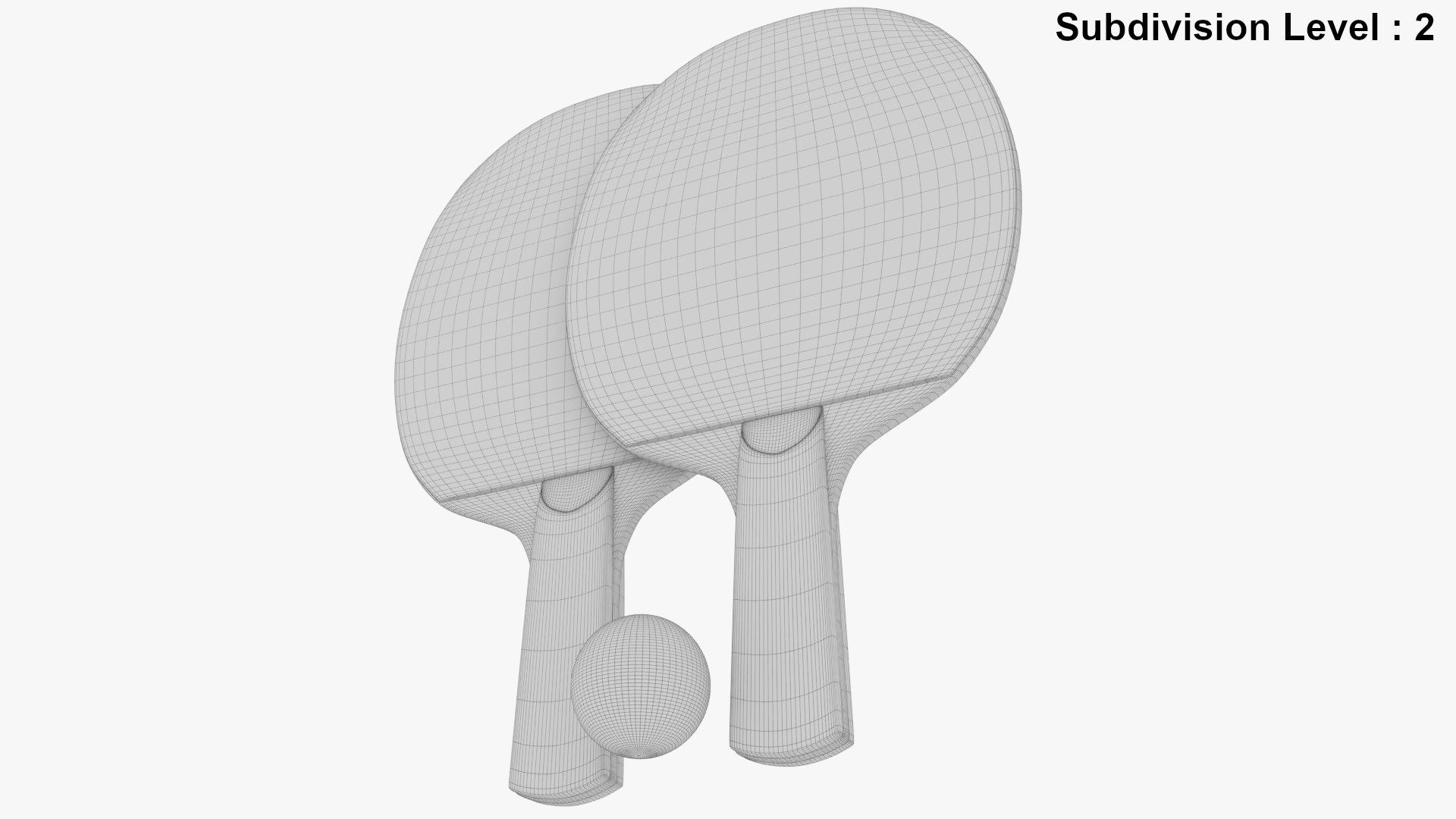
Subdivision Level : 2
Polygons count : 27520
Vertices count : 28342
- No Plugings needed
- Renders have no Post-Processing
- Real-world scale ,units : Cm and measurements for paddle : 15Cm X 1.3Cm X 26Cm
- Modeled in Blender ver 2.79b and rendered with cycles
Note : Turbosquid offer free conversion service, if you need a different file format
- Model is fully UV Textured with all materials applied

// Textures :

- Workflow PBR
- 8 .Png Textures
5 .PNG 4096X4096 for paddles ( 2 Basecolor,specular,Roughness and Normal )
3 .PNG 512X512 for ball ( BaseColor,specular and roughness )
- HDRI Texture included

Please RATE this product if you like it .

Select Enhanced License

  • $10,000 in Legal Protection (Indemnification)
  • Uncapped Legal Protection (Indemnification)
  • Waiver from injunctive relief
  • Assignable model rights
  • $1,000,000 in Legal Protection (Indemnification)
  • Waiver from injunctive relief
  • Assignable model rights
  • $250,000 in Legal Protection (Indemnification)
  • Assignable model rights
Read more about enhanced license tiers, or contact us at enterprise@turbosquid.com. Already a Shutterstock Enterprise Customer? Contact your Shutterstock Sales Support Agent to talk about adding 3D.

About Conversion Requests

To submit a conversion request for a purchased asset, please complete our Conversion Request Form.

If you have not yet purchased a model, please review our Documentation about Conversions to learn about what limitations you may encounter with a conversion.

For any additional questions about a model’s suitability for conversion, please contact TurboSquid Support.

Loading...