

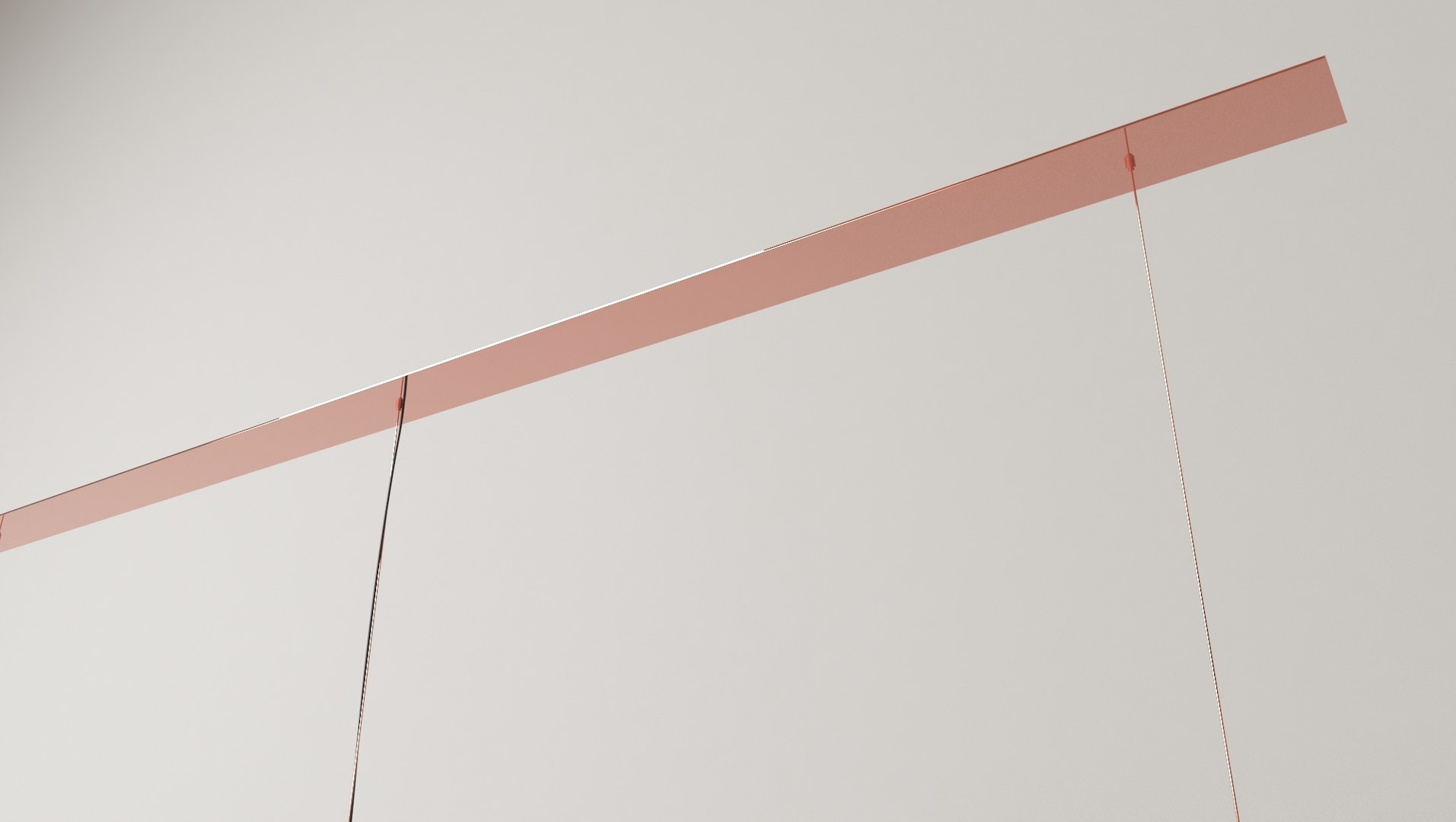

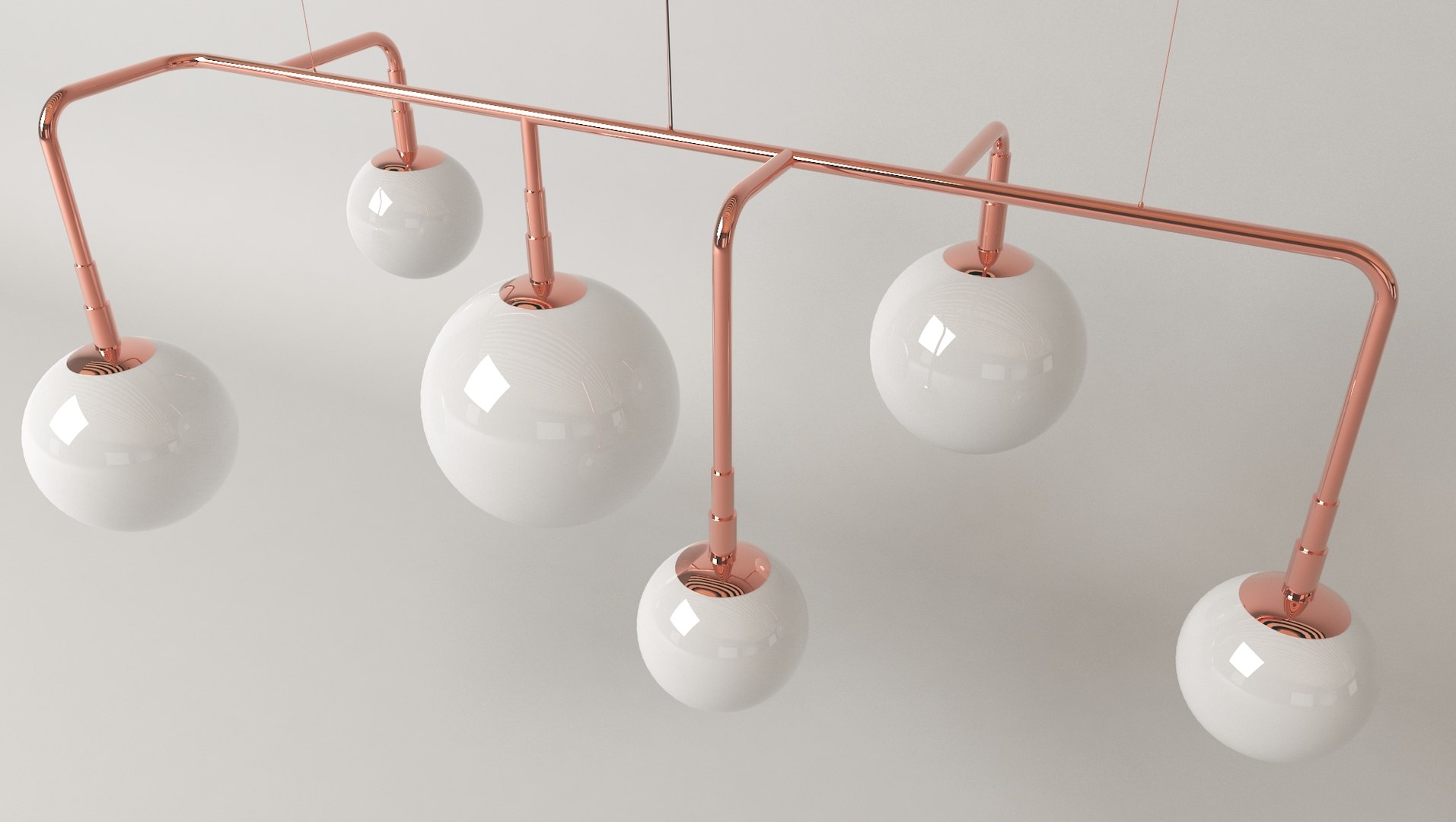

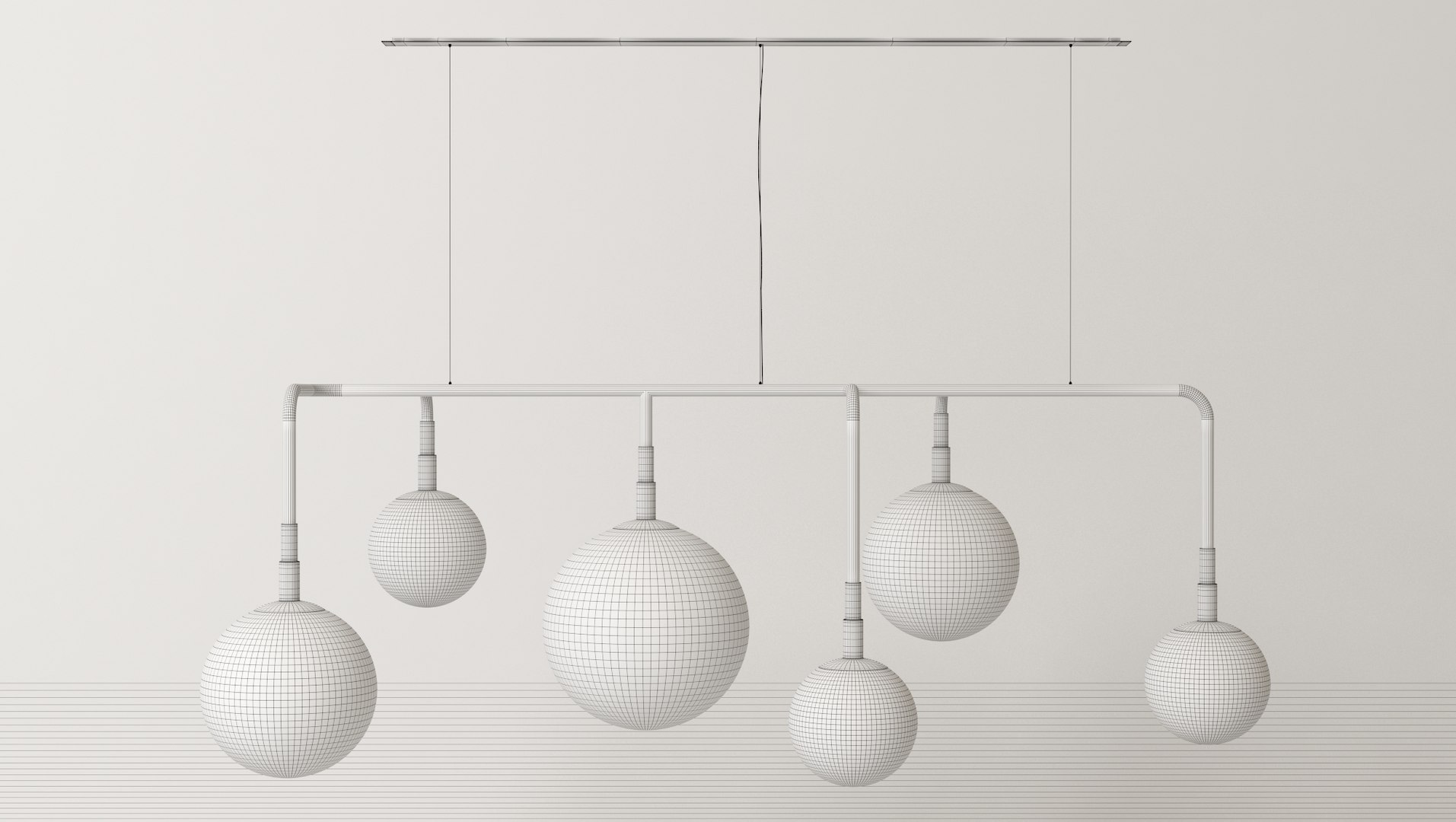
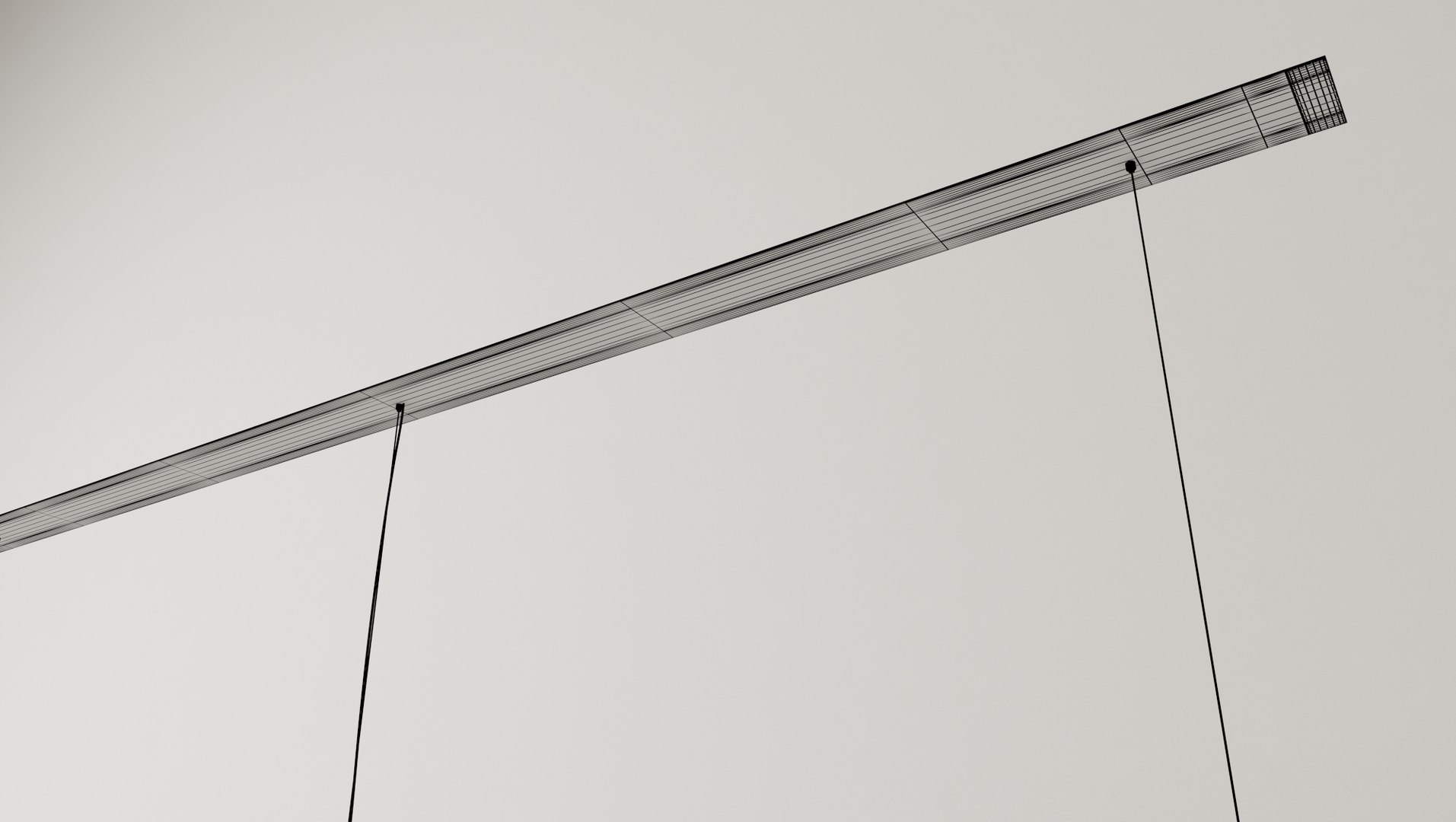

Pendant Lamp 6 White Spheres

$19

Standard License | Upgrade License
Formats (8)
Native | 3ds Max 2016 | V-Ray 3.60.03
3ds Max 2013 | V-Ray 3.60.03
3ds Max 2015 | V-Ray 3.60.03
3ds Max 2014 | V-Ray 3.60.03
STL
OBJ
FBX
3D Studio
Other Files
Pendant Lamp 6 White Spheres.mtl Comedor 360.rar
Specifications
Publish Date November 23, 2021
Product ID 1818604
Polygons 147,644
Vertices 84,929
Polygonal Quads/Tris Geometry
Materials
TurboSquid Exclusive
member avatar
EstudioVoxxo
24 Products | Contributor Since 2020
Have questions? Chat with us now.

Description

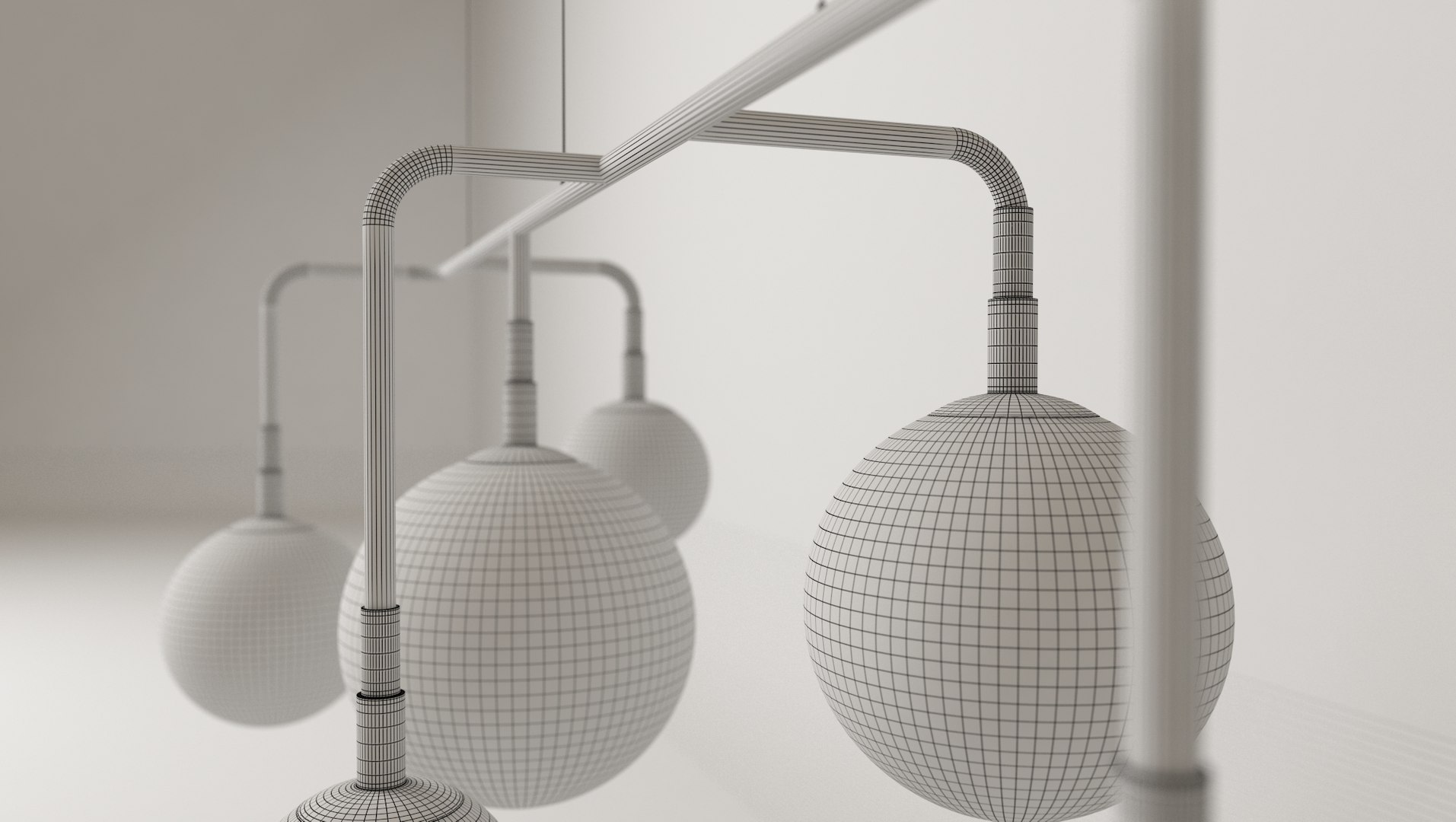
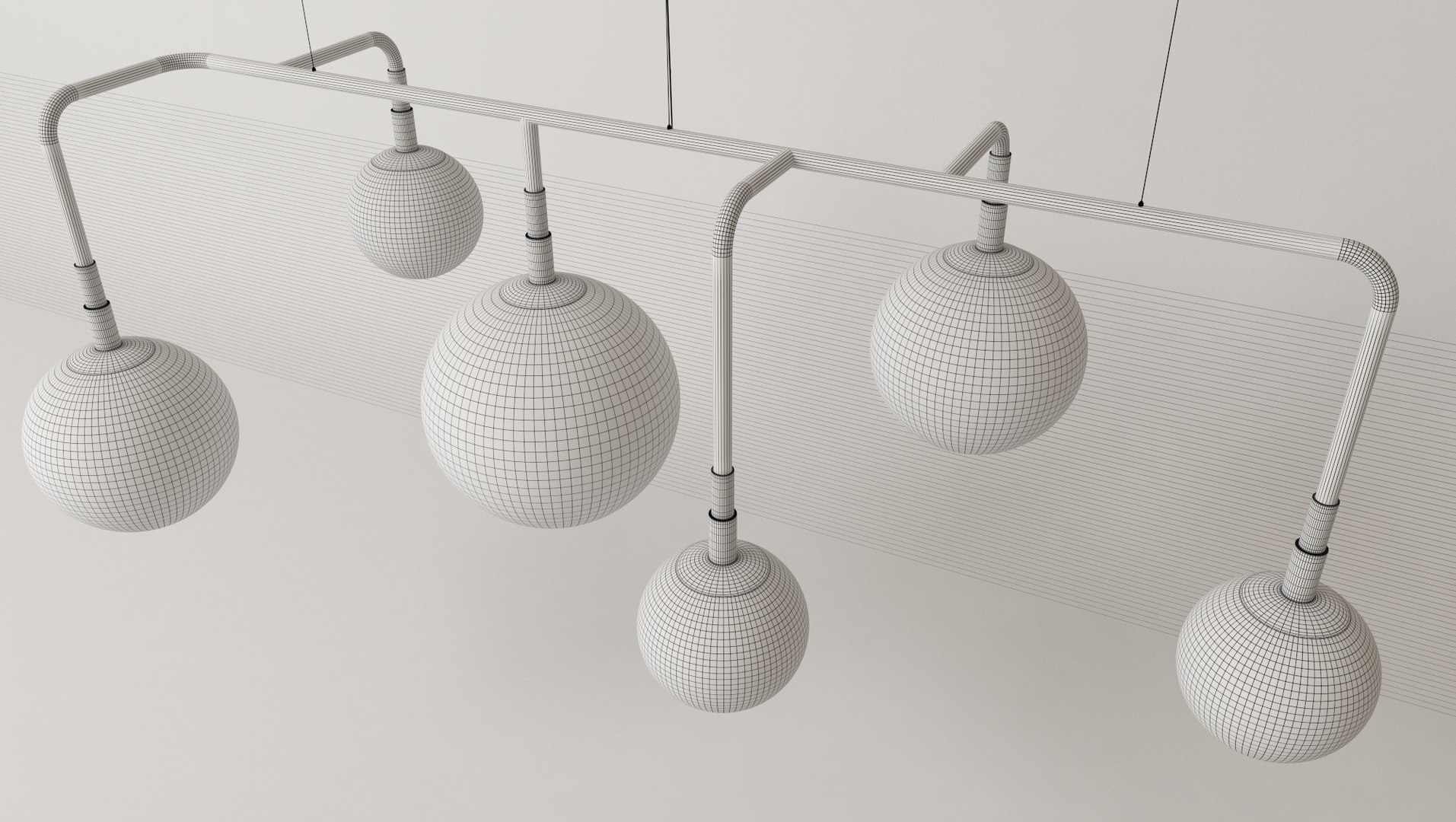
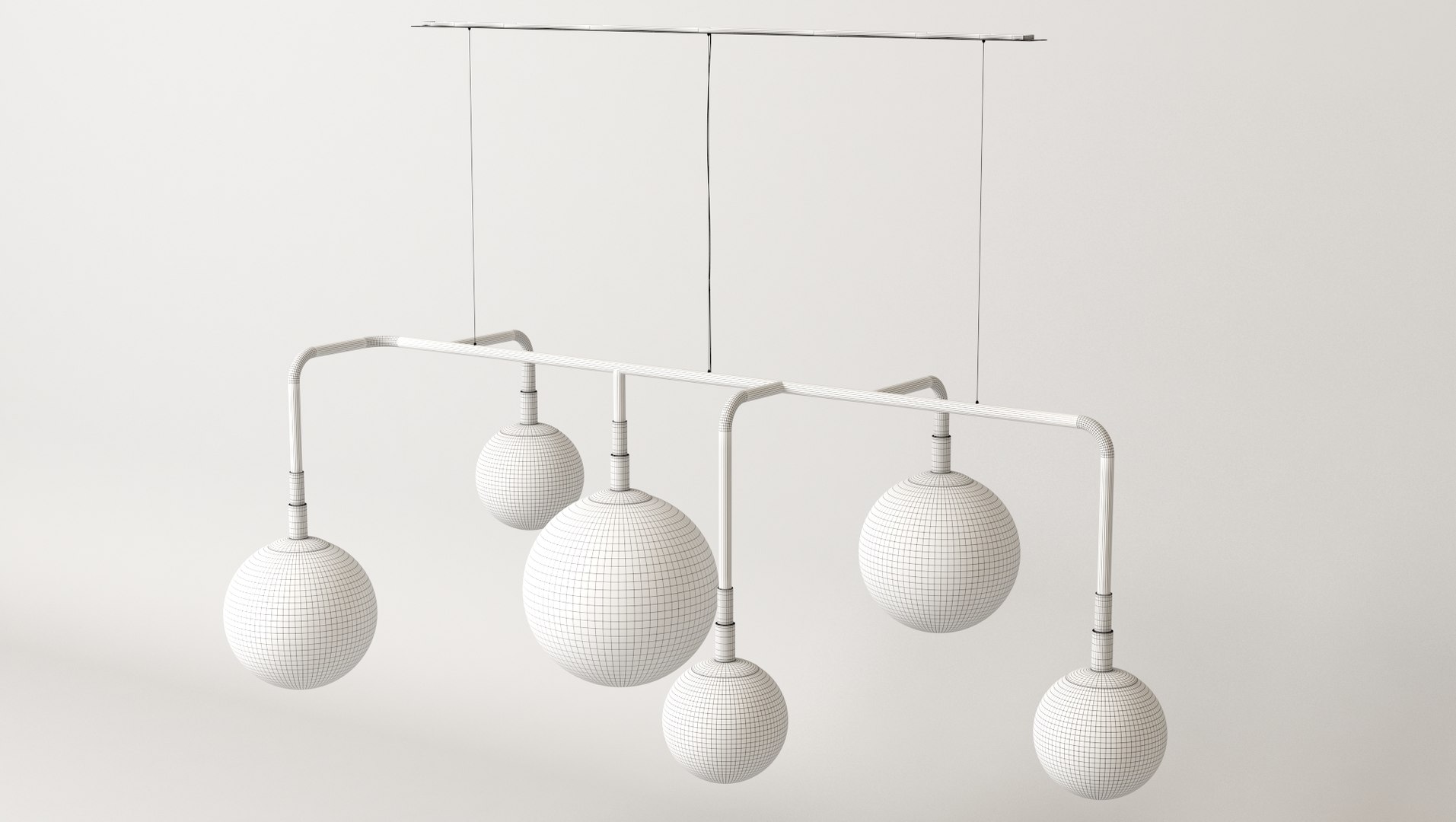
Pendant Lamp 6 White Spheres


-Ideal for interior renderings, correctly scaled
-Fully textured, ready to use
-High detailed model for close up shots
-Models are using 3/2 TURBOSMOOTH itinerations, they can be easily lowered for far shots
-Every repeated model is an instance, so changing itinerations is not hard
-Physical correct Vray materials
-Rendered images have no post-production (Depth of field viewed in previews, produced by cameras in model)
-Complete scene to render as displayed in previews, including infinite back plane, lights and cameras.
-HDRI INCLUDED linked to Enviroment (6000x3000px)
-.mtl INCLUDED
-Units: meters


Polys: 147644
Verts: 84929

File Formats:
1) 3ds Max 2016 V-Ray (native)
2) 3ds Max 2015 V-Ray
3) 3ds Max 2014 V-Ray
4) 3ds Max 2013 V-Ray
5) OBJ
6) FBX
7) STL
8) 3DS


*Model is all grouped so as to be opened or ungrouped and modified easily if needed.
*Everymodel is correctly named and labelled

Select Enhanced License

  • $10,000 in Legal Protection (Indemnification)
  • Uncapped Legal Protection (Indemnification)
  • Waiver from injunctive relief
  • Assignable model rights
  • $1,000,000 in Legal Protection (Indemnification)
  • Waiver from injunctive relief
  • Assignable model rights
  • $250,000 in Legal Protection (Indemnification)
  • Assignable model rights
Read more about enhanced license tiers, or contact us at enterprise@turbosquid.com. Already a Shutterstock Enterprise Customer? Contact your Shutterstock Sales Support Agent to talk about adding 3D.

About Conversion Requests

To submit a conversion request for a purchased asset, please complete our Conversion Request Form.

If you have not yet purchased a model, please review our Documentation about Conversions to learn about what limitations you may encounter with a conversion.

For any additional questions about a model’s suitability for conversion, please contact TurboSquid Support.

Loading...