
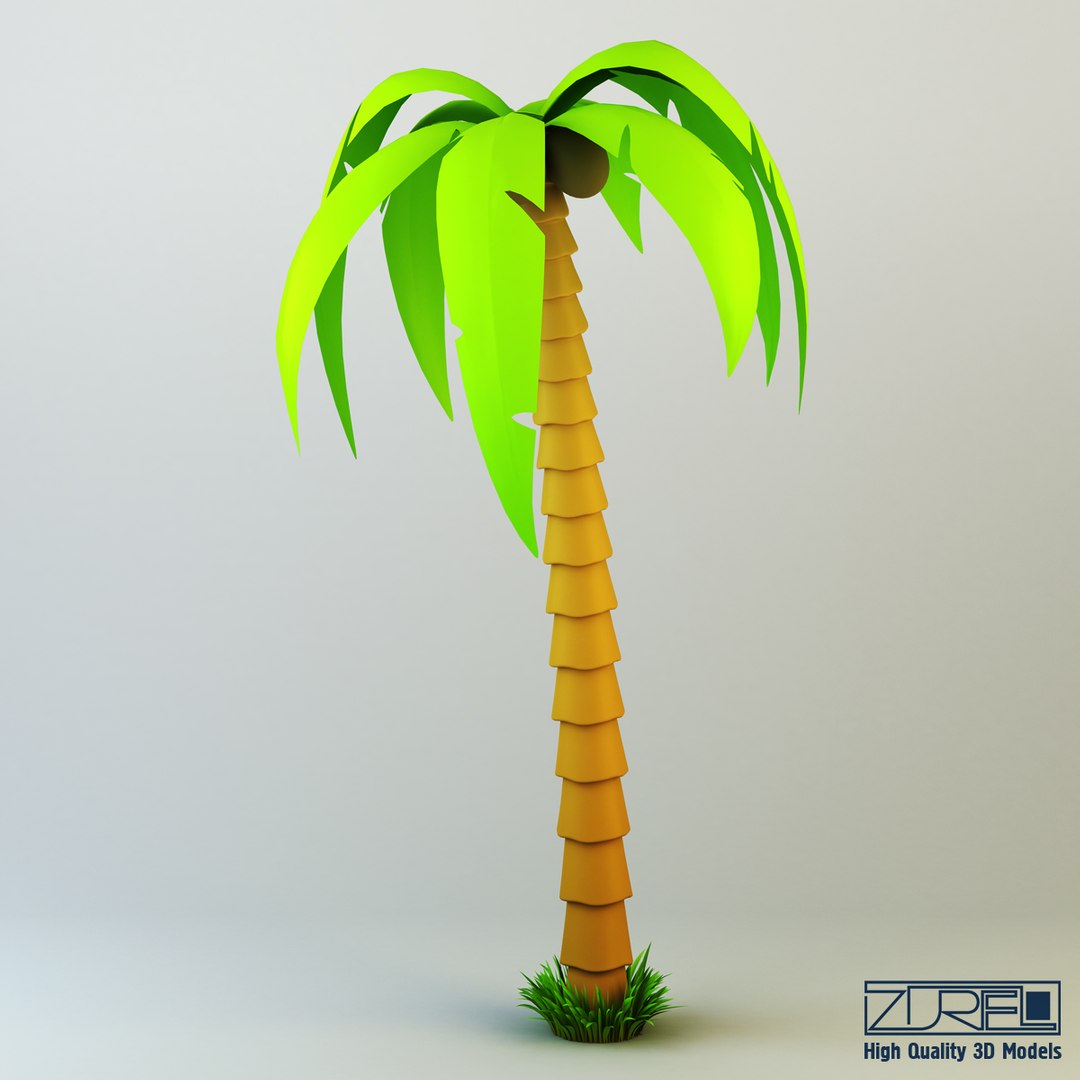
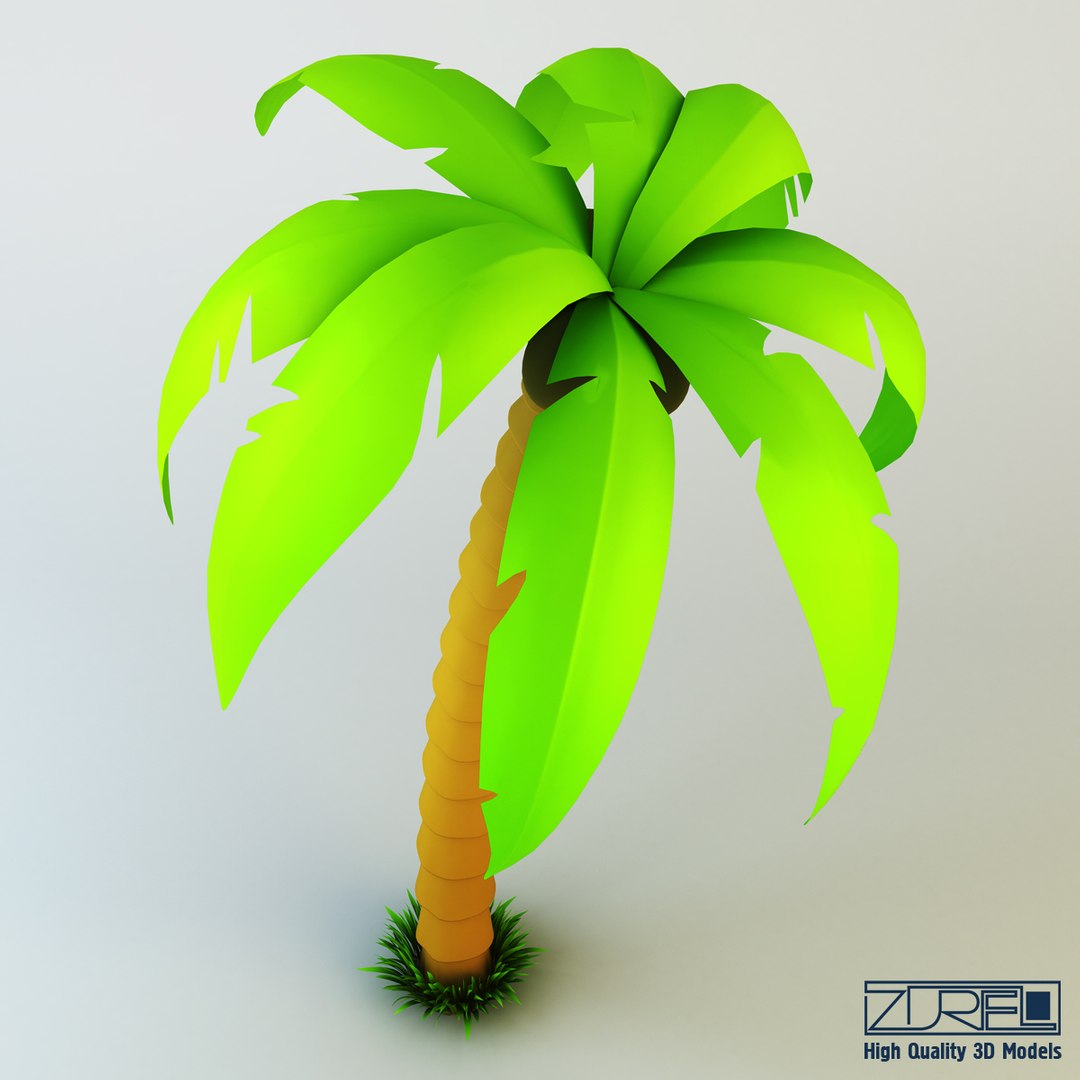
Palm tree

$10

Standard License | Upgrade License
Formats (3)
Native | 3ds Max 2010 | V-Ray 2.20.02
FBX
OBJ
Specifications
Publish Date December 21, 2013
Product ID 788952
Polygons 19,187
Vertices 22,073
Polygonal Quads/Tris Geometry
Materials
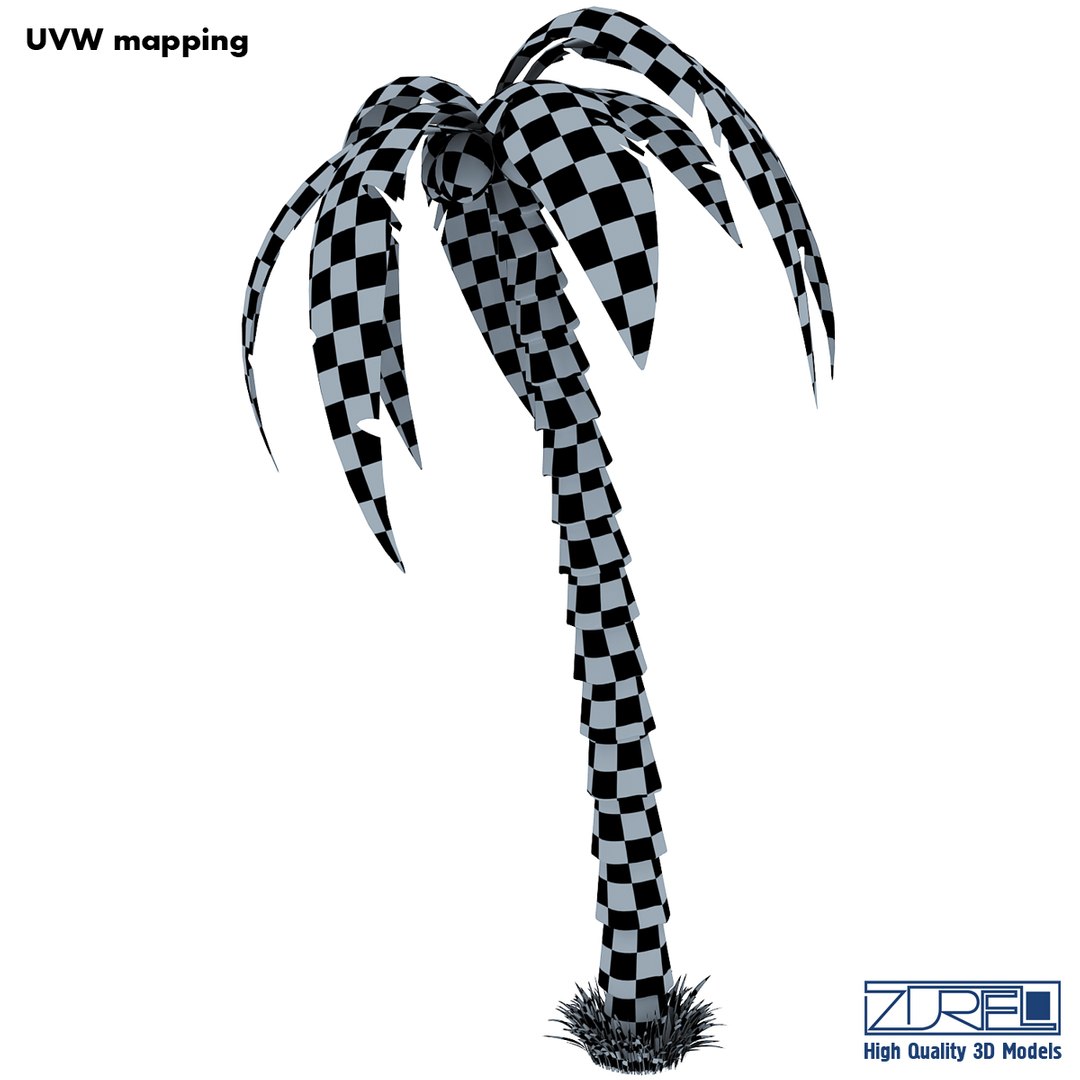
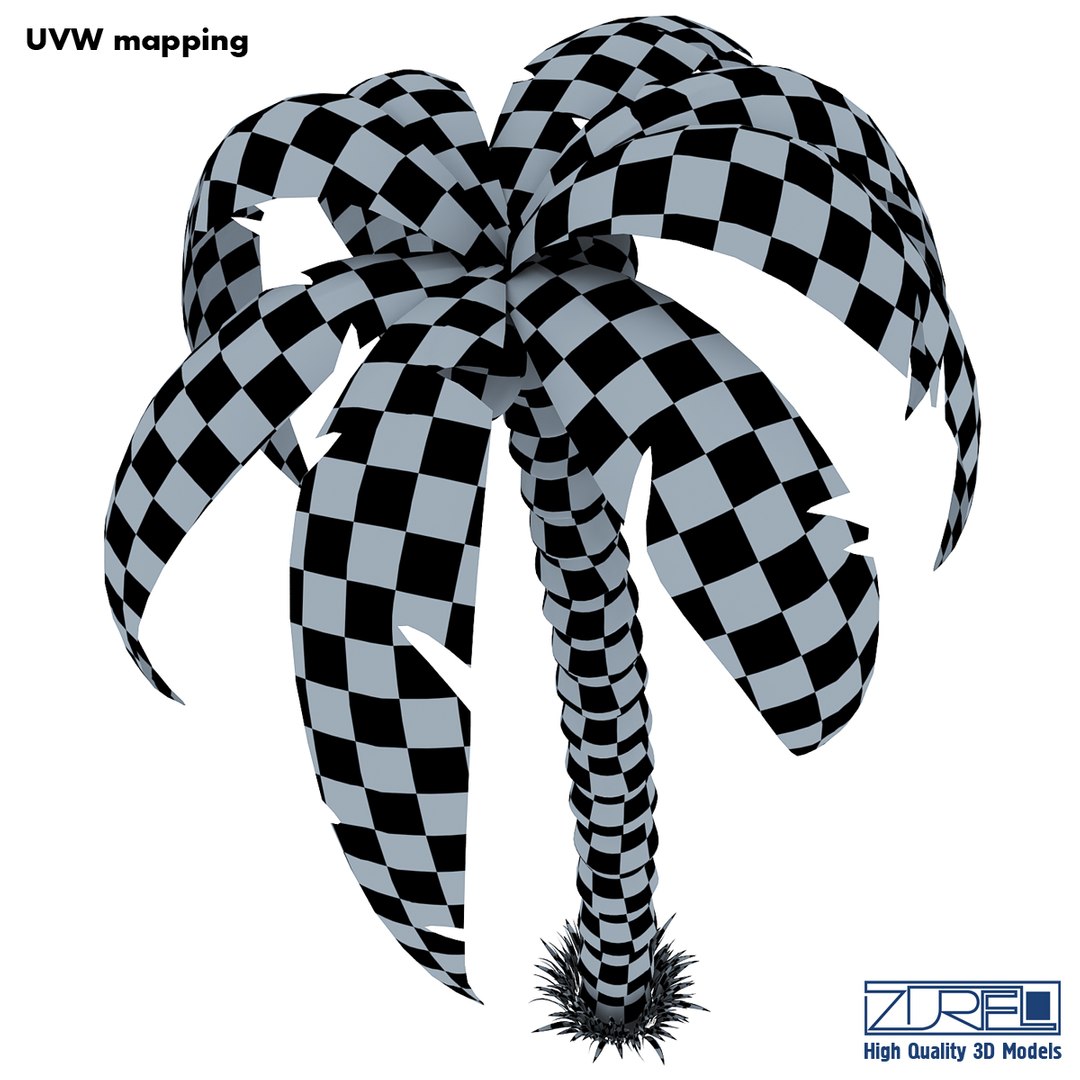
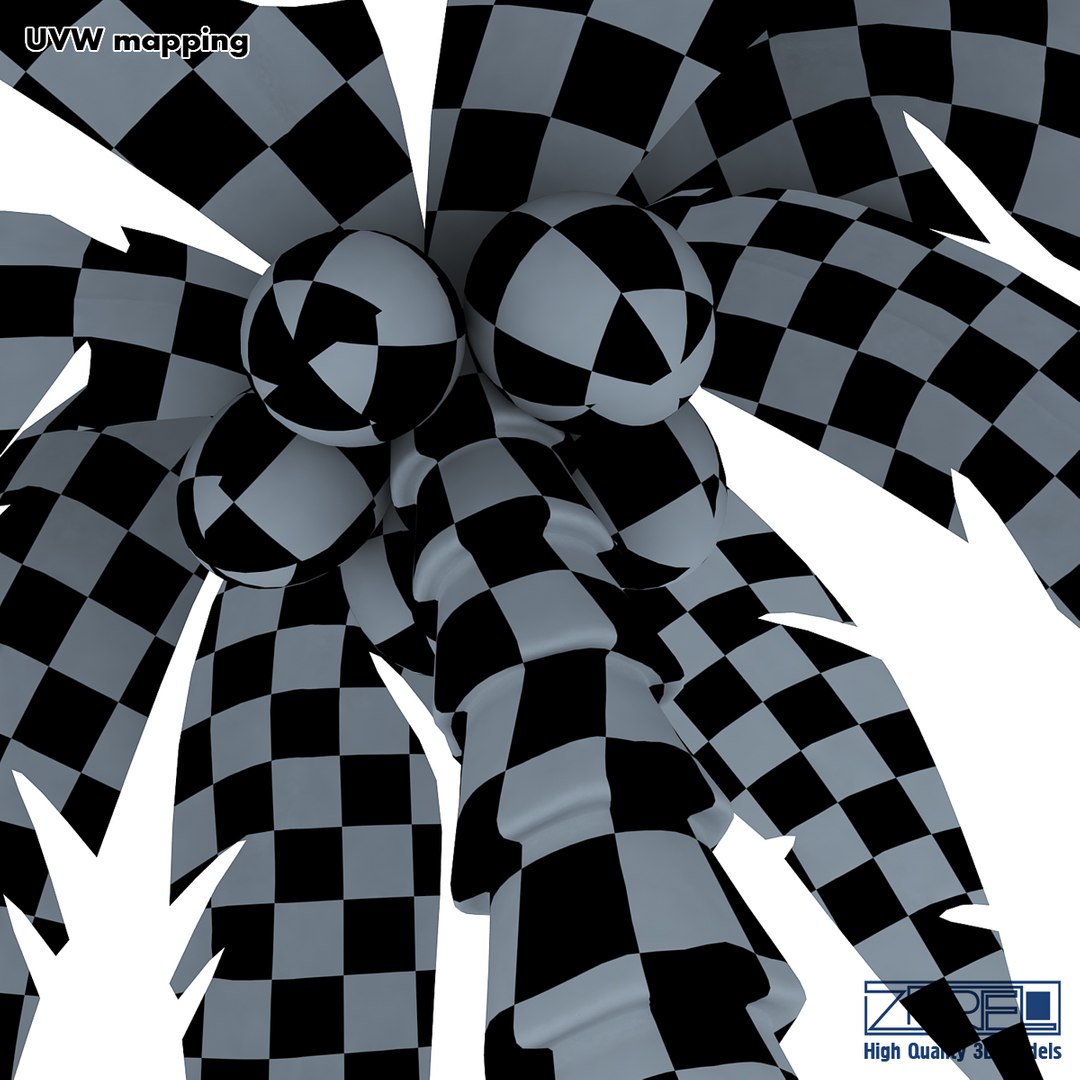
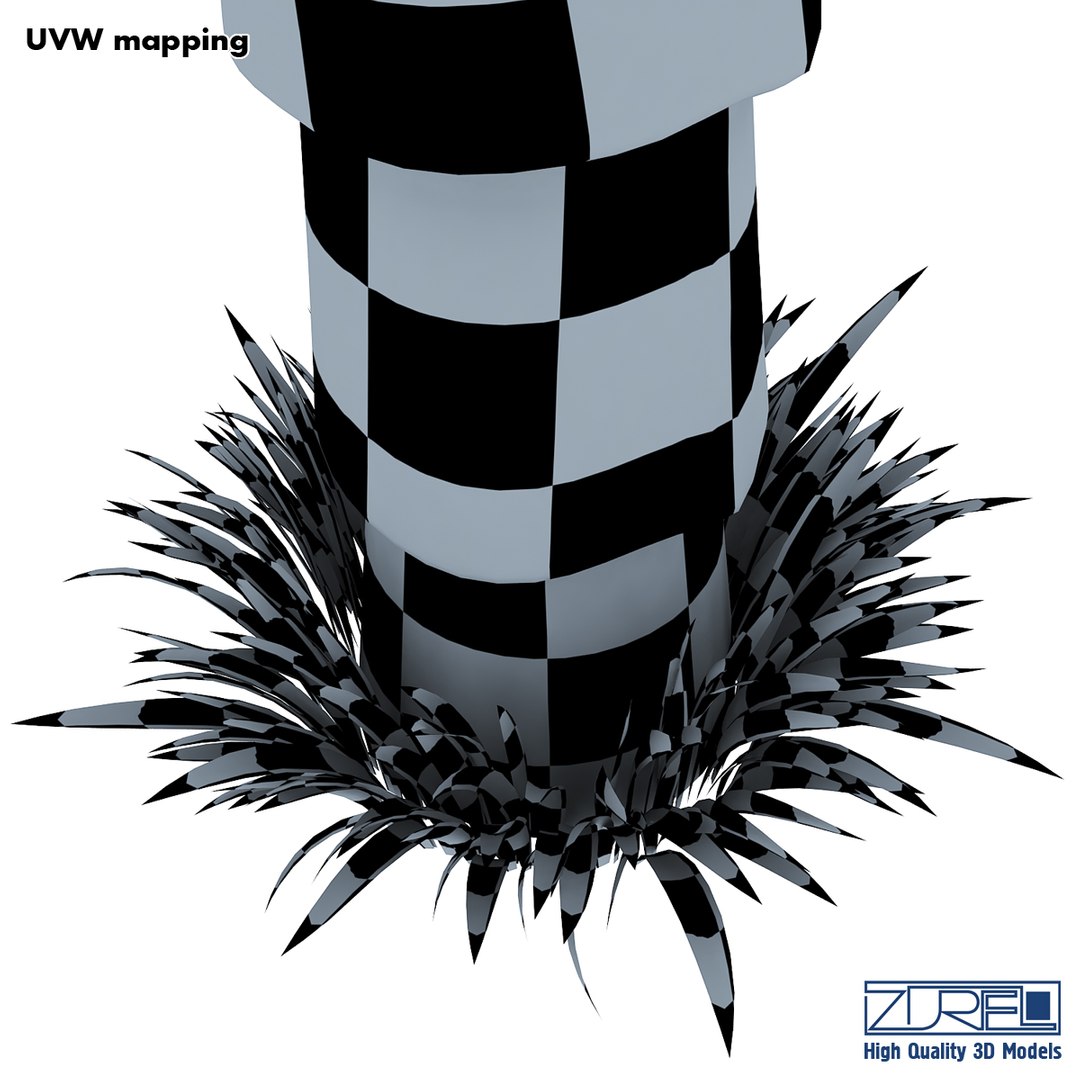
UV Mapped
Overlapping Unwrapped UVs

member avatar
ZUREL
1463 Products | Contributor Since 2013
Have questions? Chat with us now.

Description

High quality model "Palm tree" specially for your projects.
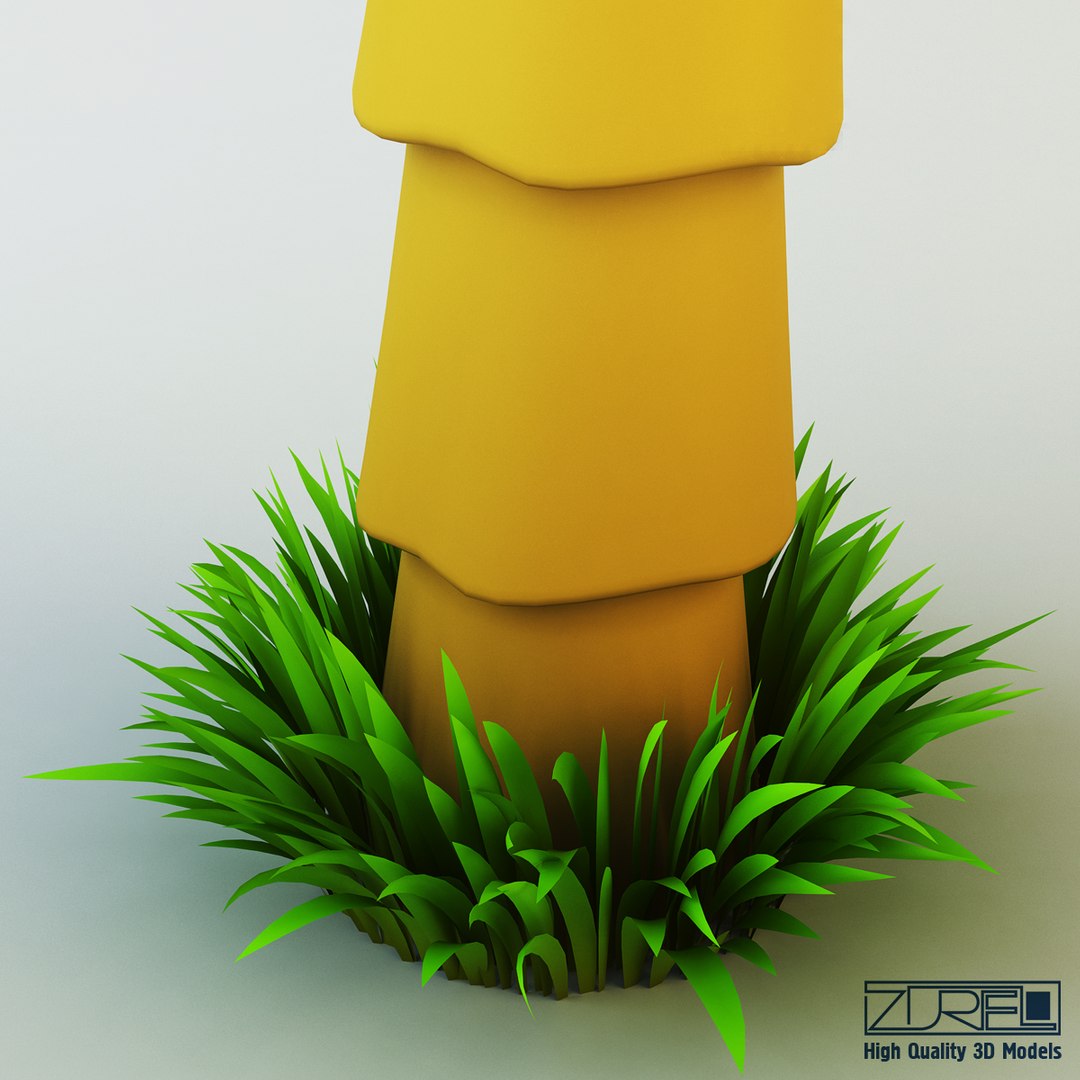
Quality and accurate modeling, allows you to use model in any projects. Elaborated all small details, accurate UVW mapping and high-resolution textures make the model more realistic, allowing you to use a model in high-resolution renderers (close-up), as well as for creating videos, or video advertising or use in the film industry.
The model is created in Autodesk 3ds Max 2010, rendered with Vray 2.20.02, textures and materials are included.
Do not forget to rate the model, for us it is very important :)

3D model available in these formats: 3ds Max 2010 (.max), Autodesk FBX 2006 (.fbx), OBJ (.obj)

Scene Statistic below:

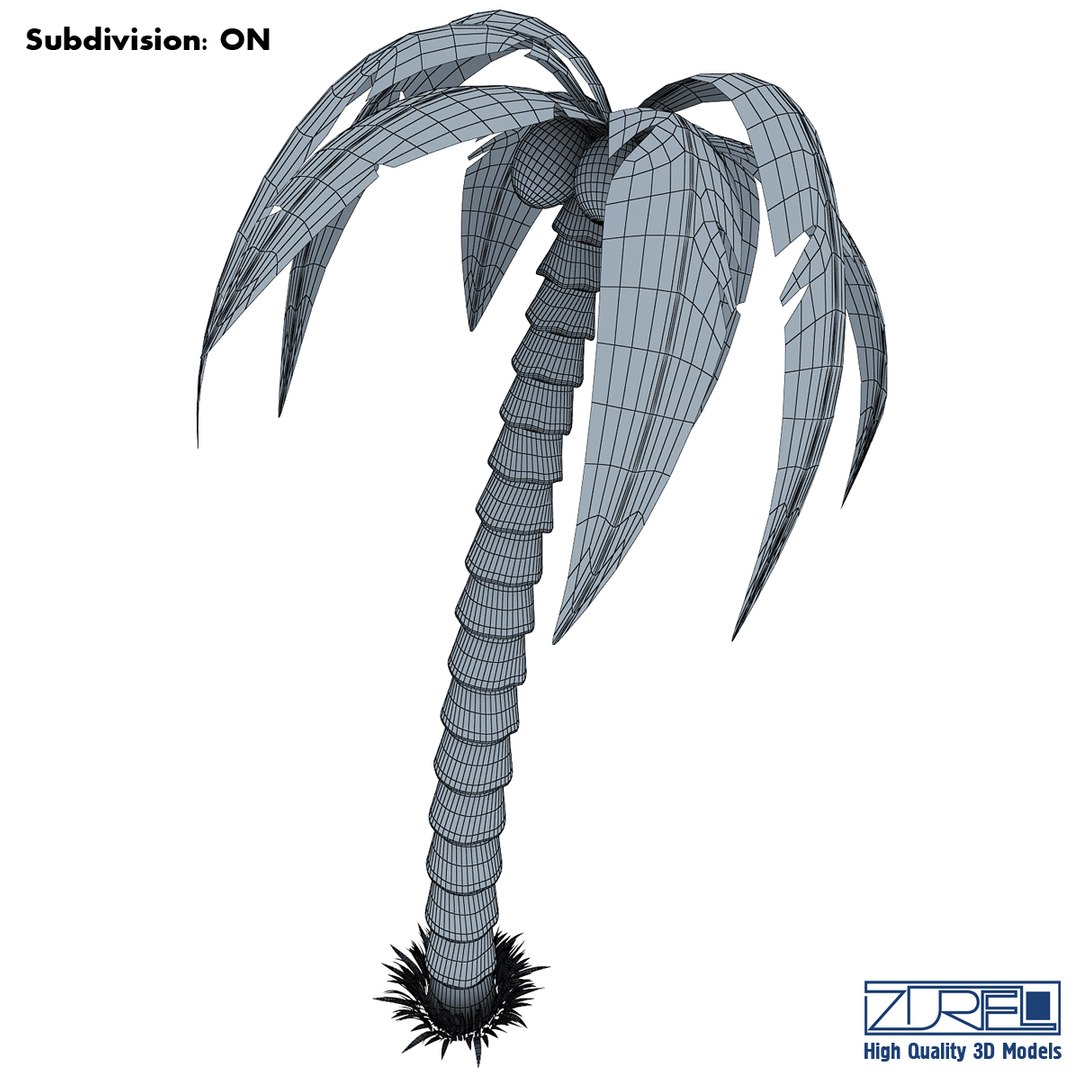
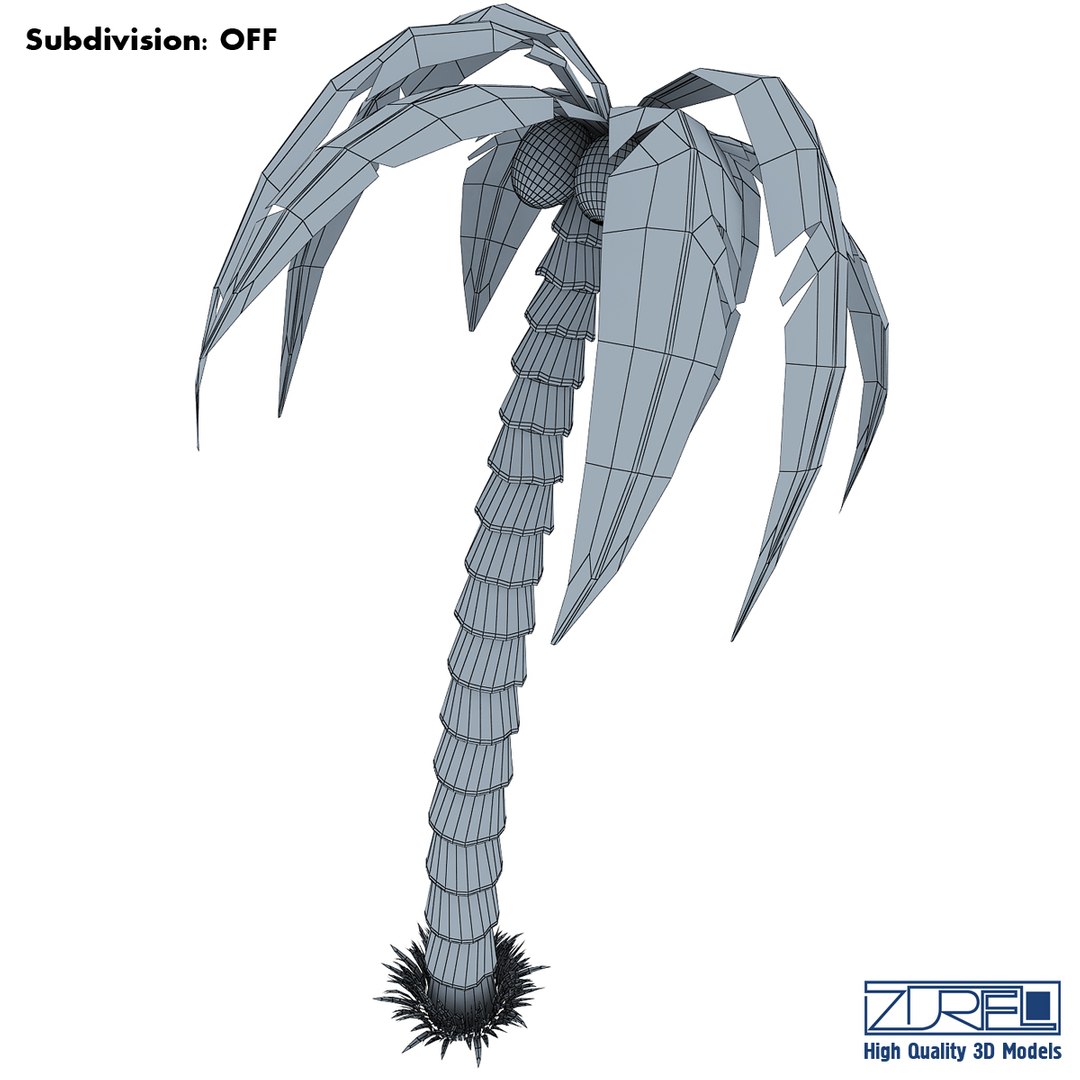
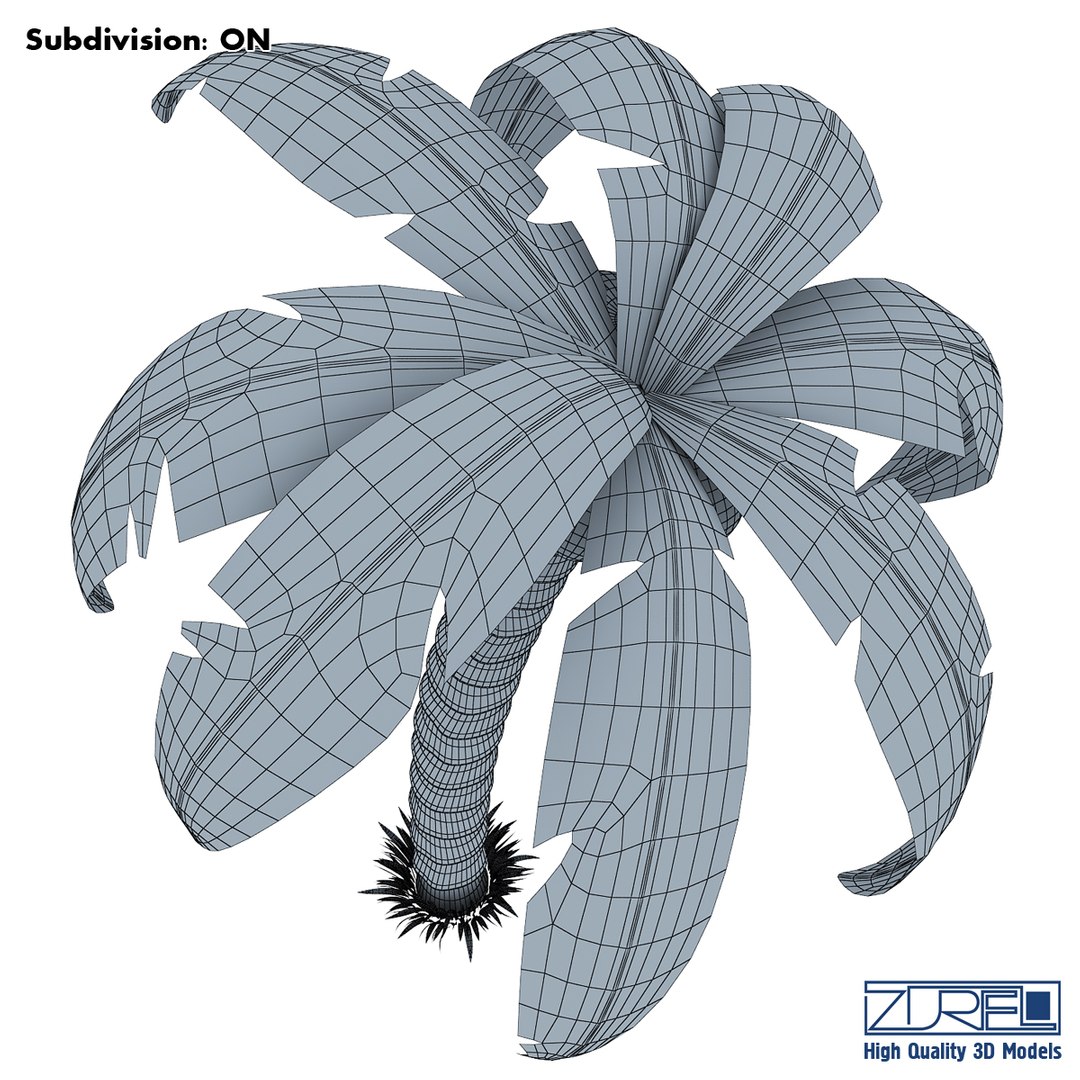
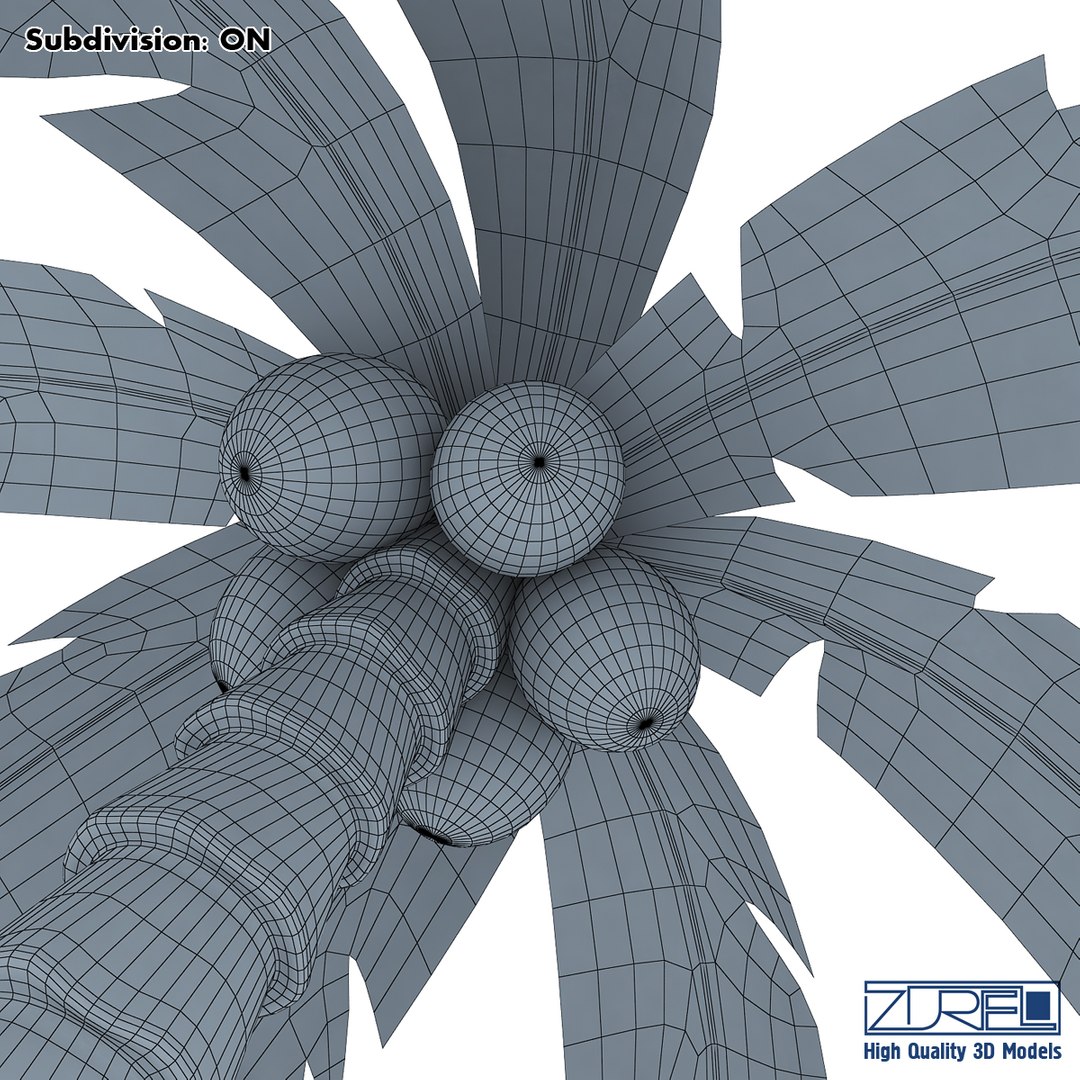
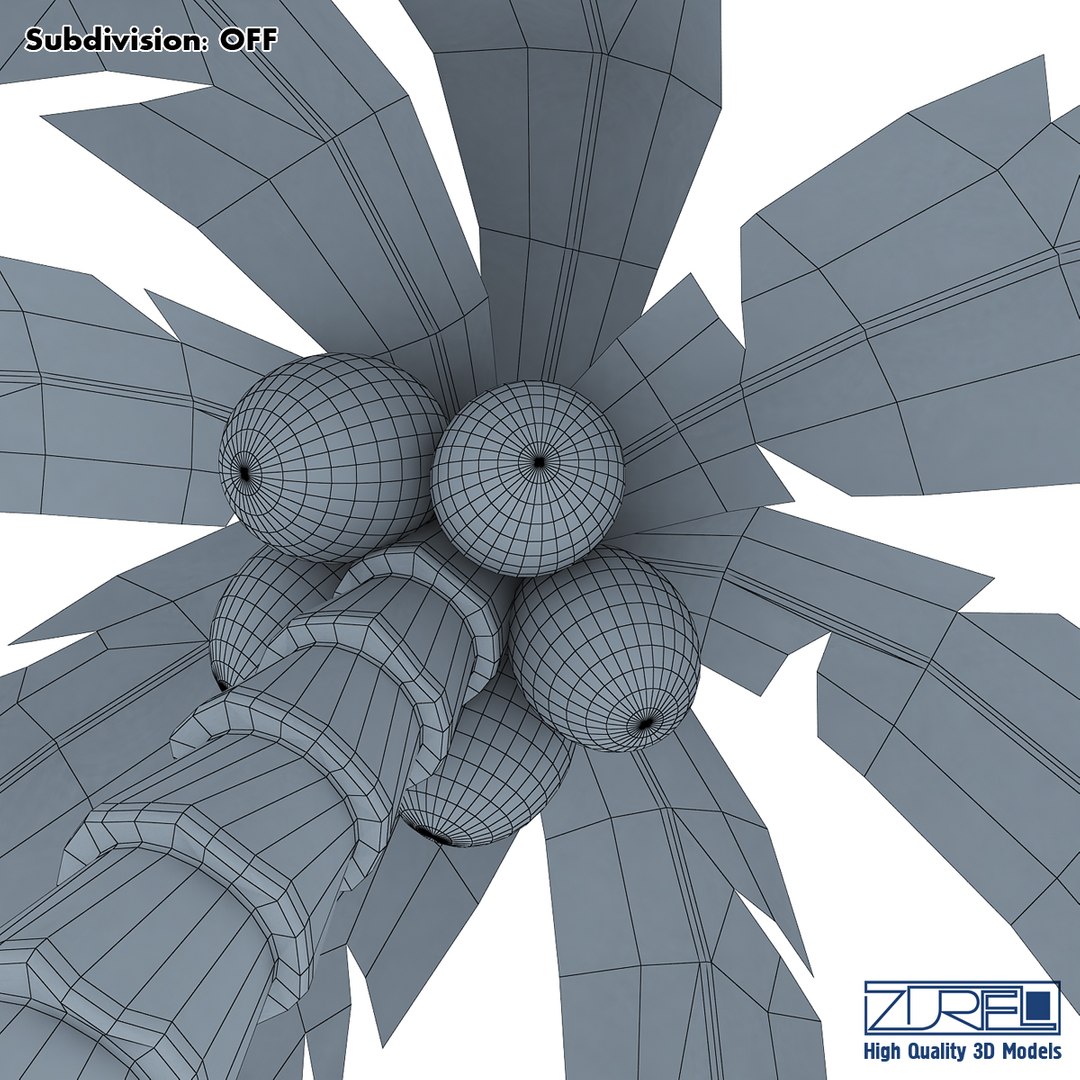
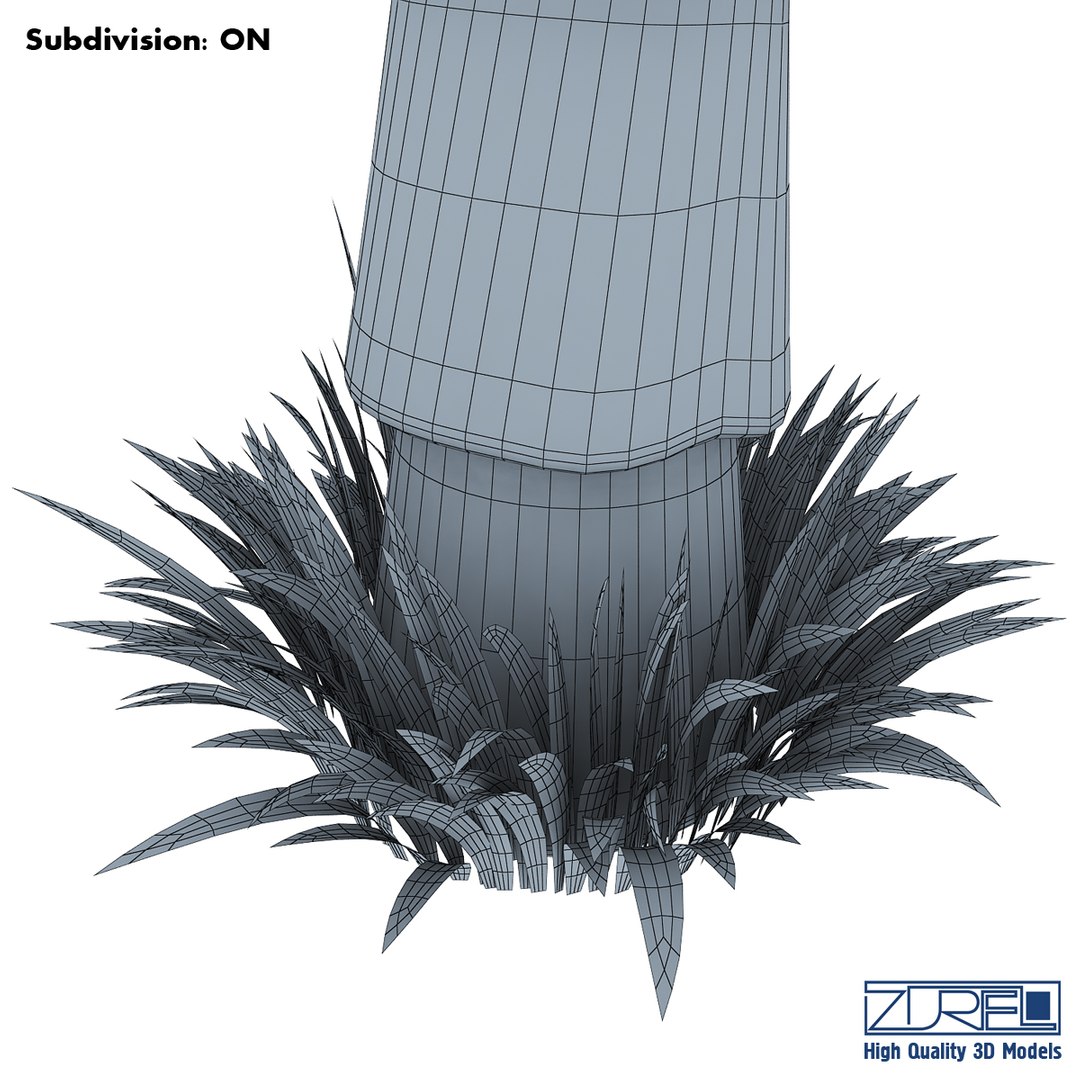
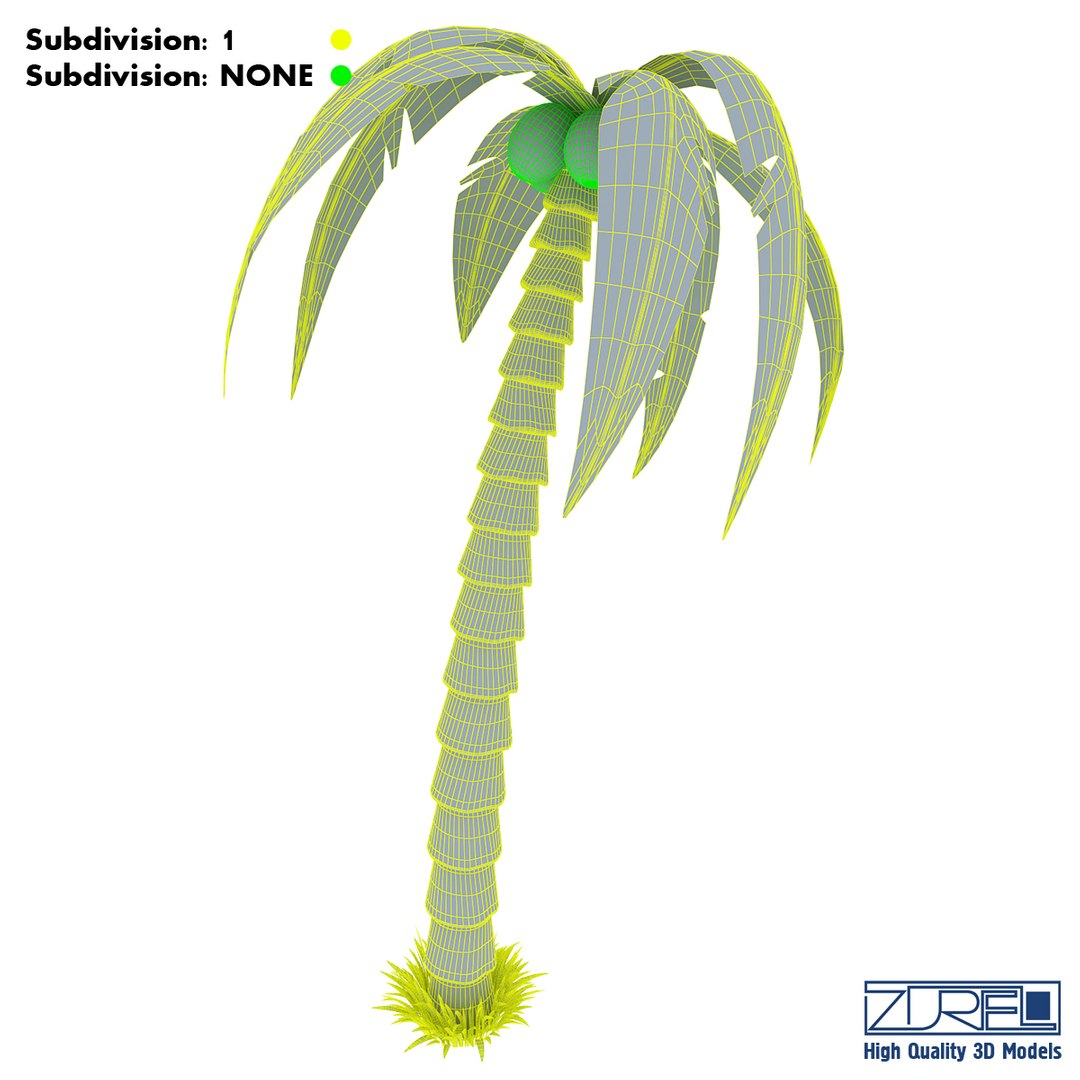
-Subdivision ON:
Polys: 19 187
Tris: 38 054
Edges: 41 033
Verts: 22 073

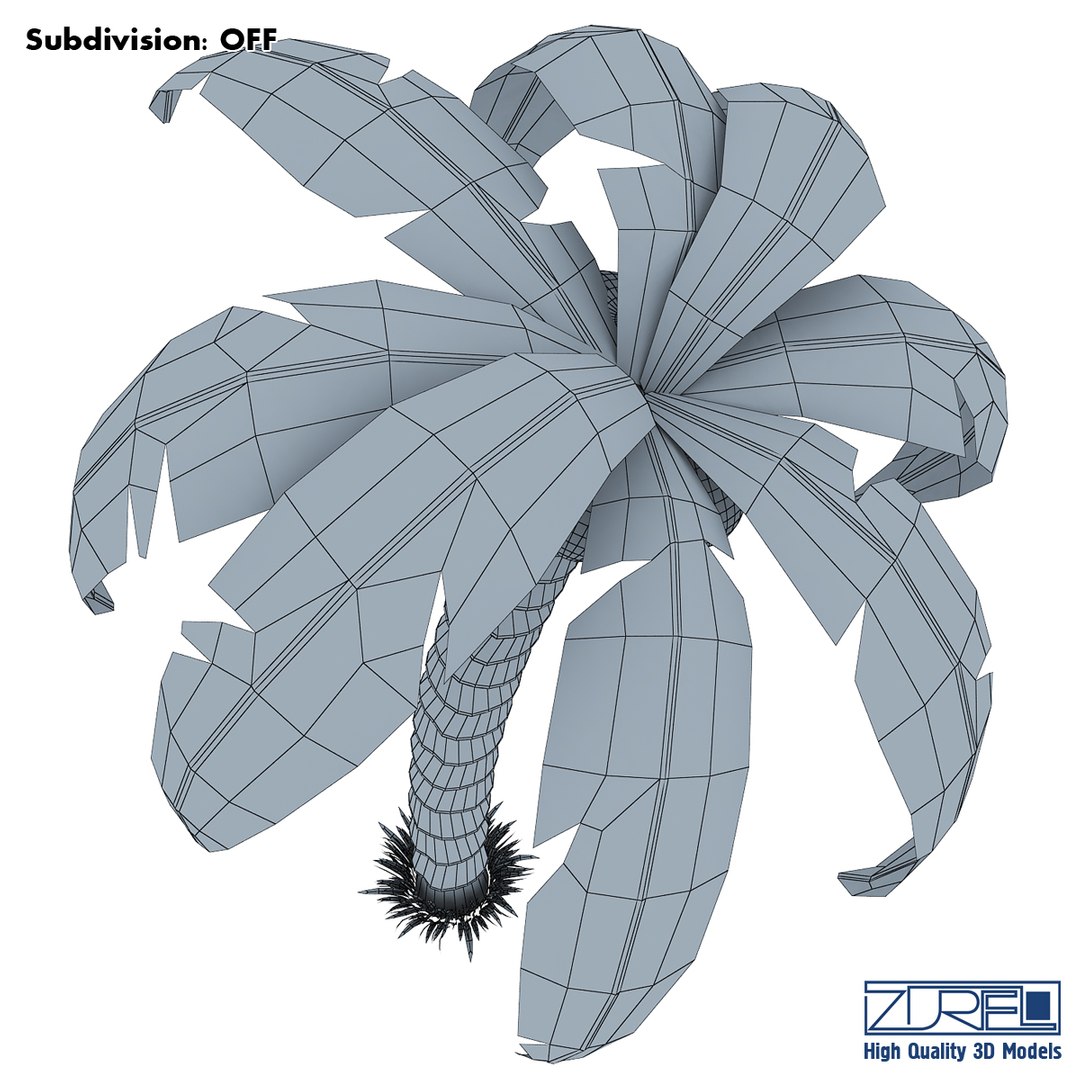
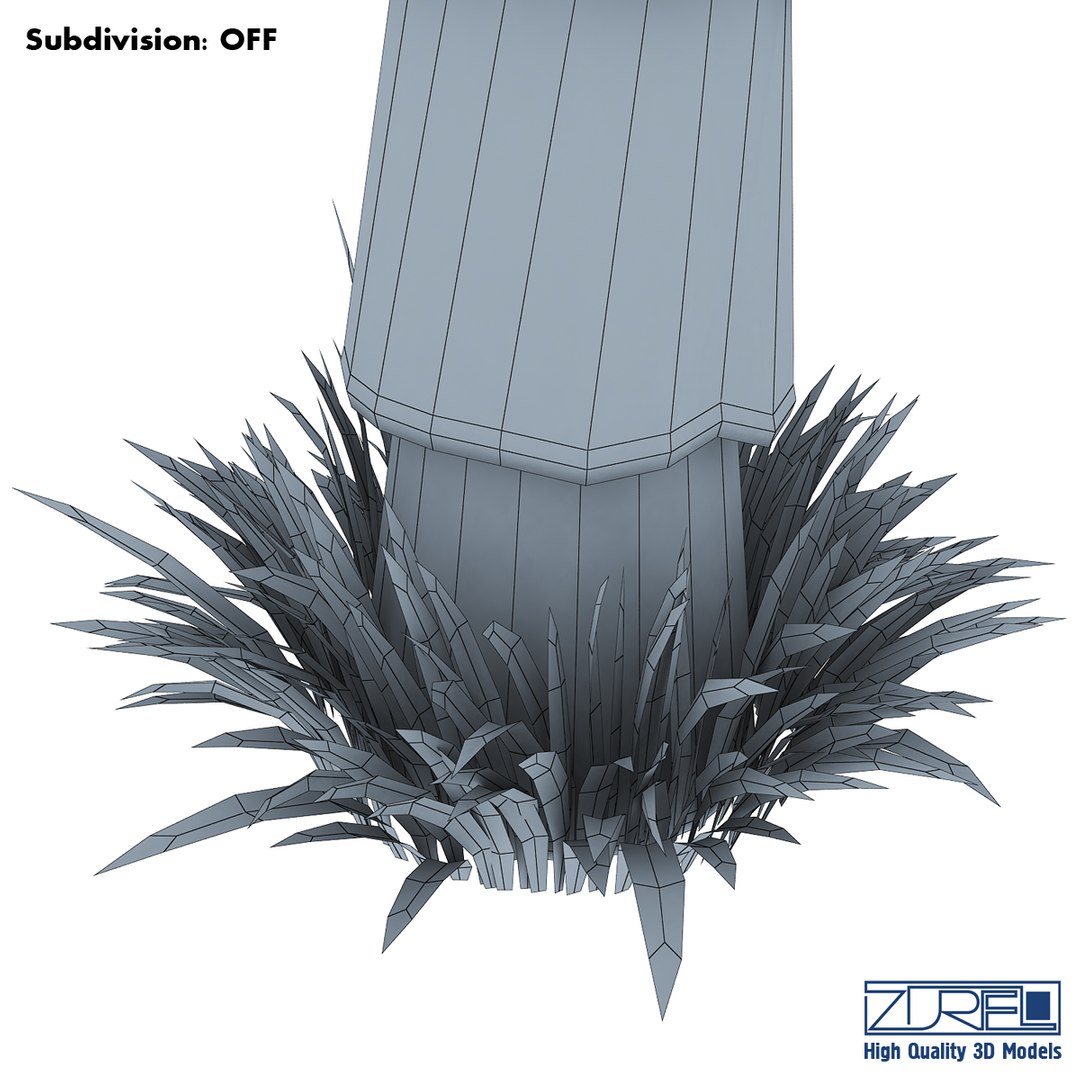
-Subdivision OFF:
Polys: 6 724
Tris: 13 099
Edges: 14 683
Verts: 8 186

- Scale of all details (100,100,100)
- Model has real-world scale and is centered at 0,0,0
- All pivots in place
- Materials, objects and textures have the correct names
- No cleaning up necessary, just drop your models into the scene and start rendering
- Model is intended for subdivision

Do not forget to rate the model, for us it is very important :)

© Leonid Naku [Zurel] 2013

Select Enhanced License

  • $10,000 in Legal Protection (Indemnification)
  • Uncapped Legal Protection (Indemnification)
  • Waiver from injunctive relief
  • Assignable model rights
  • $1,000,000 in Legal Protection (Indemnification)
  • Waiver from injunctive relief
  • Assignable model rights
  • $250,000 in Legal Protection (Indemnification)
  • Assignable model rights
Read more about enhanced license tiers, or contact us at enterprise@turbosquid.com. Already a Shutterstock Enterprise Customer? Contact your Shutterstock Sales Support Agent to talk about adding 3D.

About Conversion Requests

To submit a conversion request for a purchased asset, please complete our Conversion Request Form.

If you have not yet purchased a model, please review our Documentation about Conversions to learn about what limitations you may encounter with a conversion.

For any additional questions about a model’s suitability for conversion, please contact TurboSquid Support.

Loading...