
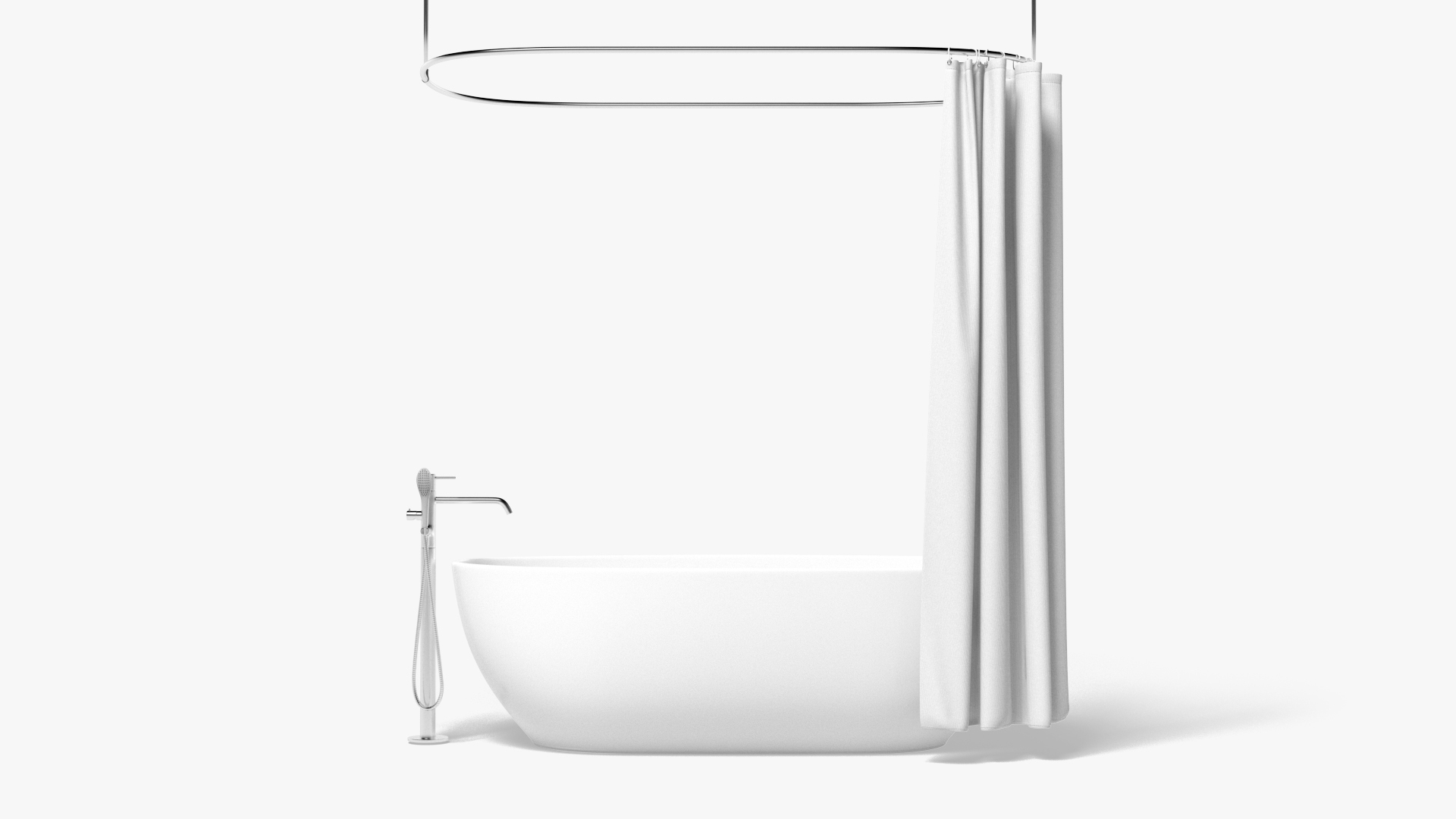
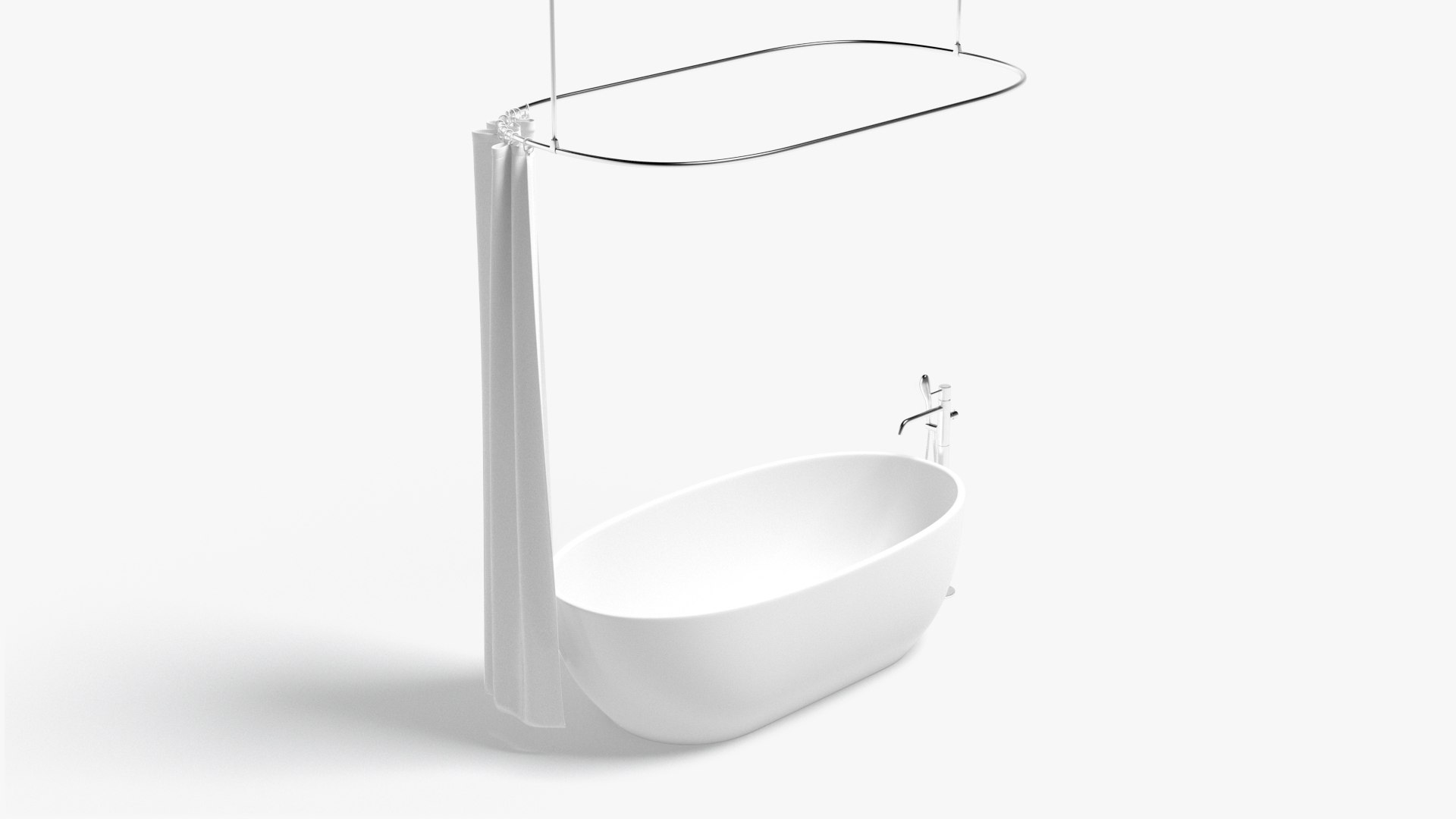
Opened Shower Curtain with Bath Interior Elements

$24

Standard License | Upgrade License
Formats (12)
Free file format Conversions available
Native | 3ds Max 2020 | Default Scanline
Maya 2020 | Arnold
3ds Max 2020 | V-Ray
Cinema 4D
OBJ
FBX
glTF
3ds Max
USDz
Specifications
Publish Date June 04, 2022
Product ID 1907348
Polygons 94,548
Vertices 95,758
Subdivision
Textures
Materials
UV Mapped
Overlapping Unwrapped UVs
PBR
Real-Time

member avatar
rebrandy
455 Products | Contributor Since 2019
Have questions? Chat with us now.

Description

This 3d model was created and unwrapped in 3ds Max and exported for all popular formats.

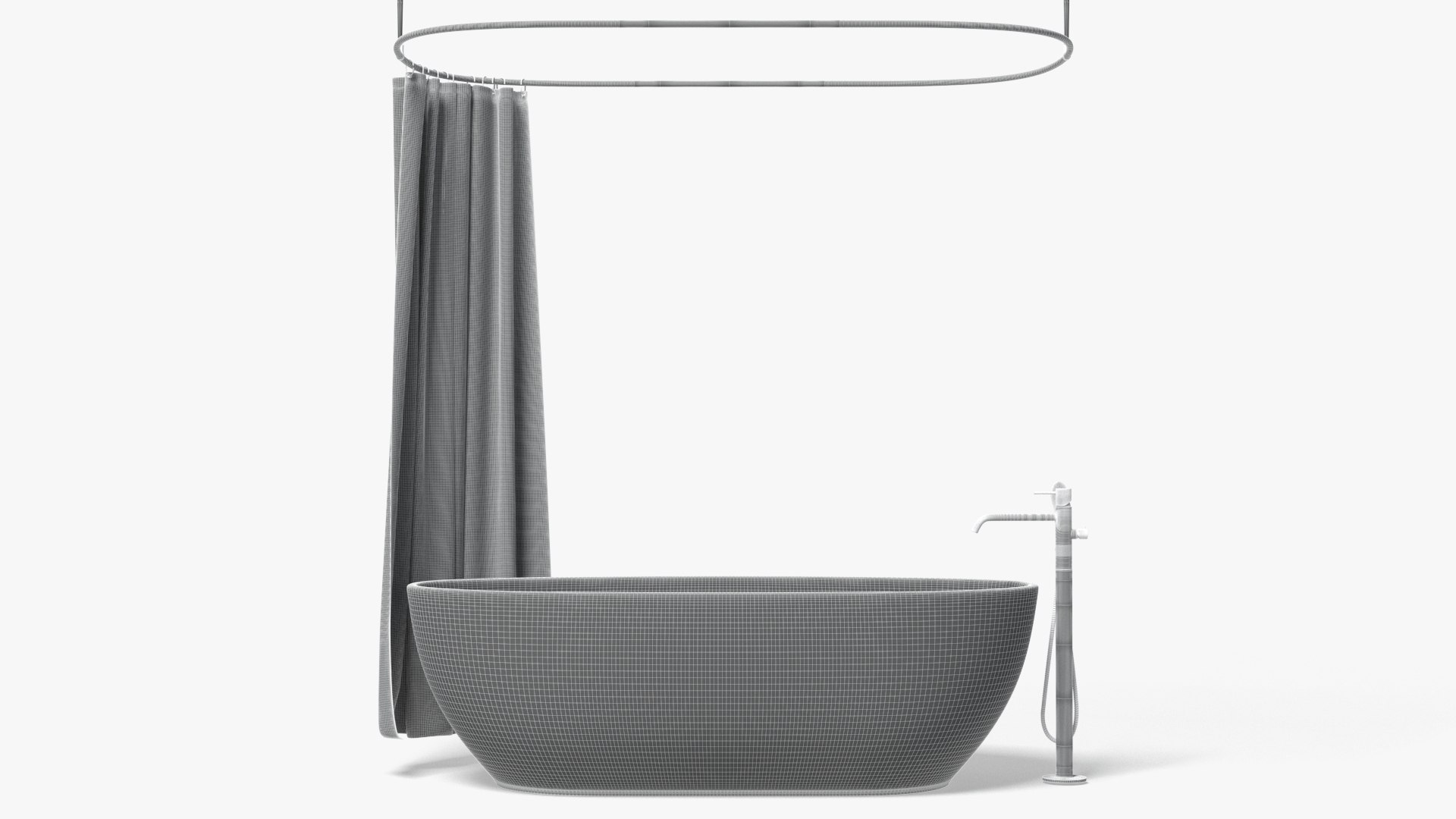
Polycount:

  • Shower faucet - 105218 polygons, 105273 vertices;
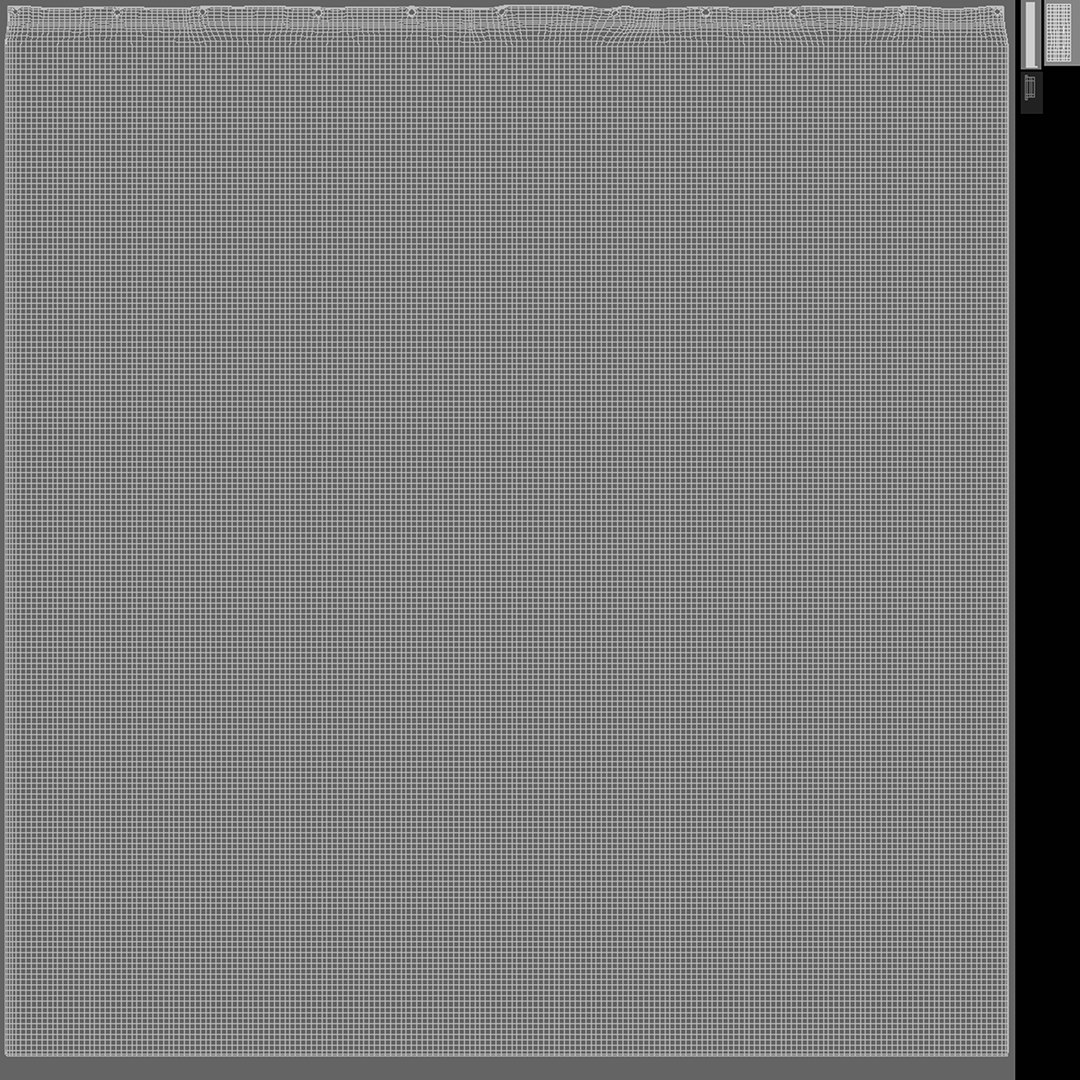
  • Curtain - 94548 polygons, 95758 vertices;
  • Metal holder – 8136 polygons, 8140 vertices;
  • Bath – 14592 polygons, 14594 vertices;
  • Total - 222494 polygons, 223765 vertices;

Model formats:

  • max (3ds Max 2020, Scanline);
  • max (3ds Max 2020, V-ray, procedural material included);
  • fbx (Multi Format);
  • obj (Multi Format);
  • mb (Maya 2020);
  • c4d (Cinema 4D R20);

Features:

  • Correctly subdividable geometry;
  • Polygonal quads only;
  • Correct UVW-unwrap;
  • Procedural V-ray material included (in bathroom_interior_elements_vray);
  • Exported textures in 8K resolution (in separate zip-archive);

Important:

  • Renders for preview are made in 3ds Max 2020, V-ray Next;
  • Studio environment is not included;

Select Enhanced License

  • $10,000 in Legal Protection (Indemnification)
  • Uncapped Legal Protection (Indemnification)
  • Waiver from injunctive relief
  • Assignable model rights
  • $1,000,000 in Legal Protection (Indemnification)
  • Waiver from injunctive relief
  • Assignable model rights
  • $250,000 in Legal Protection (Indemnification)
  • Assignable model rights
Read more about enhanced license tiers, or contact us at enterprise@turbosquid.com. Already a Shutterstock Enterprise Customer? Contact your Shutterstock Sales Support Agent to talk about adding 3D.

About Conversion Requests

To submit a conversion request for a purchased asset, please complete our Conversion Request Form.

If you have not yet purchased a model, please review our Documentation about Conversions to learn about what limitations you may encounter with a conversion.

For any additional questions about a model’s suitability for conversion, please contact TurboSquid Support.

Loading...