
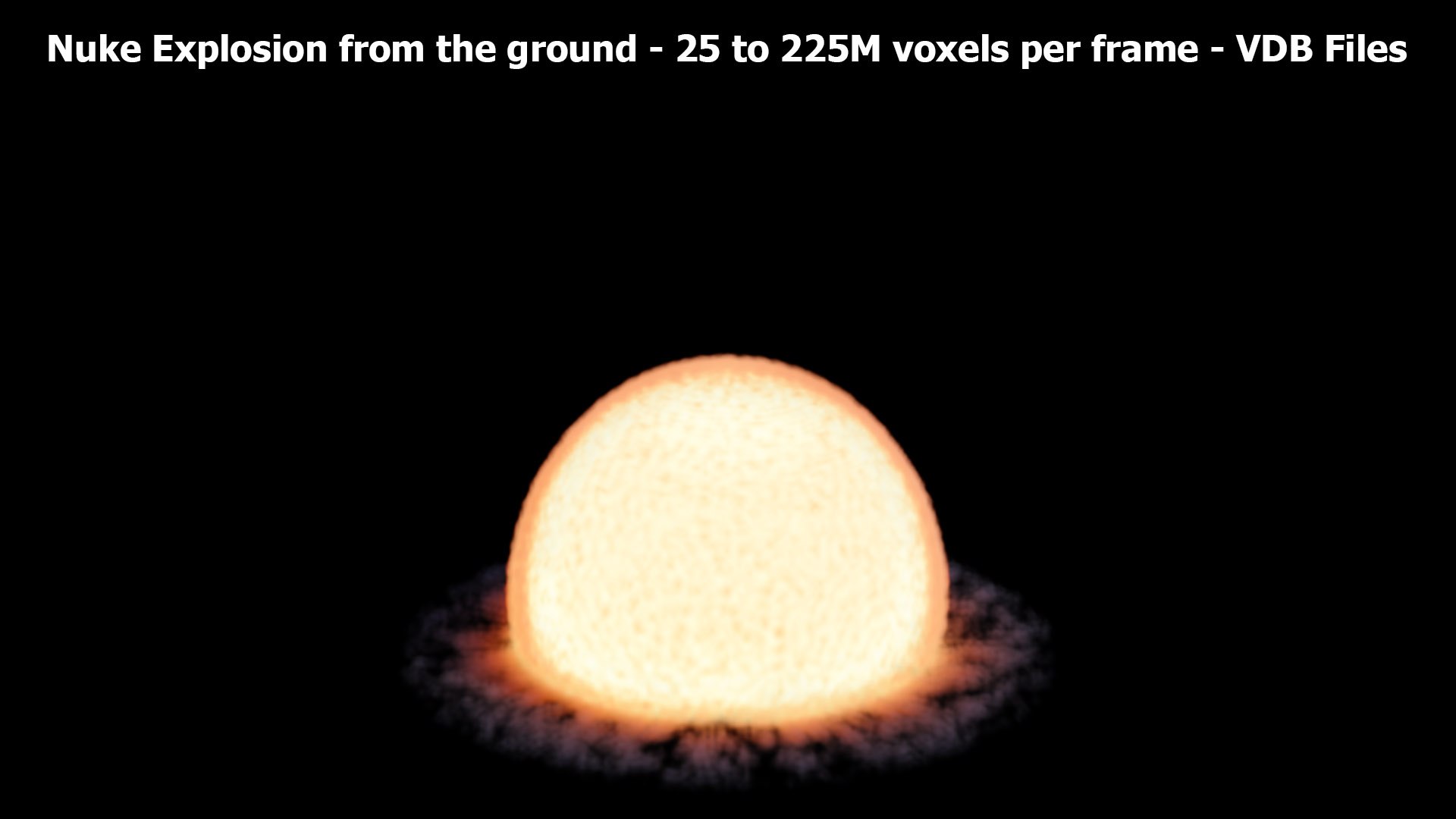
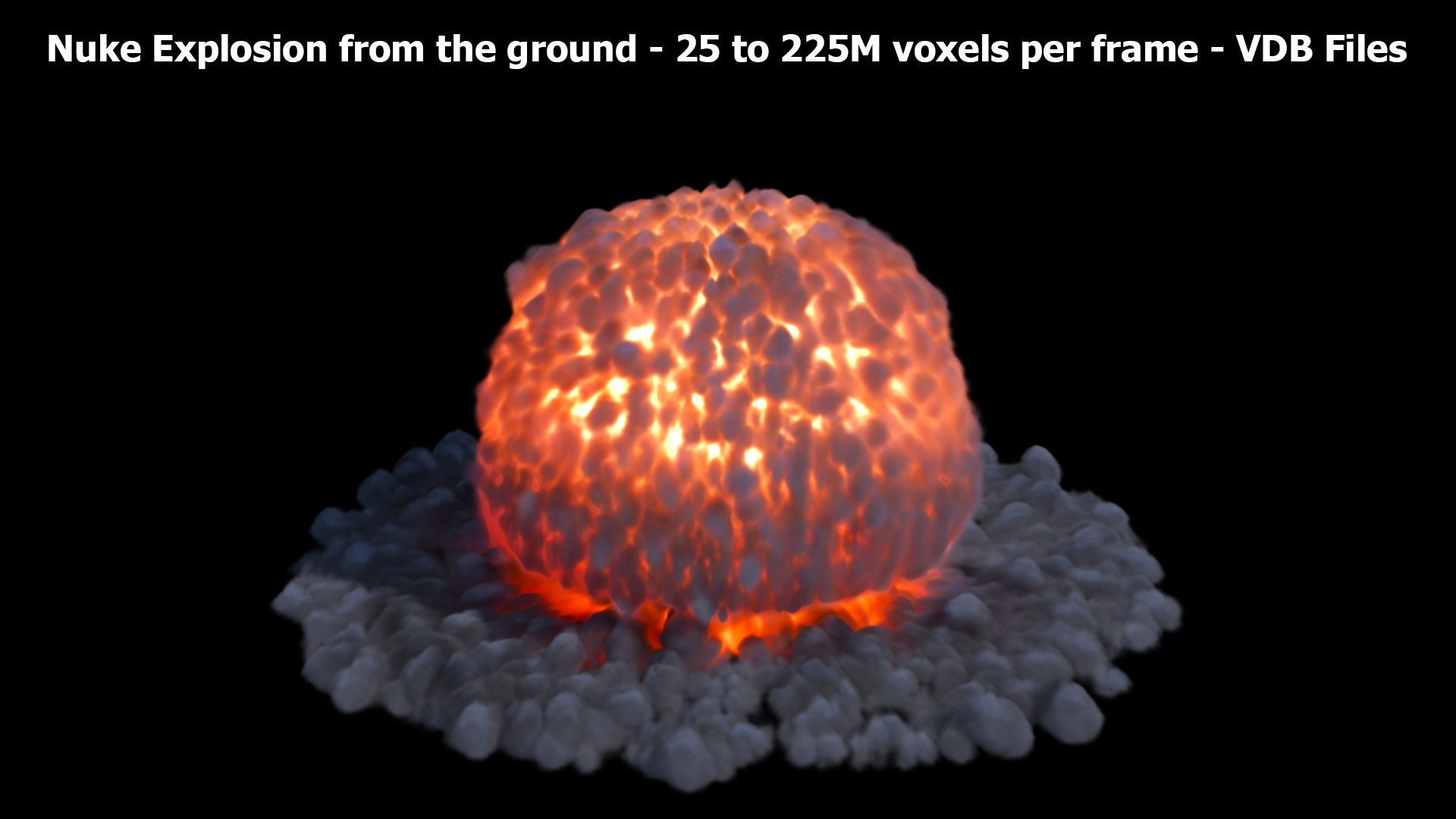
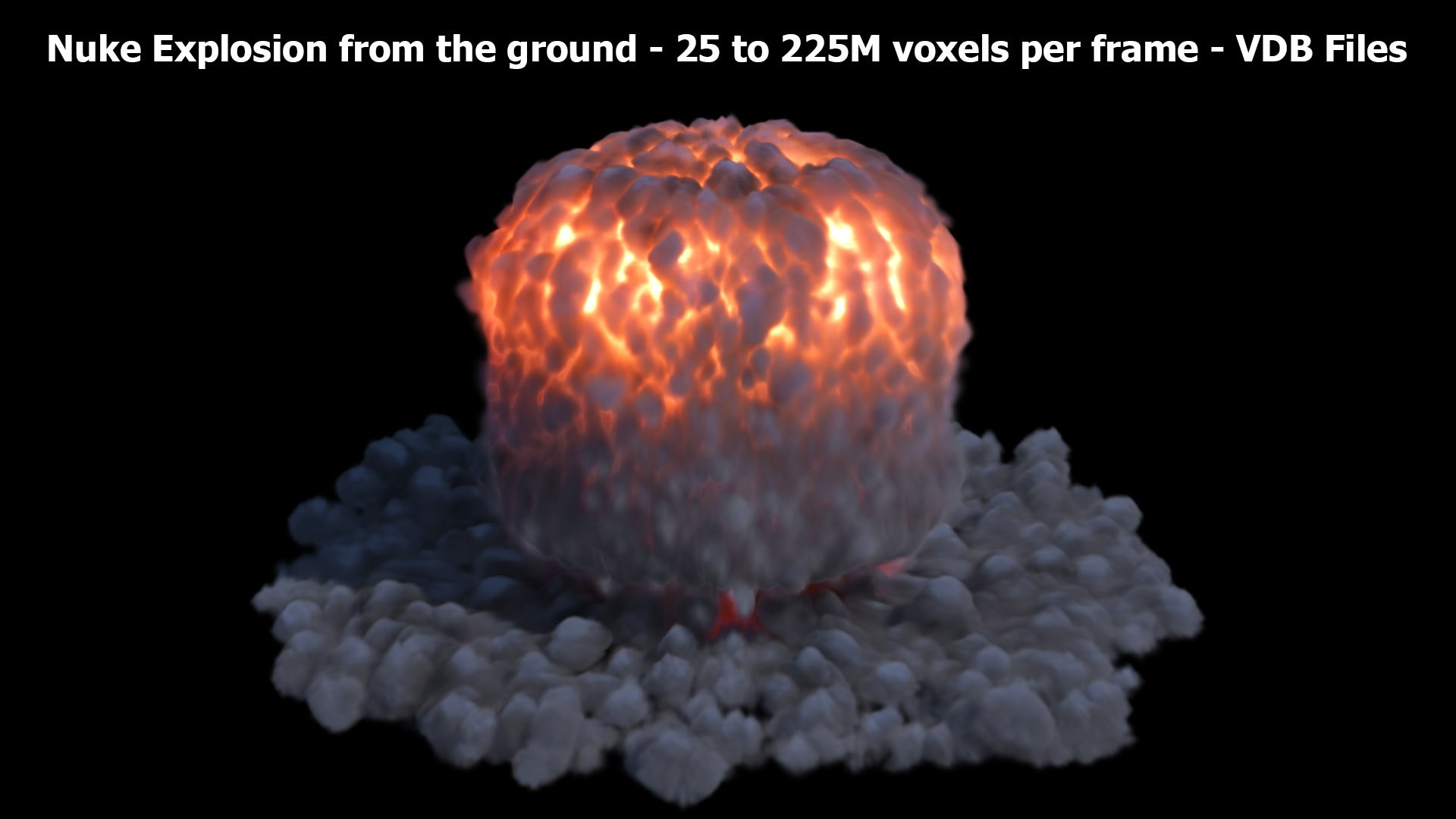
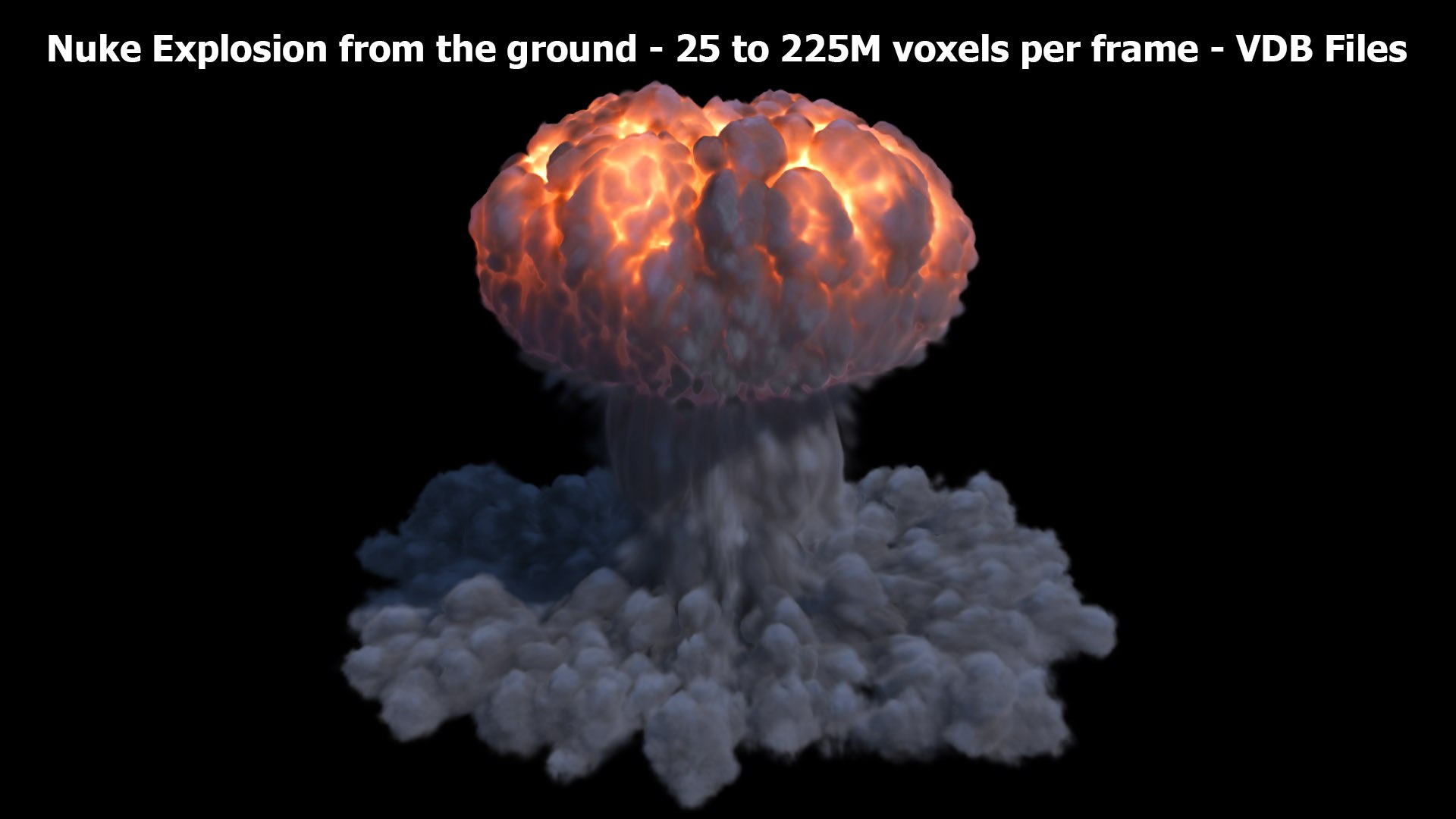
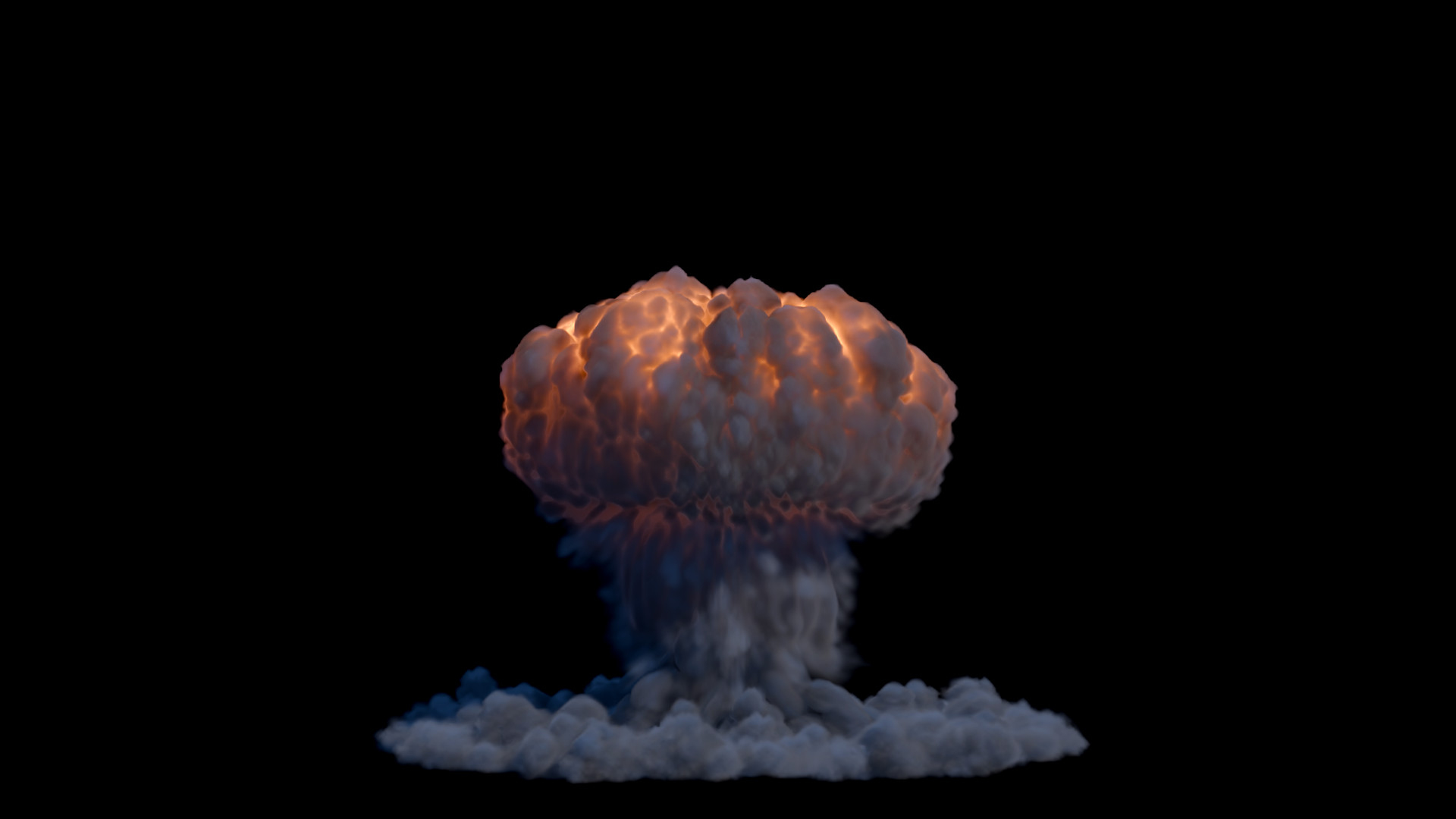
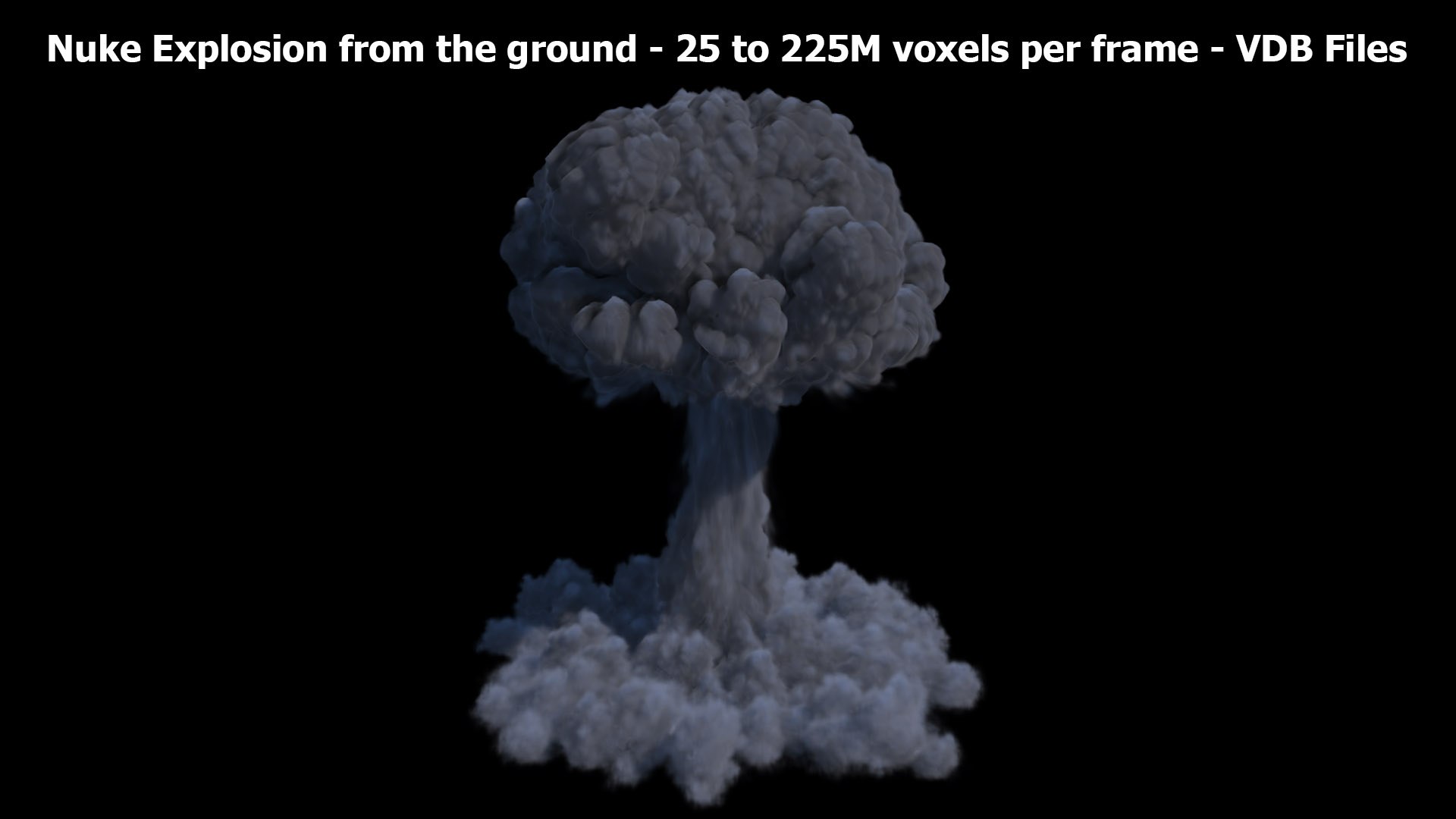
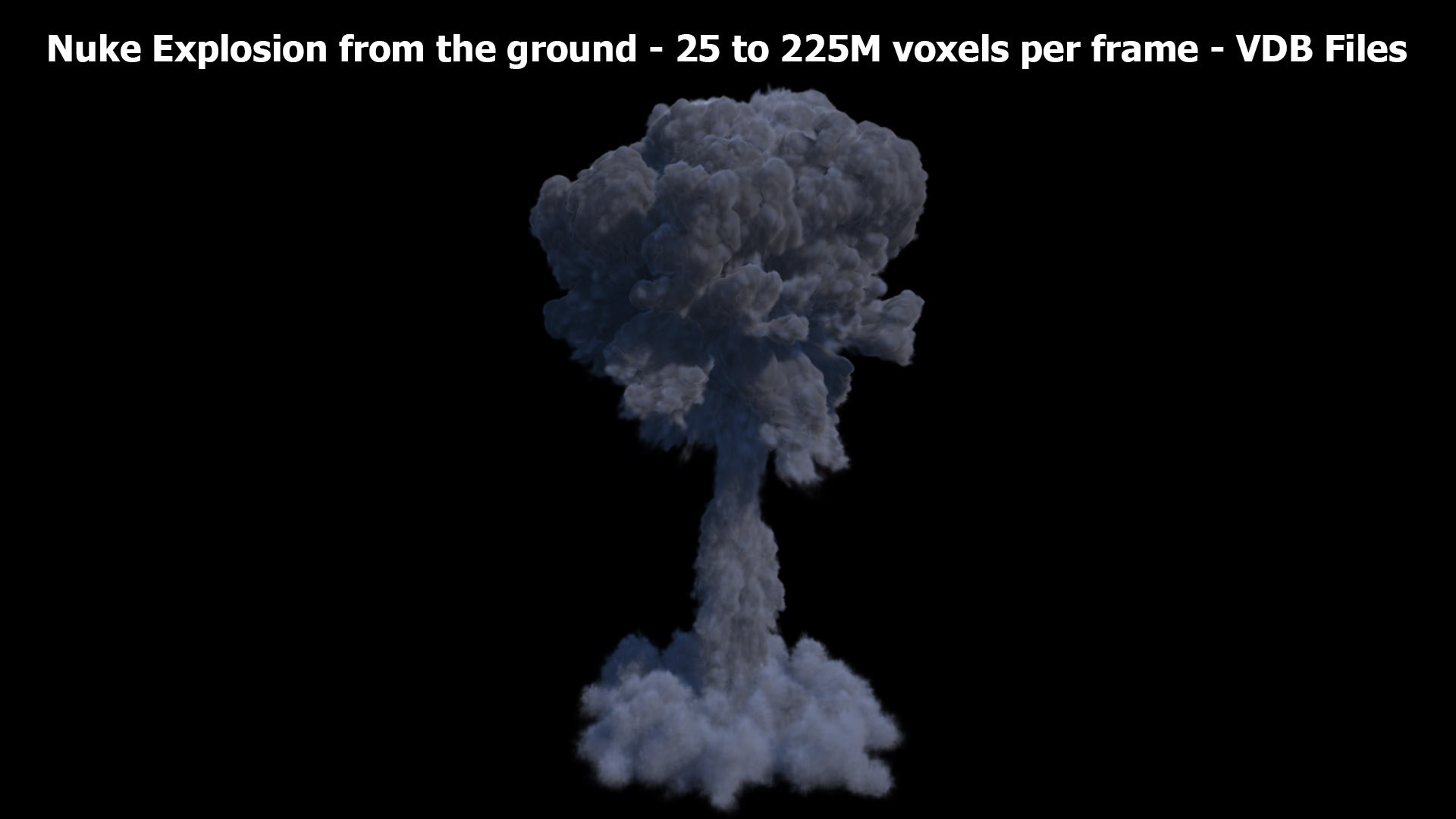
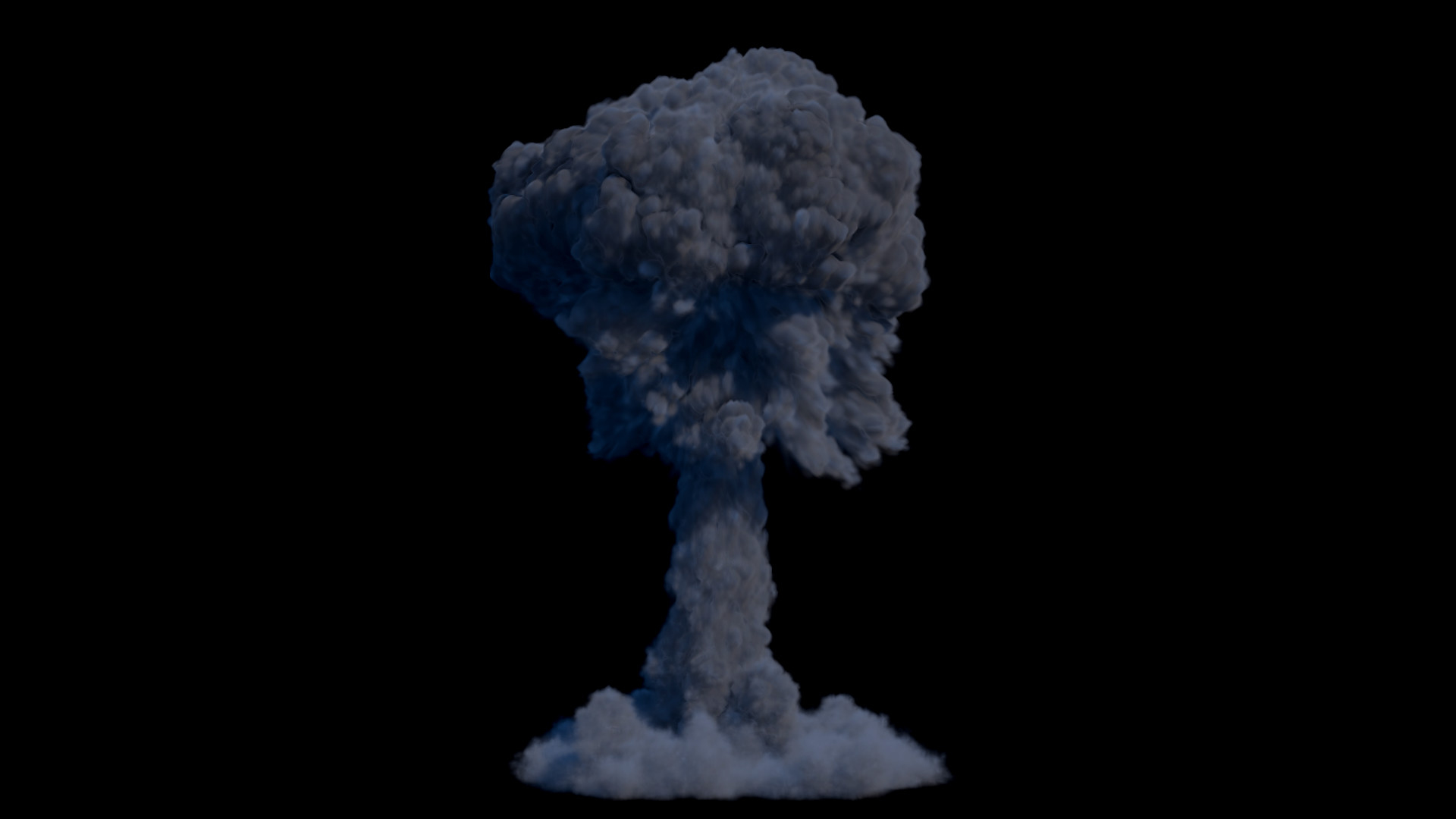
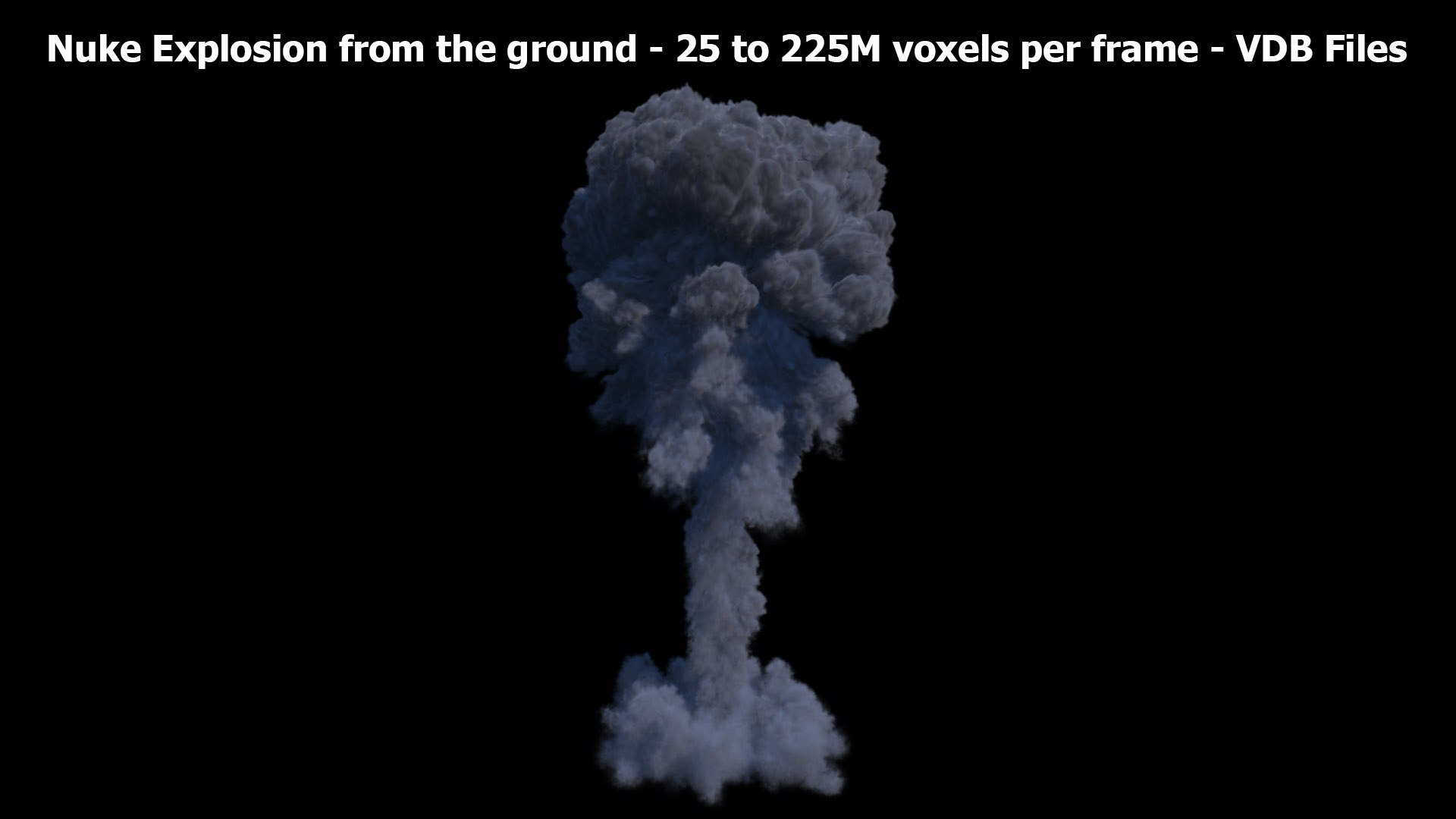
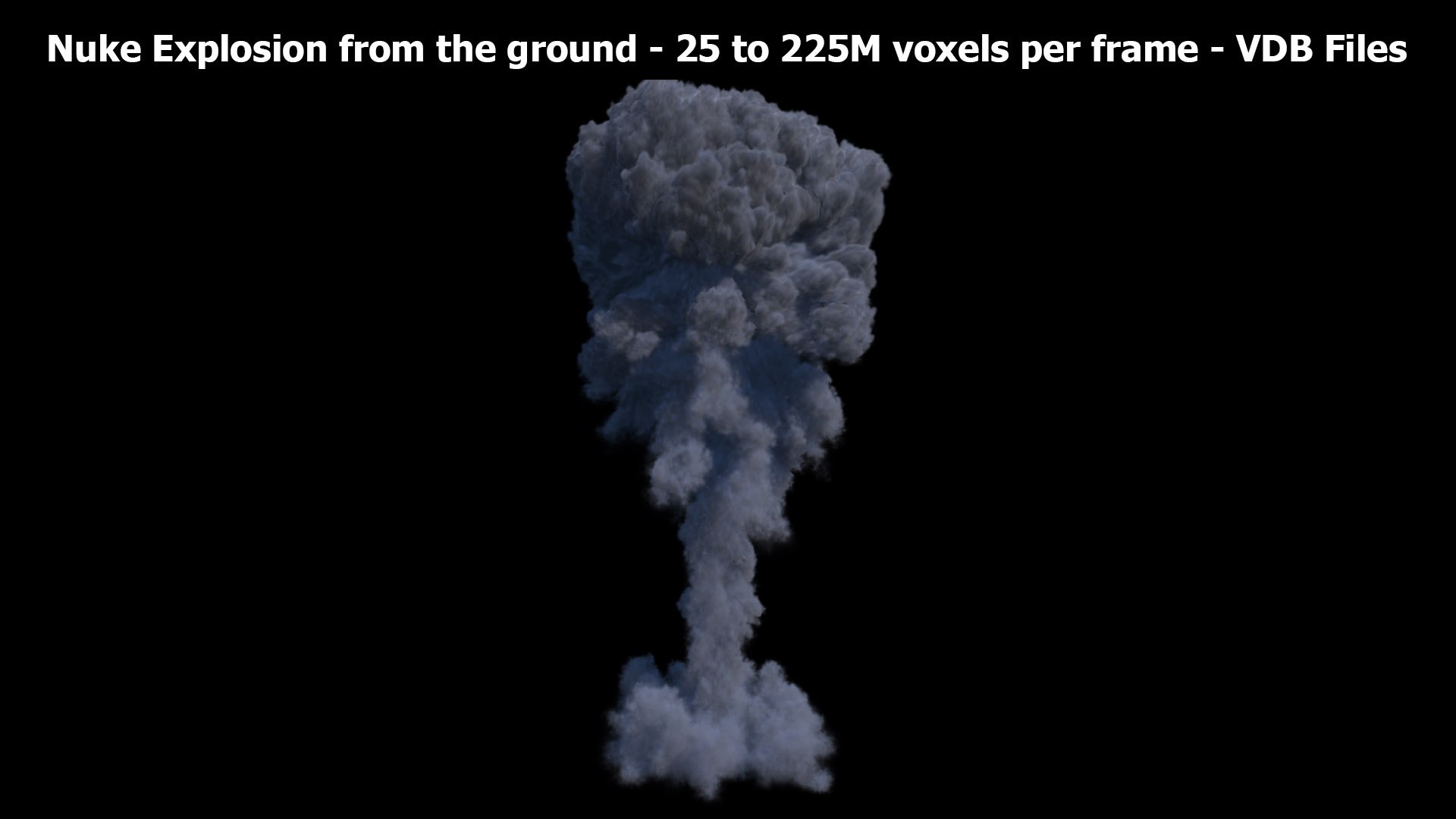
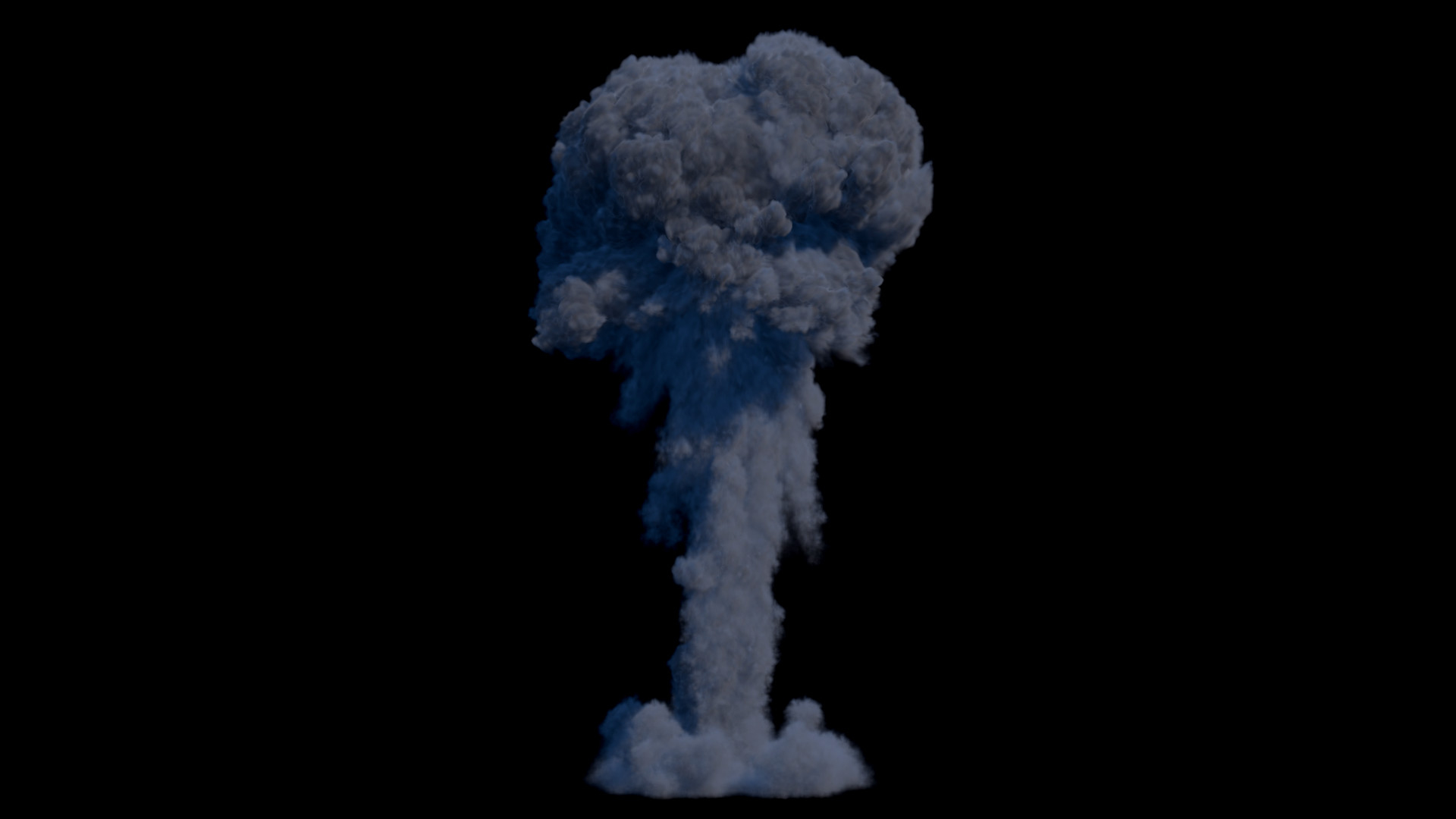
Nuke Explosion from the ground - in 720 frames - 3D Volume simulation VDB sequence files

$59

Standard License | Upgrade License
Formats (21)
Free file format Conversions available
Other Textures
Specifications
Publish Date July 07, 2026
Product ID 2589732
Polygons 150,000,000
Vertices 1
Unknown Geometry
Animated
TurboSquid Exclusive
member avatar
shkyo30
84 Products | Contributor Since 2011
Have questions? Chat with us now.

Description

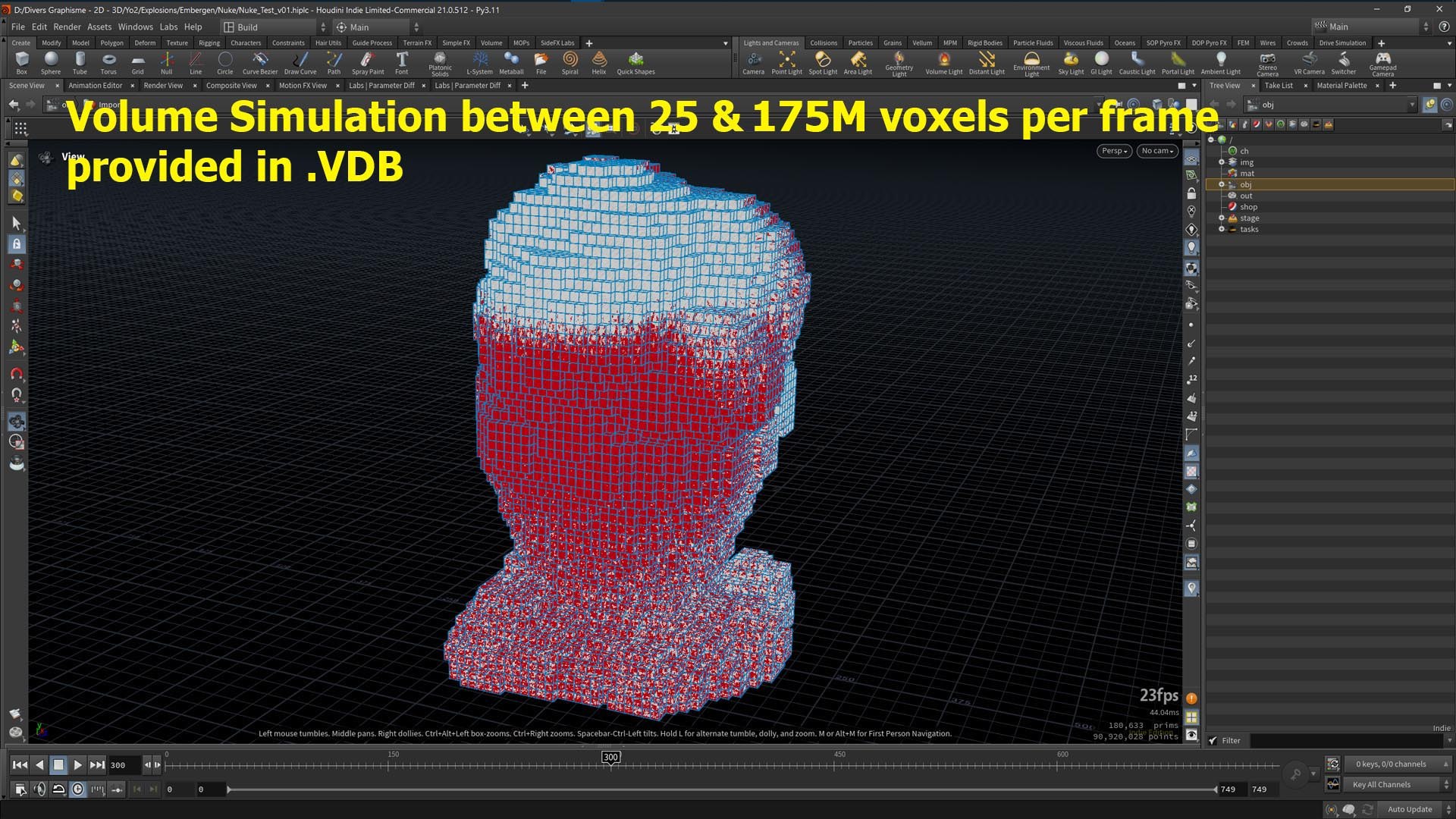
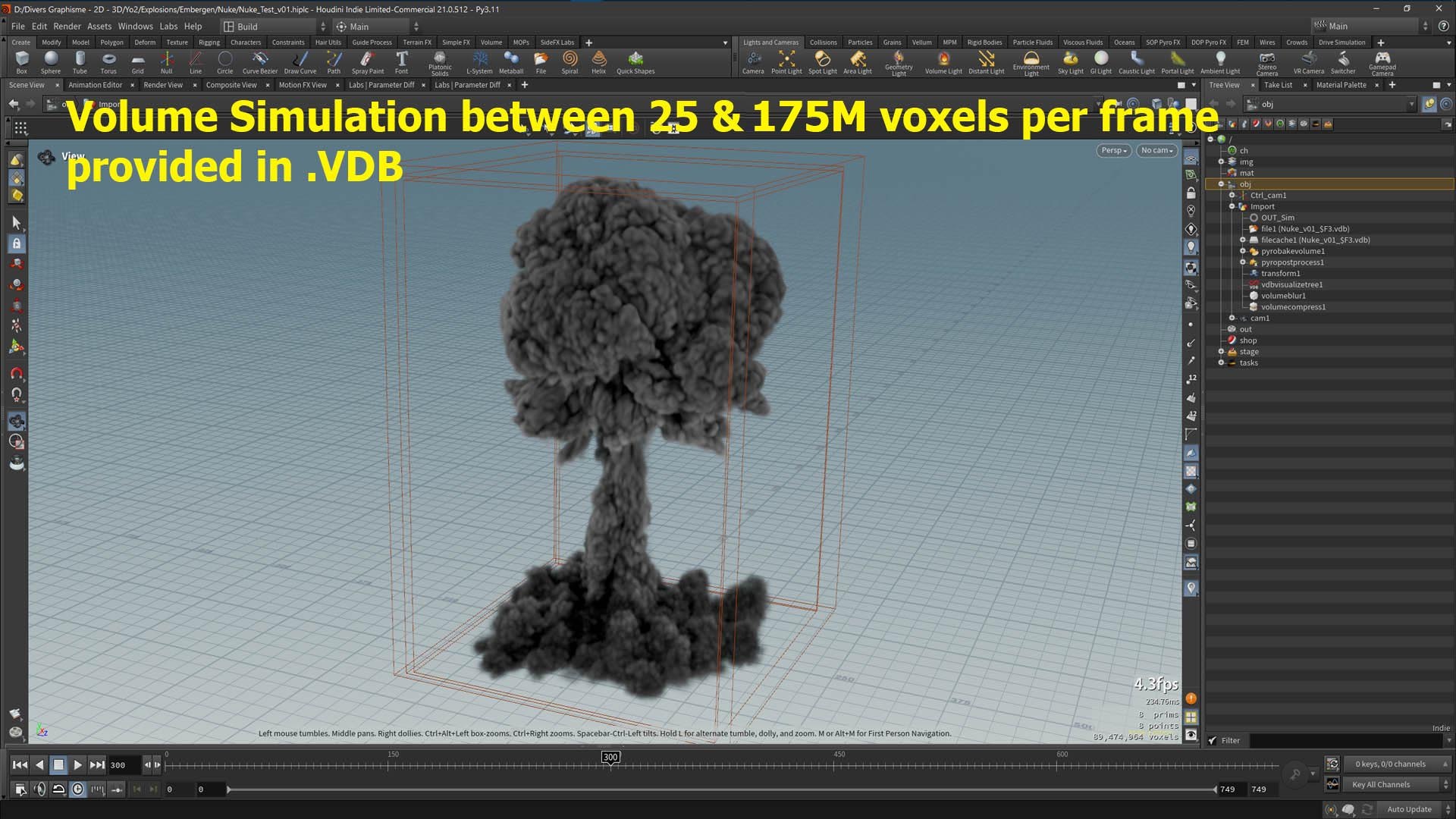
Realistic 3D Nuke Explosion (of 720 frames) from the ground with high plume rising up straight (until 900m height) - Resolution: 25 to 175M voxels per frame - VDB Model sequence

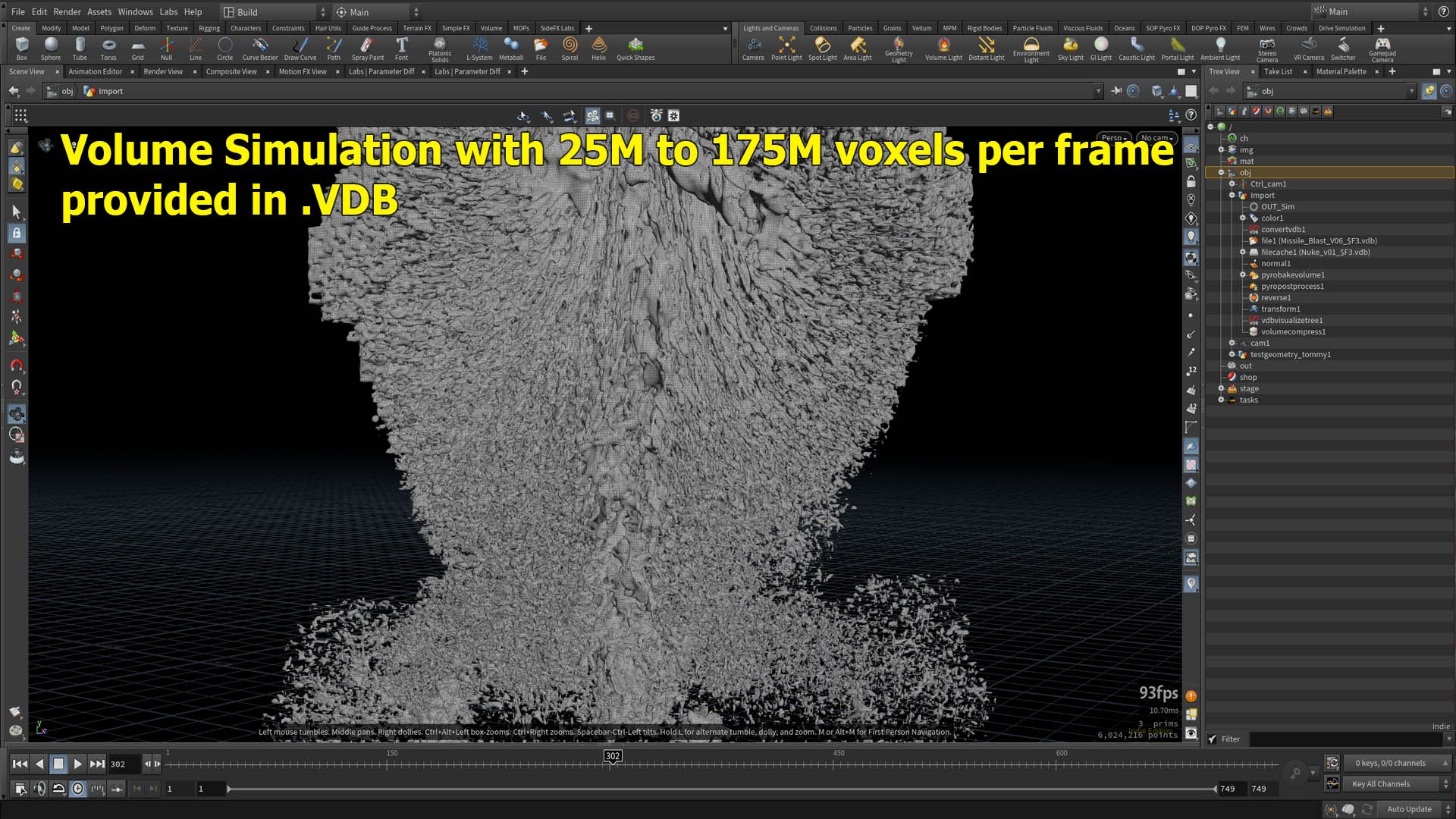
You don't need to simulate, you just load the VDB* data (volumetric information) into your own scene with your own shader (no scene and shader are provided).

All visual renders done with Embergen and Houdini (not provided).

  • fully simulated 3D Nuke ground Explosion with Embergen v1.2.6
  • Density, Temperature, Flame and Velocity fields are presents
  • no scene and shader are provided, just the VDB files READY TO LOAD
  • Perfect for a side view of a Nuclear Explosion for instance.

*a VDB file is a volume database file created by OpenVDB, and you can use it with Cinema 4D, Houdini, 3DS Max, Maya, Blender, RenderMan, Arnold, RealFlow, Maxwell Render, LightWave, Unreal, 3D Modo, V-Ray, Octane Render, 3Delight etc...

=> Be careful to have a GOOD internet connection to download the .vdb data (around 102GB).

**This model can be used for any game, film, VFX, serie, advertising, personal project, etc...**

Select Enhanced License

  • $10,000 in Legal Protection (Indemnification)
  • Uncapped Legal Protection (Indemnification)
  • Waiver from injunctive relief
  • Assignable model rights
  • $1,000,000 in Legal Protection (Indemnification)
  • Waiver from injunctive relief
  • Assignable model rights
  • $250,000 in Legal Protection (Indemnification)
  • Assignable model rights
Read more about enhanced license tiers, or contact us at enterprise@turbosquid.com. Already a Shutterstock Enterprise Customer? Contact your Shutterstock Sales Support Agent to talk about adding 3D.

About Conversion Requests

To submit a conversion request for a purchased asset, please complete our Conversion Request Form.

If you have not yet purchased a model, please review our Documentation about Conversions to learn about what limitations you may encounter with a conversion.

For any additional questions about a model’s suitability for conversion, please contact TurboSquid Support.

Loading...