
Modern Classic Interior Scene for Cinema 4D and Octane Render

$99

Formats (1)
Free file format Conversions available
Cinema 4D
Specifications
Publish Date December 20, 2022
Product ID 2003109
Polygons 4,762,116
Vertices 4,385,886
Polygonal Quads/Tris Geometry
Textures
Materials
Mixed Unwrapped UVs
member avatar
vizforyou
32 Products | Contributor Since 2018
Have questions? Chat with us now.

Description

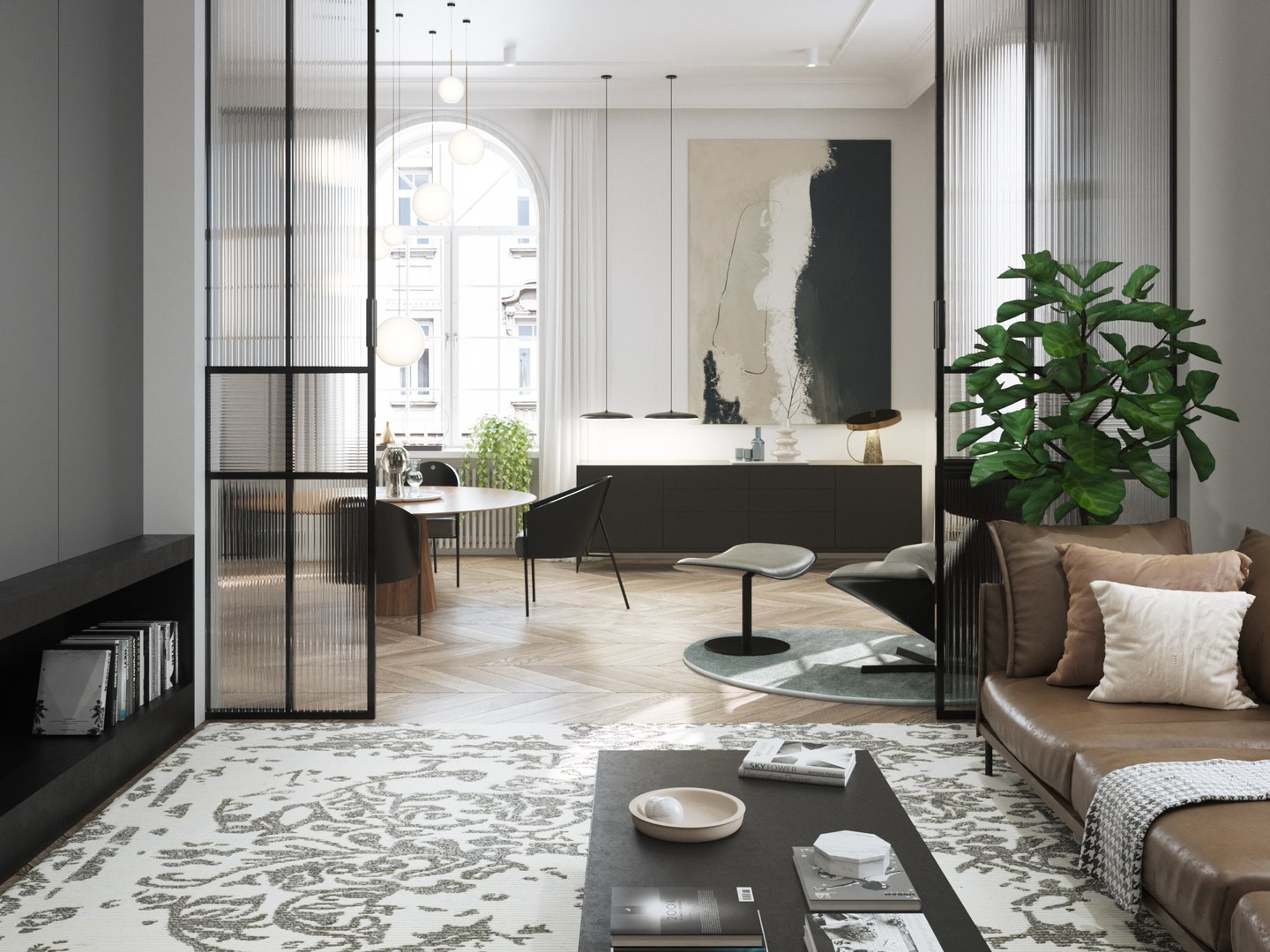
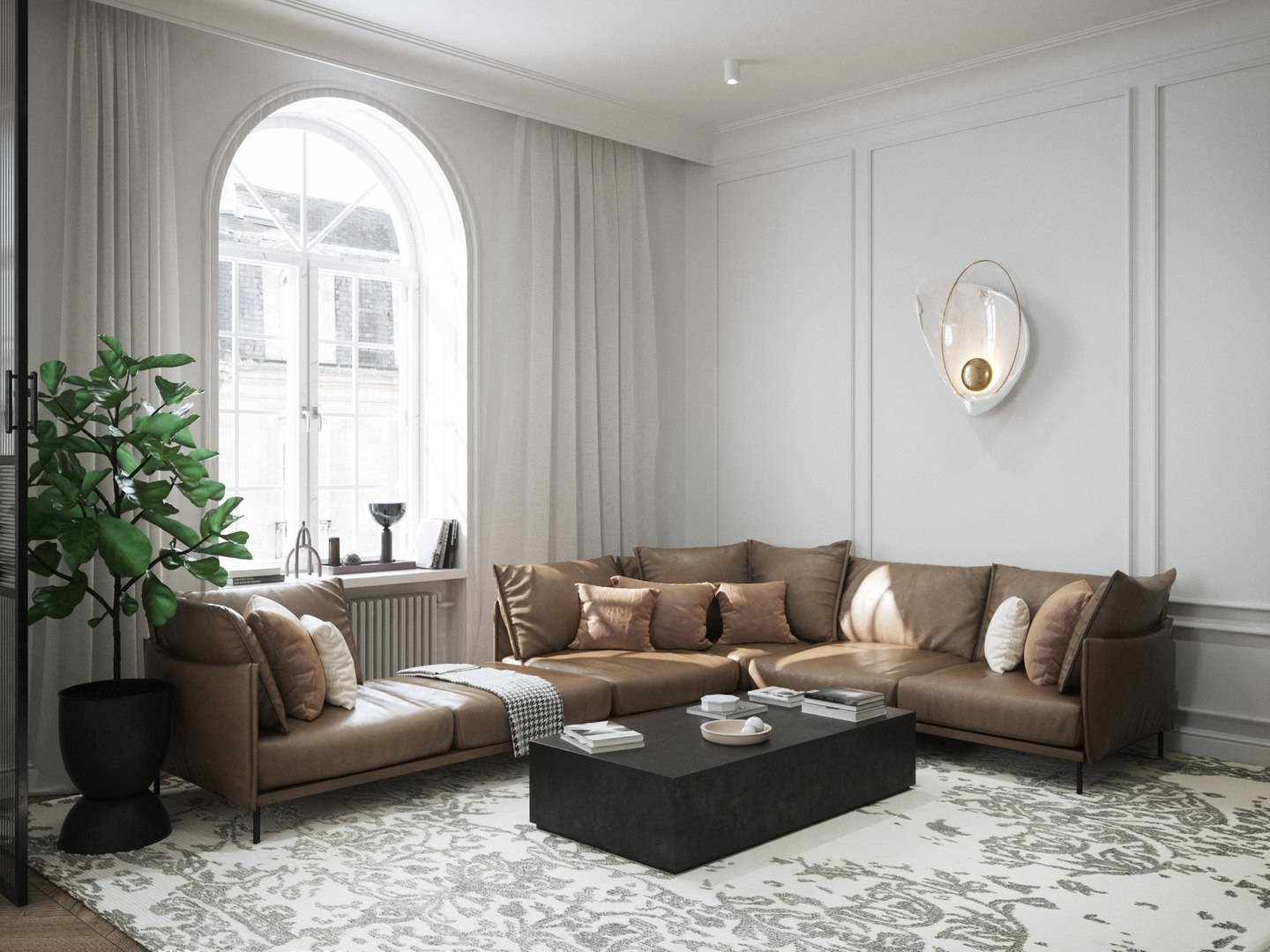
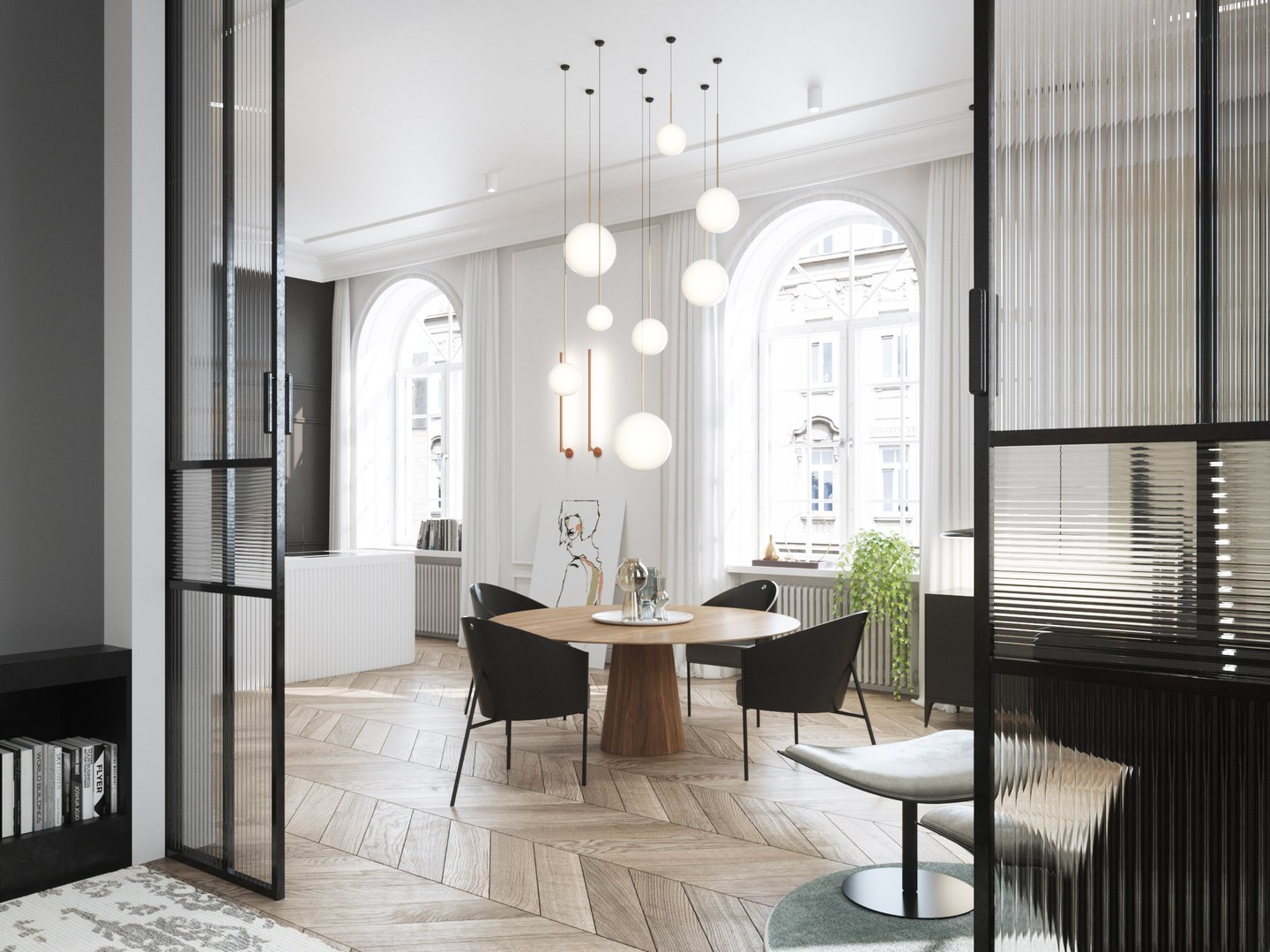
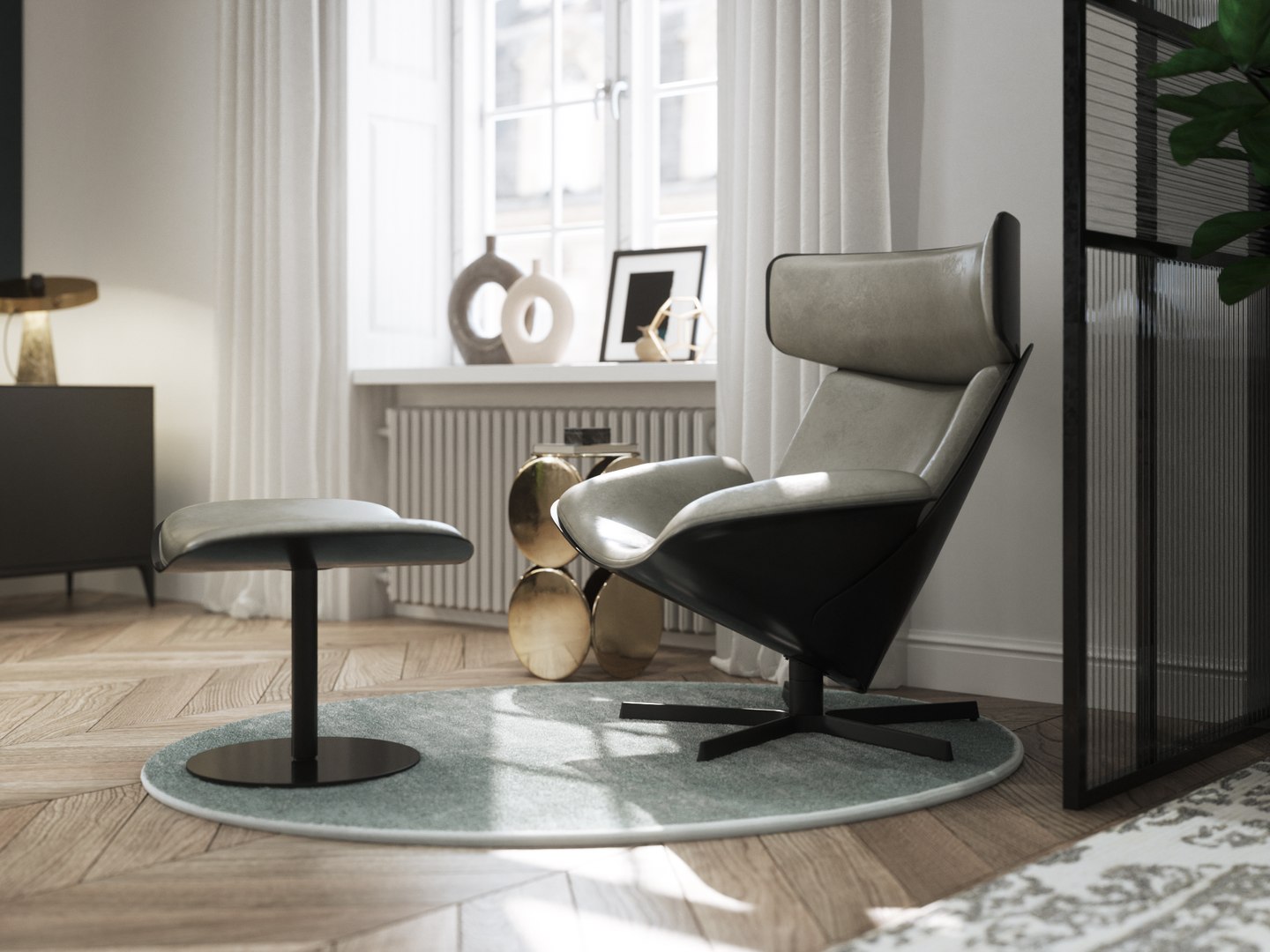
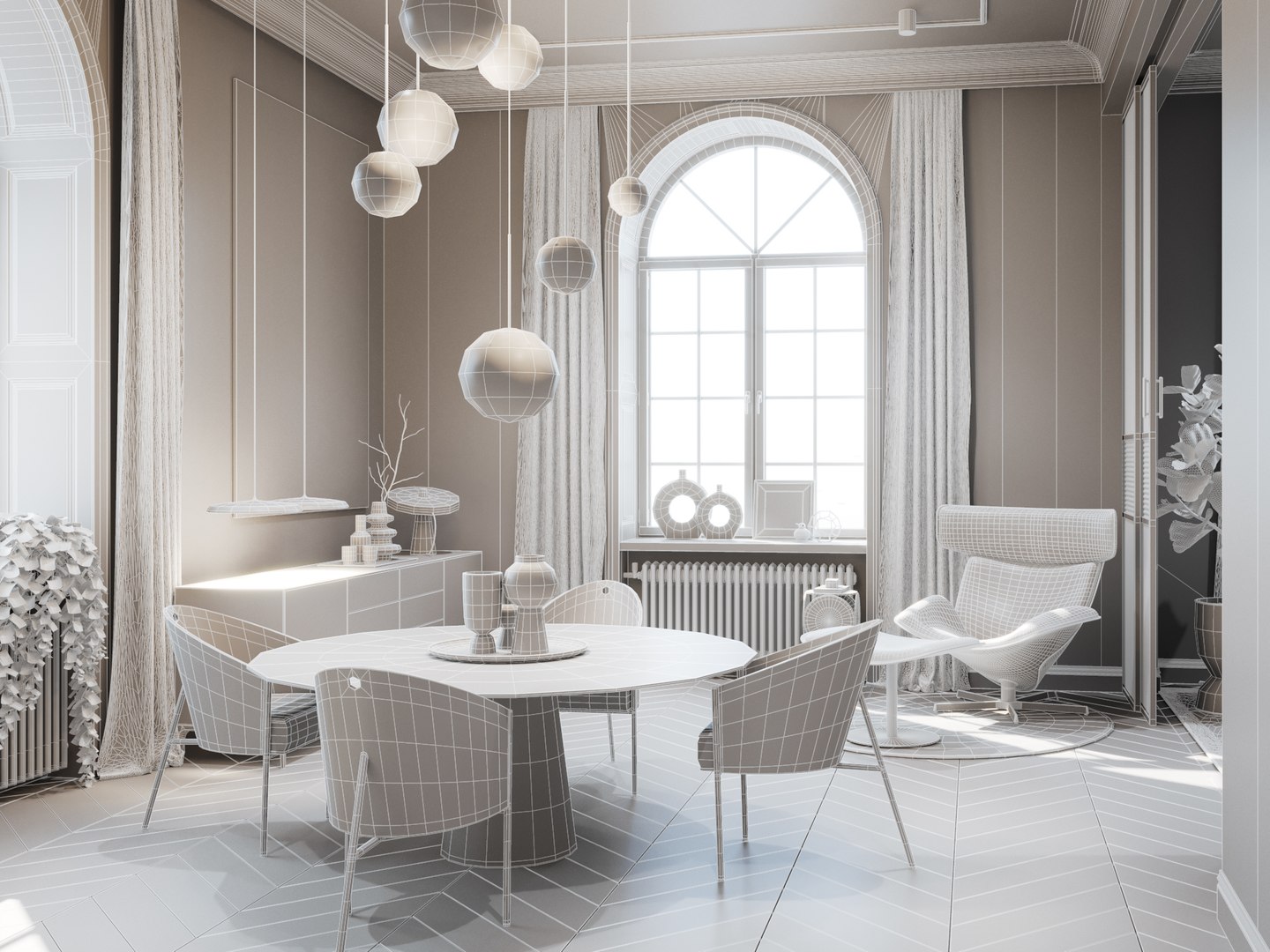
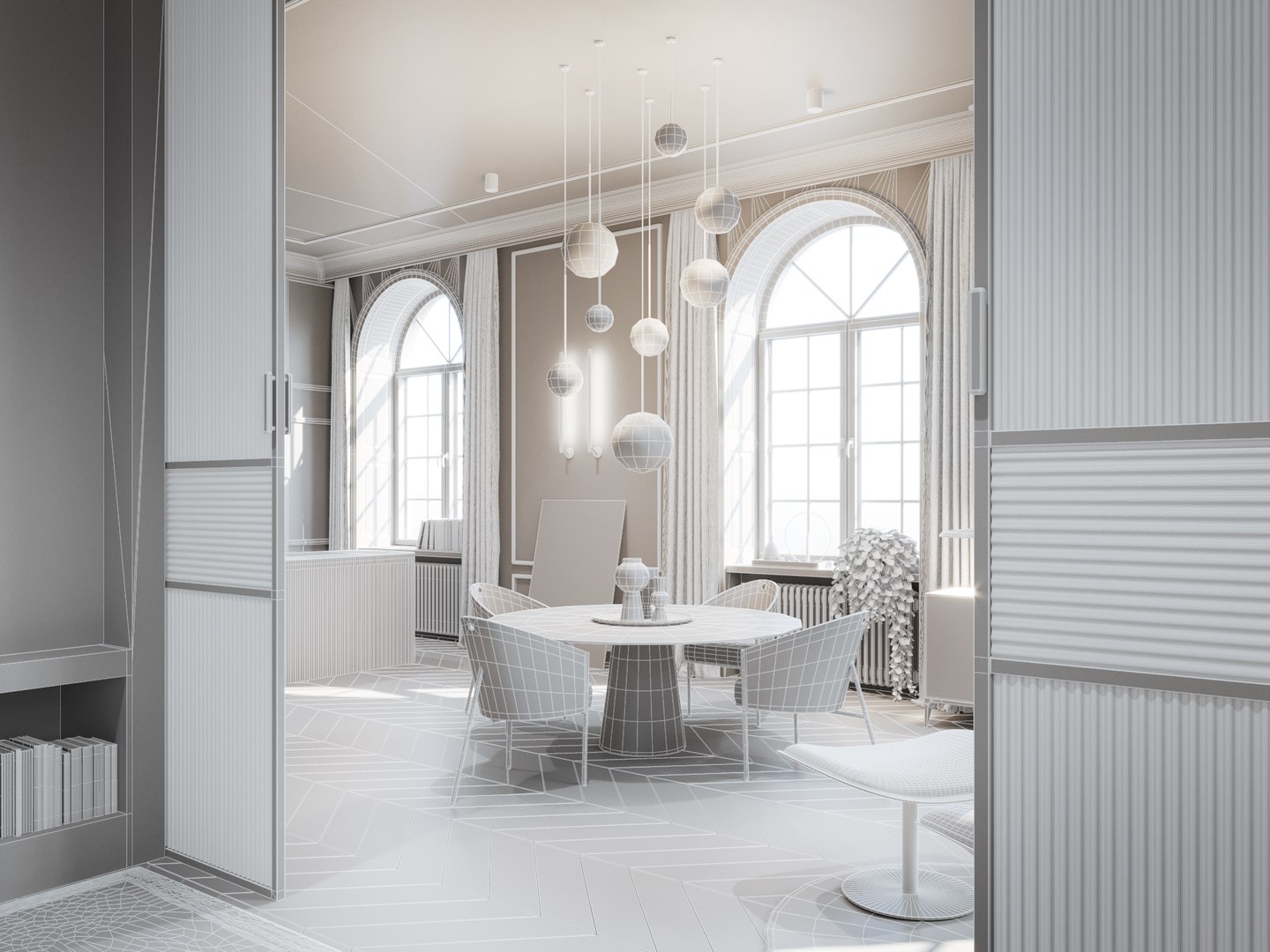
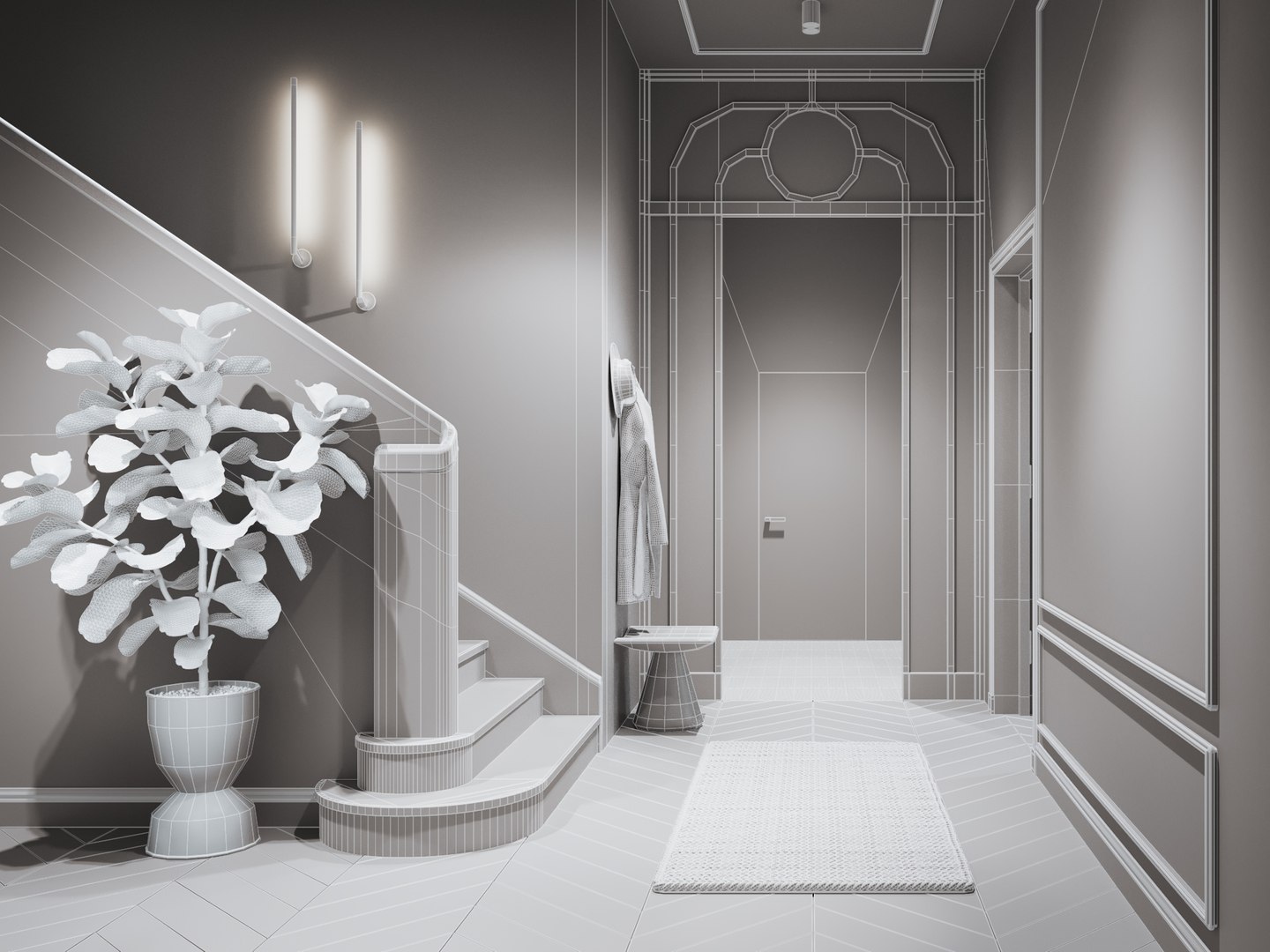
VizForYou interior 8 - Cinema 4D + Octane Render

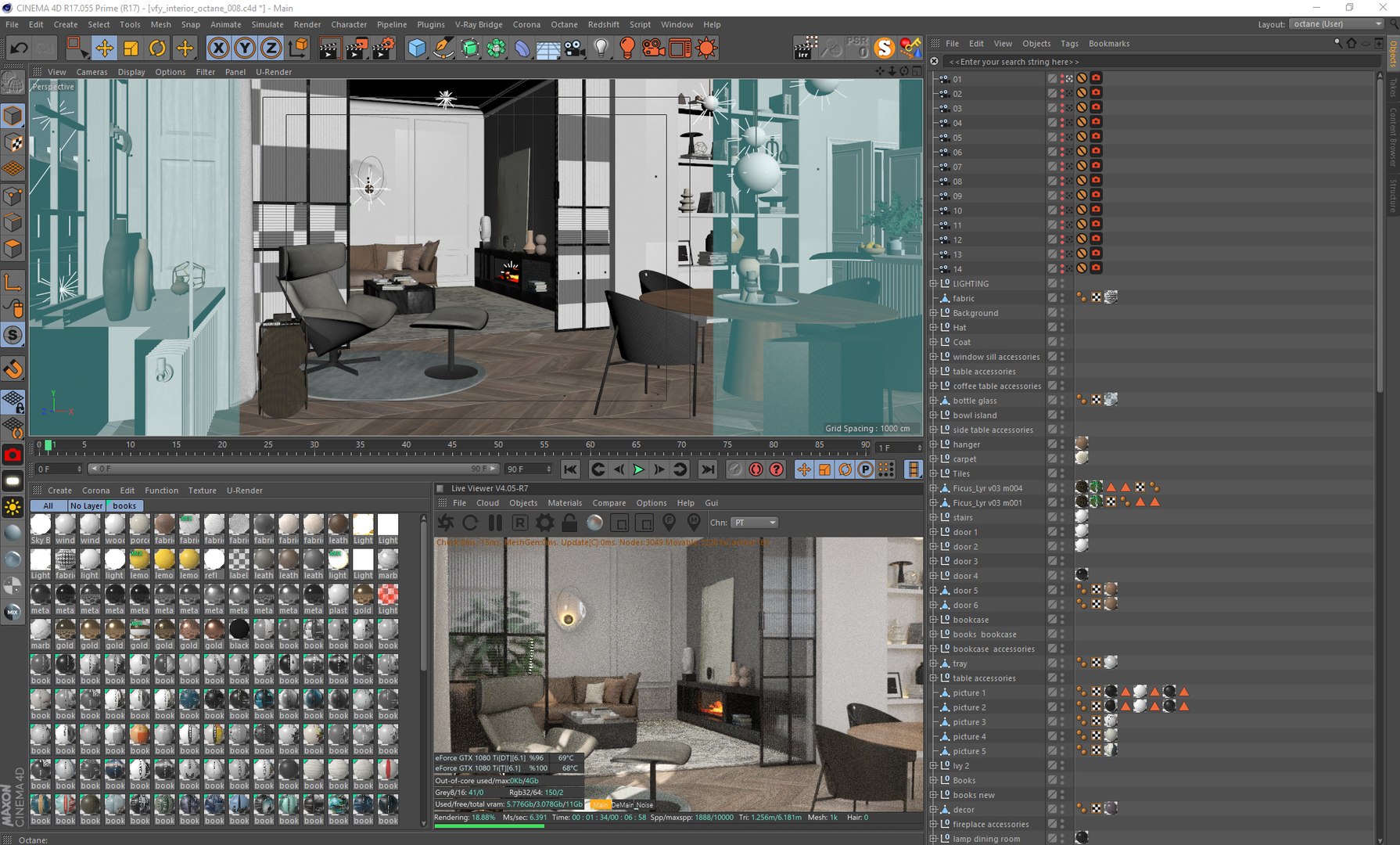
- Interior was modeling in Cinema 4D
- Optimized mesh - Nurbs and Subdivision Surface functions
- High quality models and Octane shaders
- From 2k to 8k textures
- Photoshop post-producion file included

Created in Cinema 4D R17 and Octane Render 4.0 on 2 x GTX 1080 Ti 11GB. Works fine in R17 - R25.

The scene is very complex that is why the rendering time of 2000 x 1500 on 2 x GTX 1080 Ti 11GB is about 1 hour.

An interior design that combines the elegance and refinement of the classics with the simplicity of modernist interiors.
The concept is kept in a neutral color base, in shades of white, black and gray.
High ceilings and beautiful, large windows bring a lot of light into the interior, which gives the effect of freshness and a sense of space.
Golden elements play a key role in this composition.
They subtly and consistently appear in all rooms, adding a touch of luxury to the interior.

The files work only in Cinema 4D software. Remember that the FBX file does not import materials and light, only the geometry itself.

Feel free to contact us if you need any support.

Vizforyou

Select Enhanced License

  • $10,000 in Legal Protection (Indemnification)
  • Uncapped Legal Protection (Indemnification)
  • Waiver from injunctive relief
  • Assignable model rights
  • $1,000,000 in Legal Protection (Indemnification)
  • Waiver from injunctive relief
  • Assignable model rights
  • $250,000 in Legal Protection (Indemnification)
  • Assignable model rights
Read more about enhanced license tiers, or contact us at enterprise@turbosquid.com. Already a Shutterstock Enterprise Customer? Contact your Shutterstock Sales Support Agent to talk about adding 3D.

About Conversion Requests

To submit a conversion request for a purchased asset, please complete our Conversion Request Form.

If you have not yet purchased a model, please review our Documentation about Conversions to learn about what limitations you may encounter with a conversion.

For any additional questions about a model’s suitability for conversion, please contact TurboSquid Support.

Loading...