

Wall Diagnostic Systems

$99

Standard License | Upgrade License
Editorial Uses Only
Formats (7)
Free file format Conversions available
Native | 3ds Max 2016 | V-Ray 5
3ds Max 2016 | Default Scanline
Cinema 4D 20 | Advanced Render
Other Textures
FBX
OBJ
3D Studio
Other Files
tex.rar Wall_Diagnostic_Systems.mtl
Specifications
Publish Date June 10, 2022
Product ID 1910039
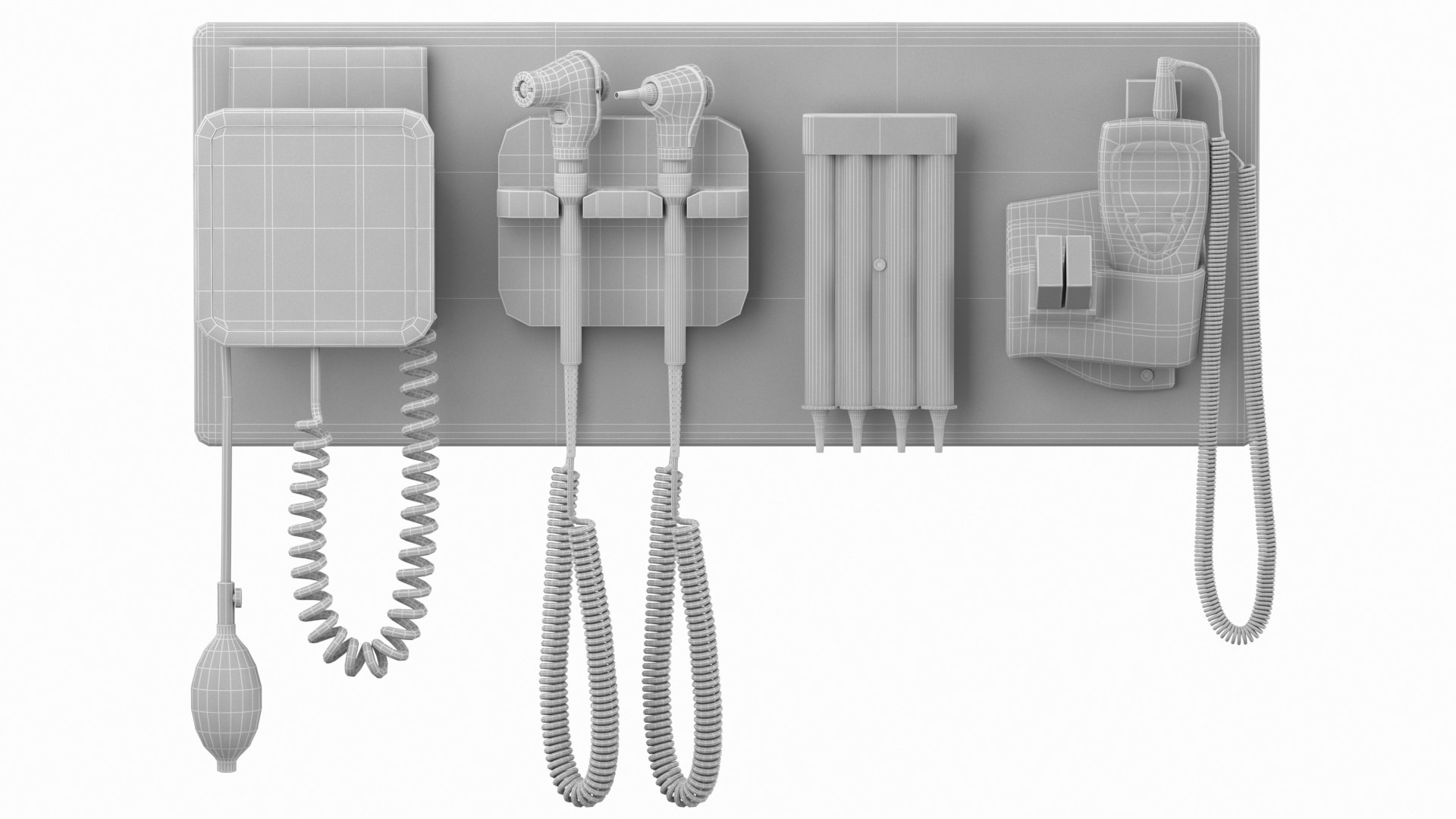
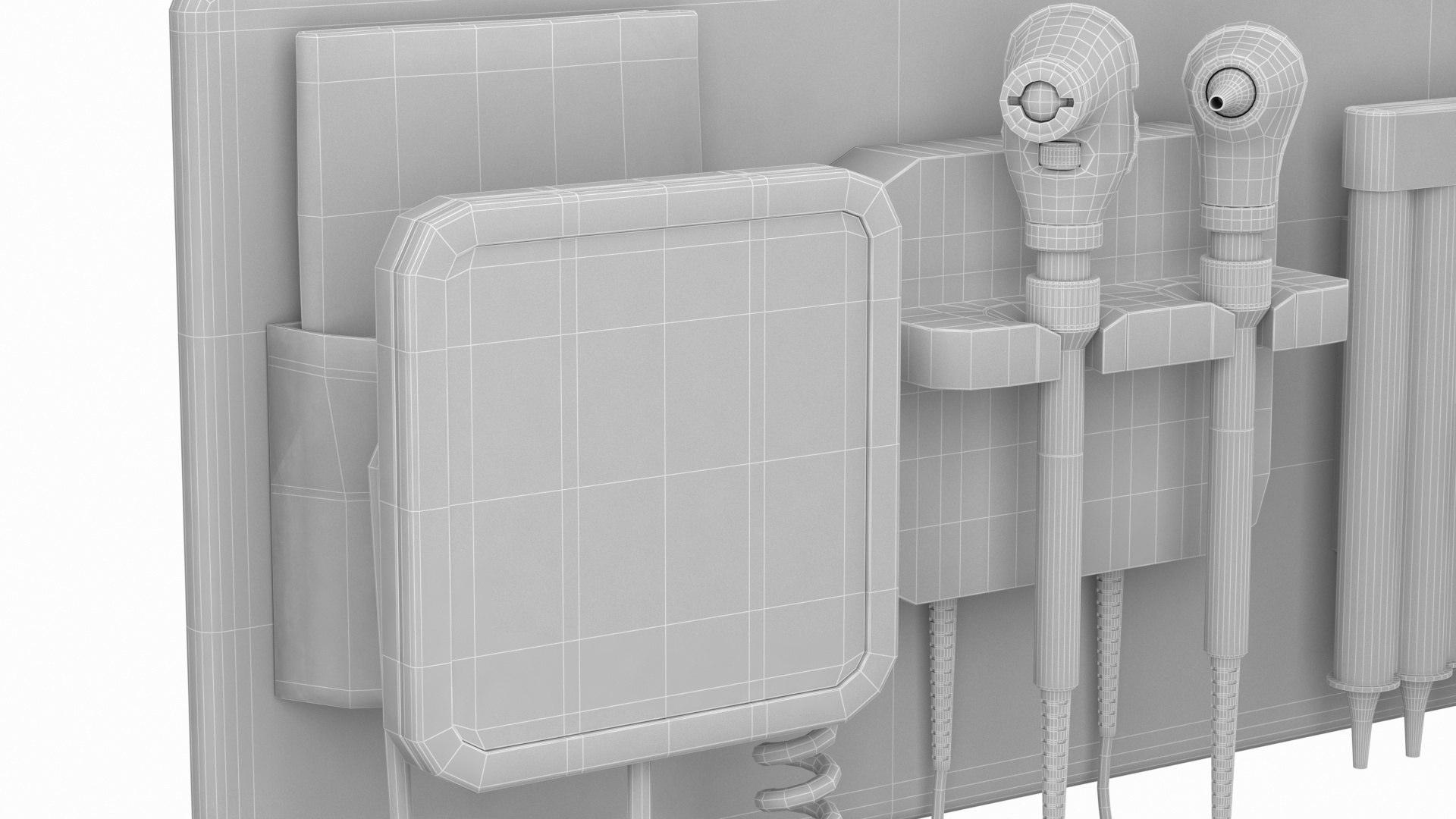
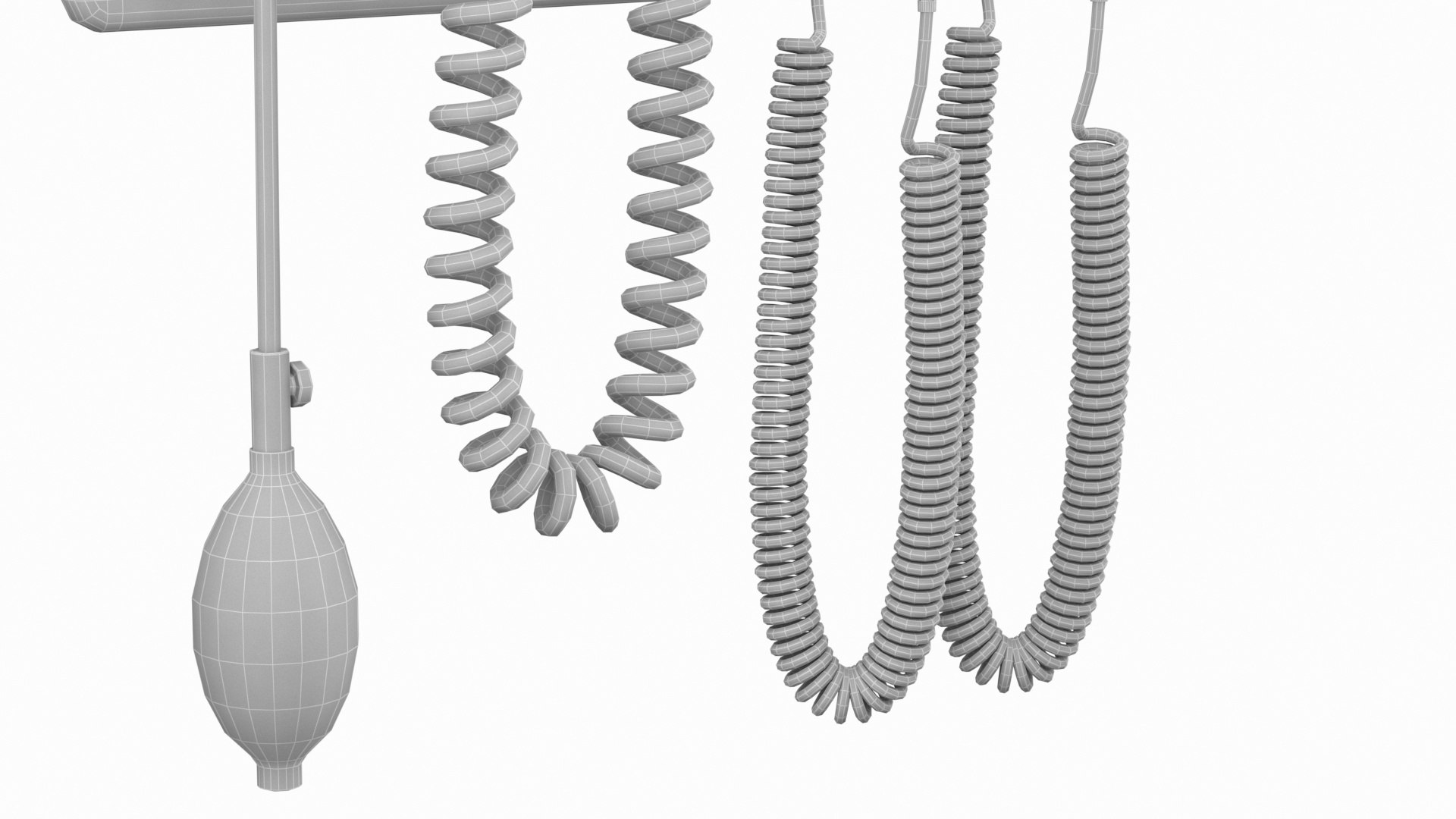
Polygons 83,845
Vertices 85,663
Polygonal Quads/Tris Geometry
Textures
Materials
UV Mapped
Mixed Unwrapped UVs
PBR
Real-Time
member avatar
Benallal
334 Products | Contributor Since 2015
Have questions? Chat with us now.

Description

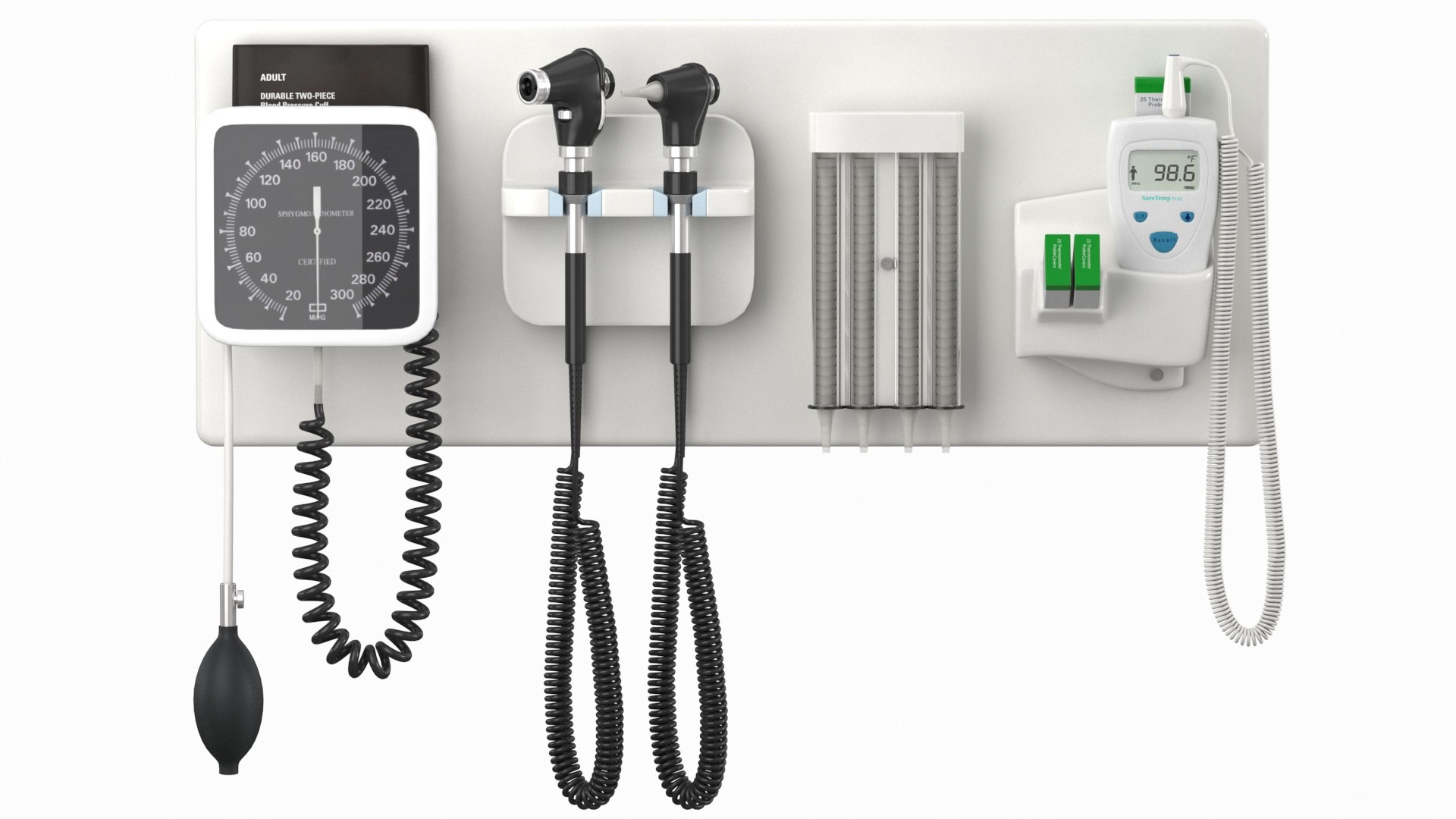
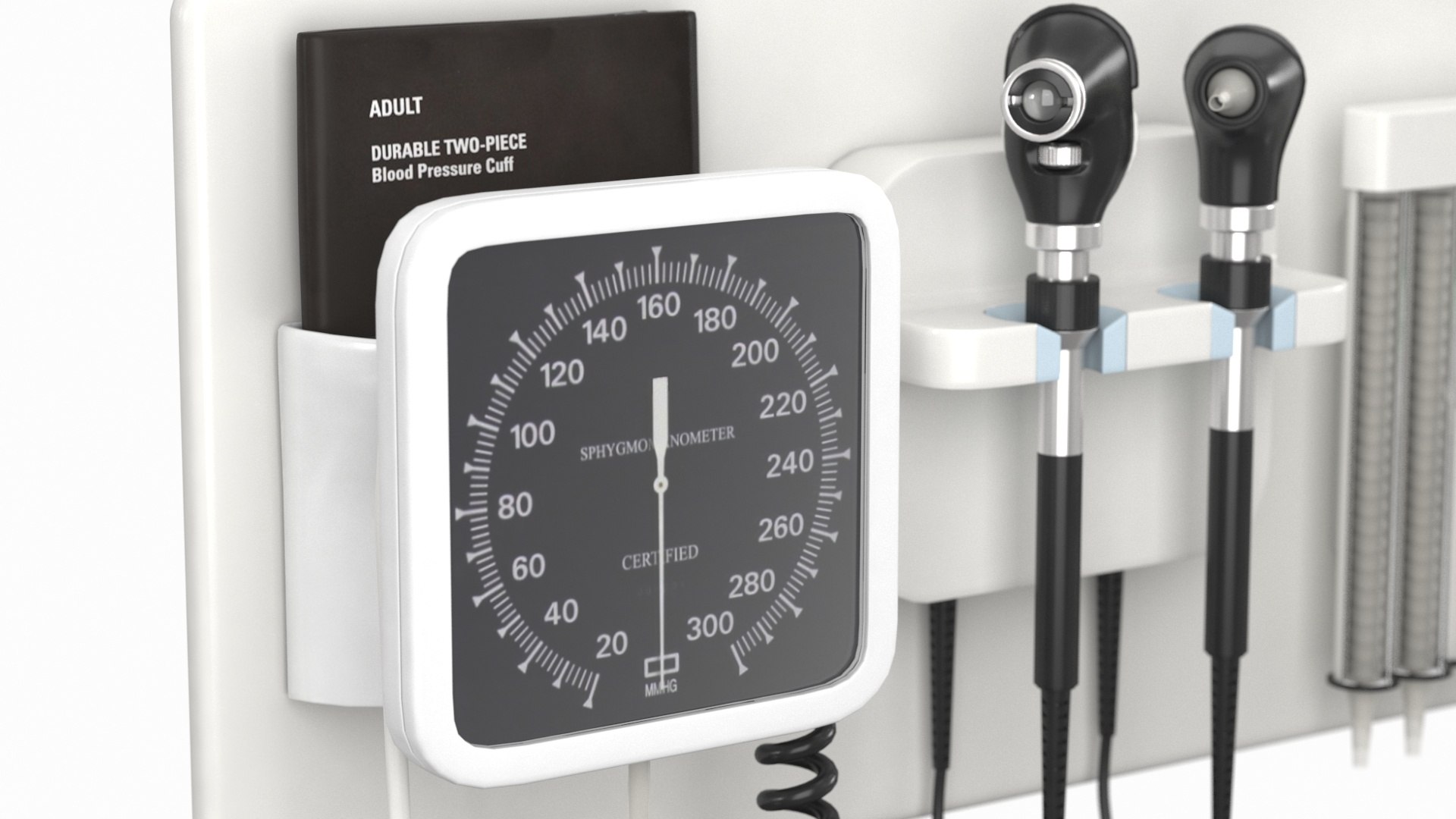
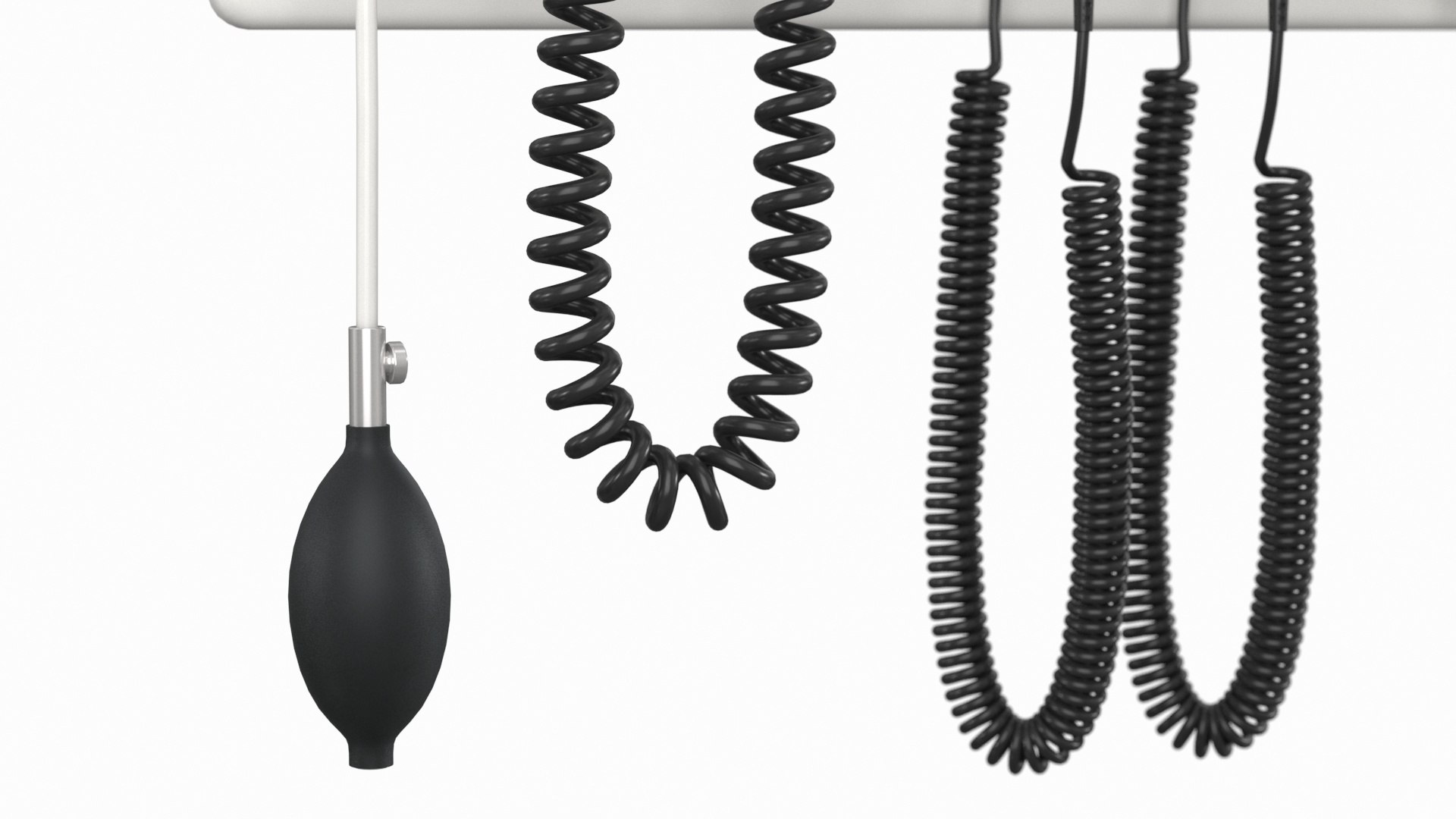
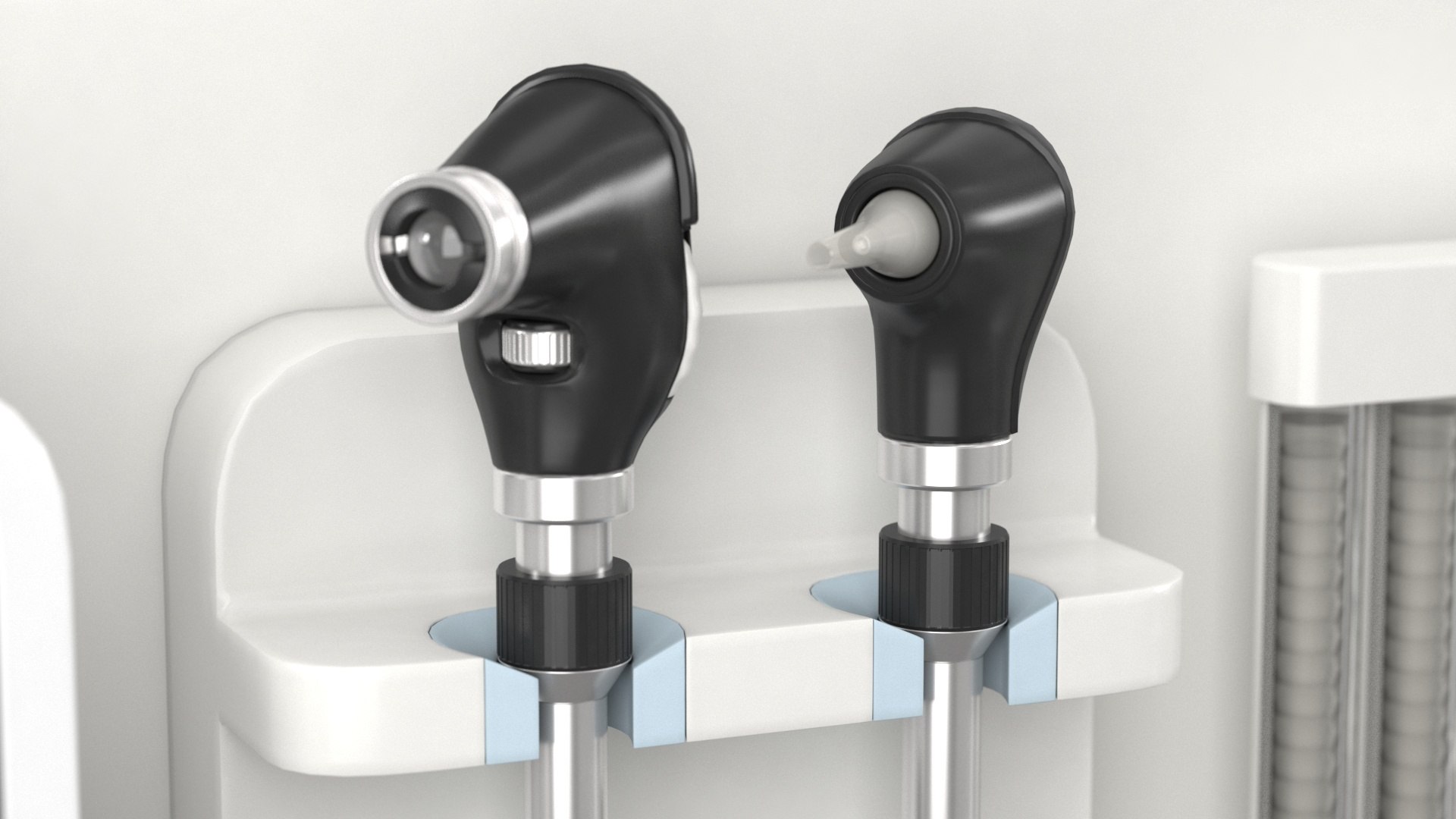
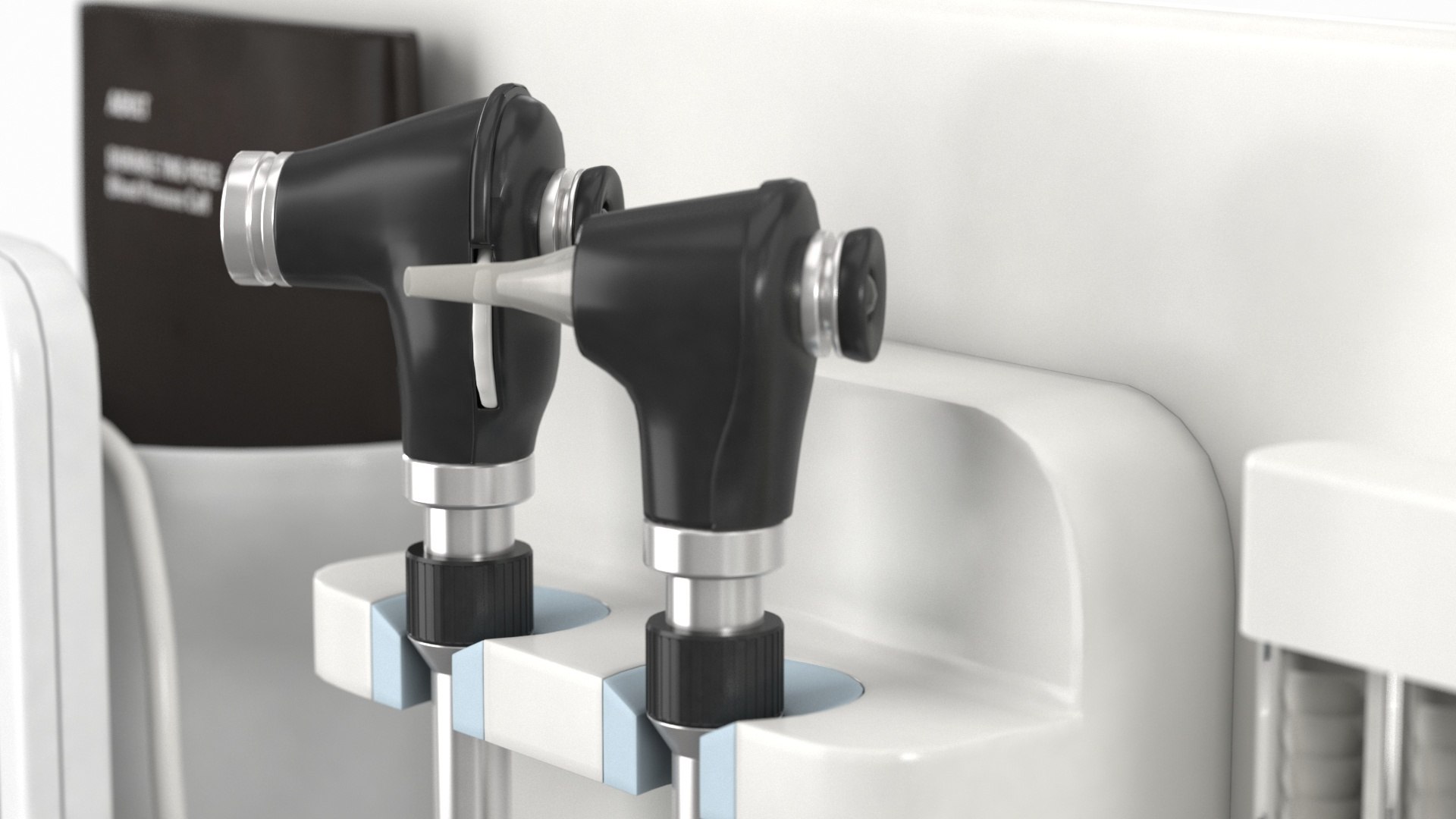
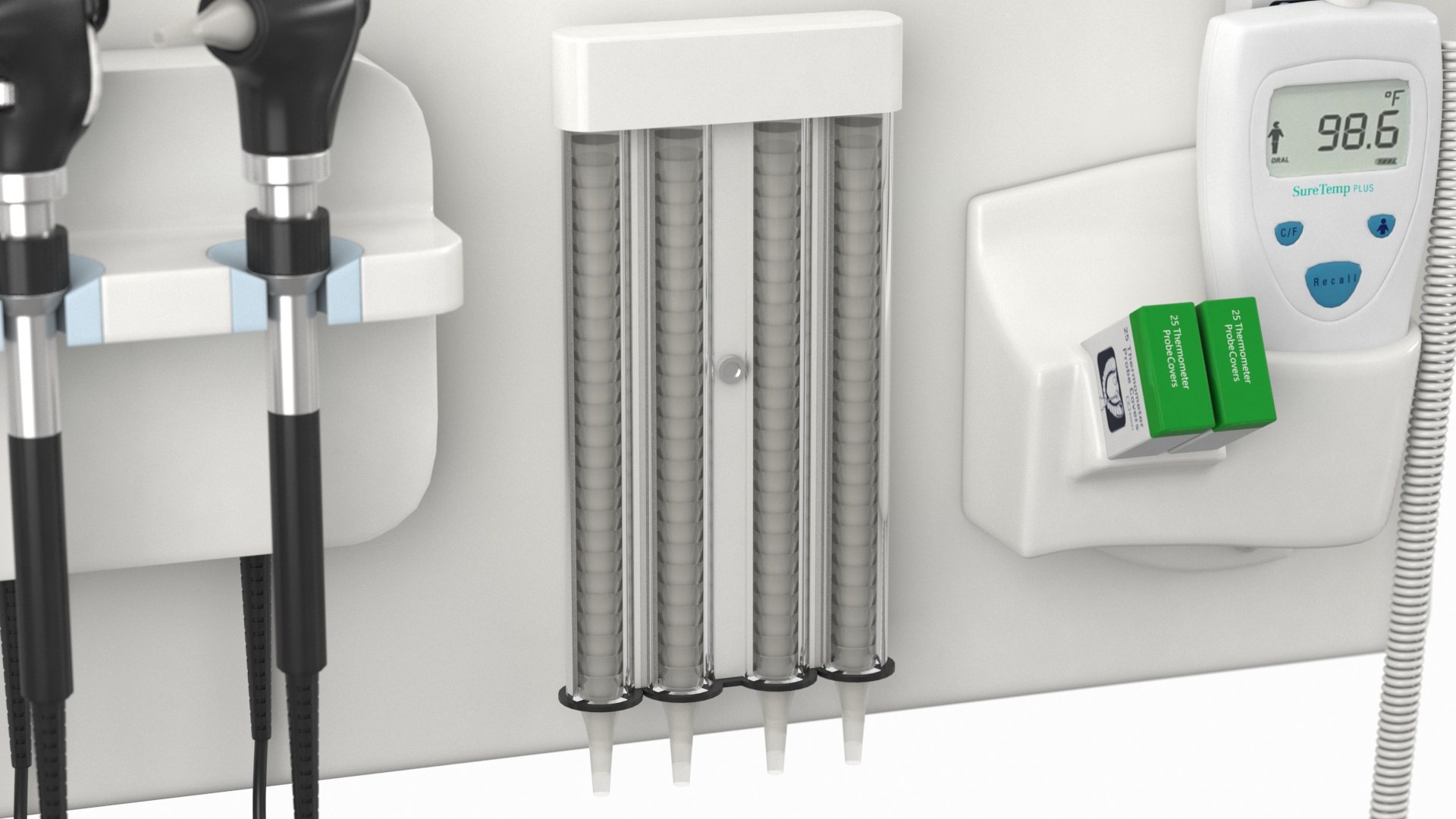
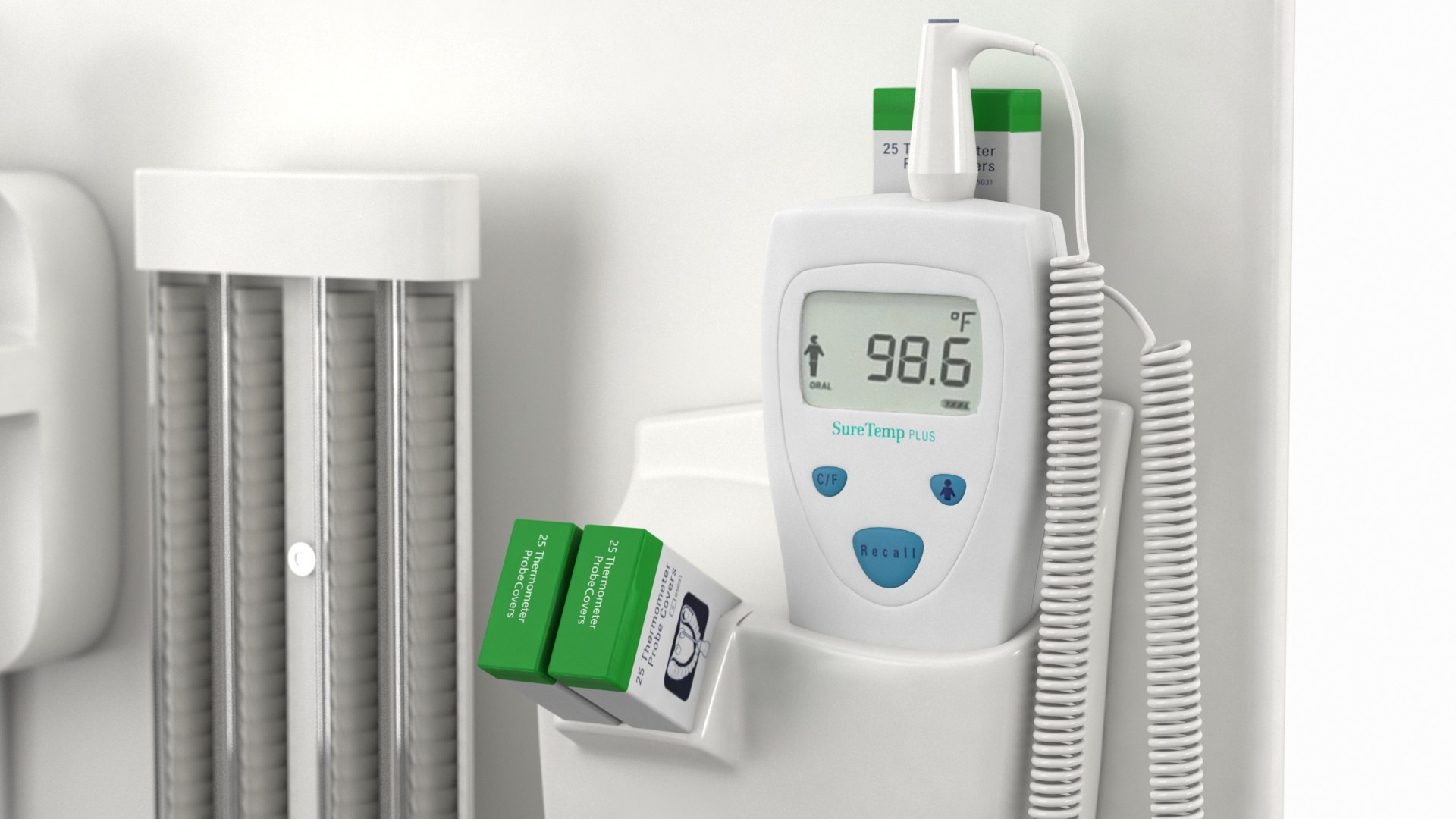
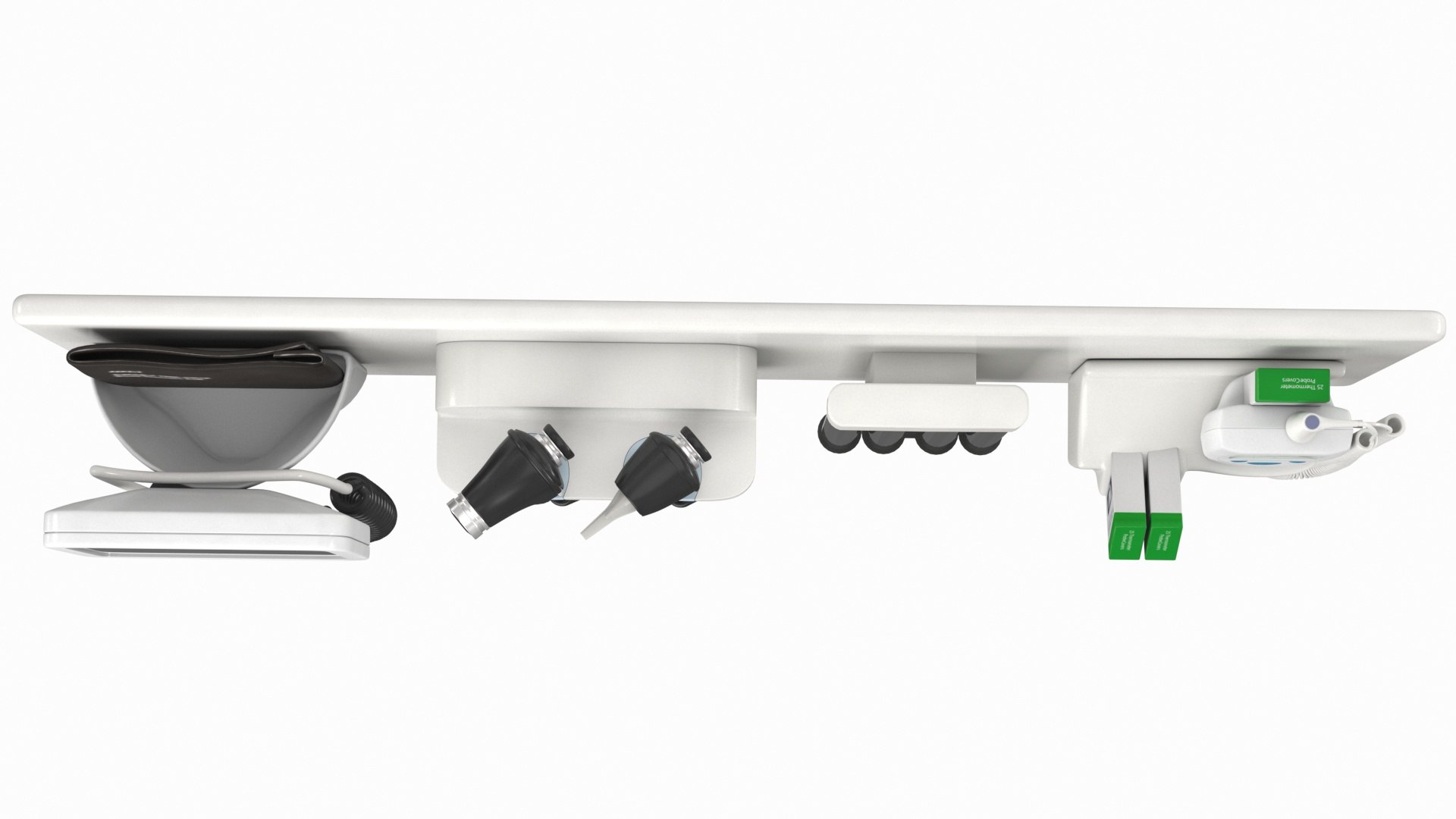
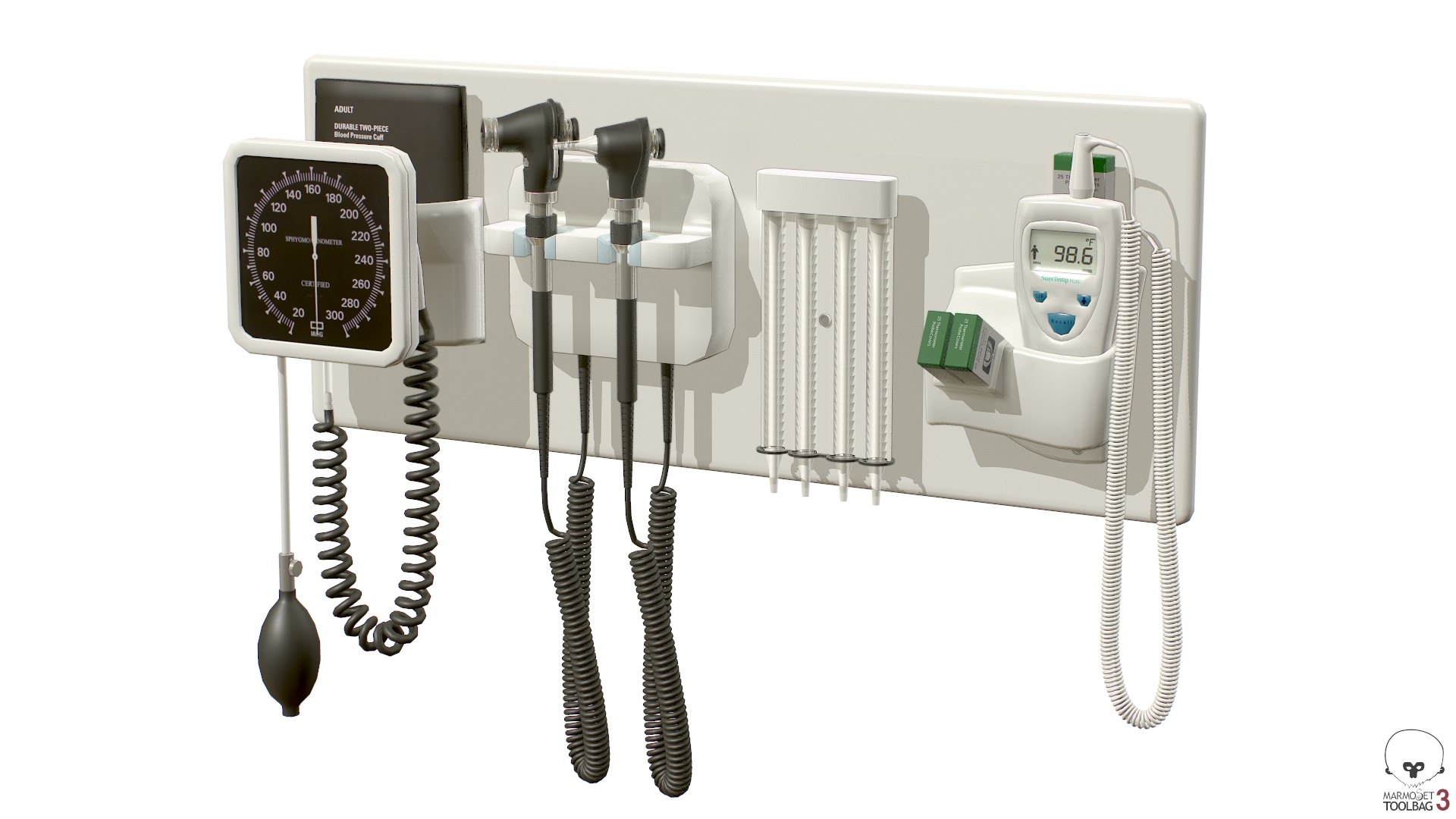
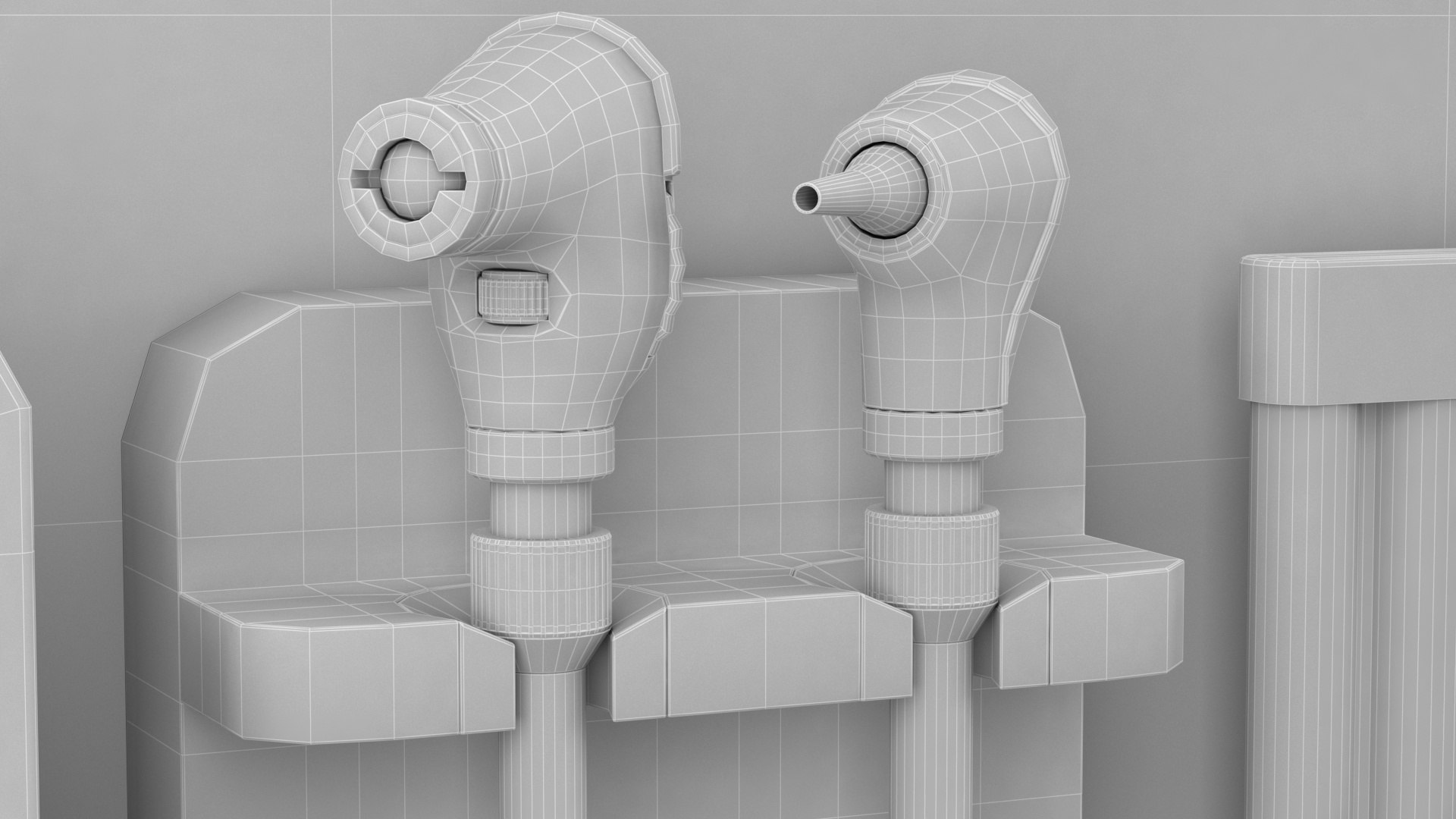
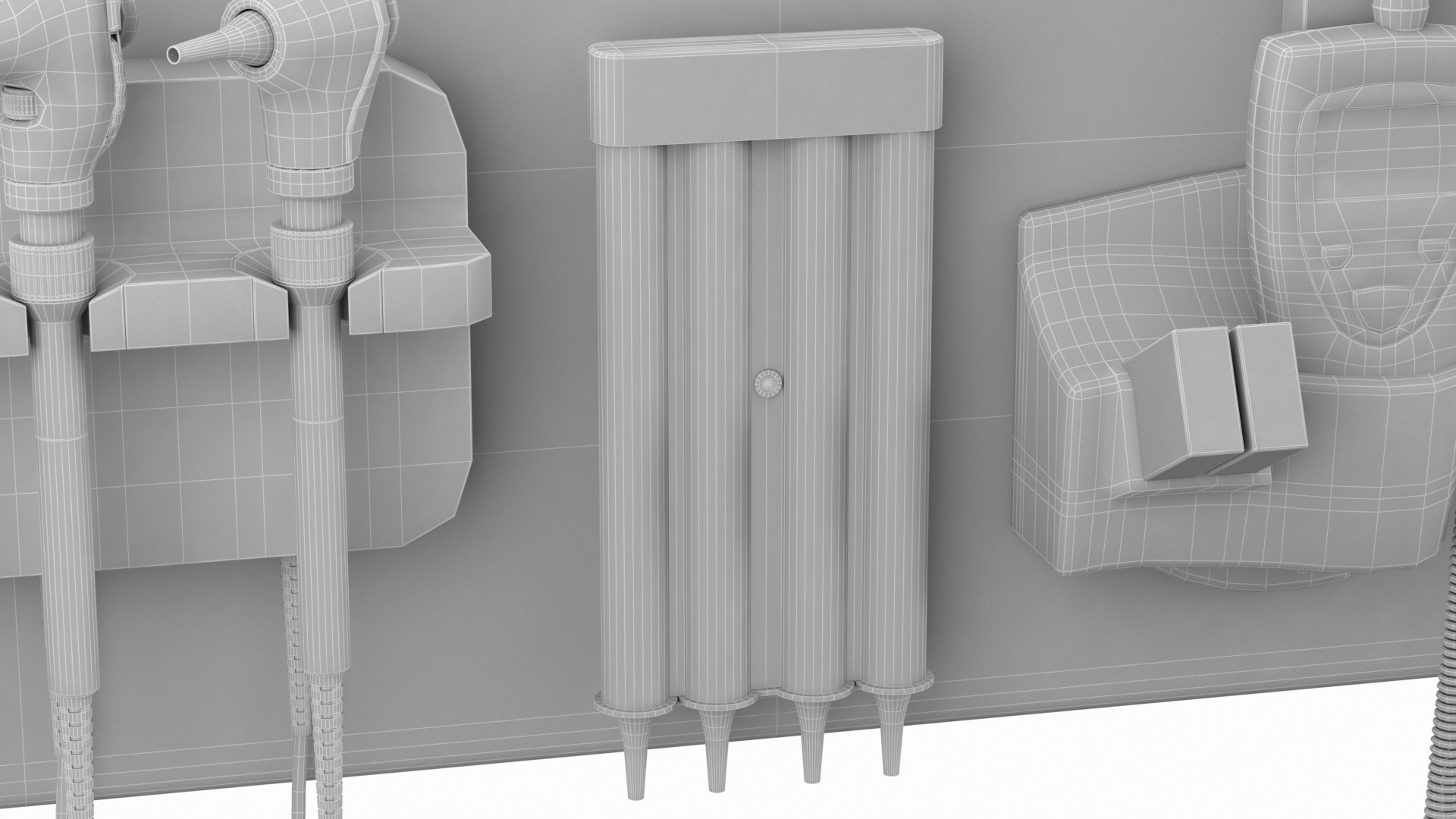
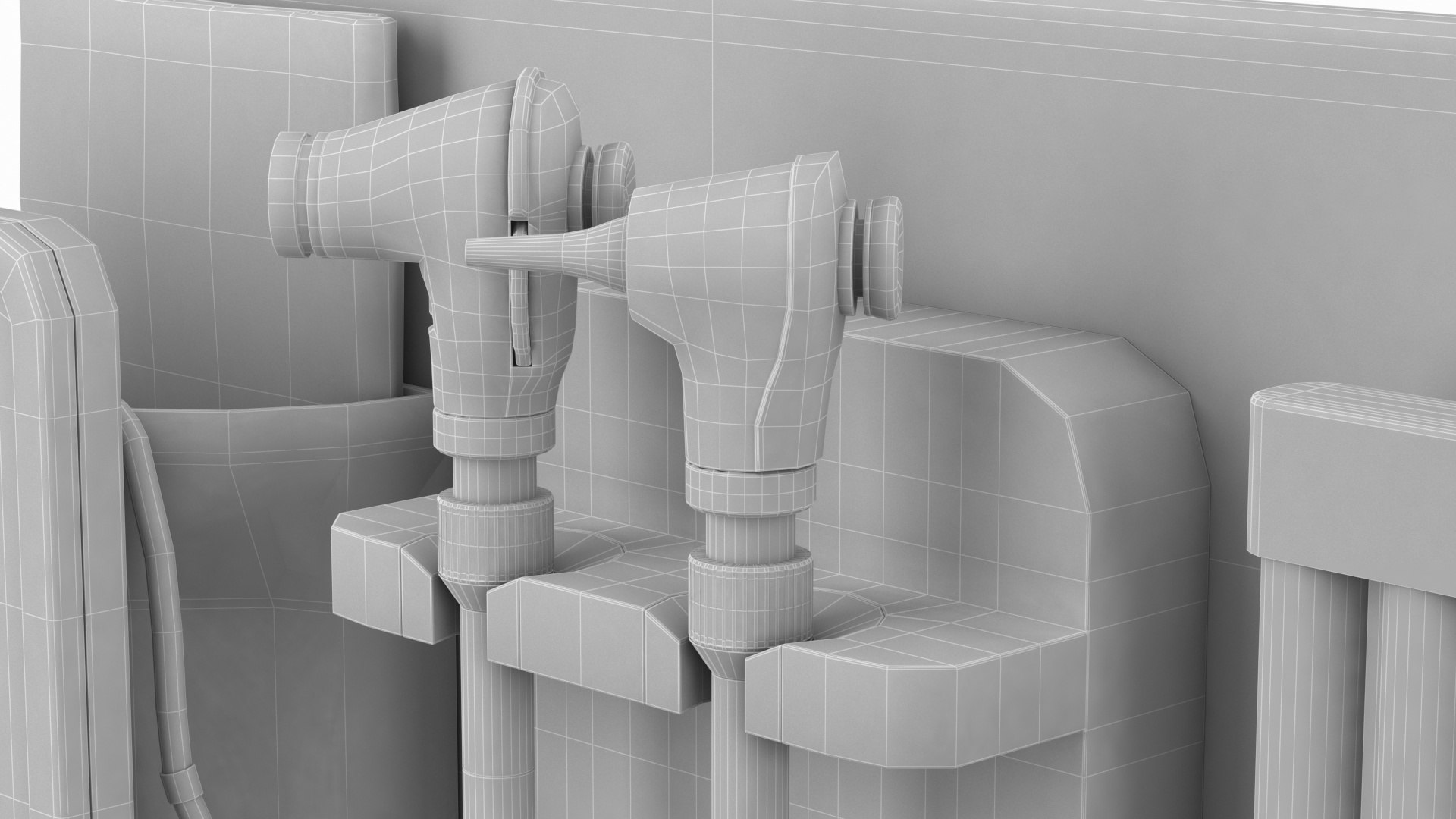
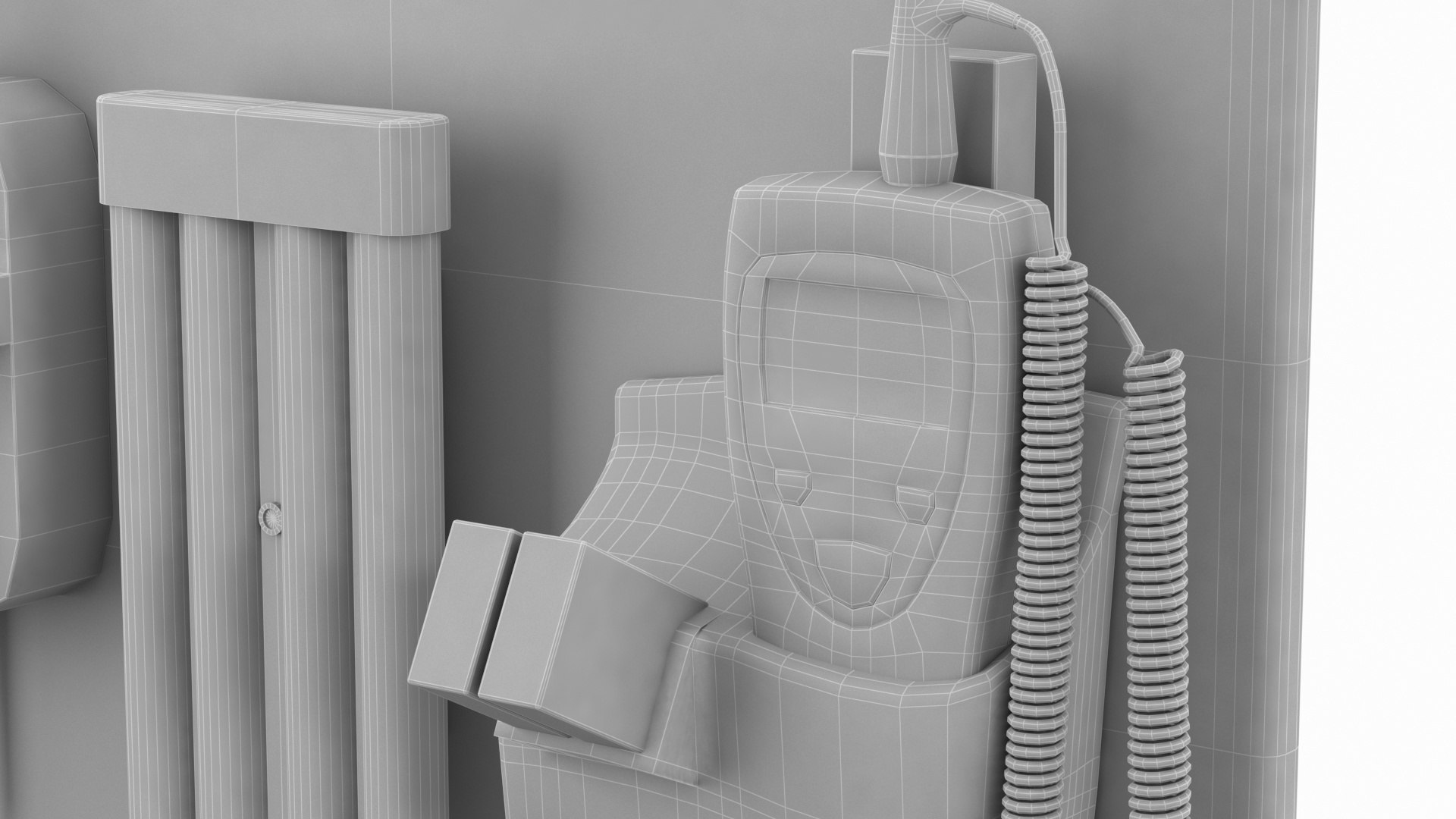
Wall Diagnostic Systems is a high quality model to add more details and realism to your rendering projects. Fully detailed, textured model. Detailed enough for close-up renders. Comes with detailed textures. Originally modelled in 3ds Max 16. Final images rendered with Vray 5 . Render settings, cameras and lights are included in 3ds Max 2016 vray file .

Features:

  • High quality polygonal model correctly scaled accurate representation of the original objects.
  • Model is built to real-world scale .
  • Units used: Centimeters.
  • All colors can be easily modified.
  • Model is fully textured with all materials applied.
  • All textures and materials are included and mapped in every format.
  • No cleaning up necessary, just drop model into your scene and start rendering.

1 Grouped model and 4 textures: Poly : 83845 .

File formats:

  • 3ds Max 2016 vray.
  • 3ds Max 2016 Scanline.
  • OBJ.
  • 3DS.
  • FBX.
  • Cinema 4D R 20.
  • Tbscene 3.

Every model has been checked with the appropriate software.

ADDITIONAL NOTES : If you like the model please rate it.Thank you for visit.

Select Enhanced License

  • $10,000 in Legal Protection (Indemnification)
  • Uncapped Legal Protection (Indemnification)
  • Waiver from injunctive relief
  • Assignable model rights
  • $1,000,000 in Legal Protection (Indemnification)
  • Waiver from injunctive relief
  • Assignable model rights
  • $250,000 in Legal Protection (Indemnification)
  • Assignable model rights
Read more about enhanced license tiers, or contact us at enterprise@turbosquid.com. Already a Shutterstock Enterprise Customer? Contact your Shutterstock Sales Support Agent to talk about adding 3D.

About Conversion Requests

To submit a conversion request for a purchased asset, please complete our Conversion Request Form.

If you have not yet purchased a model, please review our Documentation about Conversions to learn about what limitations you may encounter with a conversion.

For any additional questions about a model’s suitability for conversion, please contact TurboSquid Support.

Loading...