






Collection of Vegetables

$99

Standard License | Upgrade License
Formats (6)
Native | 3ds Max 2009 | V-Ray
Lightwave - | Default Scanline
FBX
OBJ
3D Studio
Specifications
Publish Date April 29, 2011
Product ID 601322
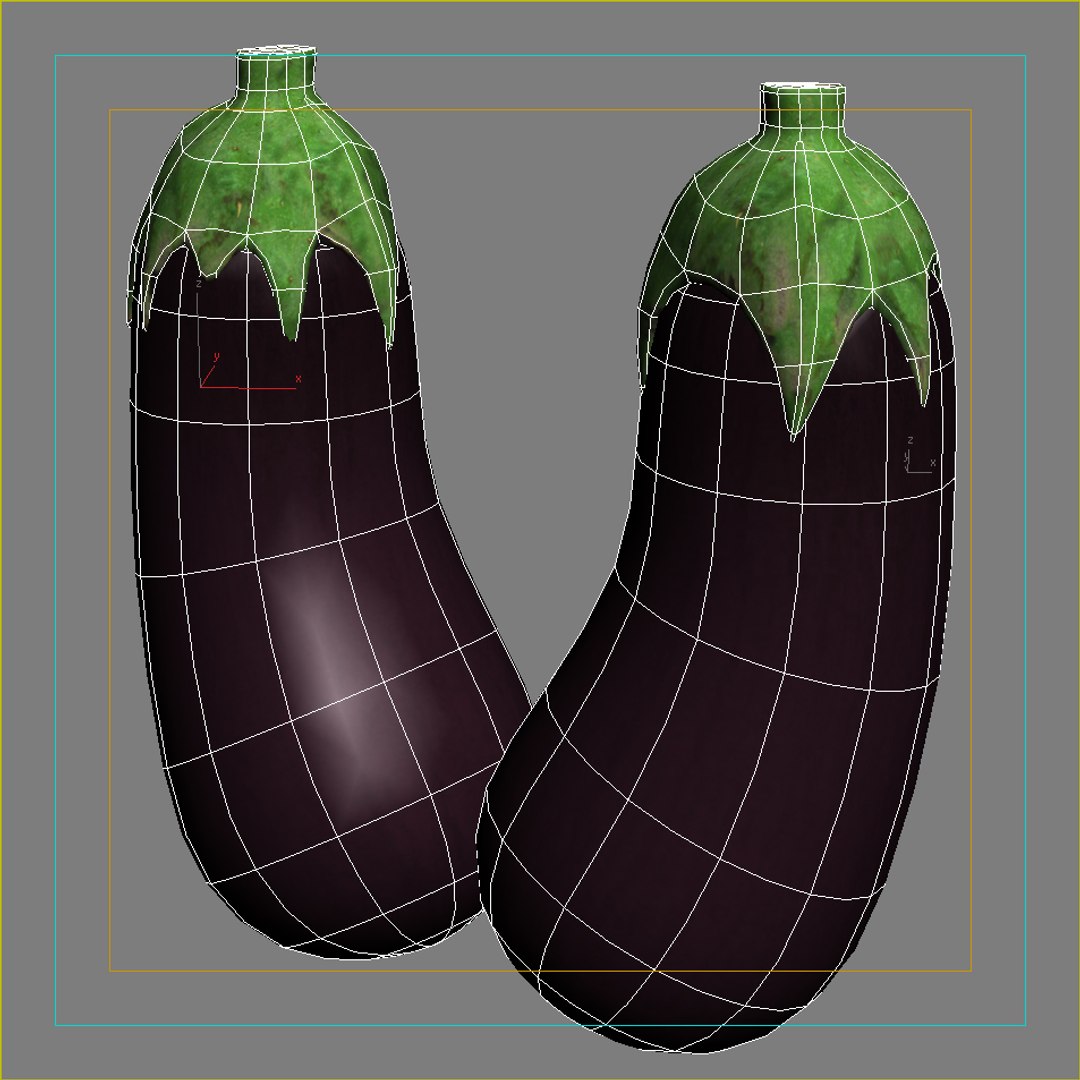
Polygons 100
Vertices 100
Polygonal
Textures
Materials
UV Mapped
Mixed Unwrapped UVs
TurboSquid Exclusive

member avatar
iljujjkin
2330 Products | Contributor Since 2009
Have questions? Chat with us now.

Description

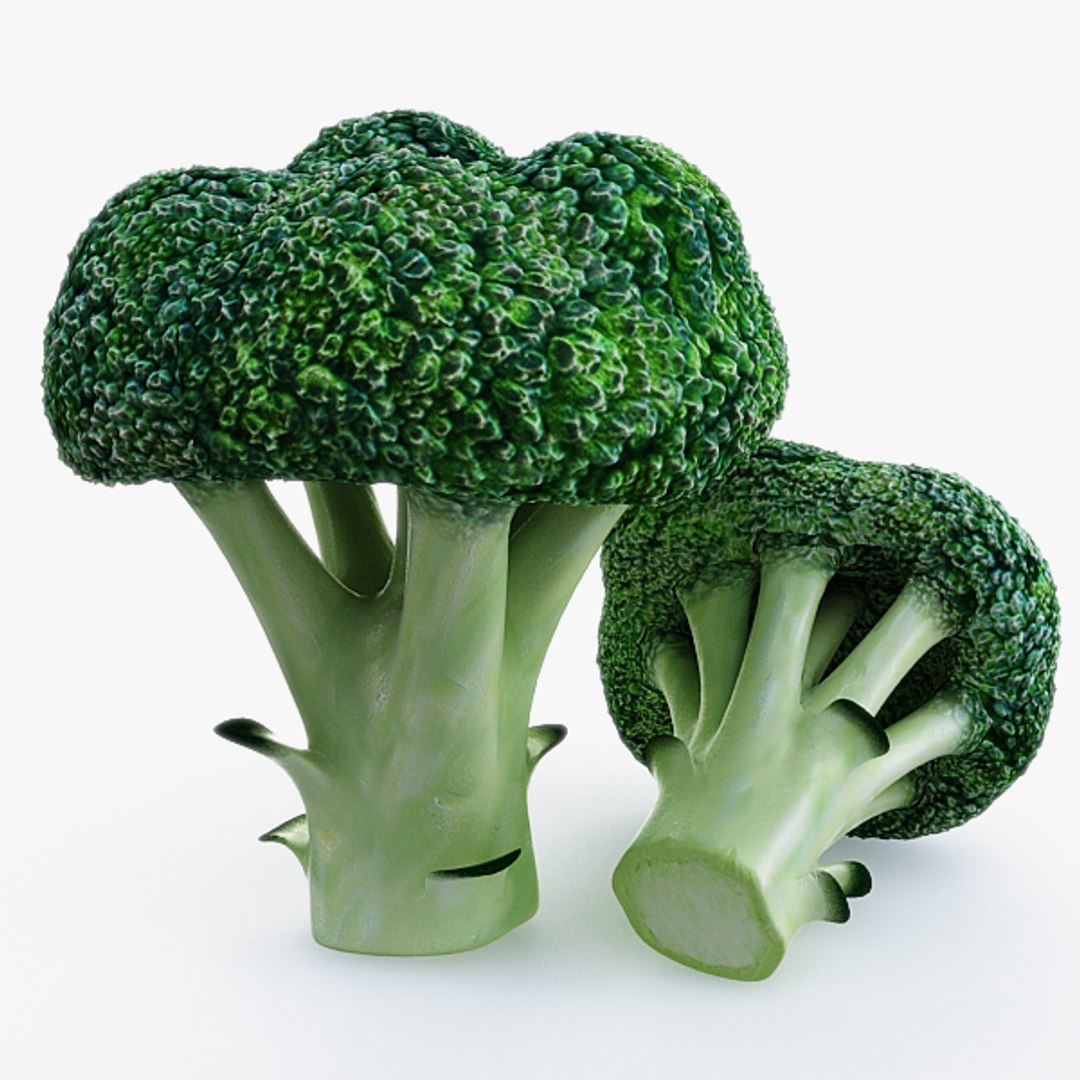
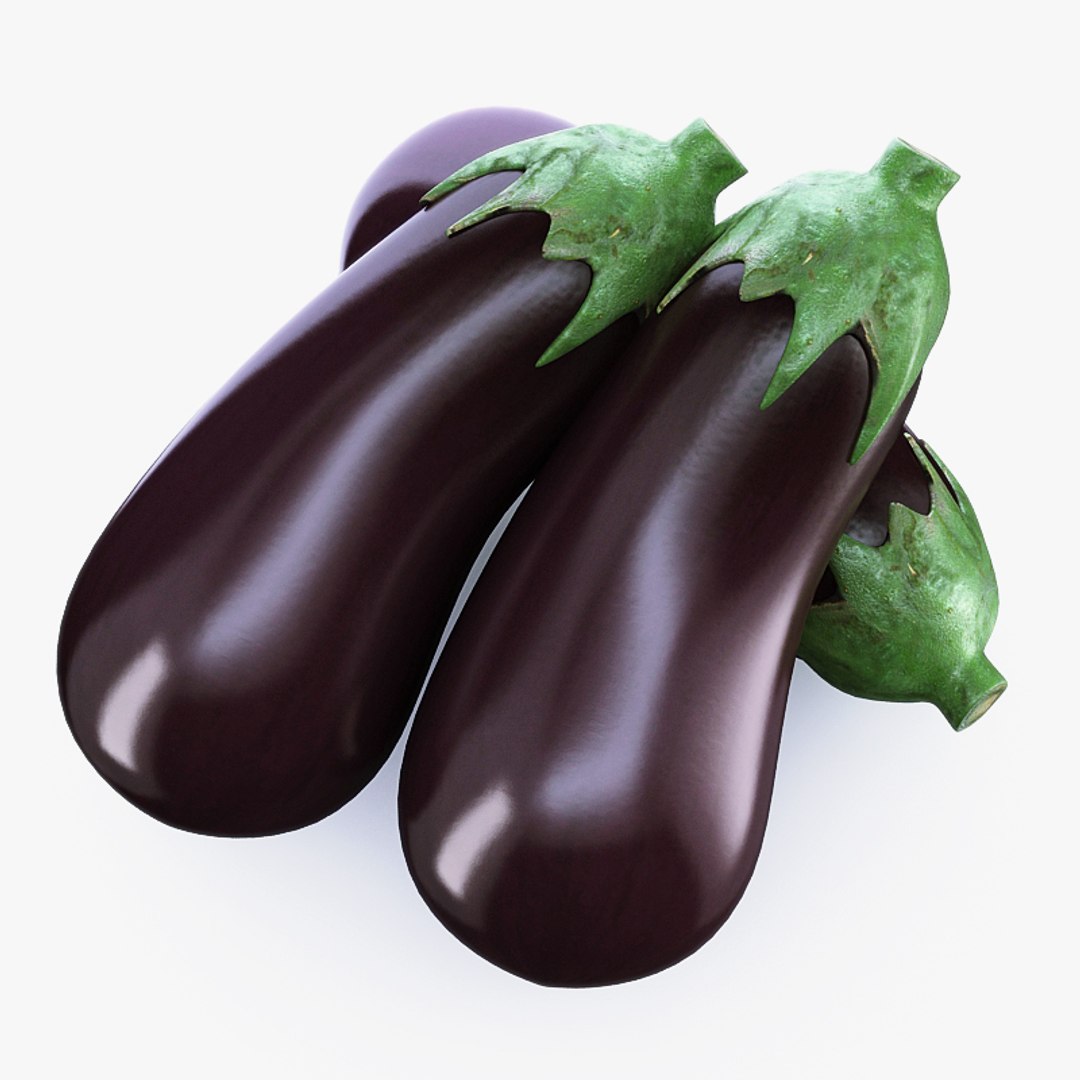
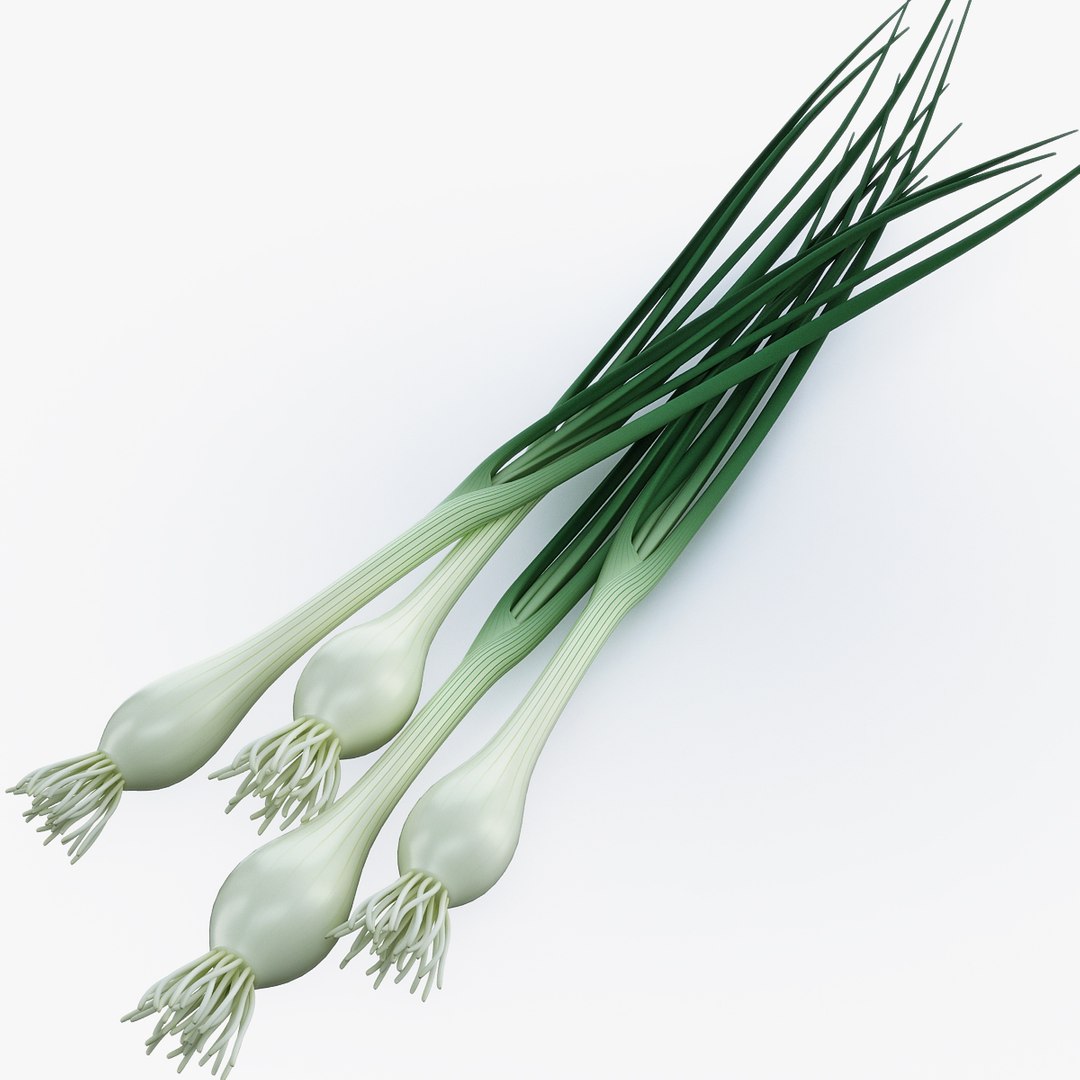
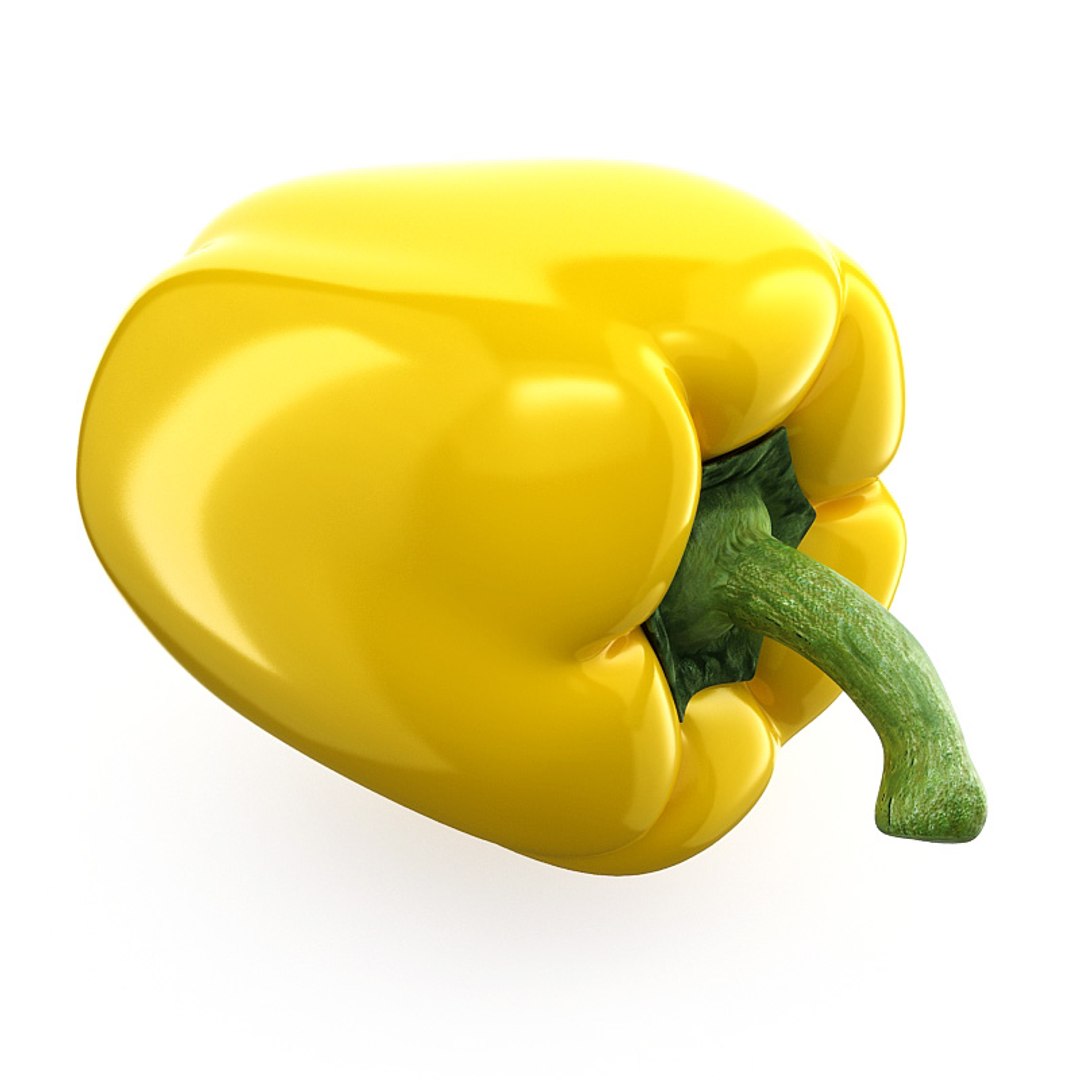
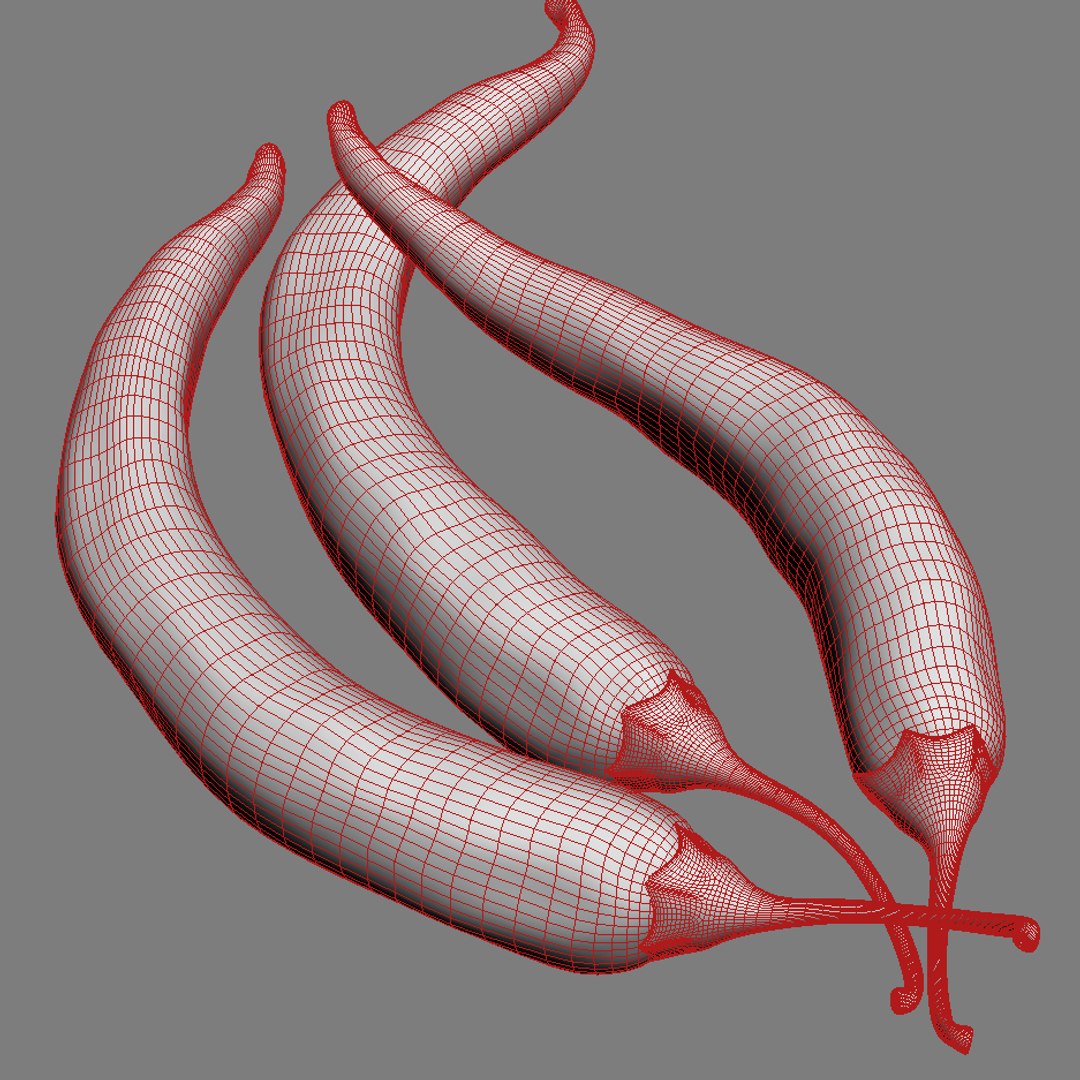
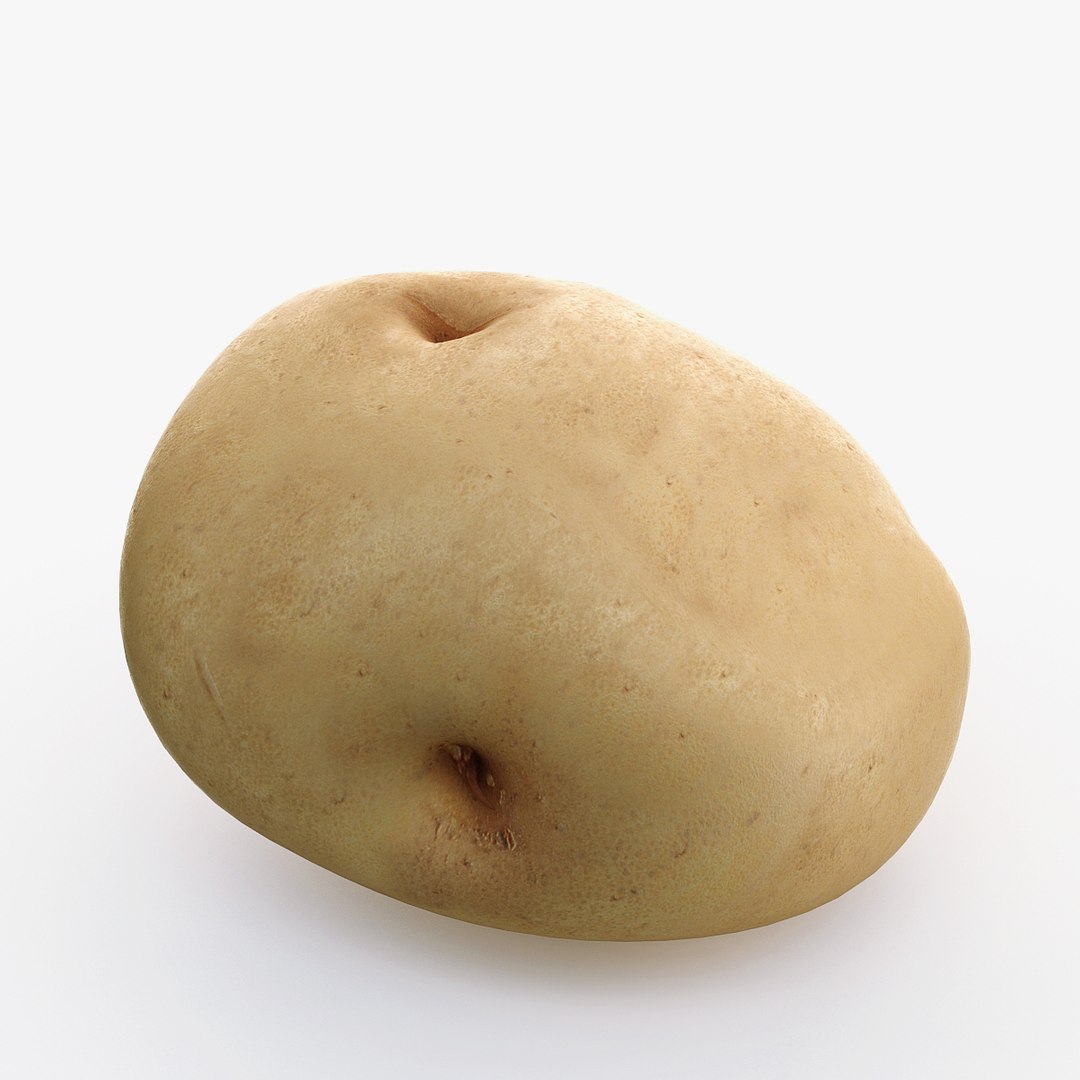
Realistic 3d model of Collection of Vegetables.
Detailed enough for close-up renders.

14 models:

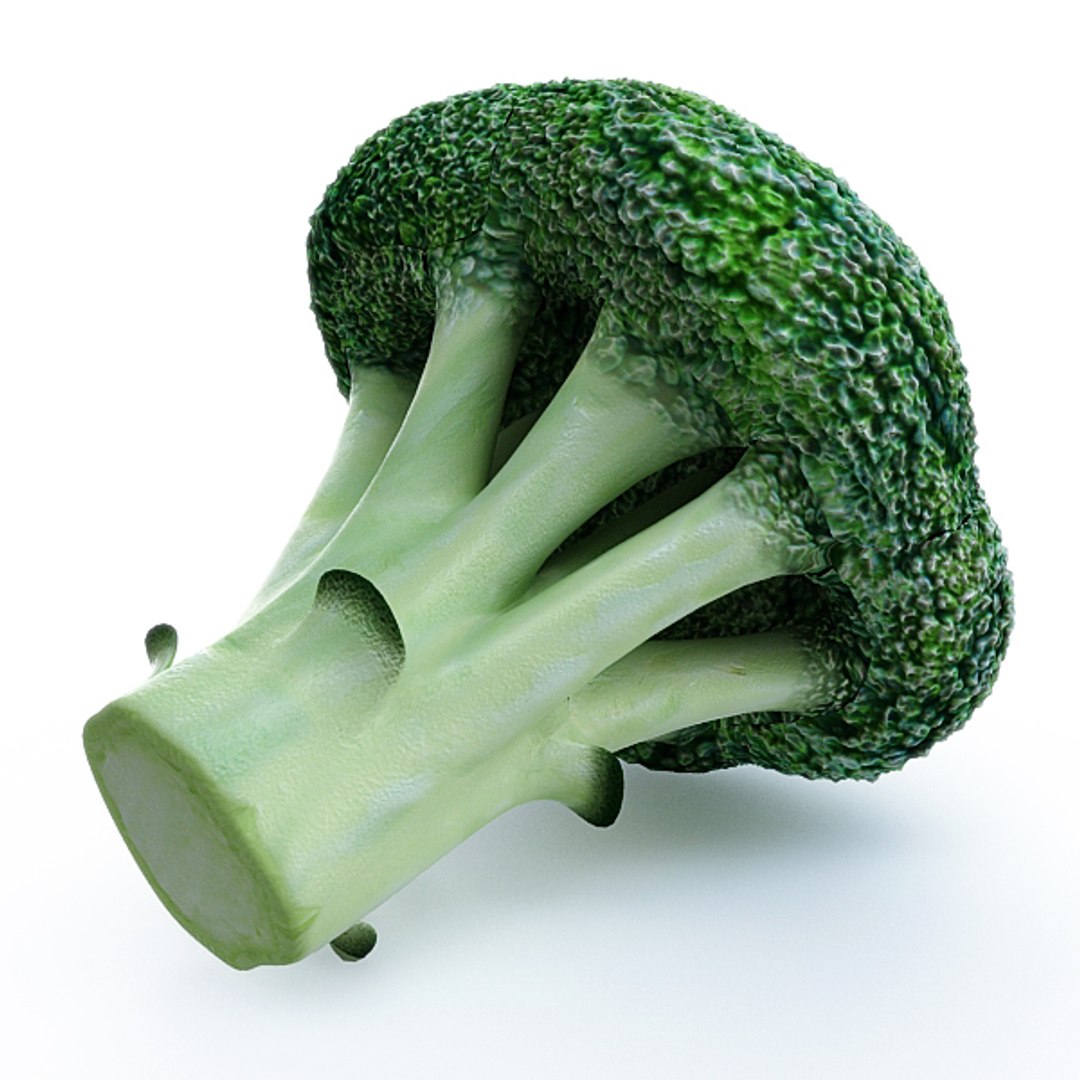
1. Broccoli.
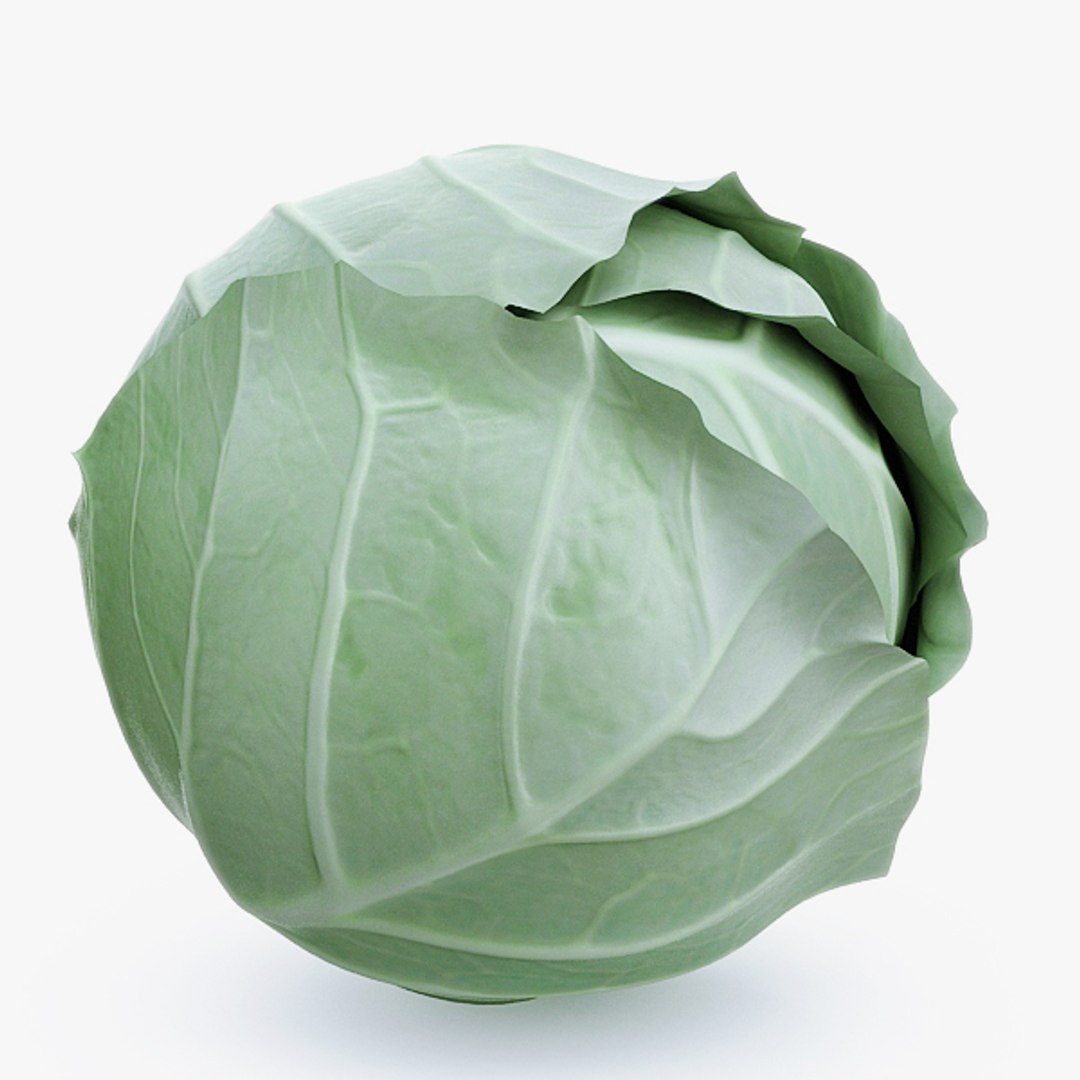
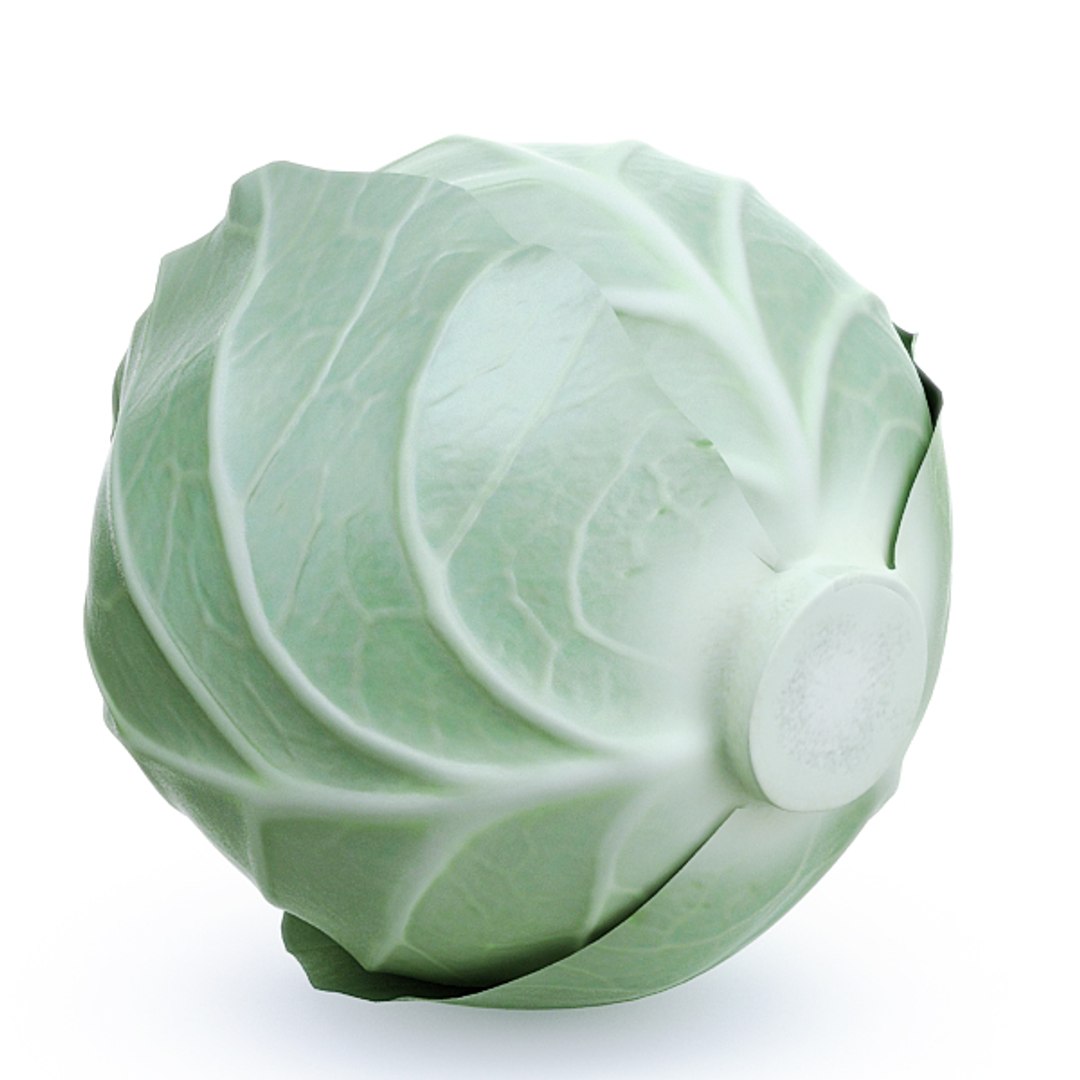
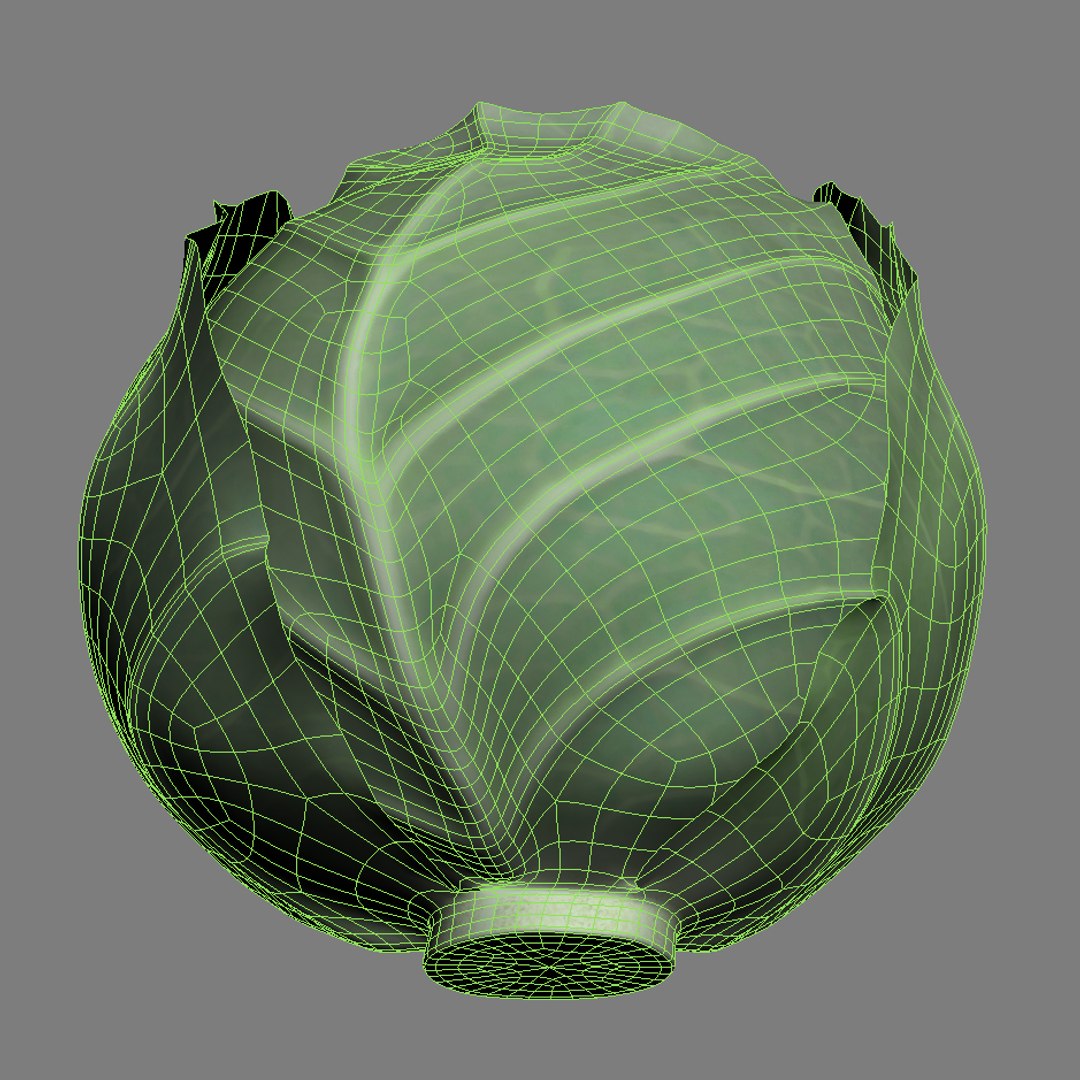
2. Cabbage.
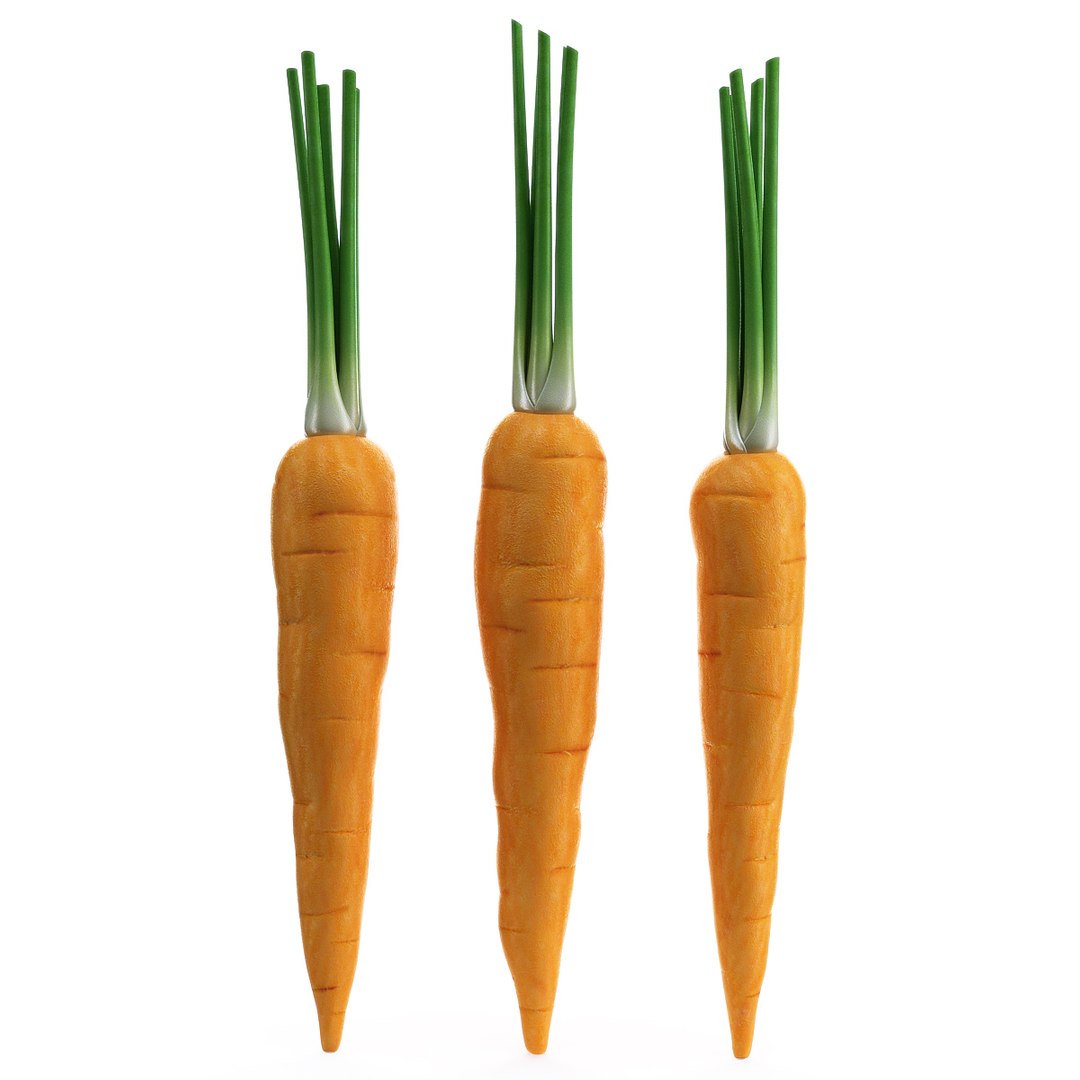
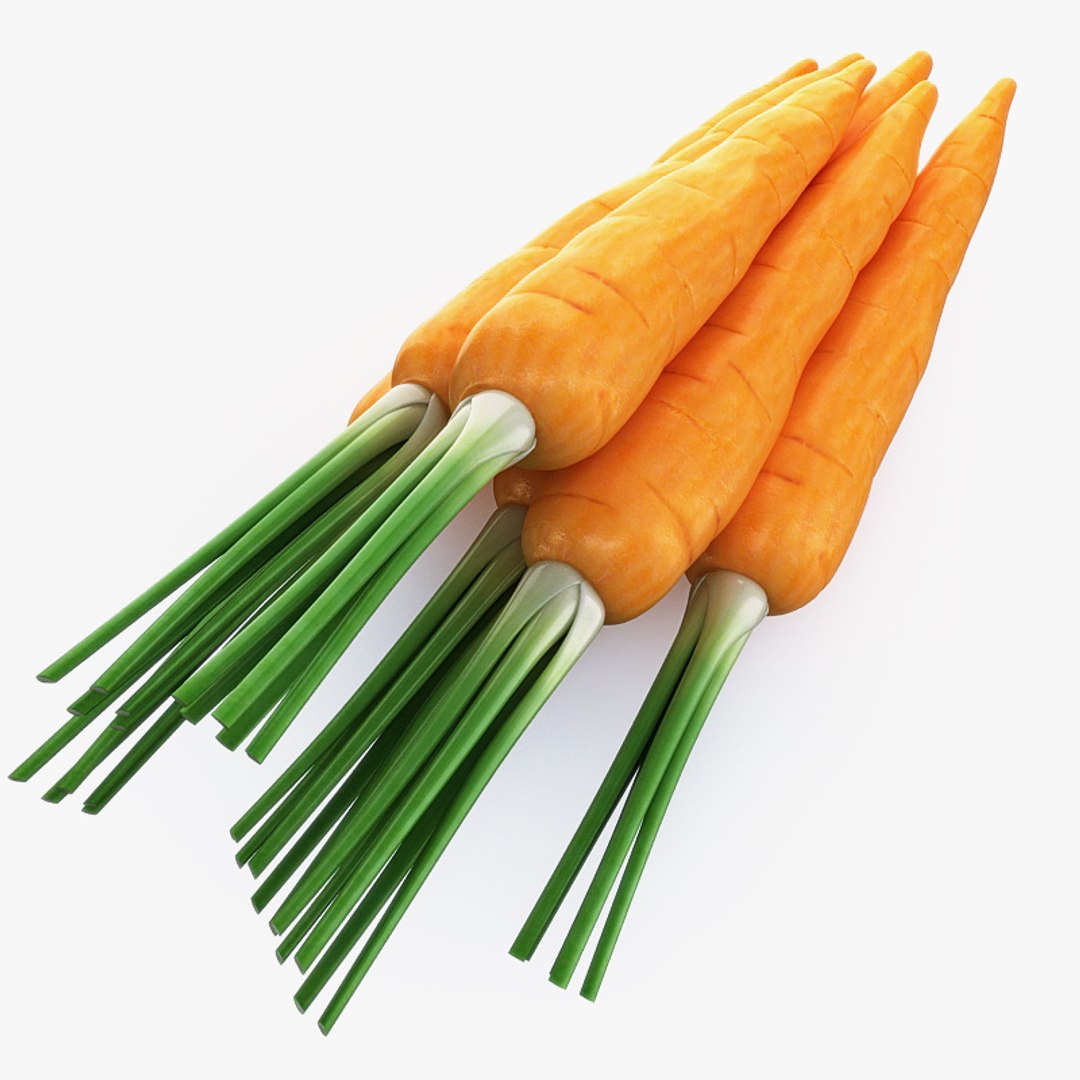
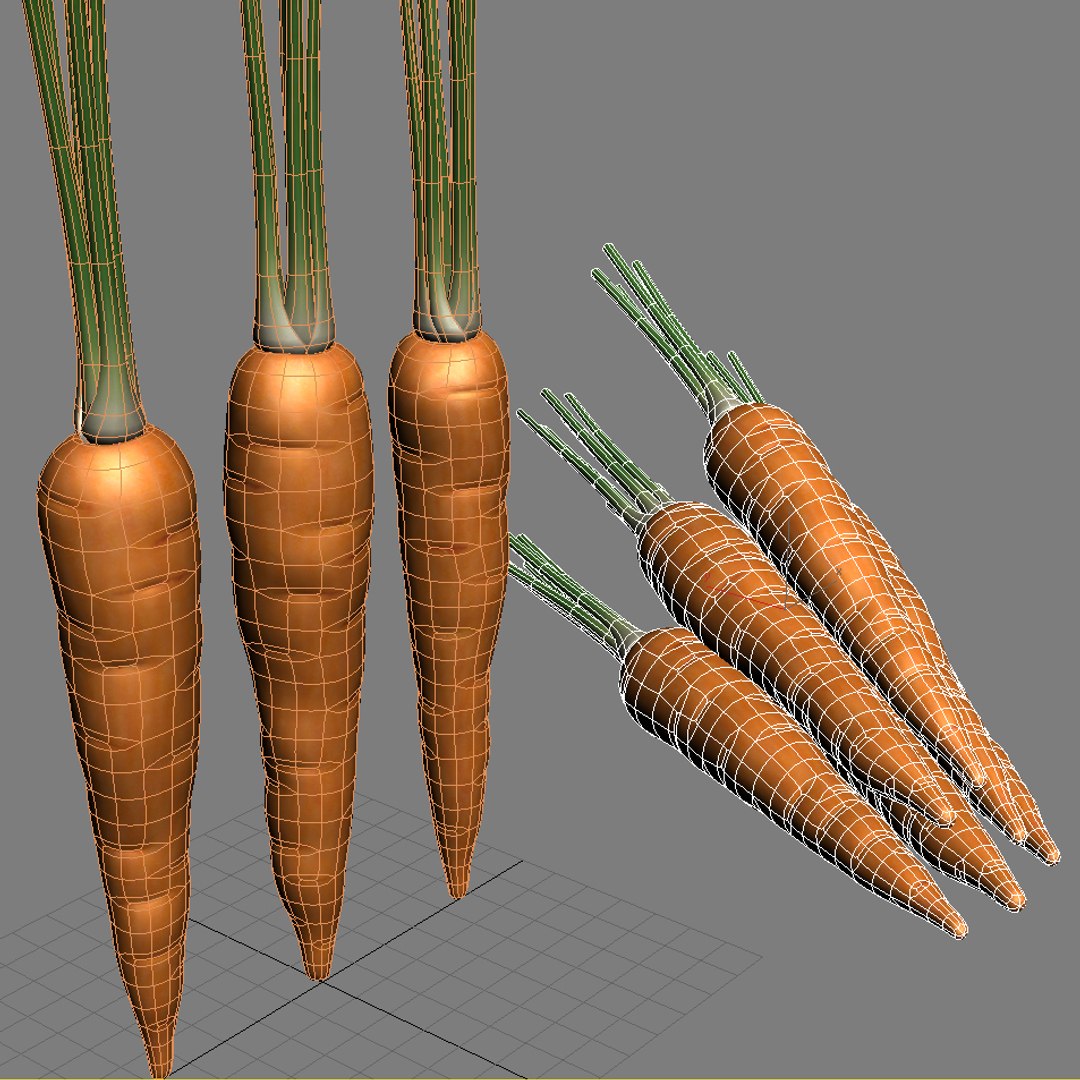
3. Carrot.
4. Chili pepper.
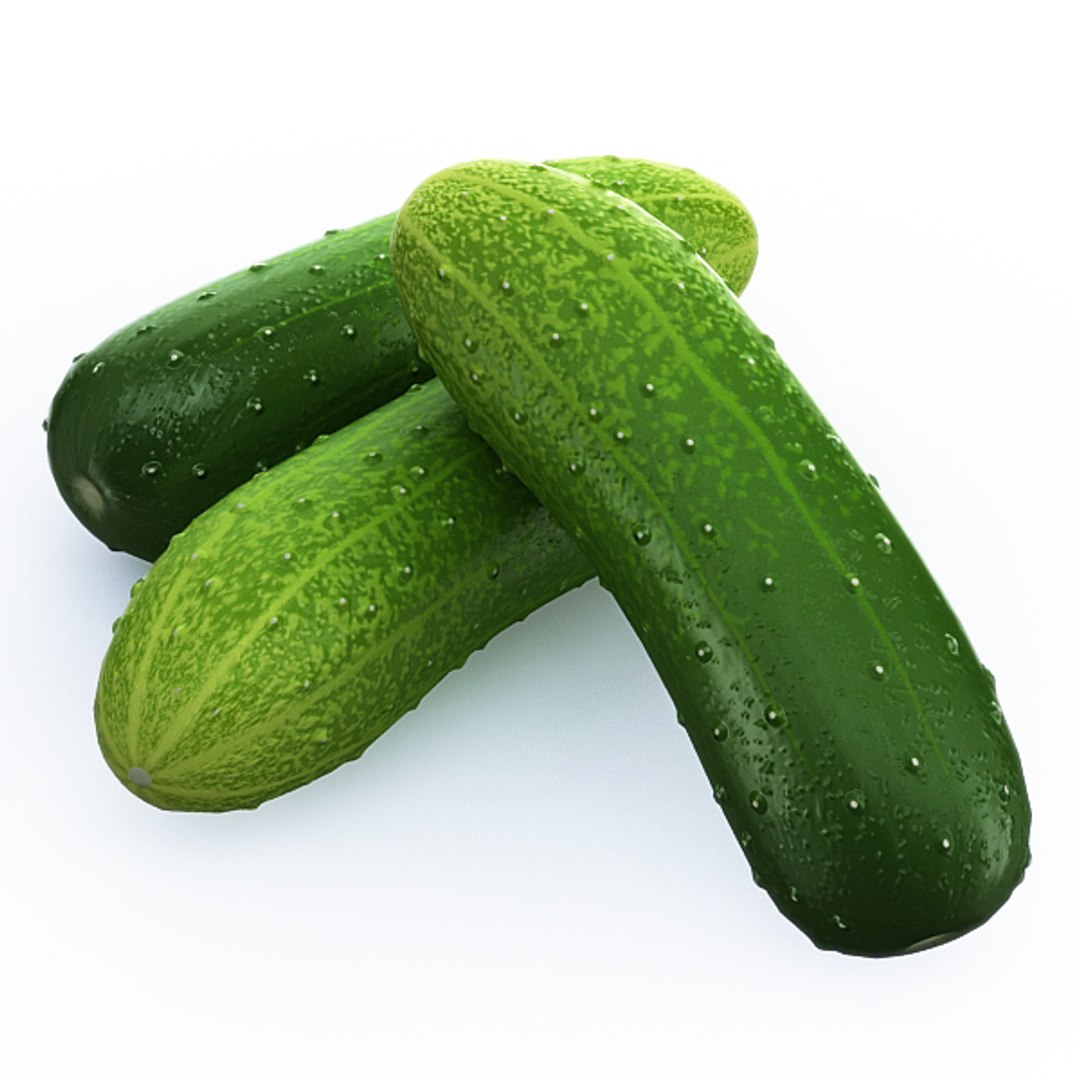
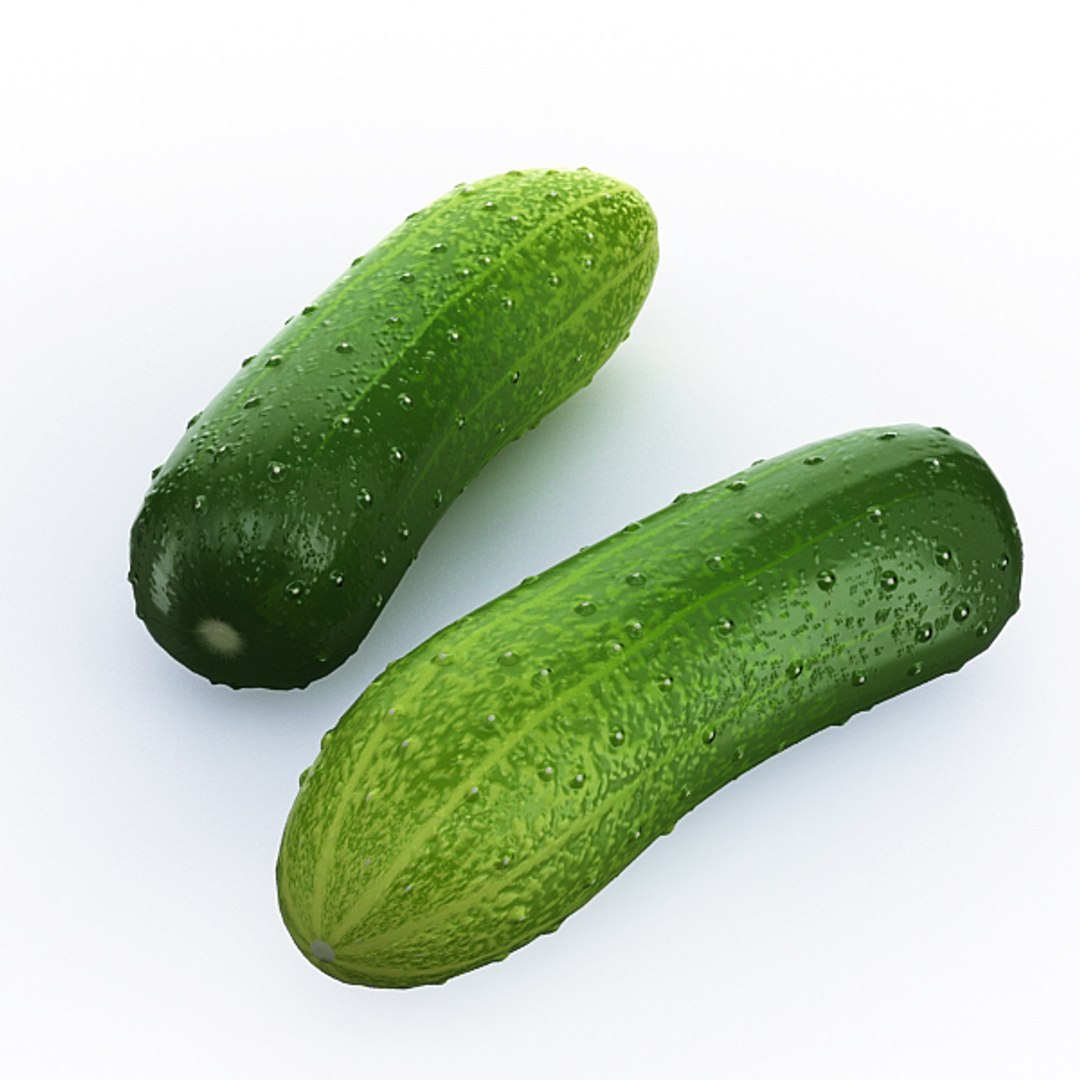
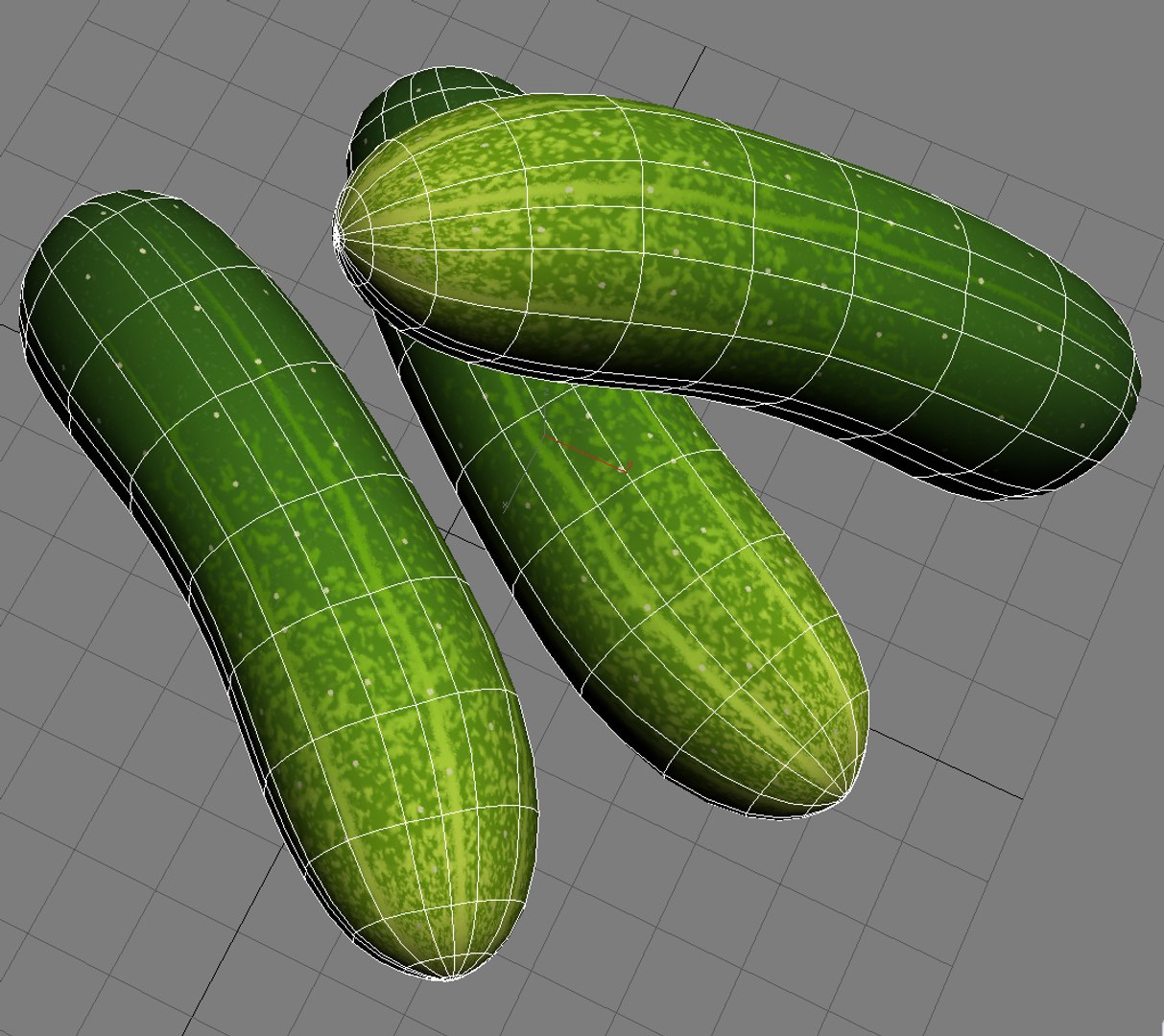
5. Cucumber.
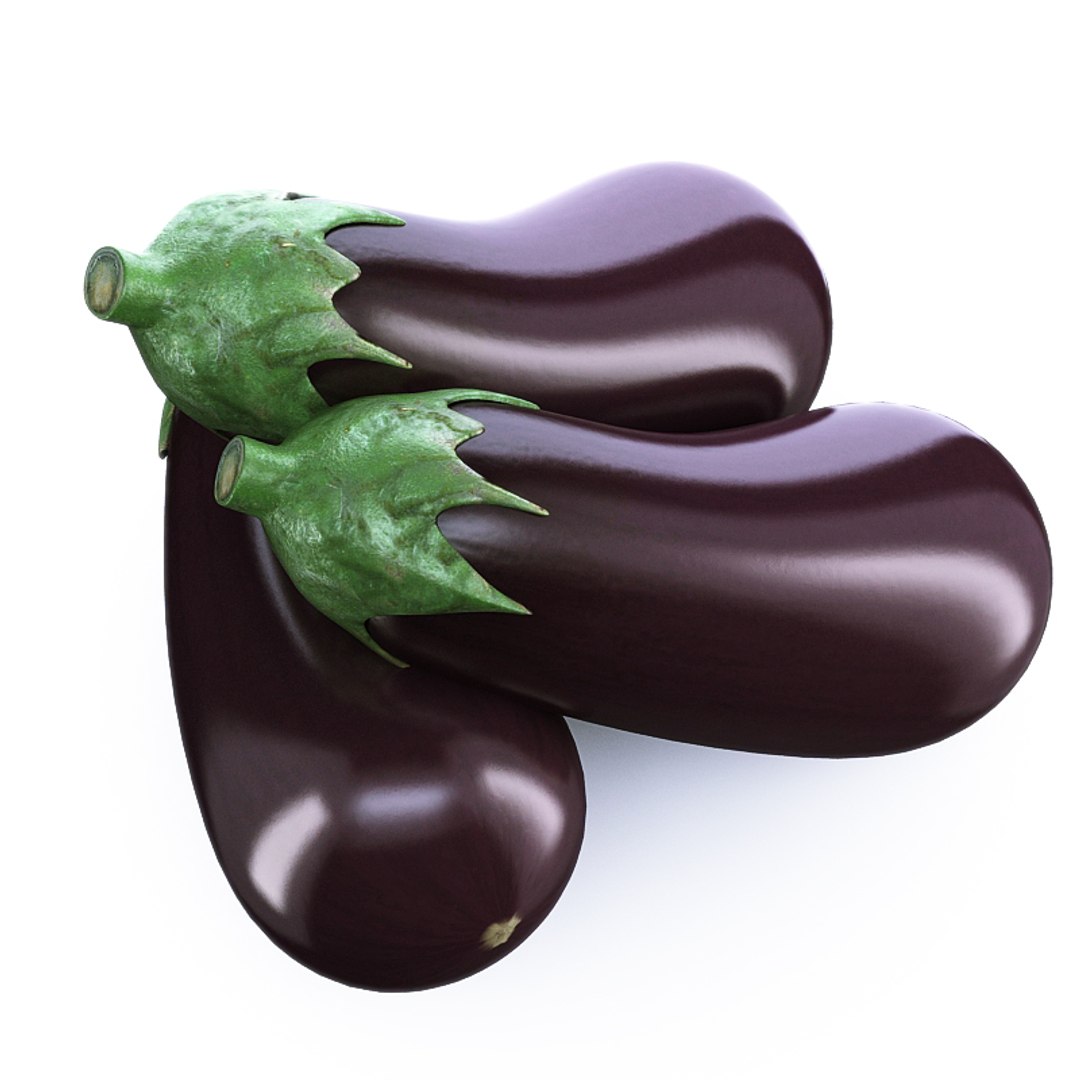
6. Eggplant.
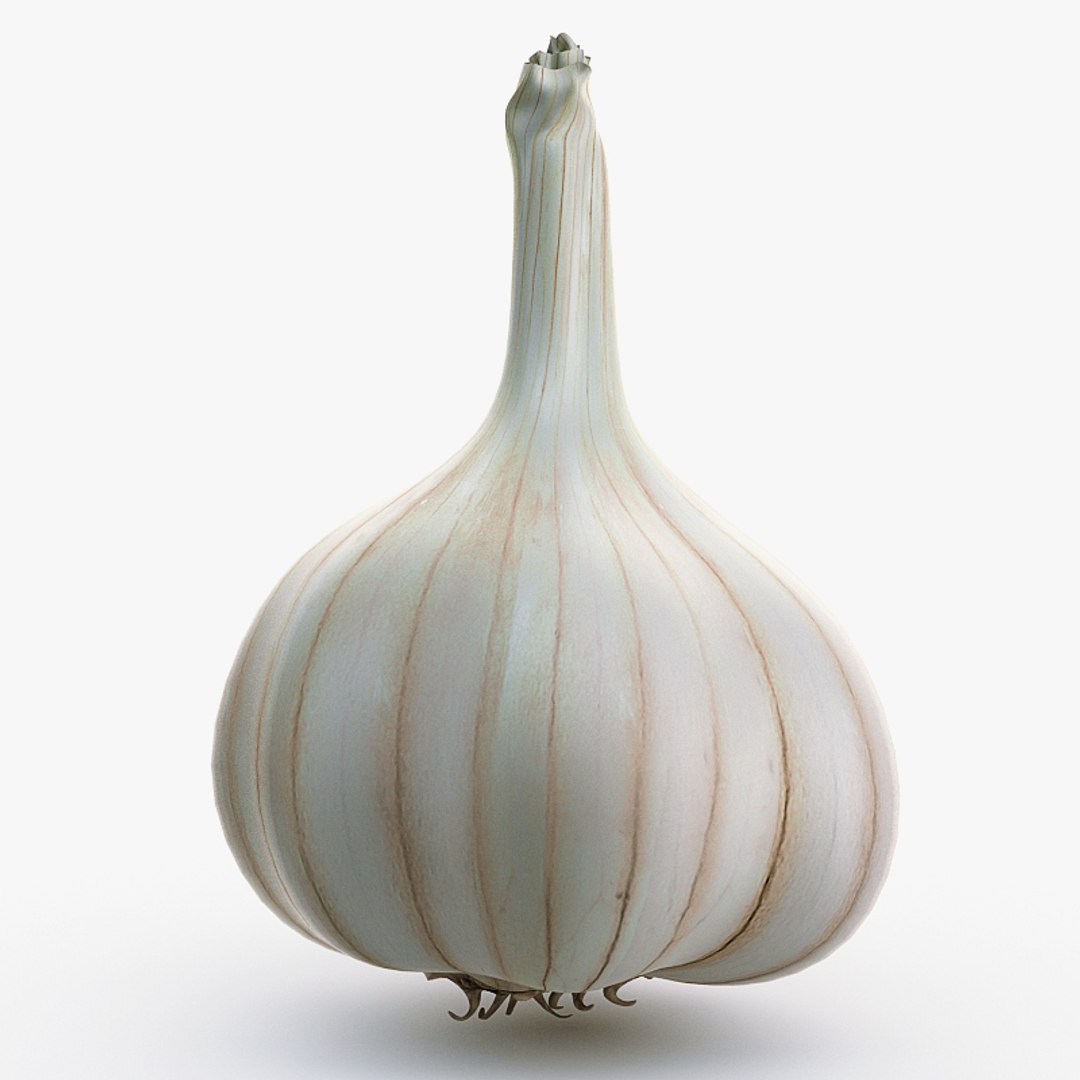
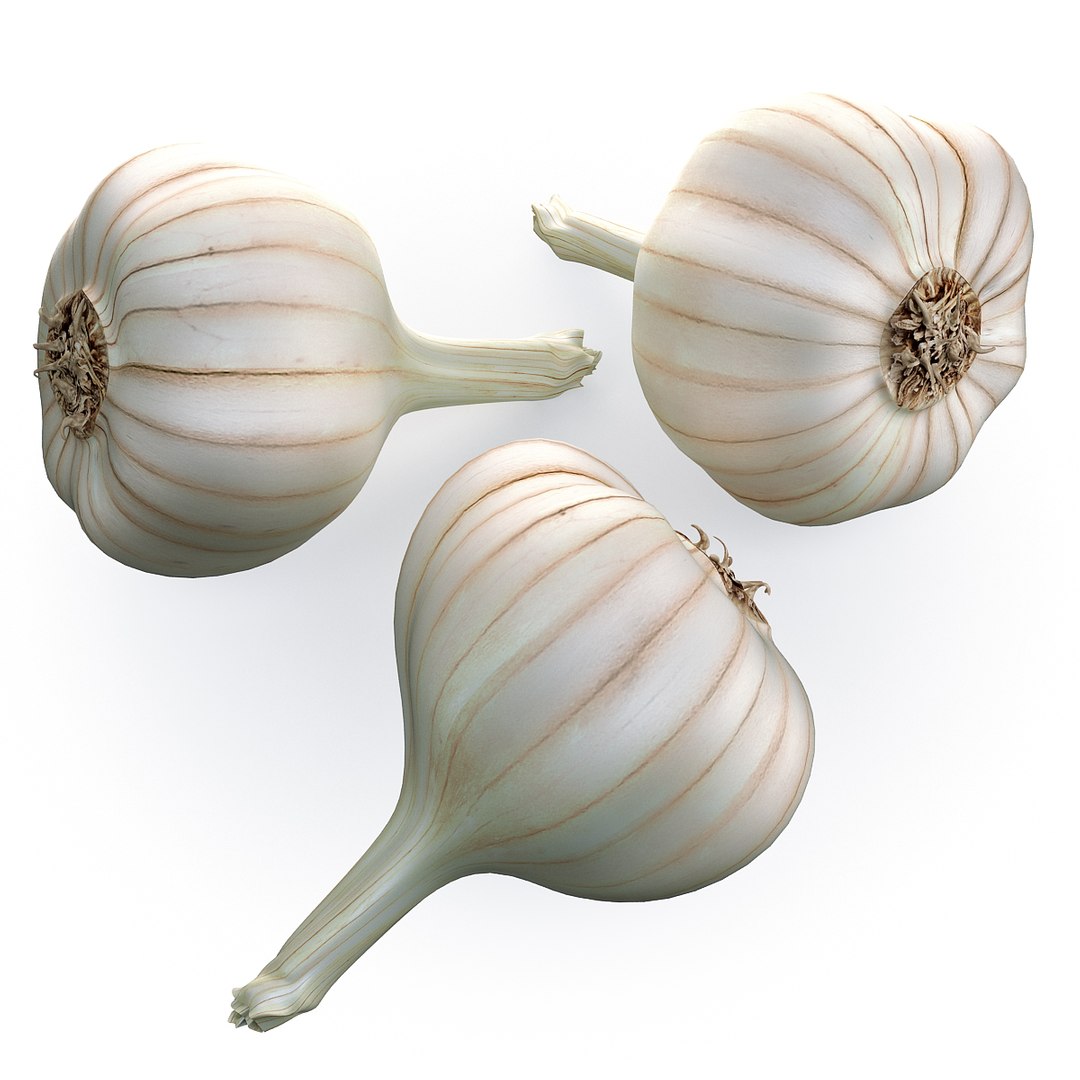
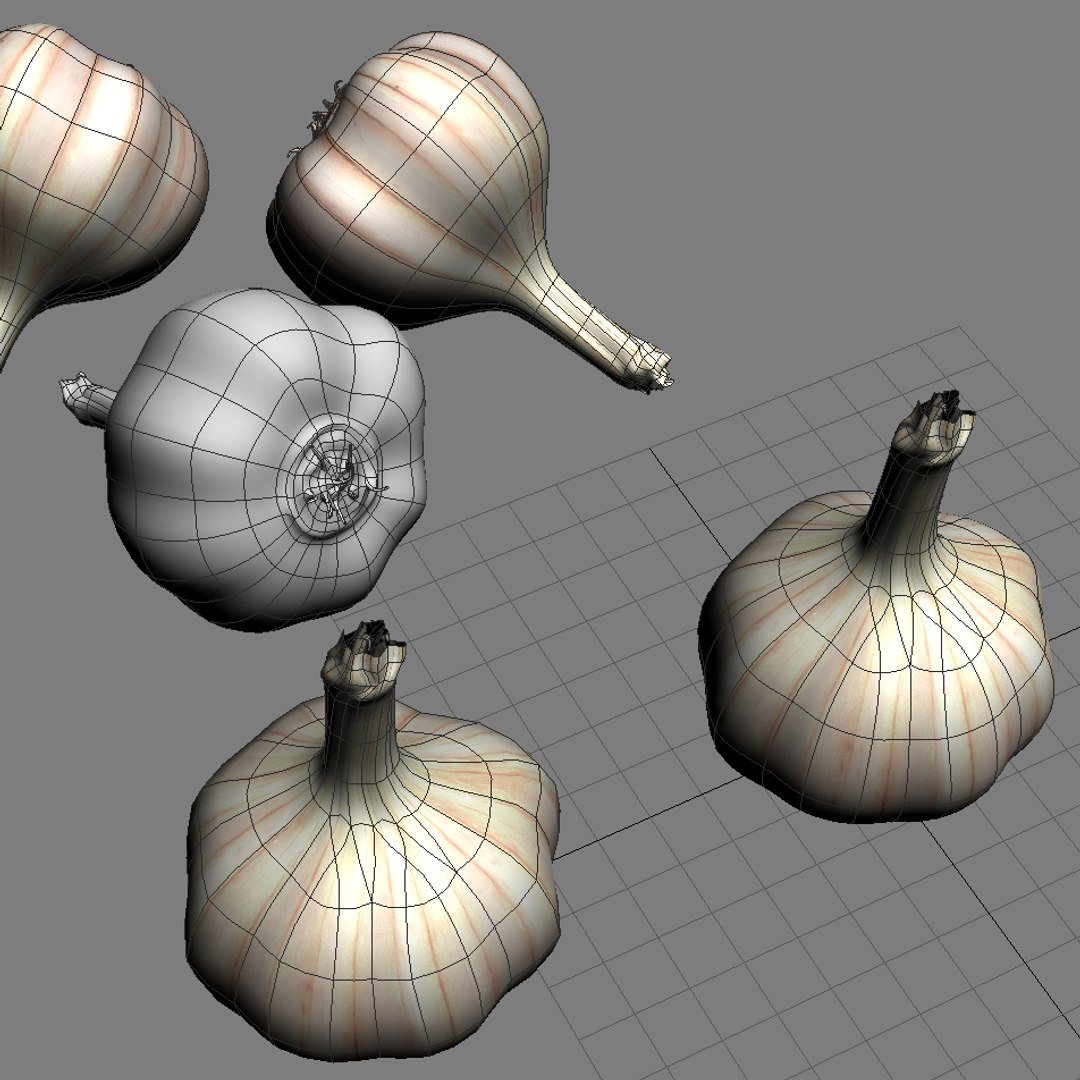
7. Garlic.
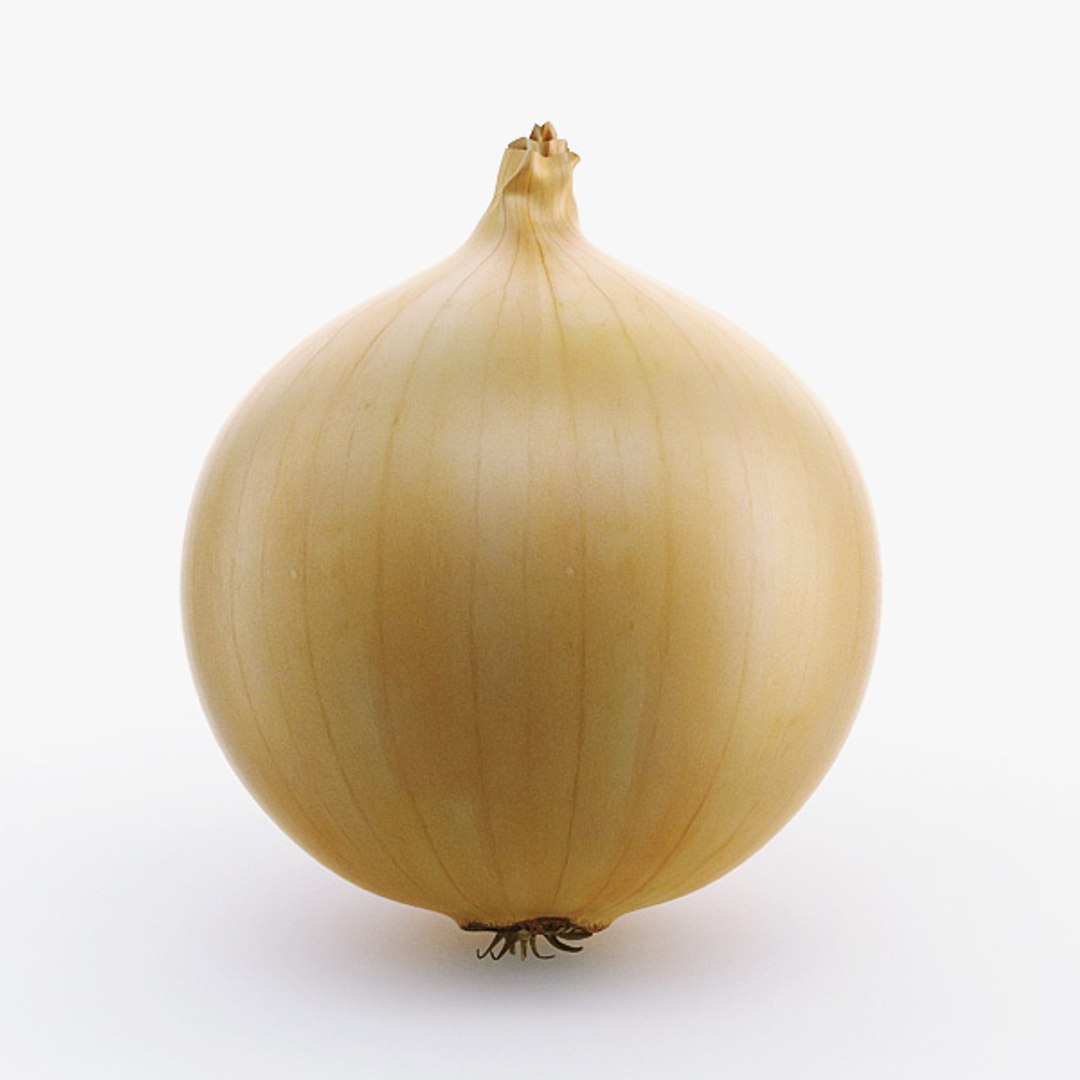
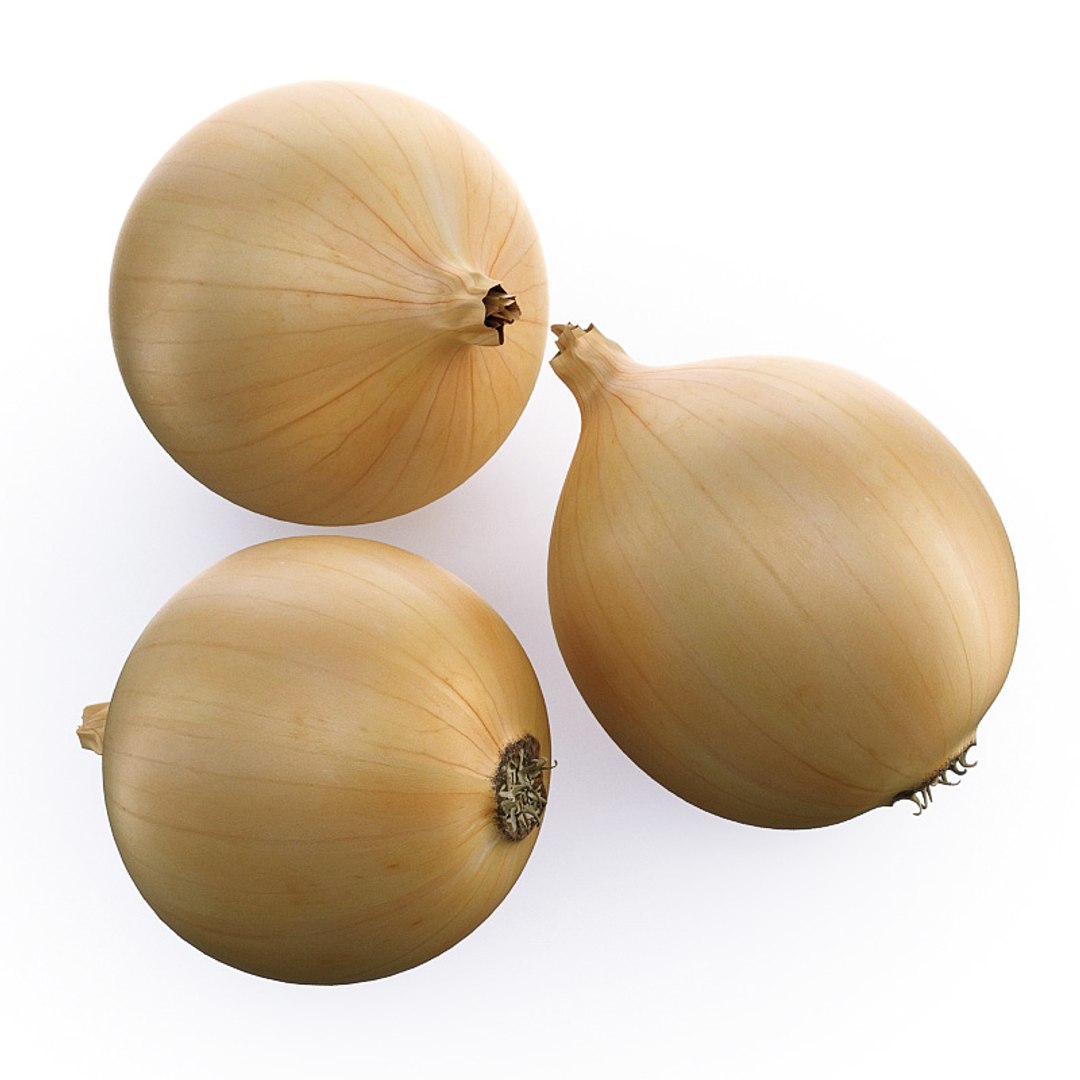
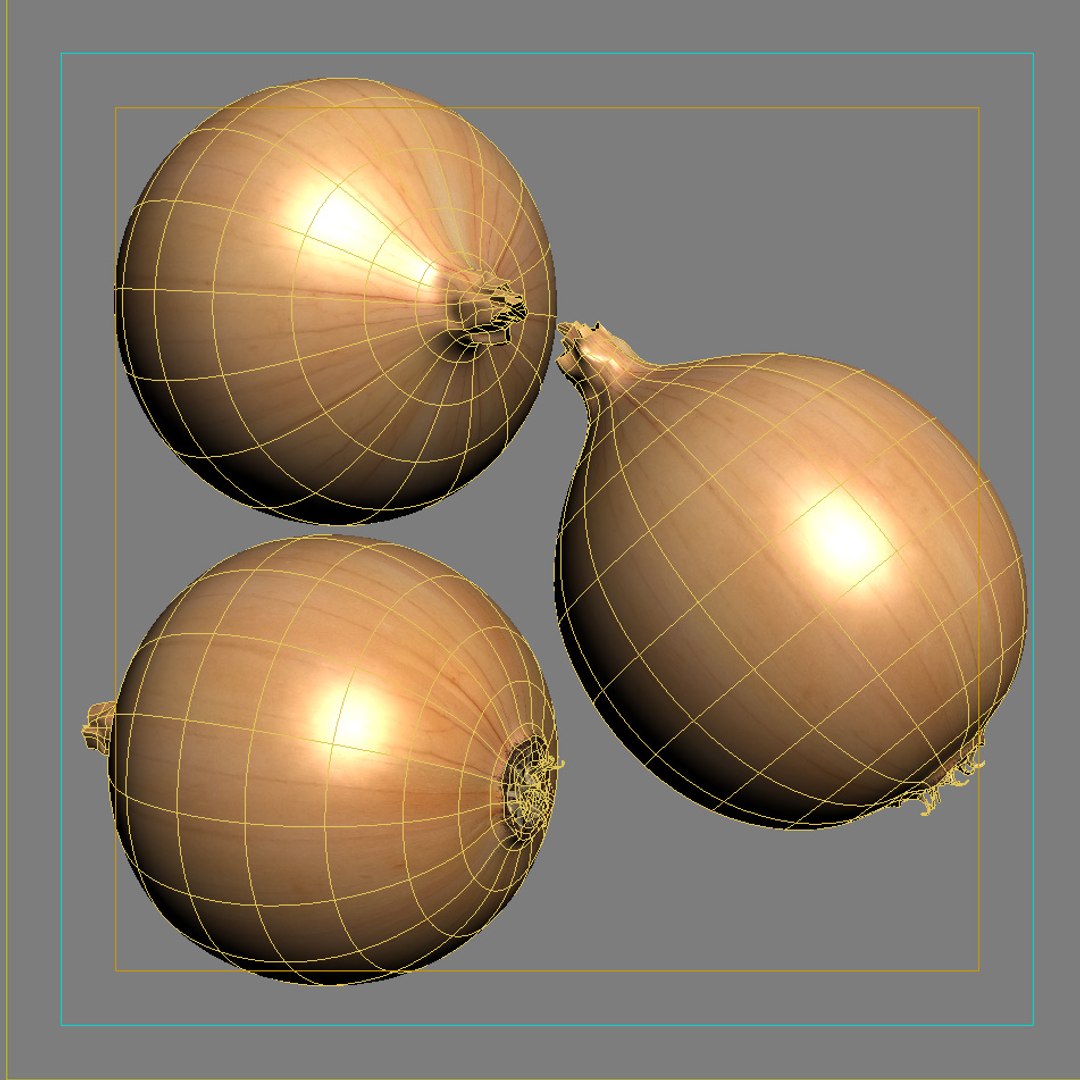
8. Onion.
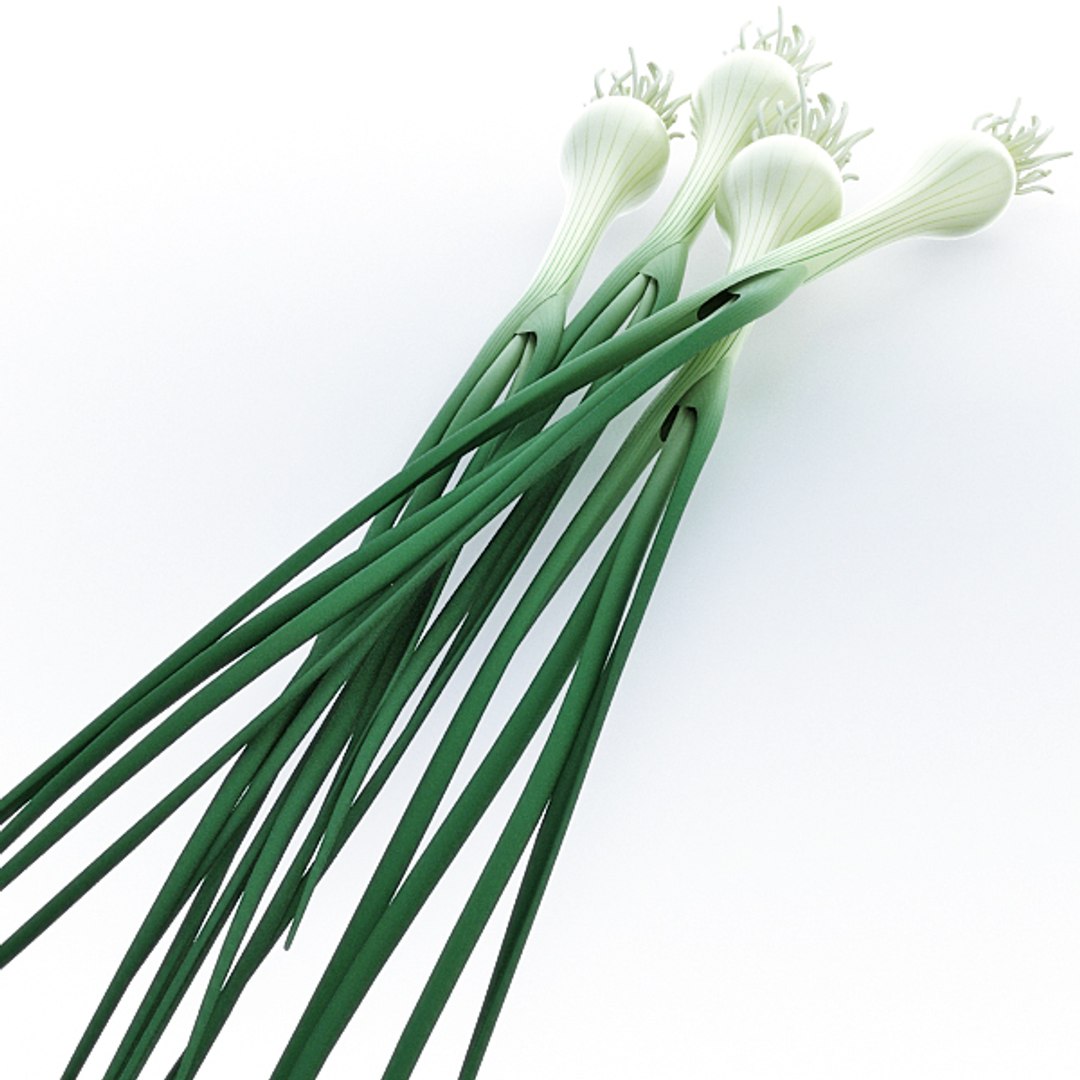
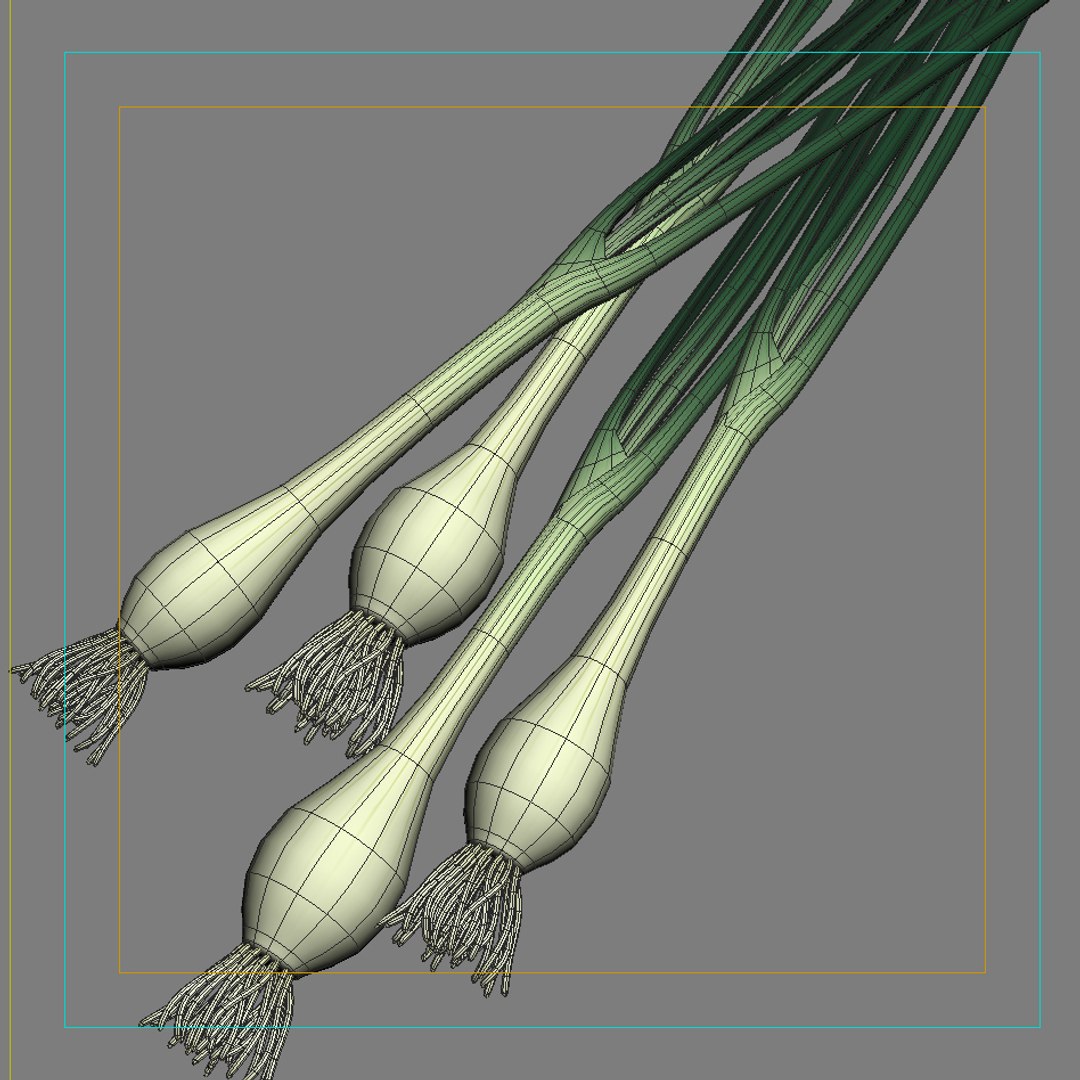
9. Onion green.
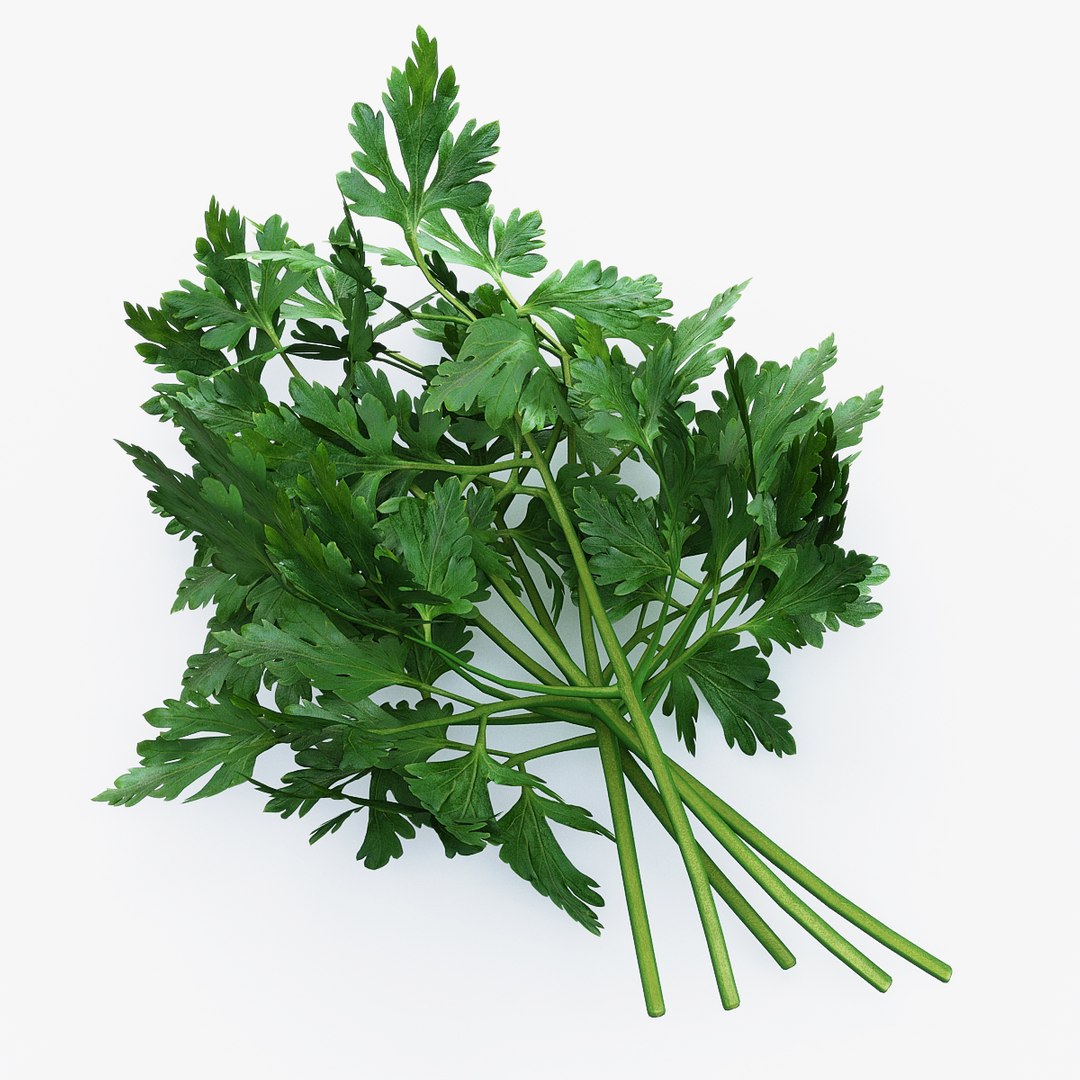
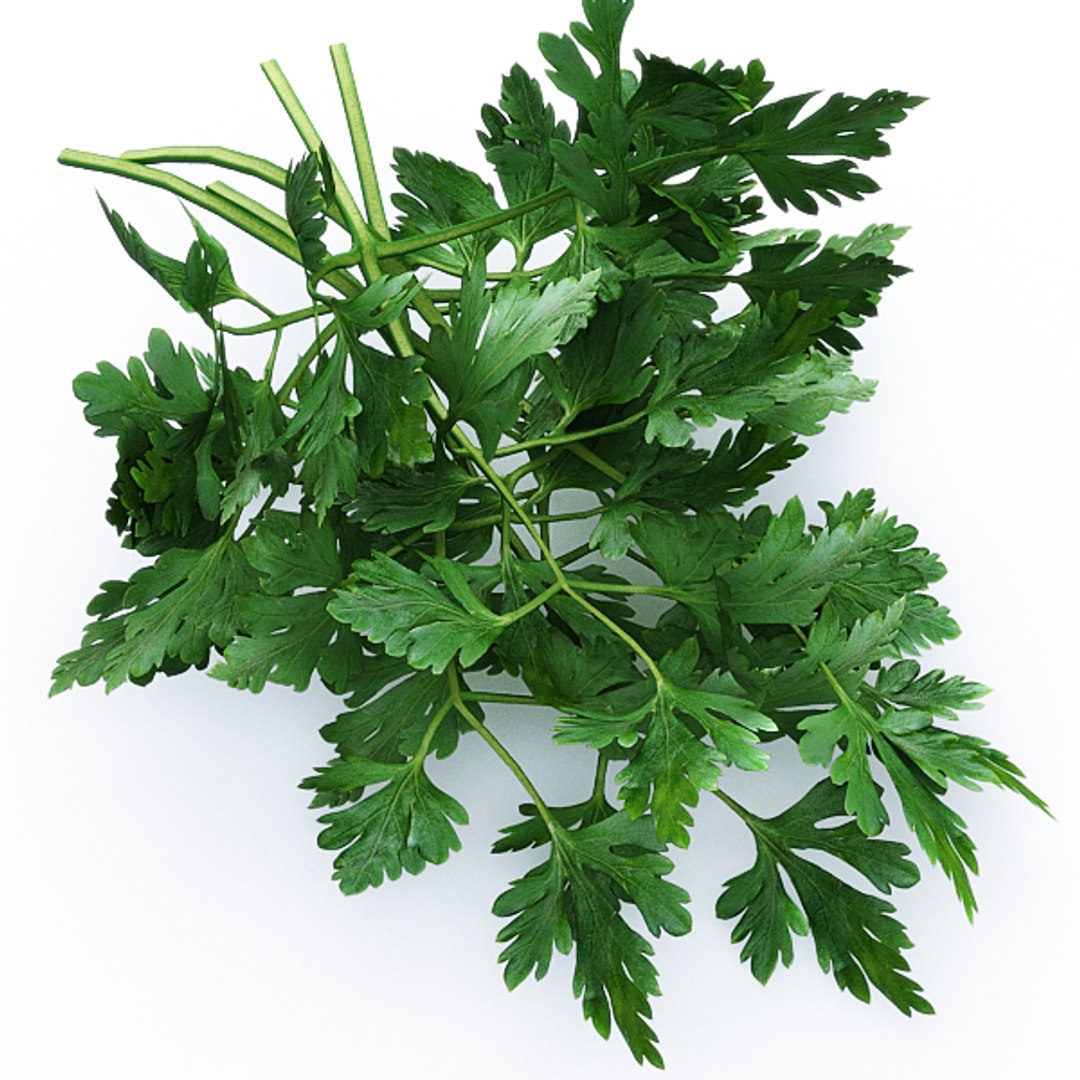
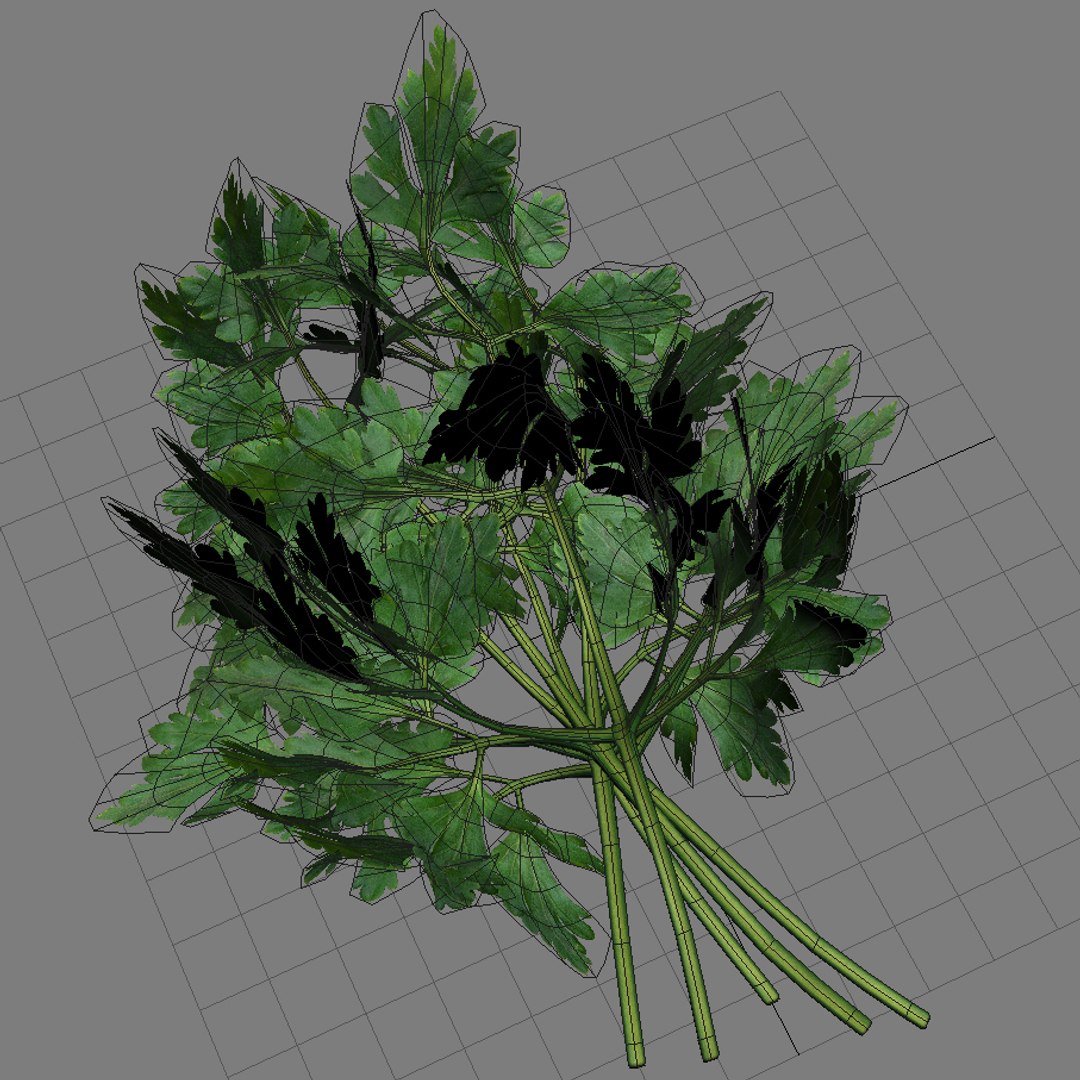
10. Parsley.
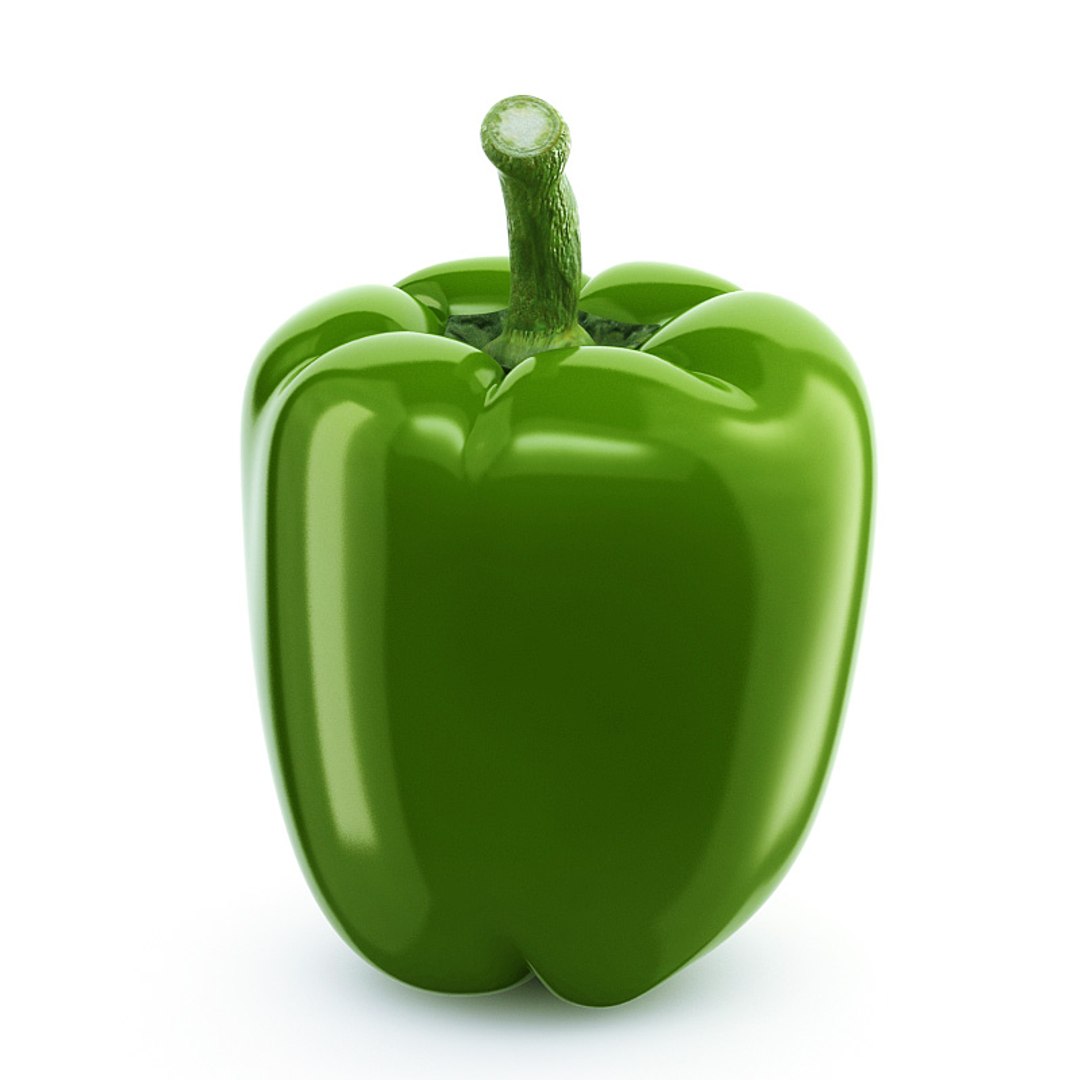
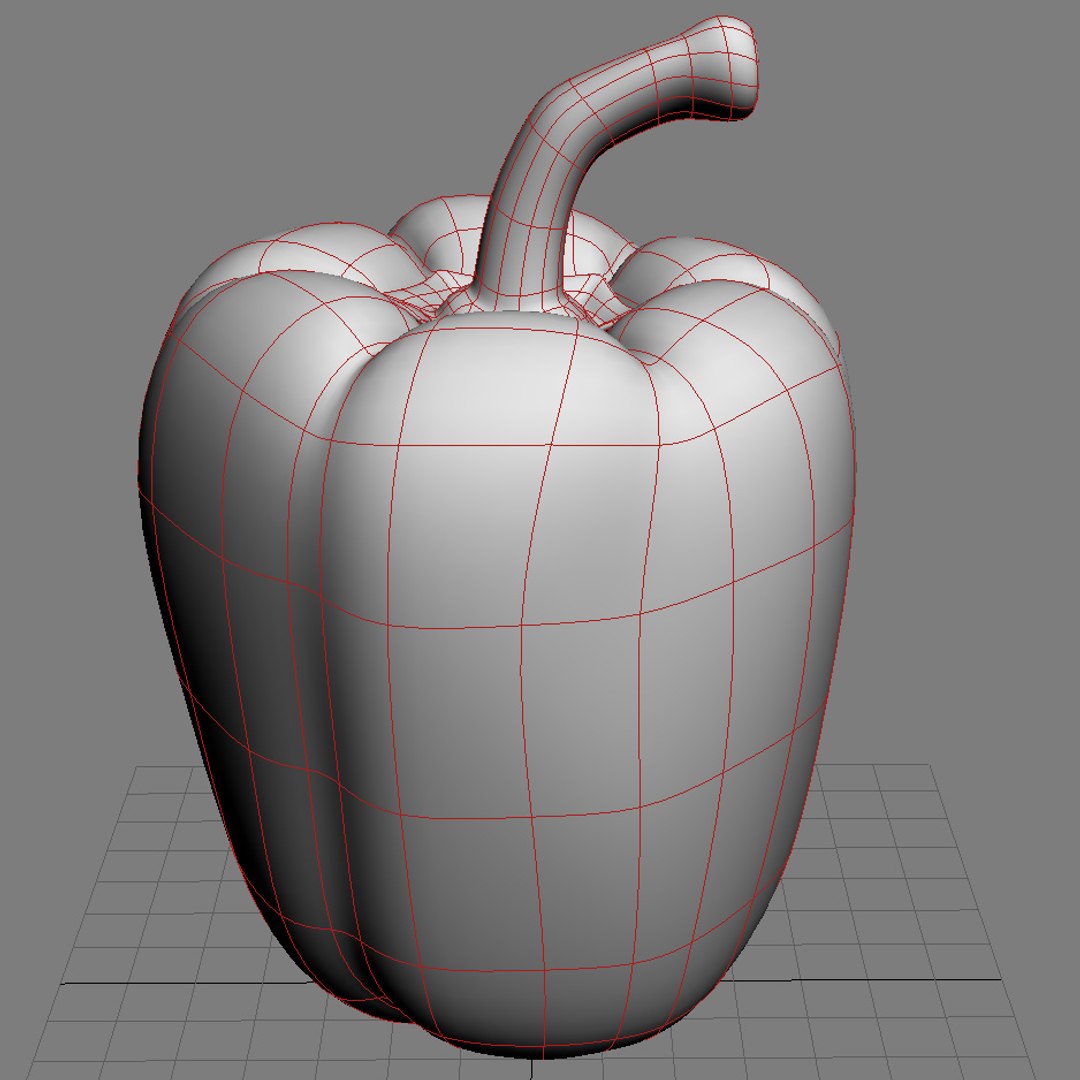
11. Pepper sweet.
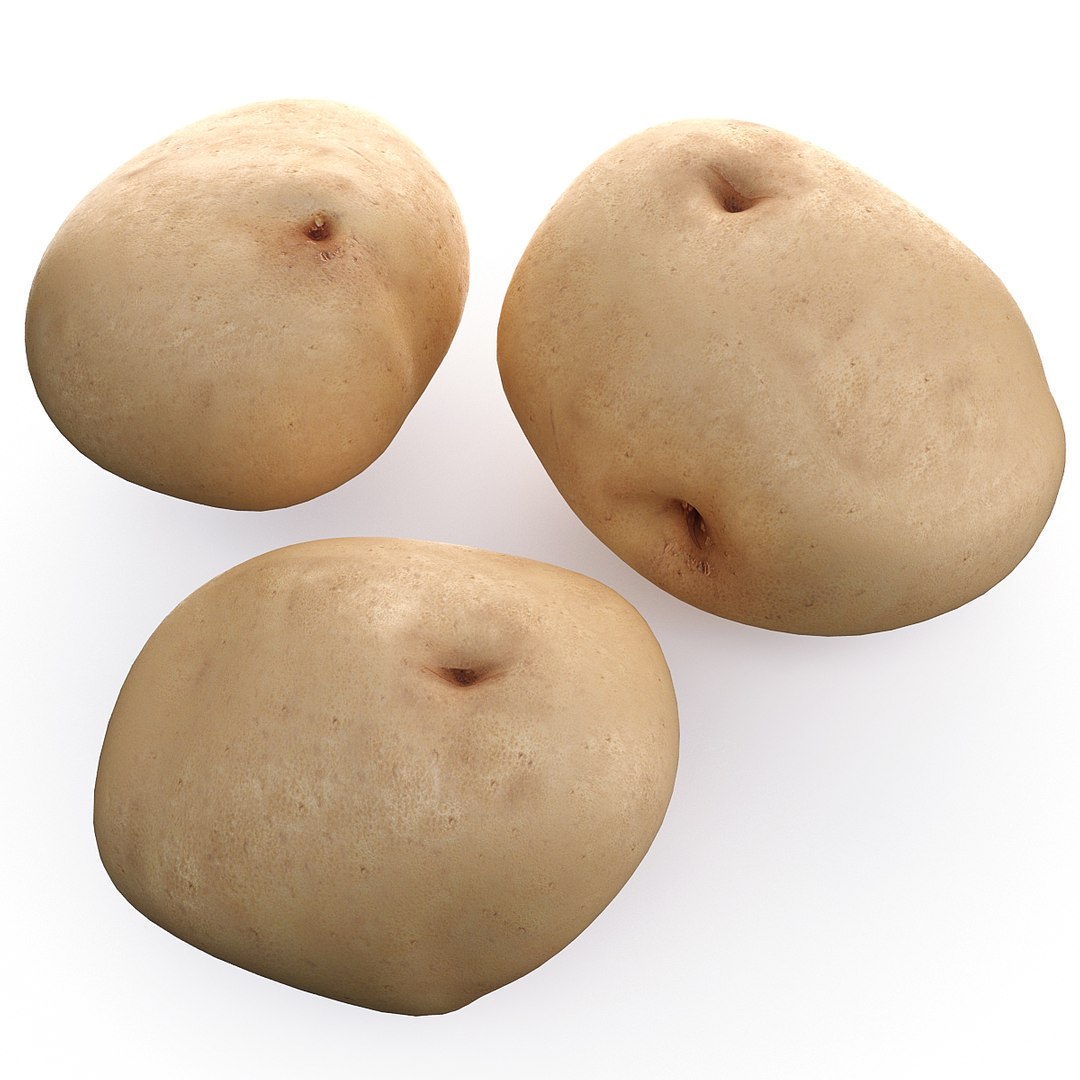
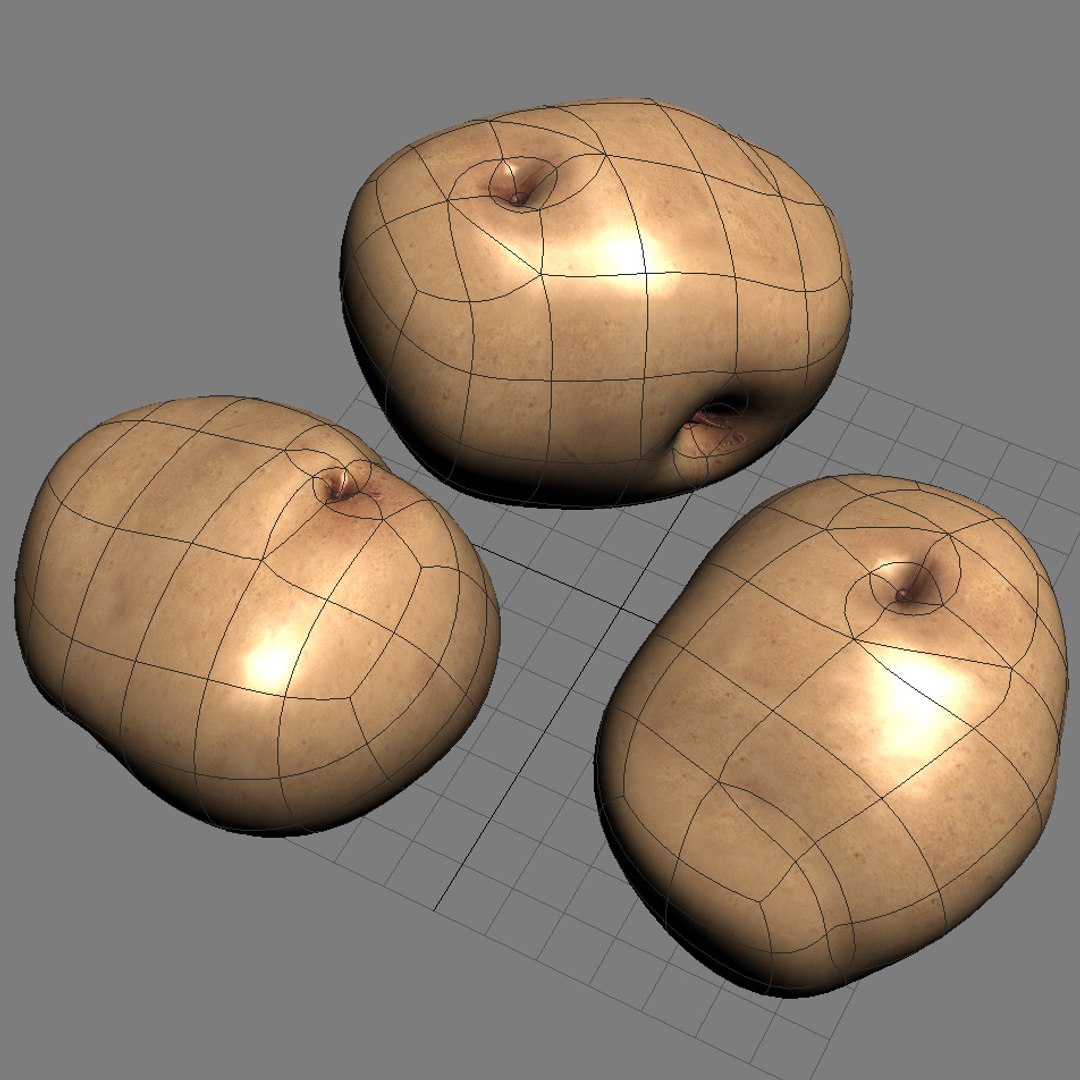
12. Potato.
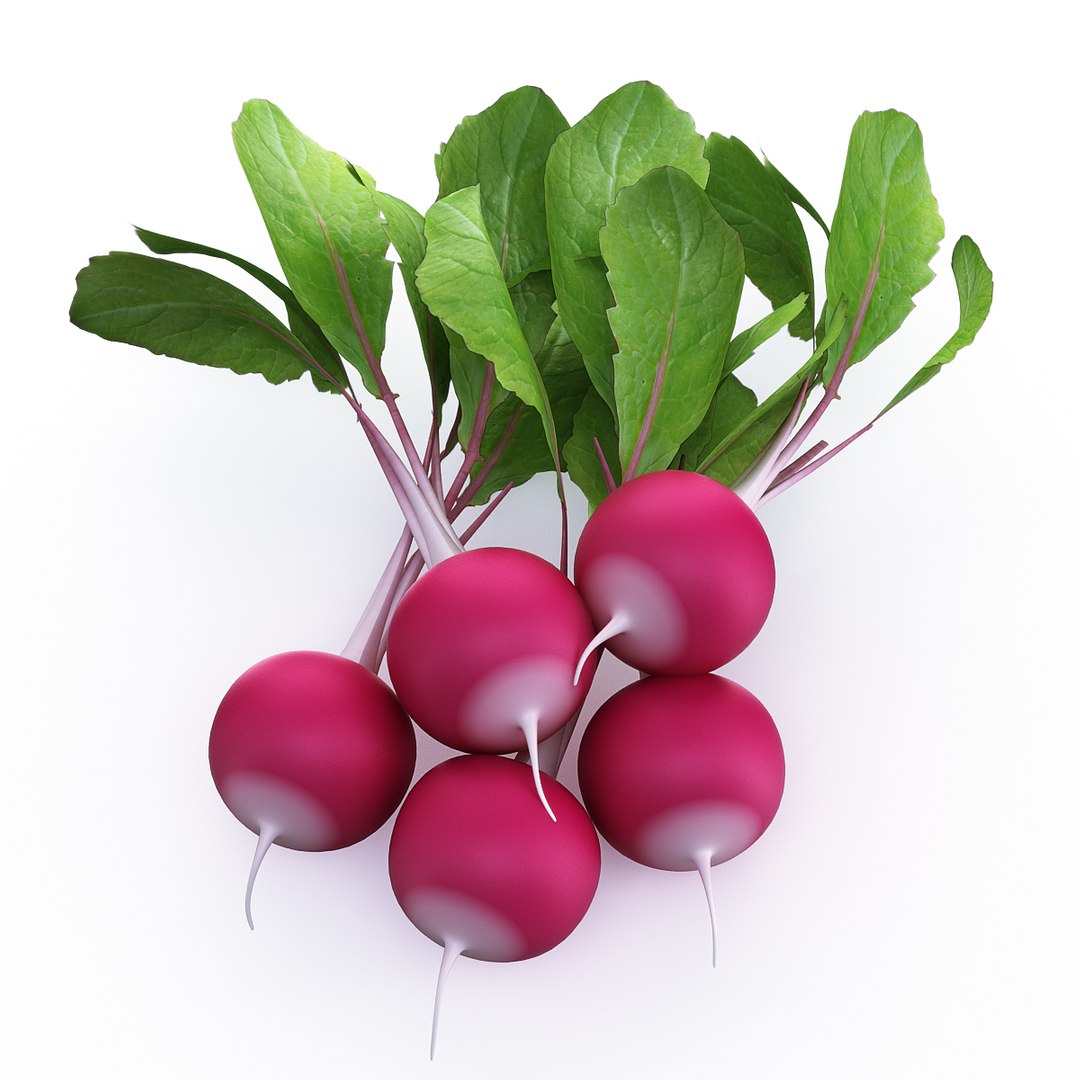
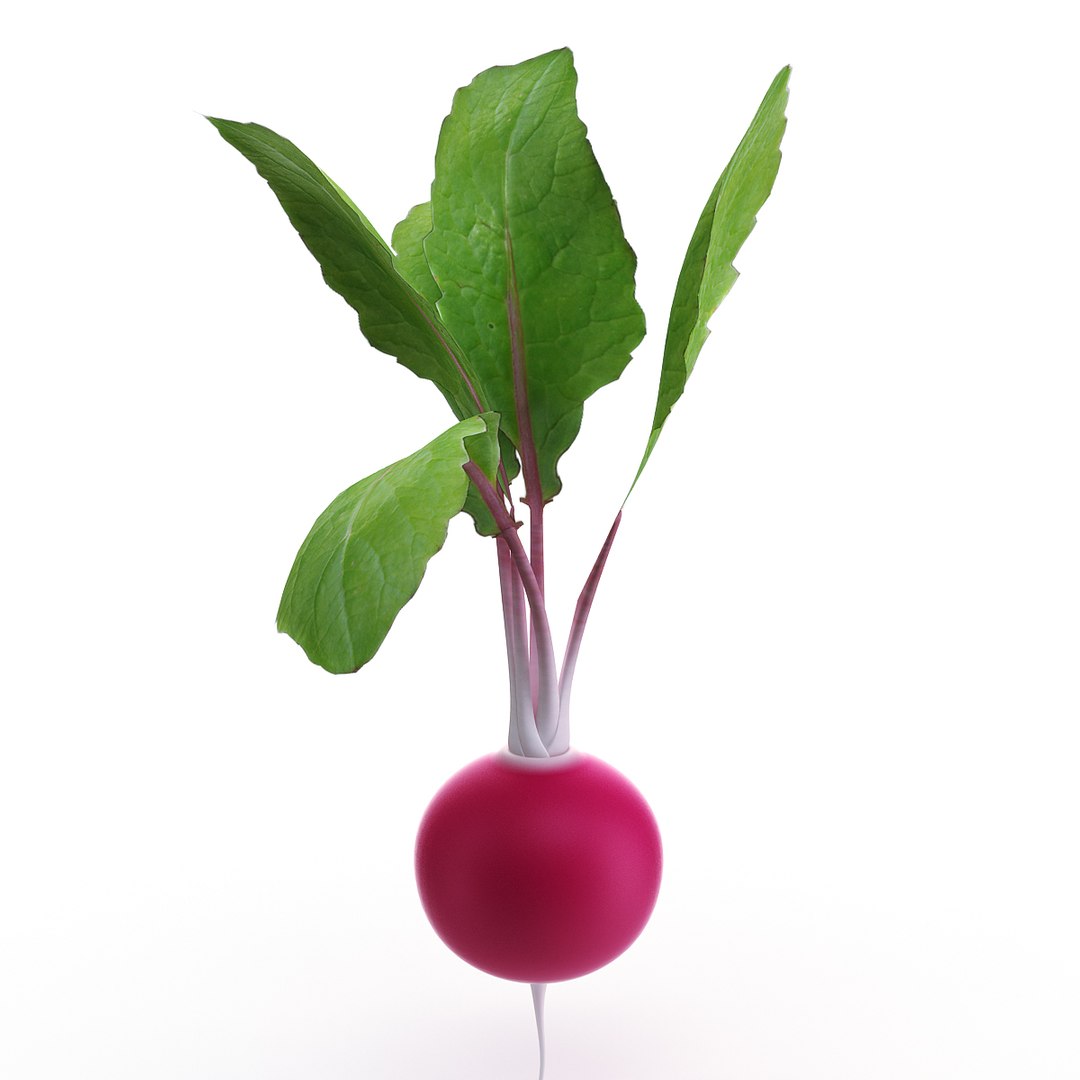
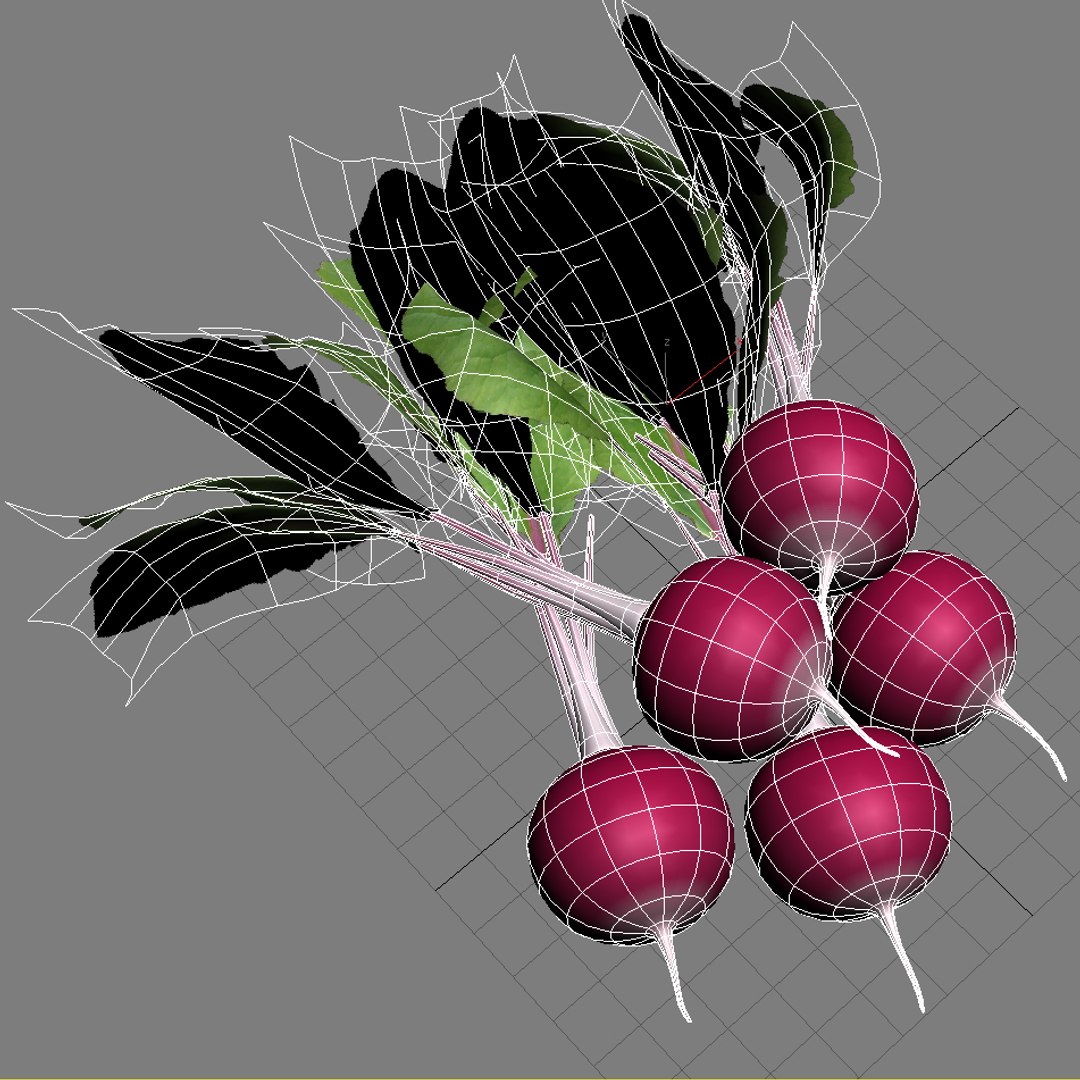
13. Radish.
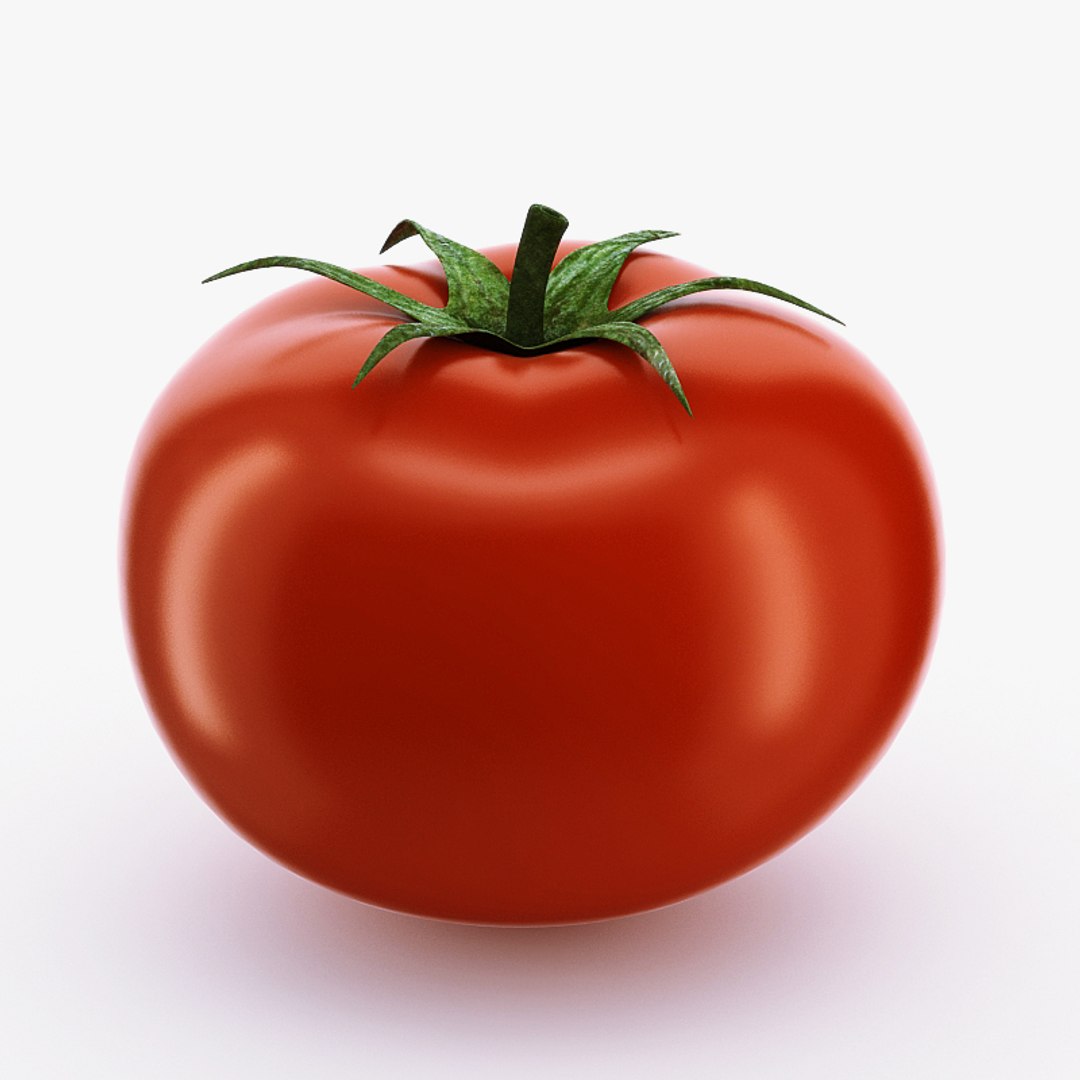
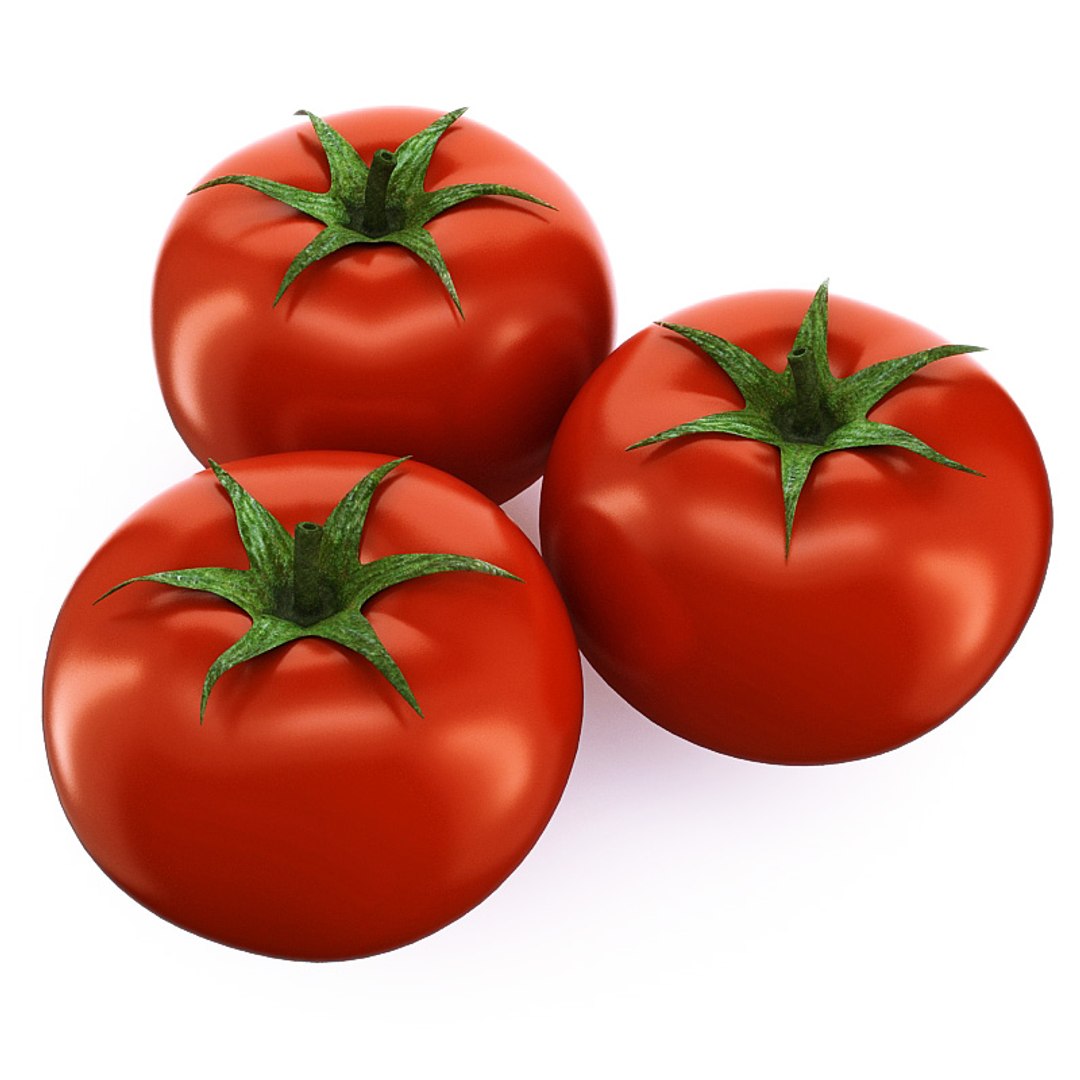
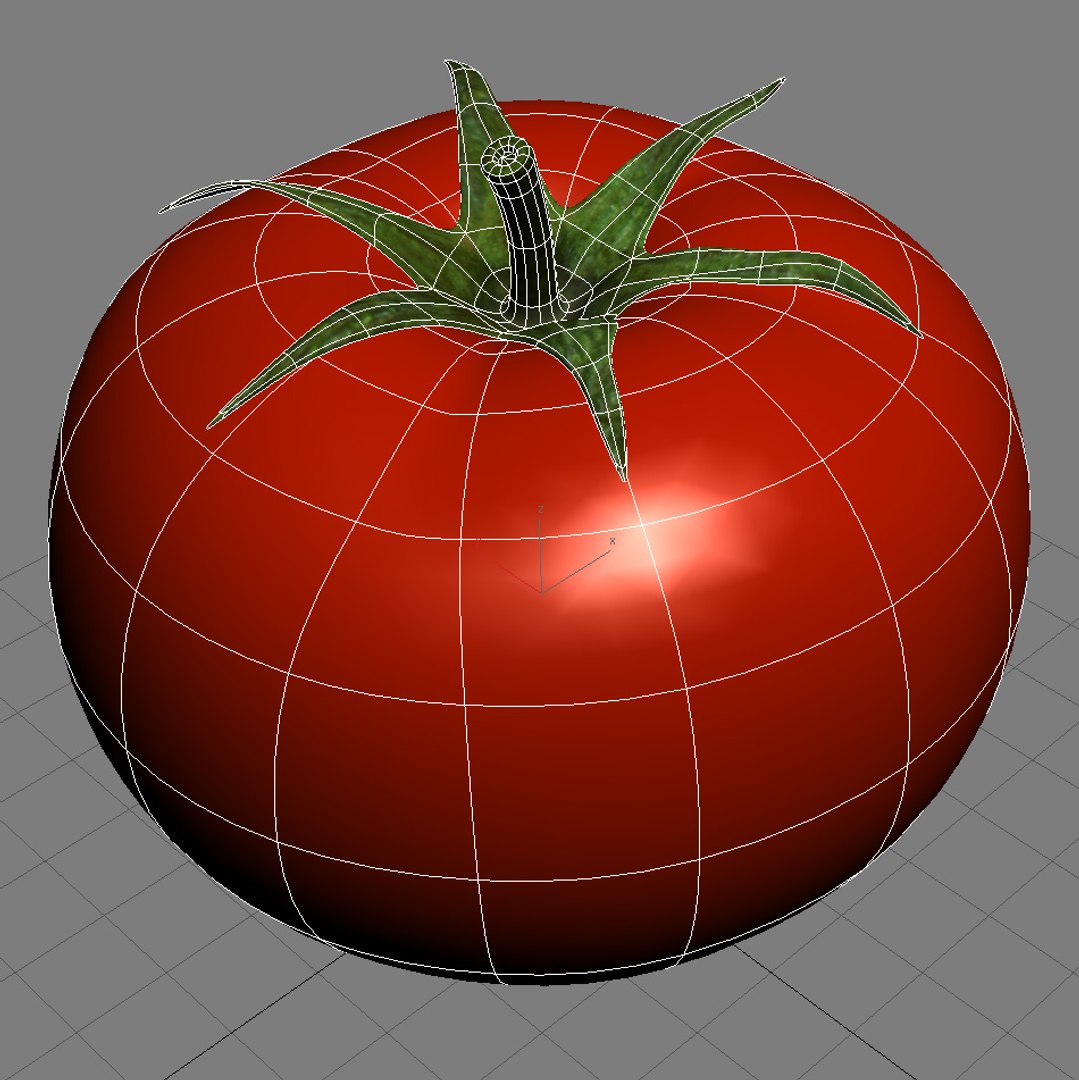
14. Tomato.

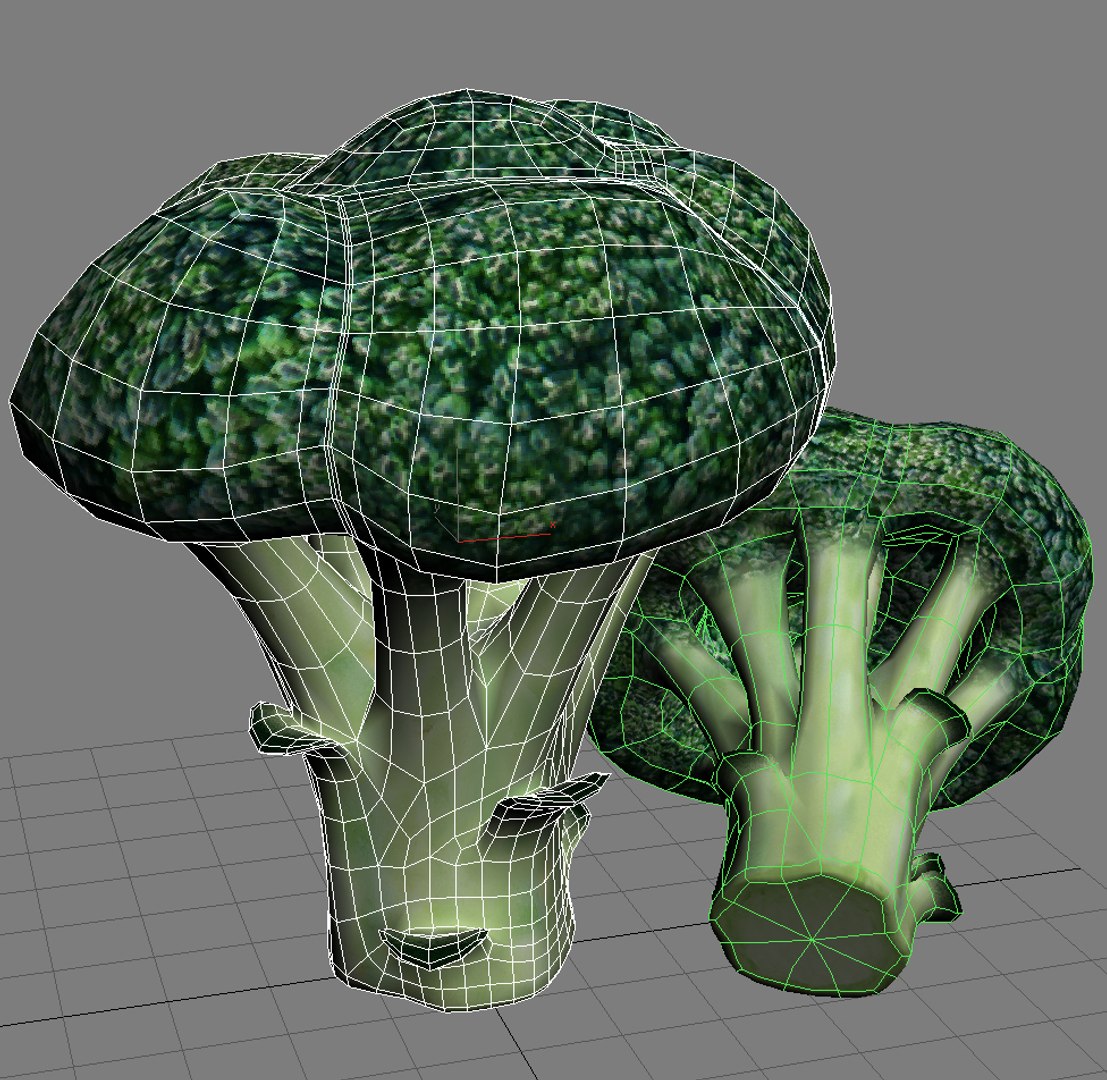
- hi-poly model

- Two *.max files included Standart materials and Vray-materials

- hi-poly model with meshsmooth modifier

- not colaps smooth modified (max file)

- Files (3ds, obj, fbx, lwo, c4d) contain two models of hi-poly, mid-poly

- Big size textures *.jpeg format included

- file format - max2009, 3ds, obj, fbx, lwo, c4d included

- original file format - max 2009

- to all objects and materials in a scene names are appropriated

- real world size

- coordinates of the location of the model in space (x0, y0, z0)

- files with the model does not contain extraneous or hidden objects (lights, cameras, etc.)

- three forms and colors

In formats c4d, 3ds, lwo, obj, fbx - model exported to standard materials.

At collection purchase - economy of 57 %!

Select Enhanced License

  • $10,000 in Legal Protection (Indemnification)
  • Uncapped Legal Protection (Indemnification)
  • Waiver from injunctive relief
  • Assignable model rights
  • $1,000,000 in Legal Protection (Indemnification)
  • Waiver from injunctive relief
  • Assignable model rights
  • $250,000 in Legal Protection (Indemnification)
  • Assignable model rights
Read more about enhanced license tiers, or contact us at enterprise@turbosquid.com. Already a Shutterstock Enterprise Customer? Contact your Shutterstock Sales Support Agent to talk about adding 3D.

About Conversion Requests

To submit a conversion request for a purchased asset, please complete our Conversion Request Form.

If you have not yet purchased a model, please review our Documentation about Conversions to learn about what limitations you may encounter with a conversion.

For any additional questions about a model’s suitability for conversion, please contact TurboSquid Support.

Loading...