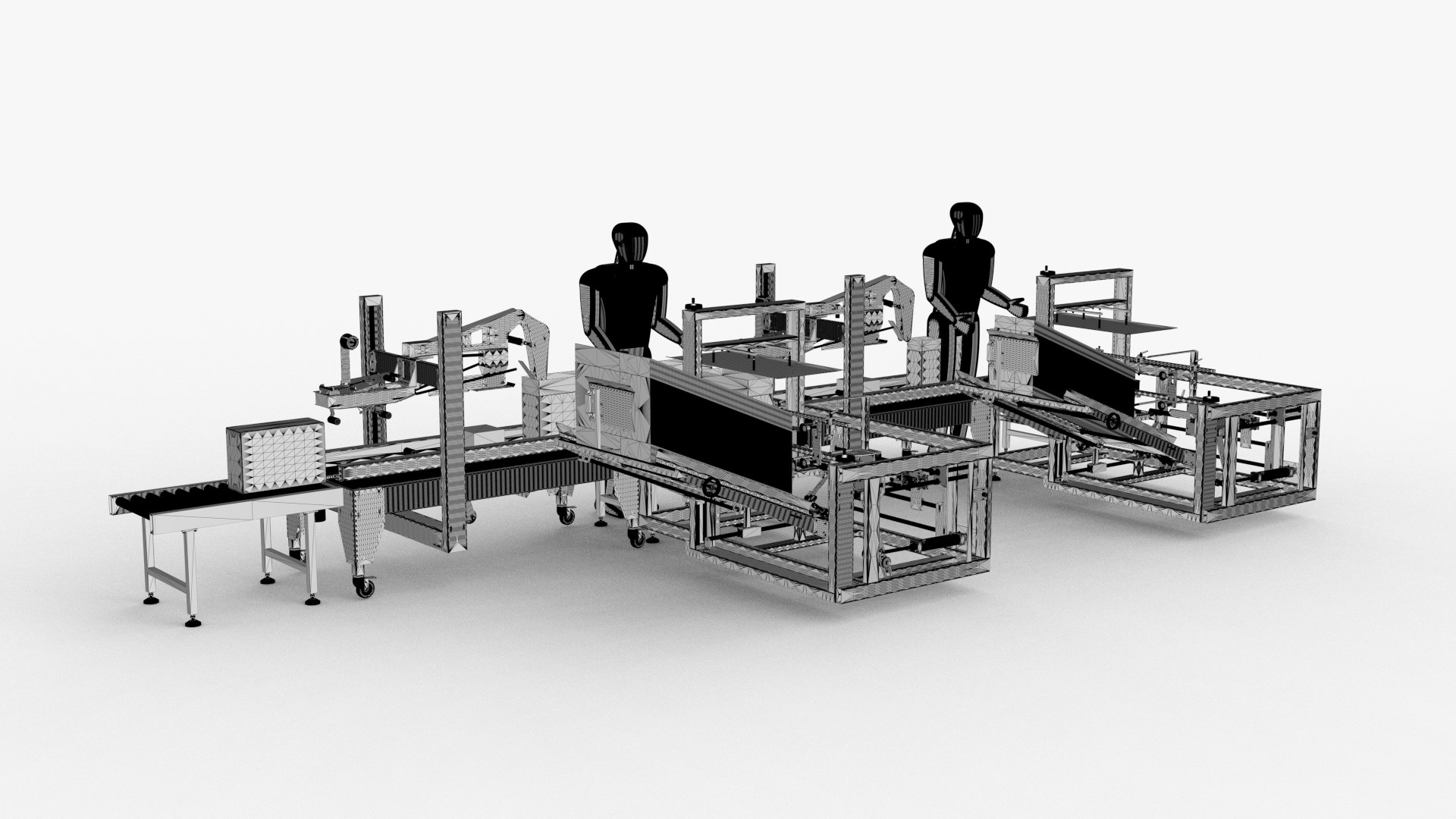
Unpacking and Sealing Wire Body

$85

Standard License | Upgrade License
Formats (4)
Free file format Conversions available
Native | sldas 2018 | Other
Alias Wire | Other
STL
IGES
Specifications
Publish Date June 13, 2022
Product ID 1911022
Polygons 7,472,136
Vertices 22,416,408
Polygonal Quads Only
Materials
TurboSquid Exclusive

member avatar
Lovano
721 Products | Contributor Since 2020
Have questions? Chat with us now.

Description

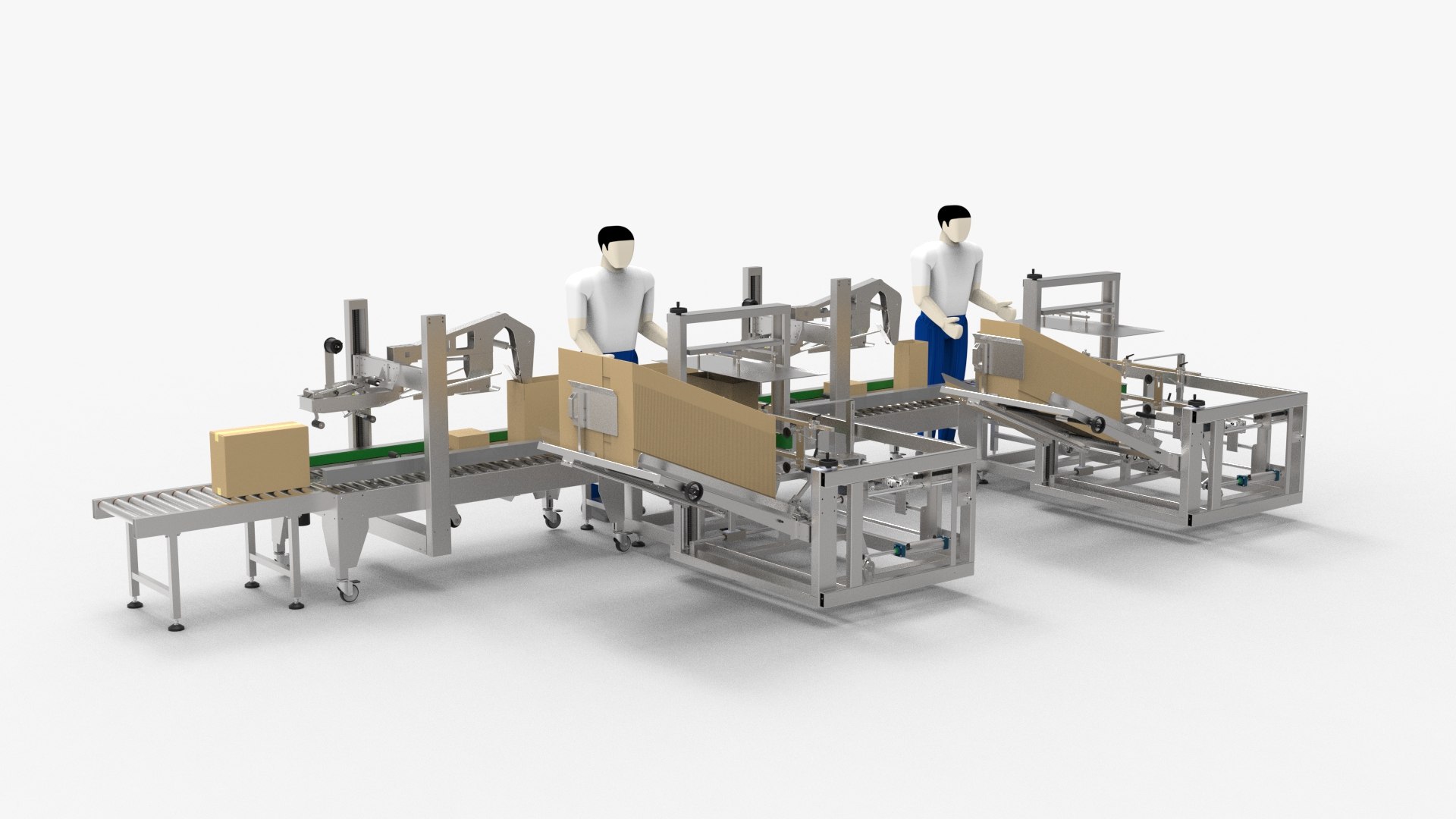
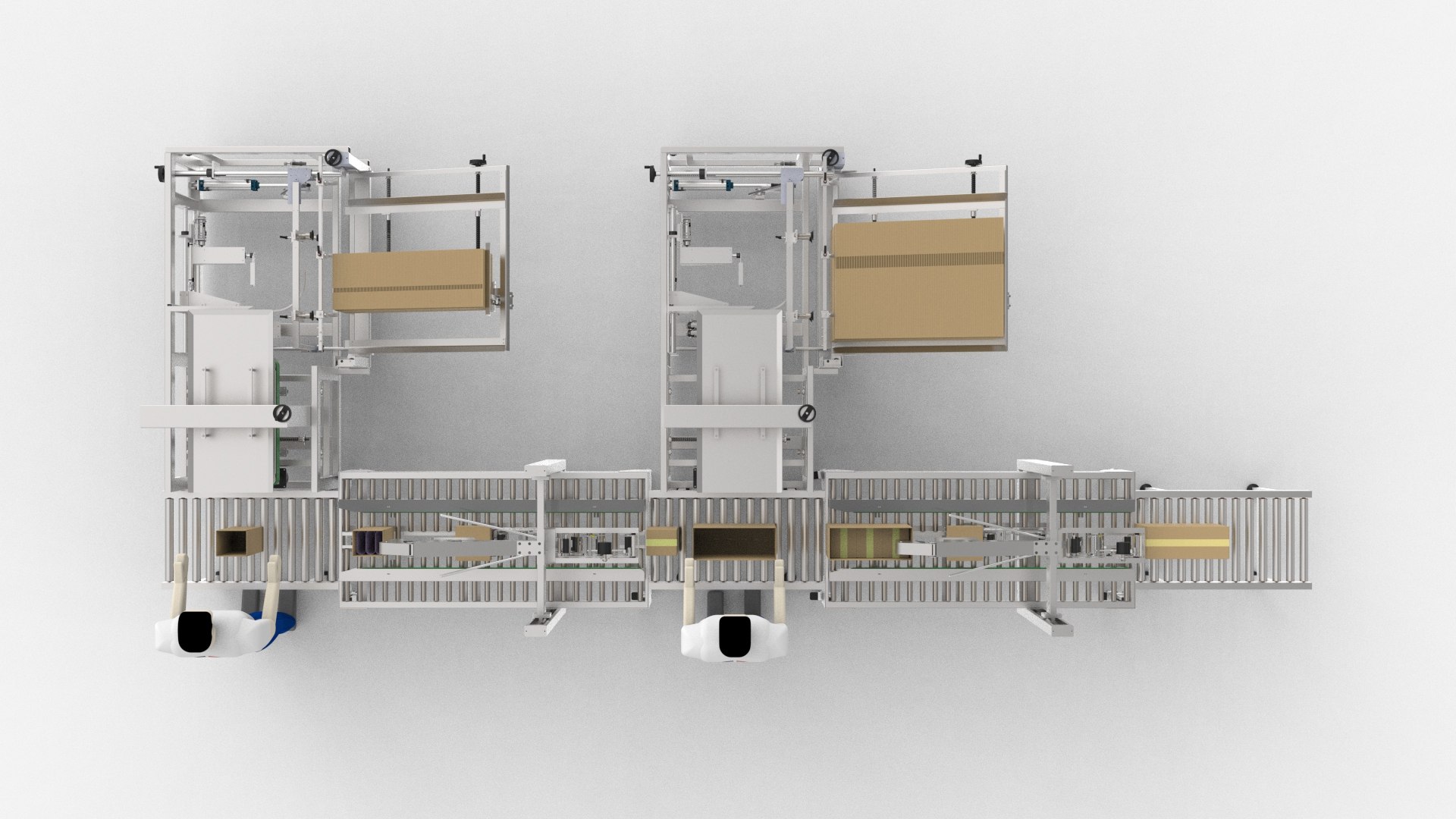
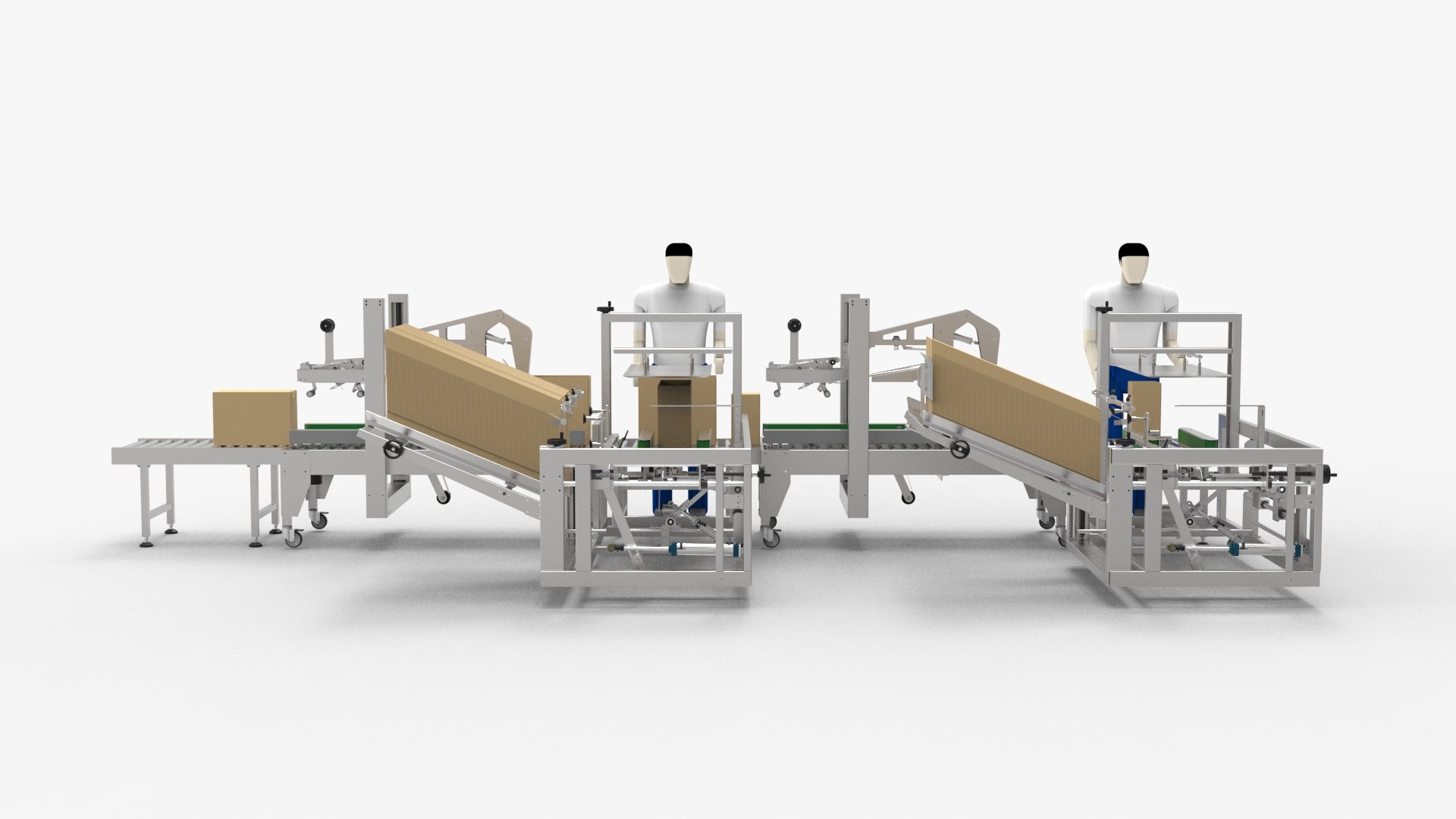
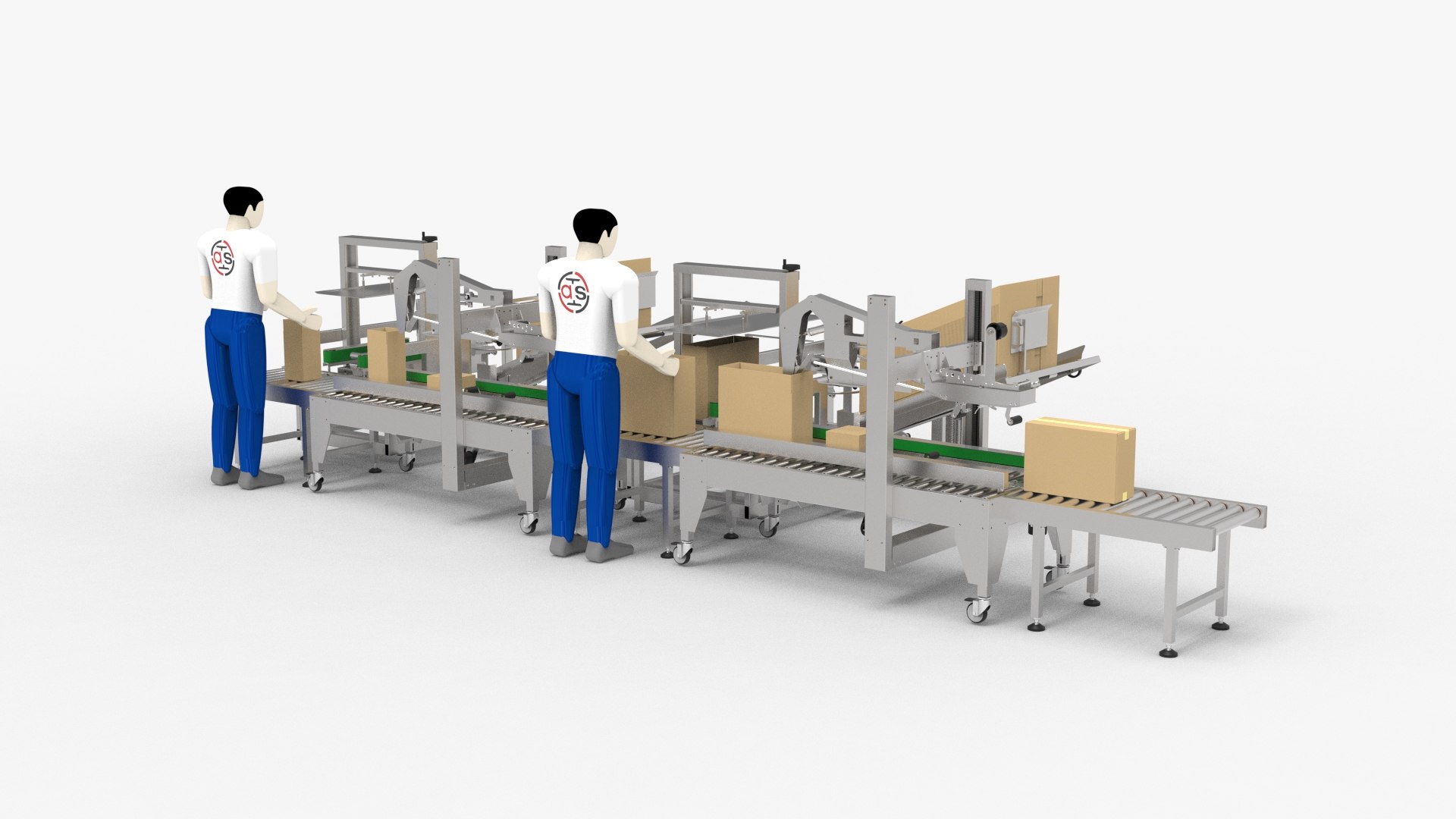
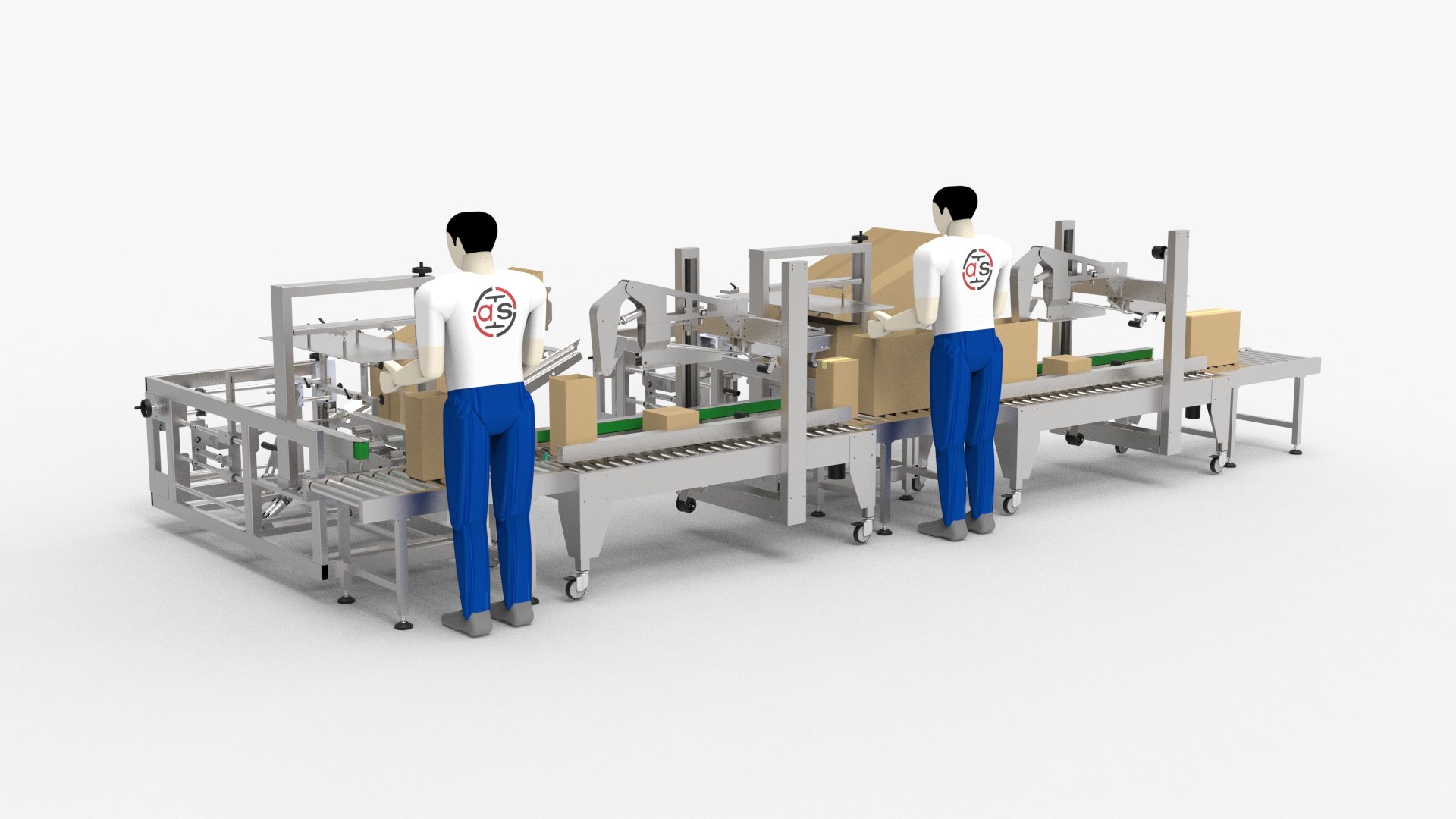
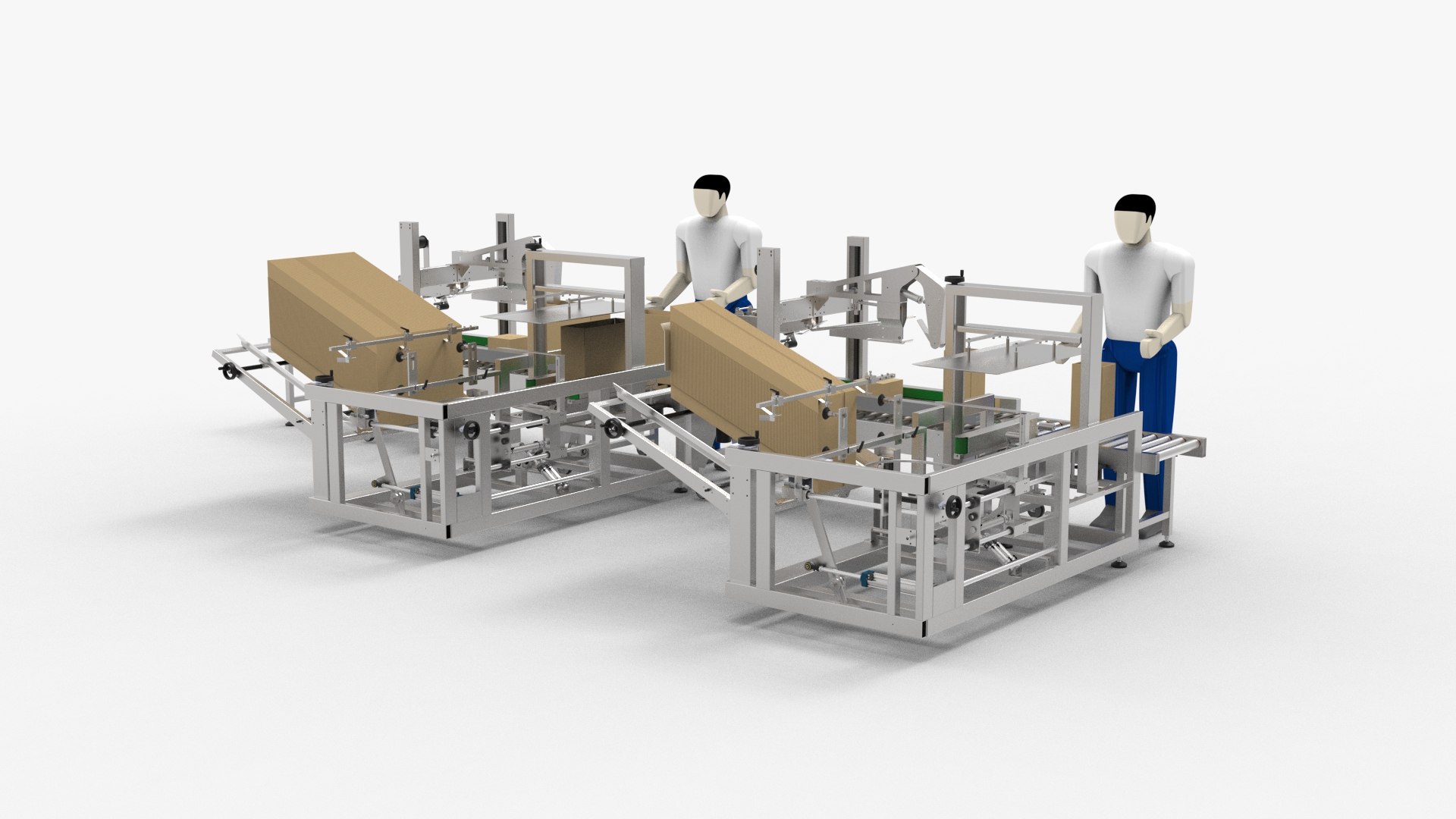
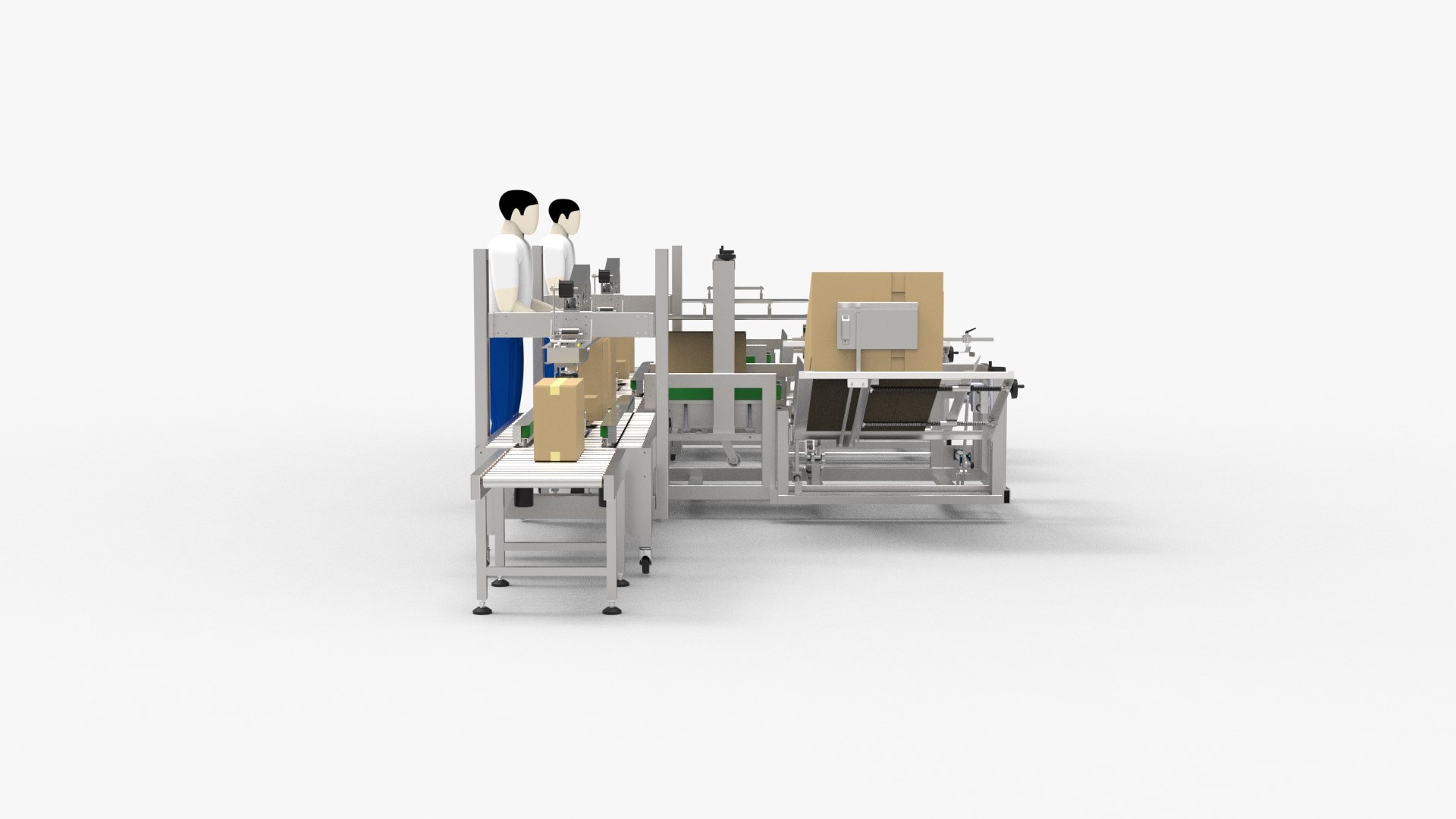
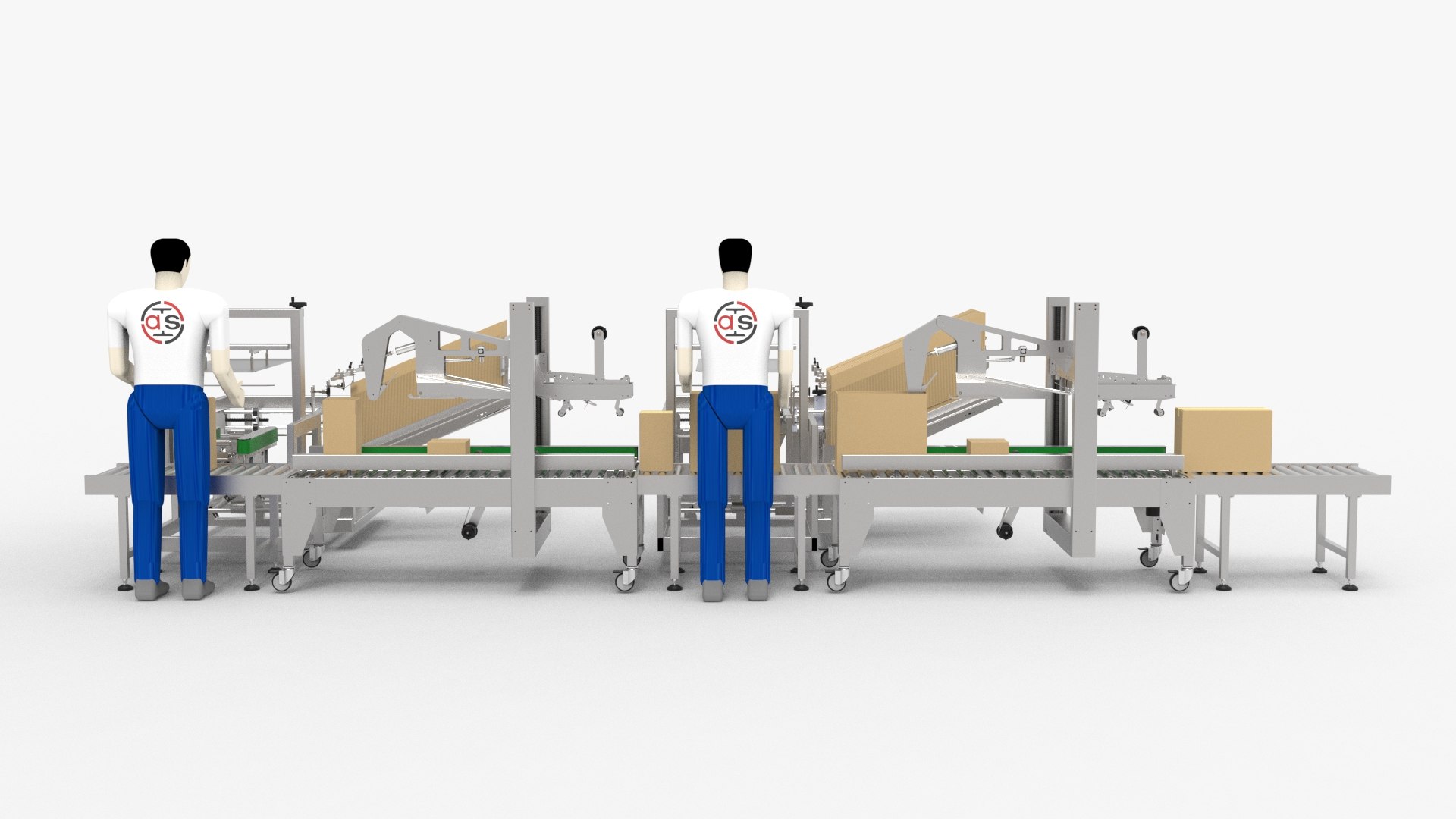
Unpacking and Sealing Wire Body

Introduction

The automatic unpacking and sealing equipment is mainly suitable for the sealing and packaging of cartons, and is widely used in household appliances, textiles, food, department stores, medicine, chemical and other industries. The automatic carton sealing line integrates automatic unpacking. Its working principle is to put the folded carton into the collector of the unpacking machine, open the equipment, the carton will be automatically unpacked, and automatically enter the next process, and the operator will put the material in Into the carton, and then enter the next process to automatically seal the box, and finally produce the finished product.

File Formats

– Solidworks 2018 (editable) | Keyshot 10

– STEP (Standard for the Exchange of Product Data)

– IGES (Initial Graphics Exchange Specification)

– STL (Standard for the Exchange of Product Data)

Geometry

– Polygons: 7,472,136
– Vertice: 22,416,408

---------------------------------------------------------
If you like, you can buy for you to get this models or if you have any questions also you can email to me.
Designed with SolidWorks 2018, render with KeyShot 10

Select Enhanced License

  • $10,000 in Legal Protection (Indemnification)
  • Uncapped Legal Protection (Indemnification)
  • Waiver from injunctive relief
  • Assignable model rights
  • $1,000,000 in Legal Protection (Indemnification)
  • Waiver from injunctive relief
  • Assignable model rights
  • $250,000 in Legal Protection (Indemnification)
  • Assignable model rights
Read more about enhanced license tiers, or contact us at enterprise@turbosquid.com. Already a Shutterstock Enterprise Customer? Contact your Shutterstock Sales Support Agent to talk about adding 3D.

About Conversion Requests

To submit a conversion request for a purchased asset, please complete our Conversion Request Form.

If you have not yet purchased a model, please review our Documentation about Conversions to learn about what limitations you may encounter with a conversion.

For any additional questions about a model’s suitability for conversion, please contact TurboSquid Support.

Loading...