
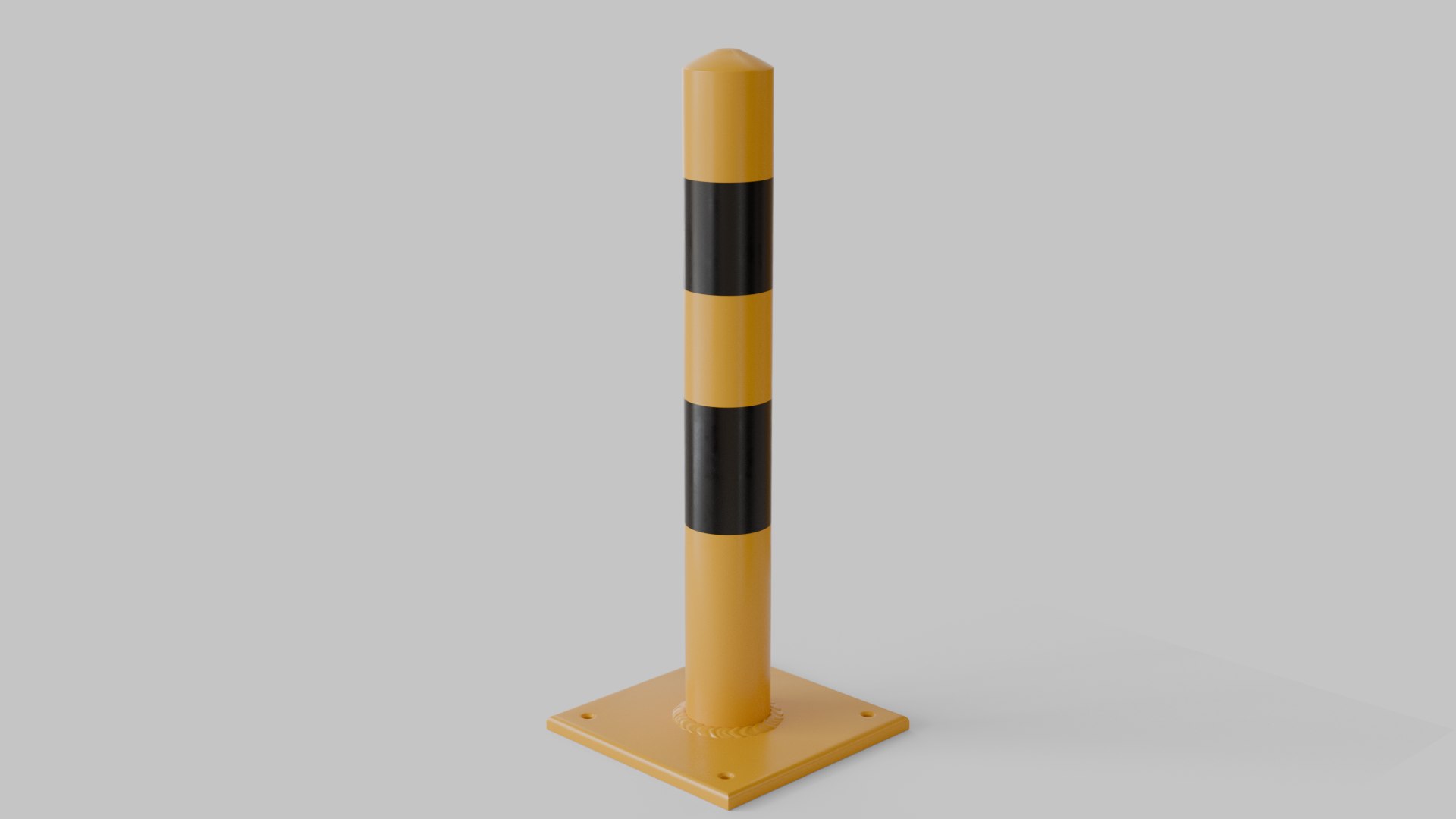
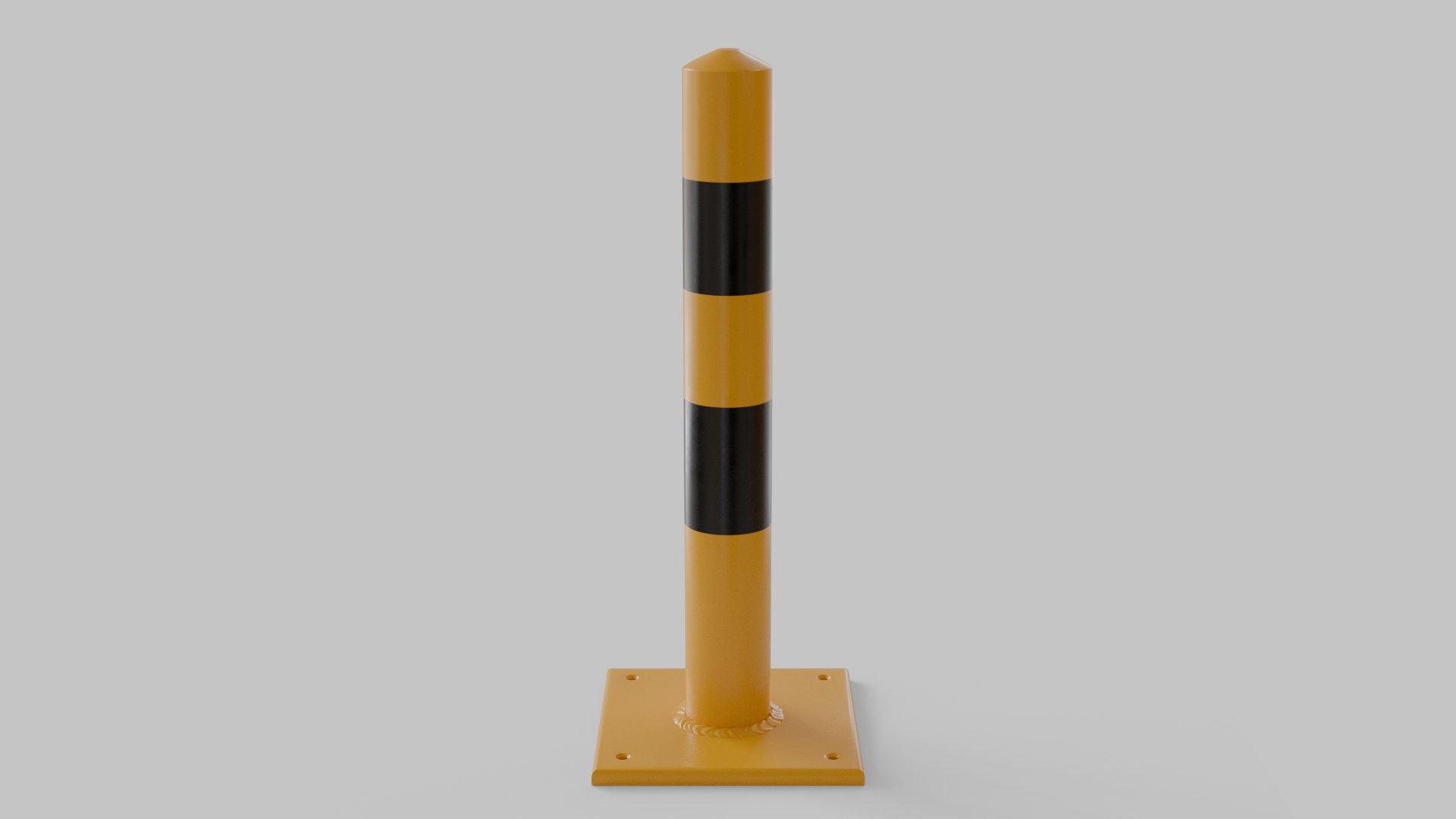
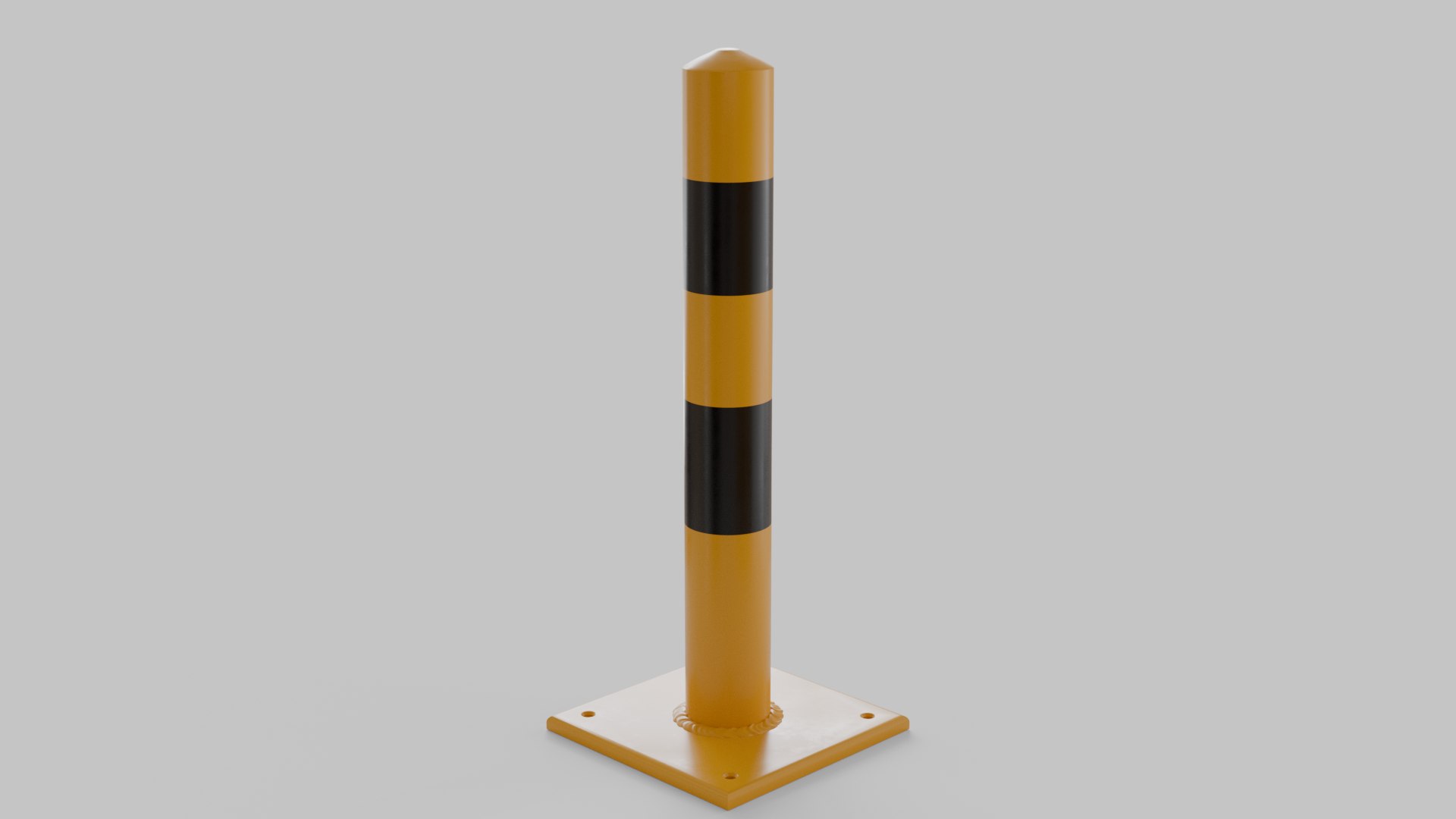
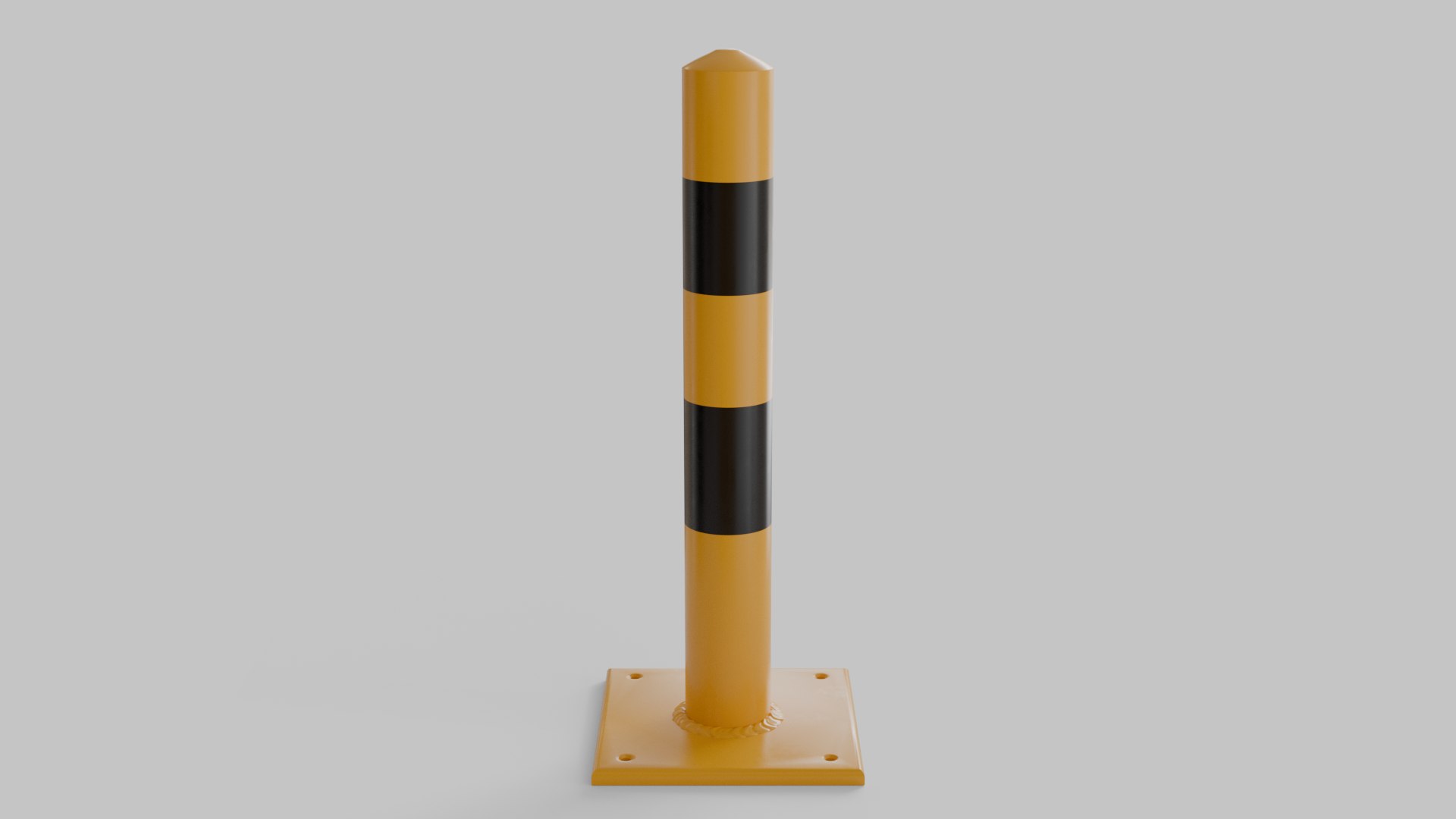
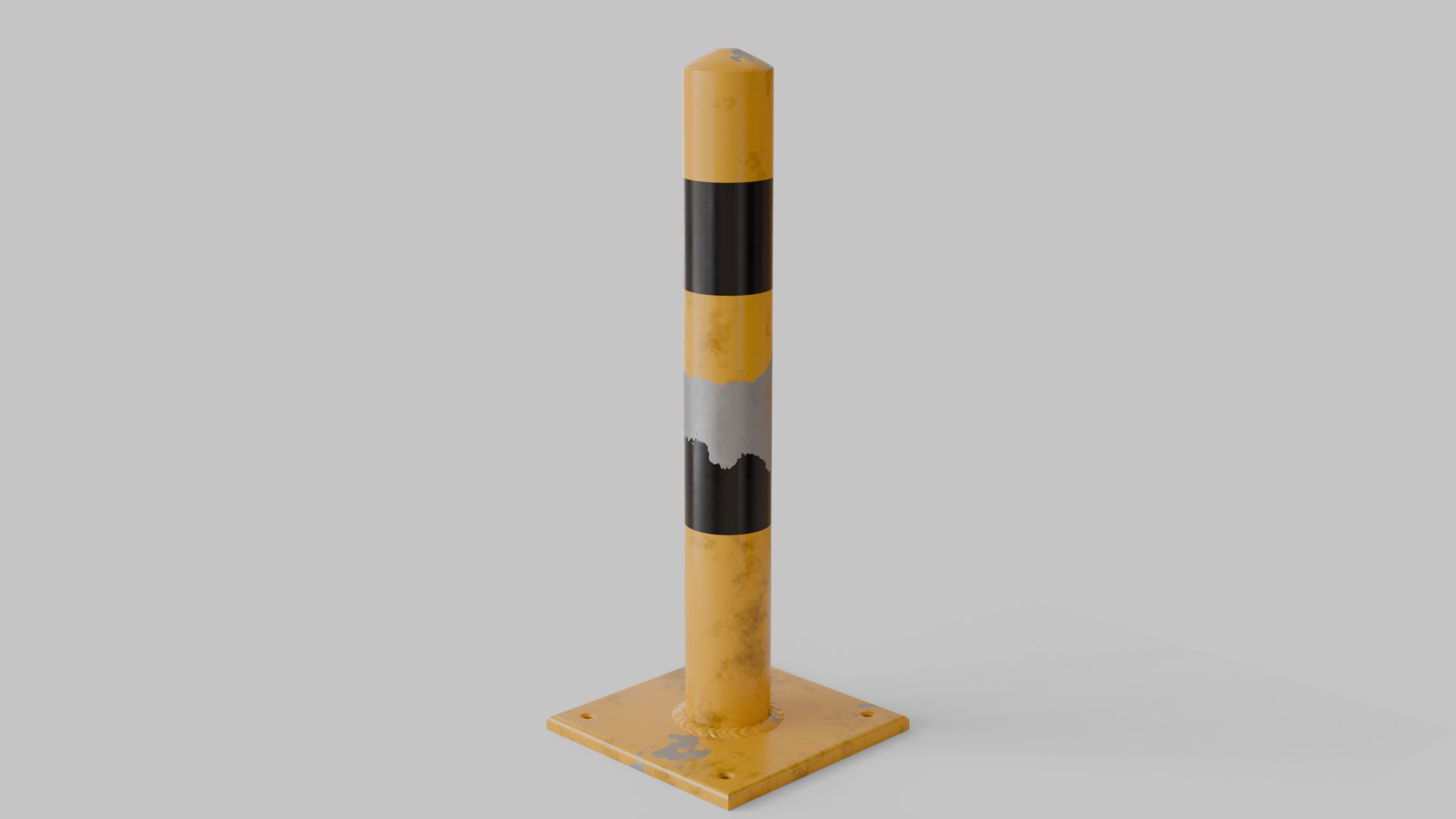
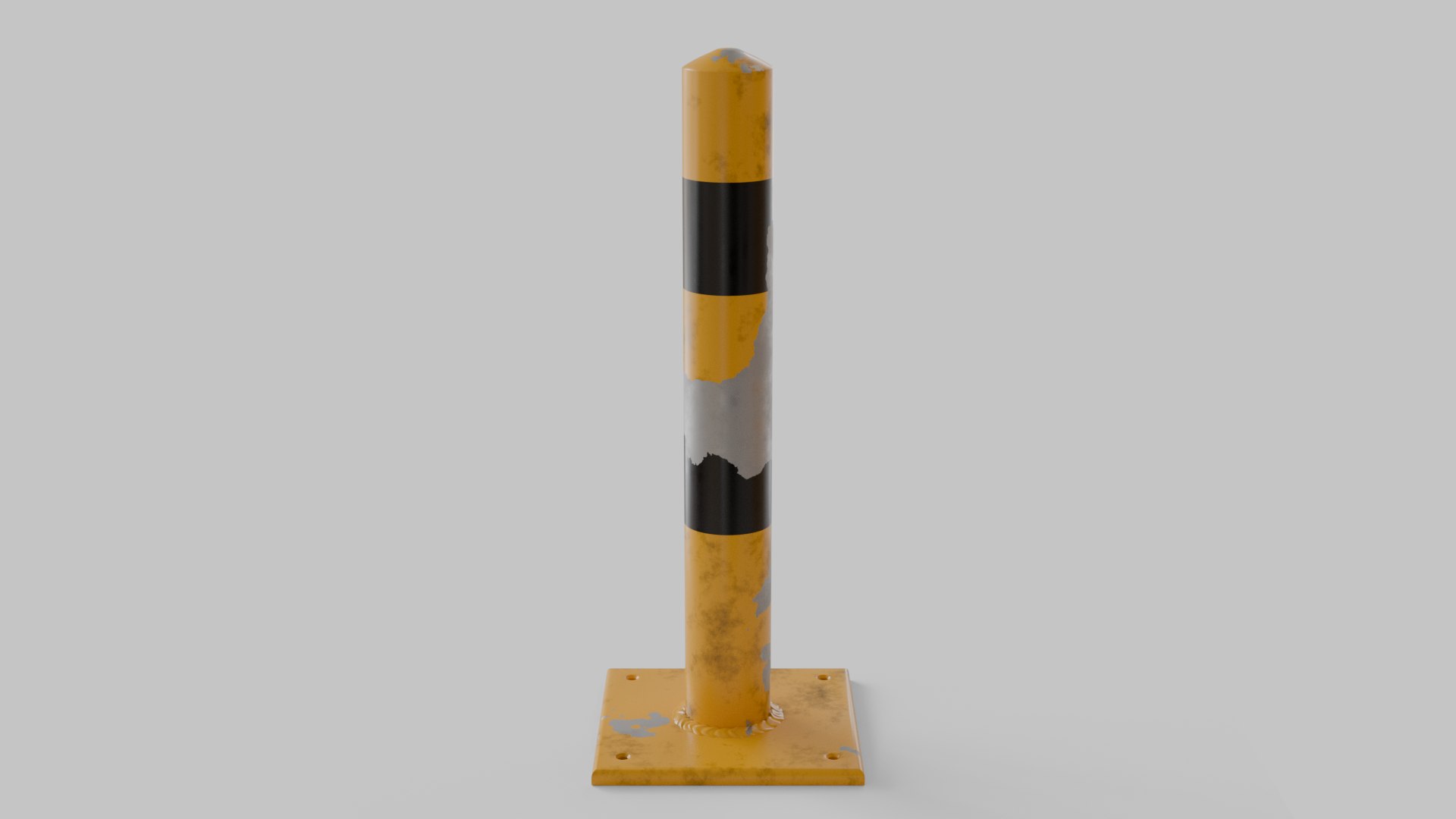
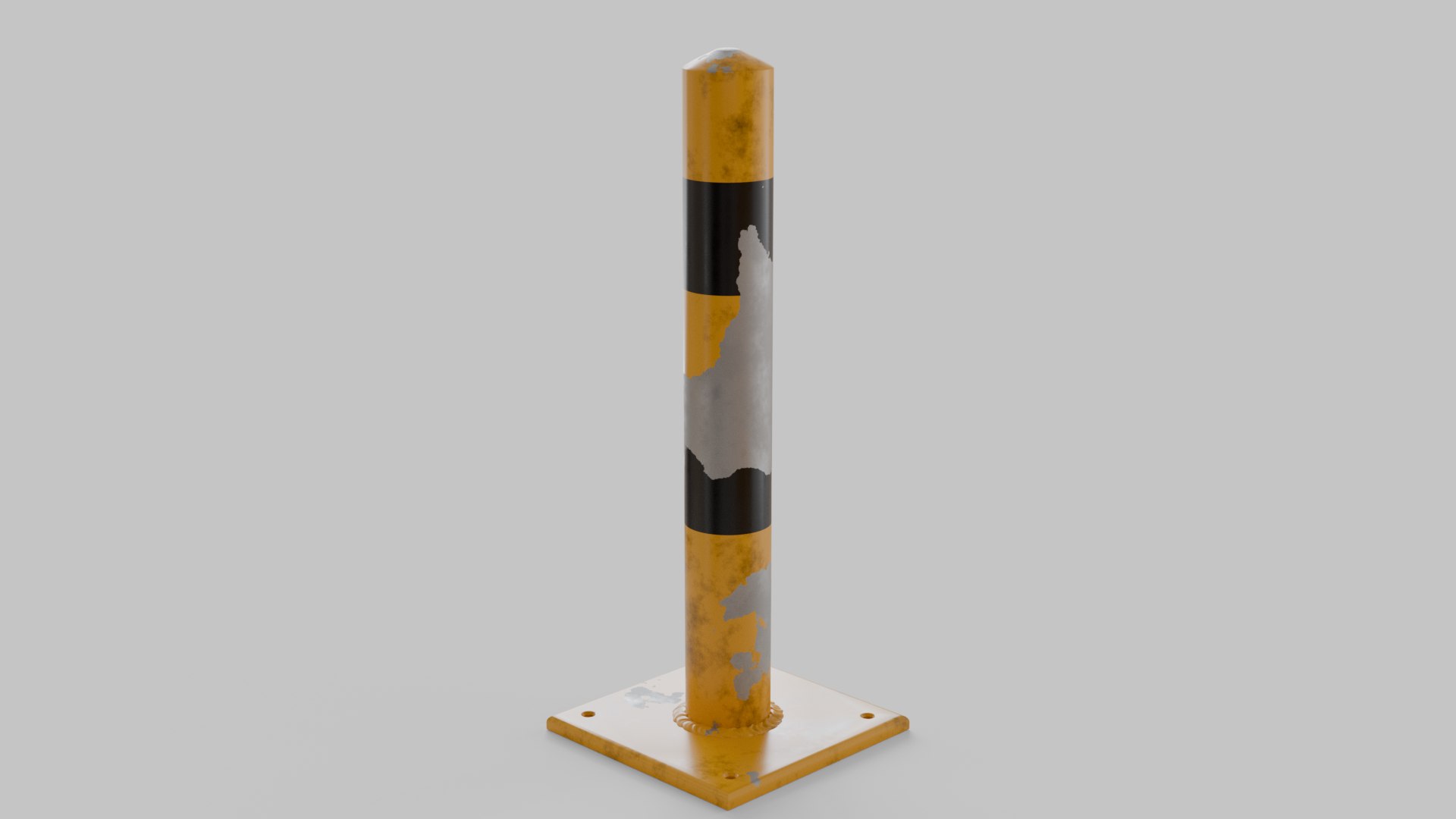
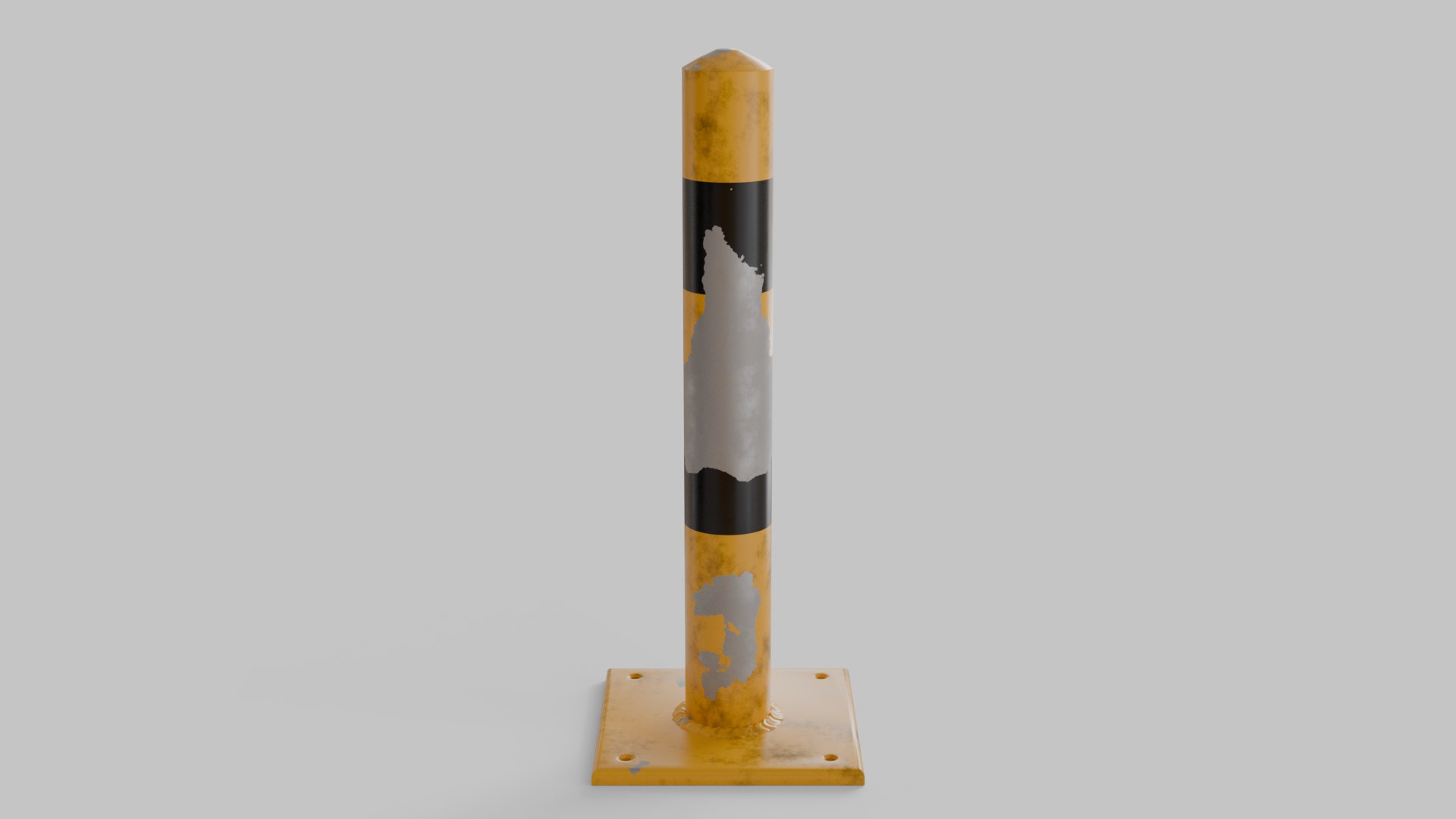
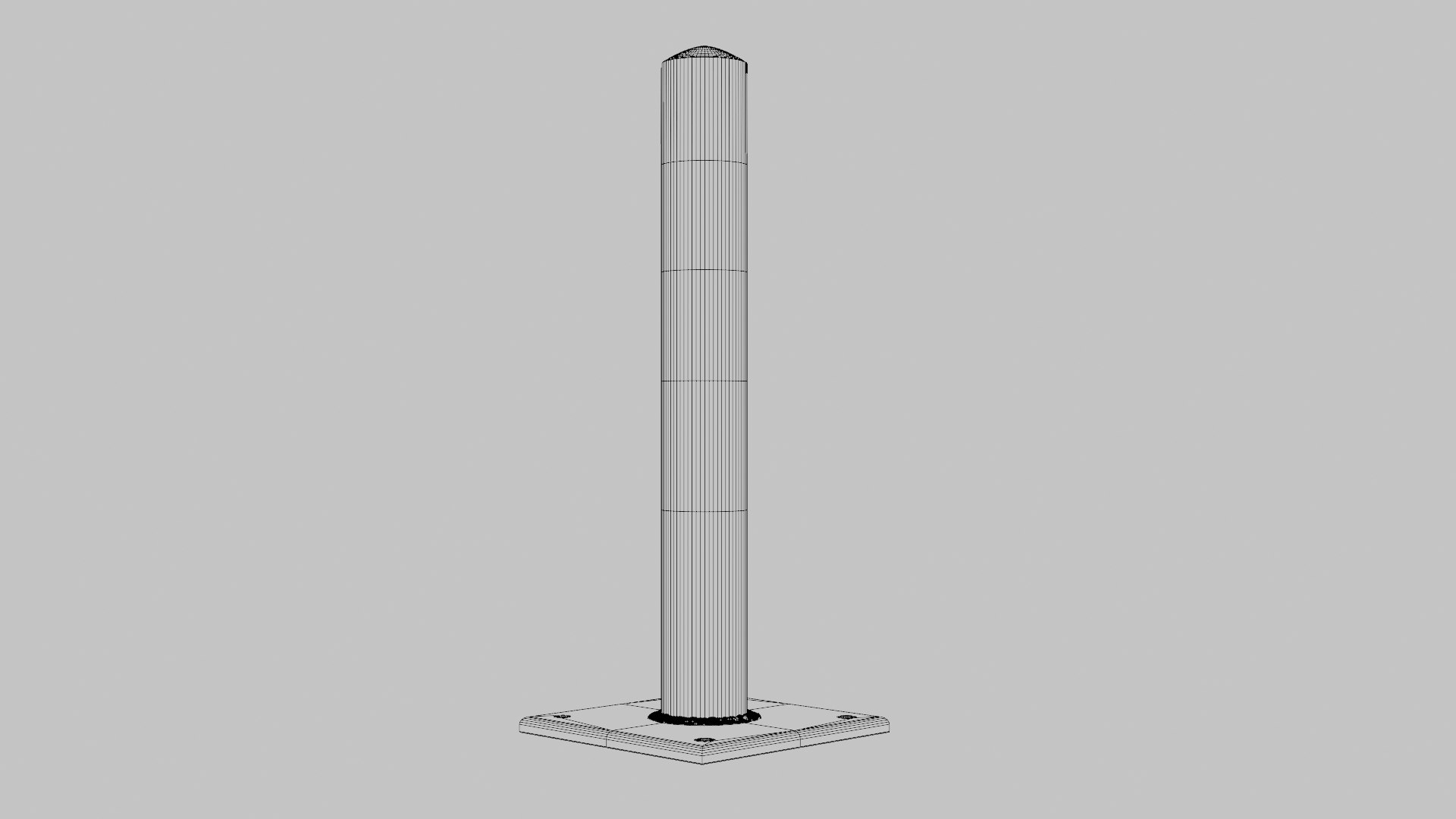
Traffic Barrier

$20

Formats (7)
Native | Blender 4.5 | Cycles Render
Cinema 4D 2025 | Default Scanline
USD 1 | Other
OBJ
FBX
glTF
Other Files
Textures.zip
Specifications
Publish Date October 18, 2026
Product ID 2638222
Polygons 5,015
Vertices 5,636
Polygonal Quads/Tris Geometry
Textures
UV Mapped
Non-overlapping Unwrapped UVs
TurboSquid Exclusive
member avatar
amirofc
2 Products | Contributor Since 2019
Have questions? Chat with us now.

Description

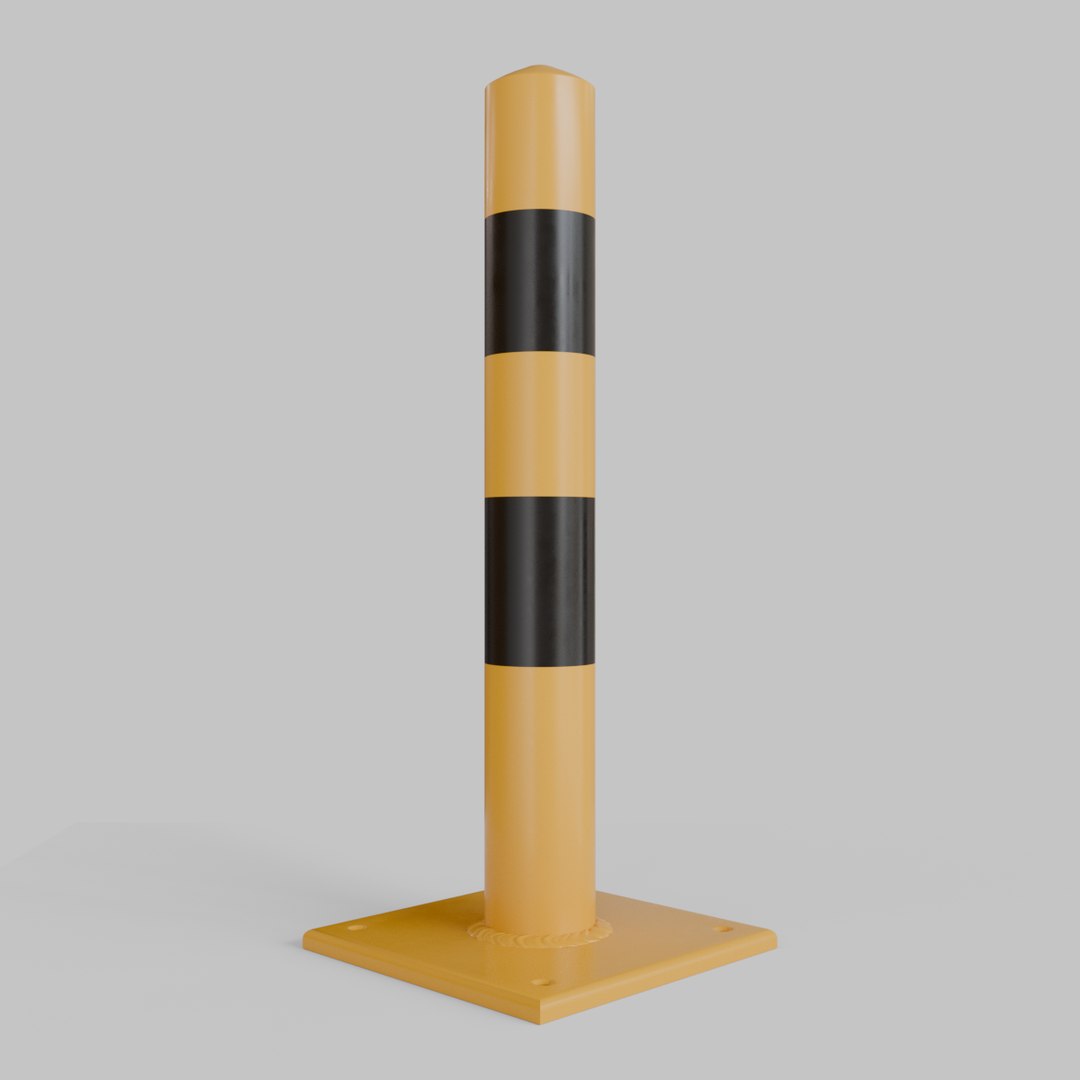
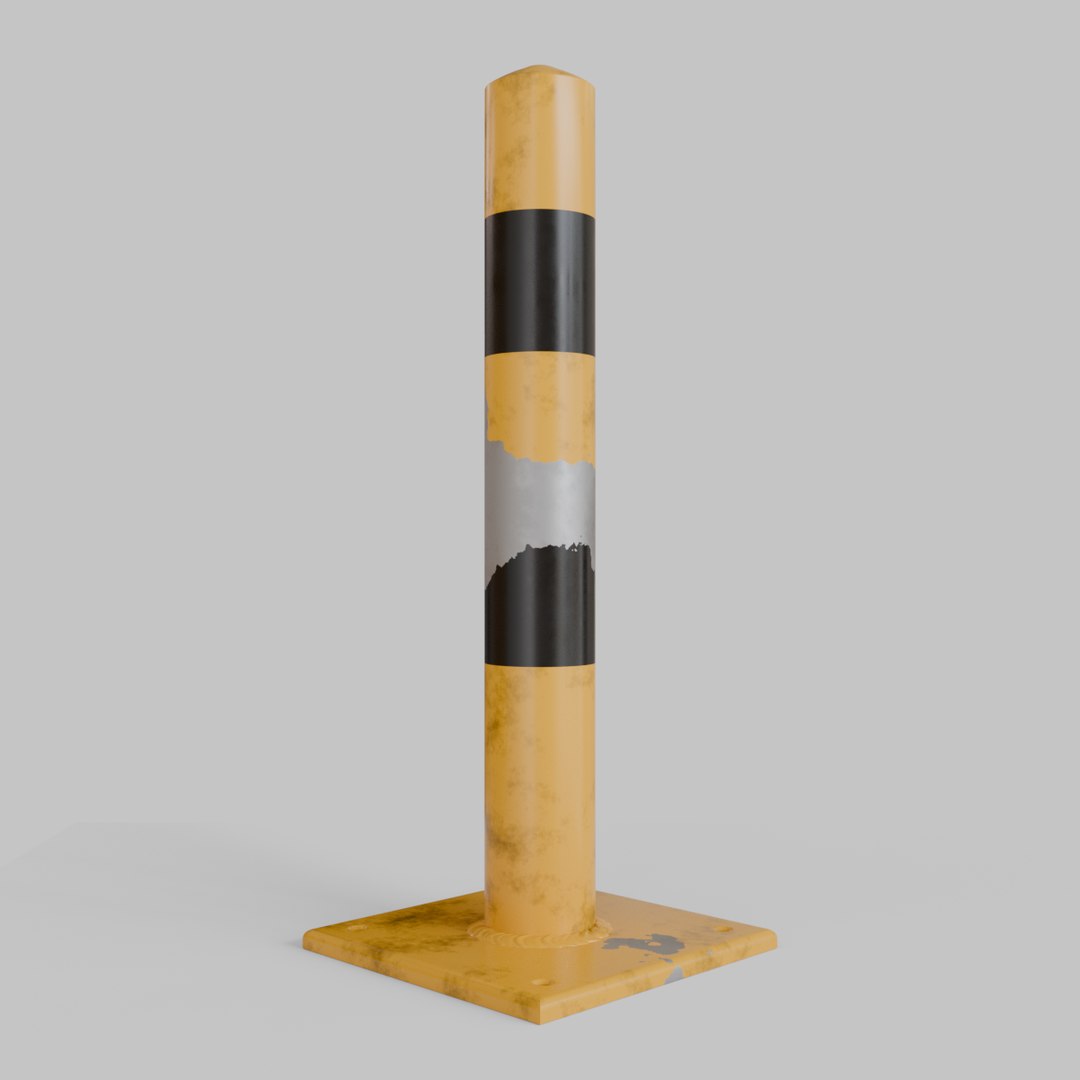
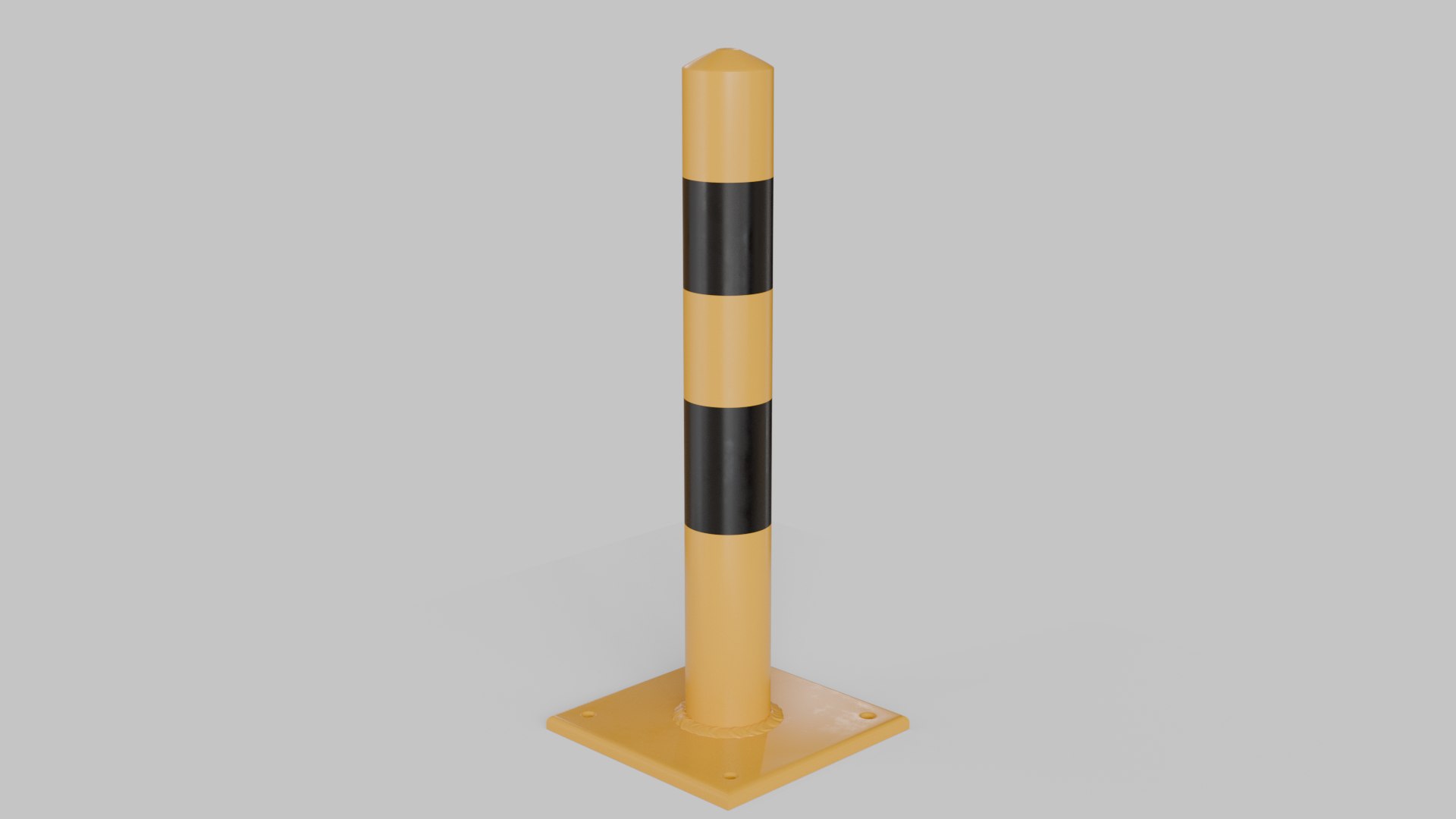
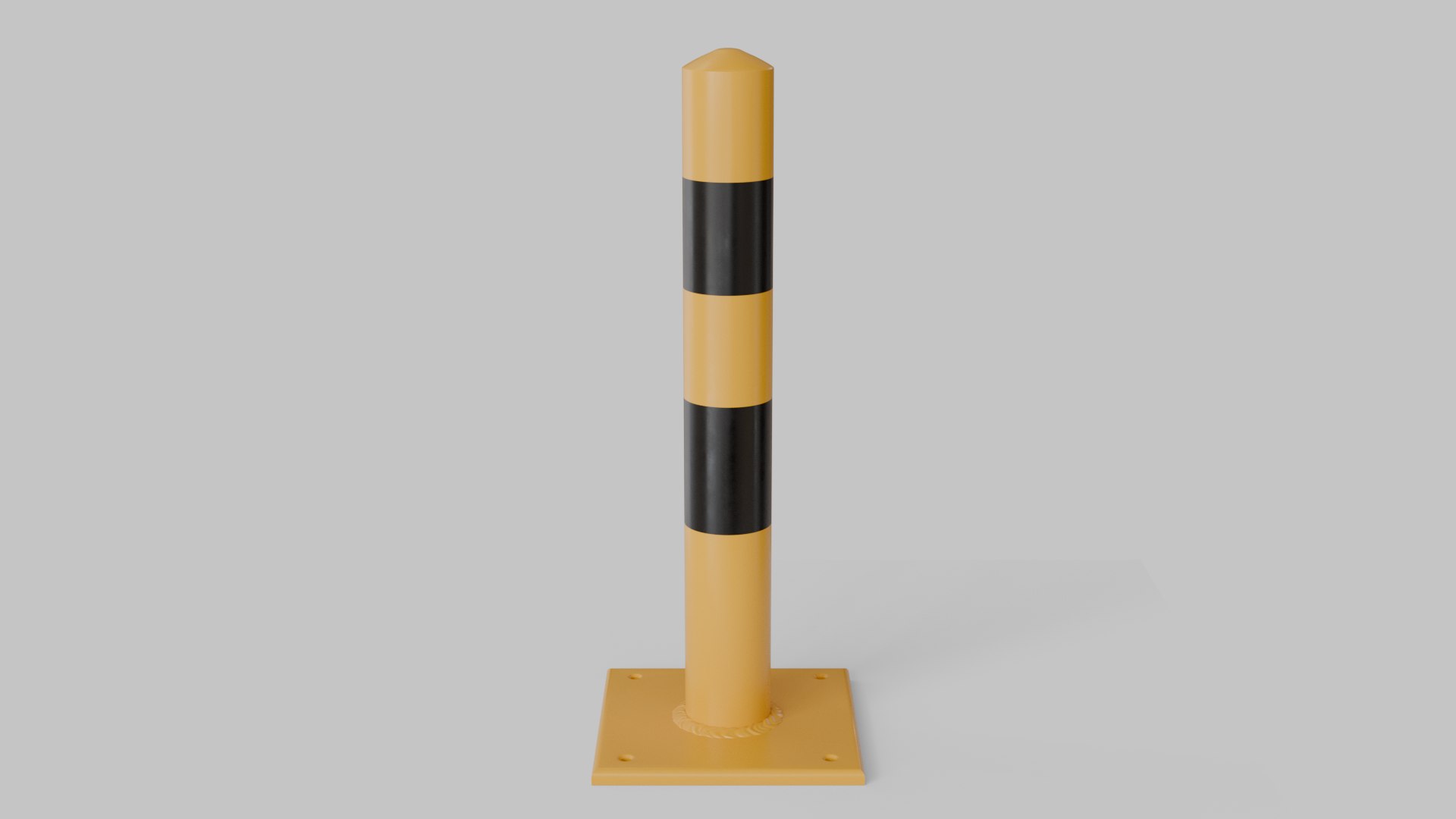
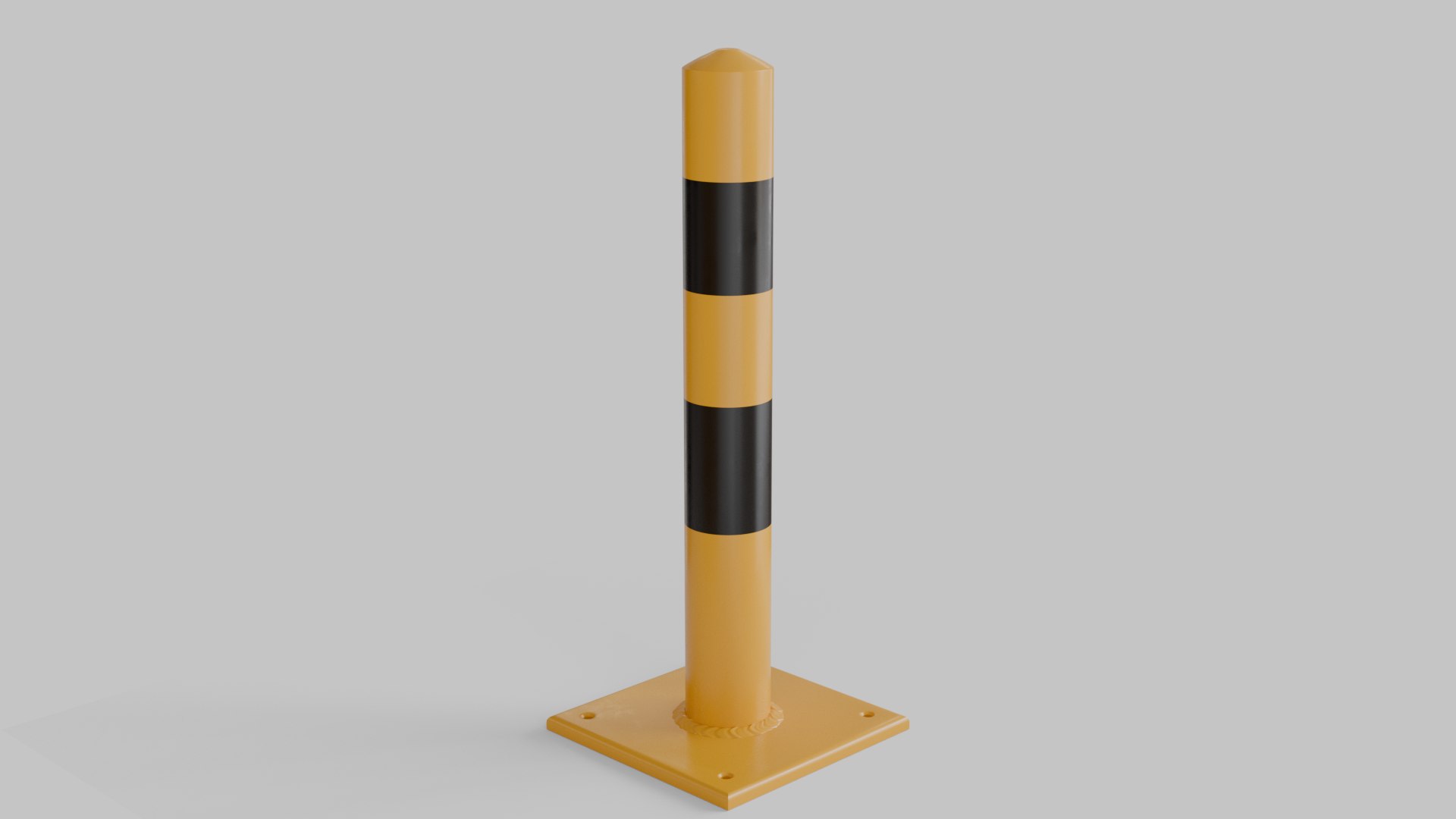
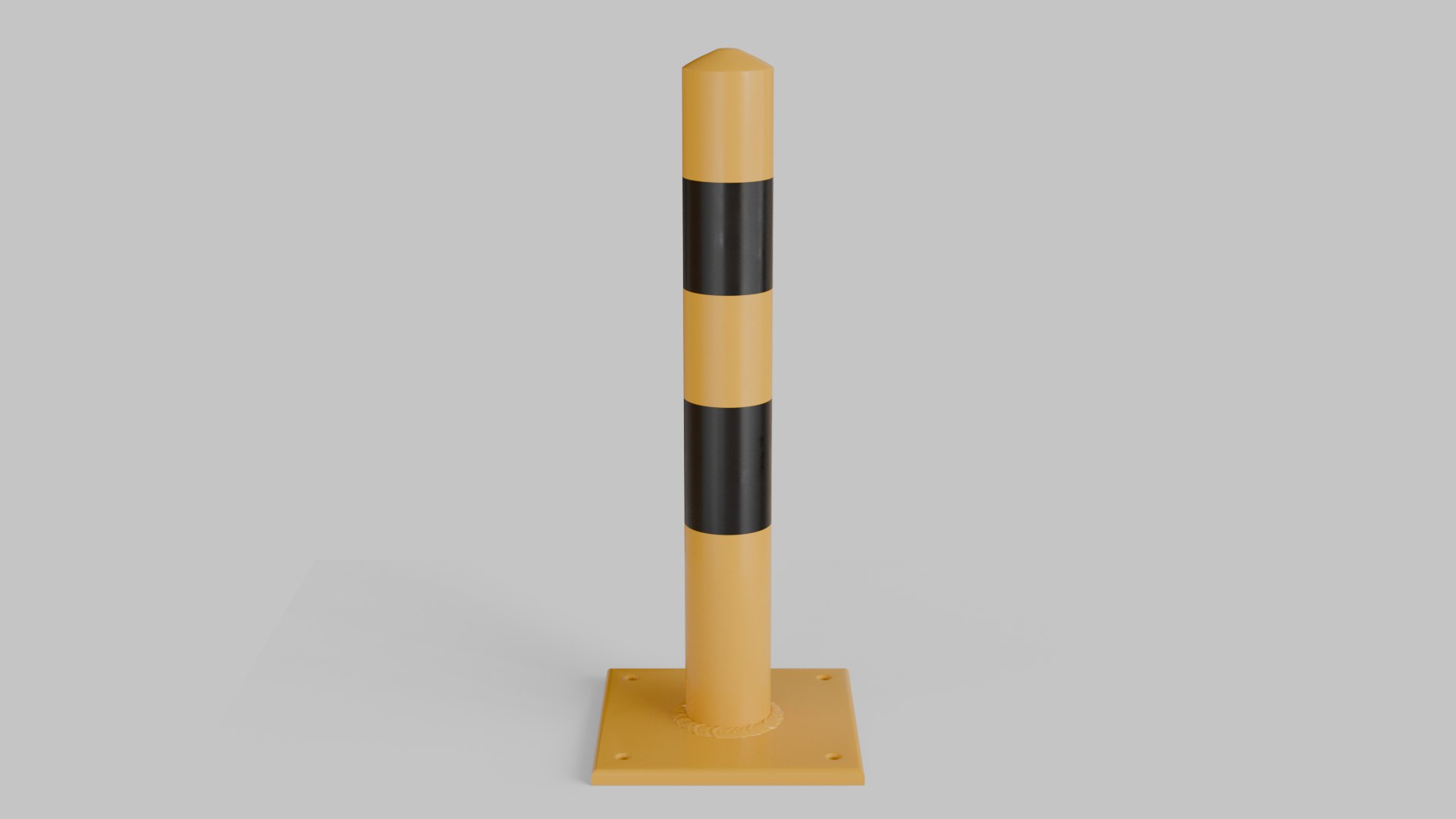
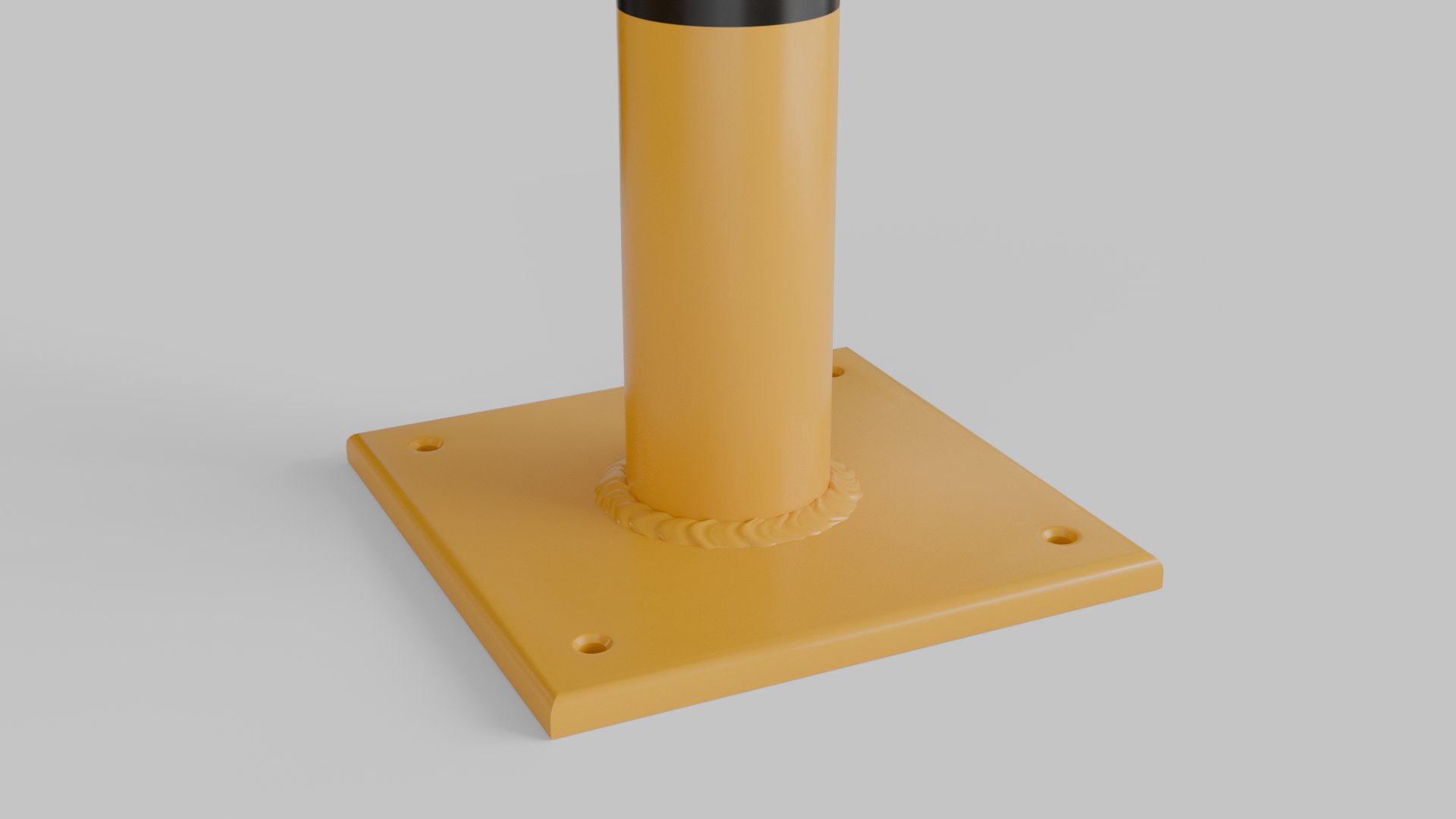
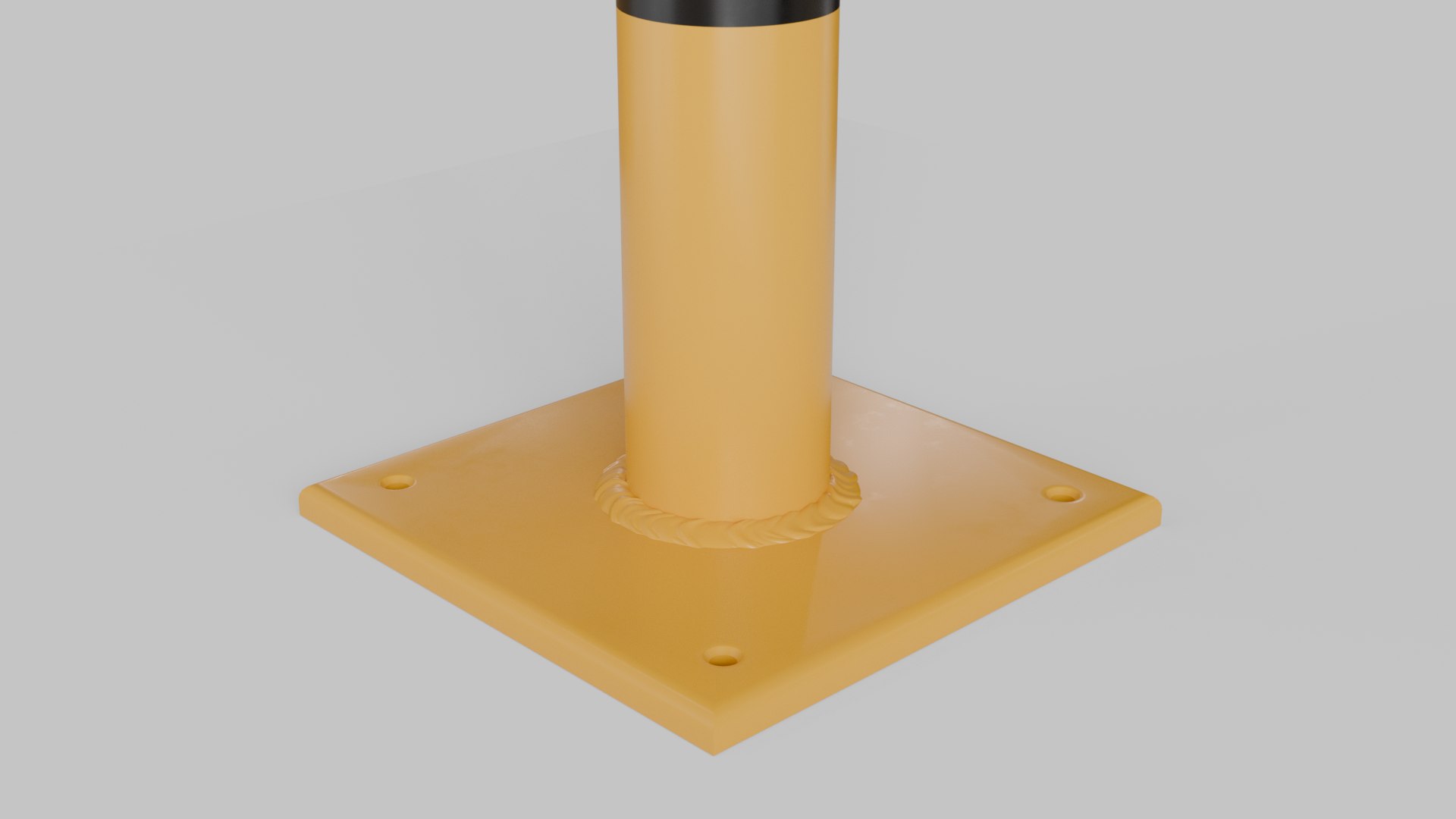
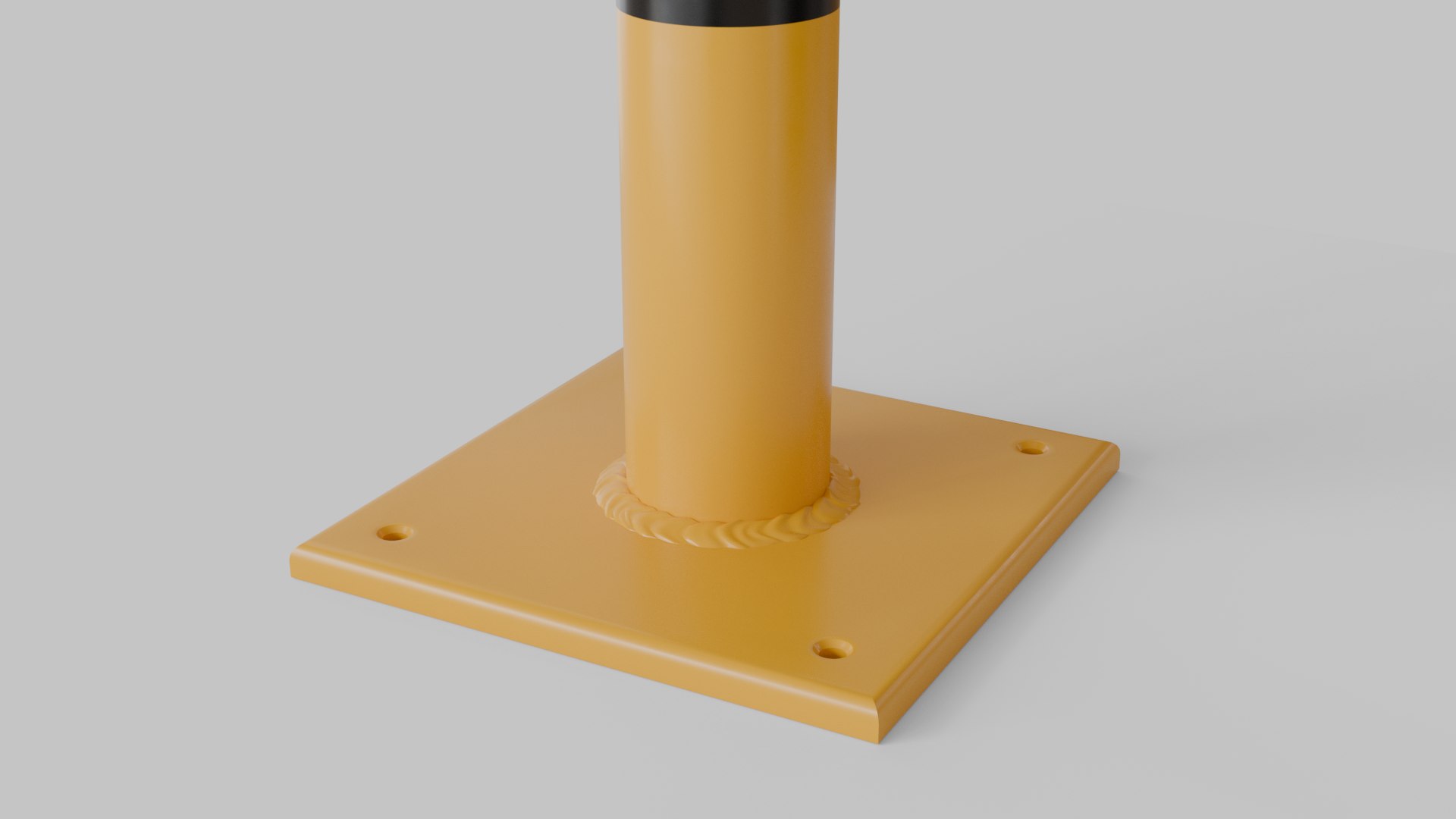
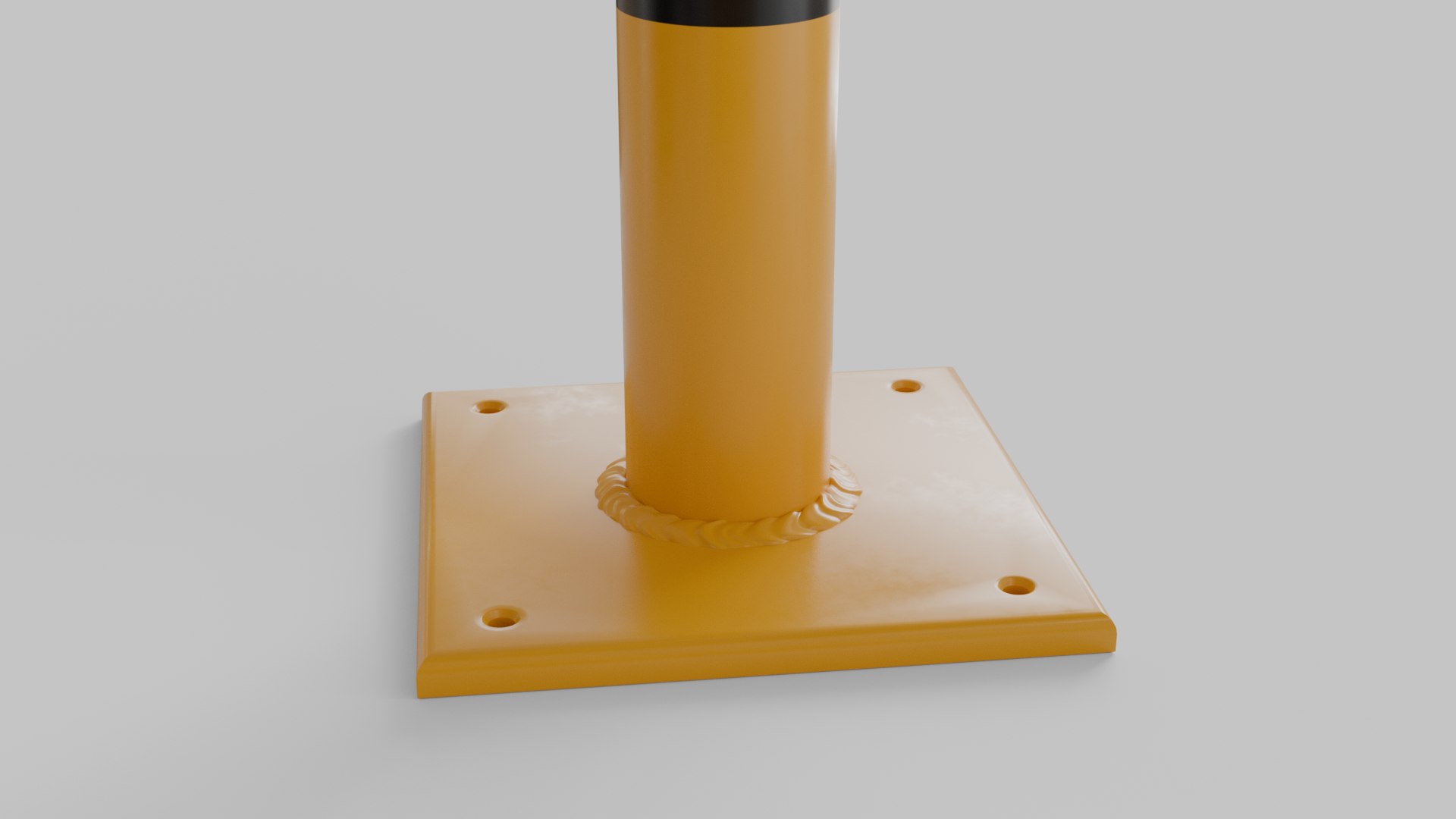
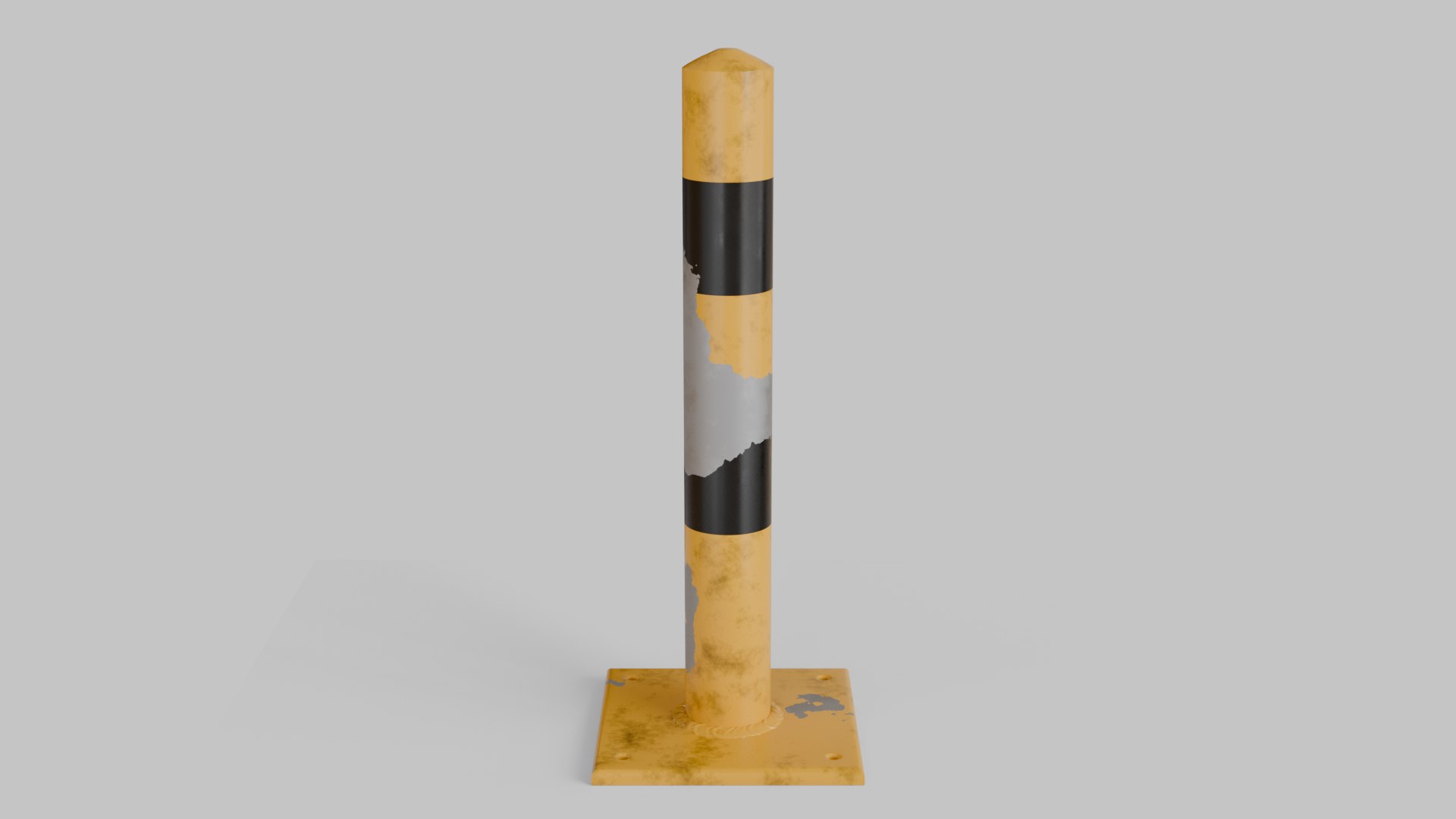
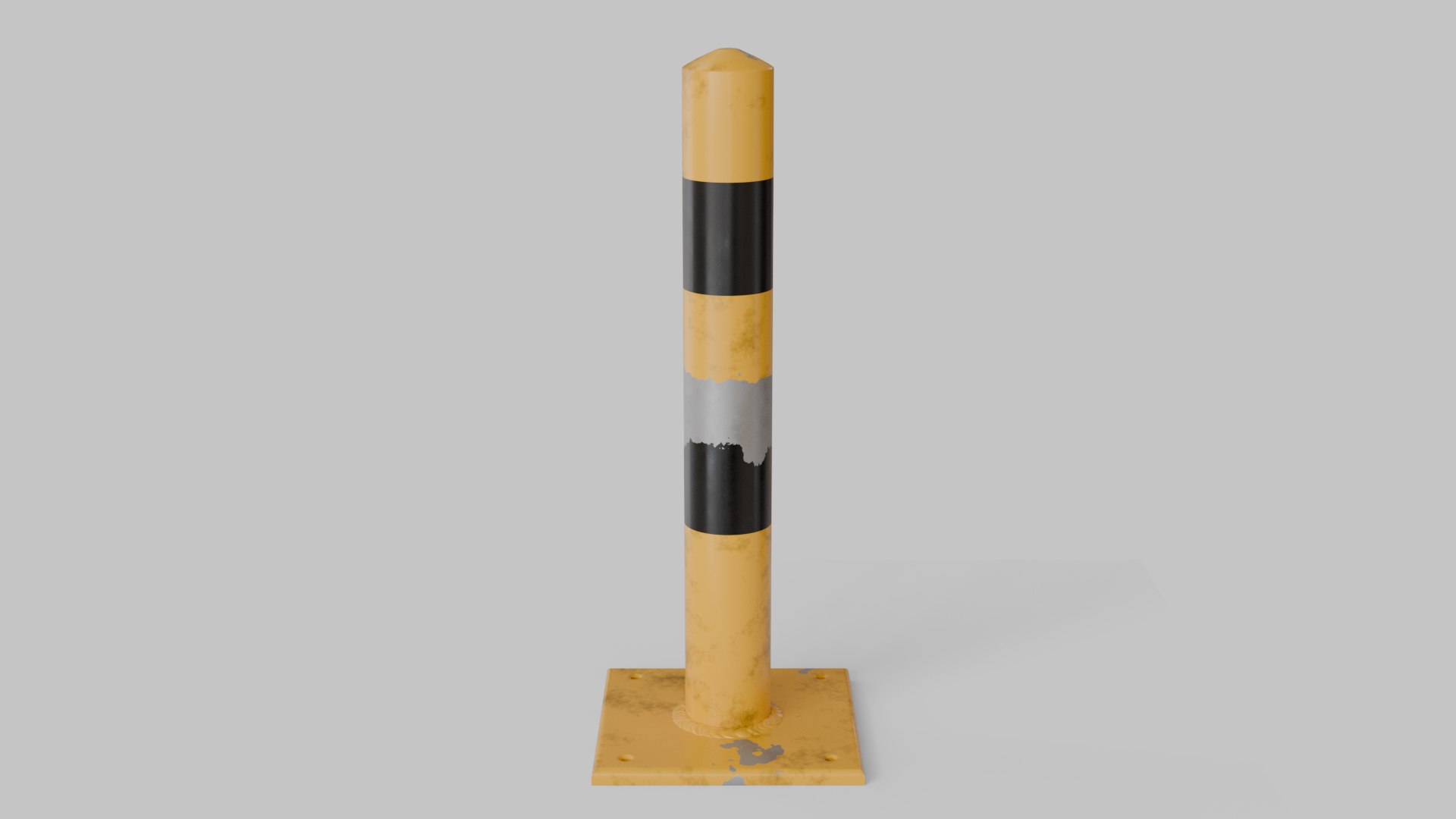
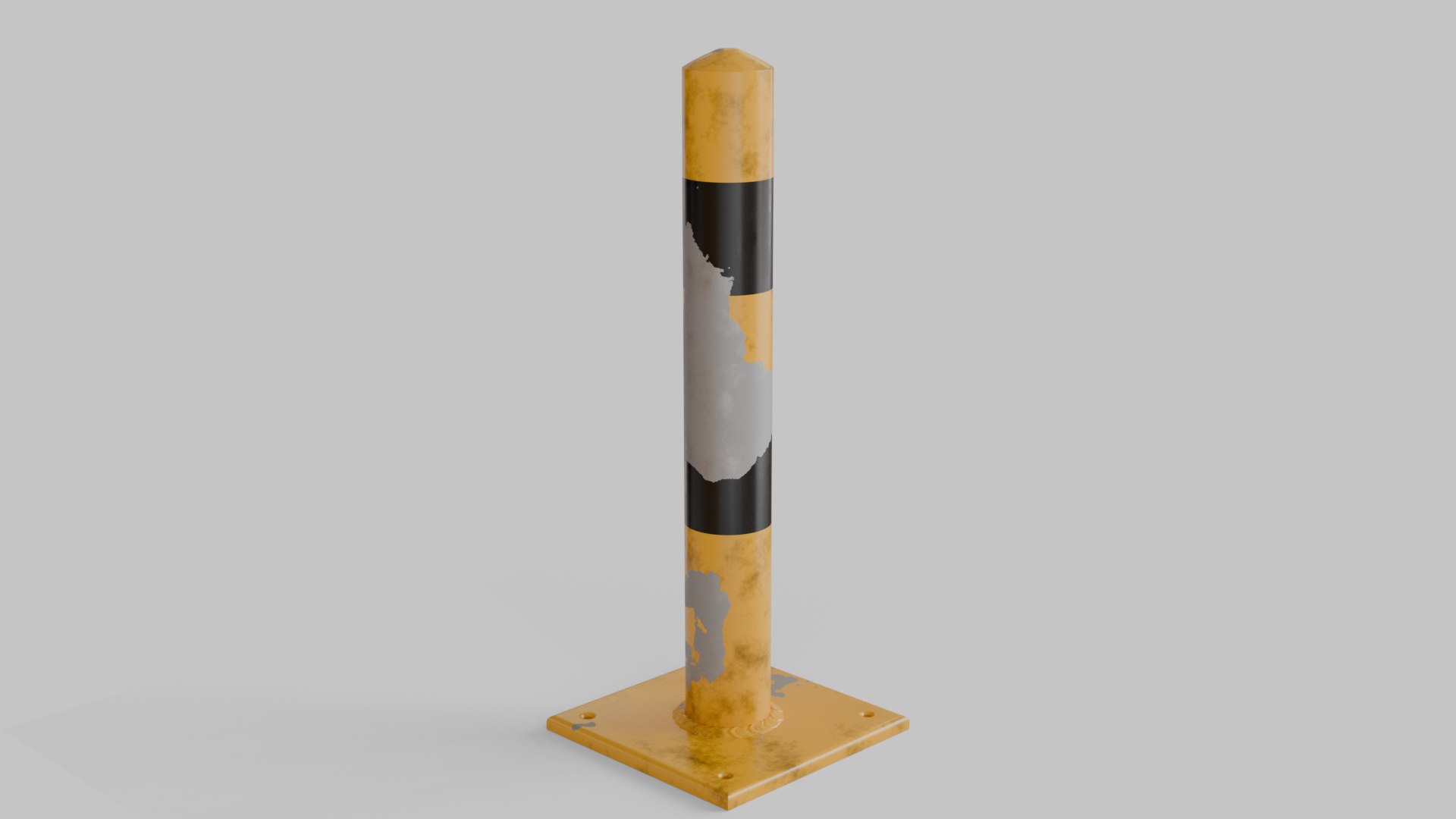
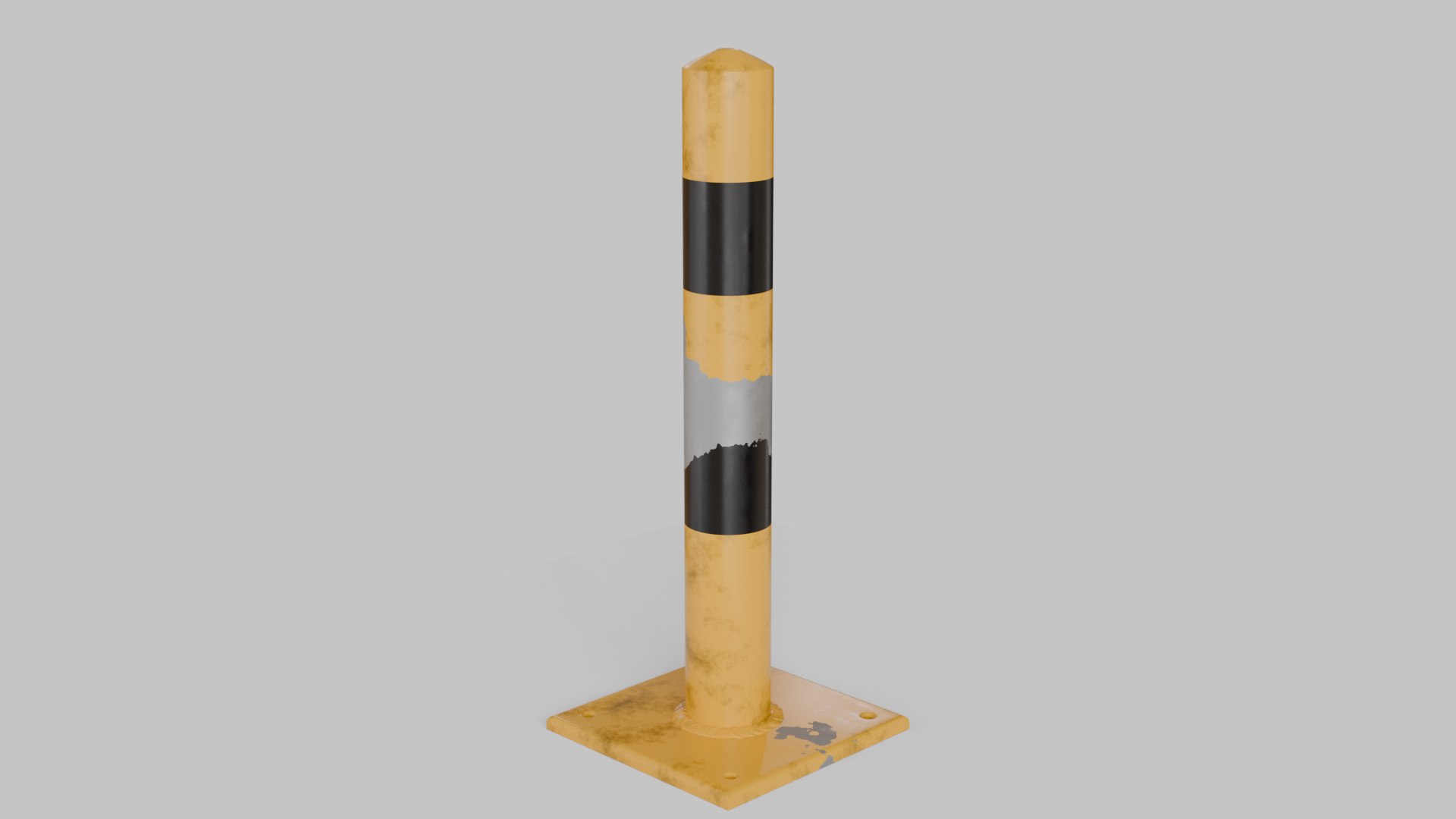
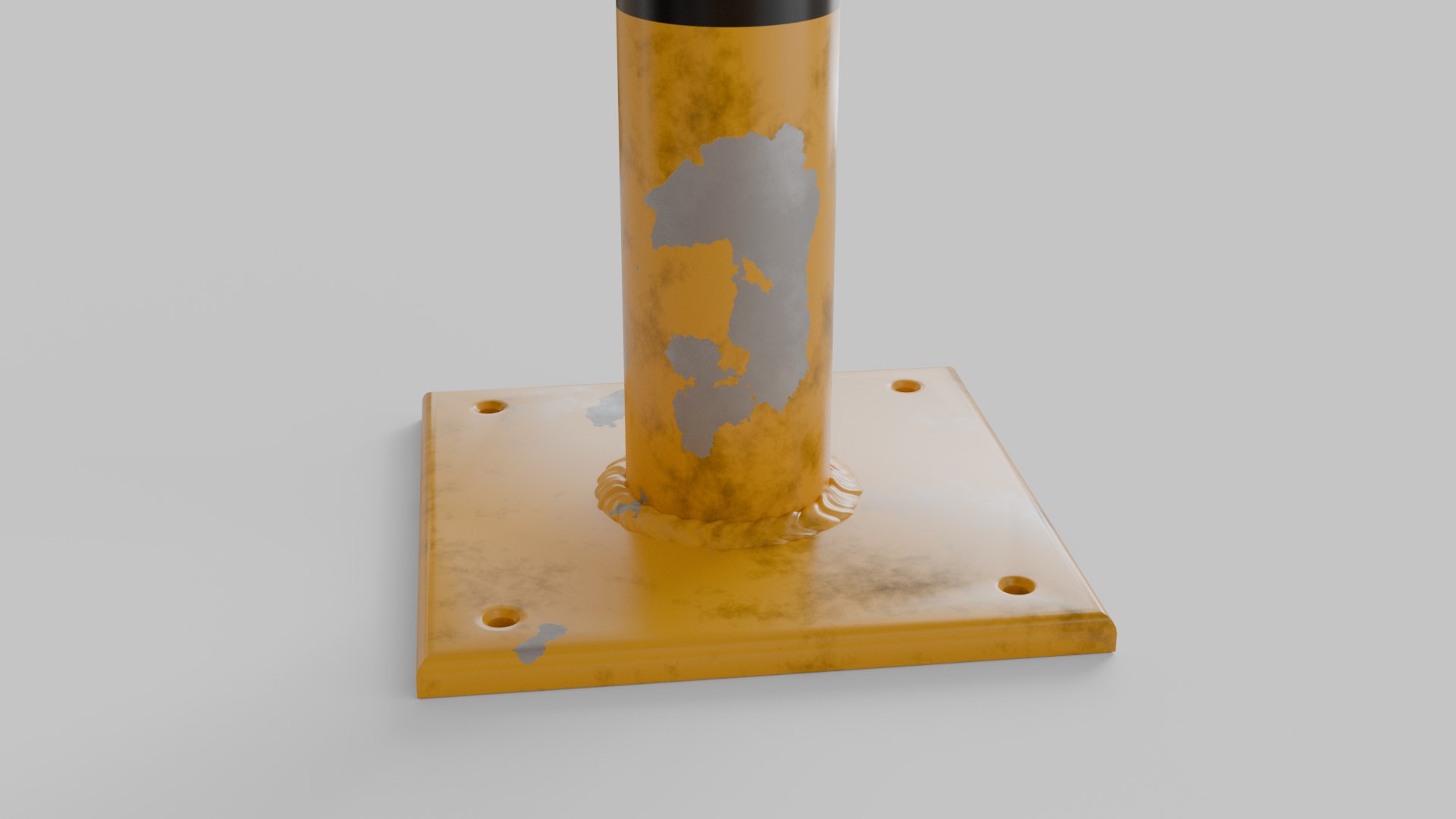
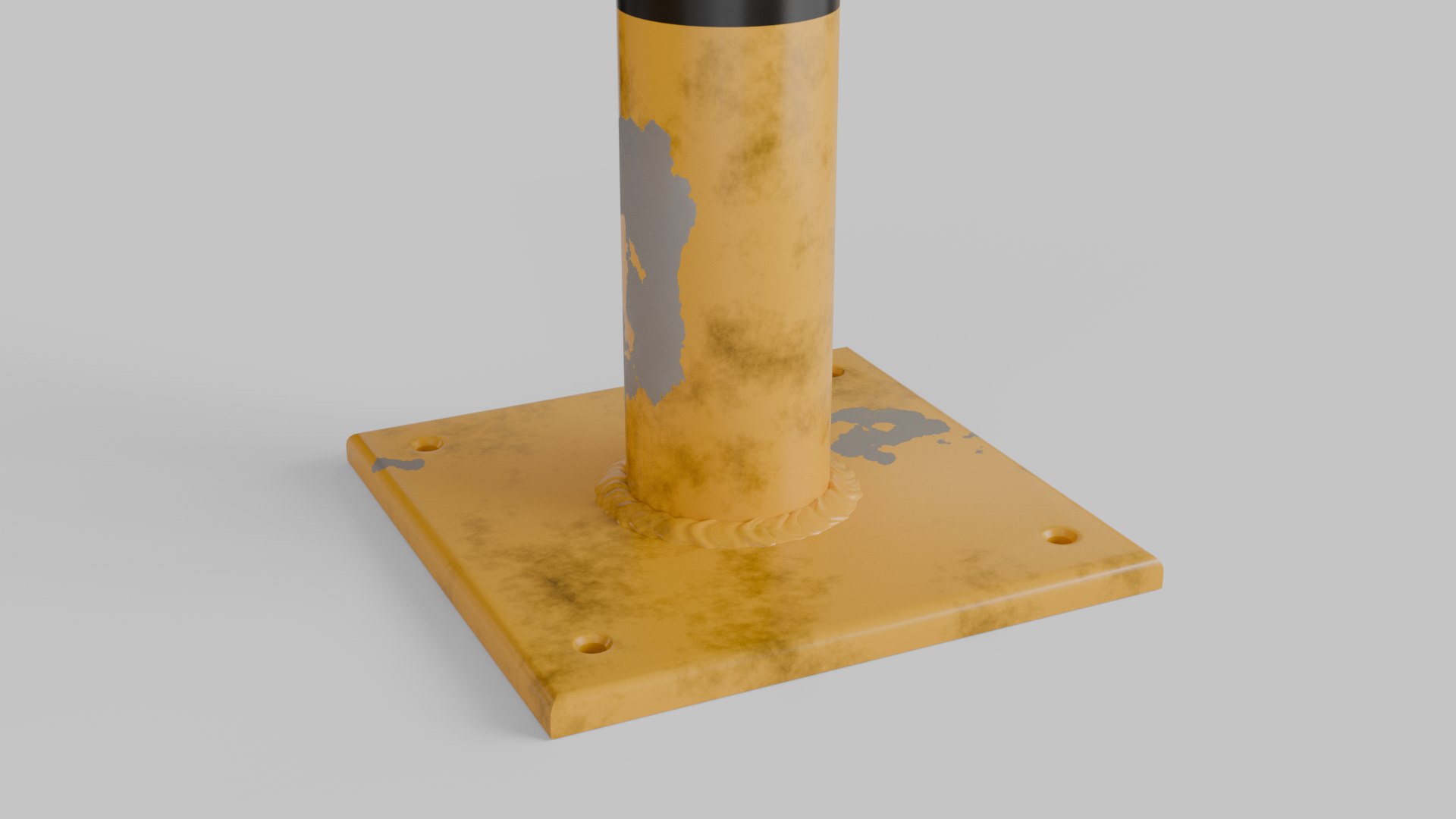
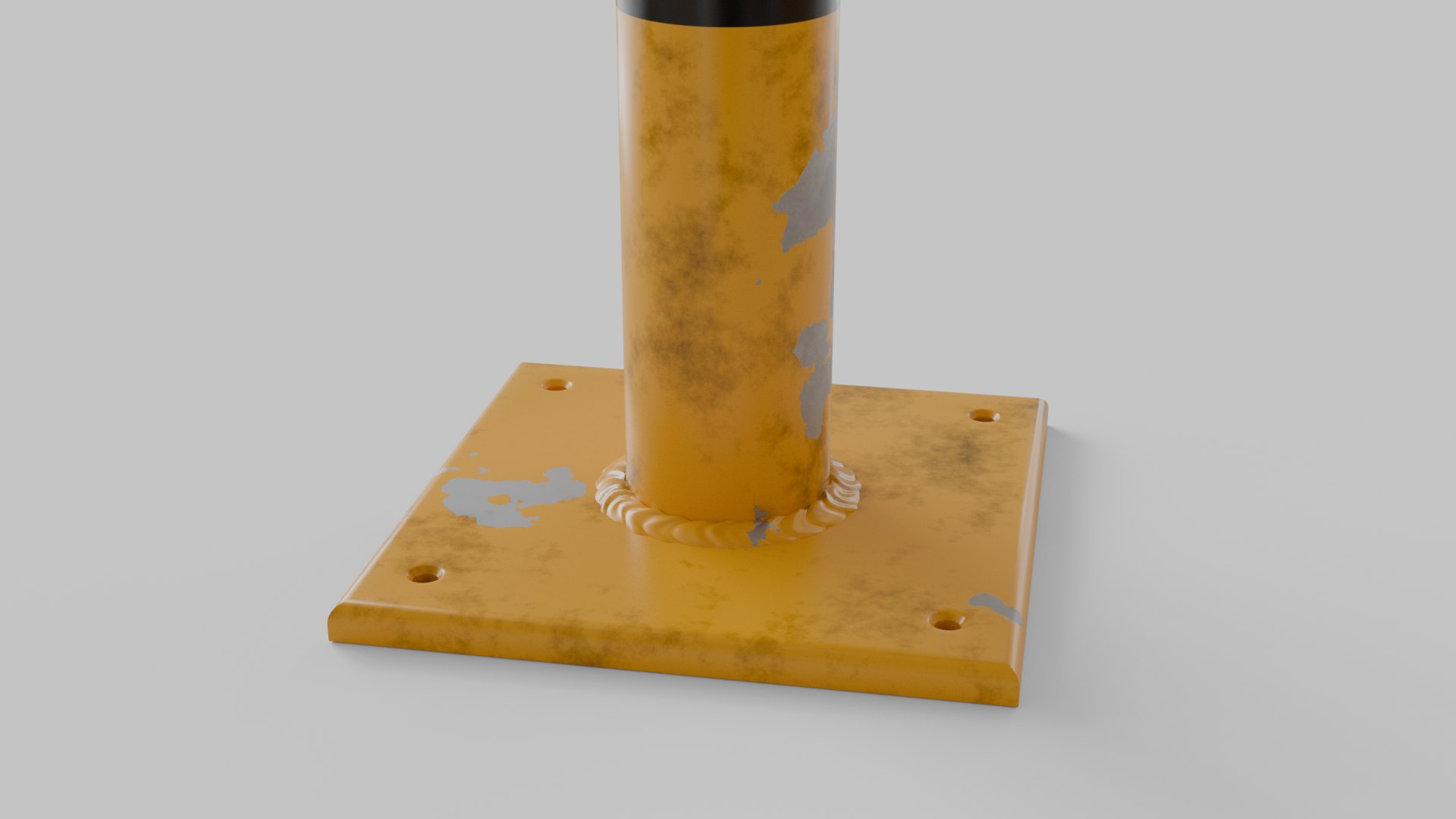
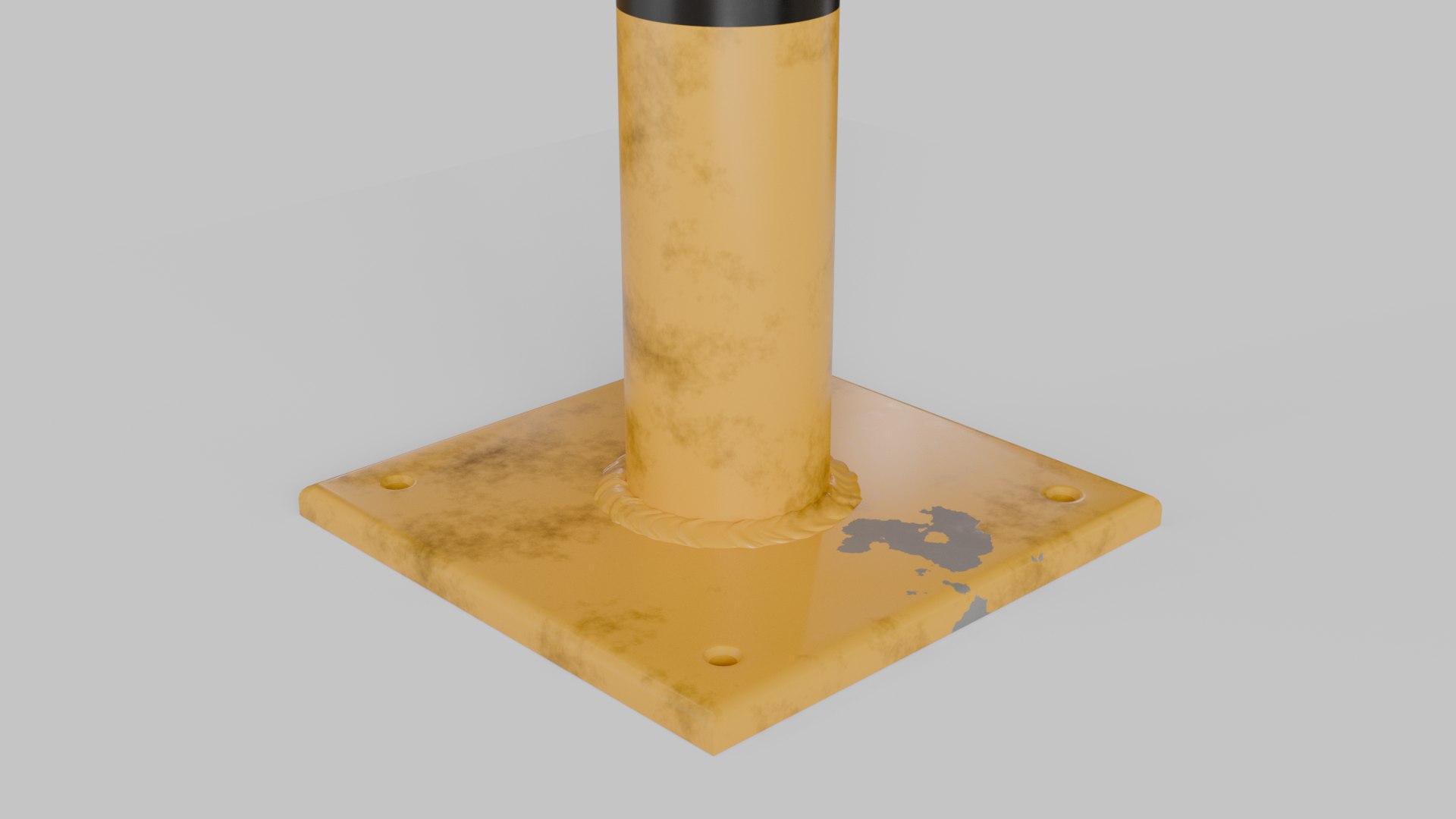
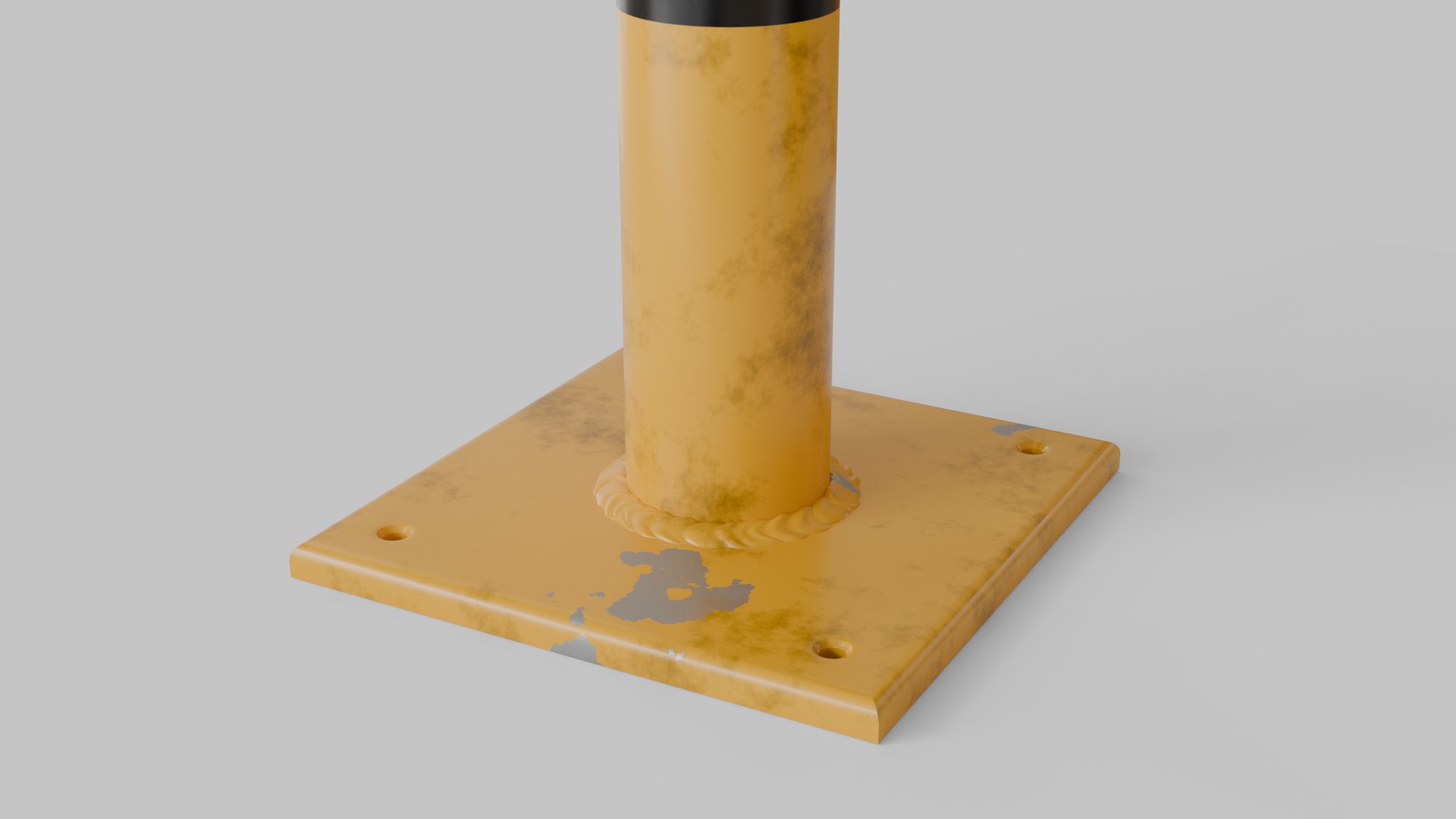
Traffic Barrier - 3D Model

A high-quality, photorealistic 3D model of a Traffic Barrier, designed for close-up renders, architectural visualization, and real-time projects. Clean geometry and fully unwrapped UVs ensure seamless integration into any scene.

Key Features

Native Software:
Originally created in Blender 4.5 using Cycles render engine.
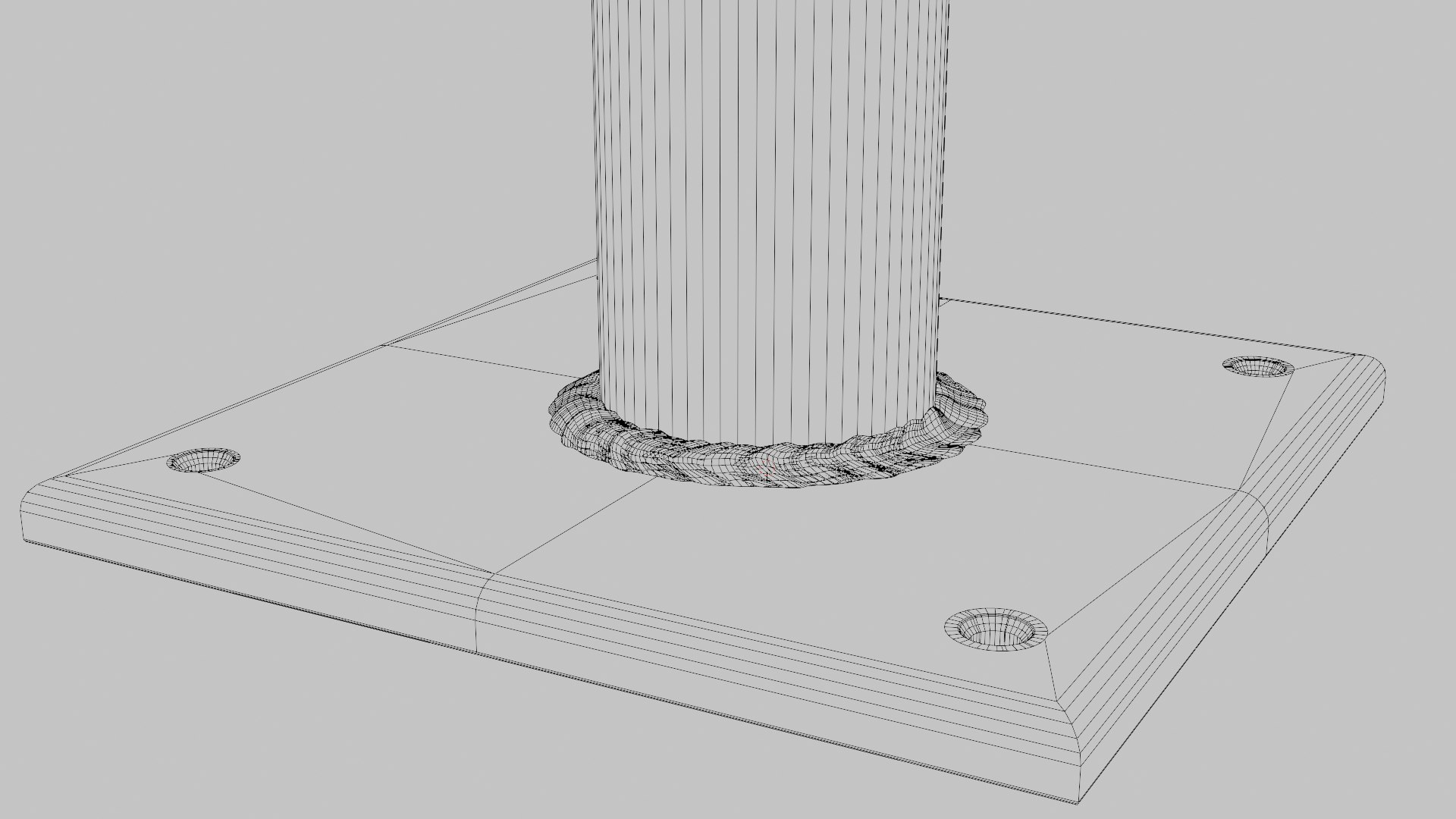
Subdivision Ready: Clean topology with quad-dominant geometry, designed to subdivide smoothly without mesh distortion or artifacting.
Organized & Labeled: Outliner objects, materials, and textures follow a logical naming convention for effortless scene organization.
Plug & Play: Zero cleanup required—simply import into your scene and render.
UV Unwrapped: 100% non-overlapping UV layout across all components.

Real-World Dimensions

Unit Scale: Centimeters (cm)
Textures & Materials

High-resolution 2K PNG files.
PBR Maps Included:
Base Color, Roughness, Metallic, Normal

Model Specifications

Polygons: 5015 Vertices: 5636

Geometry: Polygon Mesh Subdivision Ready

Select Enhanced License

  • $10,000 in Legal Protection (Indemnification)
  • Uncapped Legal Protection (Indemnification)
  • Waiver from injunctive relief
  • Assignable model rights
  • $1,000,000 in Legal Protection (Indemnification)
  • Waiver from injunctive relief
  • Assignable model rights
  • $250,000 in Legal Protection (Indemnification)
  • Assignable model rights
Read more about enhanced license tiers, or contact us at enterprise@turbosquid.com. Already a Shutterstock Enterprise Customer? Contact your Shutterstock Sales Support Agent to talk about adding 3D.

About Conversion Requests

To submit a conversion request for a purchased asset, please complete our Conversion Request Form.

If you have not yet purchased a model, please review our Documentation about Conversions to learn about what limitations you may encounter with a conversion.

For any additional questions about a model’s suitability for conversion, please contact TurboSquid Support.

Loading...