
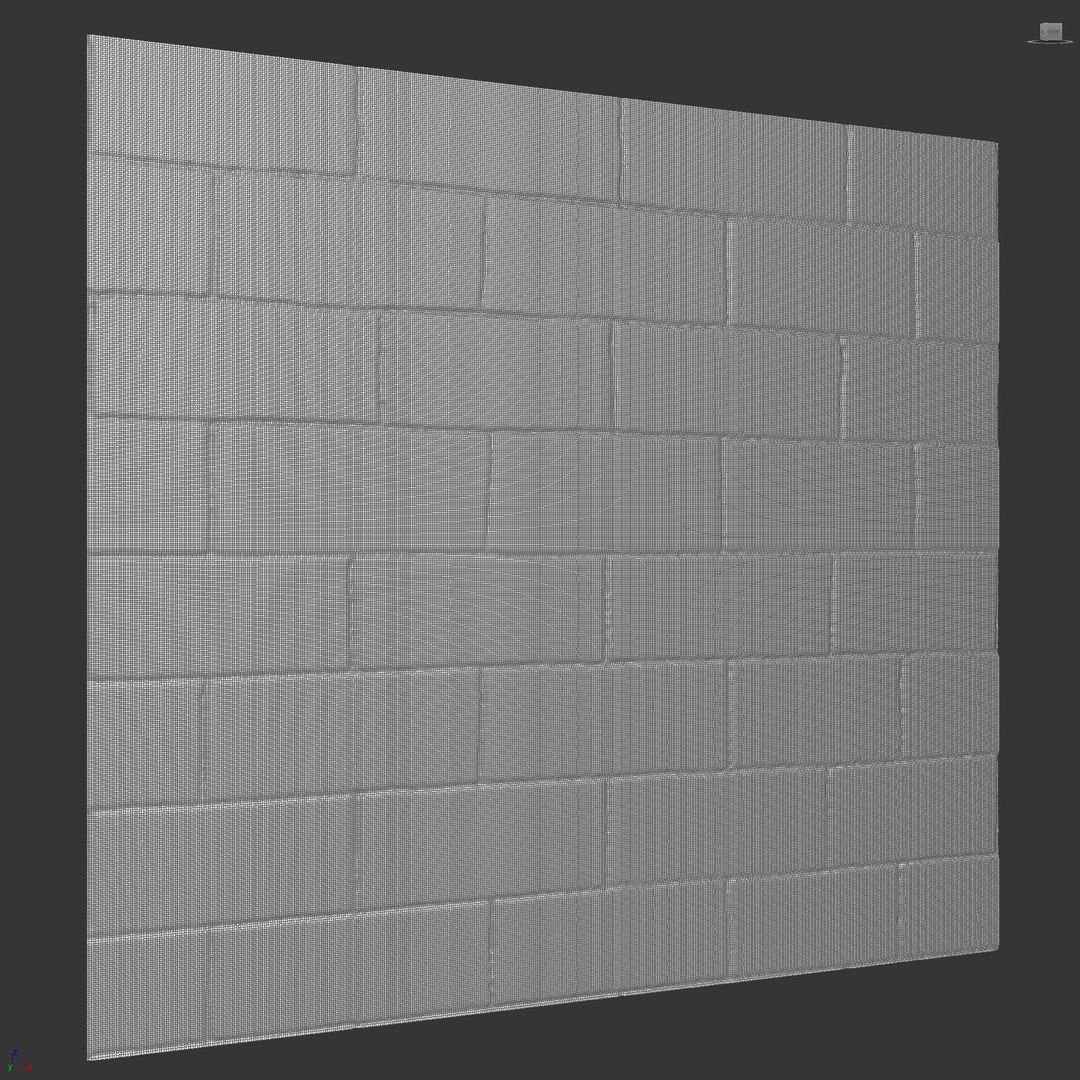
Stone wall 23

$7

Standard License | Upgrade License
Formats (4)
Native | 3ds Max 2017 | Corona 5
3ds Max 2017 | V-Ray 4.10.03.00
FBX
OBJ
Other Files
Stone wall 23_textures.zip
Specifications
Publish Date November 28, 2023
Product ID 2157824
Polygons 252,808
Vertices 253,867
Polygonal Quads/Tris Geometry
Textures
Materials
UV Mapped
Mixed Unwrapped UVs
member avatar
Rakochi Design
1321 Products | Contributor Since 2015
Have questions? Chat with us now.

Description

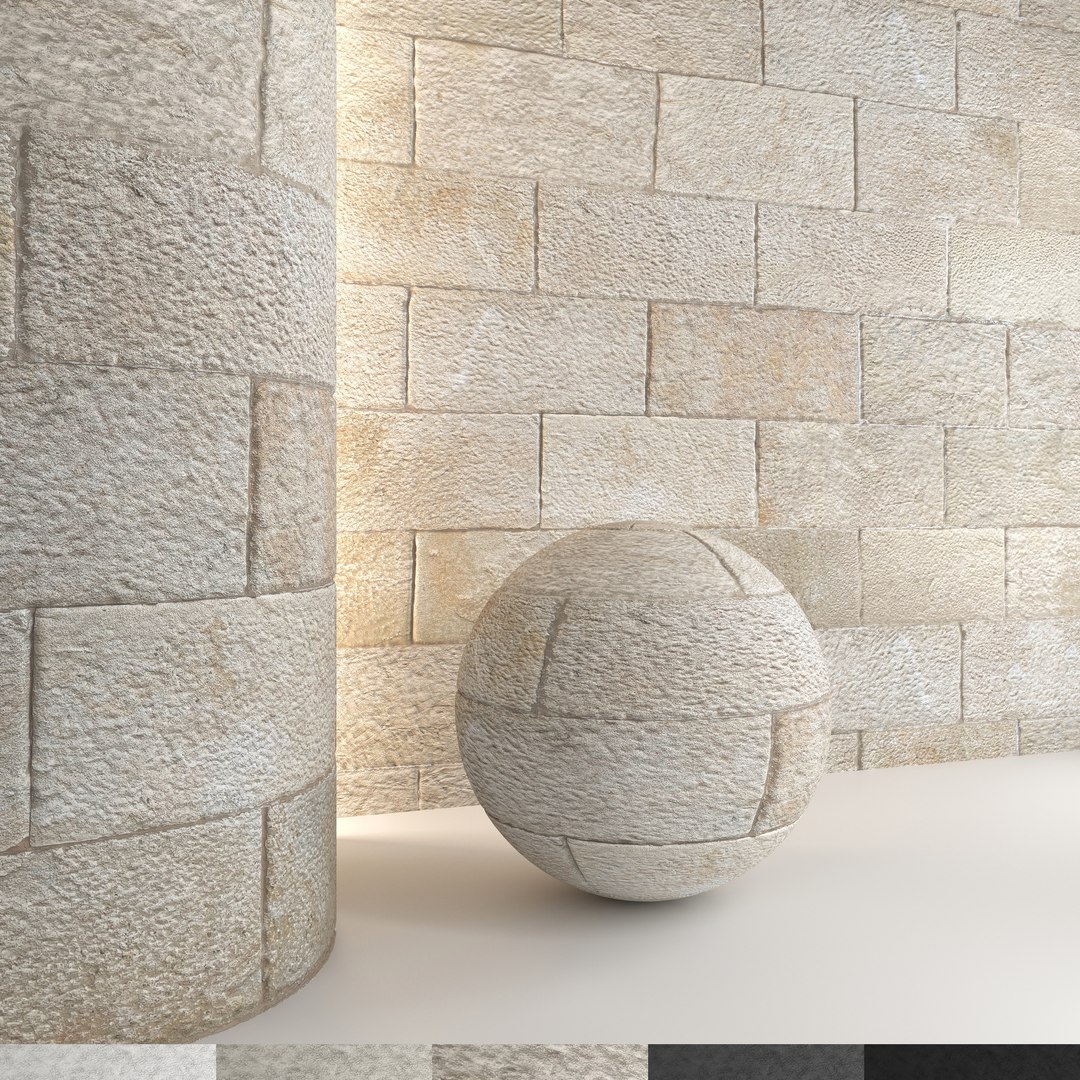
Stone wall 23
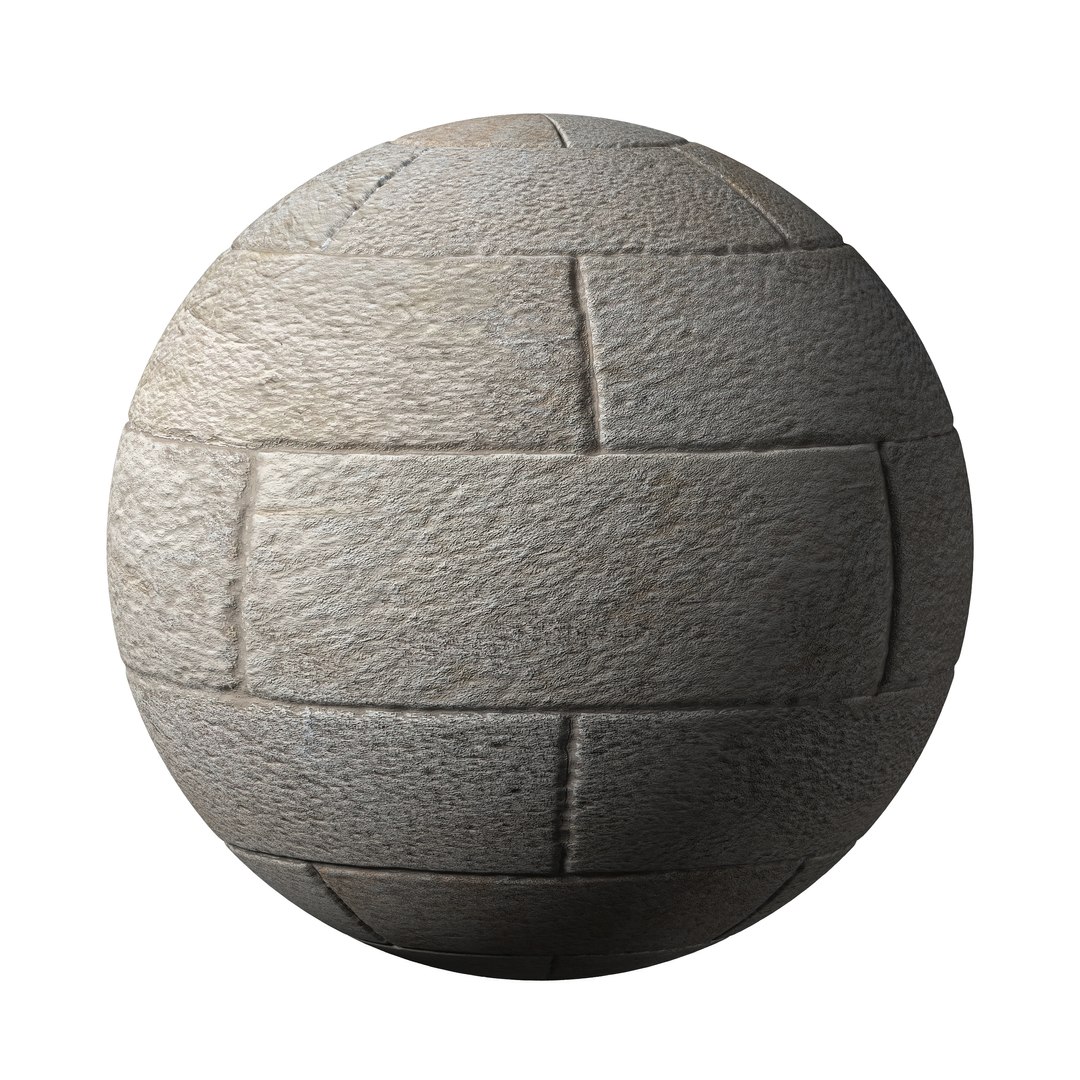
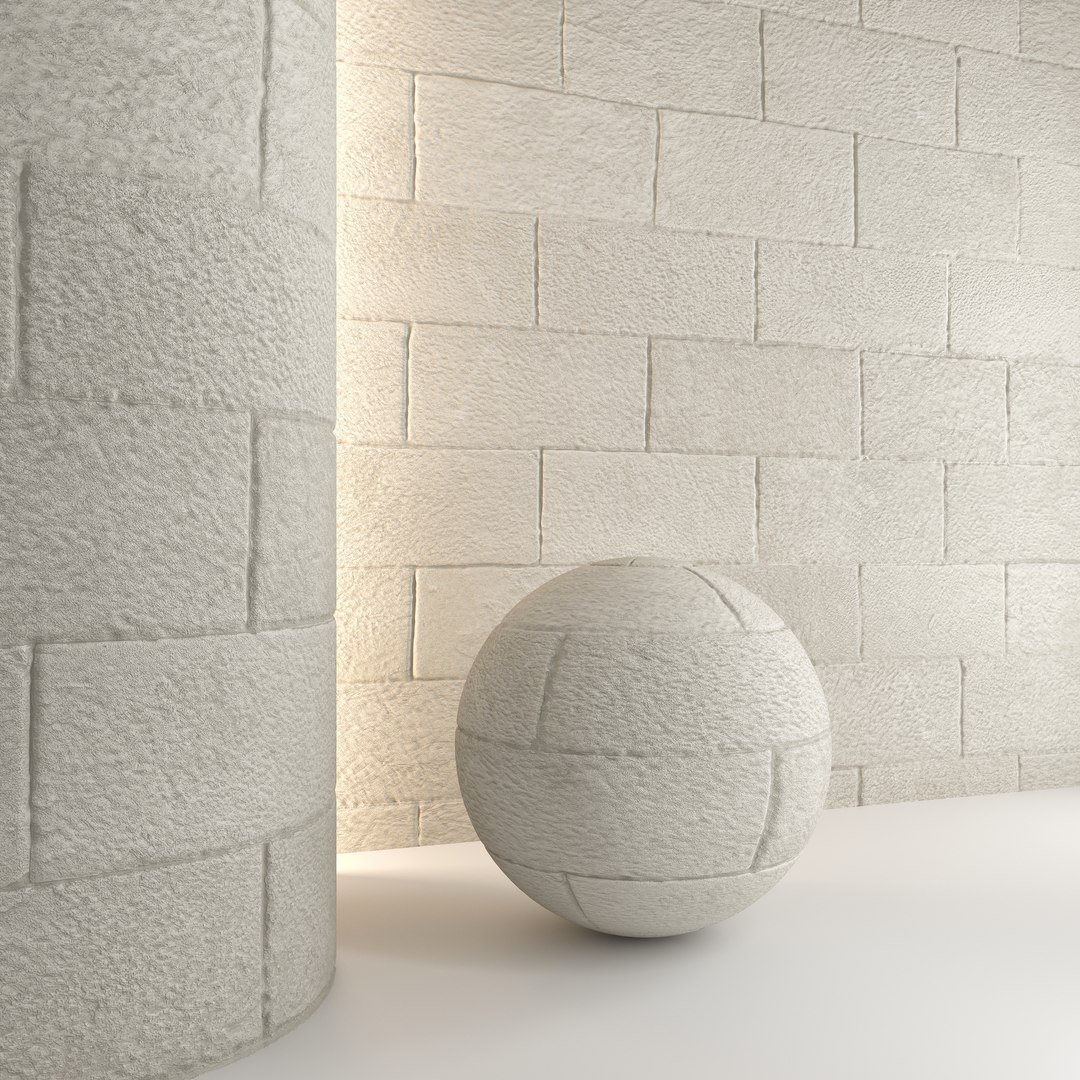
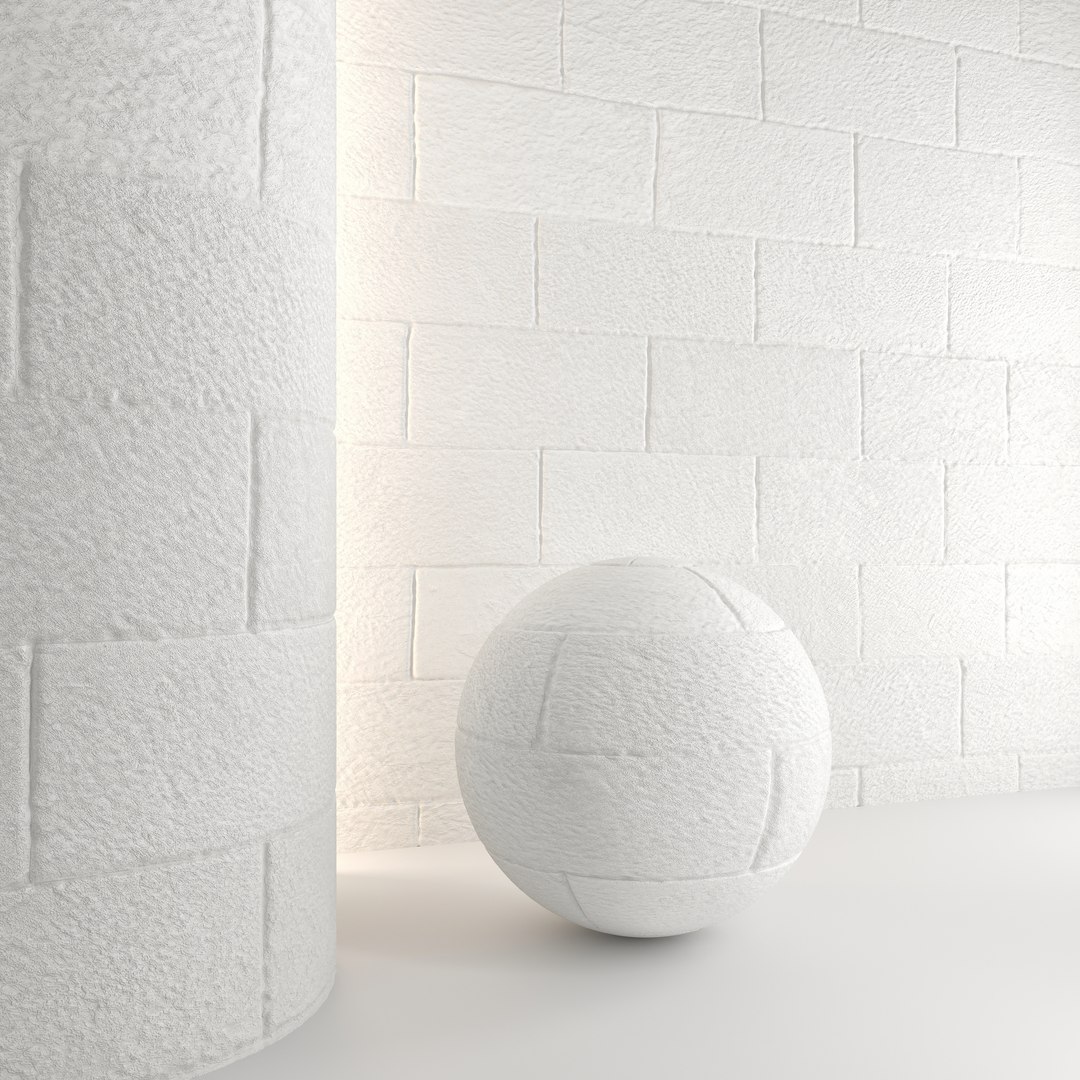
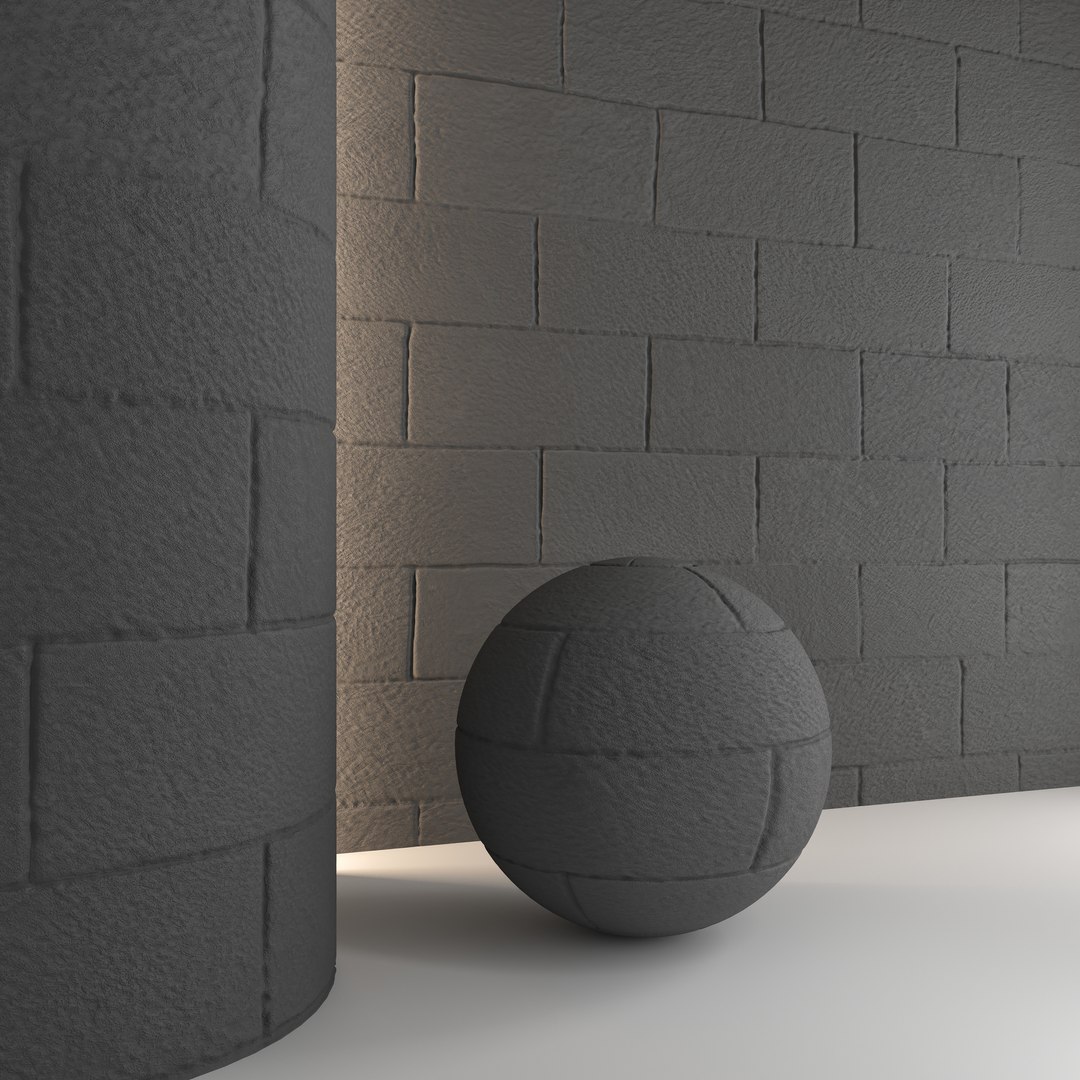
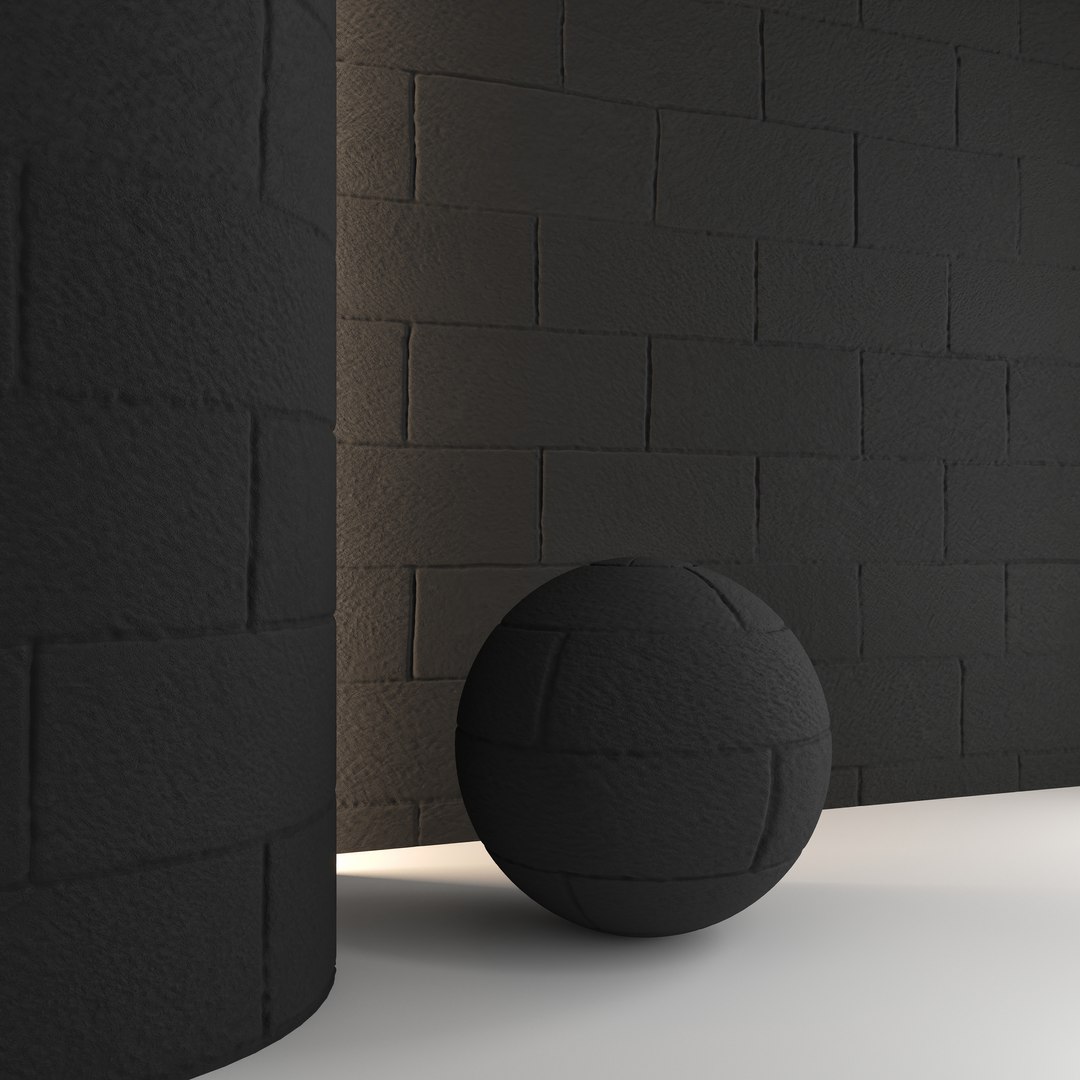
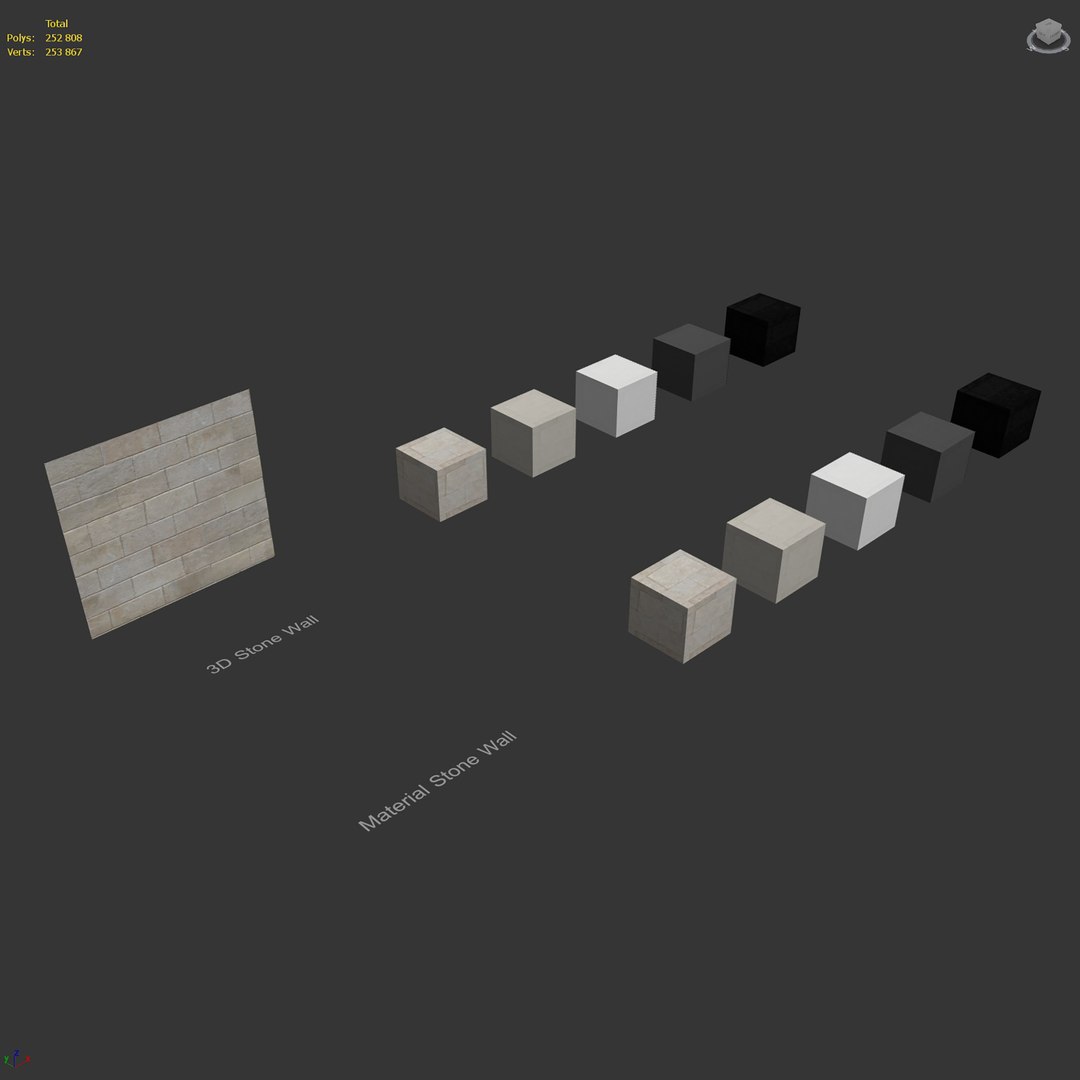
5 stone wall materials and 3d model. Light and dark material options.
High quality material and textures. Detailed enough for close-up rendering.

High quality 3d model.
The archive contains:
- max2017 (Corona 5)
- max2017 (VRay 4.10.03.00001)
- fbx
- obj
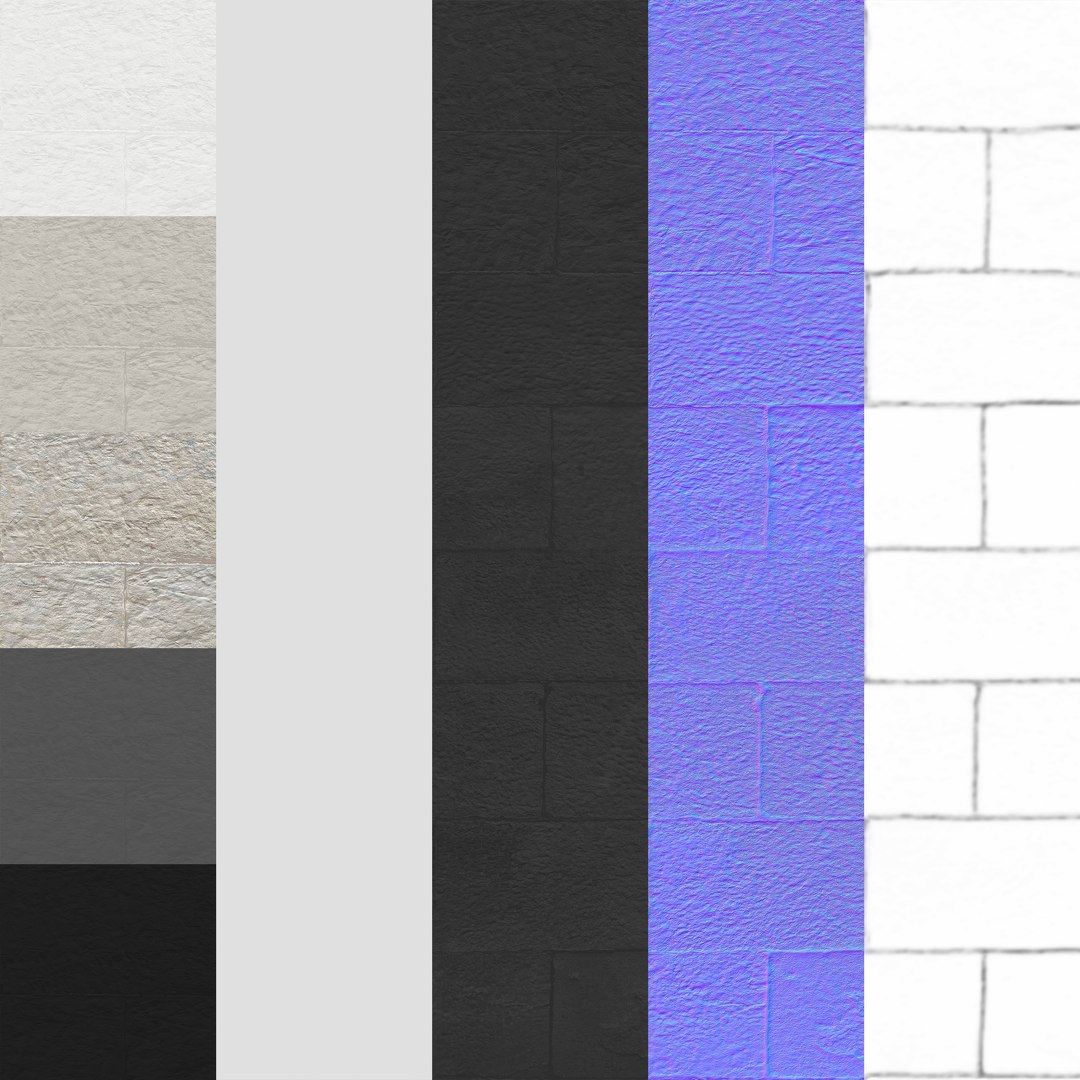
- jpg (seamless textures: diffuse, reflection-roughnes(Glossines), normal, displacement)

Units: mm
Polys: 252808 Verts: 253867

The model is fully textured with all materials applied. All textures and materials are included and displayed in every format. Objects and materials are logically named for ease of scene management.

Pre-rendering with Corona.
Stage lighting is not included in the model. The model does not include the backgrounds or scenes used in the previews.

Those who work in V-Ray versions lower than 3.1, be careful, in the materials in the BRDF section there is Microfaset GTR ( GGX ), if your version is older than 3.1, then the BRDF field will be empty. Choose Blinn, Phong or Ward - whatever suits you best.

Select Enhanced License

  • $10,000 in Legal Protection (Indemnification)
  • Uncapped Legal Protection (Indemnification)
  • Waiver from injunctive relief
  • Assignable model rights
  • $1,000,000 in Legal Protection (Indemnification)
  • Waiver from injunctive relief
  • Assignable model rights
  • $250,000 in Legal Protection (Indemnification)
  • Assignable model rights
Read more about enhanced license tiers, or contact us at enterprise@turbosquid.com. Already a Shutterstock Enterprise Customer? Contact your Shutterstock Sales Support Agent to talk about adding 3D.

About Conversion Requests

To submit a conversion request for a purchased asset, please complete our Conversion Request Form.

If you have not yet purchased a model, please review our Documentation about Conversions to learn about what limitations you may encounter with a conversion.

For any additional questions about a model’s suitability for conversion, please contact TurboSquid Support.

Loading...