Sliding door

$22

Standard License | Upgrade License
Formats (6)
Free file format Conversions available
Native | 3ds Max 2014 | Corona 5.2
3ds Max 2011 | Corona 5.2
3D Studio
OBJ
STL
FBX
Previews

Download a preview

Sign in or create a TurboSquid account to download preview files.

Selected file:

Other Files
sliding door.mtl
Specifications
Publish Date June 21, 2021
Product ID 1749217
Polygons 66,468
Vertices 67,212
Polygonal
Materials
Unknown Unwrapped UVs

member avatar
NEARCH
34 Products | Contributor Since 2021
Have questions? Chat with us now.

Description

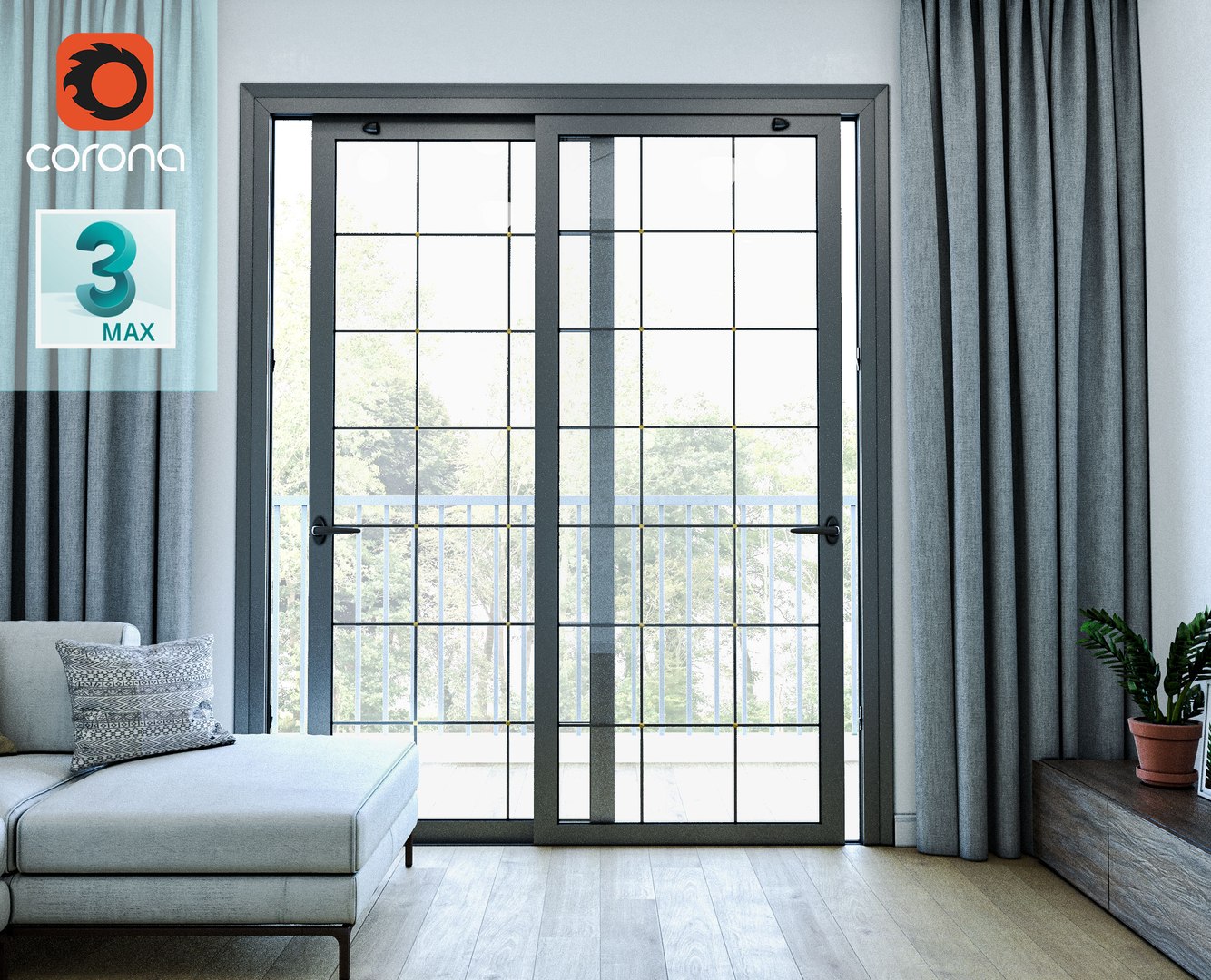
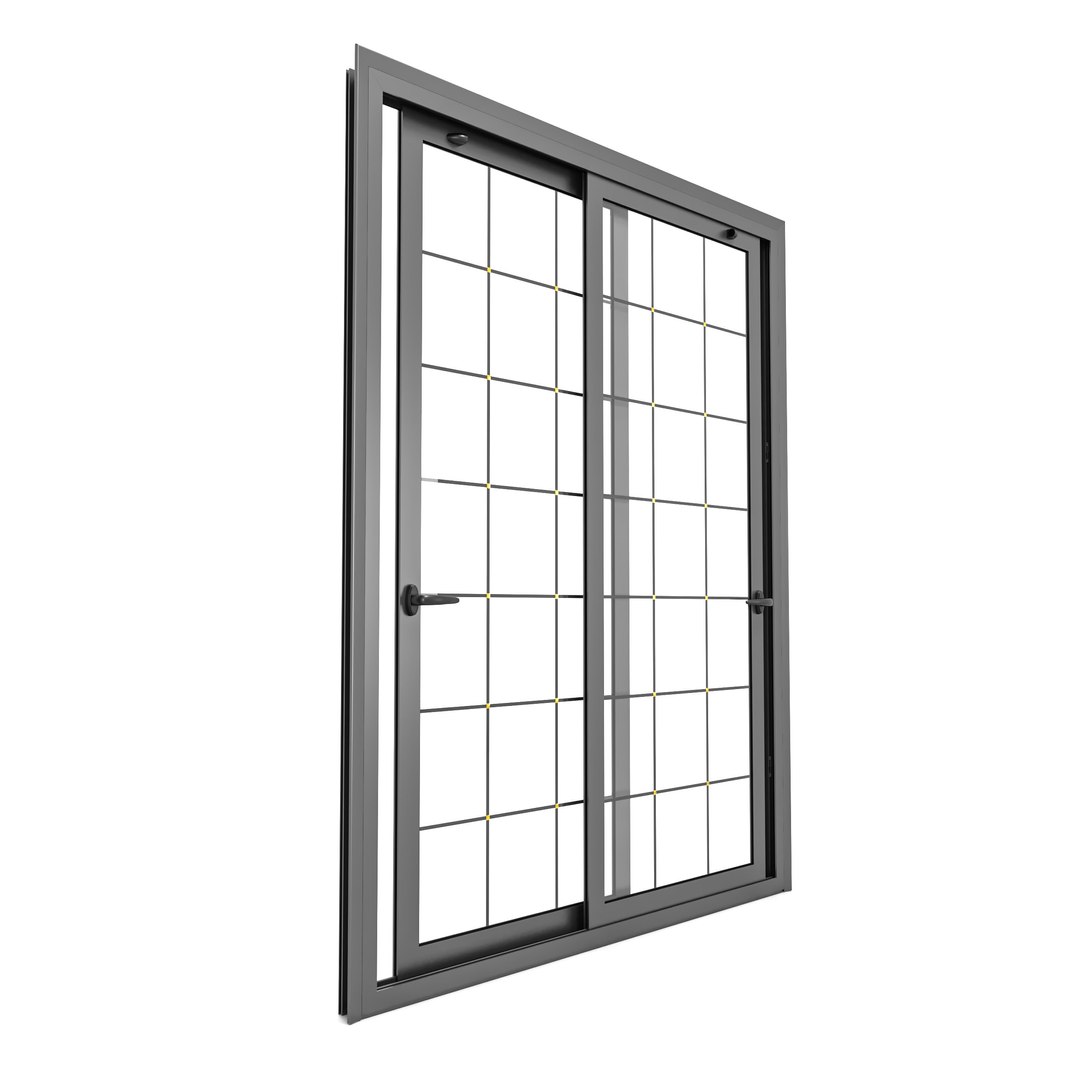
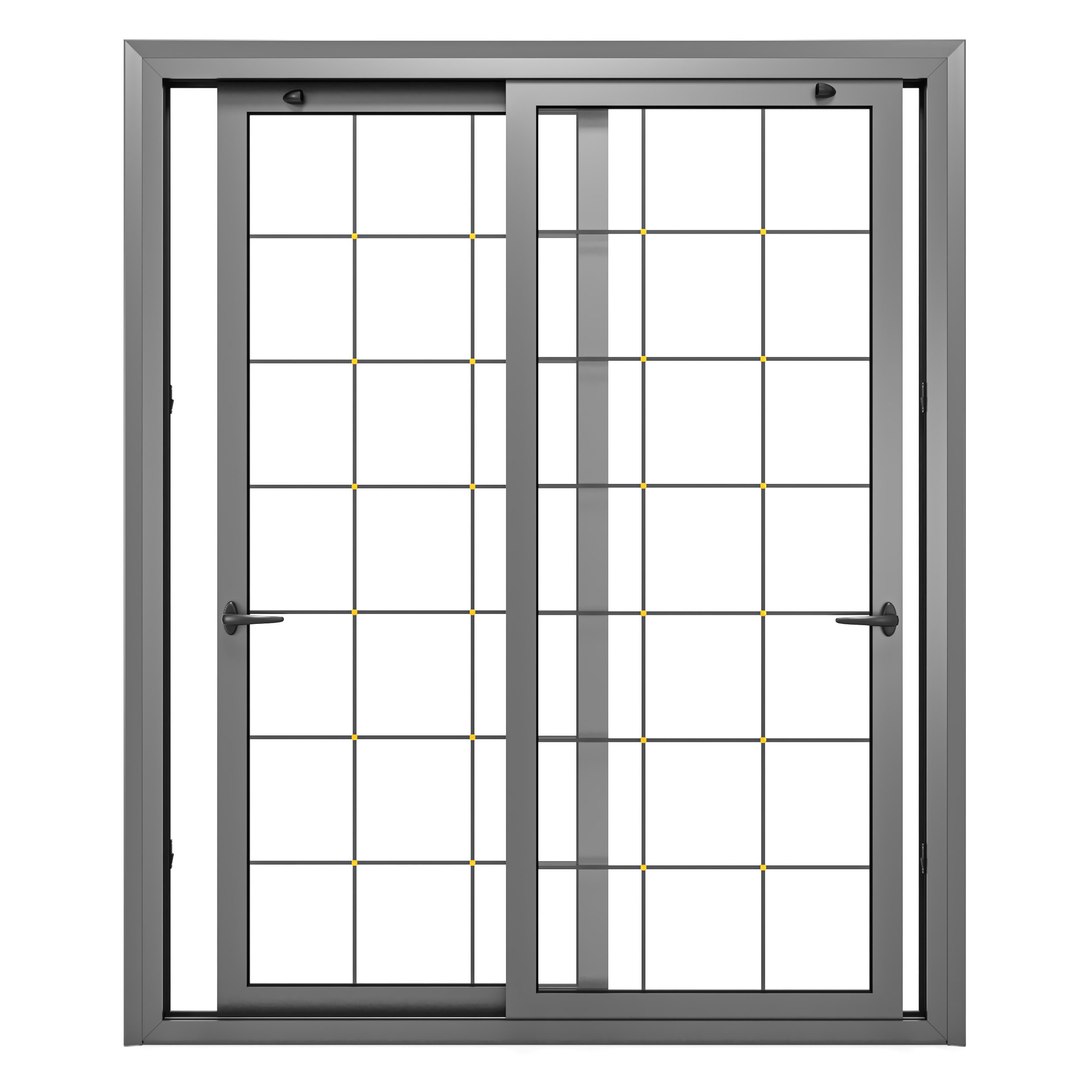
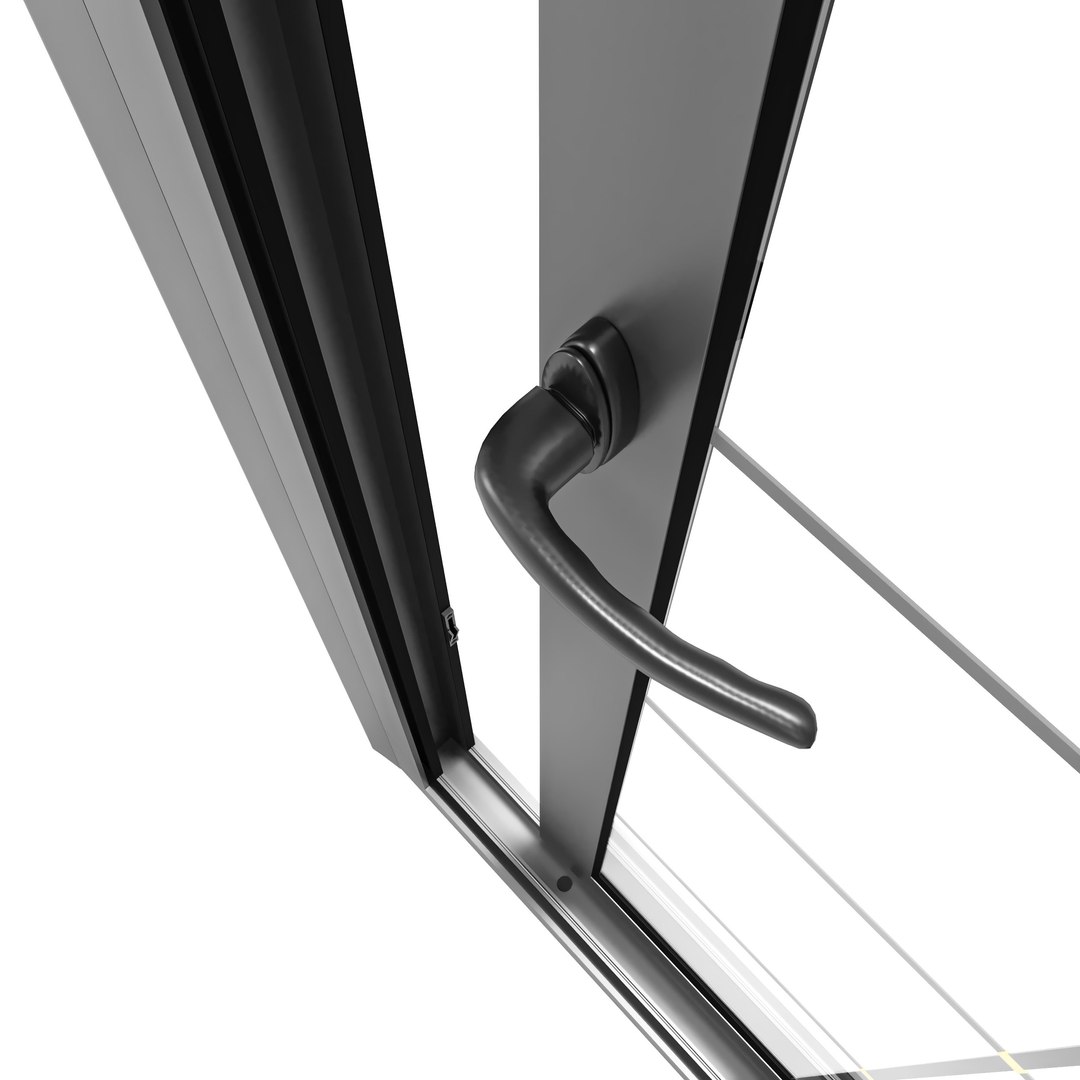
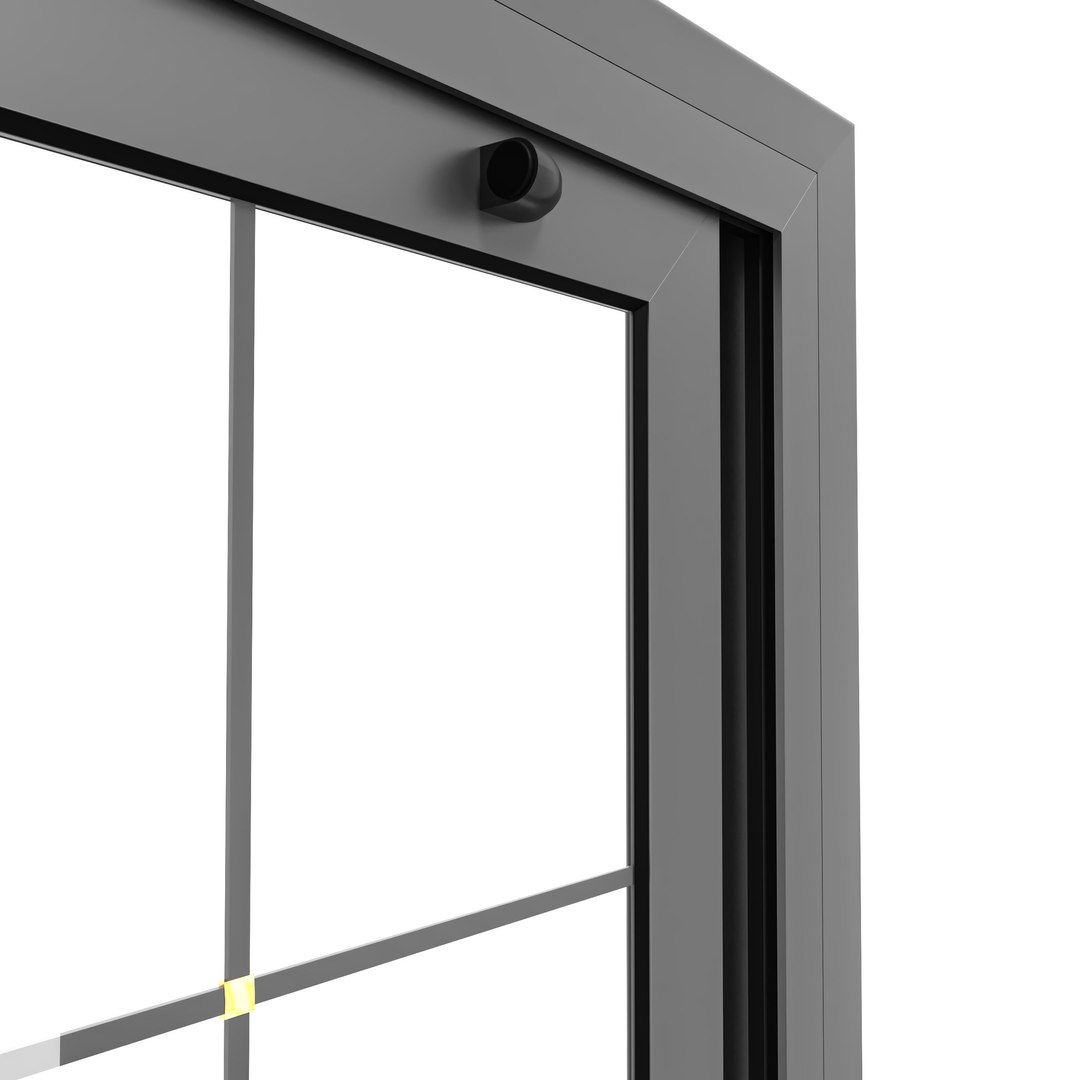
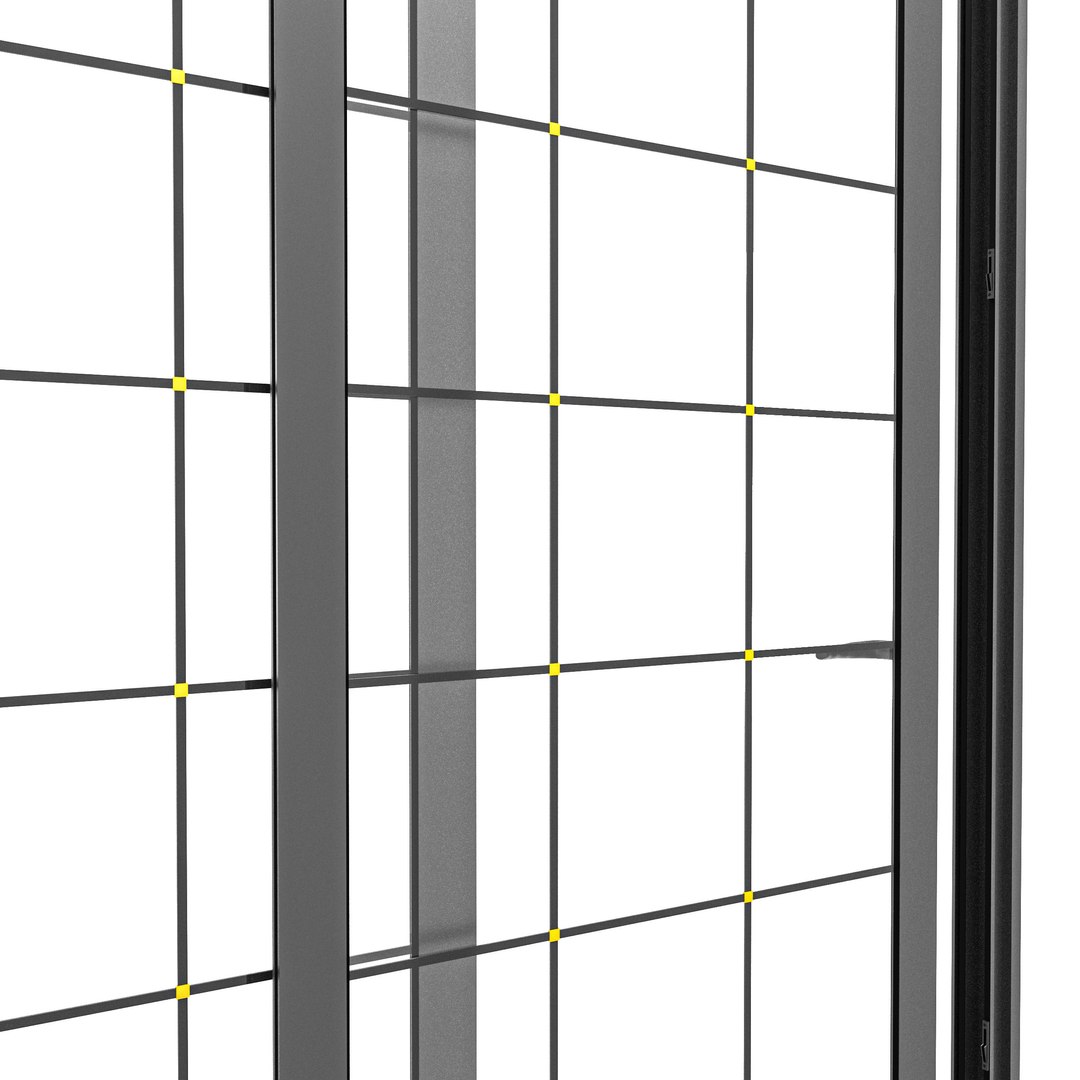
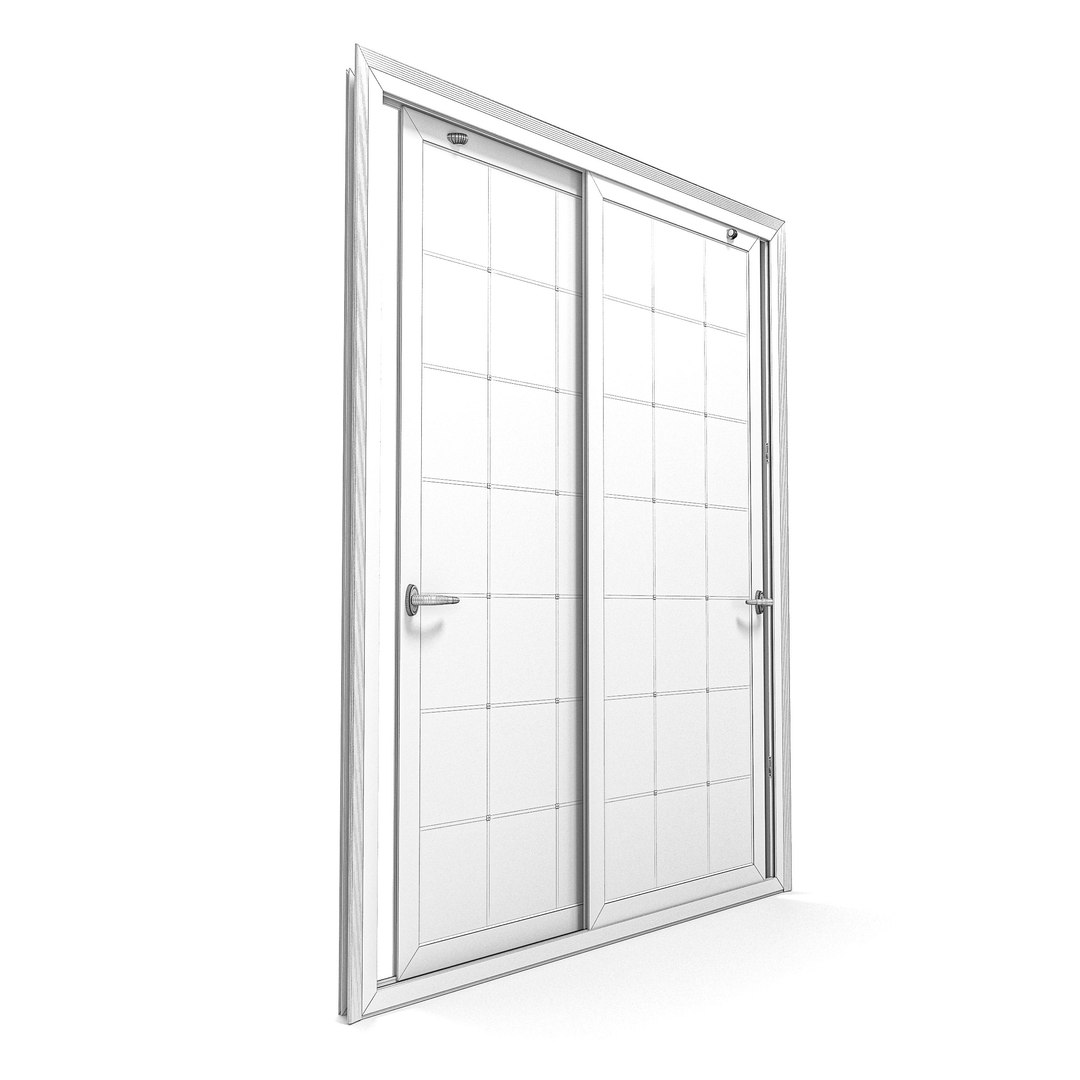
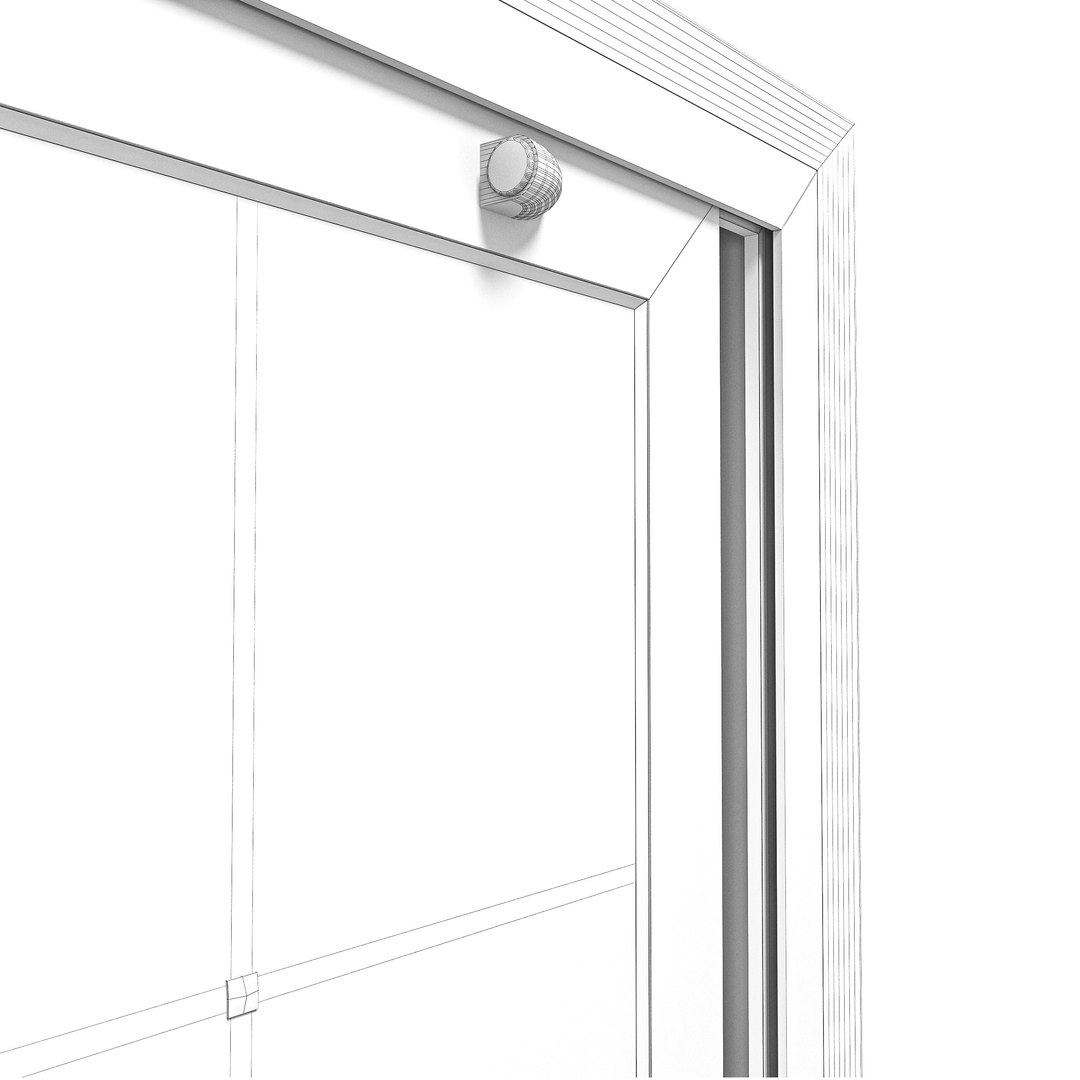
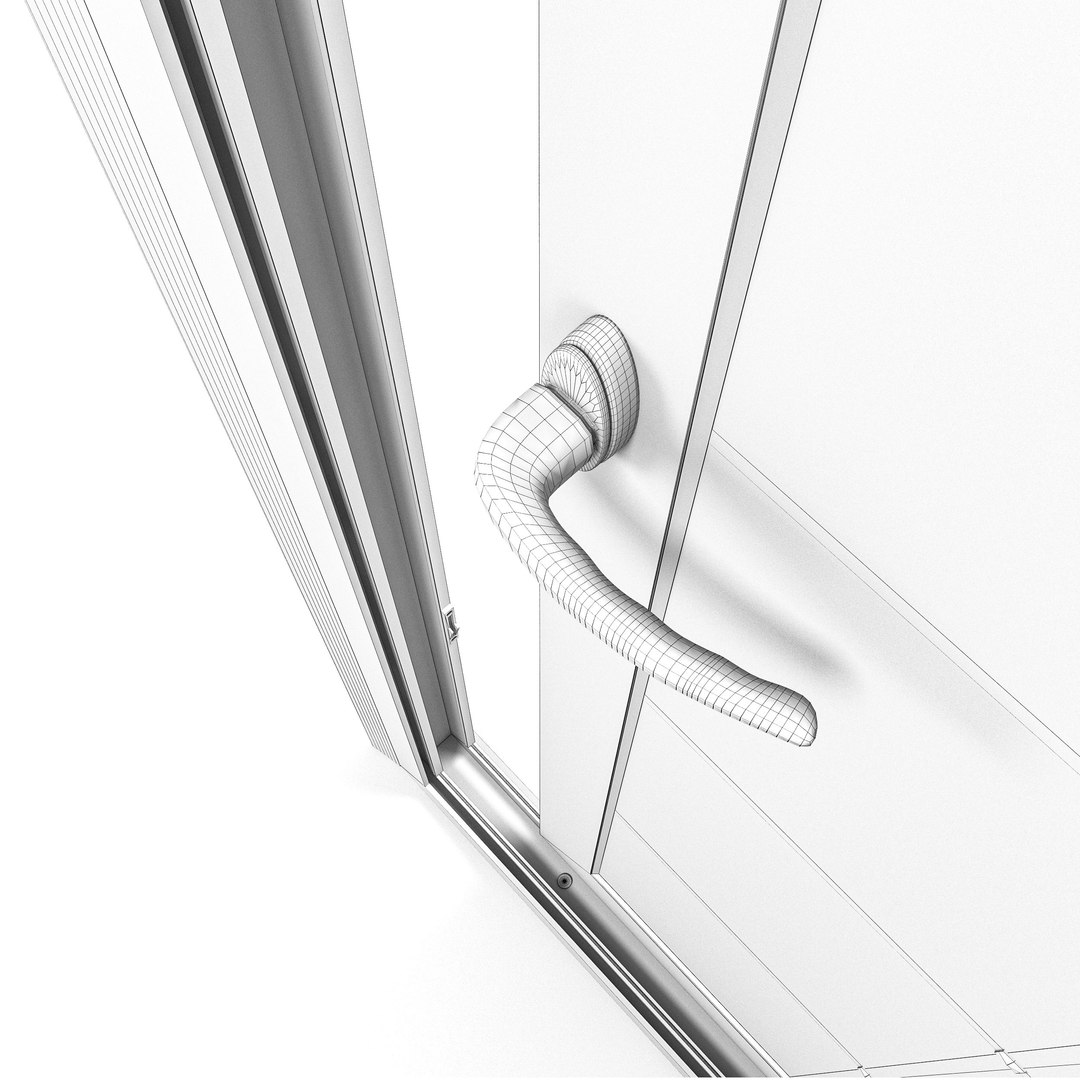
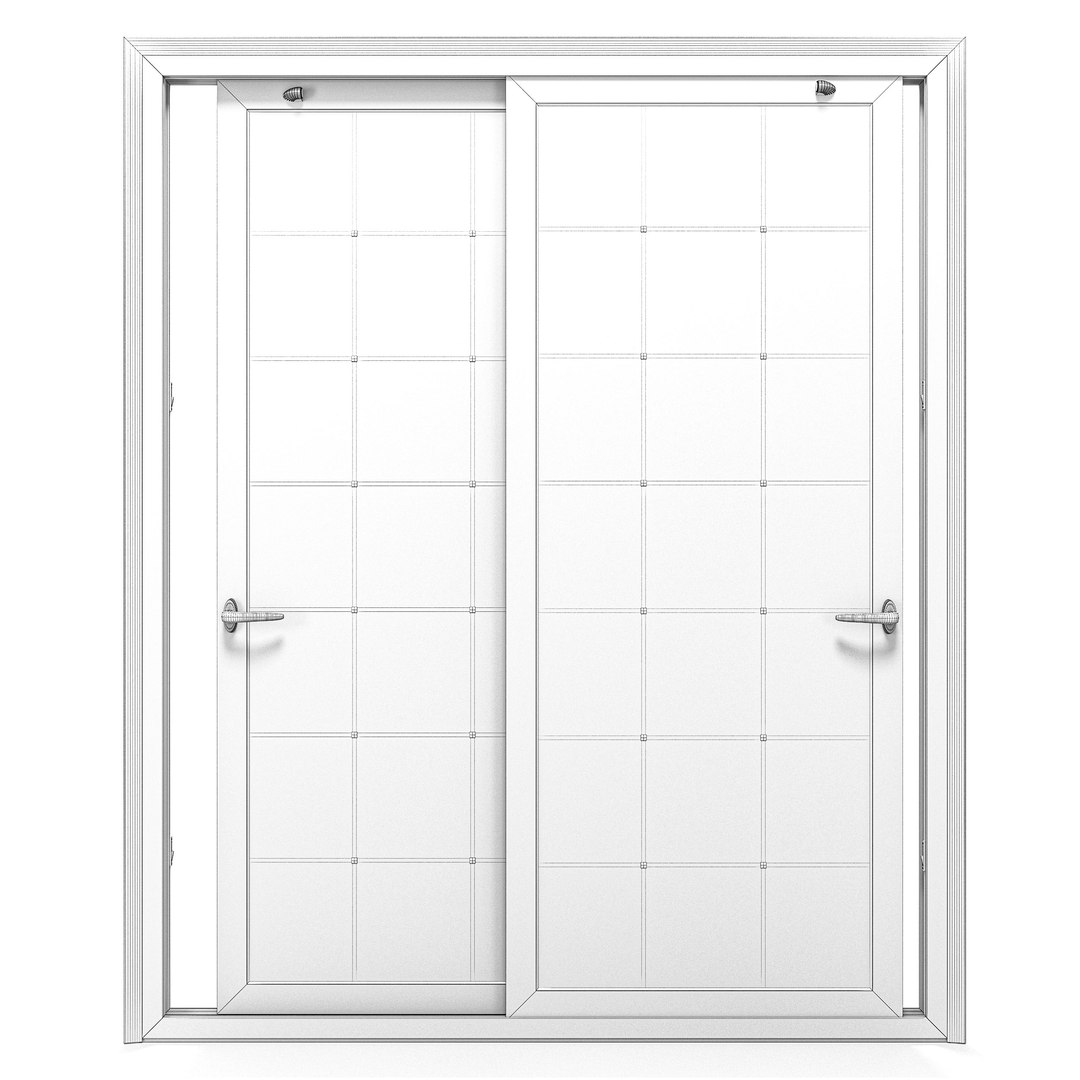
Sliding stained glass aluminium door

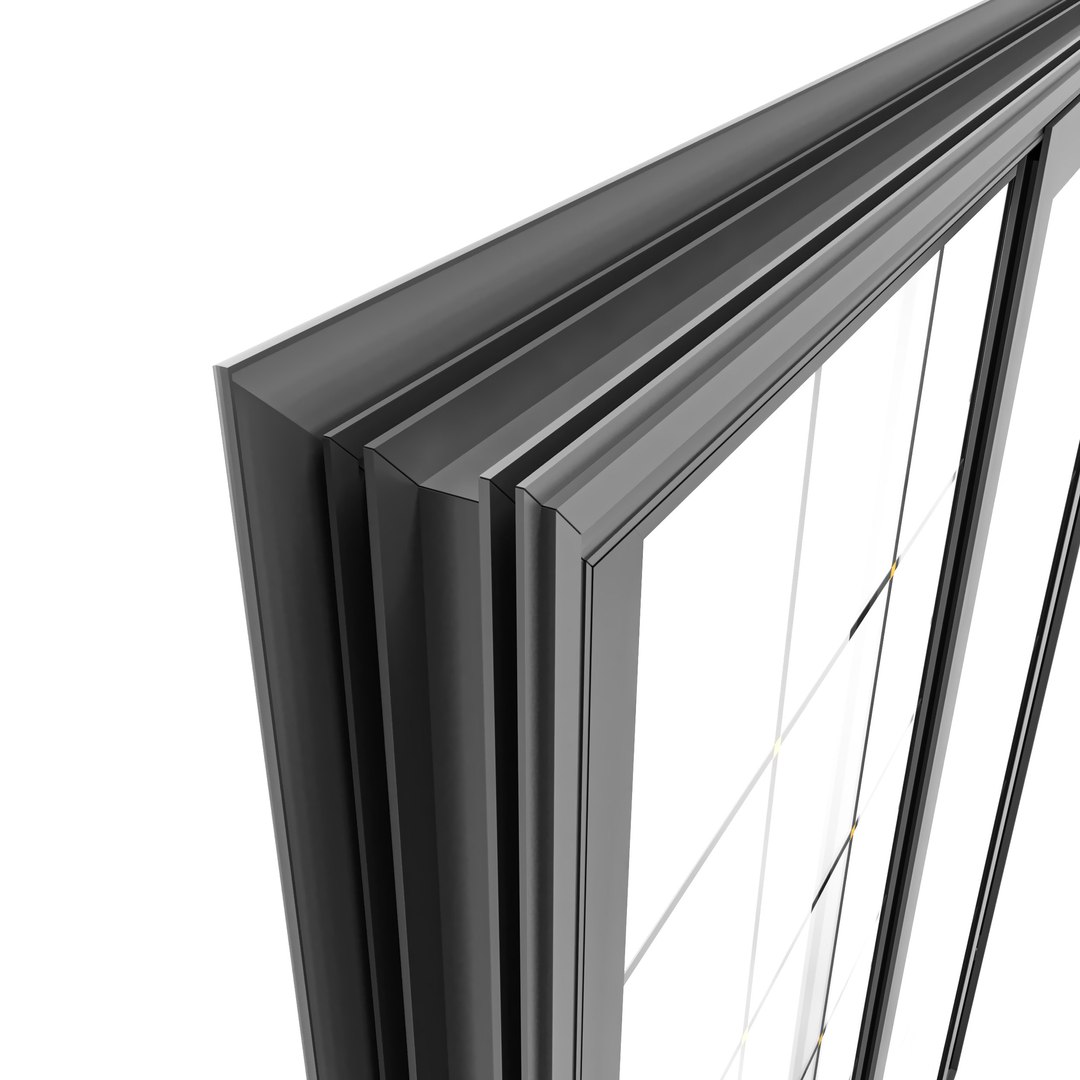
Aluminum sliding system. Suitable for realism to any of your rendering projects. It is made in the form of panoramic glazing. It consists of sliding doors. Modelled in 3ds max 2014

Description

  • High quality polygonal model, correctly scaled for an accurate representation of the original object.
  • All colors can be easily modified.
  • This model is high quality, photo real model that will enhance detail and realism to any of your rendering projects.
  • The model has a fully detailed design that allows for close-up renders.
  • All objects in the scene are logically grouped.
  • Objects, materials are logically named
  • No additional plugin is needed to open the model

~~~~~~~~~~~~~~~~~~~~~~~~~~~~~~~~~~~~~~~~~~~~

  • Material: Multi / Sub-Object

  • All elements are split by ID

~~~~~~~~~~~~~~~~~~~~~~~~~~~~~~~~~~~~~~~~~~~~

  • Polygons: 66,468
  • Vertices: 67,212


Select Enhanced License

  • $10,000 in Legal Protection (Indemnification)
  • Uncapped Legal Protection (Indemnification)
  • Waiver from injunctive relief
  • Assignable model rights
  • $1,000,000 in Legal Protection (Indemnification)
  • Waiver from injunctive relief
  • Assignable model rights
  • $250,000 in Legal Protection (Indemnification)
  • Assignable model rights
Read more about enhanced license tiers, or contact us at enterprise@turbosquid.com. Already a Shutterstock Enterprise Customer? Contact your Shutterstock Sales Support Agent to talk about adding 3D.

About Conversion Requests

To submit a conversion request for a purchased asset, please complete our Conversion Request Form.

If you have not yet purchased a model, please review our Documentation about Conversions to learn about what limitations you may encounter with a conversion.

For any additional questions about a model’s suitability for conversion, please contact TurboSquid Support.

Loading...