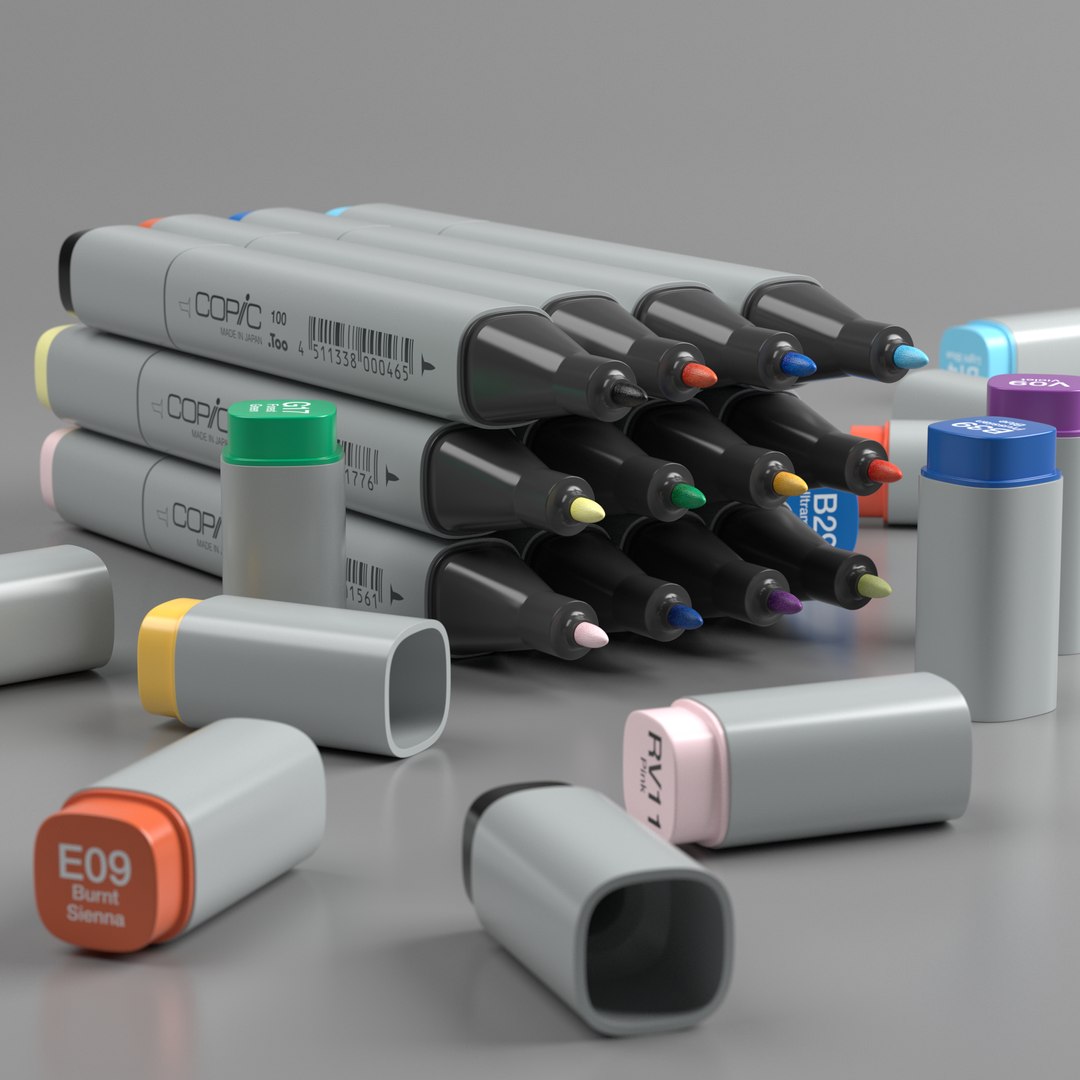
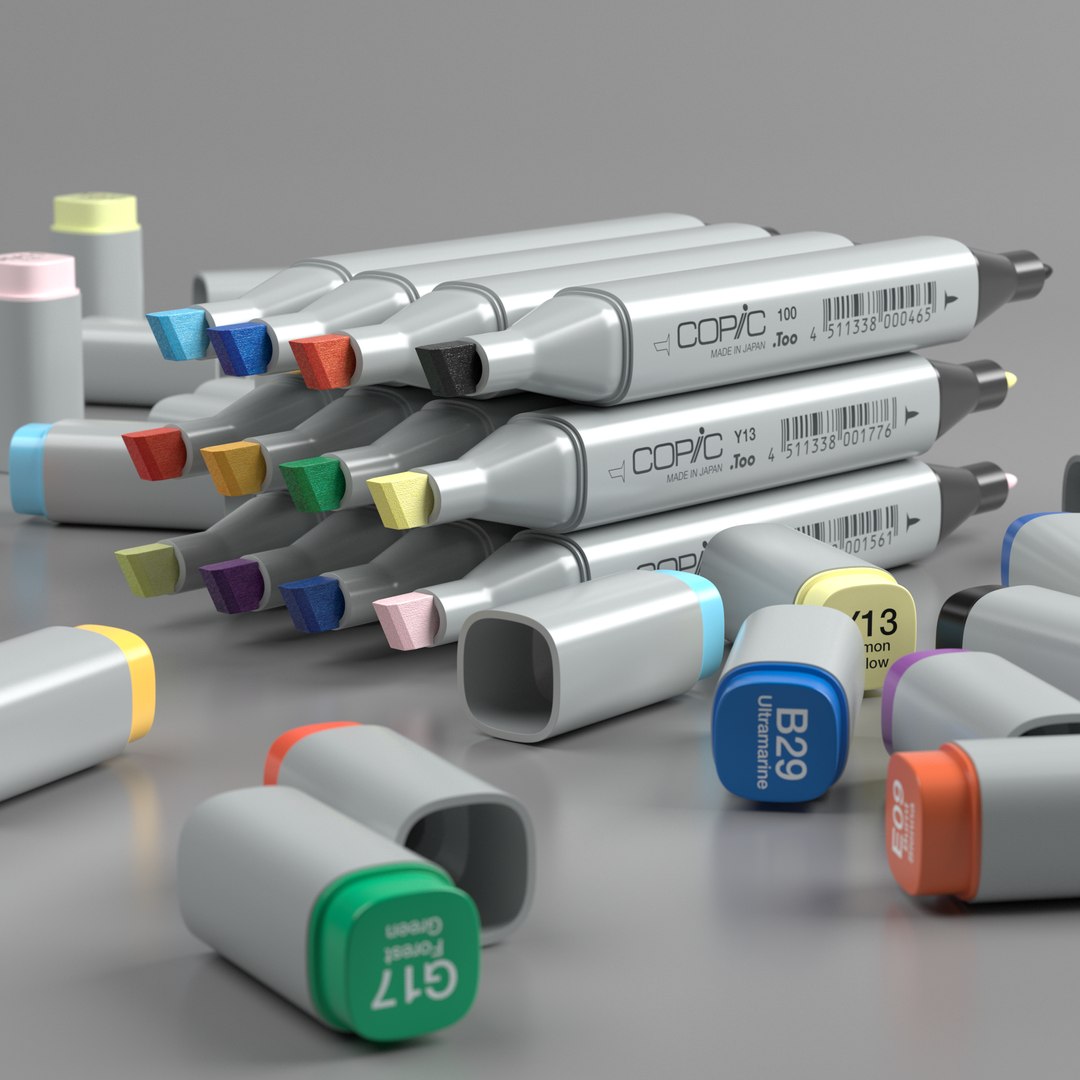
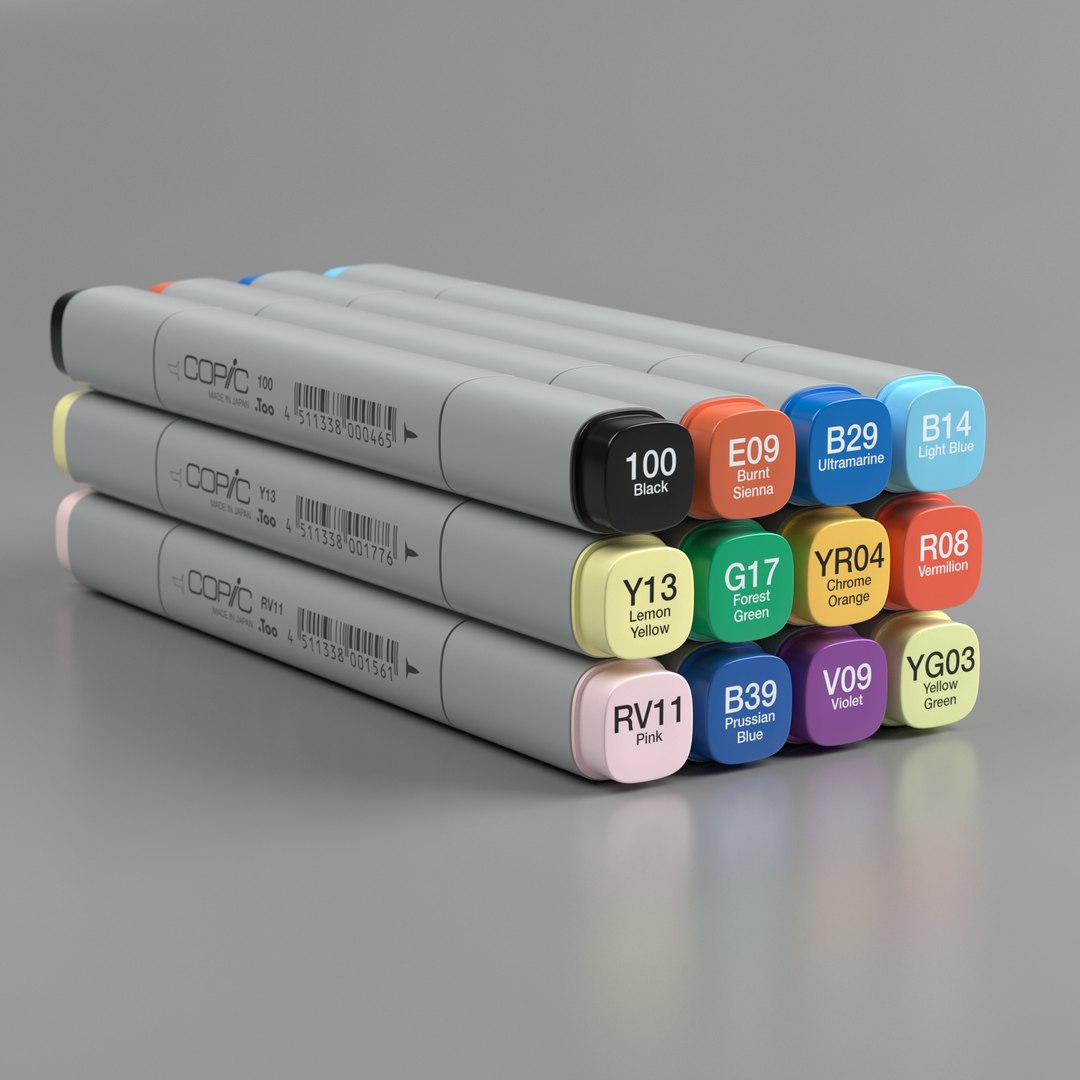
This set of copic markers is based on the iconic Copic Classic 12pc Color Set.
The set consists of these colors:
V09 (Violet)
RV11 (Pink)
R08 (Vermilion)
YR04 (Yellow Green)
Y13 (Lemon Yellow)
YG03 (Yellow Green)
G17 (Forest Green)
B14 (Light Blue)
B29 (Ultramarine)
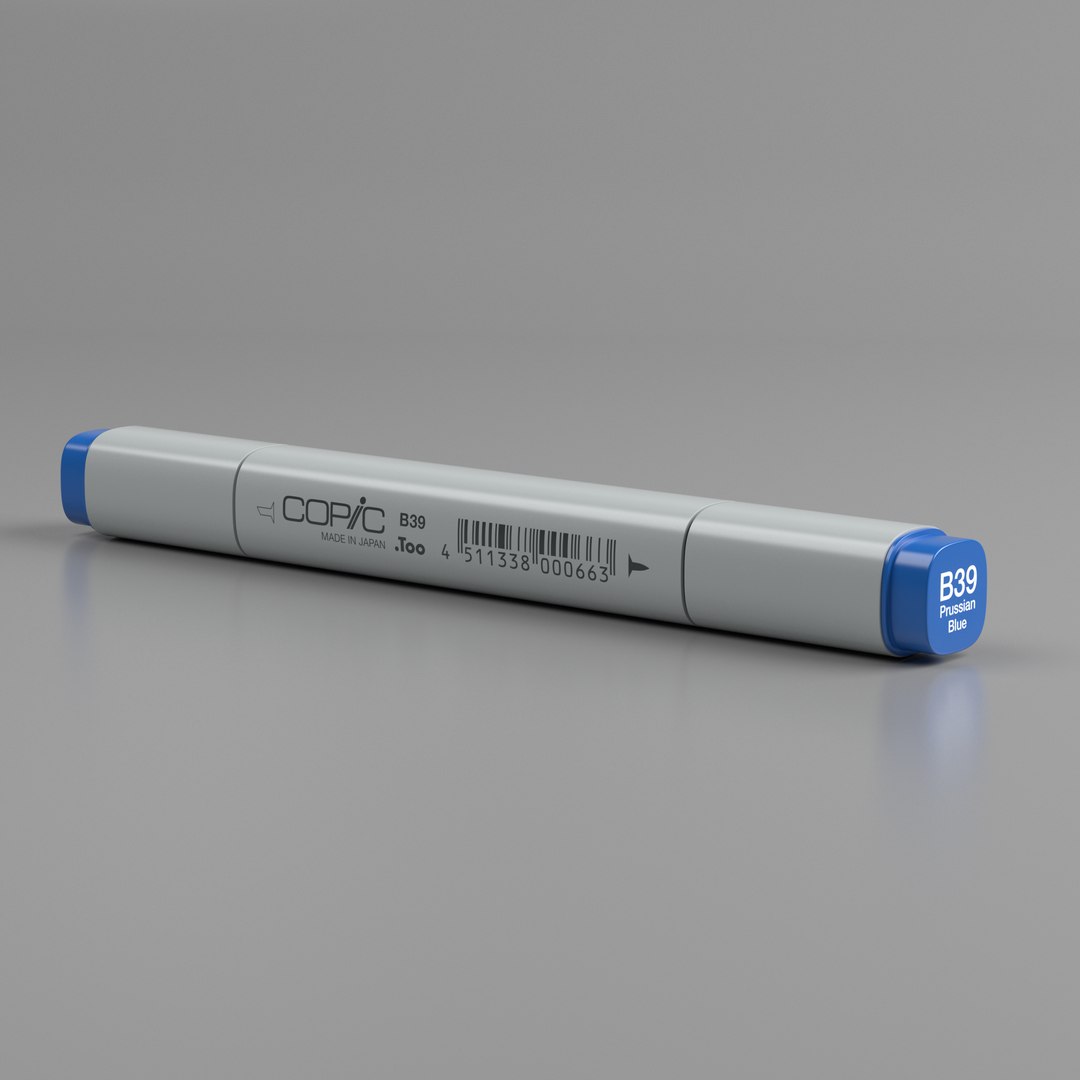
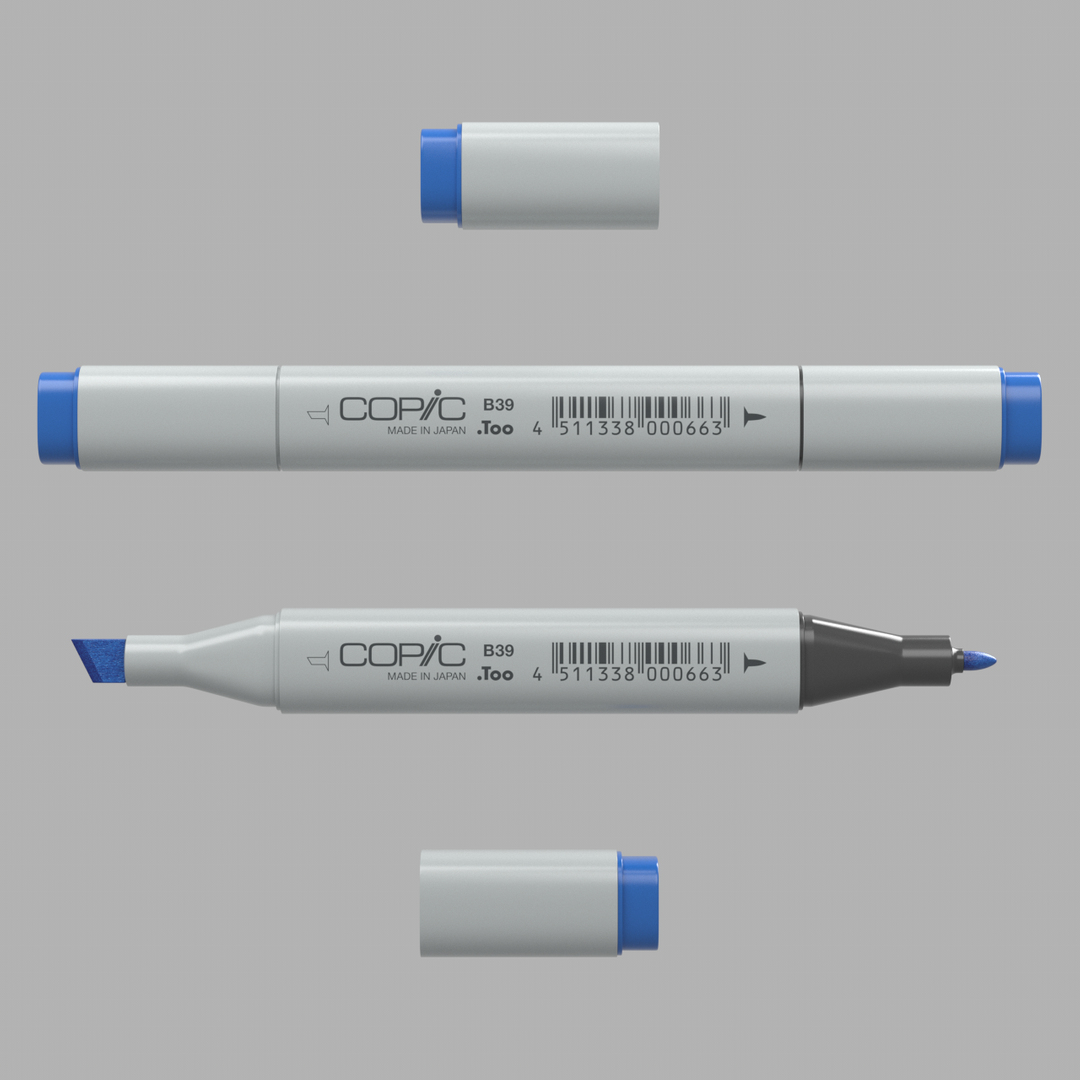
B39 (Prussian Blue)
E09 (Burnt Sienna)
100 (Black)
====== MODEL ======
The marker was modeled to scale in cm, based on measurements of a real marker.
All files used for the creation of the preview renders are contained in the zip archive of the c4d download:
- copic_marker_single.c4d
- copic_marker_pile.c4d
- copic_marker_stack.c4d
- copic_marker_stack_open_a.c4d
- copic_marker_stack_open_b.c4d
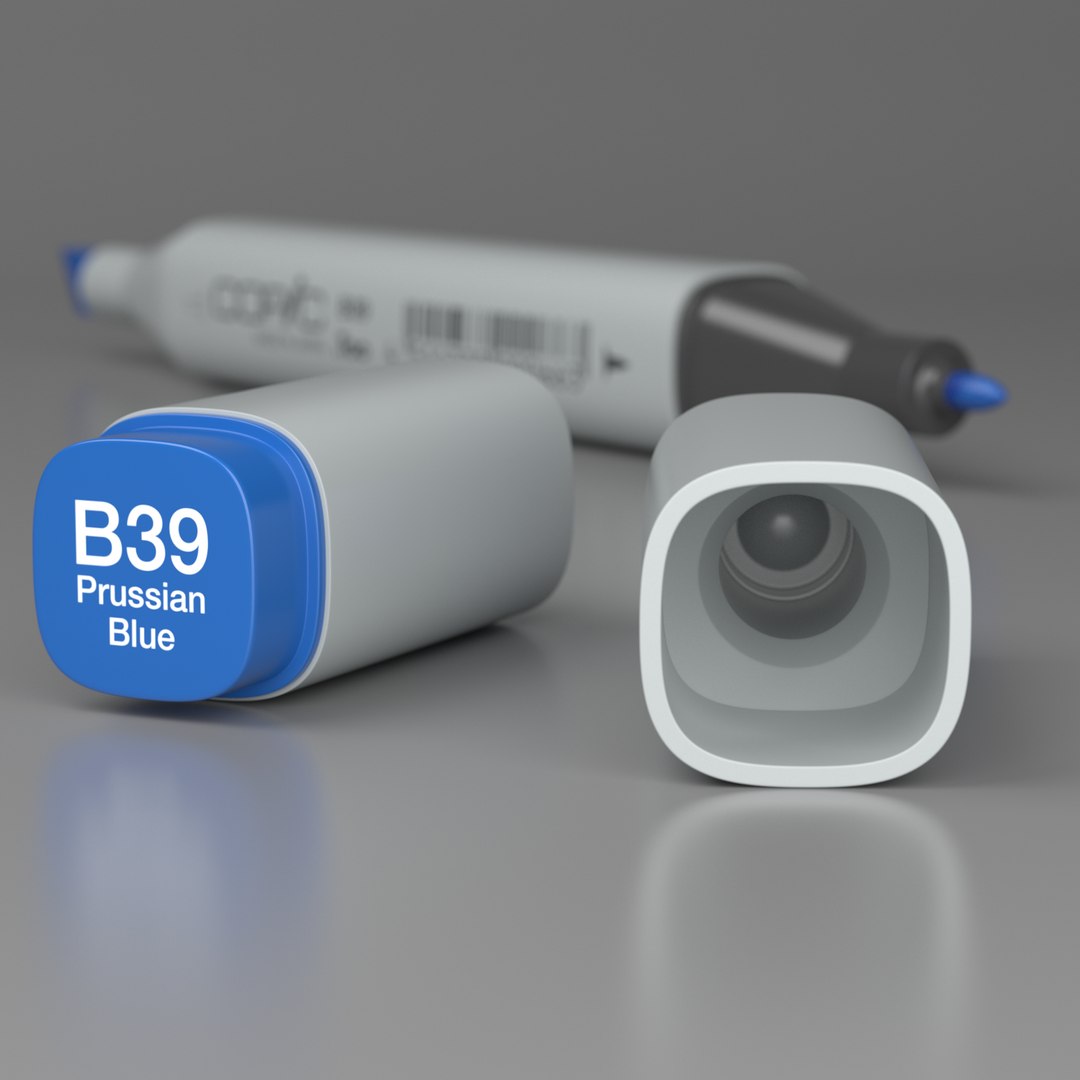
- copic_marker_cap_inside.c4d
- copic_marker_single.c4d
- copic_marker_turntable_a.c4d
- copic_marker_turntable_b.c4d
The single marker file can additionally be downloaded in these formats:
- fbx (with uv maps, without materials)
- obj (with uv maps, without materials)
- abc (with uv maps, without materials)
You can use the separate textures download (zip archive) to build your own materials, if you don't use Cinema 4D.
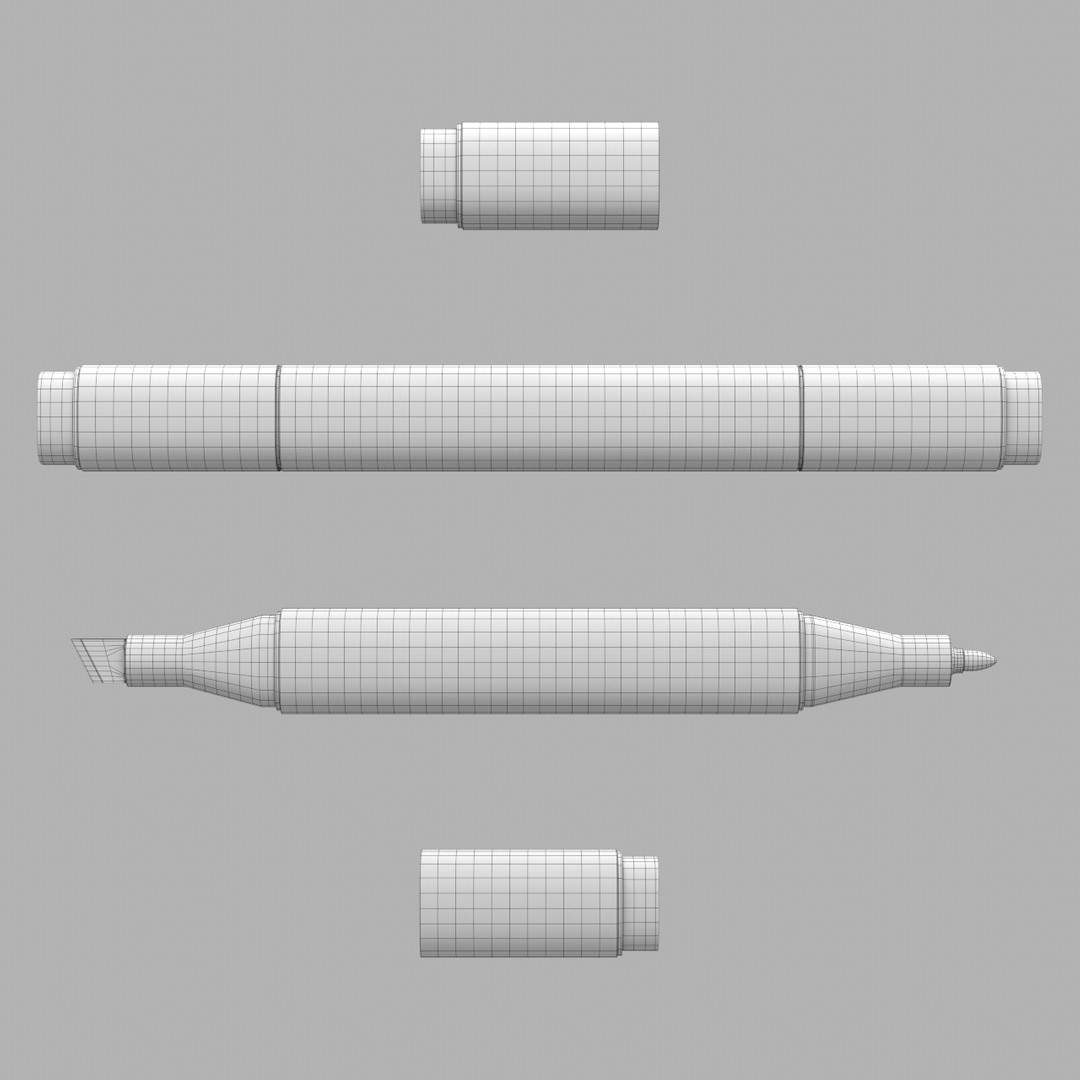
The polygon count of 6230 and point count of 6394 refer to the base mesh of ONE marker.
The rest of the set can be instanced from one marker as the geometry is the same.
The beauty shots in the preview images were rendered with three subdivisions in Redshift Render.
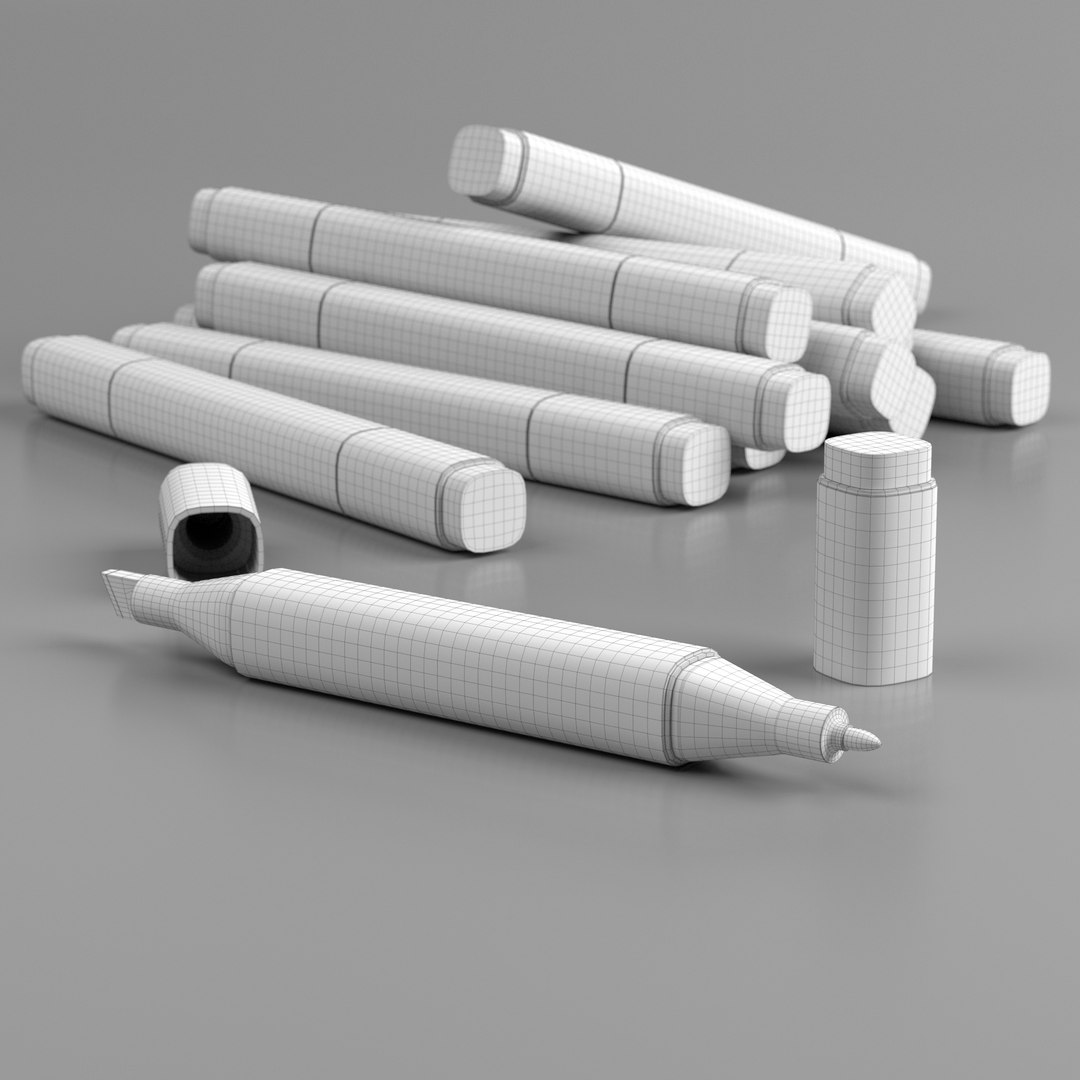
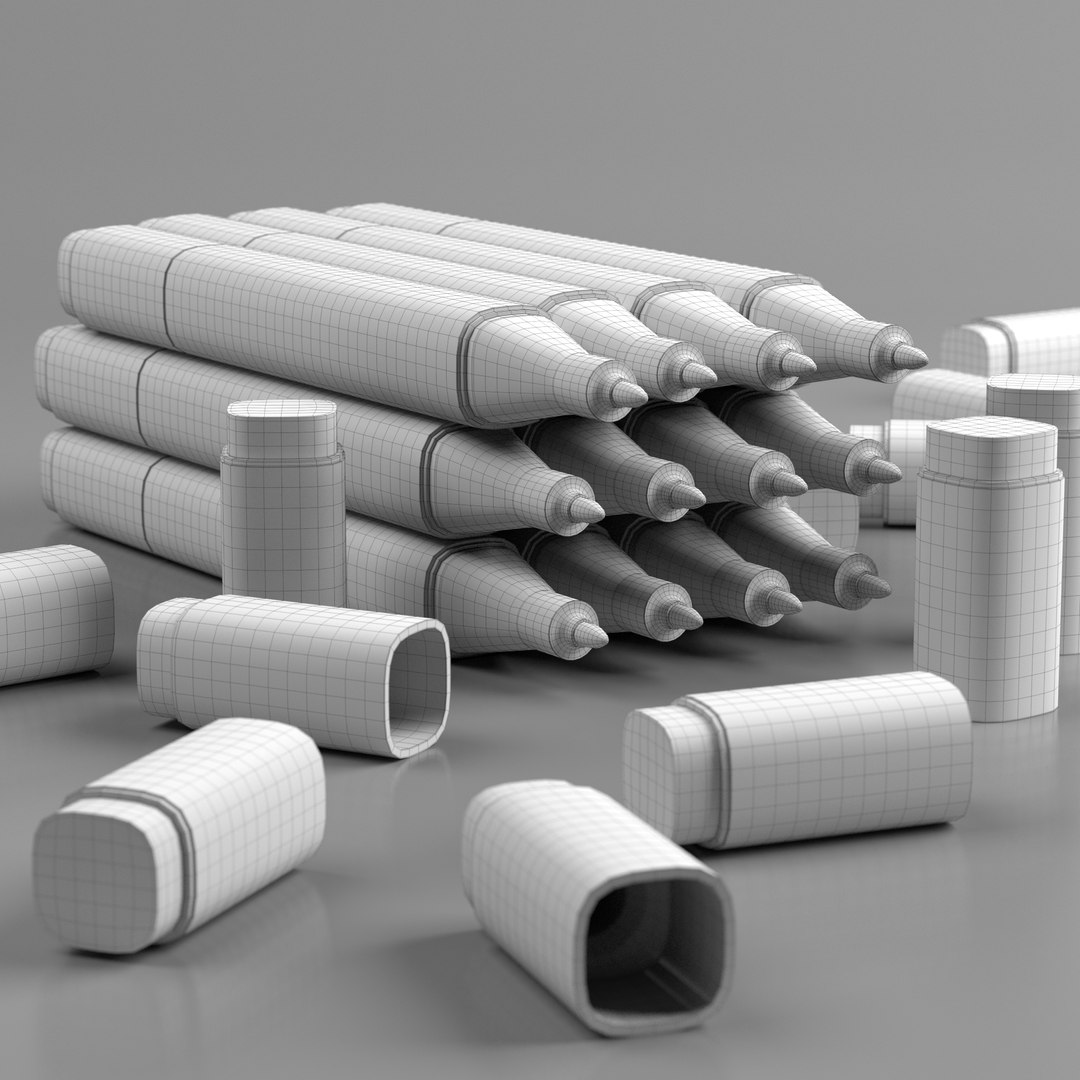
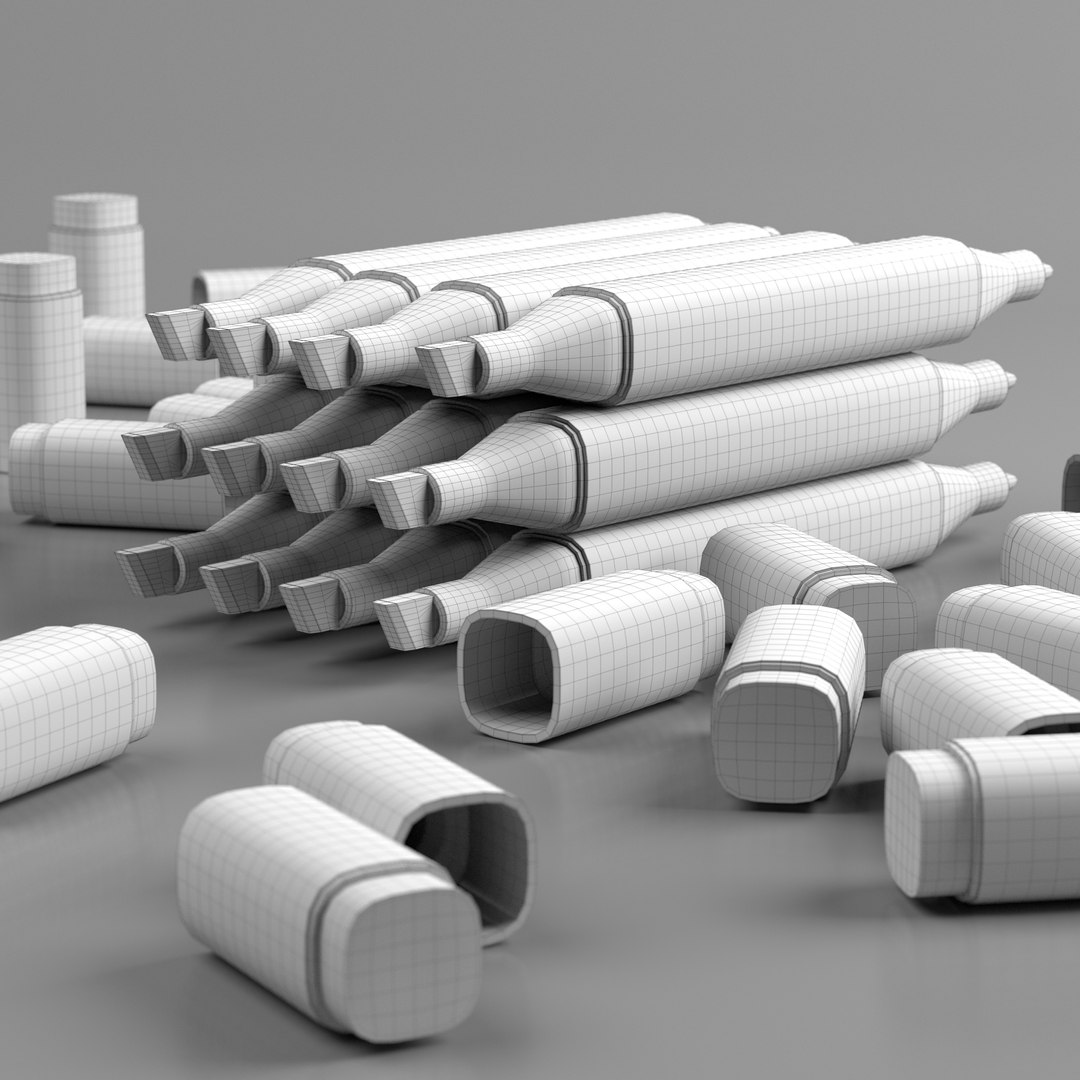
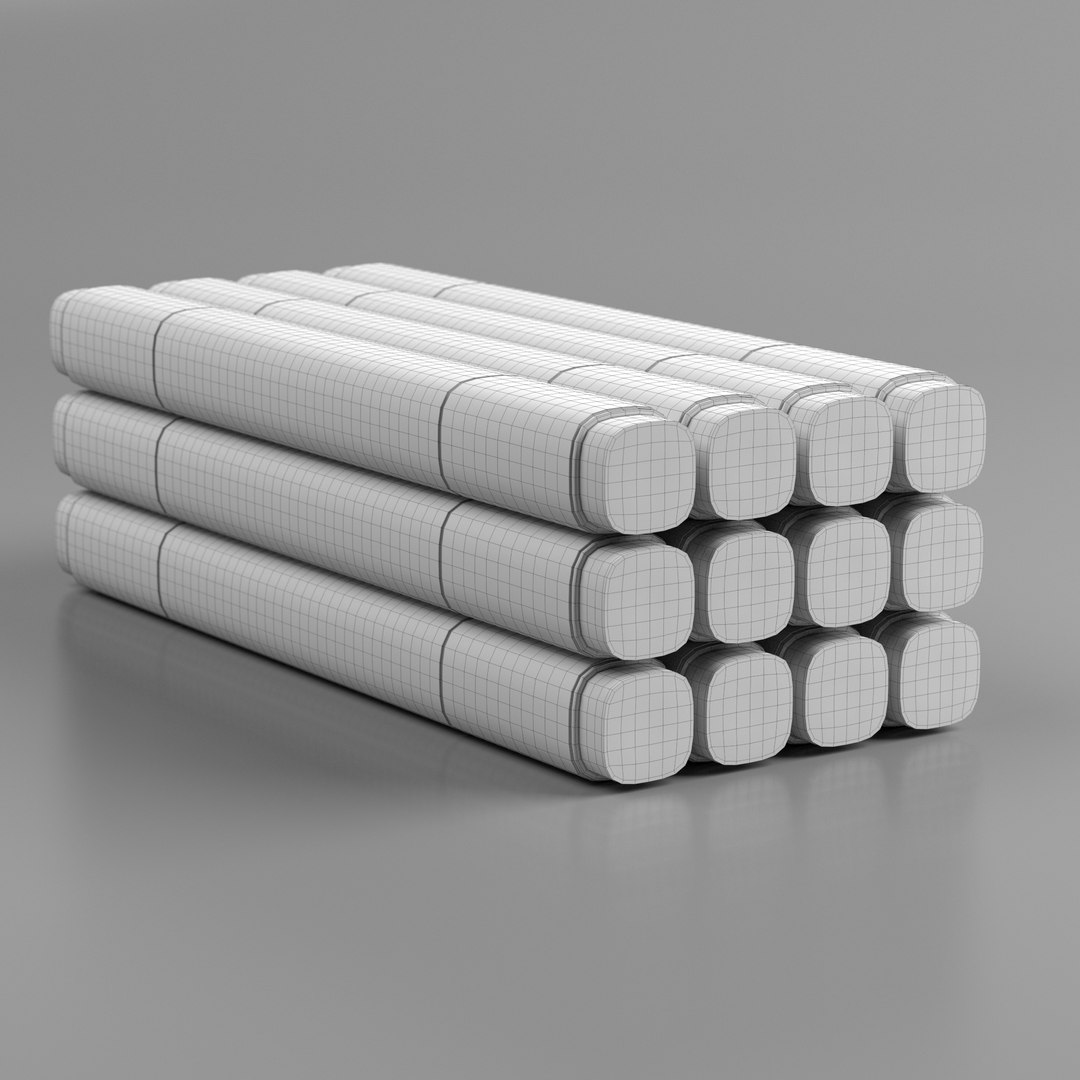
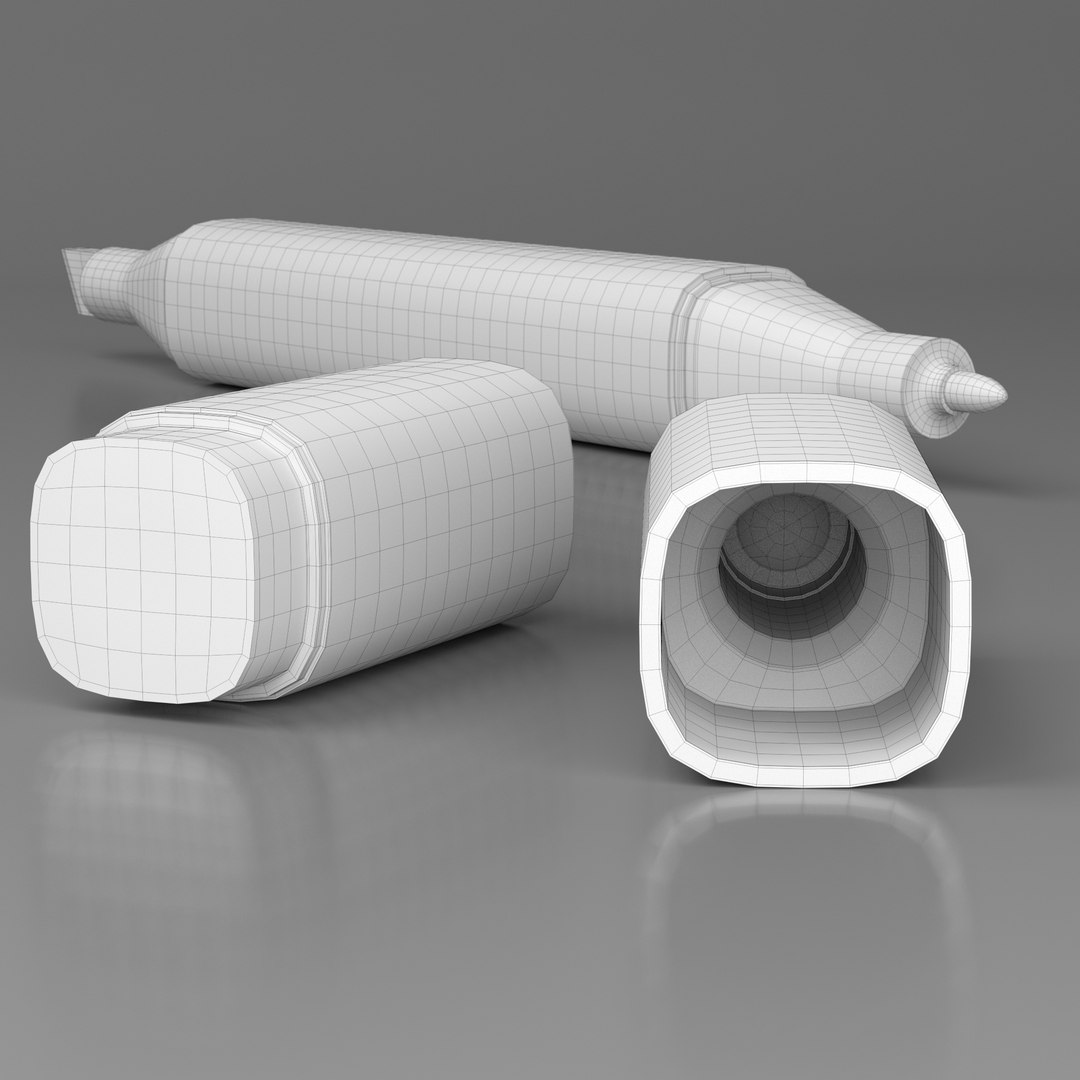
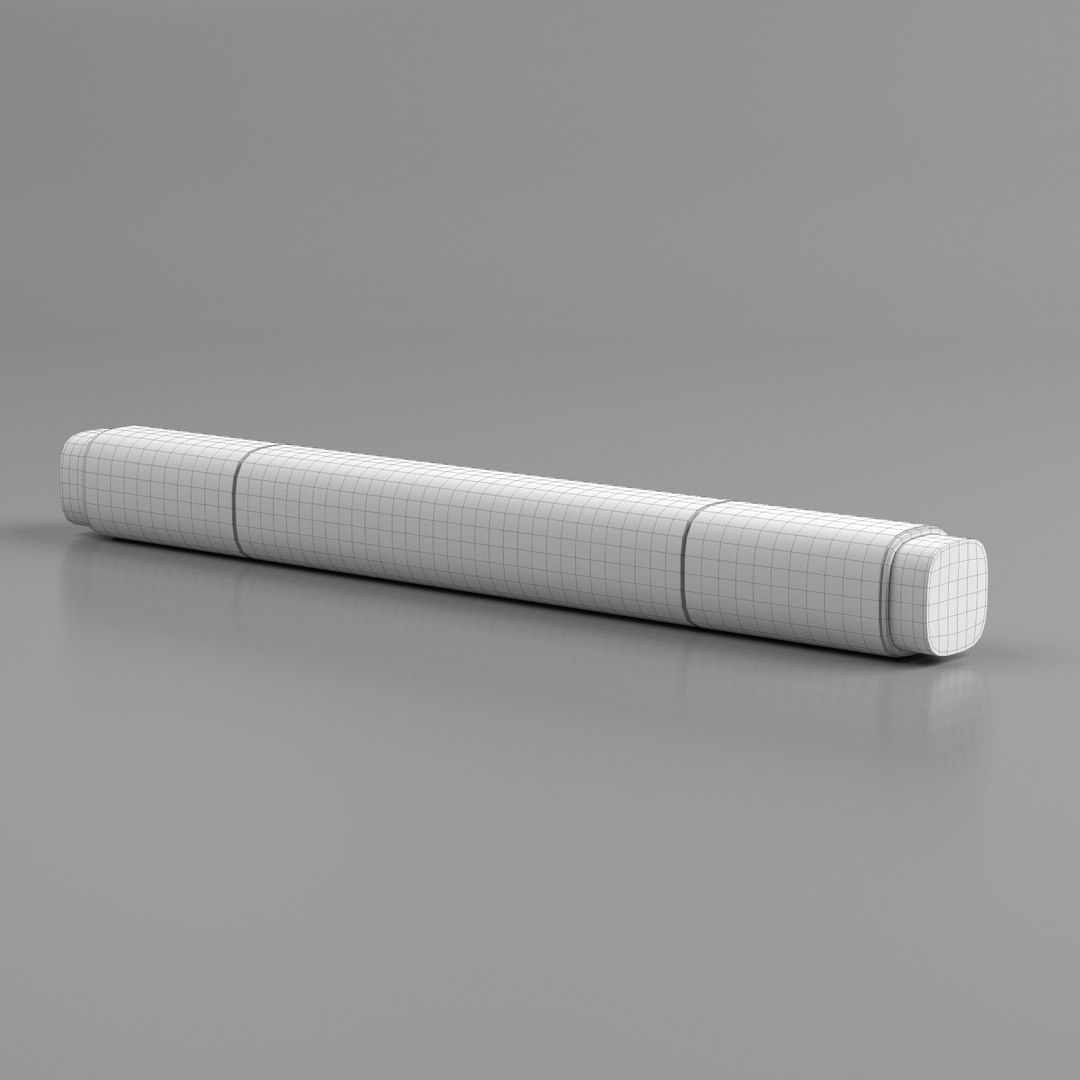
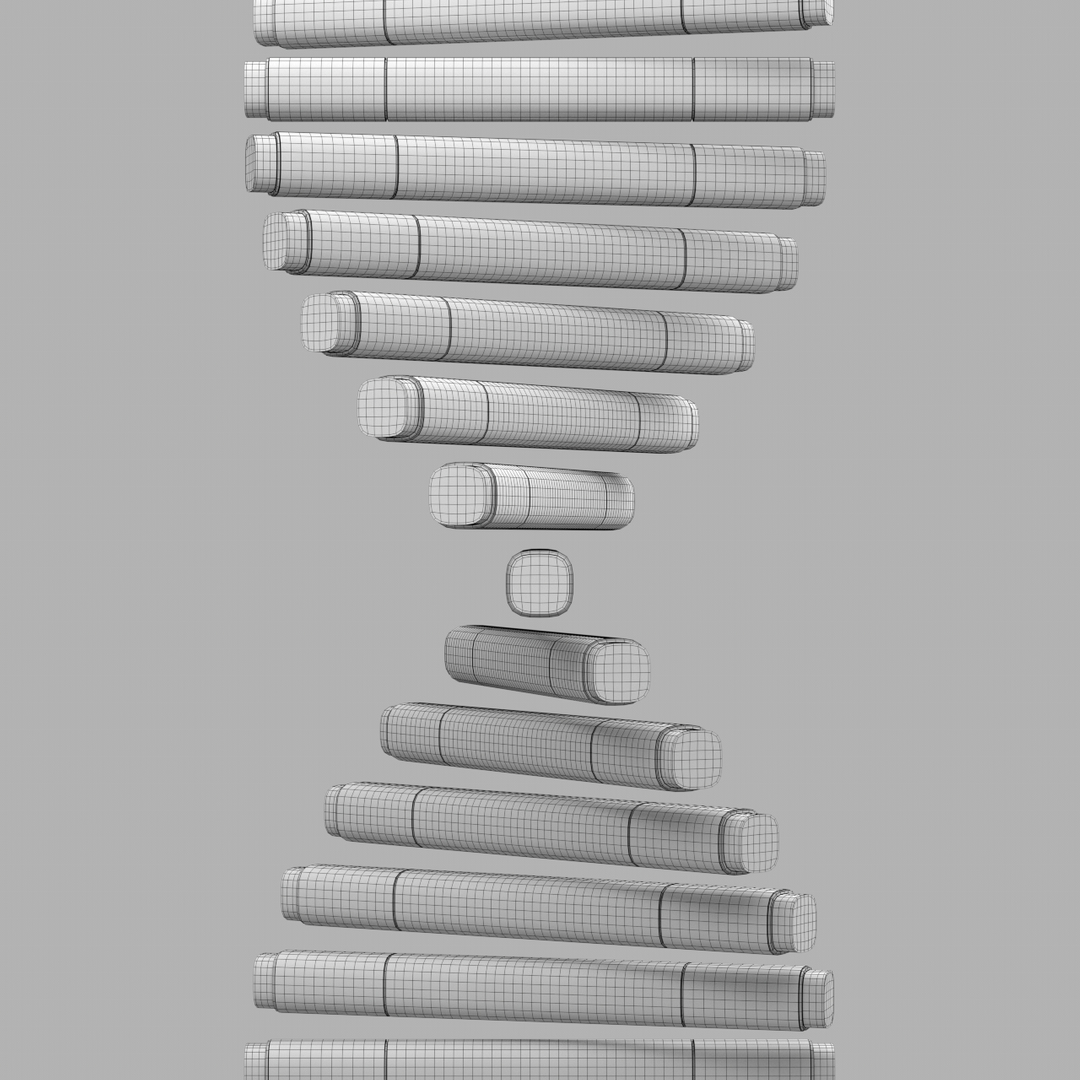
The wireframe views show the base mesh topology.
===== TEXTURES =====
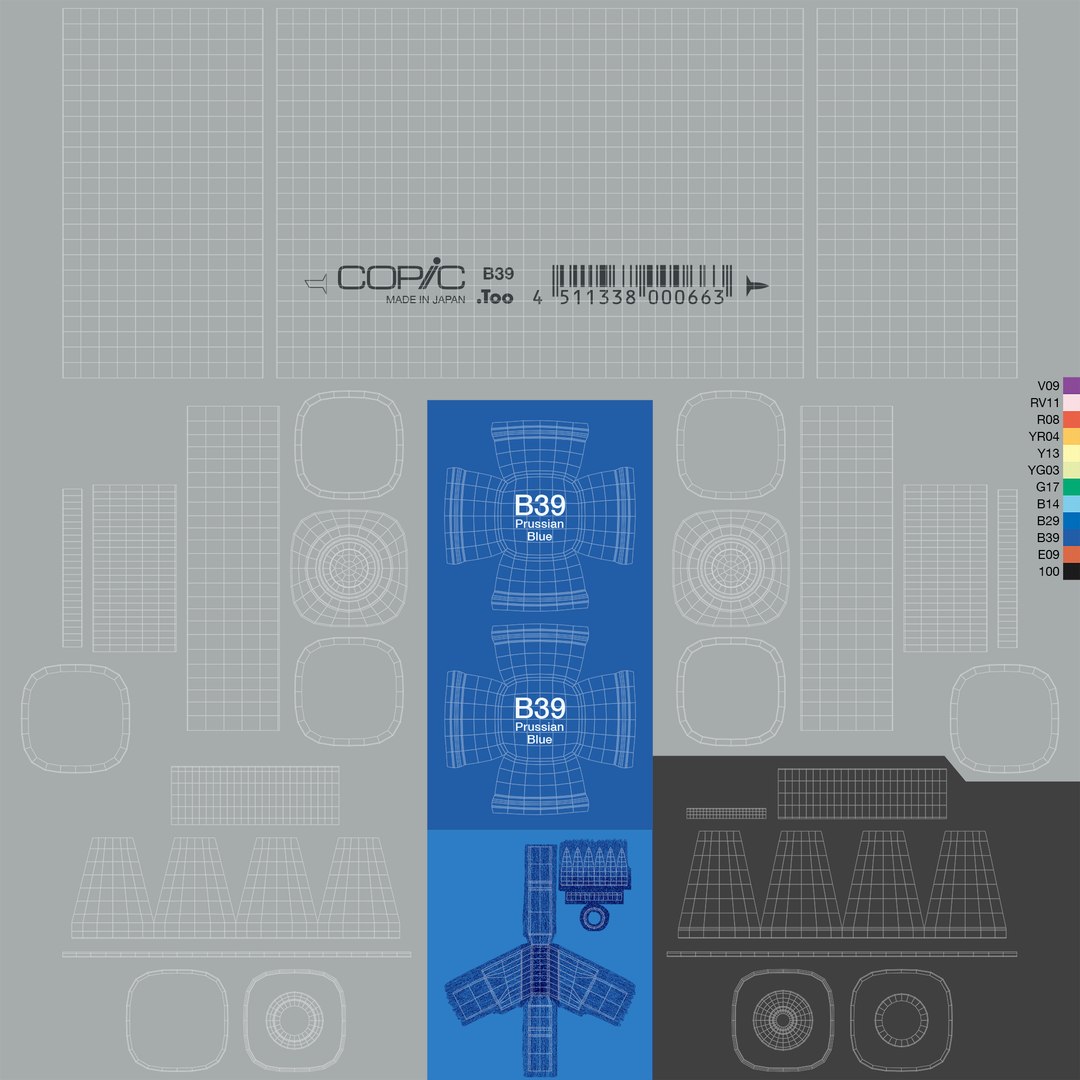
The textures used to render the preview images are all supplied with the 3d files (in the c4d download package).
They can also be downloaded separately via the textures.zip download.
Included are textures for markers with the color codes and names of the Copic Classic 12pc Color Set.
All barcodes reflect the actual barcodes on the according markers.
Each material uses three textures:
- albedo (unique to each color)
- bump (unique to each color)
- roughness (shared between all colors)
All textures are available in four sizes:
- 8k
- 4k
- 2k
- 1k
===== MATERIALS=====
The Redshift materials used for rendering the preview images are included in the c4d scene files.
Each marker is assigned one material using three texture maps each (albedo, bump, roughness).
If the c4d documents take too long to load, you can turn off the "Refresh Material Previews Automatically" in the Redshift Preferences before opening the file.
To build your own materials you can download the zip archive with the textures separately.
===== RENDERS =====
You can download the preview renders in a separate zip.
====================
I hope you enjoy working with this model.
I certainly had fun making it :)





 360
 360
 360
 360
