
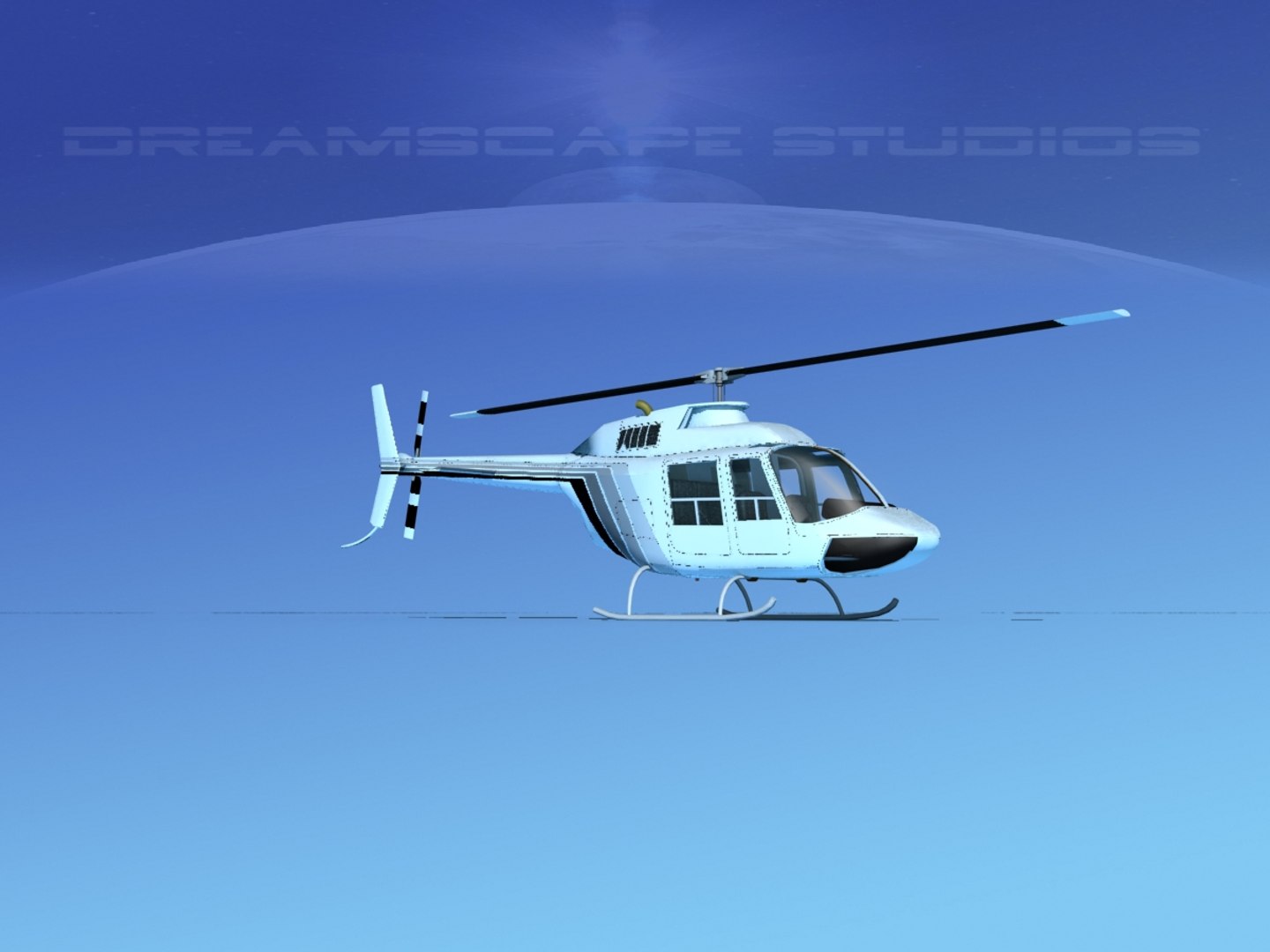
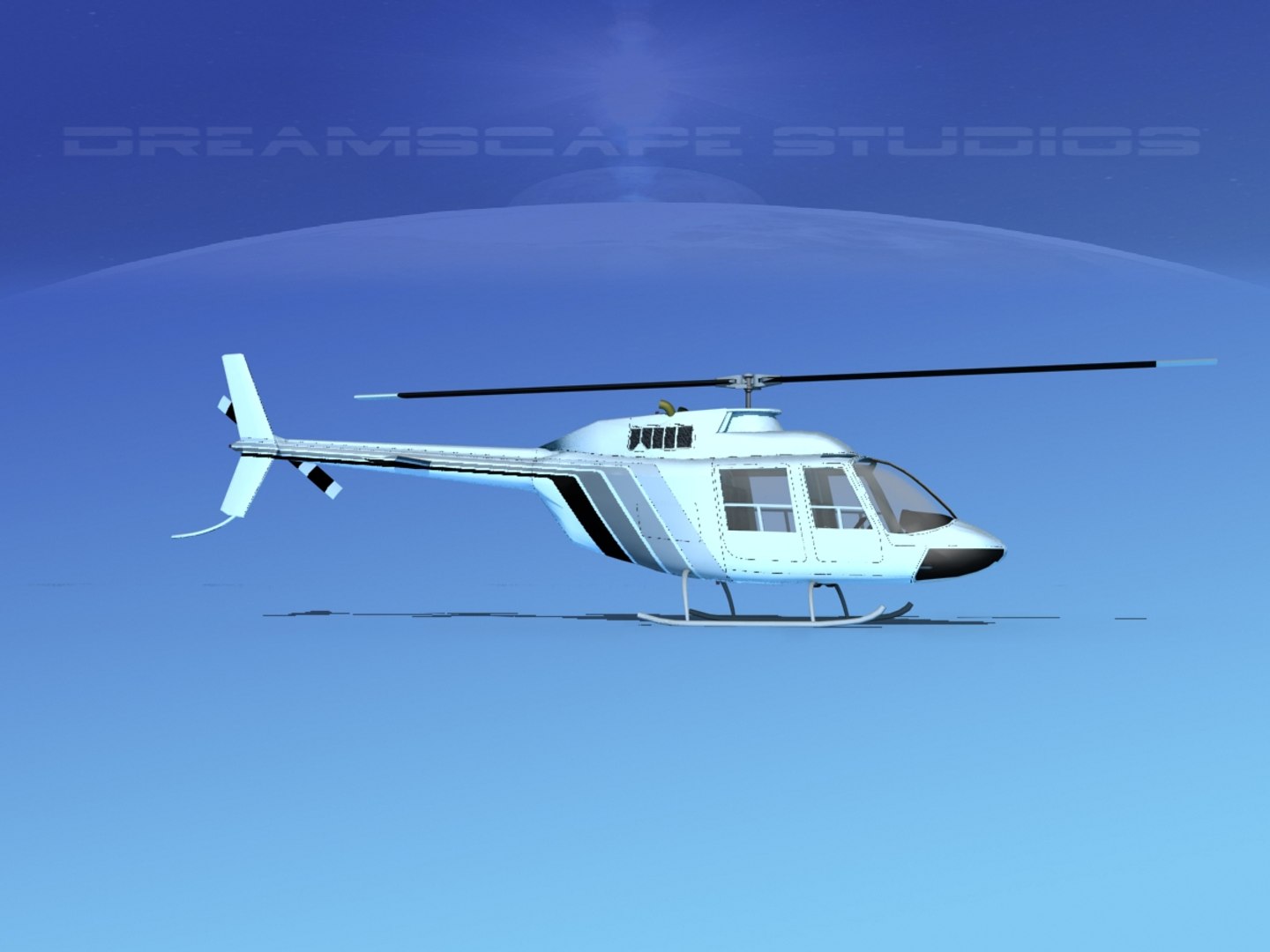
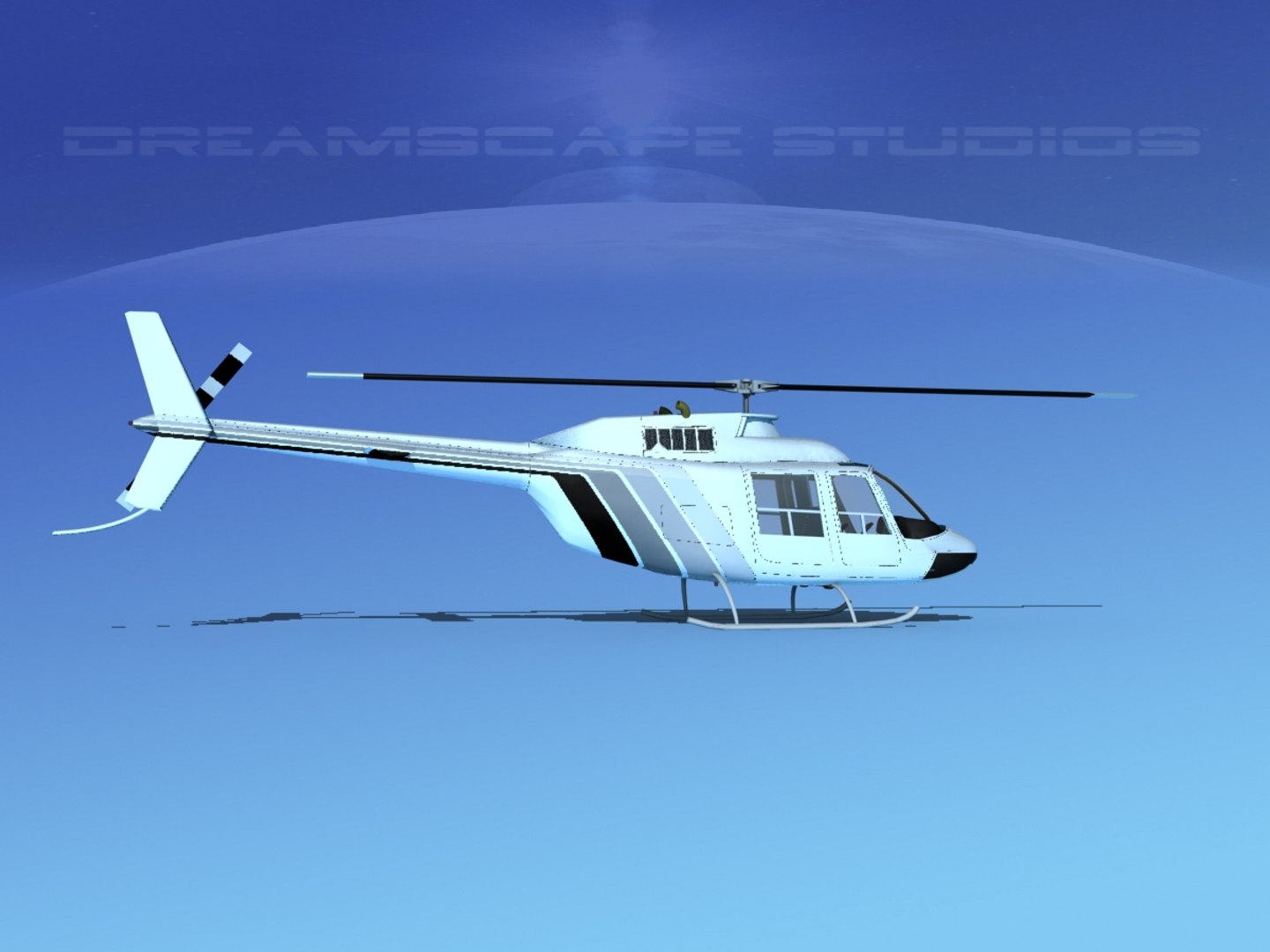
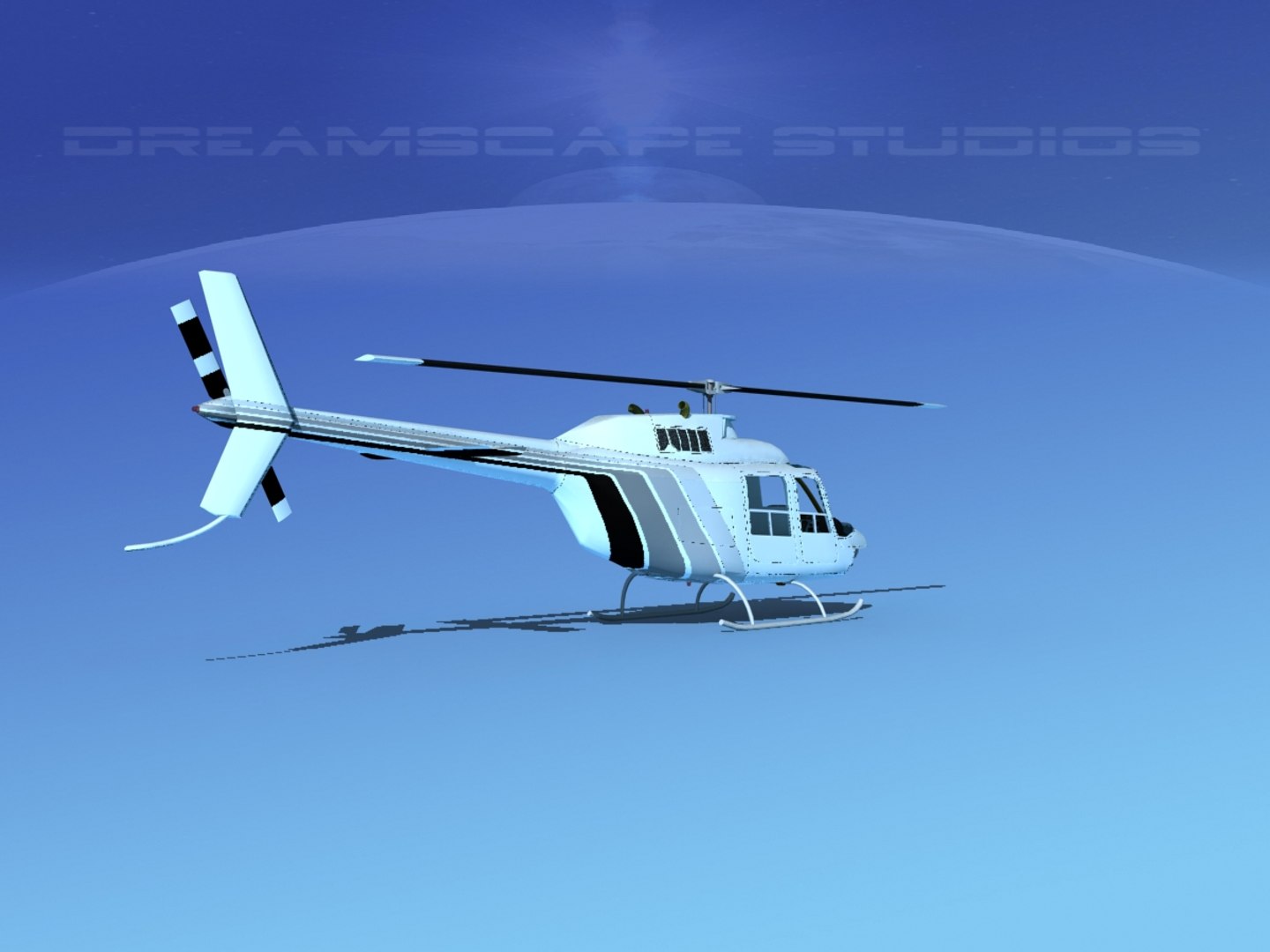
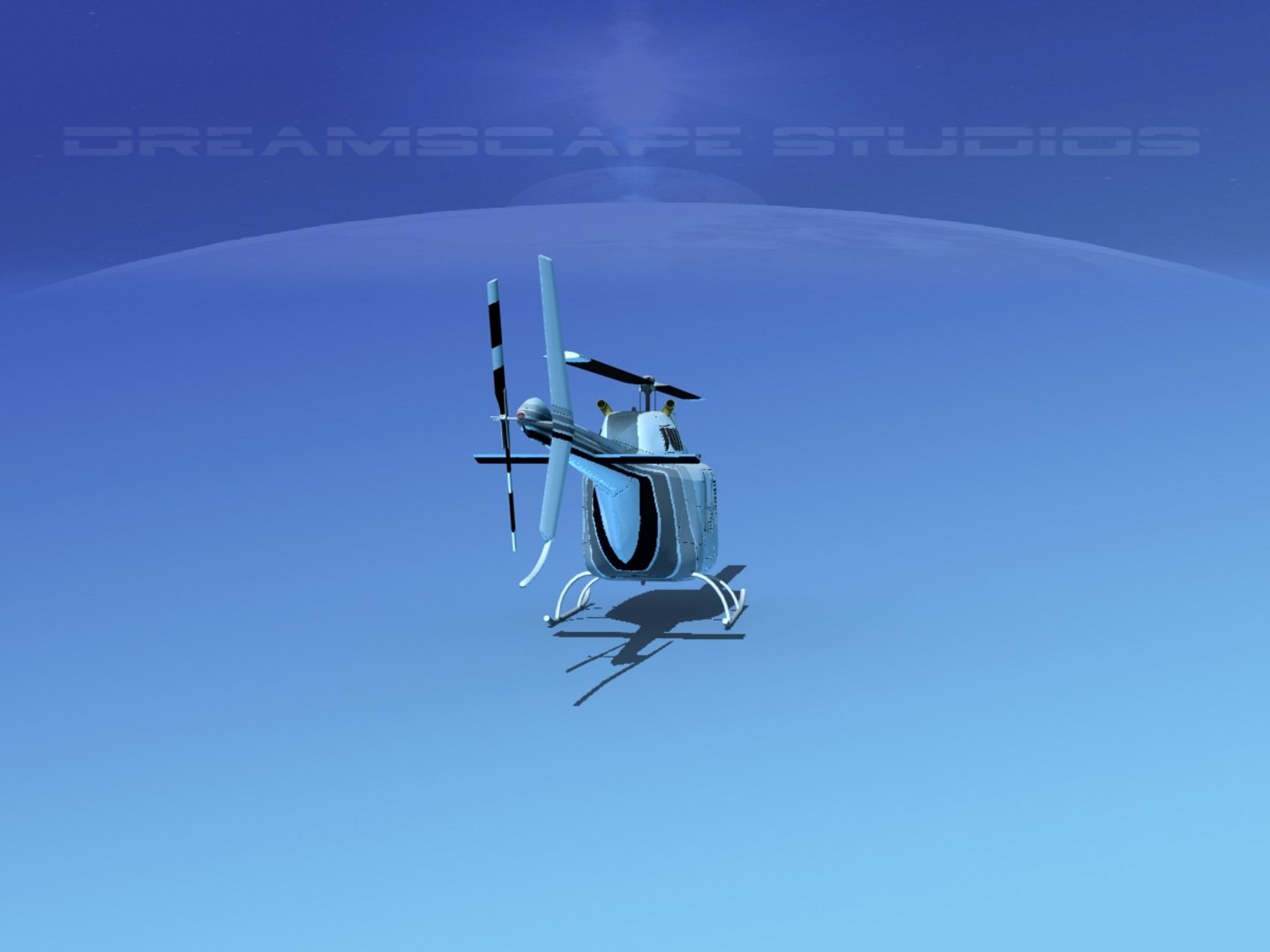
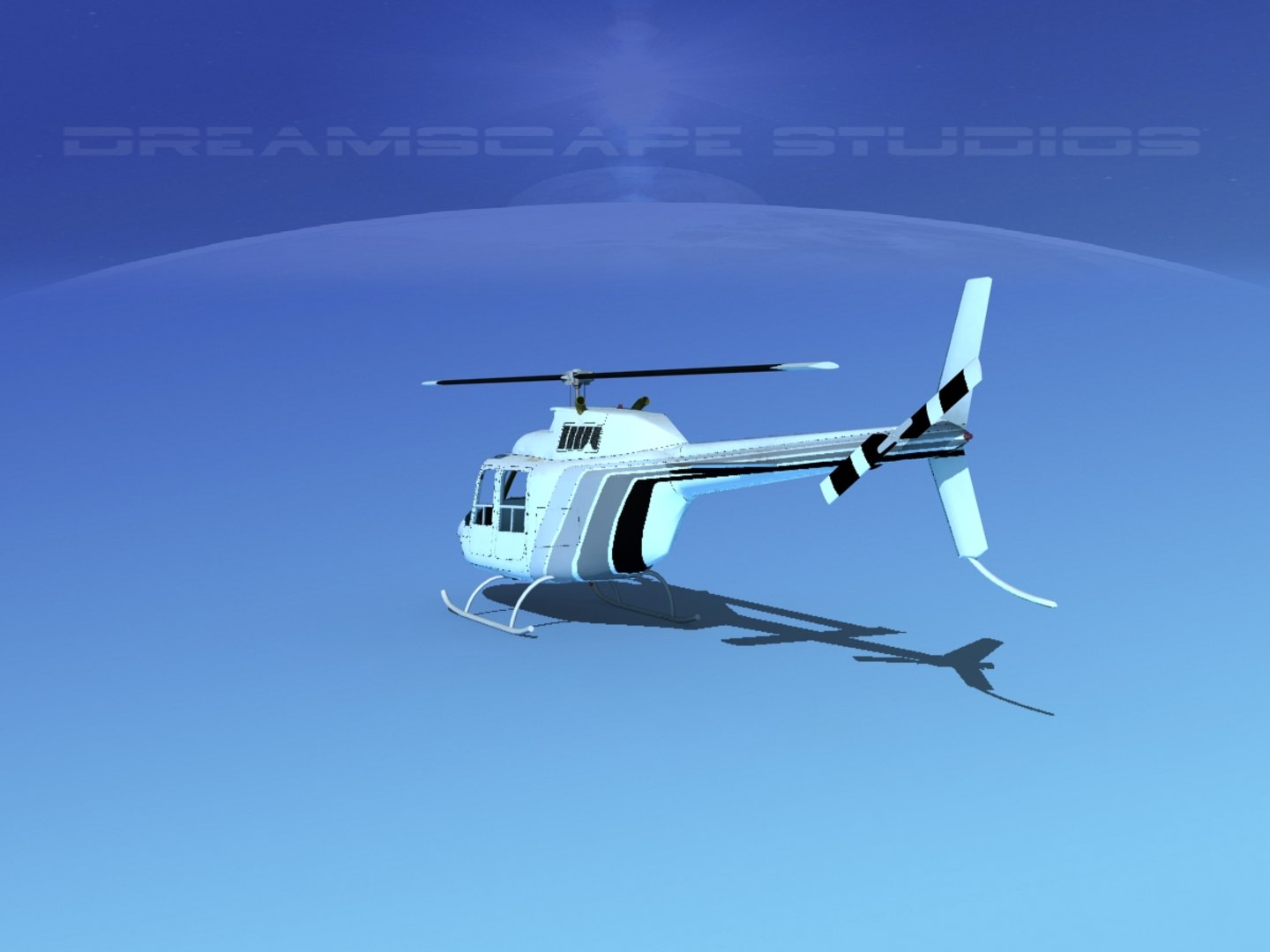
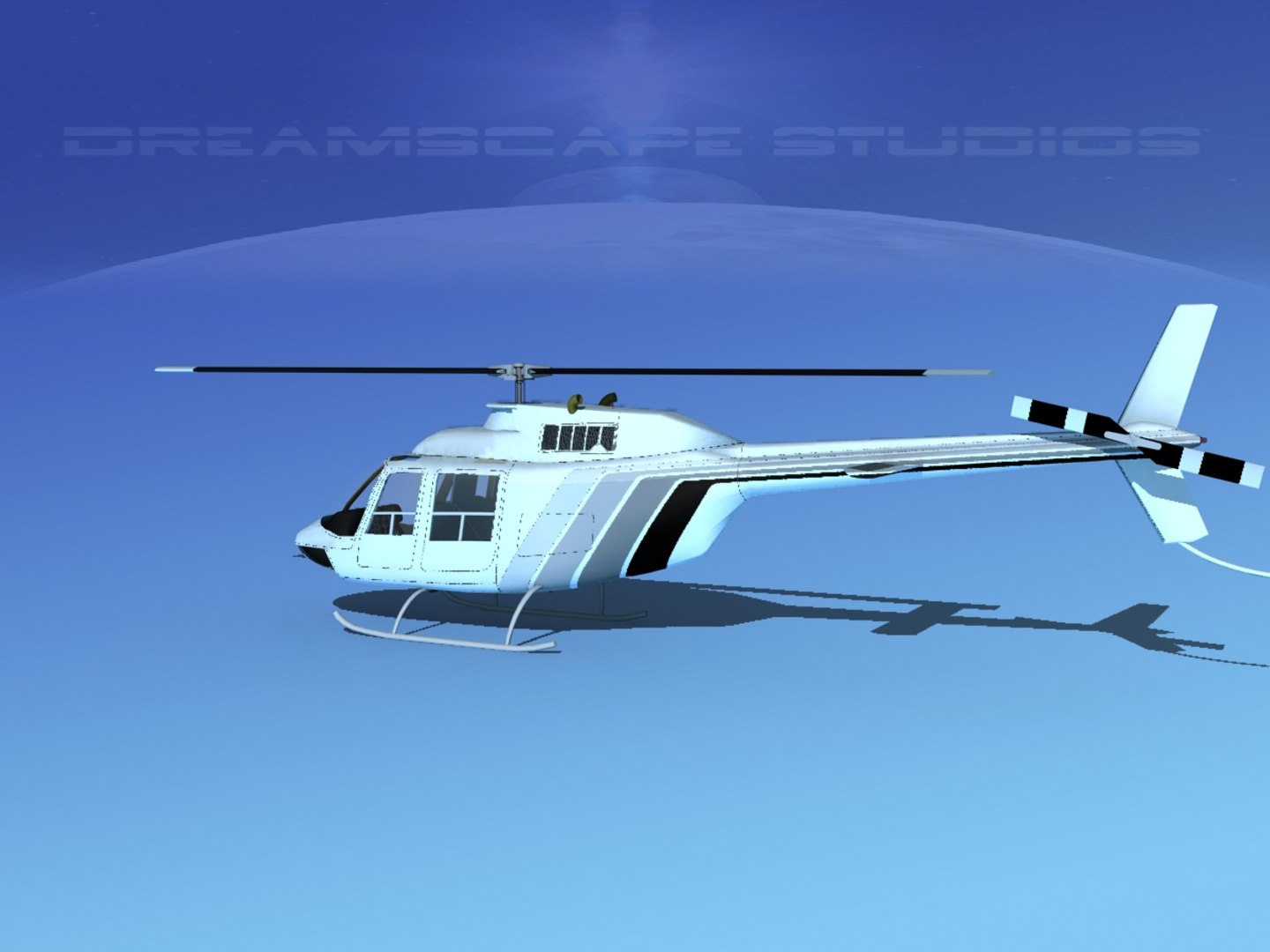
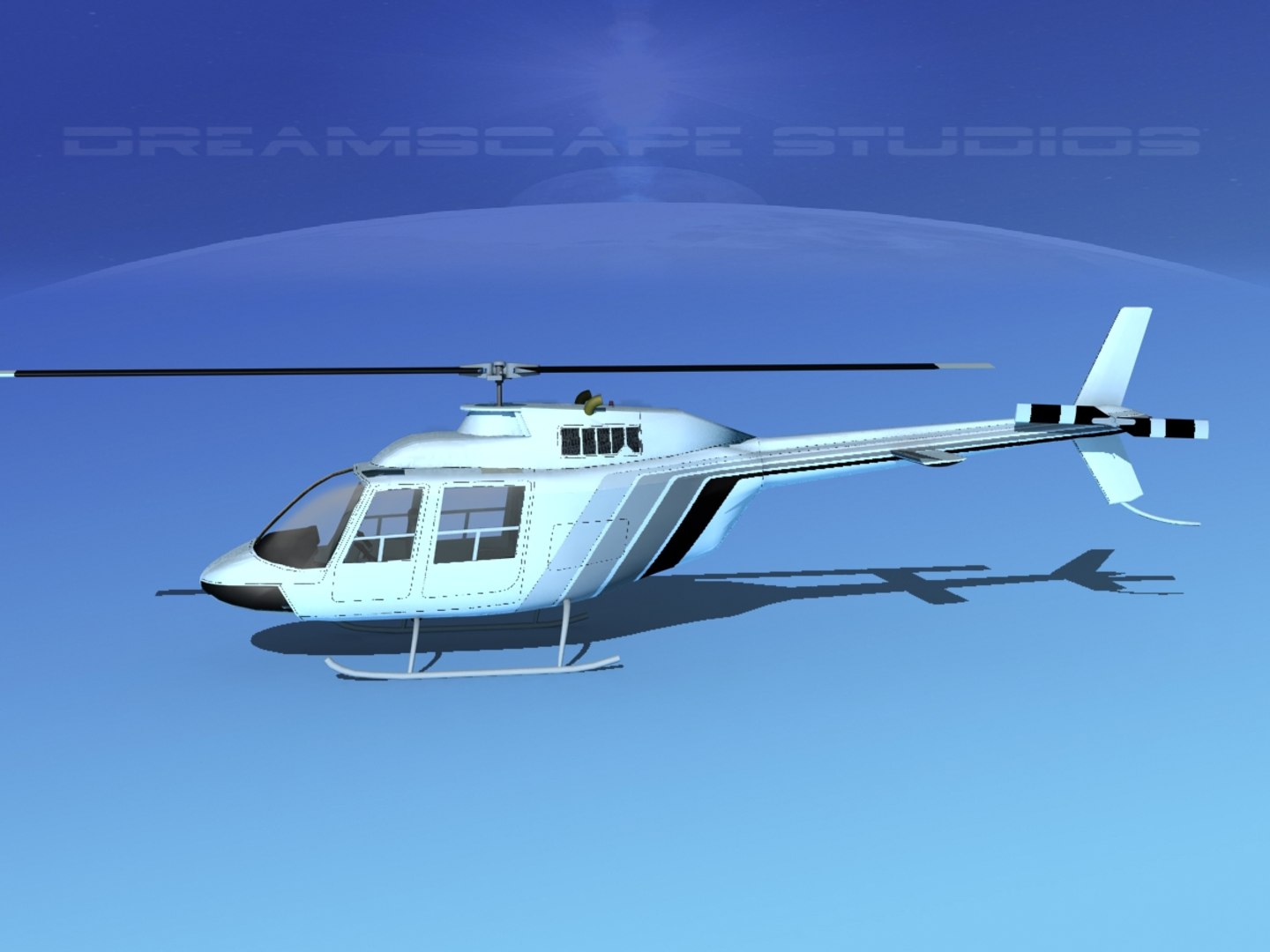
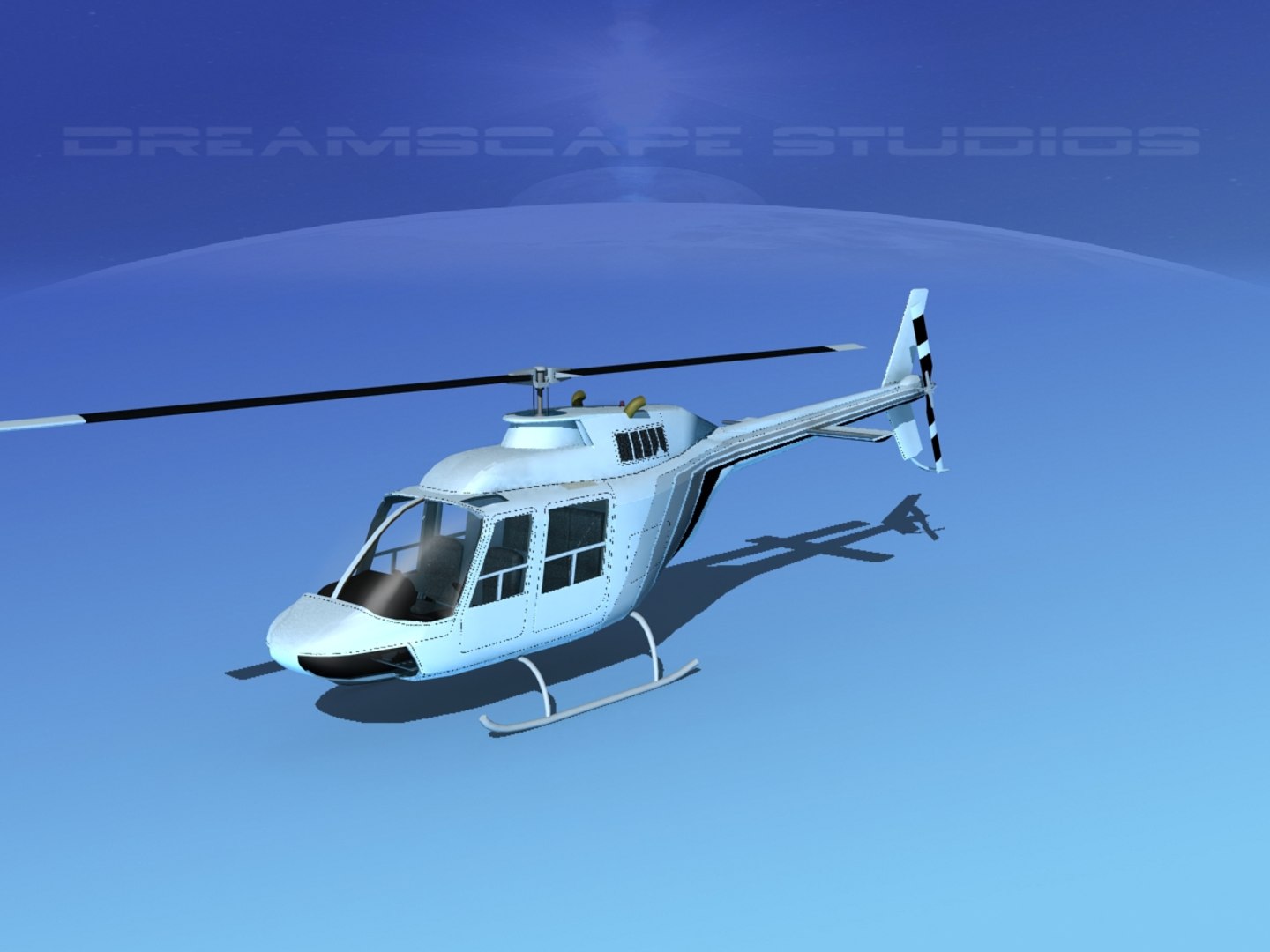
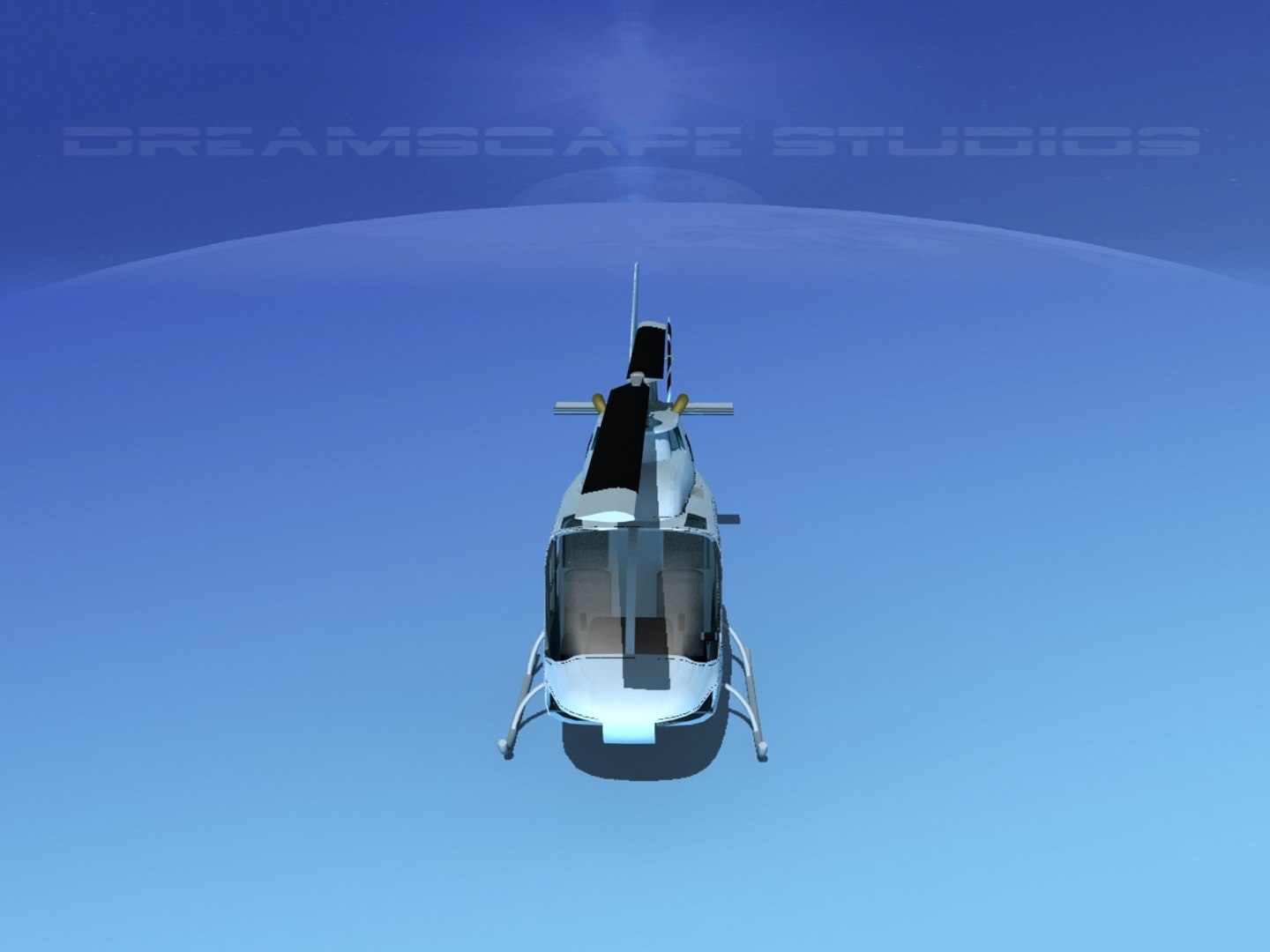
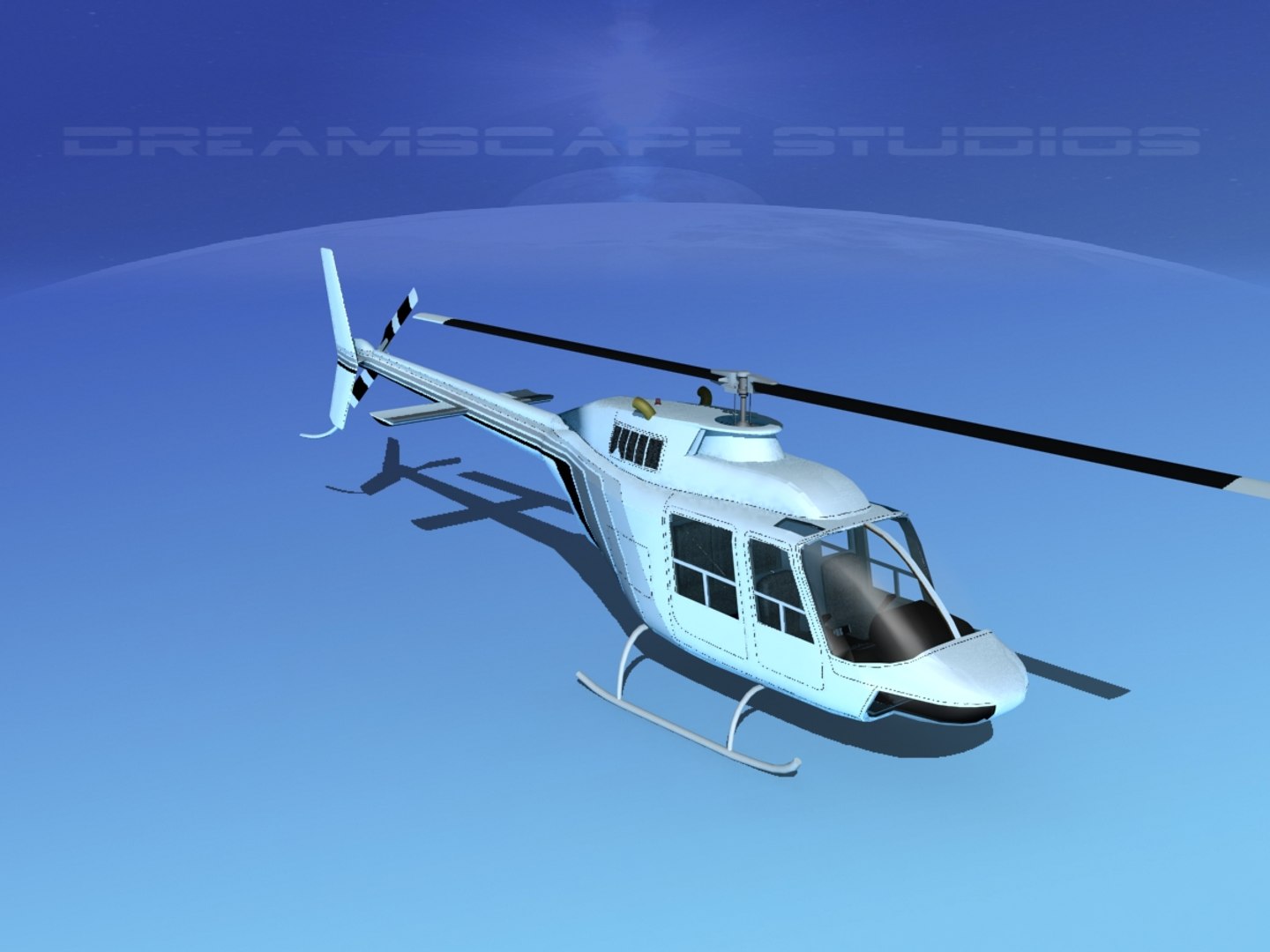
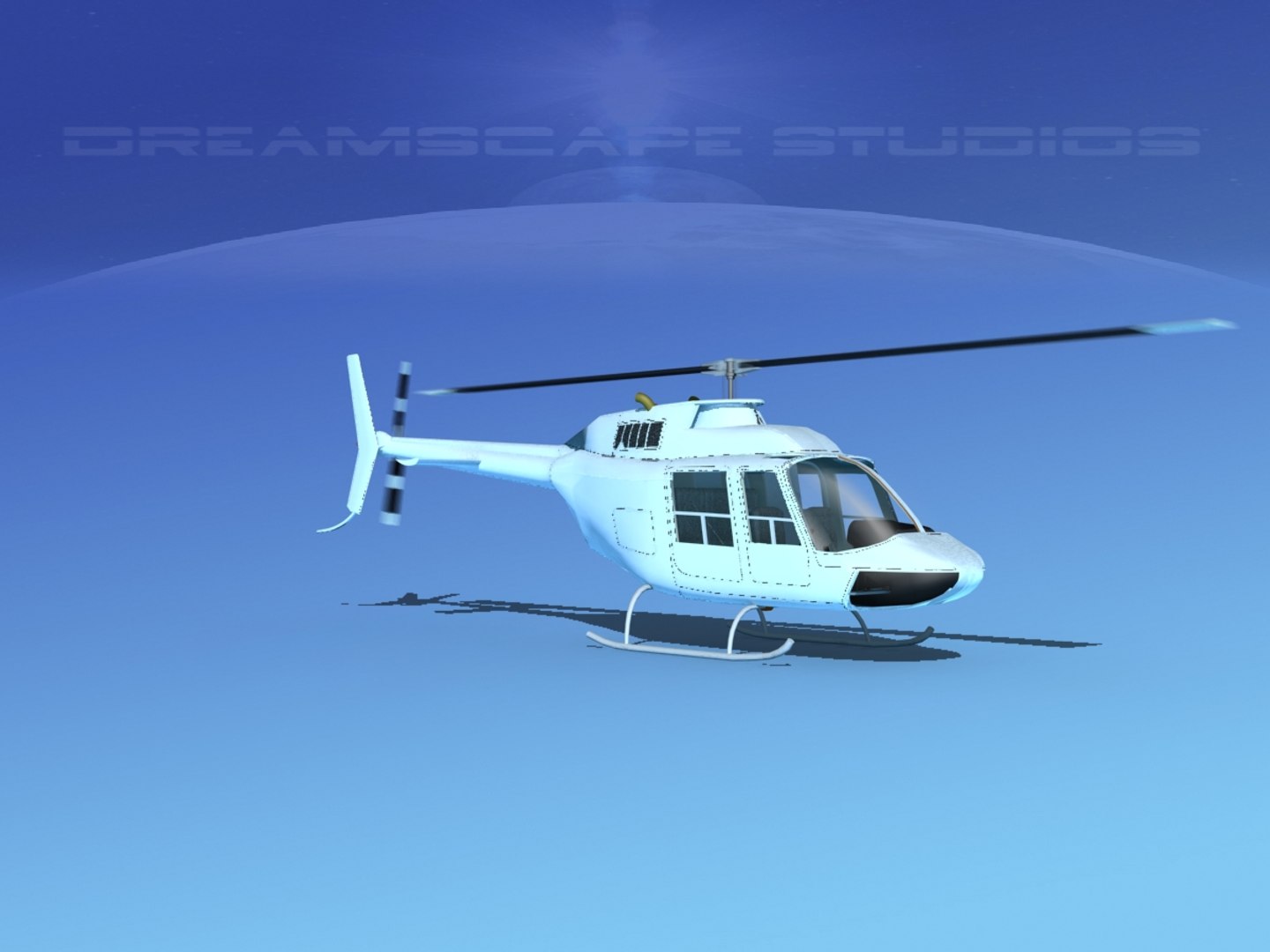
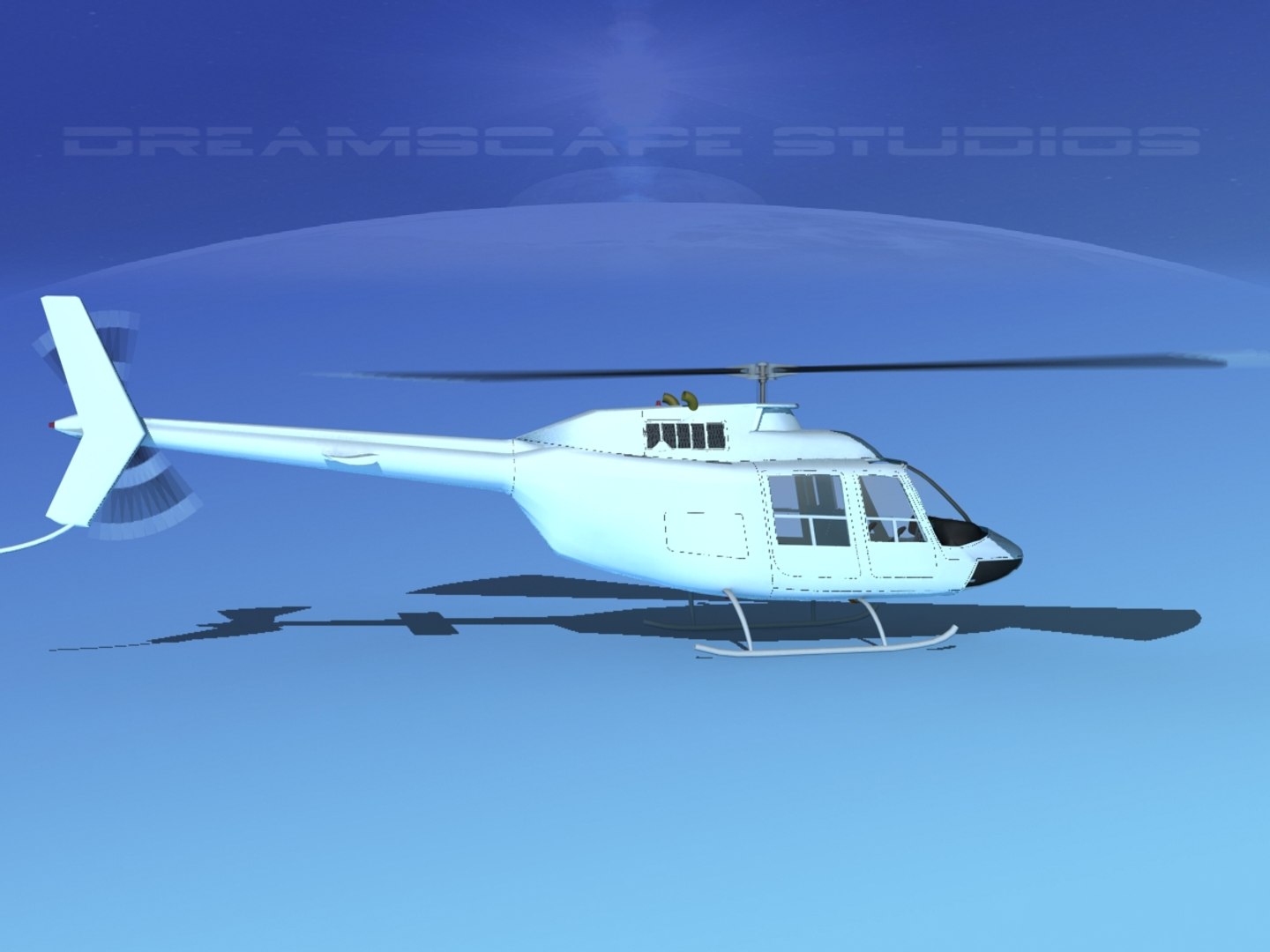
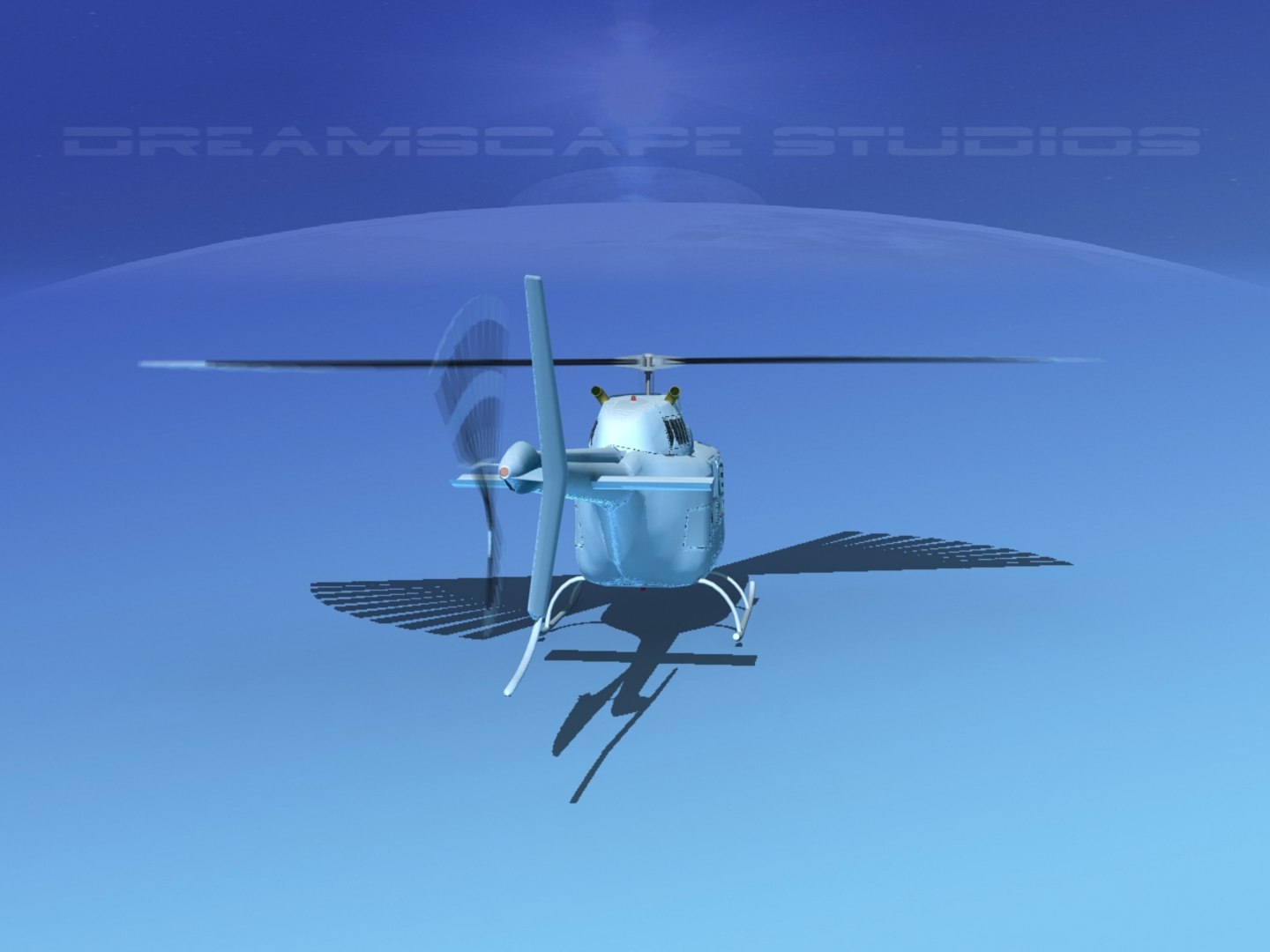
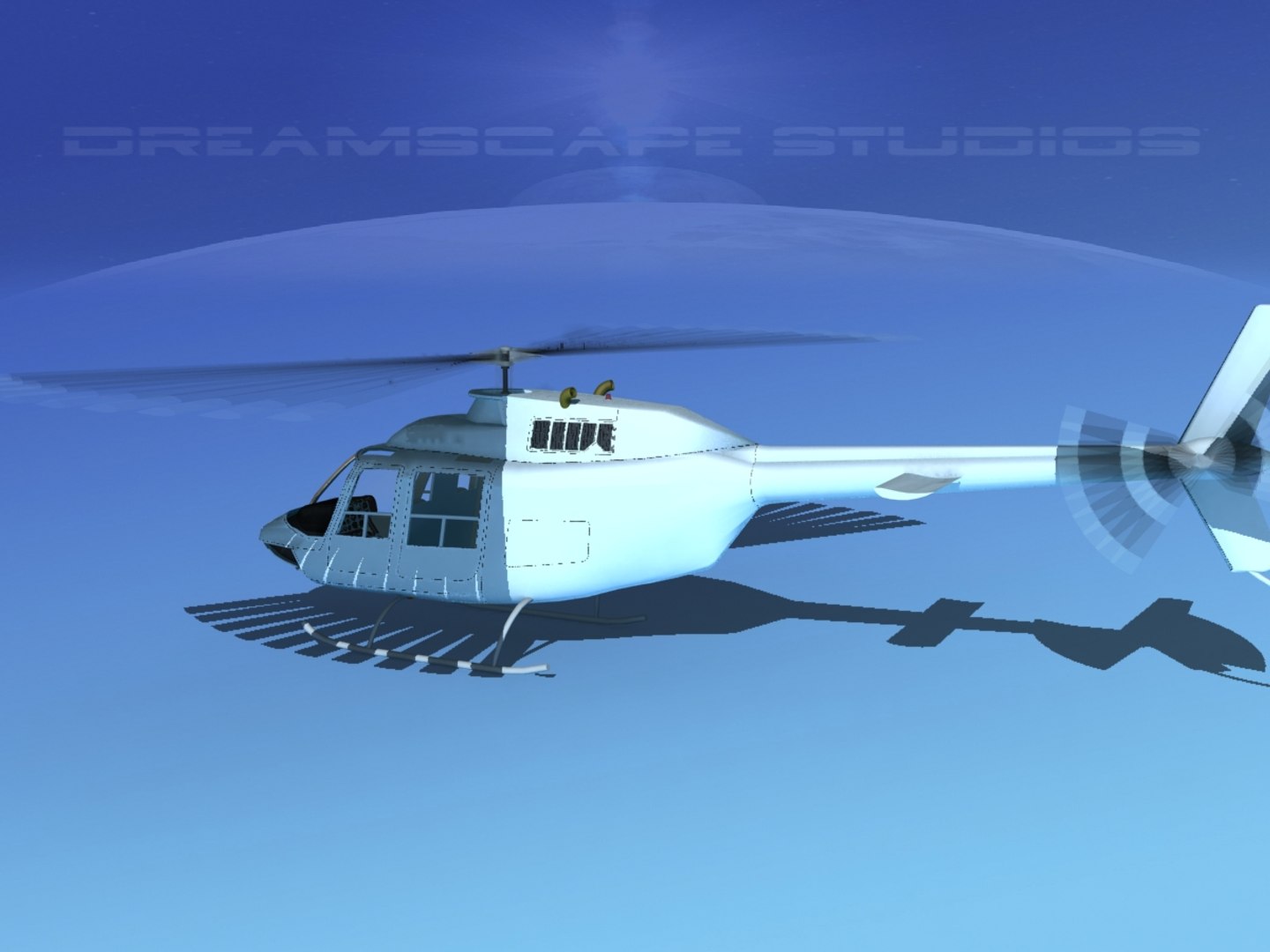
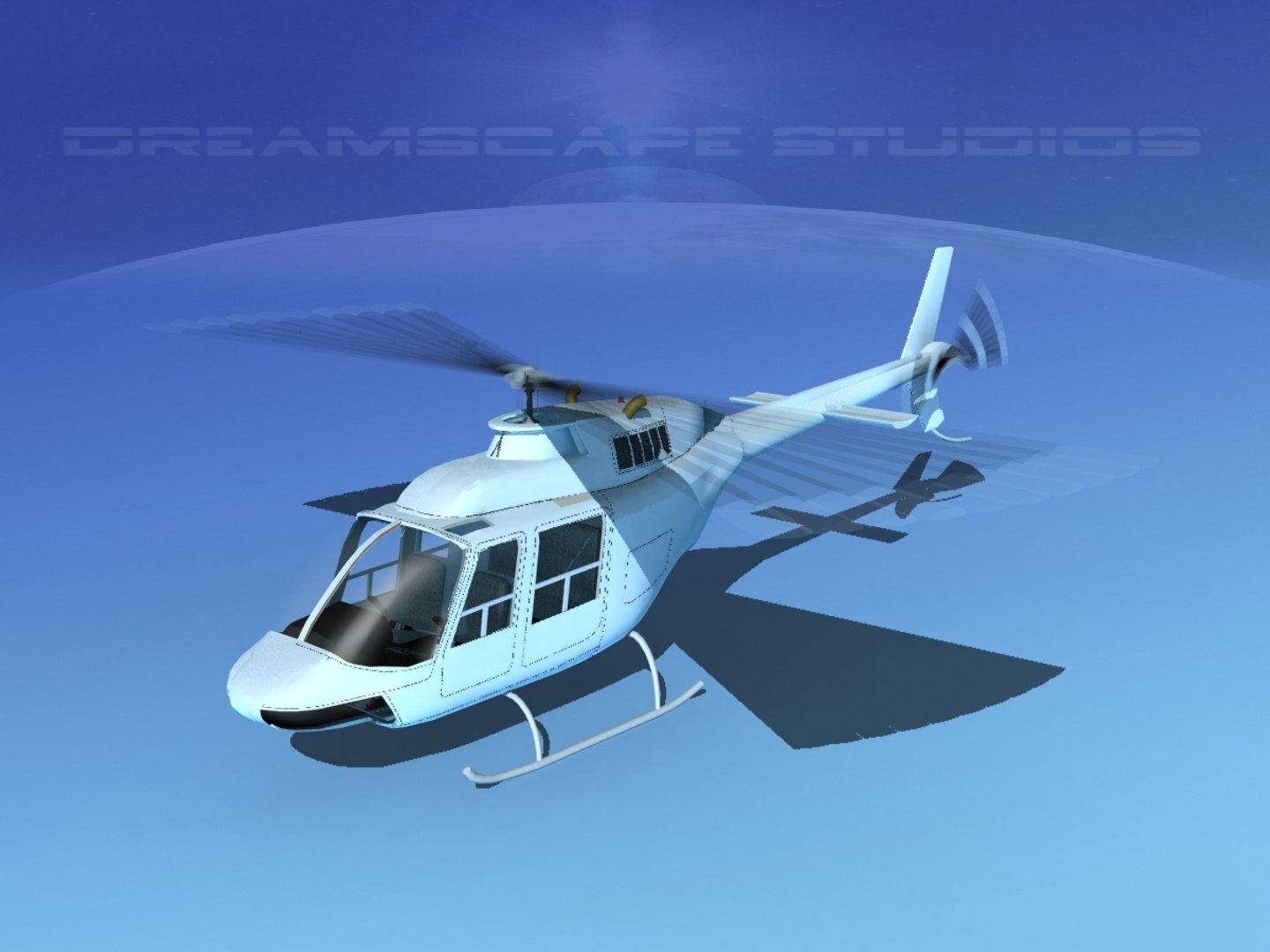
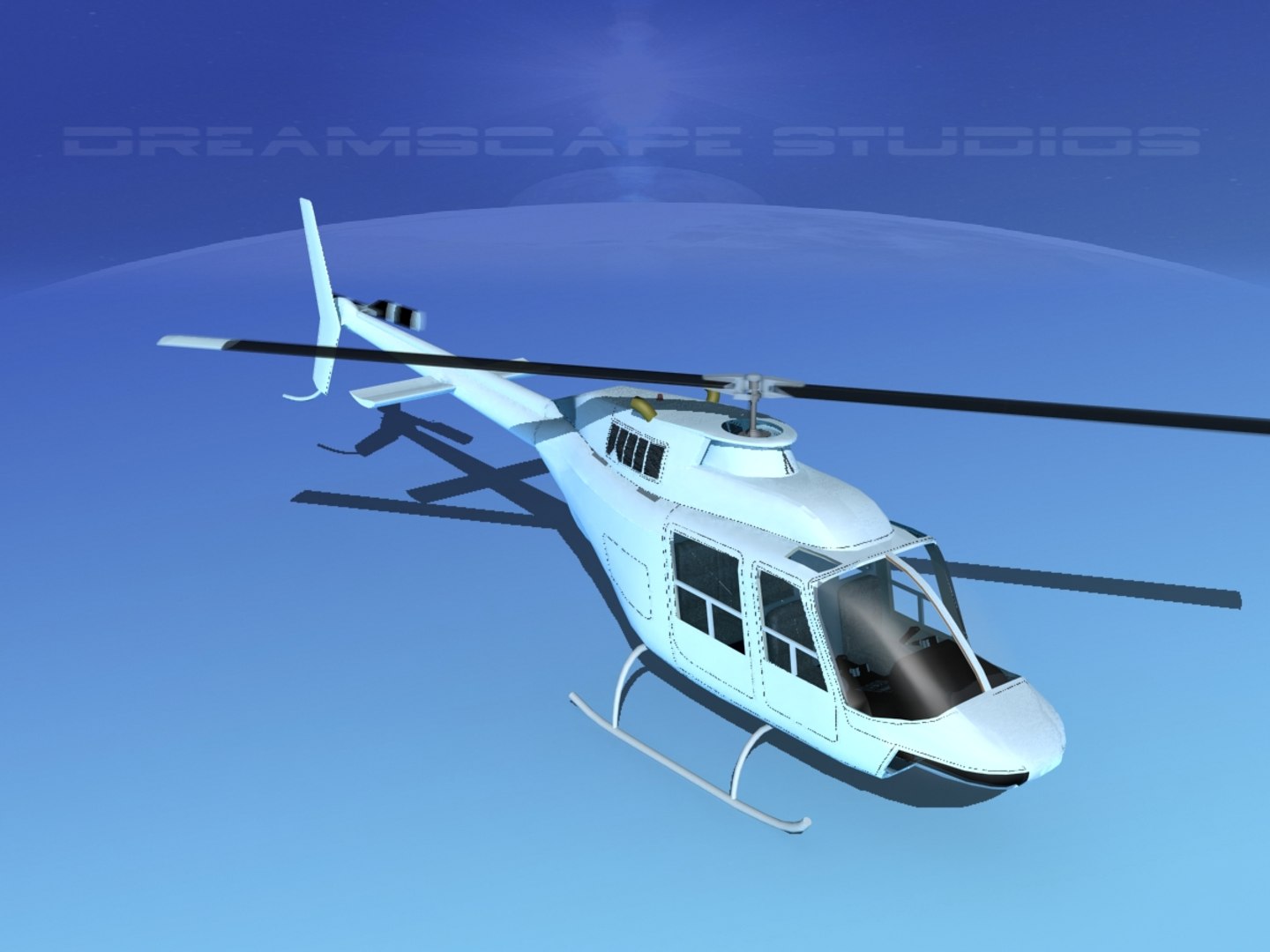
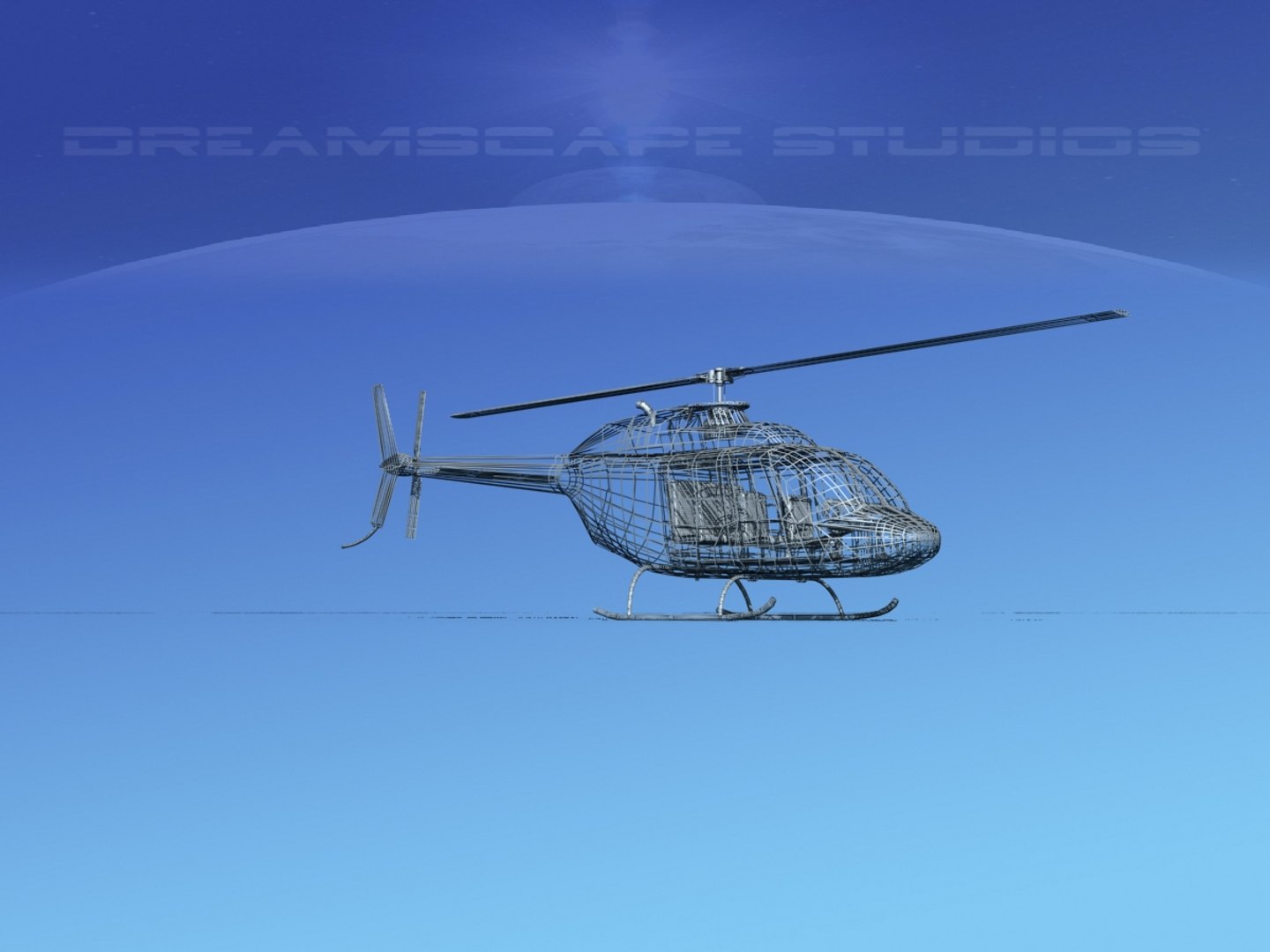
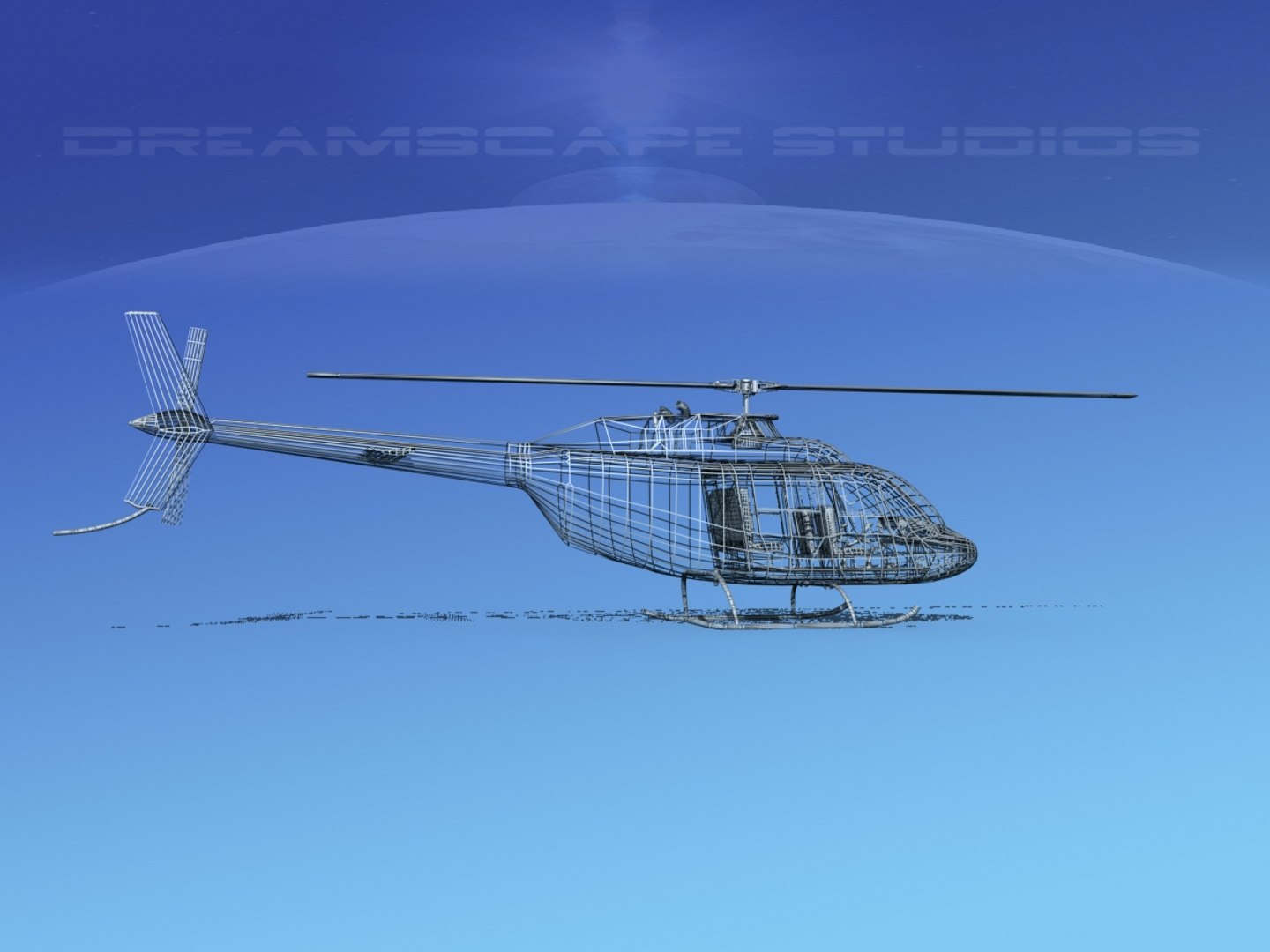
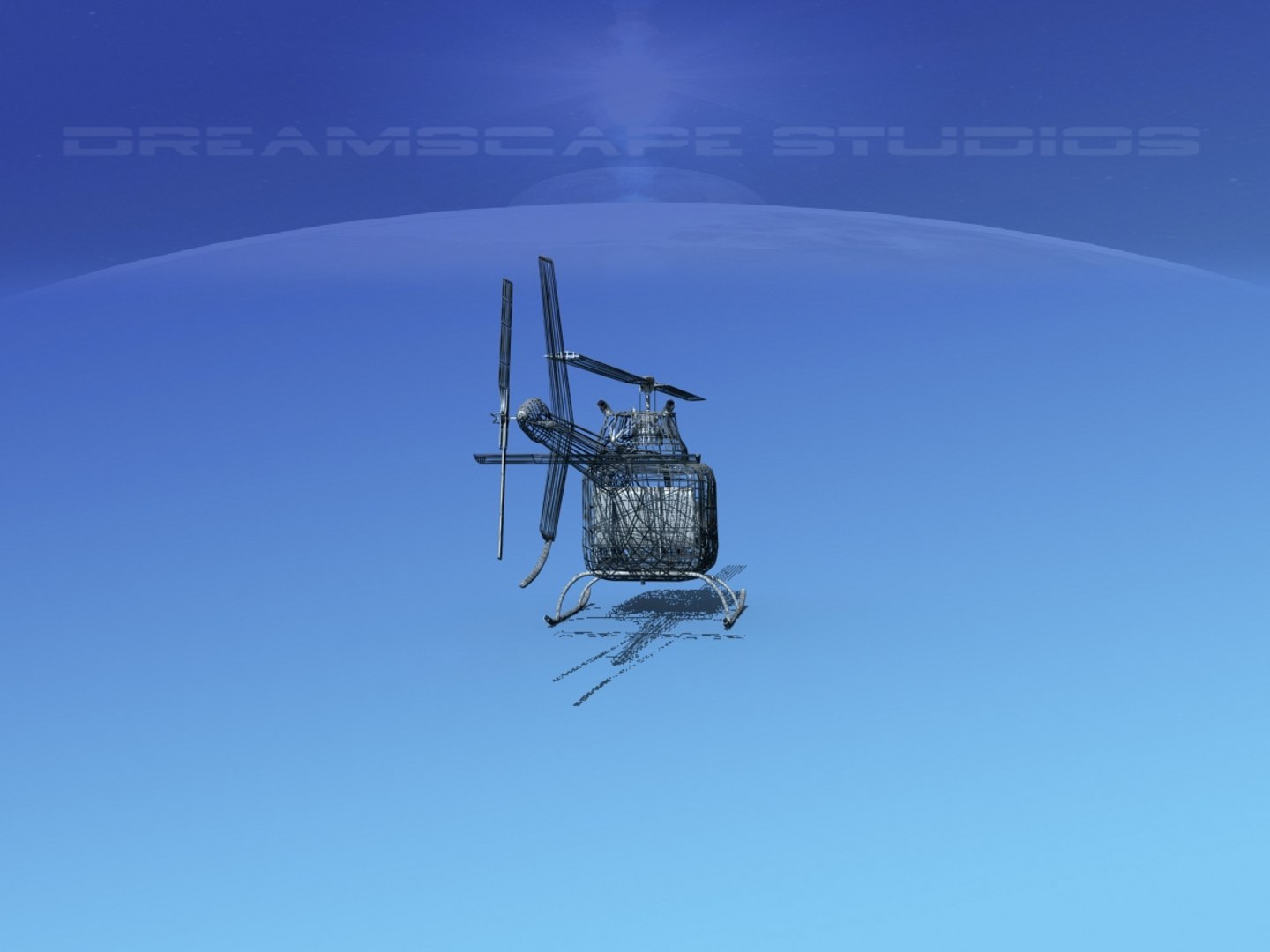
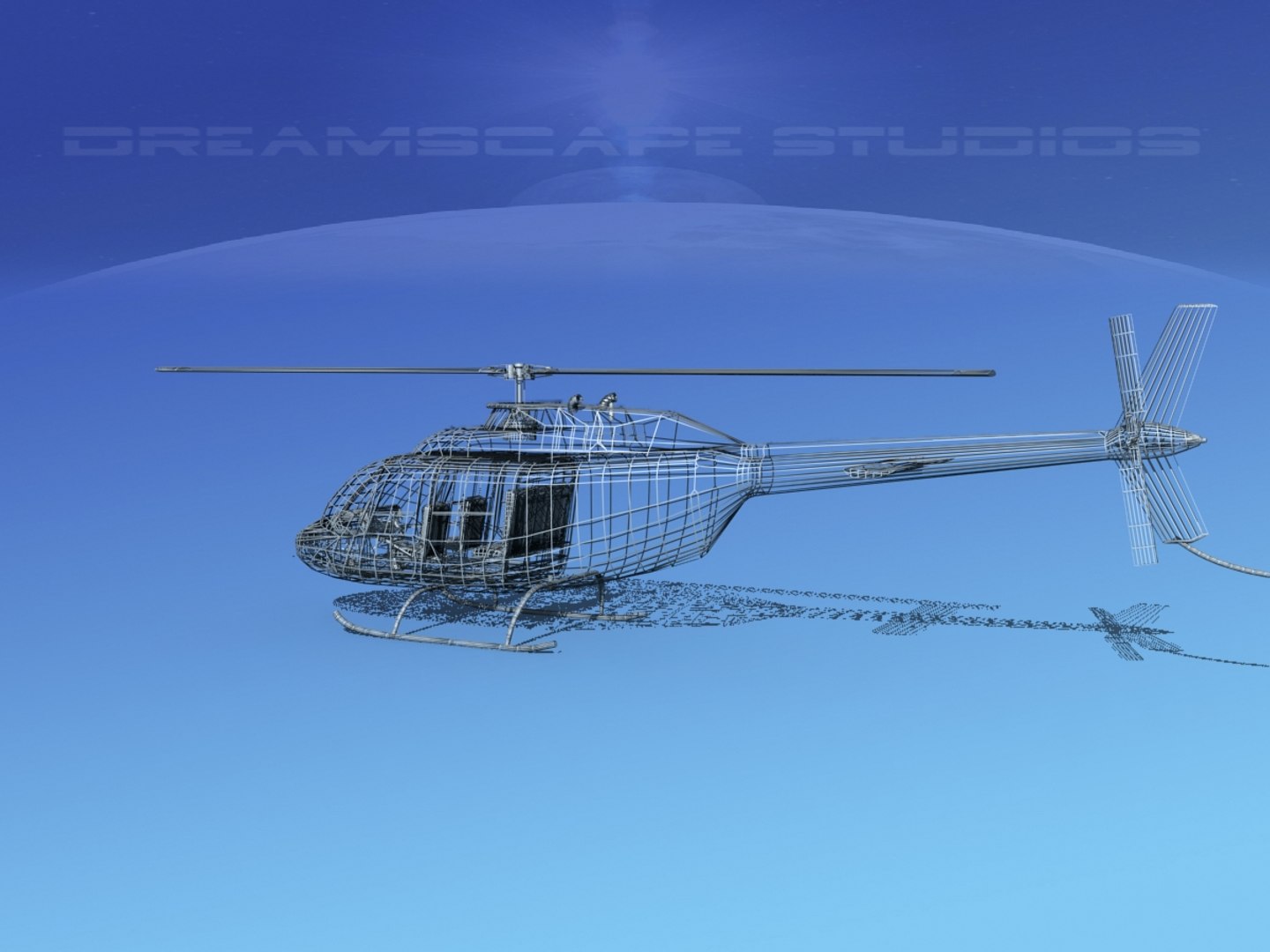
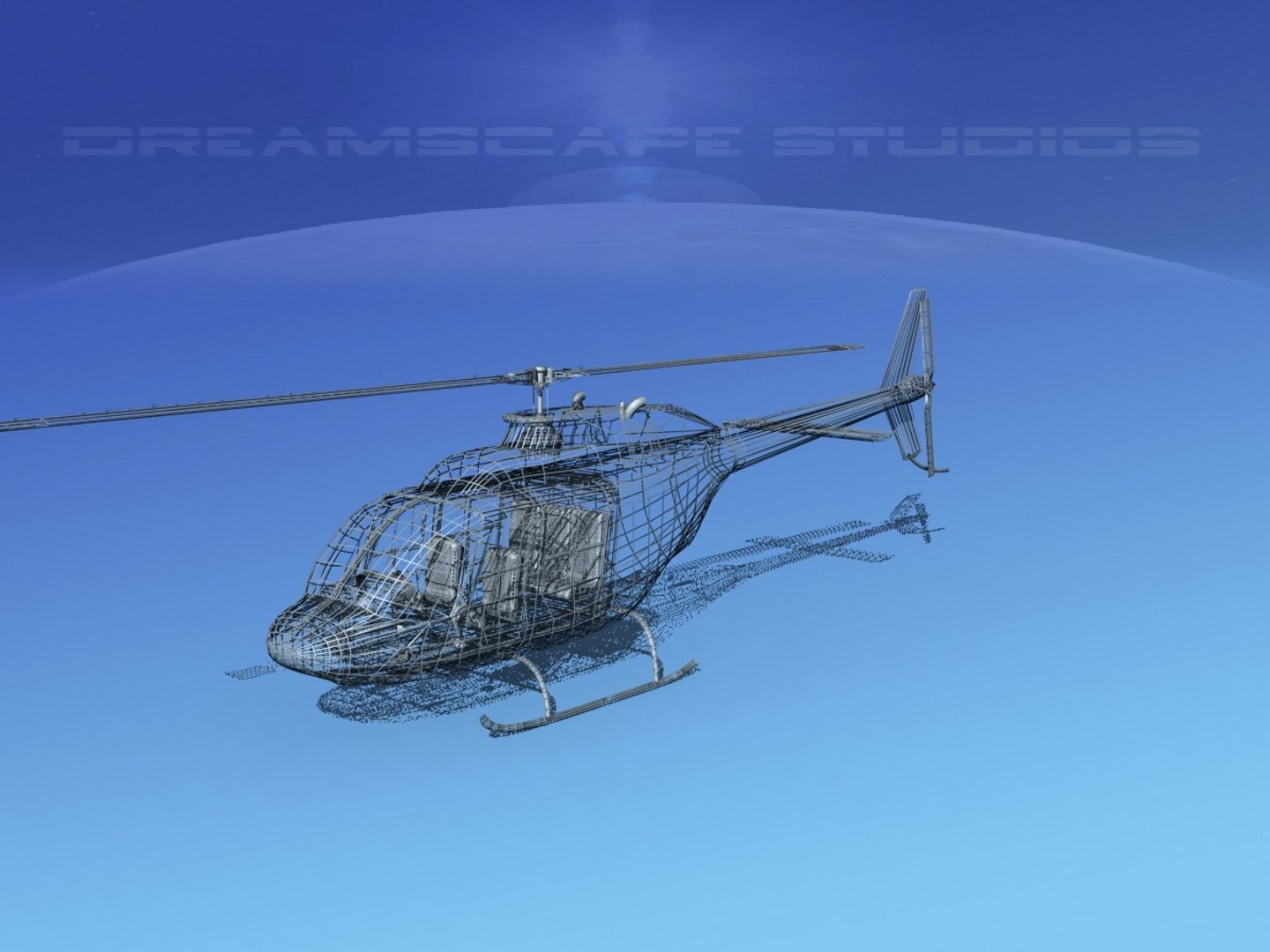
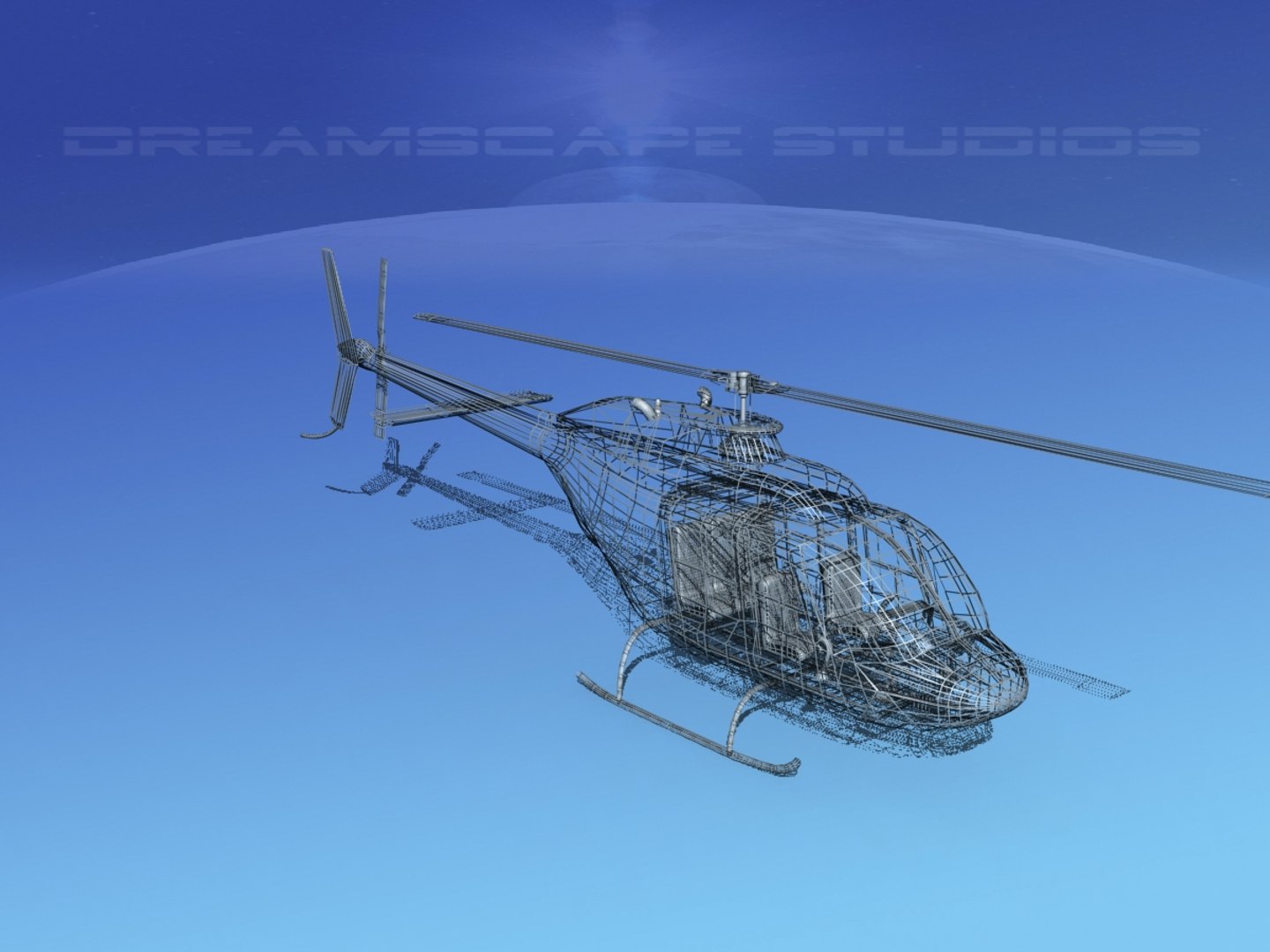
Bell 206 Jet Ranger V18

$89

Standard License | Upgrade License
Editorial Uses Only
Formats (8)
Free file format Conversions available
Native | 3ds Max 2011 | Default Scanline
Lightwave 6 | Default Scanline
Other Textures
AutoCAD drawing
DXF
OBJ
3D Studio
Specifications
Publish Date September 13, 2017
Product ID 1202221
Polygons 46,871
Vertices 28,239
Polygonal
Textures
Materials
UV Mapped
Overlapping Unwrapped UVs
Rigged
Animated
member avatar
Dreamscape Studios
8885 Products | Contributor Since 2002
Have questions? Chat with us now.

Description

This model was originally built in Max 13 near to scale (within 3-4% of scale) and fully textured. It comes with all the materials and textures shown in renderings here. It is available in several formats for a wide variety of end users. This model comes with many different liveries. It is built to be used in in-flight or airport ground animations and video or simulation. It can also be used to populate an airport scene. The model has animated rotor and tail-rotor. The cockpit is semi detailed including control yoke, cyclic, rudder pedals, seating and instrument panel.

The Bell 206 is a family of two blade, single or twin-engine helicopters. It was originally developed as a light observation helicopter for the US Army, but was not selected and was redesigned for commercial use. The new design was eventually picked up by the US Army as an observation helicopter OH-58 Kiowa. The first Bell 206 flew in 1966. Ross Perot and Jay Coburn flew a Bell 206 named the Spirit of Texas around the world in 29 Days and 3 hours. It was the first round the world flight by a helicopter.

Select Enhanced License

  • $10,000 in Legal Protection (Indemnification)
  • Uncapped Legal Protection (Indemnification)
  • Waiver from injunctive relief
  • Assignable model rights
  • $1,000,000 in Legal Protection (Indemnification)
  • Waiver from injunctive relief
  • Assignable model rights
  • $250,000 in Legal Protection (Indemnification)
  • Assignable model rights
Read more about enhanced license tiers, or contact us at enterprise@turbosquid.com. Already a Shutterstock Enterprise Customer? Contact your Shutterstock Sales Support Agent to talk about adding 3D.

About Conversion Requests

To submit a conversion request for a purchased asset, please complete our Conversion Request Form.

If you have not yet purchased a model, please review our Documentation about Conversions to learn about what limitations you may encounter with a conversion.

For any additional questions about a model’s suitability for conversion, please contact TurboSquid Support.

Loading...