





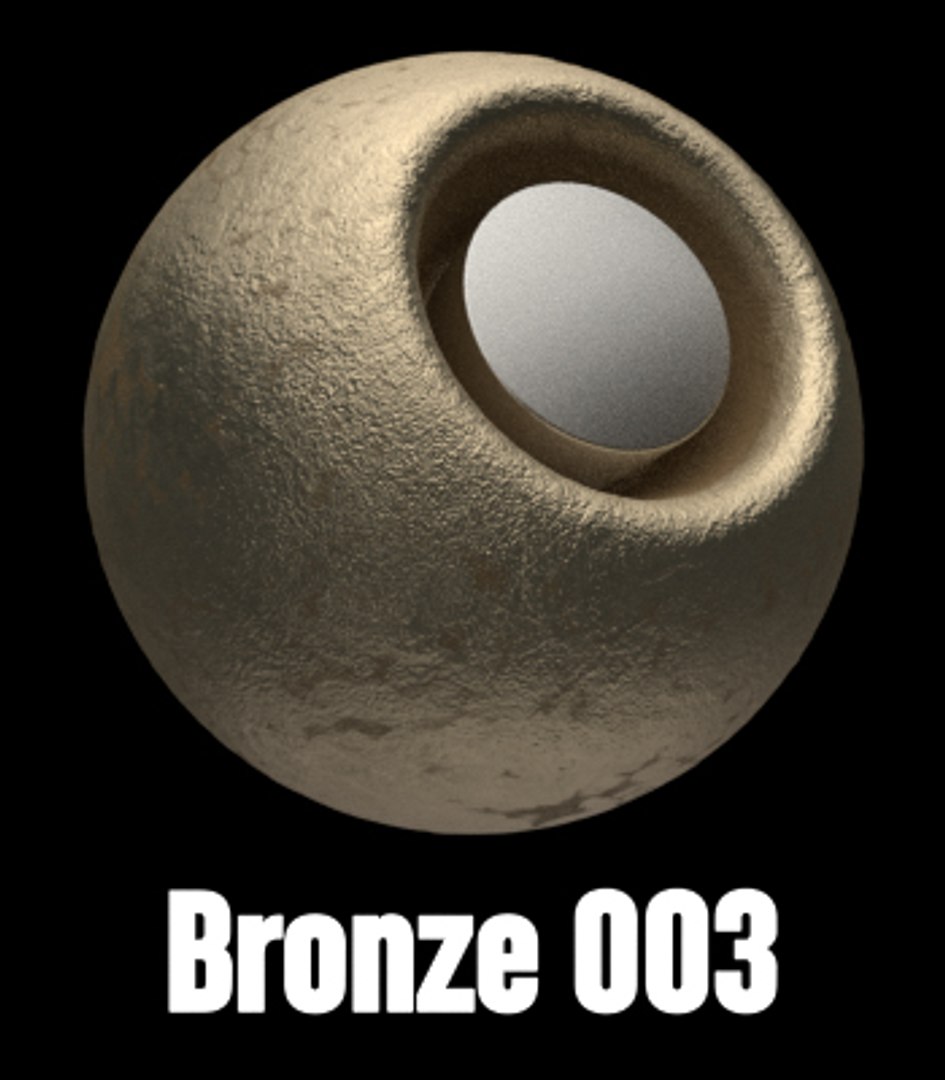

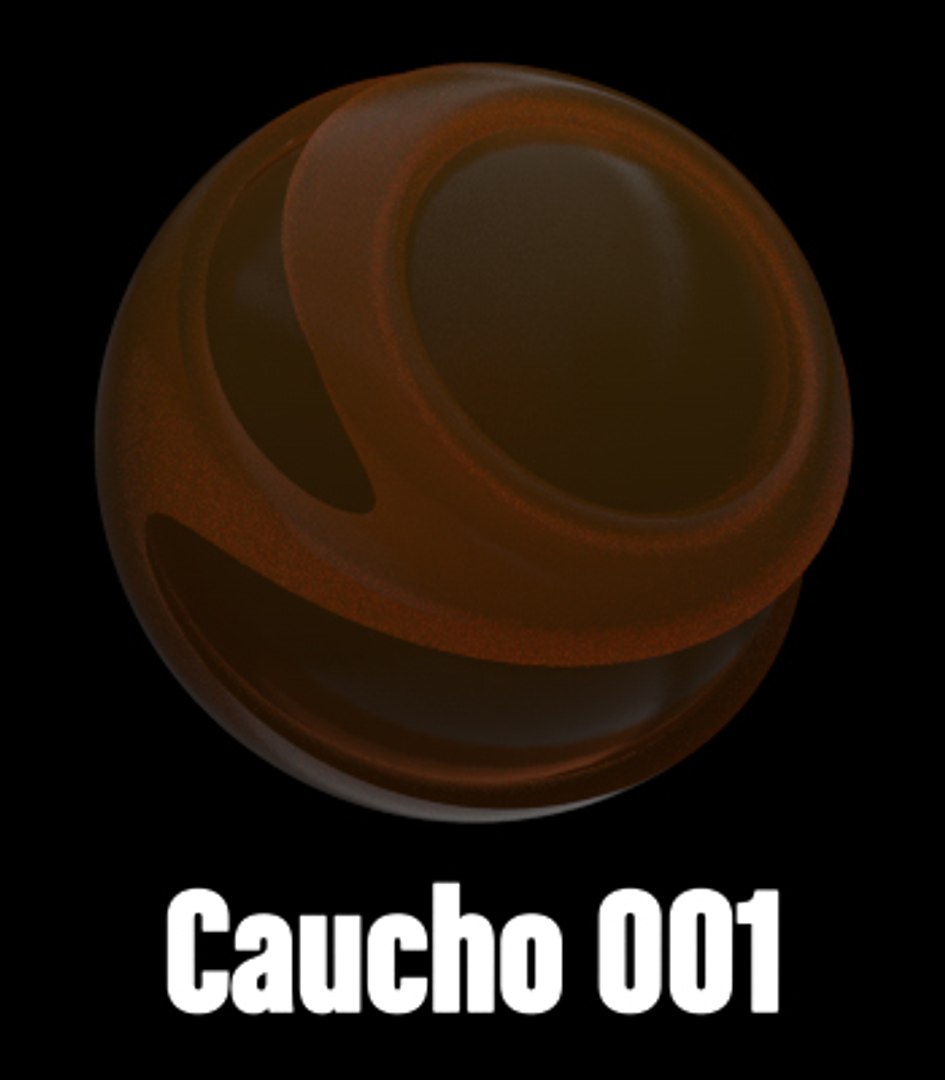

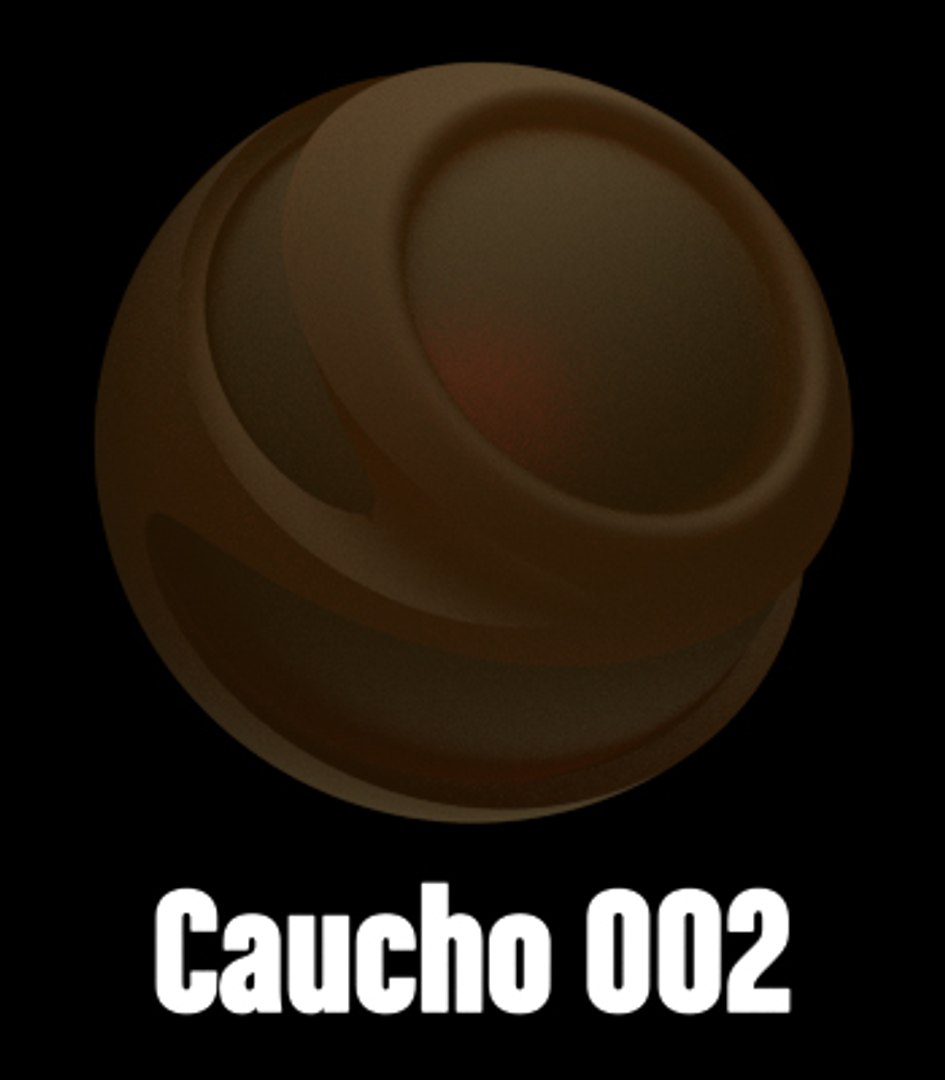

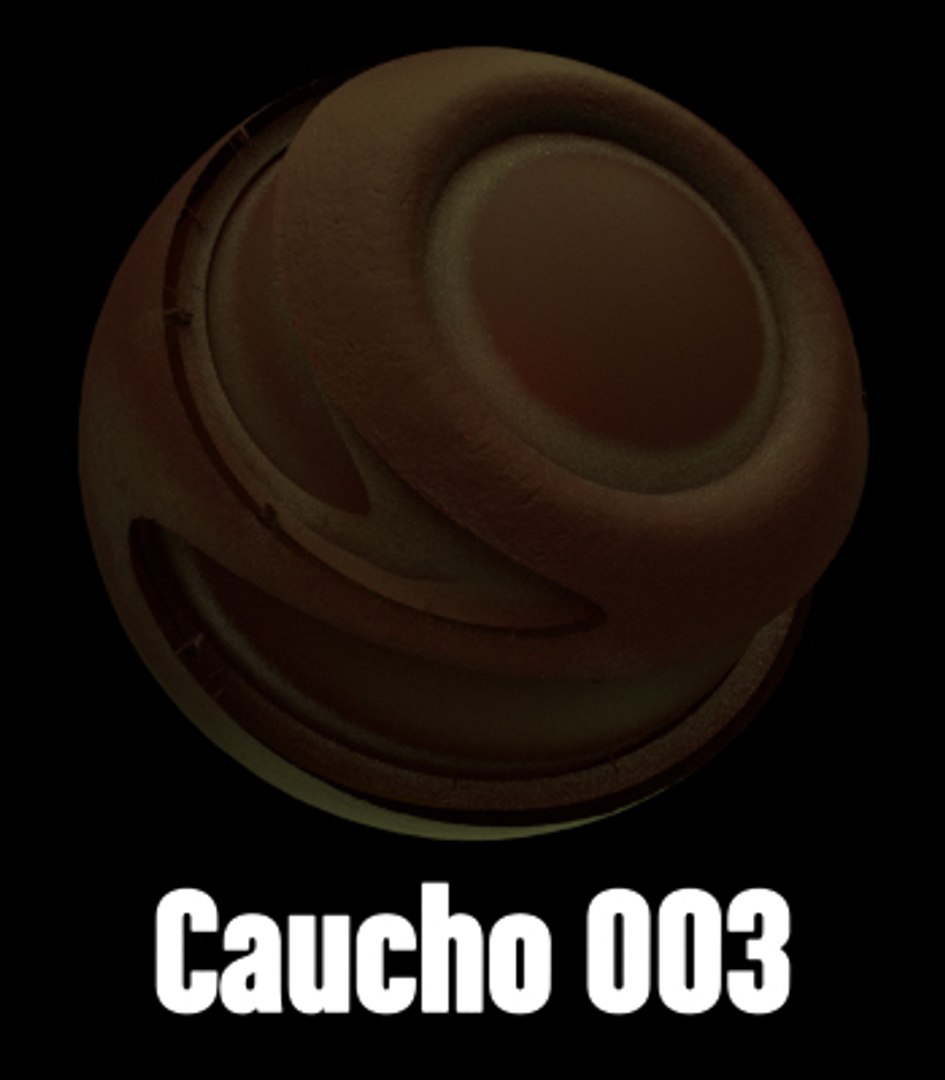
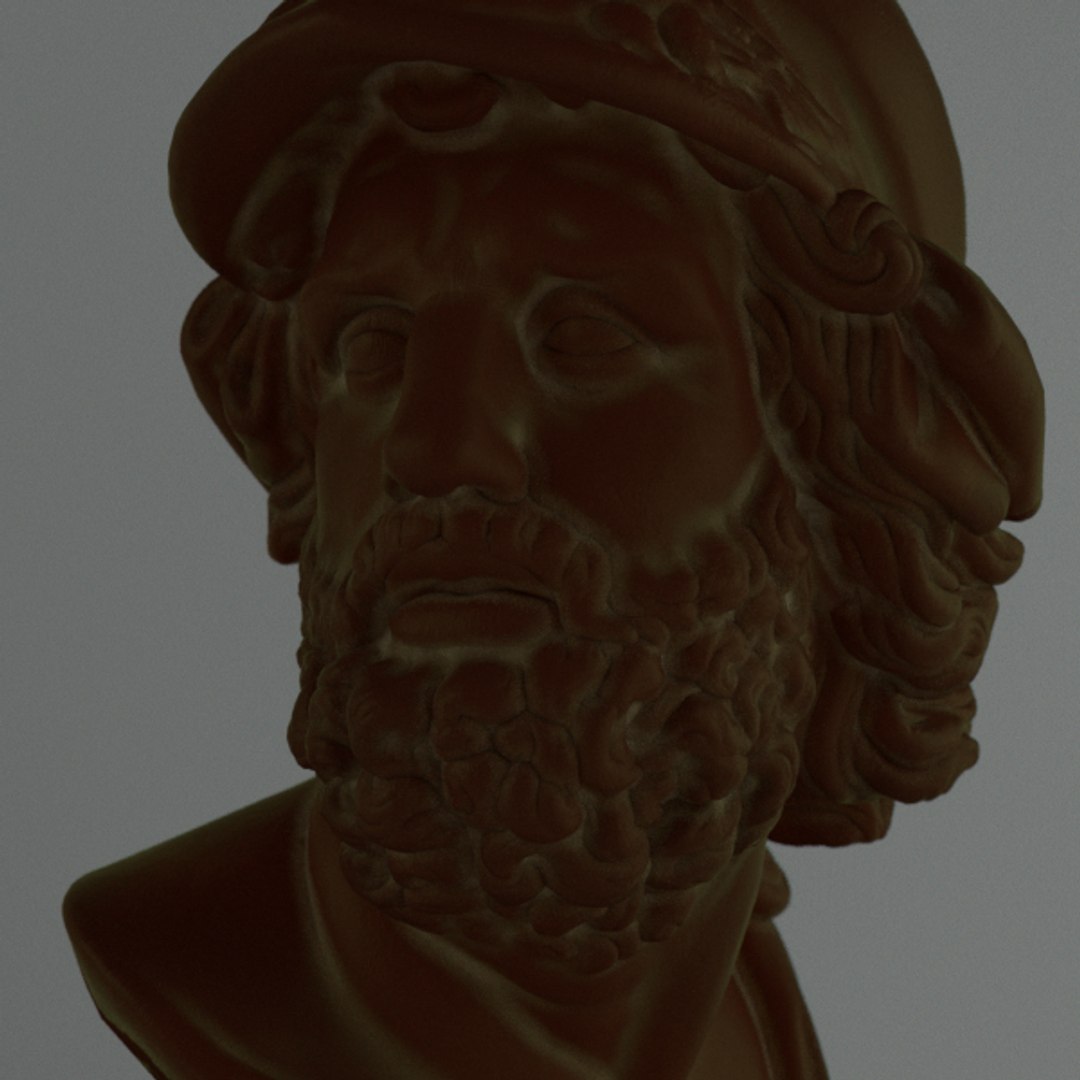
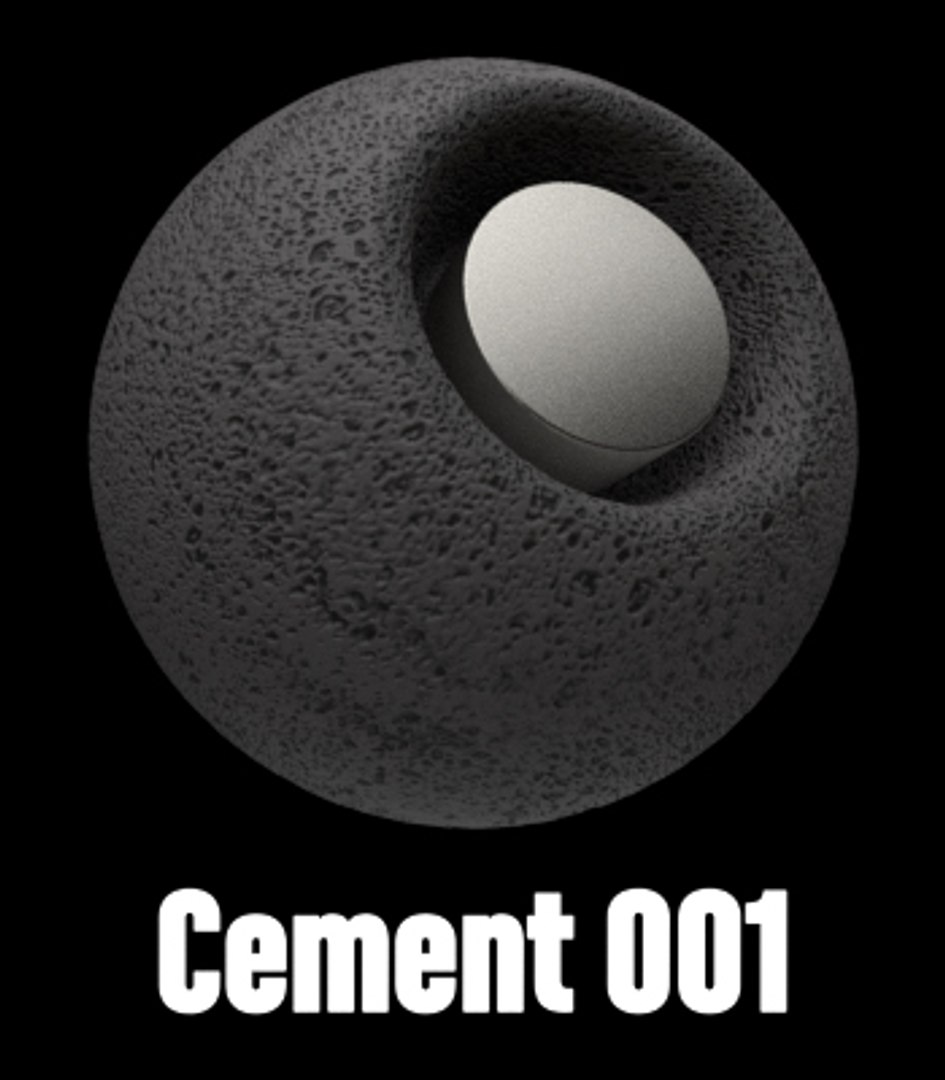

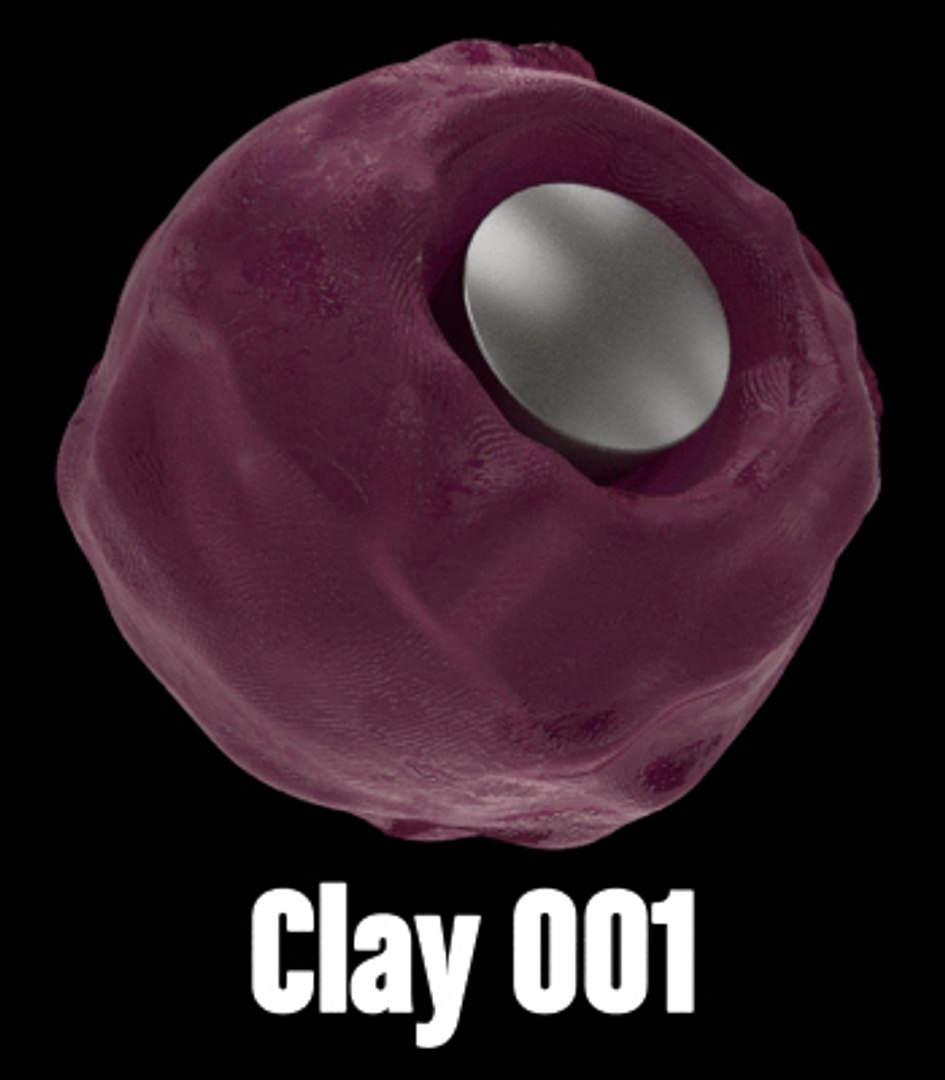

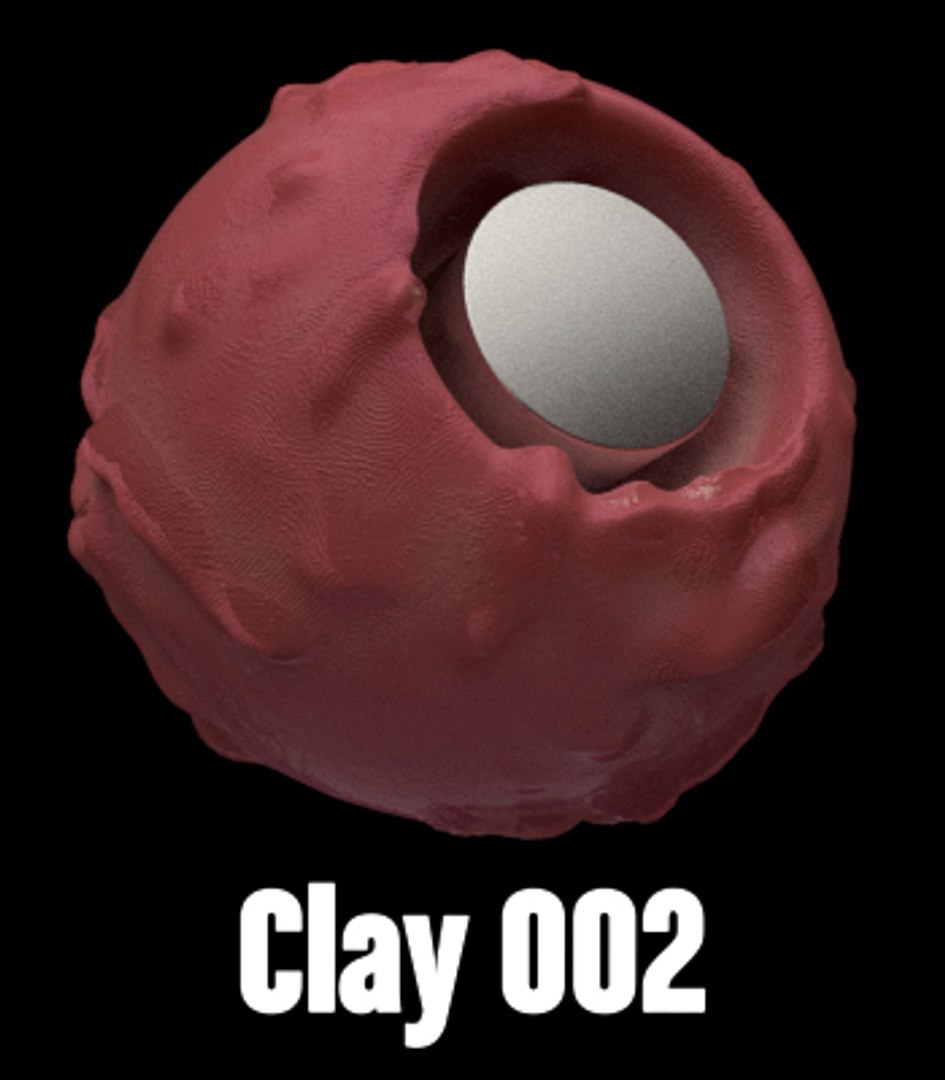
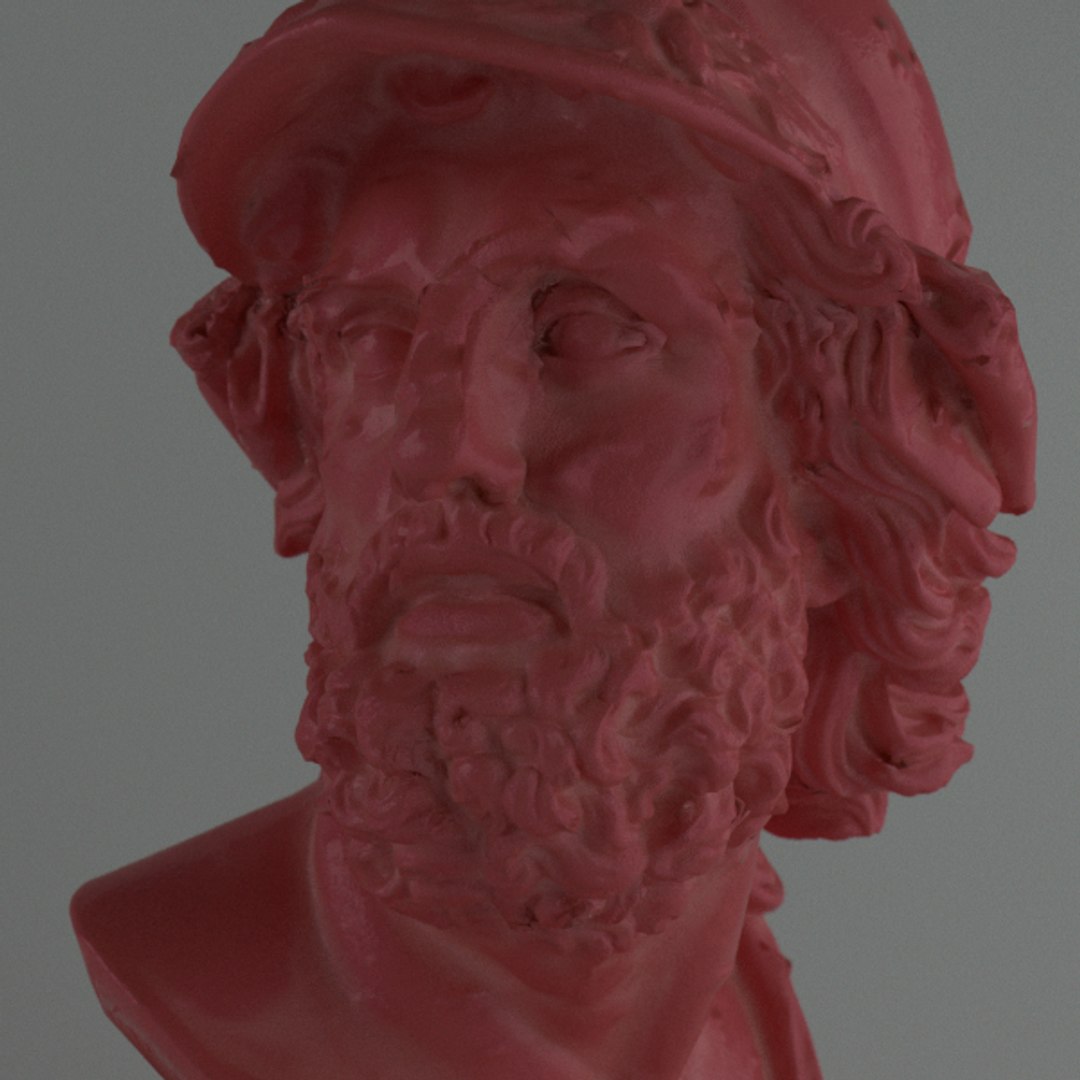
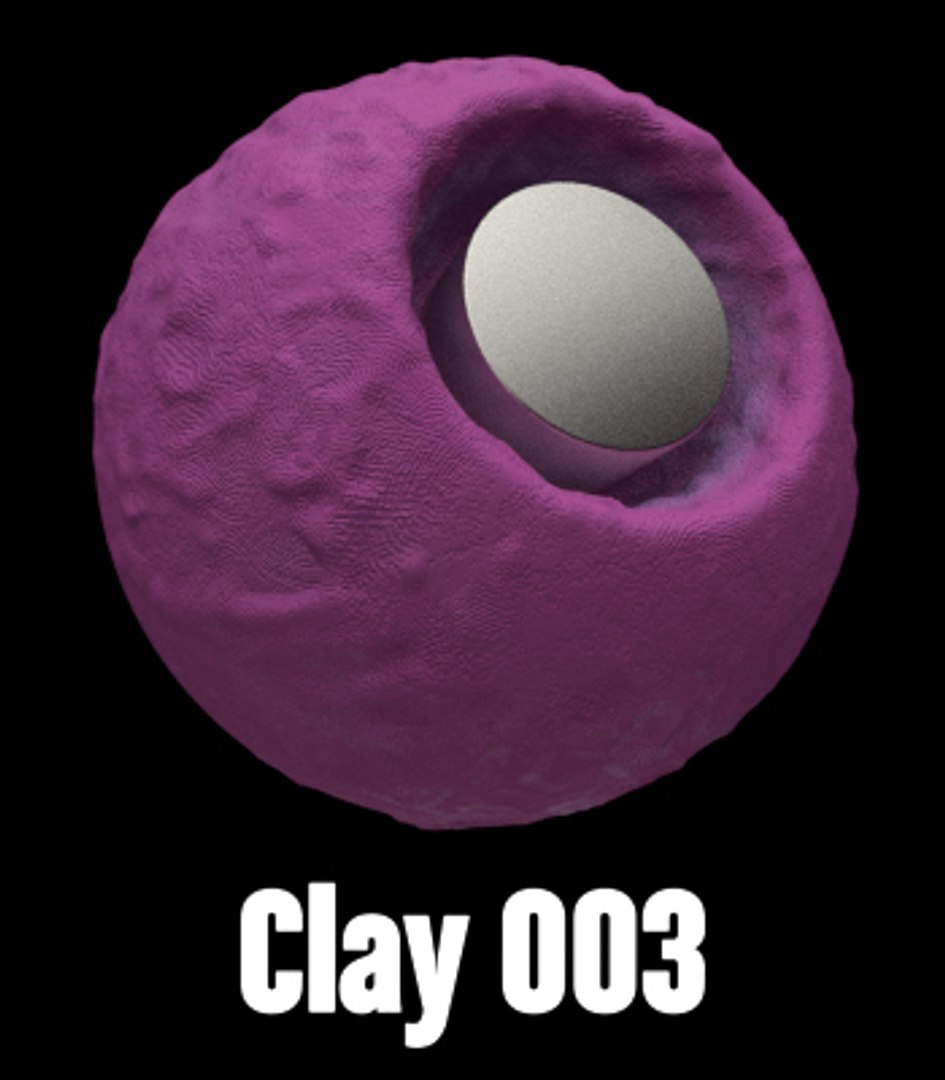
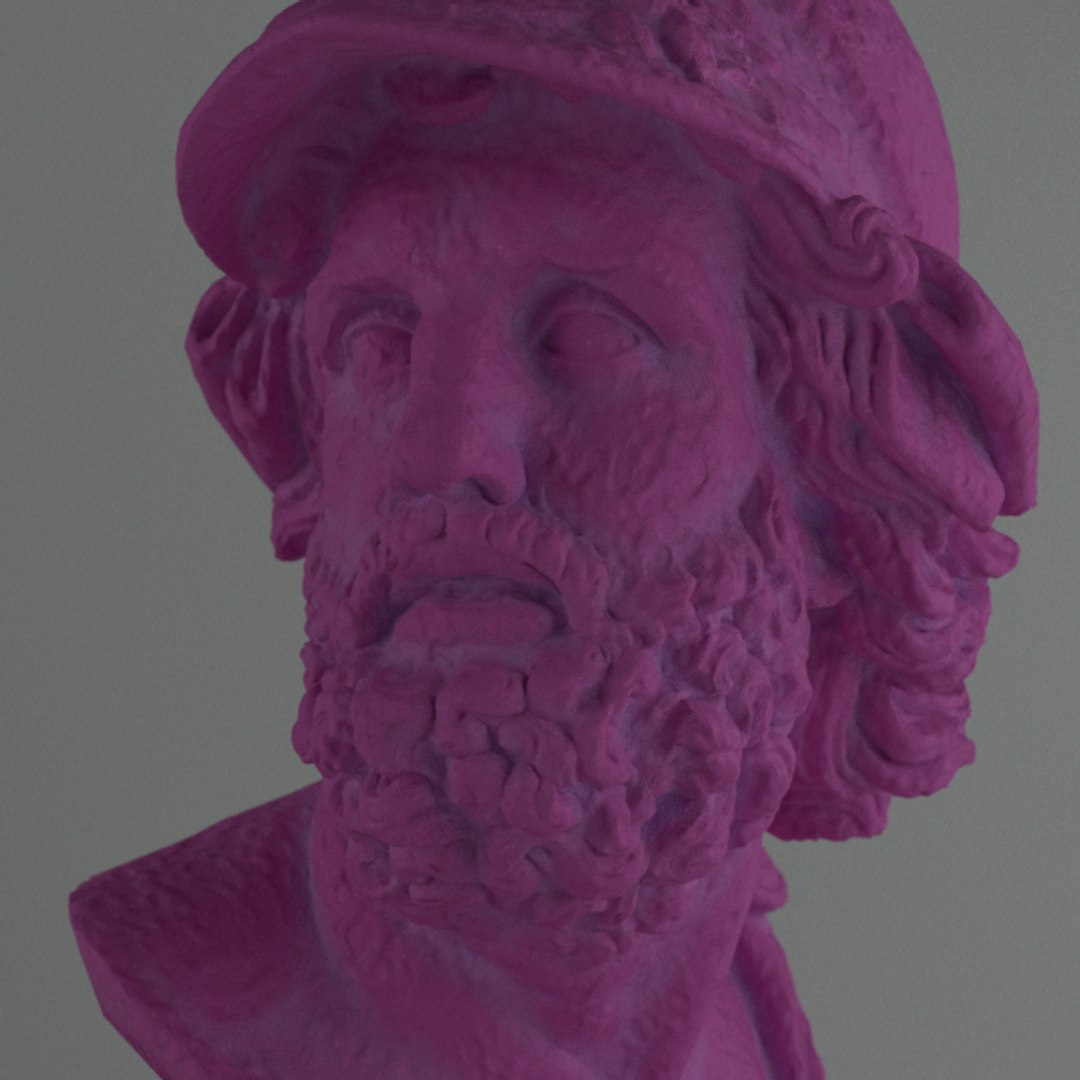
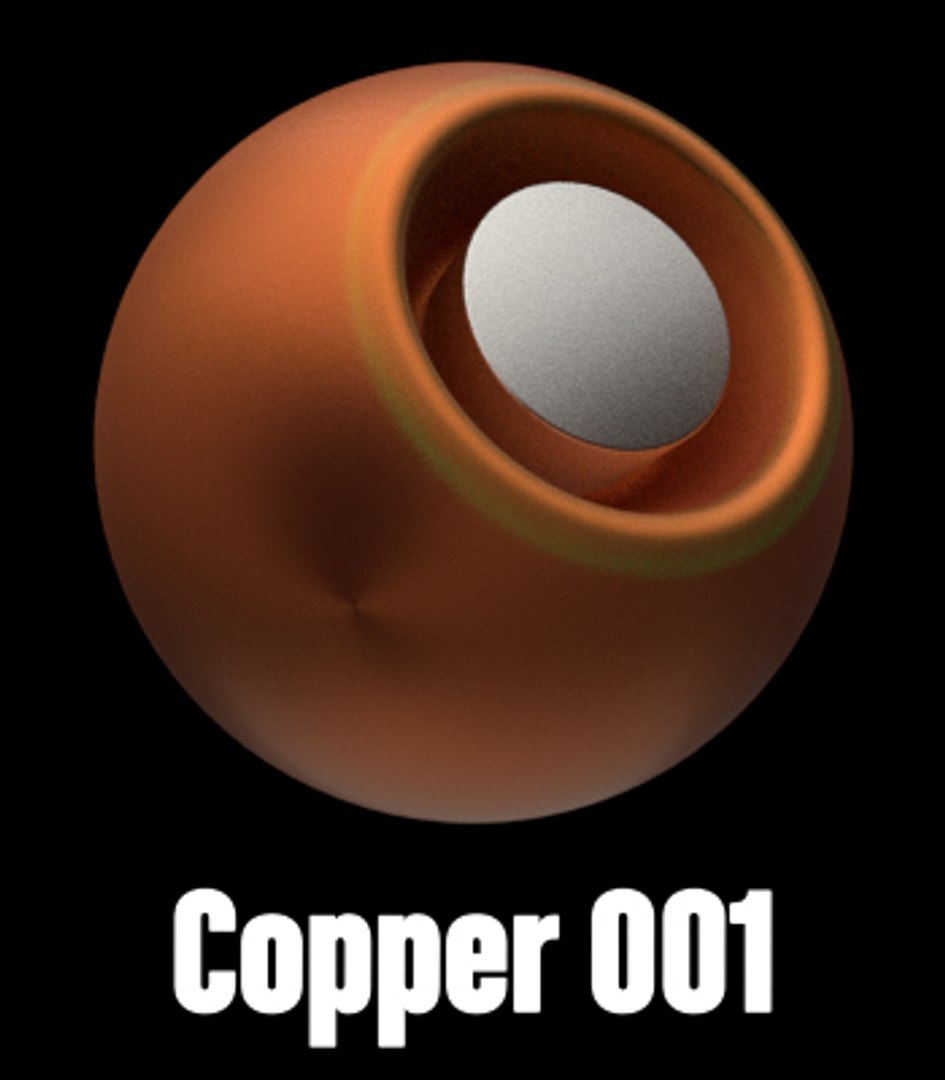
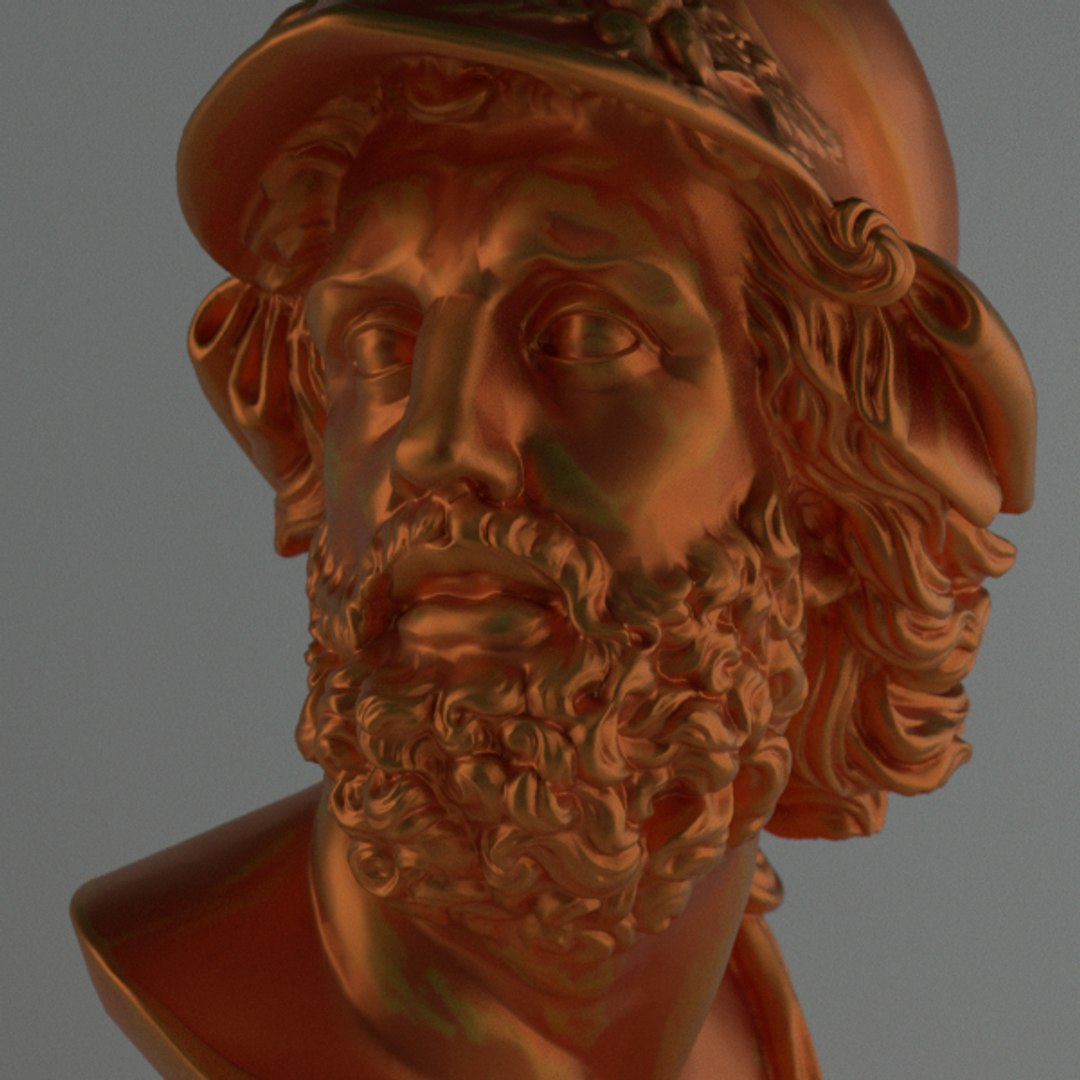
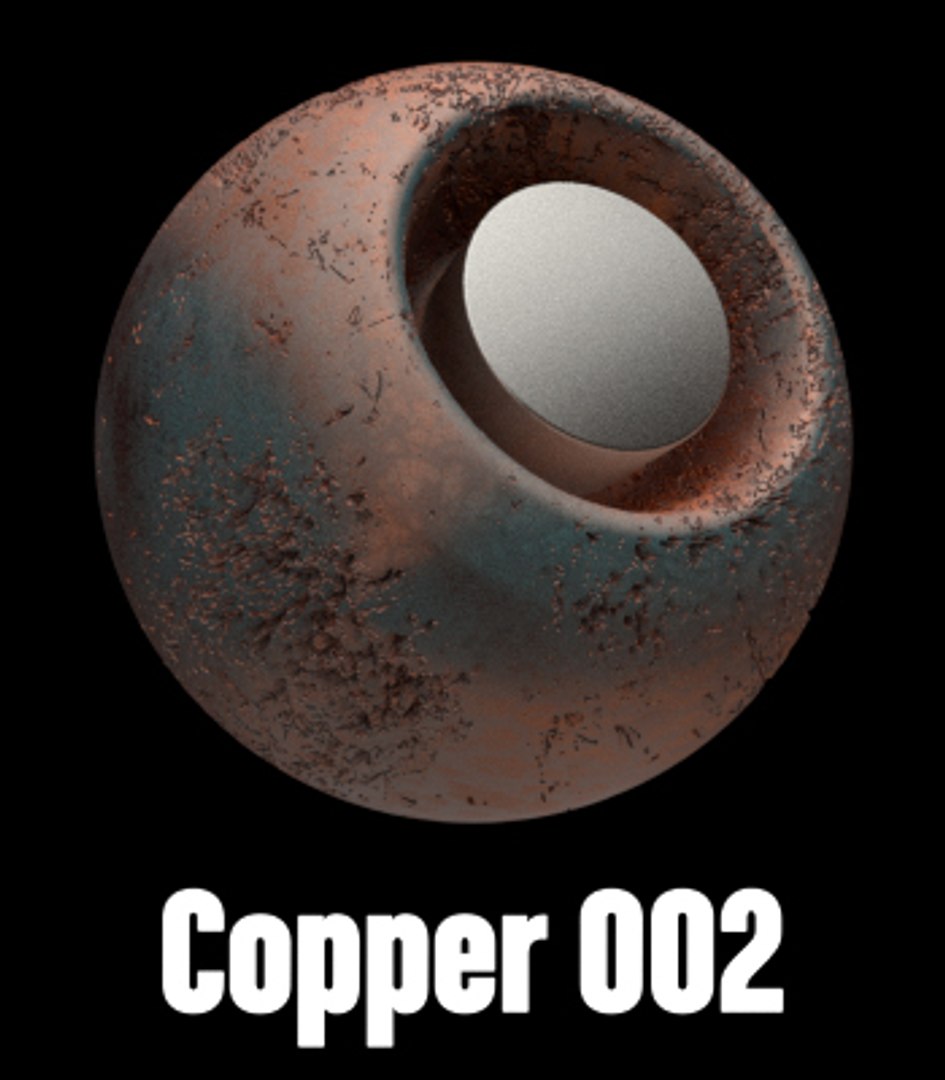

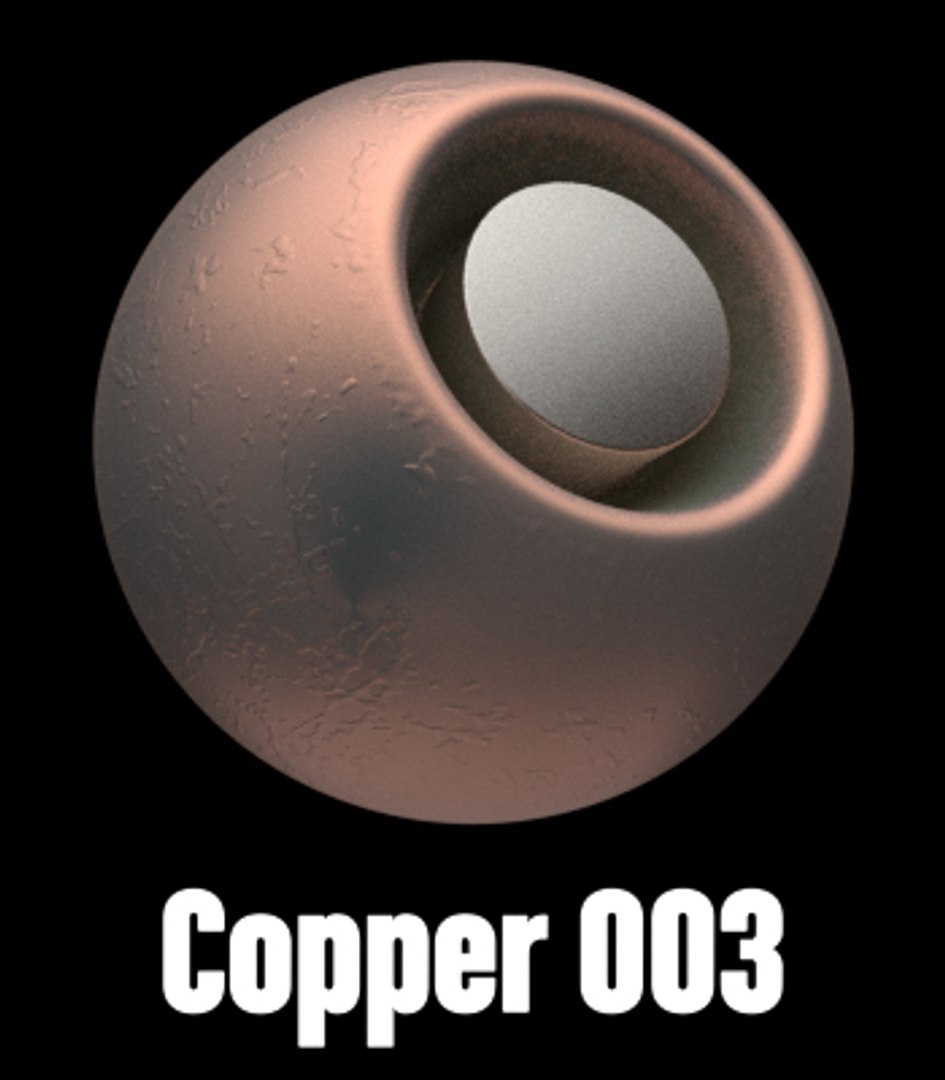

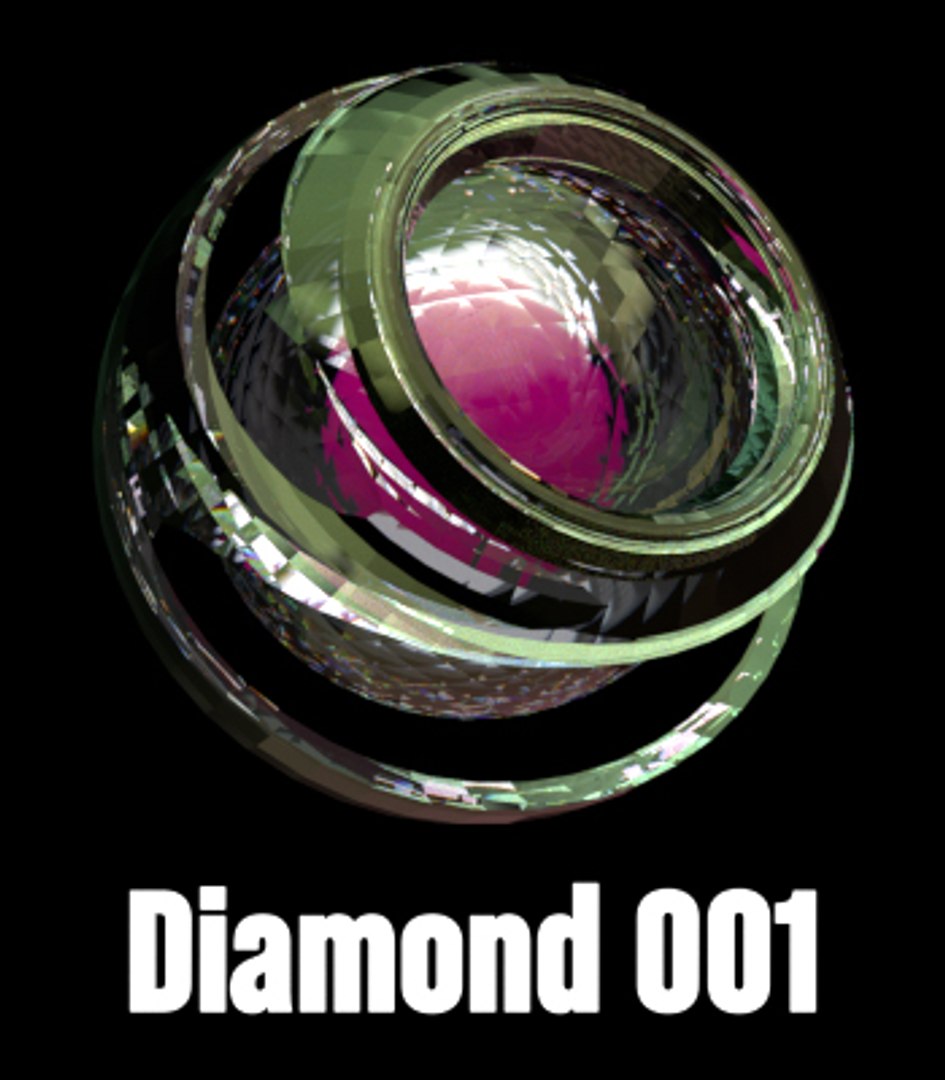

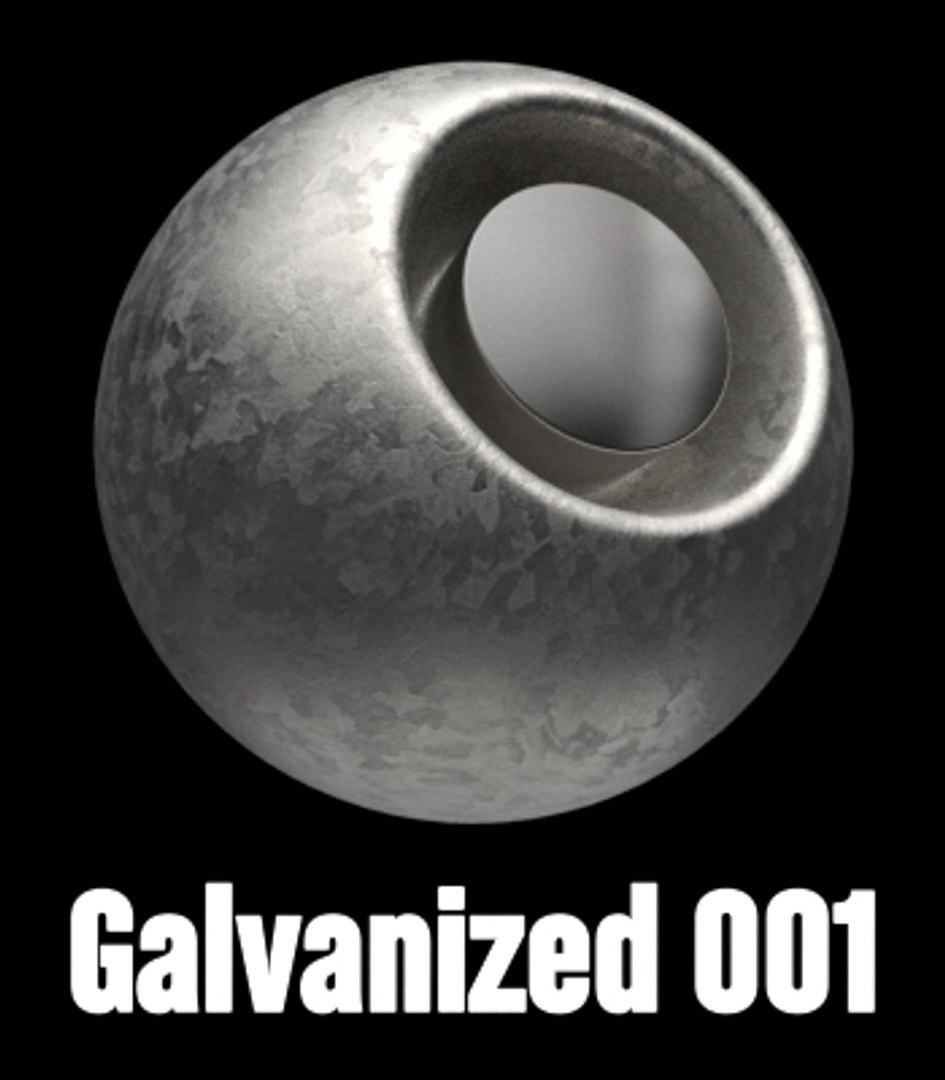
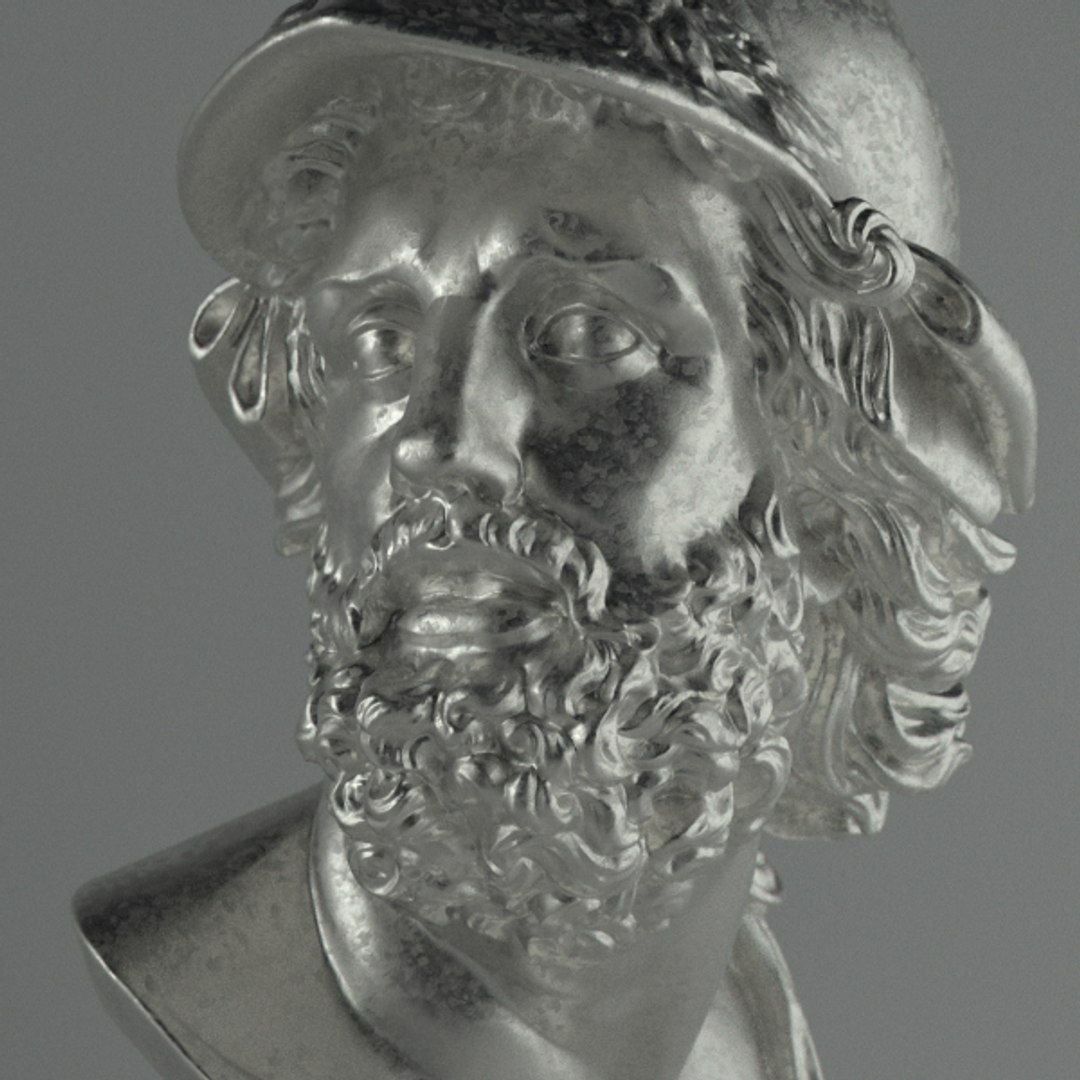
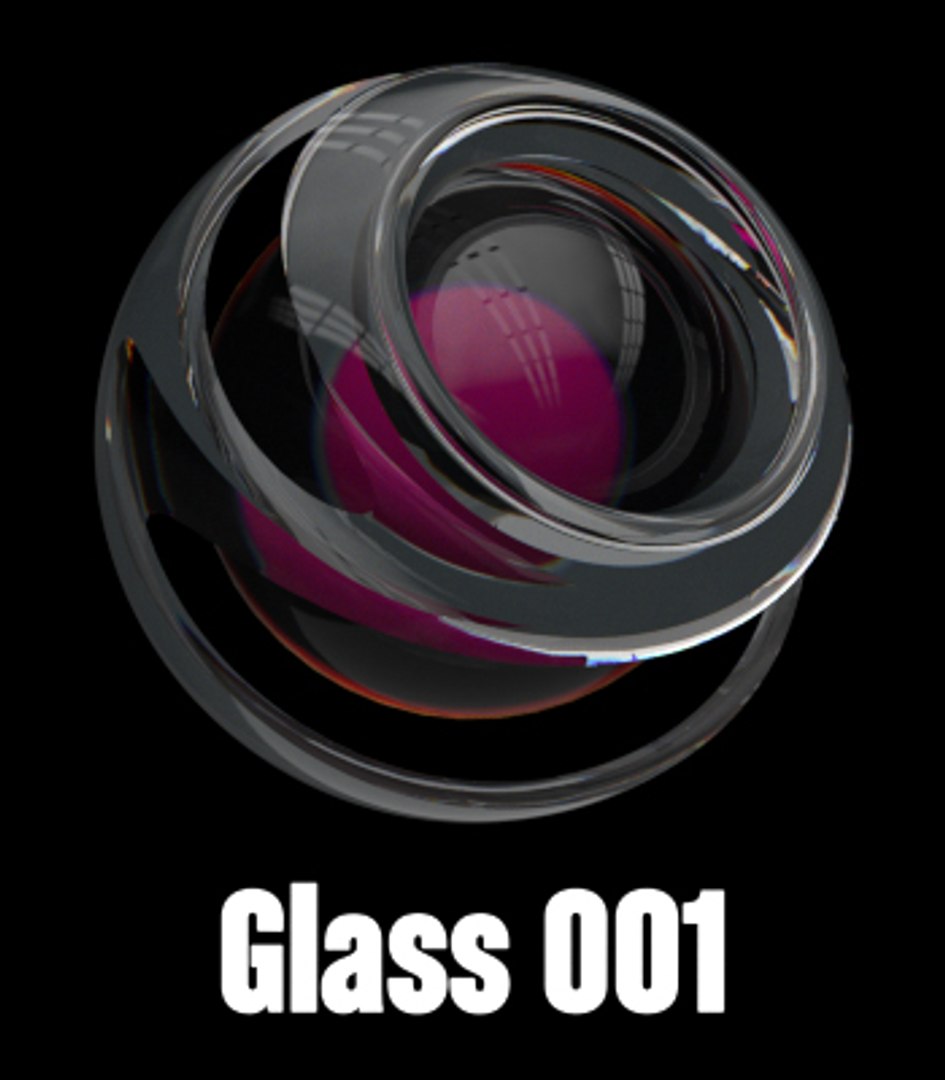
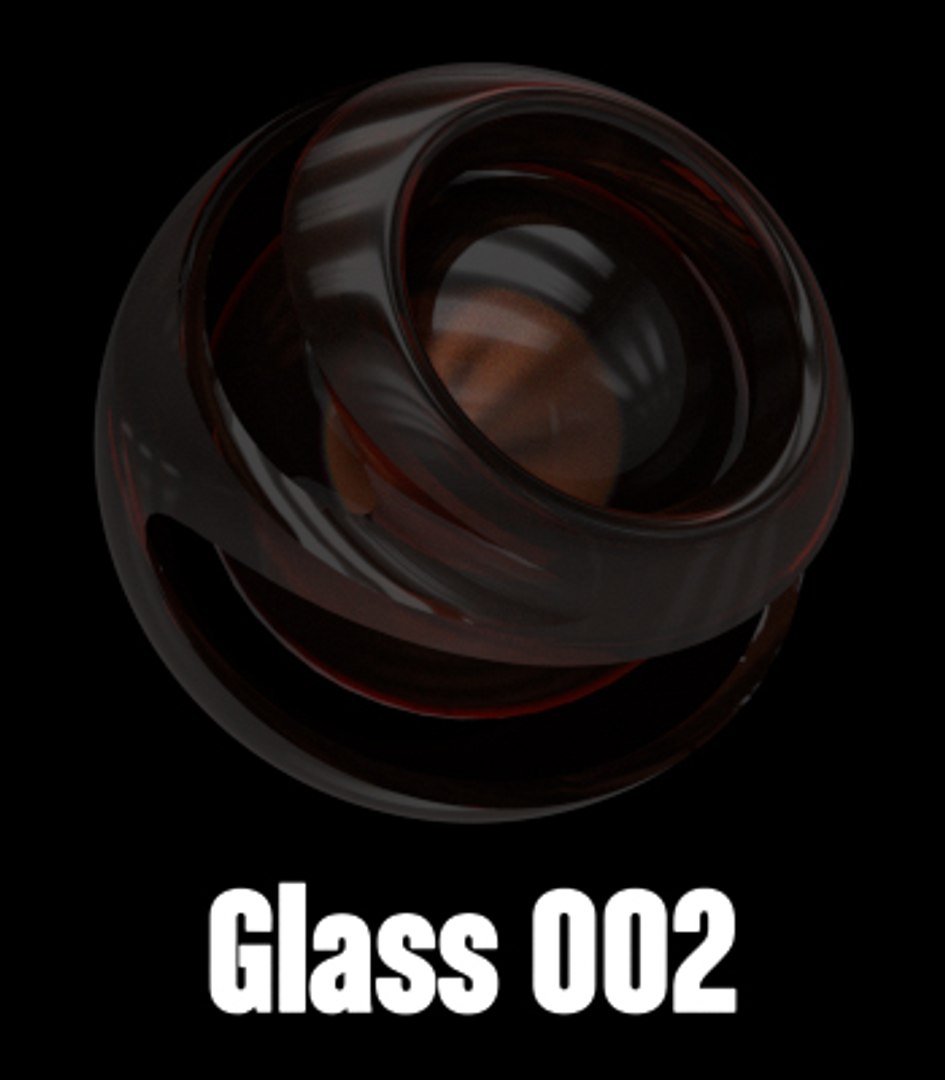
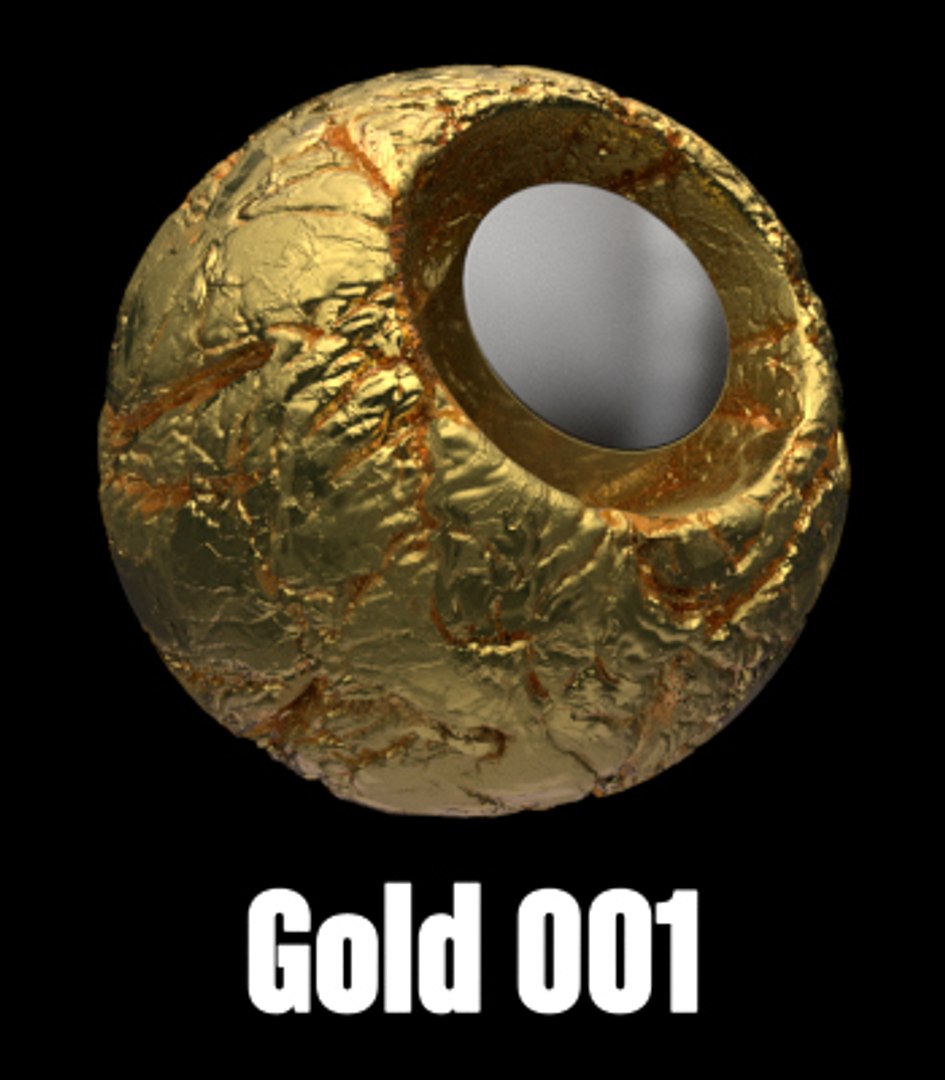
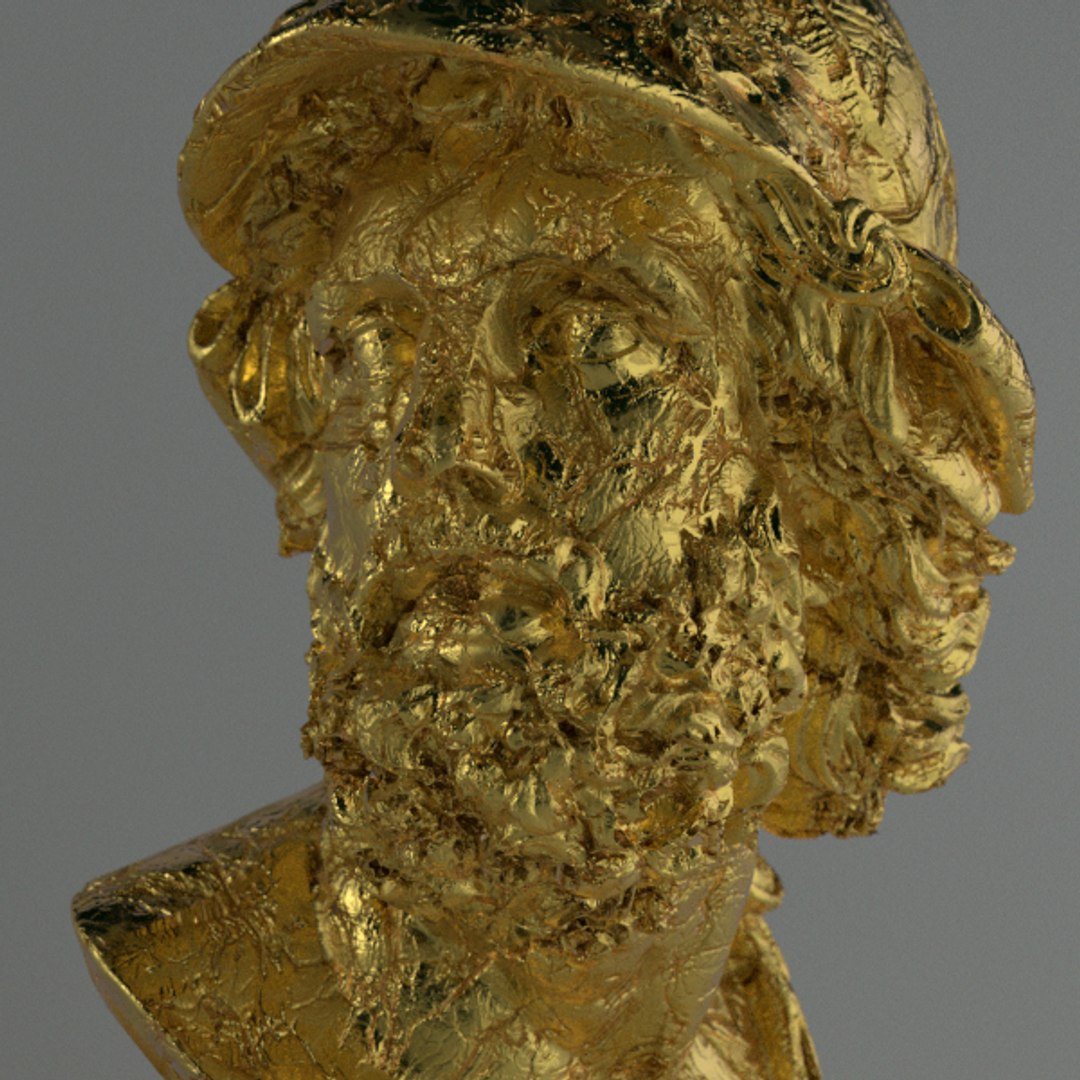
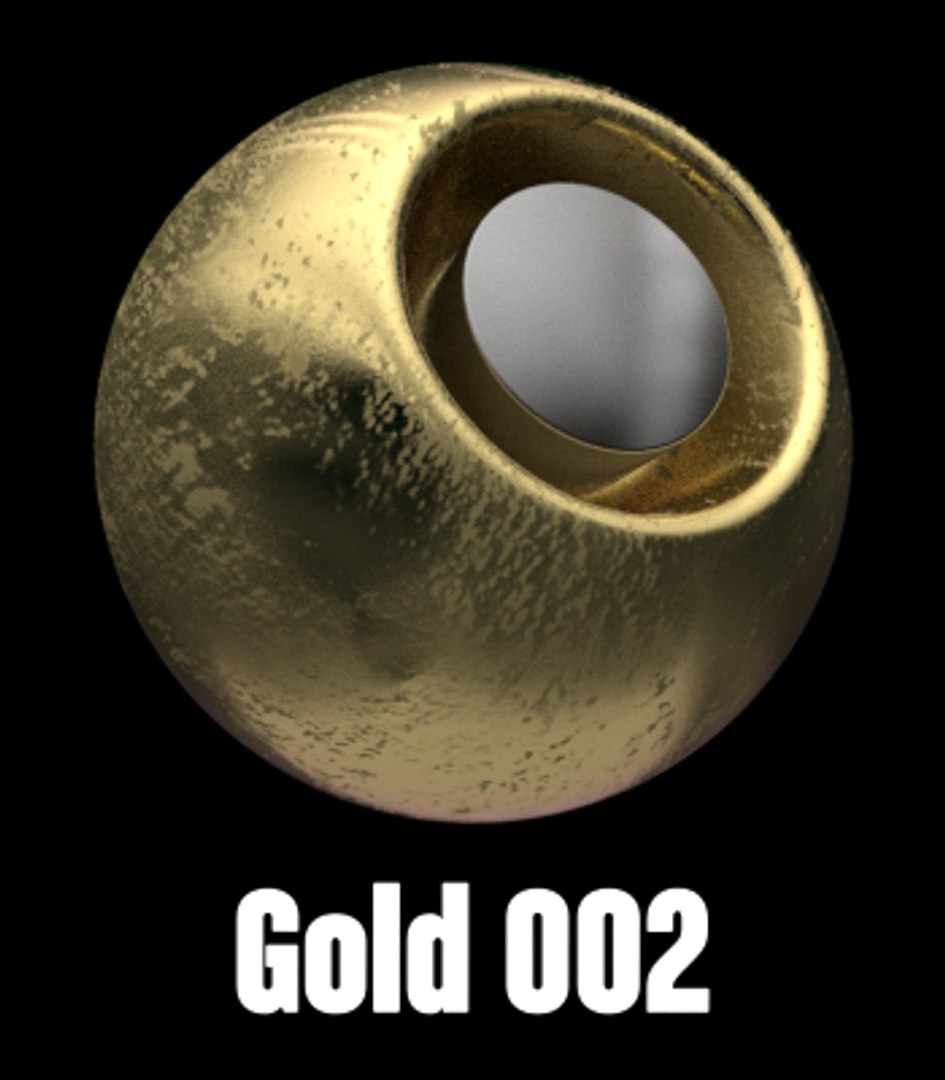
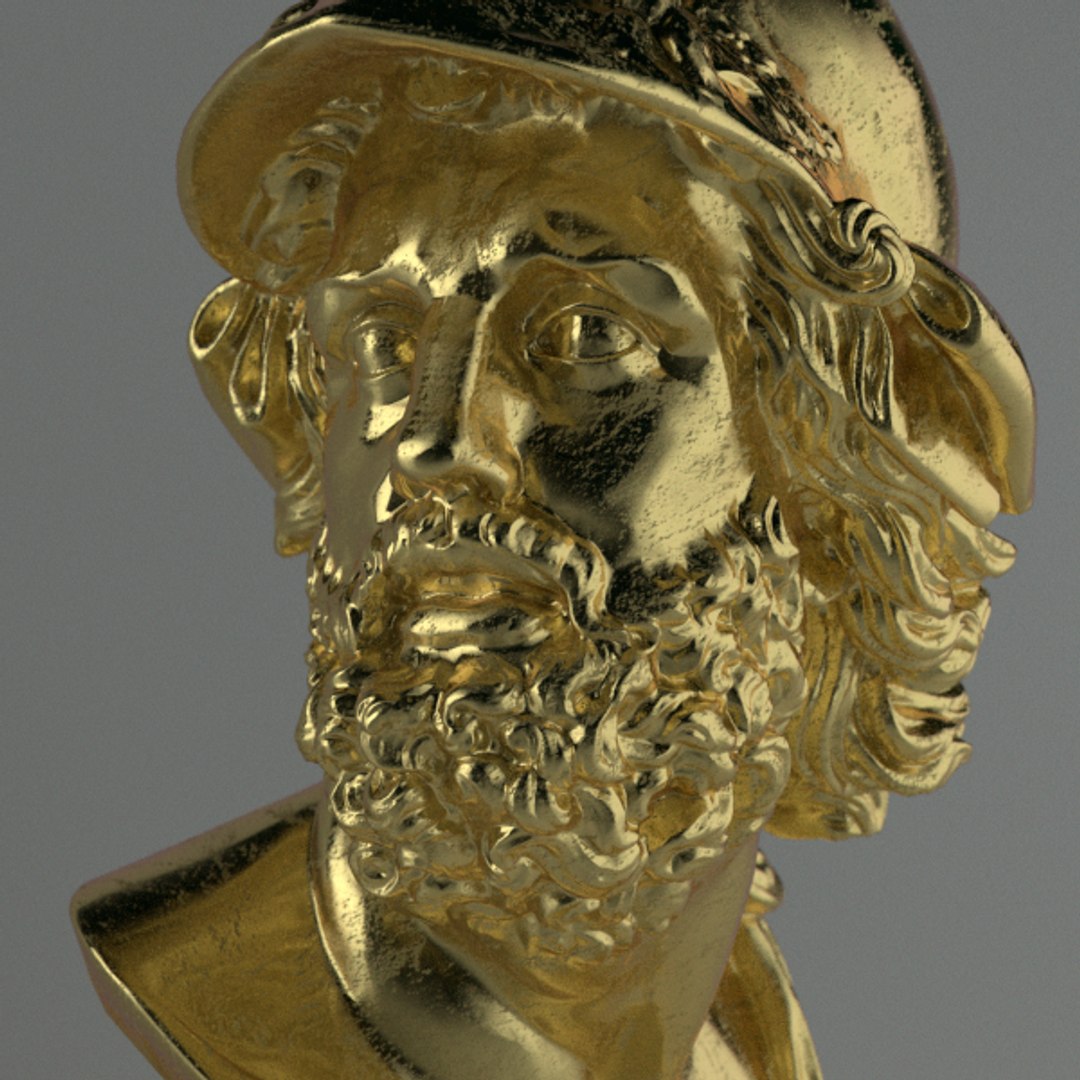
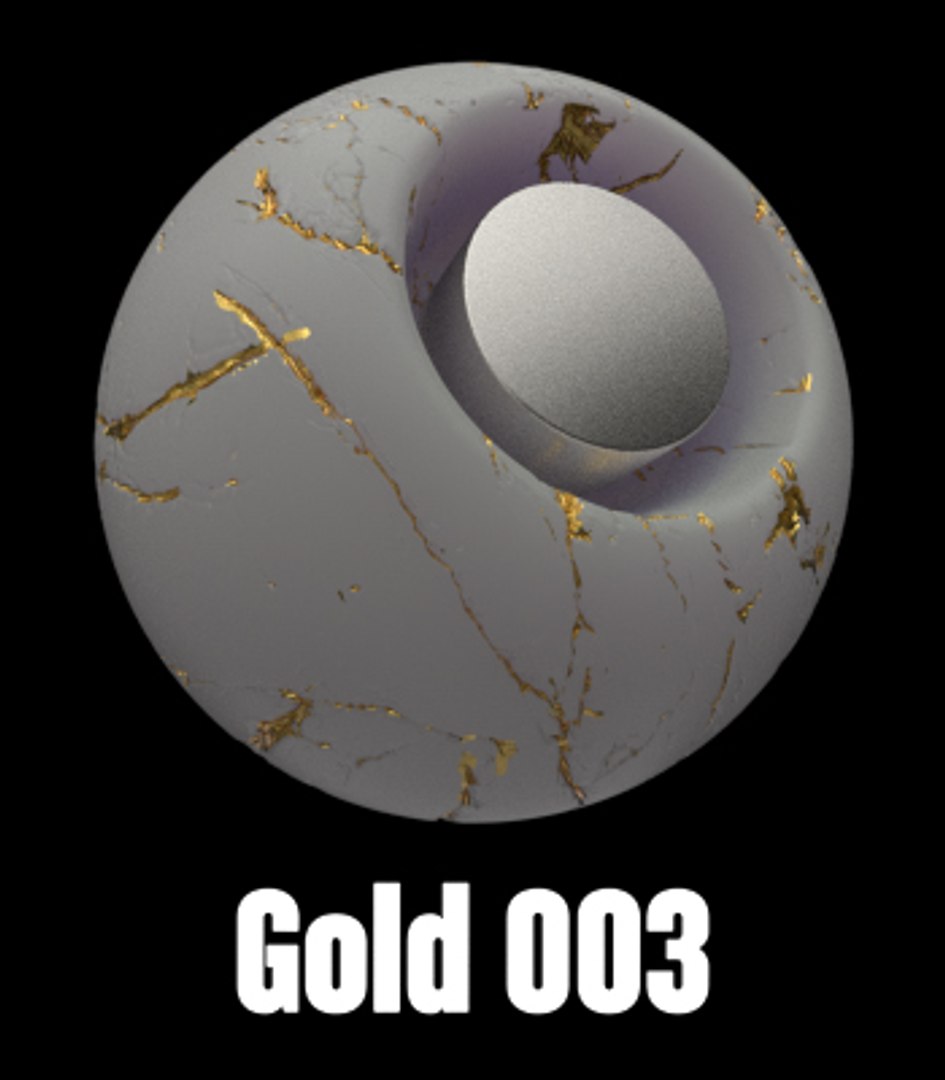
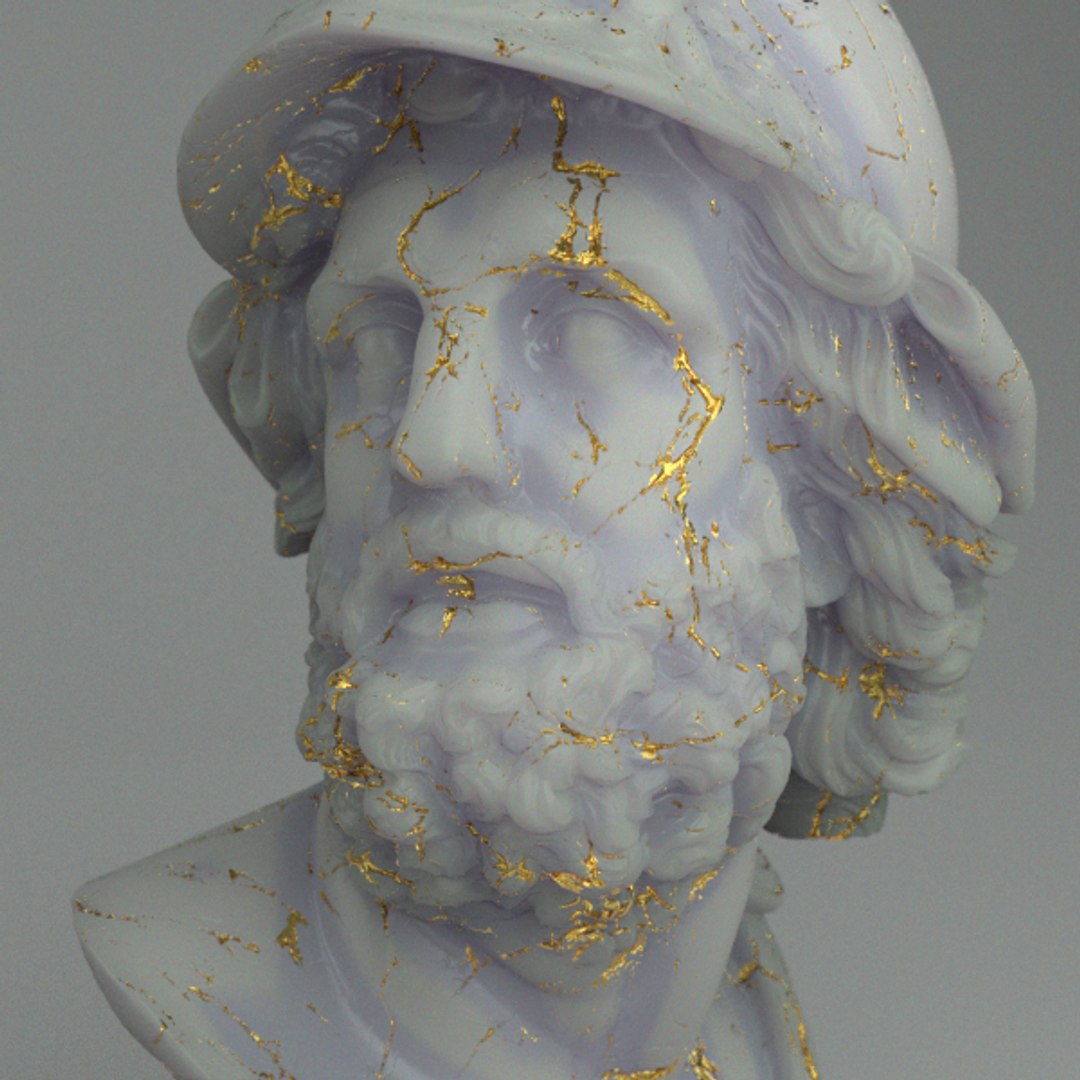
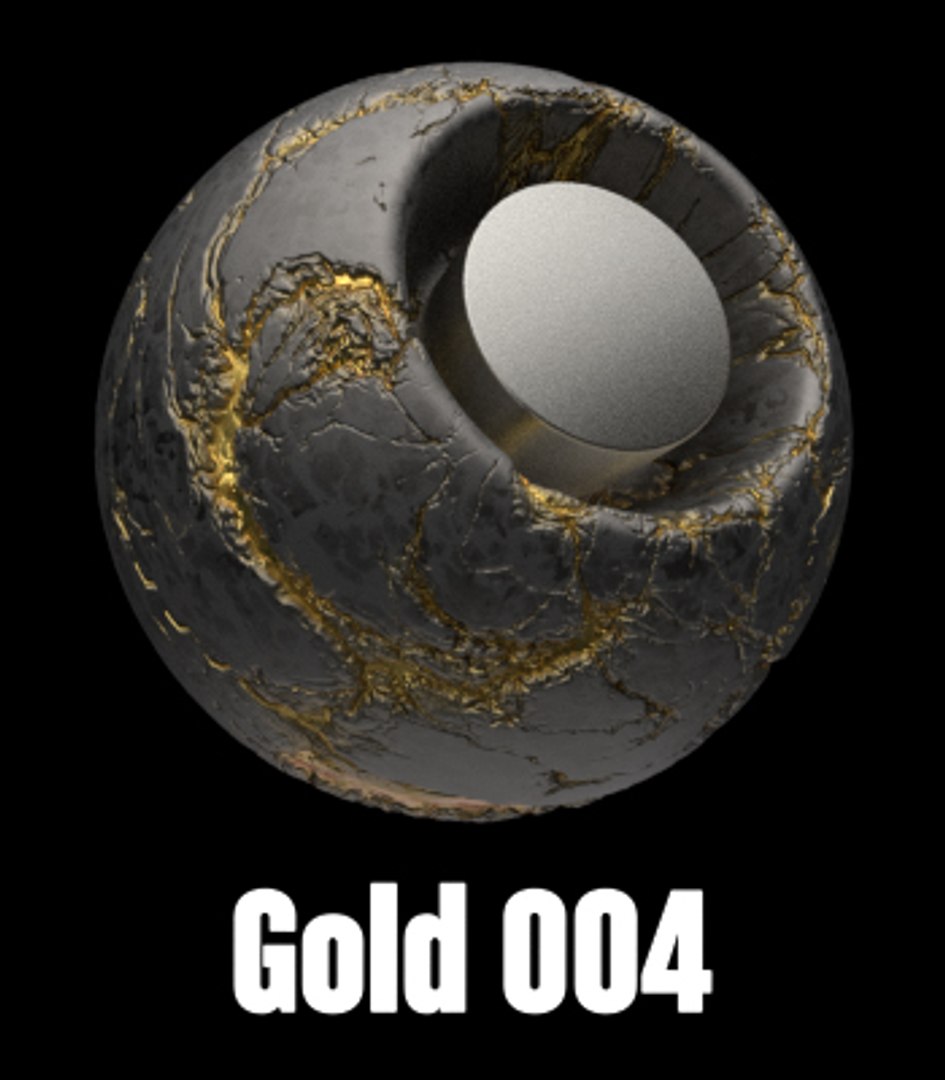
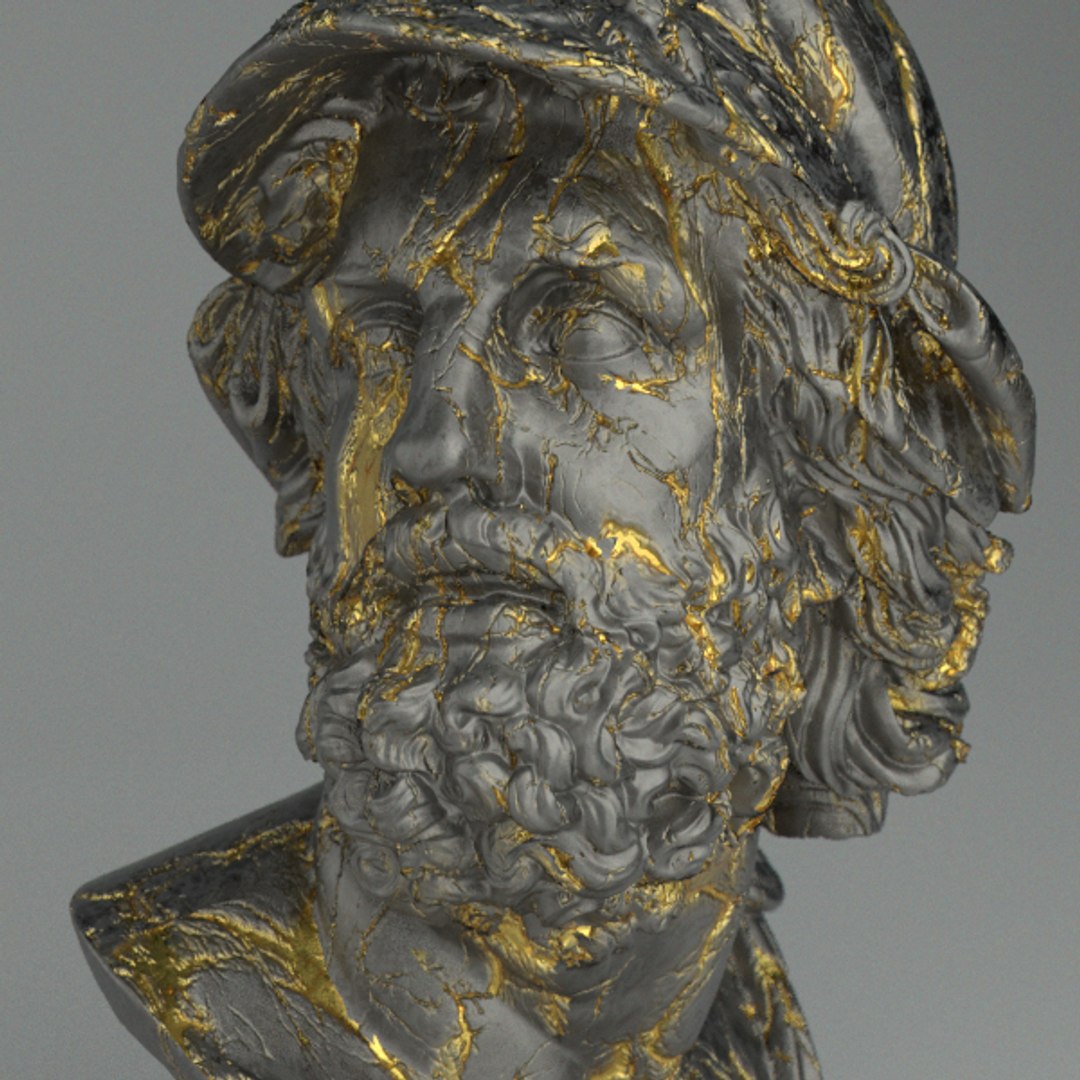
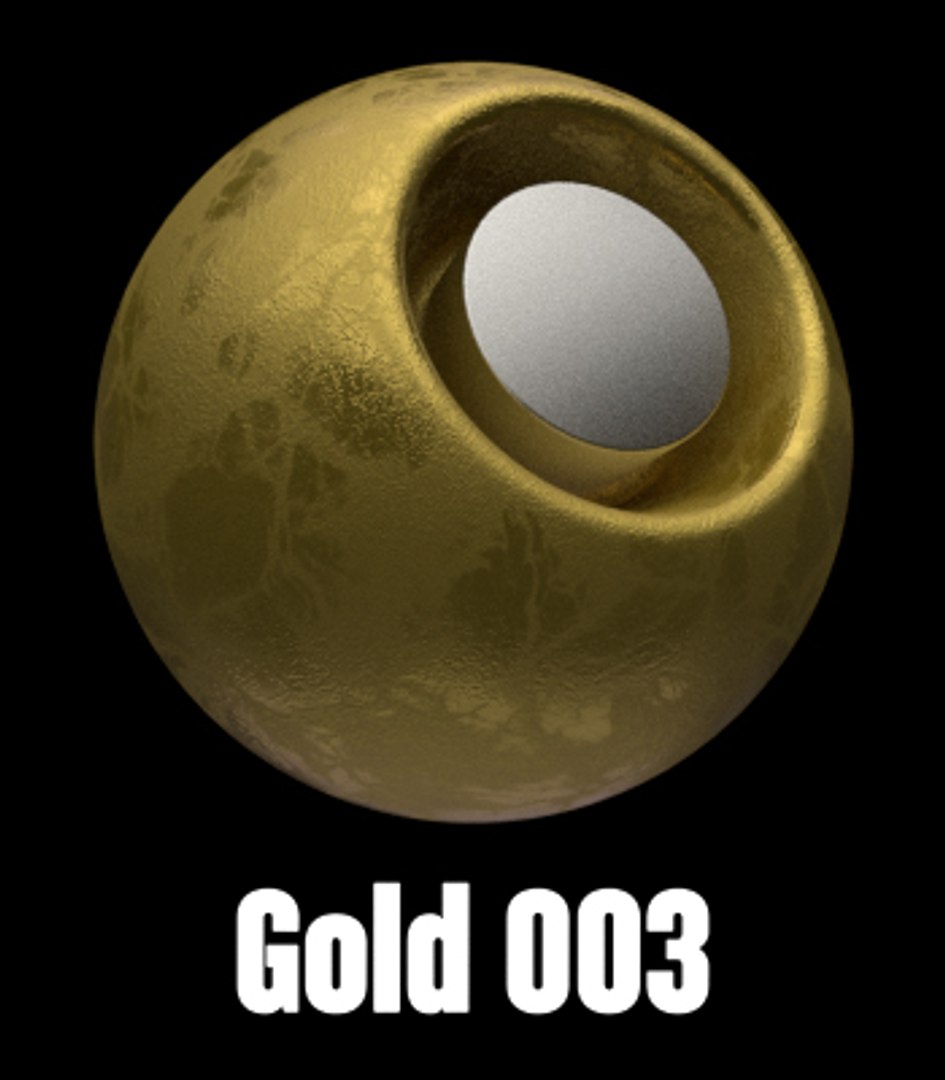

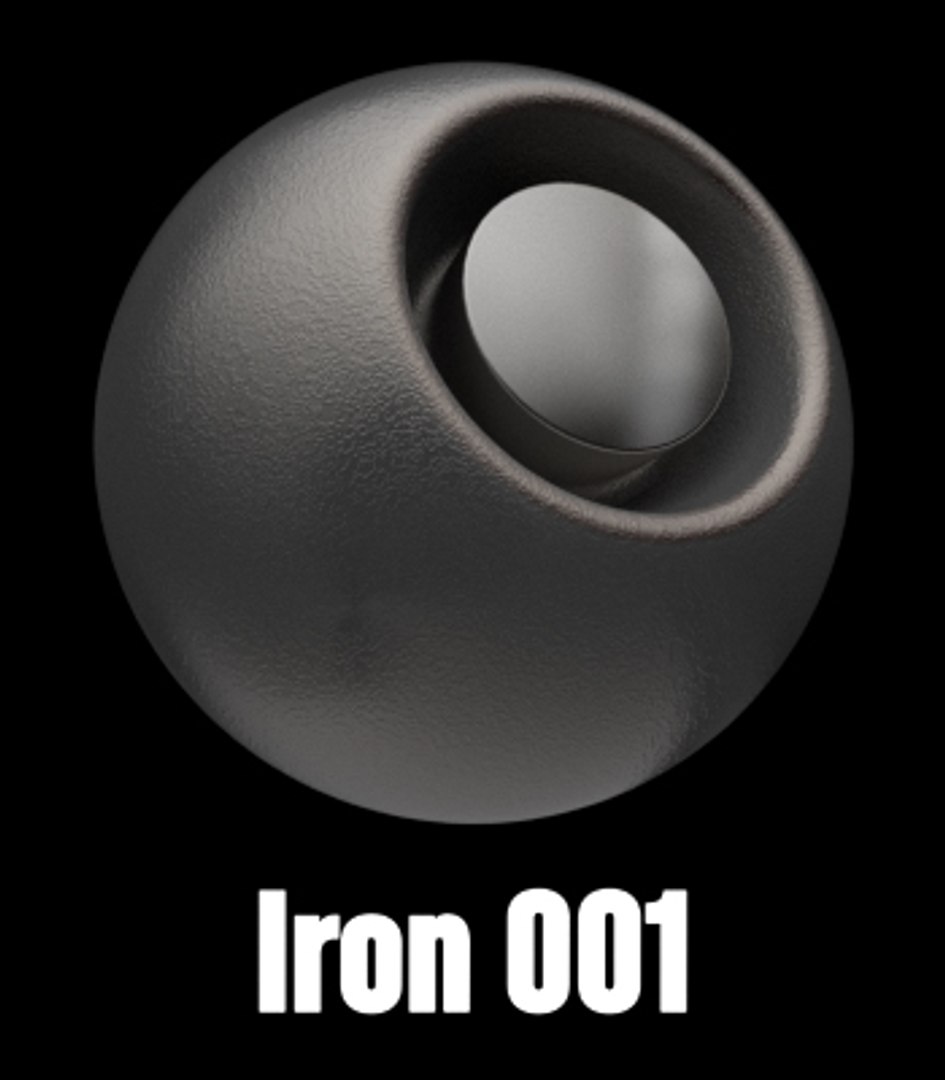

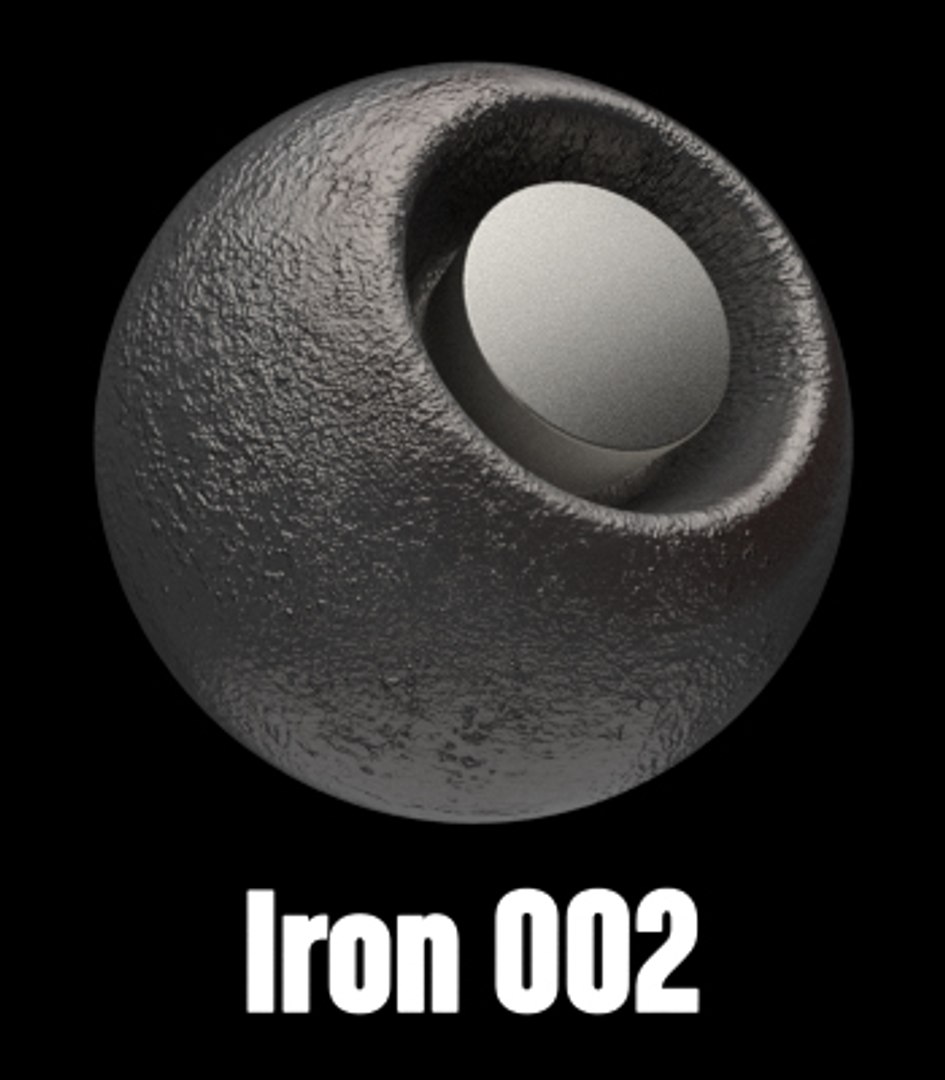

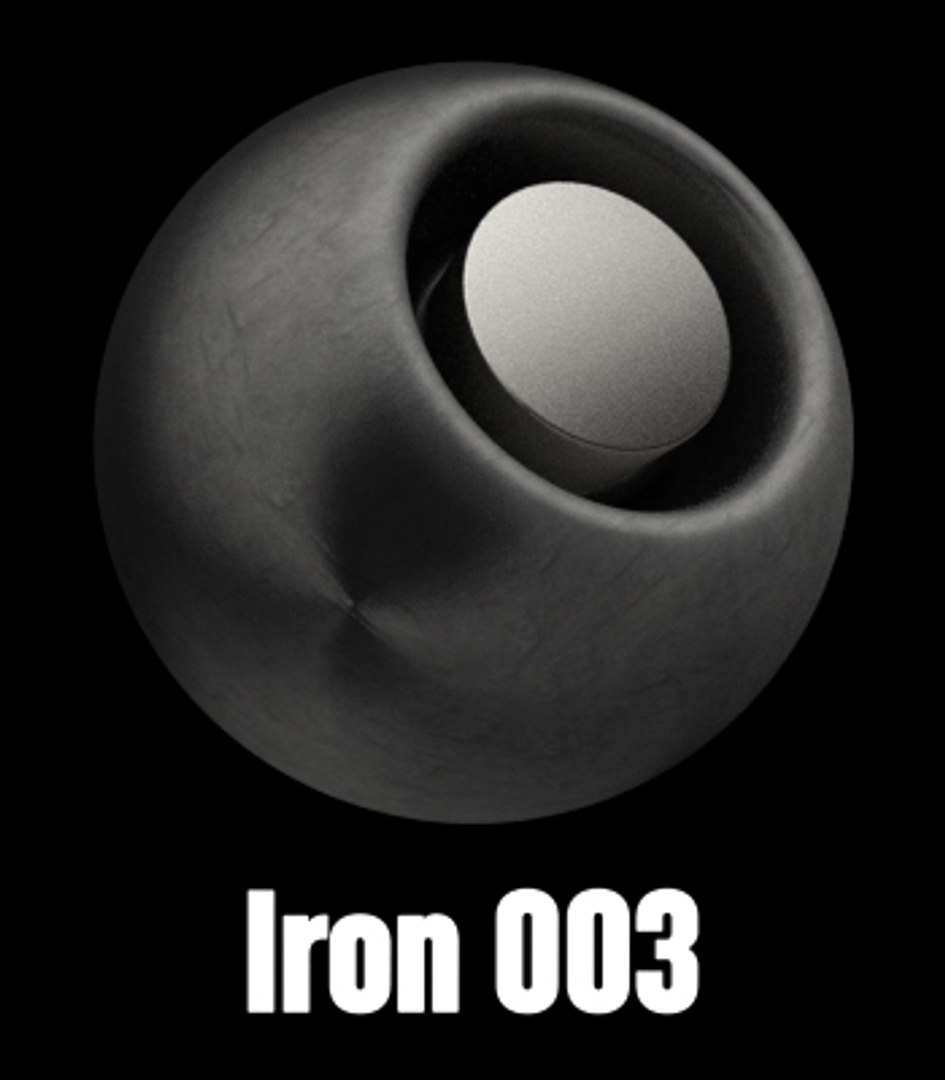

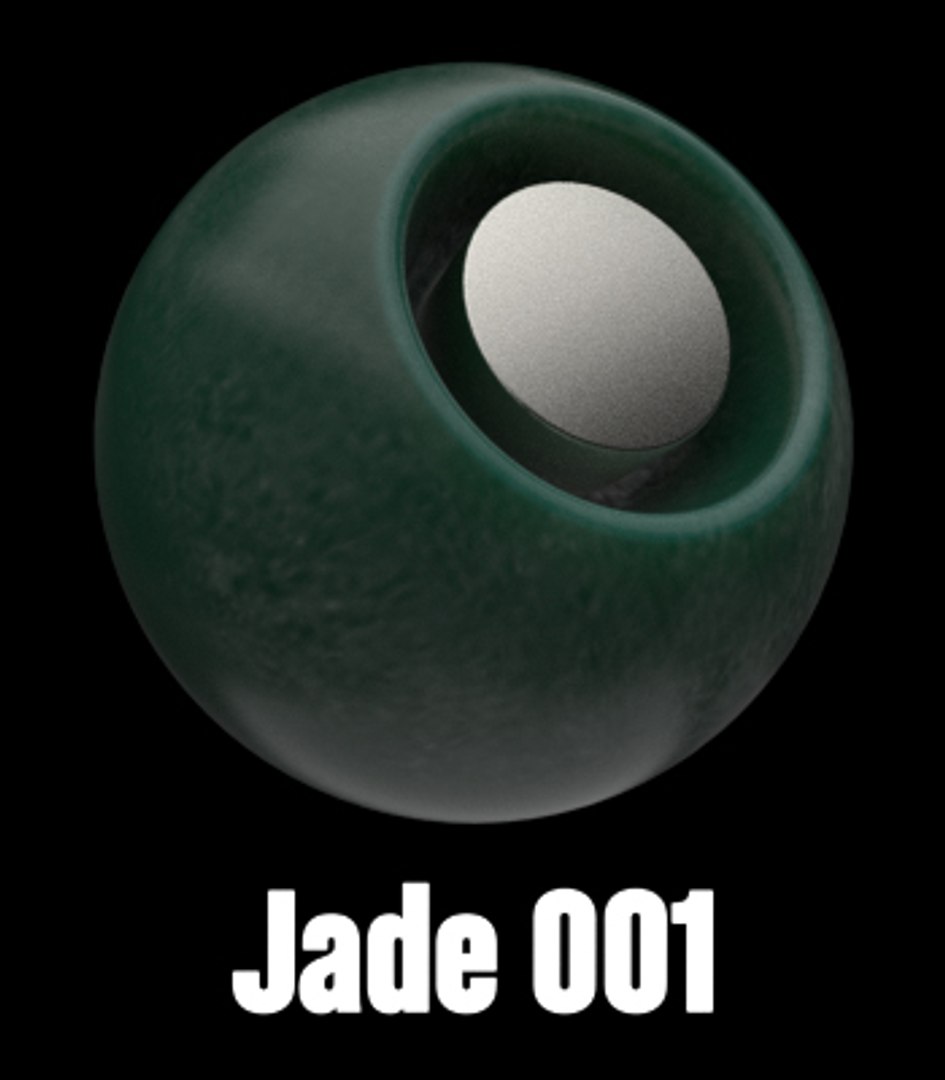
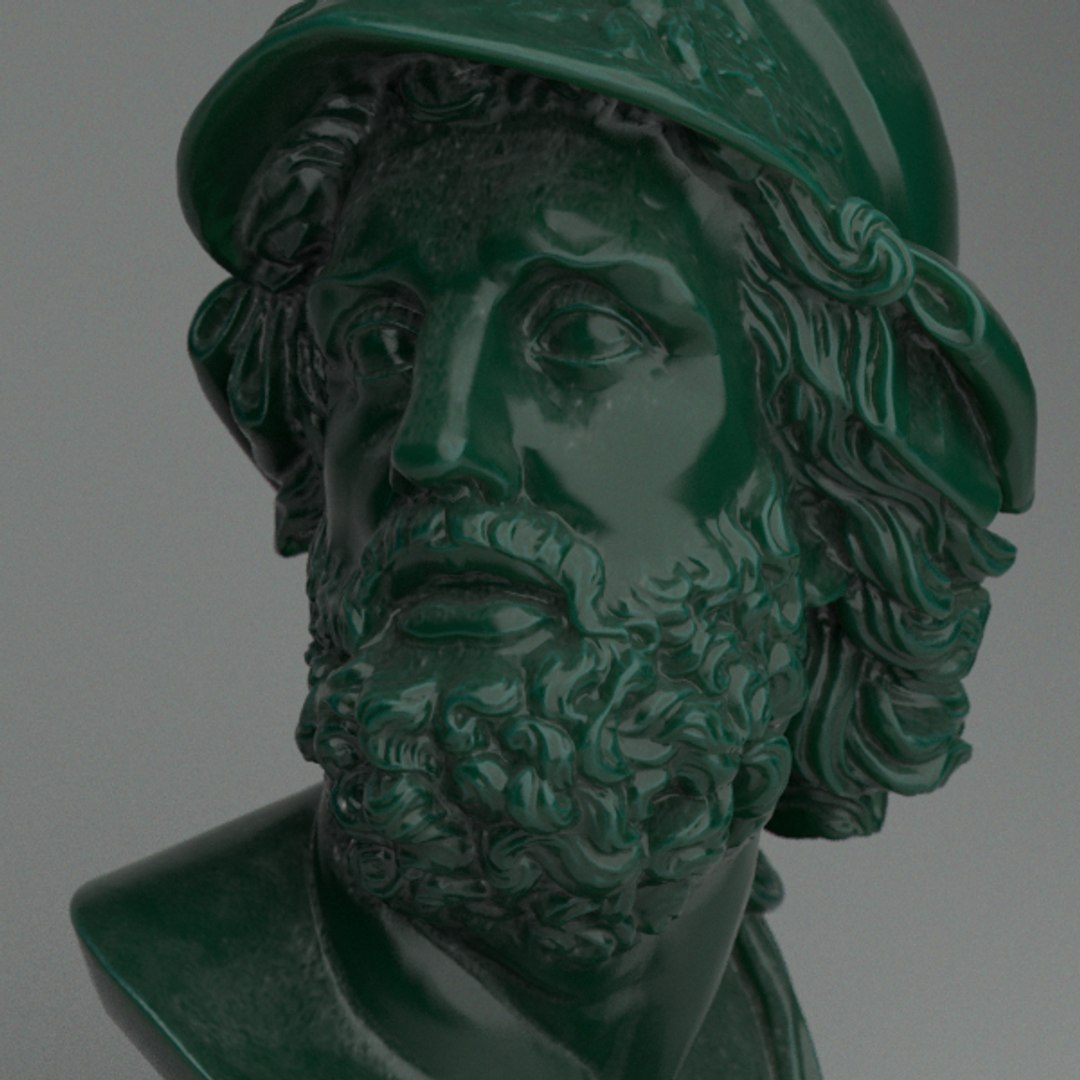
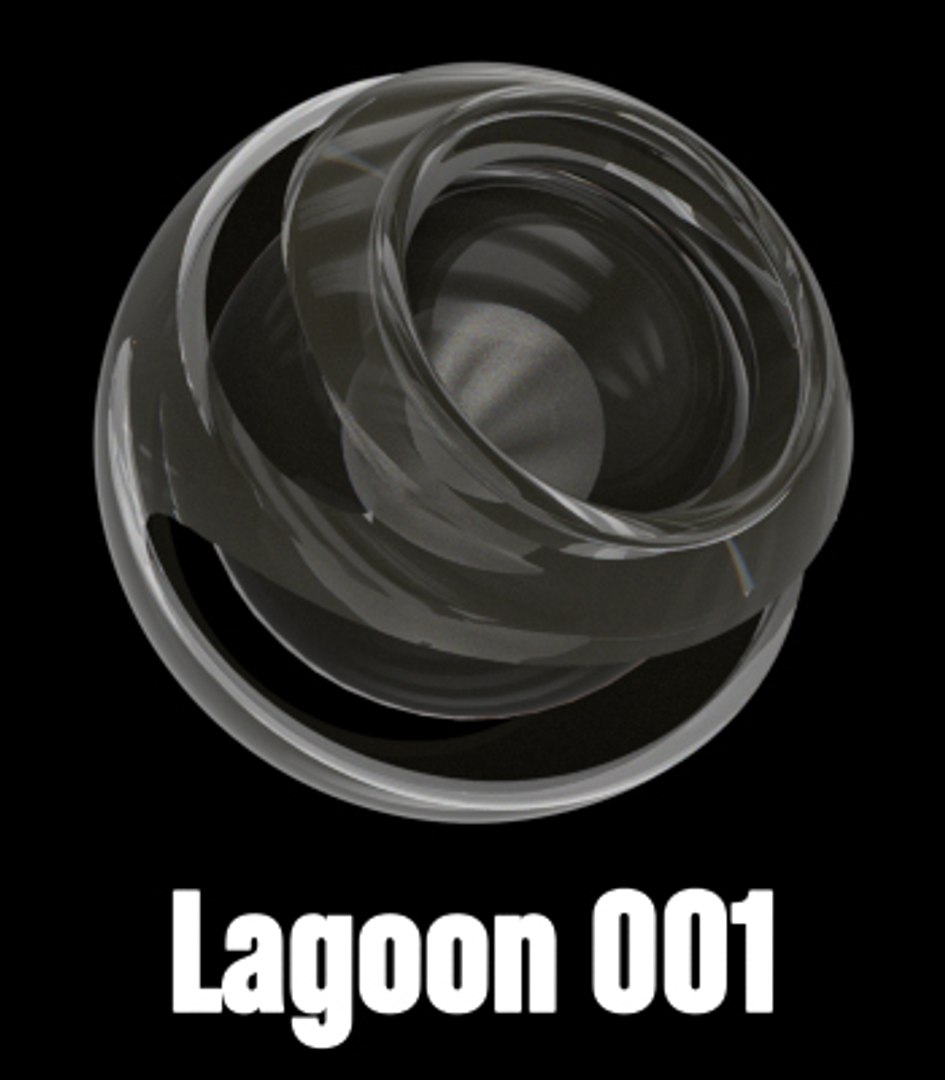
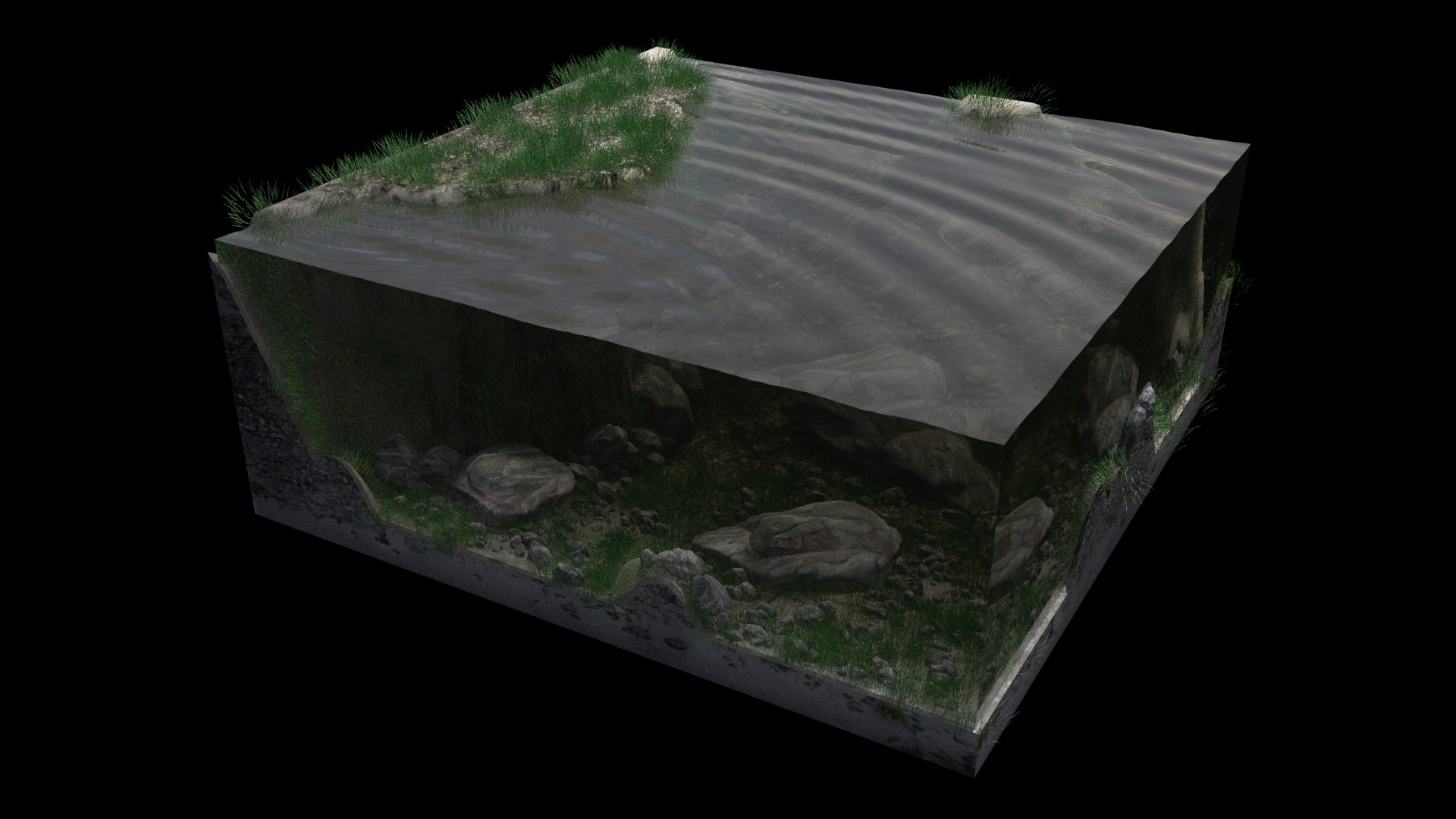
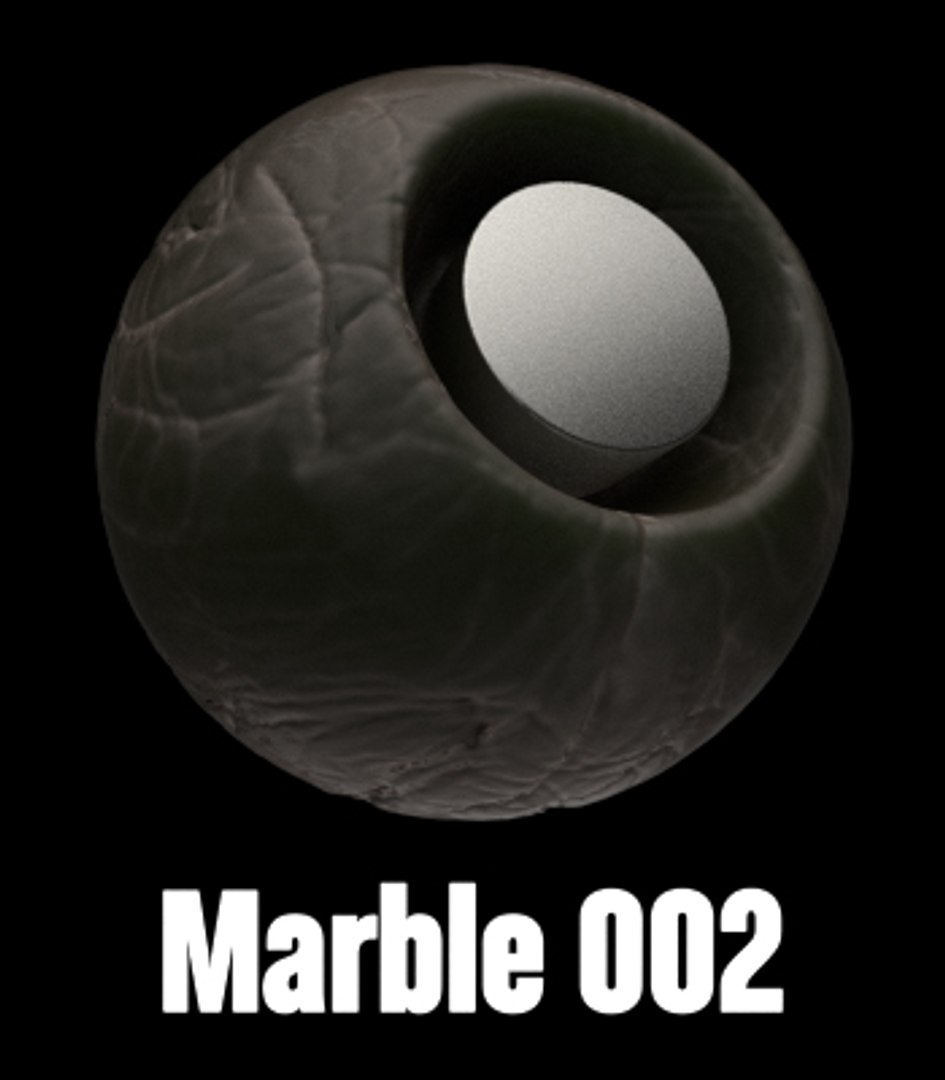
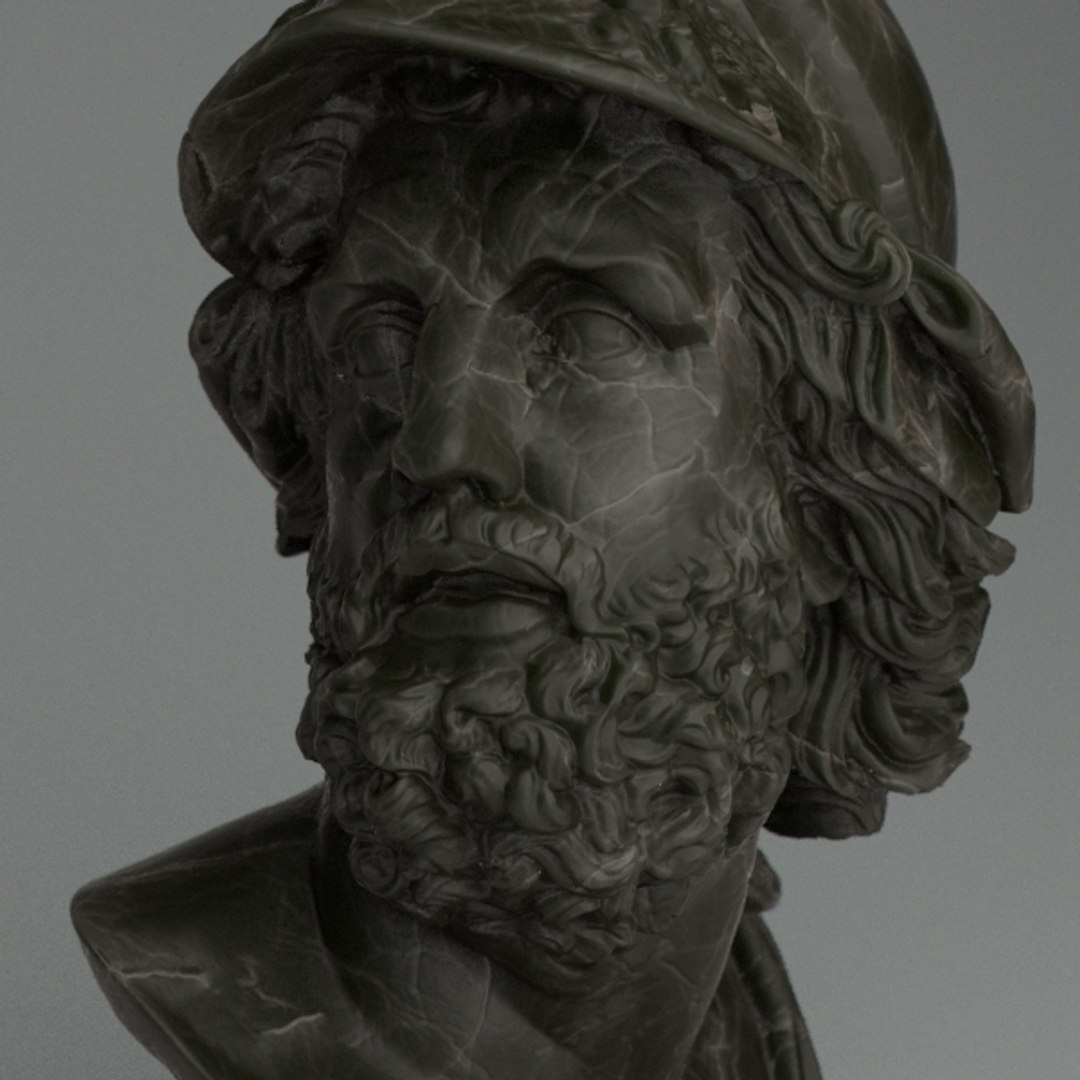
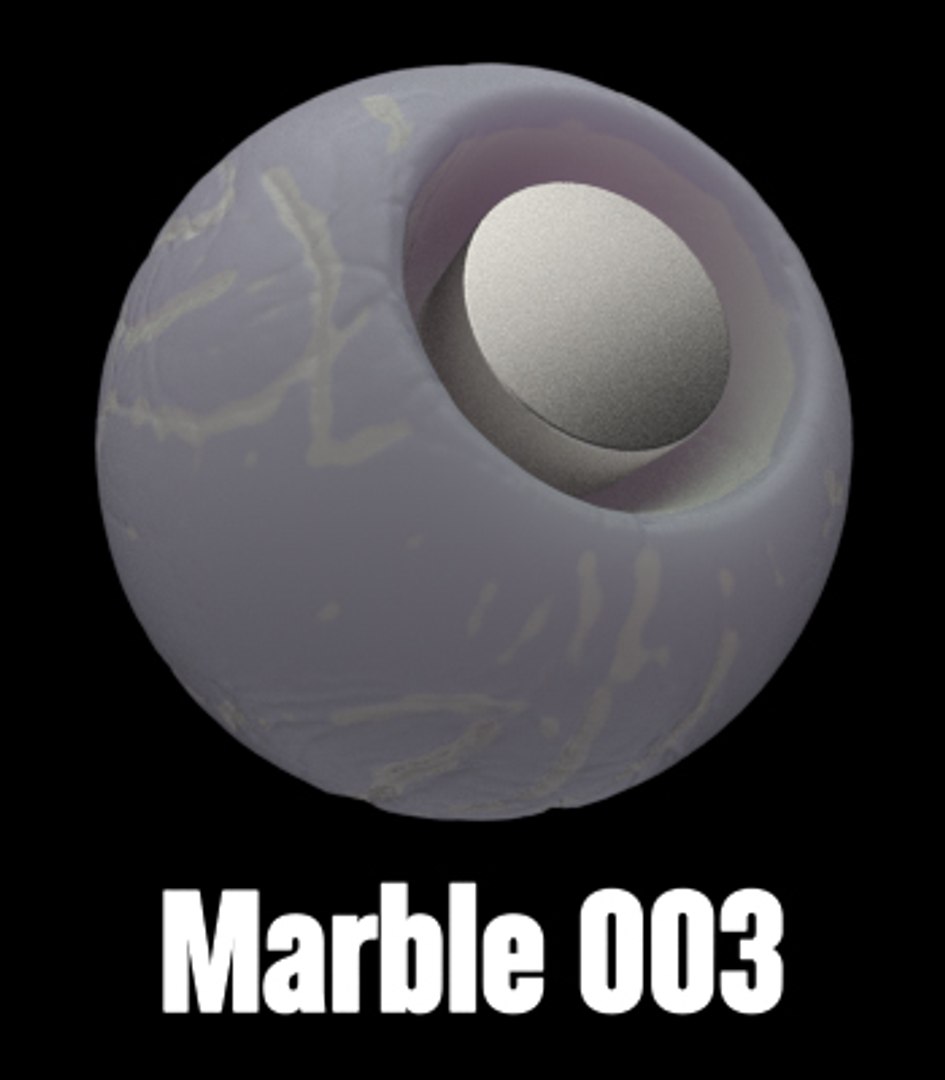

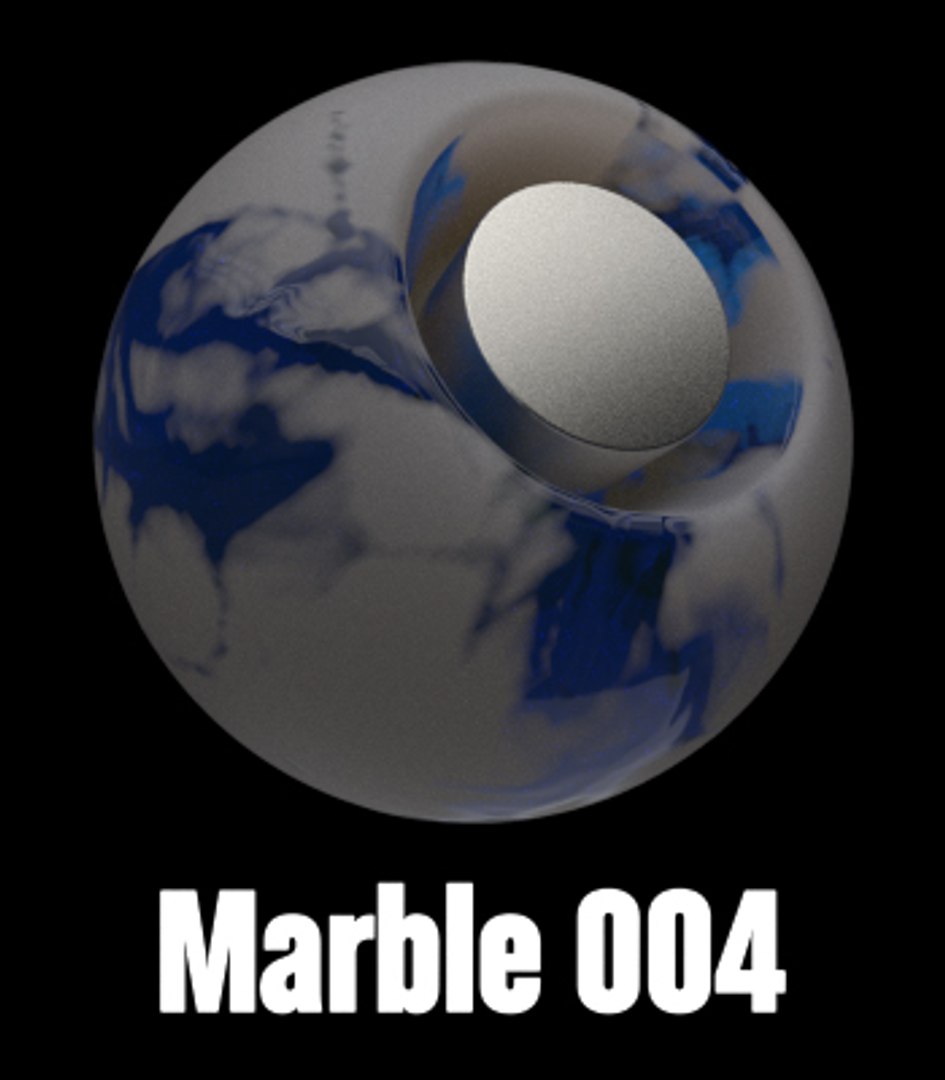
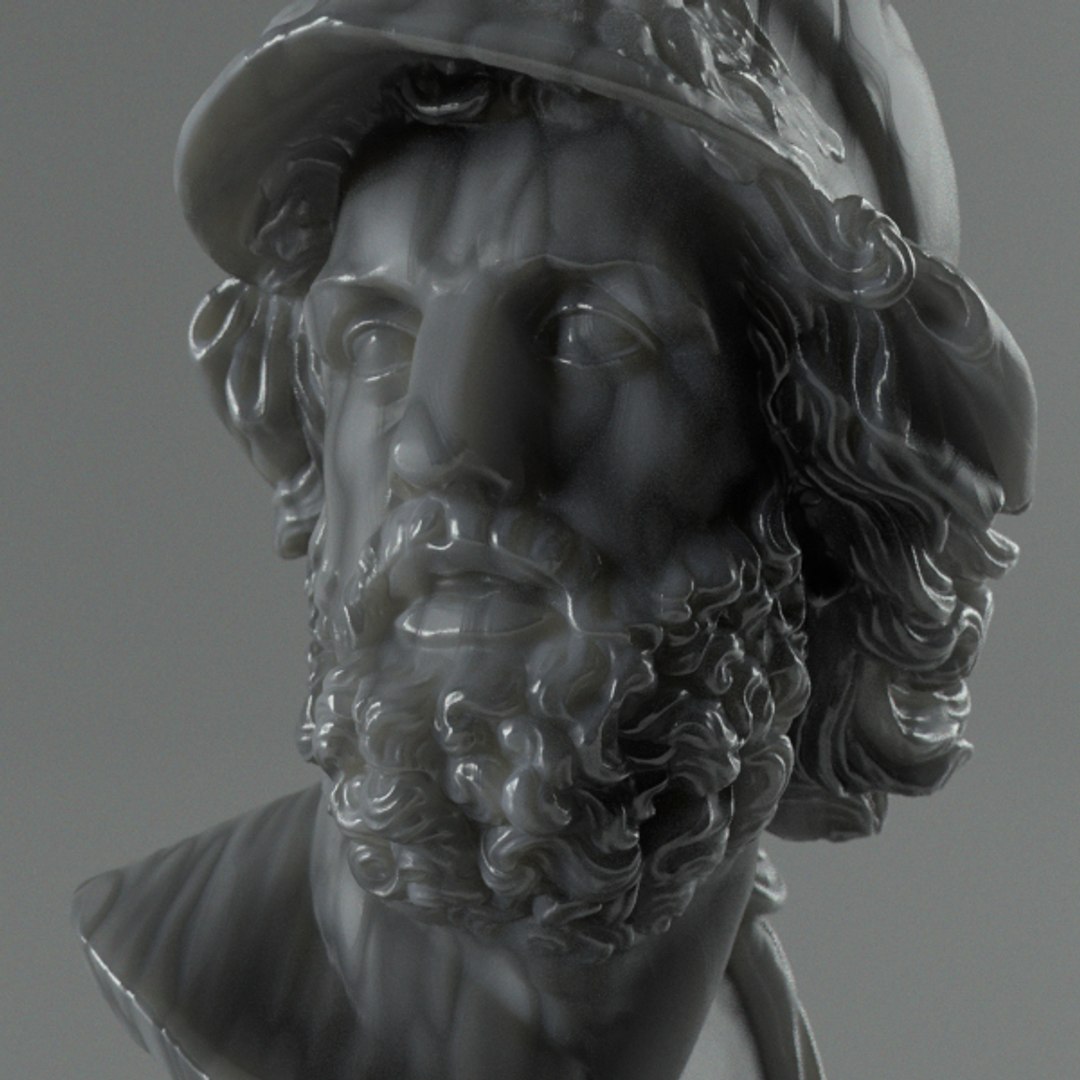
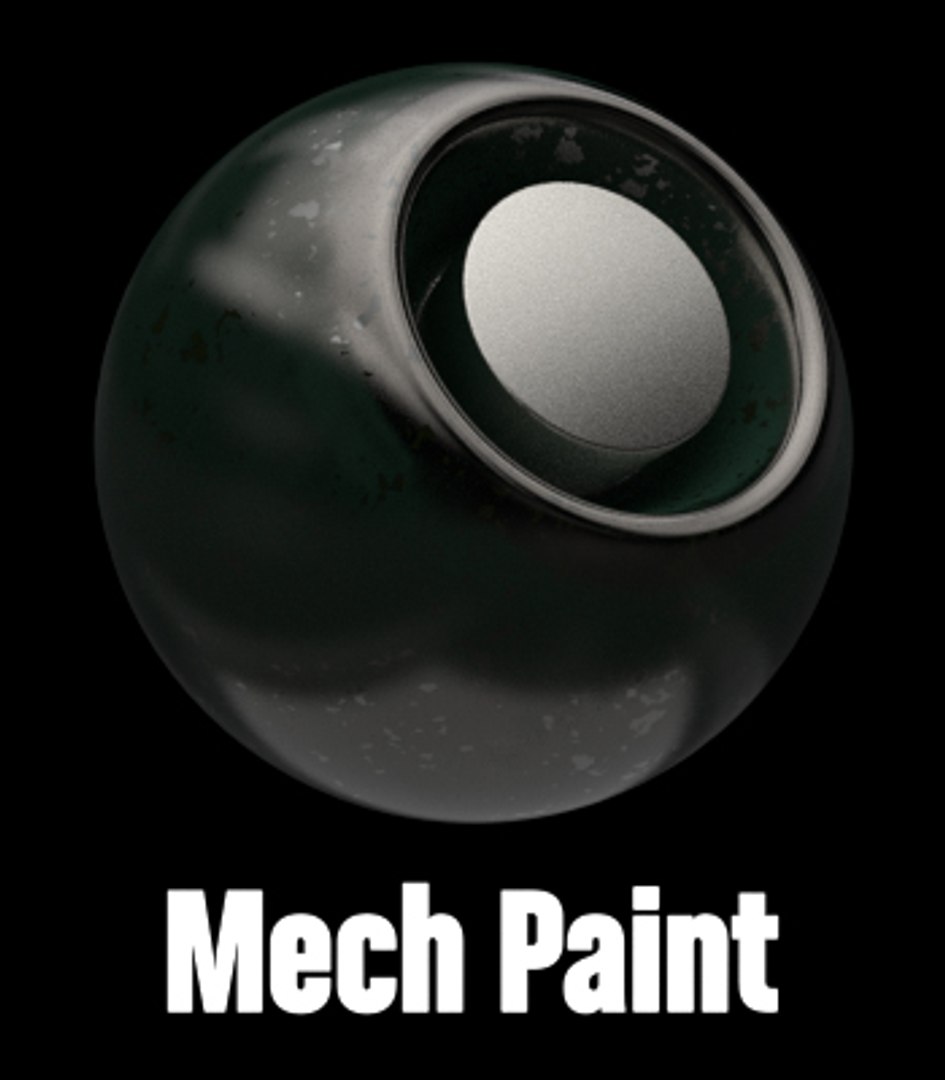
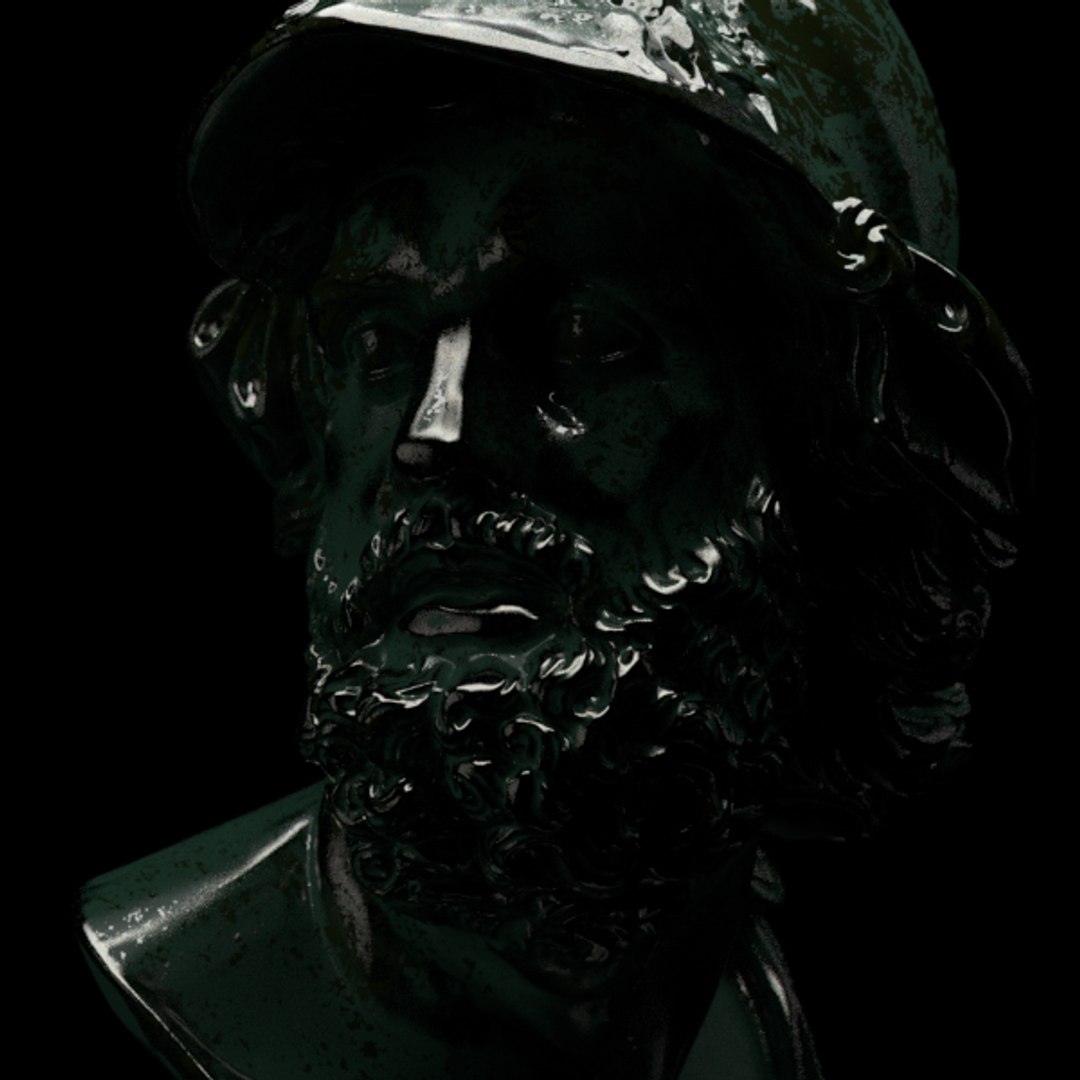
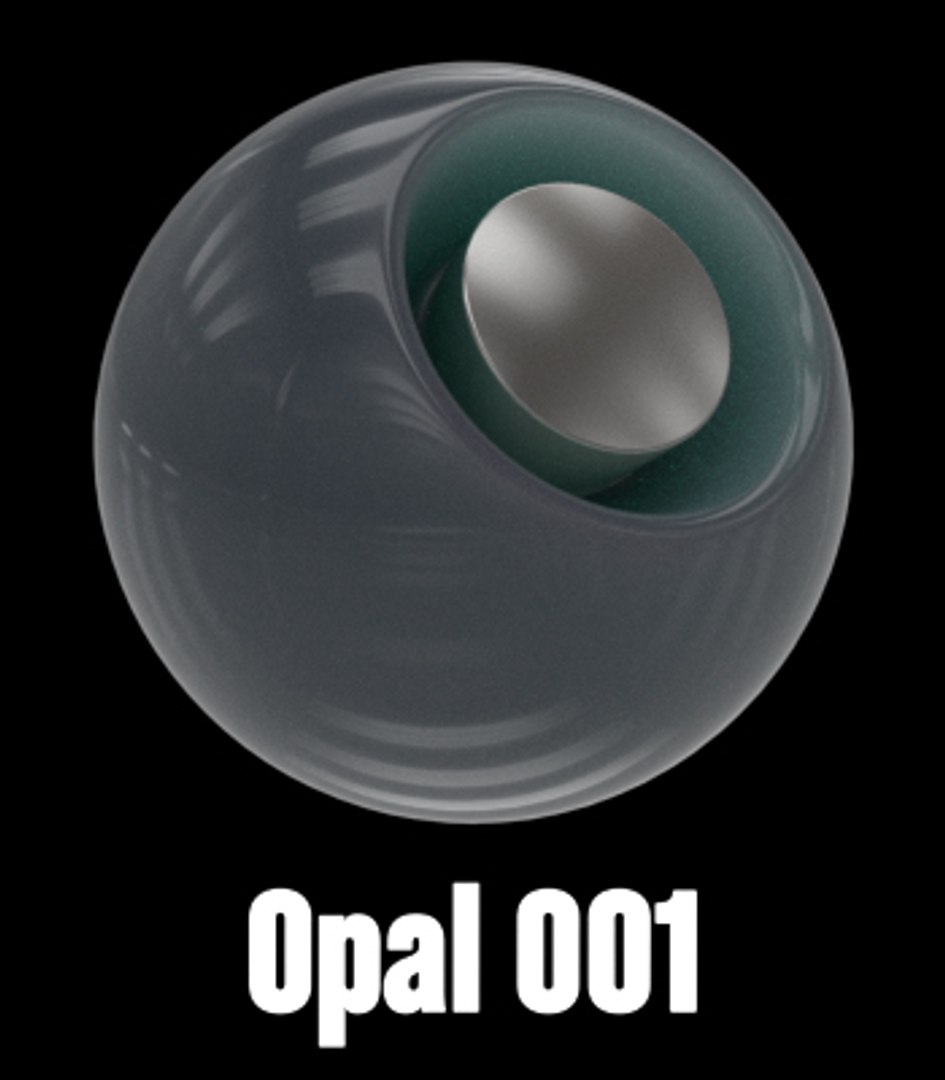

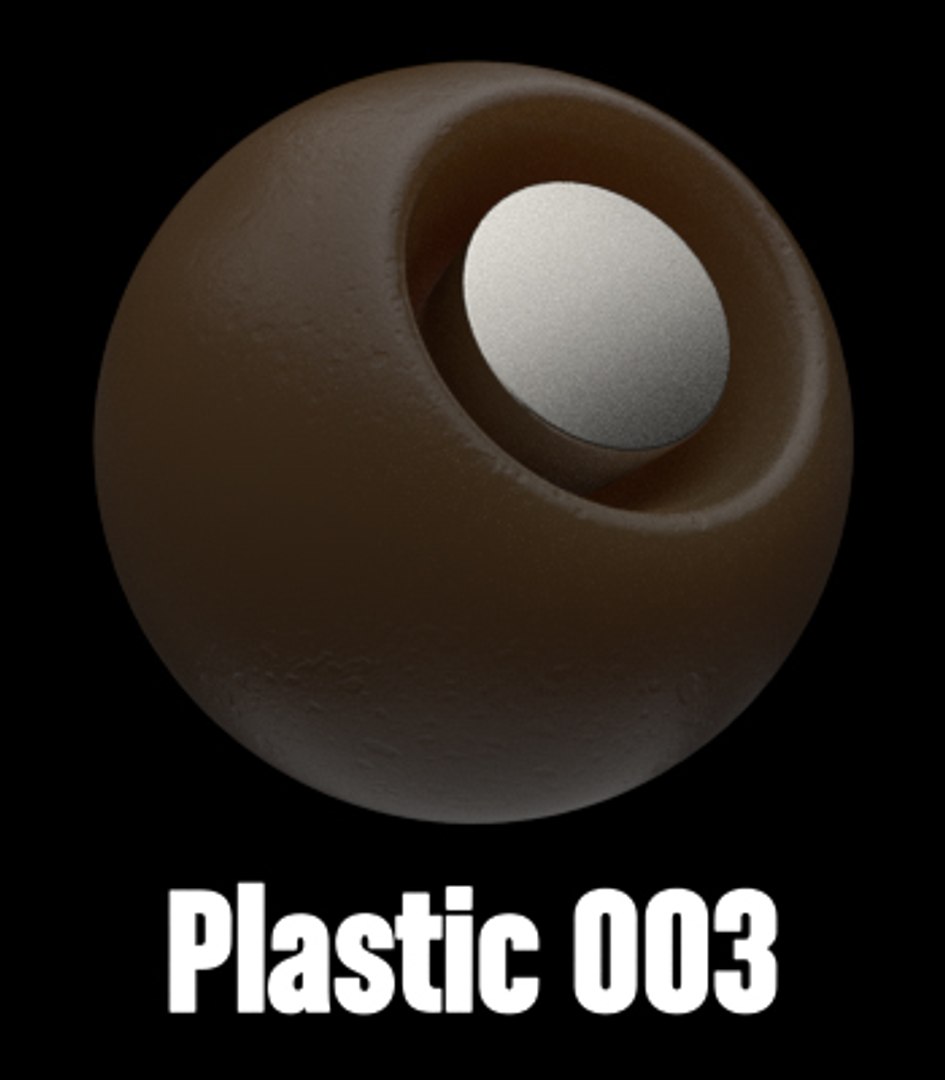
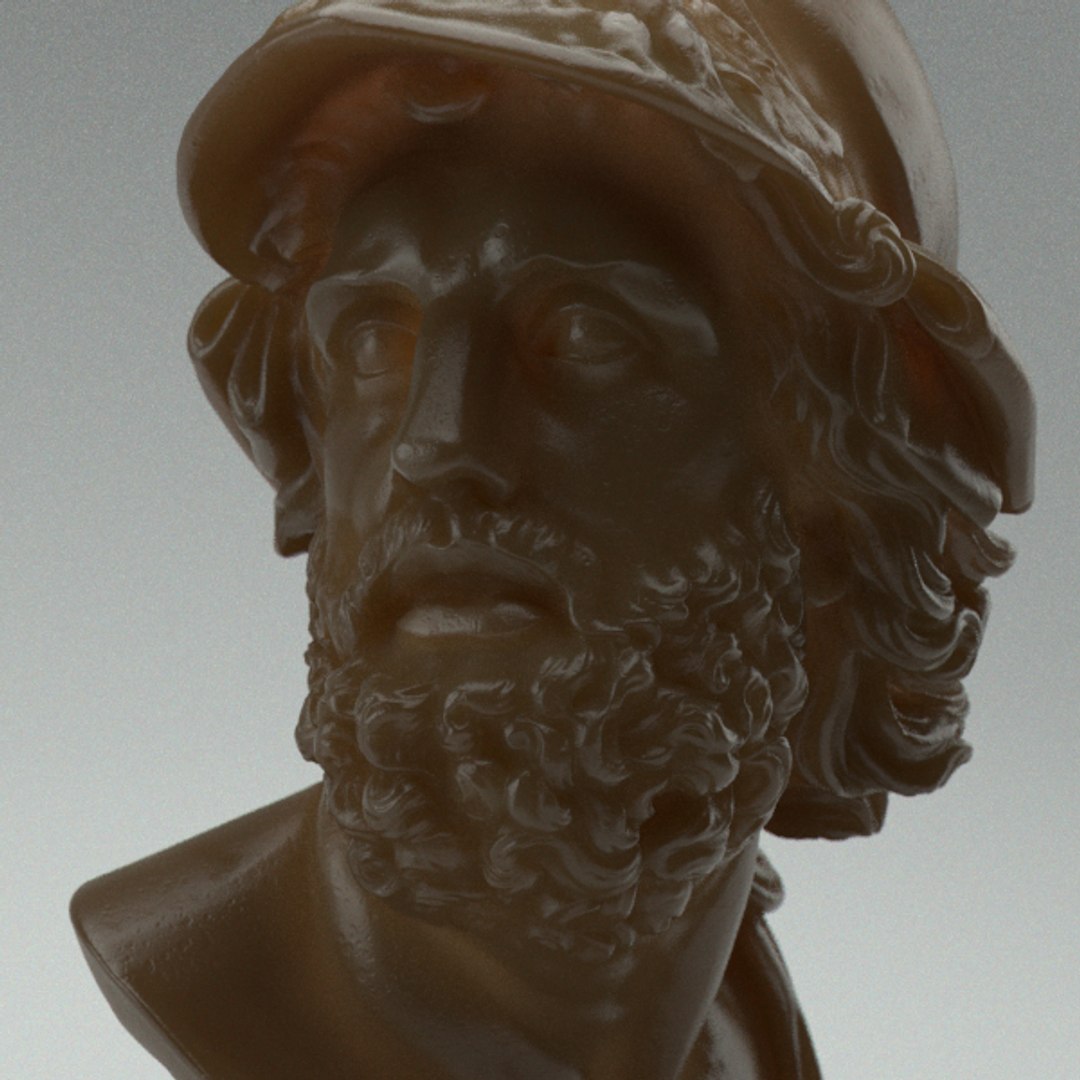
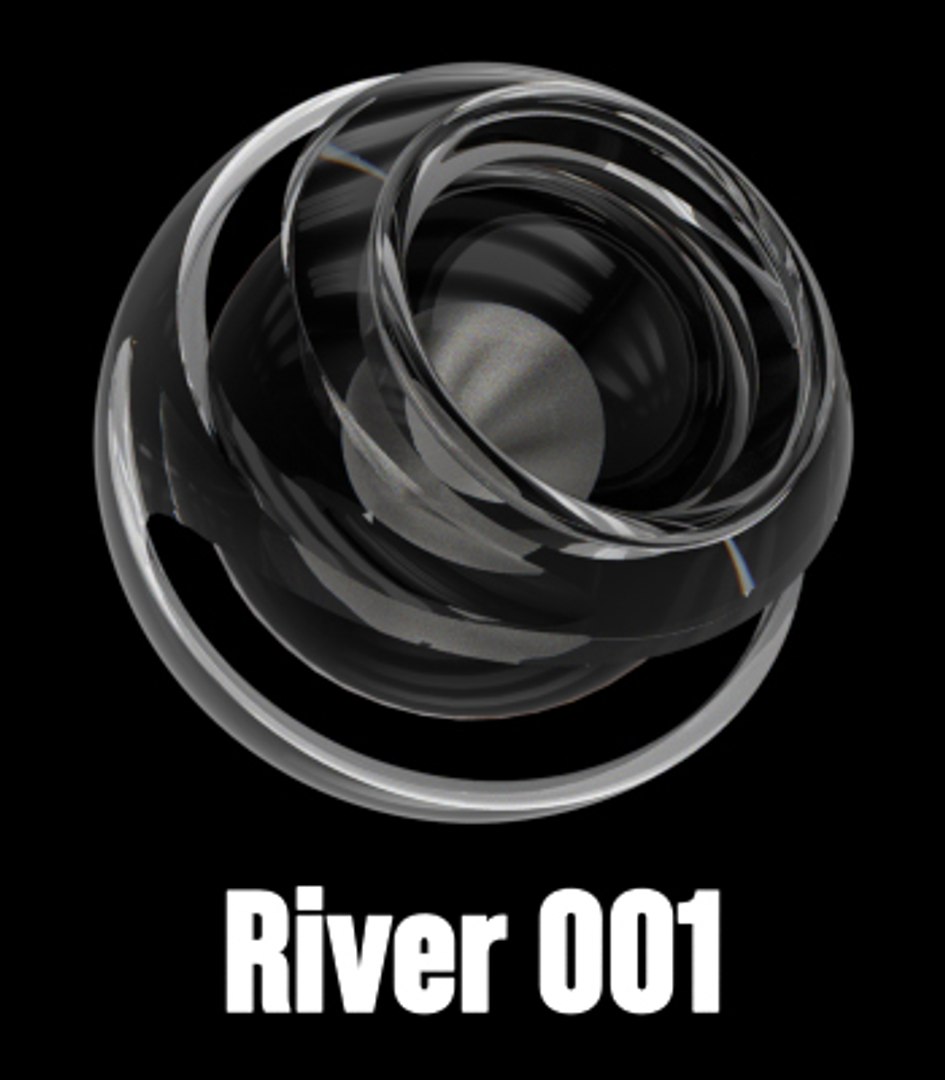
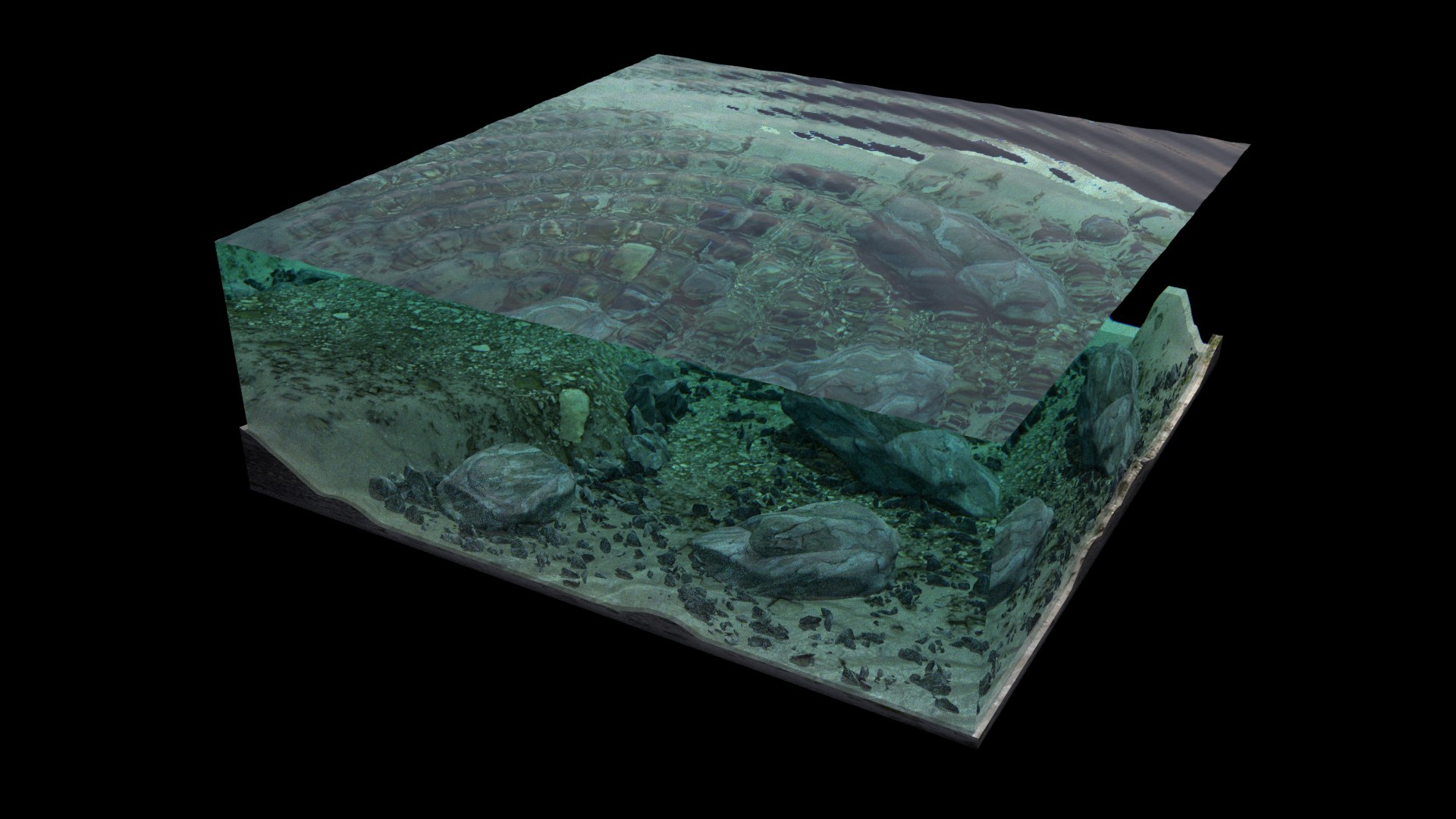
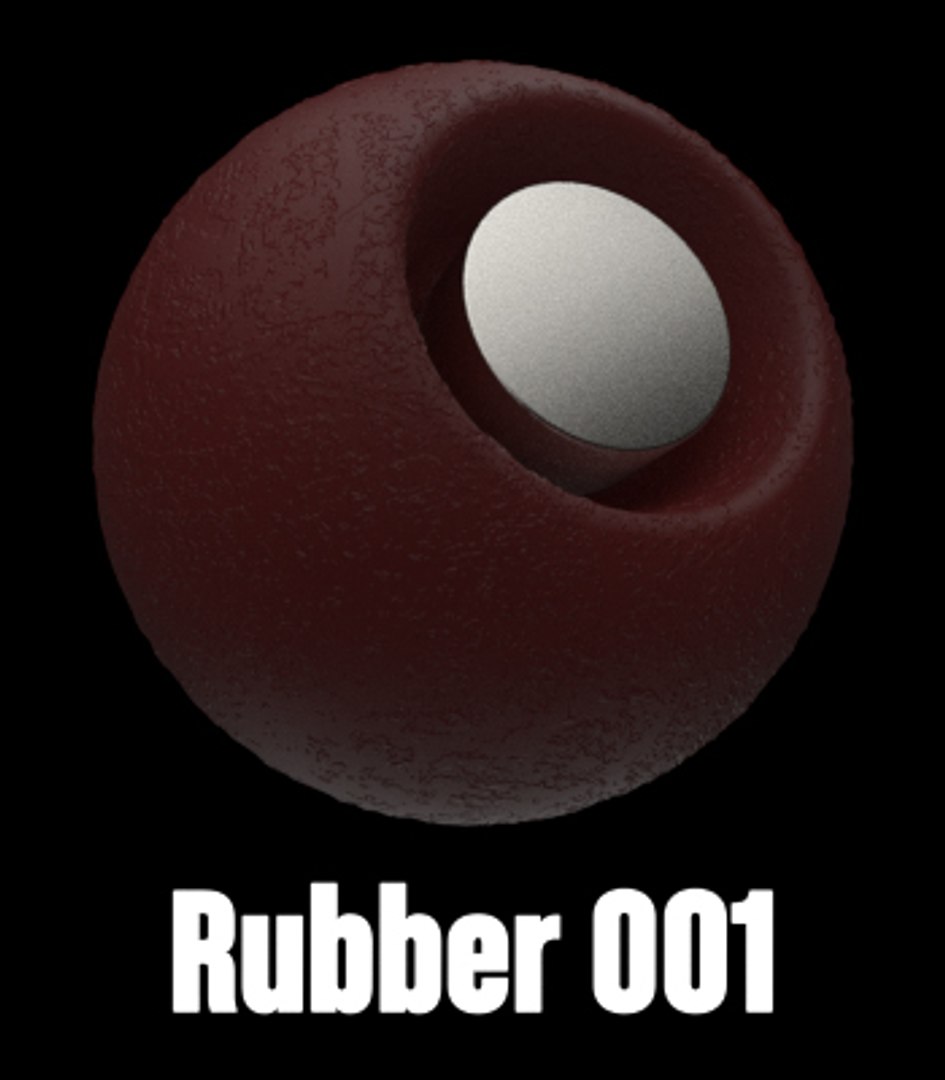

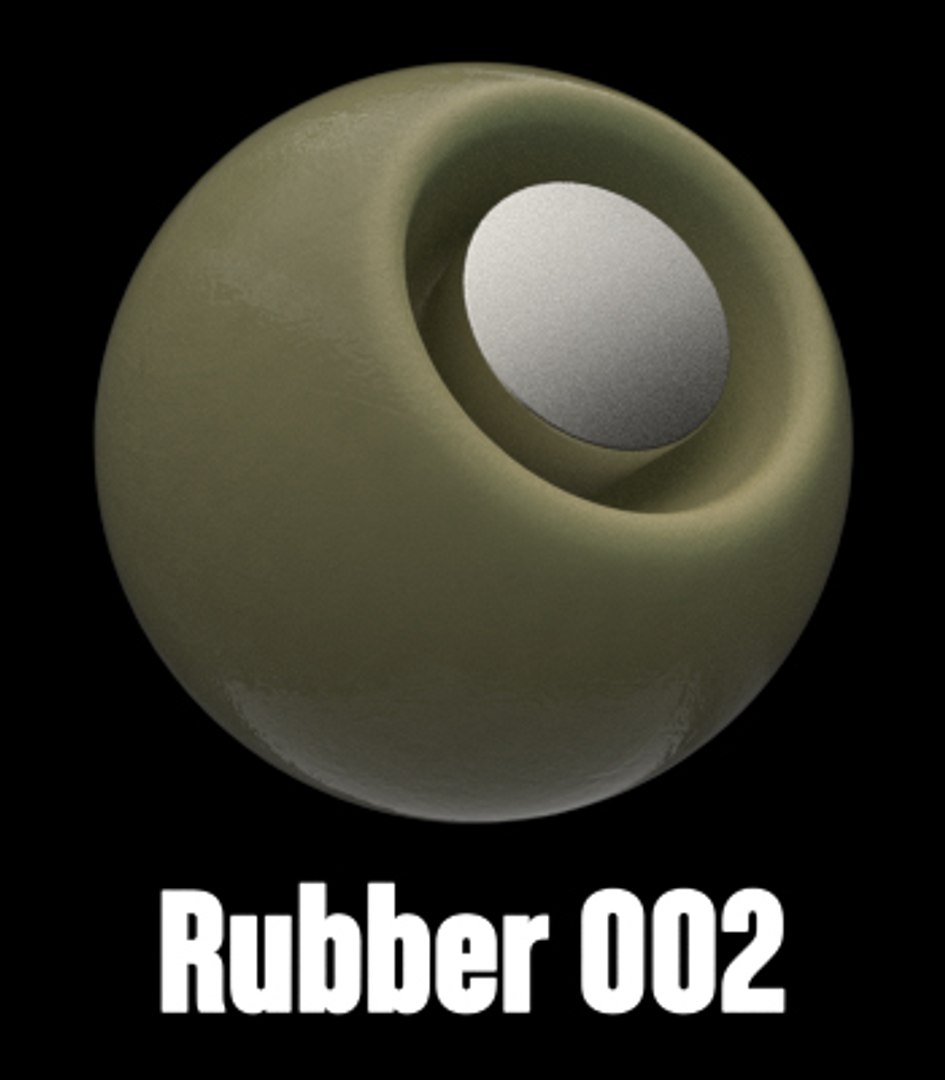

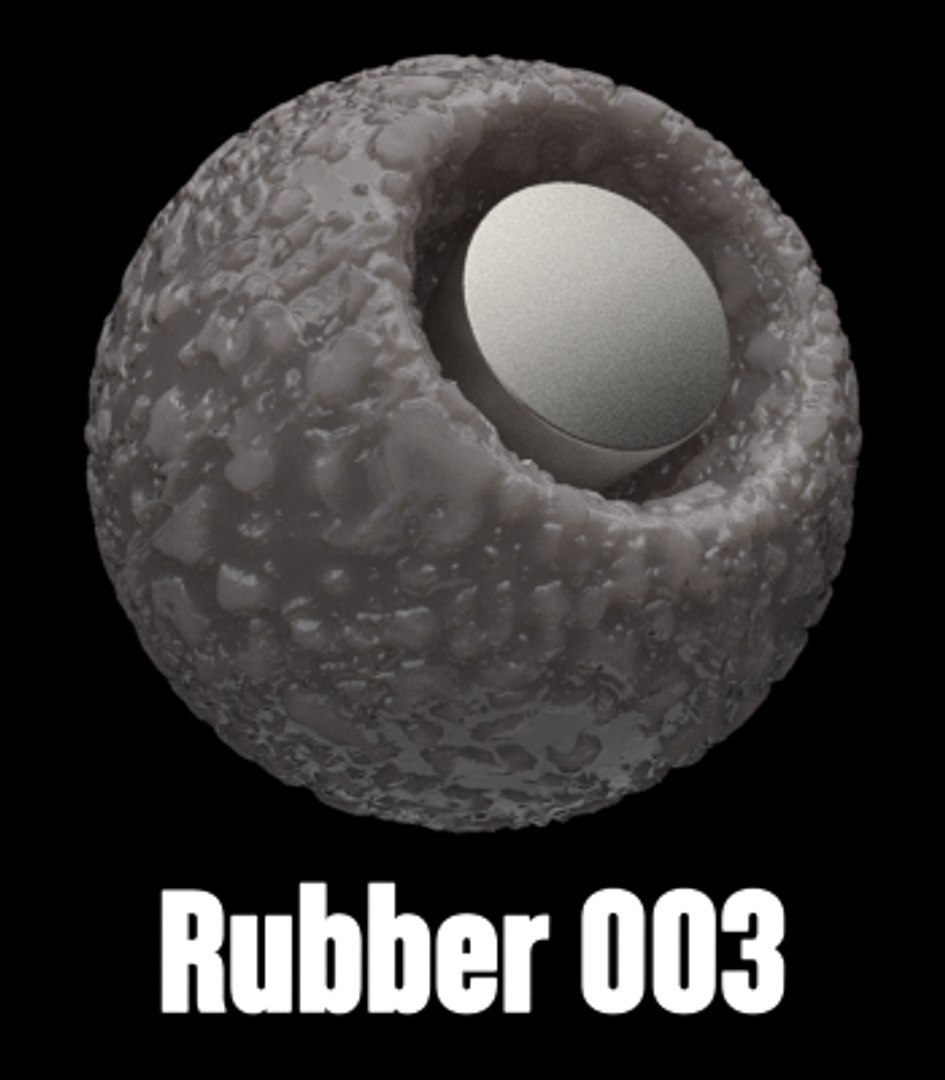

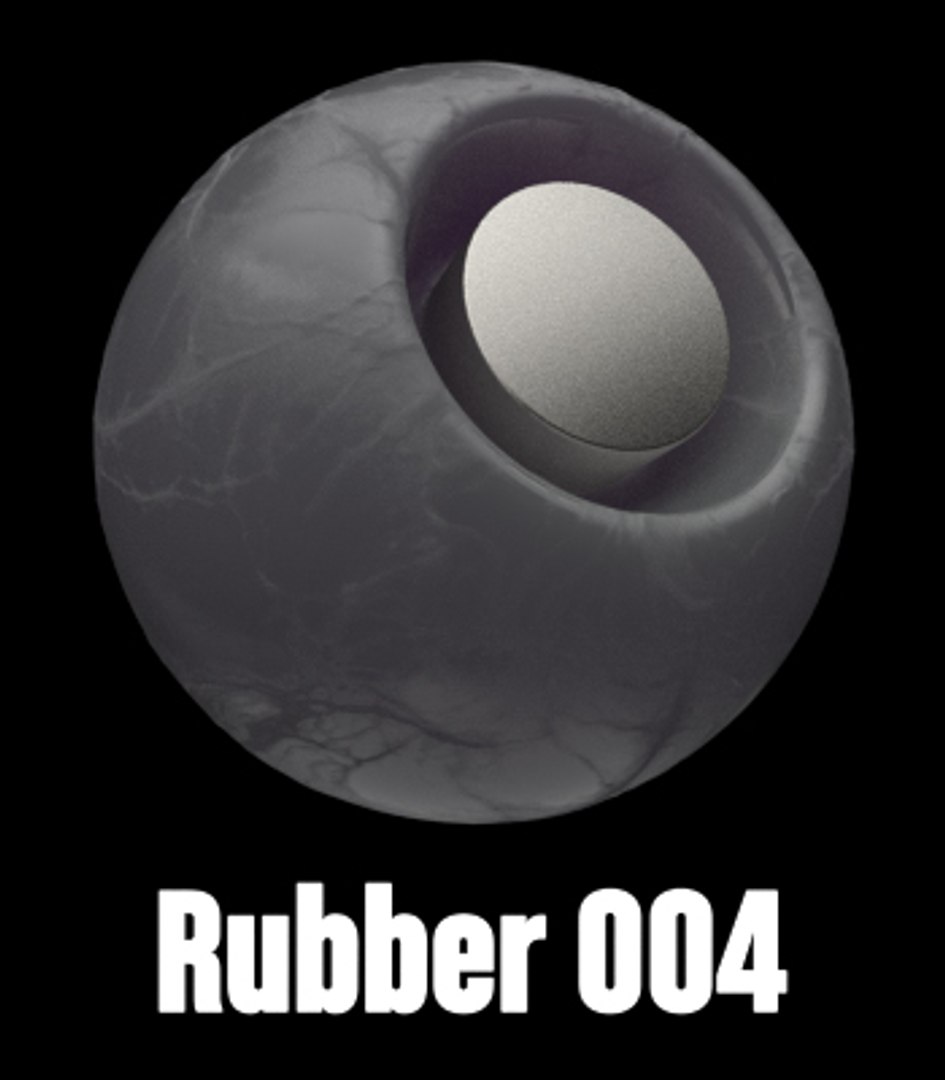

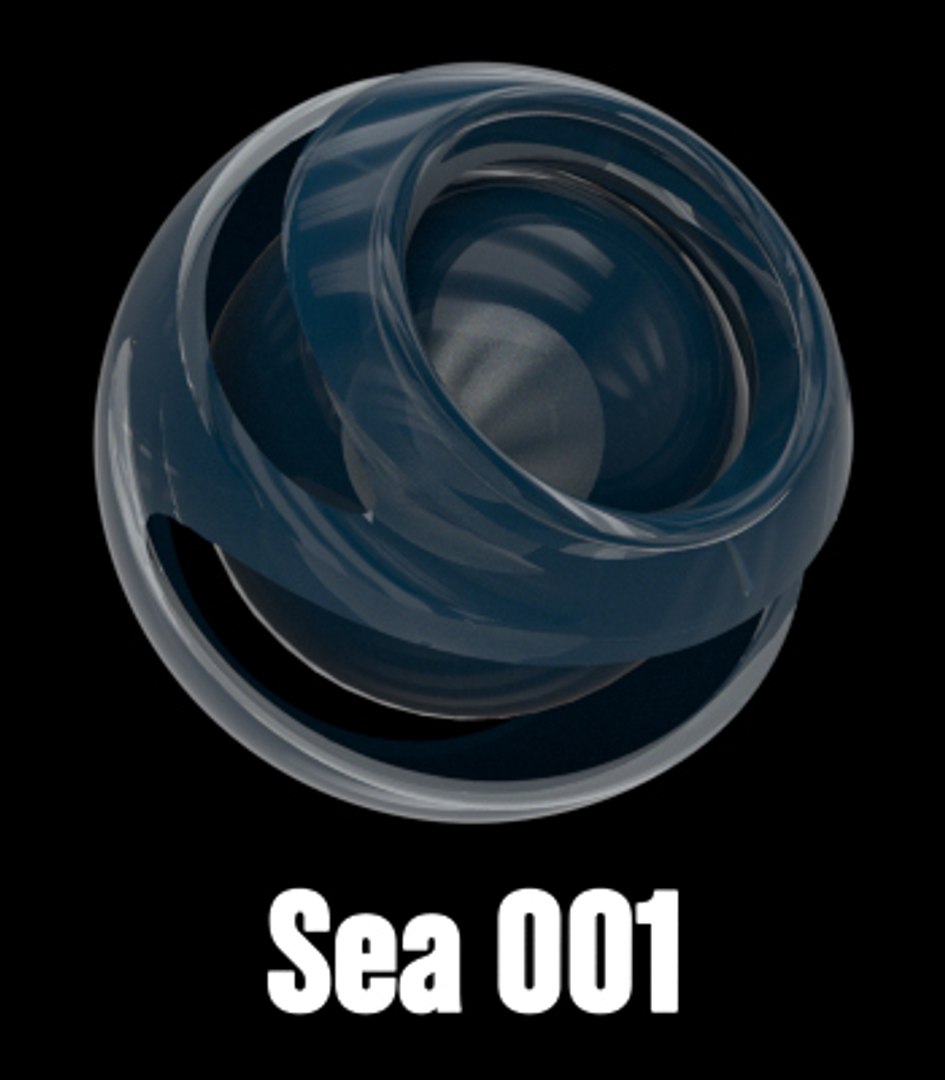
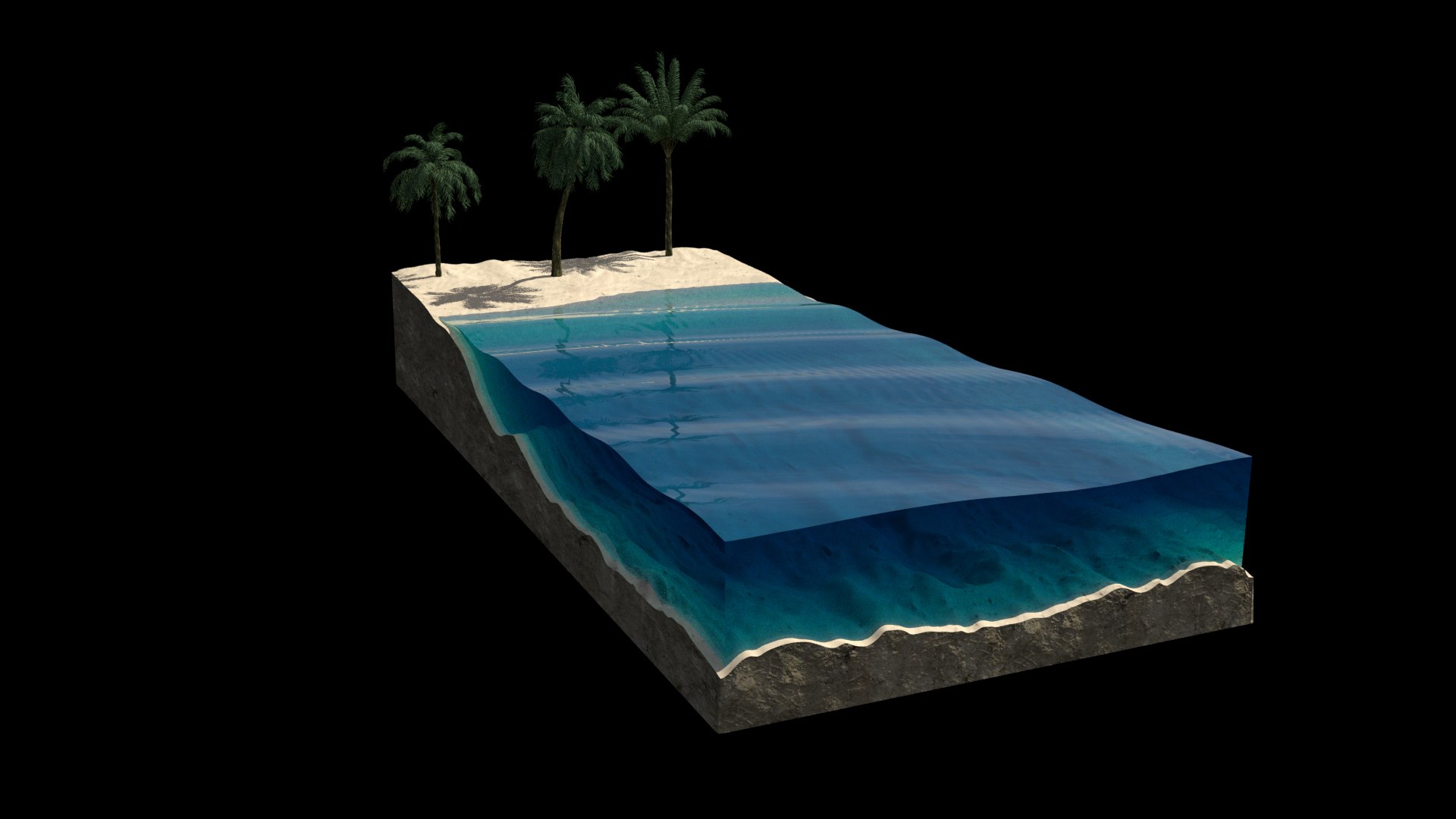
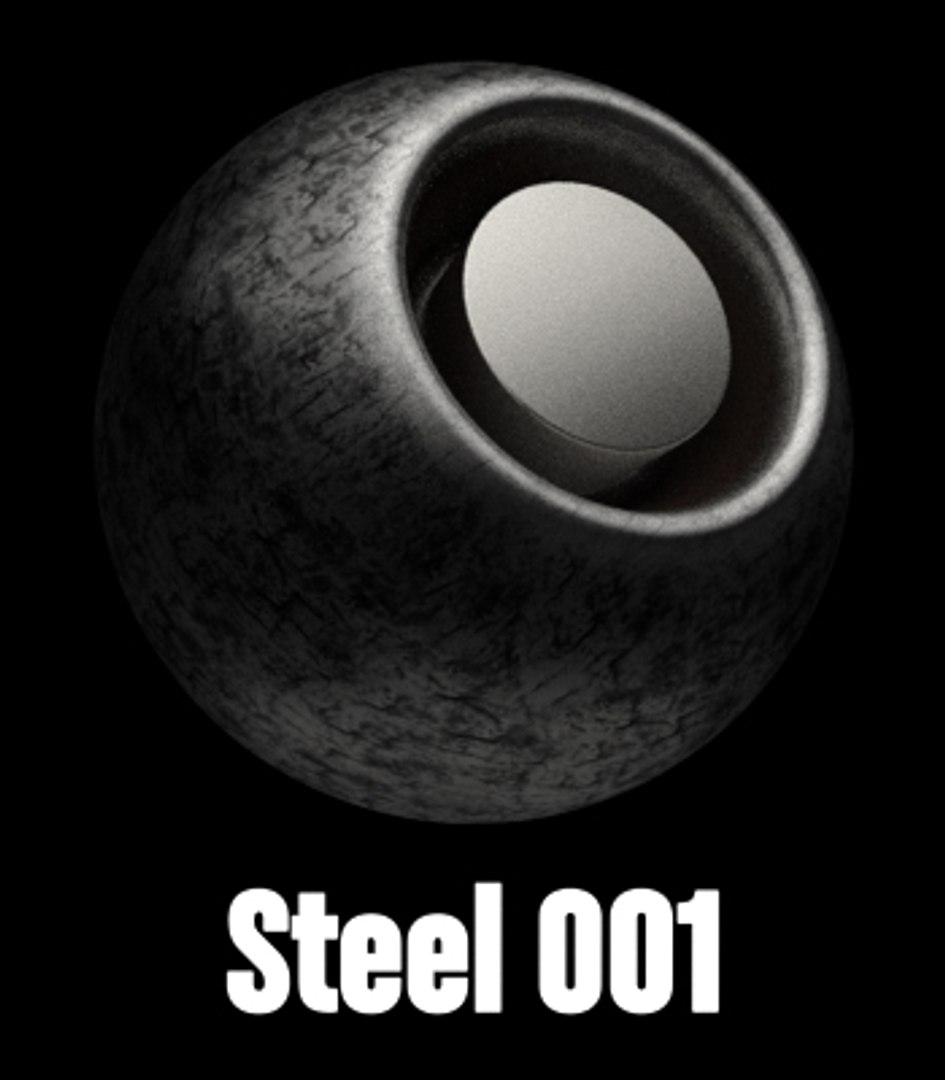



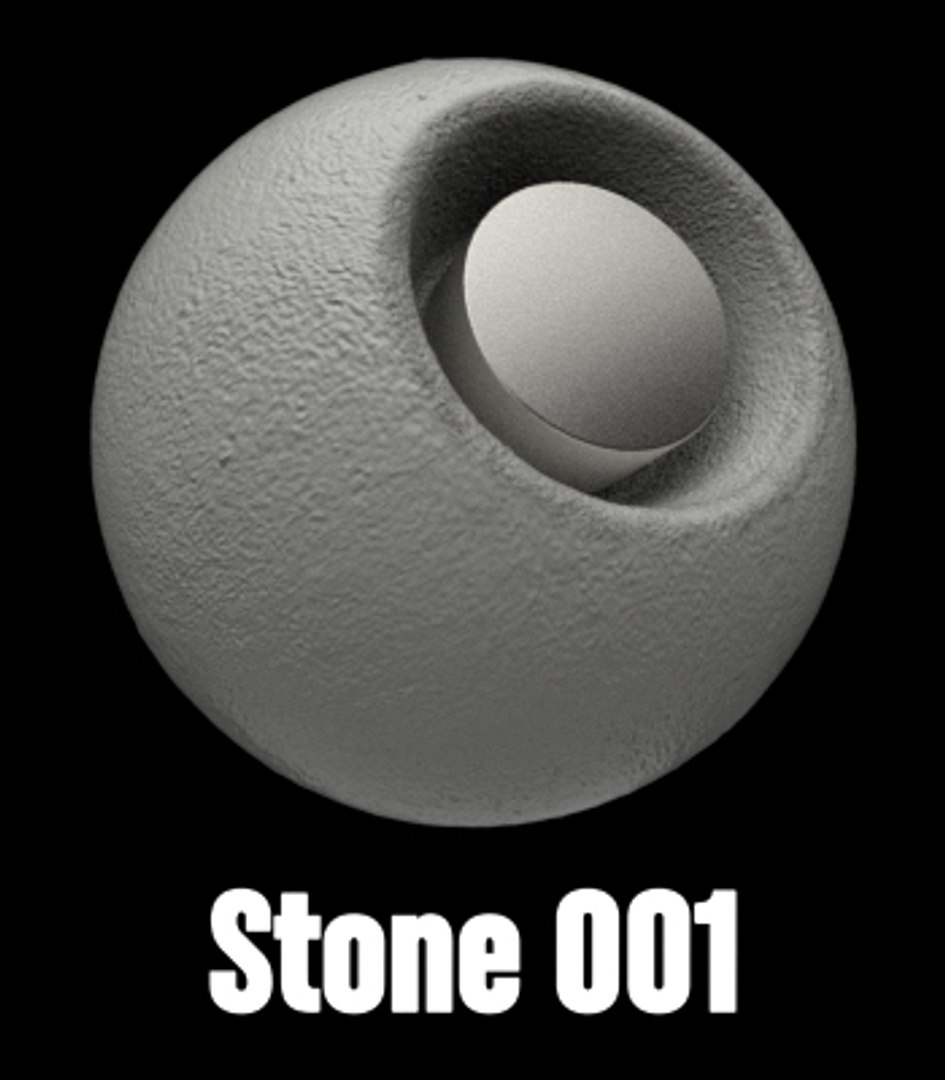

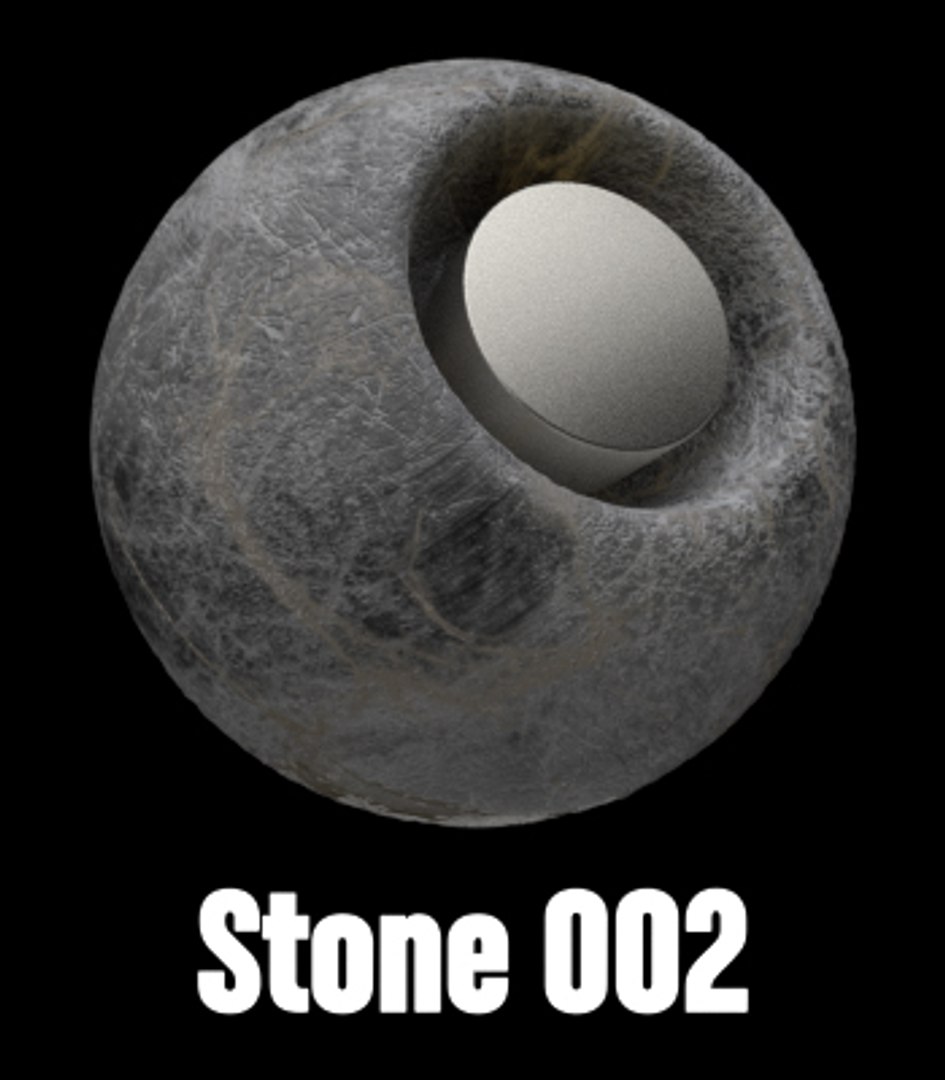

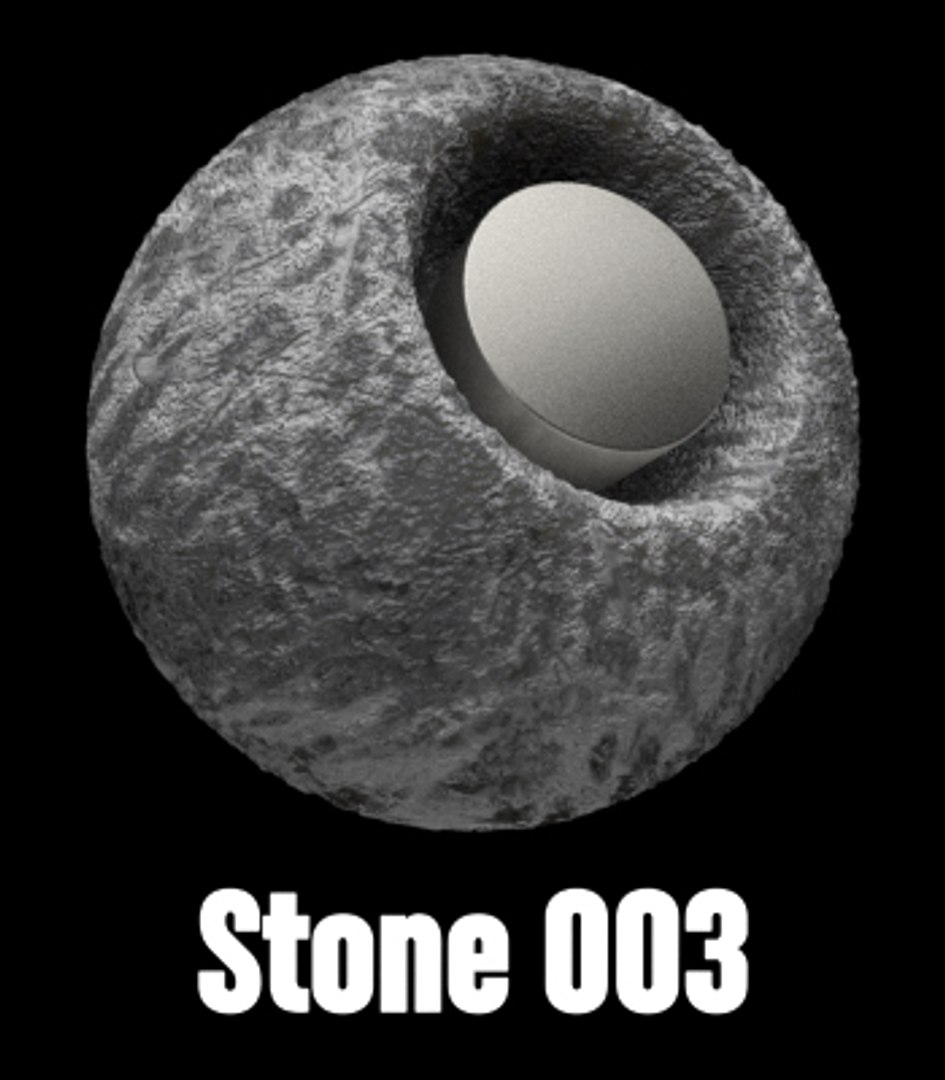


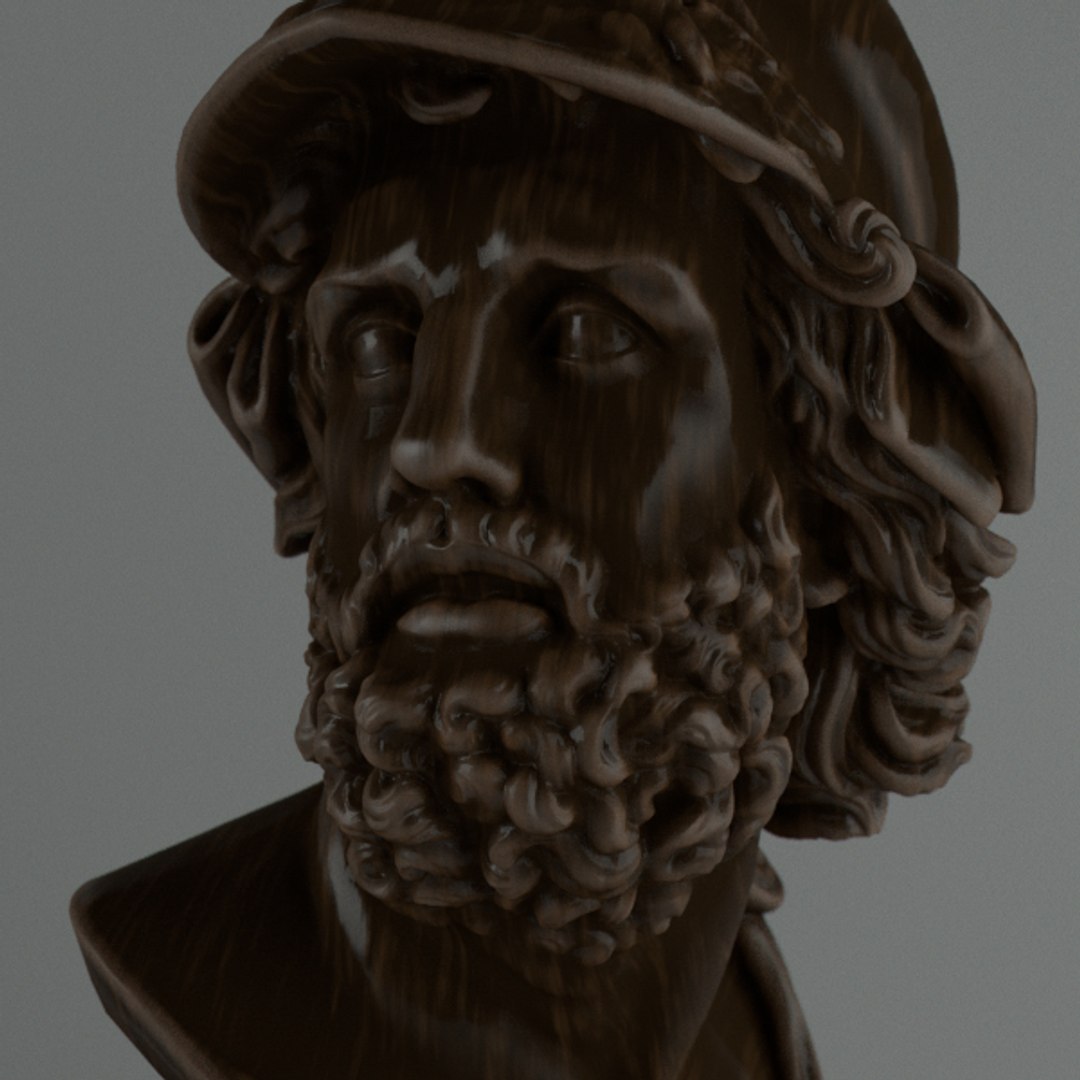
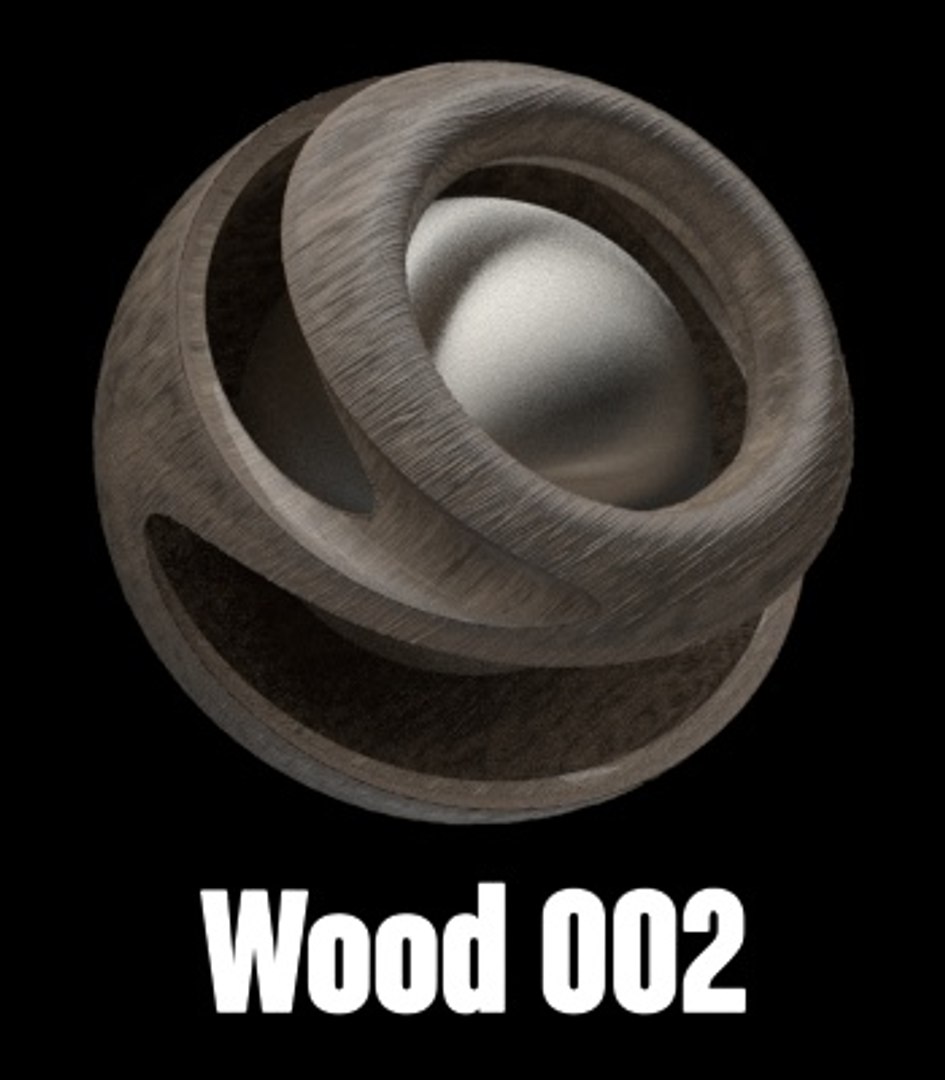
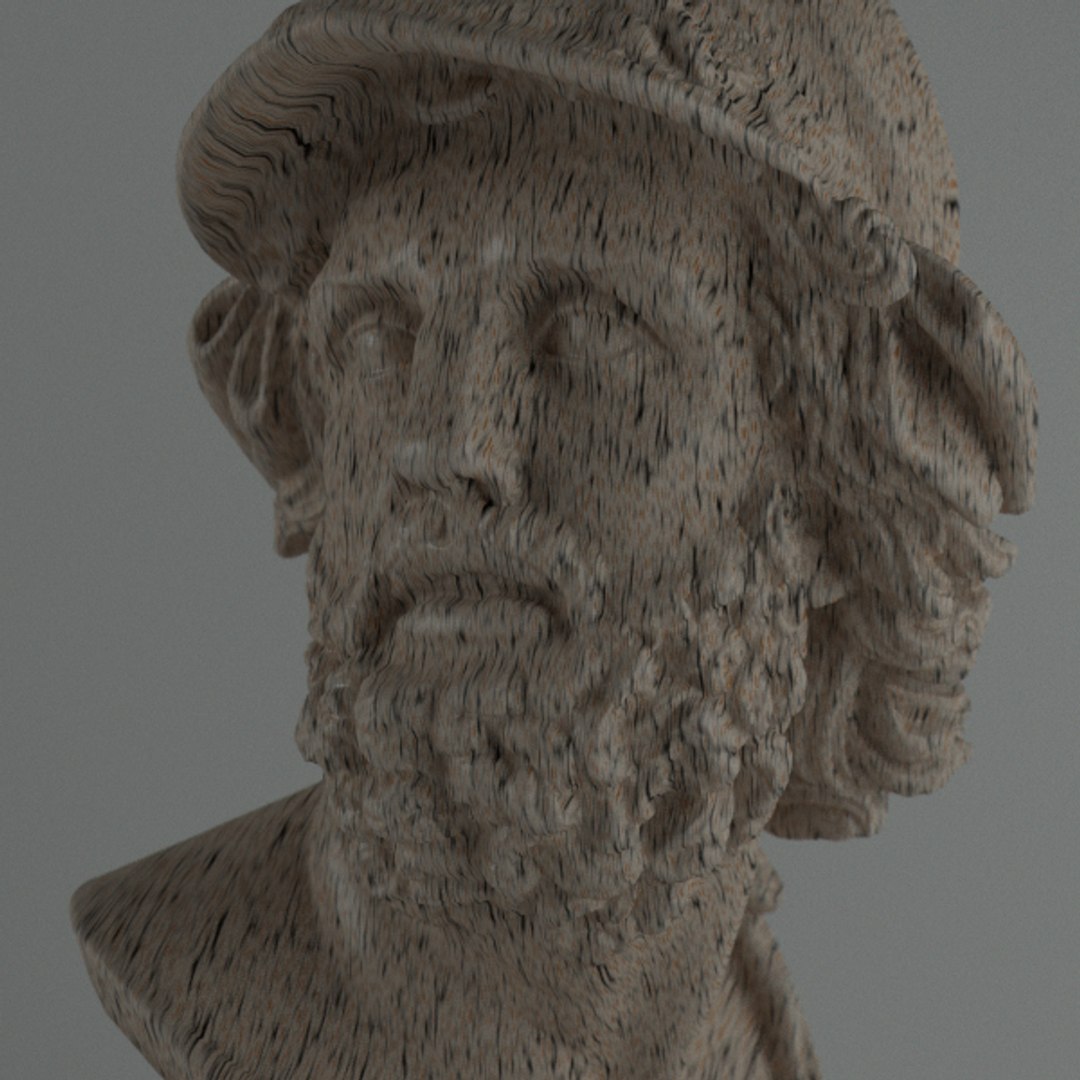

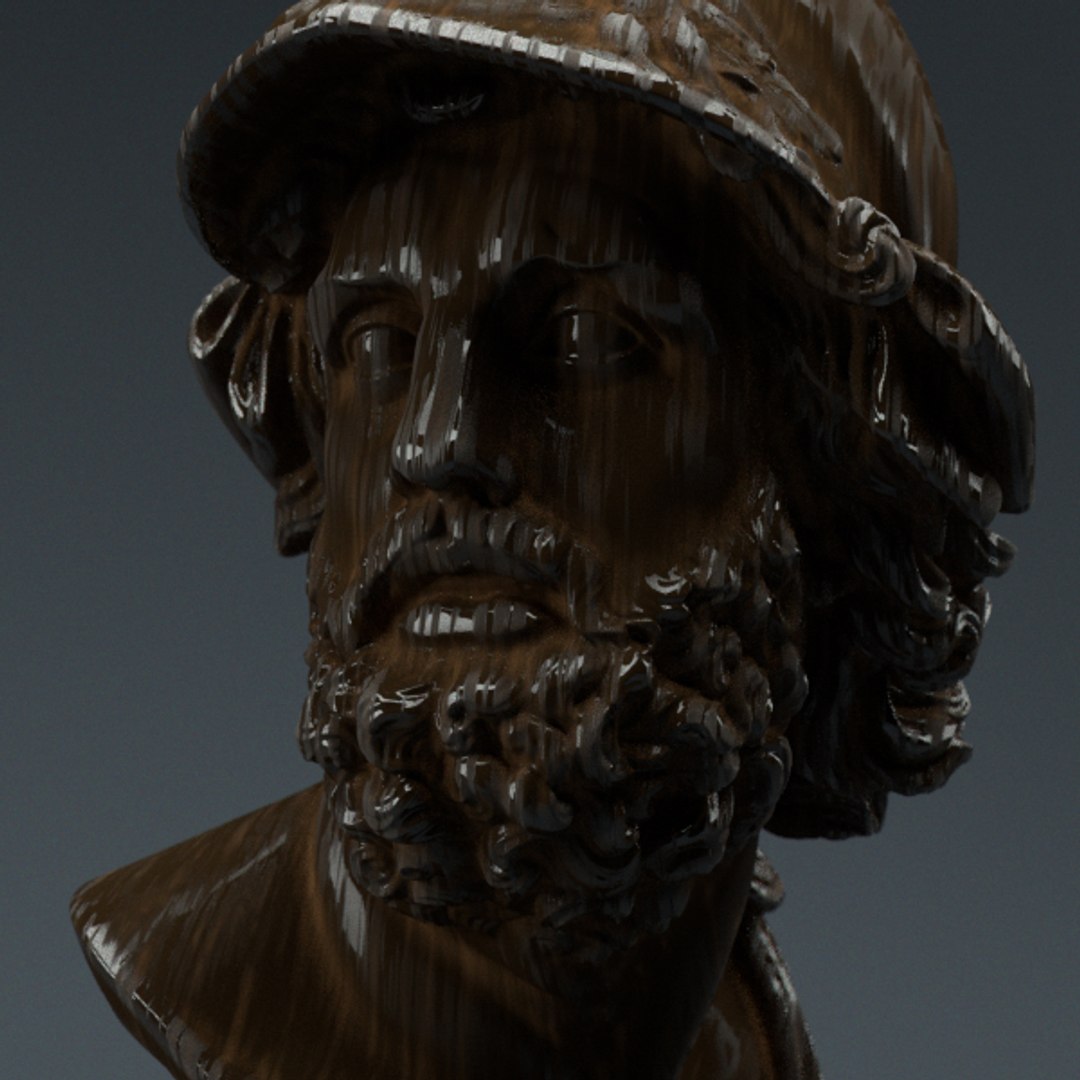


Redshift Shader to Cinema 4D 1

$25

Standard License | Upgrade License
Formats (2)
Native | Cinema 4D 19 | Other 2.5.48
Cinema 4D R19 | Other Redshift
Other Files
Scratches.psd cemento satinado.png clay.jpg fingerprints.png floor disp spec.tif galvanized.jpg HDRI.hdr paint 2.jpg scratch 2.jpg scratch.jpg cement.tif bump 003.tif BUMP 001.jpg base metal M.png 9.jpg 1.jpg 1024x1024_seamless_texture_02.jpg
Specifications
Publish Date August 13, 2018
Product ID 1317099
Polygons 10,000
Vertices 11,000
Polygonal
Textures
Materials
Unknown Unwrapped UVs
TurboSquid Exclusive
member avatar
apeiron1980
21 Products | Contributor Since 2004
Have questions? Chat with us now.

Description

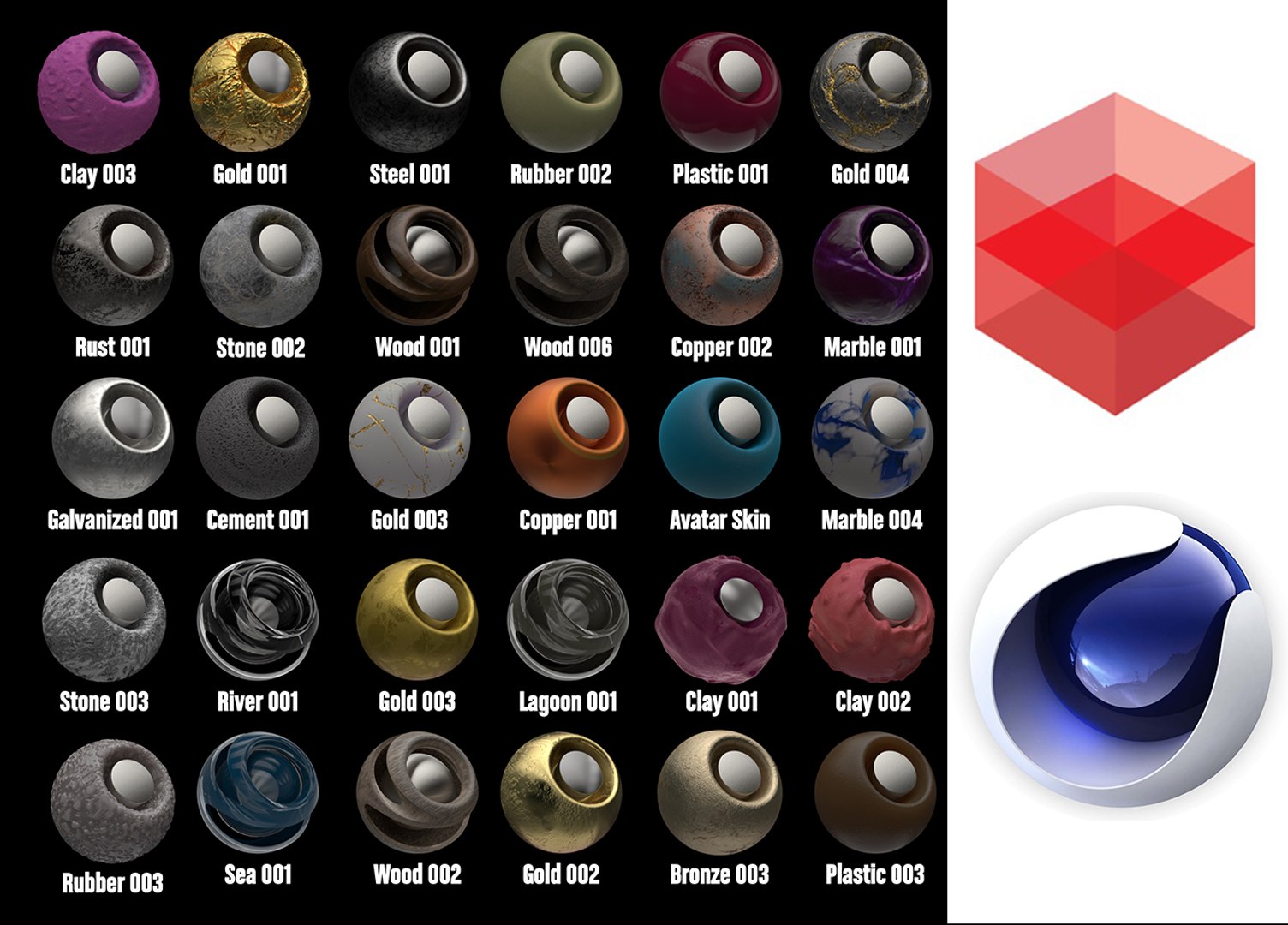
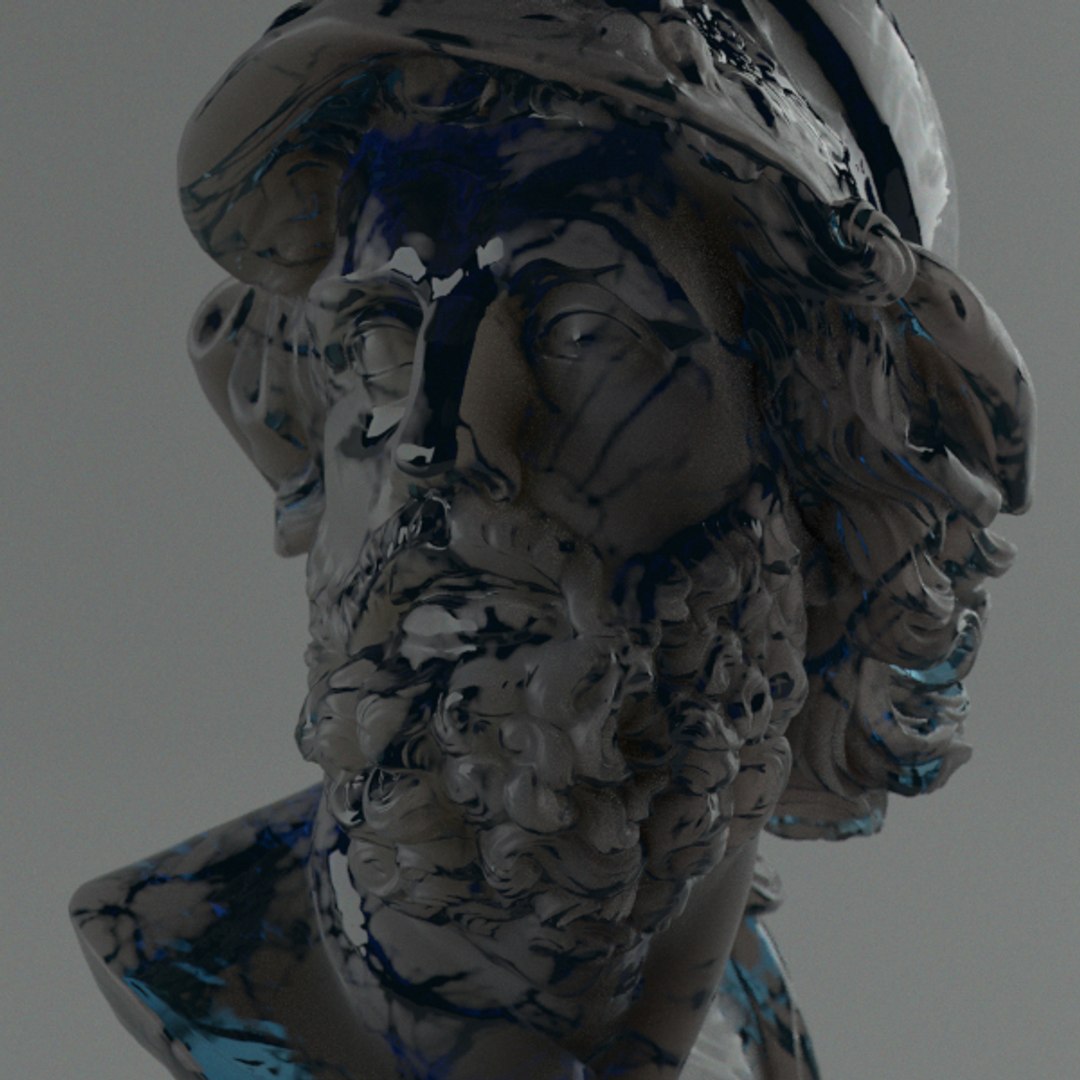
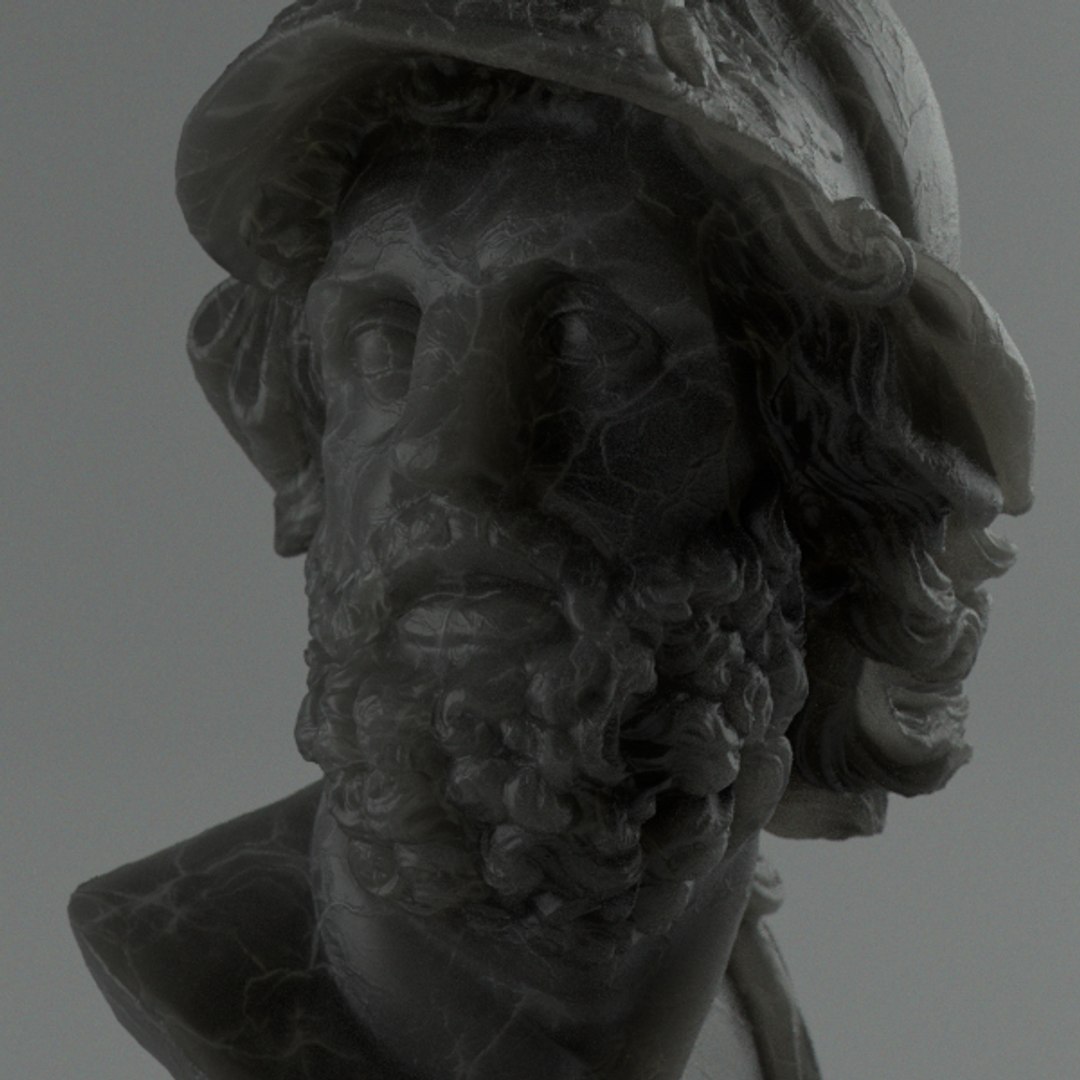
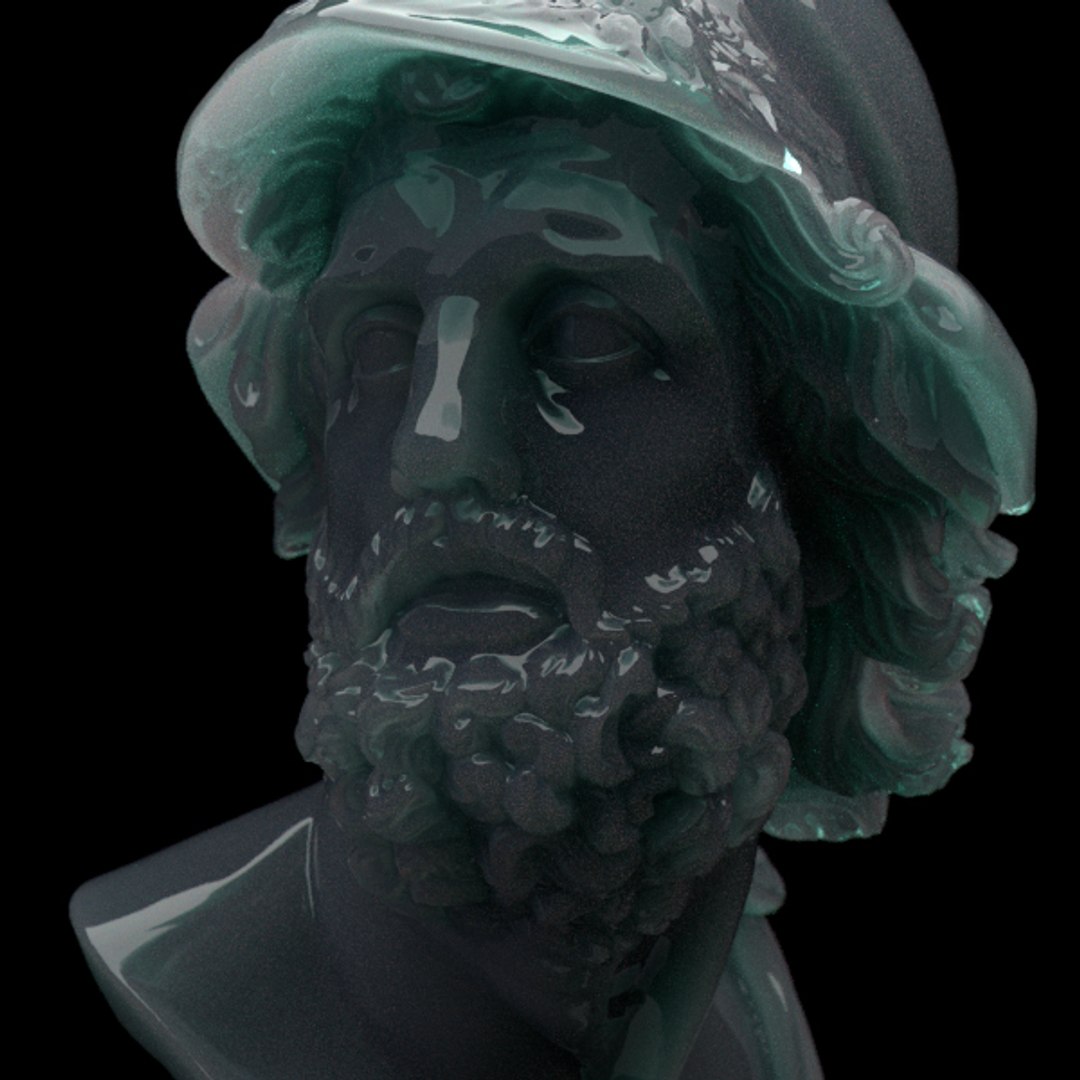
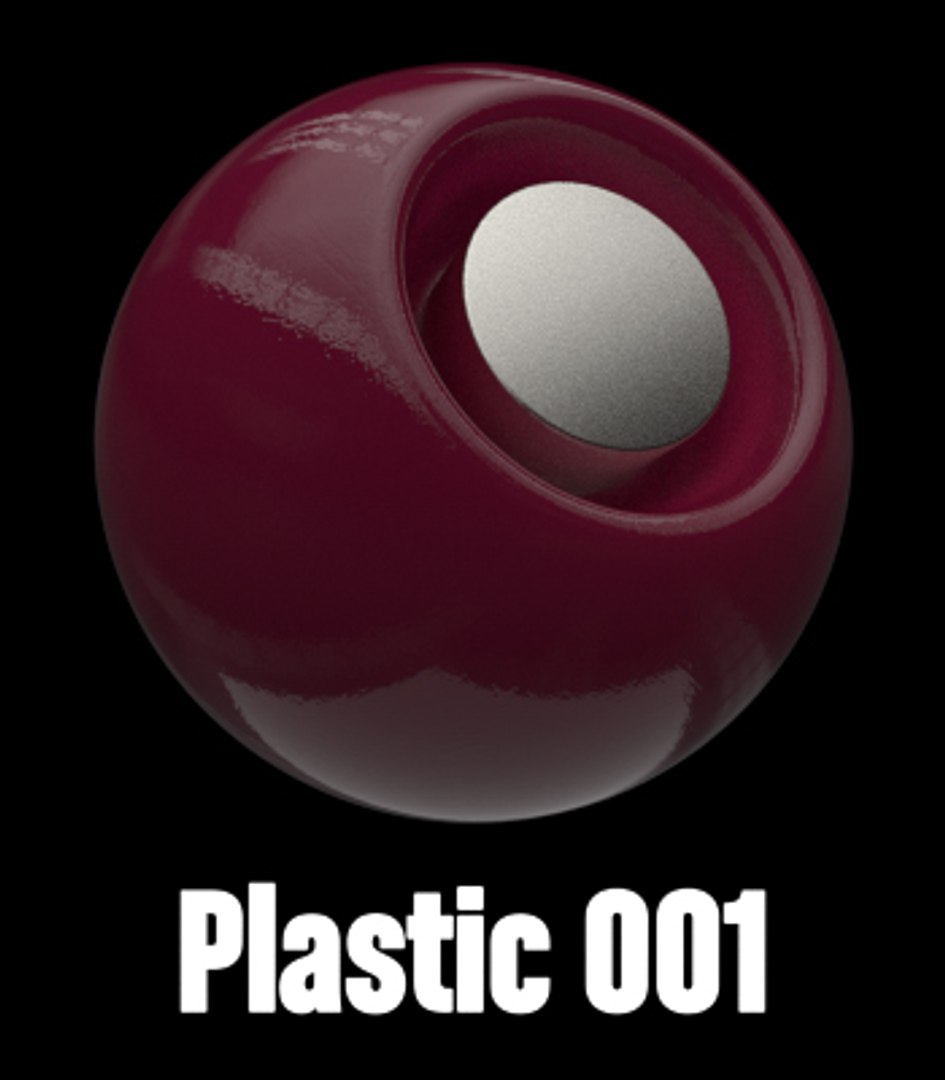
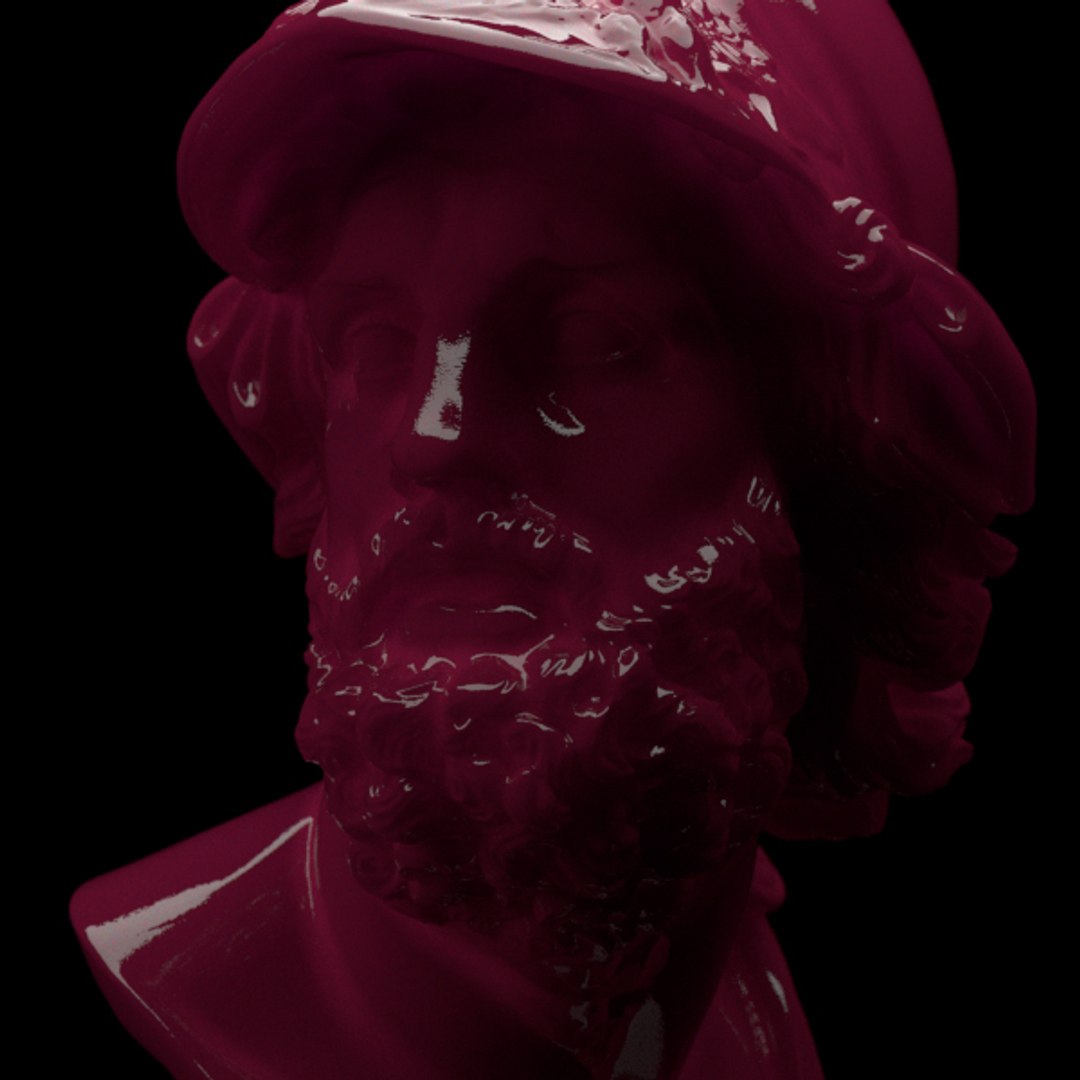
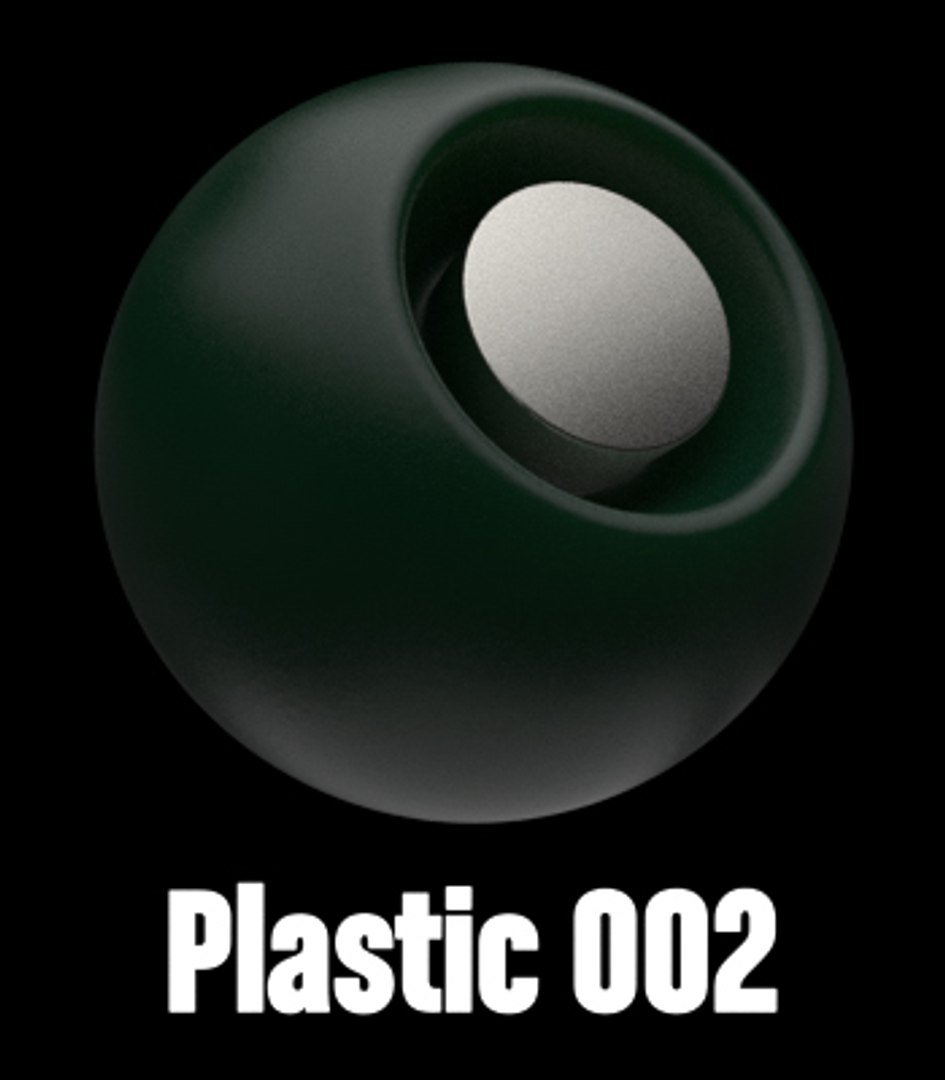
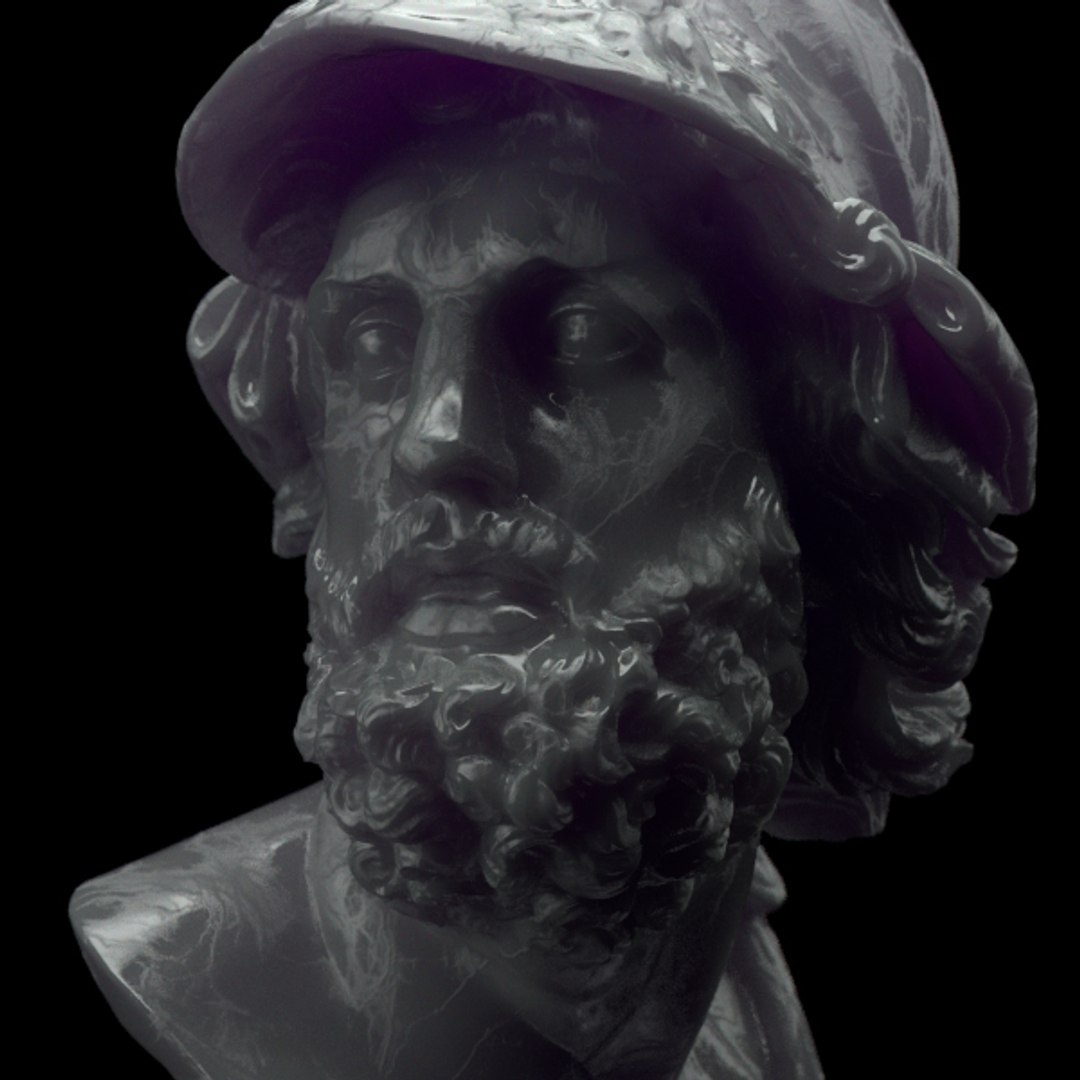
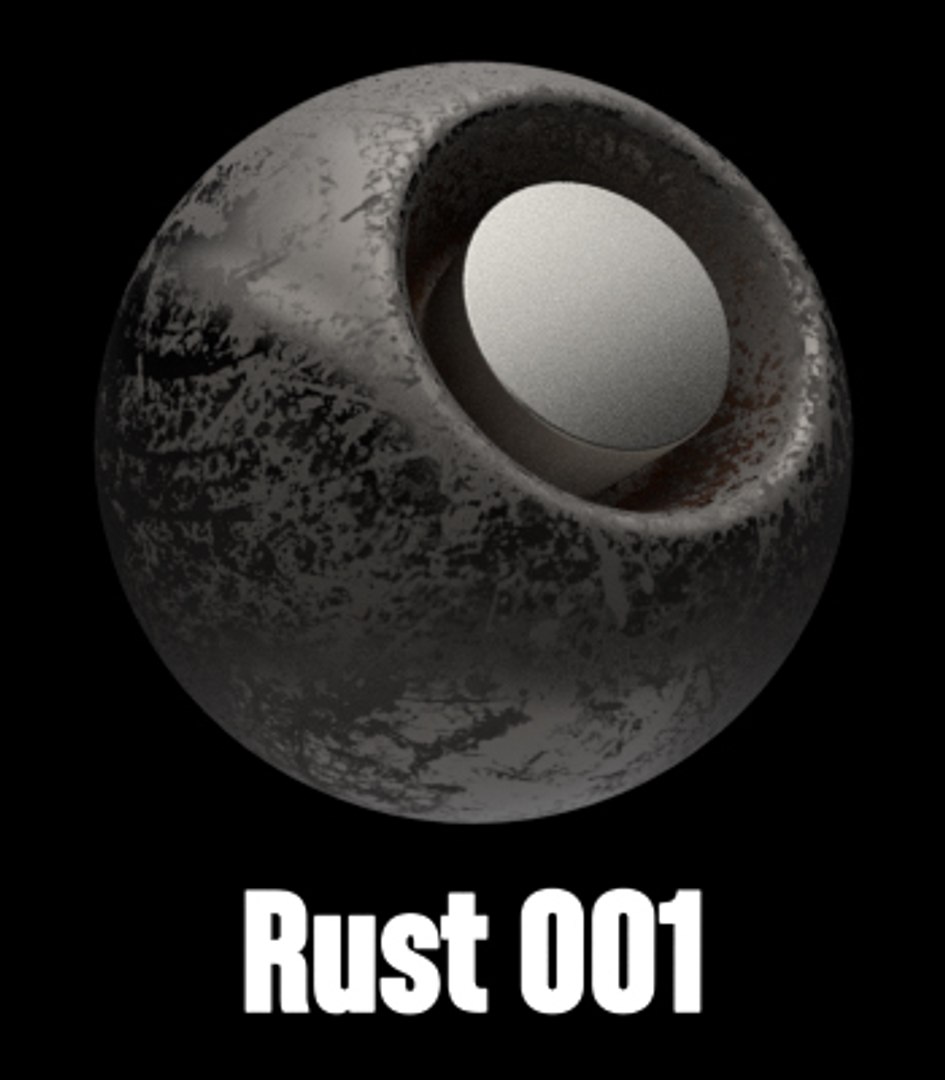
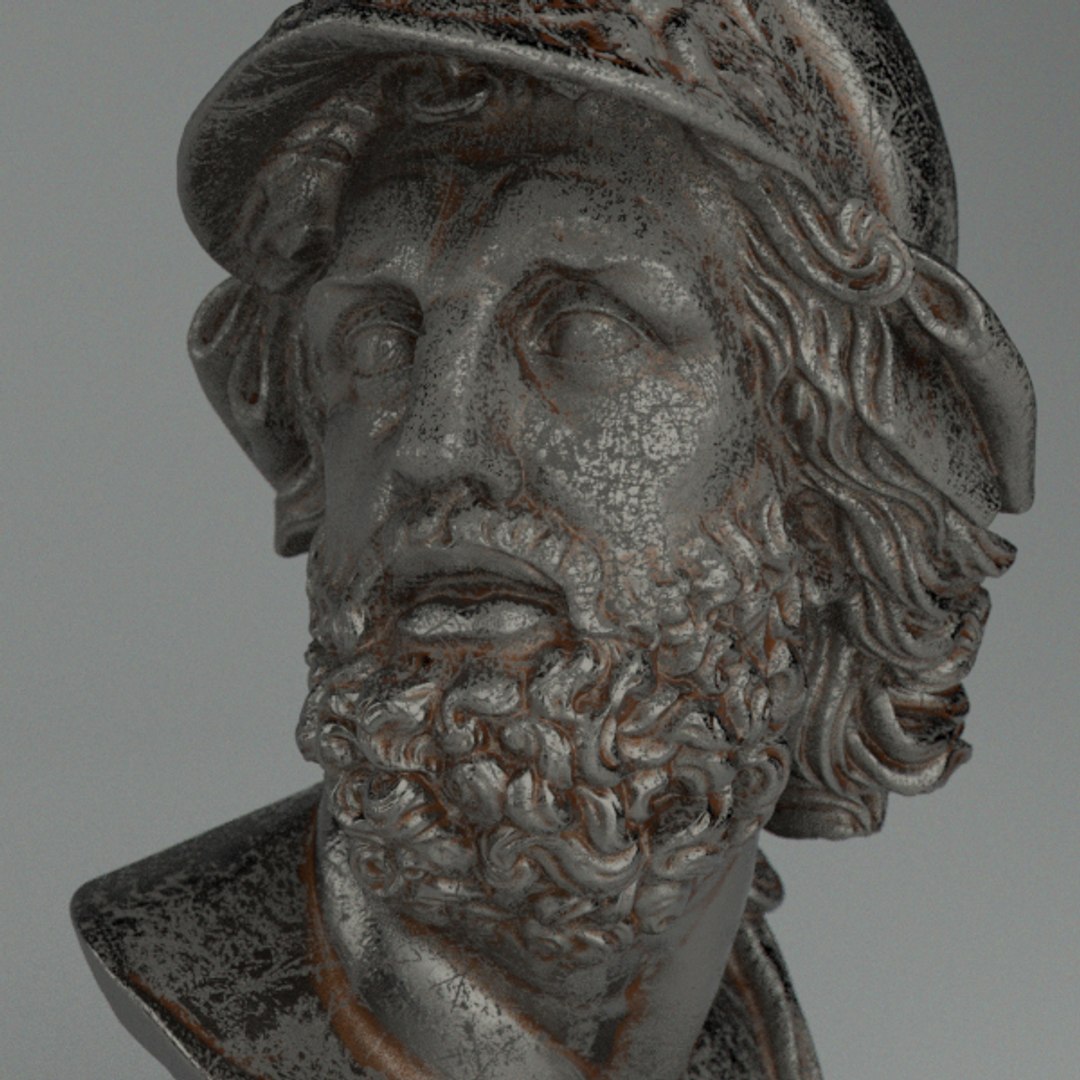
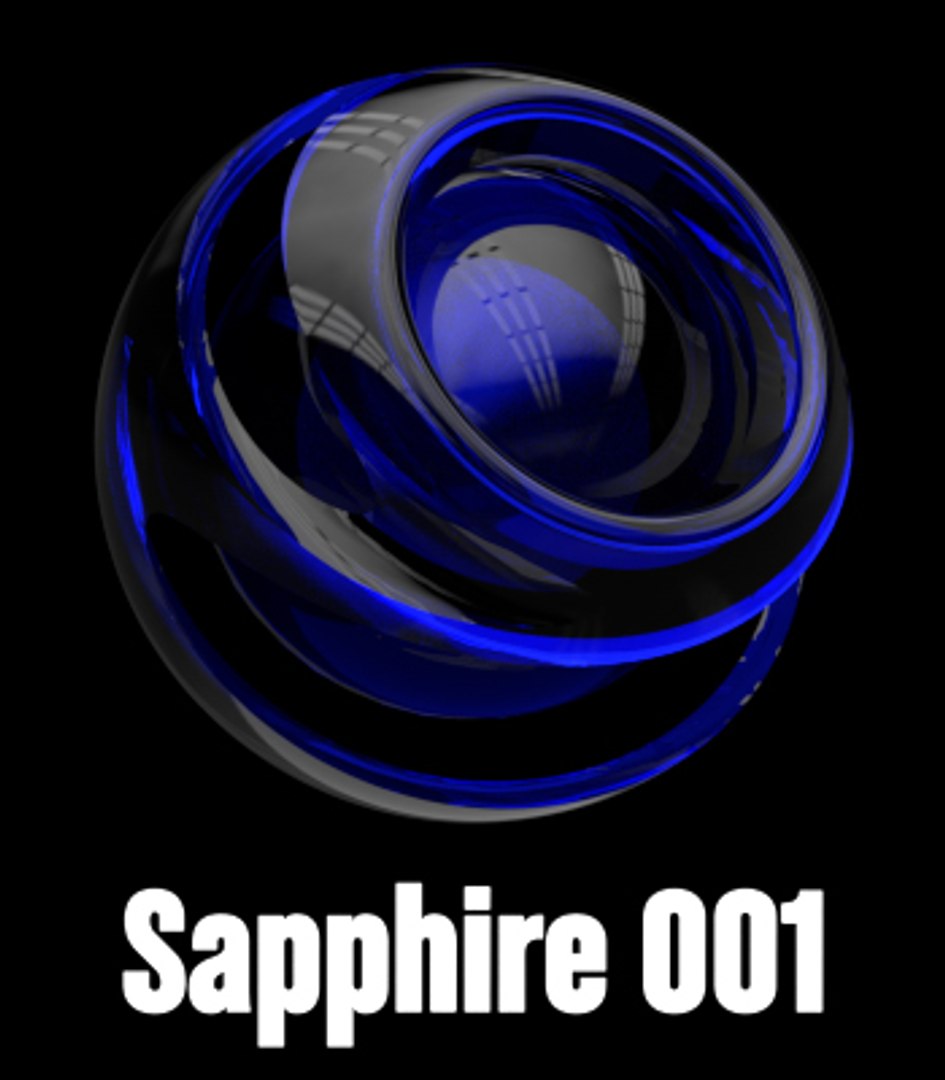
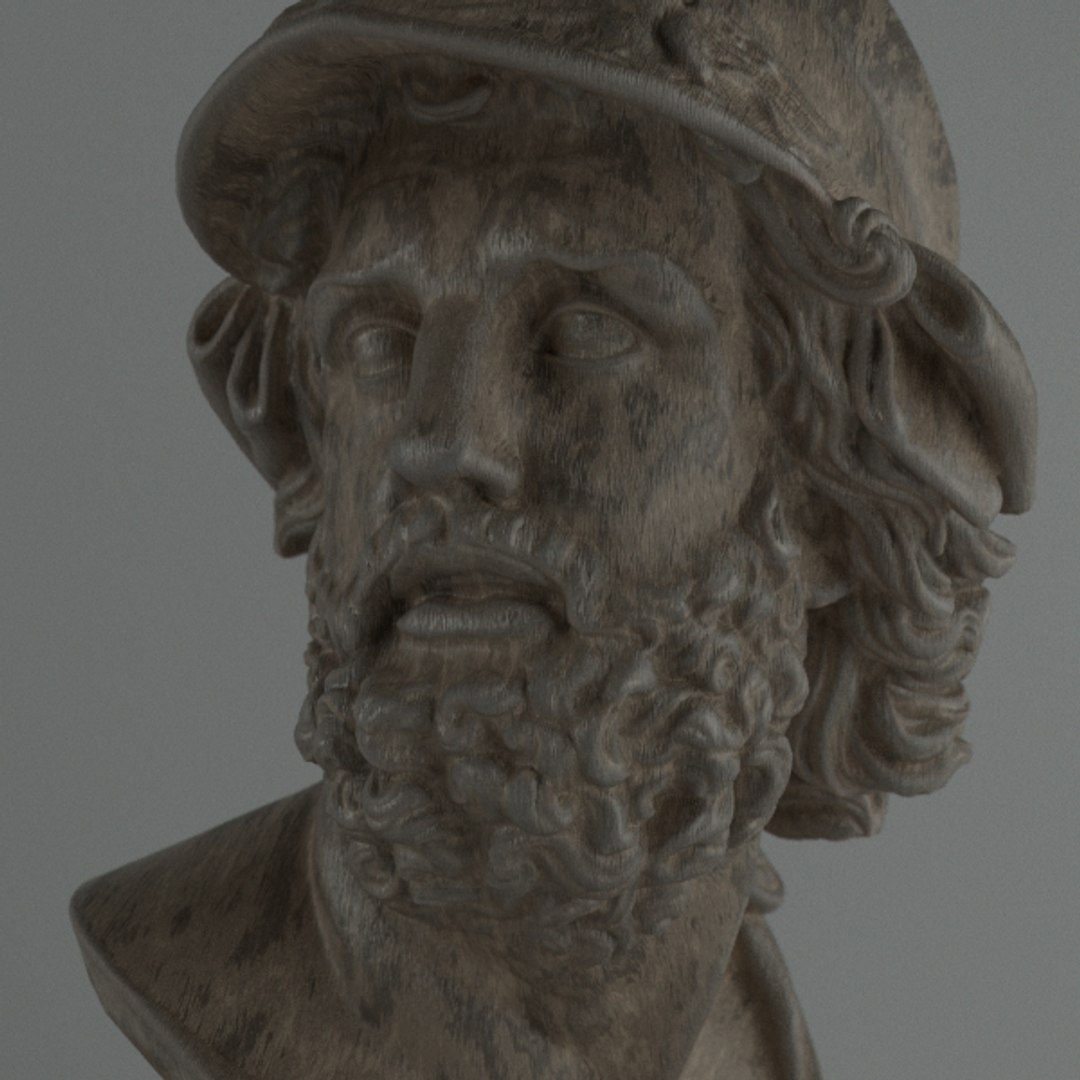
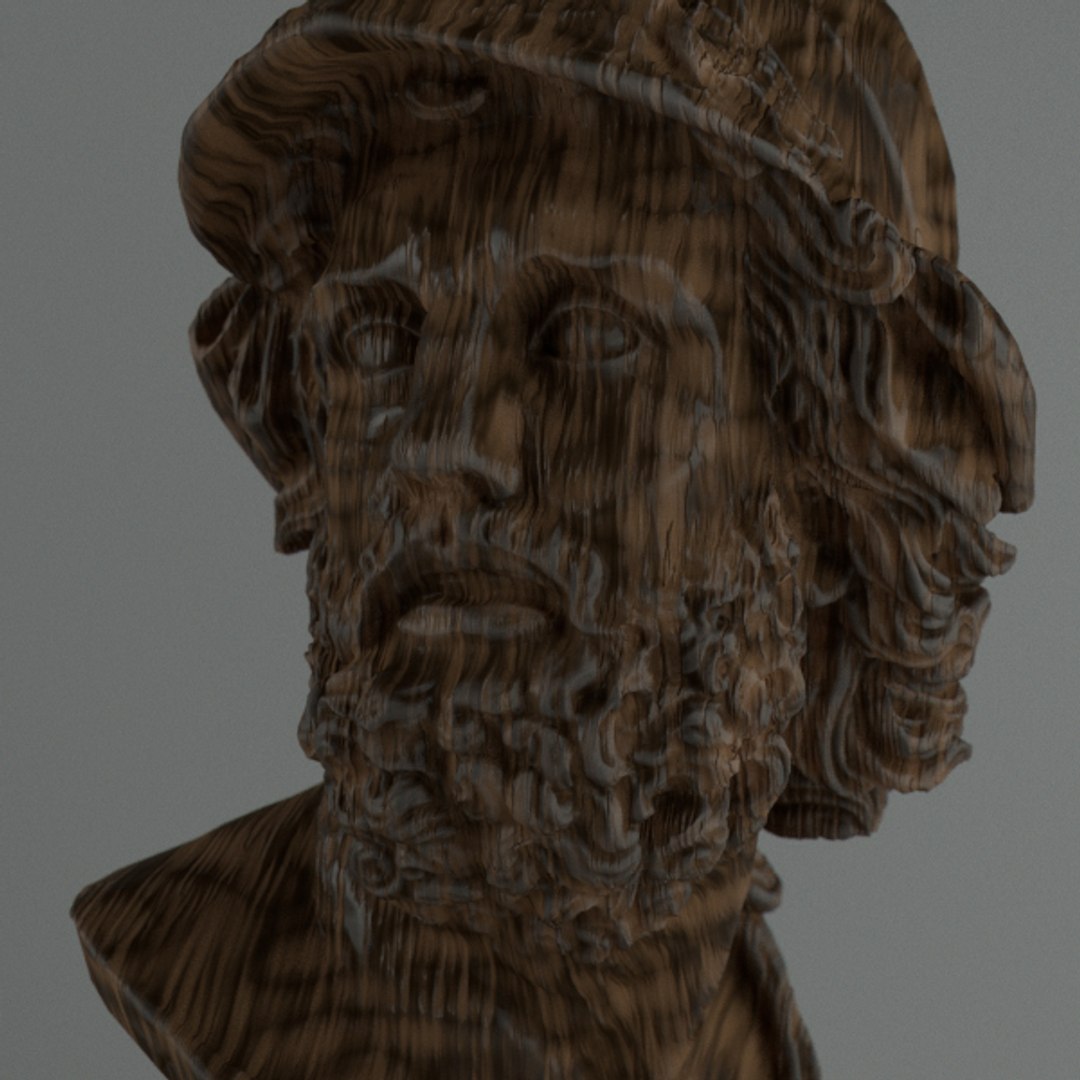
Redshift Shader to Cinema 4D 1
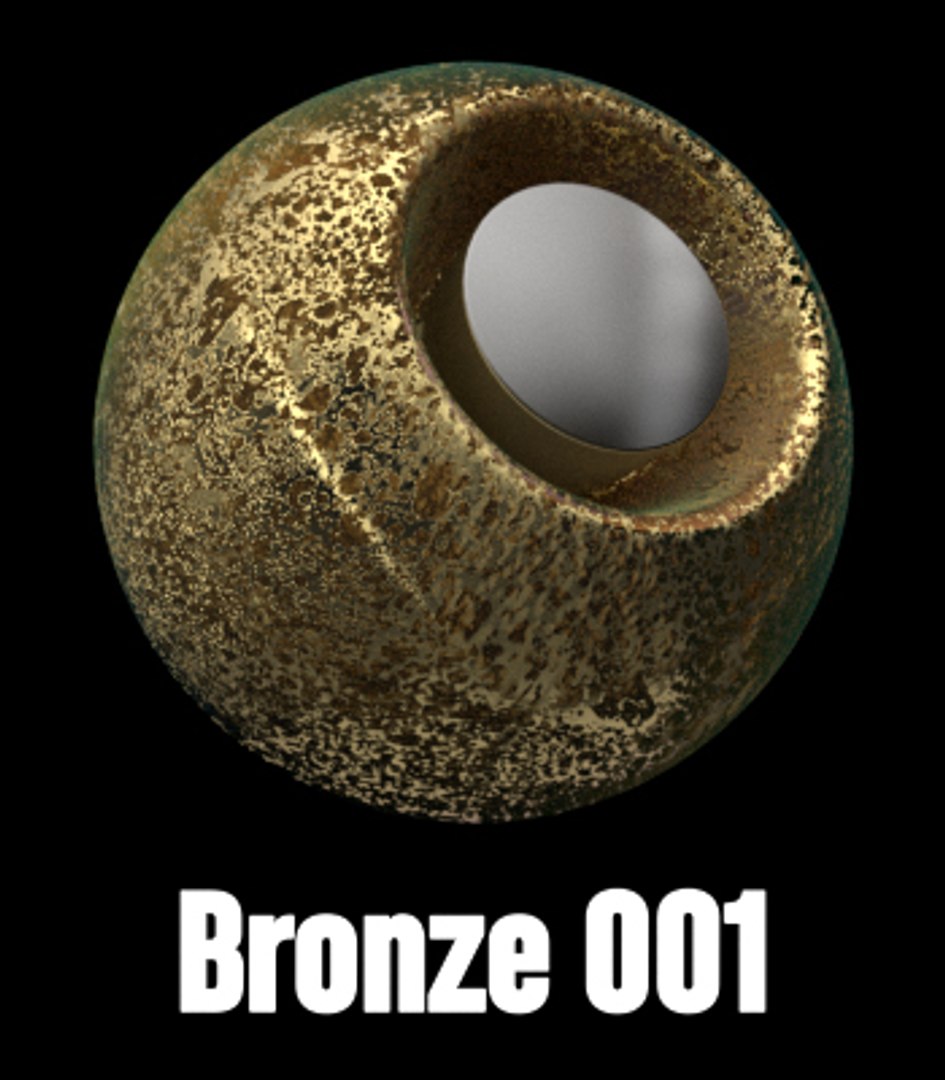
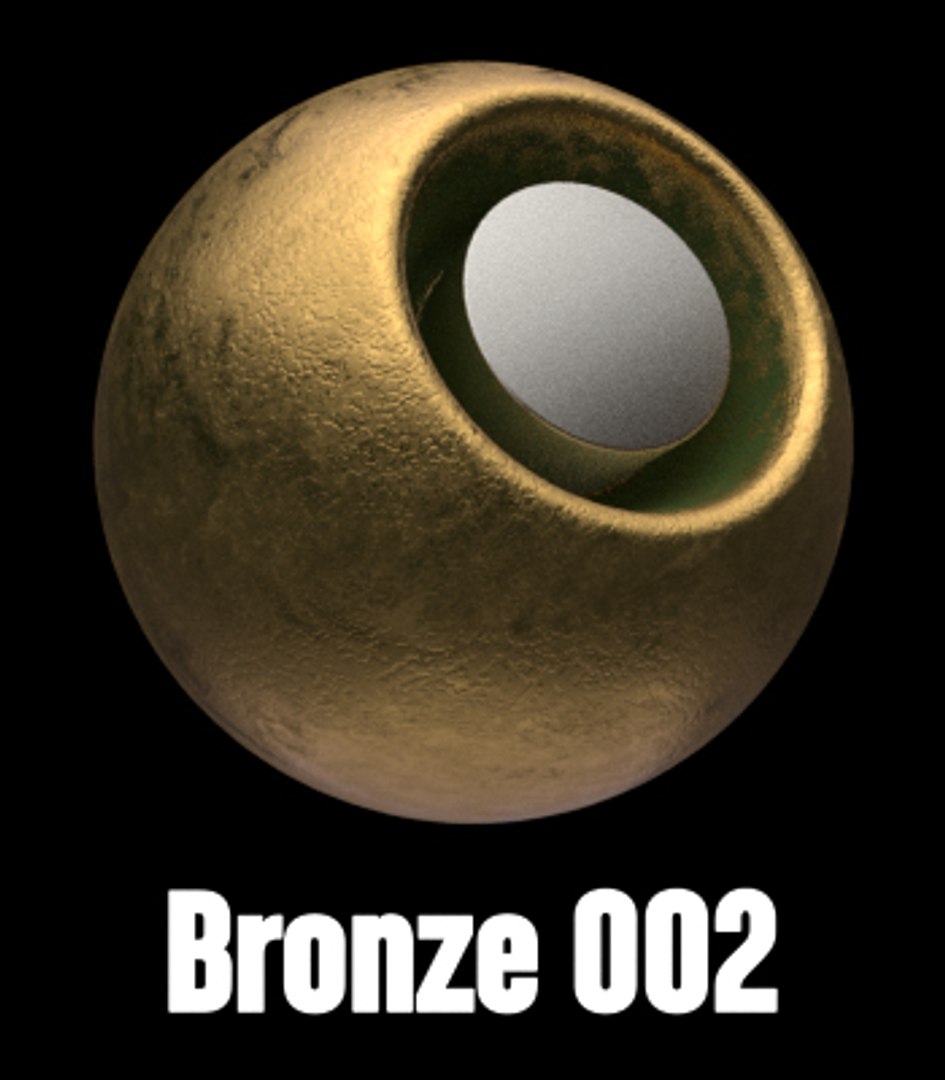
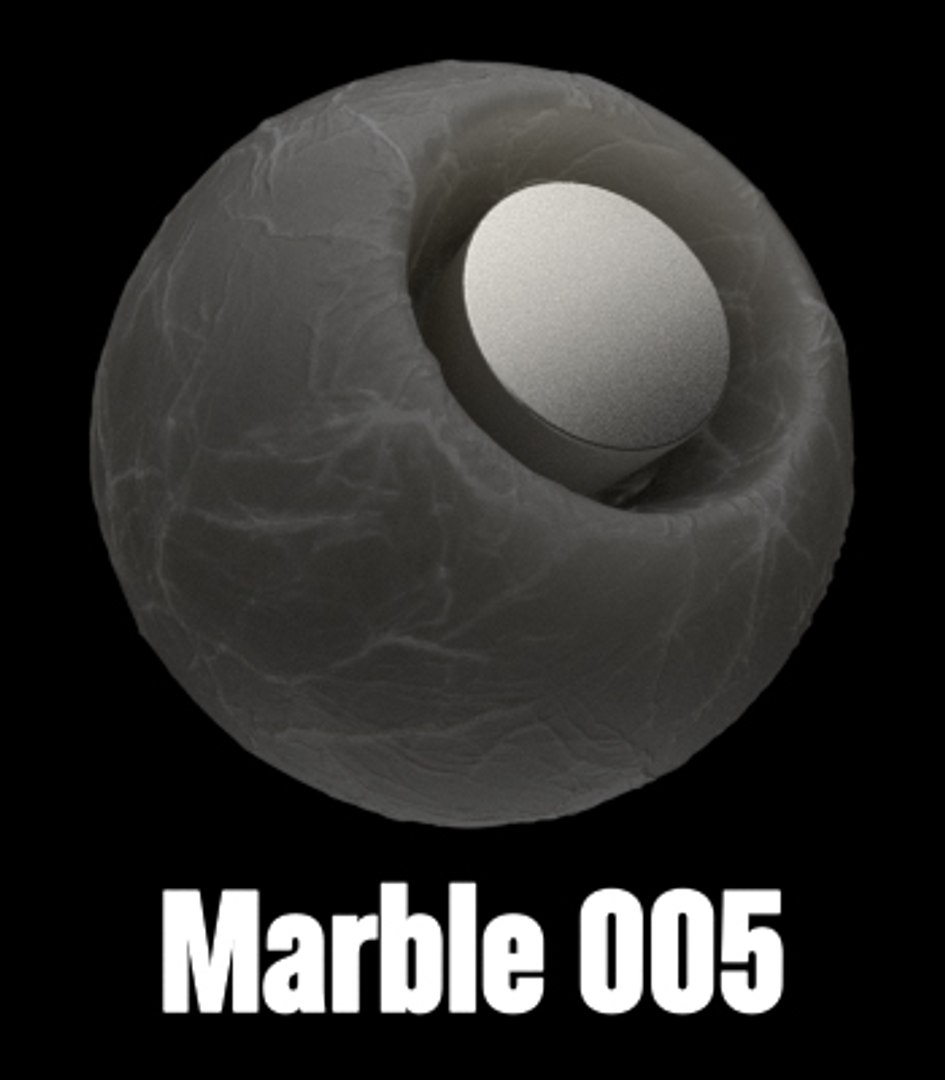
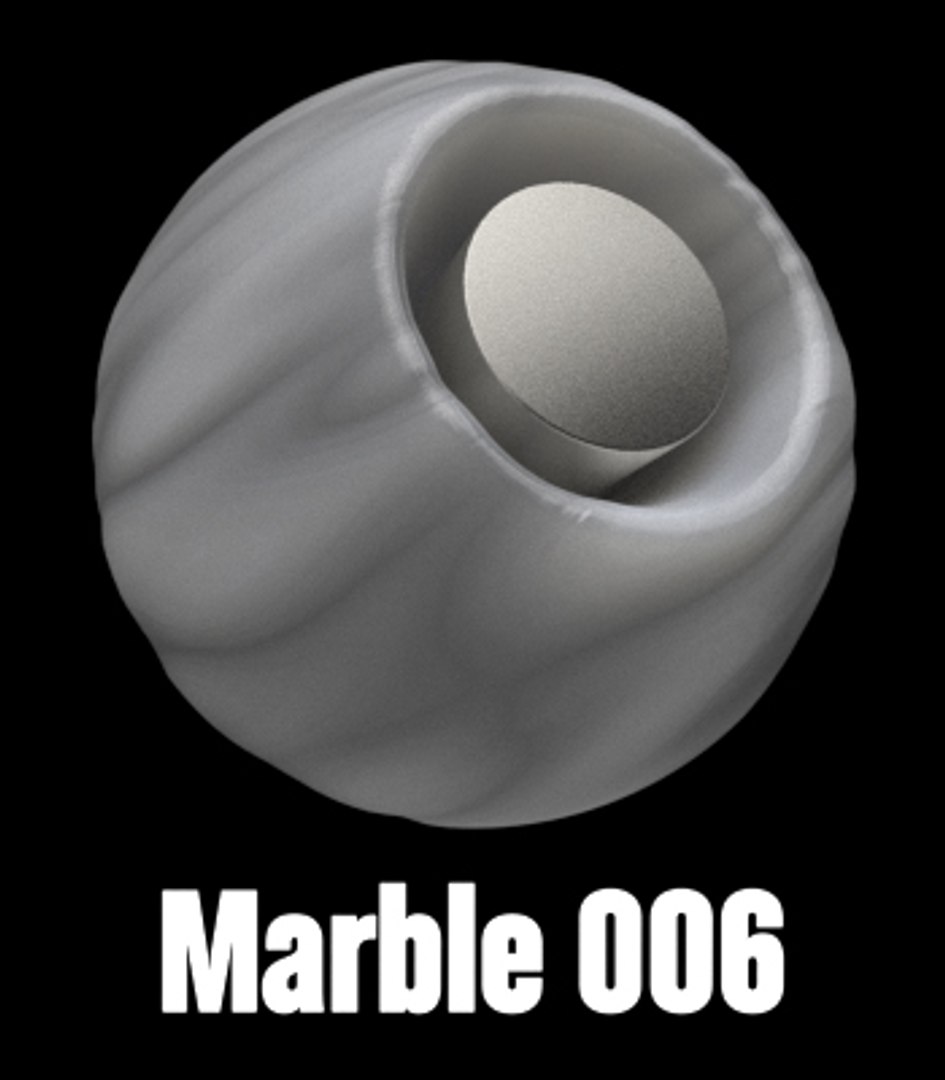
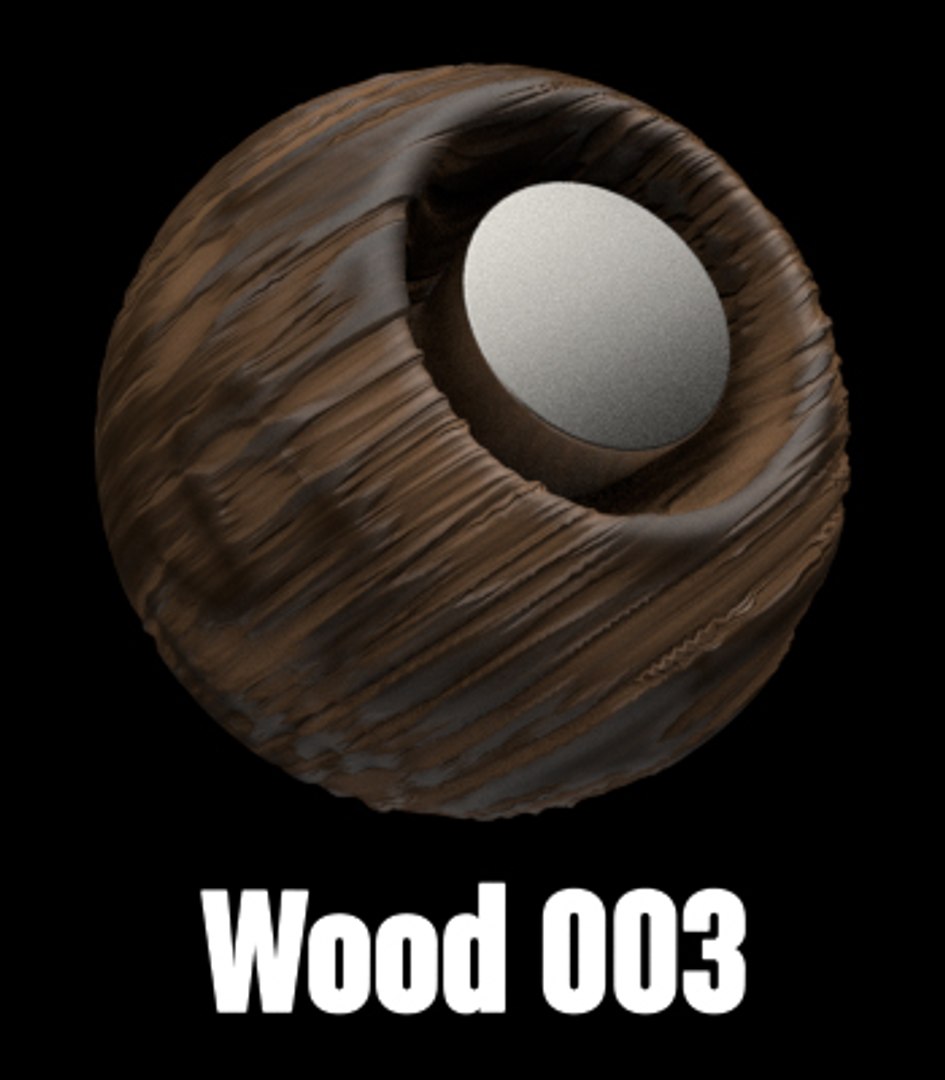
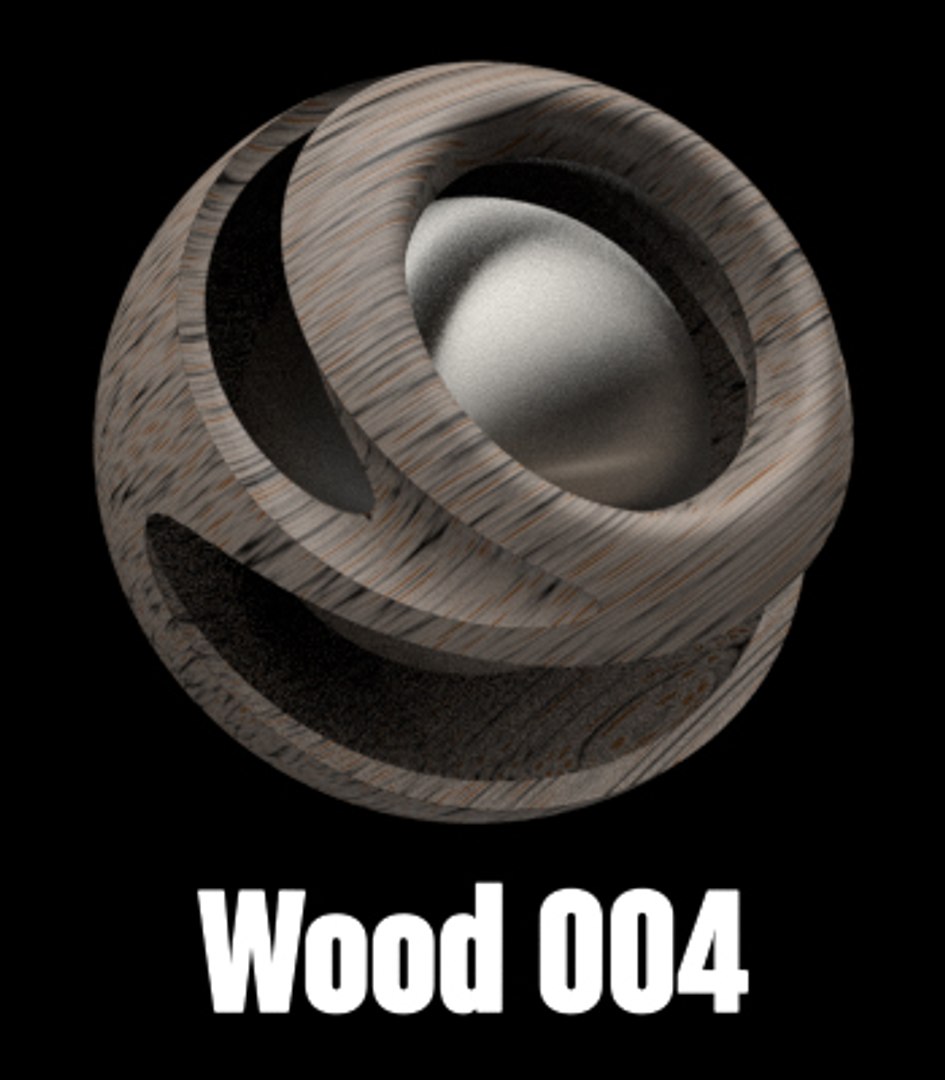
mora than 50 different shaders

You have the library and the file of the making textures.

Install:

1. Redshift Shader to Cinema 4D 1.lib4d file in library/browser/ in your current
version of Cinema 4d. Then, restart Cinema 4d

2. Copy the tex folder, open c4d, Then go to Edit/Preferences/Open Preferences
Folder
and paste the textures in a new "tex" foldre. (If you have already the folder tex, just paste the textures
there.

3. C4D, Edit/Preferences/Files. in "path 1" choose the path of "tex" folder.

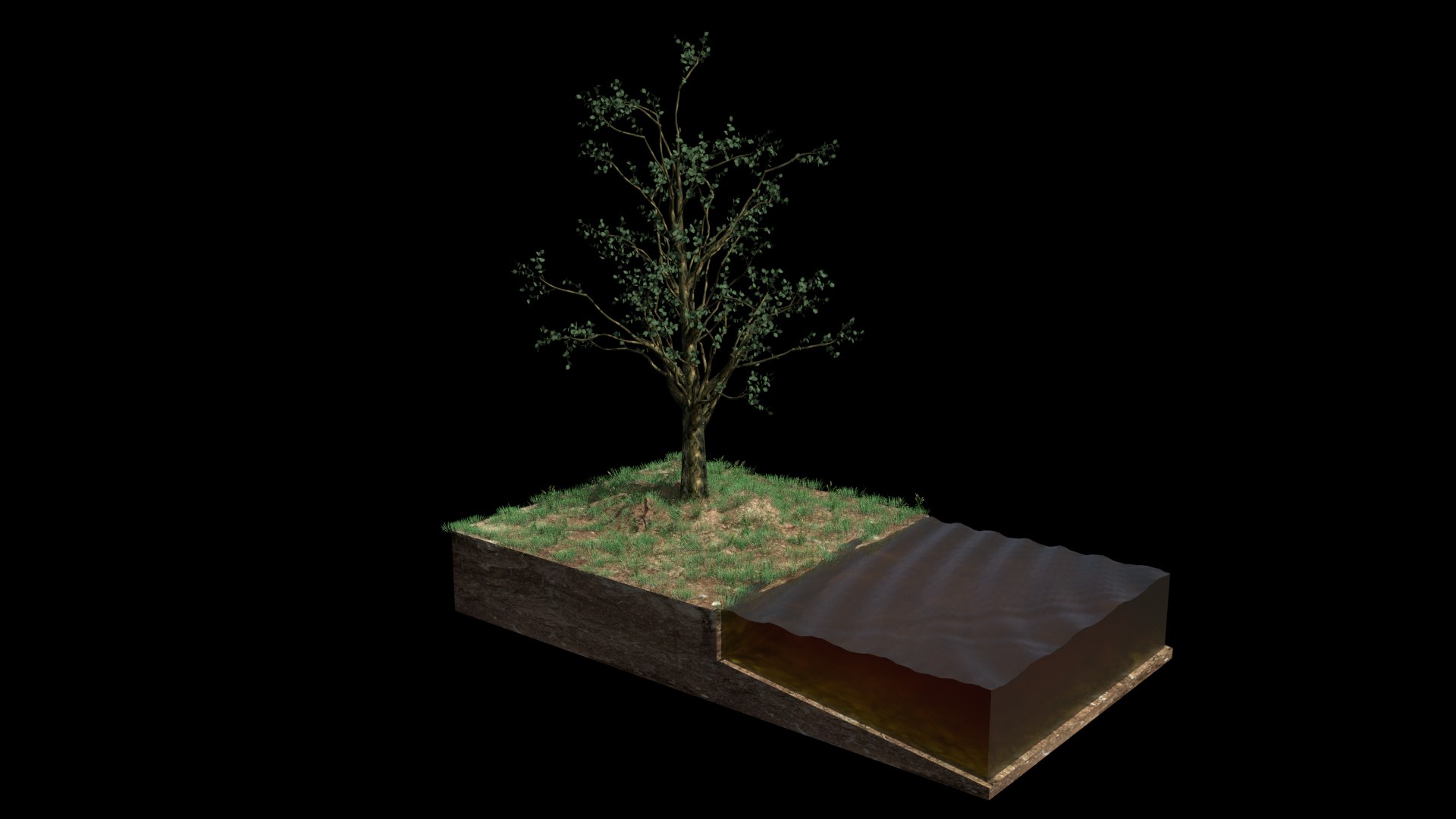
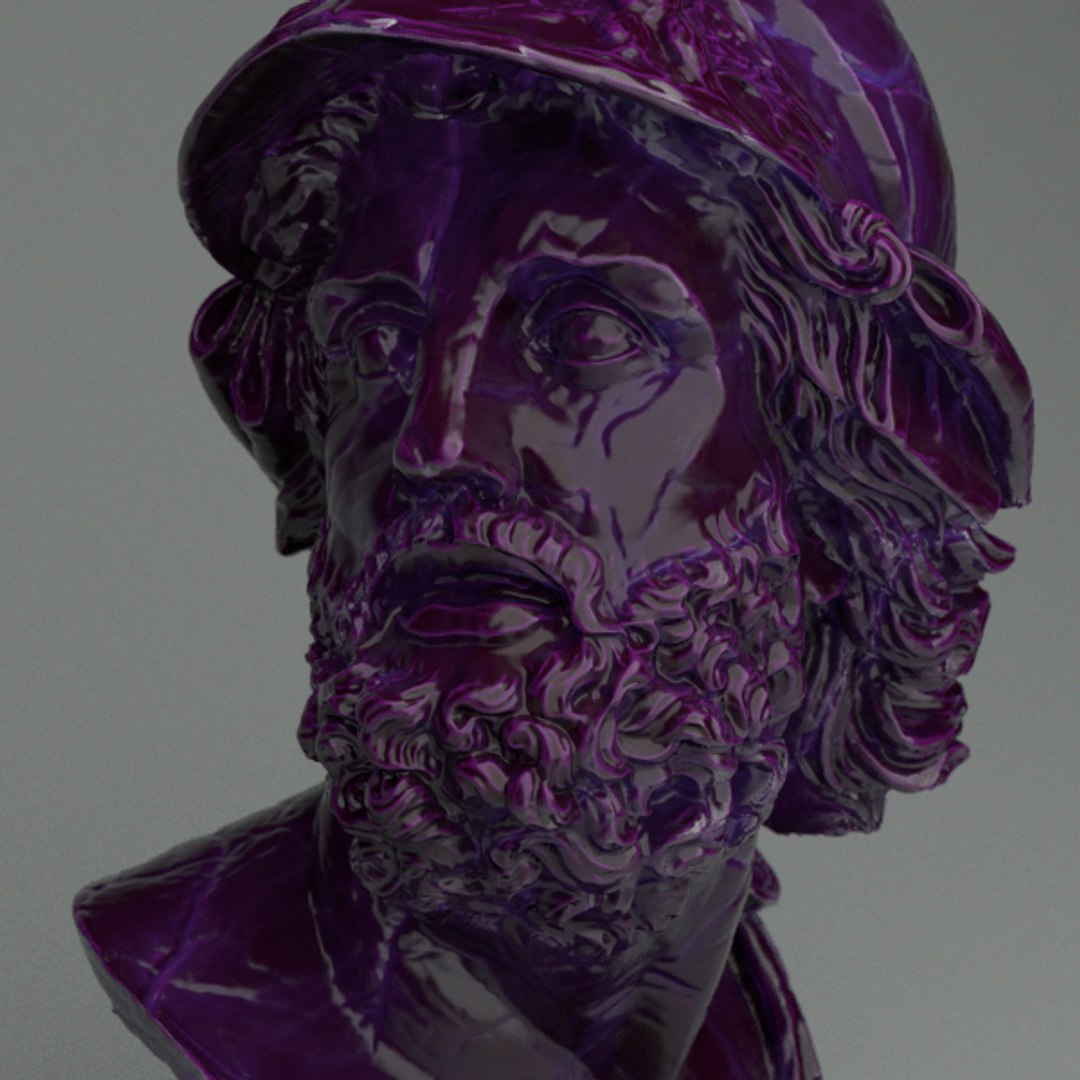
metals, clay, glass,woods, cement, stone, marblecaucho, plastics rubber, liquids, rubber,...

Thanks!!

Select Enhanced License

  • $10,000 in Legal Protection (Indemnification)
  • Uncapped Legal Protection (Indemnification)
  • Waiver from injunctive relief
  • Assignable model rights
  • $1,000,000 in Legal Protection (Indemnification)
  • Waiver from injunctive relief
  • Assignable model rights
  • $250,000 in Legal Protection (Indemnification)
  • Assignable model rights
Read more about enhanced license tiers, or contact us at enterprise@turbosquid.com. Already a Shutterstock Enterprise Customer? Contact your Shutterstock Sales Support Agent to talk about adding 3D.

About Conversion Requests

To submit a conversion request for a purchased asset, please complete our Conversion Request Form.

If you have not yet purchased a model, please review our Documentation about Conversions to learn about what limitations you may encounter with a conversion.

For any additional questions about a model’s suitability for conversion, please contact TurboSquid Support.

Loading...