
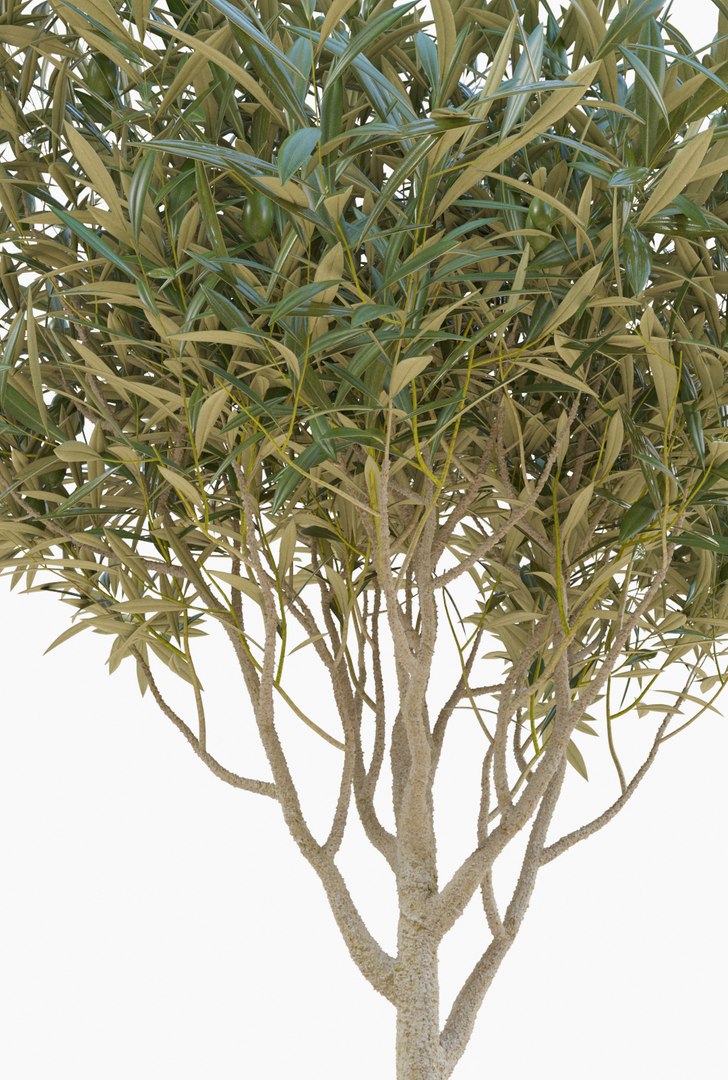
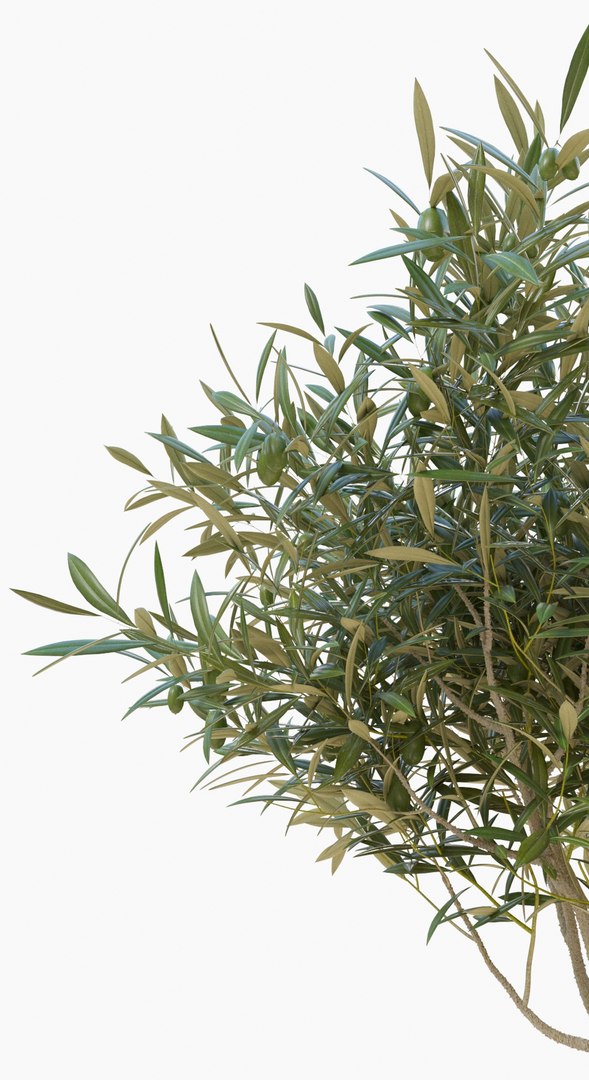
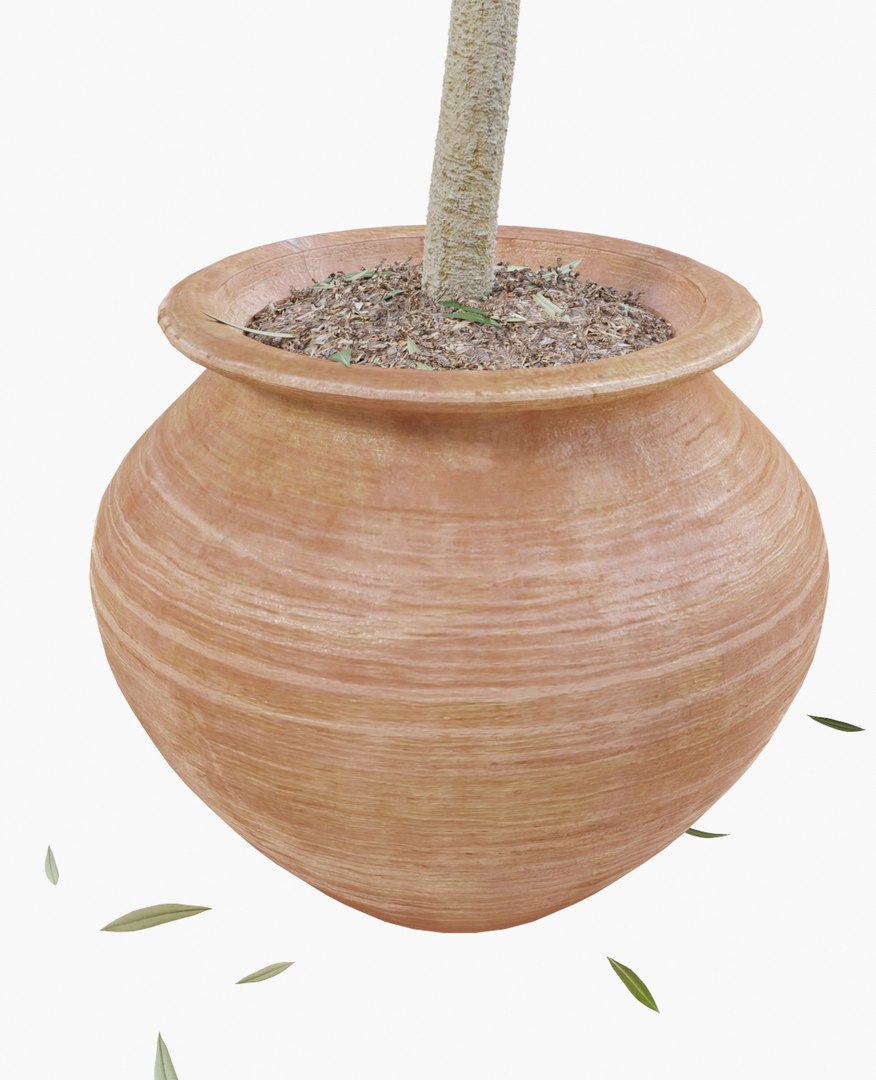
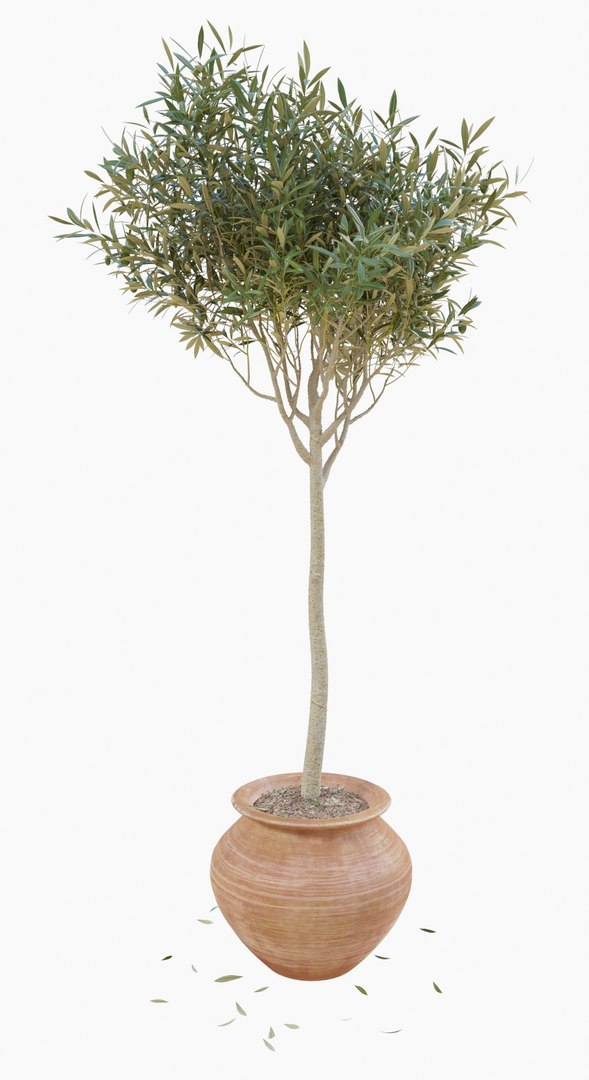
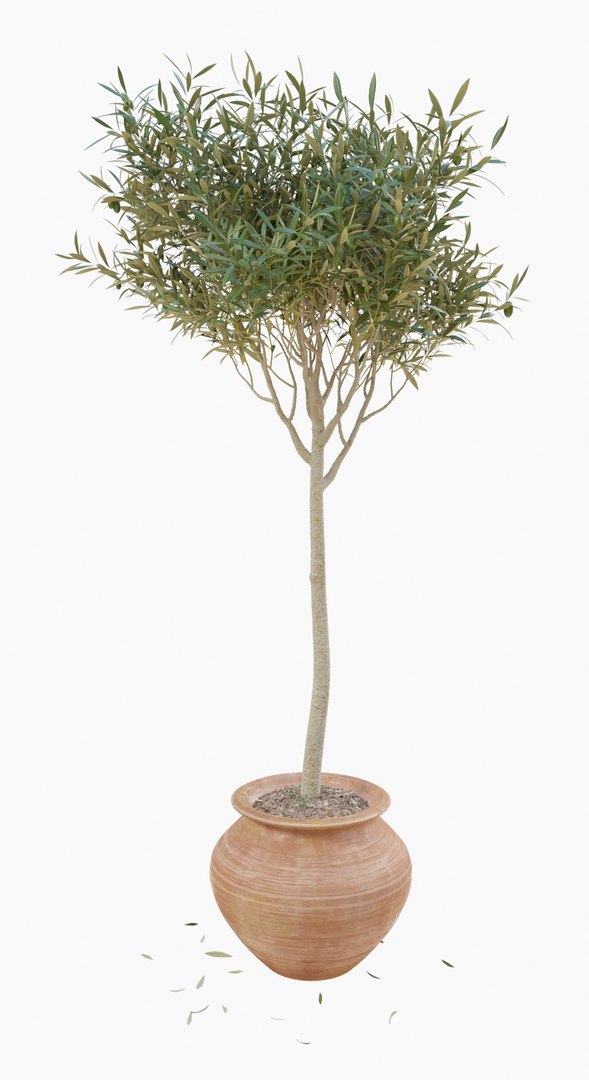
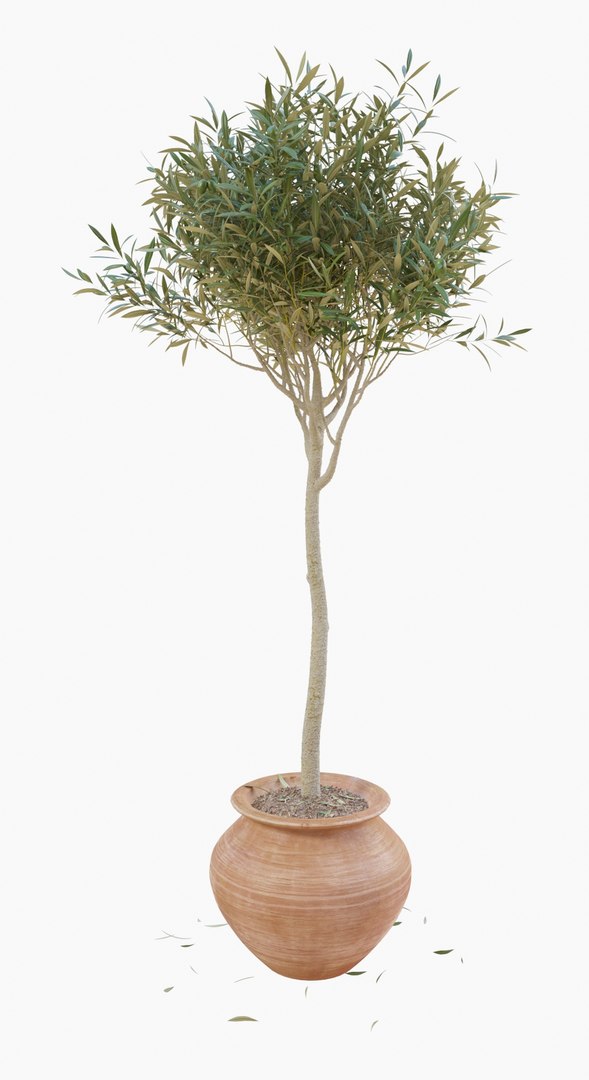
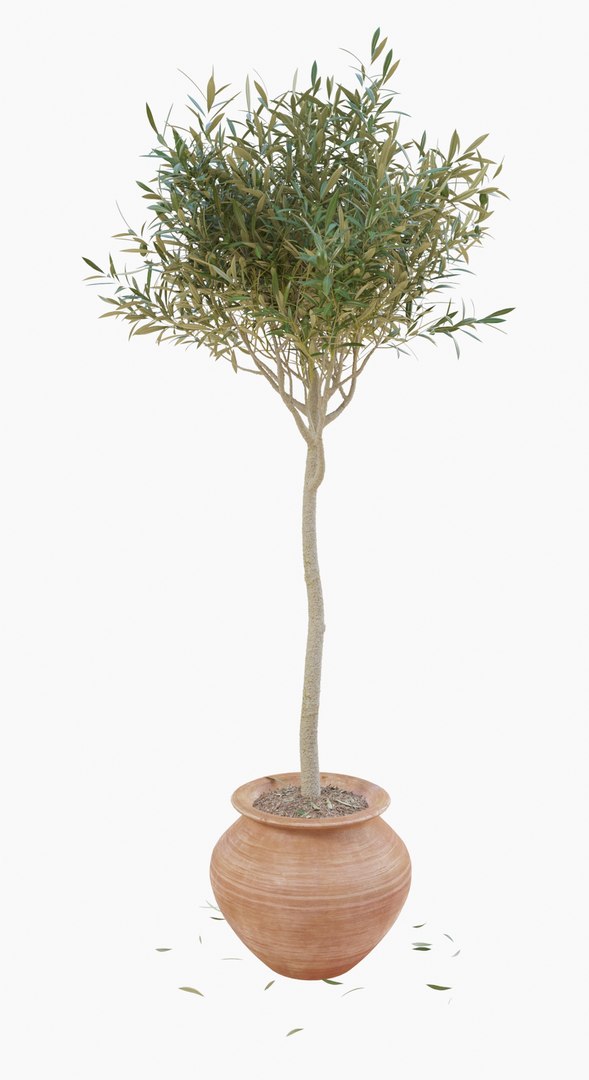
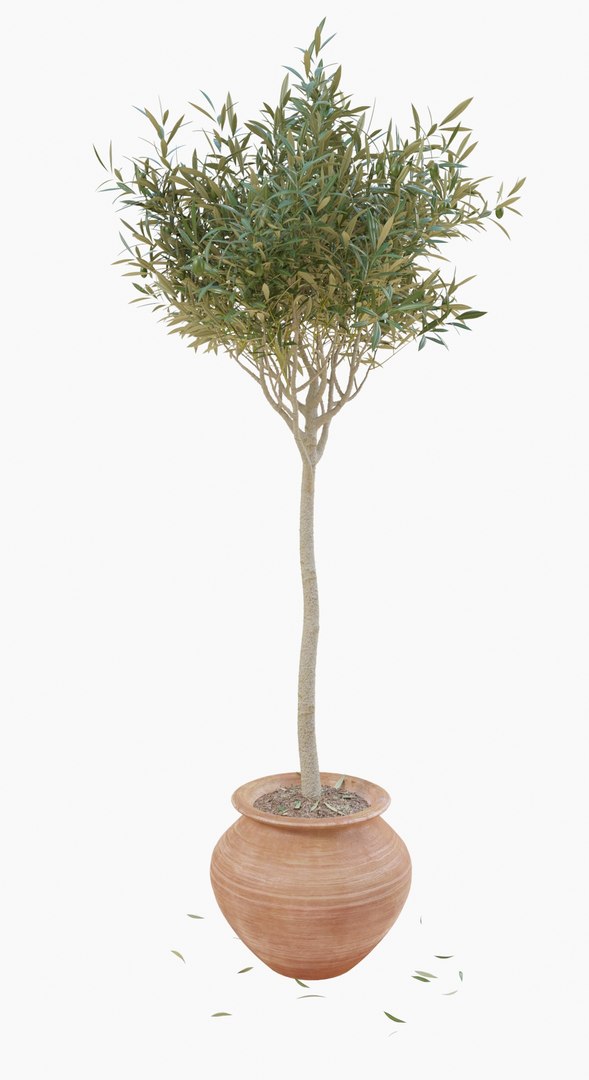
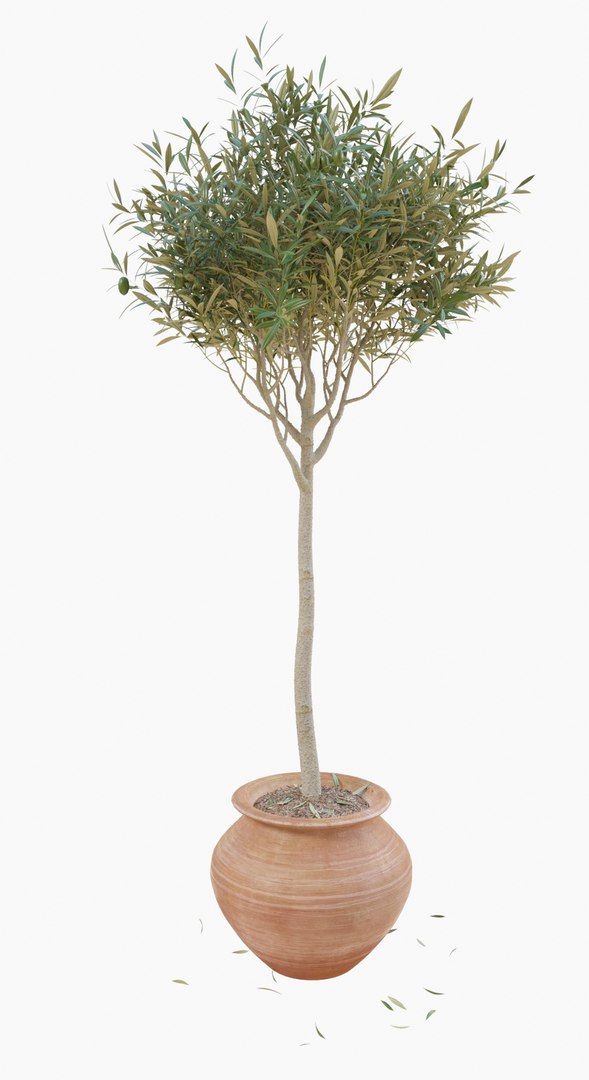
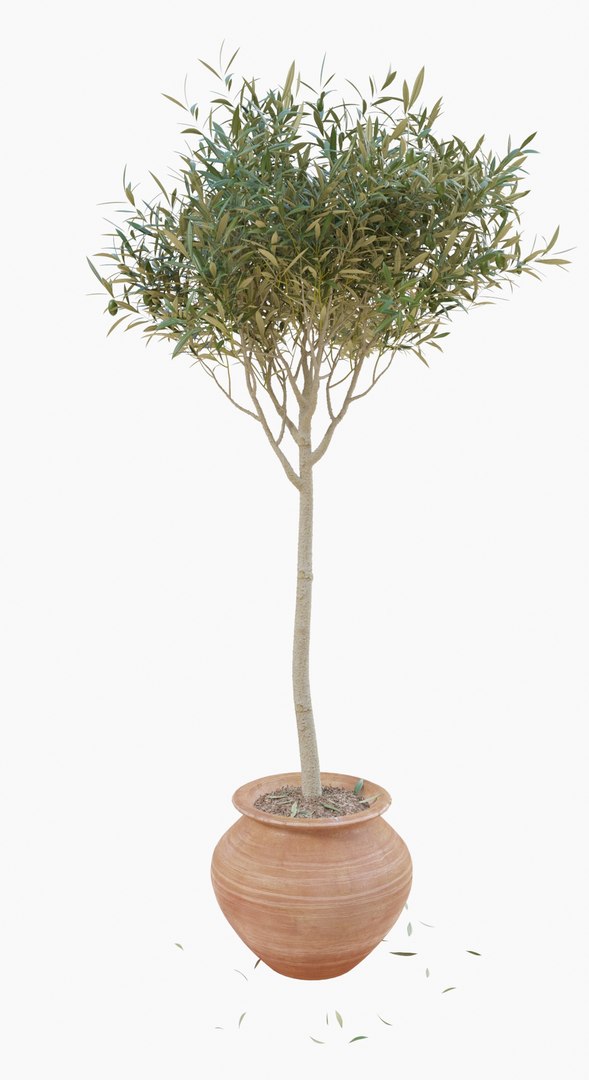
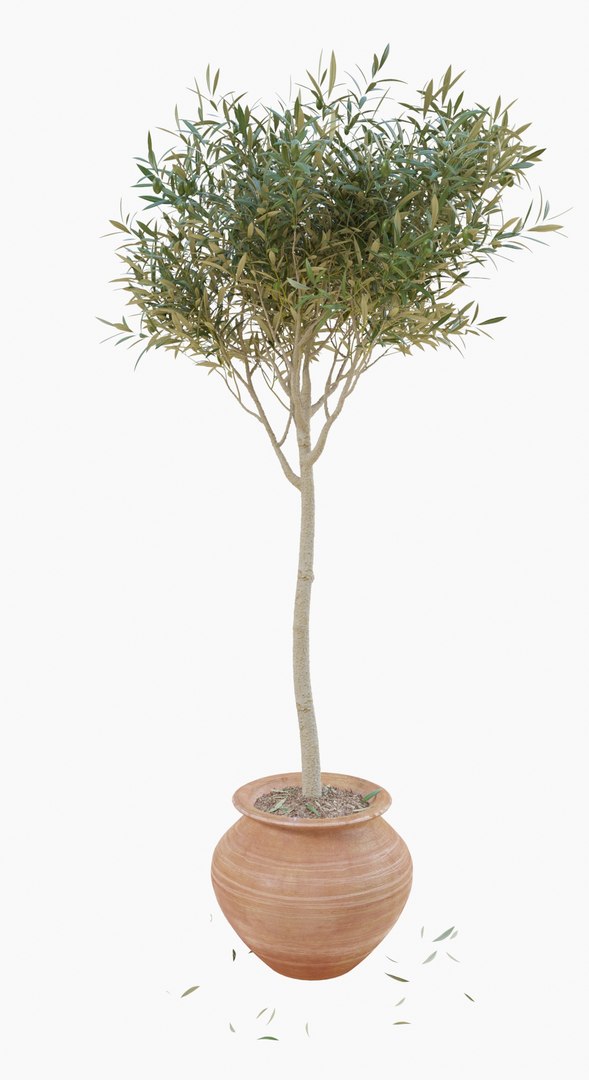

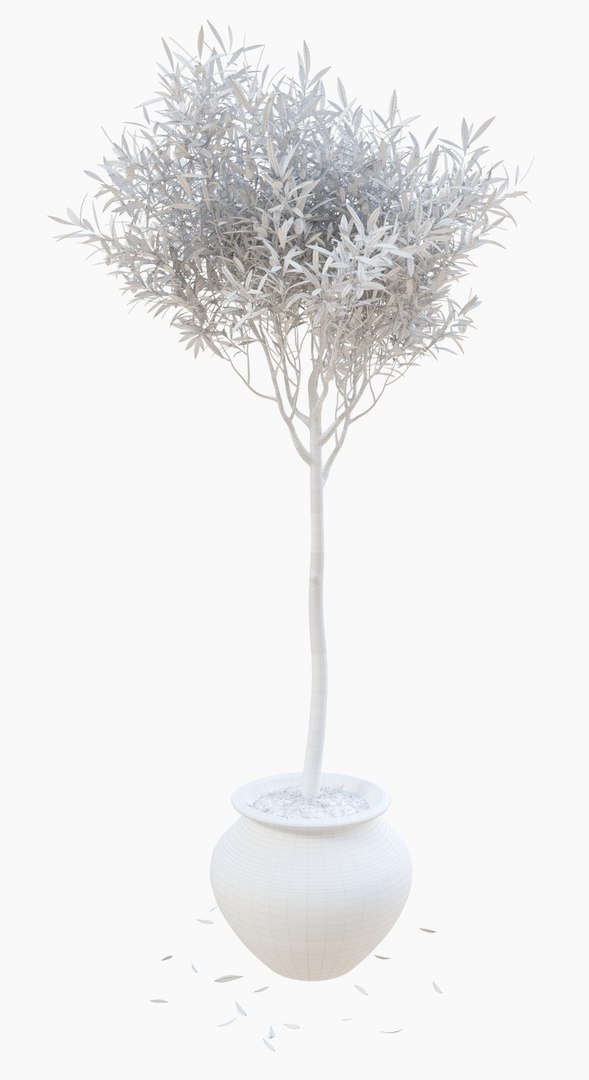
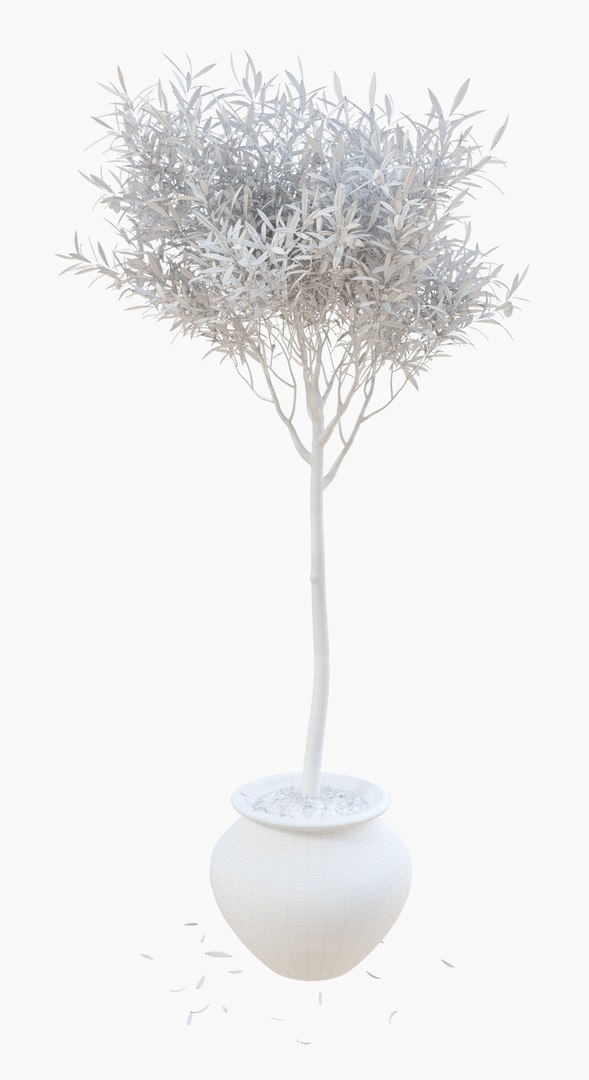
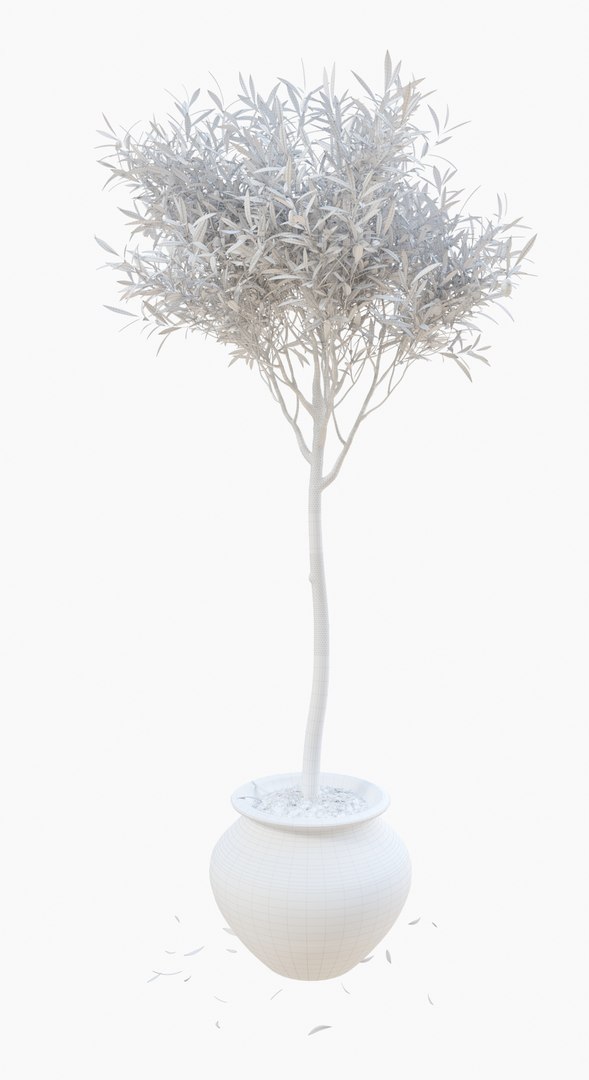
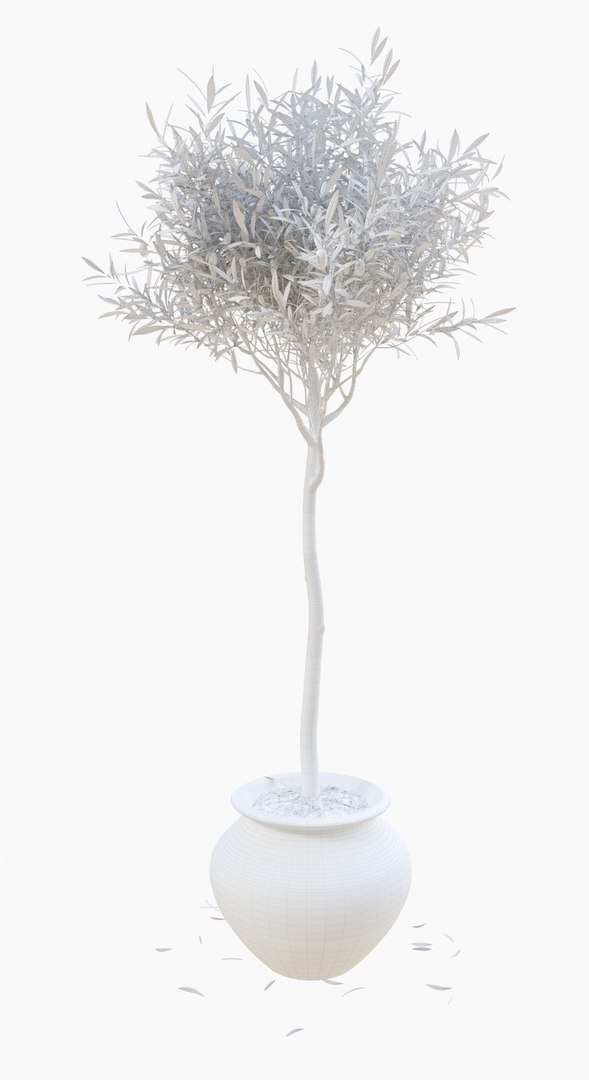
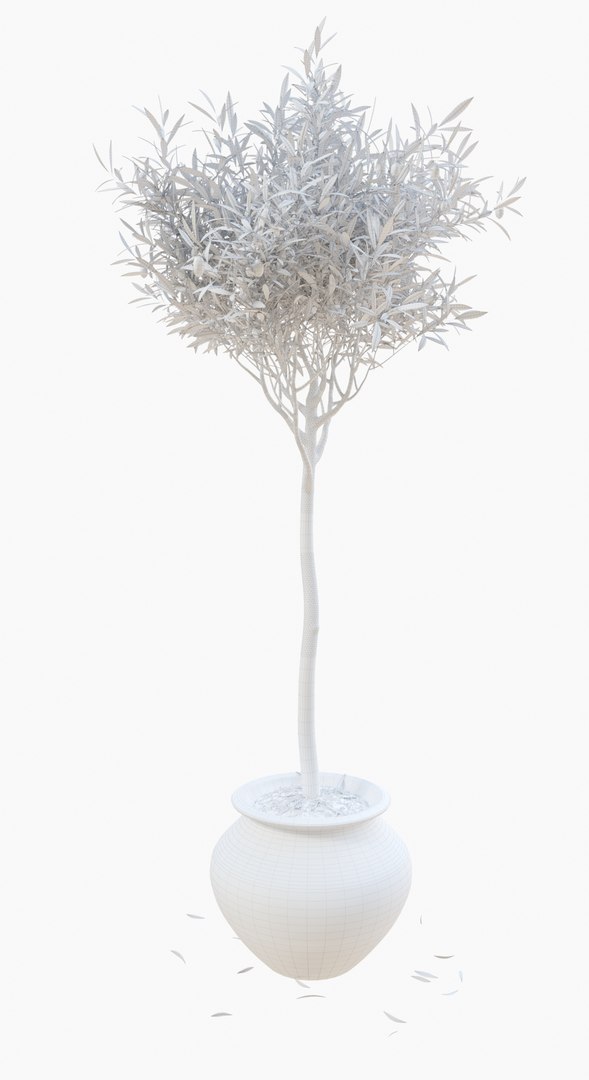
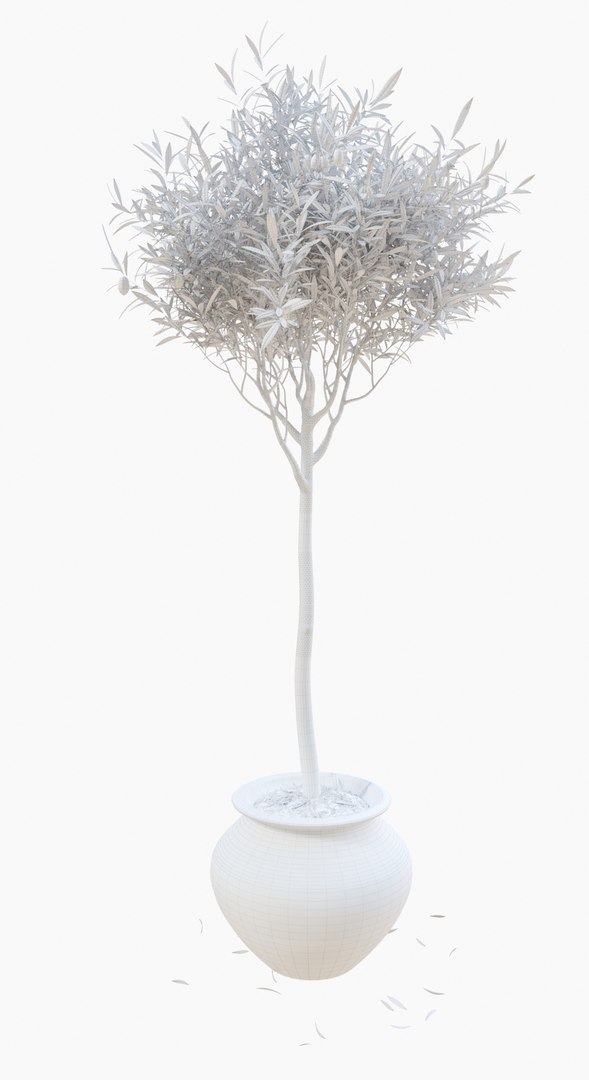
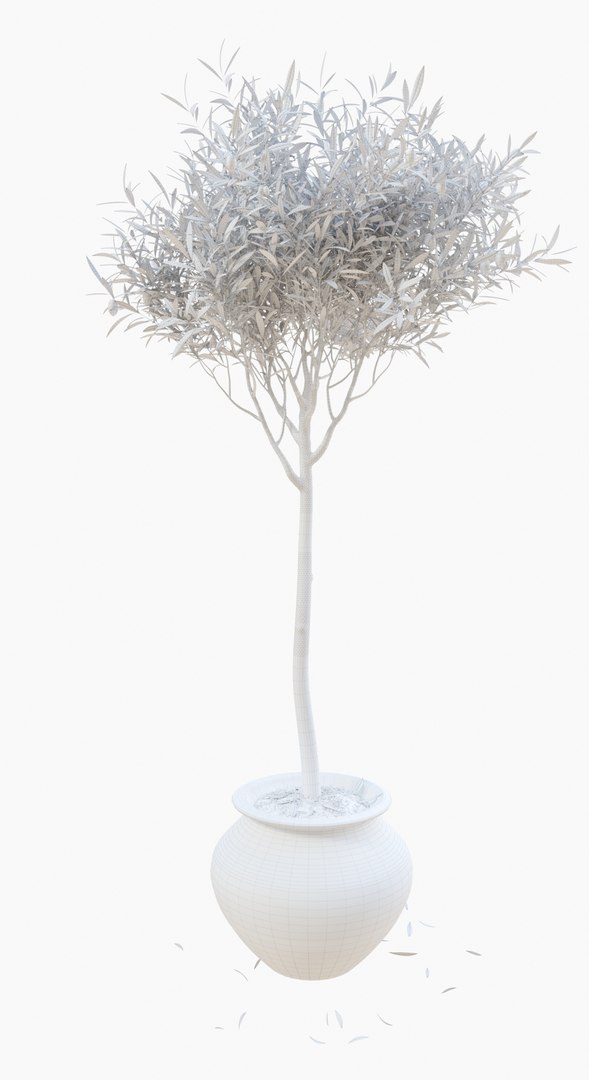
Olive Tree in pot

$17.98

Standard License | Upgrade License
Formats (8)
Native | 3ds Max 2017 | Corona 1.7
3ds Max 2017 | V-Ray 3.60.03
3ds Max 2014 | V-Ray 3.60.03
3ds Max 2014 | Corona 1.7
3ds Max Texture
OBJ
FBX
Other Files
textures.rar textures.rar
Specifications
Publish Date August 13, 2018
Product ID 1316903
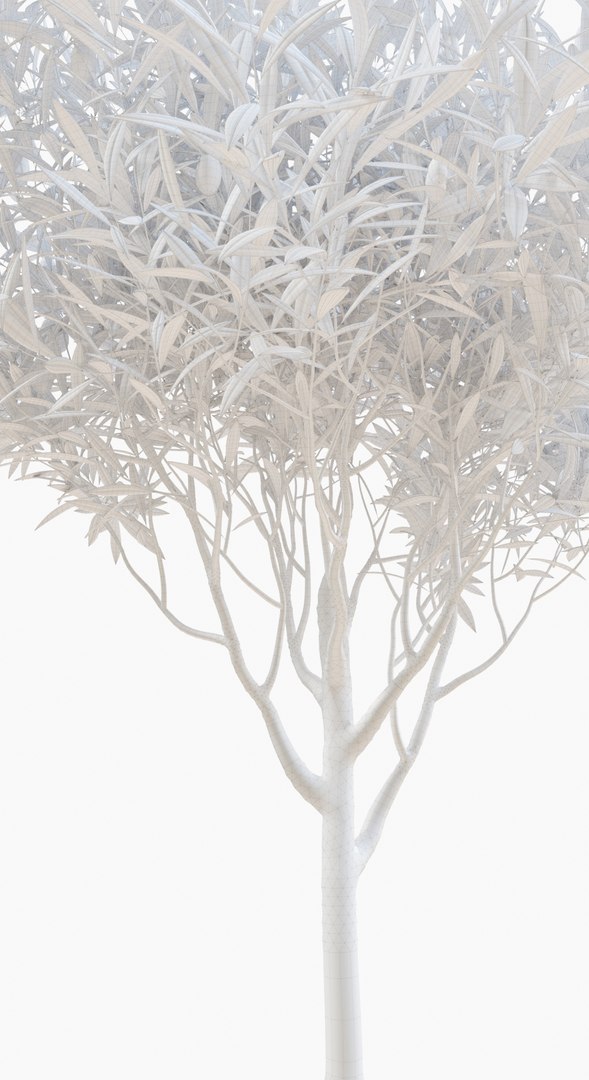
Polygons 806,736
Vertices 825,058
Polygonal
Textures
Materials
UV Mapped
Mixed Unwrapped UVs
PBR

member avatar
horhesoloma
85 Products | Contributor Since 2014
Have questions? Chat with us now.

Description

Olive tree in a pot - realistic 3d model.
You can use this model in your exterior or interior sceenes, and for close-up renders.
Approximate tree height - 1350mm
There are:
- *.max file v.2014 for Vray render v.3.60.03;
- *.max file v.2017 for Vray render v.3.60.03;
- *.max file v.2014 for Corona render v.1.7;
- *.max file v.2017 for Corona render v.1.7;
- 3dmax material library *.mat for Corona render v.1.7;
- 3dmax material library *.mat for Vray render v.3.60.03;
- *.FBX file v.2014/2015;
- *.OBJ file;
- textures;
- MAXFILES.TXT

Polycount 806736
Vertexcount 825058
Models have logical names and unwrapUVW
All materials have logical names.

When creating used 3dMax2017, Vray 3.60.03 and Corona 1.7
Who works in the V-Ray version is lower than 3.1. Be careful, the materials in the BRDF section are Microfaset GTR (GGX), if your version is older than 3.1, then the BRDF field will be empty. Choose Blinn, Phong or Ward - which is preferable for you.
For Corona render, it is recommended to put version no lower than 1.5, since the glossiness of materials is adjusted to the PBR.

Select Enhanced License

  • $10,000 in Legal Protection (Indemnification)
  • Uncapped Legal Protection (Indemnification)
  • Waiver from injunctive relief
  • Assignable model rights
  • $1,000,000 in Legal Protection (Indemnification)
  • Waiver from injunctive relief
  • Assignable model rights
  • $250,000 in Legal Protection (Indemnification)
  • Assignable model rights
Read more about enhanced license tiers, or contact us at enterprise@turbosquid.com. Already a Shutterstock Enterprise Customer? Contact your Shutterstock Sales Support Agent to talk about adding 3D.

About Conversion Requests

To submit a conversion request for a purchased asset, please complete our Conversion Request Form.

If you have not yet purchased a model, please review our Documentation about Conversions to learn about what limitations you may encounter with a conversion.

For any additional questions about a model’s suitability for conversion, please contact TurboSquid Support.

Loading...