
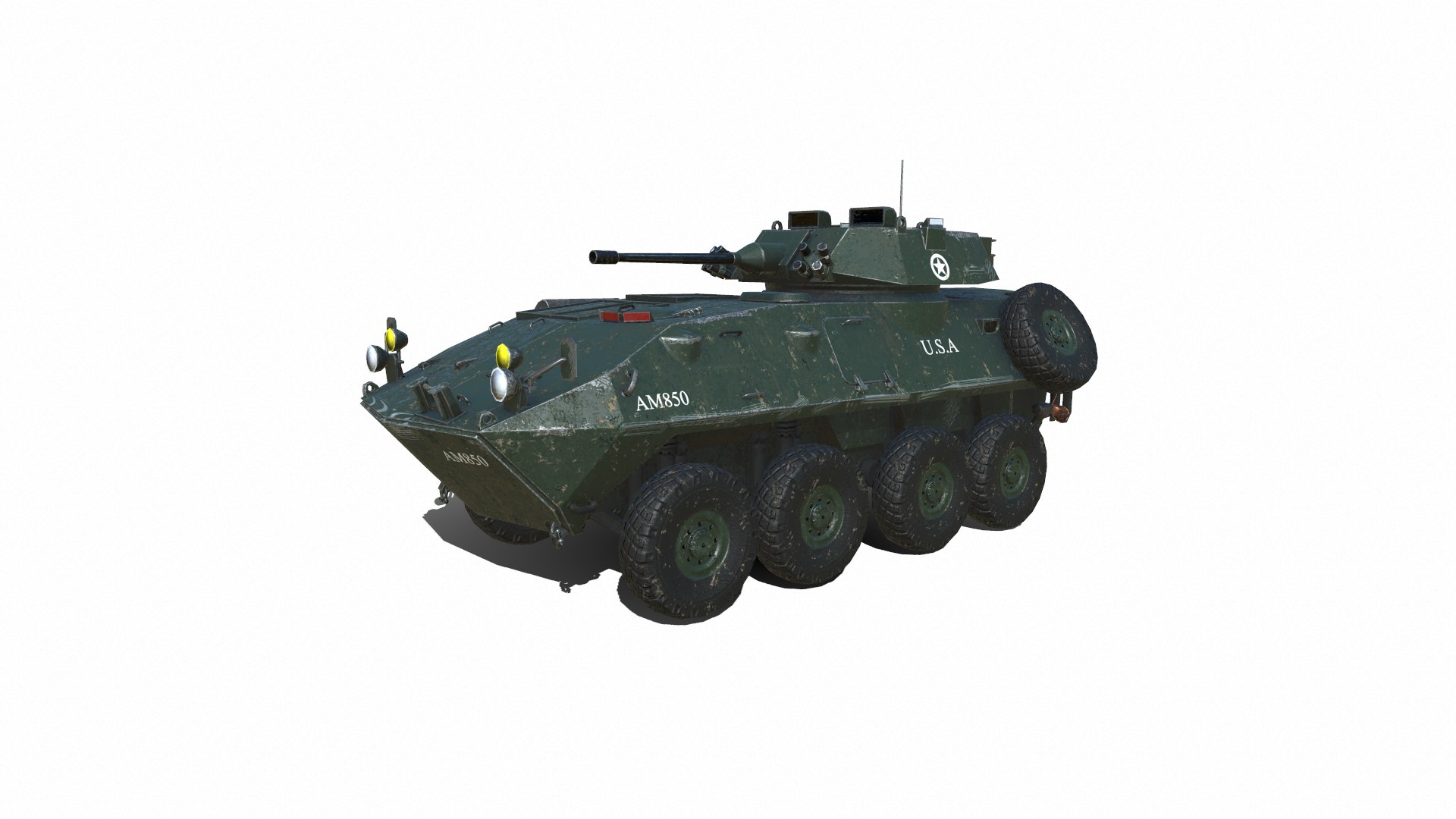
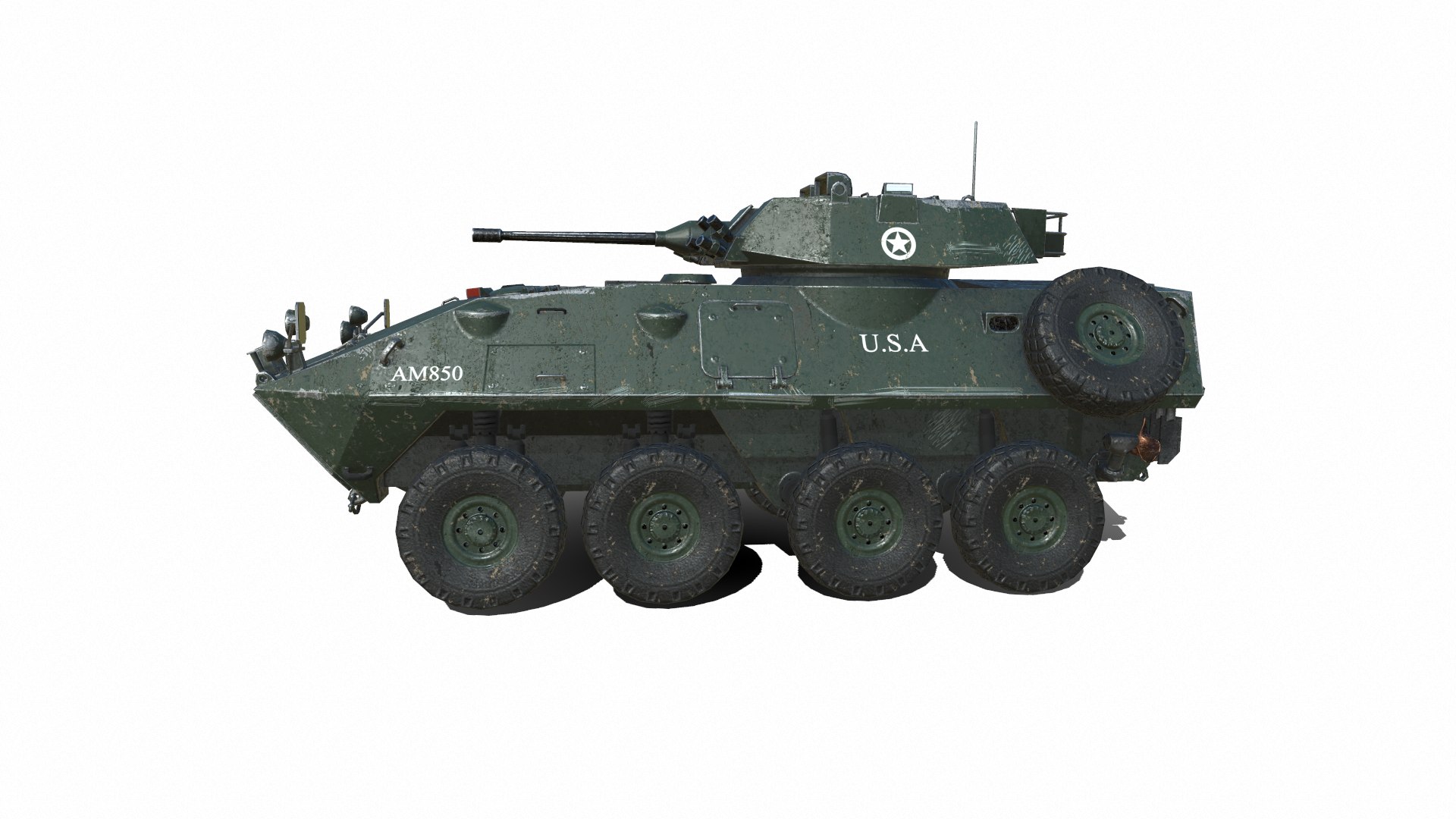
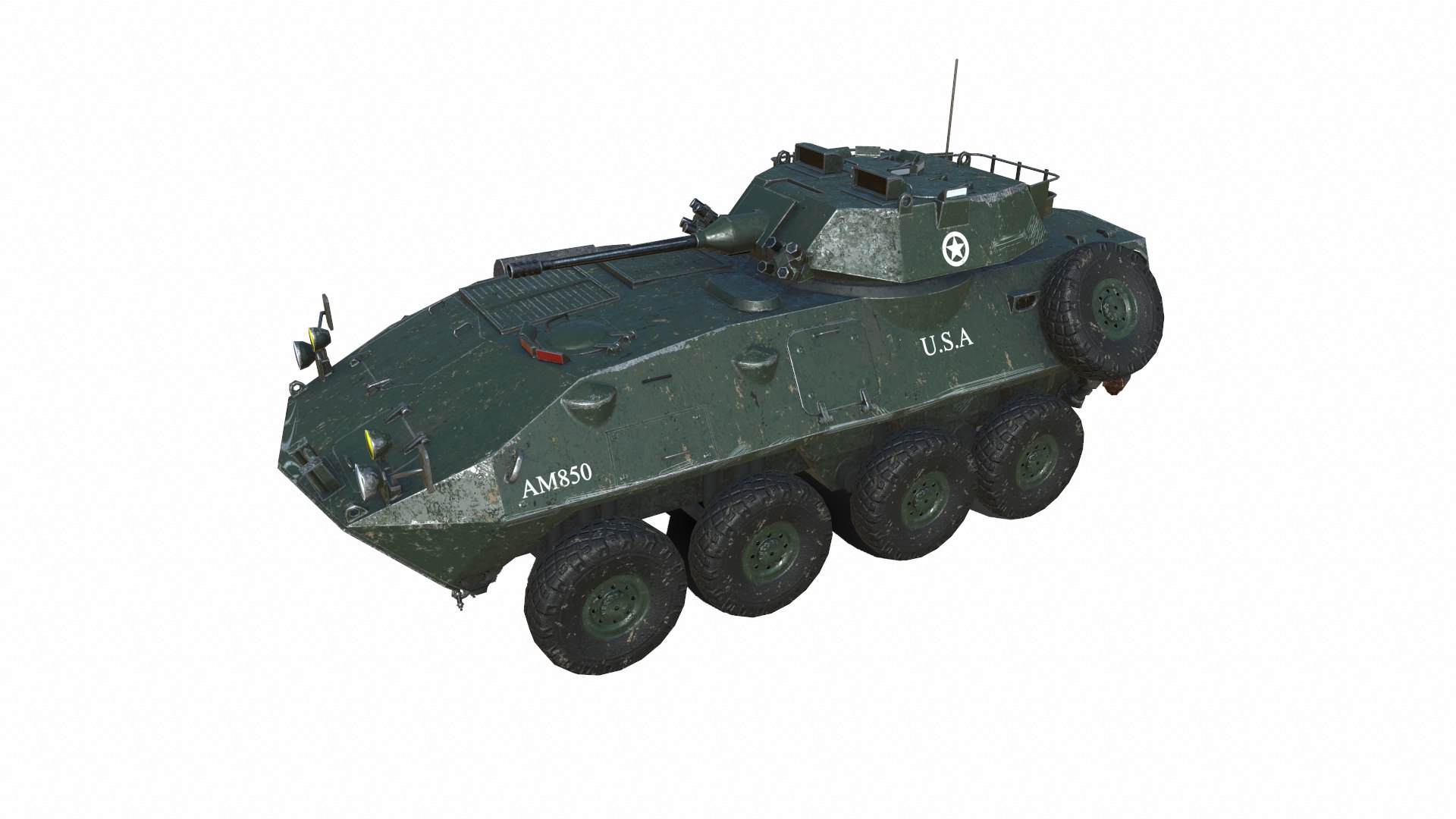
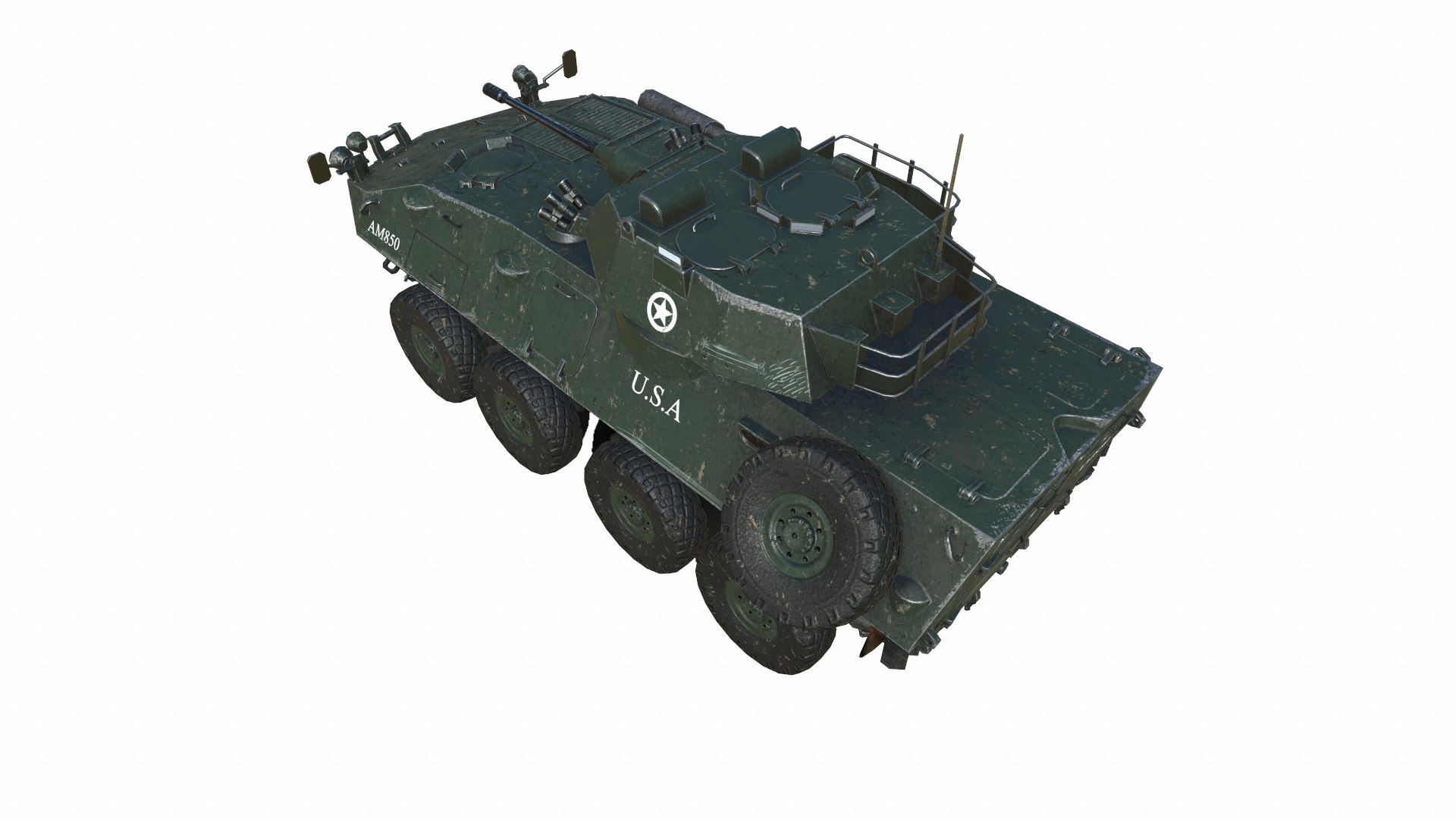
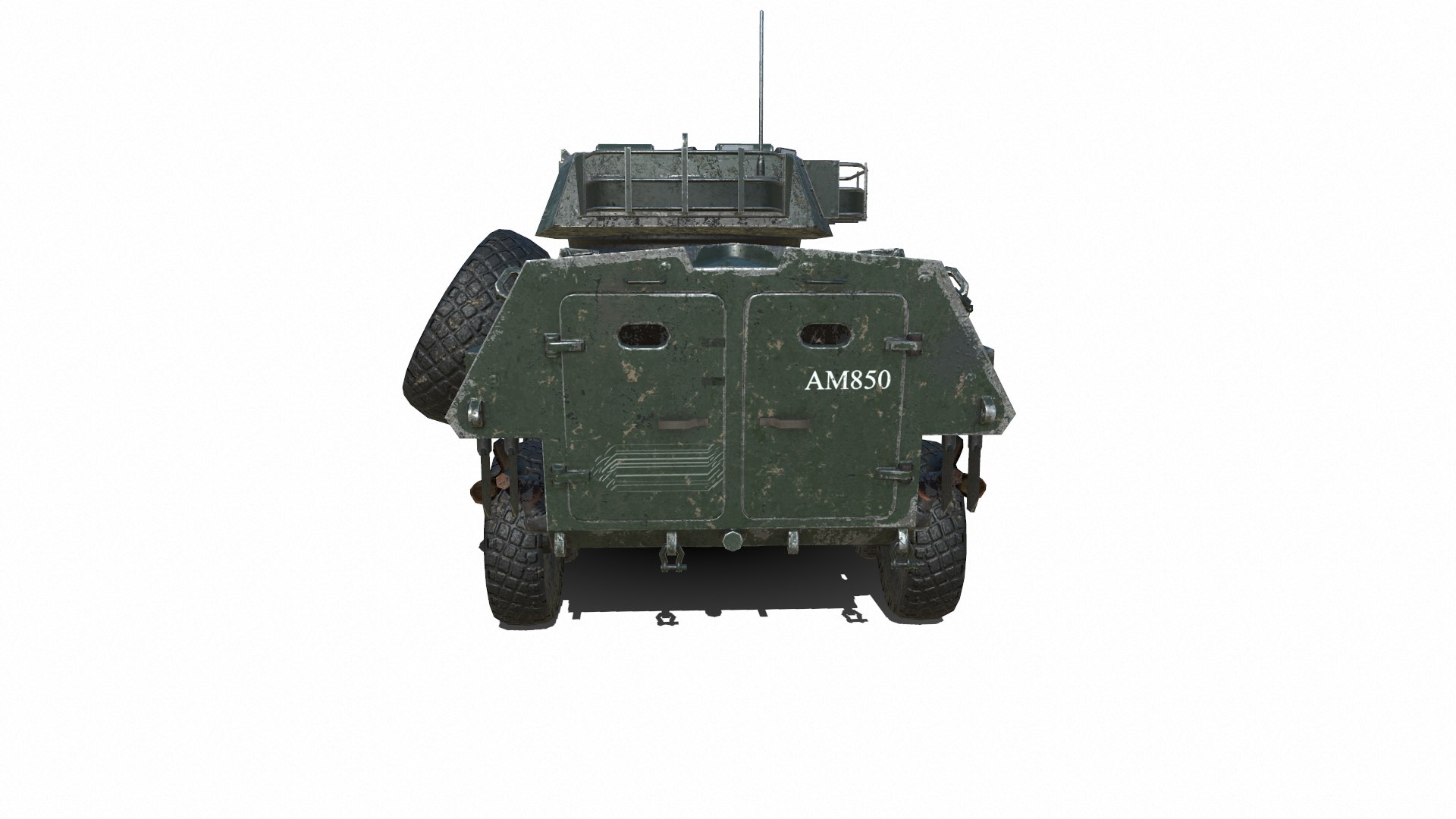
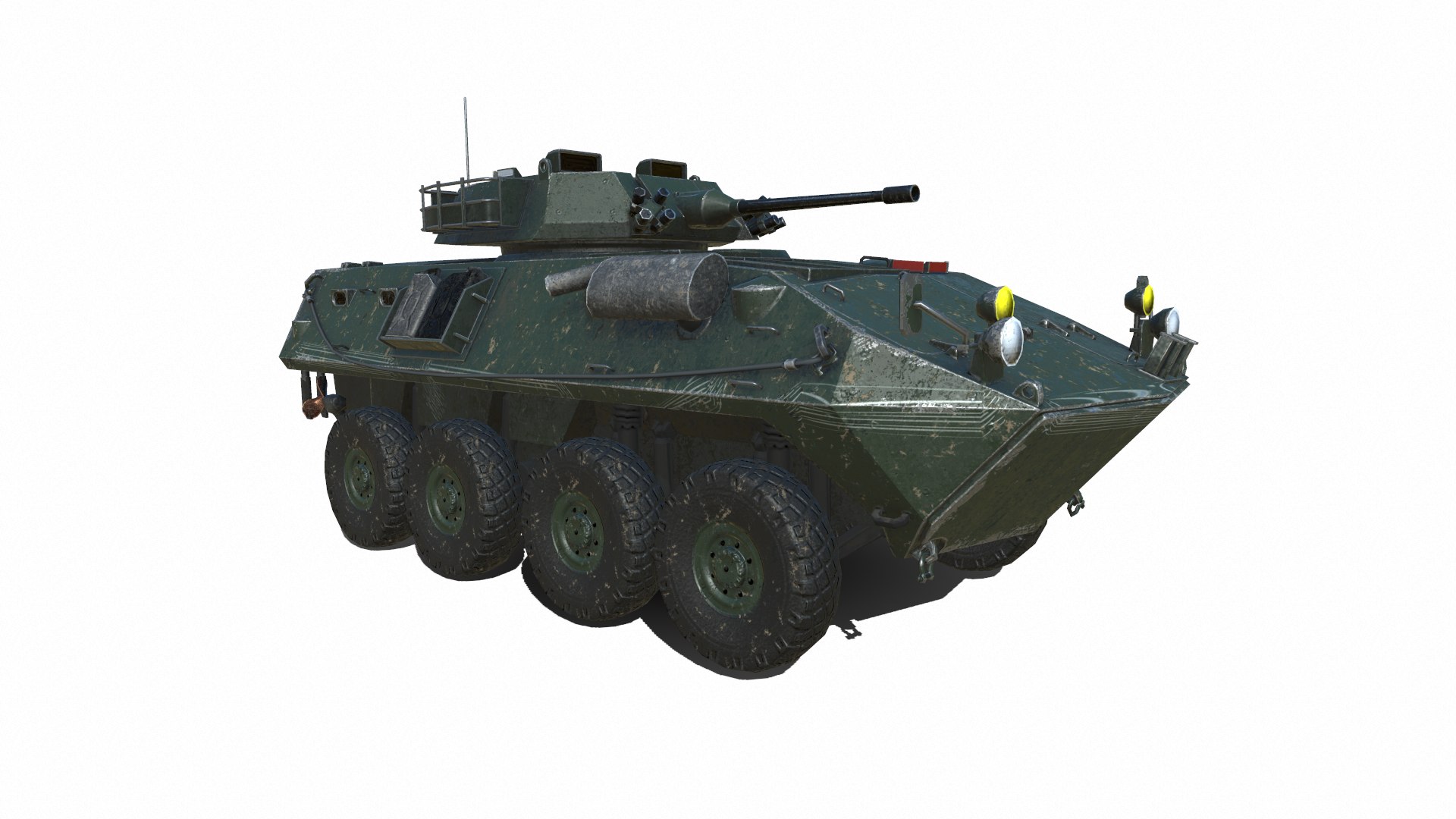
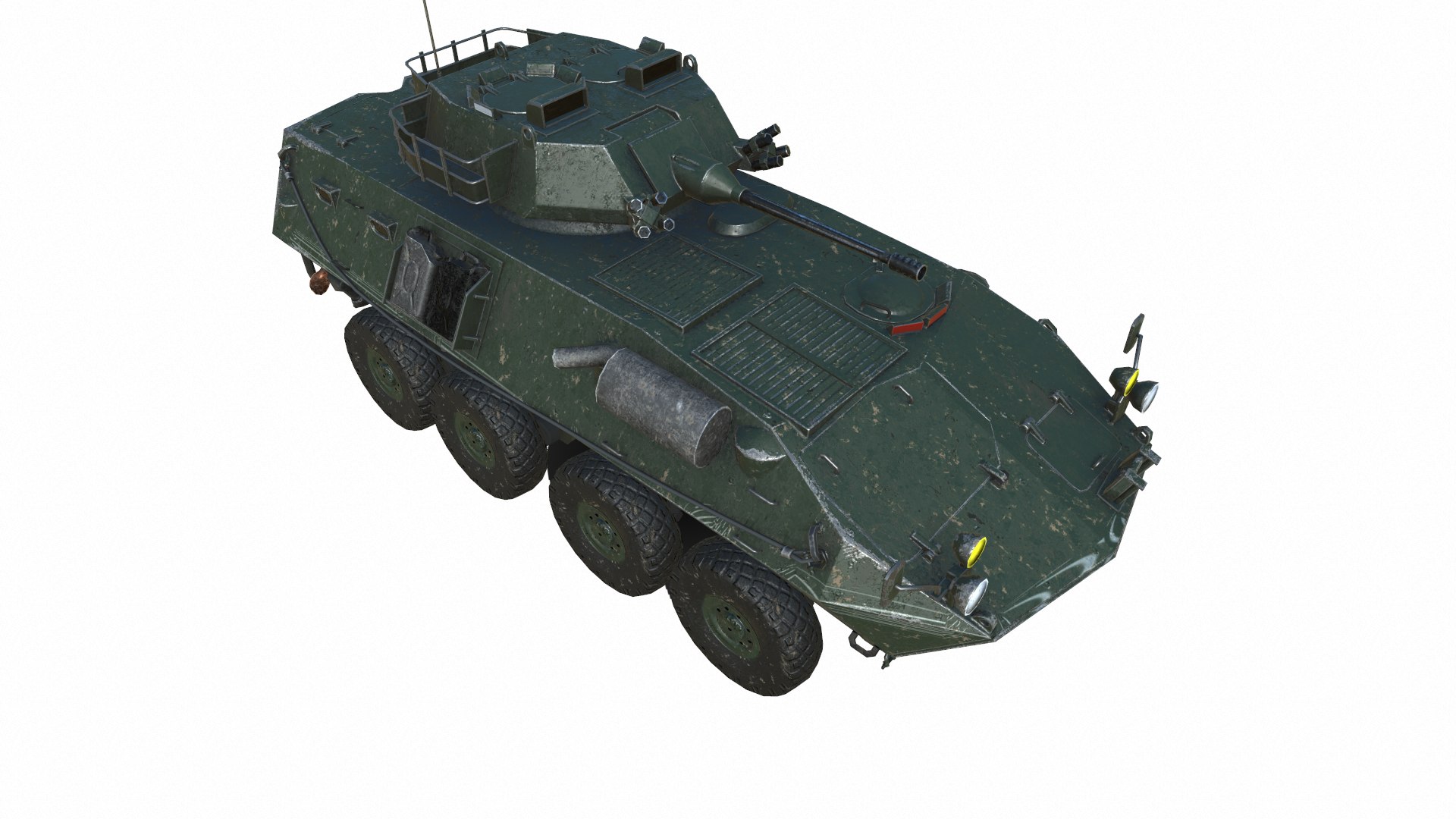
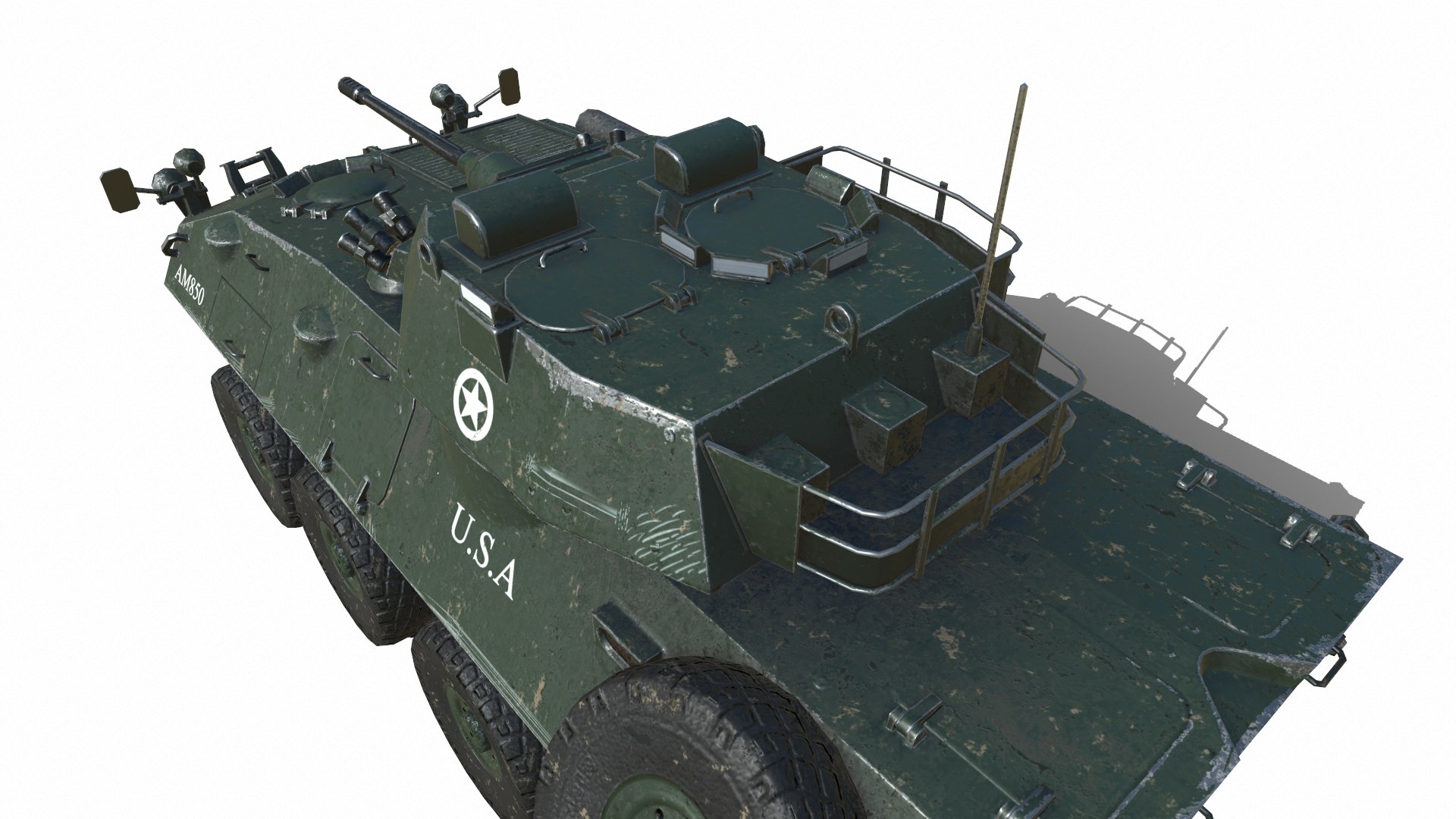
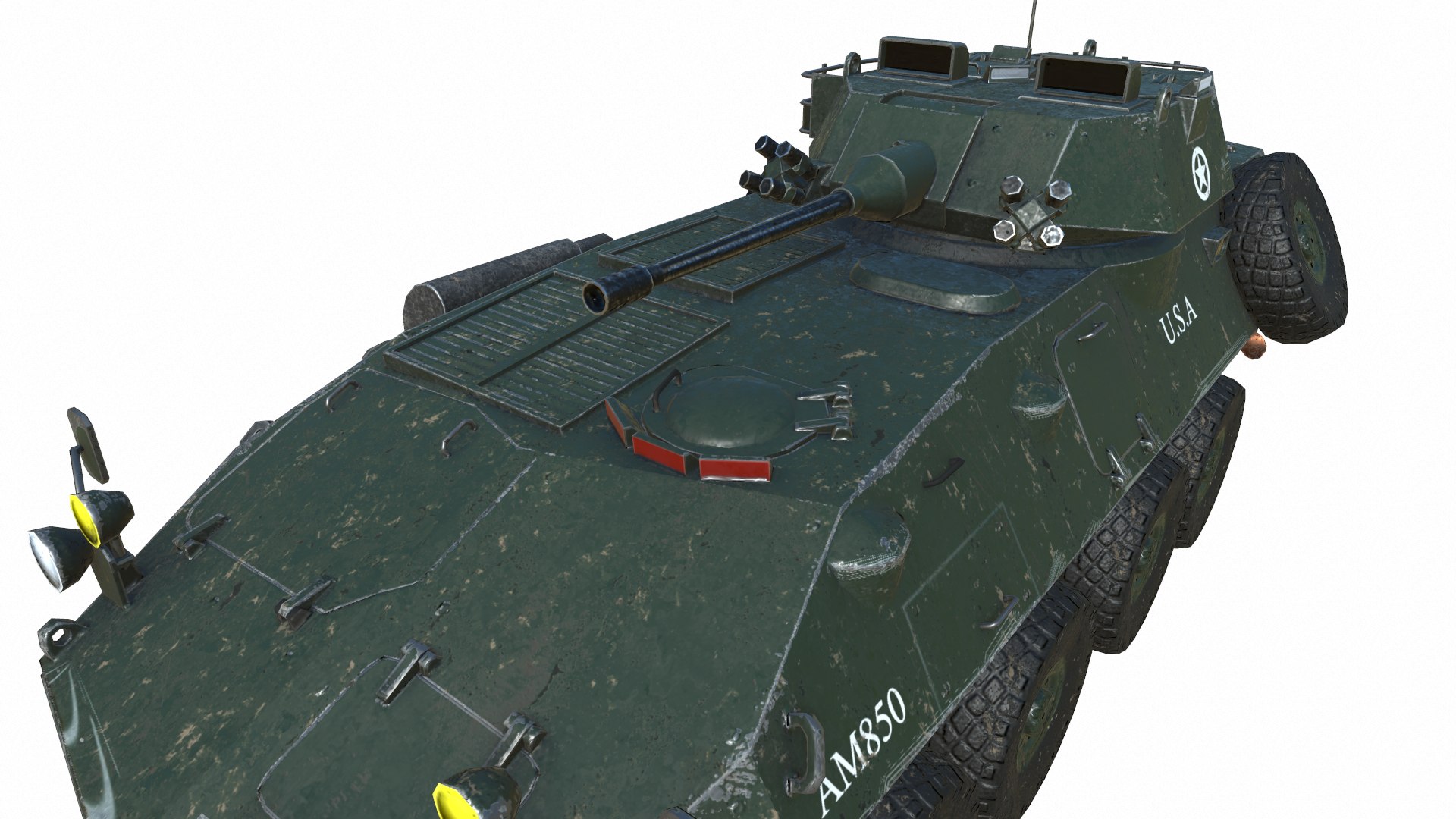
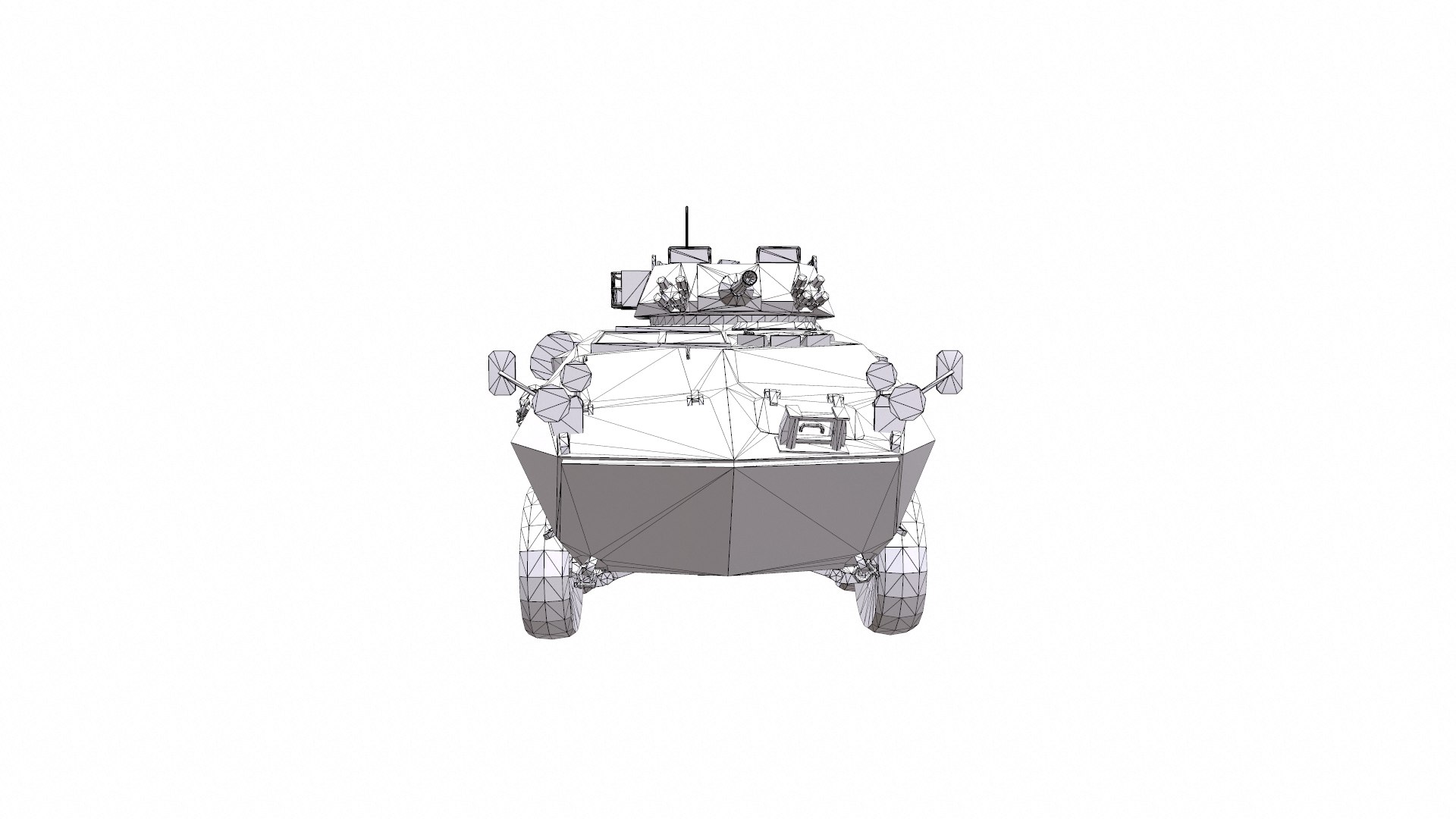
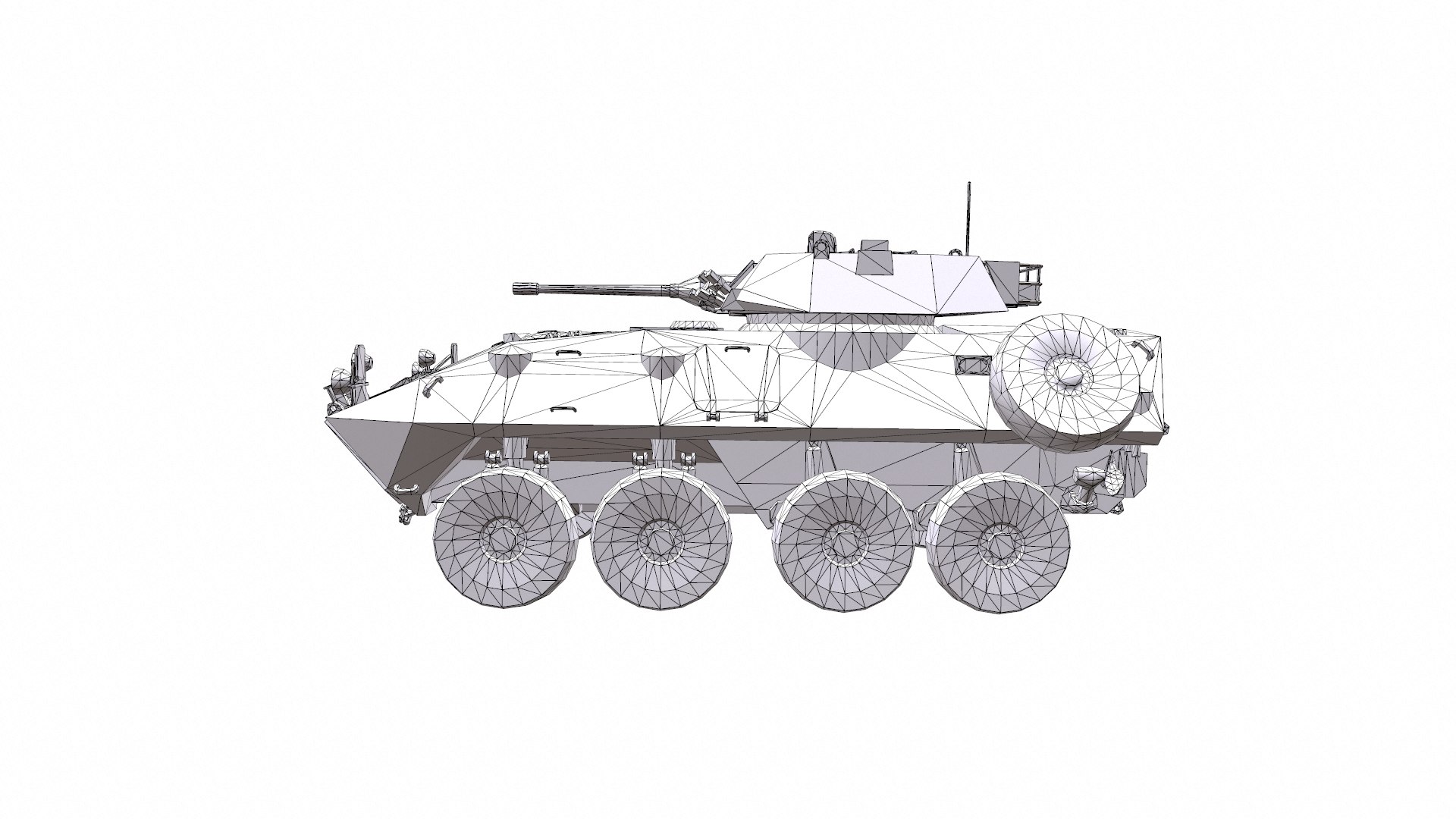
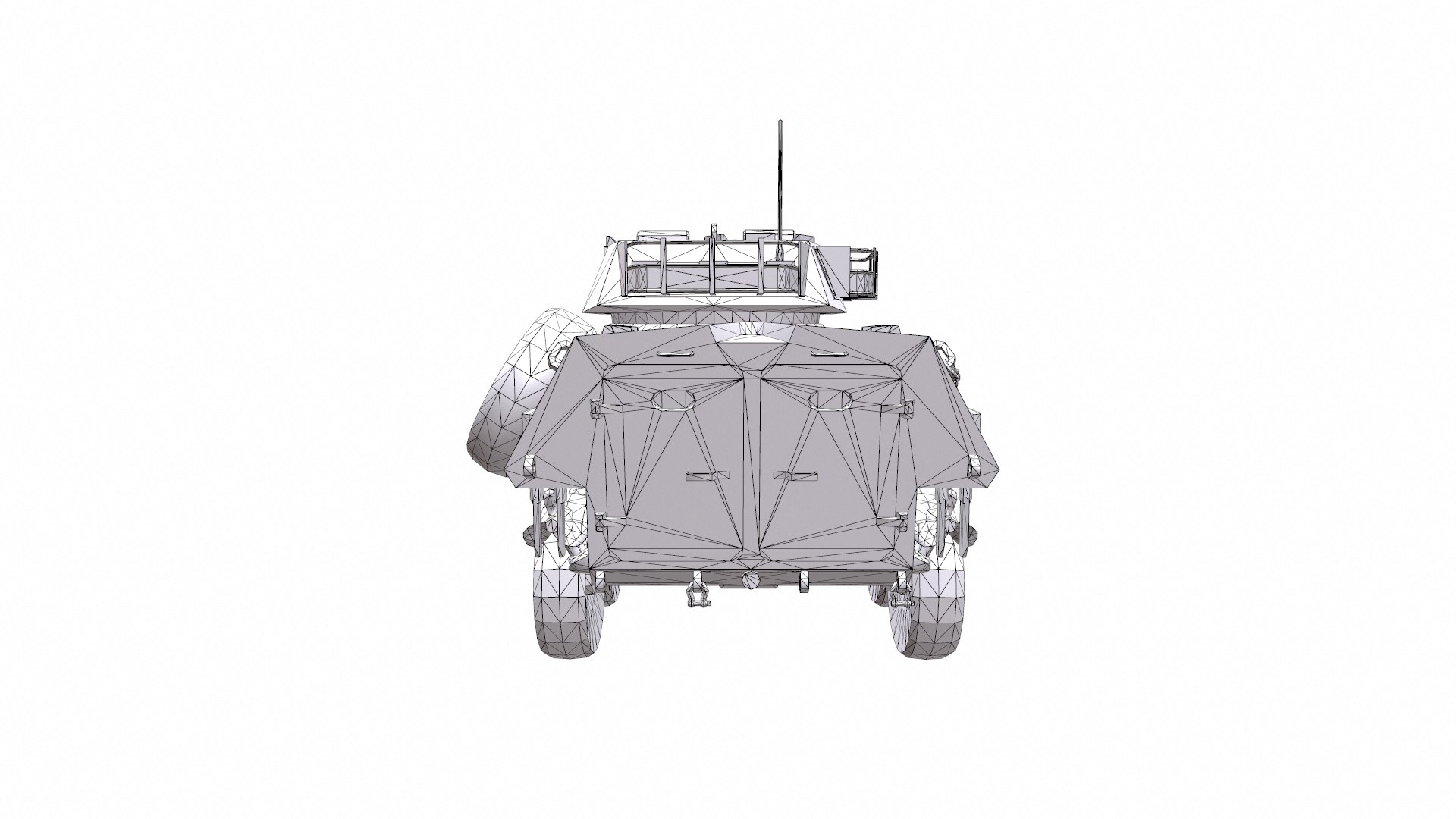
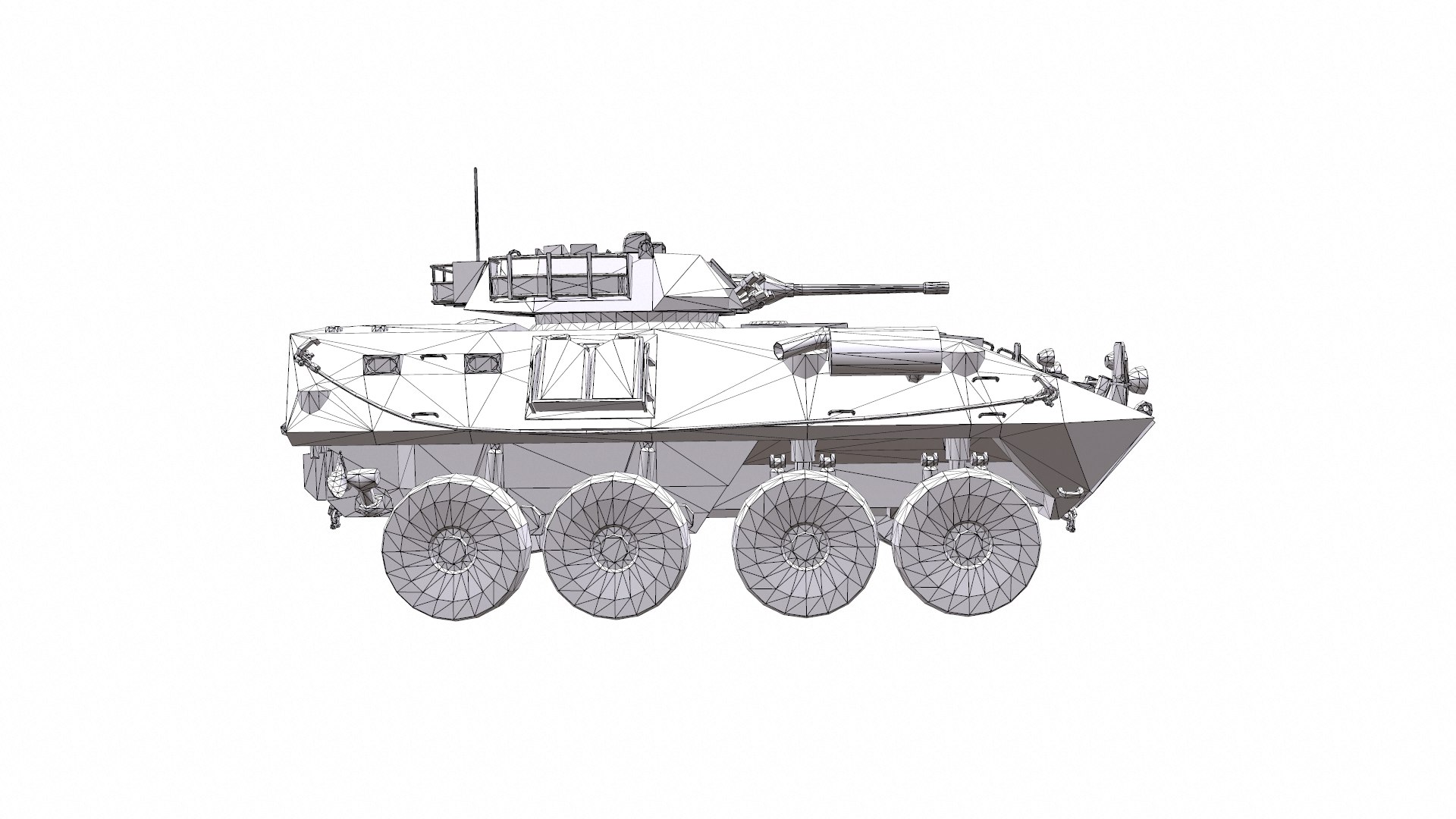
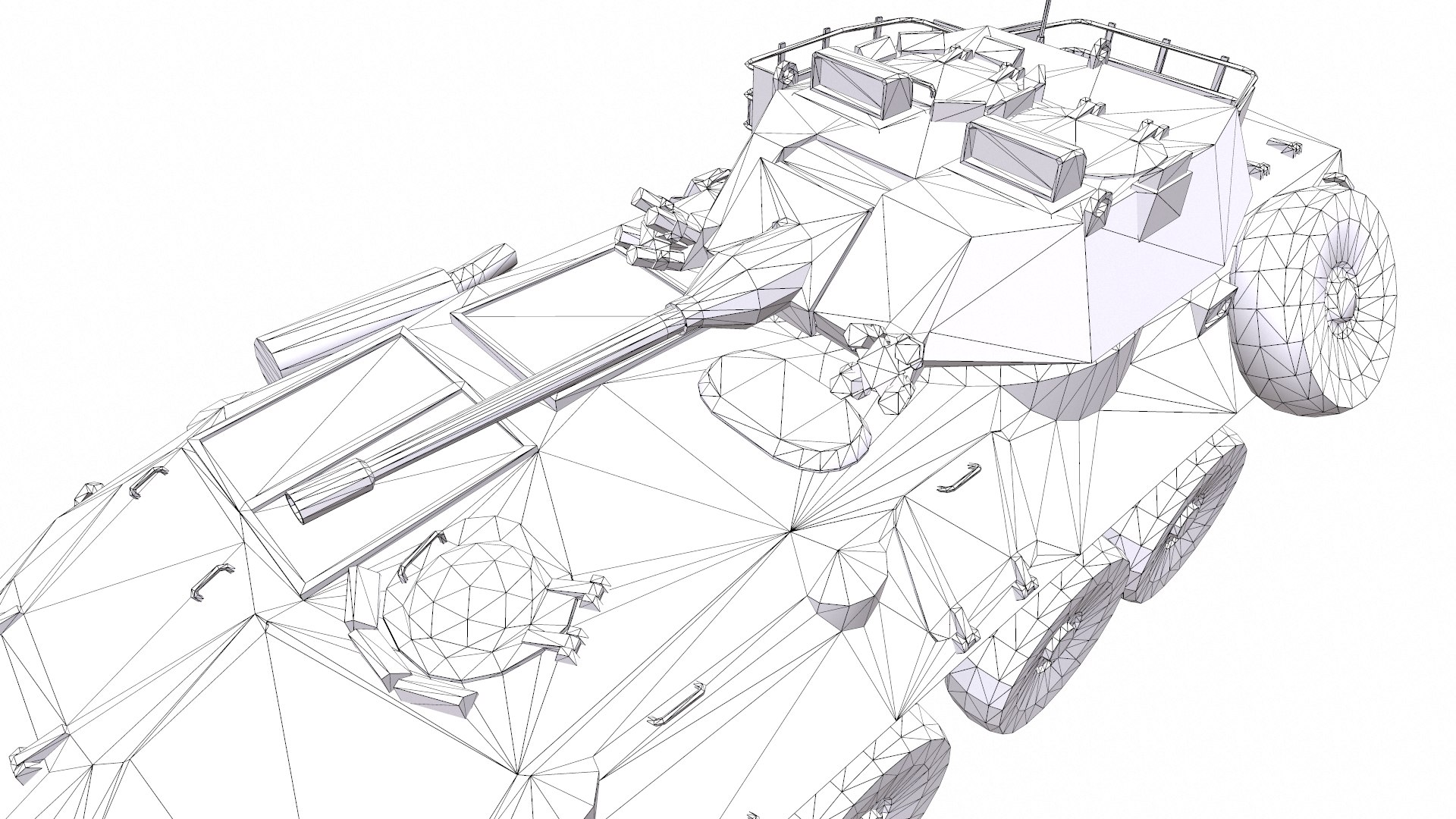
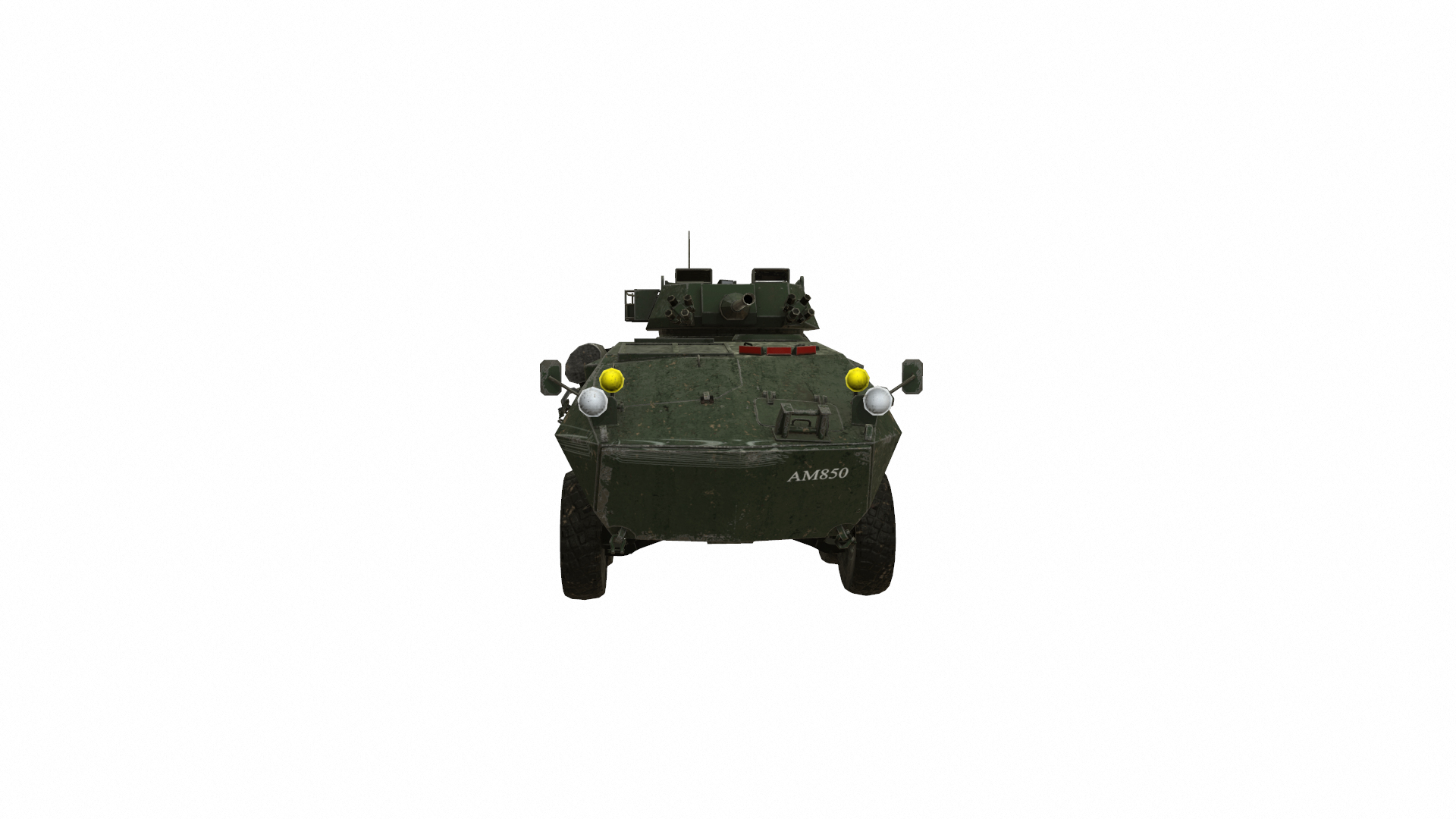

LAV 25 Light Armored Vehicle Low-poly

$19

Standard License | Upgrade License
Editorial Uses Only
Formats (5)
Native | 3ds Max 2018 | Default Scanline
3ds Max 2015 | Default Scanline
OBJ
FBX
3D Studio
Other Files
Marmoset.zip
Specifications
Publish Date July 15, 2020
Product ID 1591745
Polygons 18,238
Vertices 11,068
Polygonal Tris Only
Textures
Materials
UV Mapped
Non-overlapping Unwrapped UVs
PBR
Real-Time
member avatar
HuNtEr_3DdD
774 Products | Contributor Since 2019
Have questions? Chat with us now.

Description

LAV 25: polygons: 18238 verts: 18786

Game-ready APC for PBR game engines/renderers.

This product is intended for game/realtime/background use. Renders done in Marmoset Toolbag 3. Default renders in 3ds Max will not look like the preview images. The Marmoset Toolbag scene is included.

-Low-poly ready to use in games
-Created in 3ds MAX 2018 saved as 2015, both files are included no plugins used.
-Textures are in TGA format 4096x4096 4k PBR metalness 1 set texture.
-Total 5 objects and 1 material non-overlapping UVs.
-Available formats:MAX 2018 and 2015, OBJ, MTL, FBX, 3DS, .tbscene.
-Inspect the model completely in marmoset viewer 2nd preview image.
-If you need any other file format you can always request it.
-All formats include materials and textures.


The LAV-25 (Light Armored Vehicle) is an eight-wheeled amphibious armored reconnaissance vehicle built by General Dynamics Land Systems and used by the United States Marine Corps and the United States Army.

Select Enhanced License

  • $10,000 in Legal Protection (Indemnification)
  • Uncapped Legal Protection (Indemnification)
  • Waiver from injunctive relief
  • Assignable model rights
  • $1,000,000 in Legal Protection (Indemnification)
  • Waiver from injunctive relief
  • Assignable model rights
  • $250,000 in Legal Protection (Indemnification)
  • Assignable model rights
Read more about enhanced license tiers, or contact us at enterprise@turbosquid.com. Already a Shutterstock Enterprise Customer? Contact your Shutterstock Sales Support Agent to talk about adding 3D.

About Conversion Requests

To submit a conversion request for a purchased asset, please complete our Conversion Request Form.

If you have not yet purchased a model, please review our Documentation about Conversions to learn about what limitations you may encounter with a conversion.

For any additional questions about a model’s suitability for conversion, please contact TurboSquid Support.

Loading...