
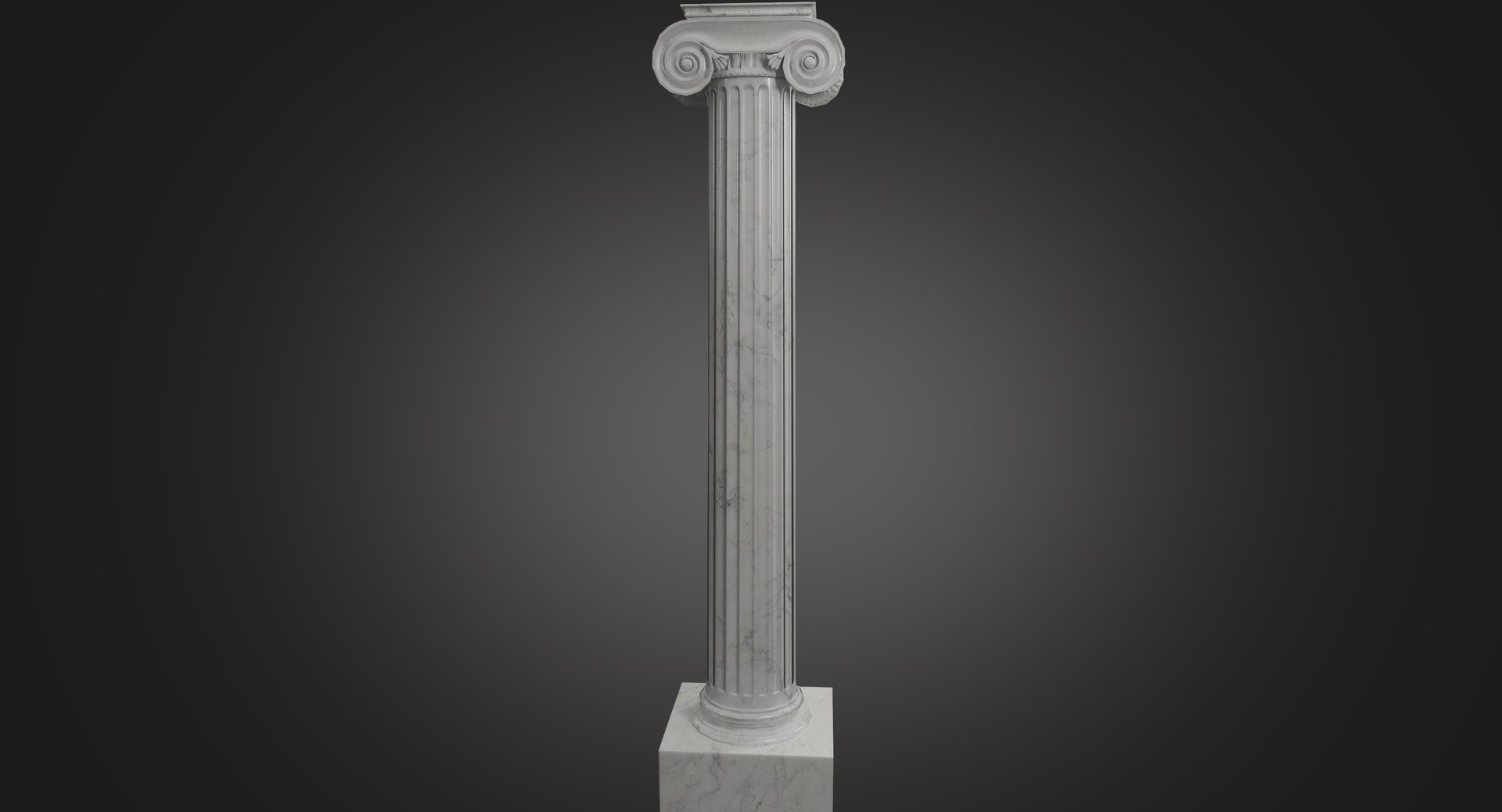
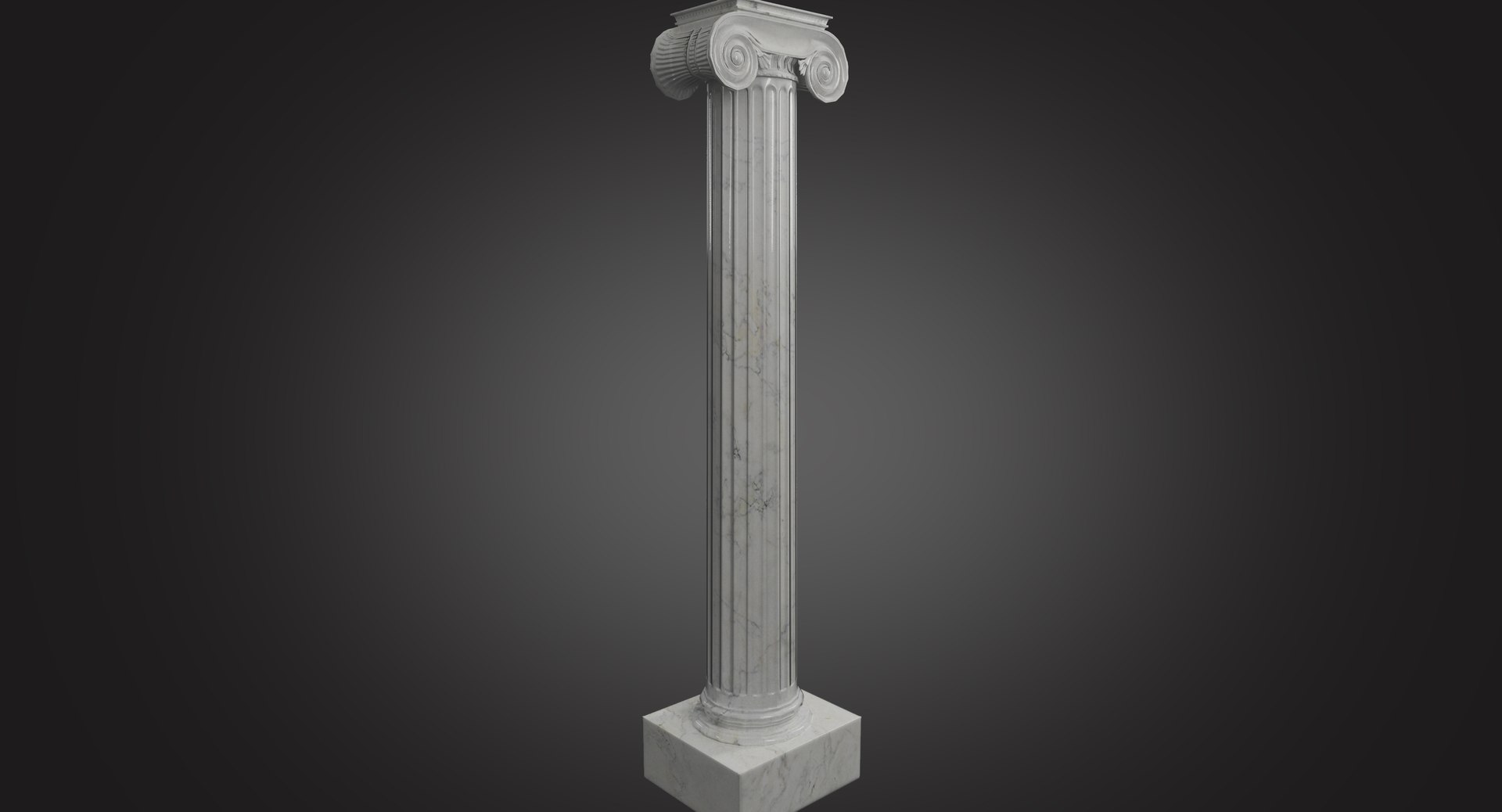
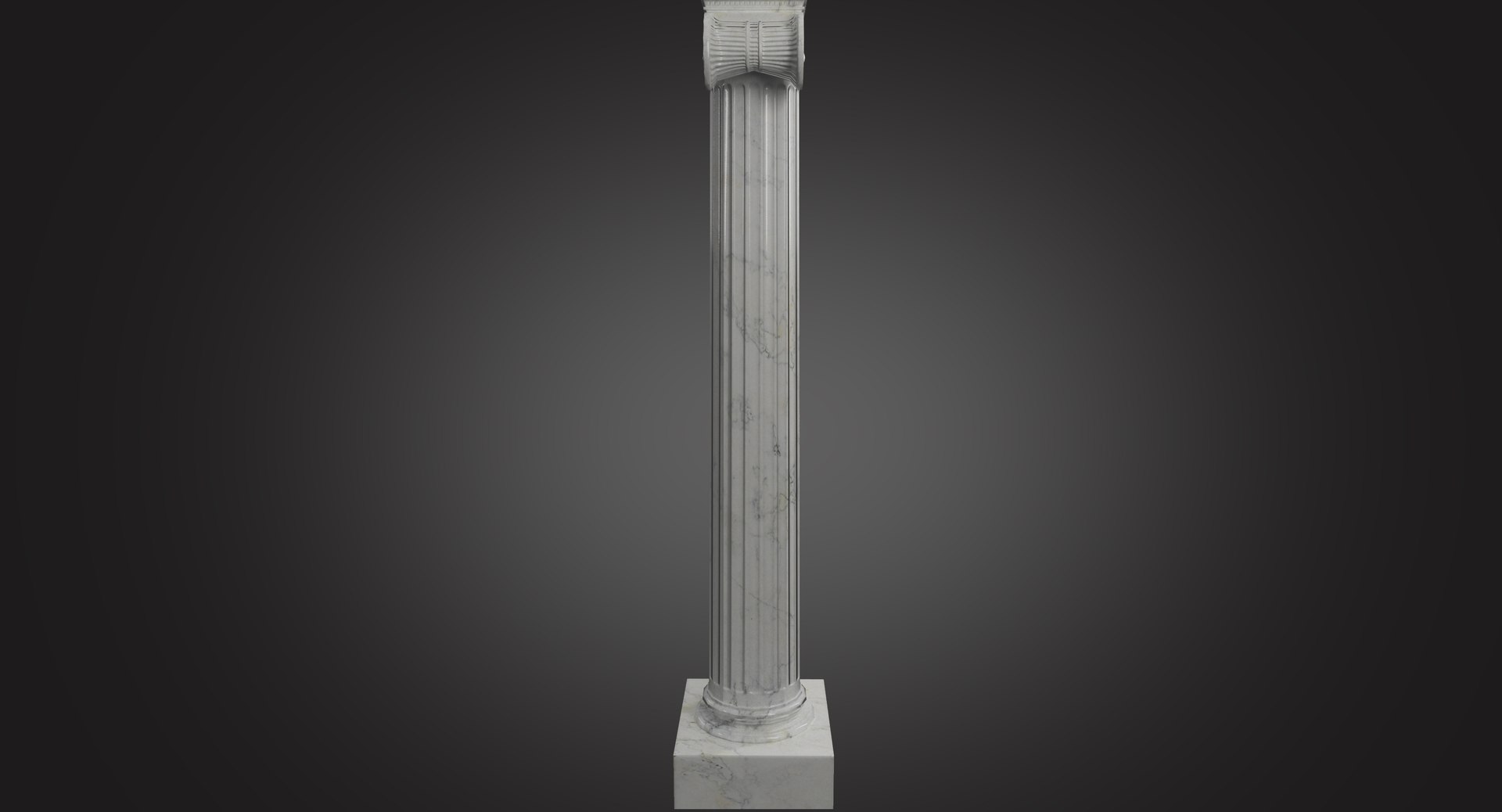
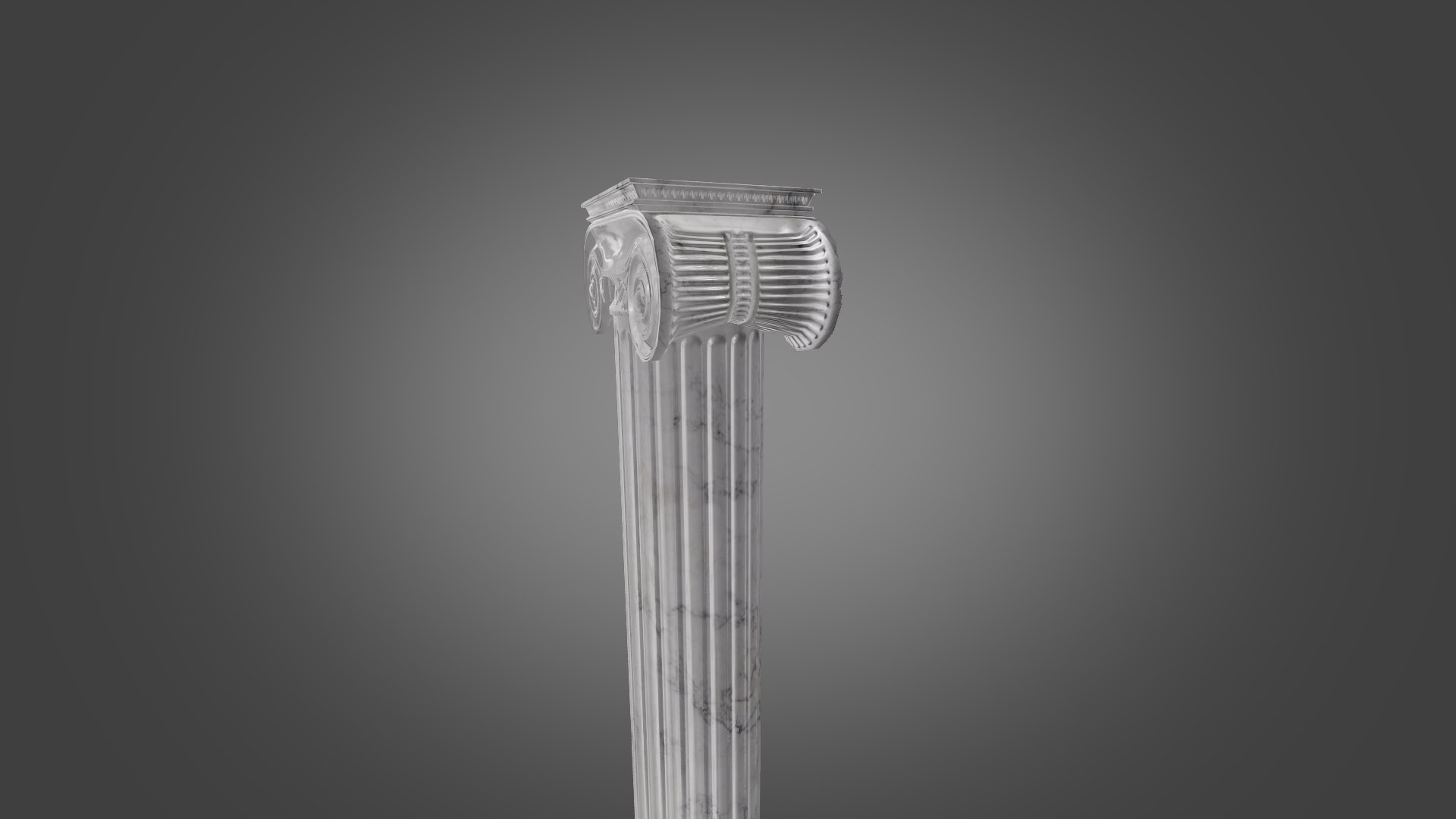
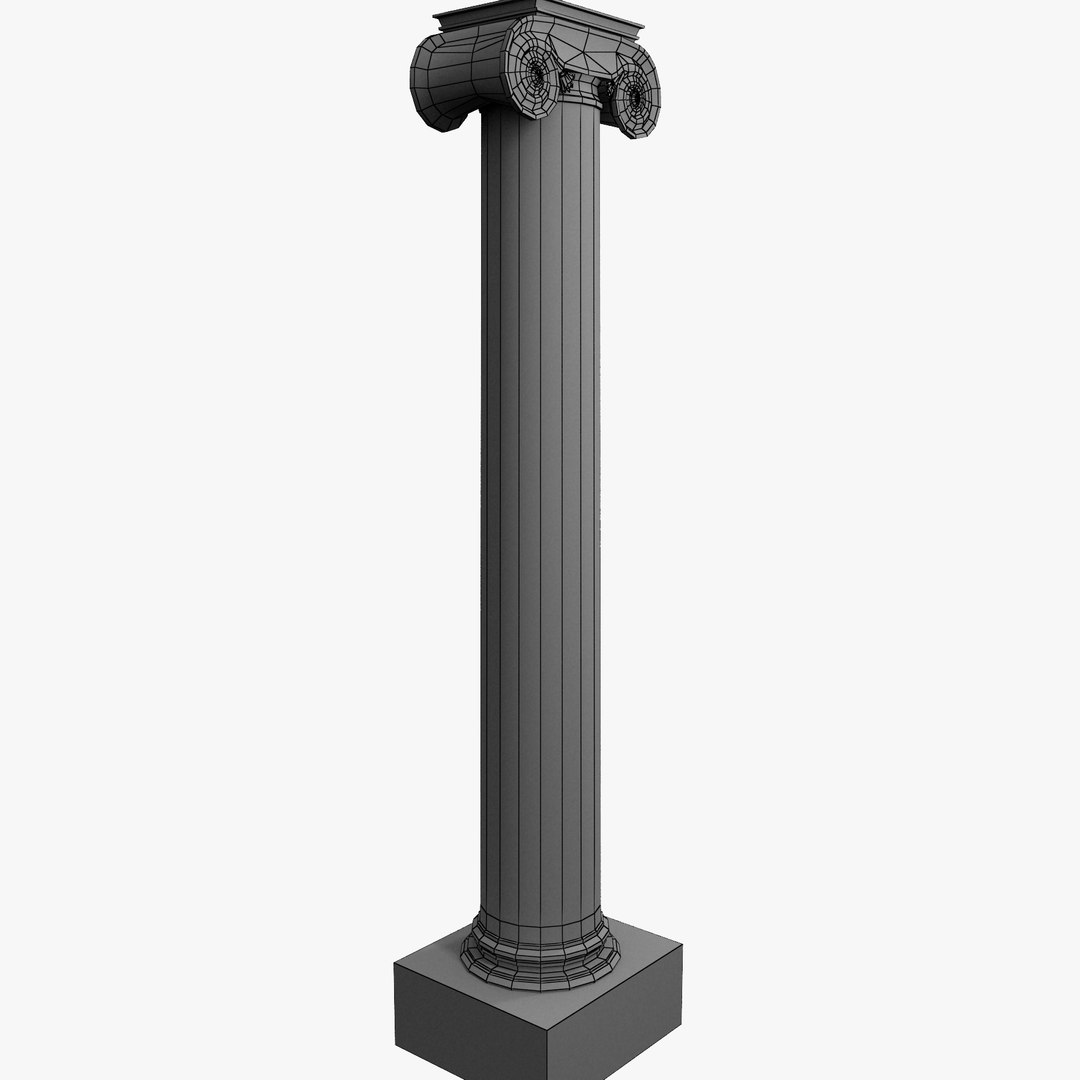
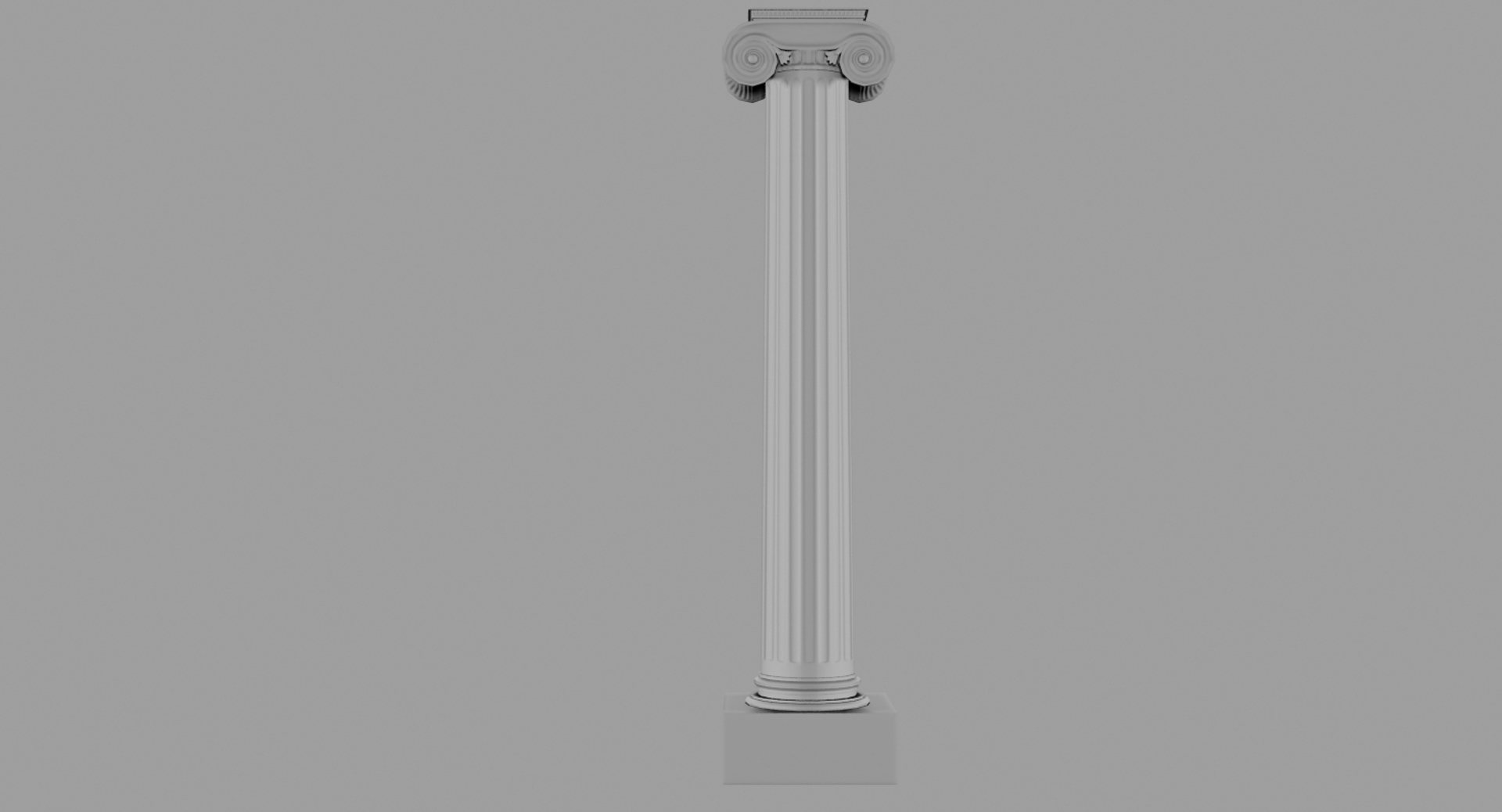
Ionic Column Low Poly

$55

Standard License | Upgrade License
Formats (4)
Free file format Conversions available
Native | 3ds Max 2016 | V-Ray 3.20
3ds Max 2015 | V-Ray 3.20
3ds Max 2014 | V-Ray 3.20
3ds Max 2013 | V-Ray 3.20
Specifications
Publish Date July 02, 2018
Product ID 1302029
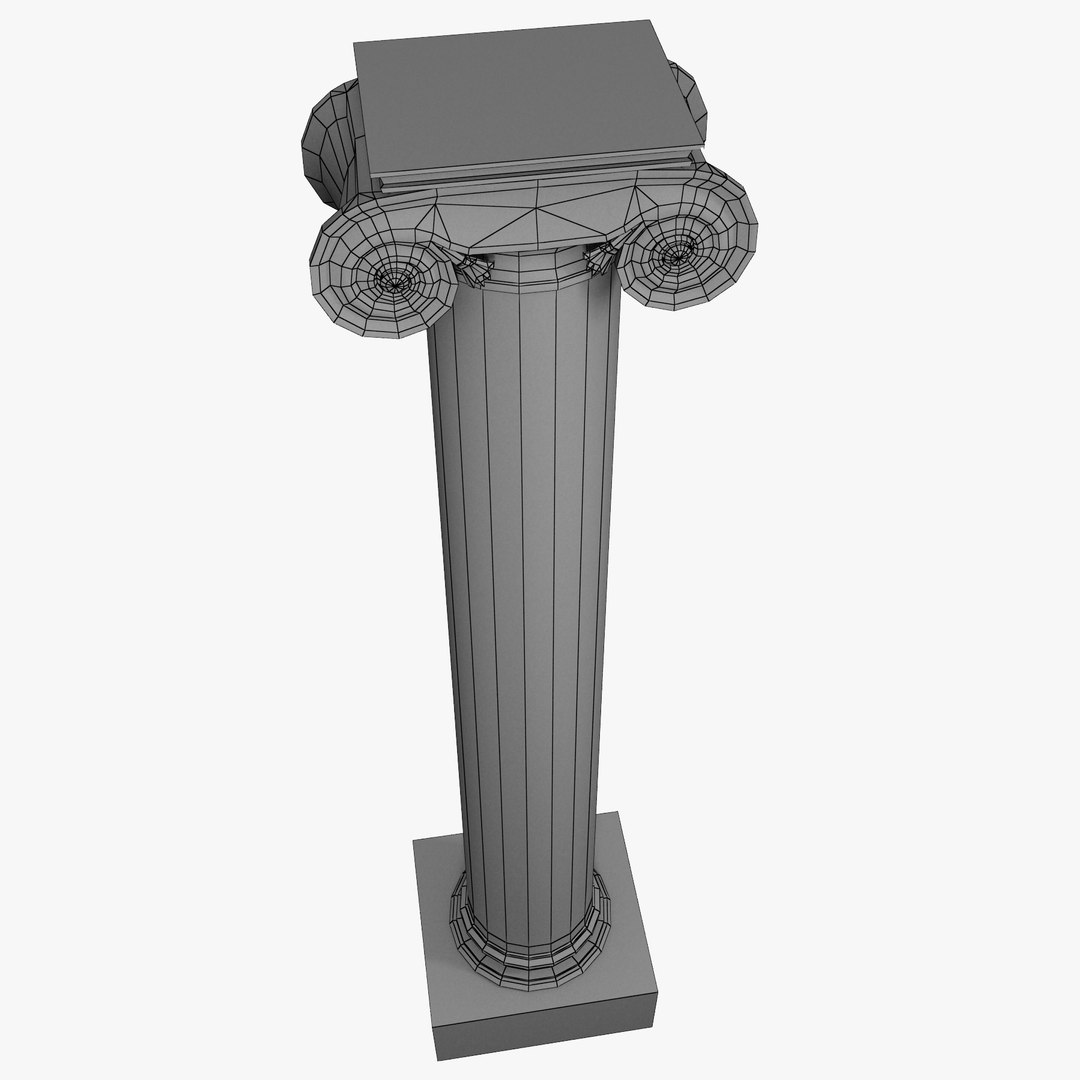
Polygons 1,613
Vertices 1,631
Polygonal Quads/Tris Geometry
Textures
Materials
UV Mapped
Mixed Unwrapped UVs
TurboSquid Exclusive

member avatar
Frigusanguinem
4 Products | Contributor Since 2016
Have questions? Chat with us now.

Description

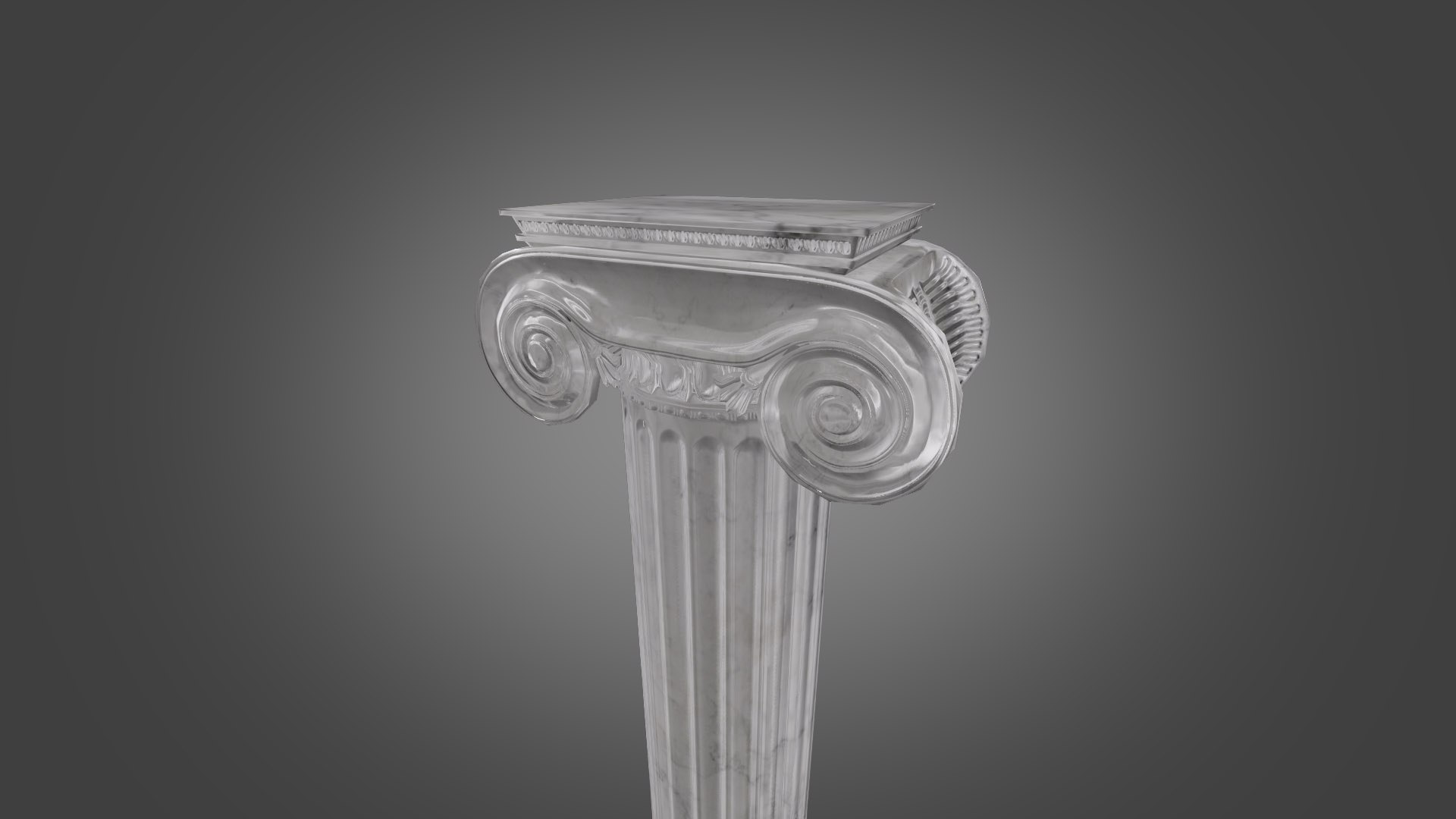
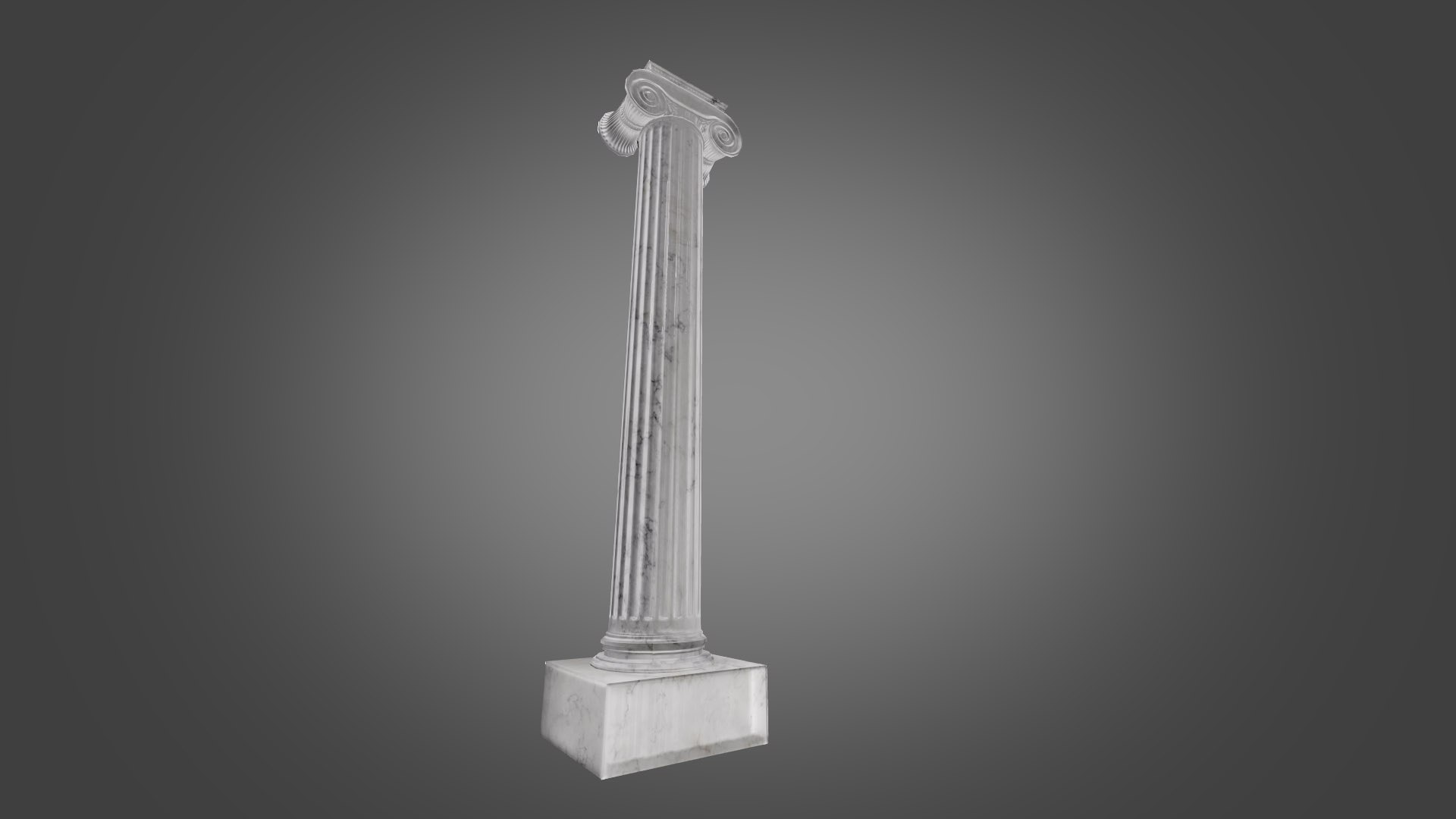
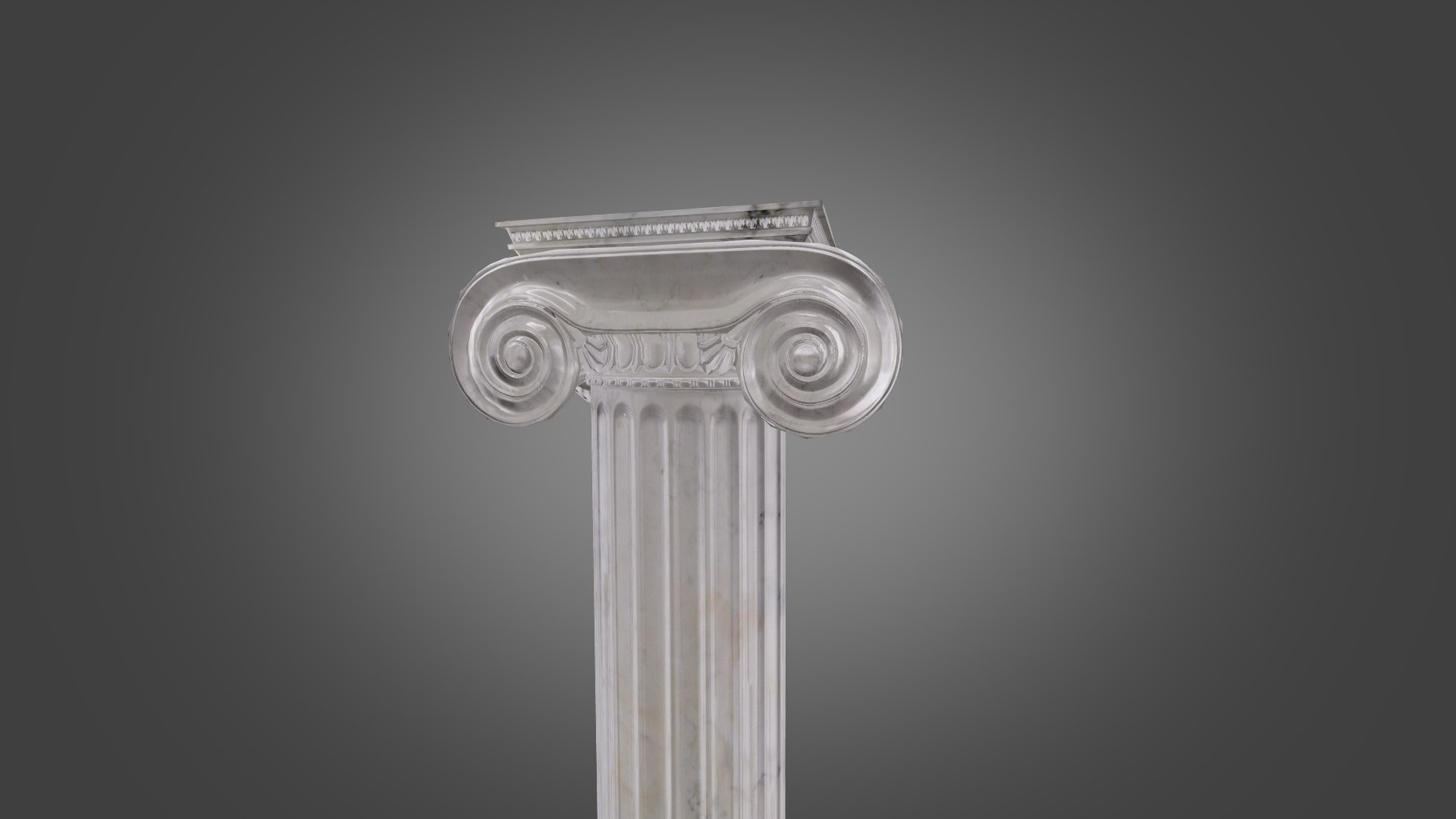
Ionic Column is high quality low poly model. You can use this model on your game projects or mobile projects..Model totally Unwrapped just head of column overlapping. This model modelled in 3ds max 2016. Rendered with Vray.
Hope you like it!
Also you can find in my collection with zeus altar!
*********************************
Features:
-High quality polygonal model,
-Model has a normal map 2048*2048 resolution.
-No part-name confusion when importing several models into a scene.
-No cleaning up necessary just drop your models into the scene and start rendering.
-No special plugin needed to open scene.
-Model does not include any backgrounds or scenes used in preview images.
-Units: cm
*********************************
File Formats:
- 3ds Max 2016 V-Ray and standard materials scenes
- 3ds Max 2013 V-Ray and standard materials scenes
- OBJ
*********************************
Textures Formats:
- (1 .tga) 2048 x 2048 normal map
-
*********************************

Also check out our other models, just click on our user name to see complete gallery.

Select Enhanced License

  • $10,000 in Legal Protection (Indemnification)
  • Uncapped Legal Protection (Indemnification)
  • Waiver from injunctive relief
  • Assignable model rights
  • $1,000,000 in Legal Protection (Indemnification)
  • Waiver from injunctive relief
  • Assignable model rights
  • $250,000 in Legal Protection (Indemnification)
  • Assignable model rights
Read more about enhanced license tiers, or contact us at enterprise@turbosquid.com. Already a Shutterstock Enterprise Customer? Contact your Shutterstock Sales Support Agent to talk about adding 3D.

About Conversion Requests

To submit a conversion request for a purchased asset, please complete our Conversion Request Form.

If you have not yet purchased a model, please review our Documentation about Conversions to learn about what limitations you may encounter with a conversion.

For any additional questions about a model’s suitability for conversion, please contact TurboSquid Support.

Loading...