

Google Pixel C

$45

Standard License | Upgrade License
Editorial Uses Only
Formats (2)
Free file format Conversions available
Native | Blender 2.75
Other Textures
Specifications
Publish Date January 20, 2016
Product ID 997207
Polygons 305,225
Vertices 351,005
Polygonal
Textures
Materials
UV Mapped
Non-overlapping Unwrapped UVs
member avatar
CGStudioMAX
1 Products | Contributor Since 2015
Have questions? Chat with us now.

Description

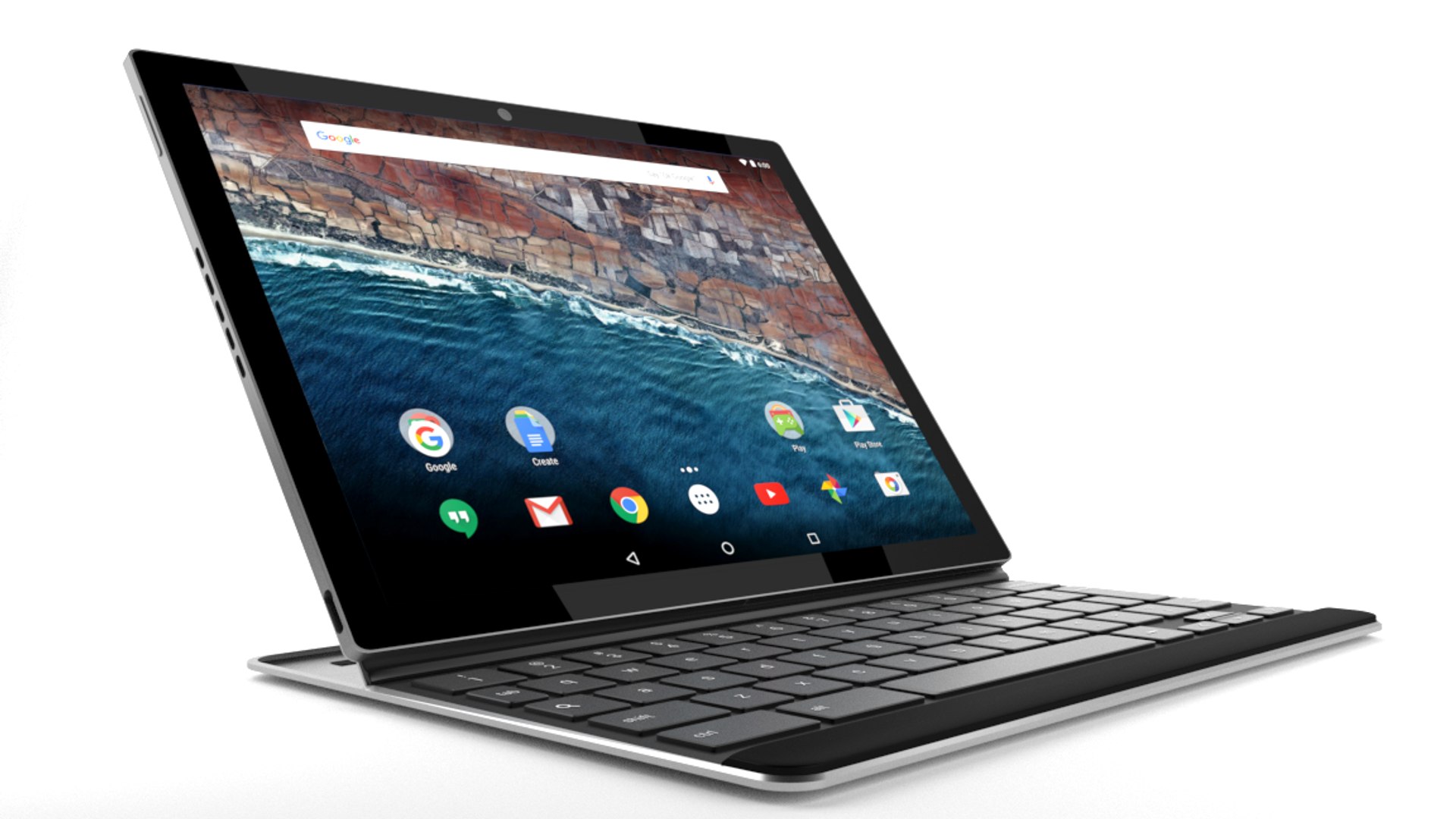
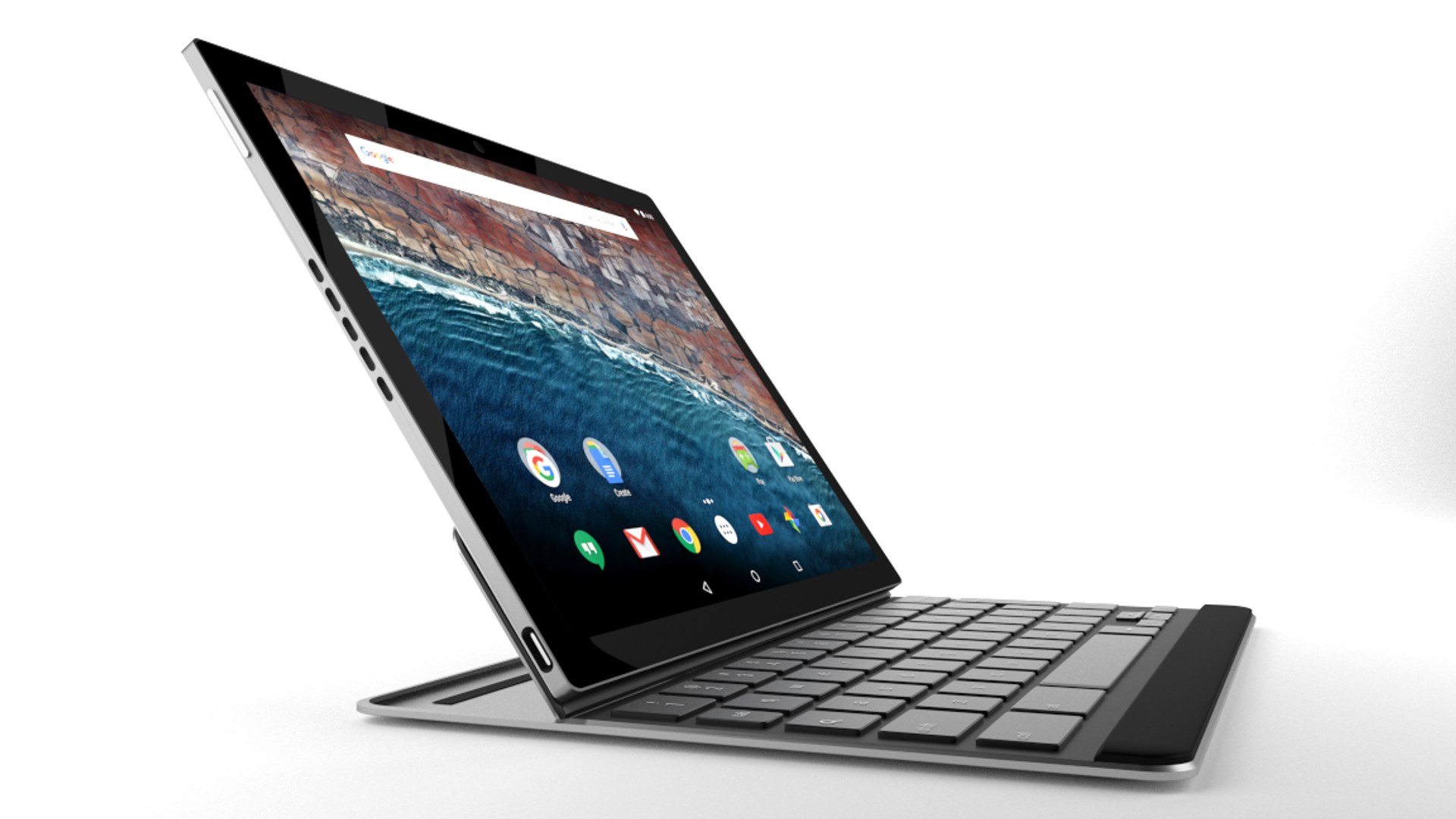
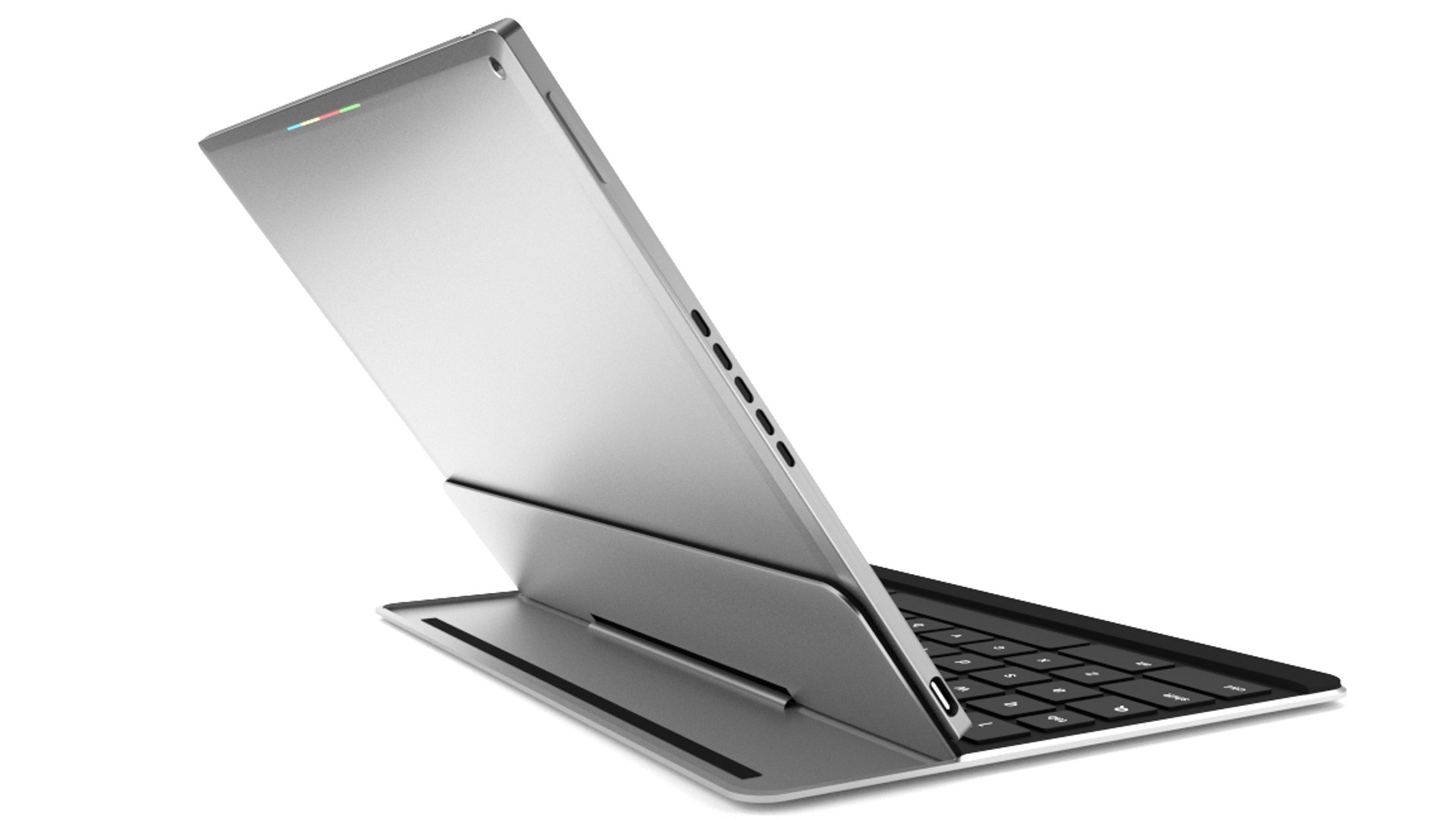
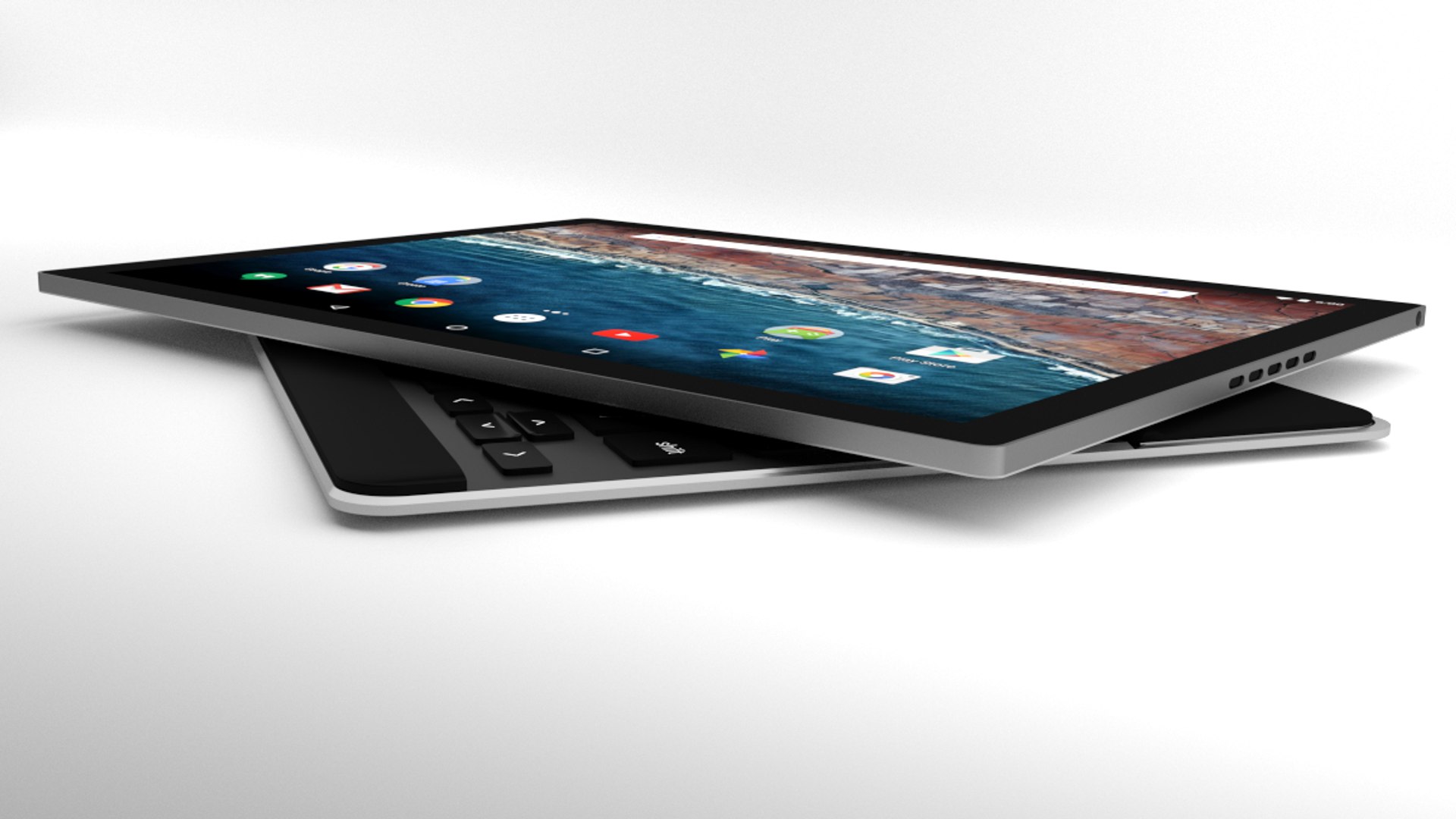
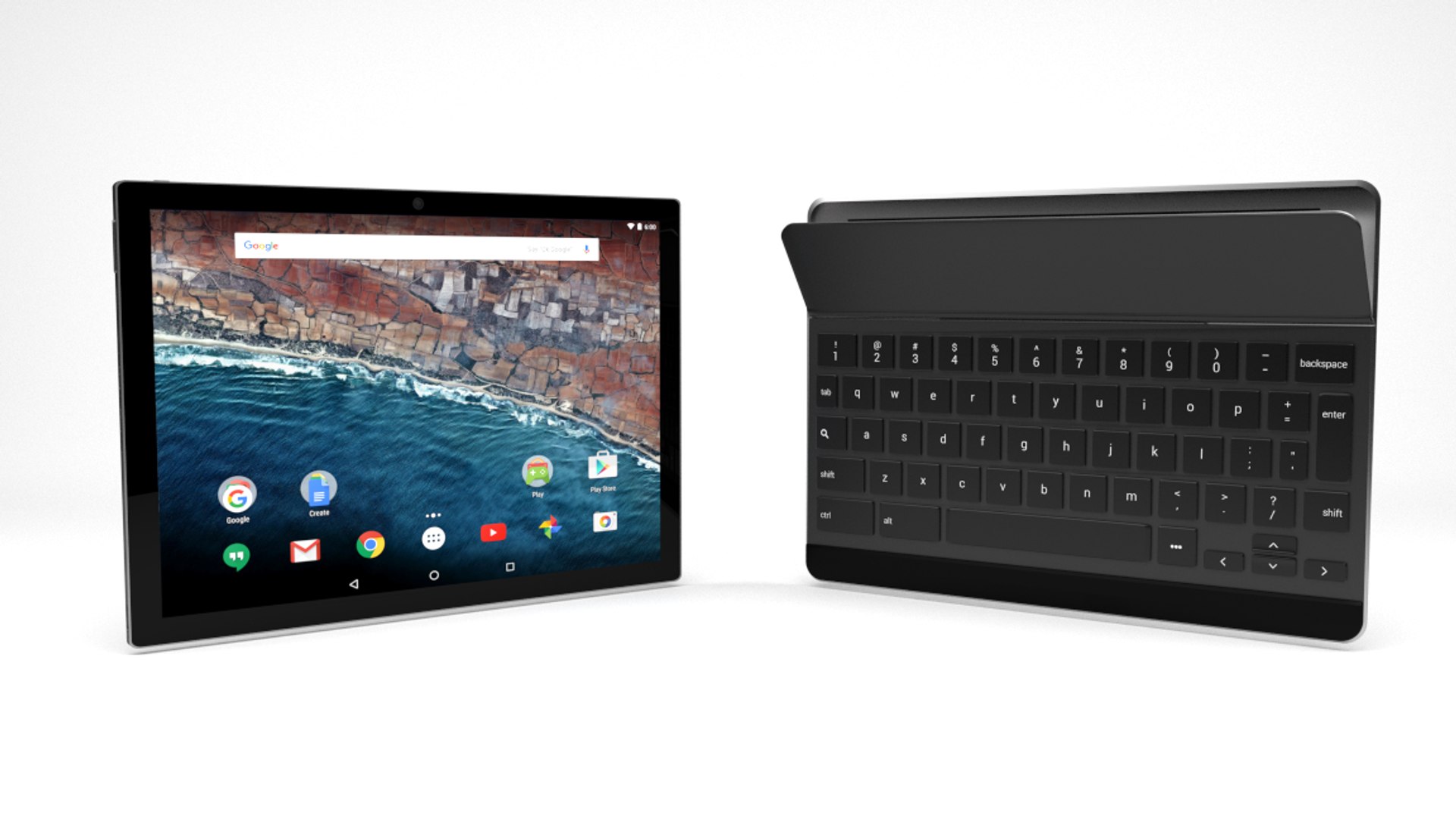
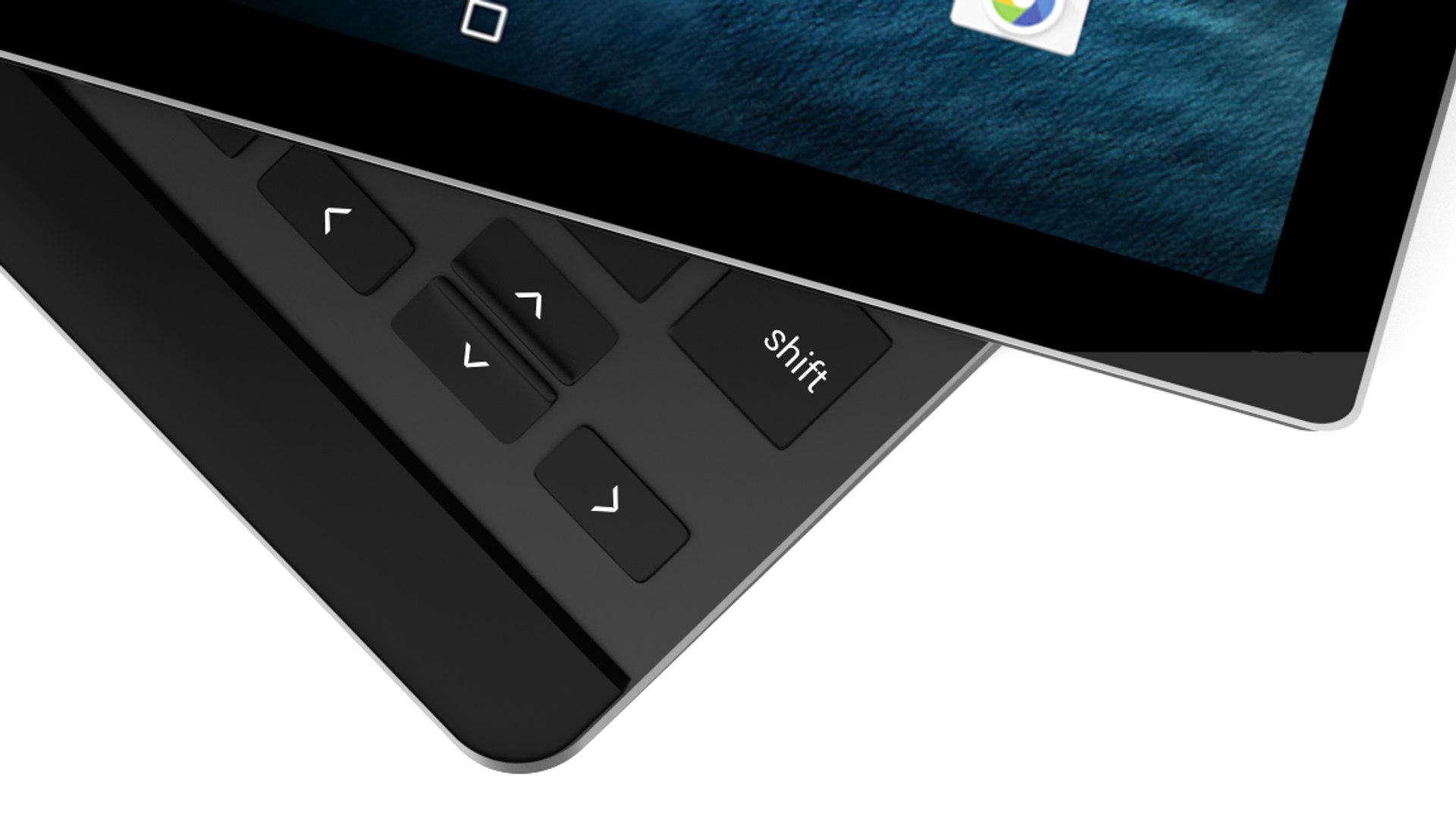
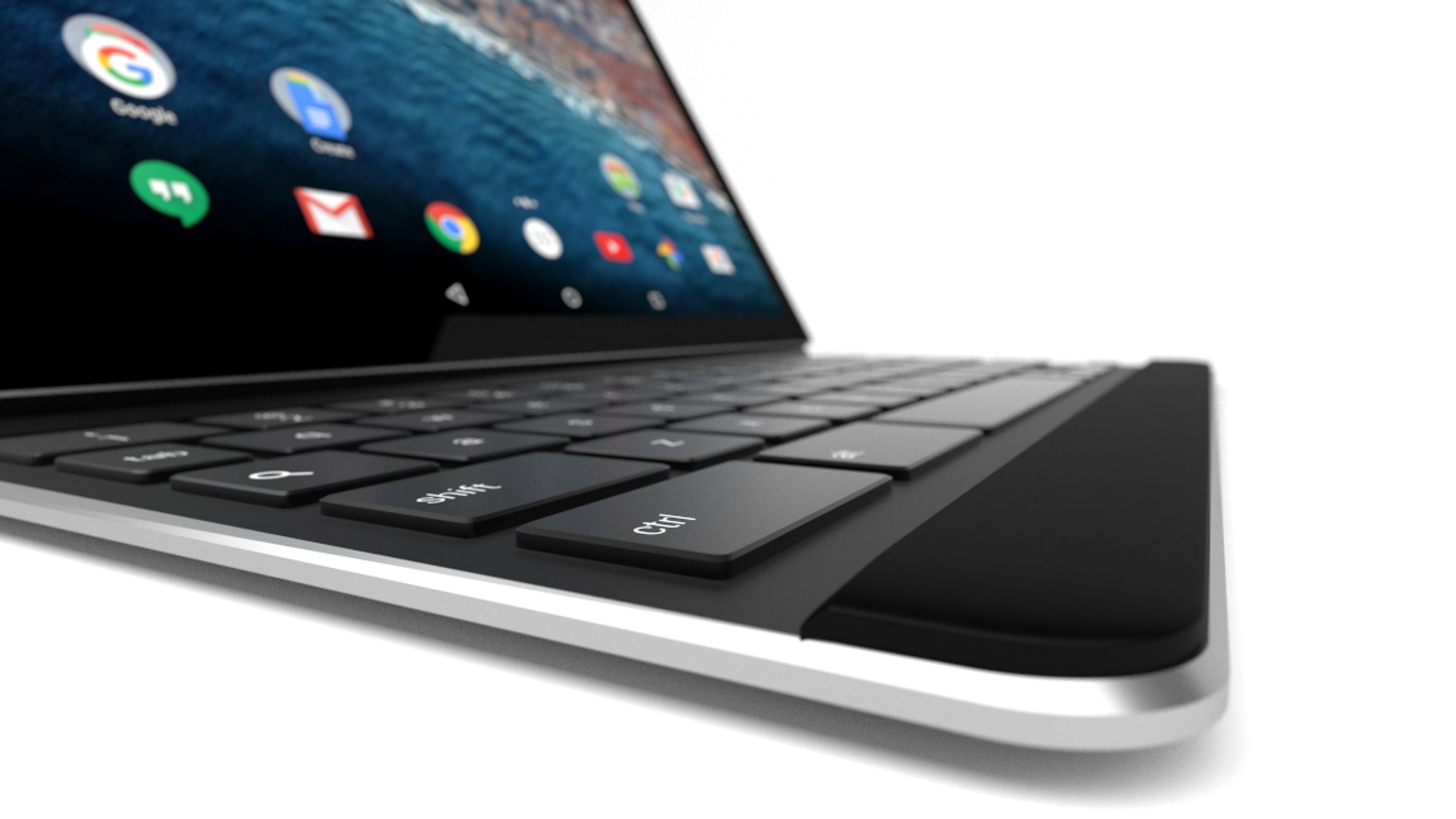
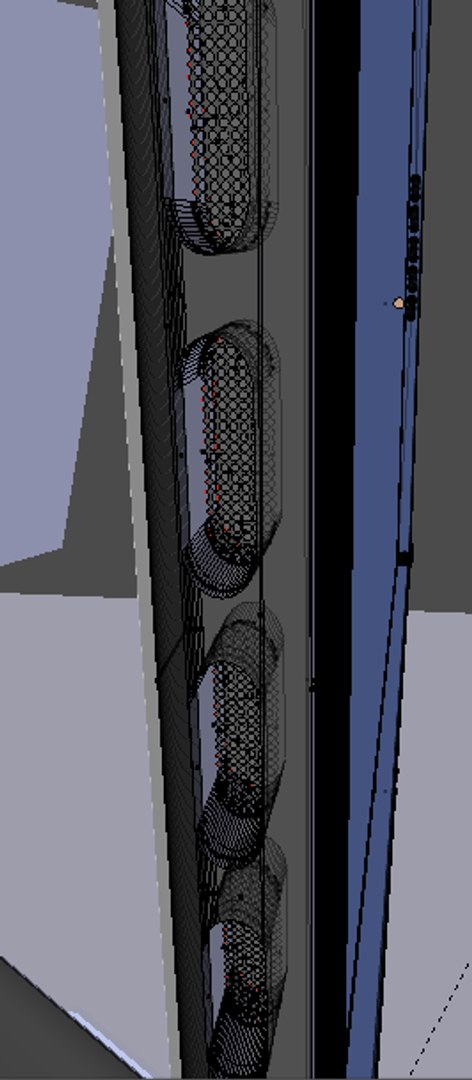
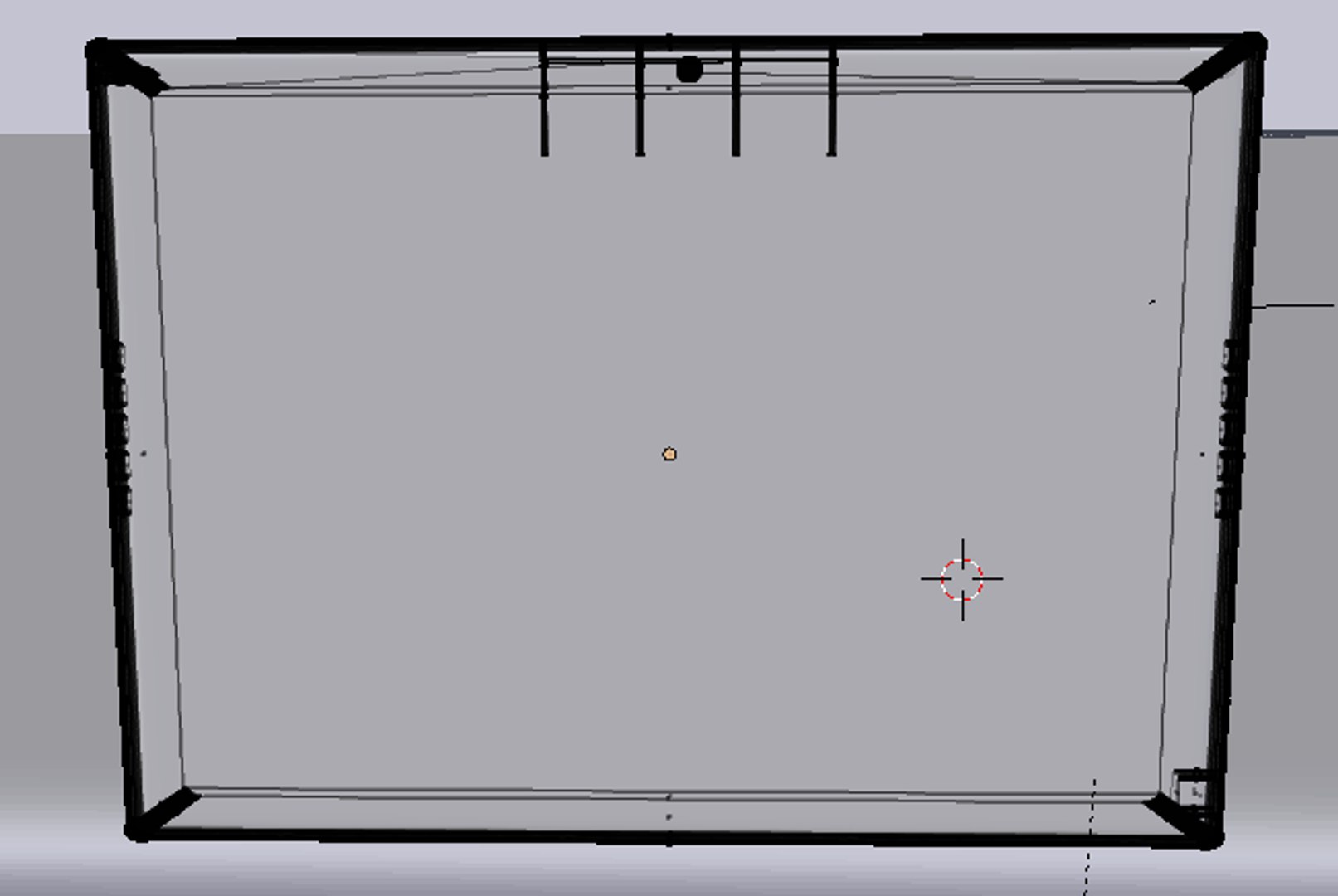
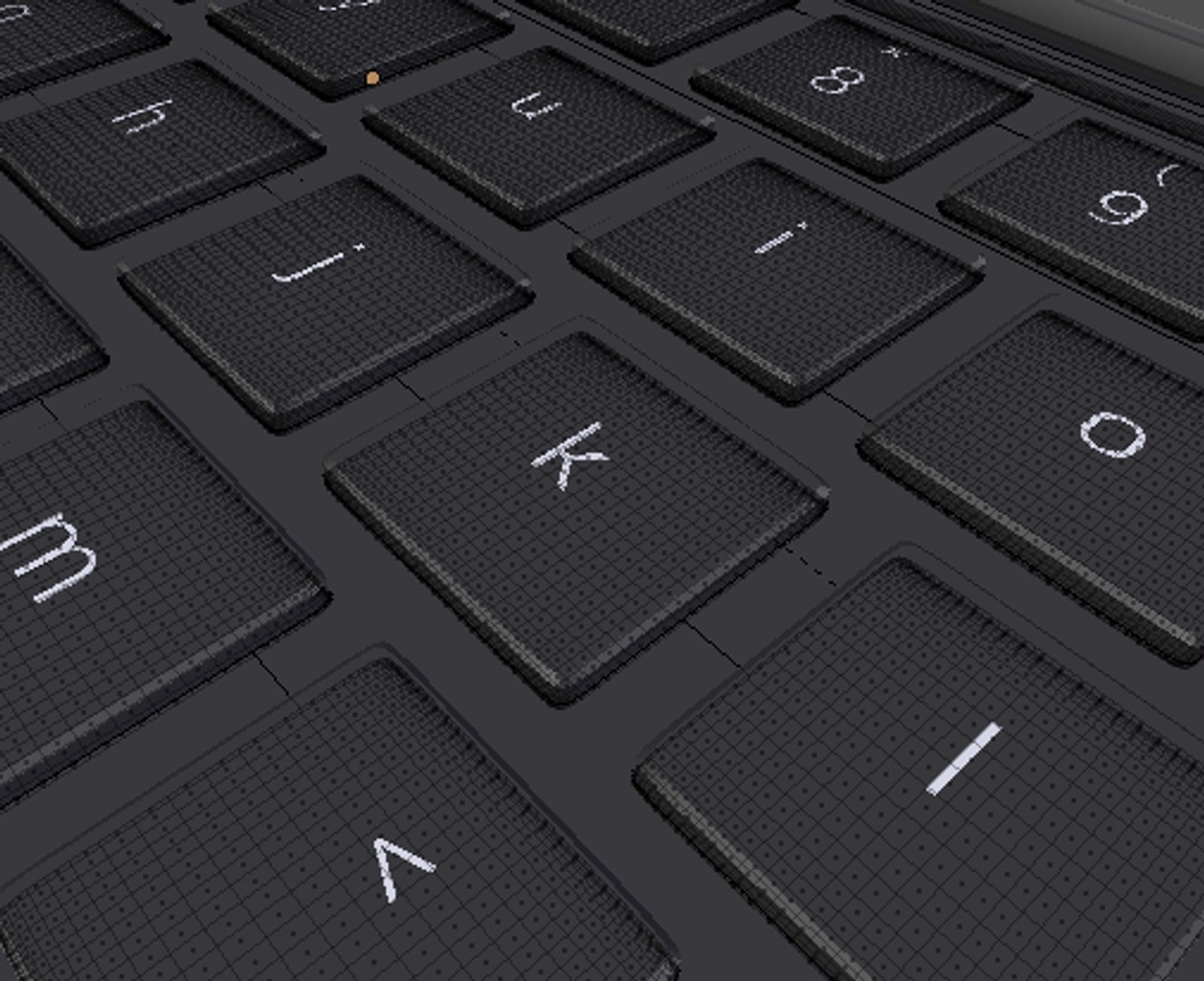
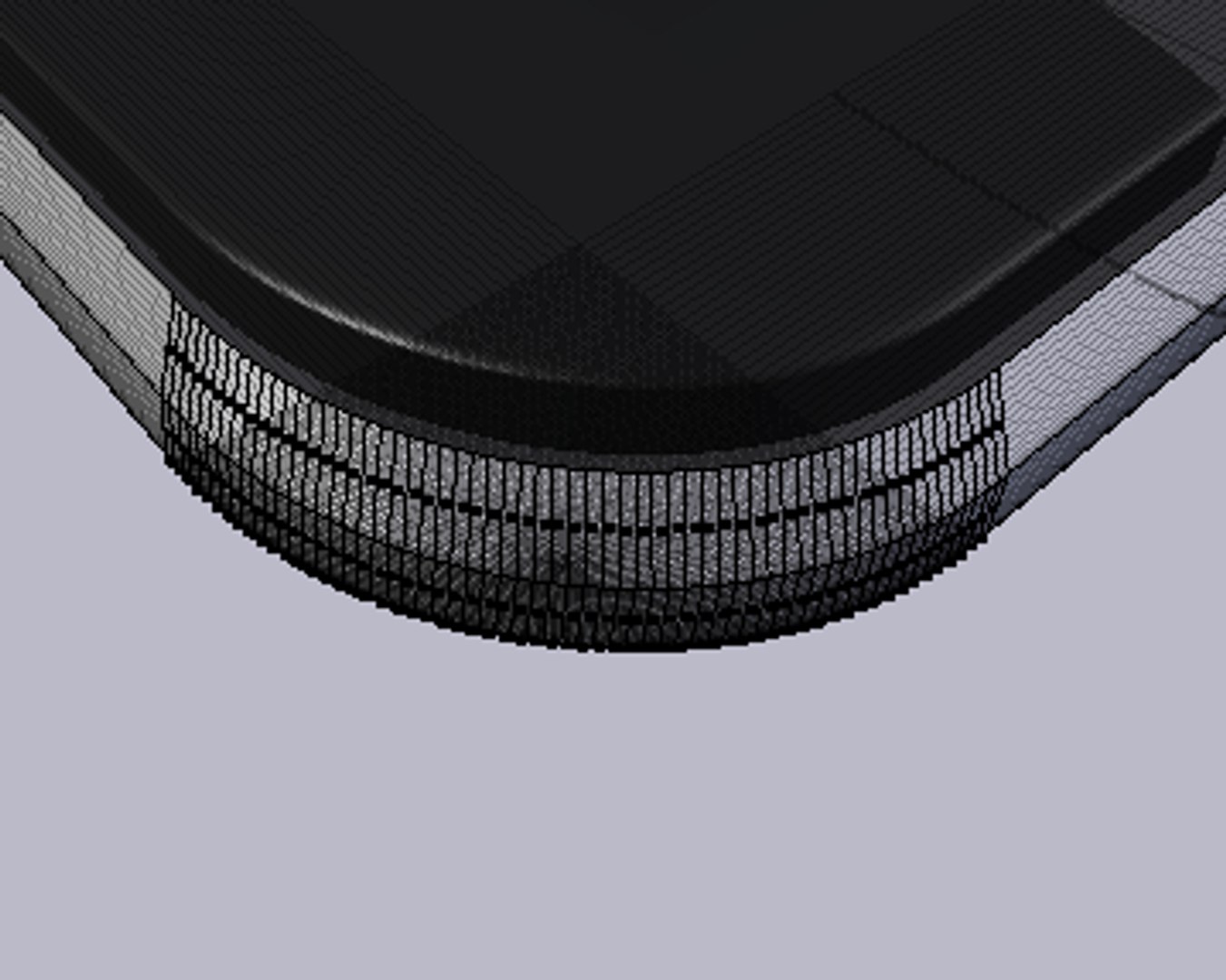
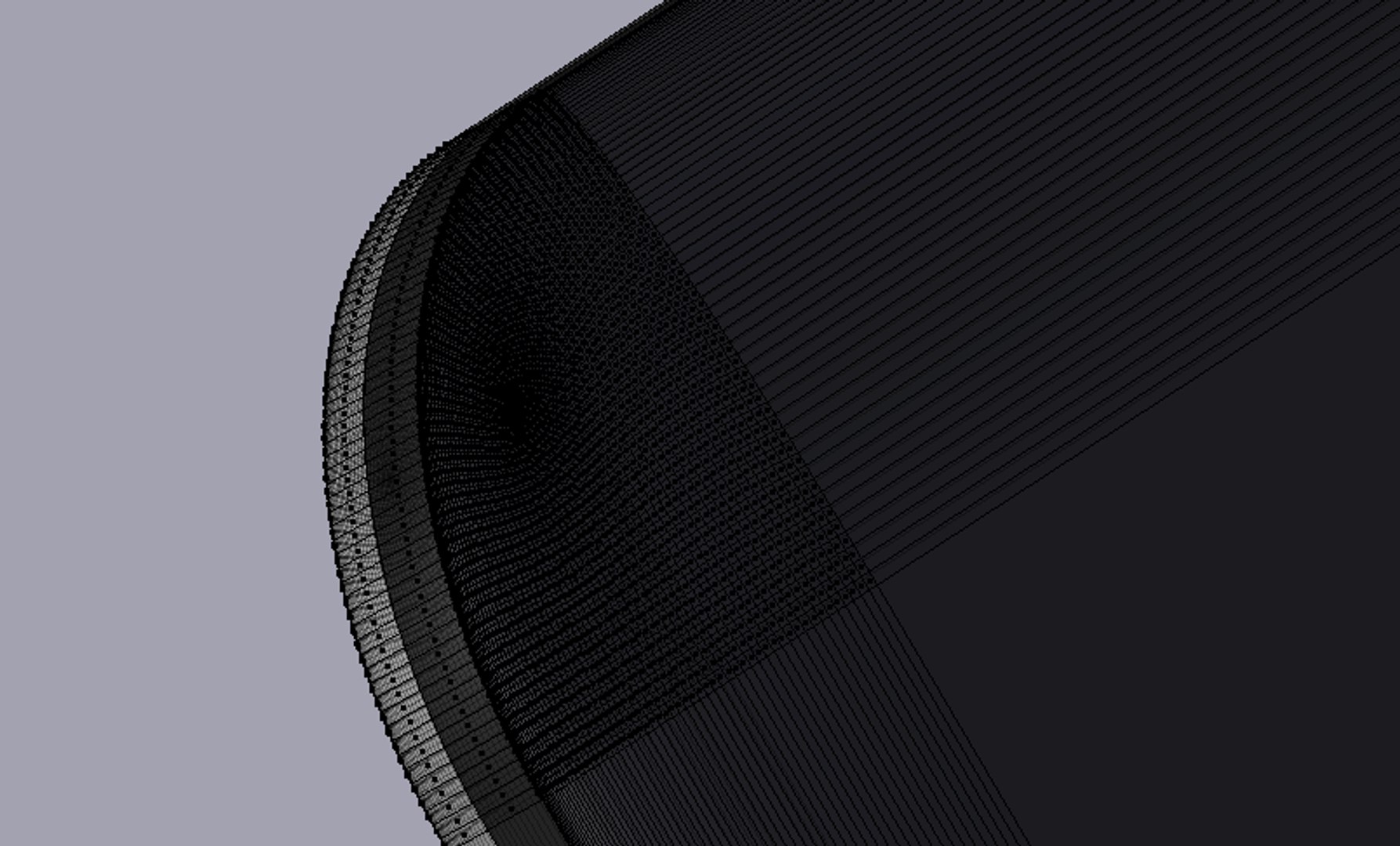
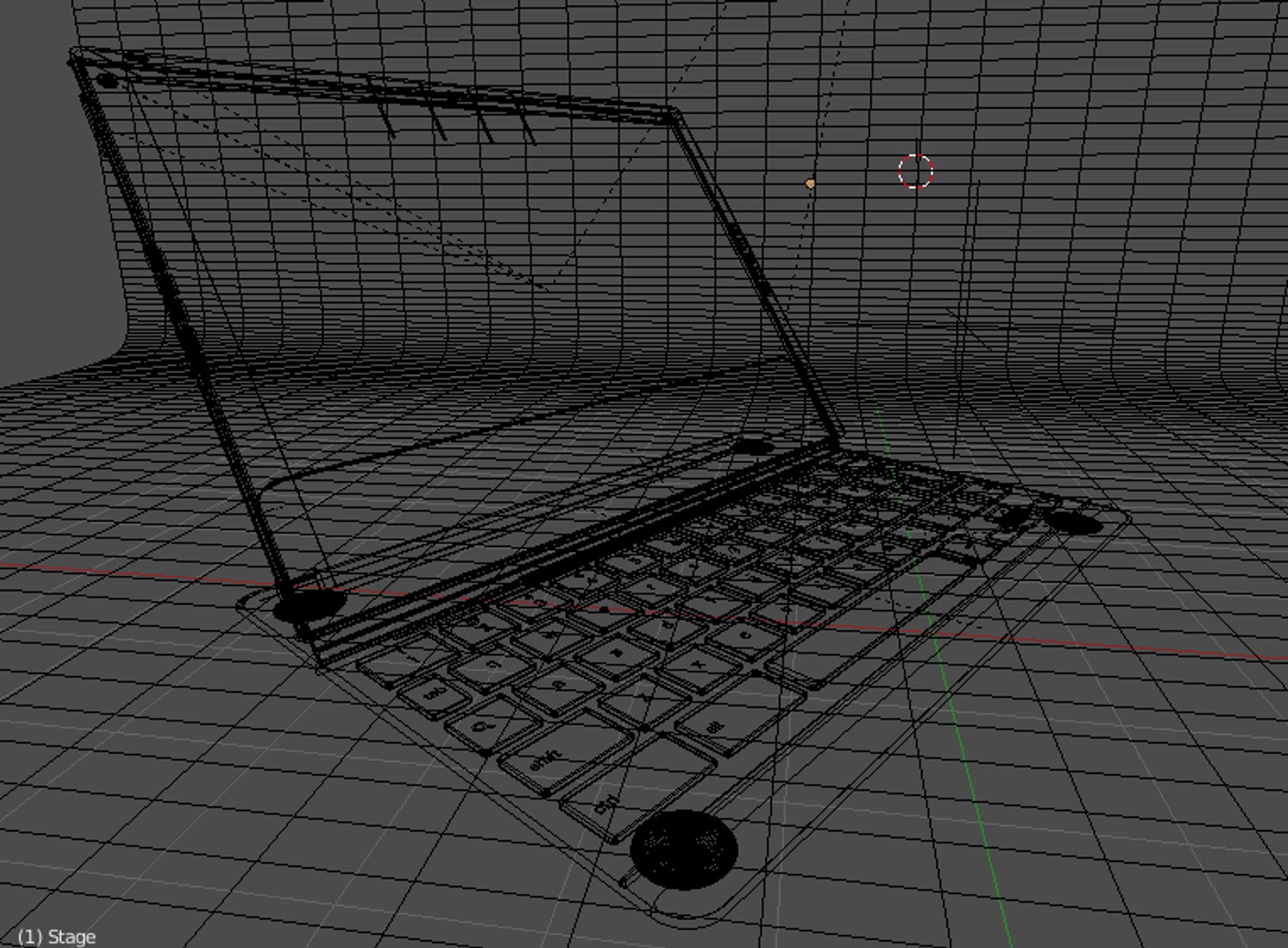
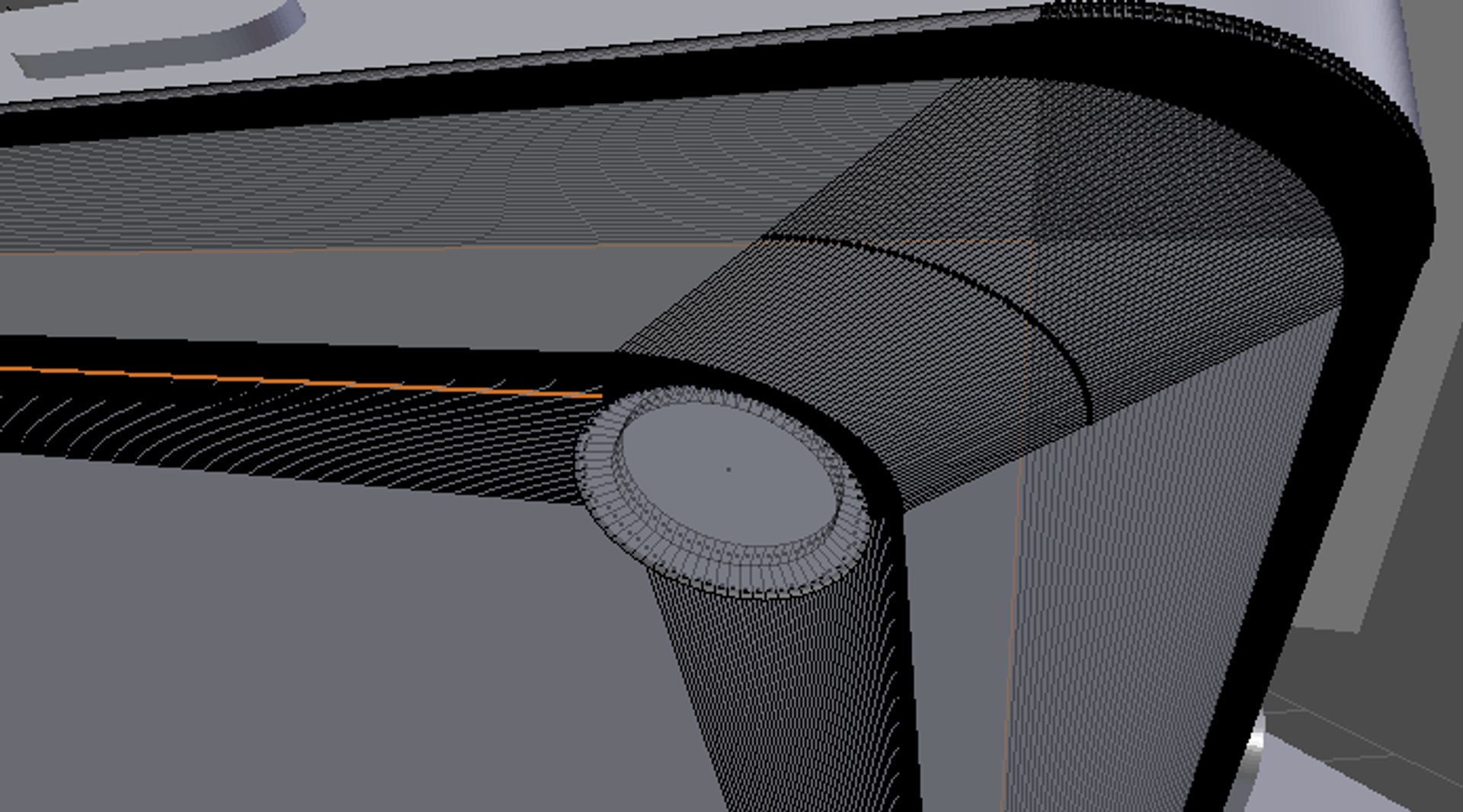
High-poly and detailed Google Pixel C tablet Created in Blender 2.75 and rendered in cycles.


Inside the PixelC.zip folder you will find:
-PixelC.3ds (No Materials)
-PixelC.blend (Materials and scene is pre-loaded)
-PixelC.dae (No materials)
-PixelC.mtl (No materials)
-PixelC.obj (No materials)
-PixelC.fbx (No materials)
-PixelC.stl (No materials)
-PixelC.x3d (No materials)
-Screen.png (Image for the screen)
-Spare Stand.ply (Instructions in README.txt)


-No HDR images were used when rendering this product.
-(non-seamless) Model has been labeled for ease of use
-Scene loads without issues (.blend, and .obj)
-All objects are parented to a single empty for easier movement
-Object comes in 2 different parts, Keyboard_Body, and Main_Body, with all of the other details being parented to them (Keys, Anti-Scratch Pads, Camera, etc.)
-Materials assigned and named correctly
-Preloaded scene comes with 3 Planes and a background as featured in the First image.


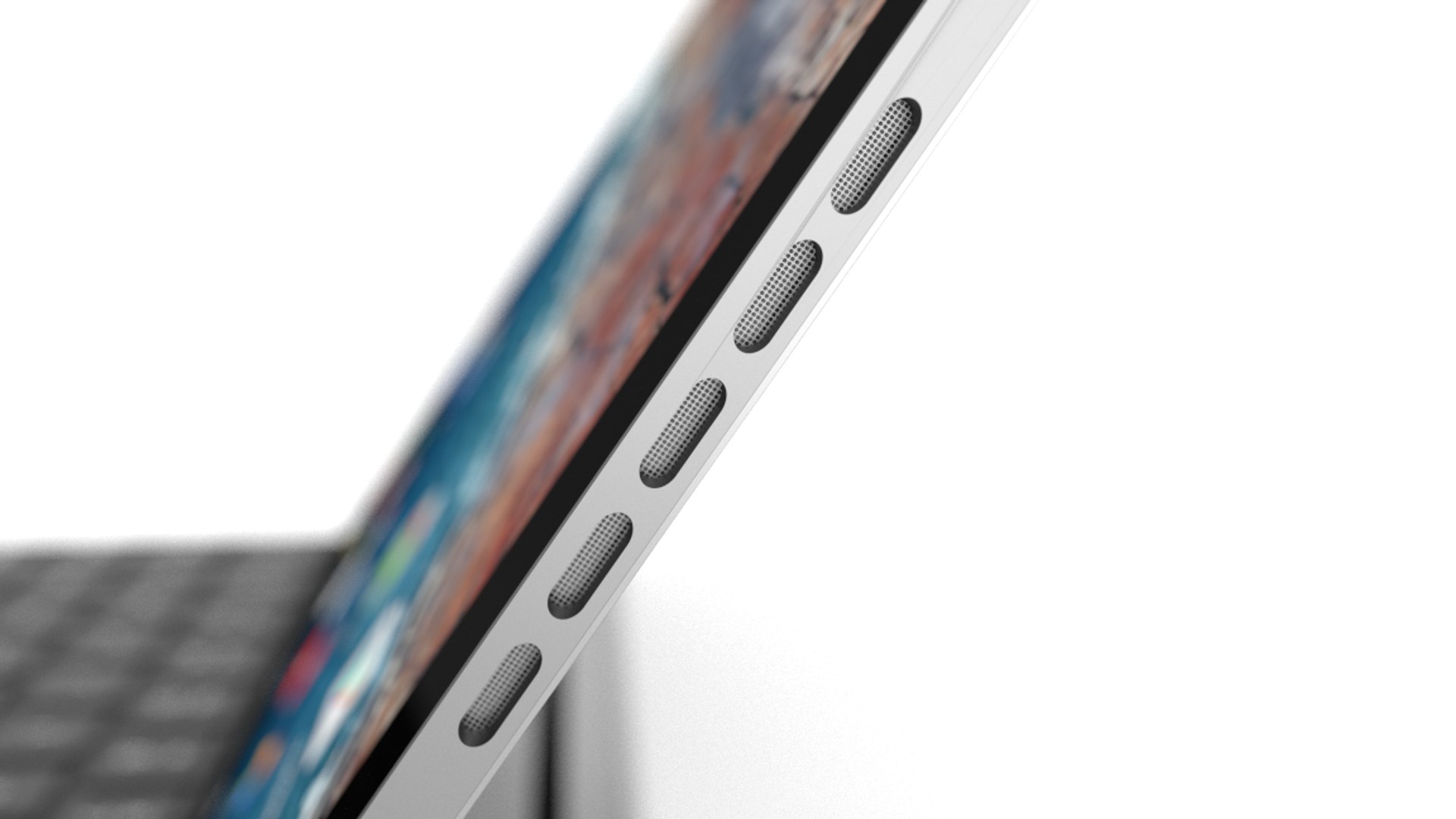
NOTE: Speakers are NOT UV mapped

I hope you enjoy my first product ever uploaded to turbosquid

-CGStudioMAX

Select Enhanced License

  • $10,000 in Legal Protection (Indemnification)
  • Uncapped Legal Protection (Indemnification)
  • Waiver from injunctive relief
  • Assignable model rights
  • $1,000,000 in Legal Protection (Indemnification)
  • Waiver from injunctive relief
  • Assignable model rights
  • $250,000 in Legal Protection (Indemnification)
  • Assignable model rights
Read more about enhanced license tiers, or contact us at enterprise@turbosquid.com. Already a Shutterstock Enterprise Customer? Contact your Shutterstock Sales Support Agent to talk about adding 3D.

About Conversion Requests

To submit a conversion request for a purchased asset, please complete our Conversion Request Form.

If you have not yet purchased a model, please review our Documentation about Conversions to learn about what limitations you may encounter with a conversion.

For any additional questions about a model’s suitability for conversion, please contact TurboSquid Support.

Loading...