
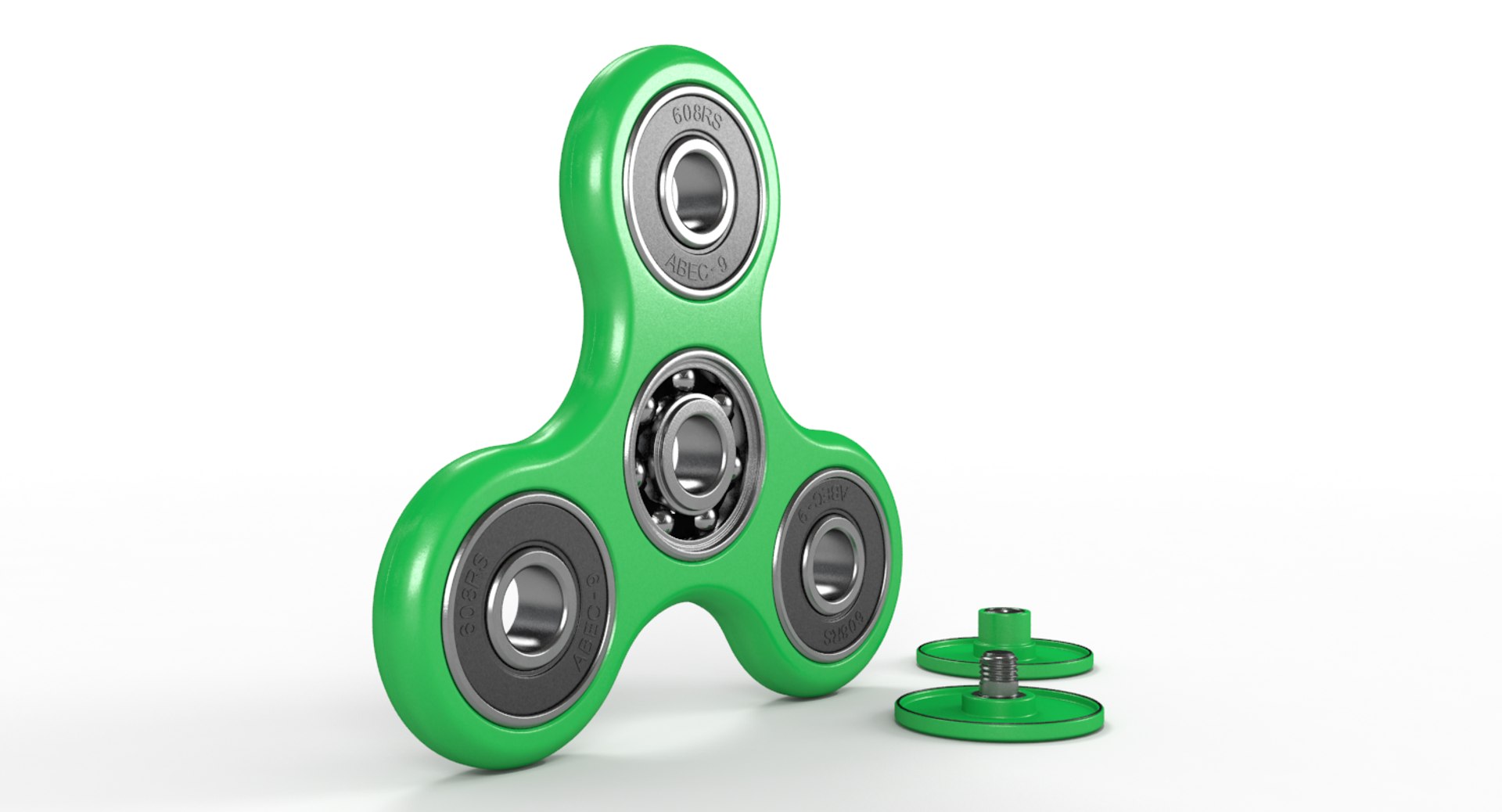
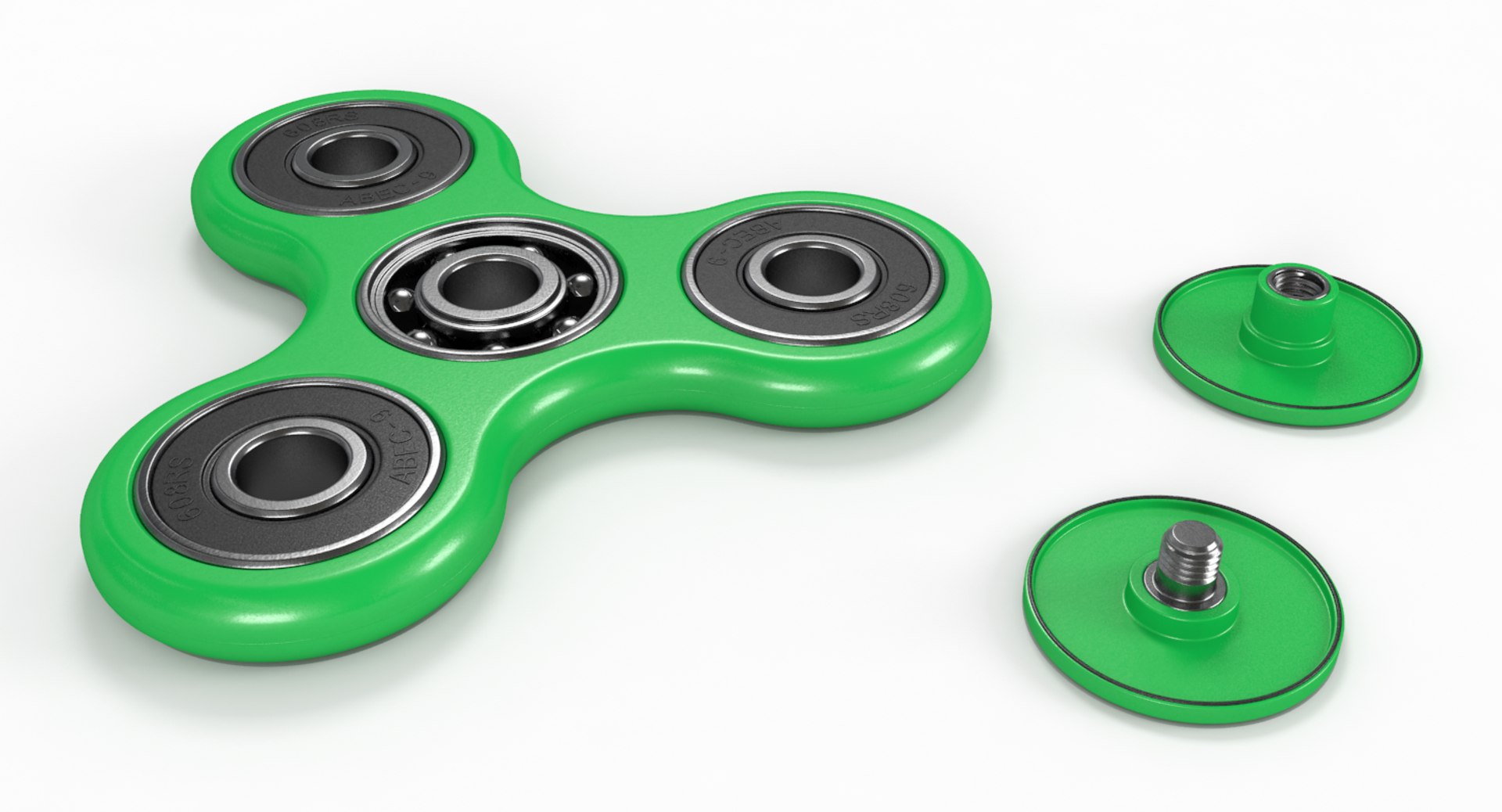
Green Fidget Spinner

$39

Standard License | Upgrade License
Formats (5)
Free file format Conversions available
Native | 3ds Max 2012 | V-Ray 2.40.03
3ds Max 2012 | Default Scanline
Collada
FBX
OBJ
Other Files
Green_Fidget_Spinner_Textures.rar
Specifications
Publish Date July 07, 2017
Product ID 1176984
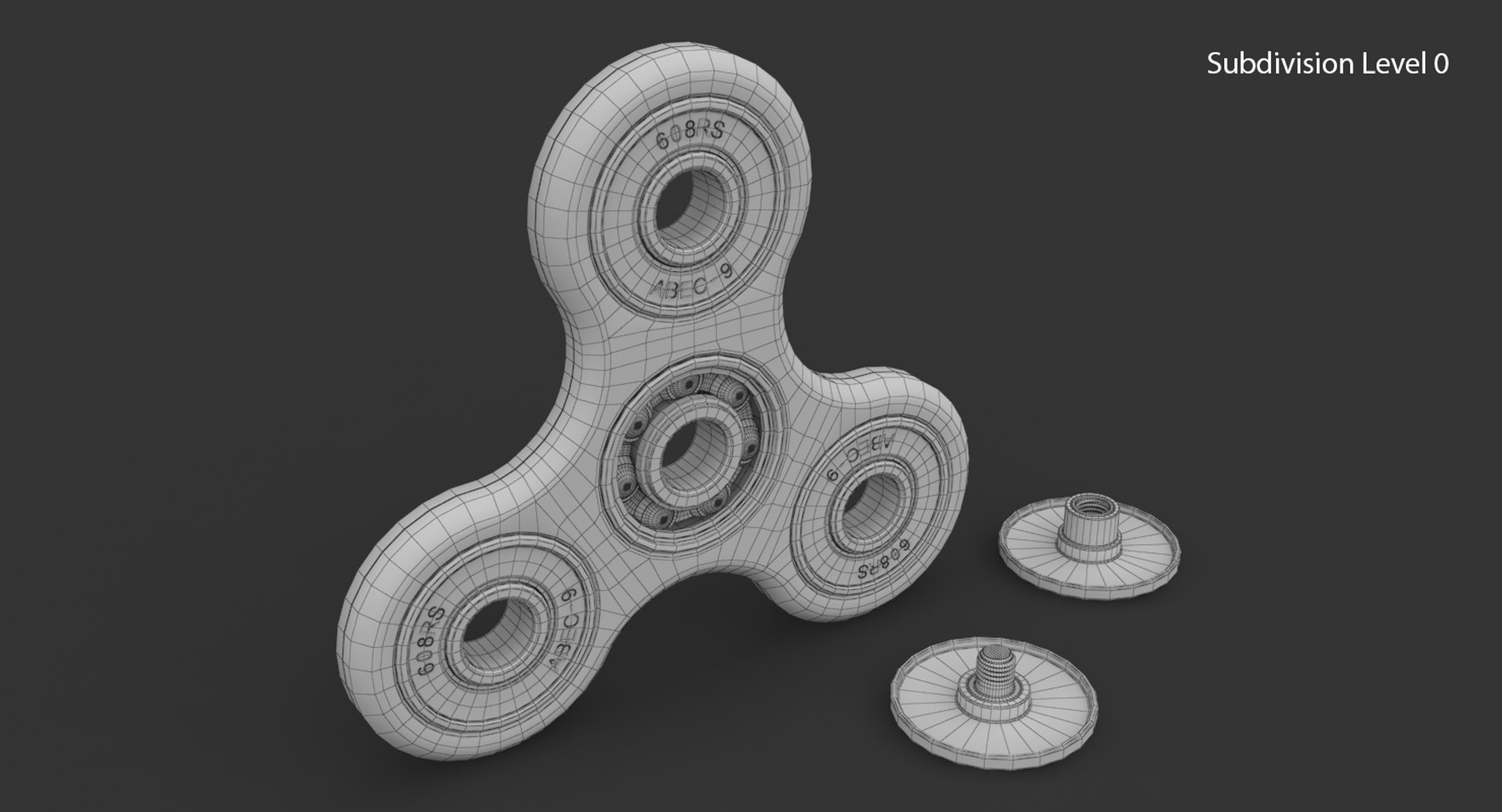
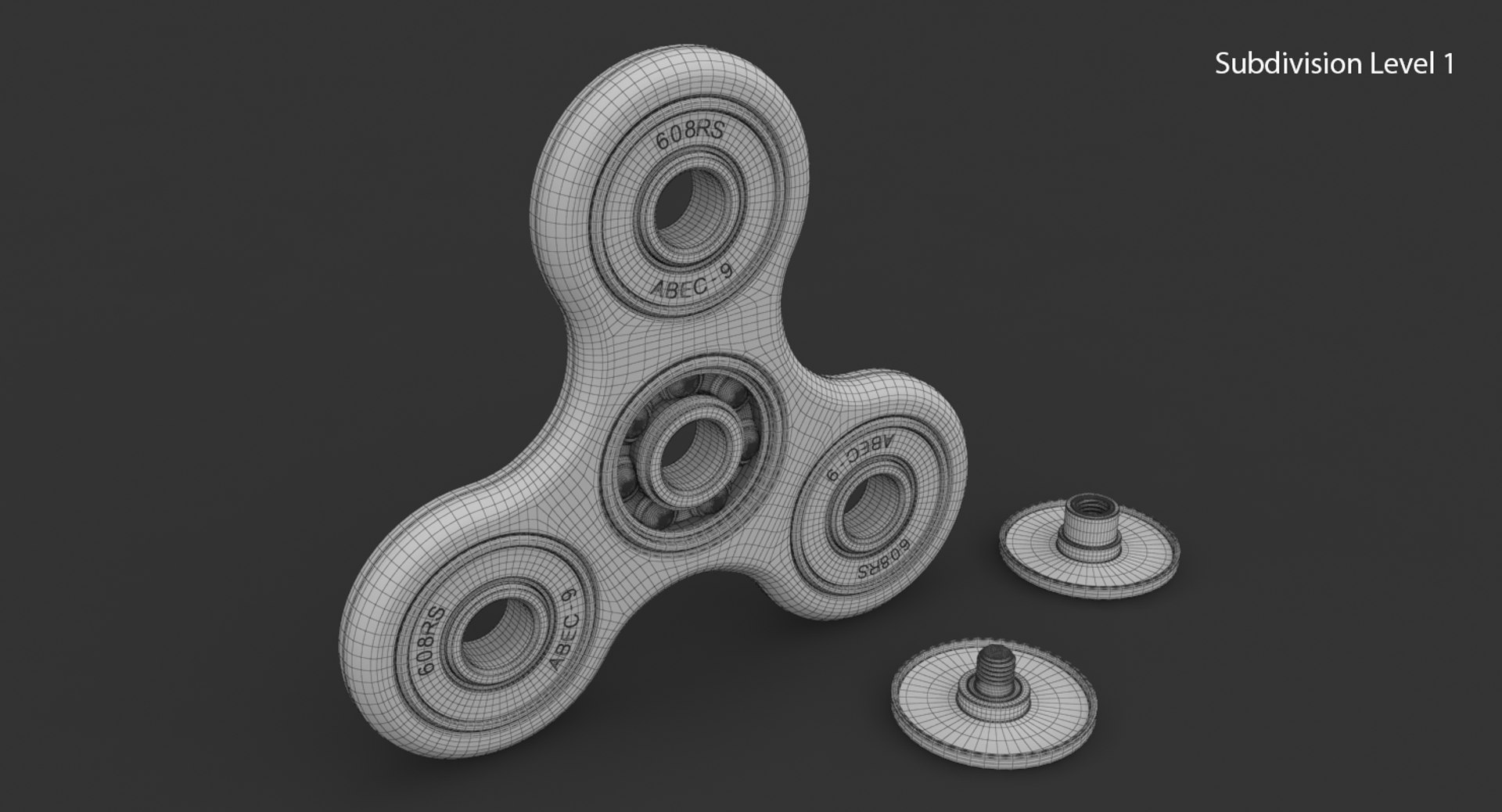
Polygons 39,997
Vertices 43,713
Polygonal Quads/Tris Geometry
Textures
Materials
UV Mapped
Non-overlapping Unwrapped UVs
TurboSquid Exclusive

member avatar
Cookie Graphics
225 Products | Contributor Since 2007
Have questions? Chat with us now.

Description

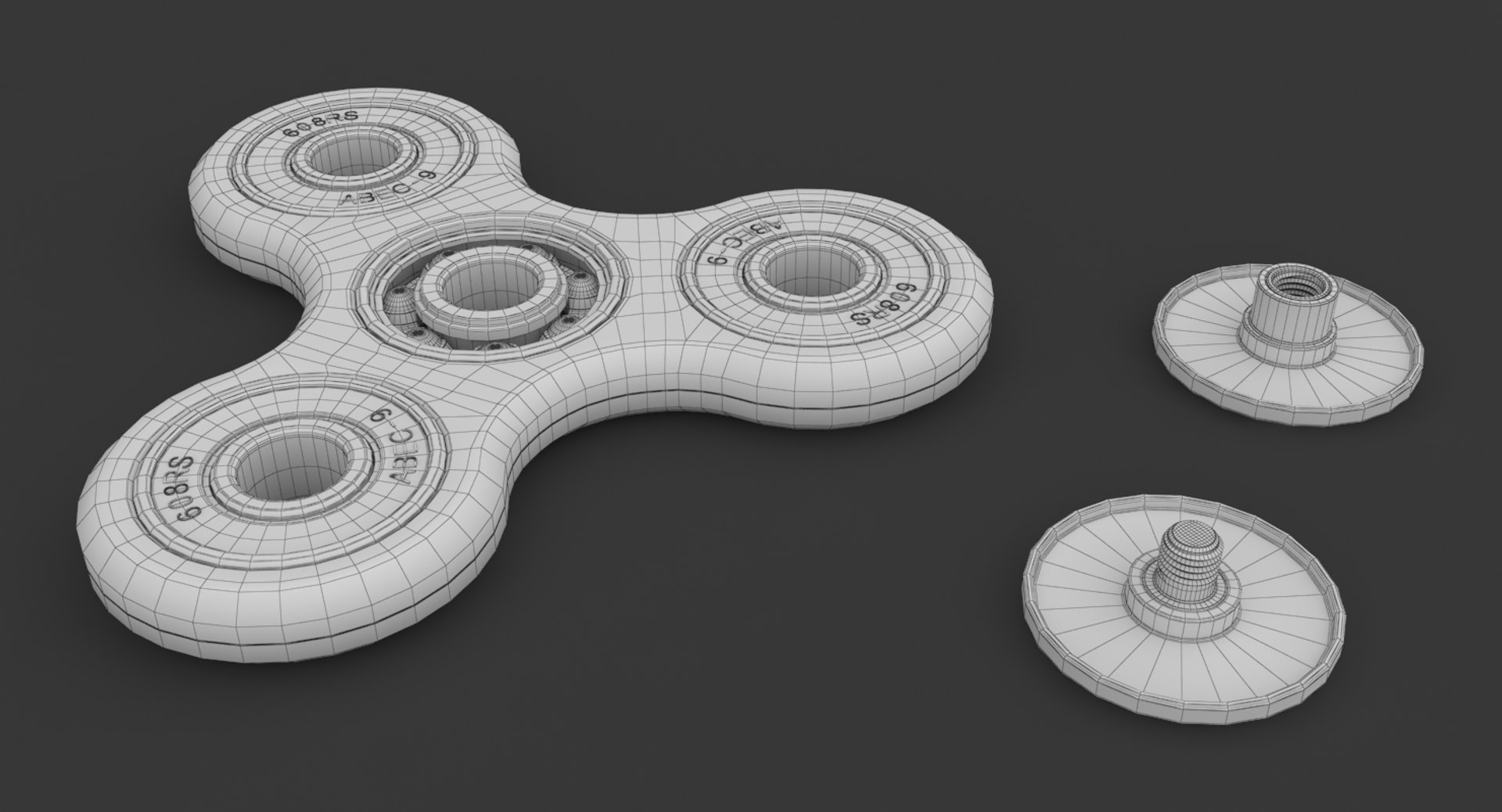
High Defination Fidget Spinner 3D Model (Green Version)

Features

- Model is completely textured with all materials applied
- All parts are correctly named. No error will foud when model will imported into a scene
- Model is separated in a single layer for work optimization
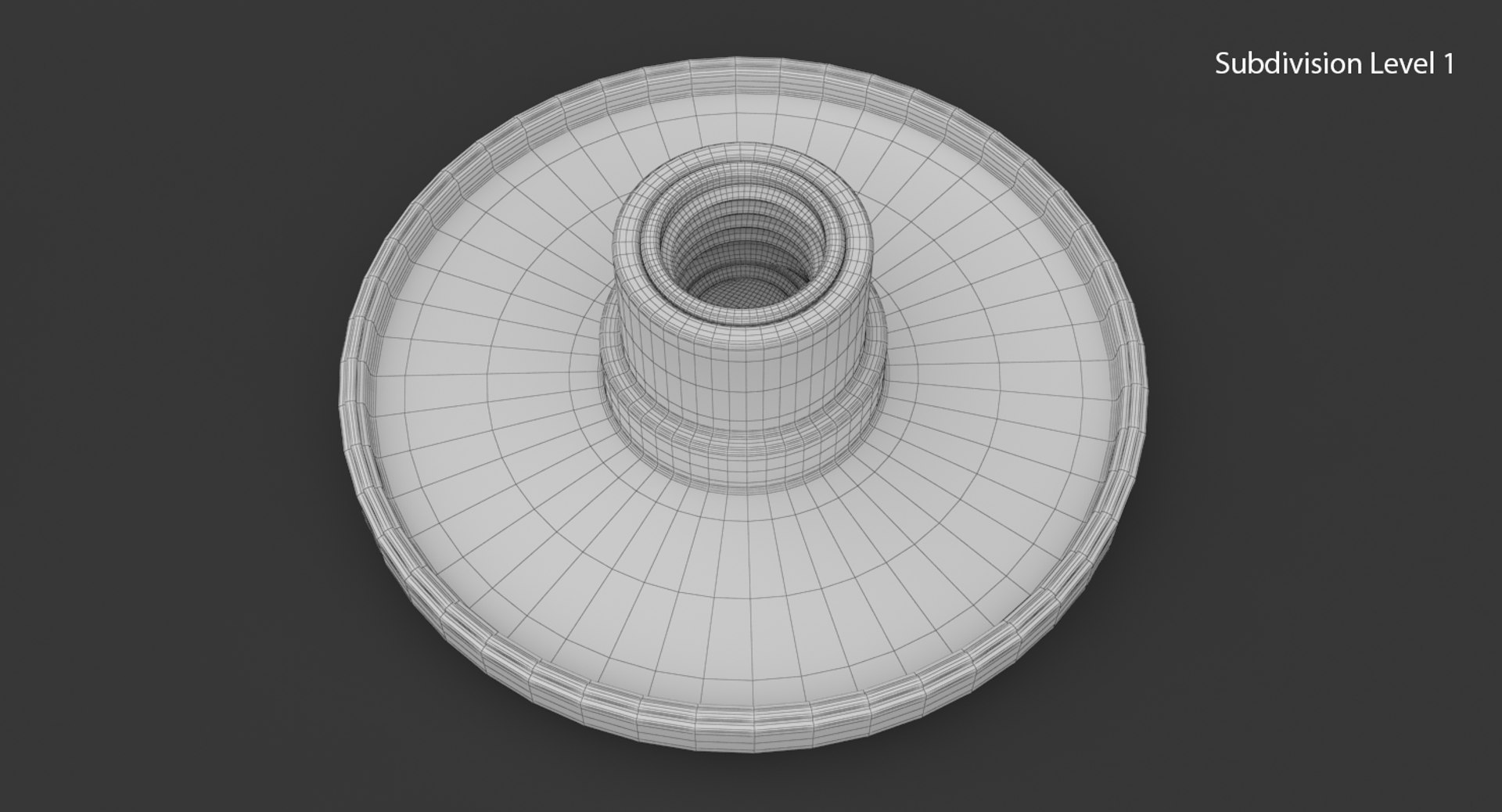
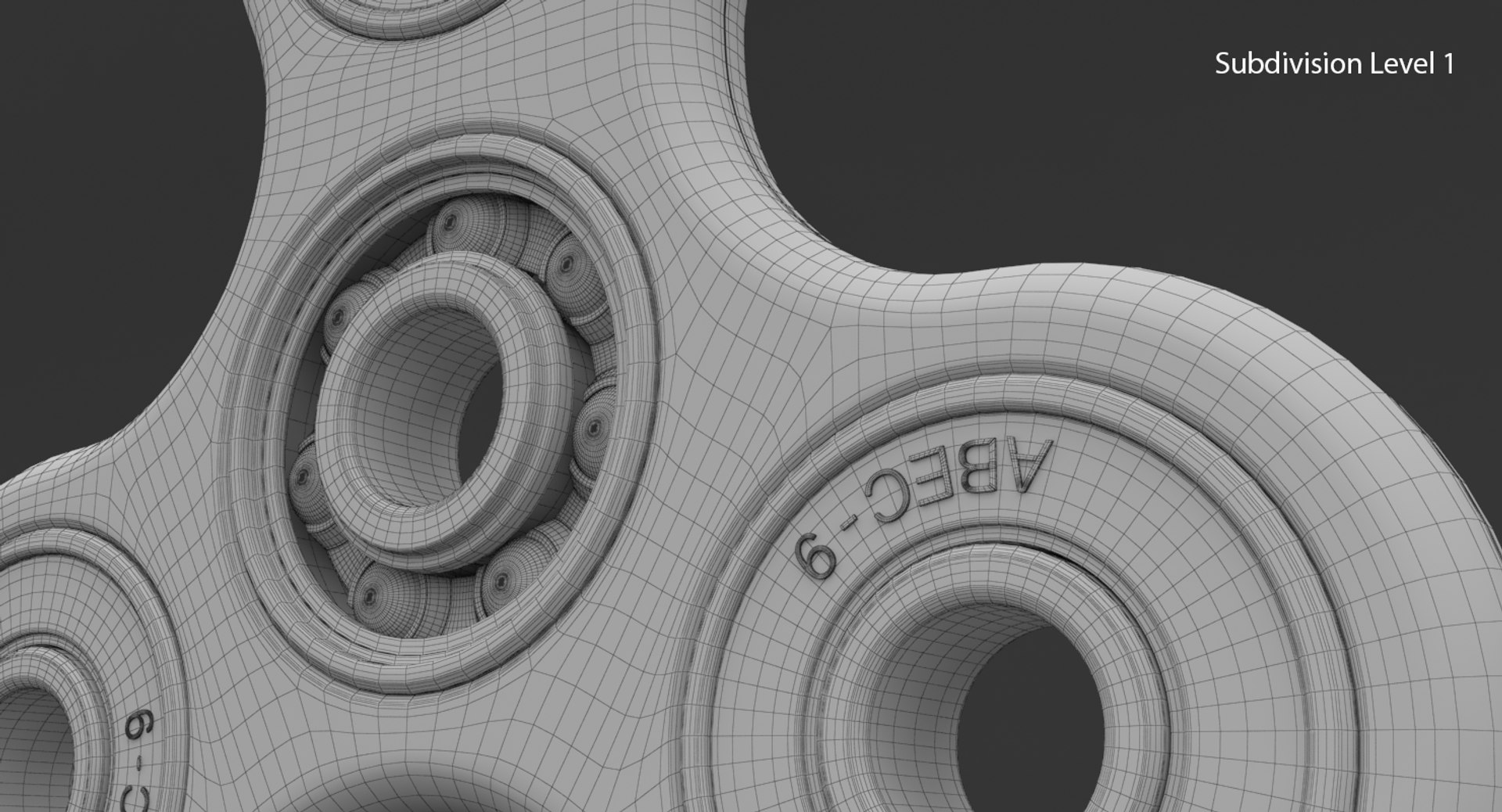
- Model is Intended for mesh subdivision
- No clean up necessary, just put your model into a scene and start render
- Native file format was created in 3ds Max 2012, then was exported in other format
- Preview images render was made in V-Ray 2.40.03
- VRay Lights and Camera are included

Real World Measures

- Model is in Real World Scale (cm)
- Fidget Spinner Length is approx 7 cm (0.22 feet)

Textures (Green Version)

- All materials have the relatives Diffuse, Bump, Gloss and Reflection maps
- All textures and materials are included
- Textures are in PNG format
- Textures size are 4096x4096 pixel

Select Enhanced License

  • $10,000 in Legal Protection (Indemnification)
  • Uncapped Legal Protection (Indemnification)
  • Waiver from injunctive relief
  • Assignable model rights
  • $1,000,000 in Legal Protection (Indemnification)
  • Waiver from injunctive relief
  • Assignable model rights
  • $250,000 in Legal Protection (Indemnification)
  • Assignable model rights
Read more about enhanced license tiers, or contact us at enterprise@turbosquid.com. Already a Shutterstock Enterprise Customer? Contact your Shutterstock Sales Support Agent to talk about adding 3D.

About Conversion Requests

To submit a conversion request for a purchased asset, please complete our Conversion Request Form.

If you have not yet purchased a model, please review our Documentation about Conversions to learn about what limitations you may encounter with a conversion.

For any additional questions about a model’s suitability for conversion, please contact TurboSquid Support.

Loading...