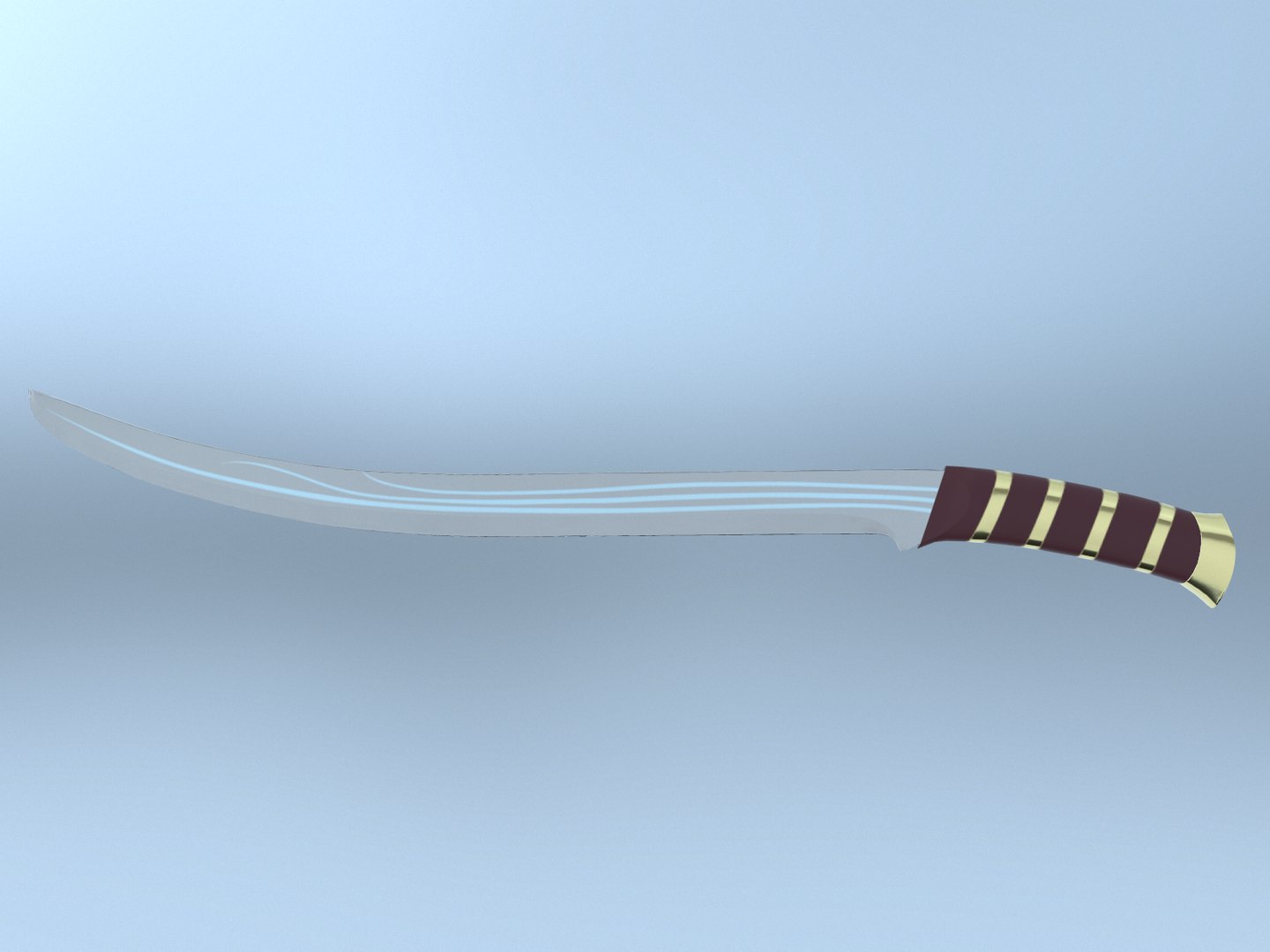
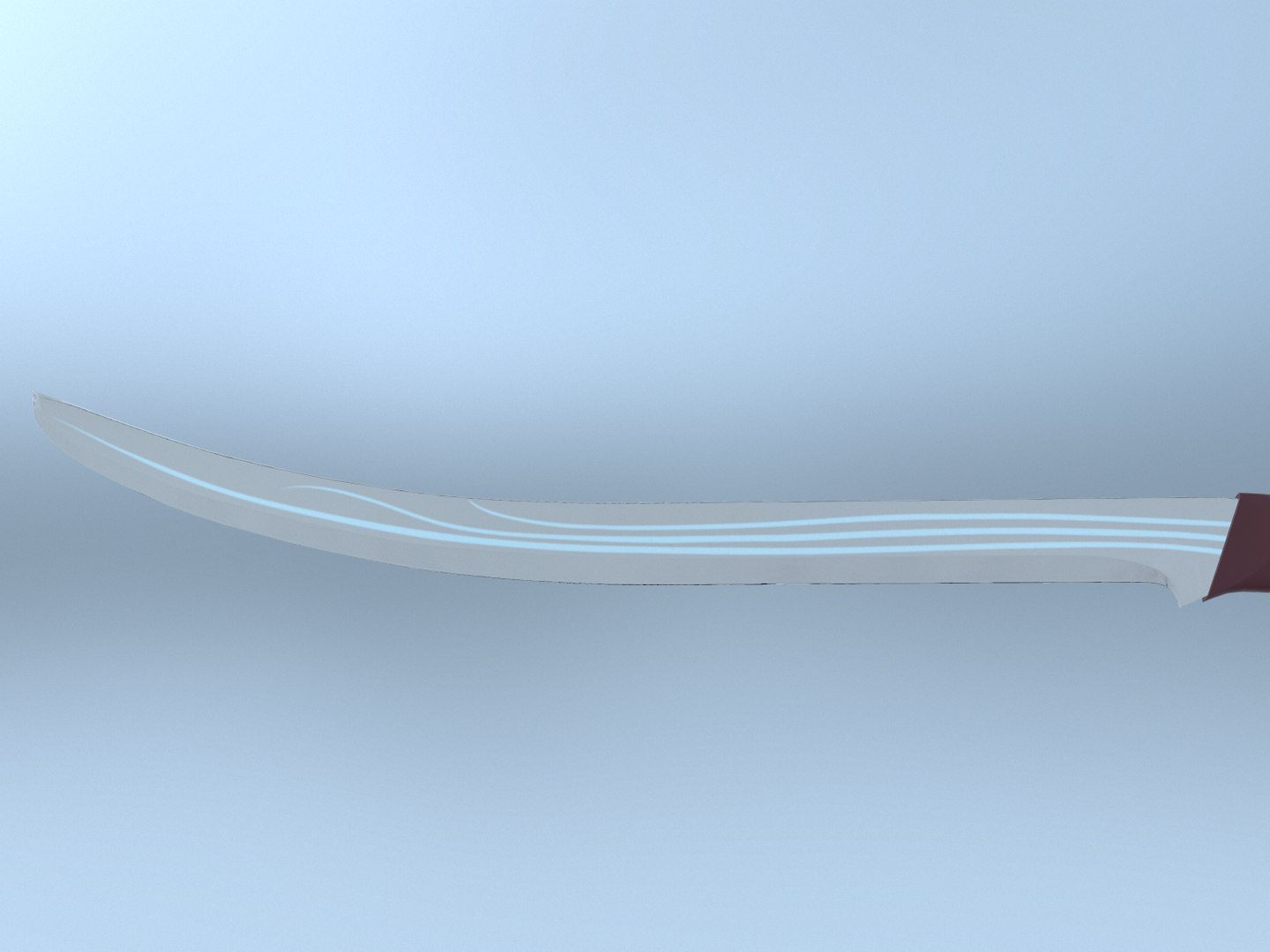
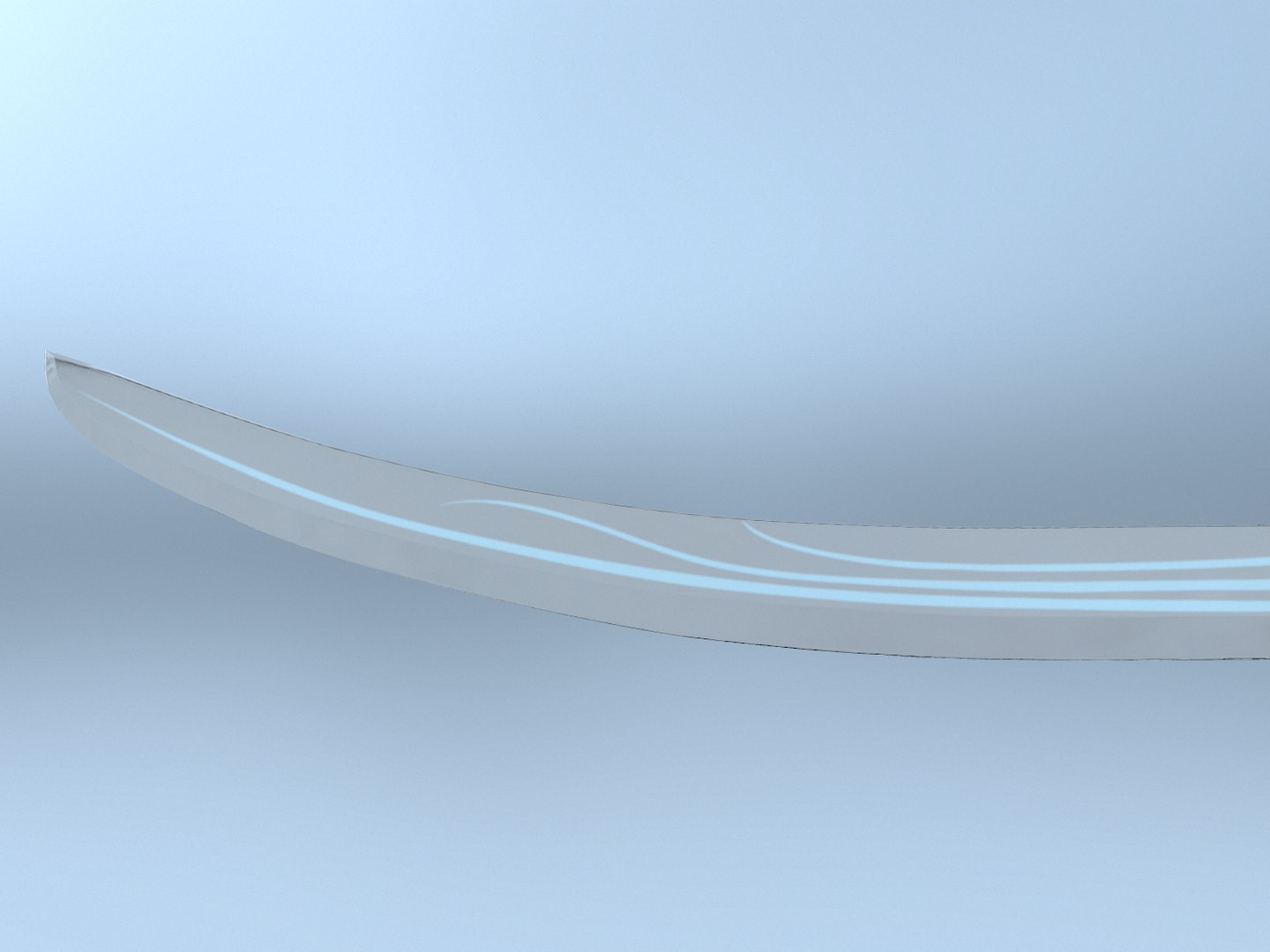
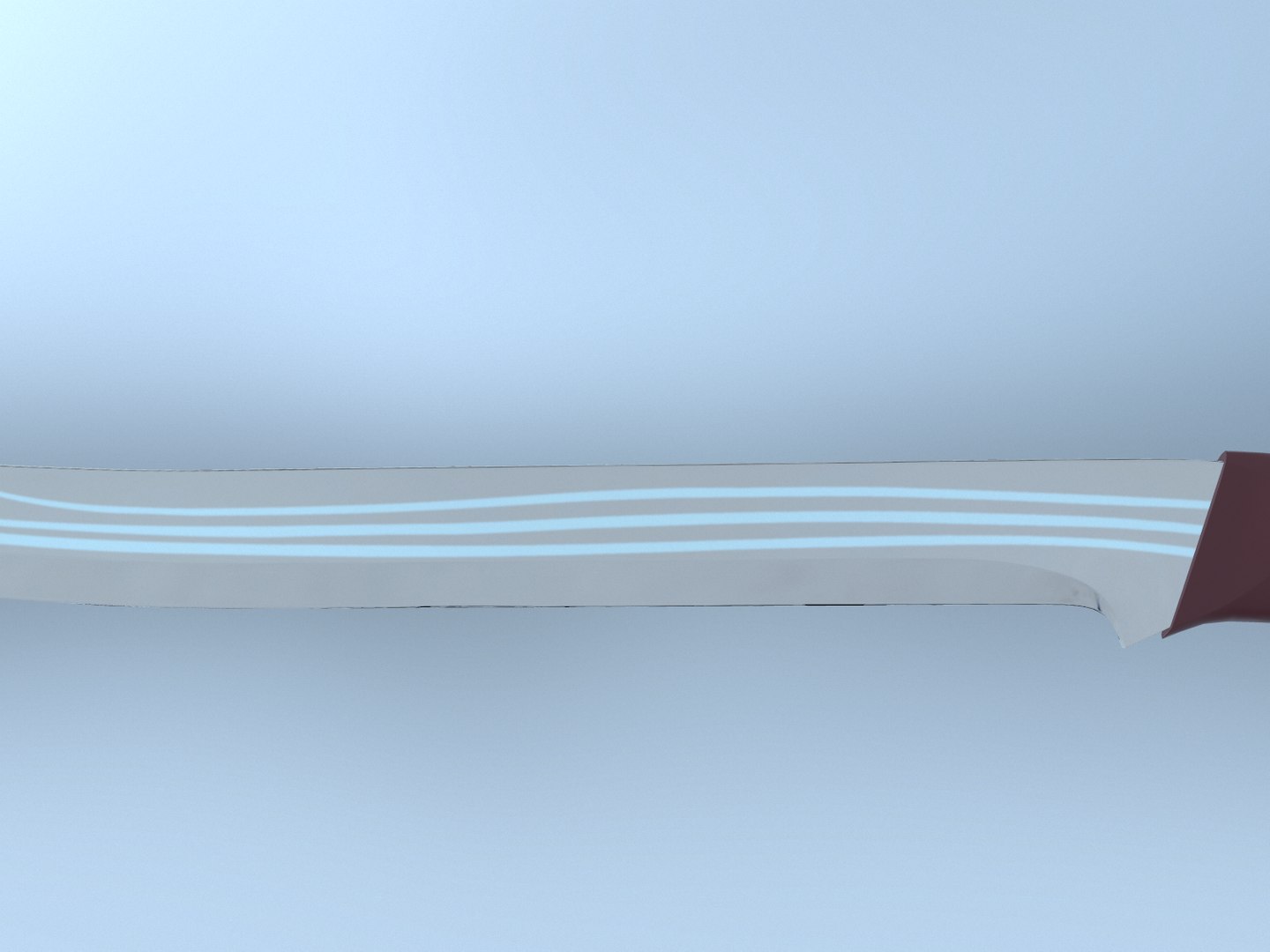
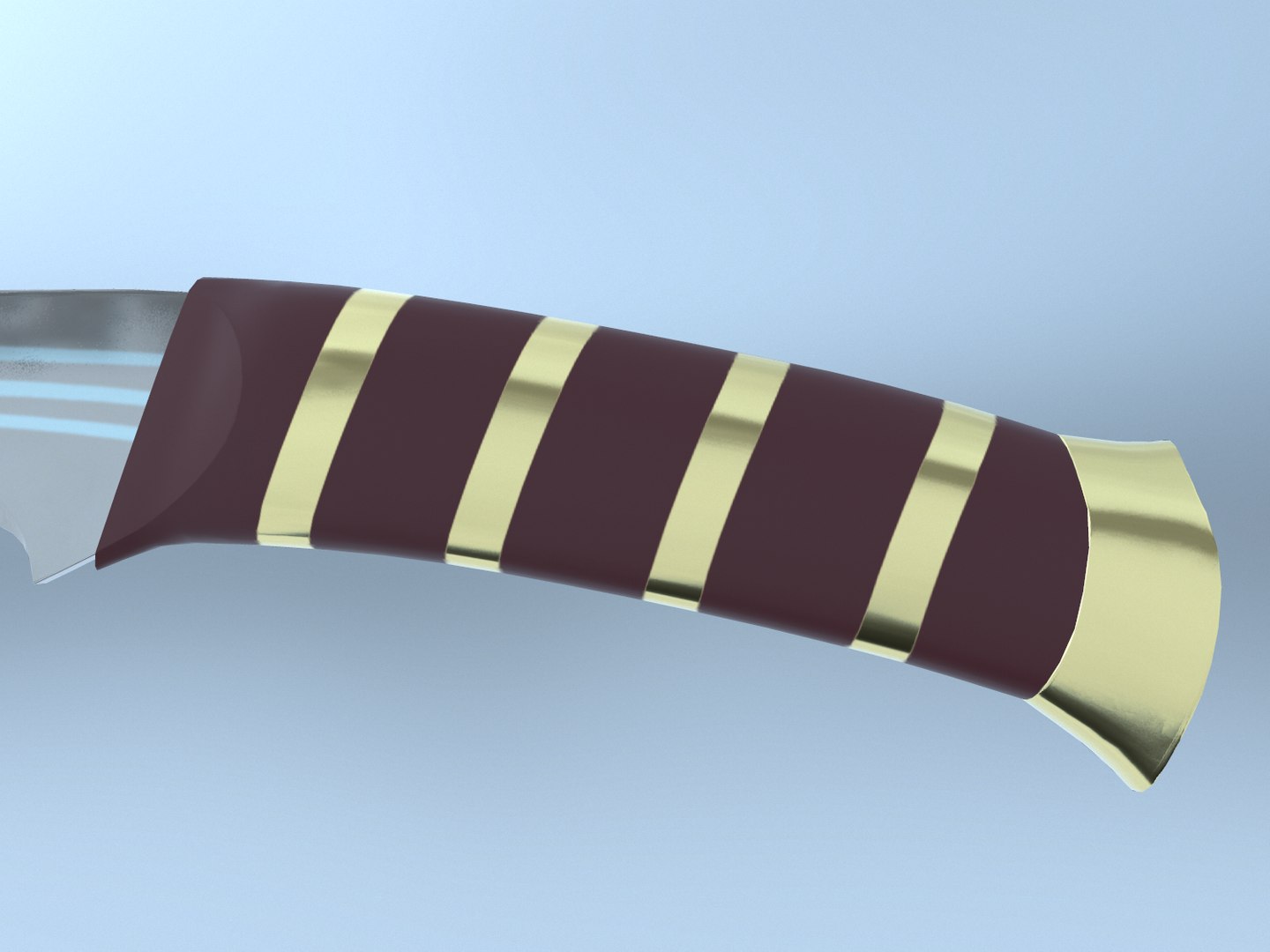
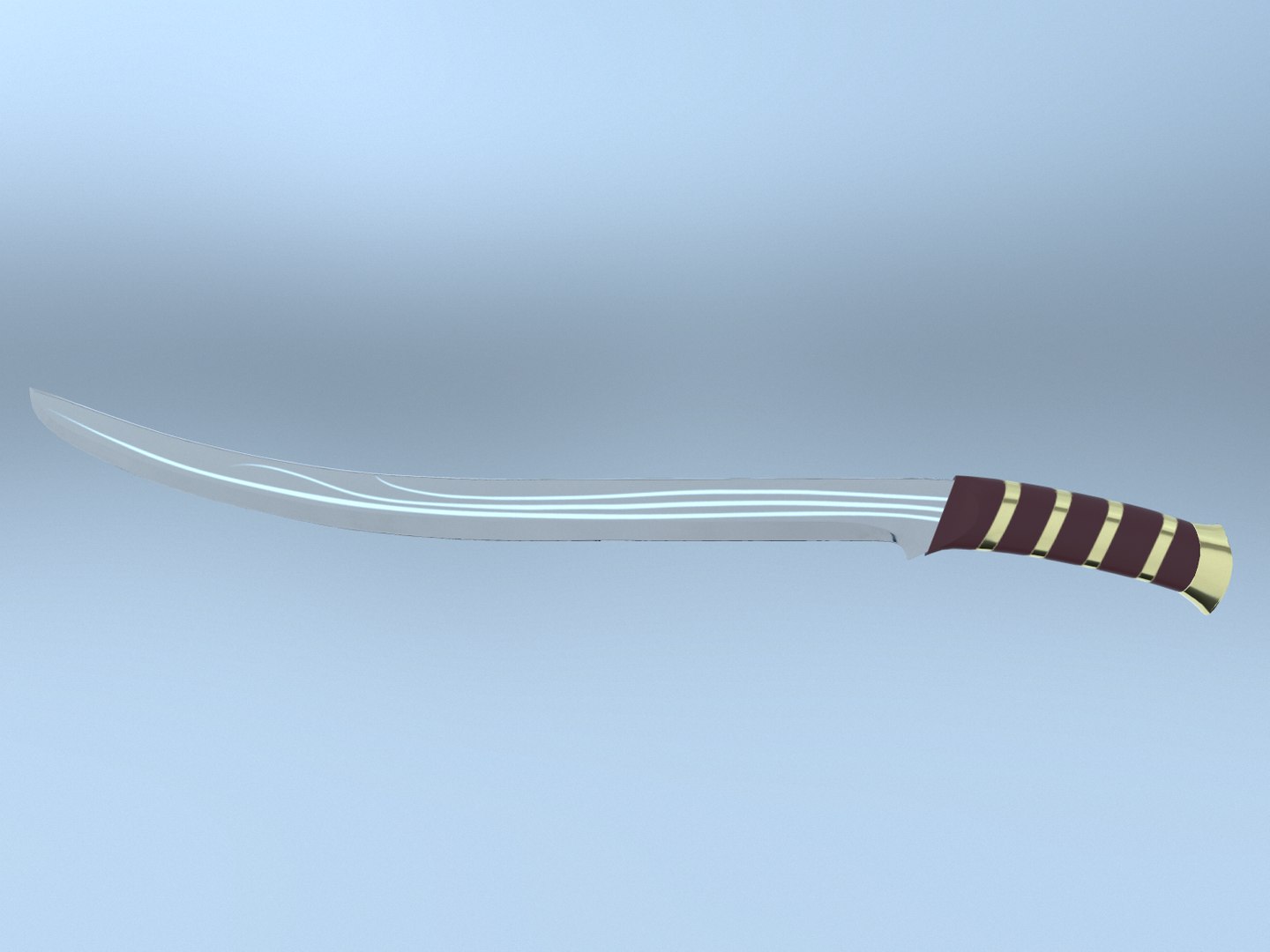
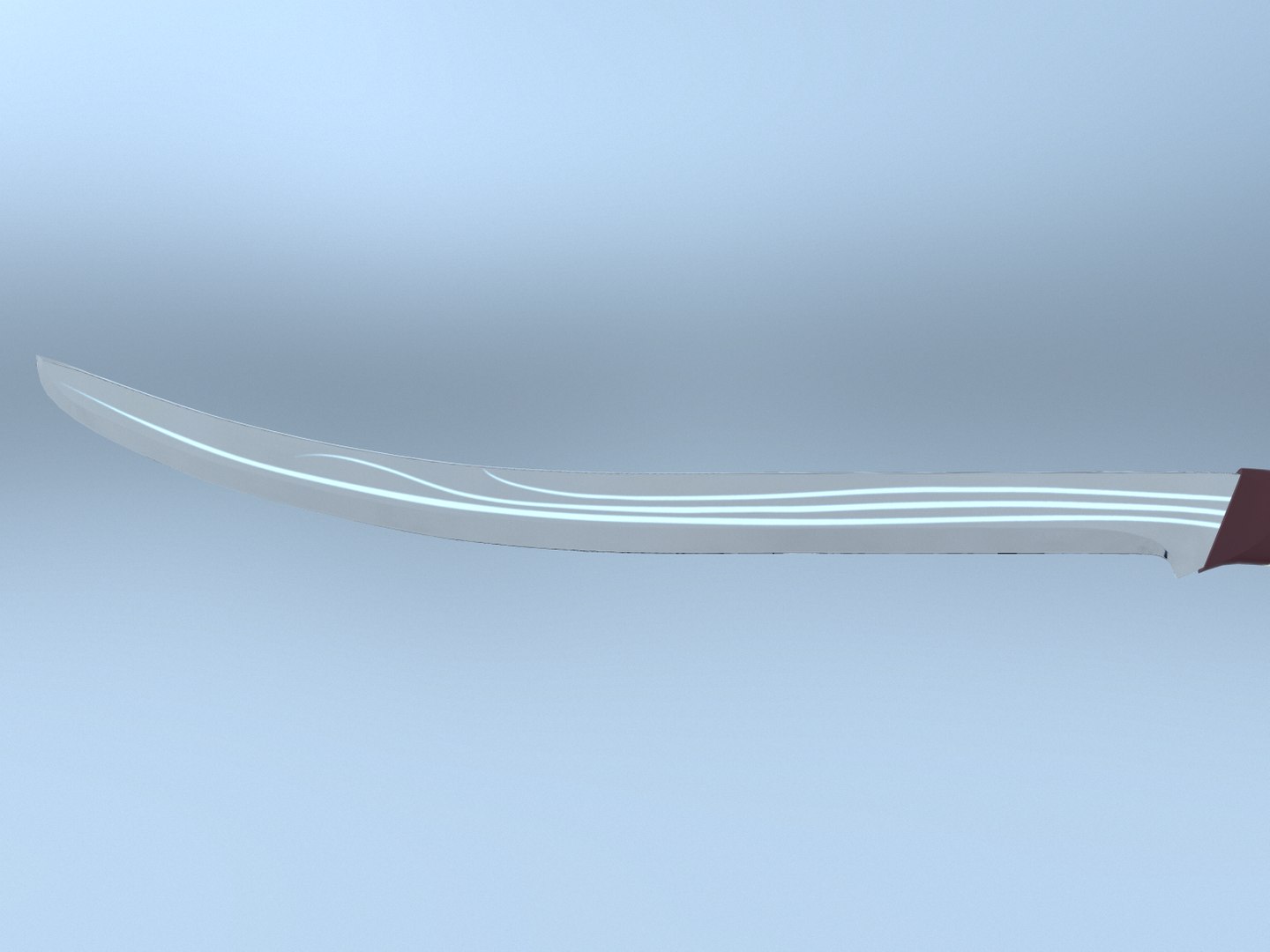
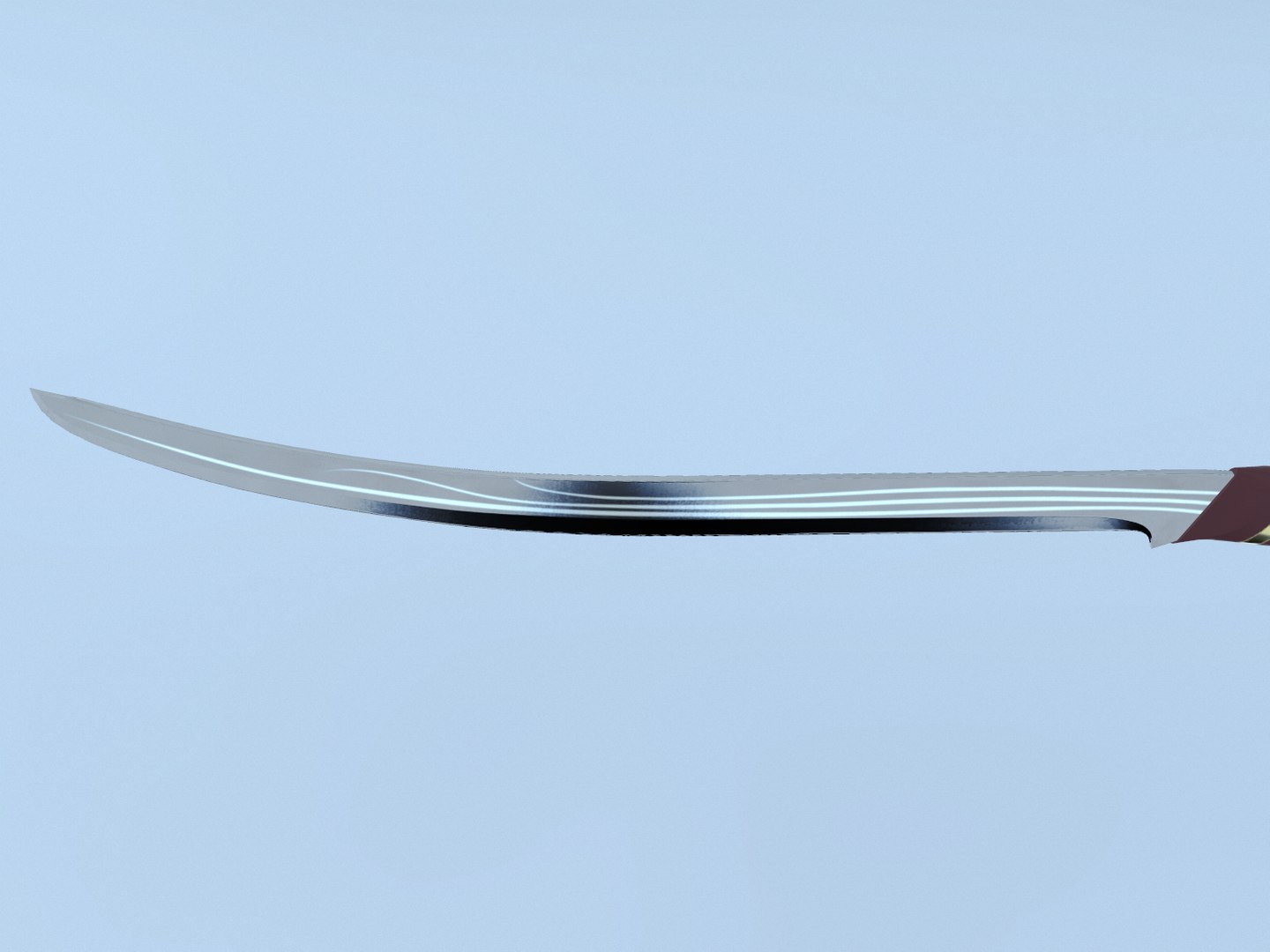
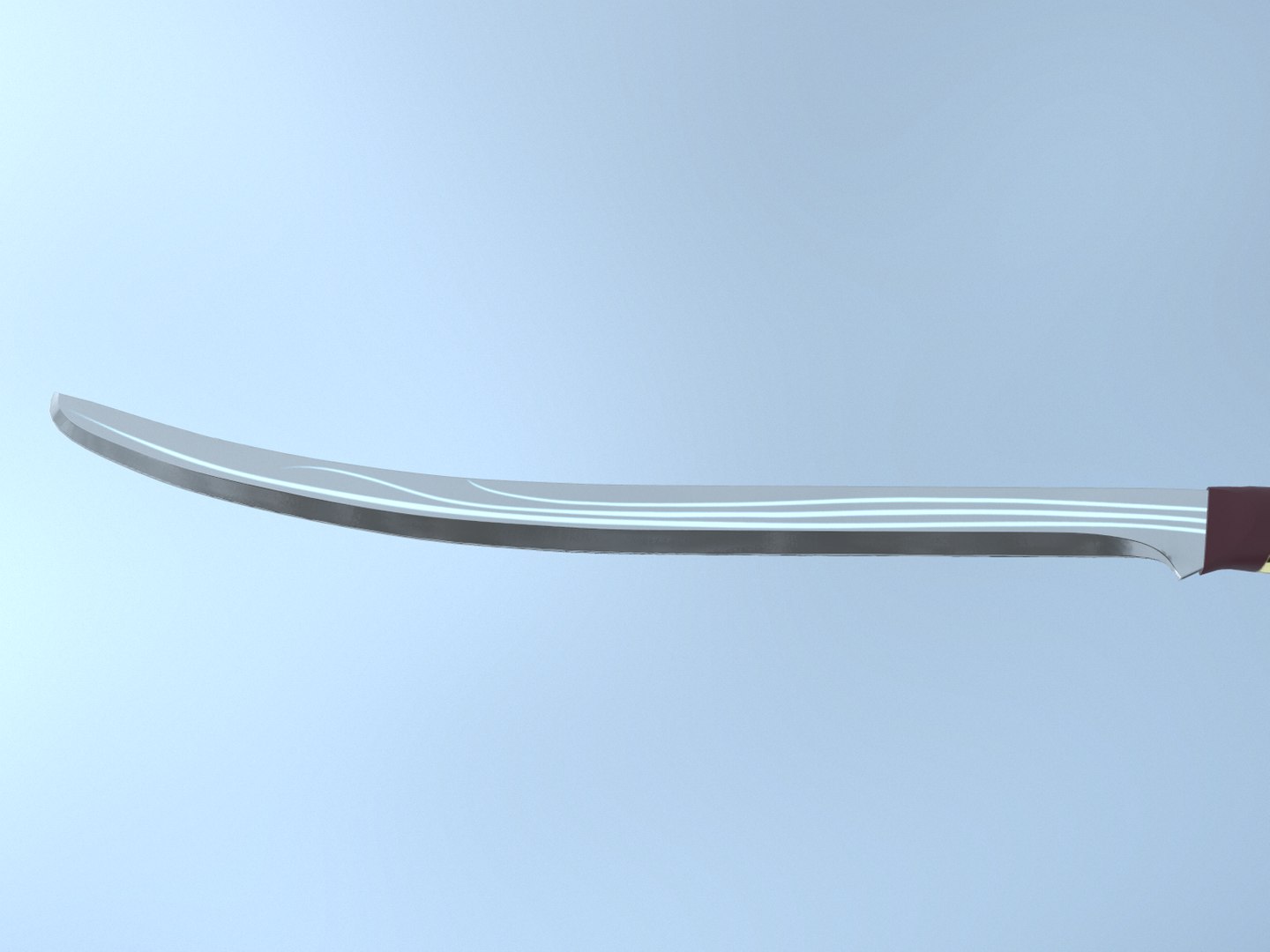
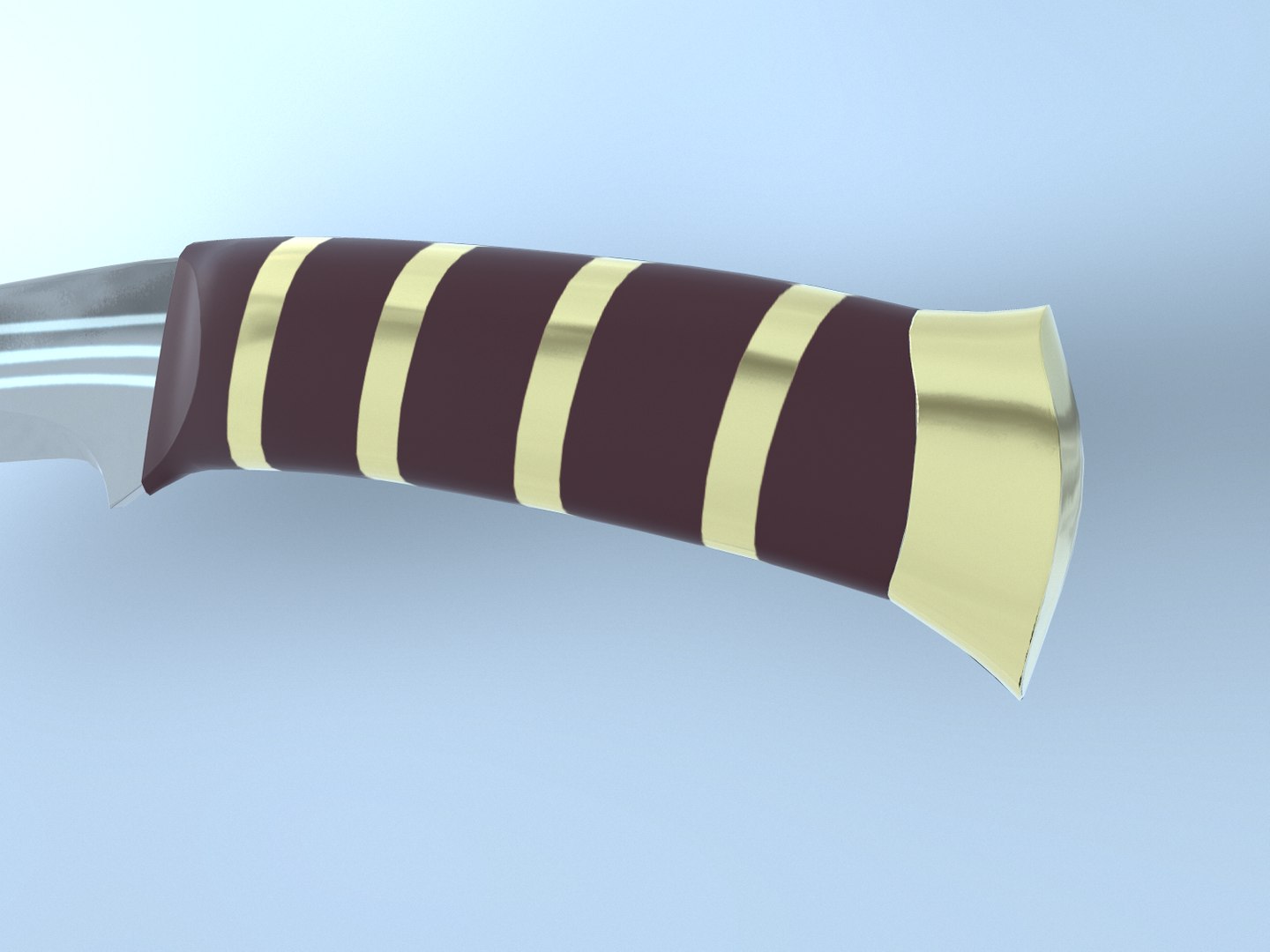
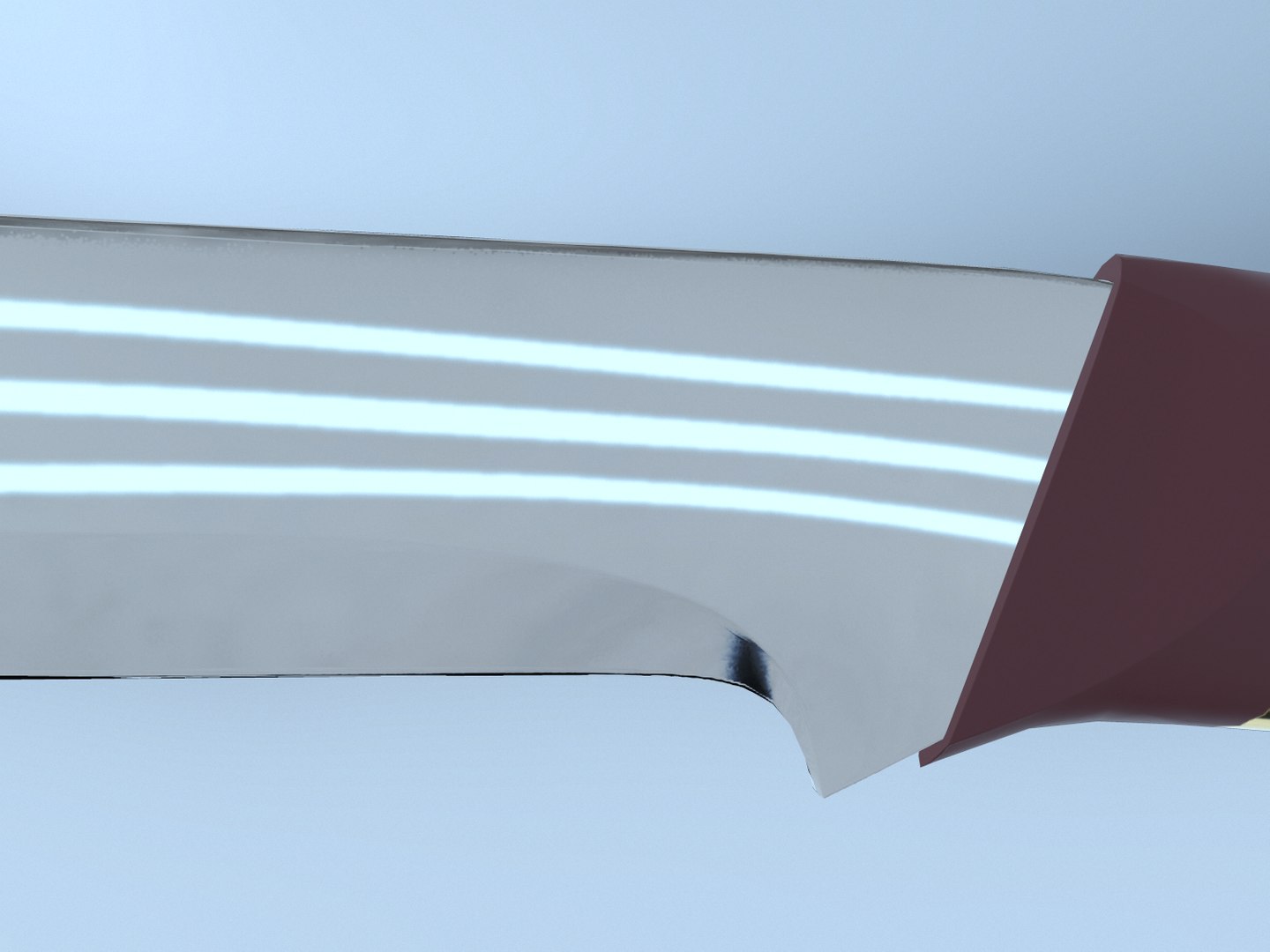
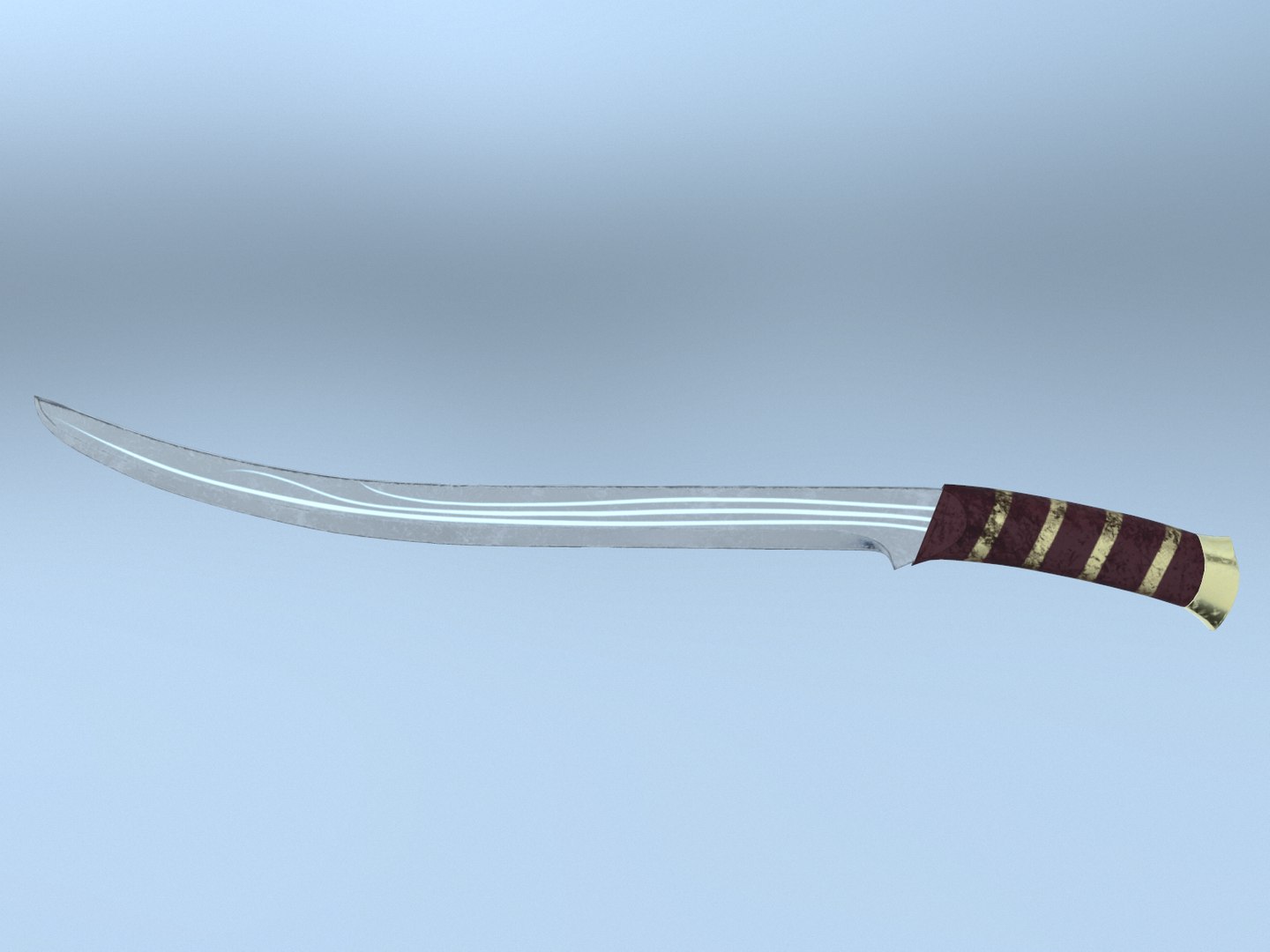
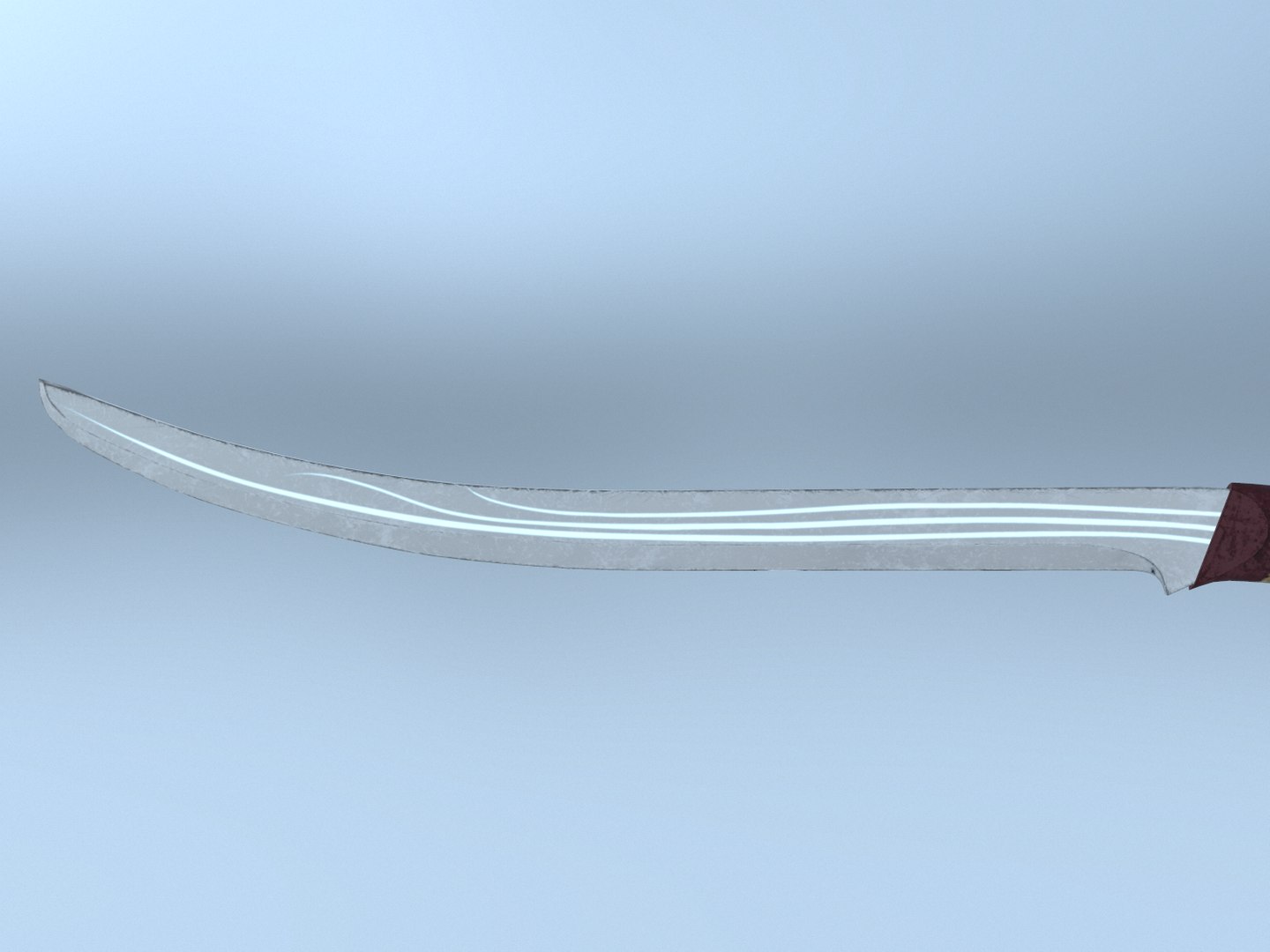
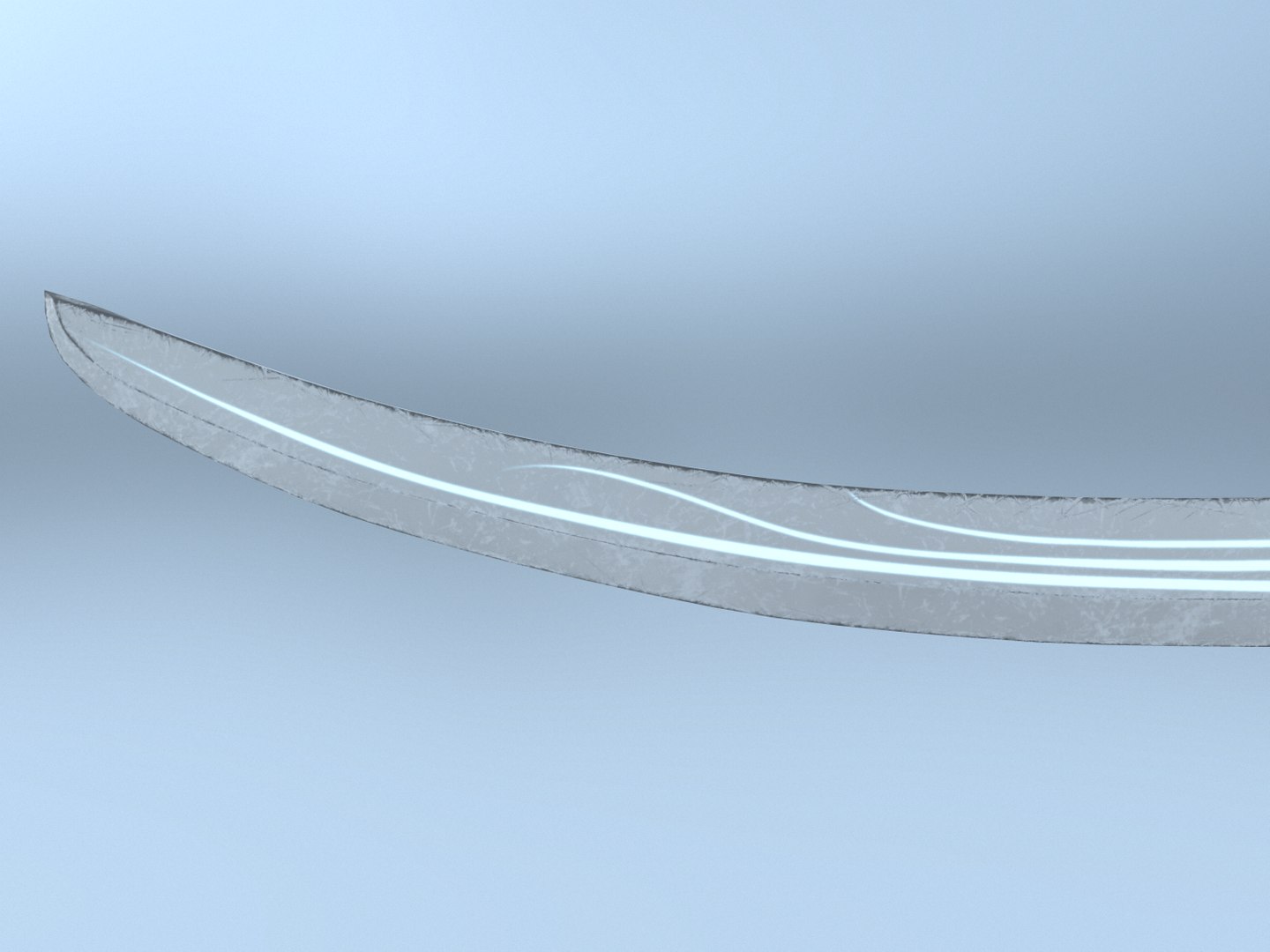
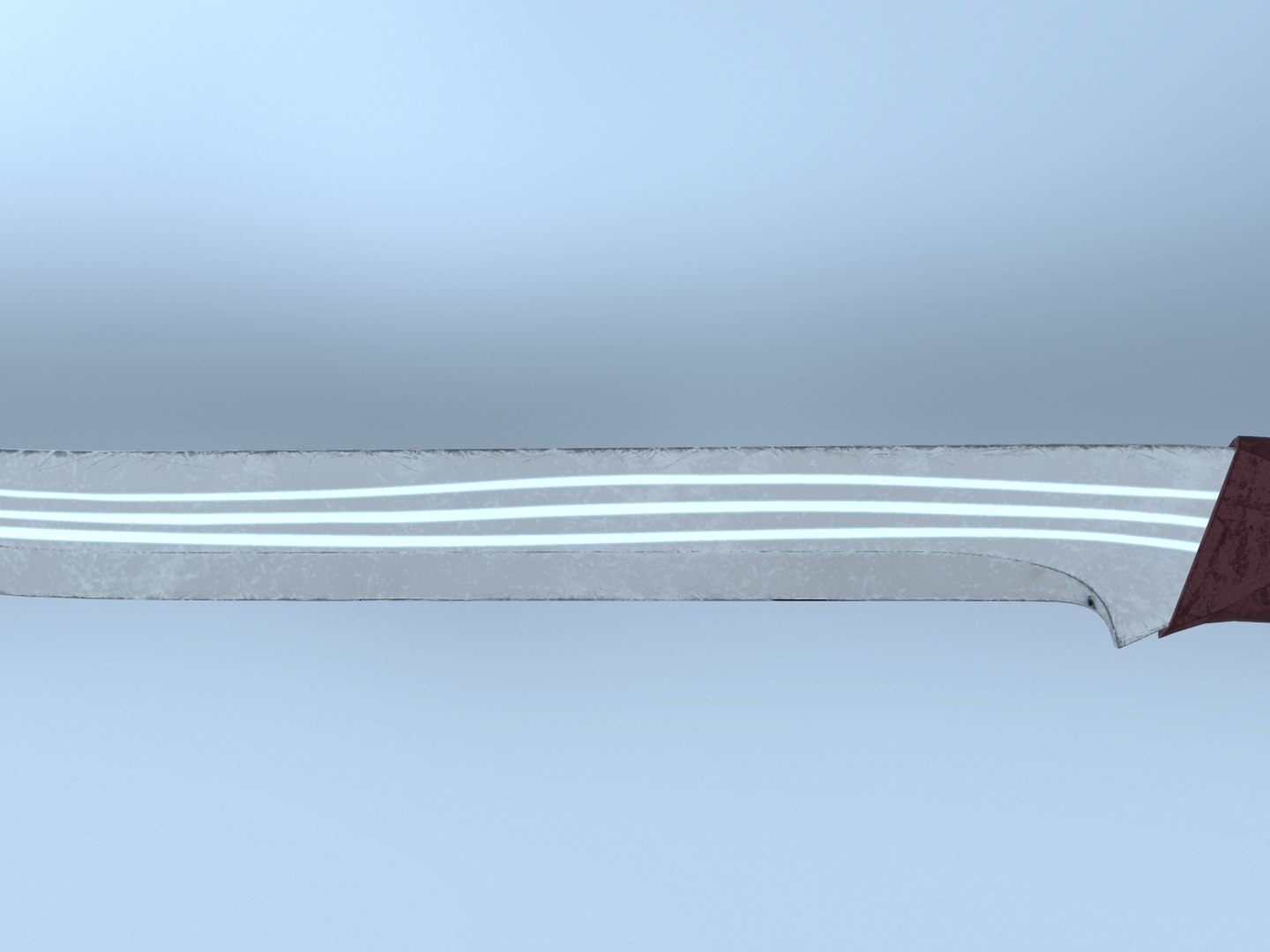
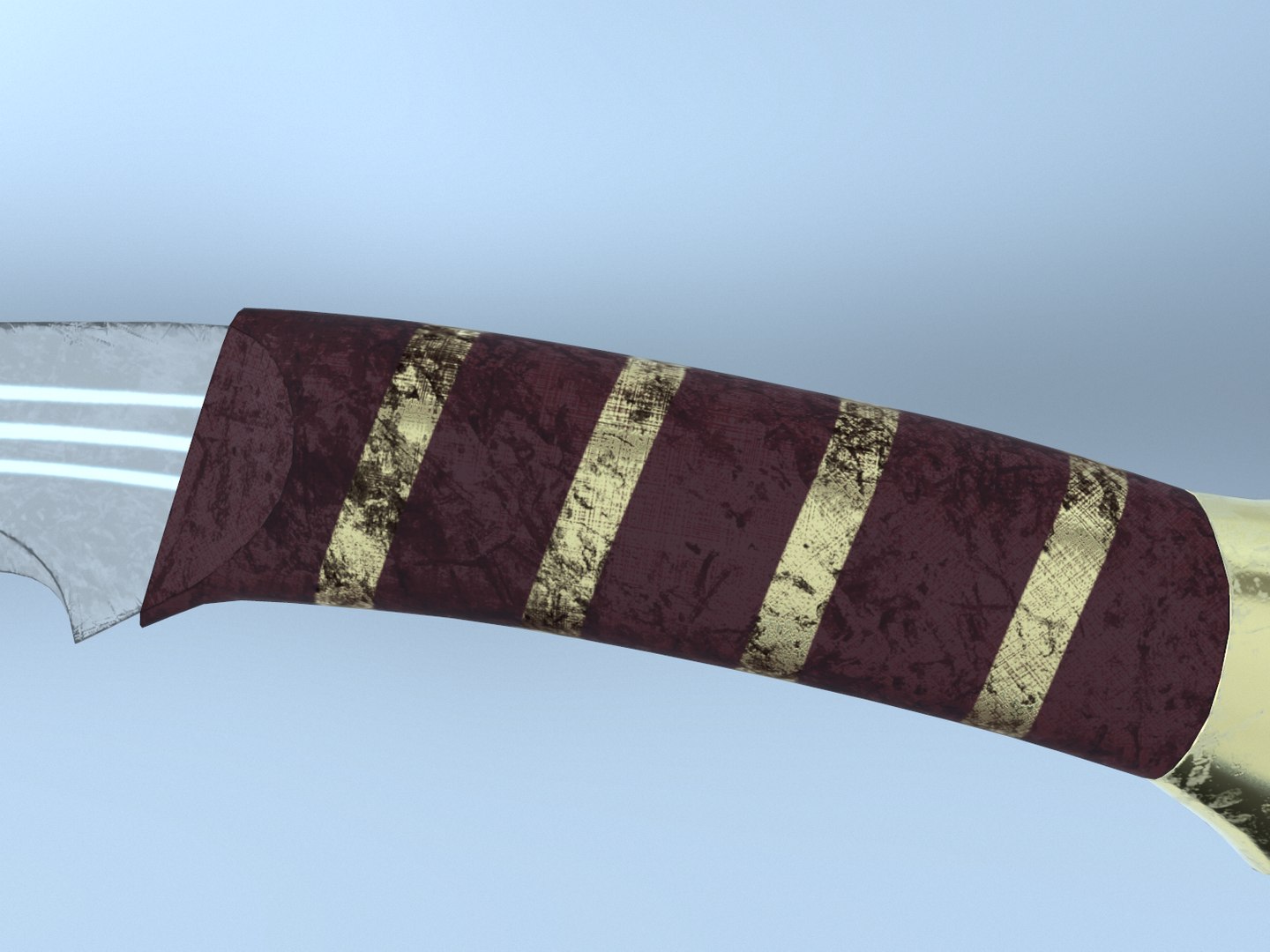
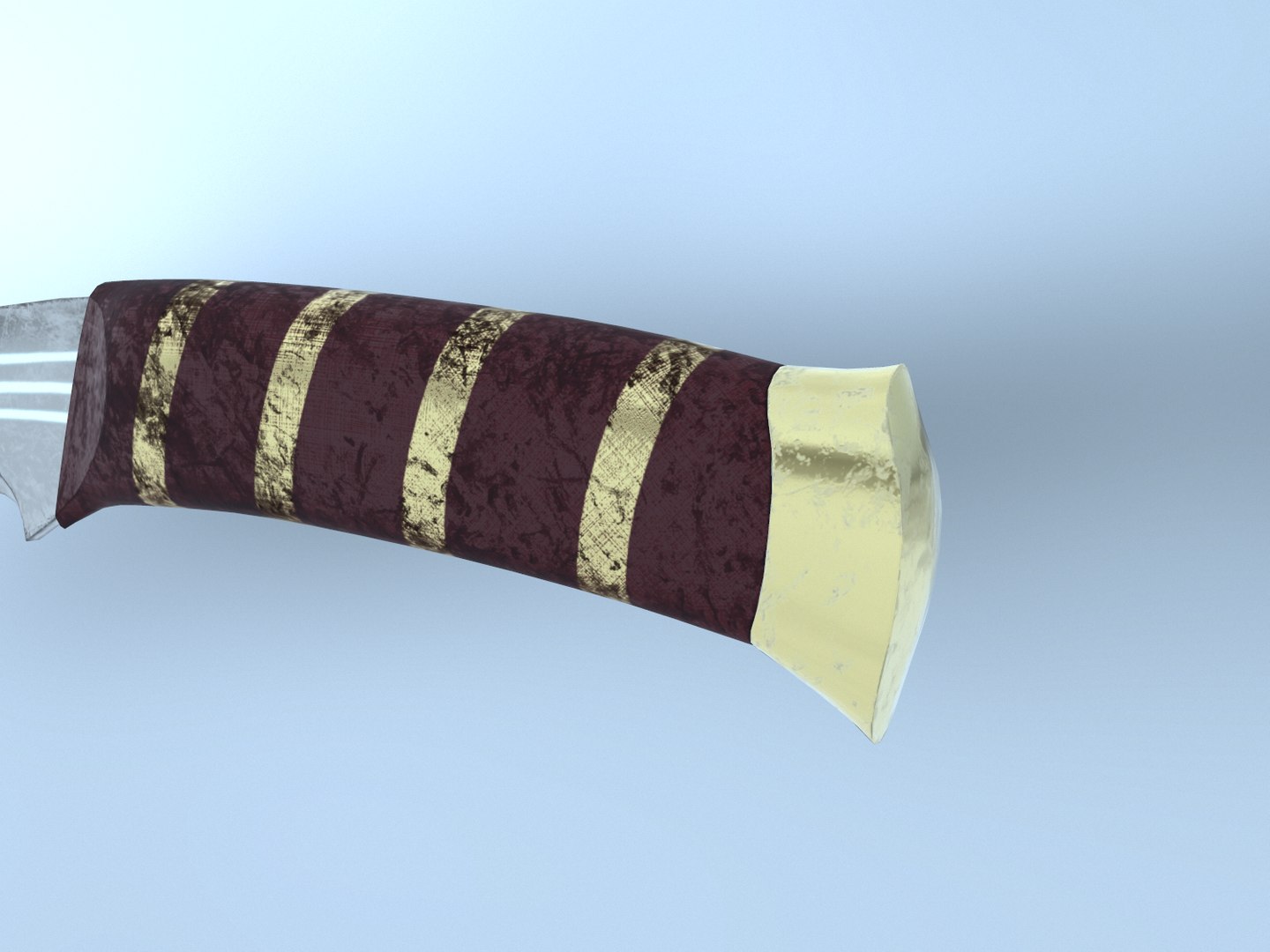
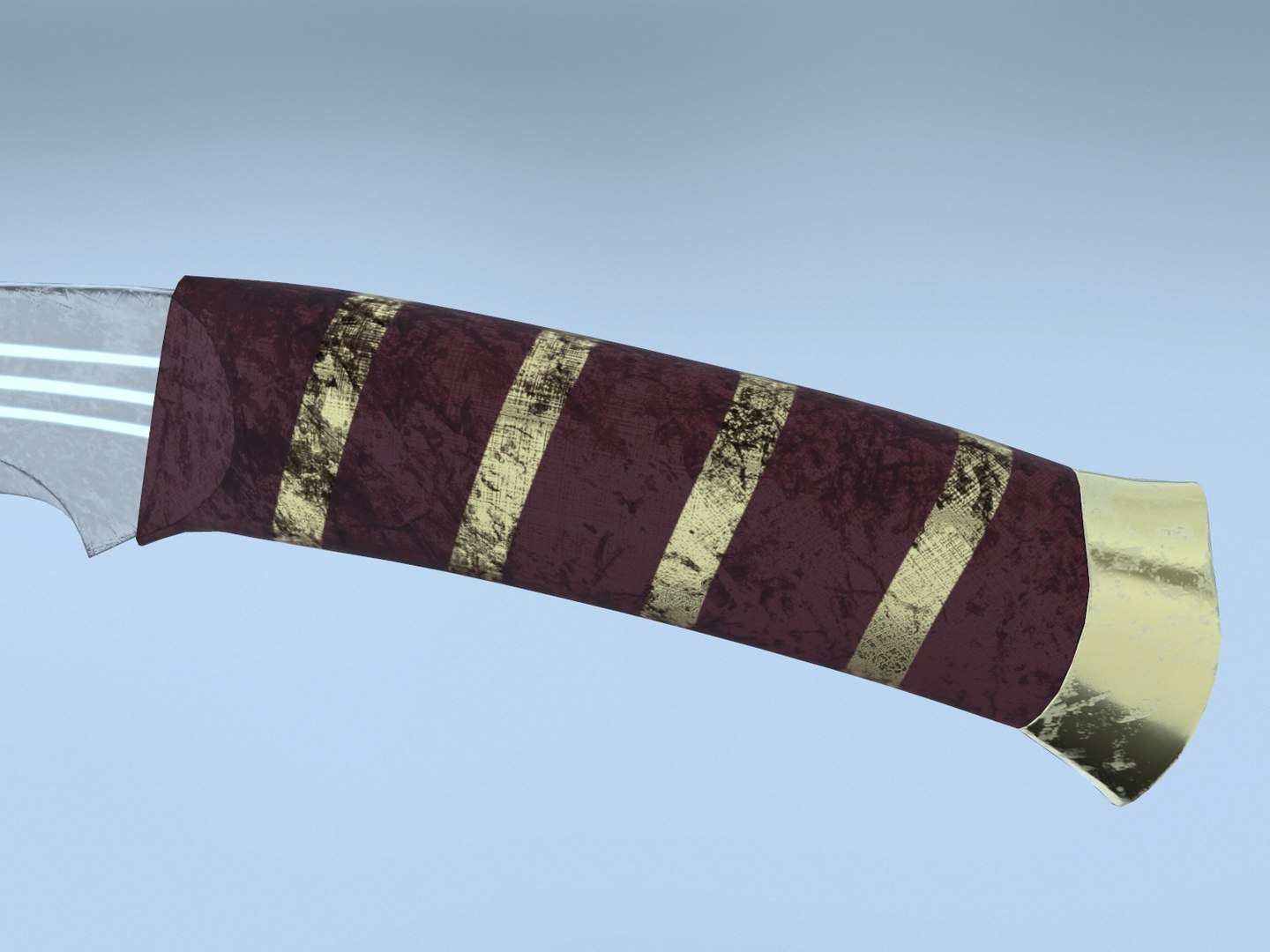
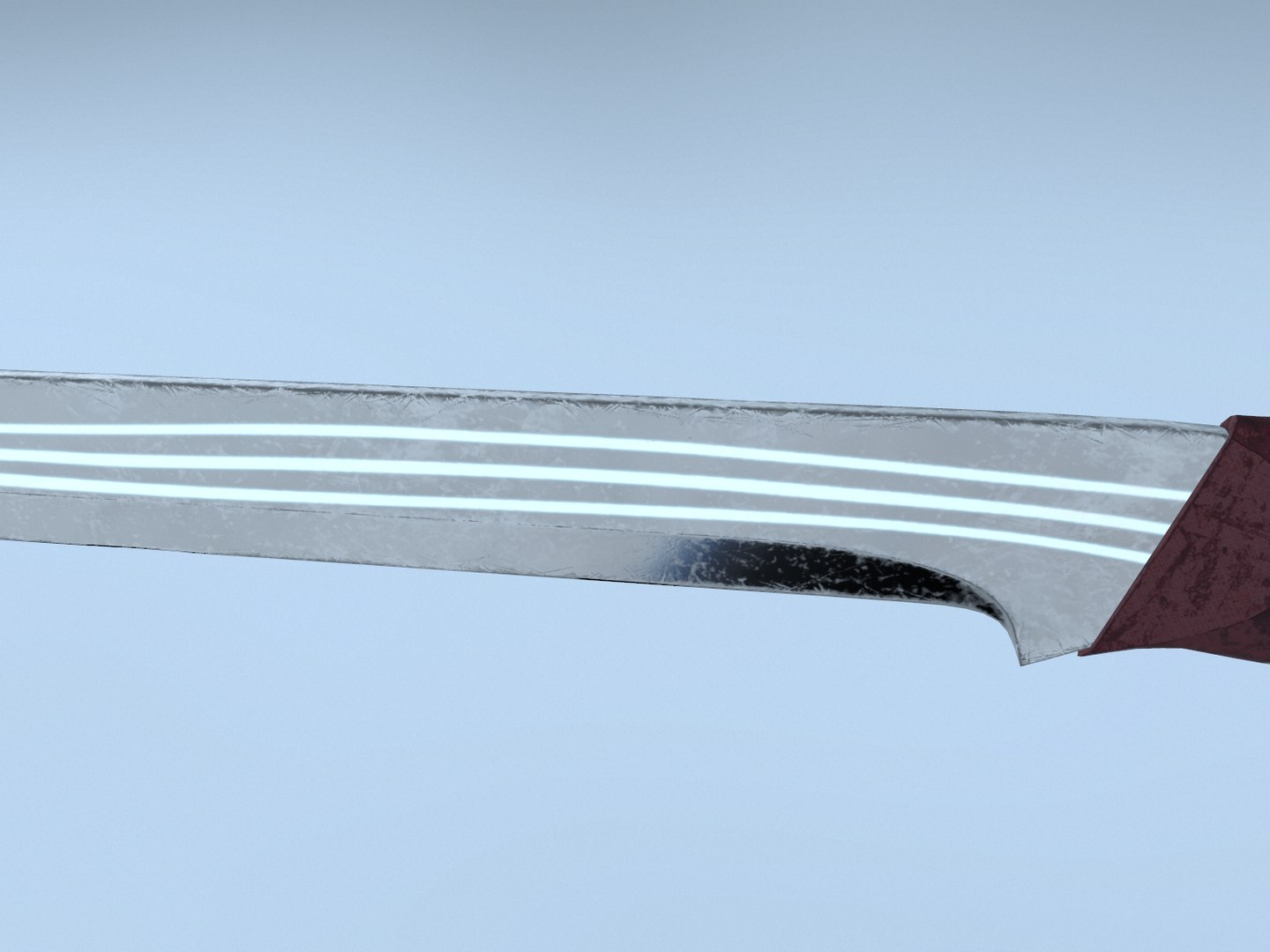
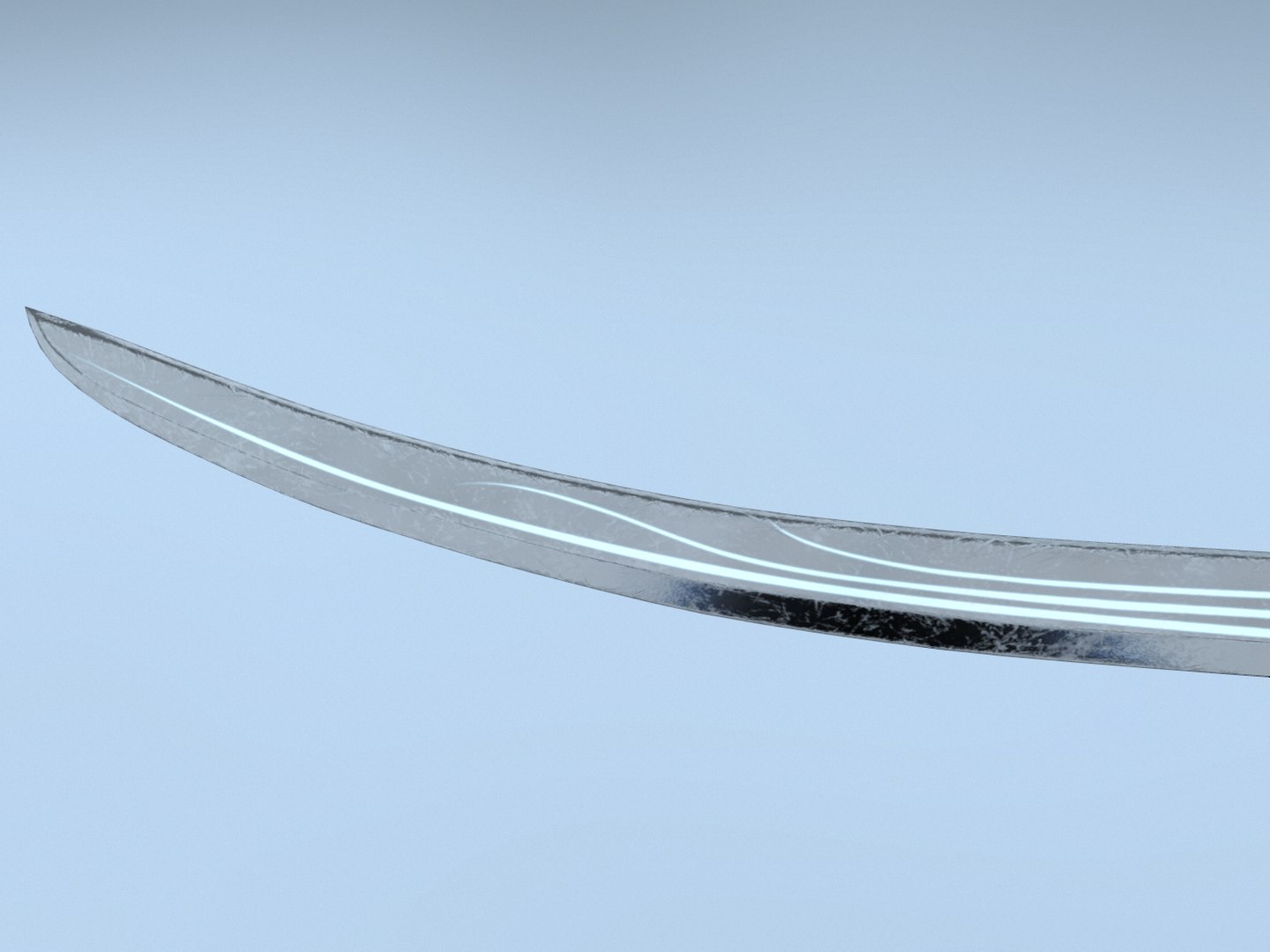
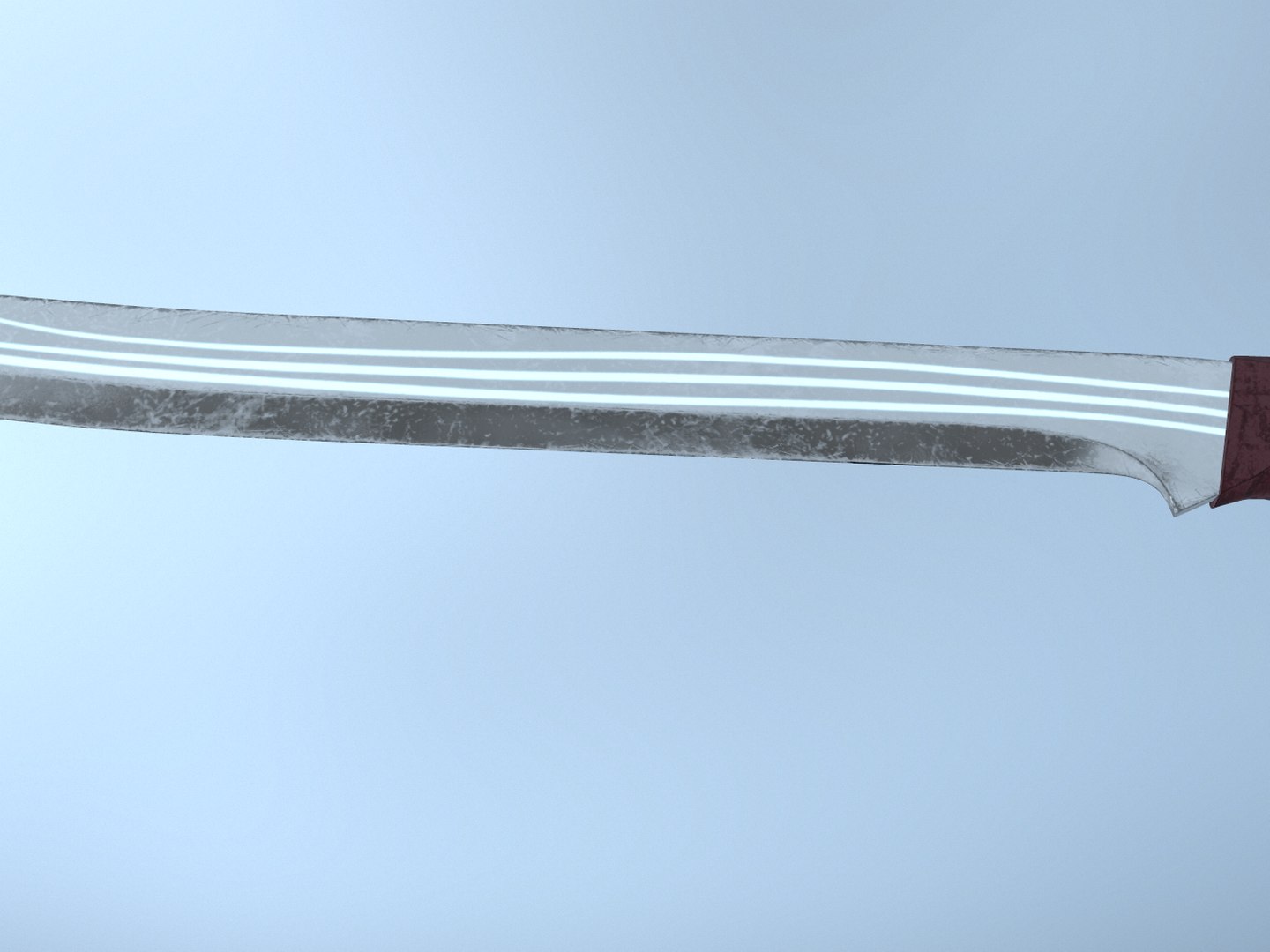
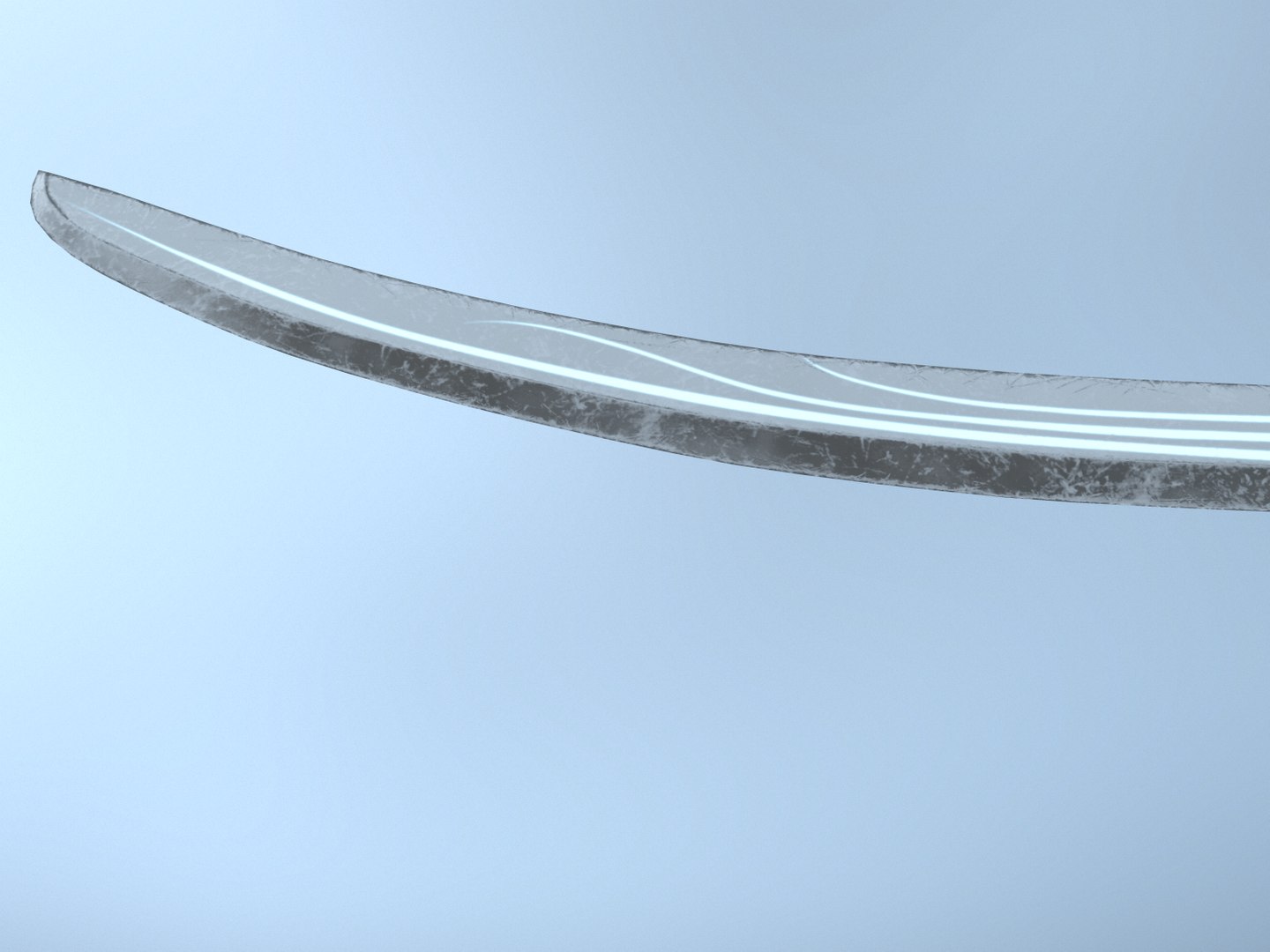
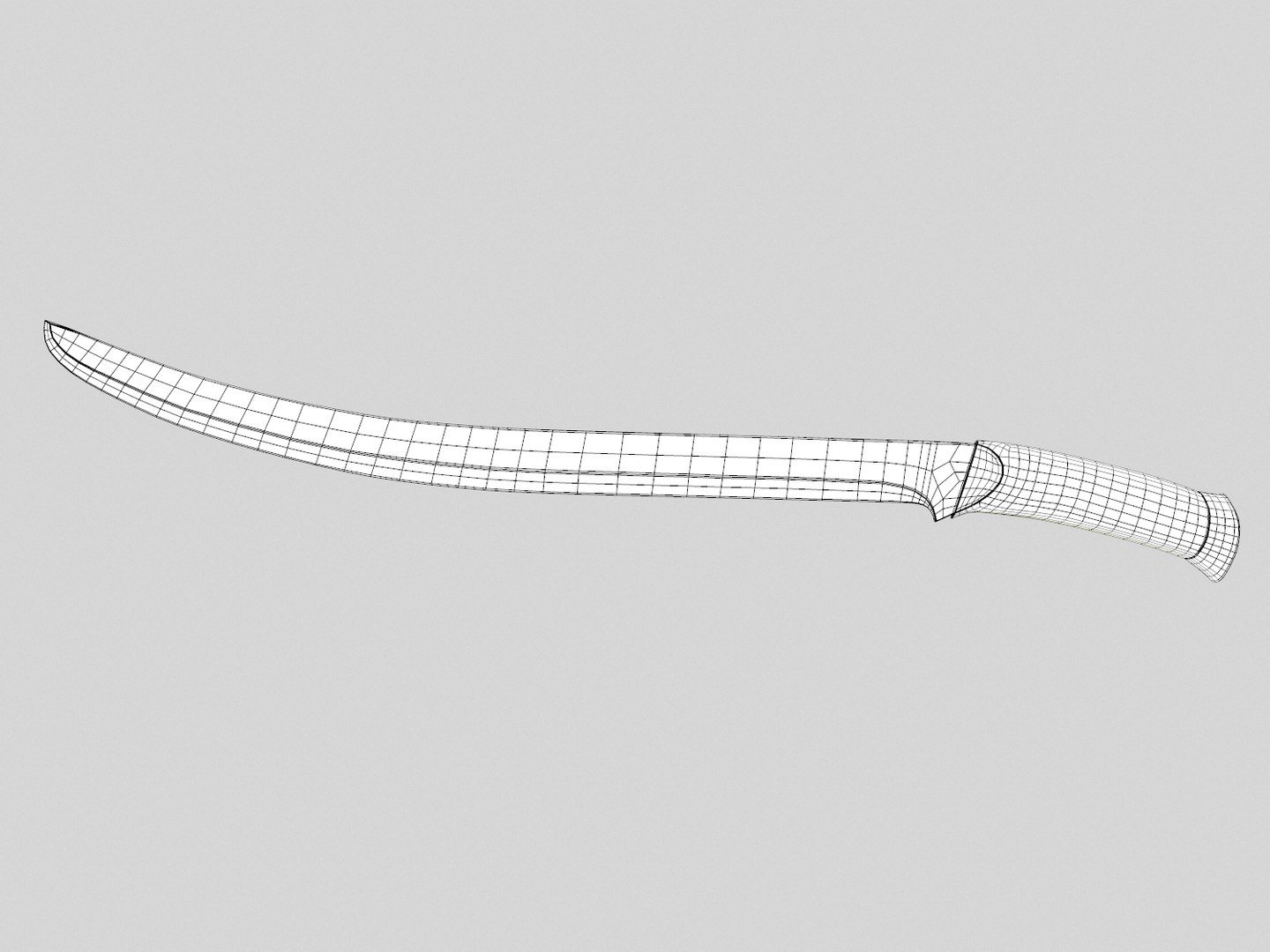
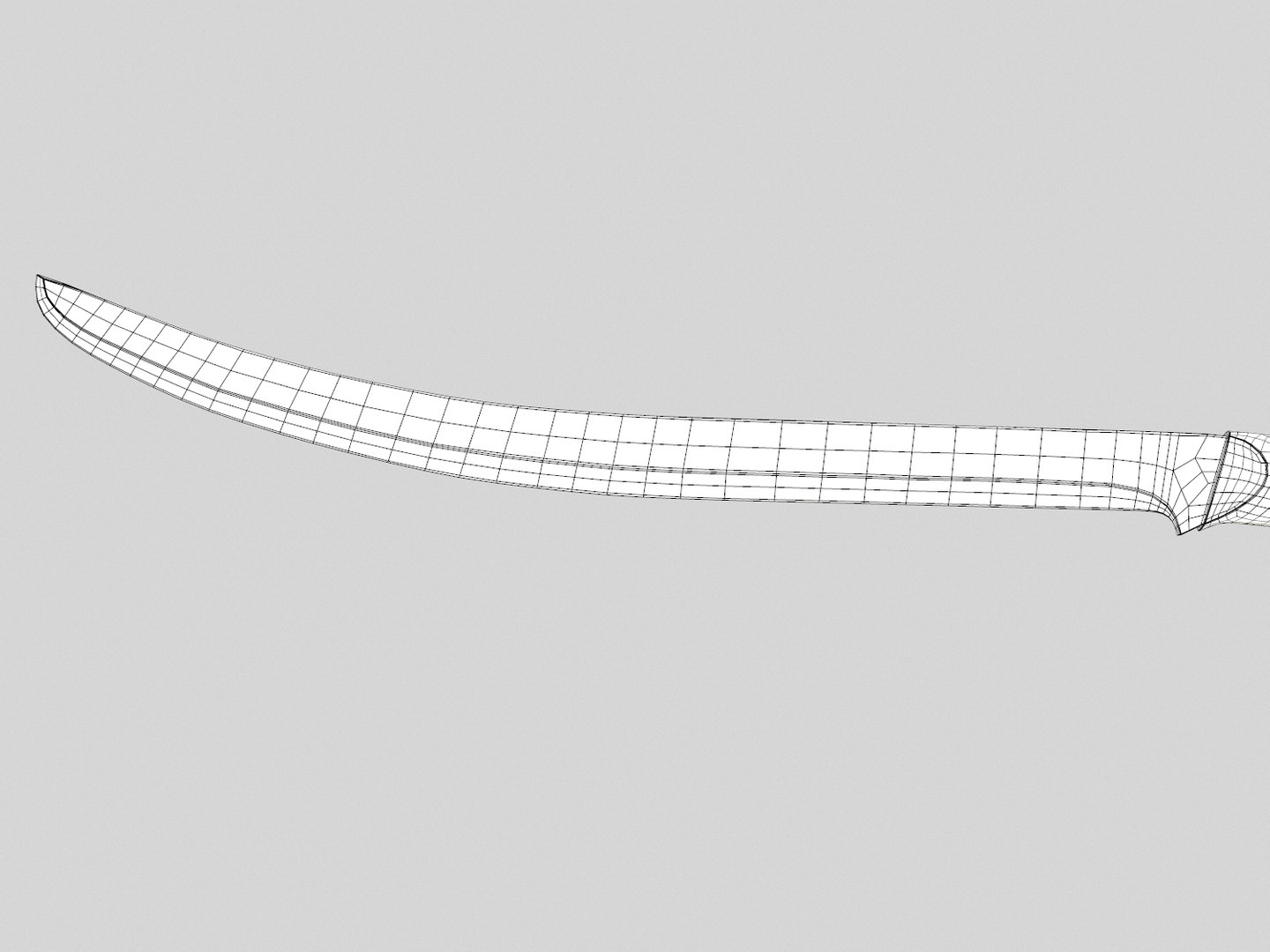
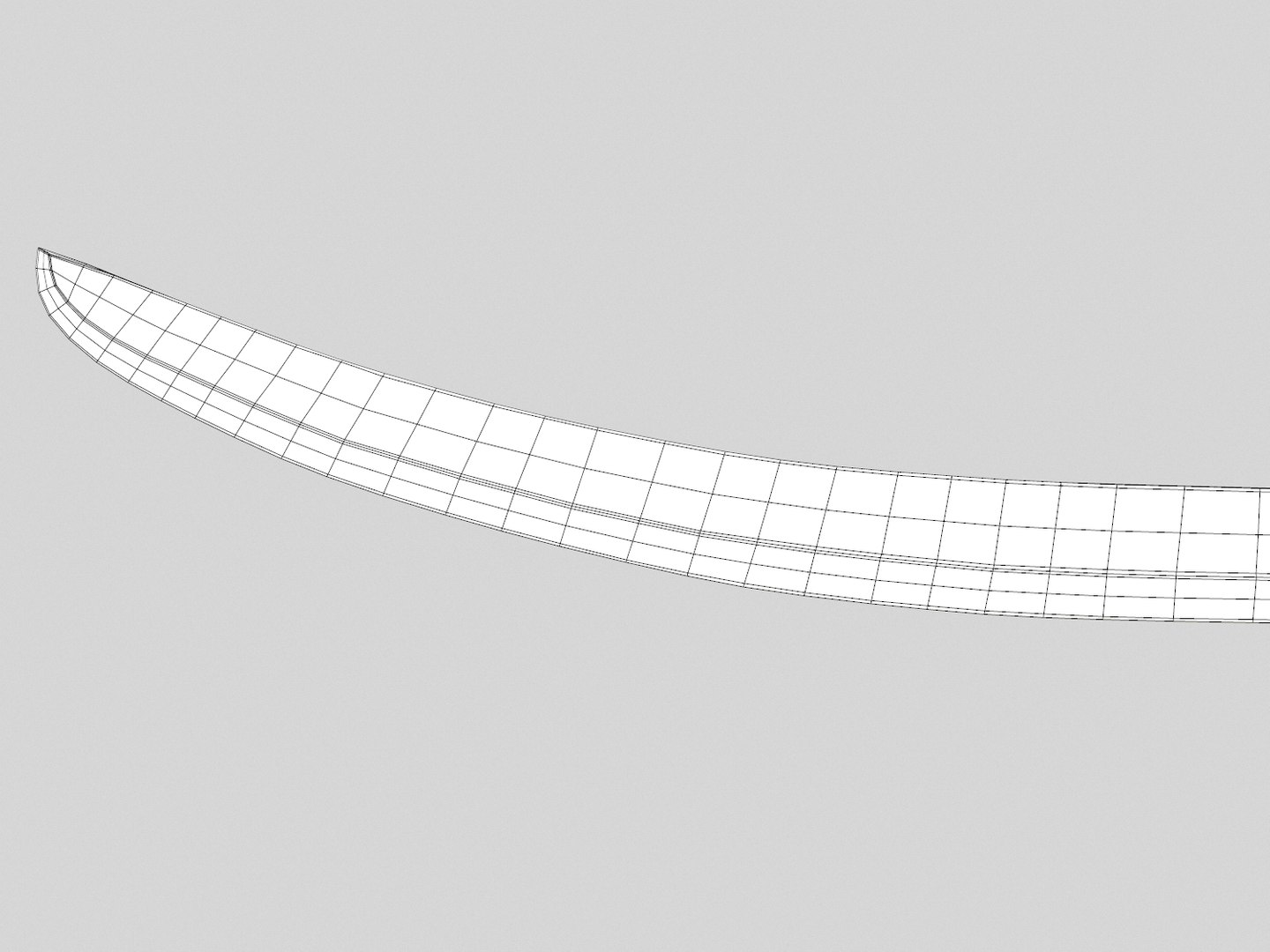
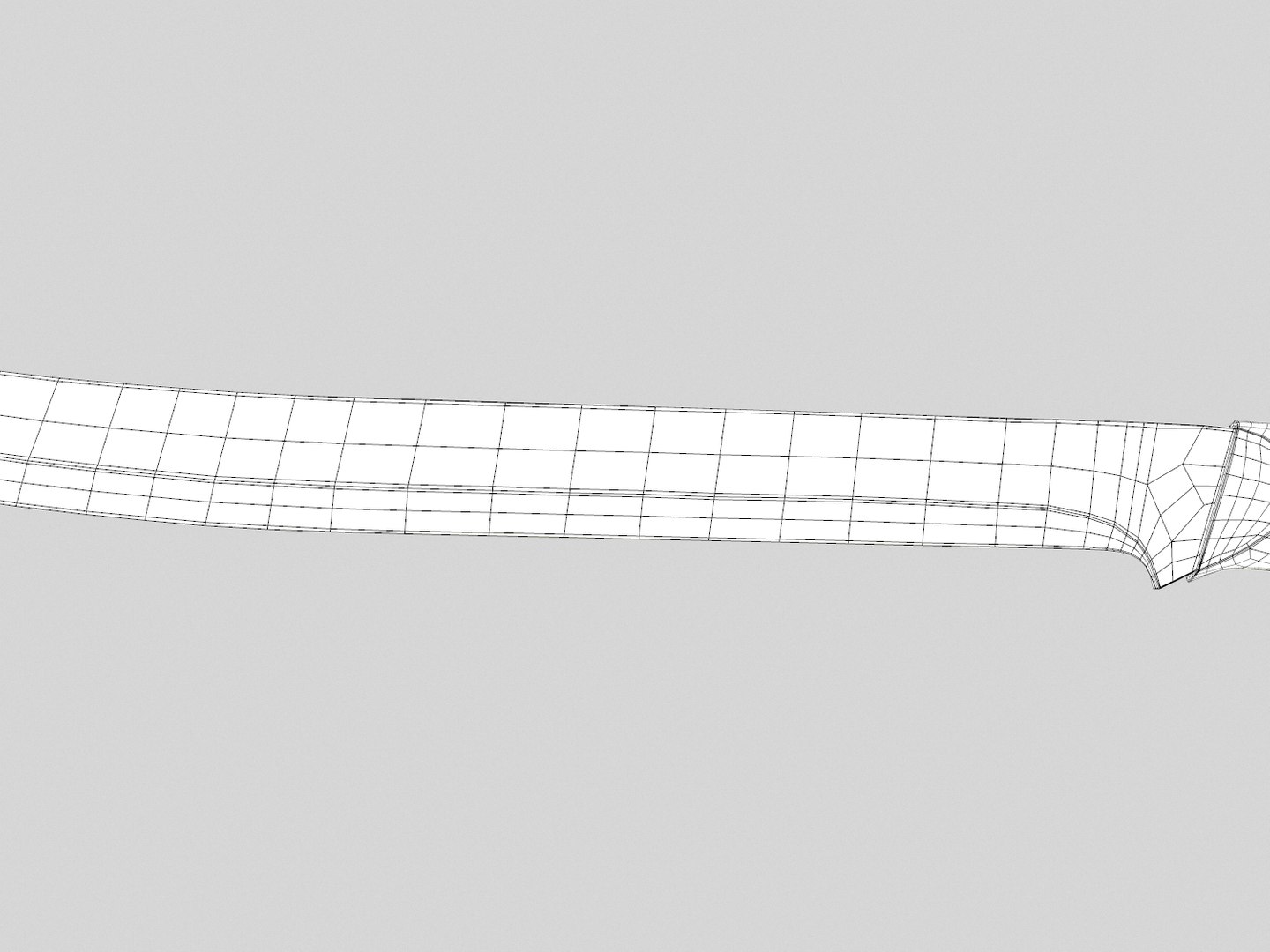
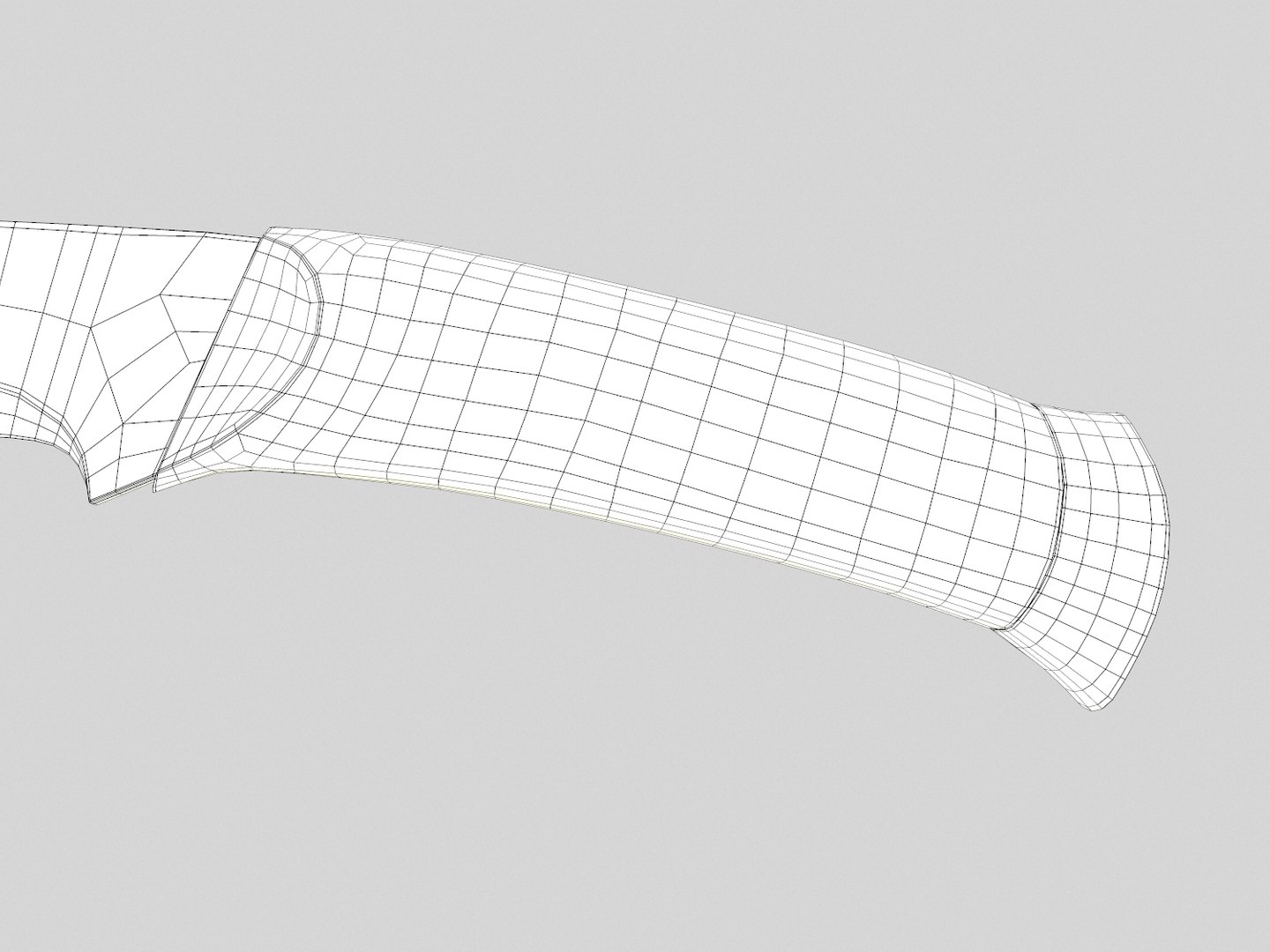
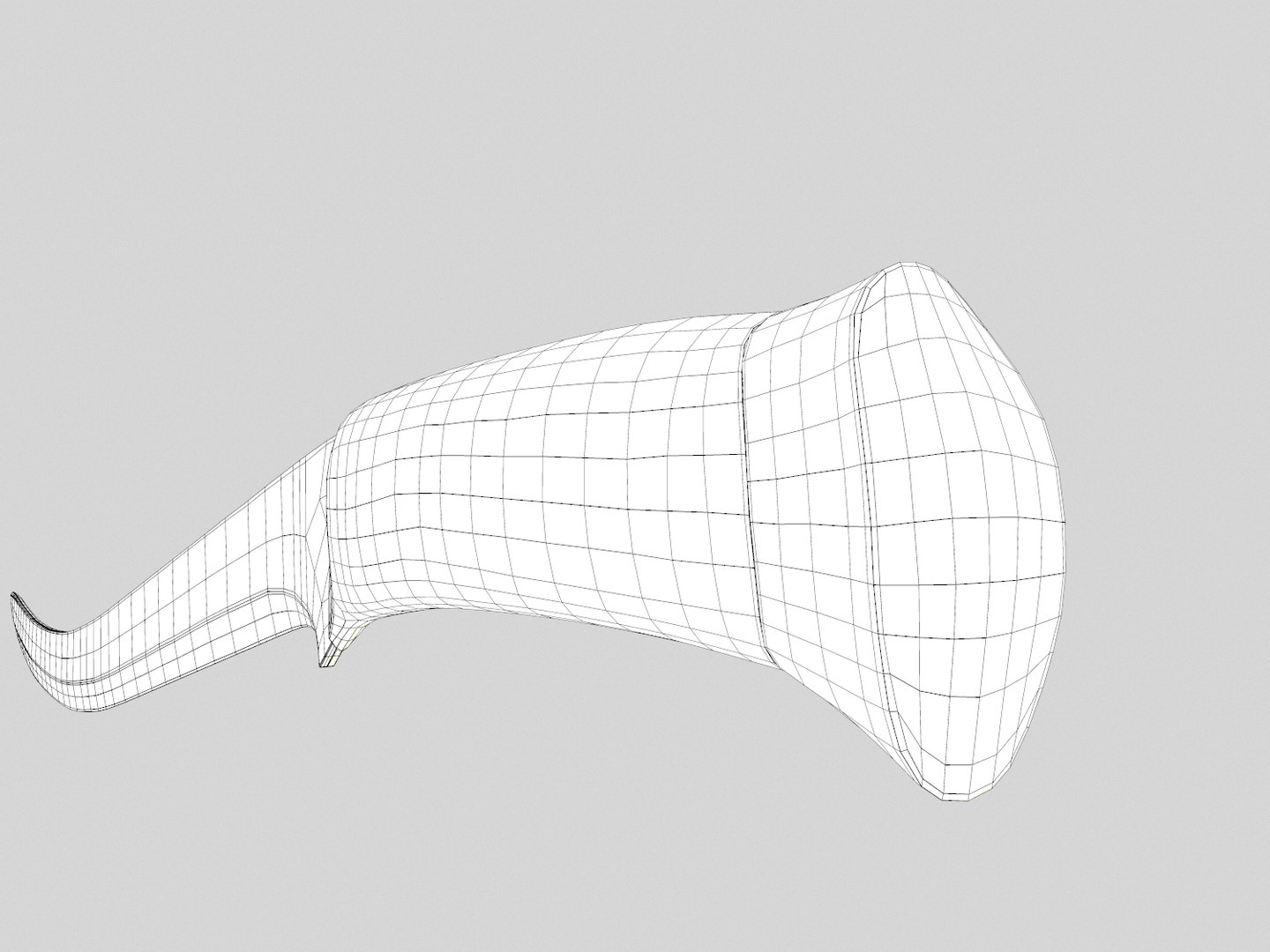
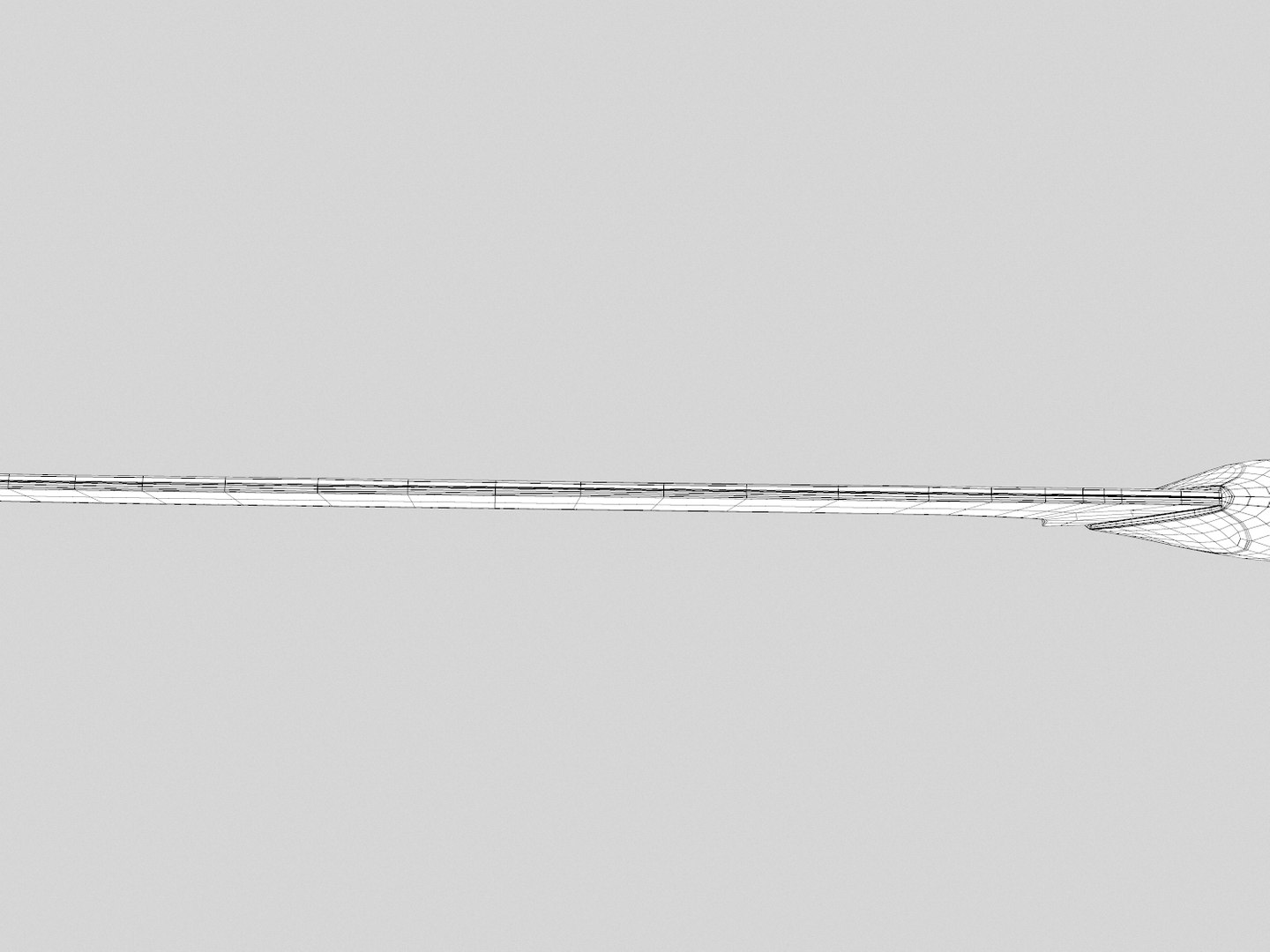
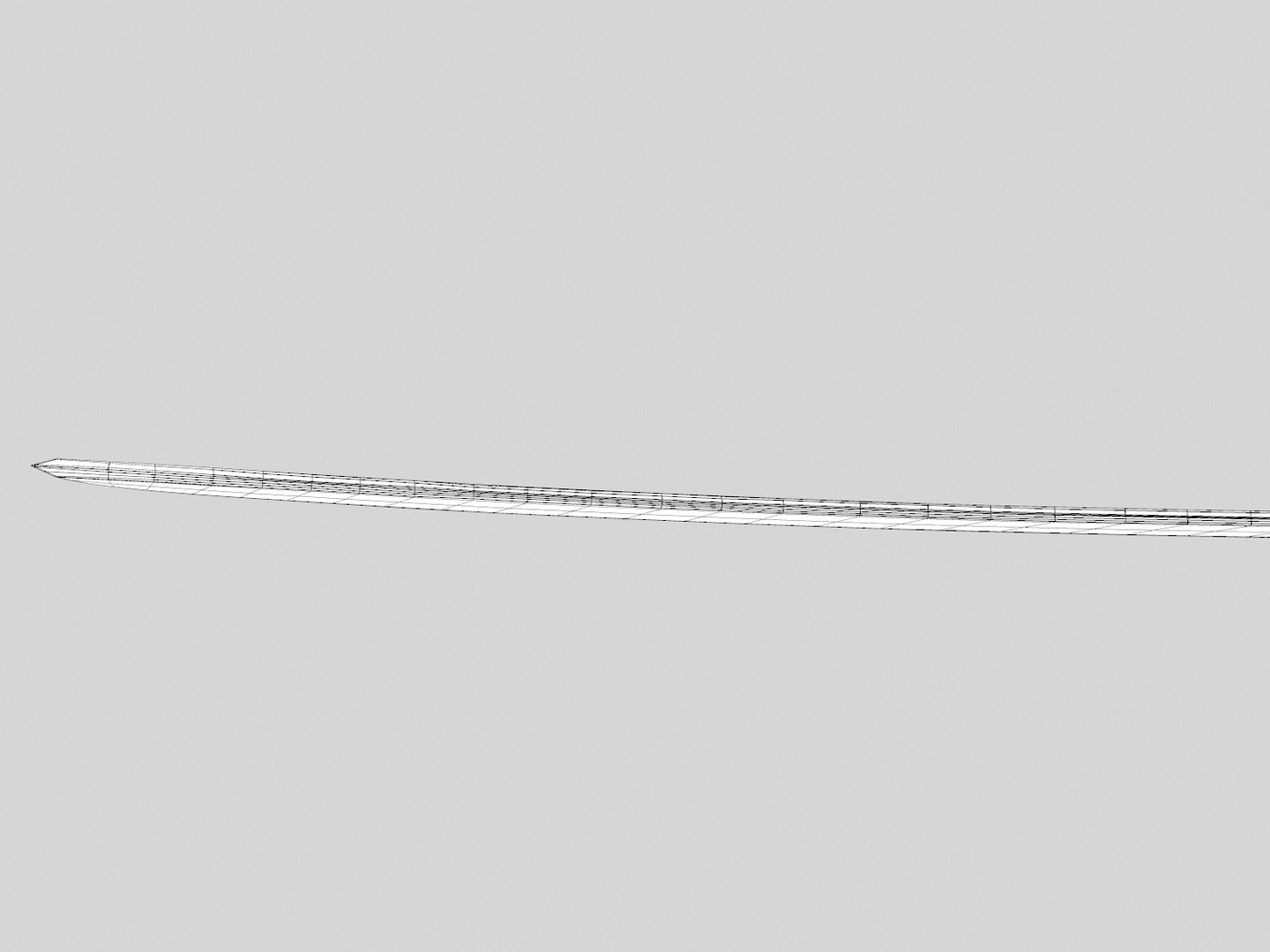
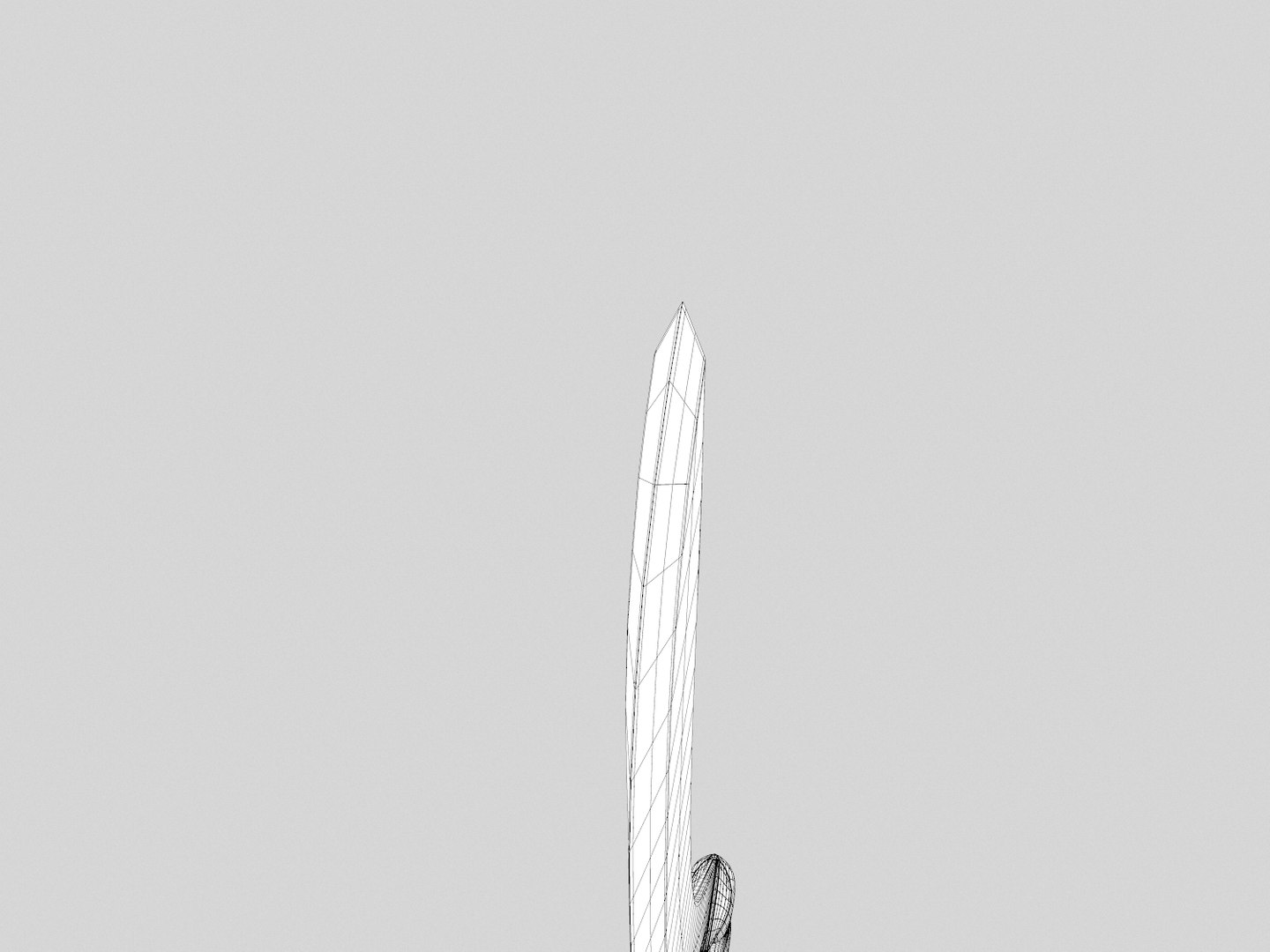
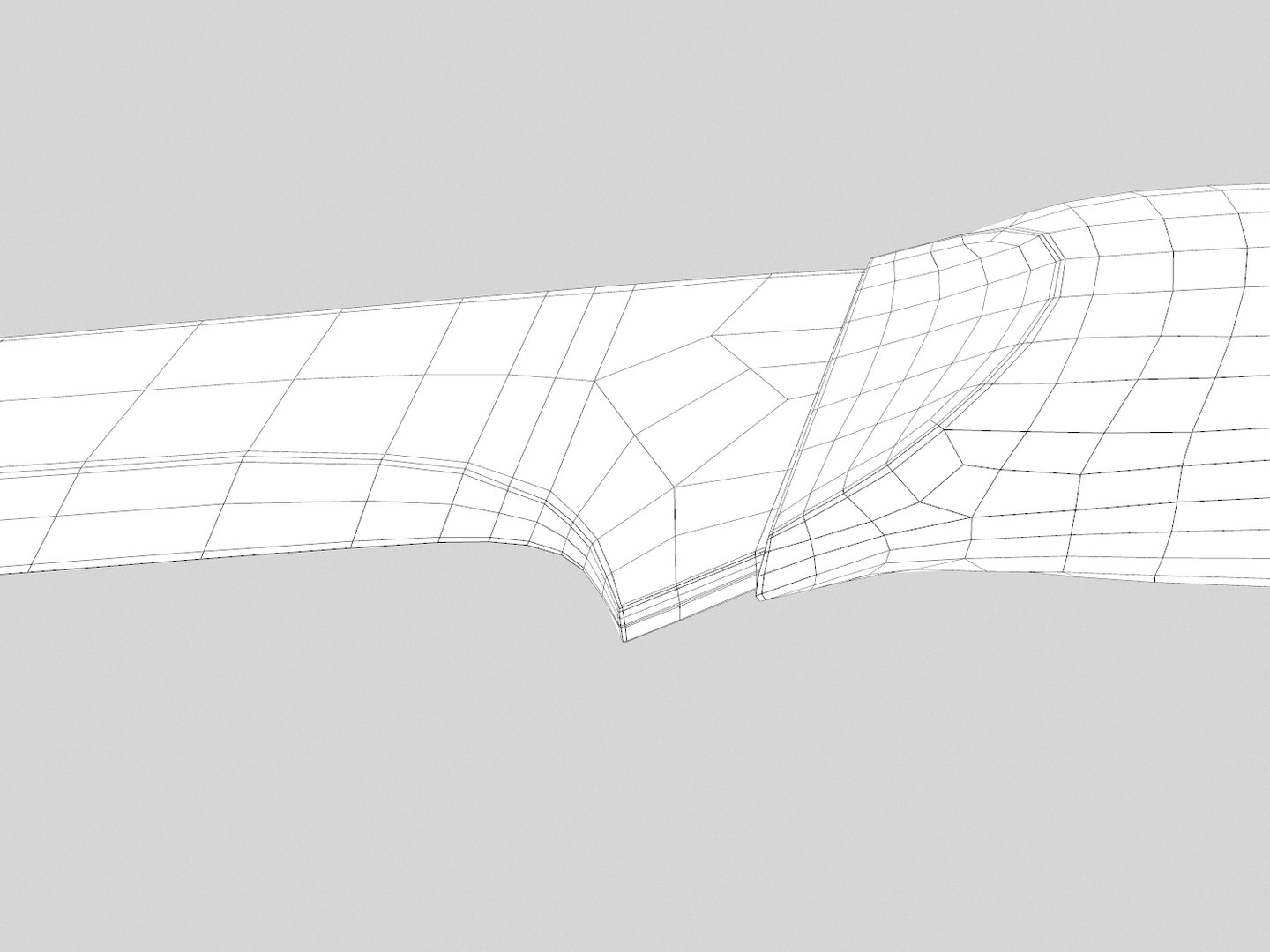
Elven Sword

$15

Standard License | Upgrade License
Formats (10)
Native | Maya 2016 | mental ray 2016
Maya 2013 | mental ray 2013
3ds Max 2017 | mental ray 2017
Unity
Other Textures
FBX
Other Files
Textures.zip
Specifications
Publish Date June 28, 2016
Product ID 1049855
Polygons 2,356
Vertices 2,413
Polygonal
Textures
Materials
UV Mapped
Non-overlapping Unwrapped UVs
PBR
member avatar
Andreea Flavia
2 Products | Contributor Since 2015
Have questions? Chat with us now.

Description

The model comes in Autodesk Maya 2013 and 2016 version and 3DS Max 2013 and 2017 and a Unity 5.3.4 Package.

The package includes four Substances, for different resolutions (4096x4096, 2048x2048, 1024x1024, 512x512), with custom parameters that allows you to add different kinds of damage to the entire sword and a parameter that allows the change of the normal map orientation (from OpenGL to DirectX and vice-versa) very quick and easy.

Also I included twelve maps with a 4096x4096 resolution, the maps come in two versions, clean and damaged, that means that the clean maps will create a clean sword, the damaged maps will create a sword with damage (wear, scratches etc), the maps that are not marked as clean or damaged can be used for both versions.

The maps are for:
Base Color;
Normal (both OpenGL and DirectX);
Metallic
Roughness
Emissive
Ambient Occlusion

The model has only one material and clean unwrapped UV's.

The 2013 version files and the FBX have only the Base Color, Normal Map and the Emissive maps linked since they don't accept PBR materials.

3D viewer:
skfb.ly/OHvu

Select Enhanced License

  • $10,000 in Legal Protection (Indemnification)
  • Uncapped Legal Protection (Indemnification)
  • Waiver from injunctive relief
  • Assignable model rights
  • $1,000,000 in Legal Protection (Indemnification)
  • Waiver from injunctive relief
  • Assignable model rights
  • $250,000 in Legal Protection (Indemnification)
  • Assignable model rights
Read more about enhanced license tiers, or contact us at enterprise@turbosquid.com. Already a Shutterstock Enterprise Customer? Contact your Shutterstock Sales Support Agent to talk about adding 3D.

About Conversion Requests

To submit a conversion request for a purchased asset, please complete our Conversion Request Form.

If you have not yet purchased a model, please review our Documentation about Conversions to learn about what limitations you may encounter with a conversion.

For any additional questions about a model’s suitability for conversion, please contact TurboSquid Support.

Loading...