
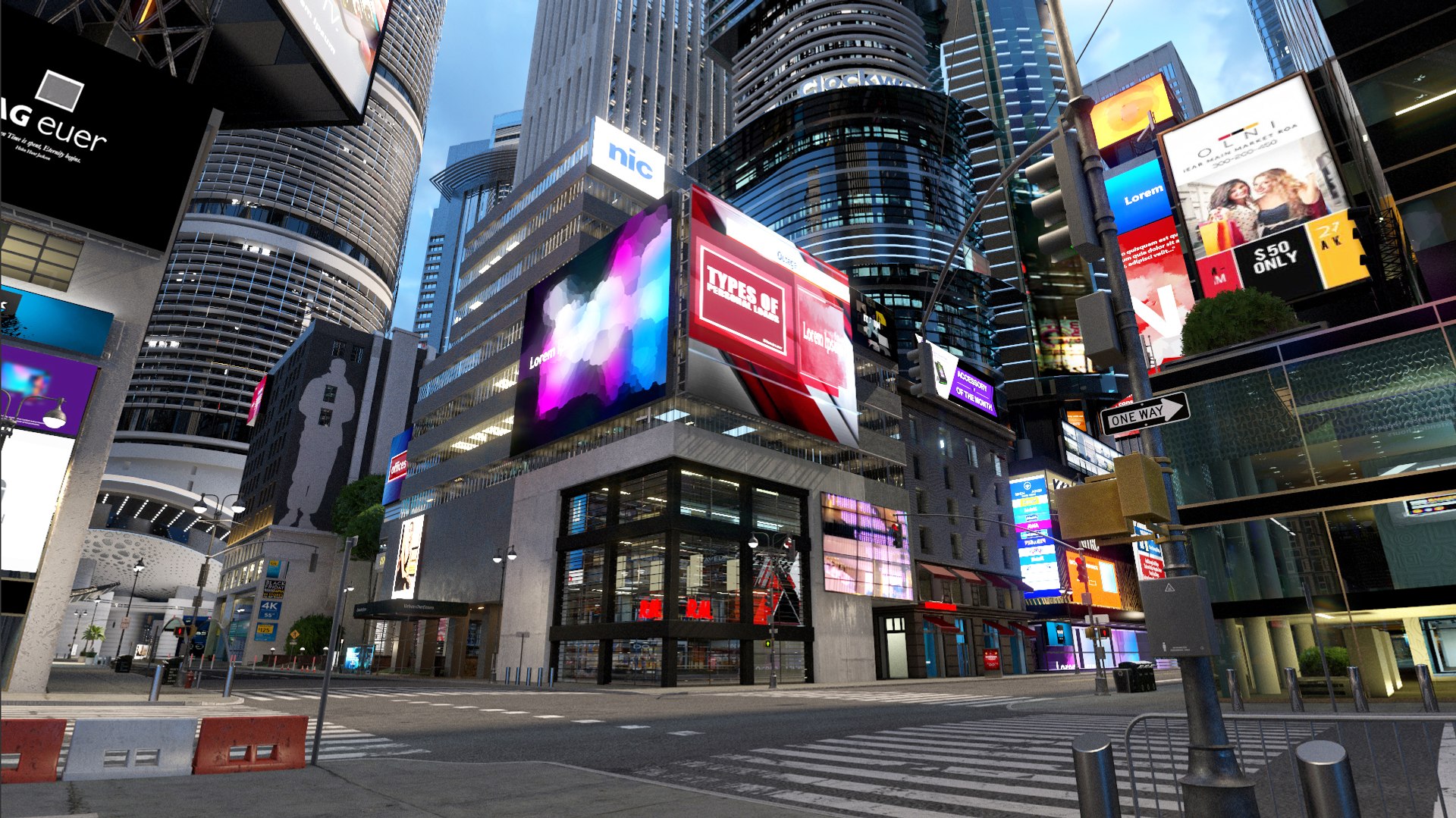
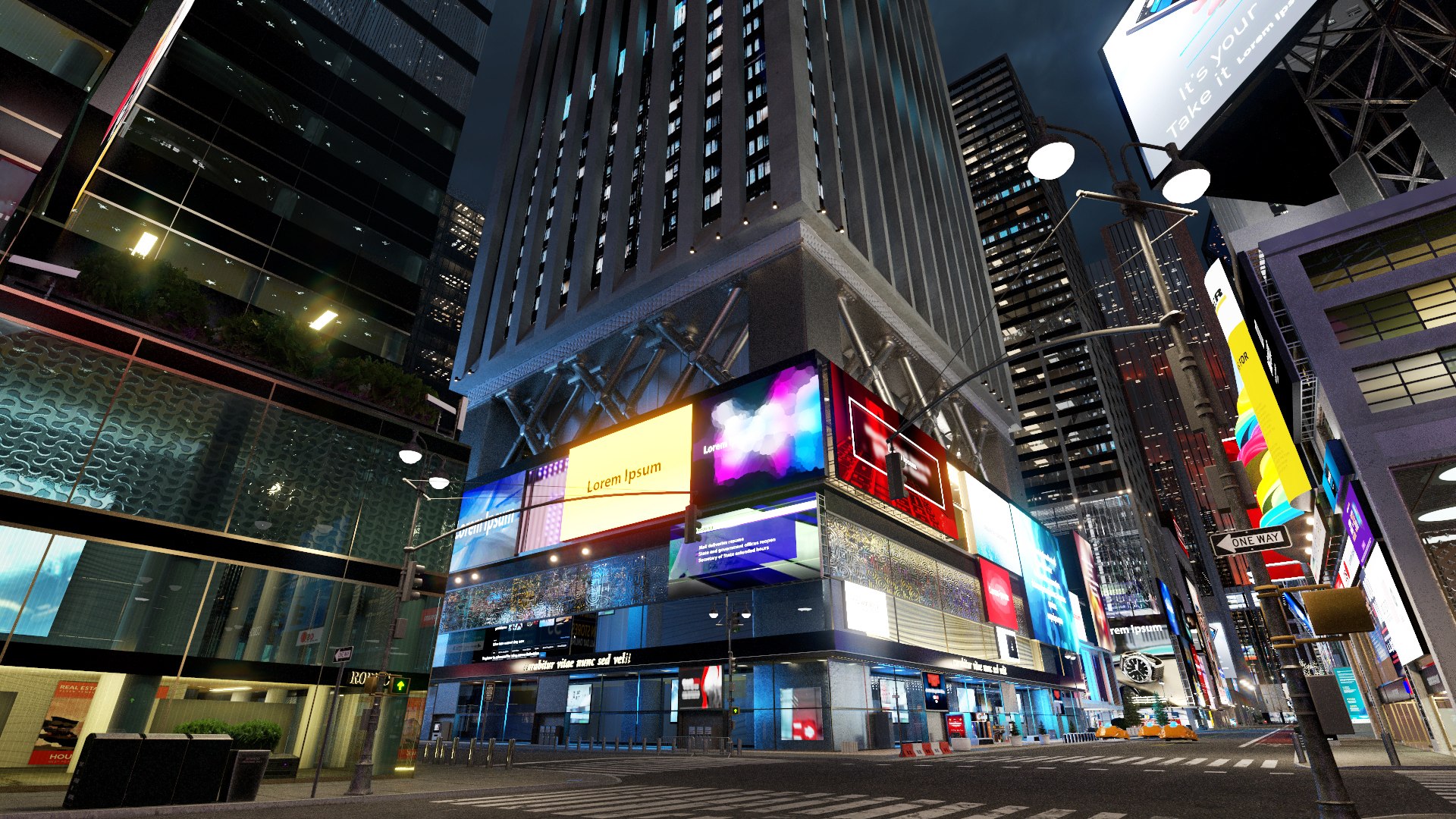
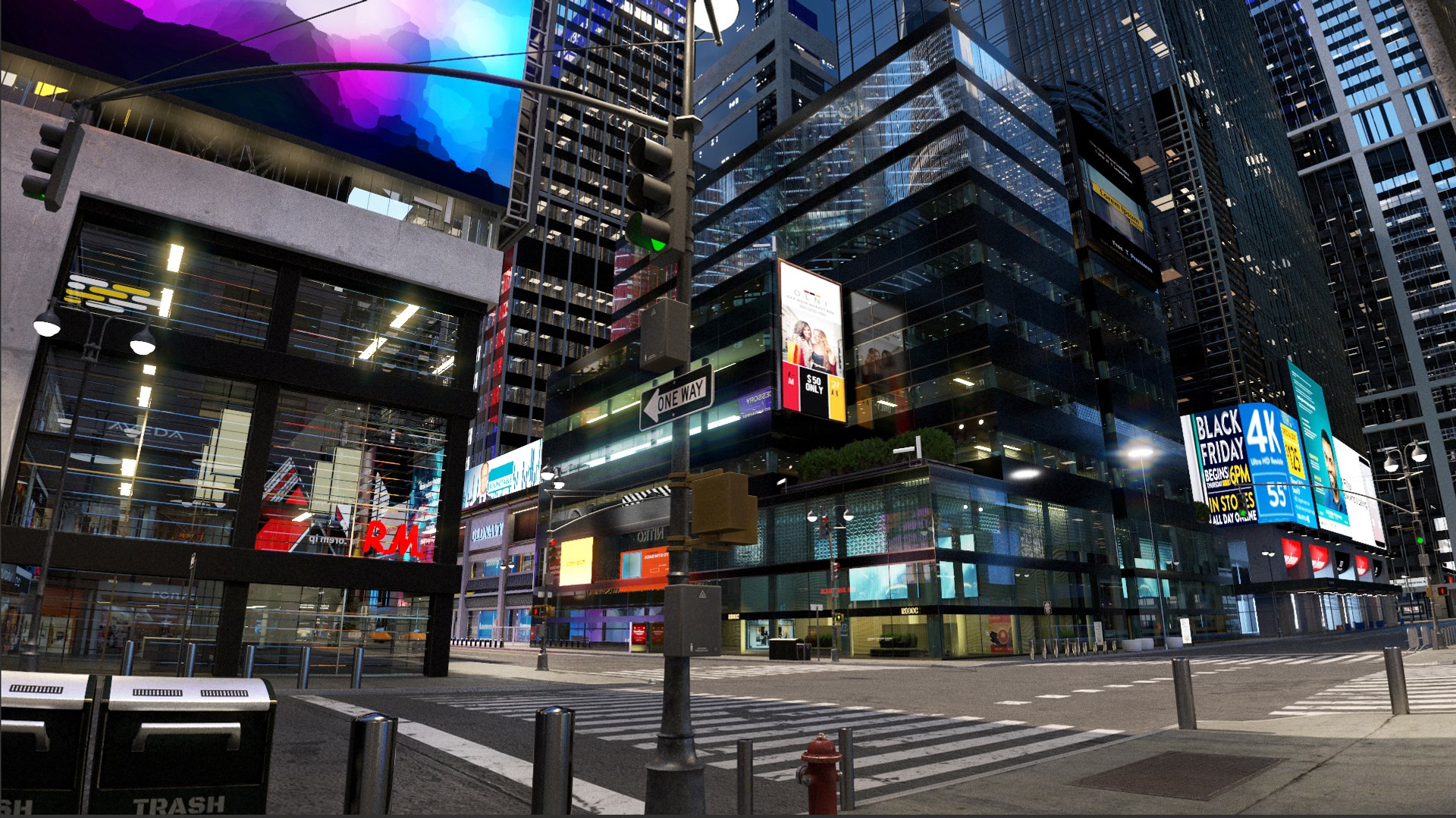
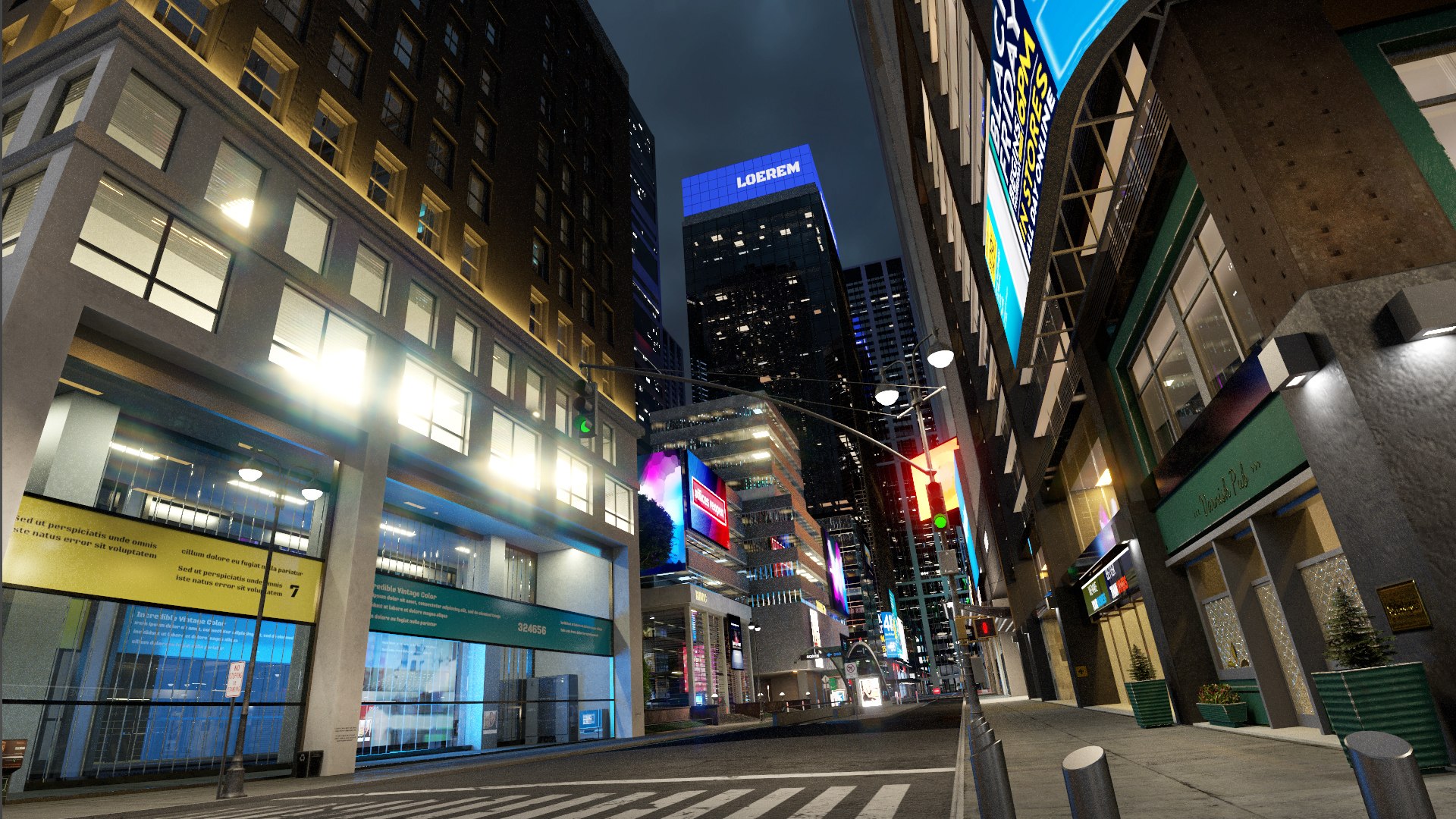
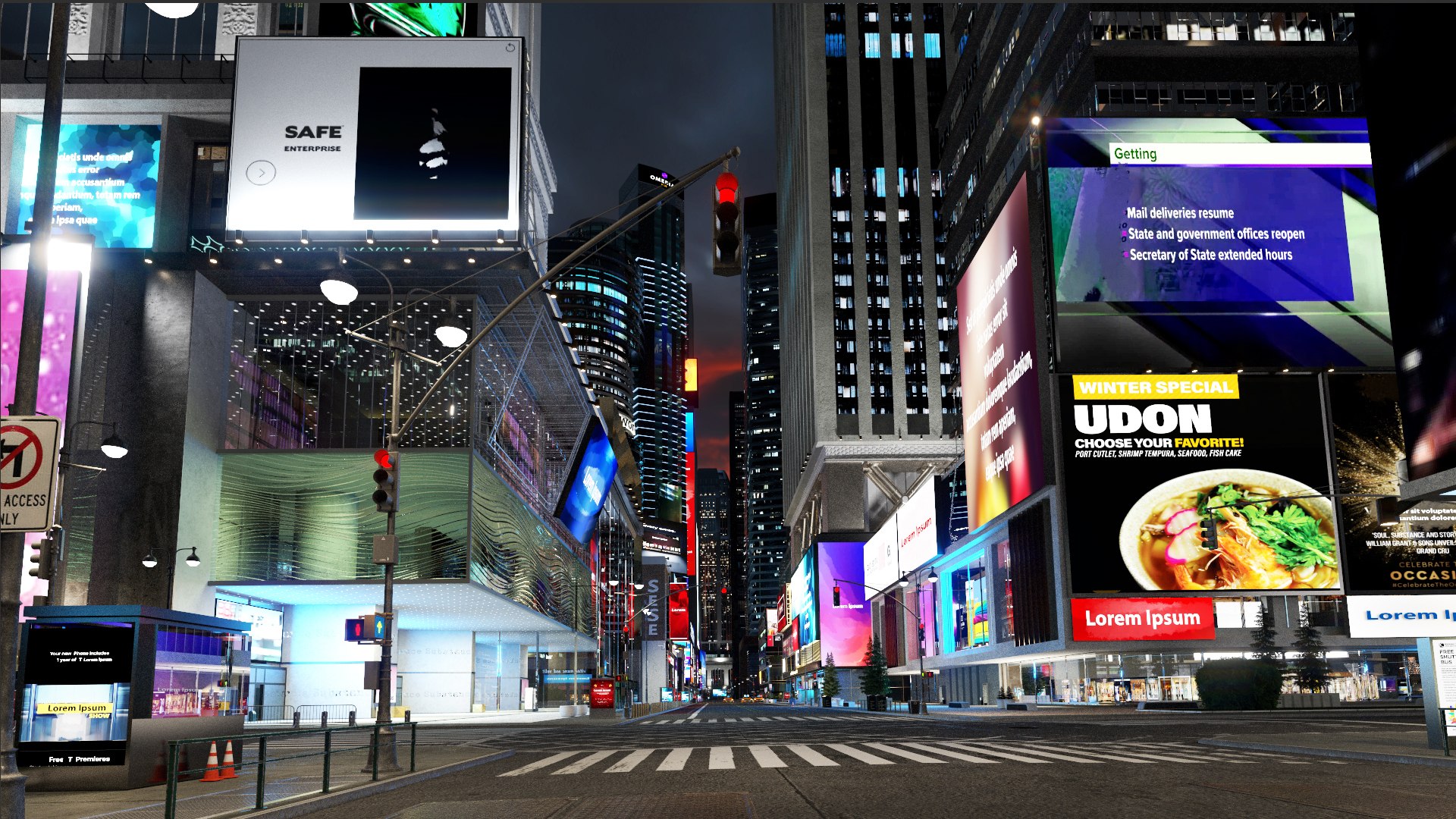
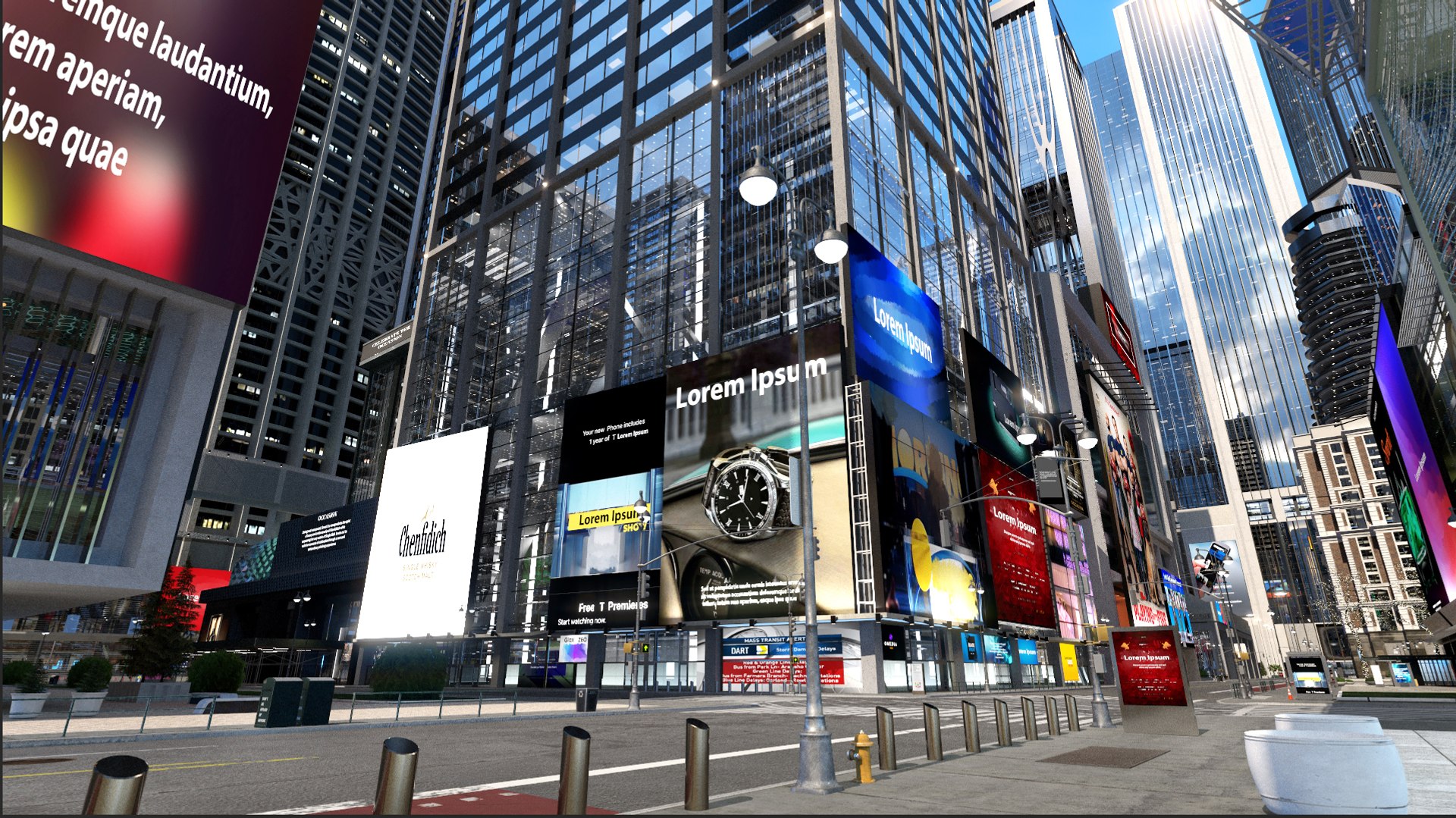
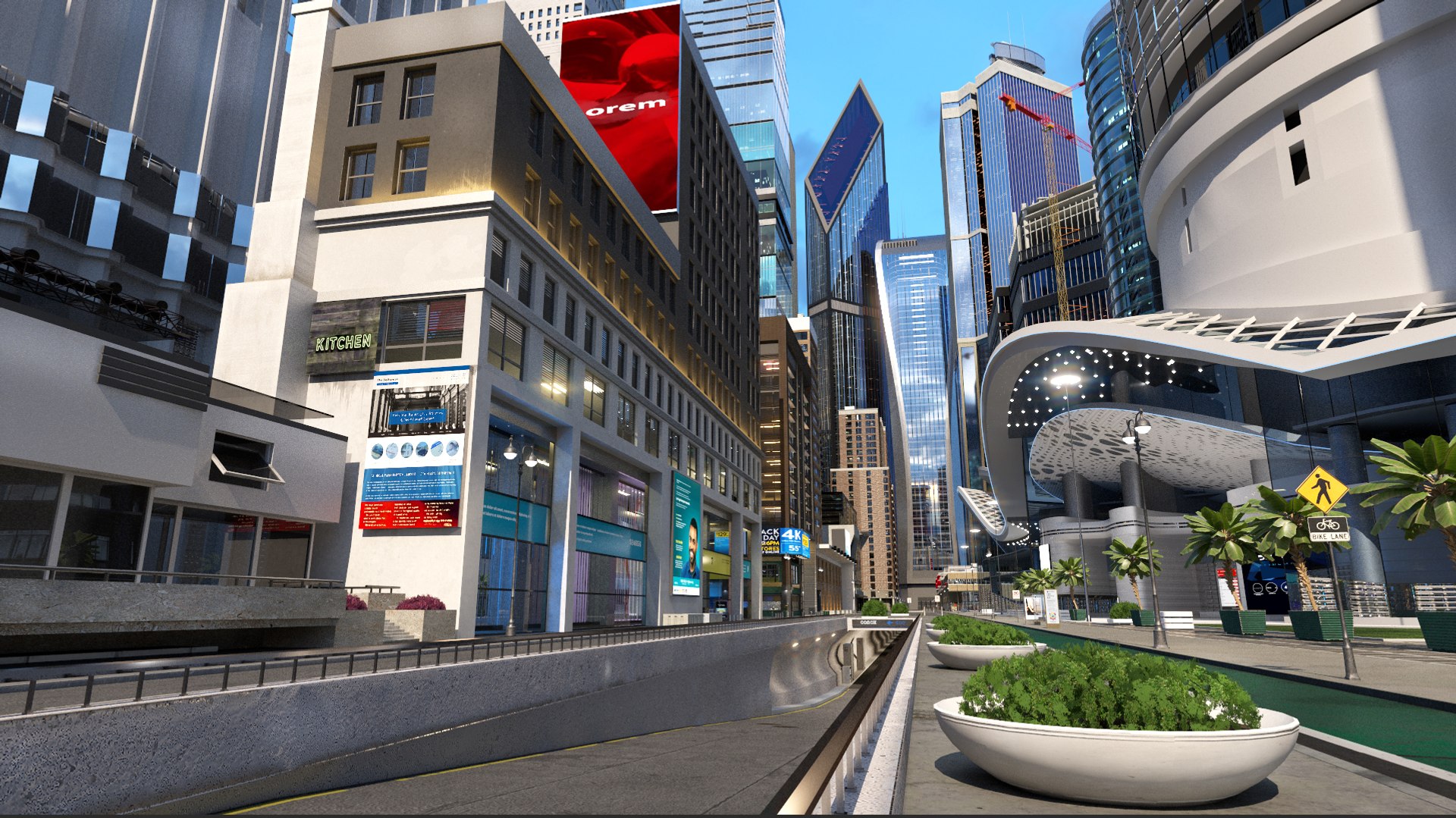
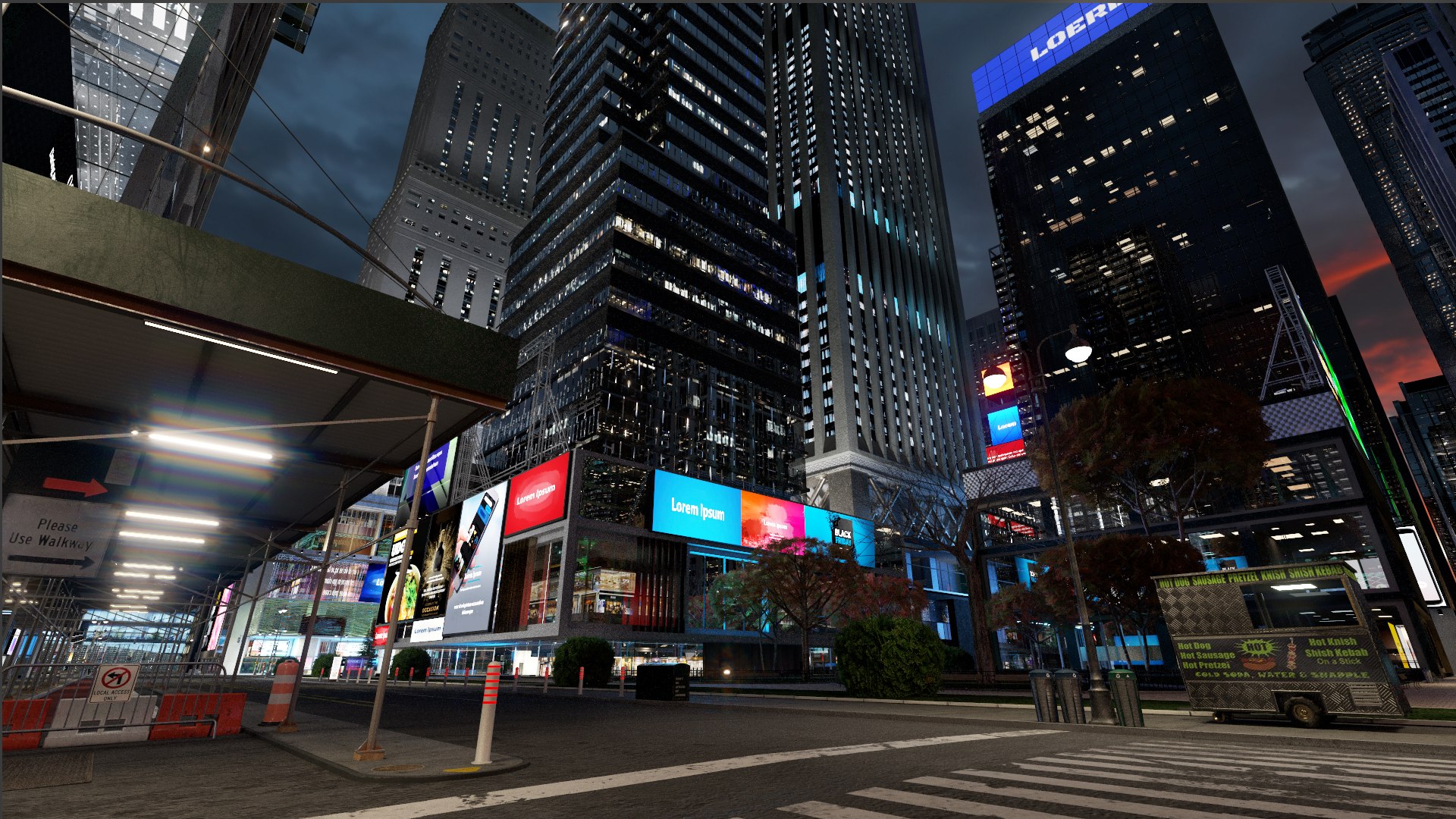
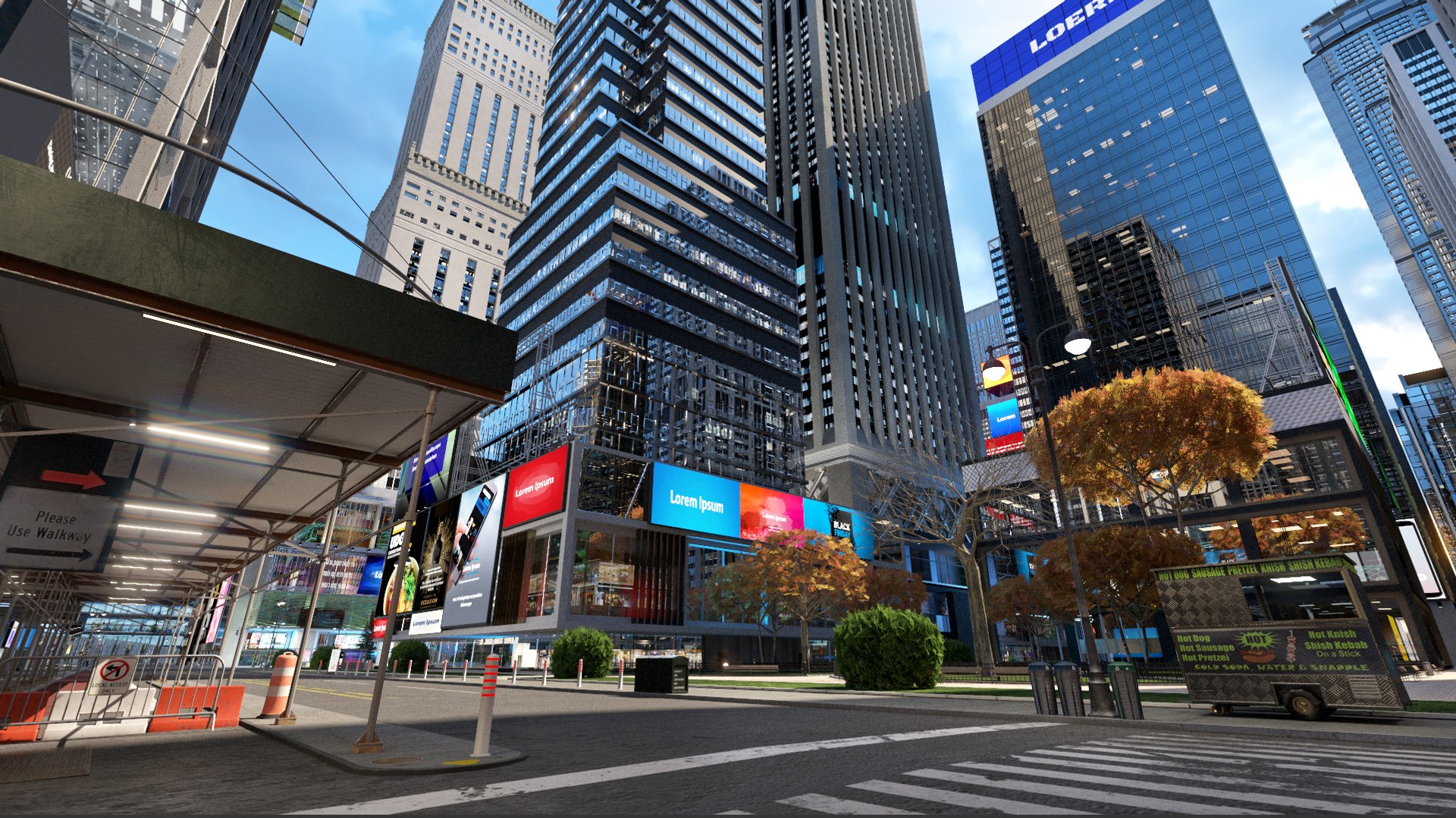
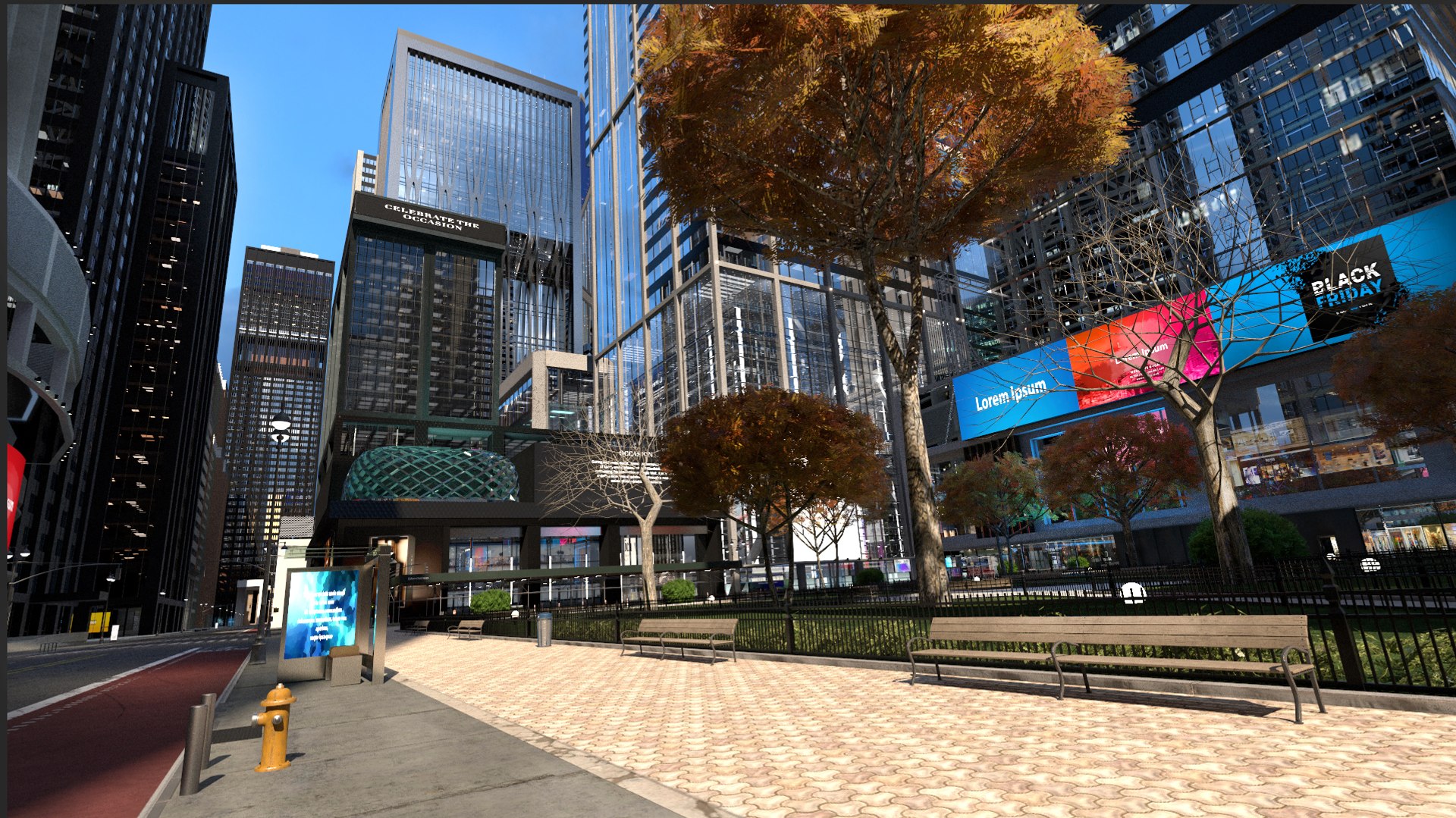
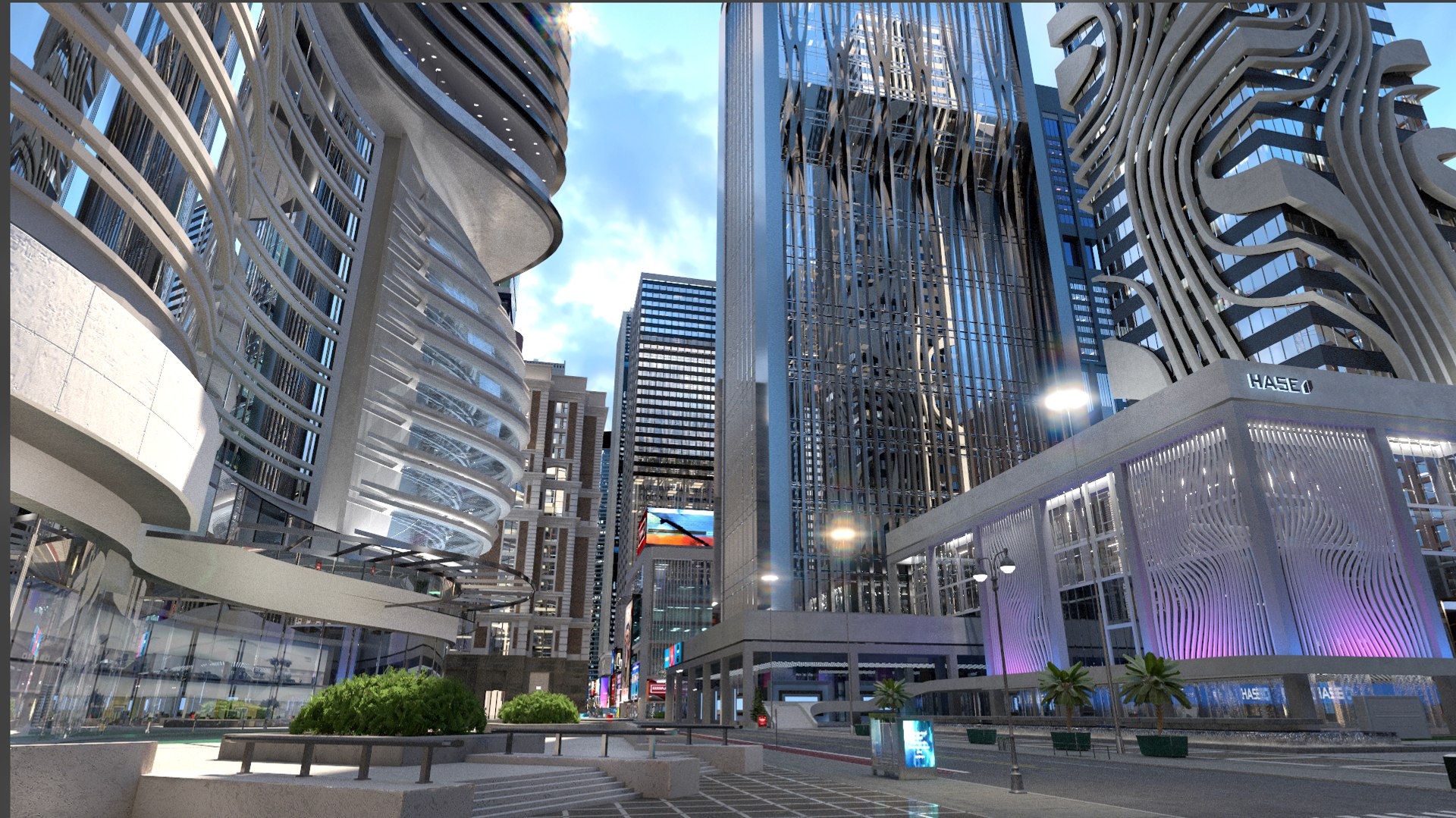
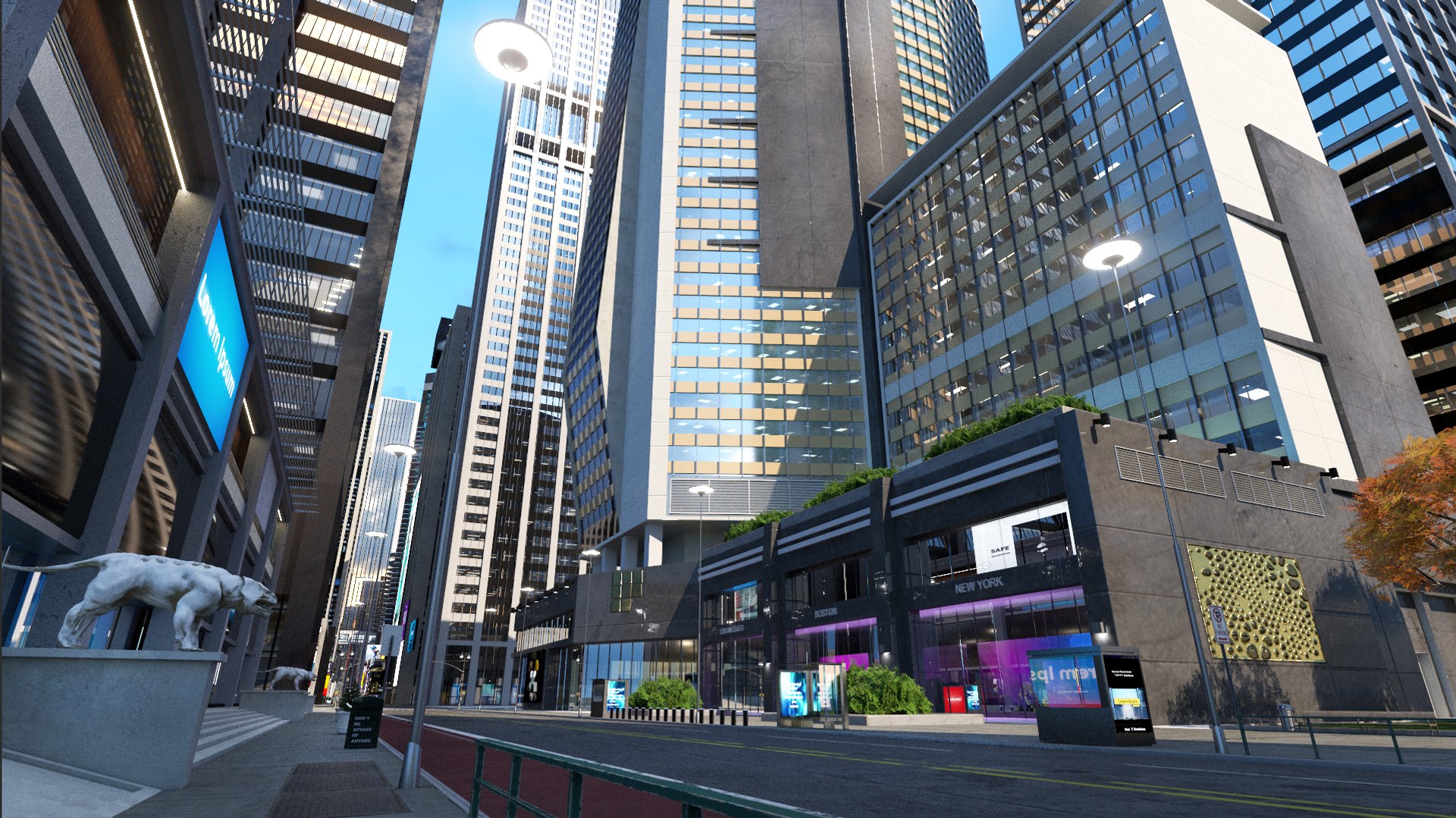
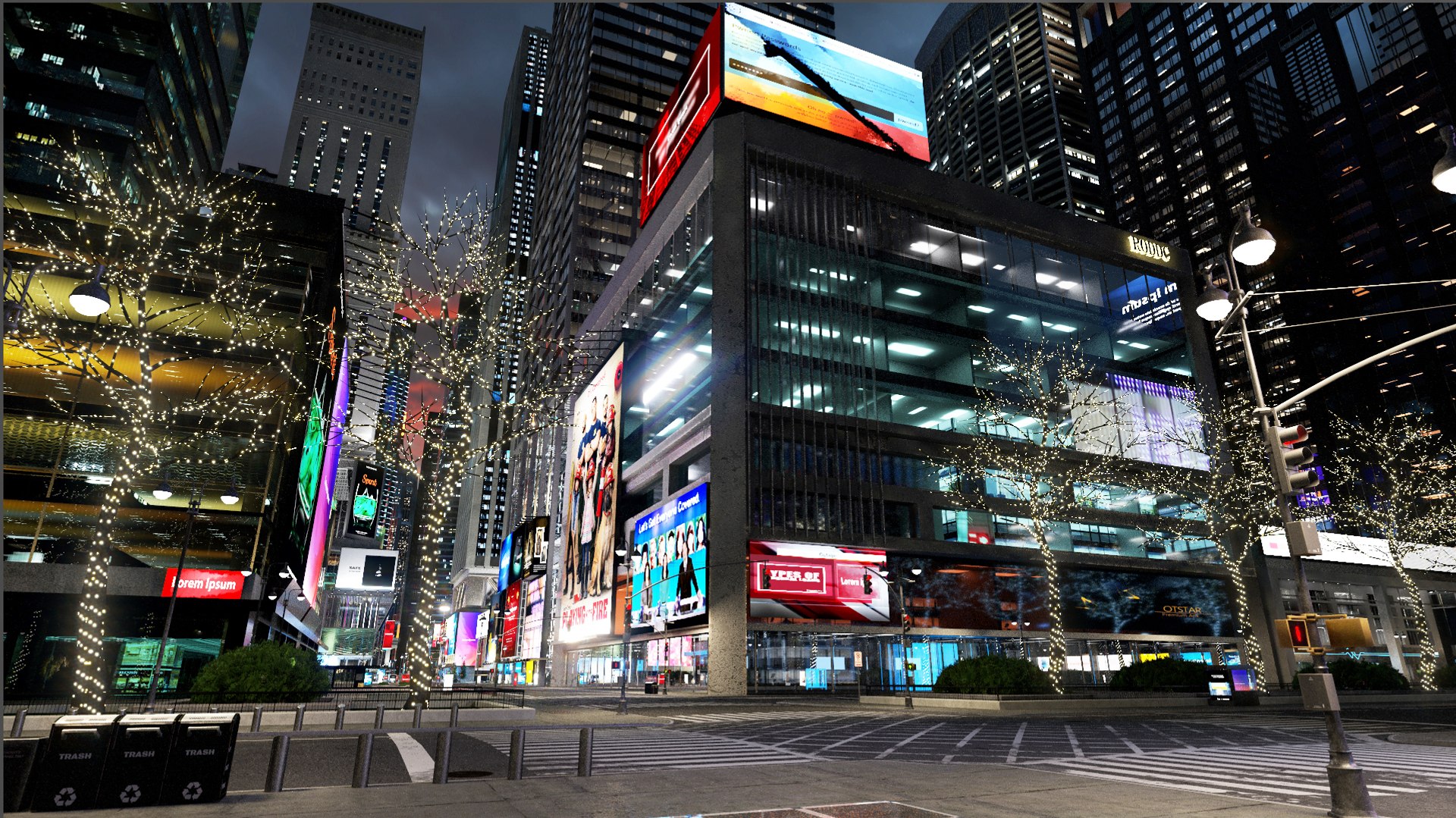
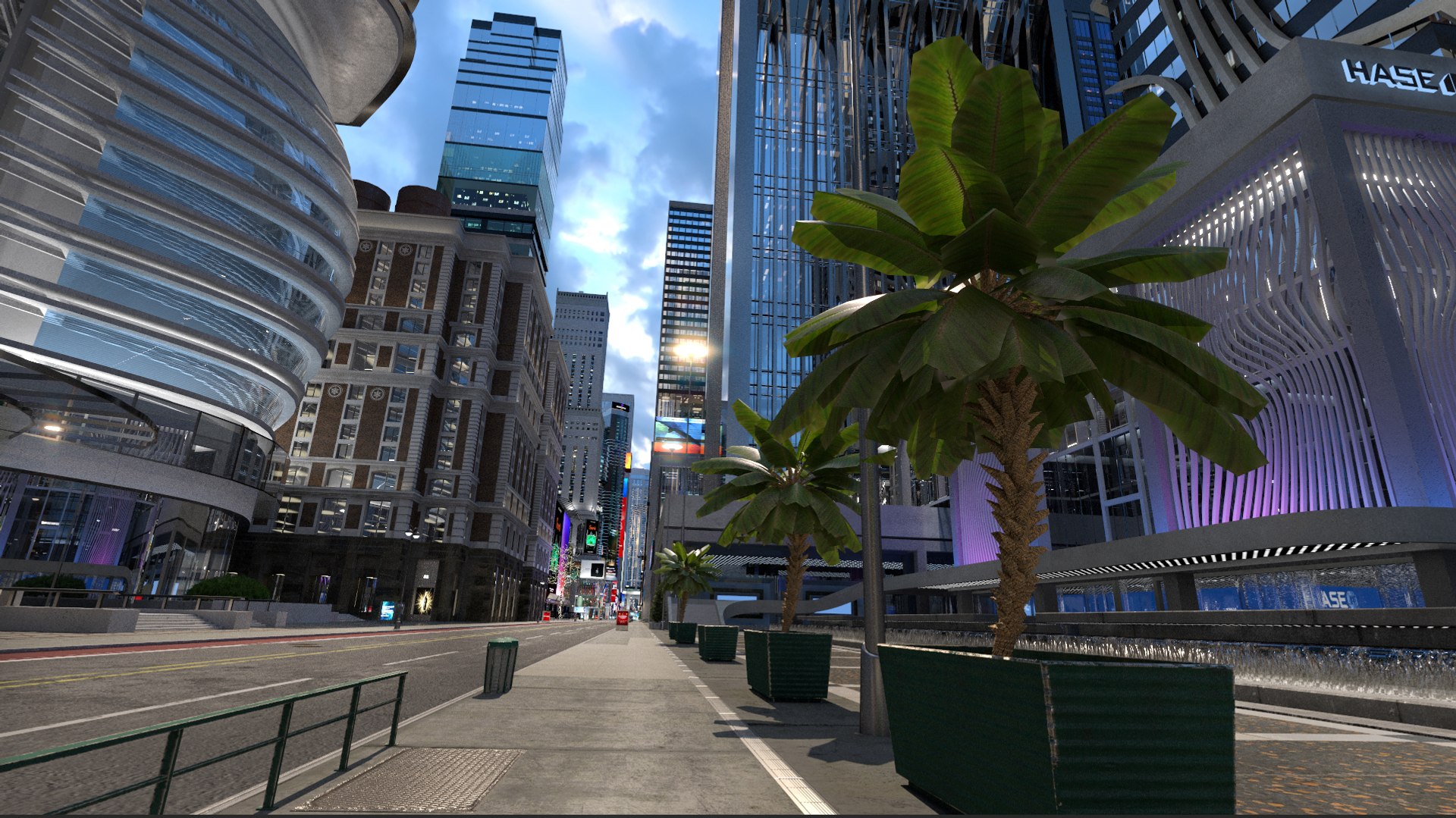
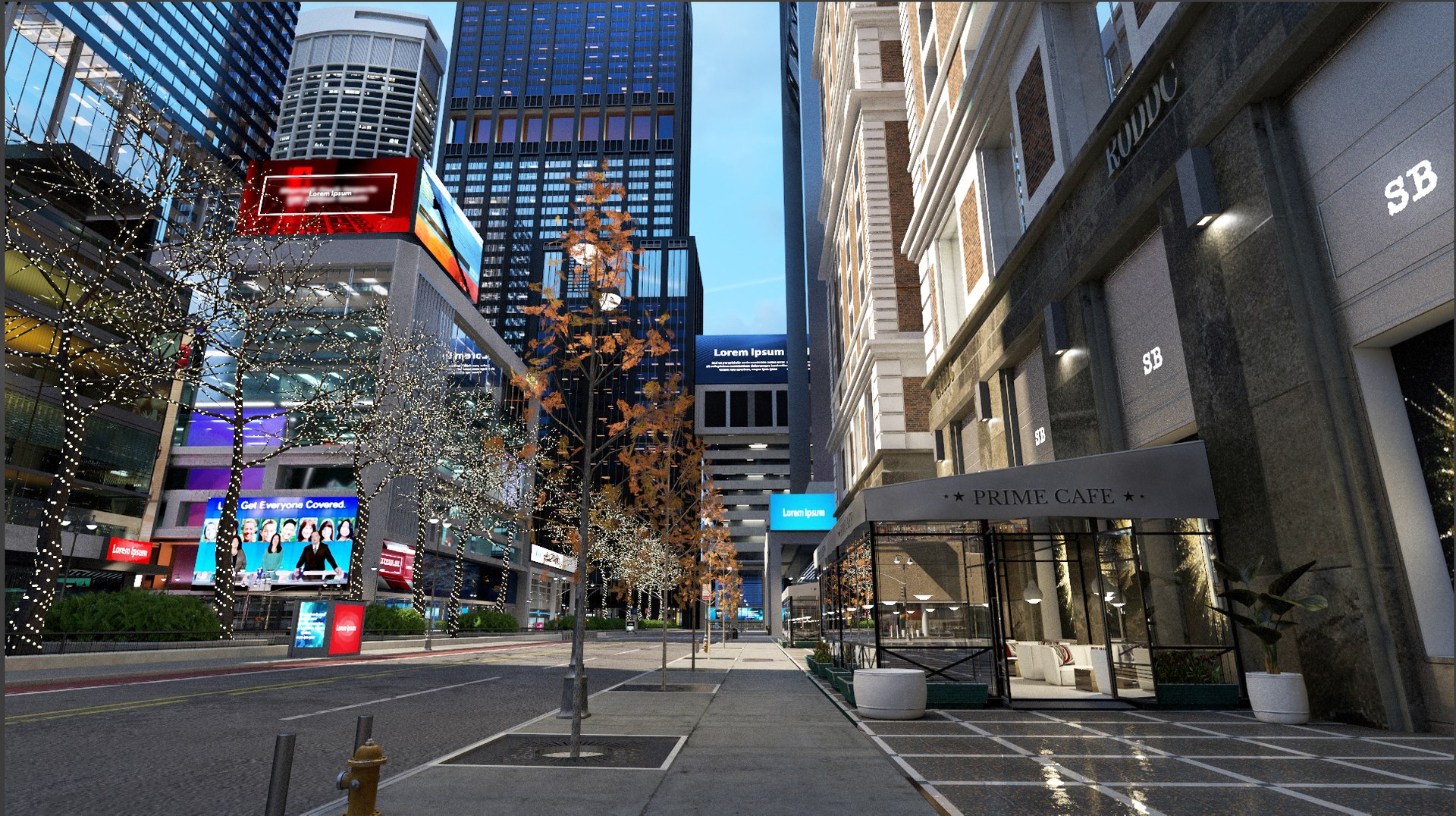
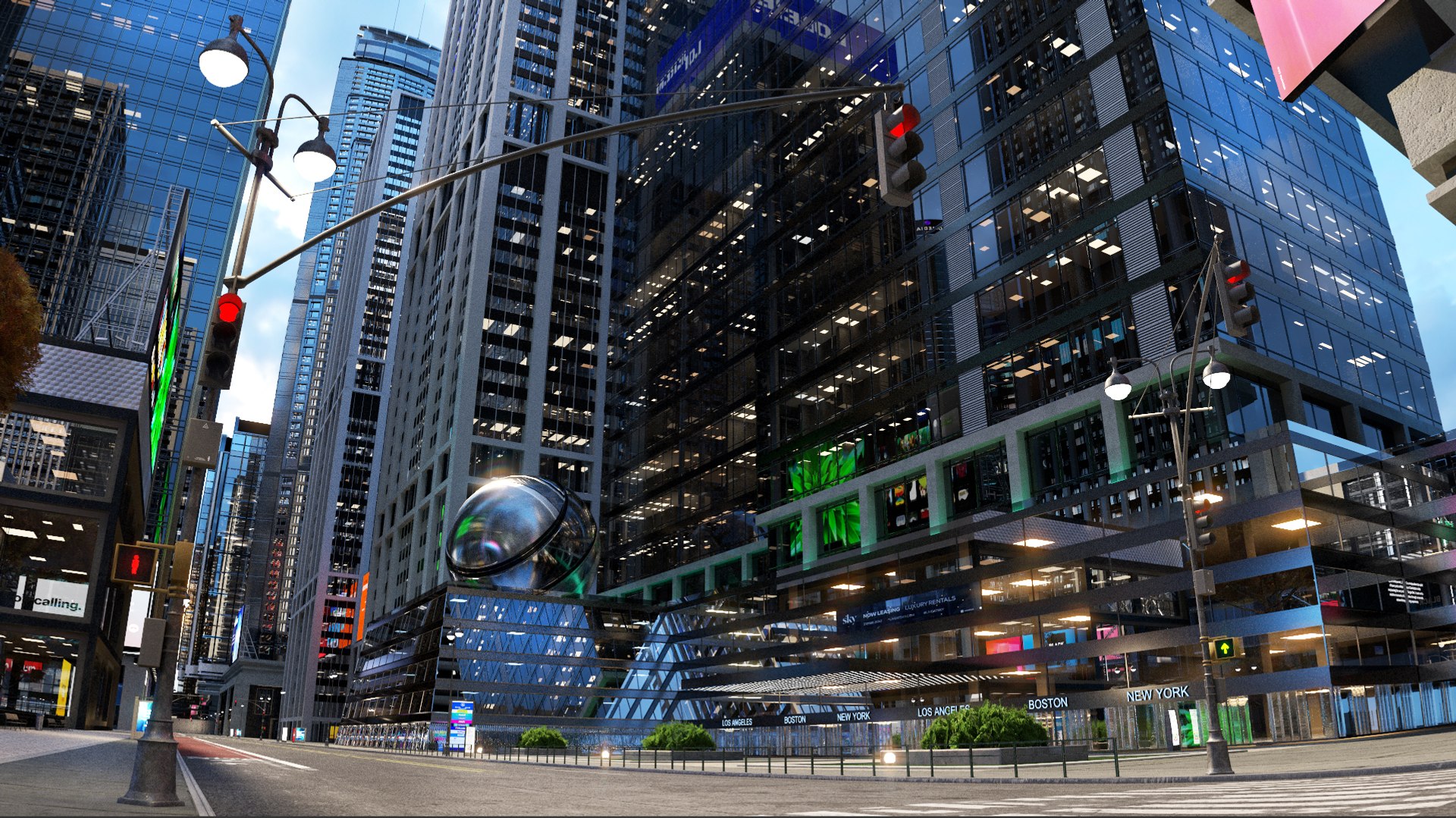
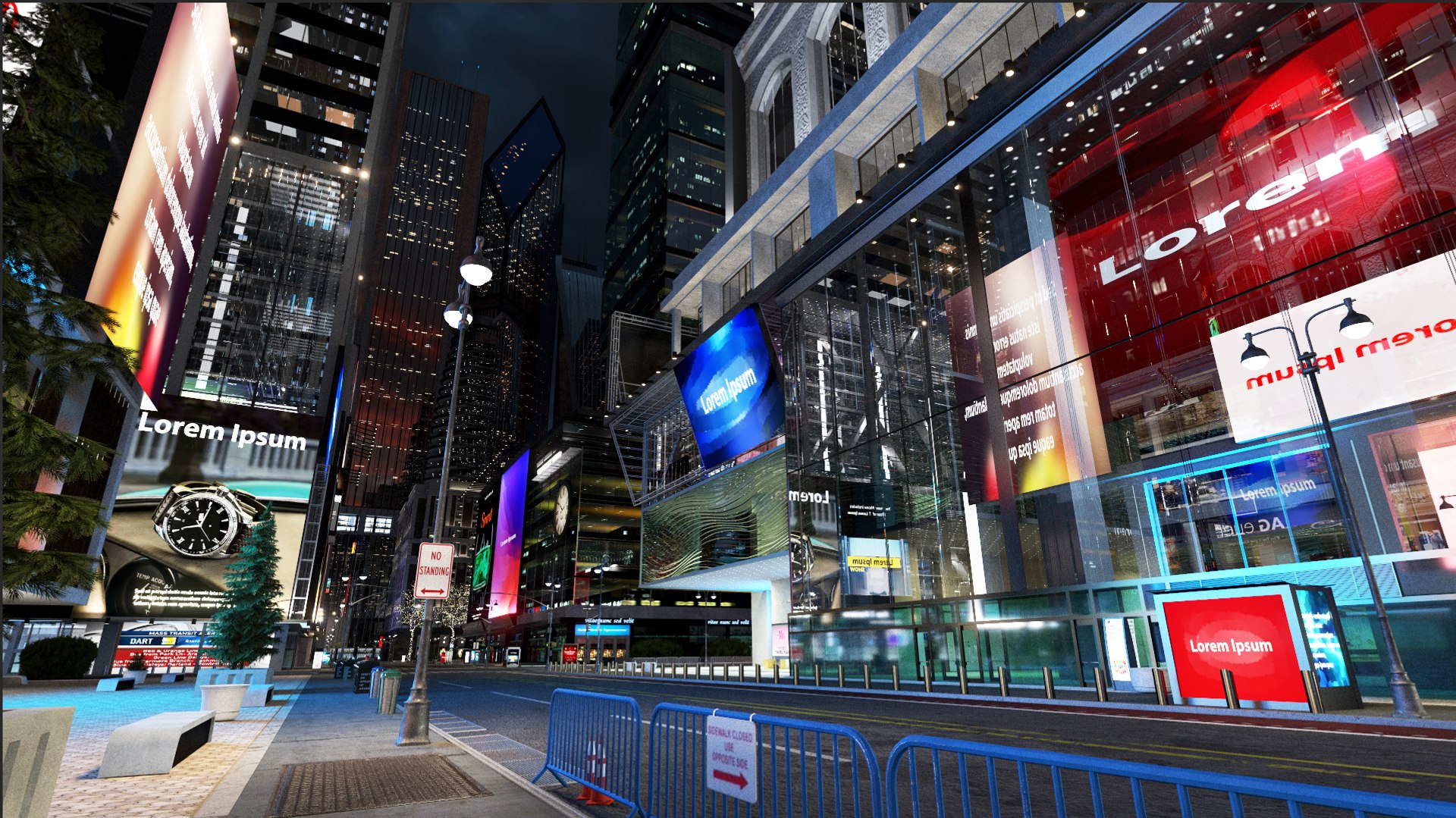
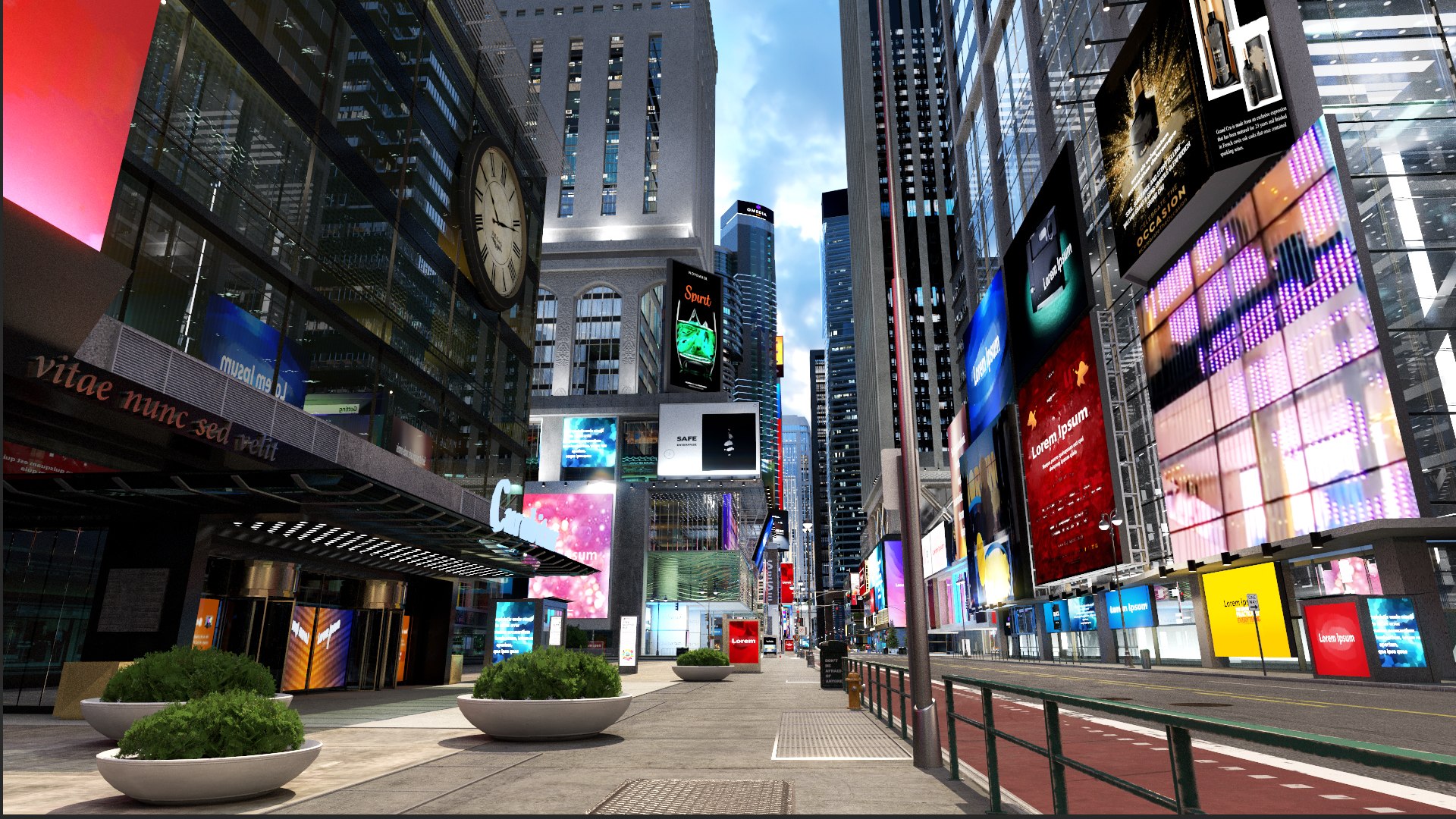
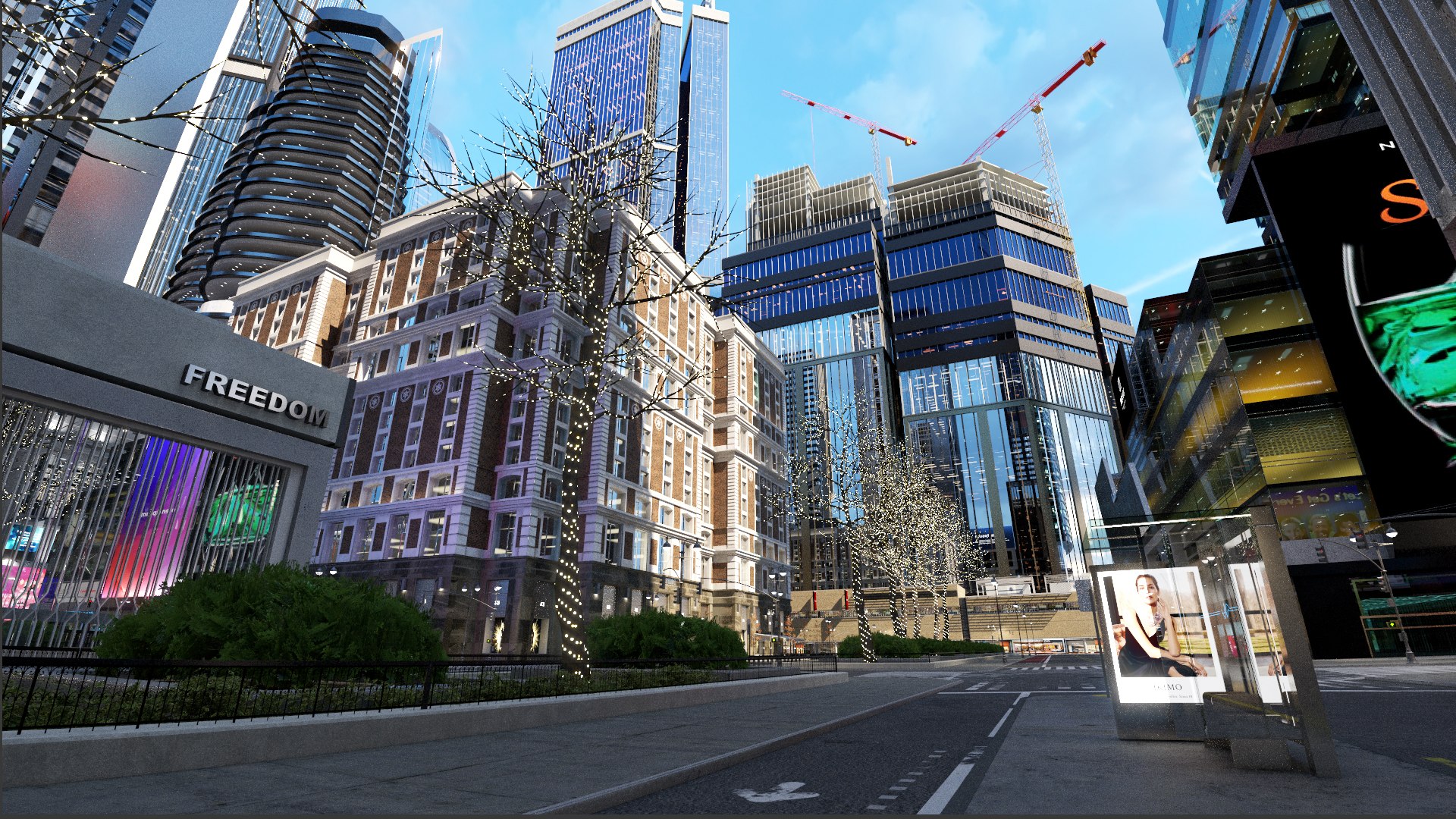
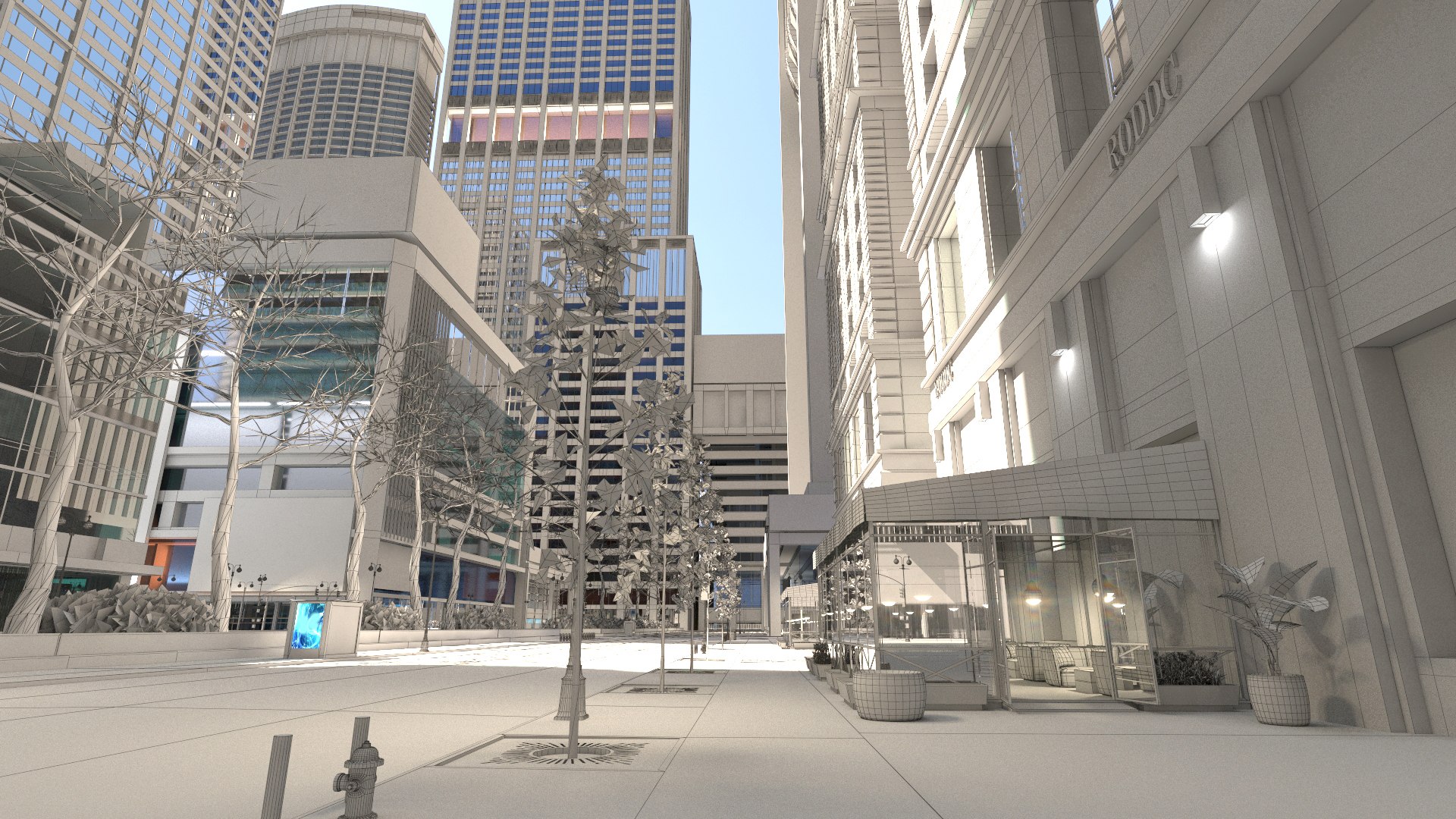
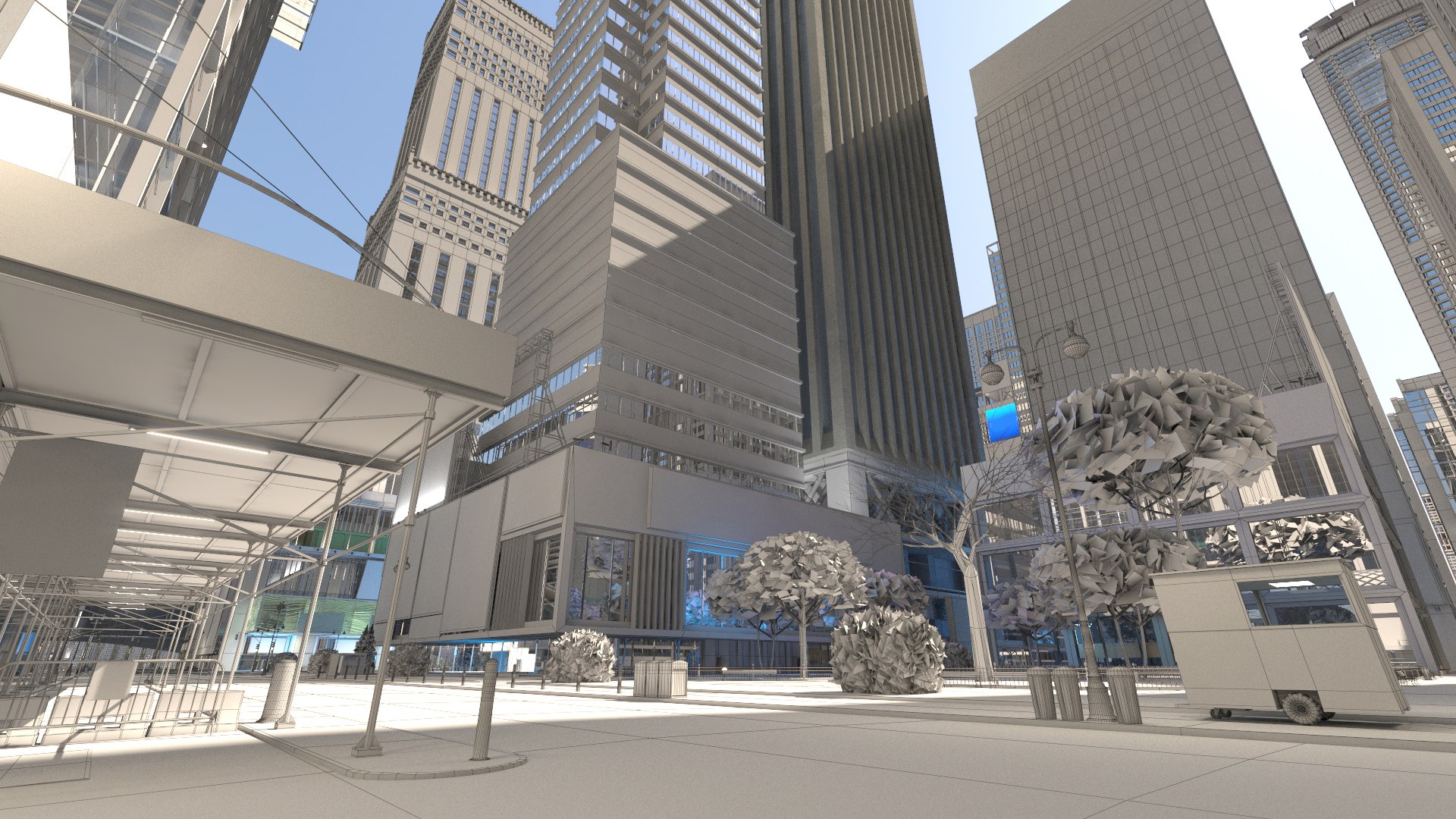
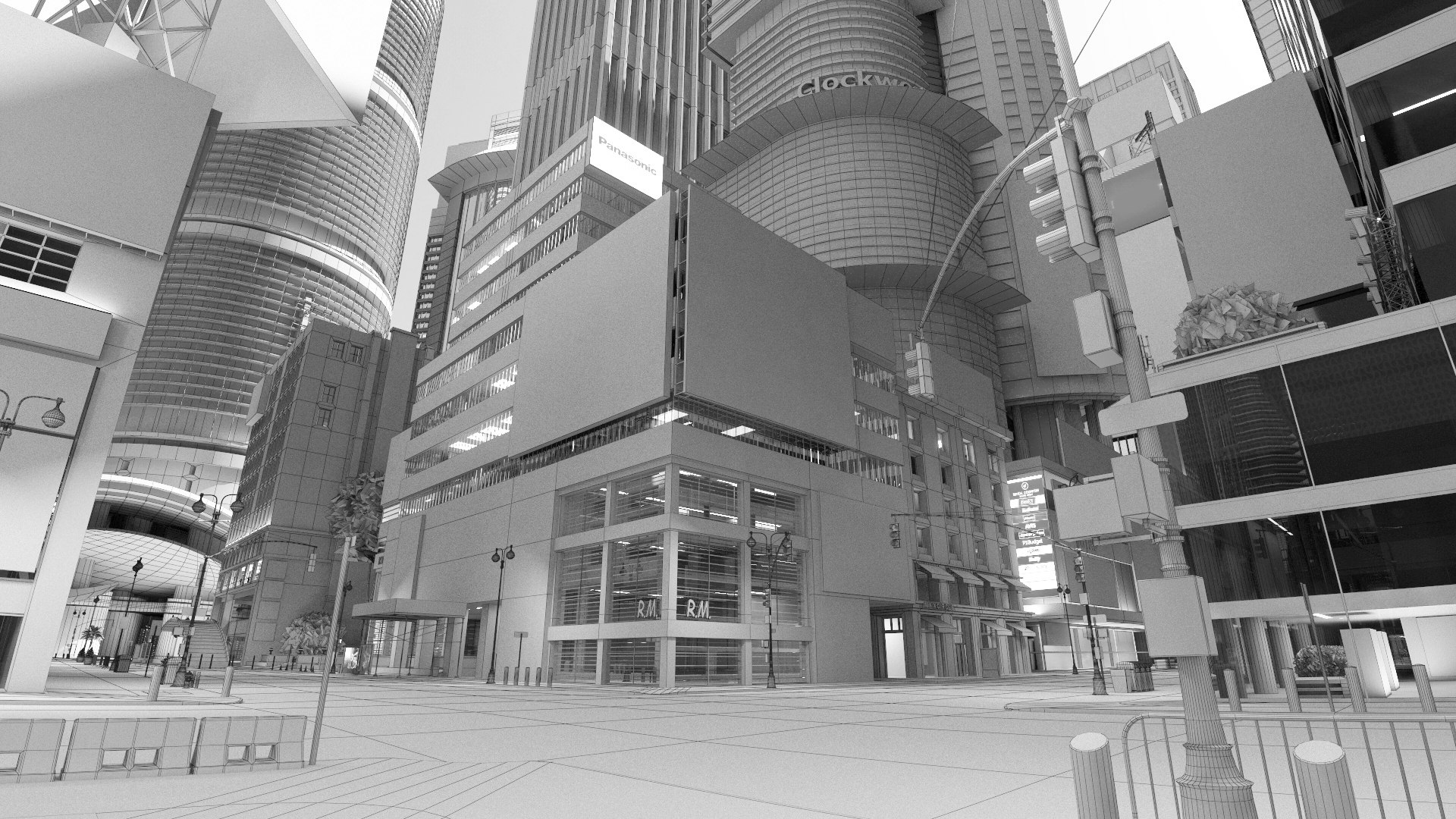
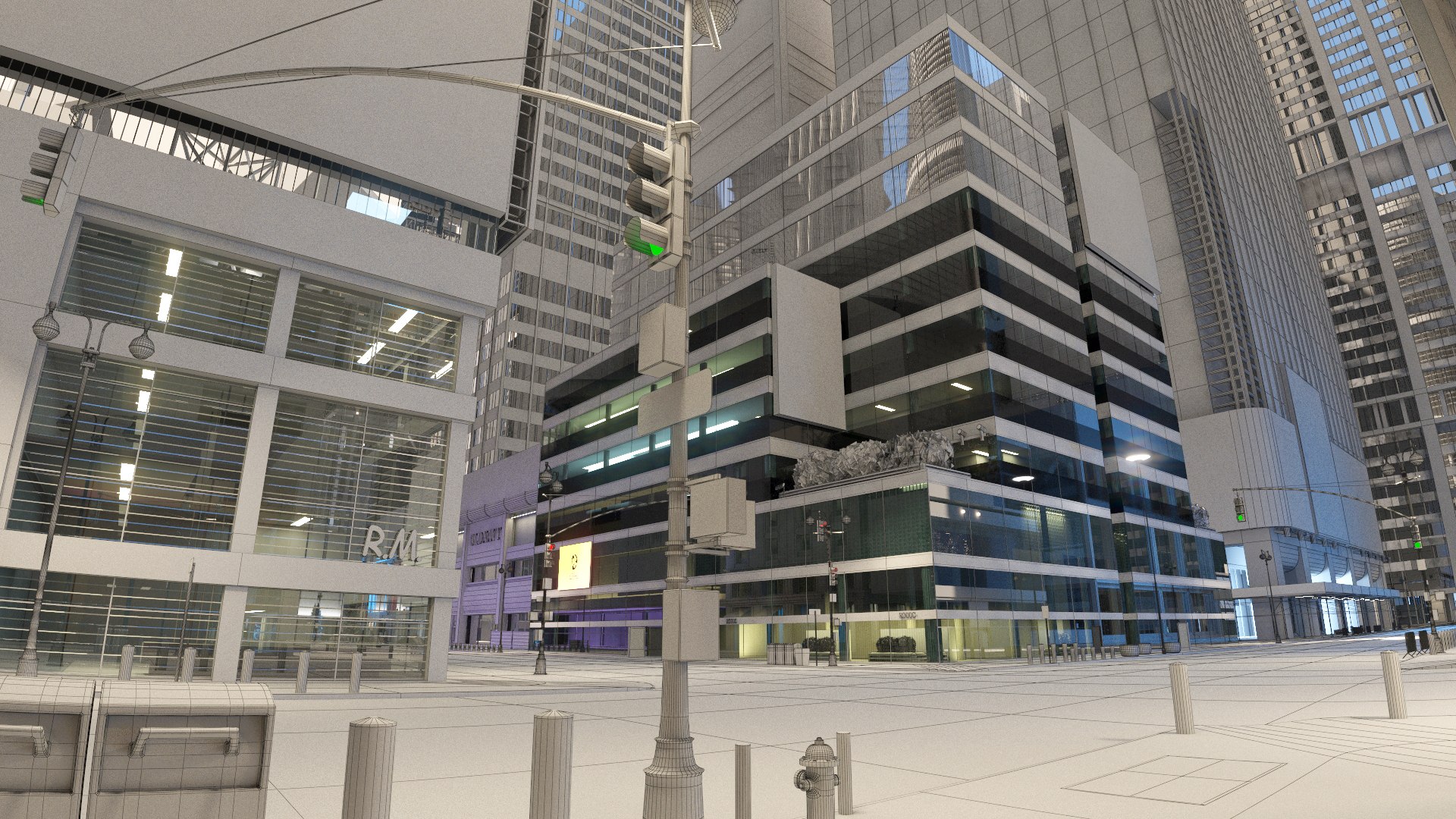
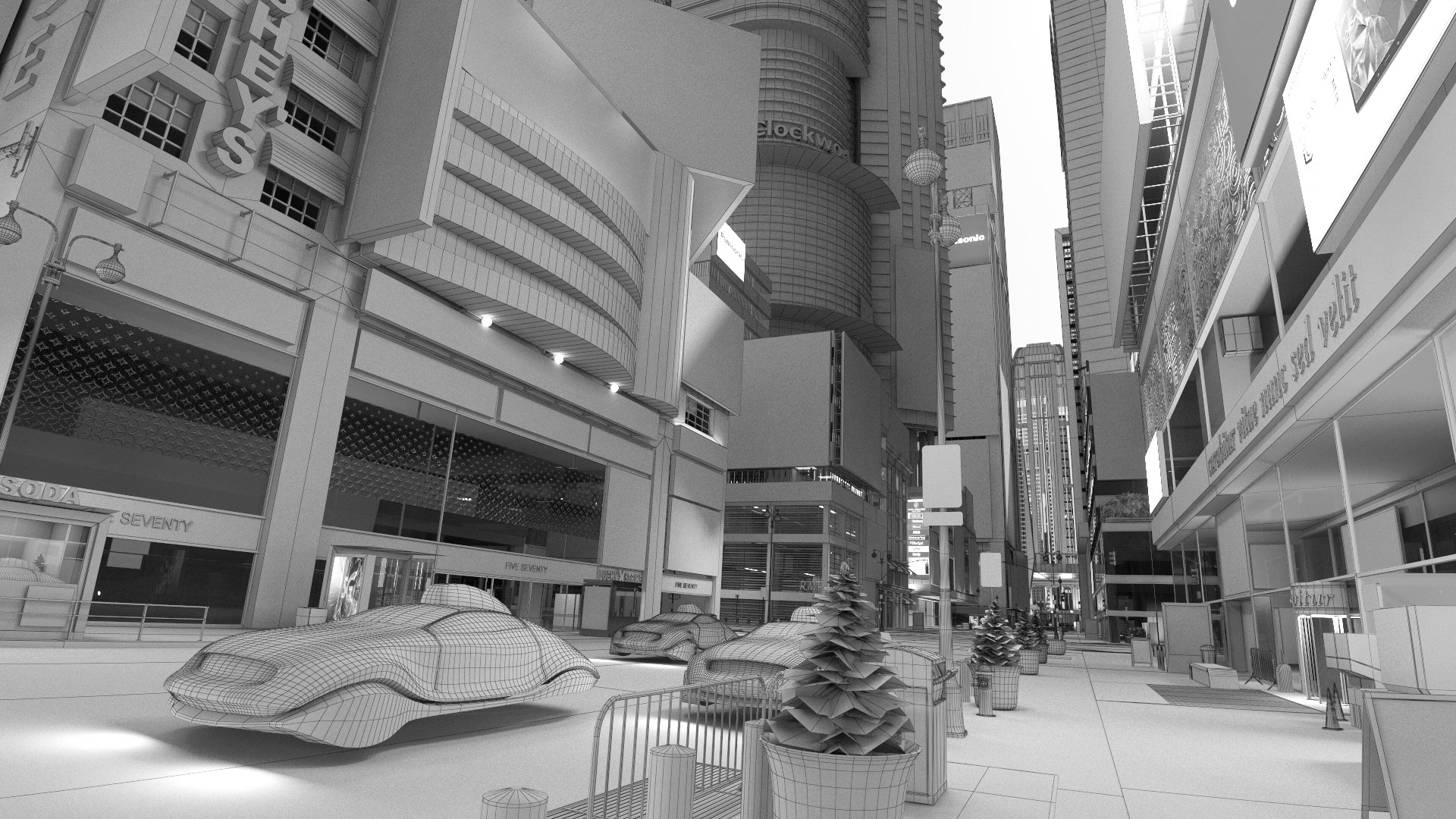
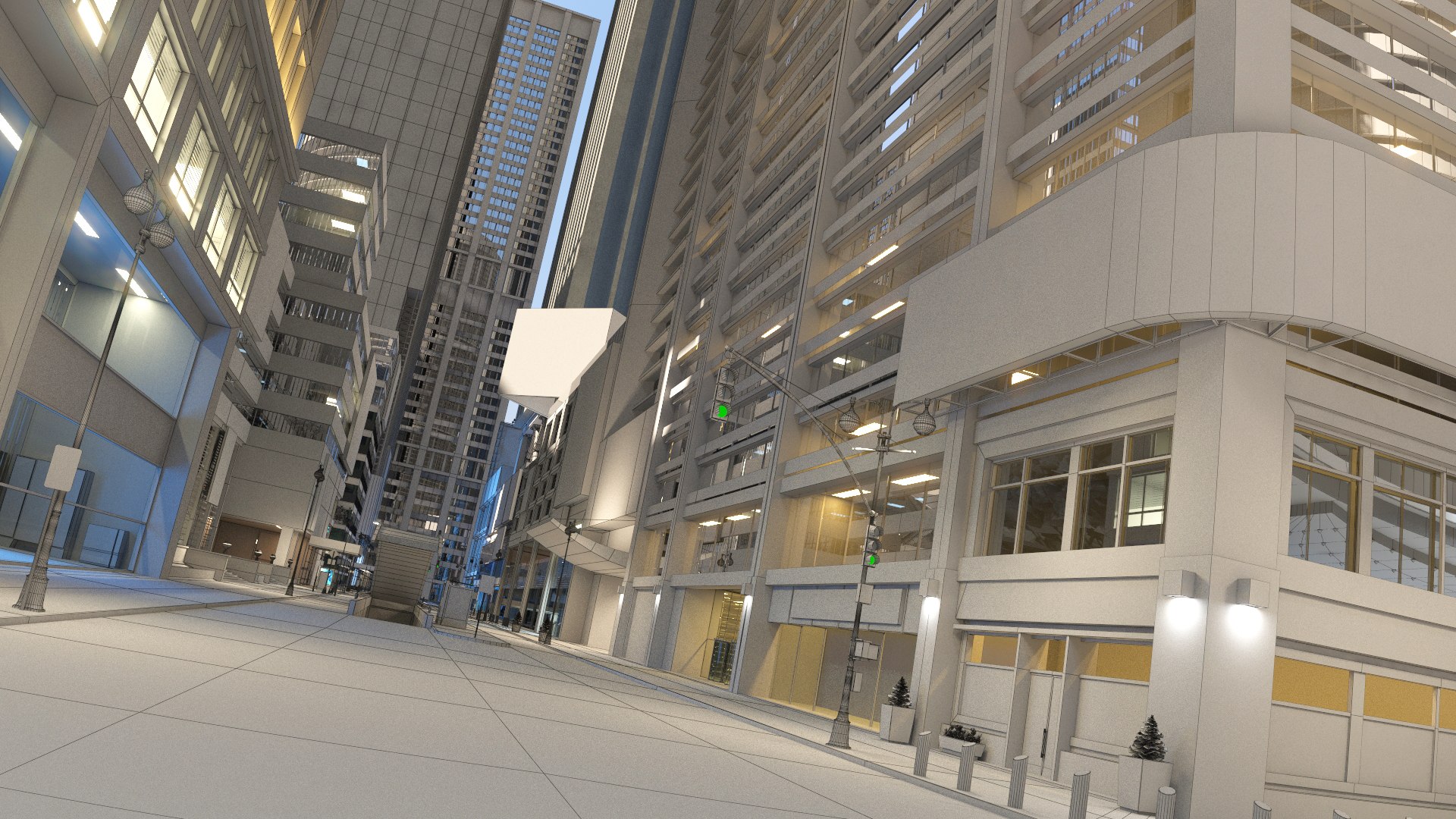
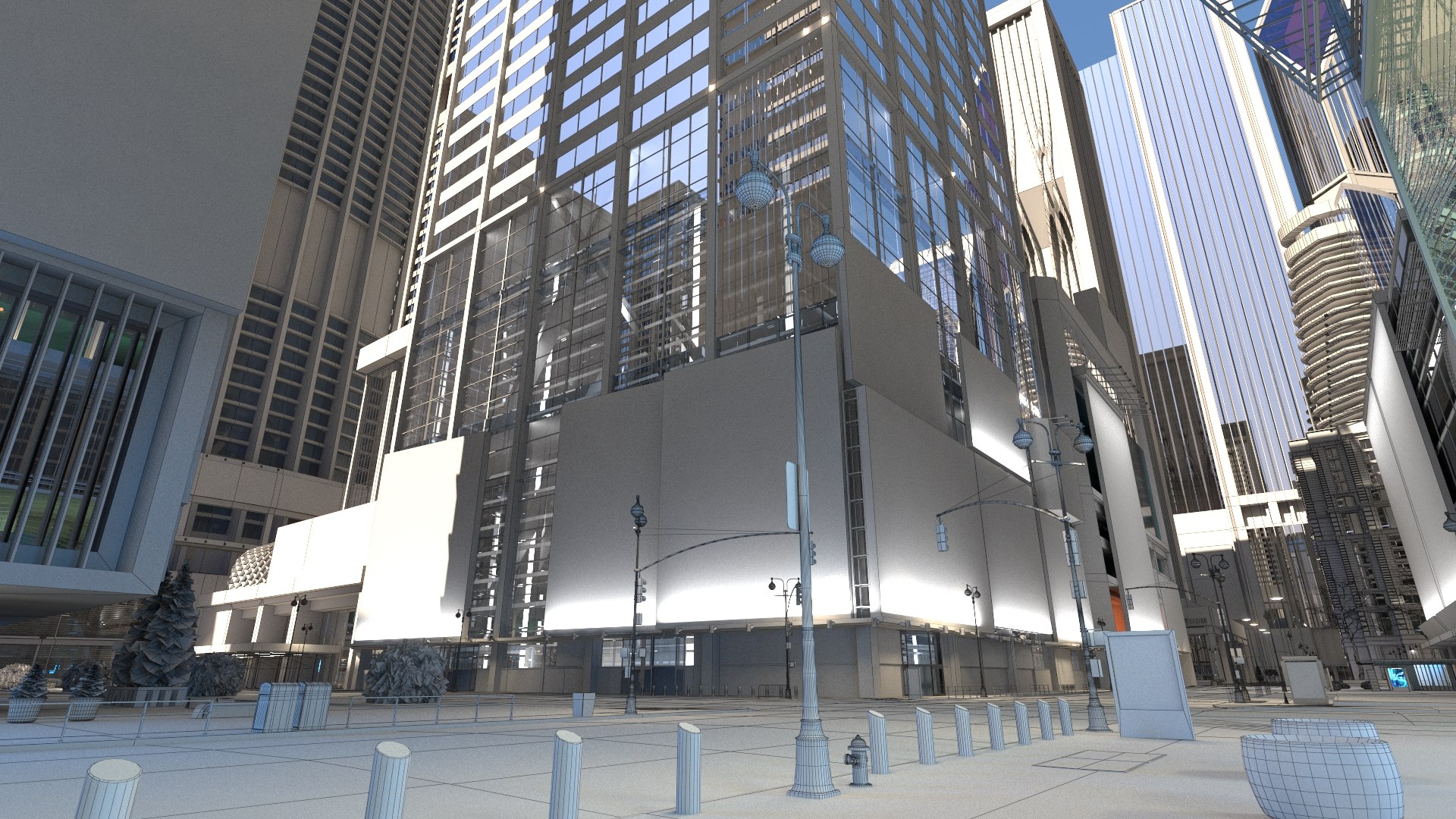
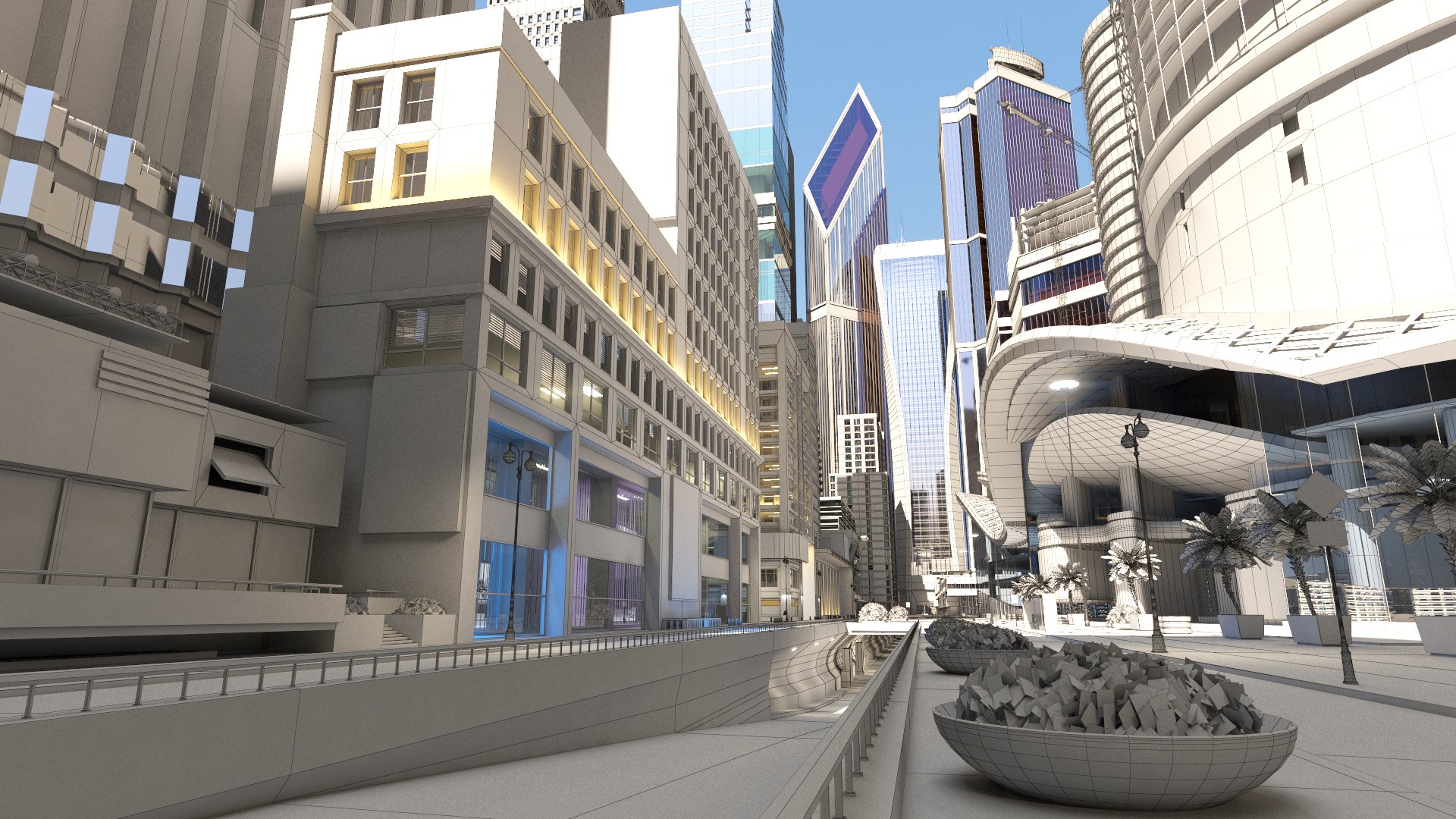
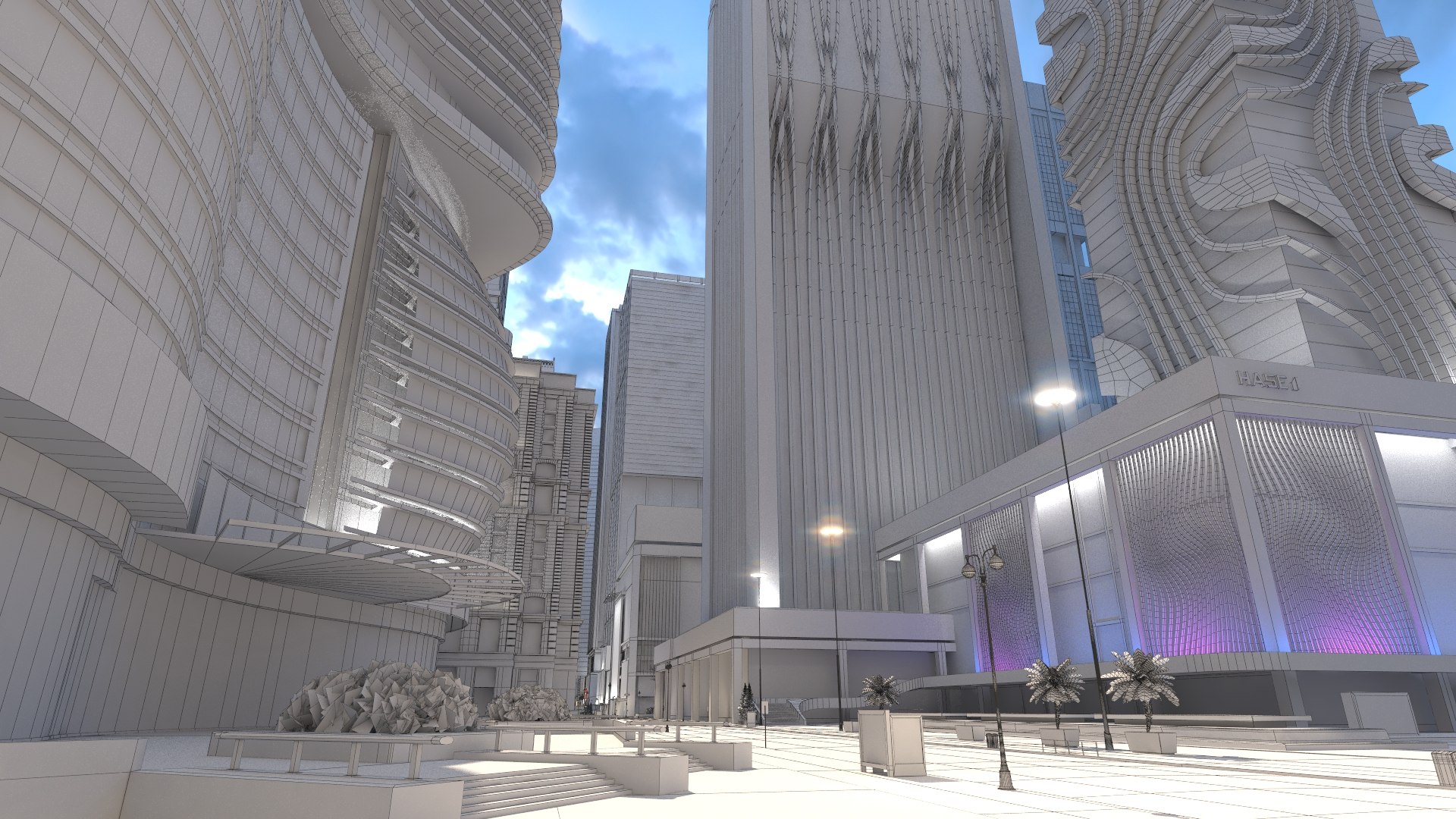
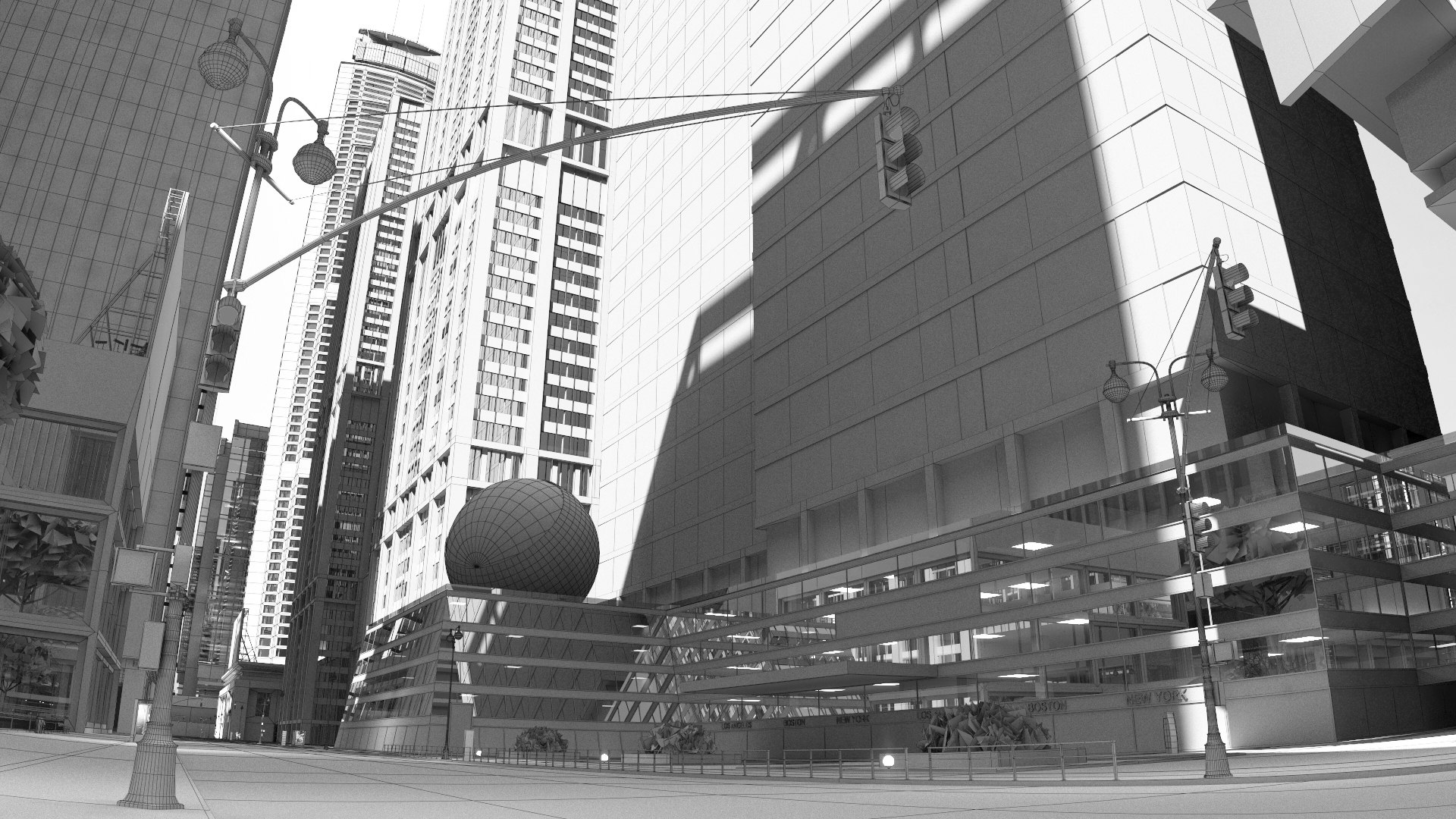
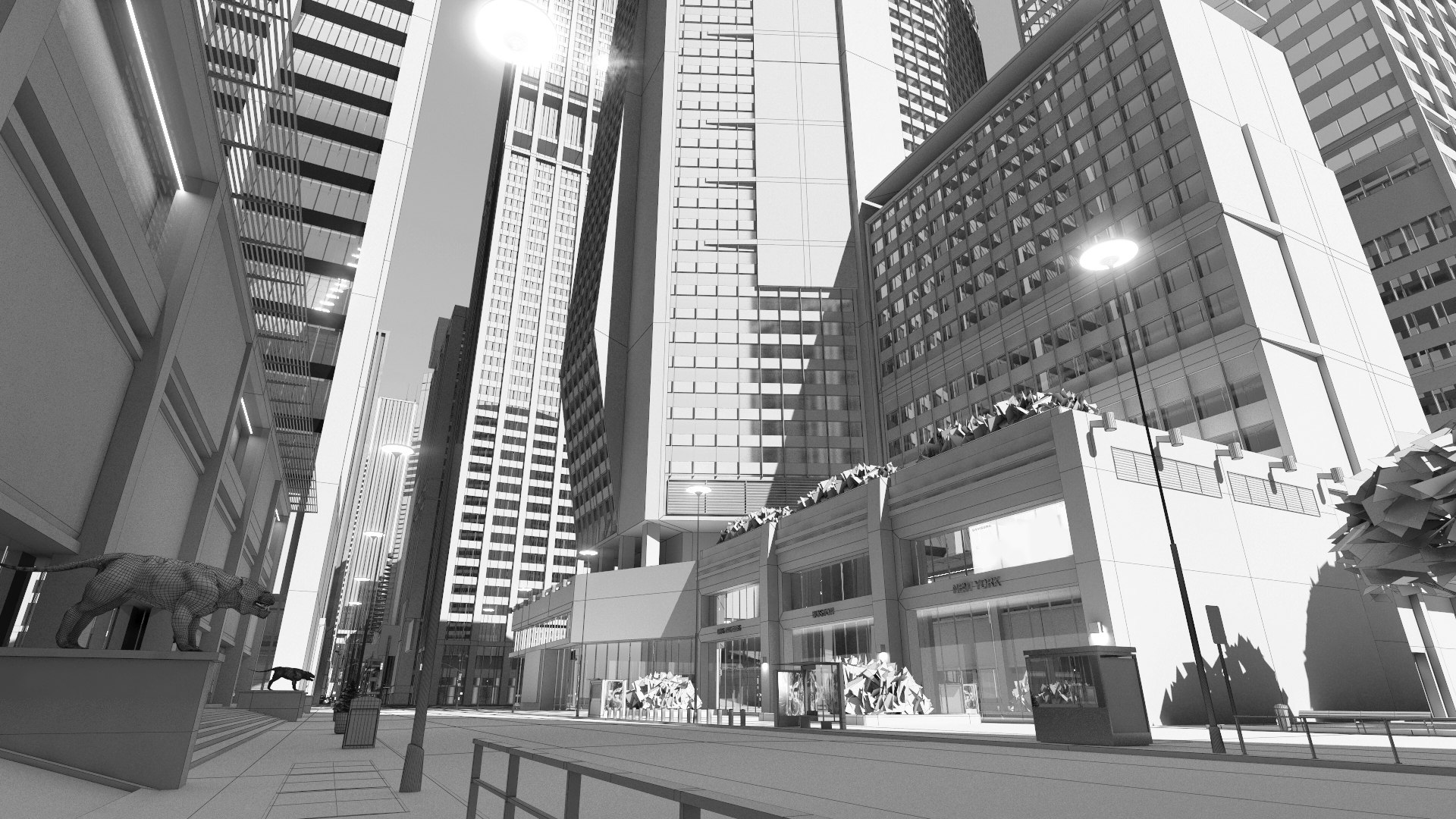
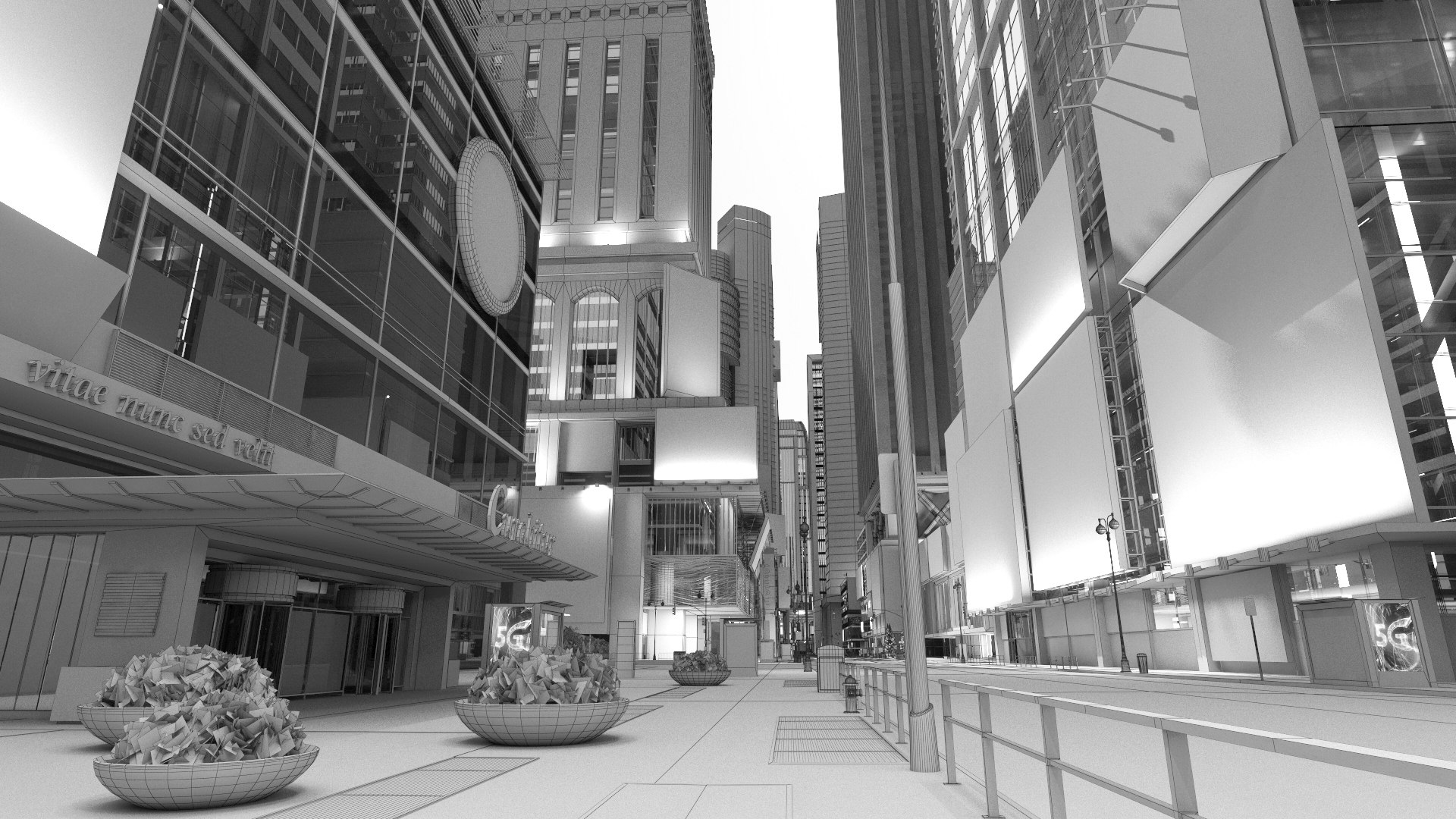
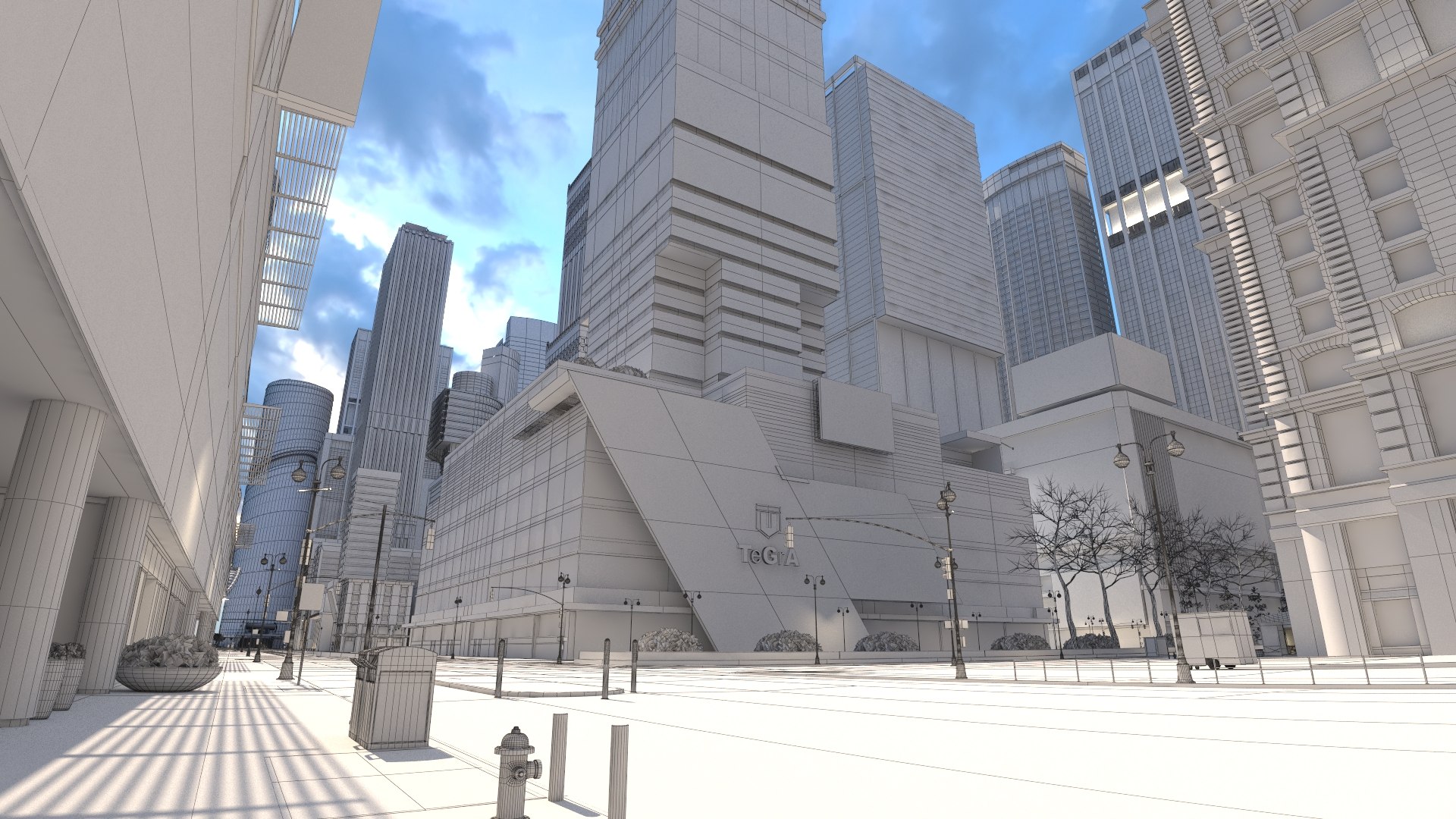
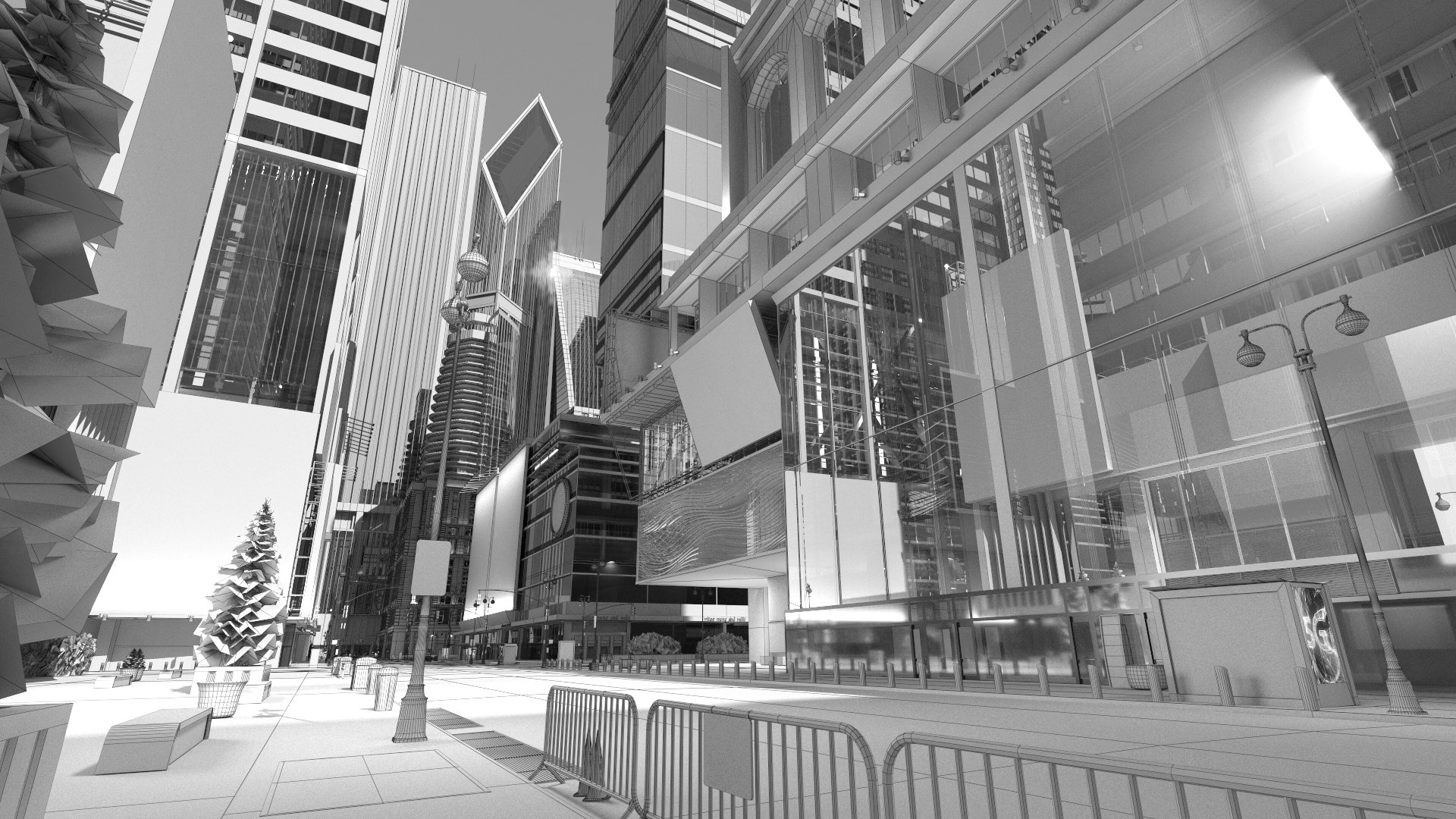
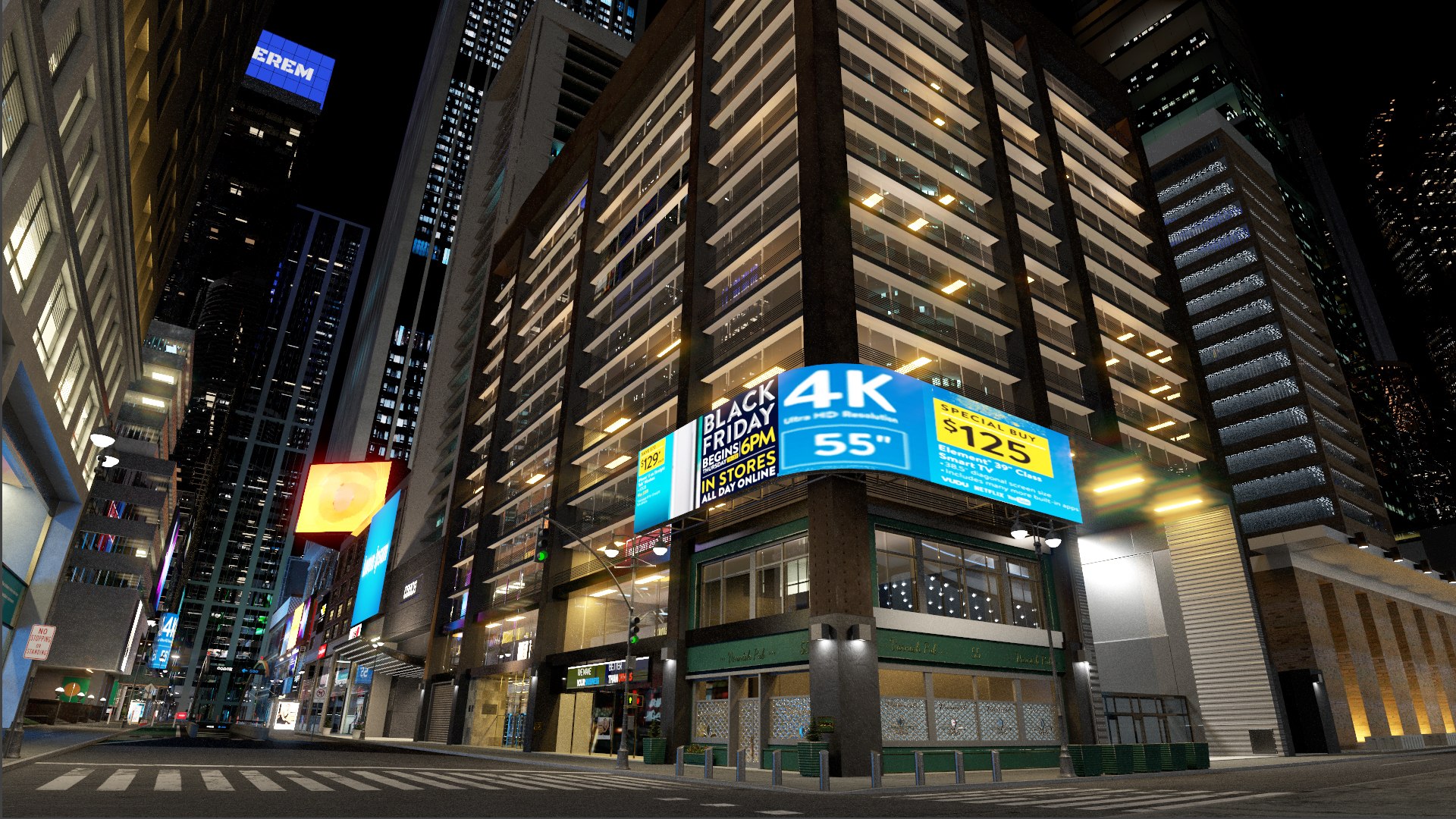
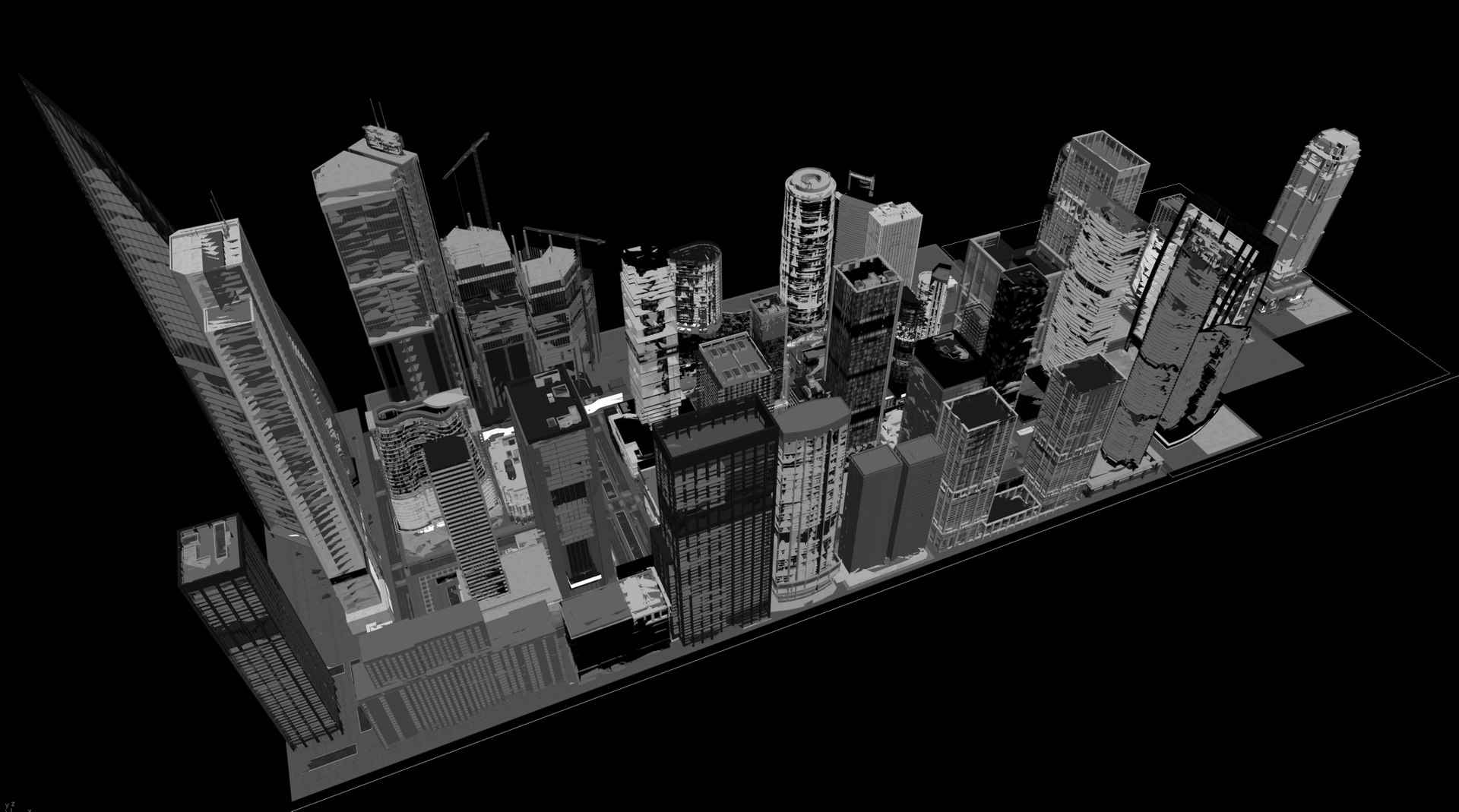
City no brand advertising Day and Night

$1,799

Standard License | Upgrade License
Editorial Uses Only
Formats (4)
Native | 3ds Max 2018 | V-Ray 5
3ds Max 2016 | V-Ray
OBJ
FBX
Other Files
textures.zip
Specifications
Publish Date January 05, 2020
Product ID 1490908
Polygons 2,193,000
Vertices 2,636,000
Polygonal Quads/Tris Geometry
Textures
Materials
UV Mapped
Mixed Unwrapped UVs
PBR
TurboSquid Exclusive
member avatar
Dovjan
137 Products | Contributor Since 2015
Have questions? Chat with us now.

Description

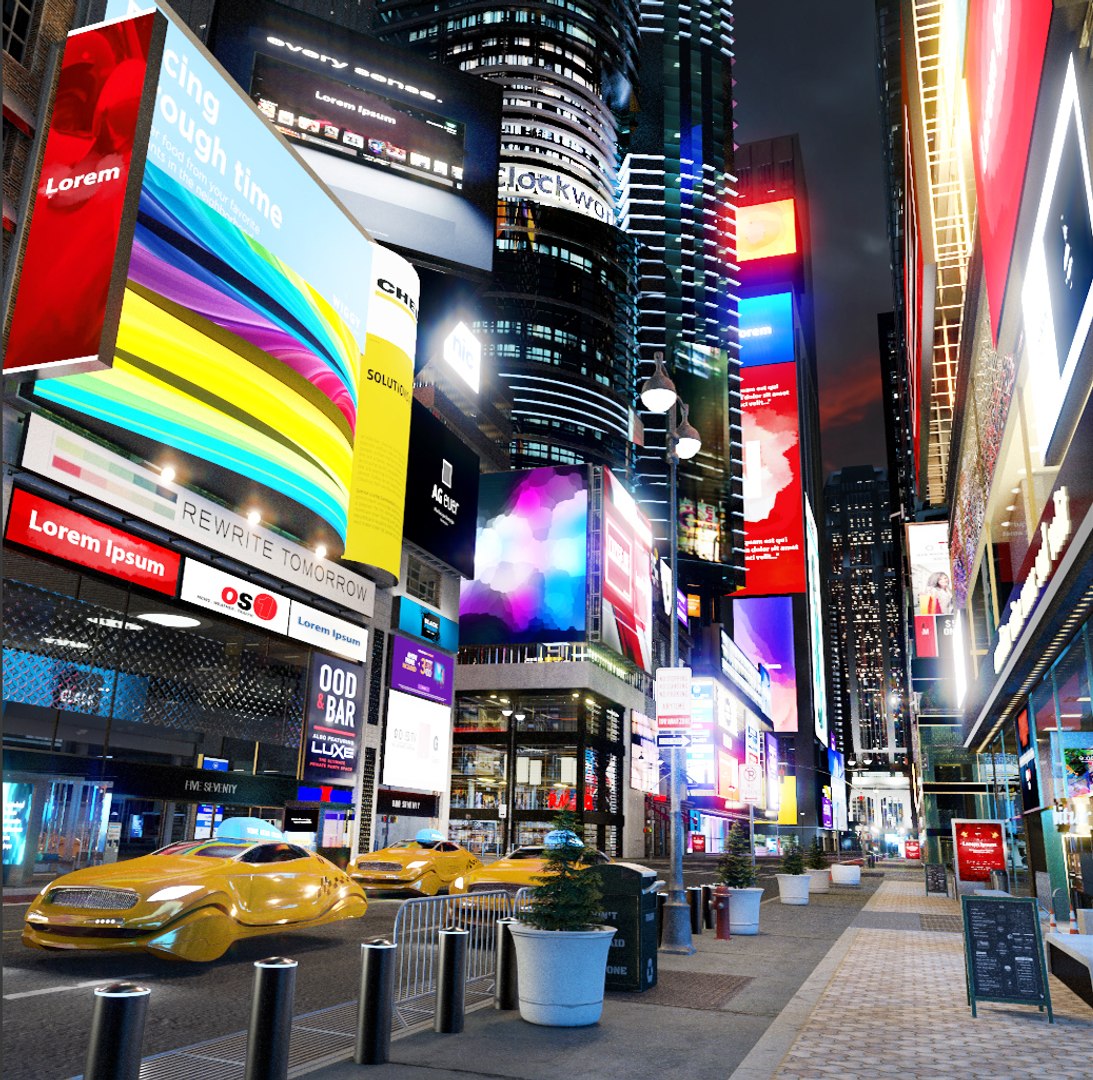
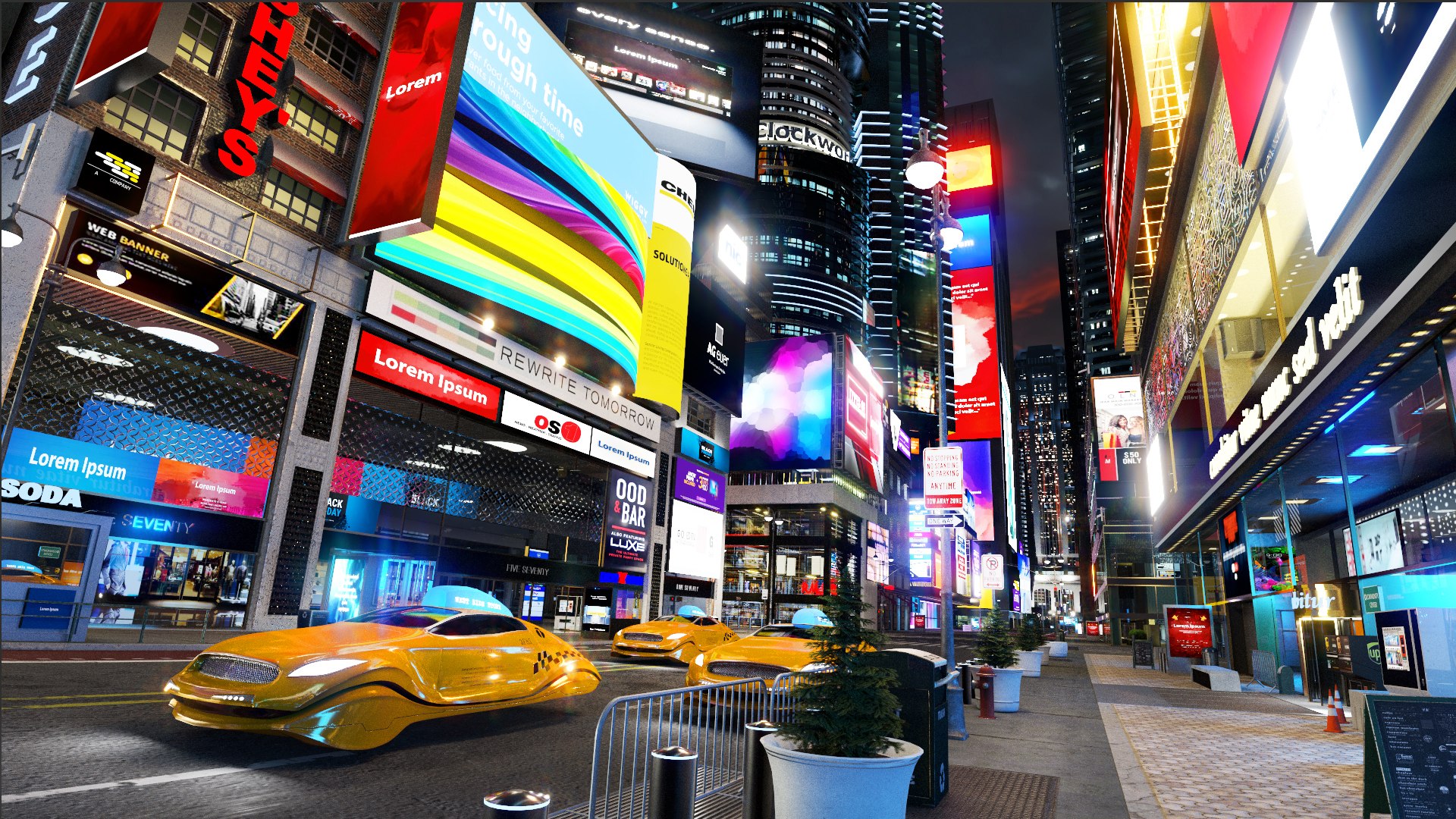
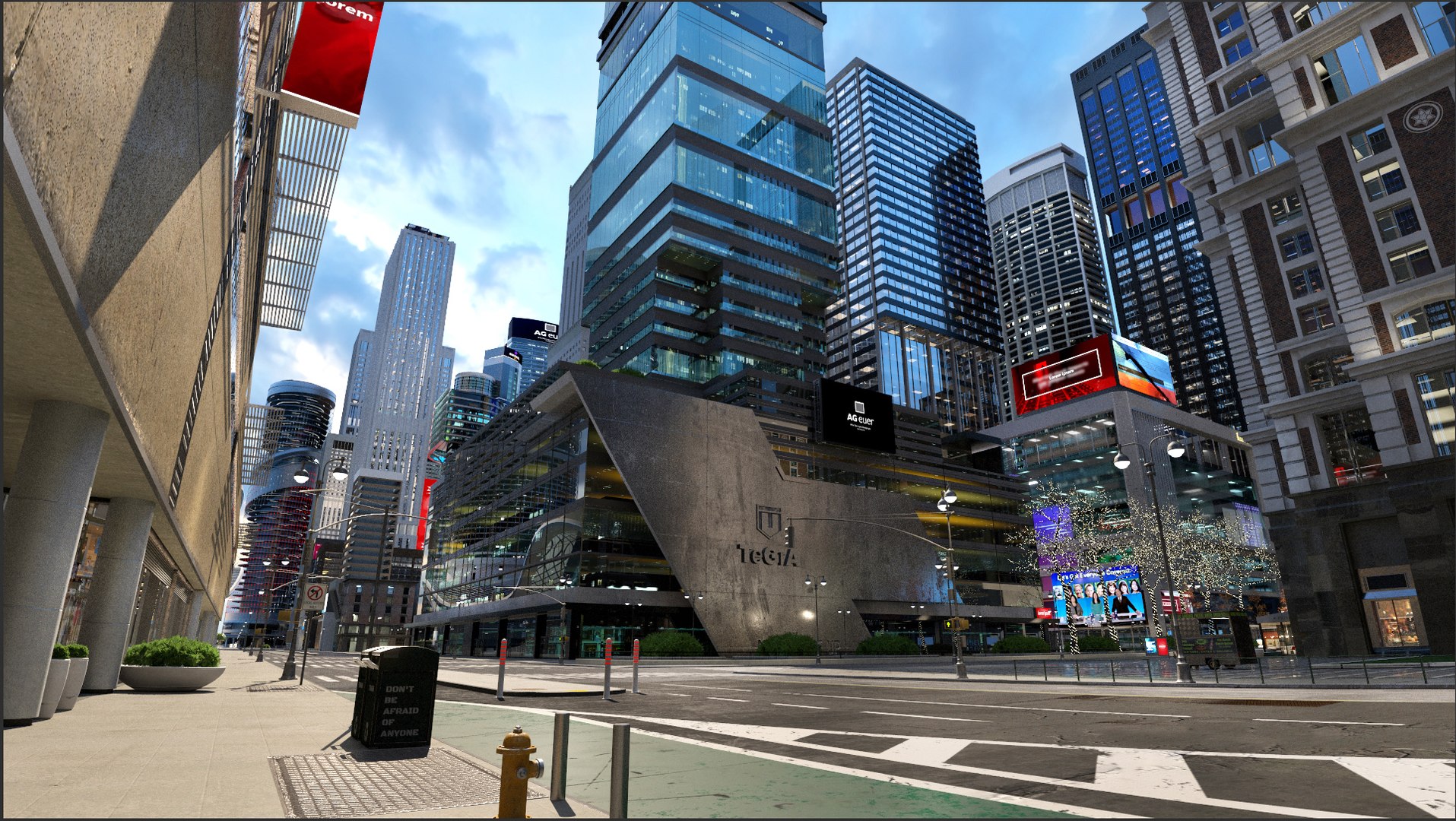
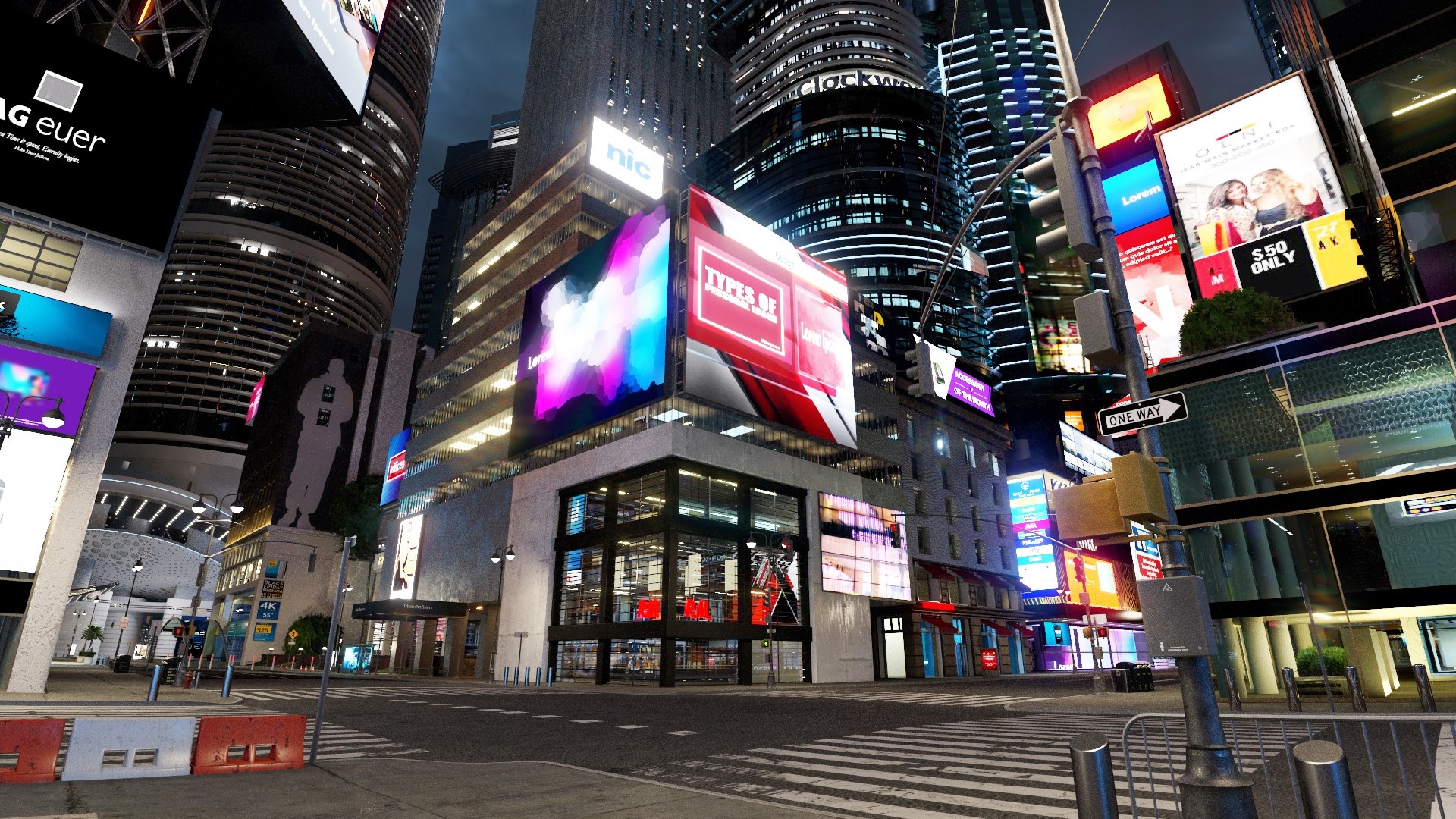
Downtown (no brand advertising). Day and Night in one scene.

Roads and blocks are made in the form of modules. You can increase the area size.
Fragment of the city center. 16 blocks

Normal maps are heavily used in the scene.Thus minimizing the number of polygons. Triangles are used.in exceptional cases.

No building is a copy of the existing one.

The MAX archive includes two versions of the file with settings for day and night respectively.

The Hdri sky is not included in the texture set.
Trees, shrubs, and other vegetation make up 1/3 of the total number of polygons.

Almost all PBR Spec/Gloss materials

Main Textures: 4K-8K

Cameras: 32
Lights: 1288
Sun: 4
Shapes: 4
Objects: 5058
Vertices: 2636000
Polygons: 2193000

The Max, FBX(with standard materials for Unity etc) and OBJ archives do not contain textures, and you can download them in a separate file on the right side of the screen in additional.

You need to reset to Default scanline, and then again to transfer to VRAY mode!

Select Enhanced License

  • $10,000 in Legal Protection (Indemnification)
  • Uncapped Legal Protection (Indemnification)
  • Waiver from injunctive relief
  • Assignable model rights
  • $1,000,000 in Legal Protection (Indemnification)
  • Waiver from injunctive relief
  • Assignable model rights
  • $250,000 in Legal Protection (Indemnification)
  • Assignable model rights
Read more about enhanced license tiers, or contact us at enterprise@turbosquid.com. Already a Shutterstock Enterprise Customer? Contact your Shutterstock Sales Support Agent to talk about adding 3D.

About Conversion Requests

To submit a conversion request for a purchased asset, please complete our Conversion Request Form.

If you have not yet purchased a model, please review our Documentation about Conversions to learn about what limitations you may encounter with a conversion.

For any additional questions about a model’s suitability for conversion, please contact TurboSquid Support.

Loading...