
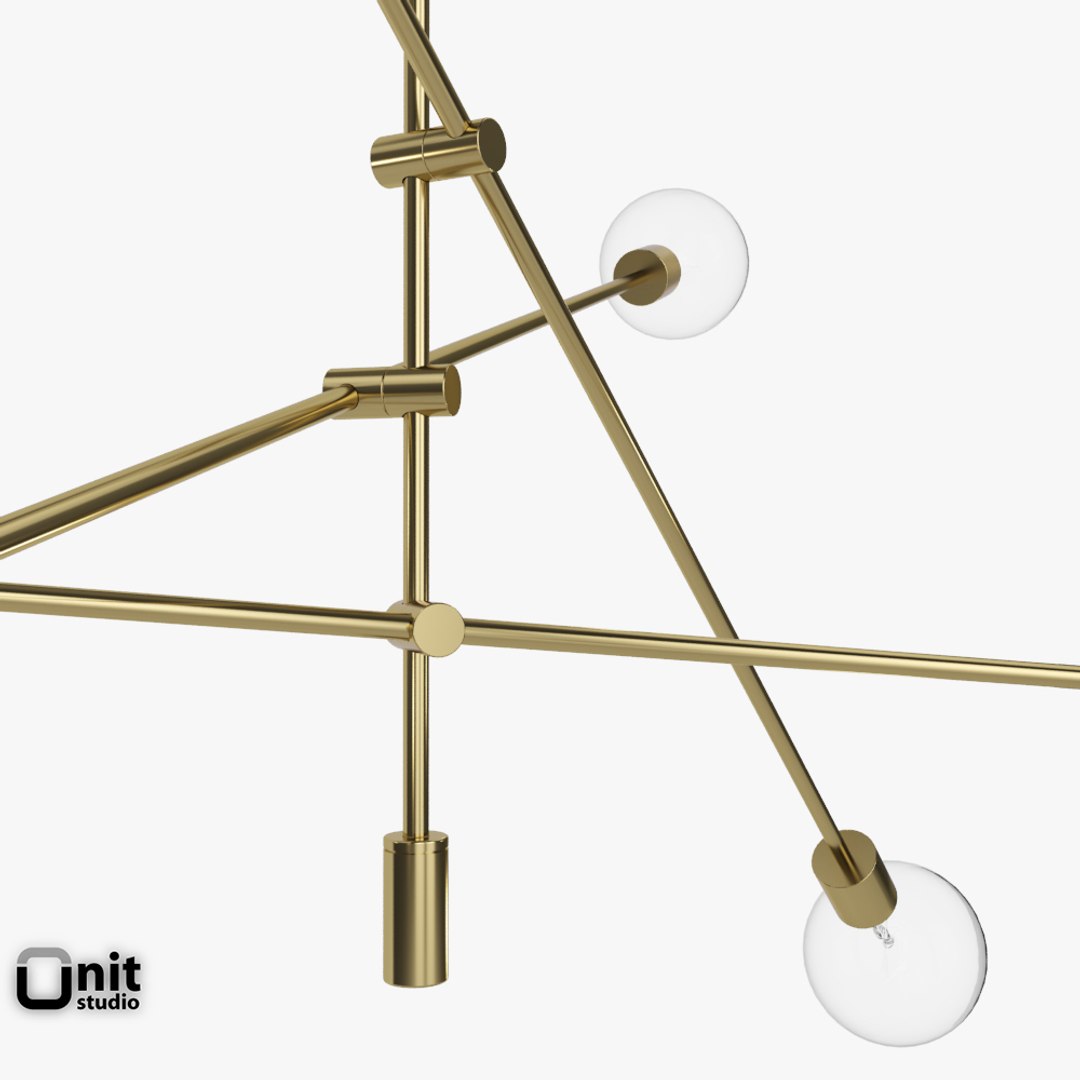
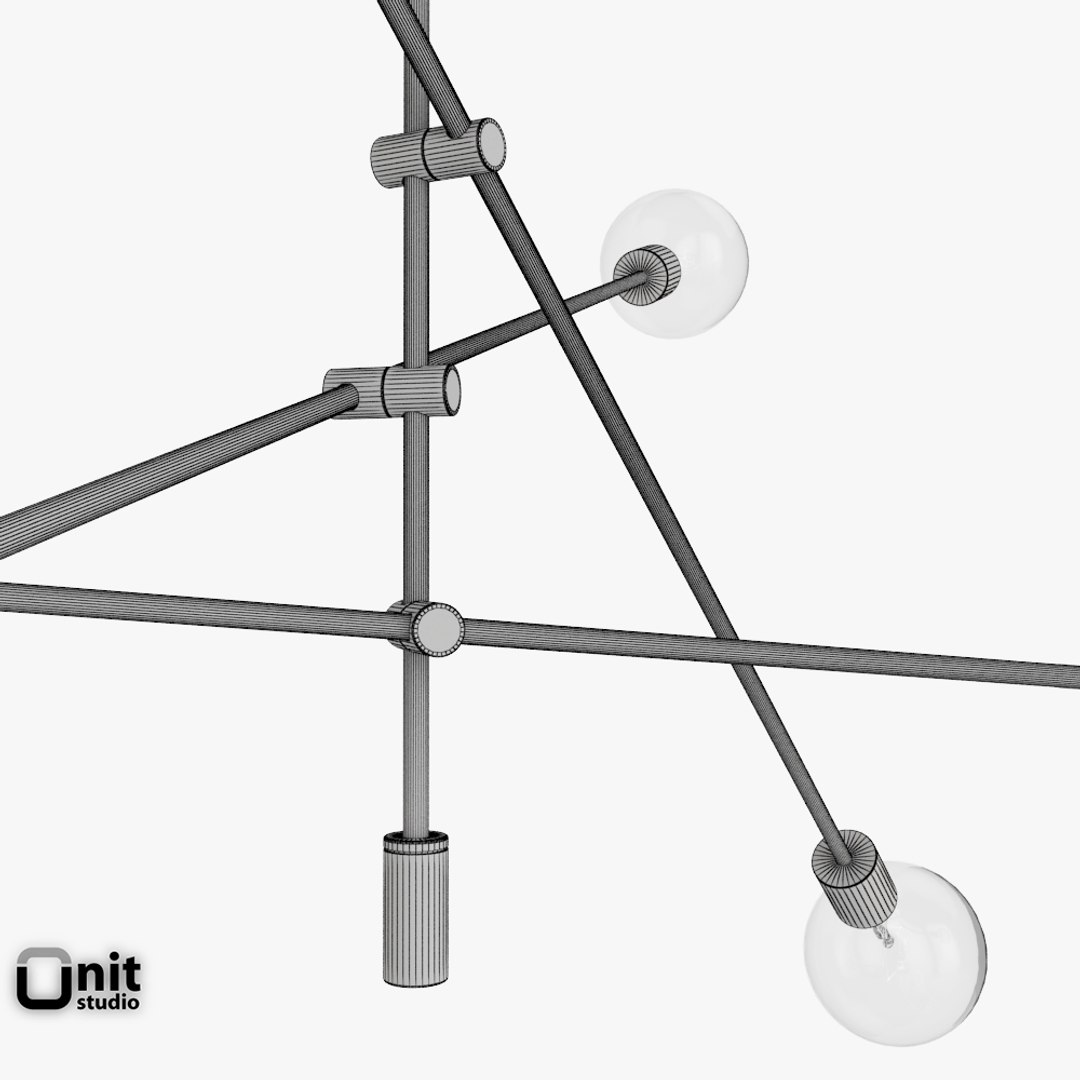
Mobile Chandelier Grand pendant light by West Elm

$20

Standard License | Upgrade License
Editorial Uses Only
Formats (14)
Native | 3ds Max 2021 | V-Ray Next
3ds Max 2016 | Default Scanline 2016
3ds Max 2016 | V-Ray Next
3ds Max 2018 | V-Ray Next
3ds Max 2018 | Corona 2.0
3ds Max 2020 | Default Scanline 2020
3ds Max 2020 | V-Ray Next
3ds Max 2020 | Corona 4
3ds Max 2021 | Corona 4
3ds Max 2021 | Default Scanline 2021
3D Studio
AutoCAD drawing
FBX
OBJ
Specifications
Publish Date January 29, 2016
Product ID 1000442
Polygons 91,914
Vertices 93,442
Polygonal
Textures
Materials
UV Mapped
Overlapping Unwrapped UVs

member avatar
UnitStudio
243 Products | Contributor Since 2012
Have questions? Chat with us now.

Description

Model and previews created in 3ds Max 2021 with VRay Next

Archives contain:
MAX 2021/2020/2018/2016 file with VRay Next materials, mapping and textures
MAX 2021/2020/2018 file with Corona materials, mapping and textures
MAX 2020 file with scanline basic materials
MAX 2016 file with scanline basic materials
3DS, DWG, FBX and OBJ file conversion

MAX and FBX versions have all separated parts with meaningful names.
MAX file includes adjusted pivot points for easy positioning and animation.
Environments are not included.

Mobile Chandelier Grand is a contemporary pendant light. The chandelier has adjustable arms which allow different configurations, available with in various metal finishing. Distributed by West Elm.

Select Enhanced License

  • $10,000 in Legal Protection (Indemnification)
  • Uncapped Legal Protection (Indemnification)
  • Waiver from injunctive relief
  • Assignable model rights
  • $1,000,000 in Legal Protection (Indemnification)
  • Waiver from injunctive relief
  • Assignable model rights
  • $250,000 in Legal Protection (Indemnification)
  • Assignable model rights
Read more about enhanced license tiers, or contact us at enterprise@turbosquid.com. Already a Shutterstock Enterprise Customer? Contact your Shutterstock Sales Support Agent to talk about adding 3D.

About Conversion Requests

To submit a conversion request for a purchased asset, please complete our Conversion Request Form.

If you have not yet purchased a model, please review our Documentation about Conversions to learn about what limitations you may encounter with a conversion.

For any additional questions about a model’s suitability for conversion, please contact TurboSquid Support.

Loading...