


Magnet Collection

$24

Standard License | Upgrade License
Formats (45)
Native | 3ds Max 2013 | V-Ray 2.30.01
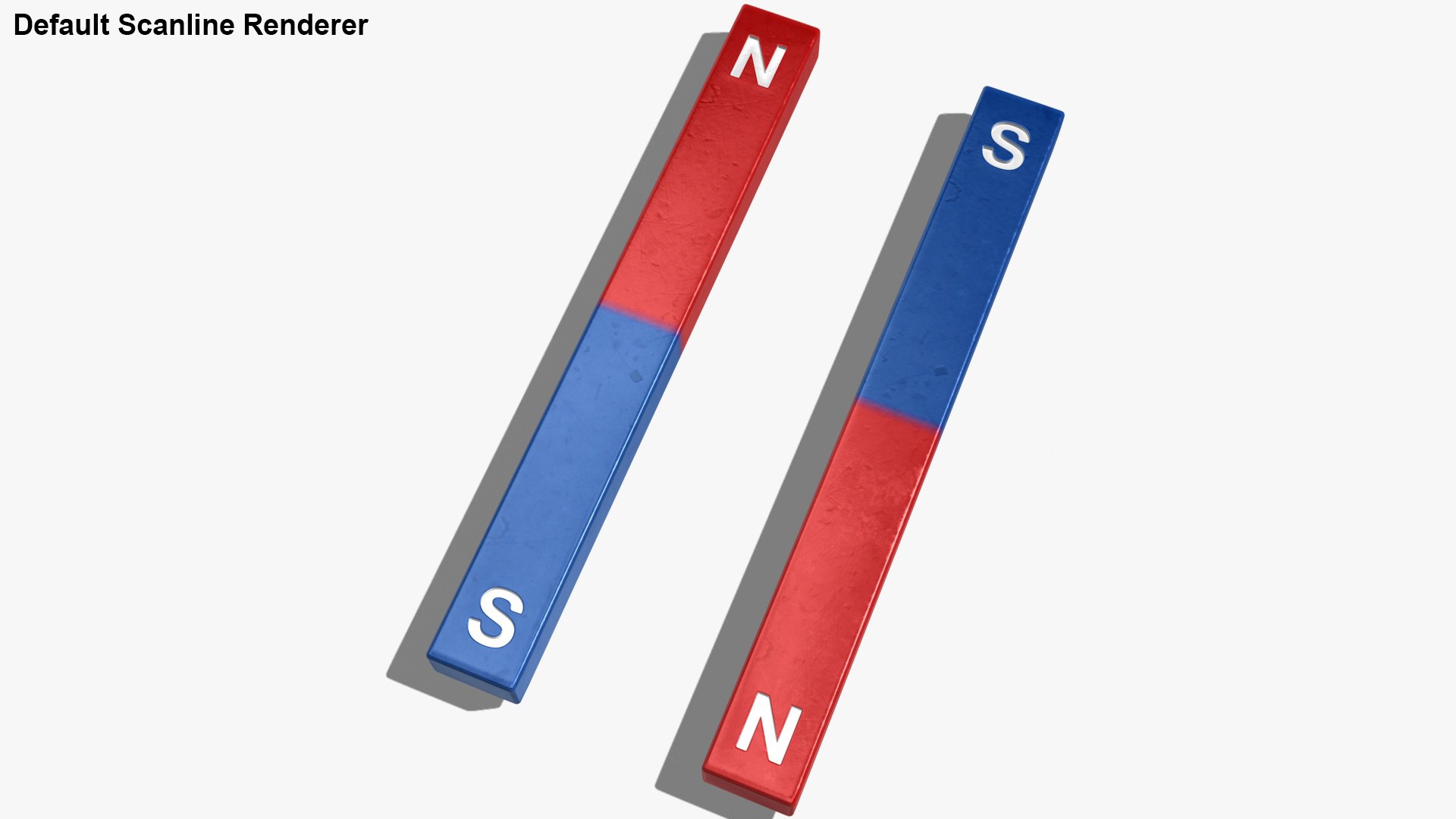
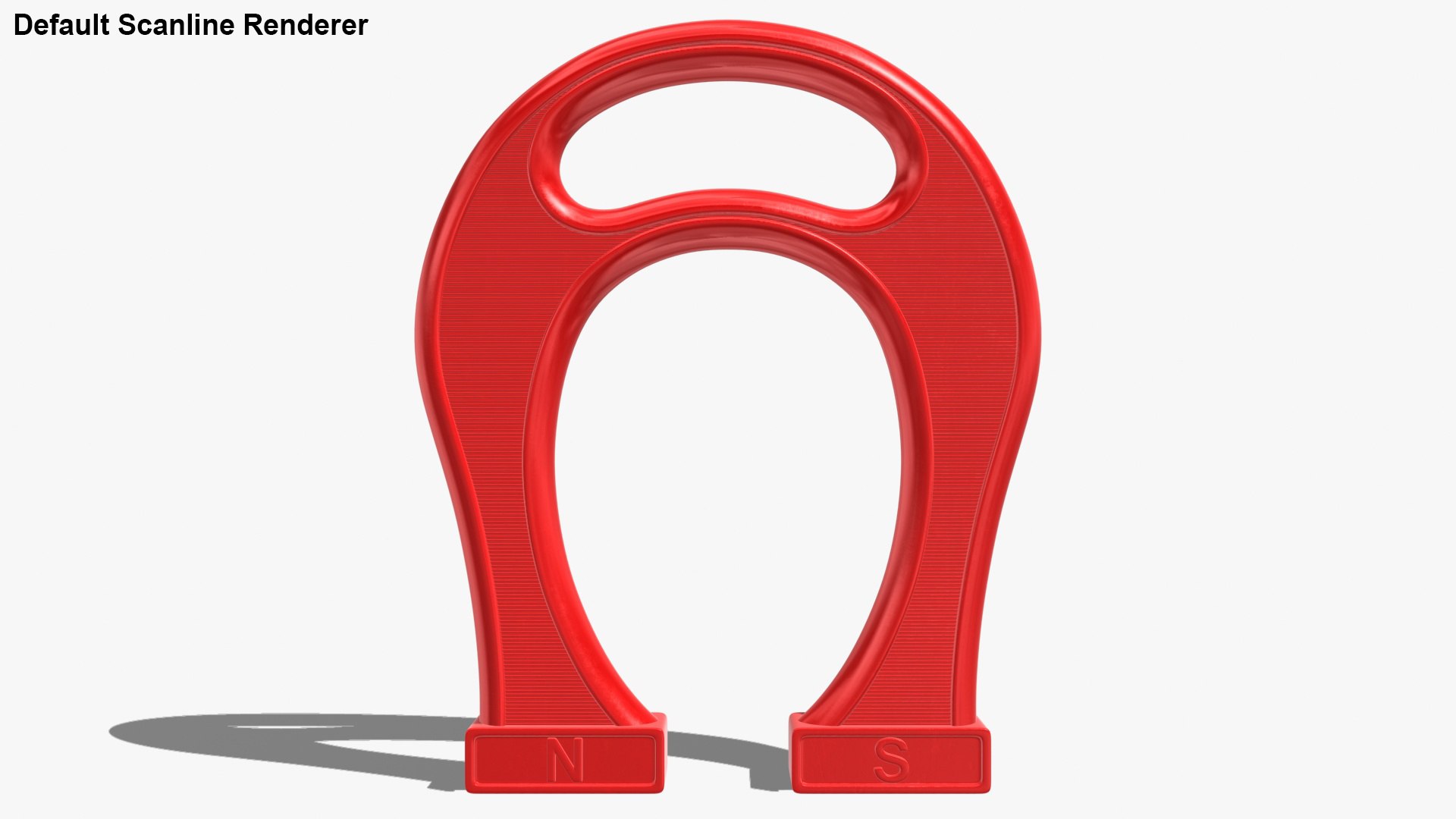
3ds Max 2013 | Default Scanline
3ds Max 2013 | V-Ray 2.30.01
Cinema 4D R18 | Advanced Render
Cinema 4D R18 | Arnold 5.3.1.1
3ds Max 2018 | Arnold 5.3.1.1
3ds Max 2015 | mental ray
3ds Max 2015 | V-Ray 3.2
Maya 2017 | Arnold 5.3.1.1
FBX
OBJ
3D Studio
Specifications
Publish Date November 29, 2020
Product ID 1657161
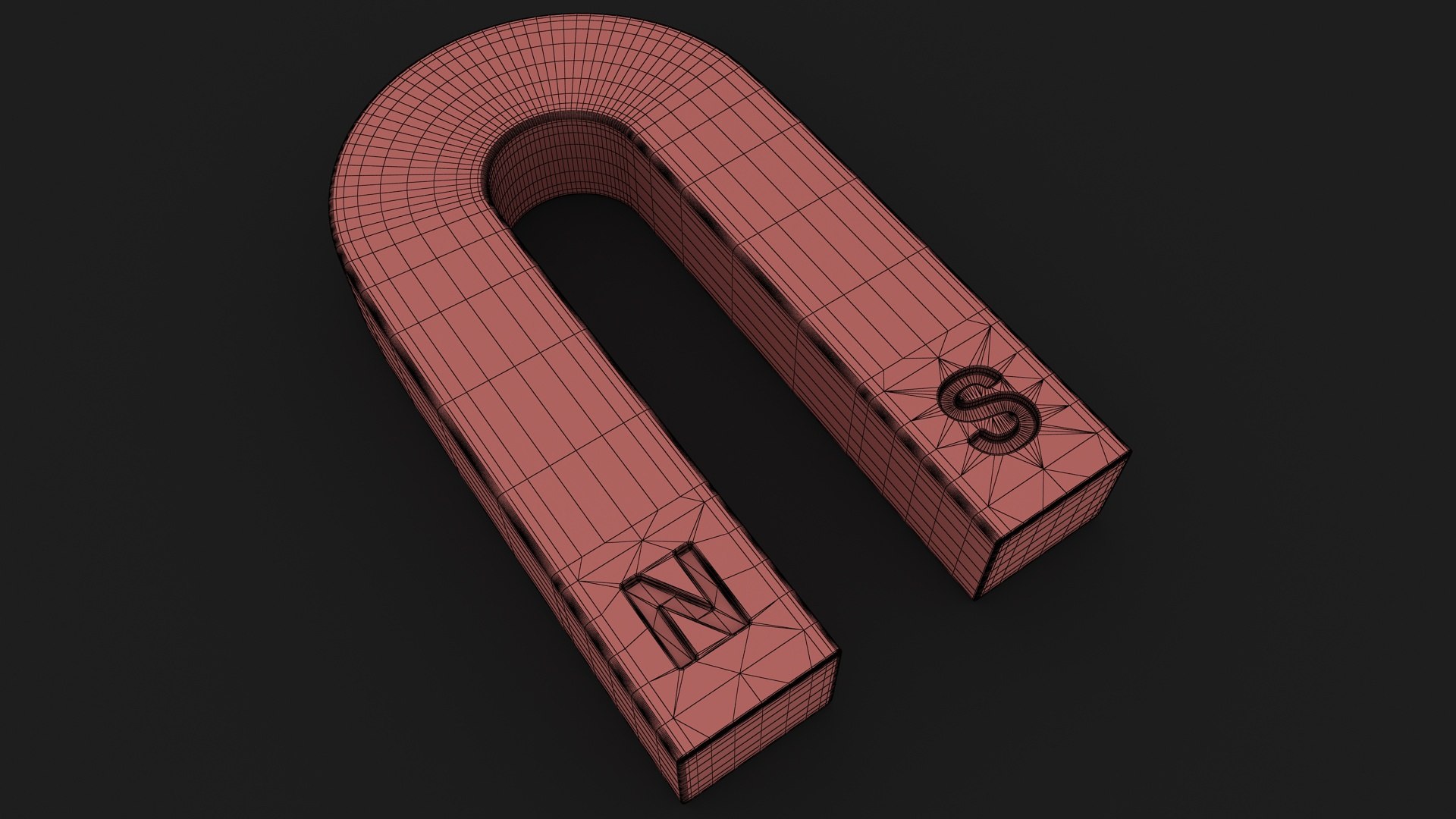
Polygons 12,420
Vertices 12,285
Polygonal Quads/Tris Geometry
Textures
Materials
UV Mapped
Non-overlapping Unwrapped UVs
PBR
StemCell Certified
TurboSquid Exclusive
member avatar
3dror
7096 Products | Contributor Since 2012
Have questions? Chat with us now.

Description

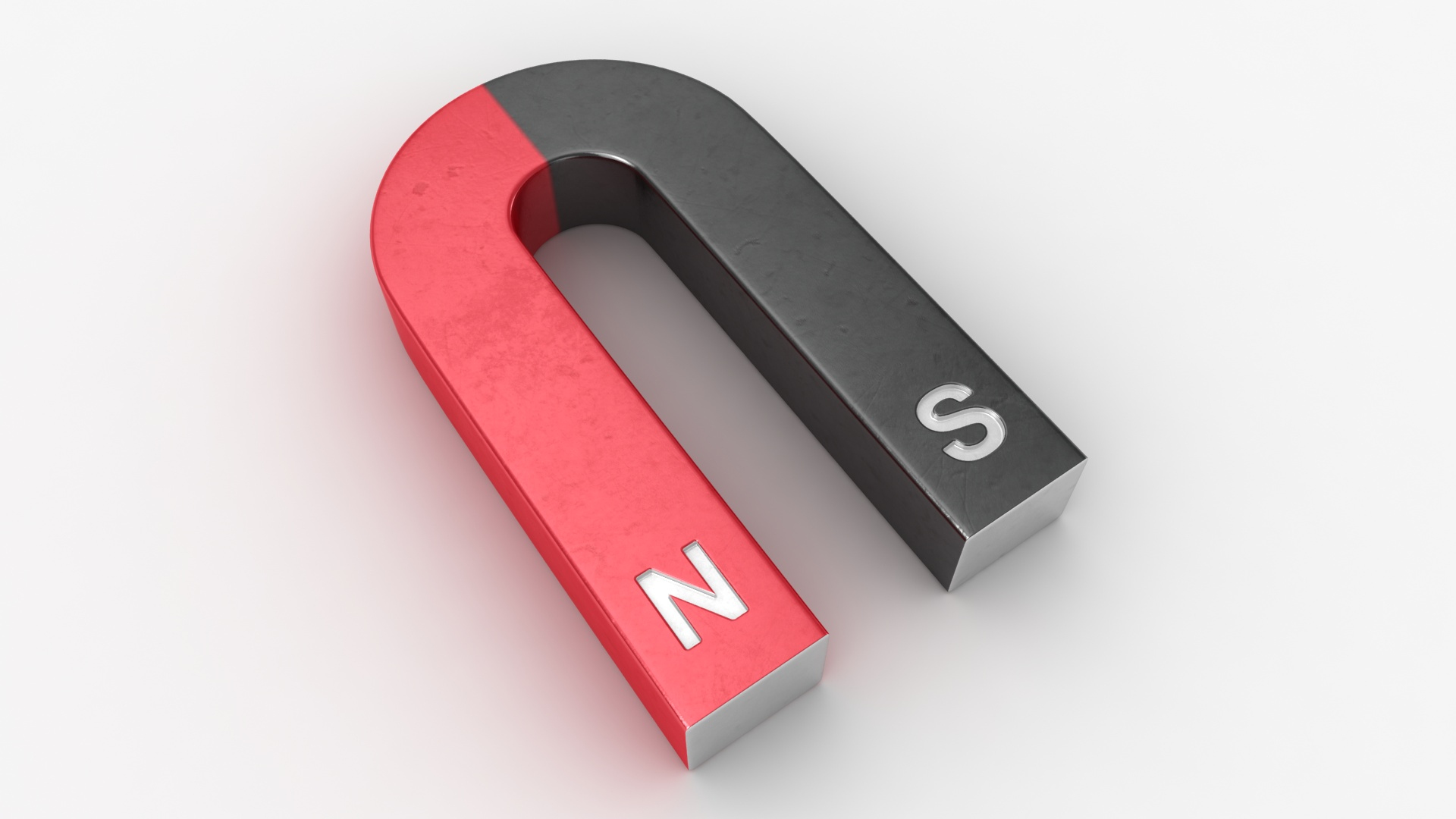
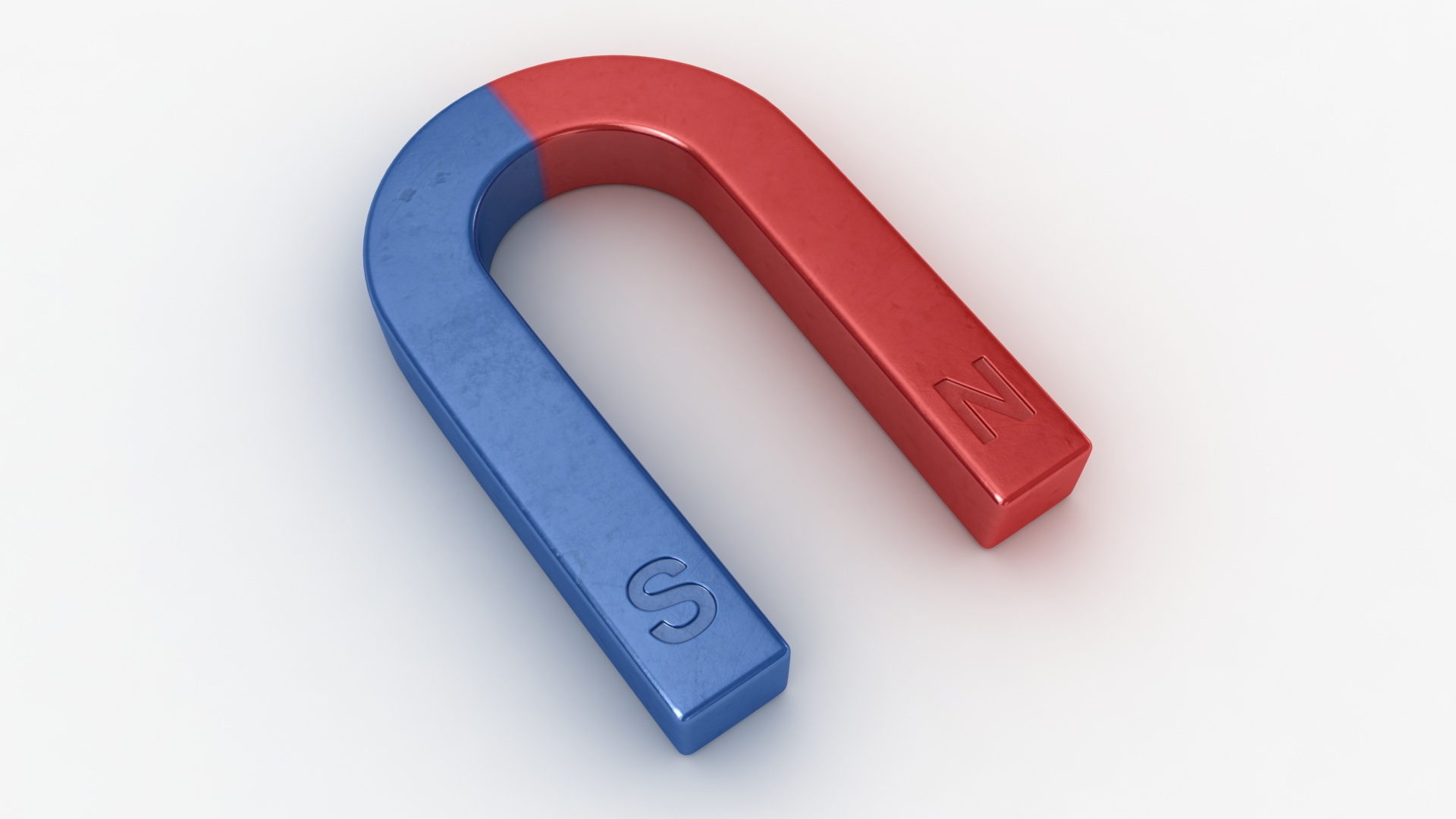
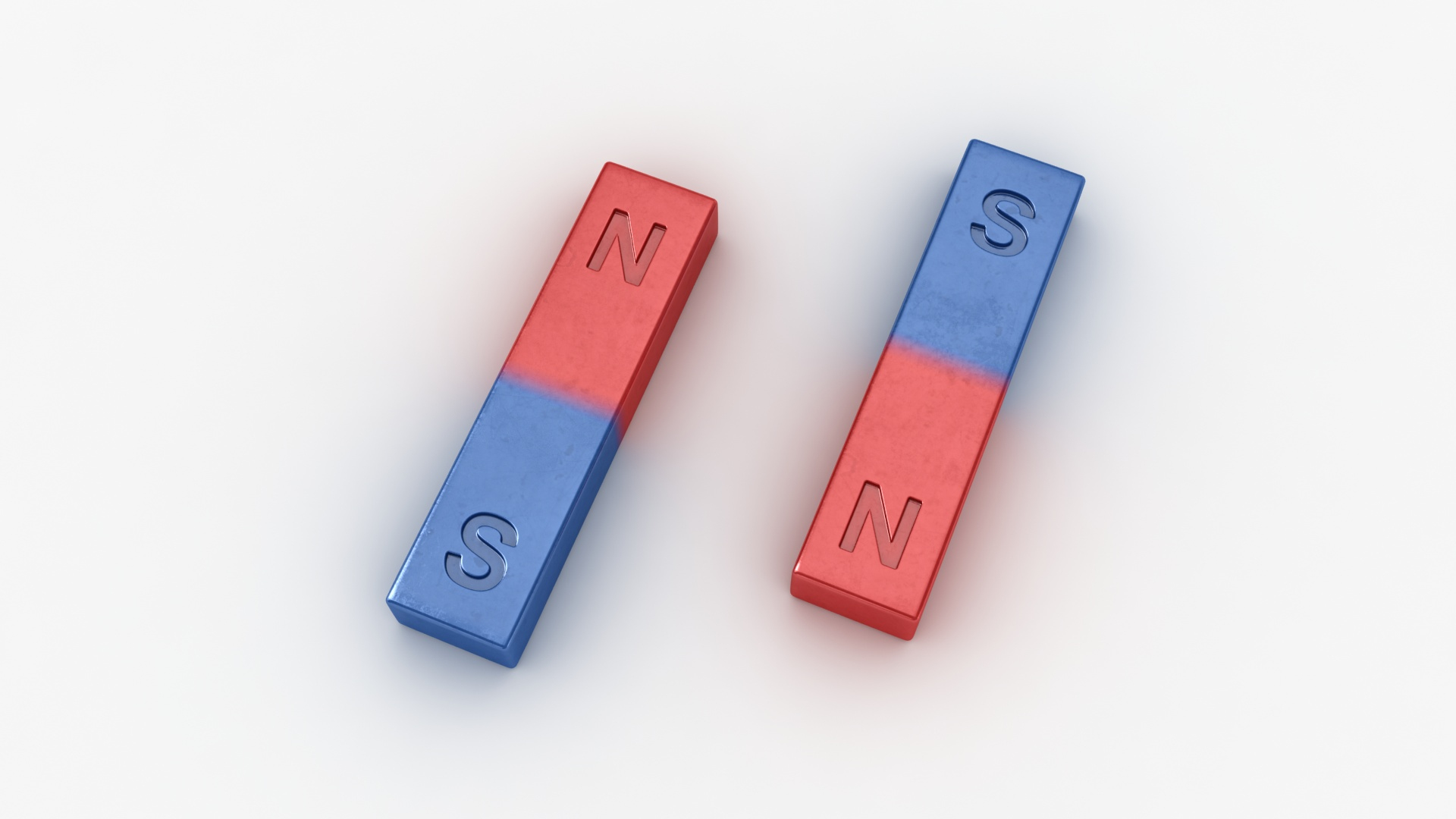
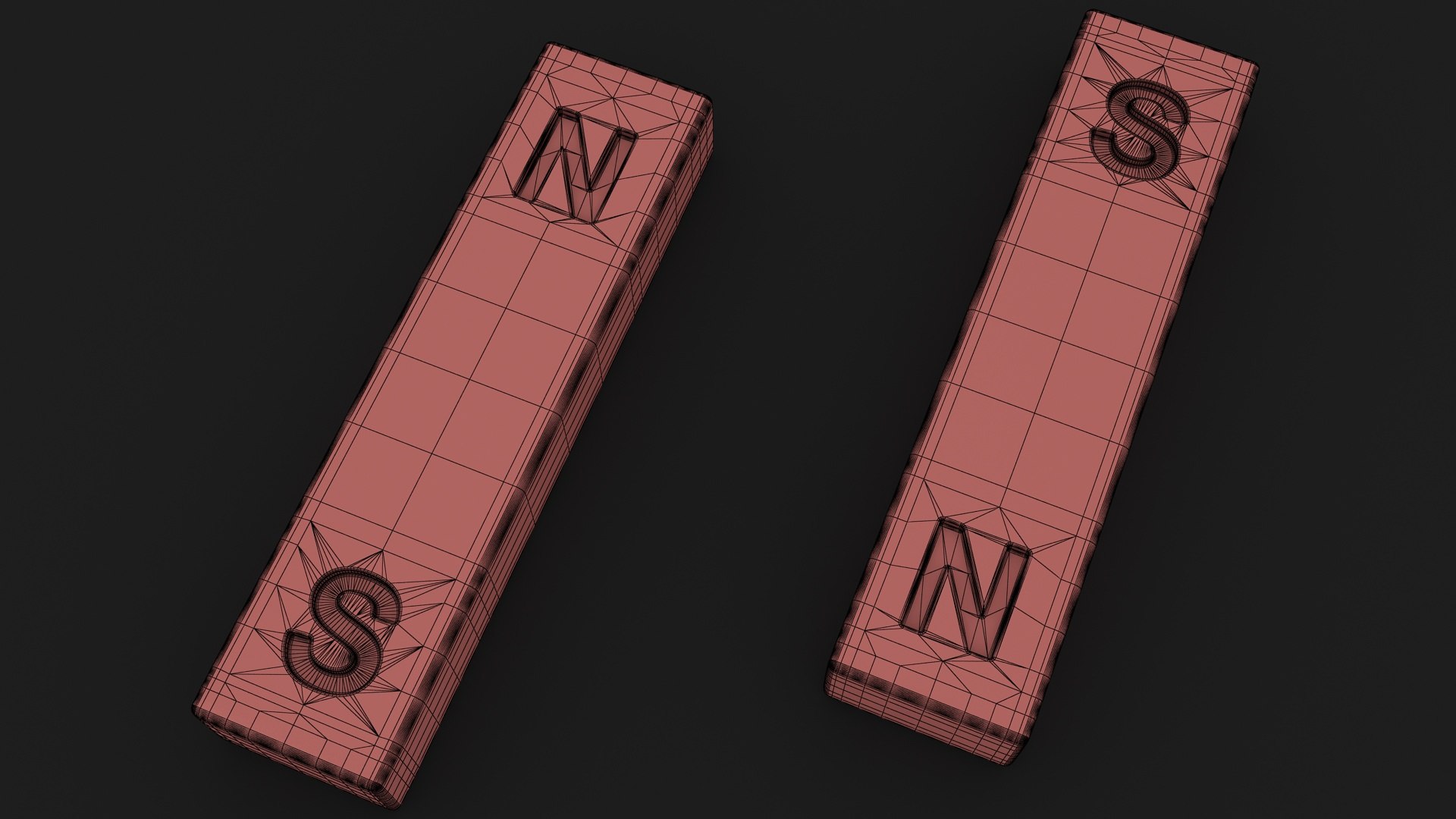
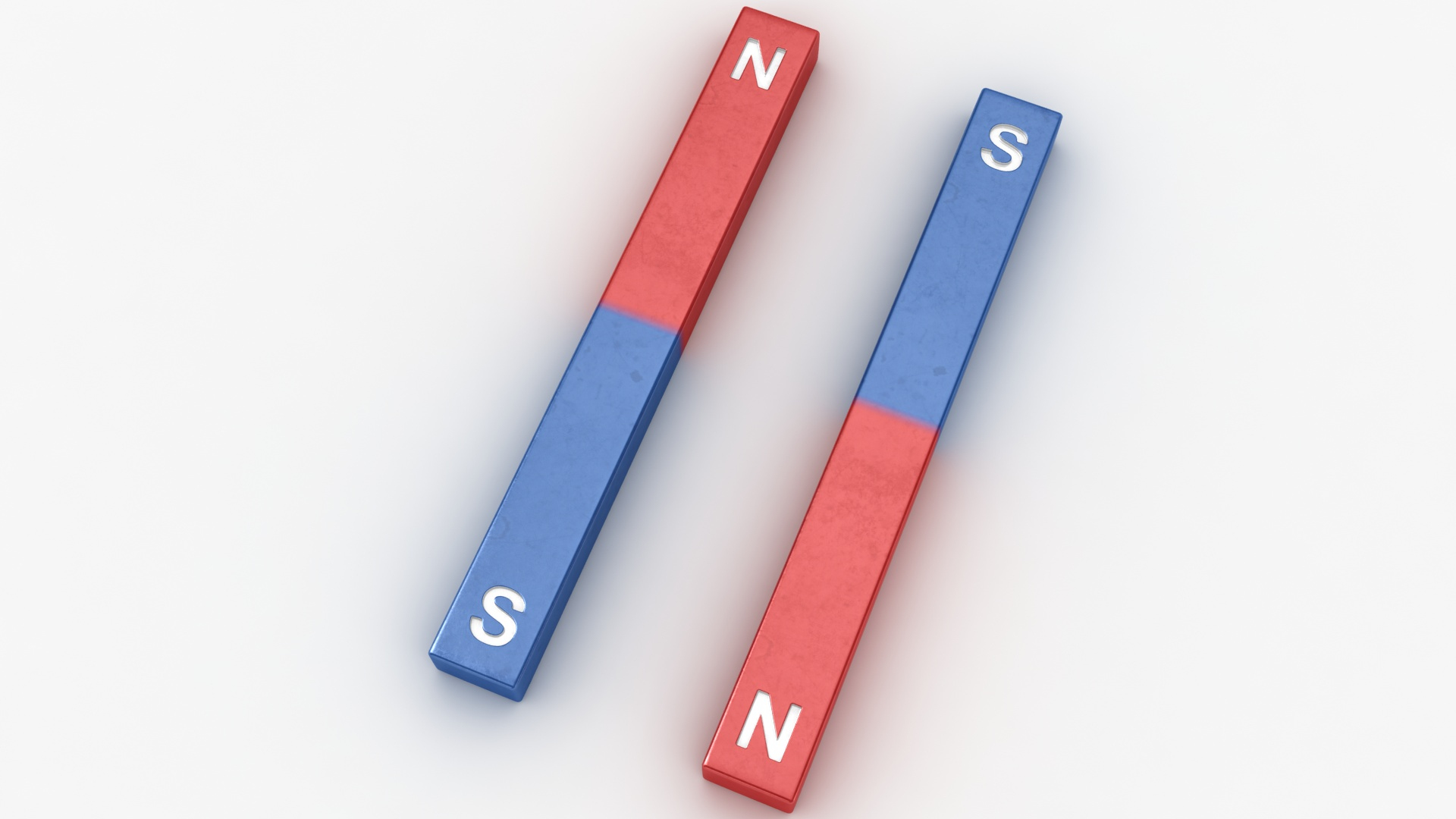
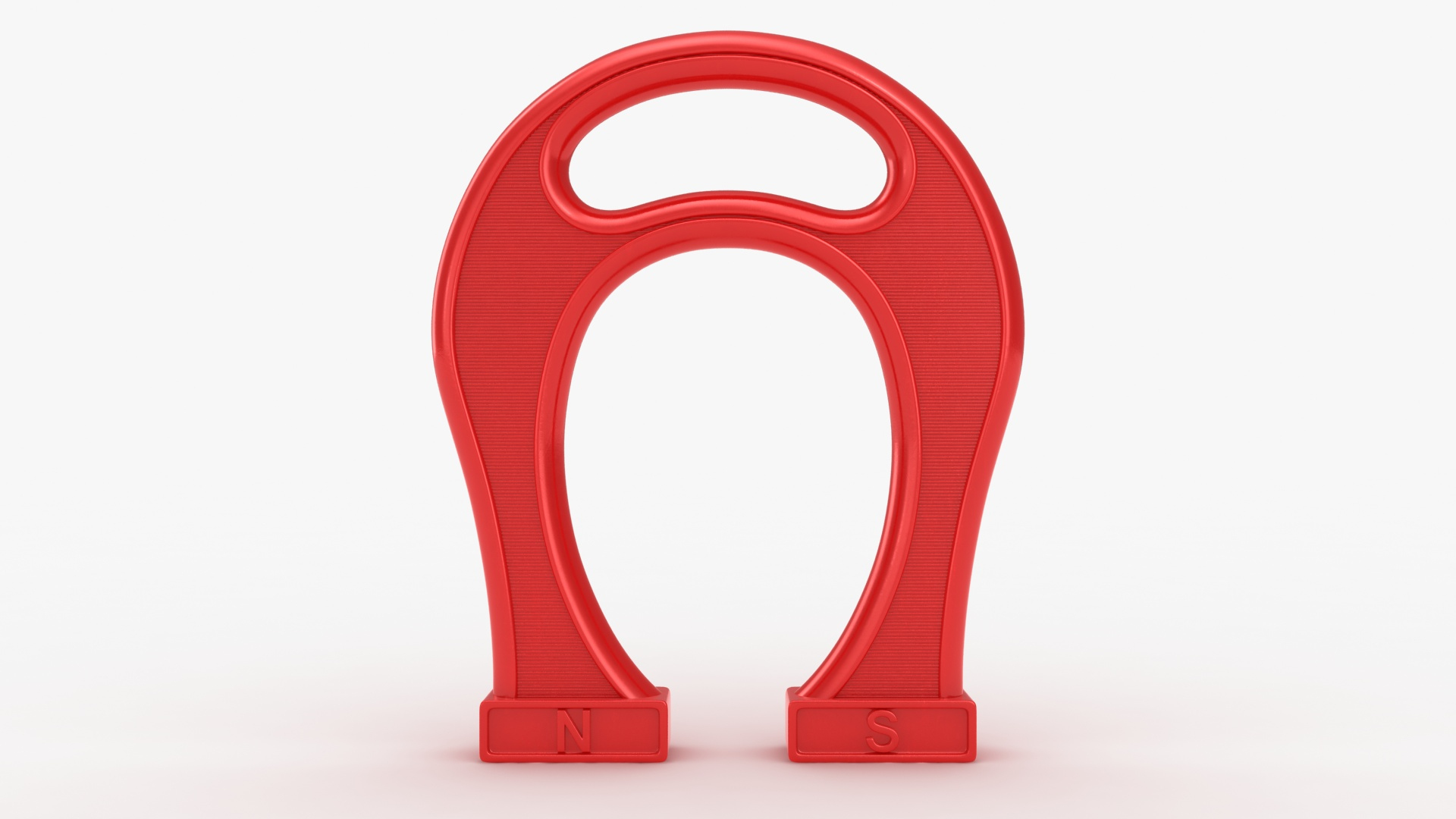
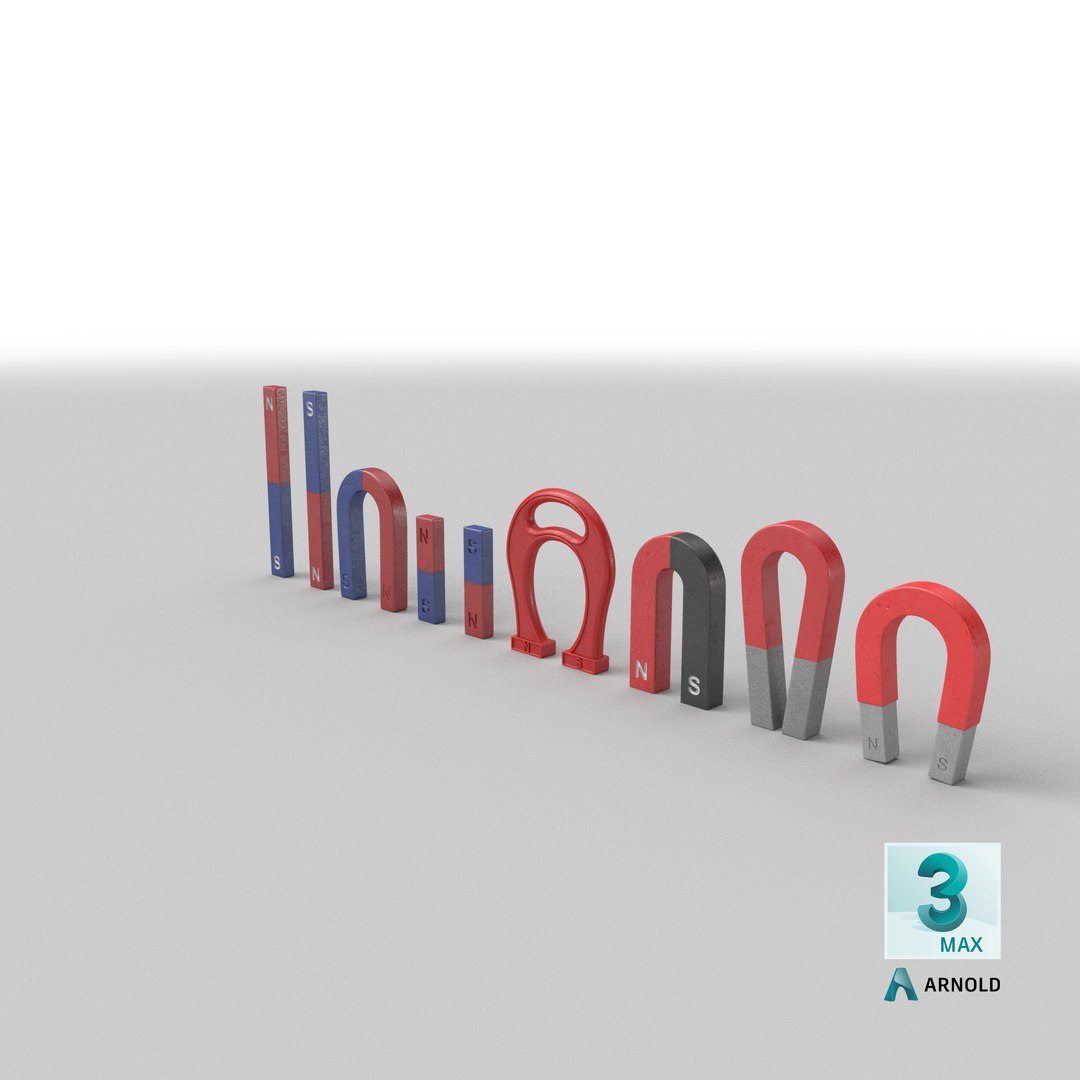
Realistic 3D model of the Magnet Collection

1. Horseshoe Magnet 01 ID 1654553
2. Horseshoe Magnet 02 ID 1654822
3. Horseshoe Magnet 03 ID 1654907
4. Horseshoe Magnet ID 1655089
5. Bar Magnet 01 ID 1656388
6. Bar Magnet 02 ID 1656487
7. Giant Horseshoe Magnet ID 1656775

* The materials are available in the 3ds Max file format with V-Ray and Scanline Render

* Other file formats: Maya, Cinema 4D, FBX, OBJ and 3DS

-Scene lighting is included, ready for instant rendering

* All the objects of the model are named

* All the materials are named

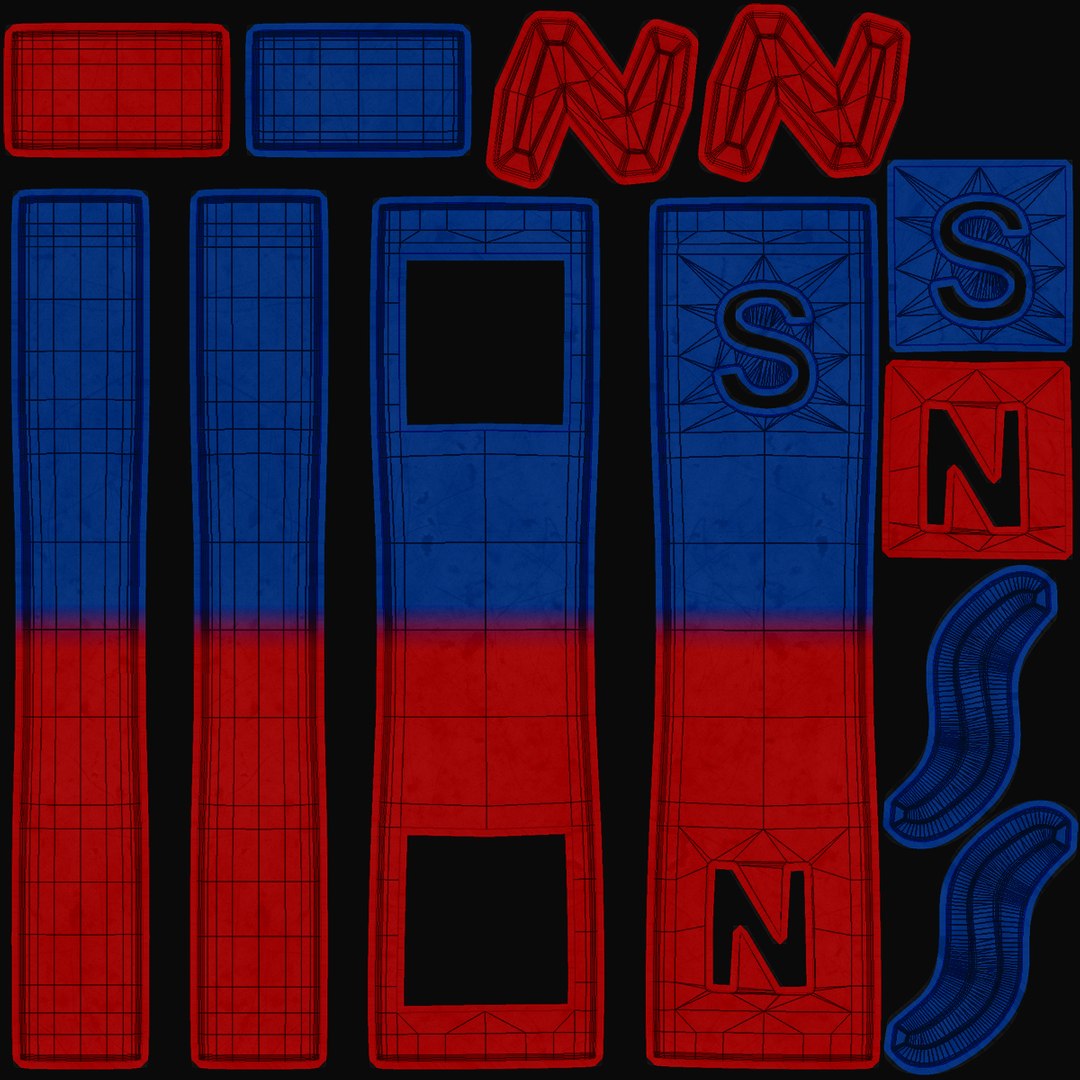
* Texture:
35.PNG- 2048*2048
-Environment Map (Reflection)
V-Ray Renderer: HDRI- 5000*2500
Default Scanline Renderer: JPEG (.jpg)- 512*512

* Requires 3ds Max Version 2013 and higher

* Real-world scale (Centimeters)

Select Enhanced License

  • $10,000 in Legal Protection (Indemnification)
  • Uncapped Legal Protection (Indemnification)
  • Waiver from injunctive relief
  • Assignable model rights
  • $1,000,000 in Legal Protection (Indemnification)
  • Waiver from injunctive relief
  • Assignable model rights
  • $250,000 in Legal Protection (Indemnification)
  • Assignable model rights
Read more about enhanced license tiers, or contact us at enterprise@turbosquid.com. Already a Shutterstock Enterprise Customer? Contact your Shutterstock Sales Support Agent to talk about adding 3D.

About Conversion Requests

To submit a conversion request for a purchased asset, please complete our Conversion Request Form.

If you have not yet purchased a model, please review our Documentation about Conversions to learn about what limitations you may encounter with a conversion.

For any additional questions about a model’s suitability for conversion, please contact TurboSquid Support.

Loading...