
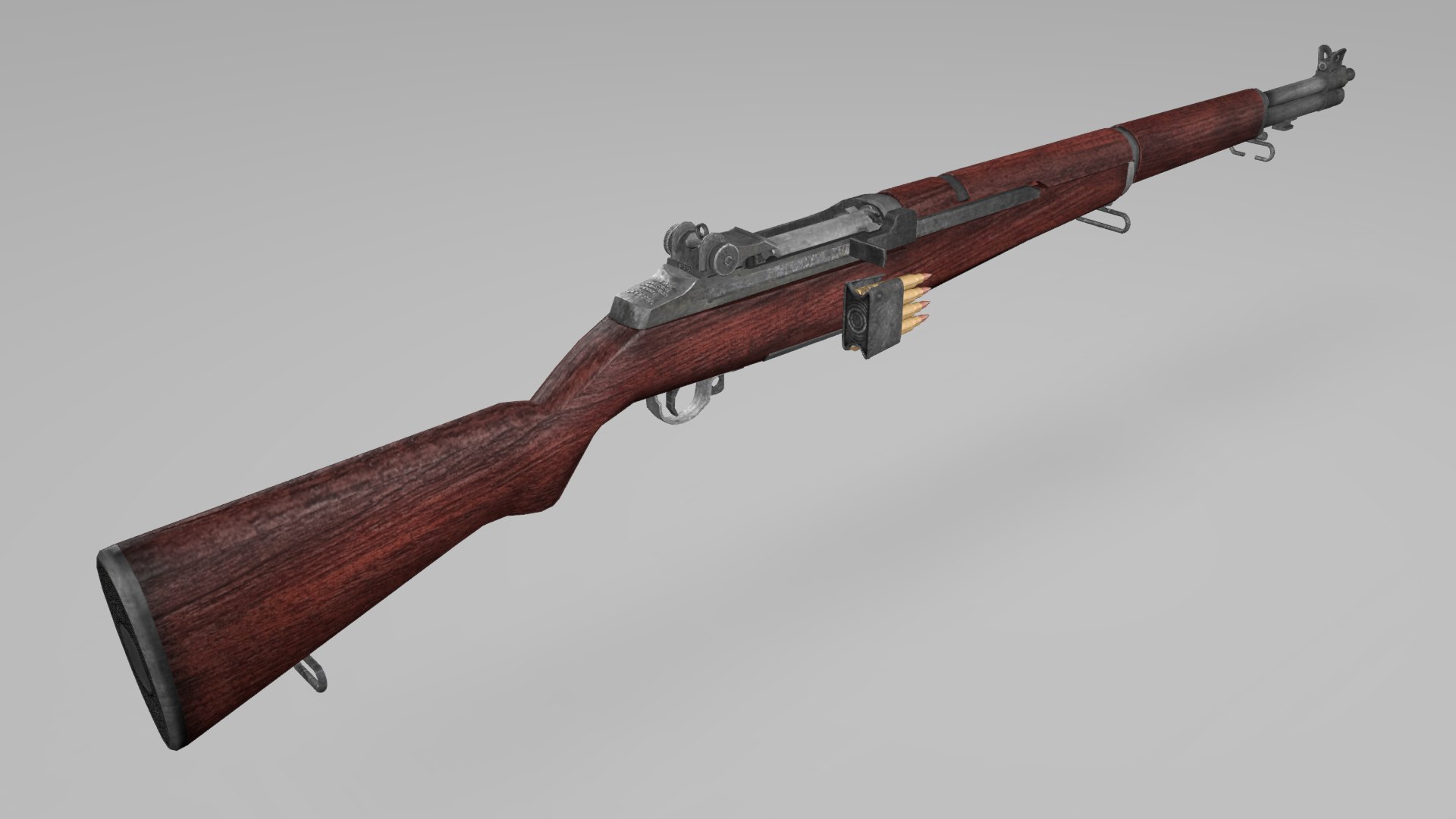
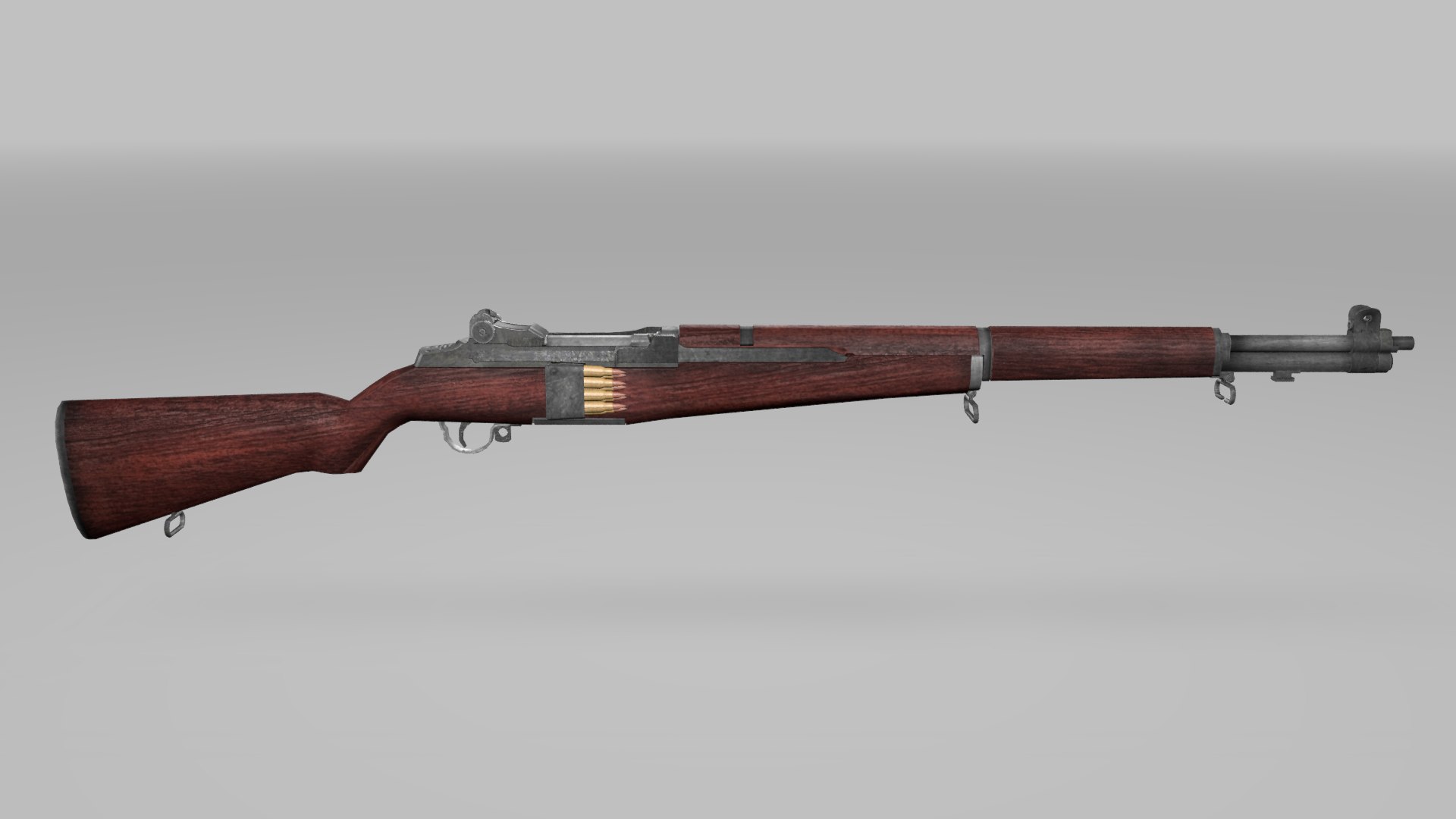
M1 Garand

$69

Standard License | Upgrade License
Editorial Uses Only
Formats (18)
Free file format Conversions available
Native | Blender 4.2 | Cycles Render 4.2
Blender 3.4 | Blender Render 3,4
Maya 2017 | Arnold 5.3.1.1
Maya 2015 | V-Ray 3.2
Cinema 4D R18 | Arnold 3.2
Cinema 4D R18 | Advanced Render 3.2
3ds Max 2015 | V-Ray 5.20.23
3ds Max 2018 | Arnold 7.0
Maya 2016 | mental ray 3.14.5.1
FBX
glTF
OpenUSD
DXF 2016
STL 2016
FBX 2016
Other Files
m1garand_textures_only.rar
Specifications
Publish Date March 03, 2024
Product ID 2198050
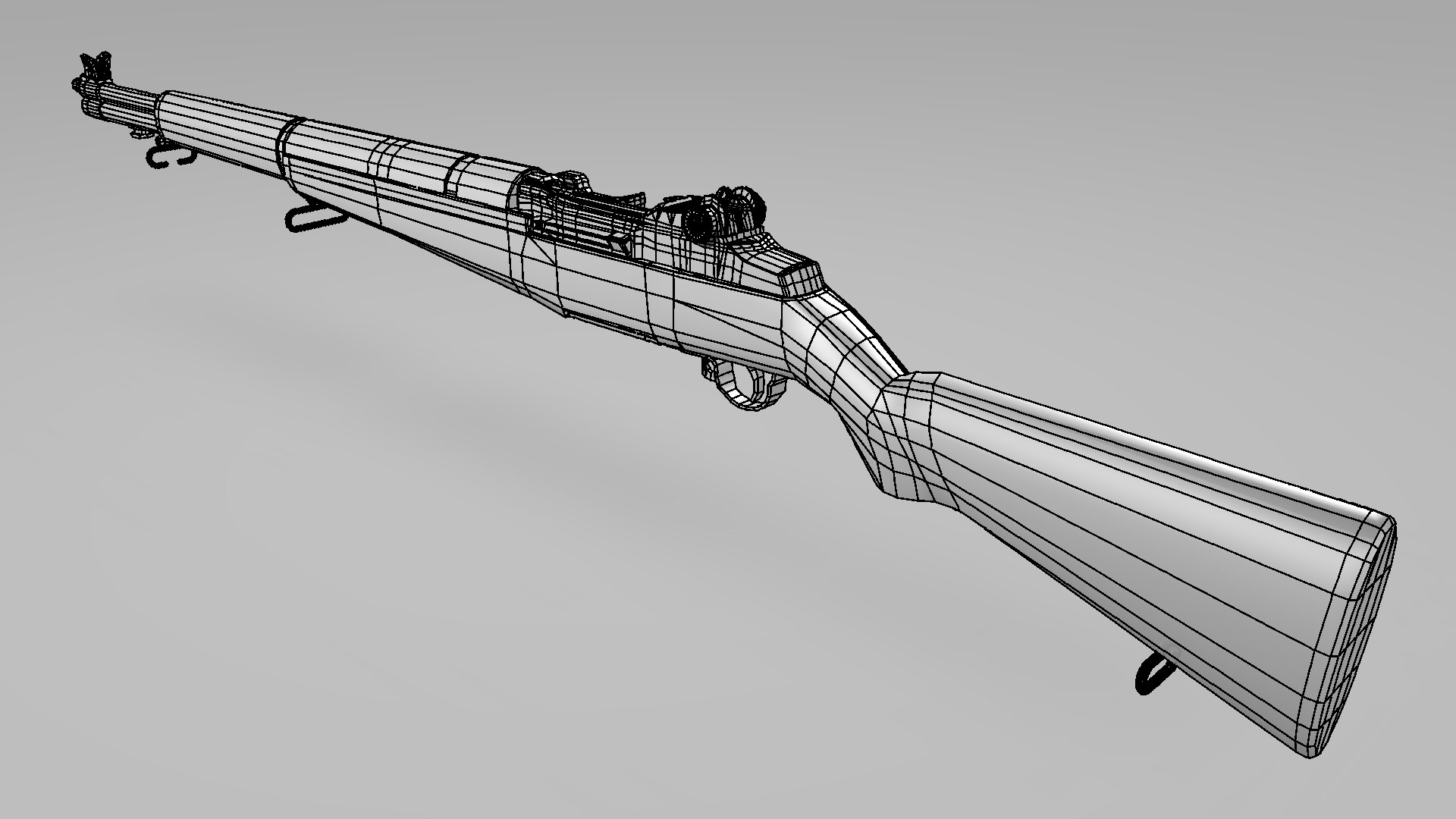
Polygons 9,599
Vertices 9,885
Polygonal Quads/Tris Geometry
Textures
Materials
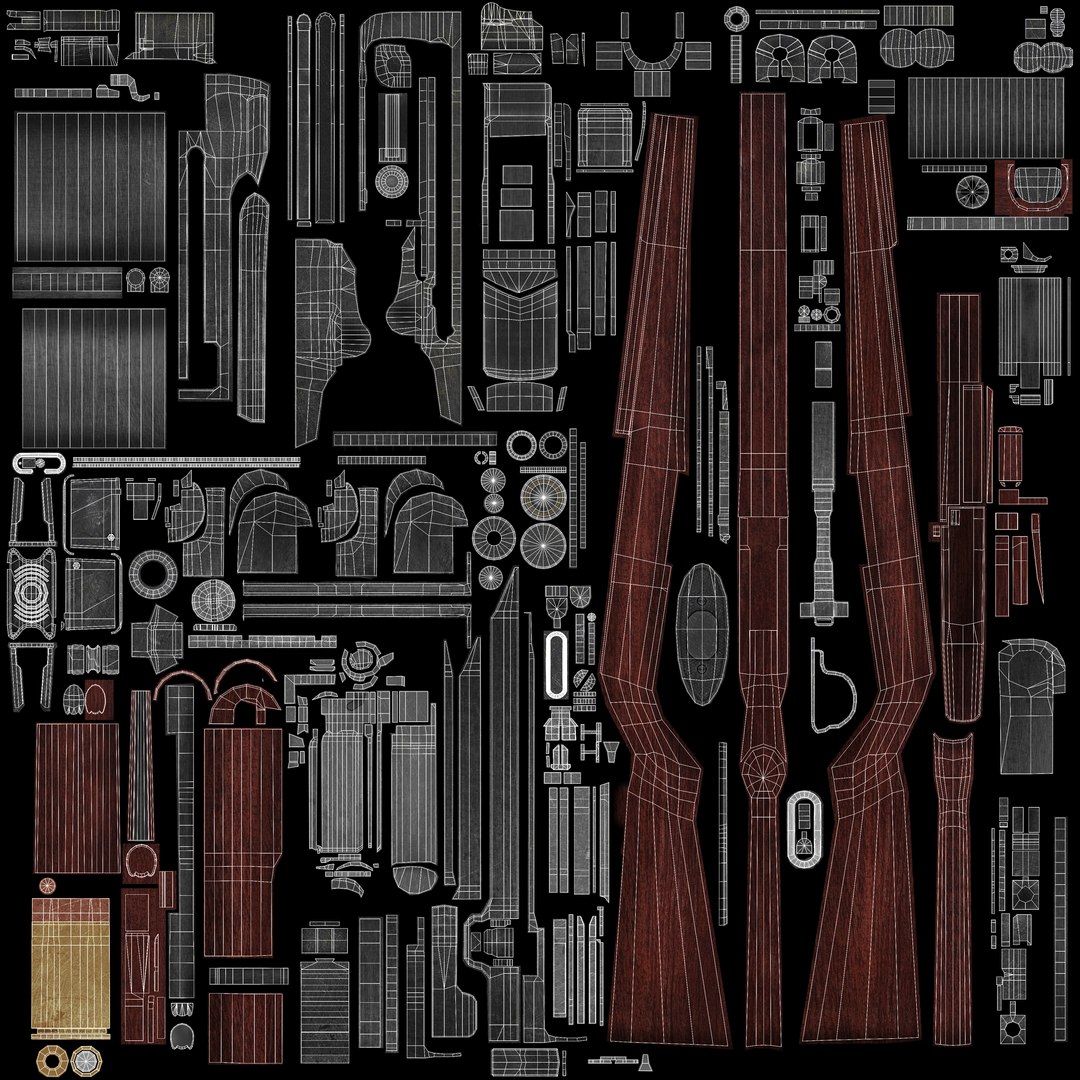
UV Mapped
Overlapping Unwrapped UVs
Rigged
PBR
Real-Time
StemCell Certified
TurboSquid Exclusive
member avatar
luckypapa
20 Products | Contributor Since 2008
Have questions? Chat with us now.

Description

This WWII-era M1 Garand rifle is rigged and ready to go, I used this myself when experimenting in Unreal Engine 4 and 5. Textures are 4096x4096. FBX/Maya formats include bones for cartridge as well as the rounds inside, in order to animate reloads, as well as bones for trigger, and charging handle. Bolt is a child of the charging handle to mimic real-world functionality. Strap loops are rigged for secondary detail. There are also bones positioned/oriented appropriately so you can spawn muzzle flash and eject casings. An additional bone is there to spawn an empty cartridge (you'll have to add the Ping! sound). Main geo is skinned to a bone near the top if the hierarchy, with a root bone at the top skinned to nothing so it can be plugged into a character socket.

Select Enhanced License

  • $10,000 in Legal Protection (Indemnification)
  • Uncapped Legal Protection (Indemnification)
  • Waiver from injunctive relief
  • Assignable model rights
  • $1,000,000 in Legal Protection (Indemnification)
  • Waiver from injunctive relief
  • Assignable model rights
  • $250,000 in Legal Protection (Indemnification)
  • Assignable model rights
Read more about enhanced license tiers, or contact us at enterprise@turbosquid.com. Already a Shutterstock Enterprise Customer? Contact your Shutterstock Sales Support Agent to talk about adding 3D.

About Conversion Requests

To submit a conversion request for a purchased asset, please complete our Conversion Request Form.

If you have not yet purchased a model, please review our Documentation about Conversions to learn about what limitations you may encounter with a conversion.

For any additional questions about a model’s suitability for conversion, please contact TurboSquid Support.

Loading...