
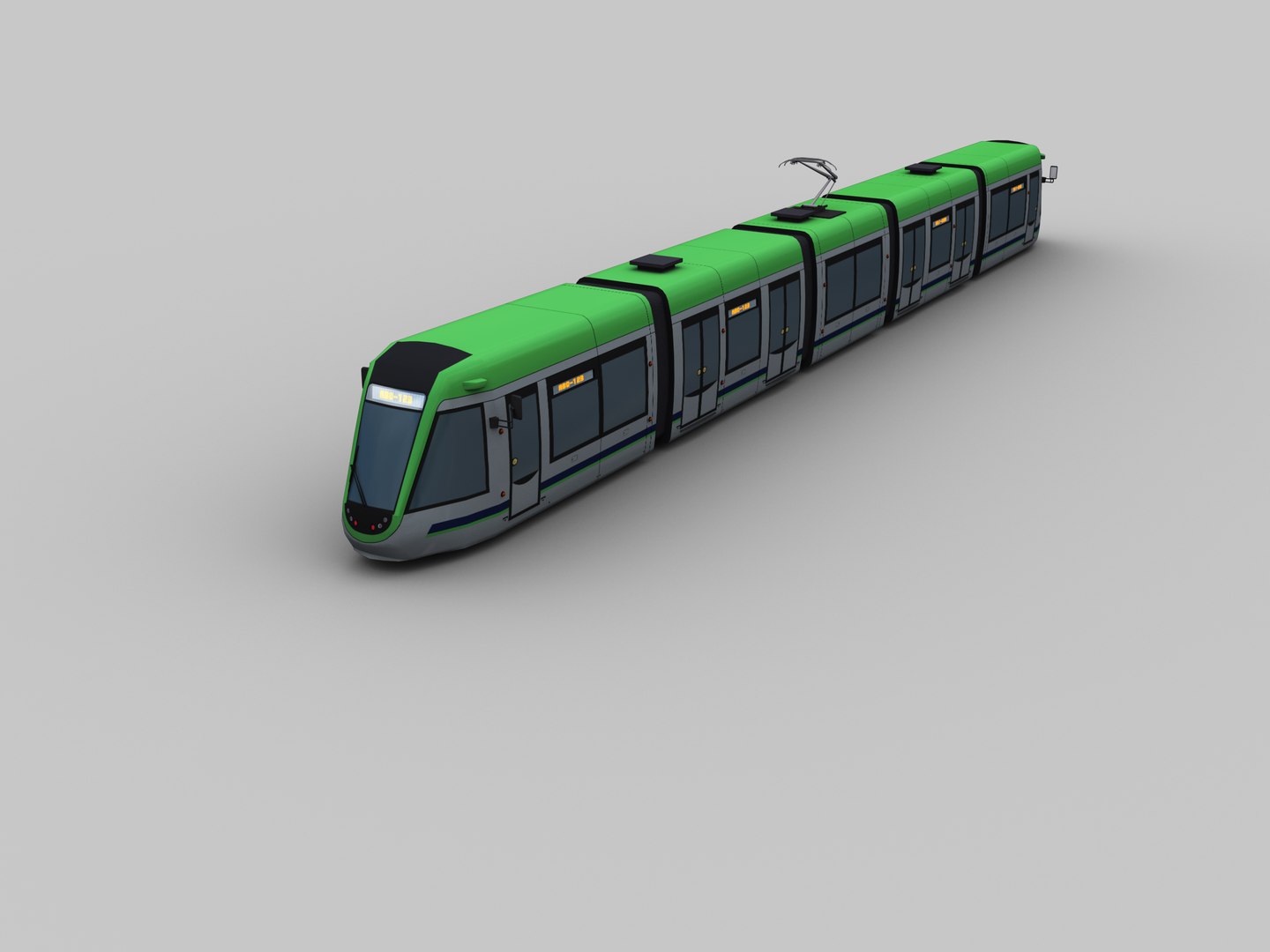
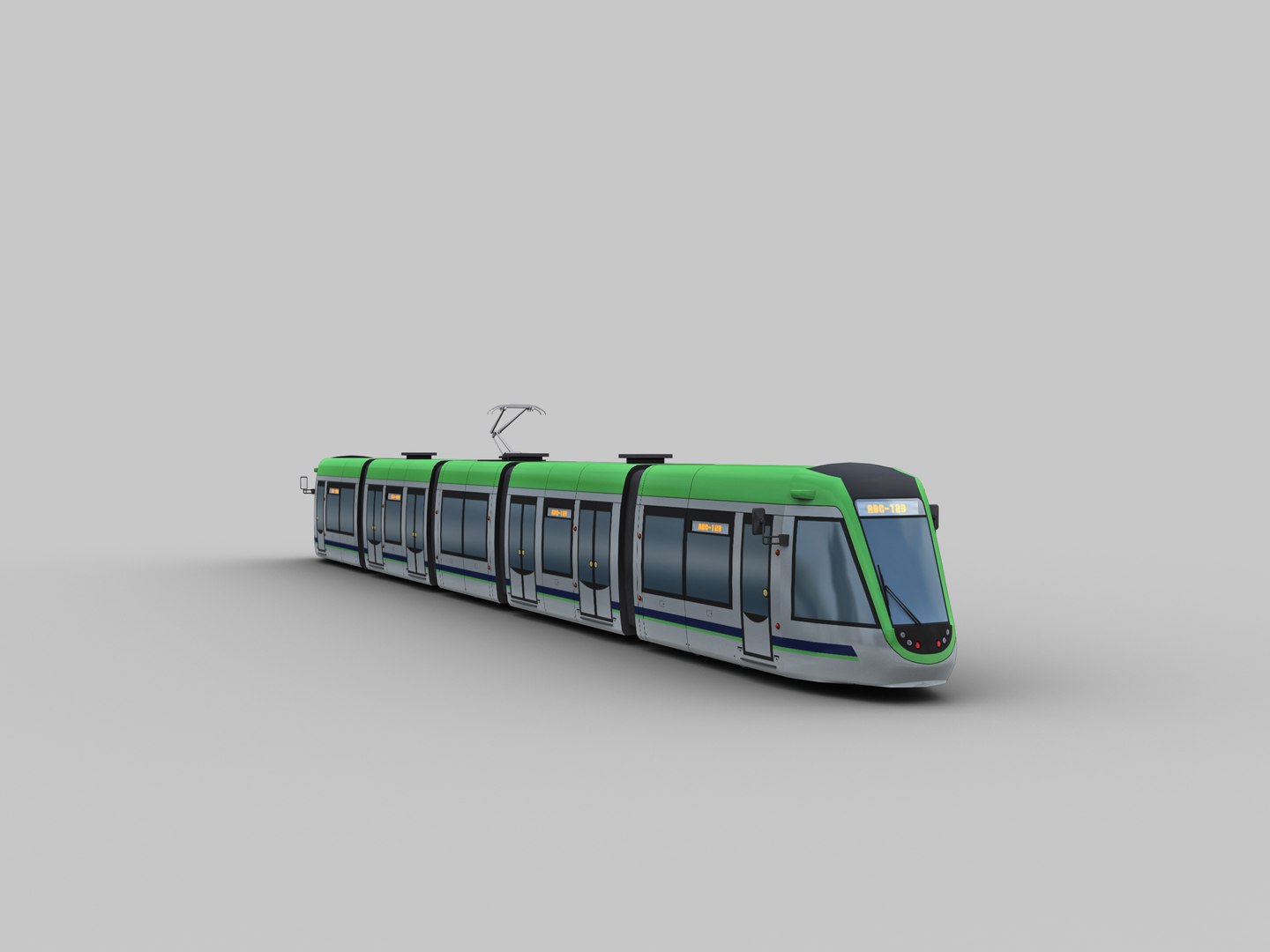
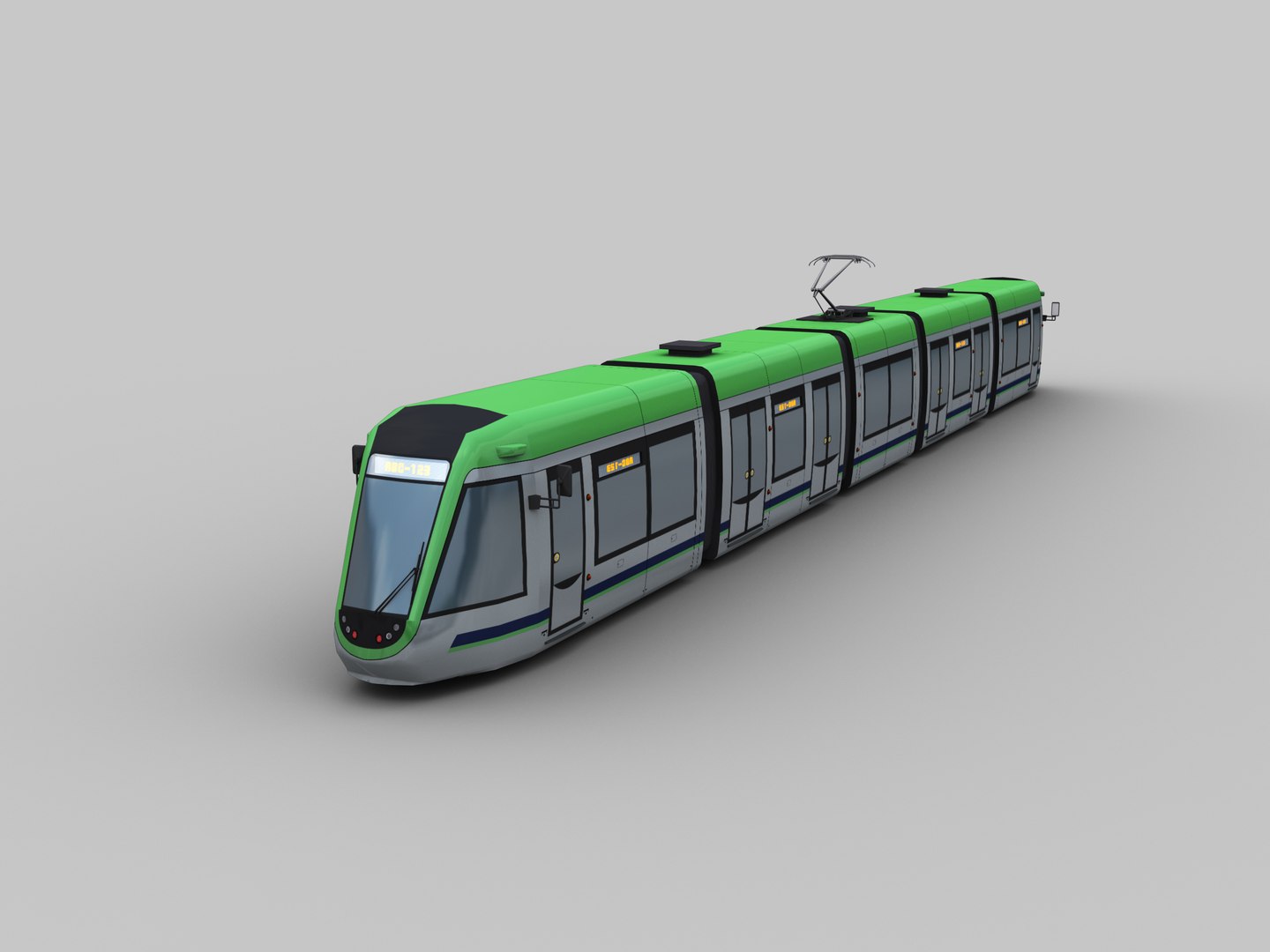
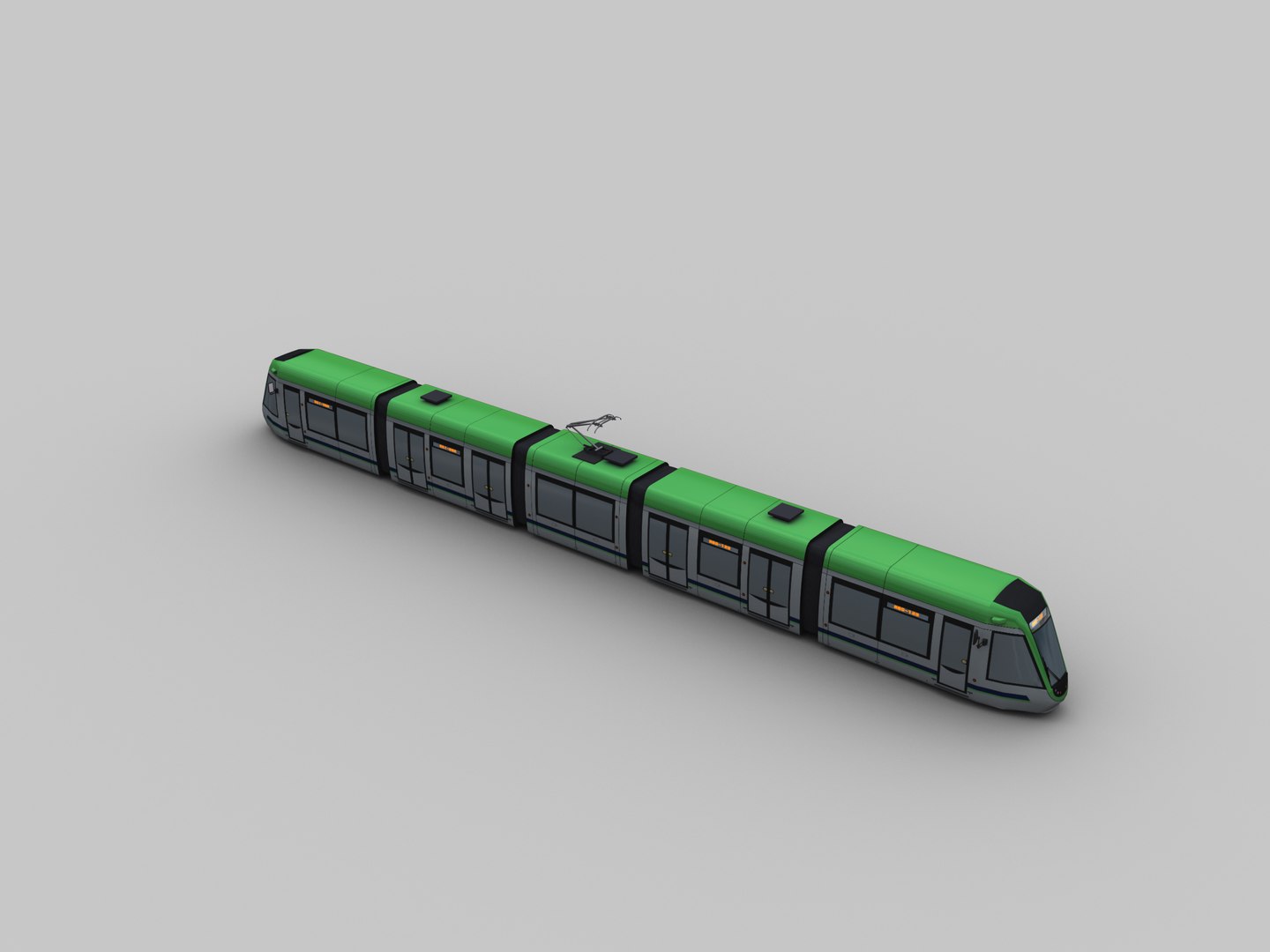
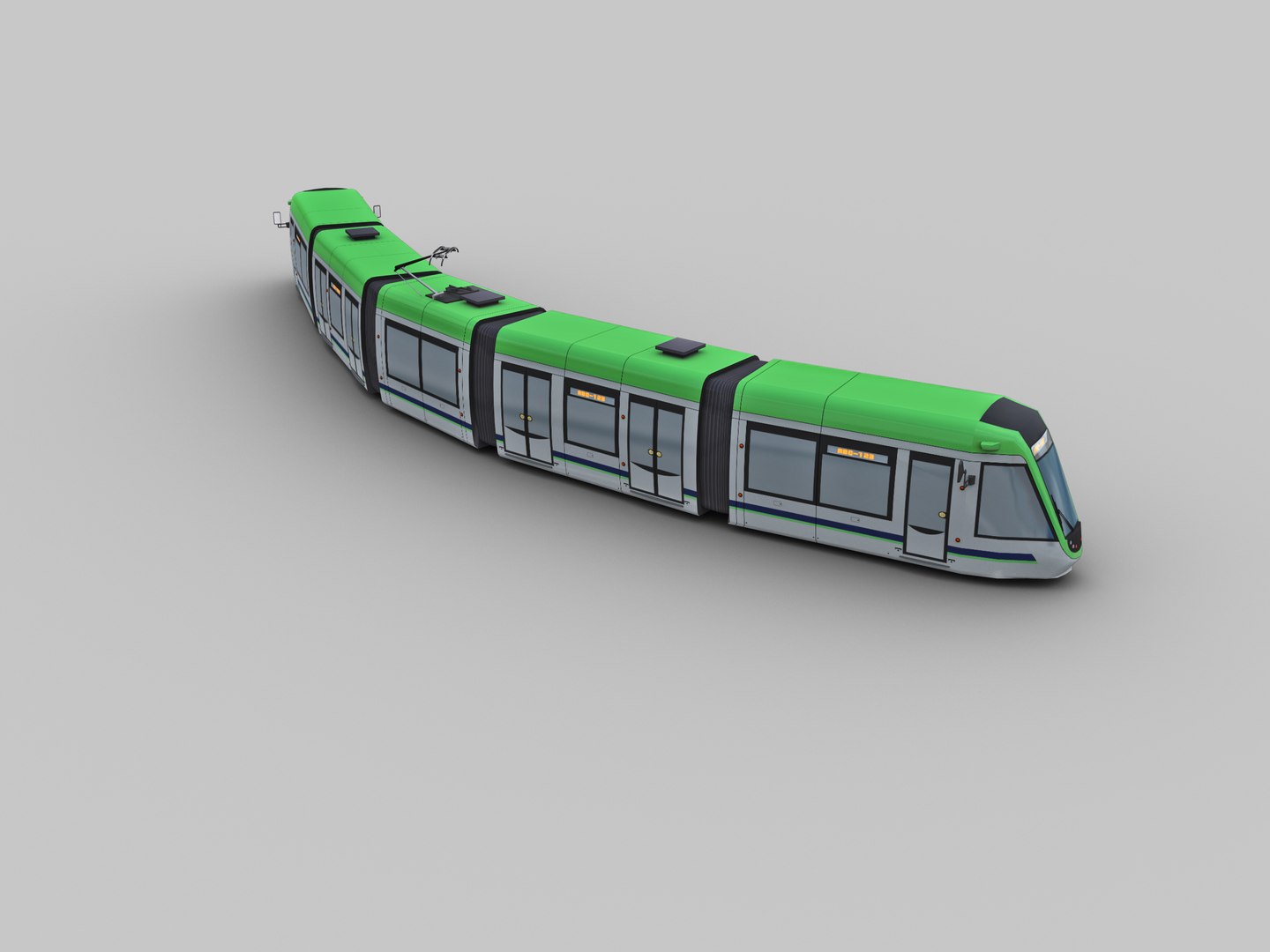
Low Poly Tram 13

$20

Standard License | Upgrade License
Editorial Uses Only
Formats (4)
Native | 3ds Max 2016 | Default Scanline 2016
3D Studio
FBX
OBJ
Other Files
TEXTURES.zip
Specifications
Publish Date February 27, 2022
Product ID 1860628
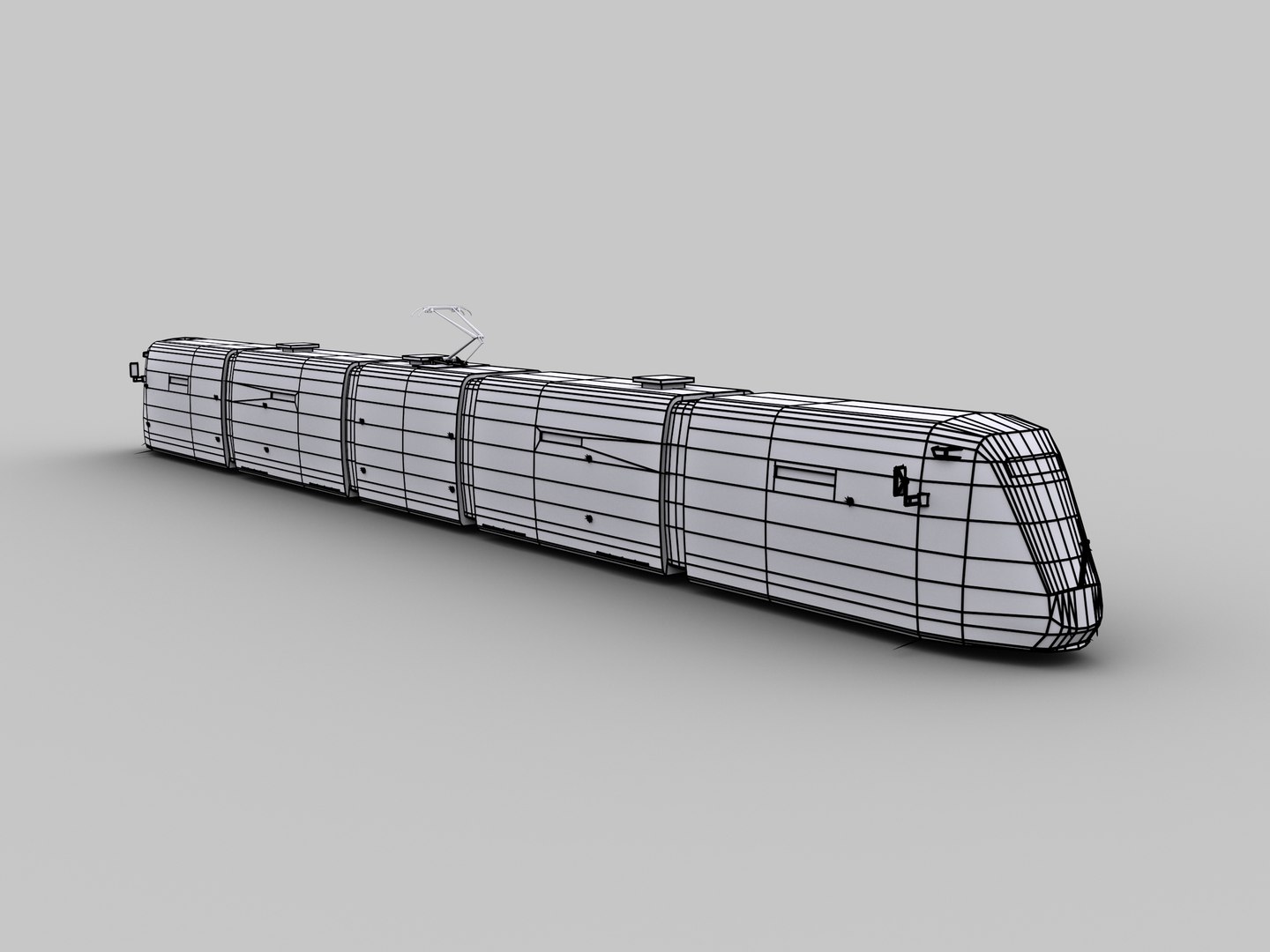
Polygons 5,906
Vertices 7,136
Polygonal Quads Only
Textures
UV Mapped
Non-overlapping Unwrapped UVs
Rigged
TurboSquid Exclusive
member avatar
Lowpoly_Master
91 Products | Contributor Since 2014
Have questions? Chat with us now.

Description

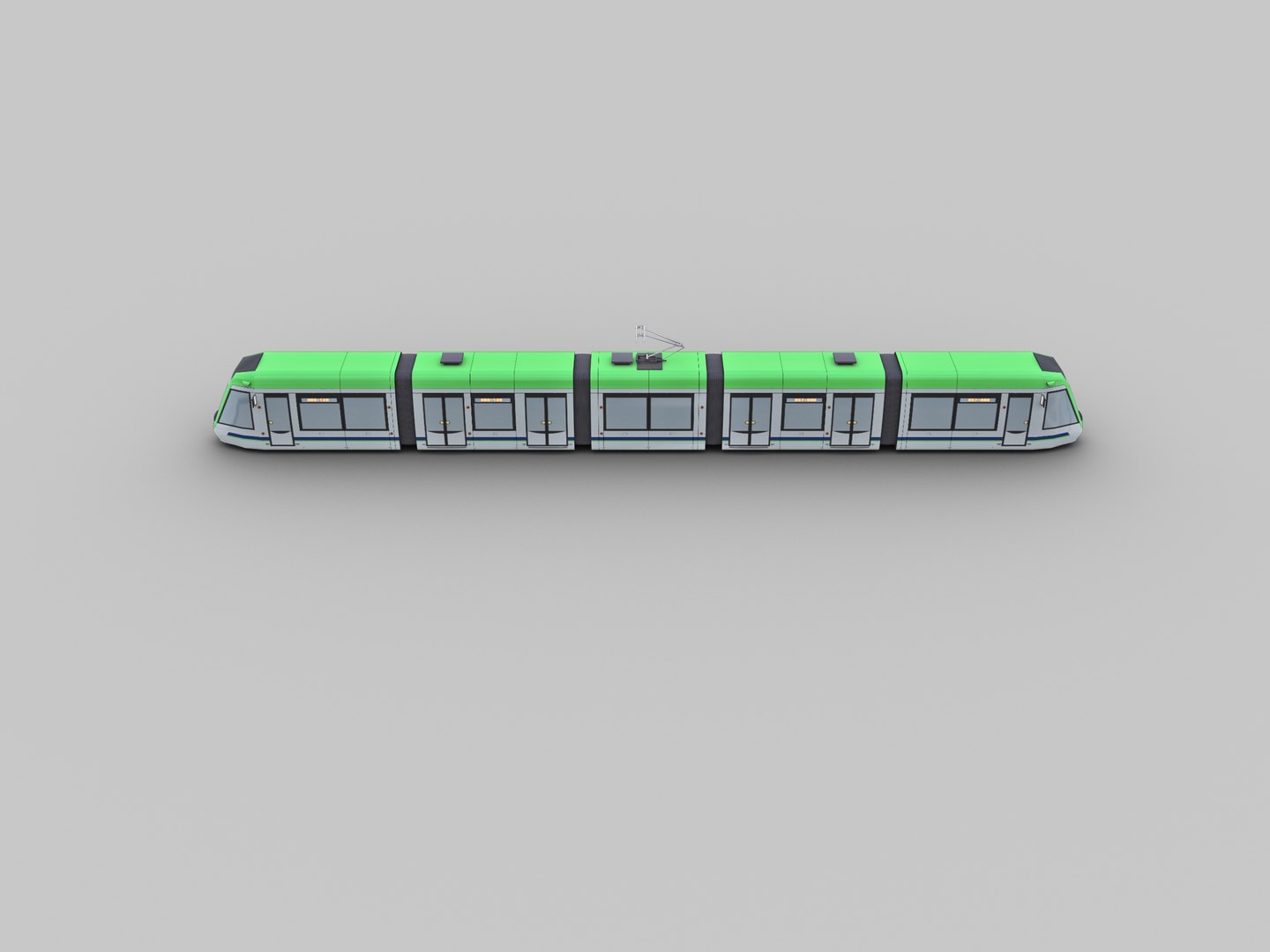
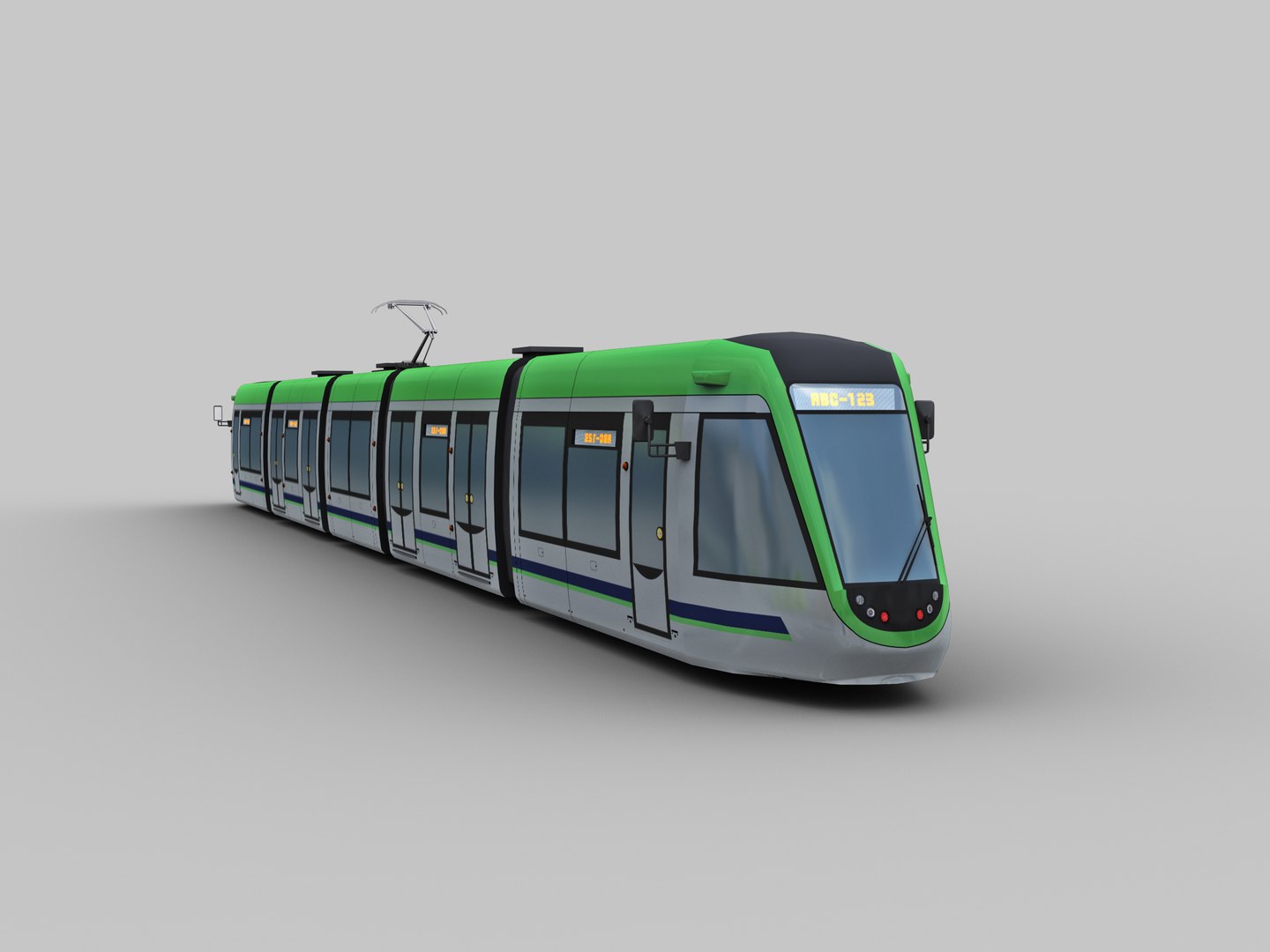
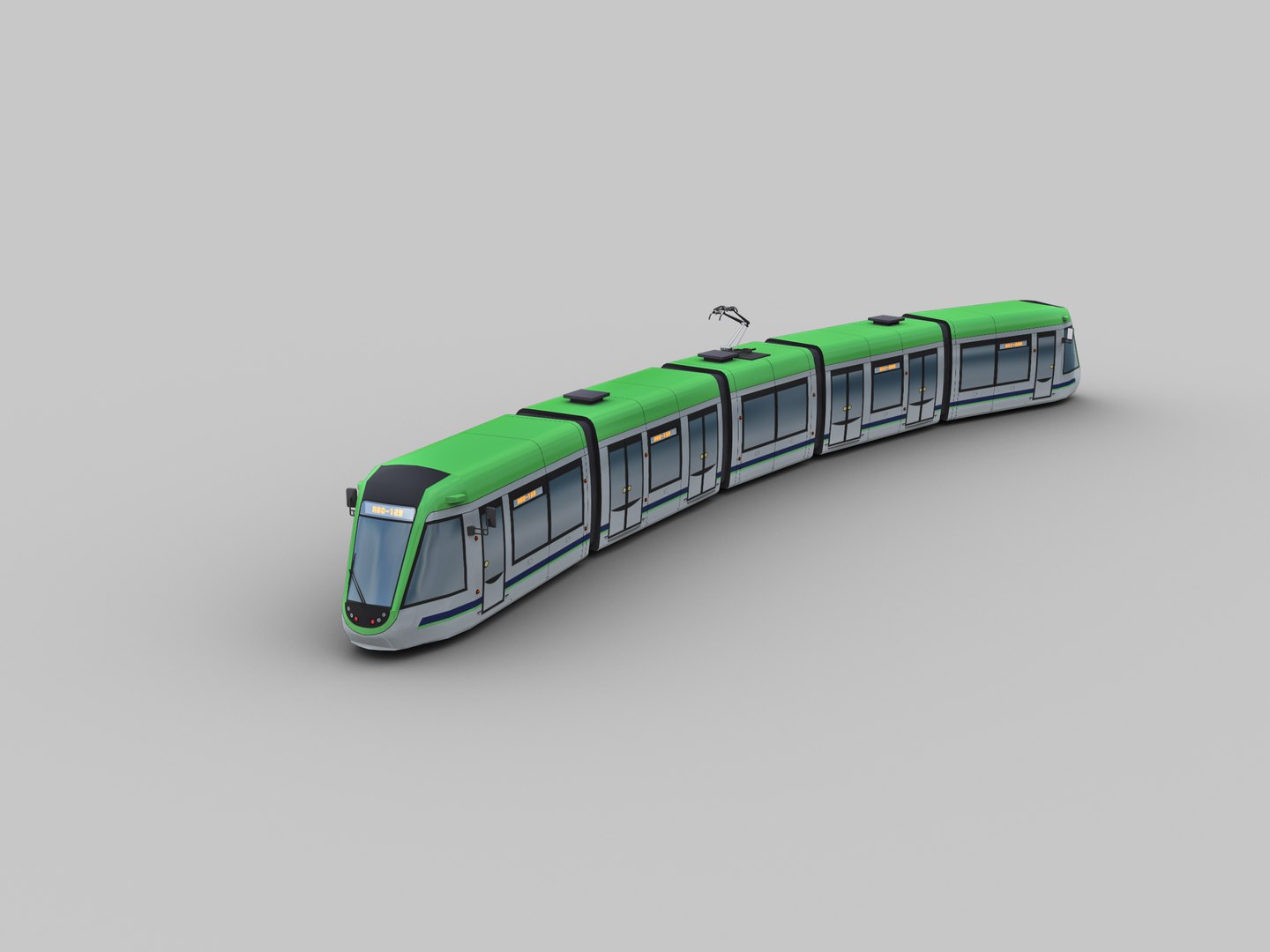
  • Low Poly Tram 13 Low poly 3d model It is best for use in games and other real time applications.


    Model is built with great attention to details and realistic proportions with correct geometry.

    4k textures are very detailed so it makes this model good enough for close-up.


    Features:

    2 type of Fbx.

    Low Poly Tram 13_Rigged

    Low Poly Tram 13_separate wagon (complete with separate mesh wagone ,bogie and photograph

    polys:5906, Tris:12502, Verts:7136

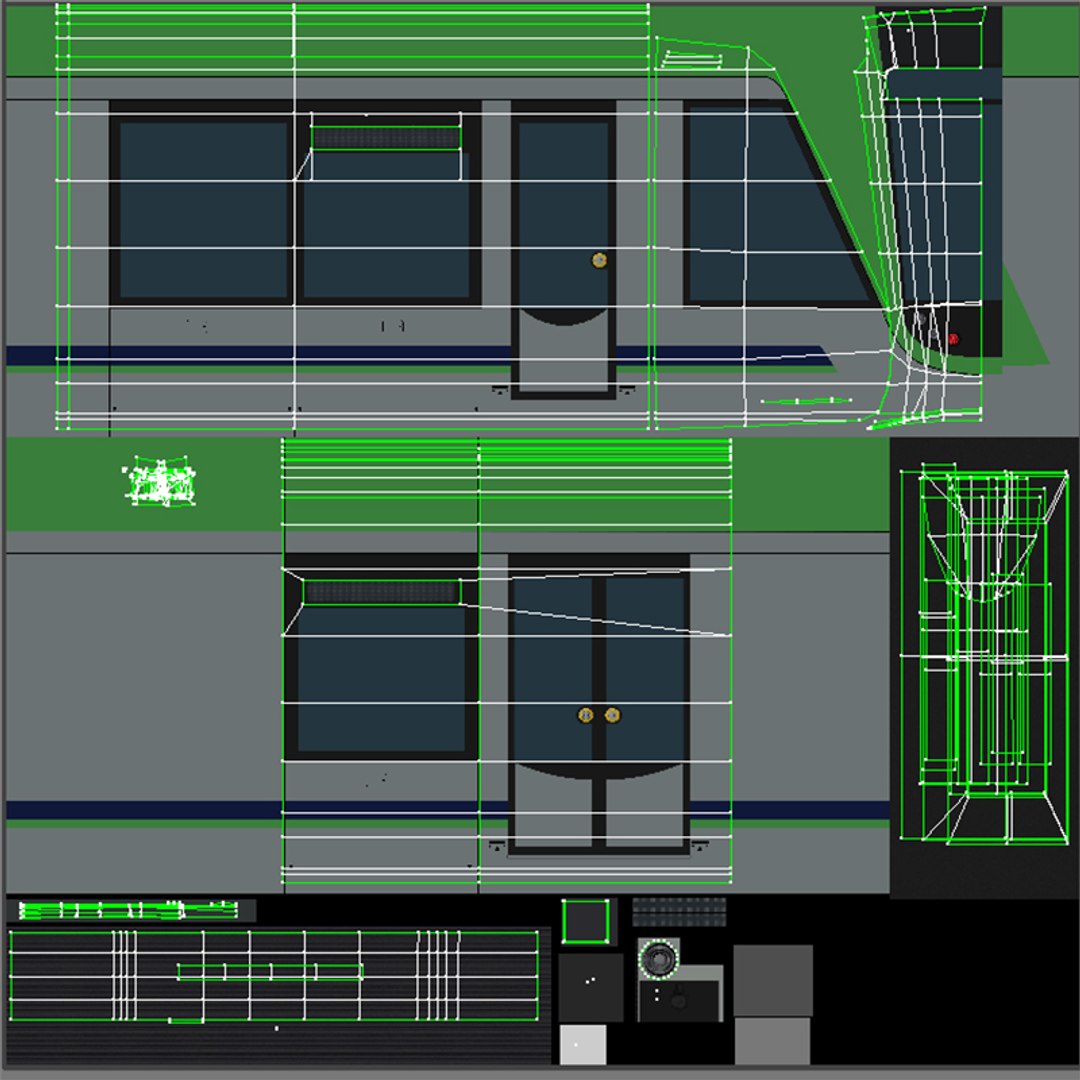
    tram map size 8192x8192 ---diffuse,specular,height,Normal,occlusion

    indicator map 1525x1433----diffuse,specular,height,Normal,occlusion

    tram led text map 2048x1024 diffuse,specular,height,Normal,occlusion

    Model is correctly divided into main part and animation parts

    Model completely unwrapped.

    Model is fully textured with all materials applied.

    Pivot points are correctly placed to suit animation process.

    All nodes, materials and textures are appropriately named.


    how to animate

    1- in 3ds max draw a line path
    2-go to modifier list select path deform(WSM)
    3-select line path

Select Enhanced License

  • $10,000 in Legal Protection (Indemnification)
  • Uncapped Legal Protection (Indemnification)
  • Waiver from injunctive relief
  • Assignable model rights
  • $1,000,000 in Legal Protection (Indemnification)
  • Waiver from injunctive relief
  • Assignable model rights
  • $250,000 in Legal Protection (Indemnification)
  • Assignable model rights
Read more about enhanced license tiers, or contact us at enterprise@turbosquid.com. Already a Shutterstock Enterprise Customer? Contact your Shutterstock Sales Support Agent to talk about adding 3D.

About Conversion Requests

To submit a conversion request for a purchased asset, please complete our Conversion Request Form.

If you have not yet purchased a model, please review our Documentation about Conversions to learn about what limitations you may encounter with a conversion.

For any additional questions about a model’s suitability for conversion, please contact TurboSquid Support.

Loading...