
Lotus Temple

$99

Standard License | Upgrade License
Editorial Uses Only
Formats (15)
Free file format Conversions available
Native | Blender 4.3 | Cycles Render
Other Textures
OBJ
glTF
Collada
FBX
Other Files
lotus temple 2 roughness.png lotus temple 2 normal.png lotus temple 1 base.png lotus templle 2 base.png.001.png lotus temple 4 base.png.001.png.001.png lotus temple 1 roughness.png lotus temple 1 base.png.001.png lotus temple 1 normal.png lotus temple 3 base.png lotus temple 3 base.png.001.png lotus templle 2 base.png lotus temple 4 roughness.png lotus temple 3 roughness.png lotus temple 4 base.png lotus temple 3 normal.png lotus temple 4 normal.png
Specifications
Publish Date June 30, 2025
Product ID 2427790
Polygons 79,199
Vertices 110,046
Polygonal Quads Only
Textures
Materials
UV Mapped
Overlapping Unwrapped UVs
Animated
PBR
Real-Time
TurboSquid Exclusive
member avatar
EKD Studio
6 Products | Contributor Since 2024
Have questions? Chat with us now.

Description

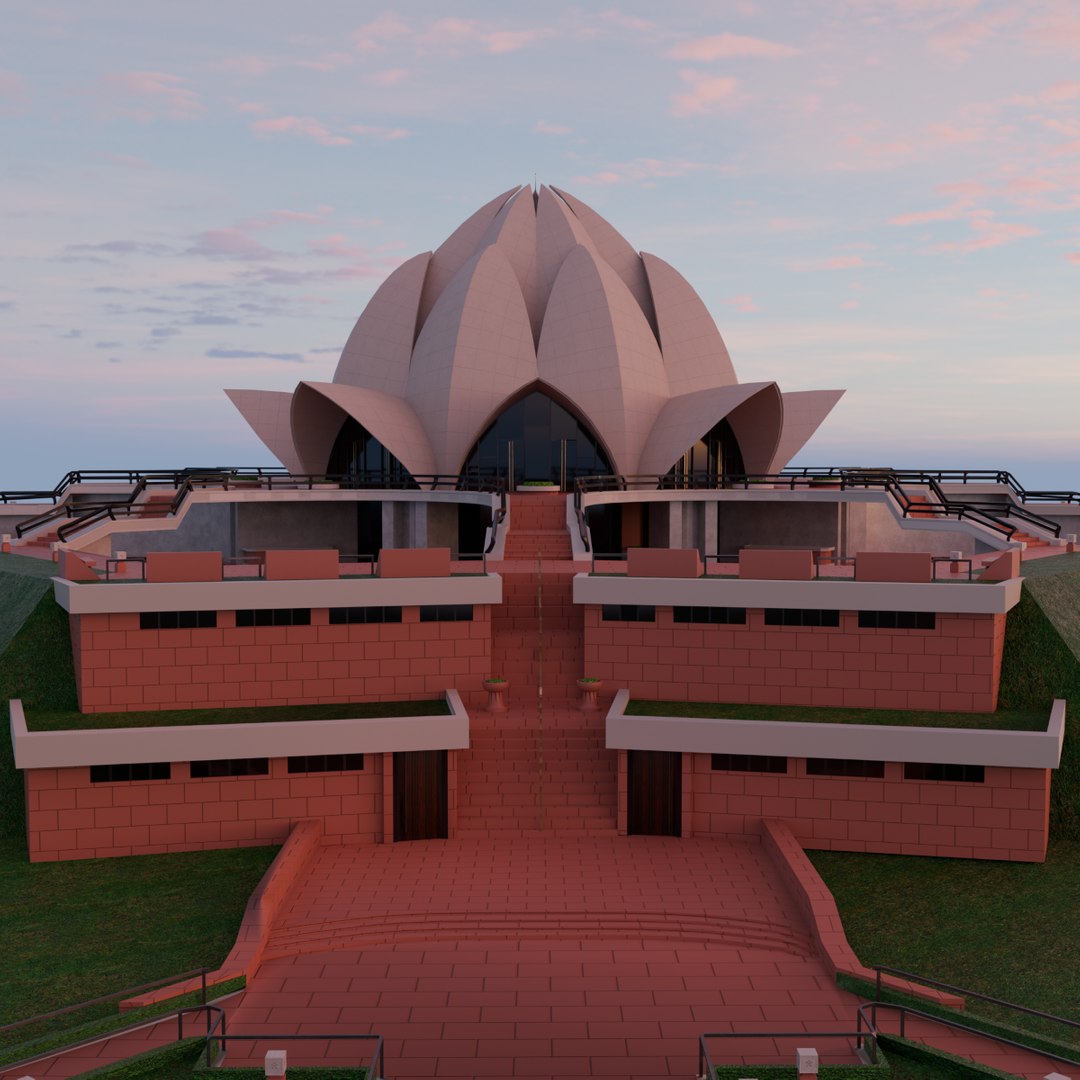
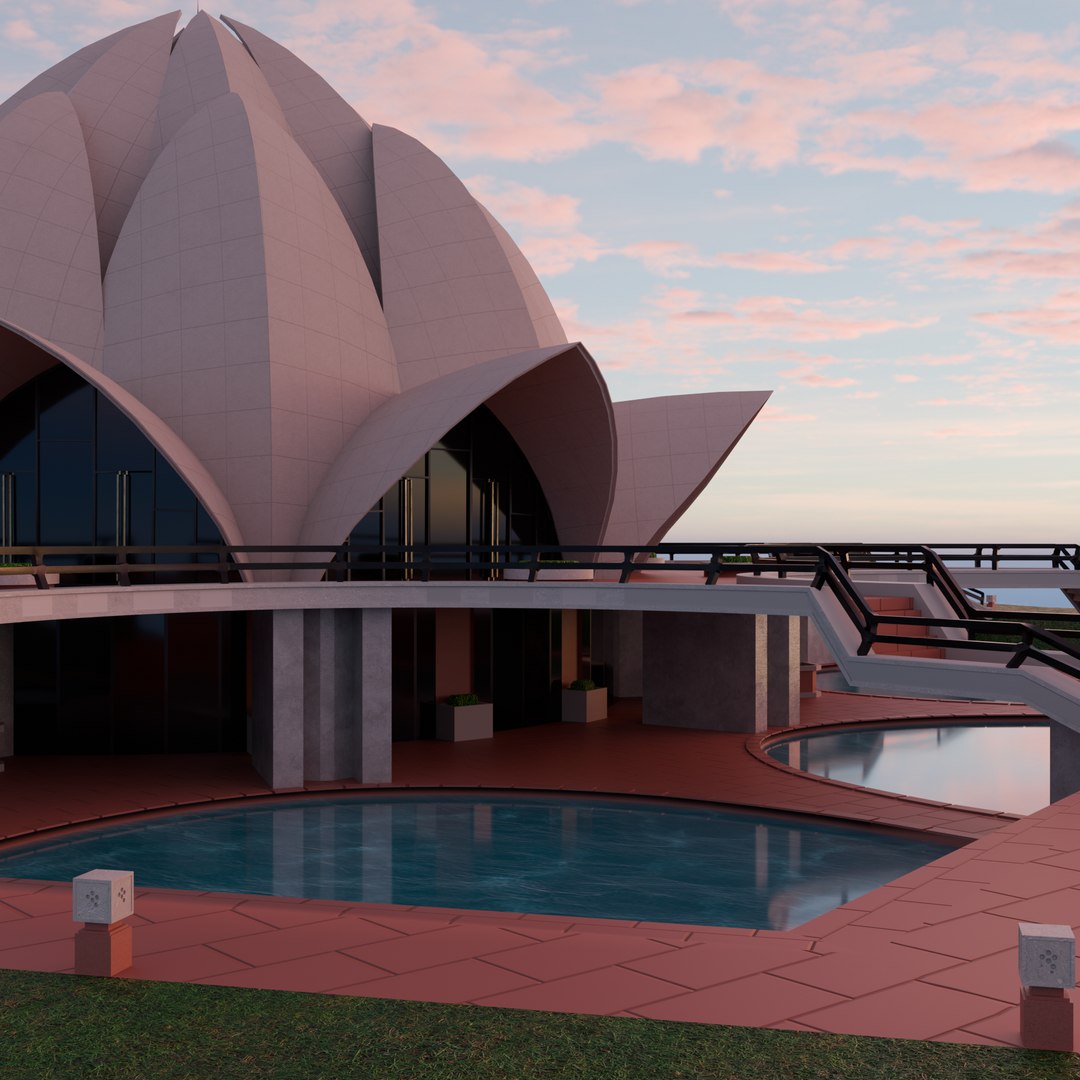
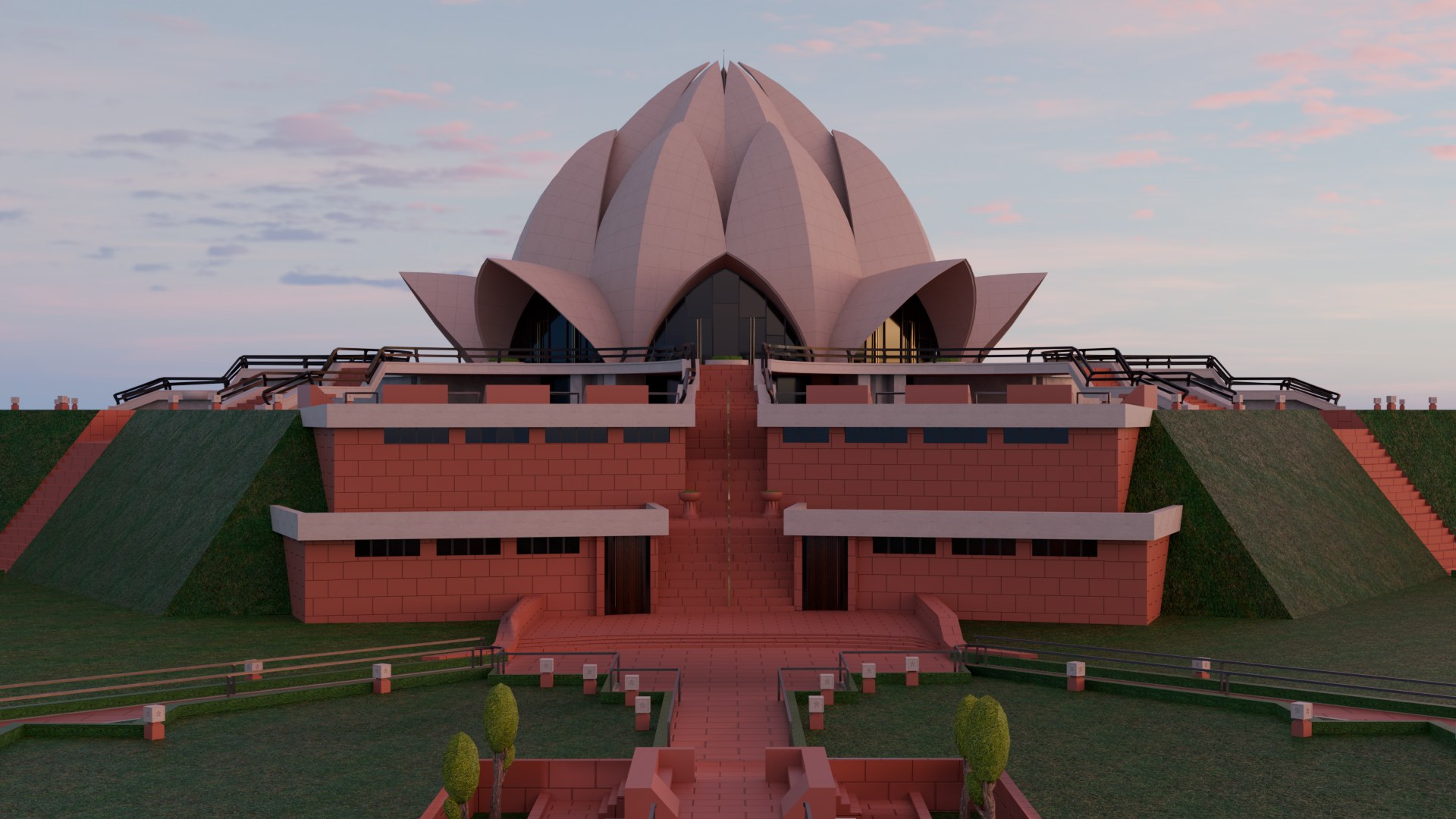
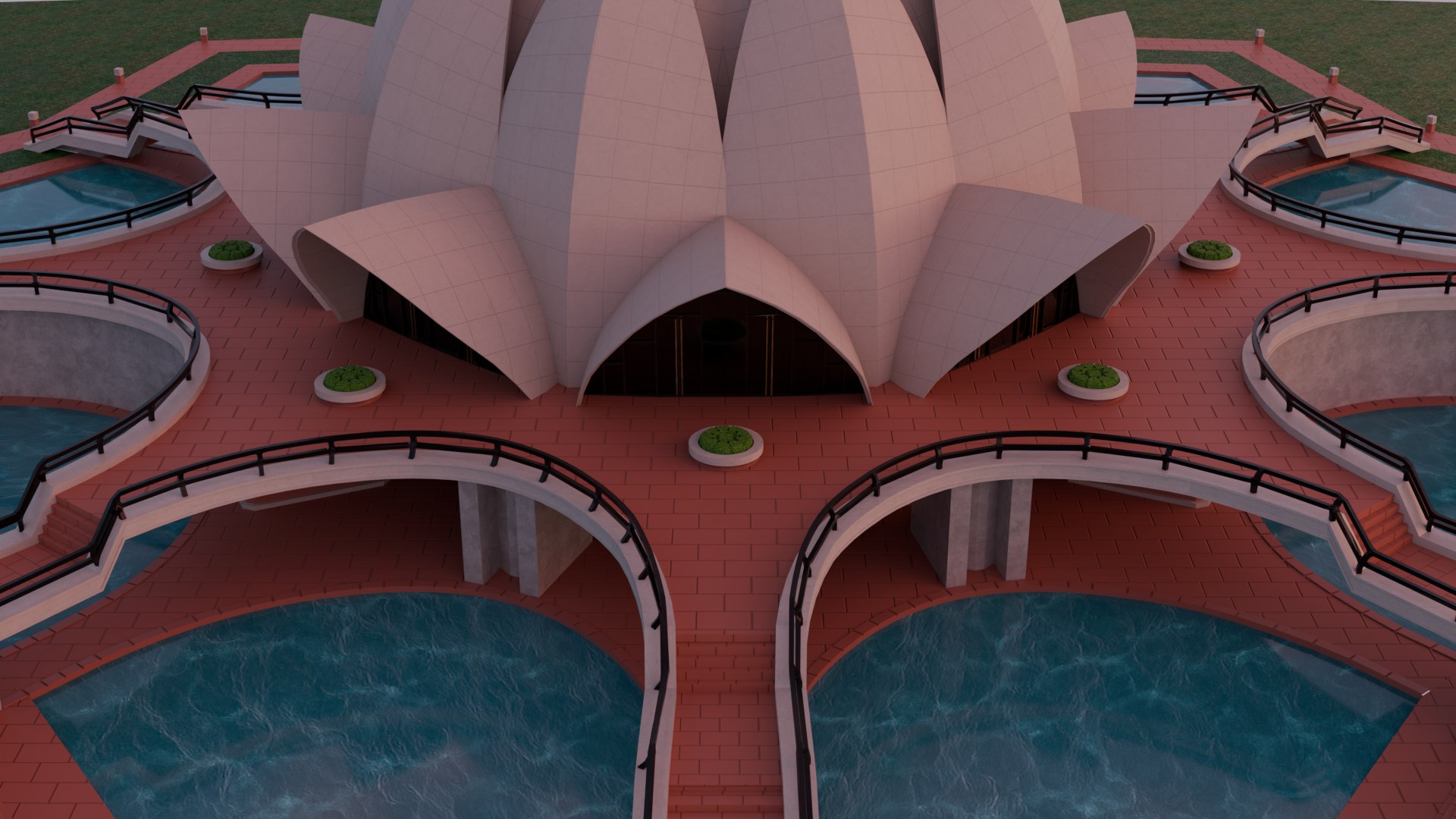
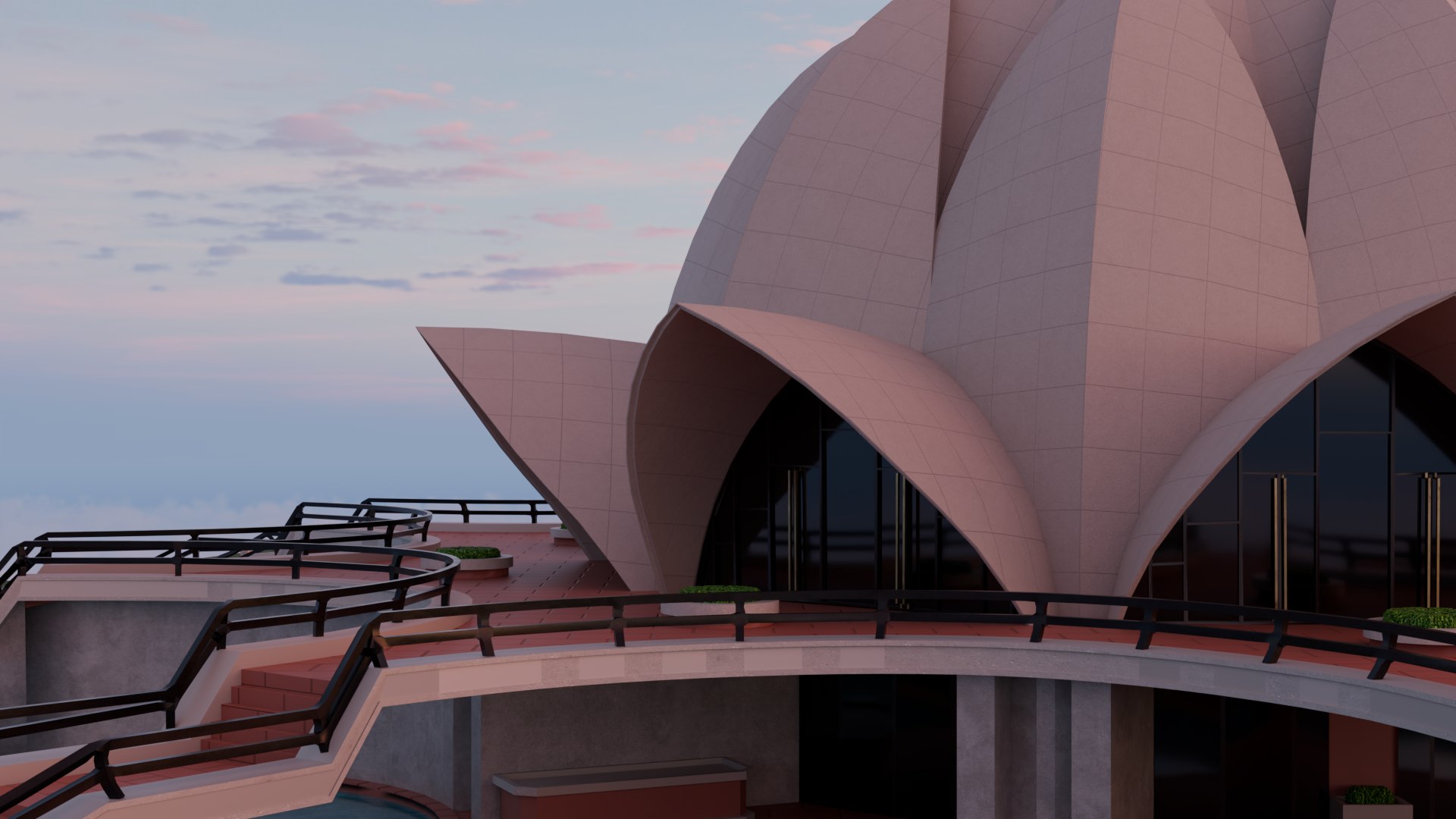
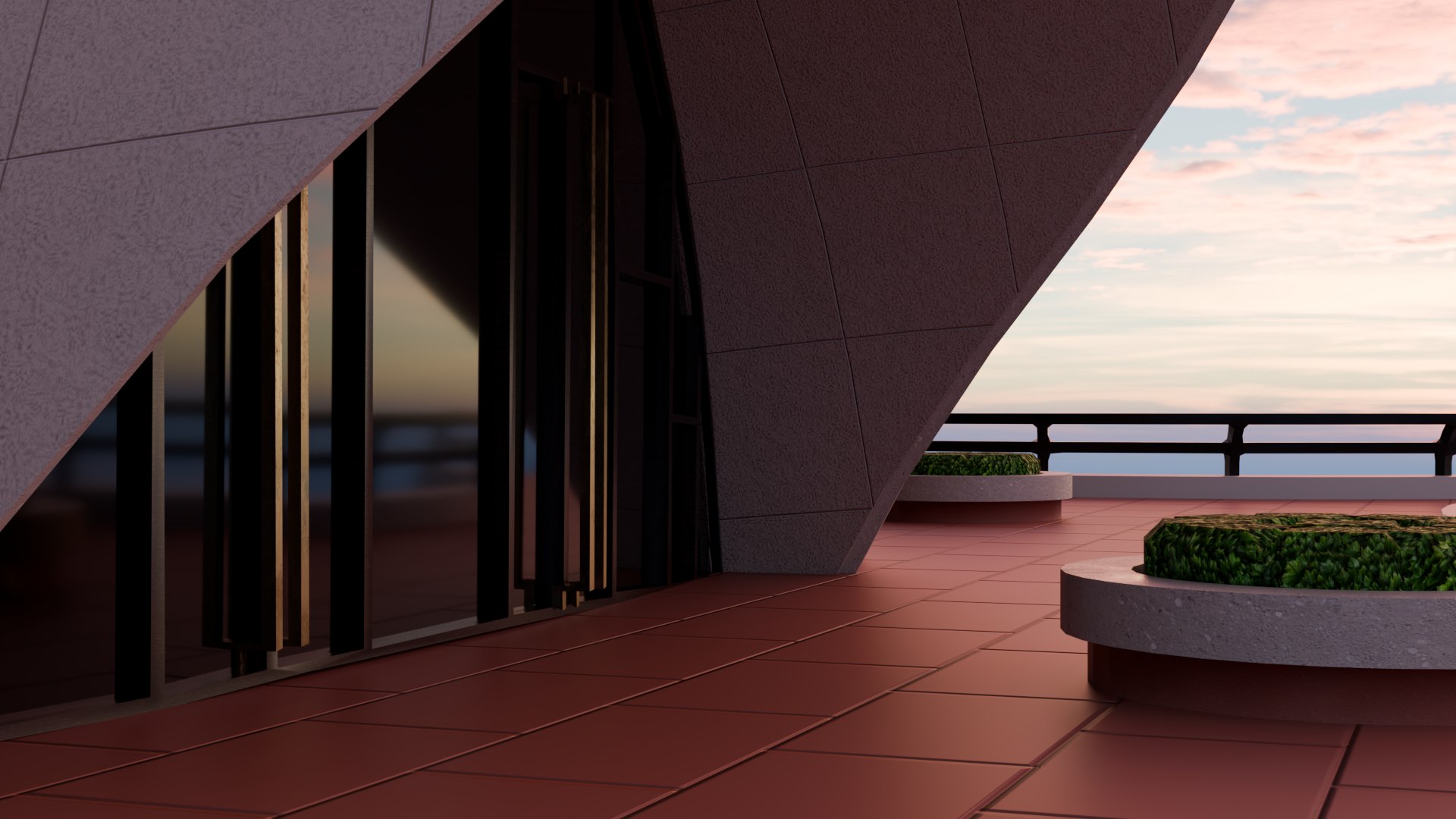
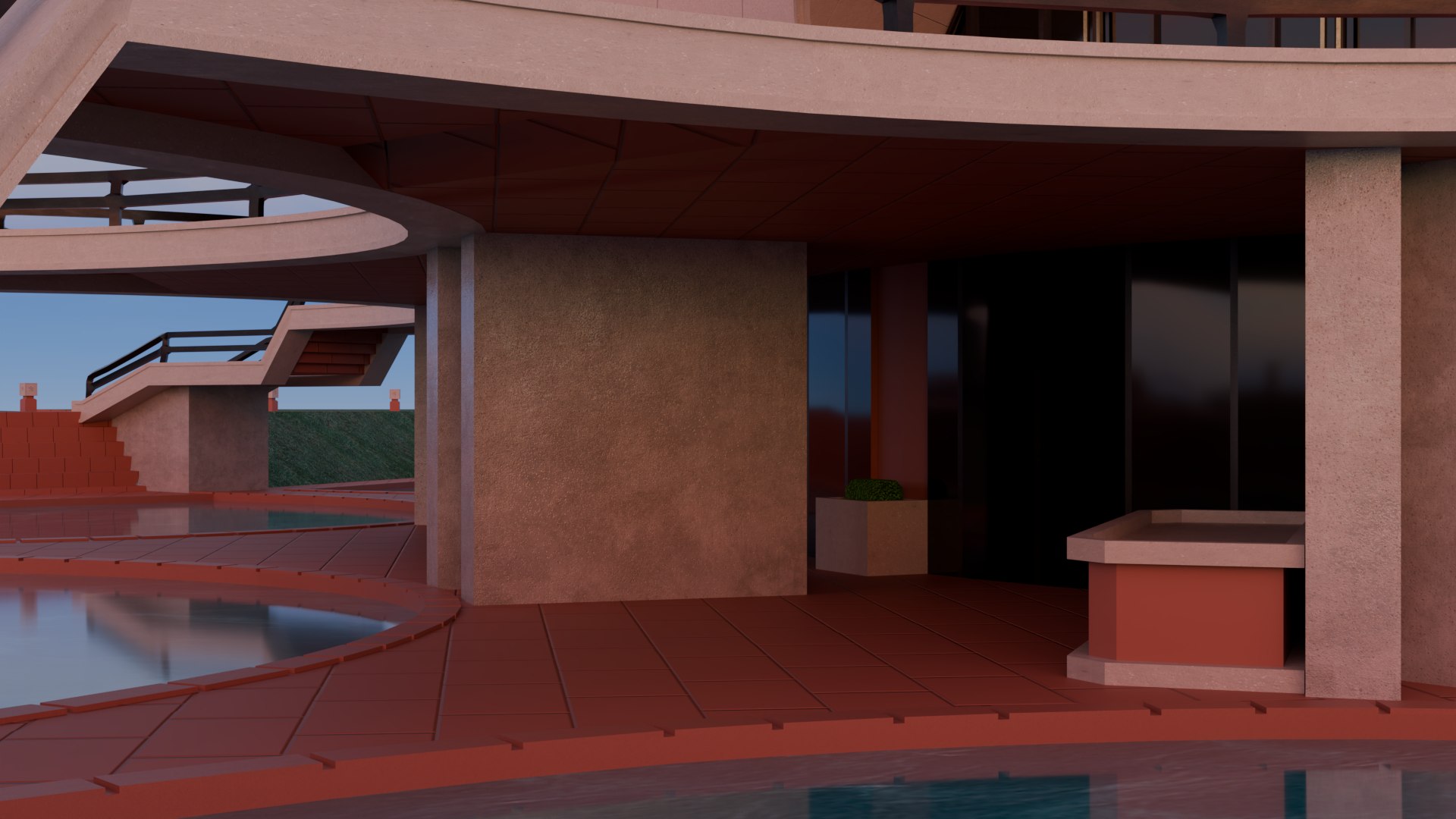
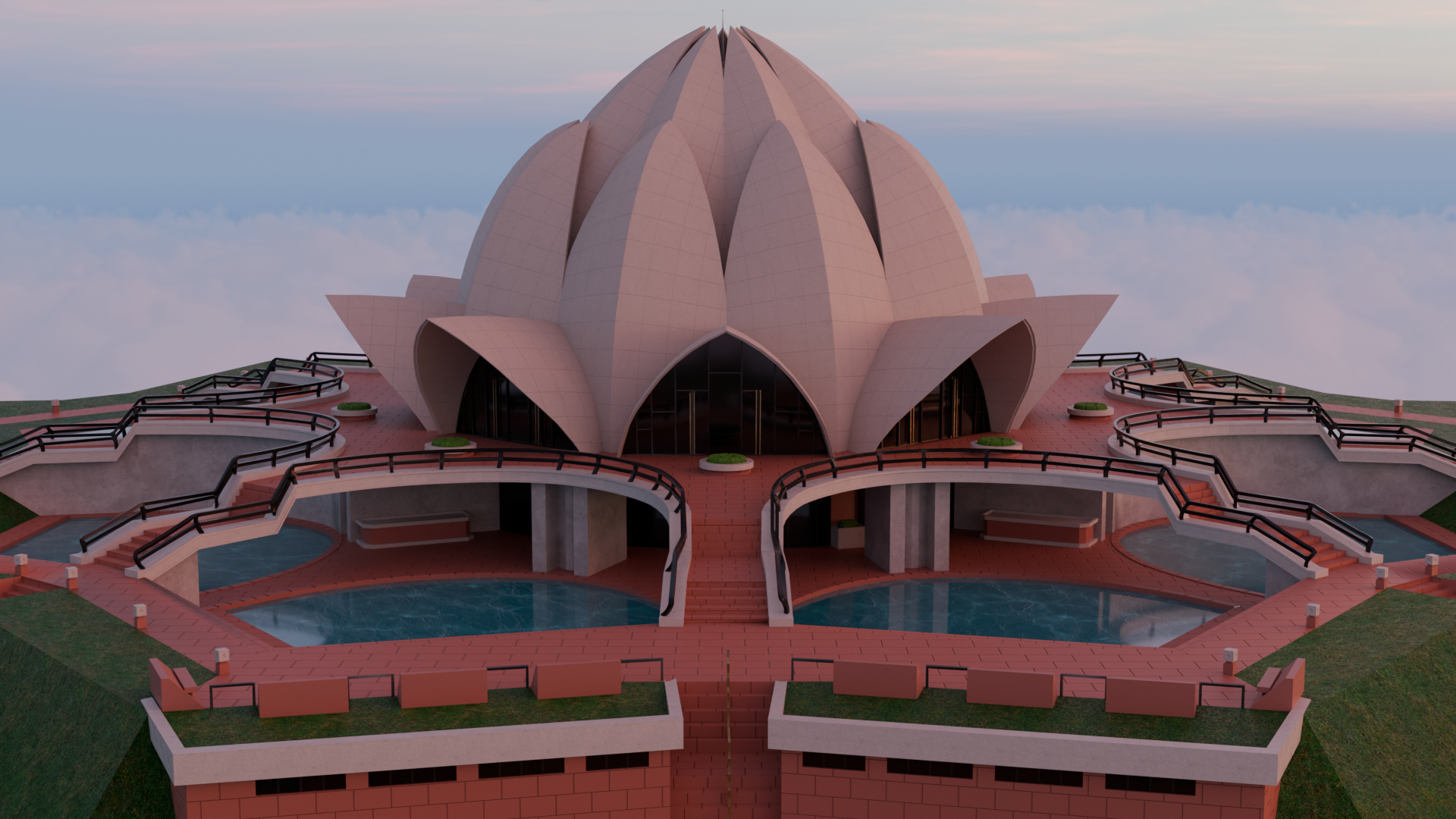
Lotus Temple

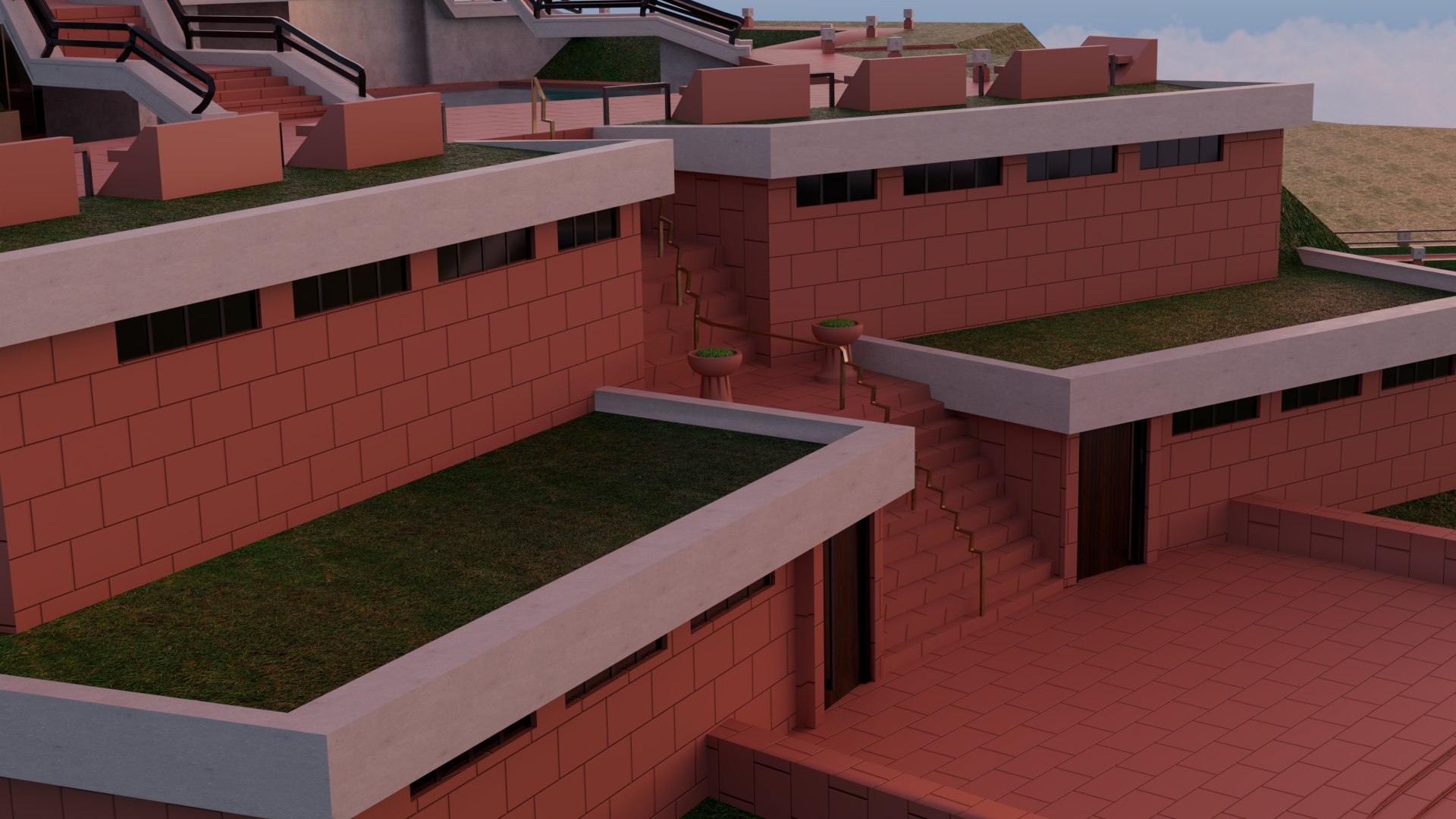
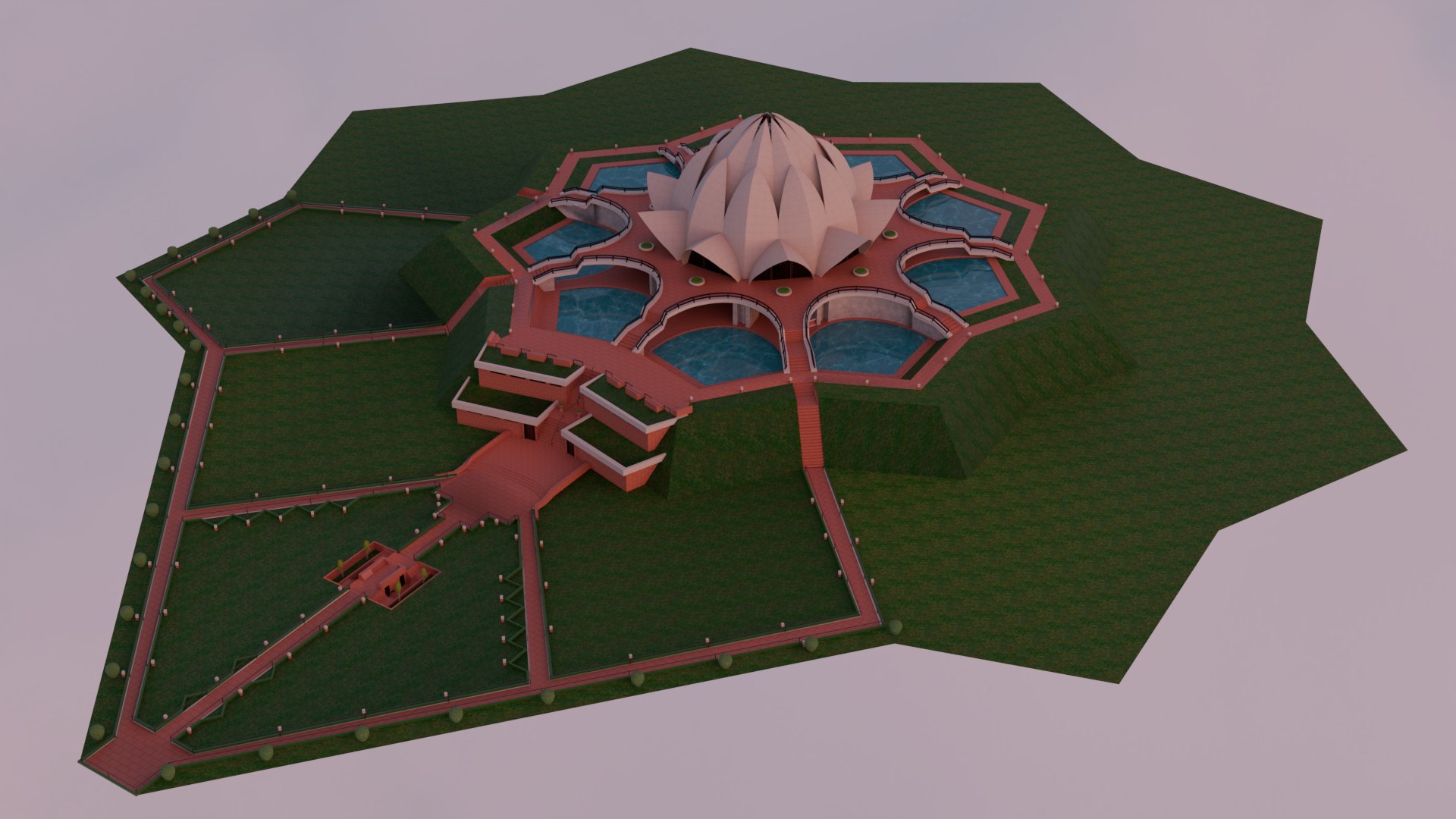
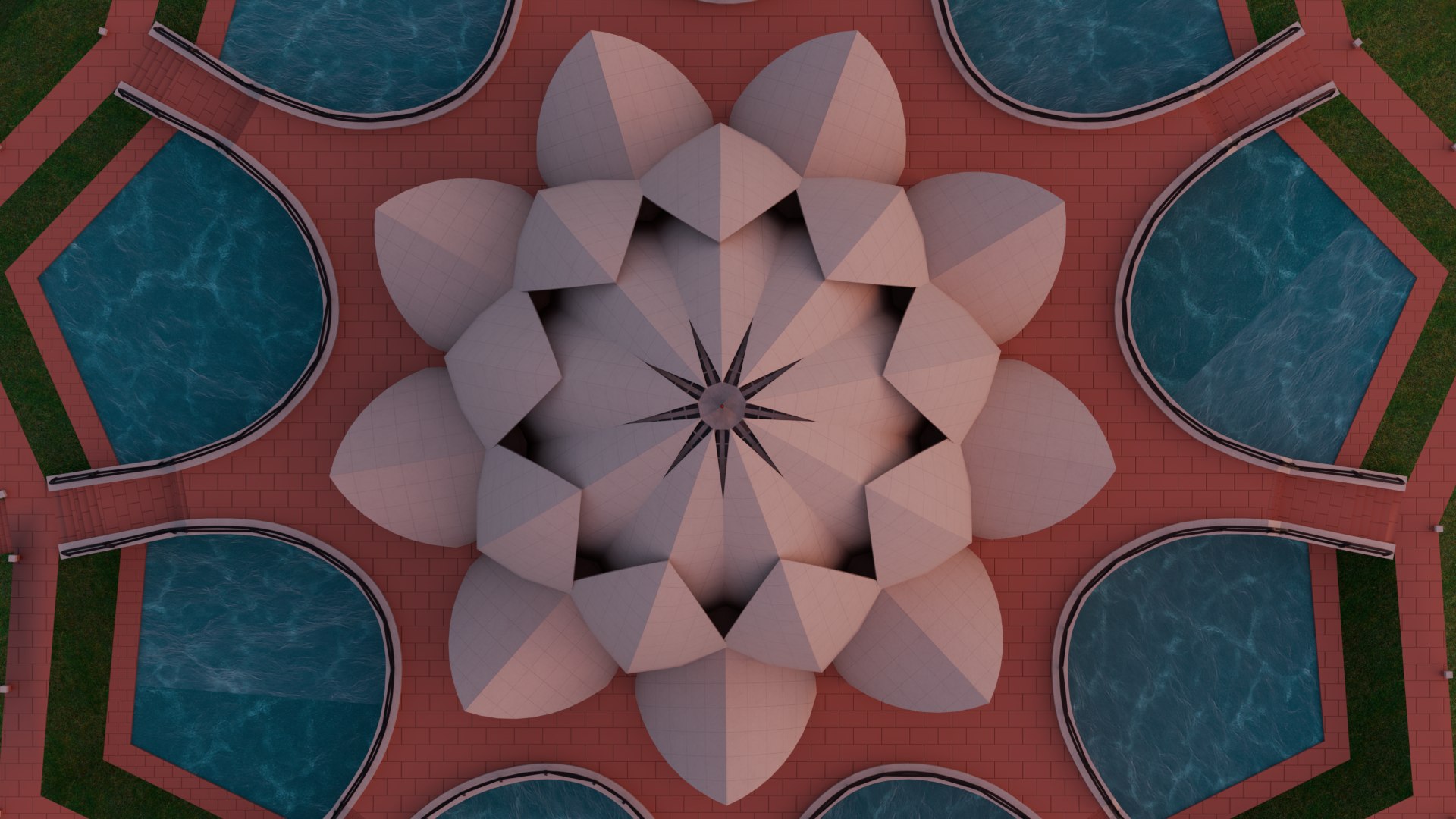
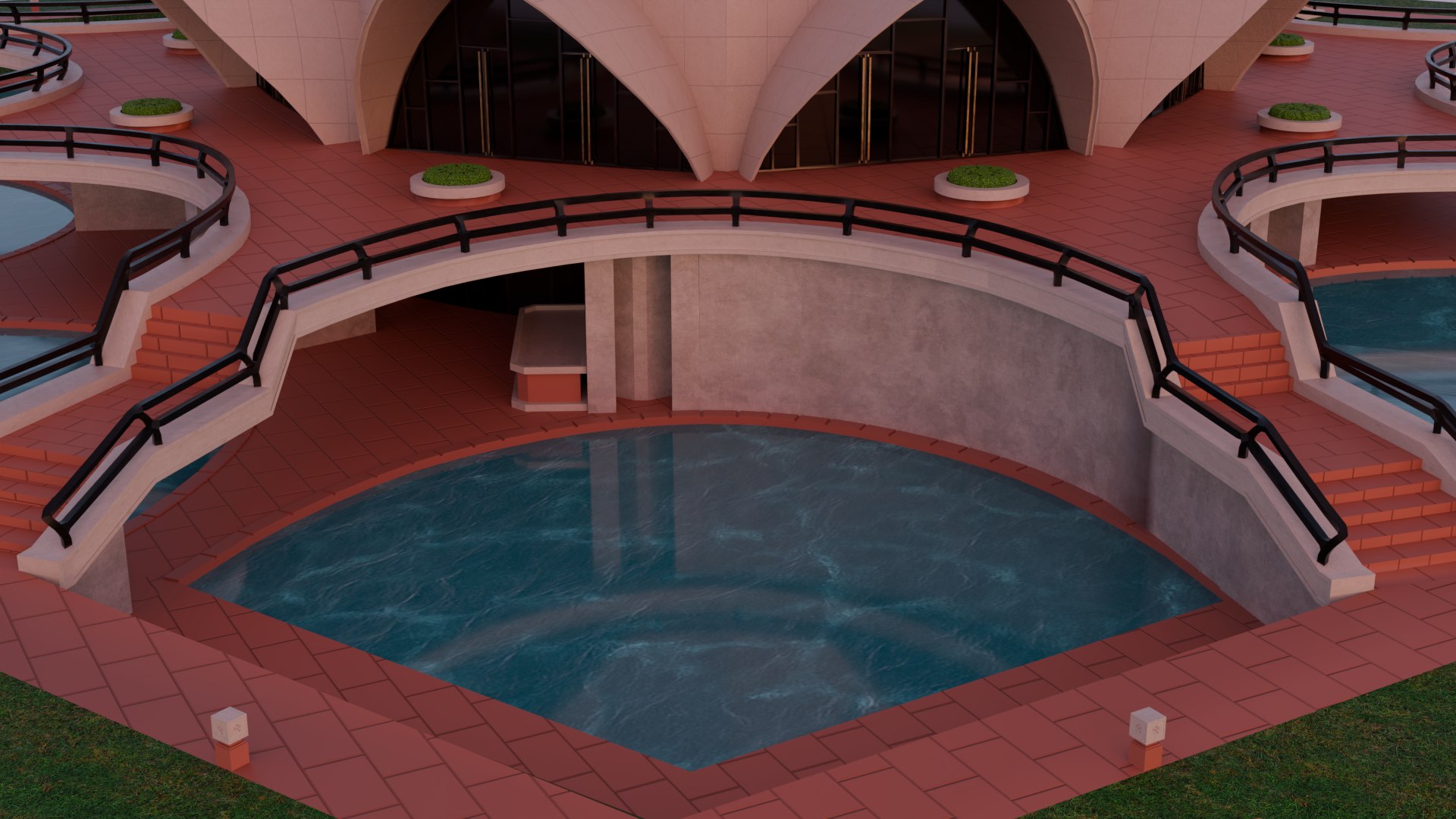
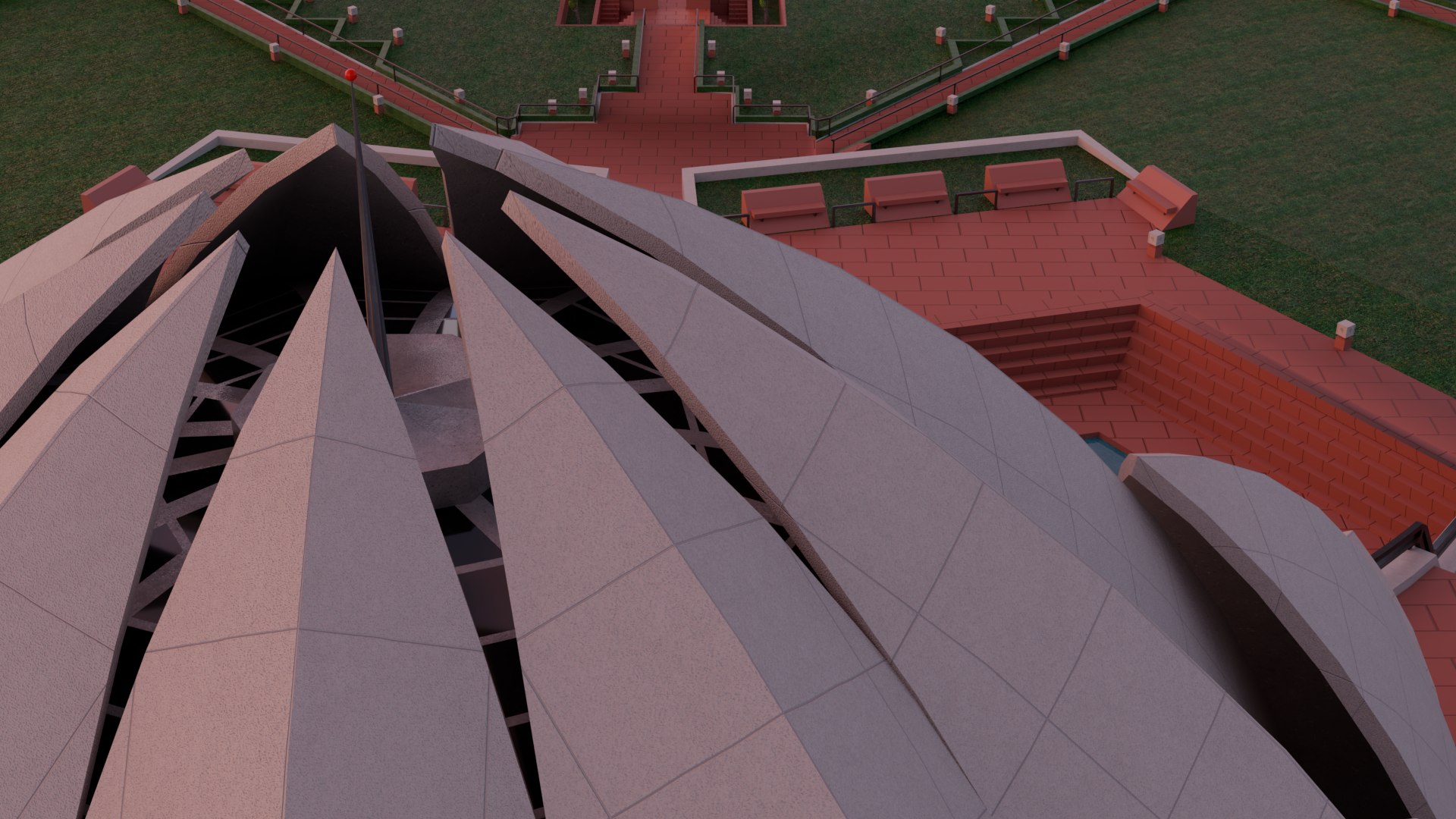
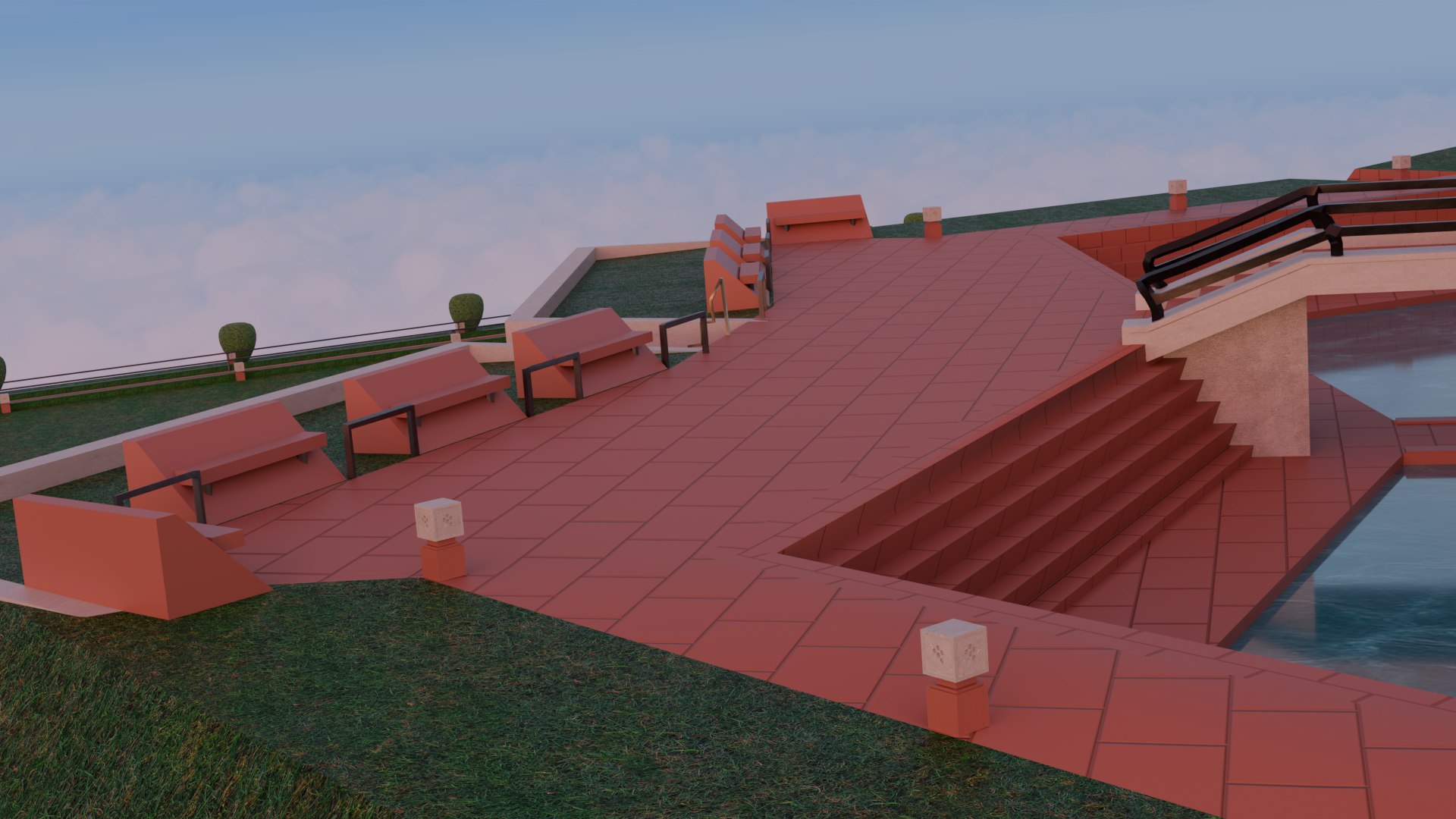
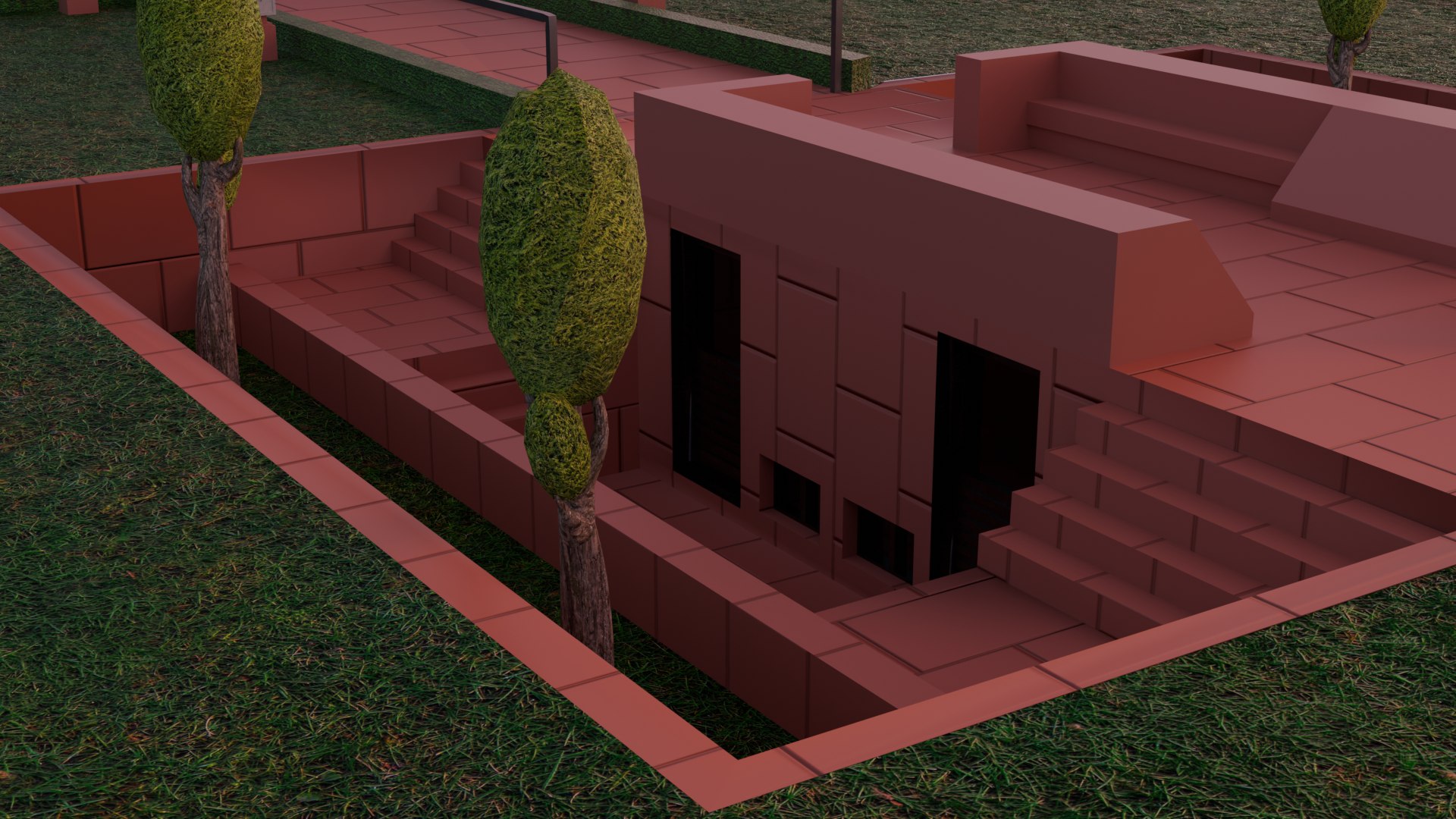
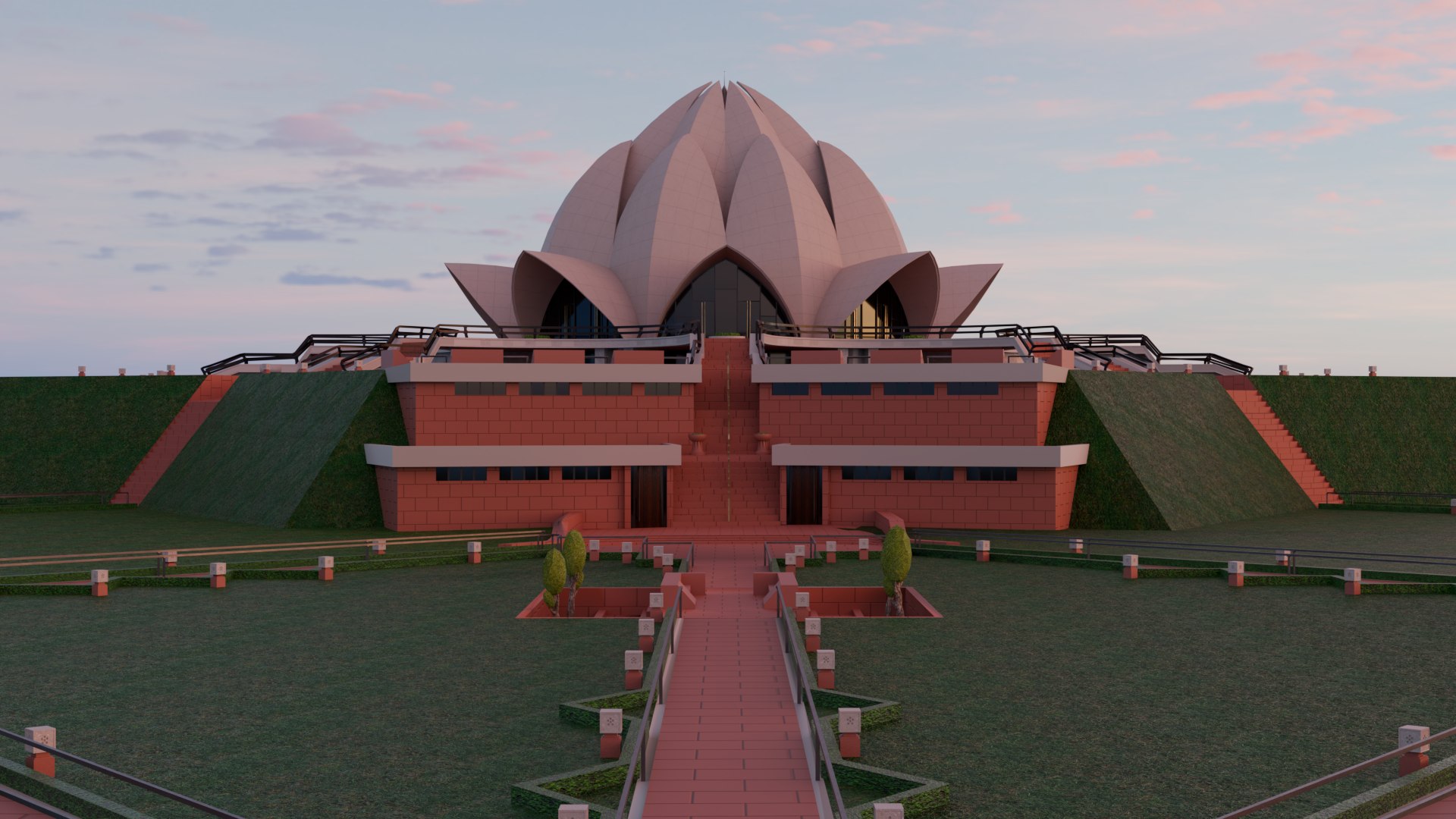
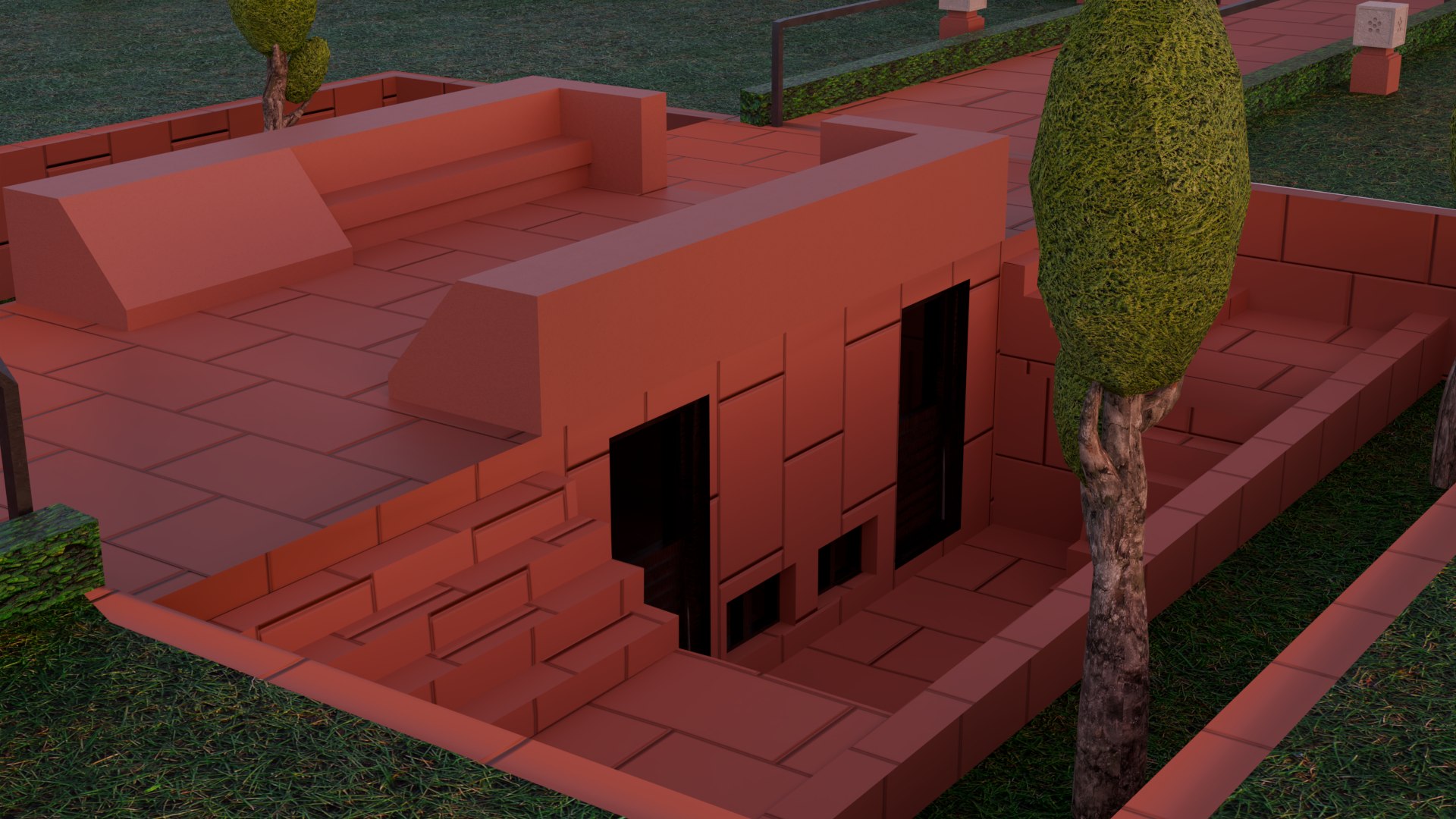
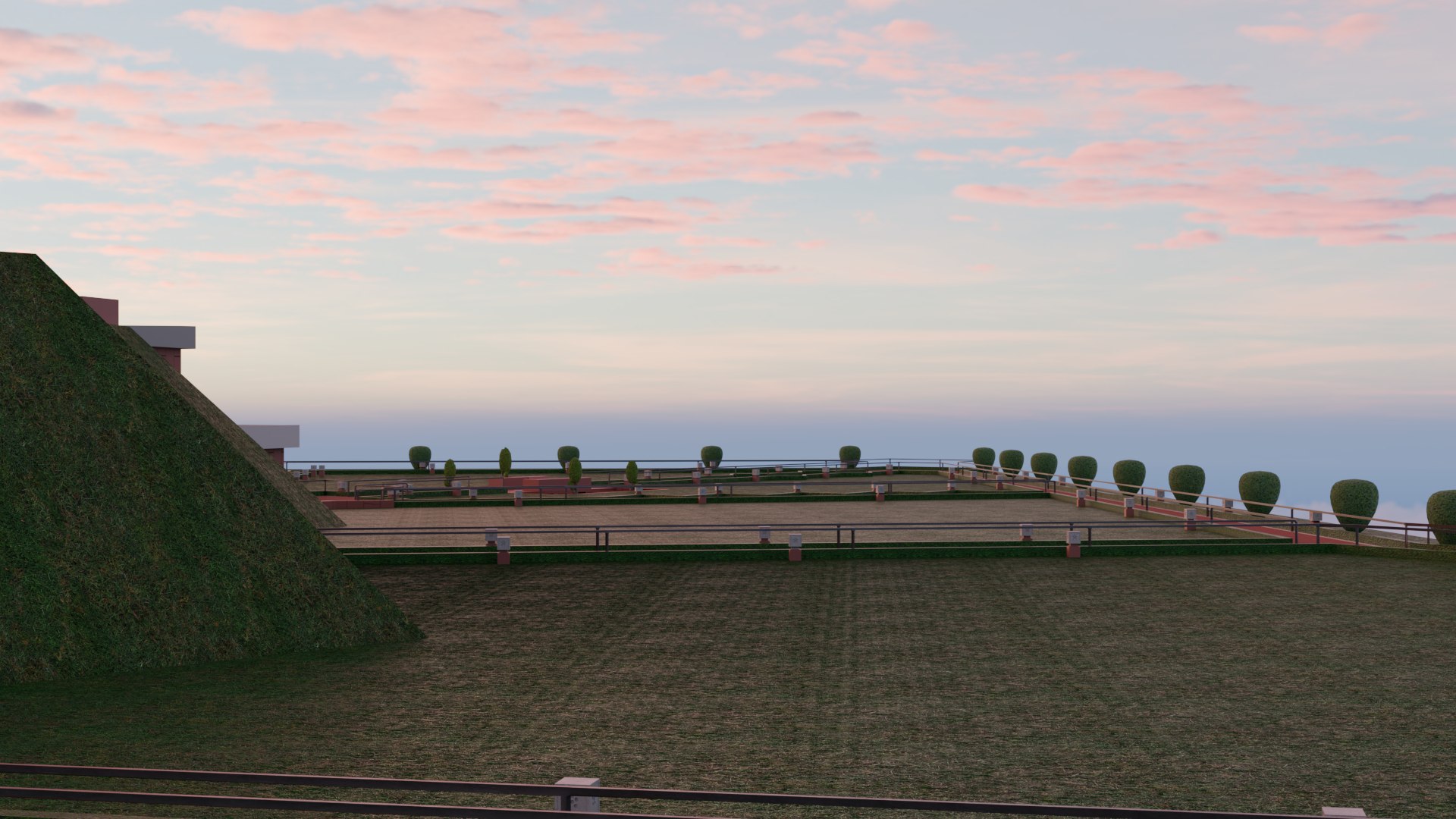
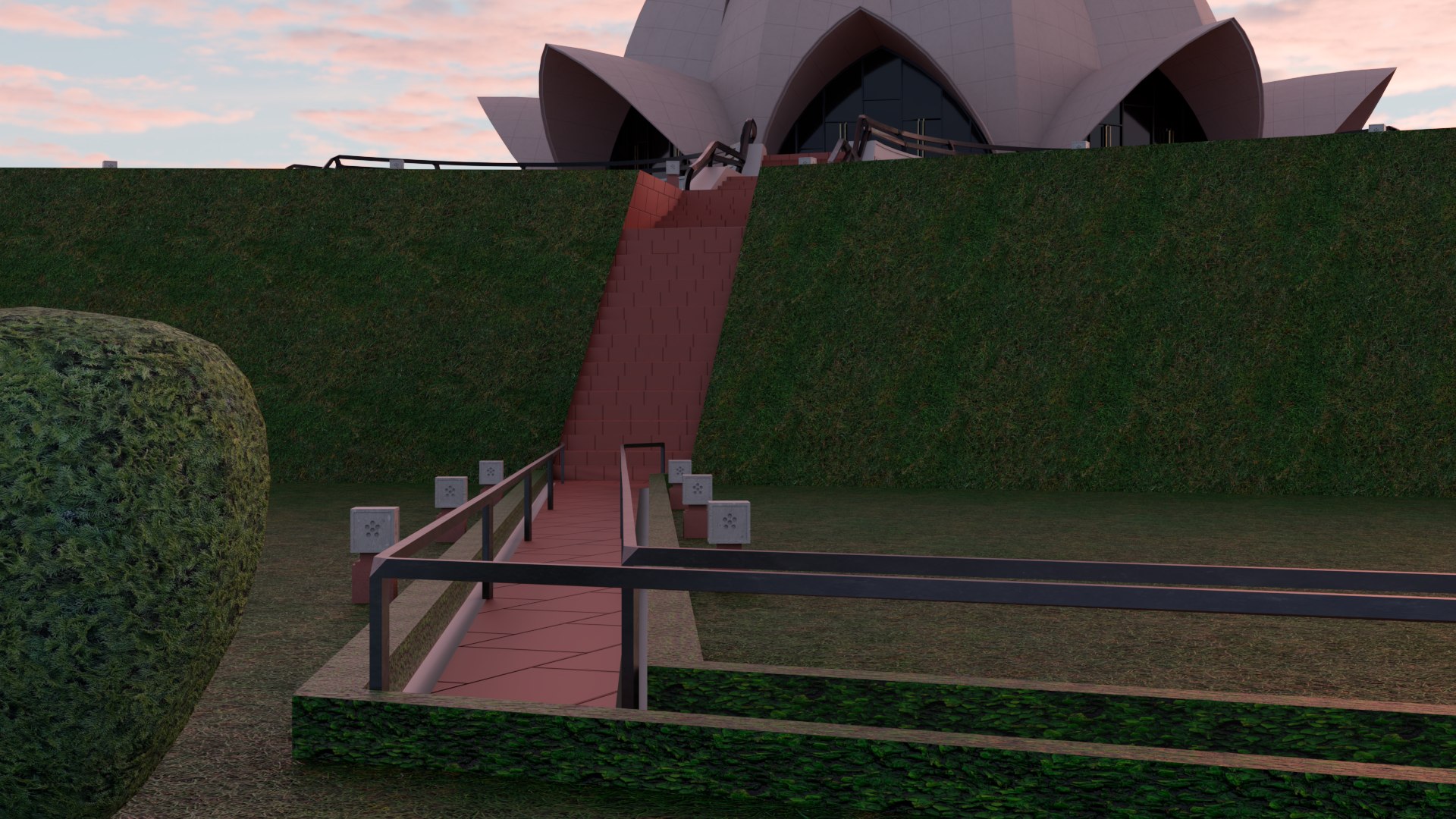
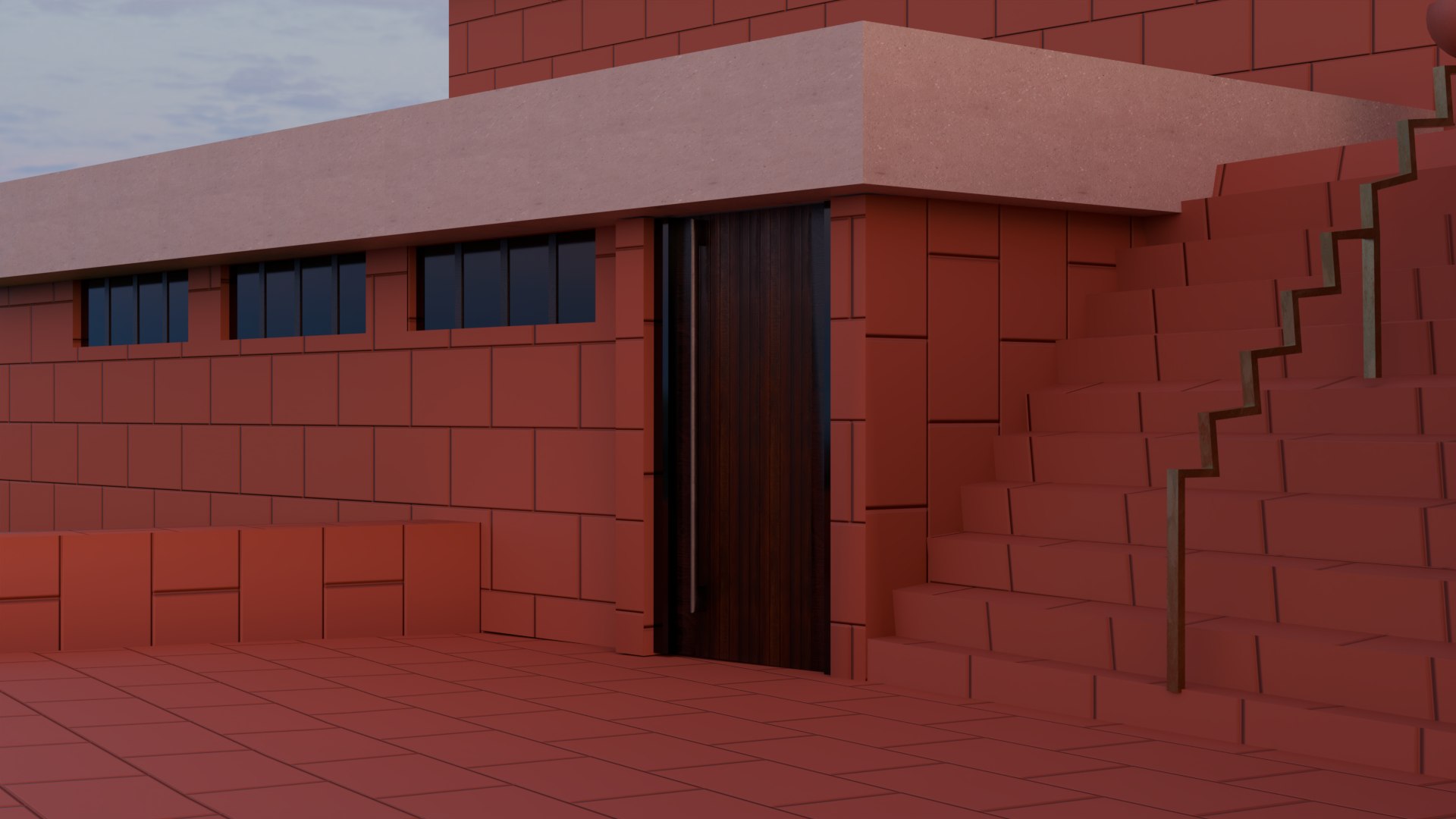
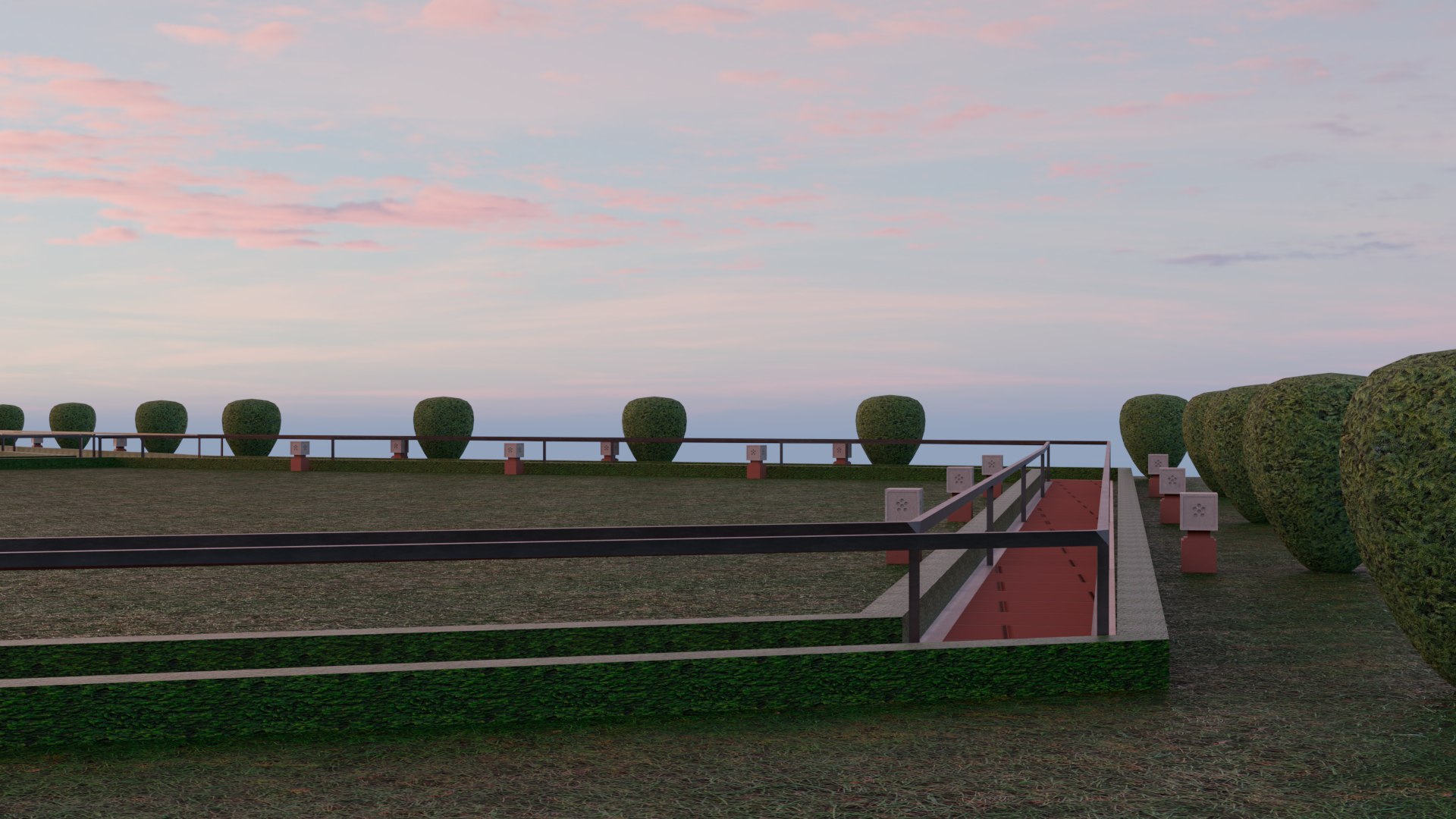
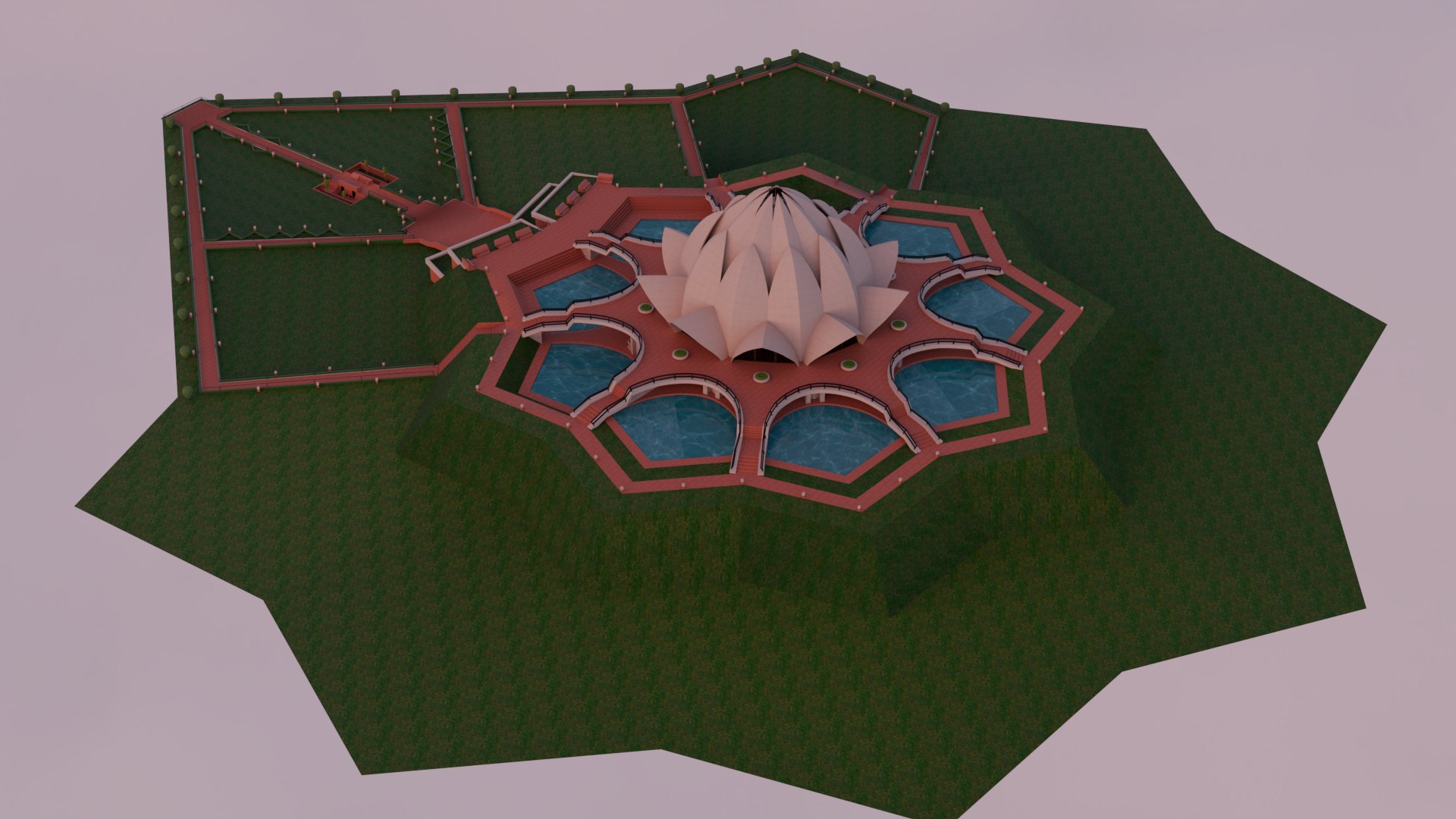
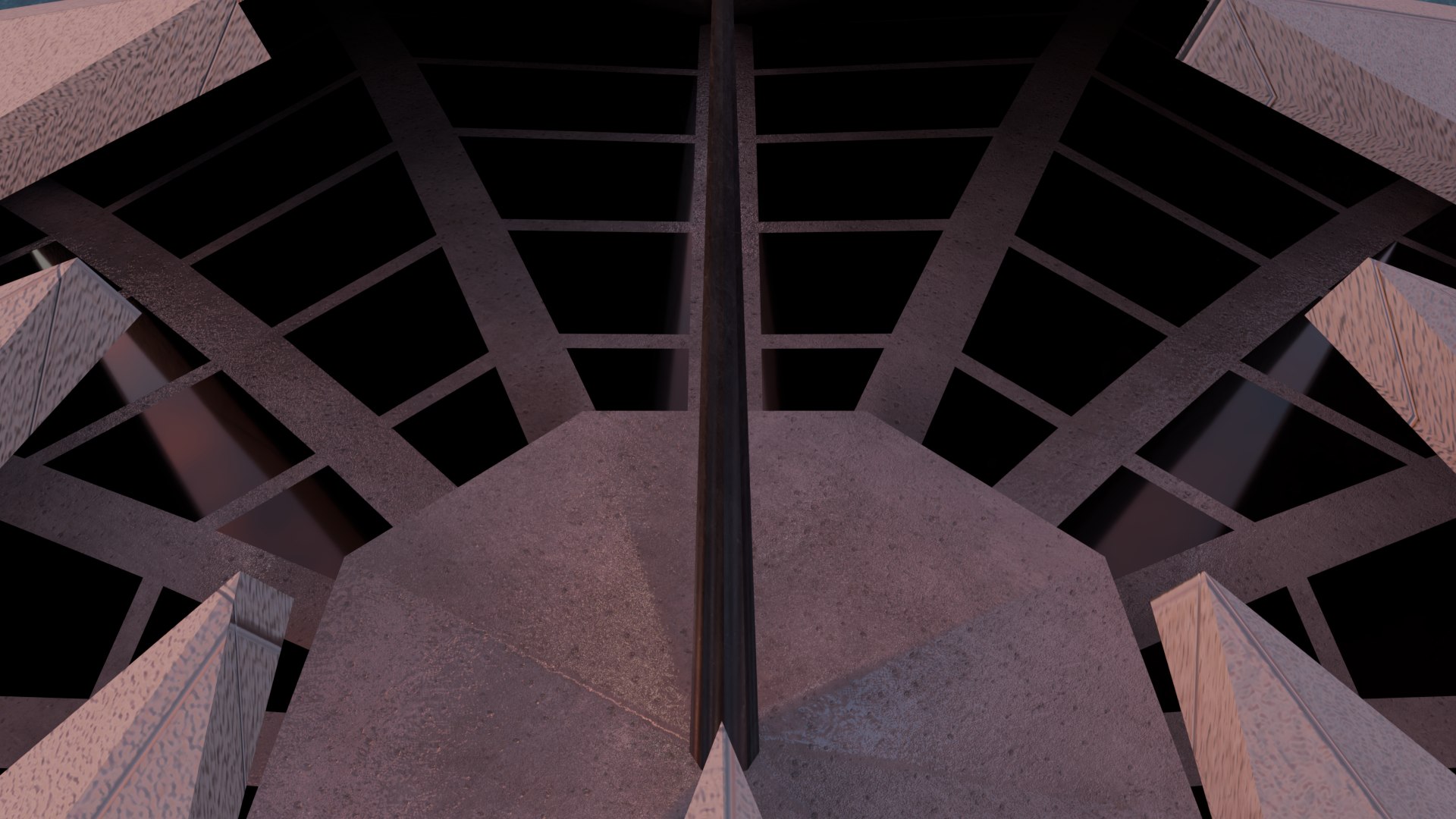
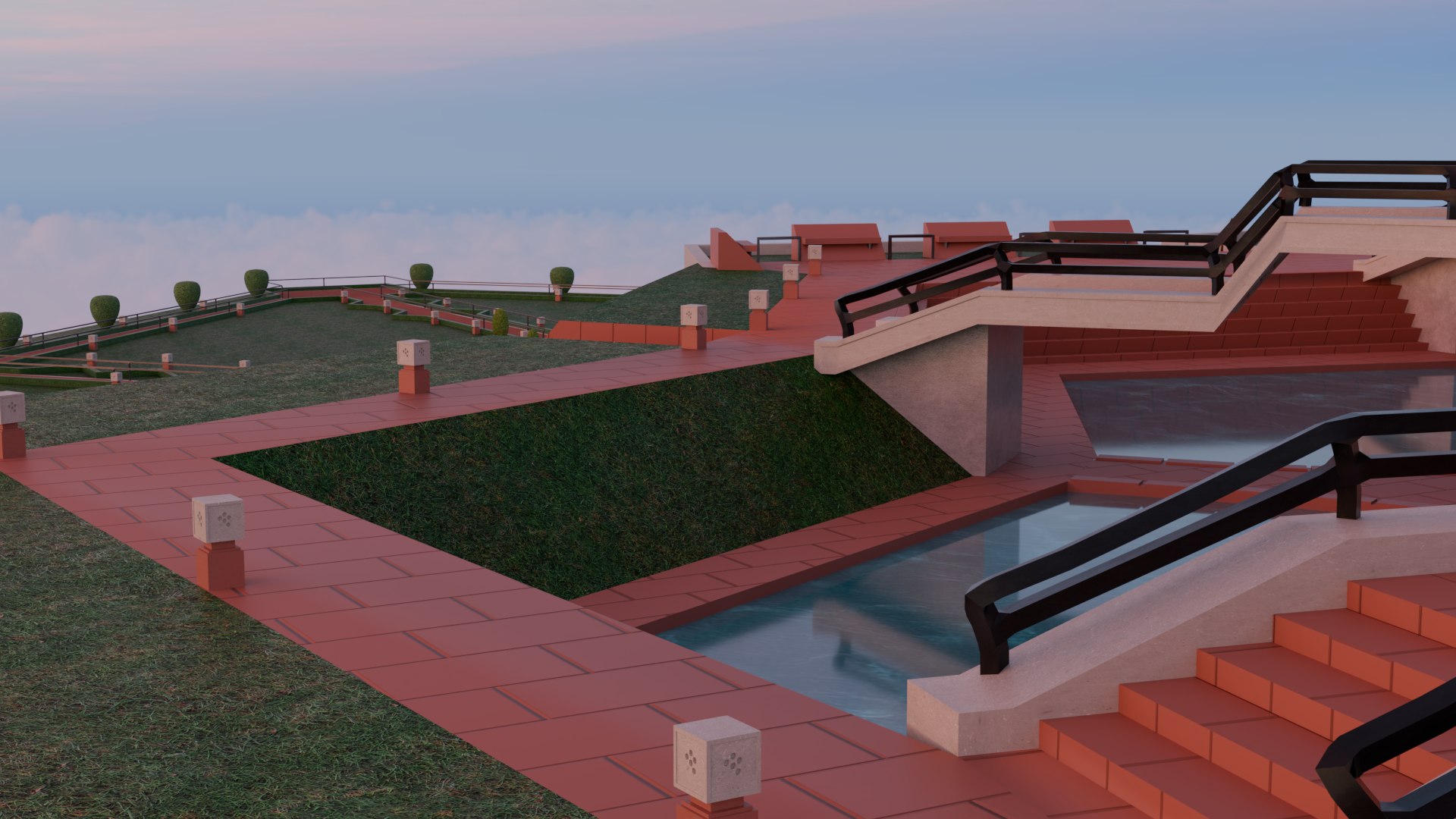
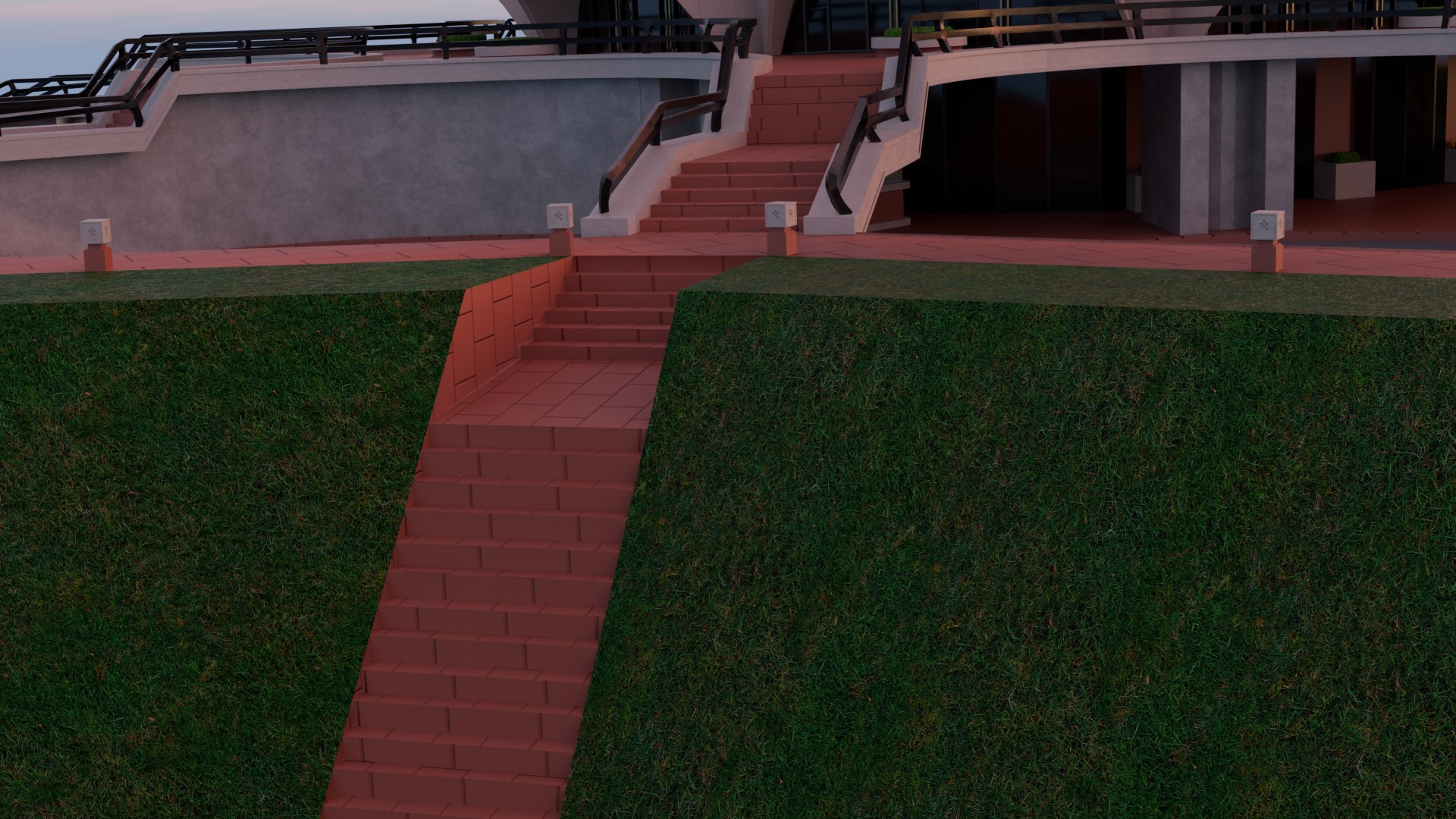
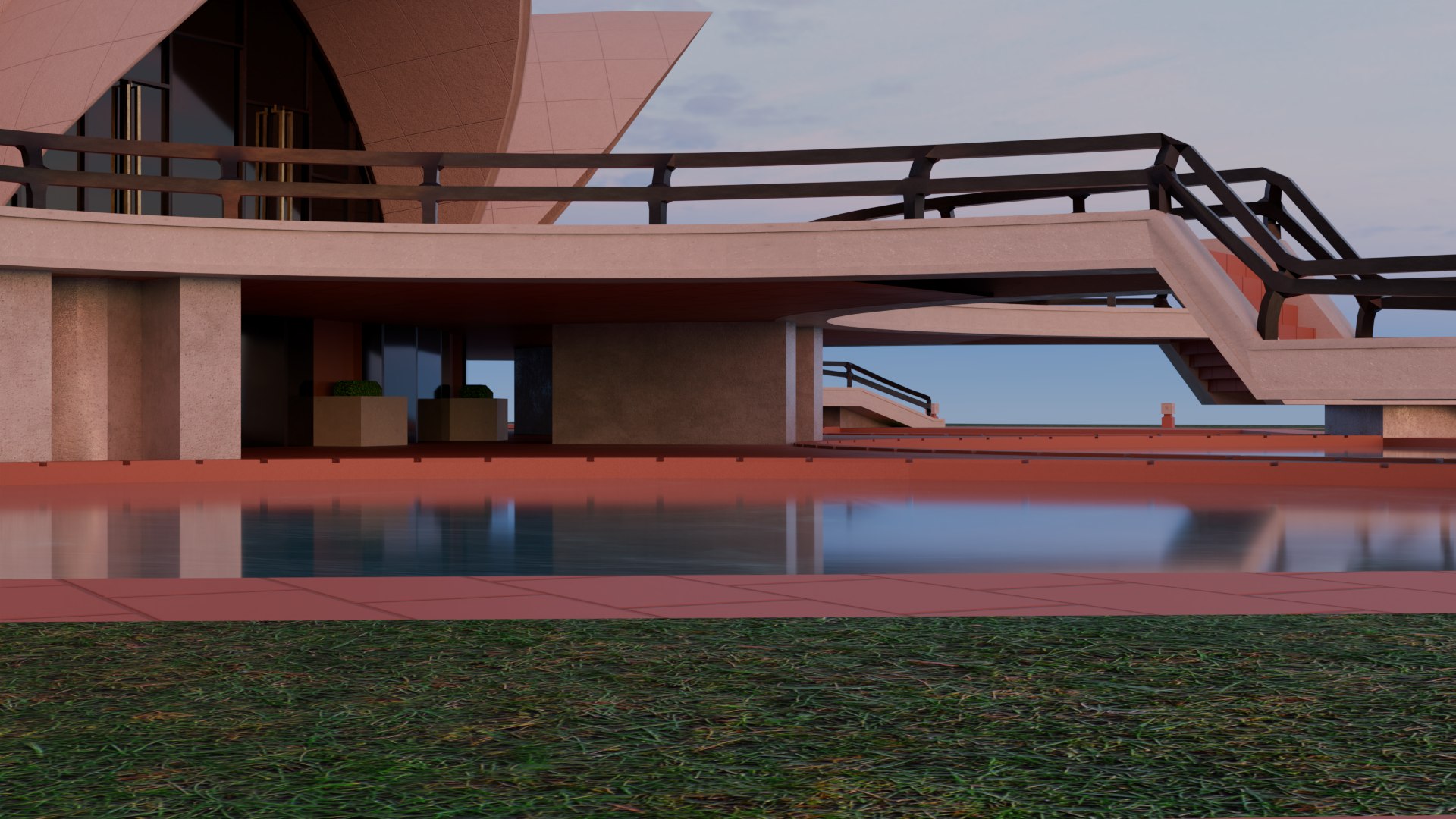
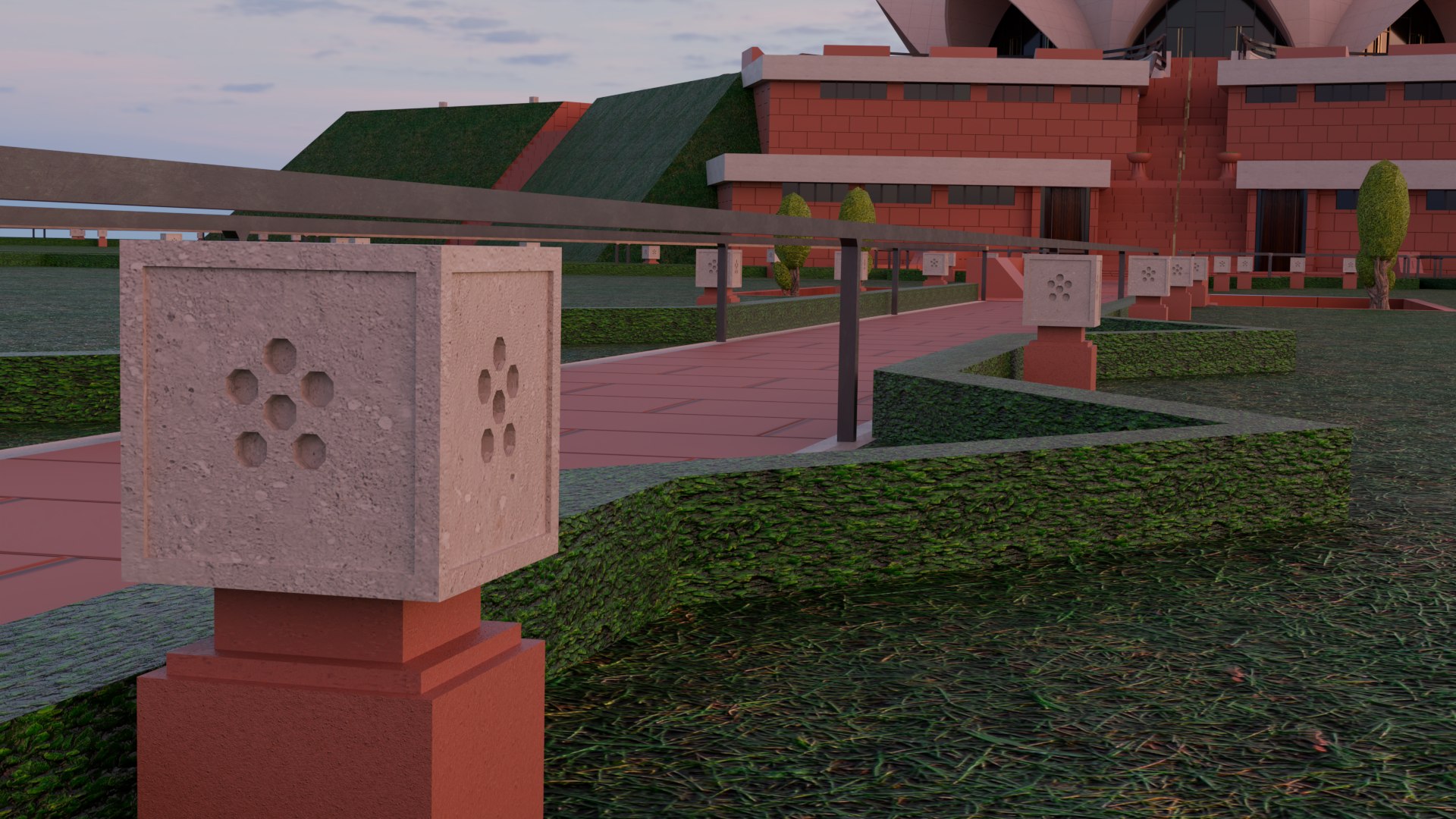
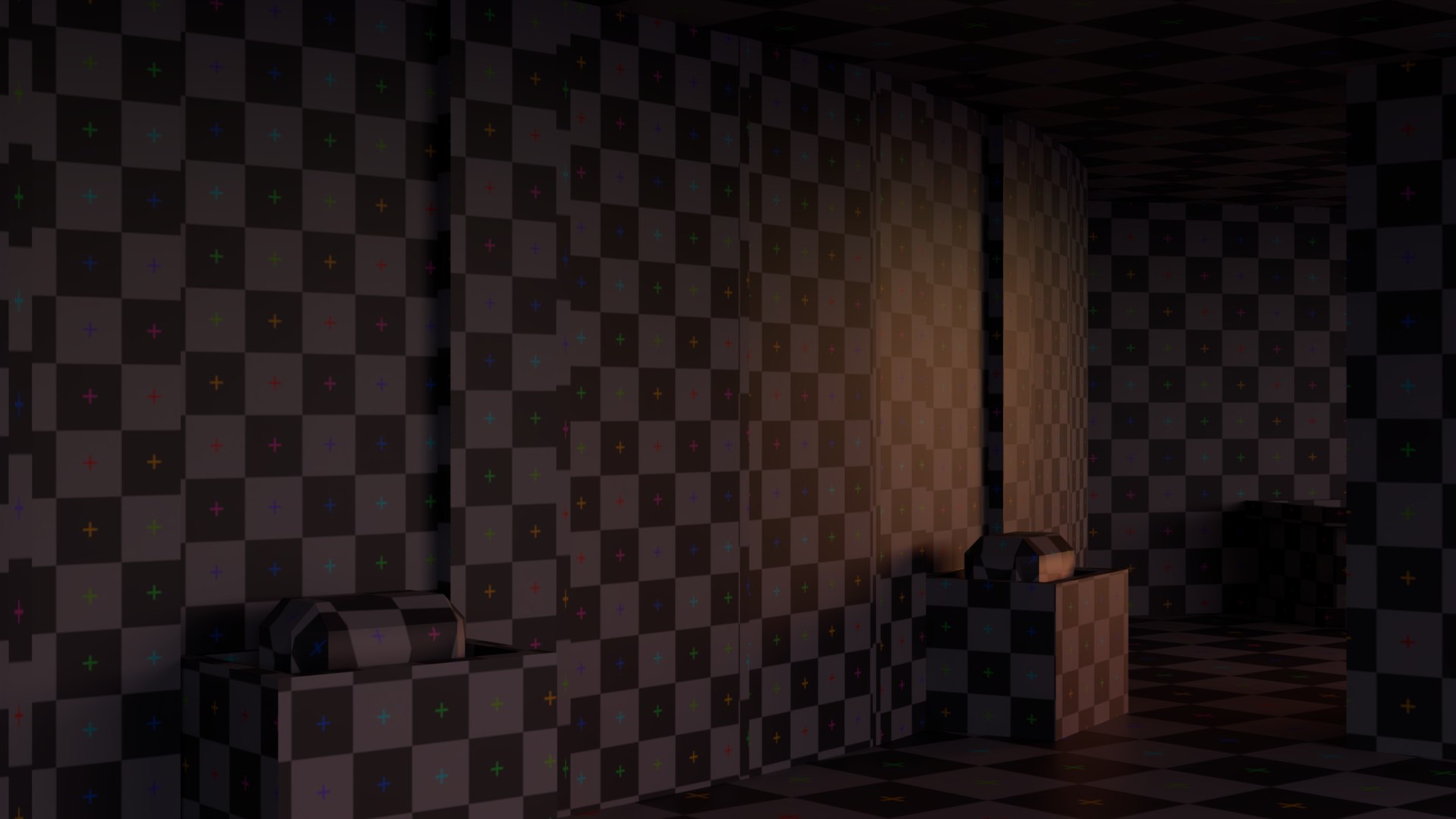
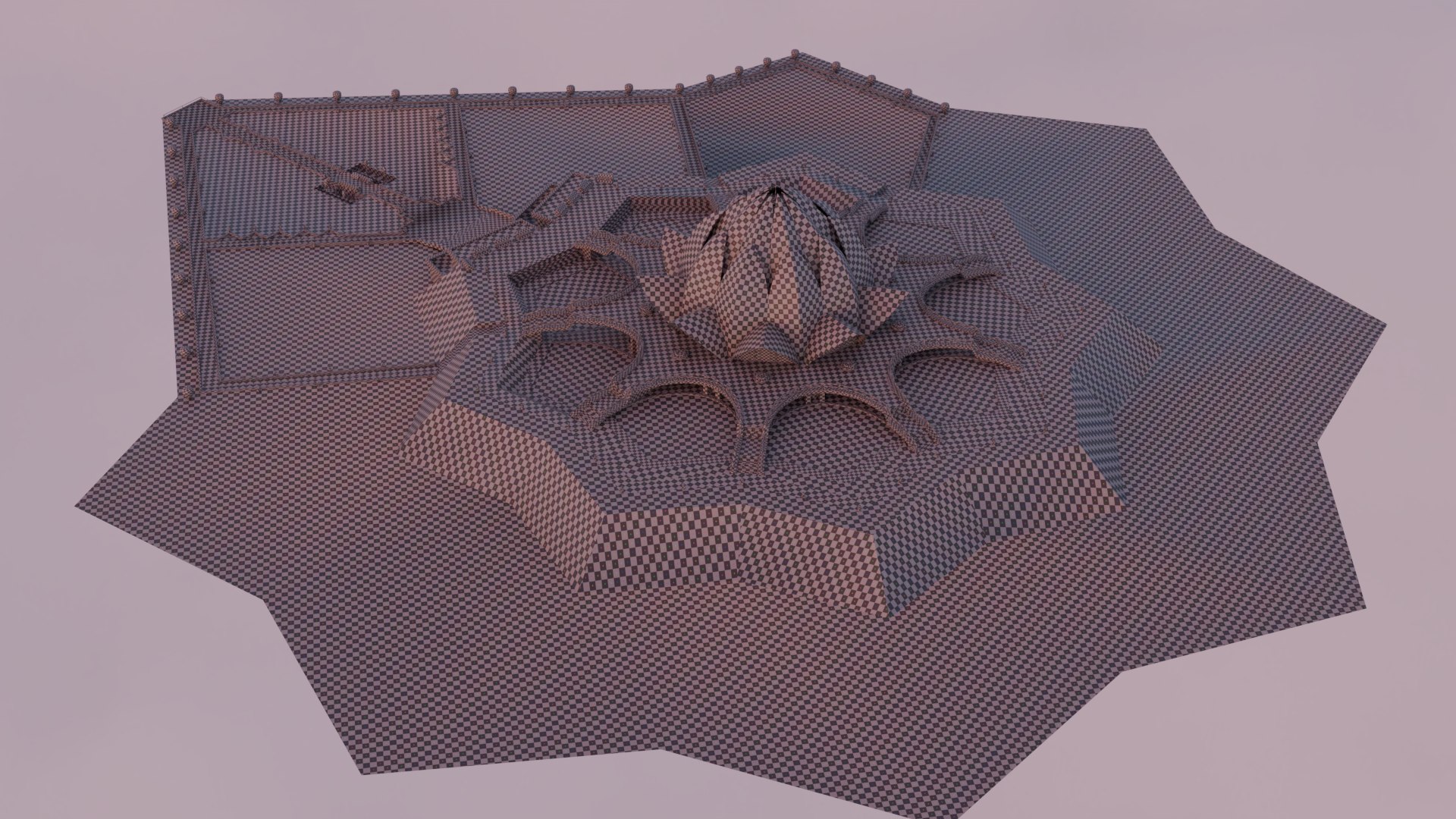
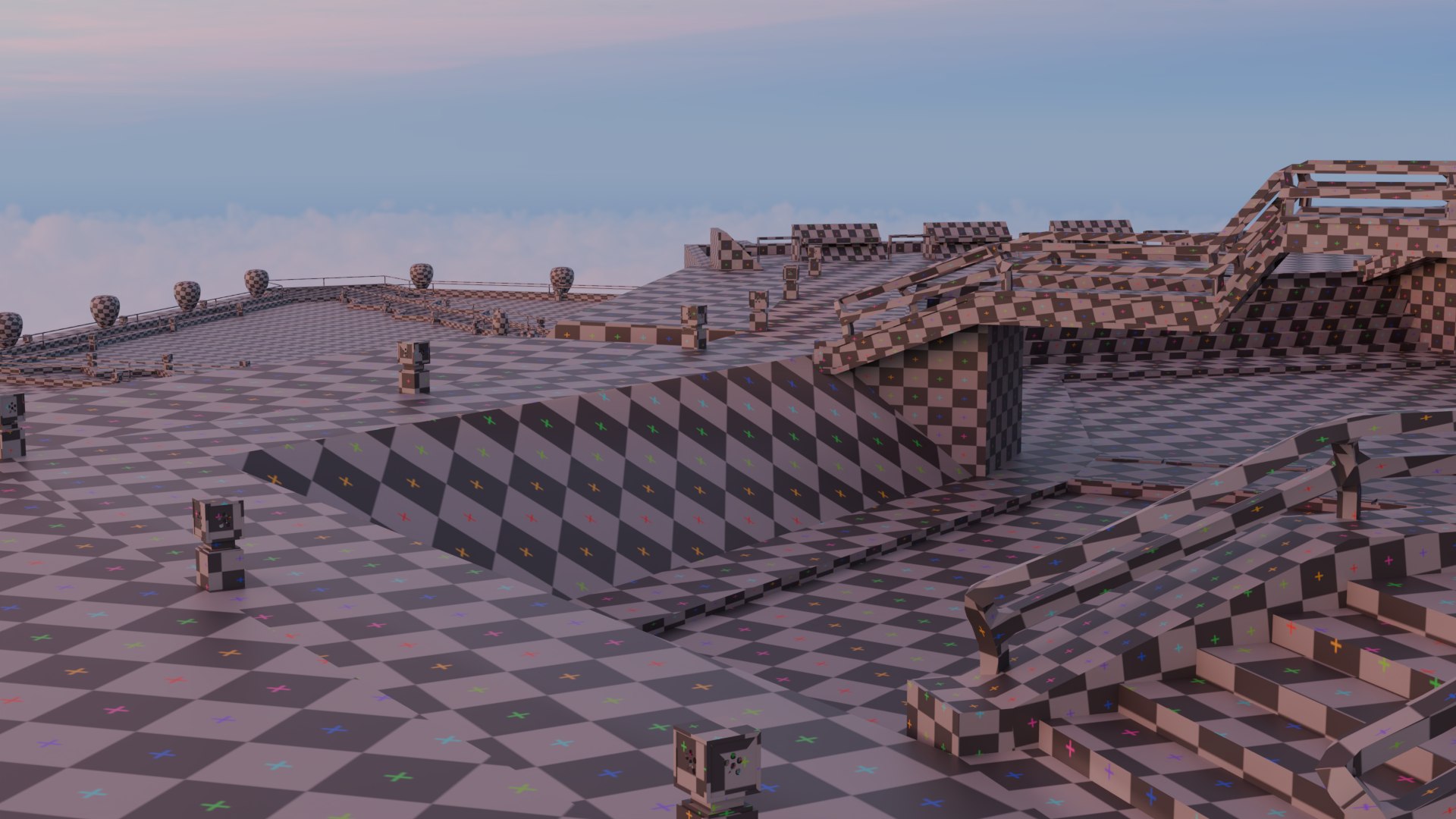
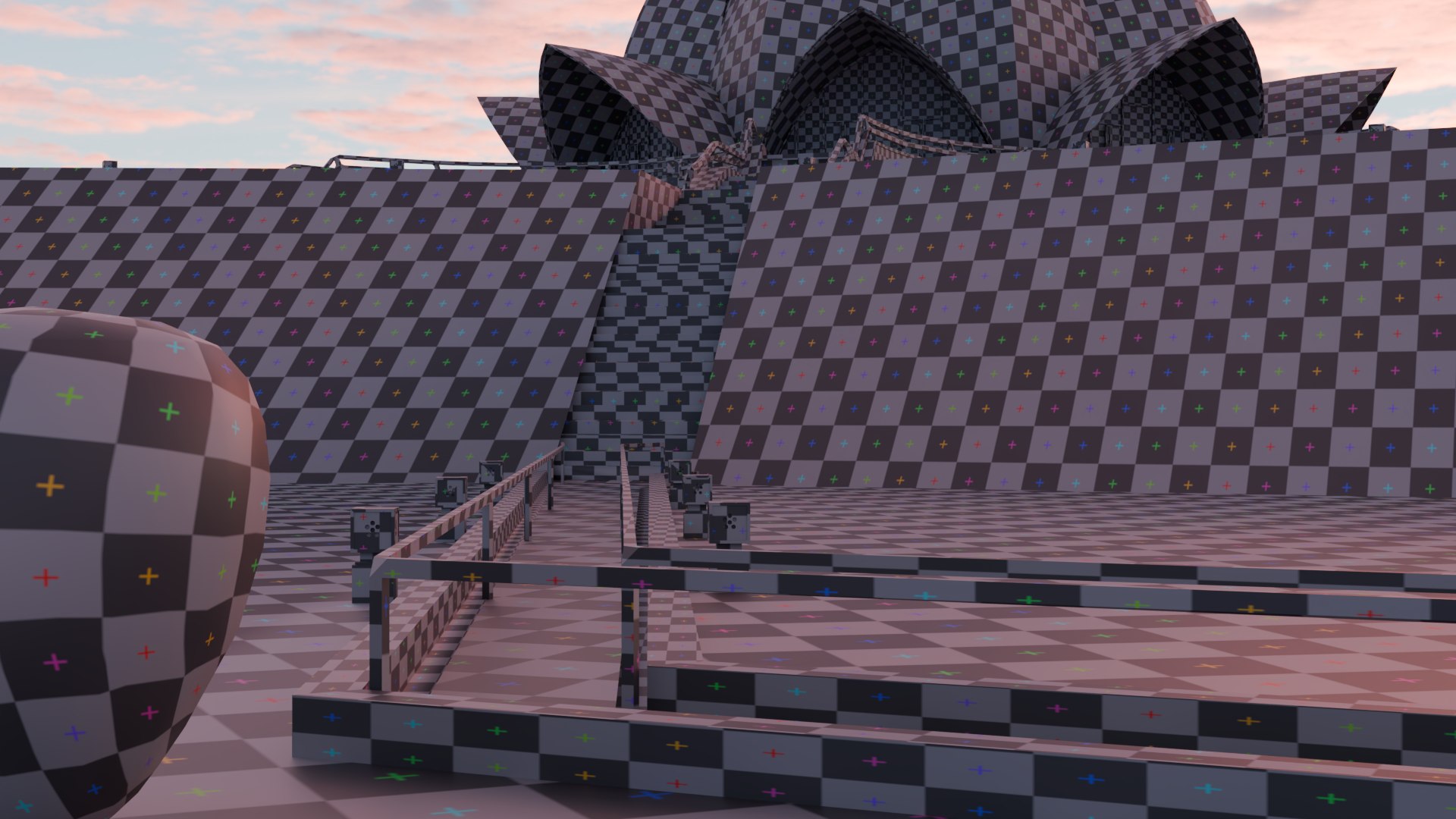
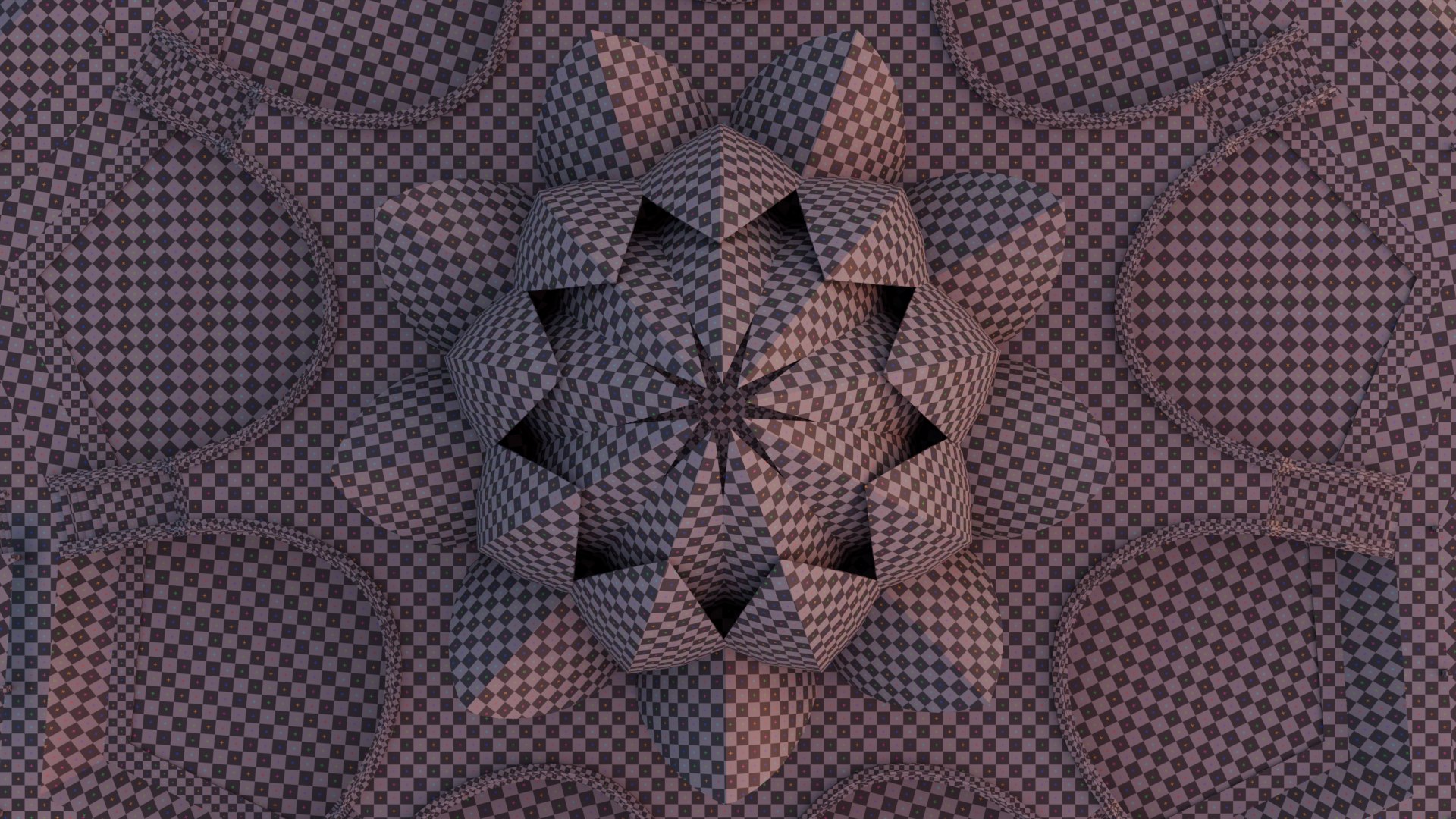
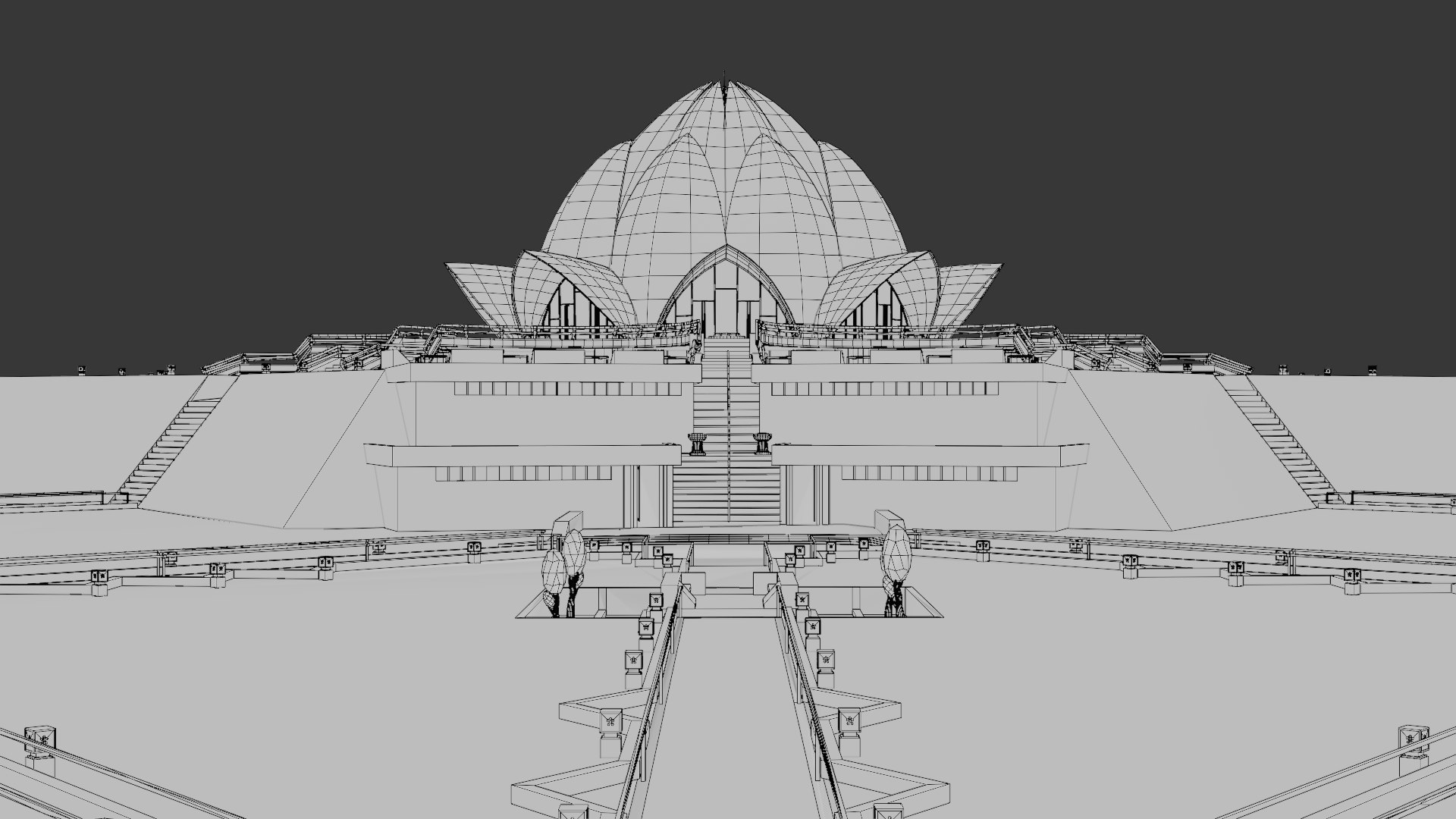
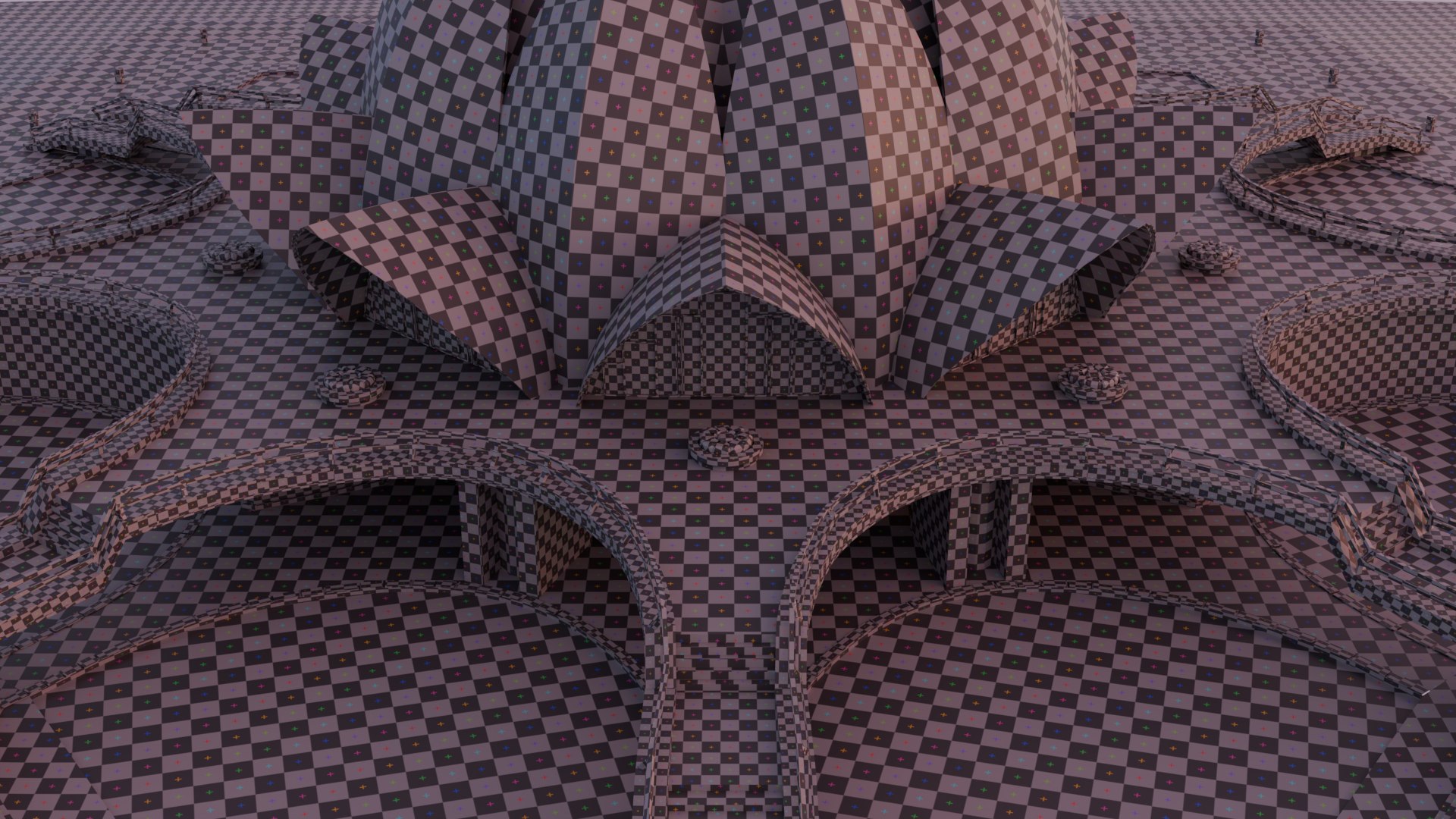
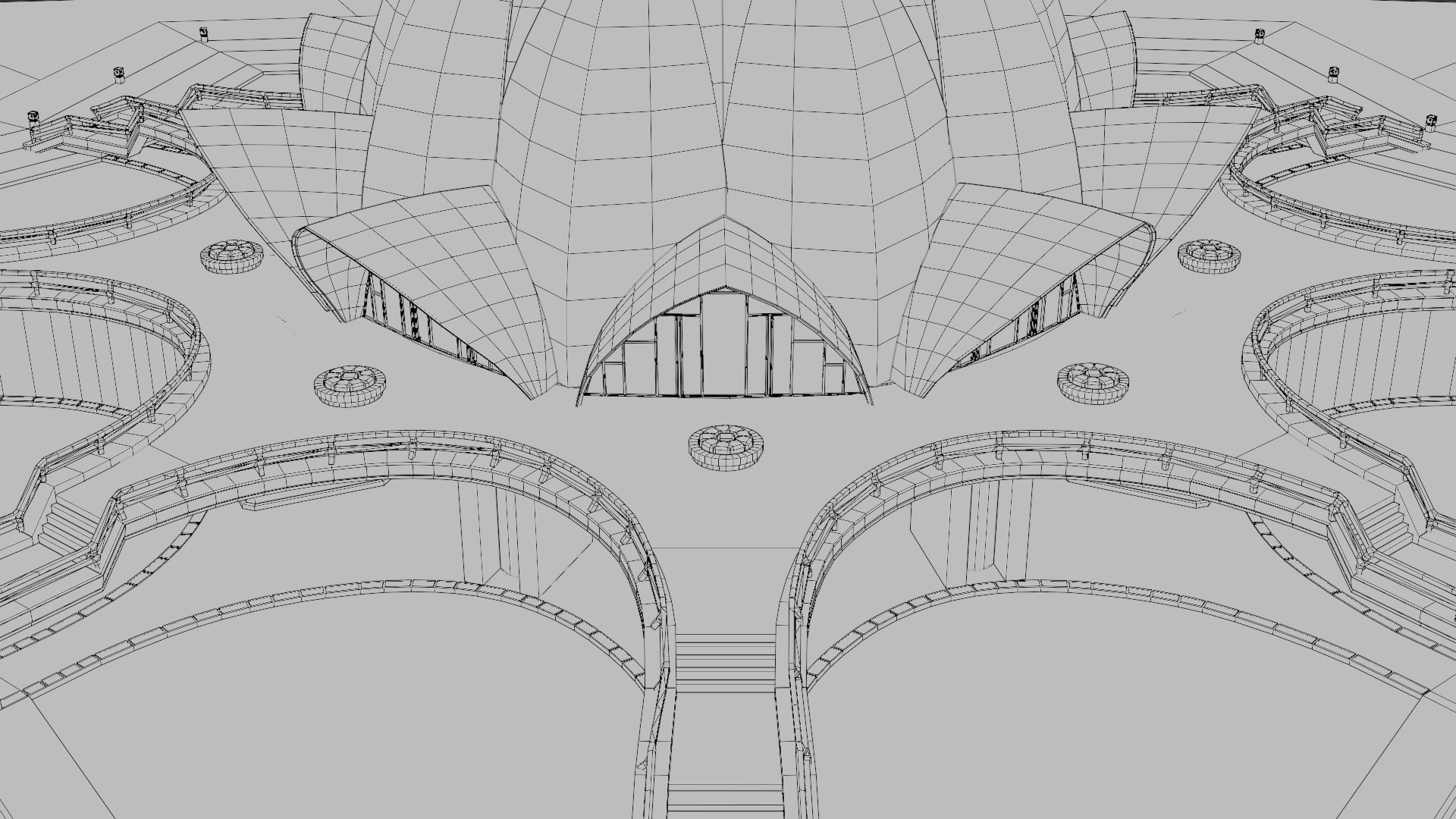
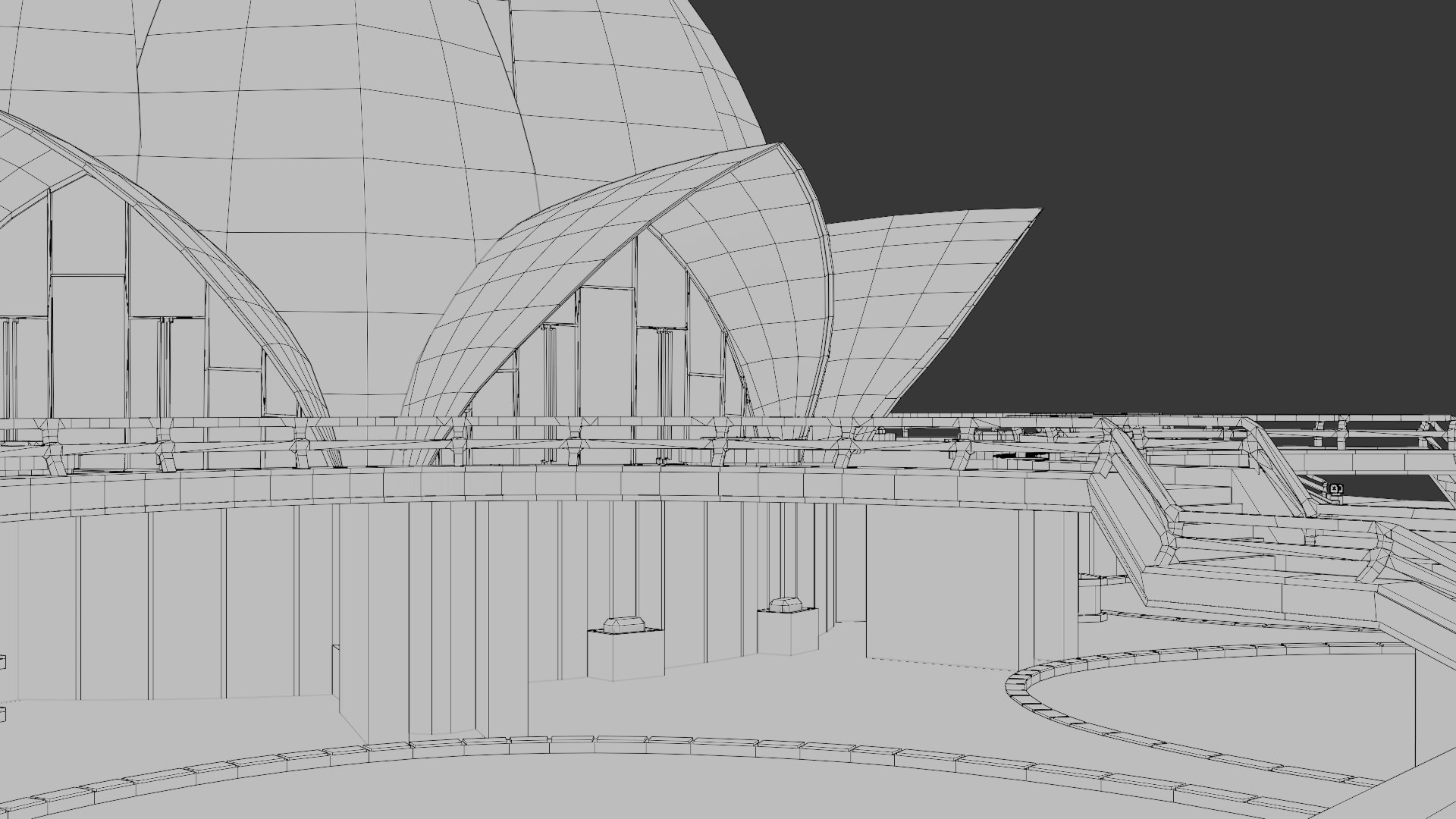
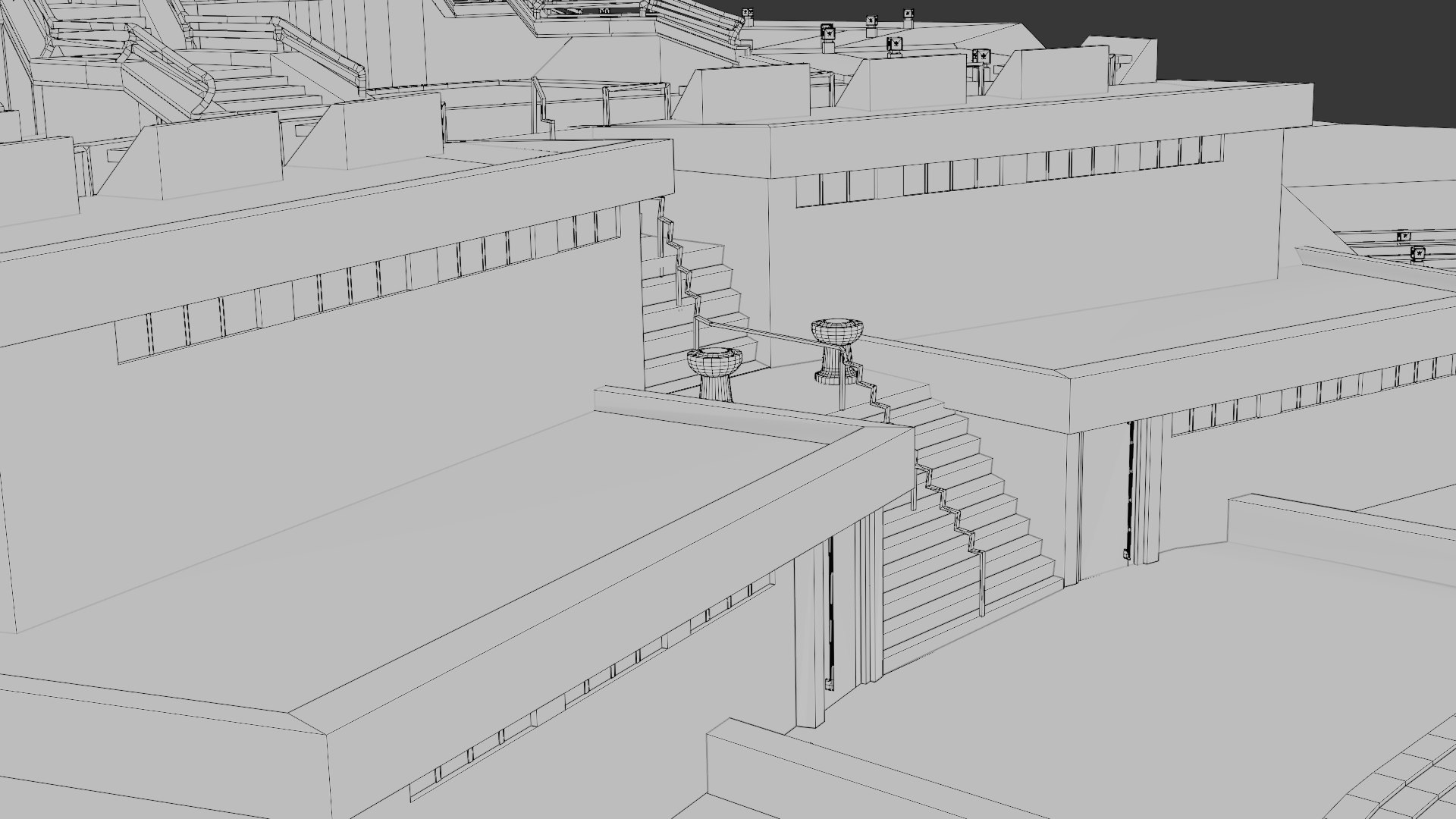
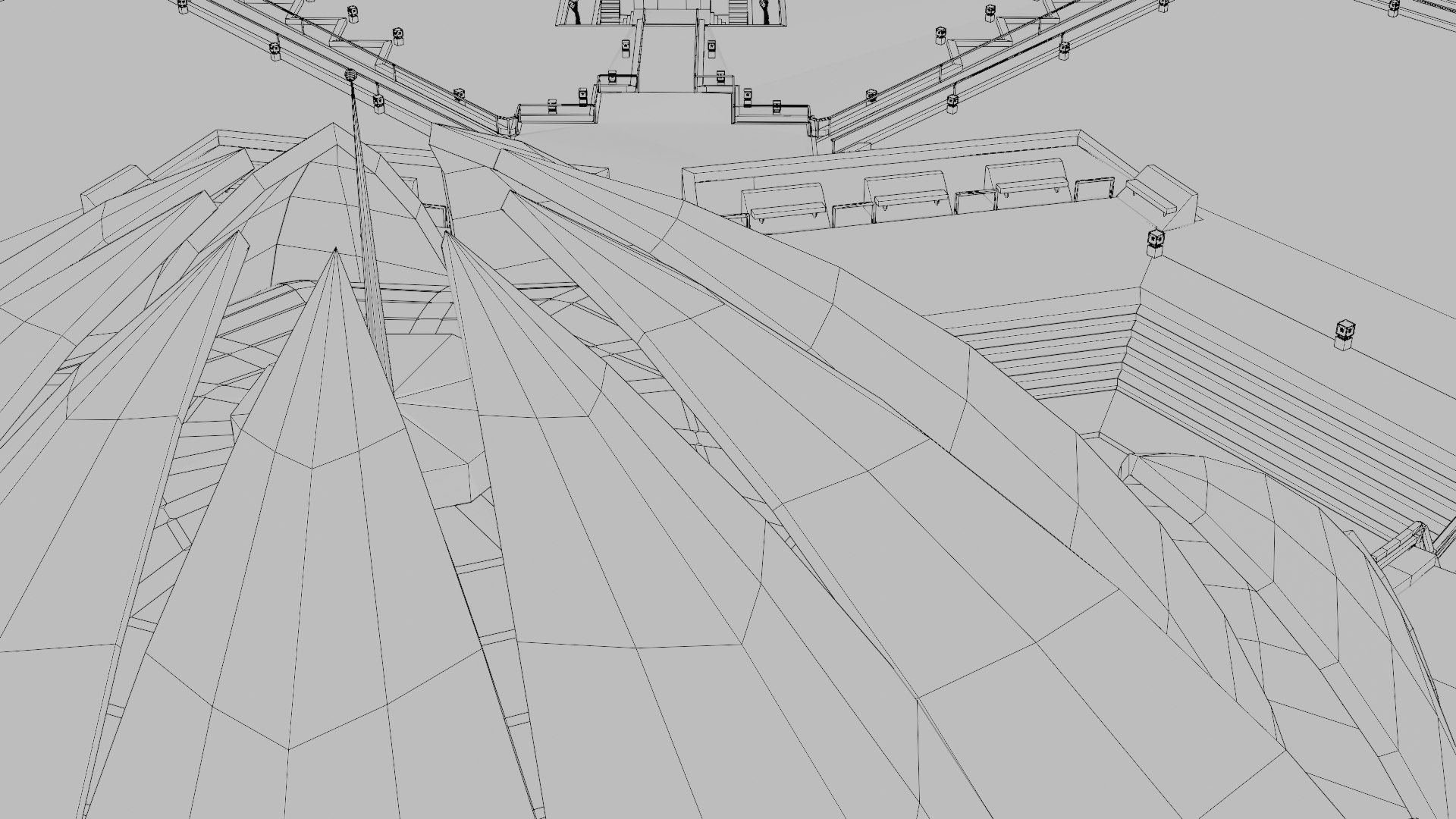
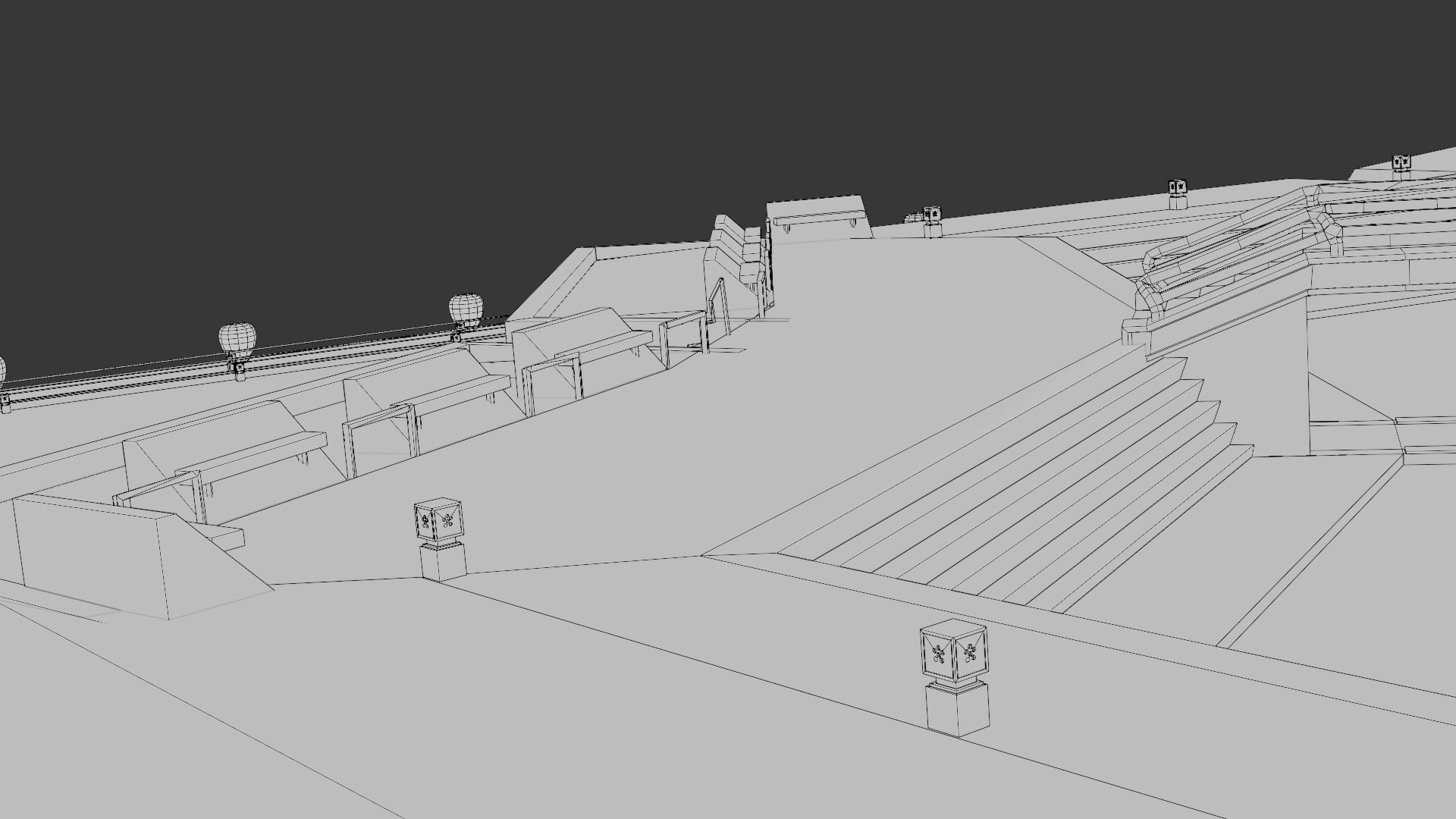
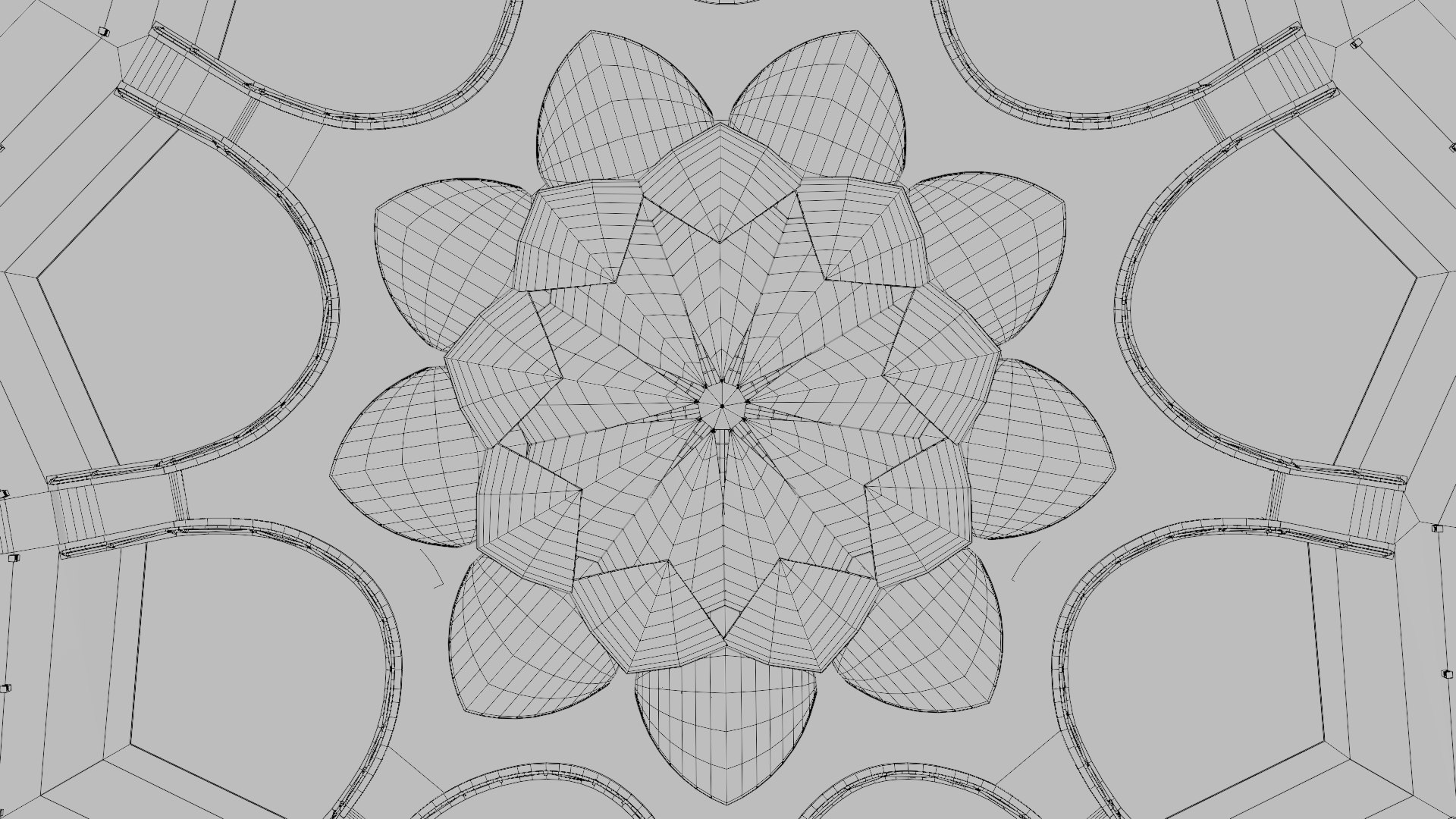
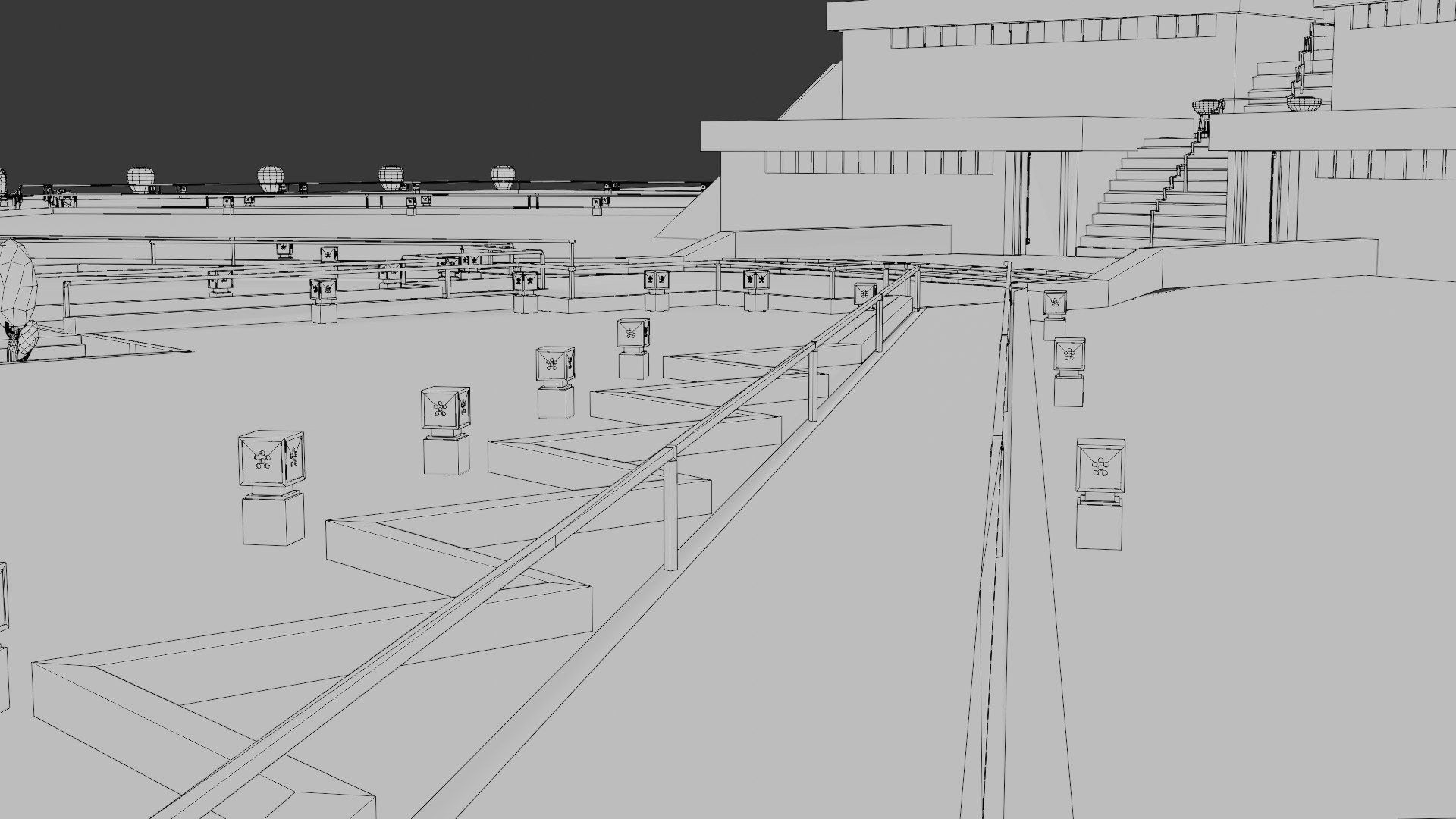
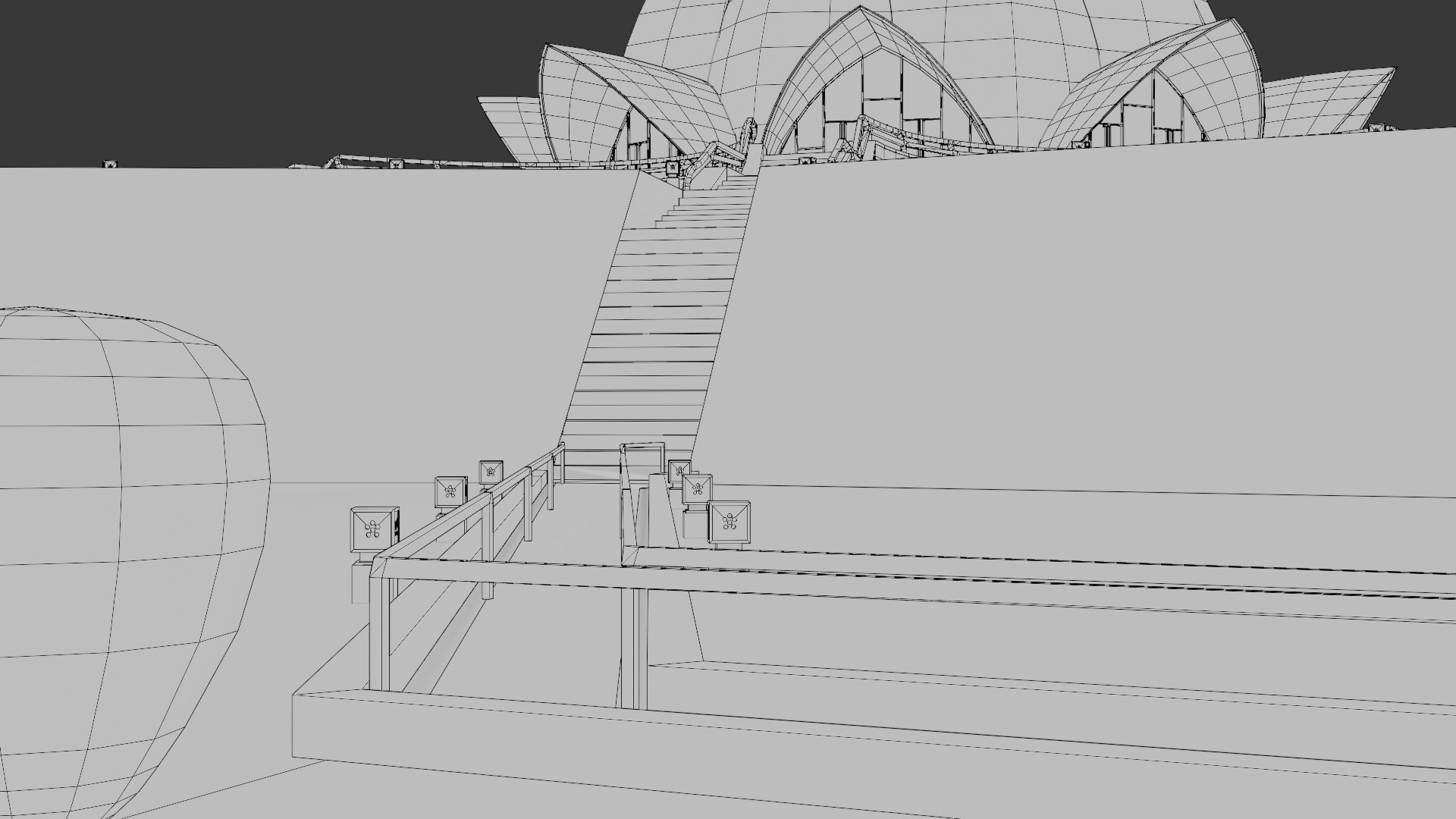
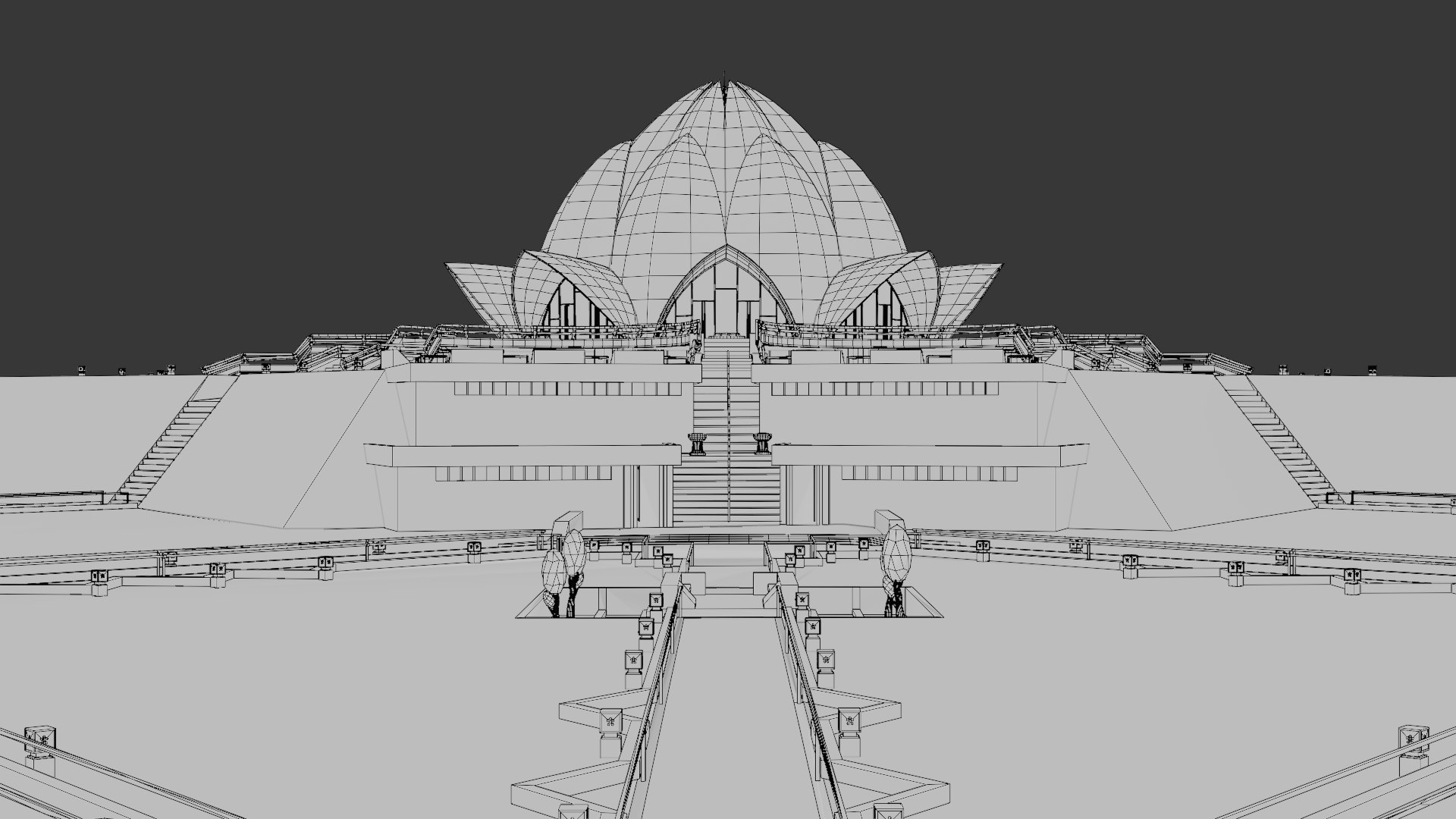
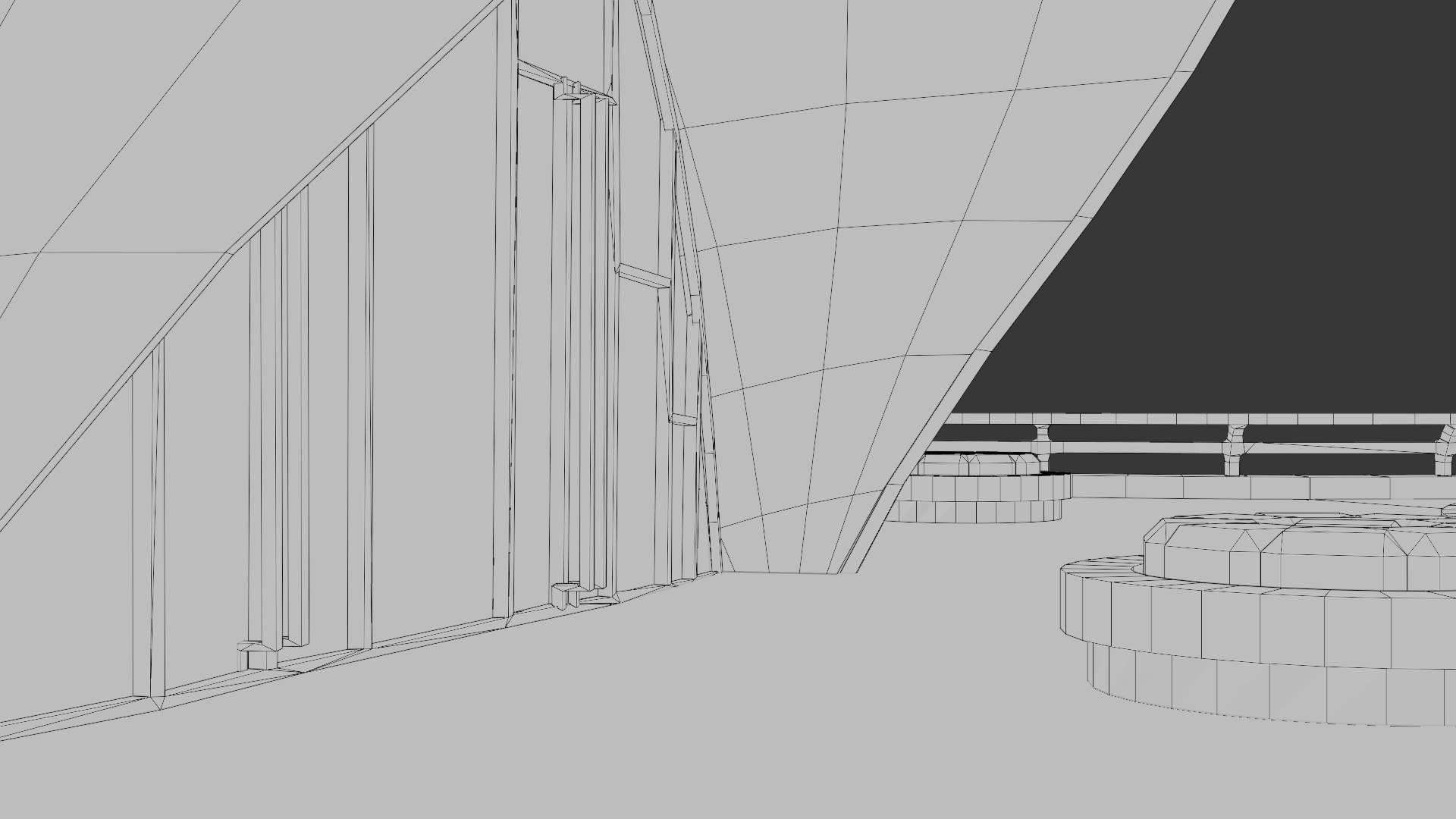
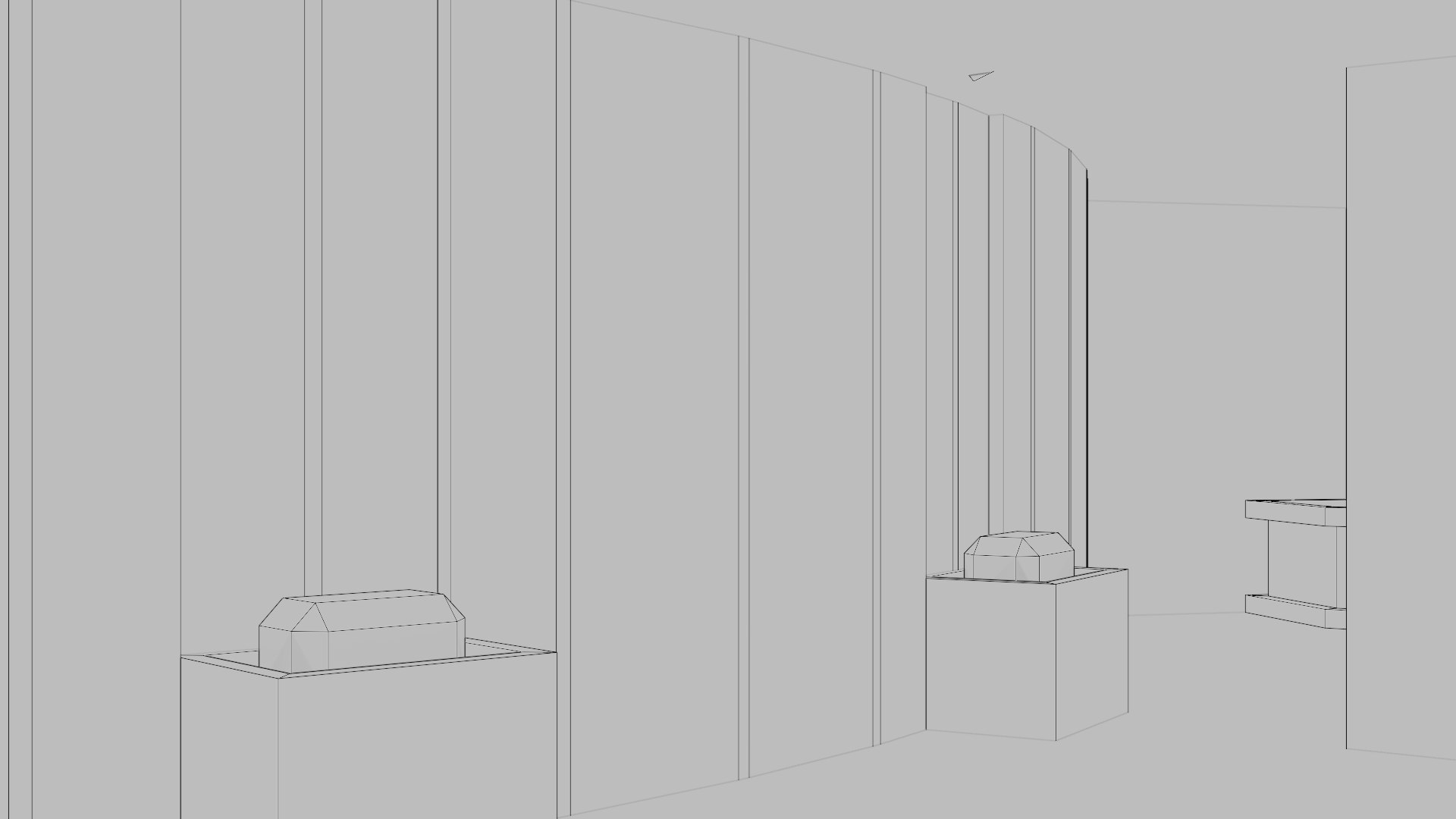
The Lotus Temple (Bahá'í House of Worship) is an iconic architectural landmark located in Delhi, India. Inspired by the shape of a lotus flower, this temple is one of the most famous examples of modern architecture. This 3D model is a high-resolution, optimized, and multi-format representation that accurately captures the structure’s original details.

Promotional Video

If you’d like to see the model in more detail, you can watch the promotional animation I prepared on YouTube. Please check my profile or the link below:

https://youtu.be/gBmvwr8NIqY

General Features

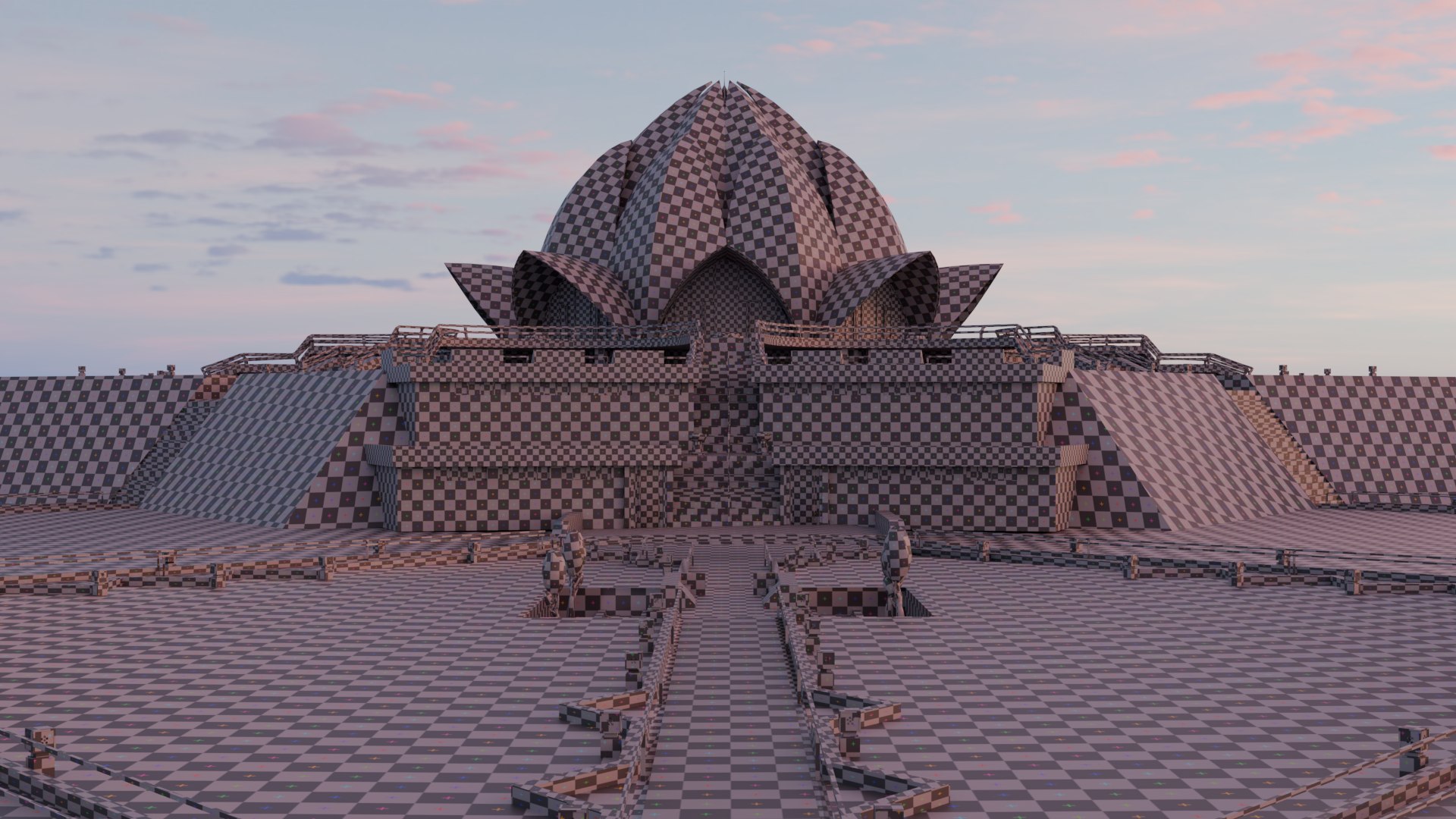
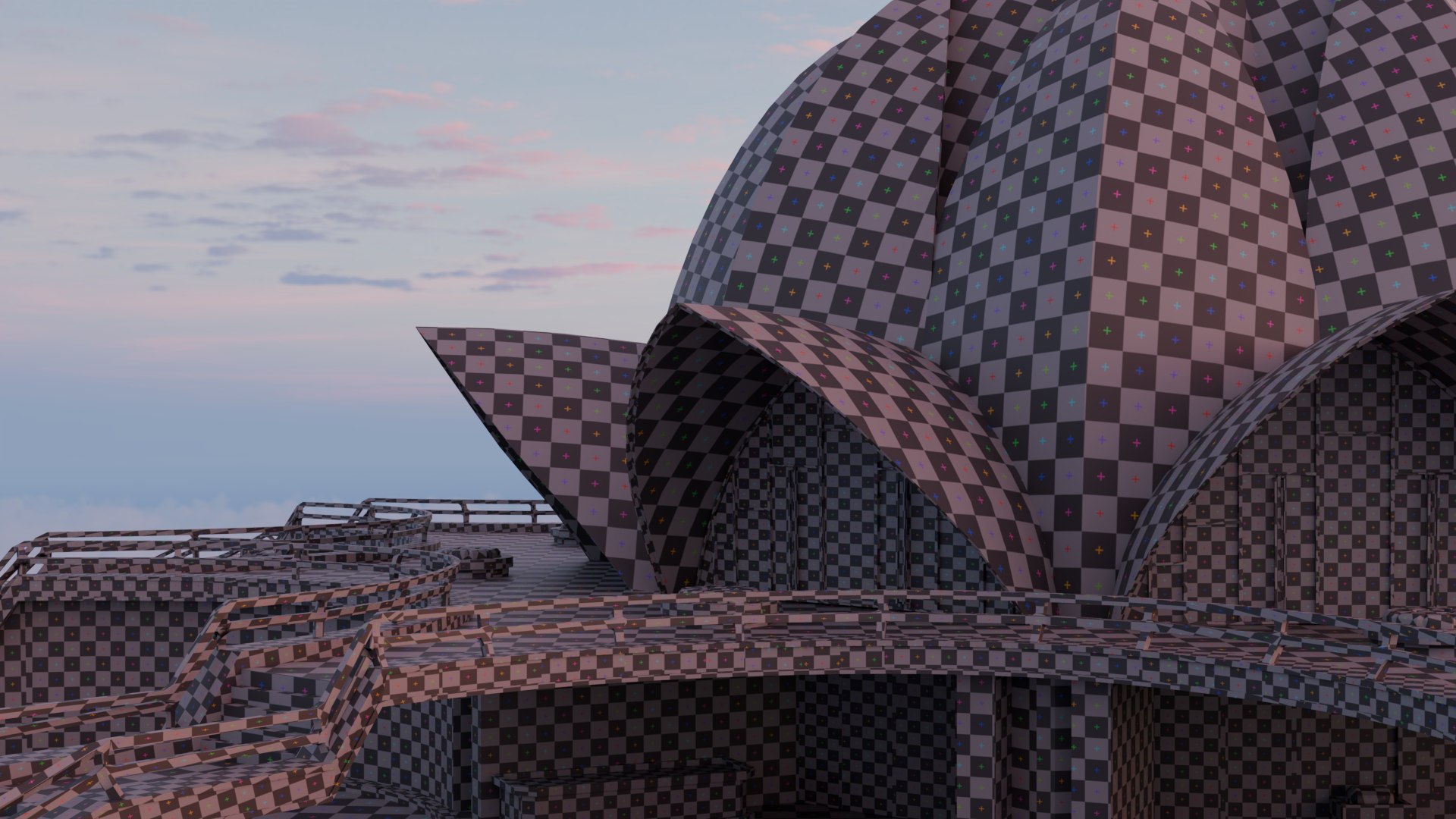
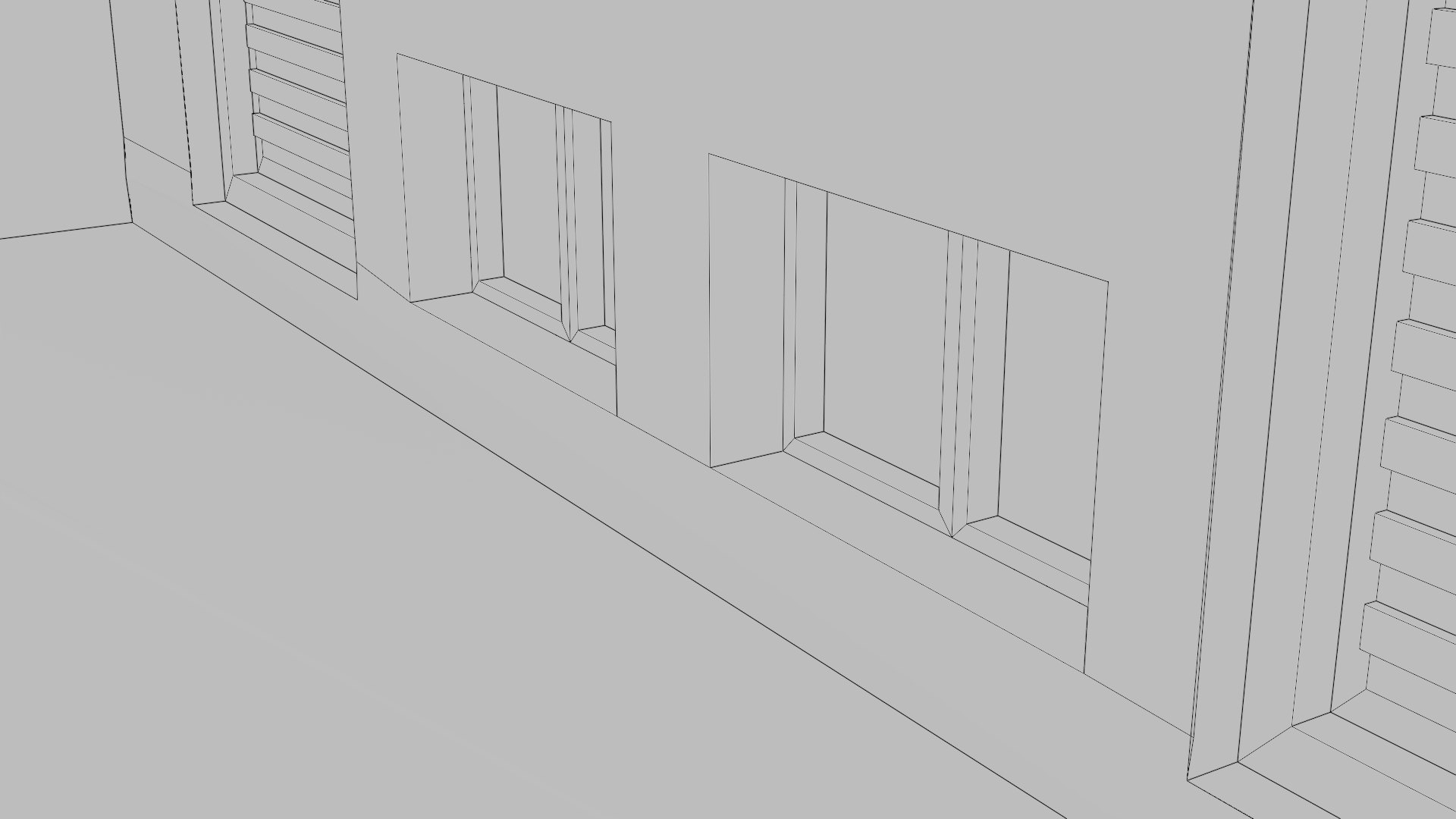
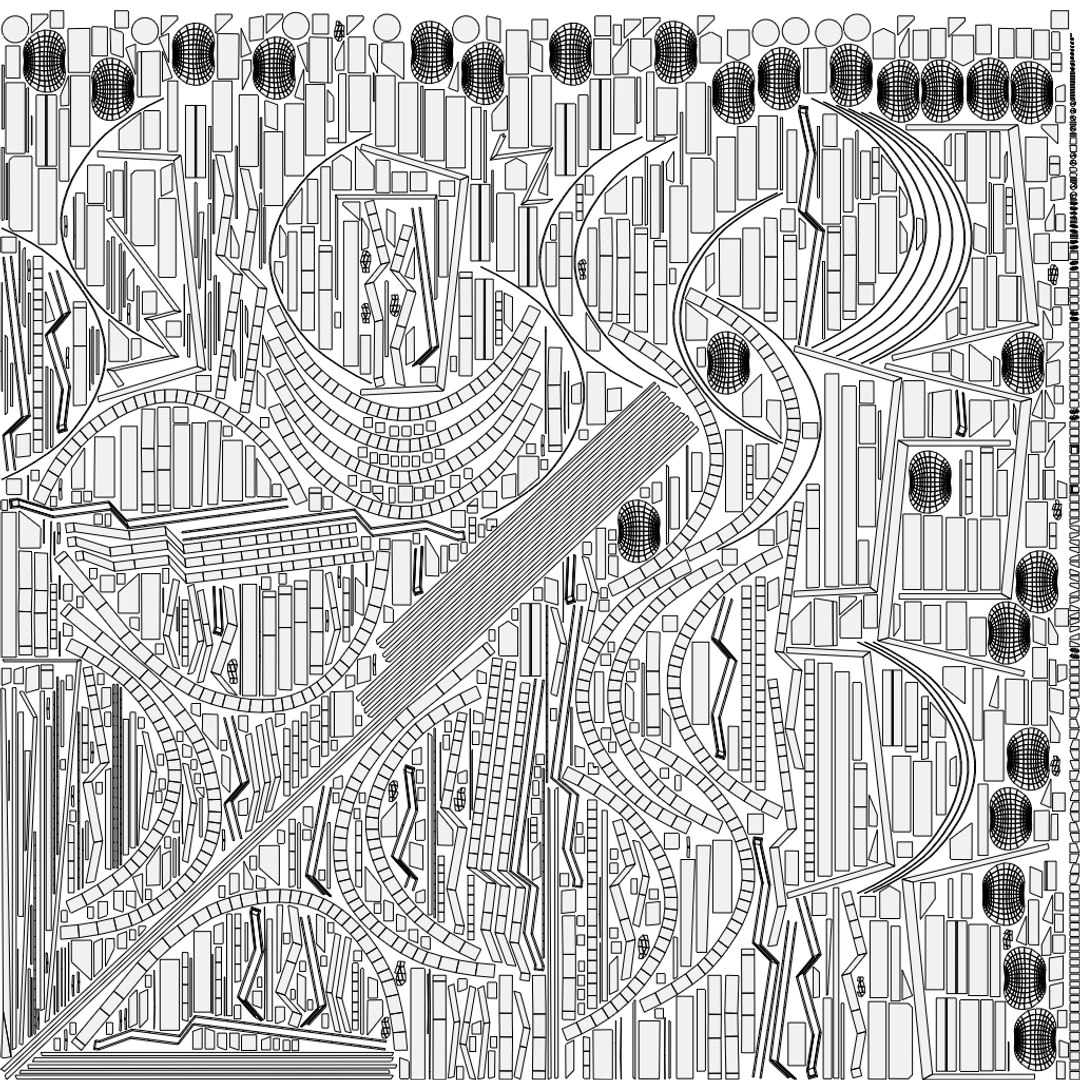
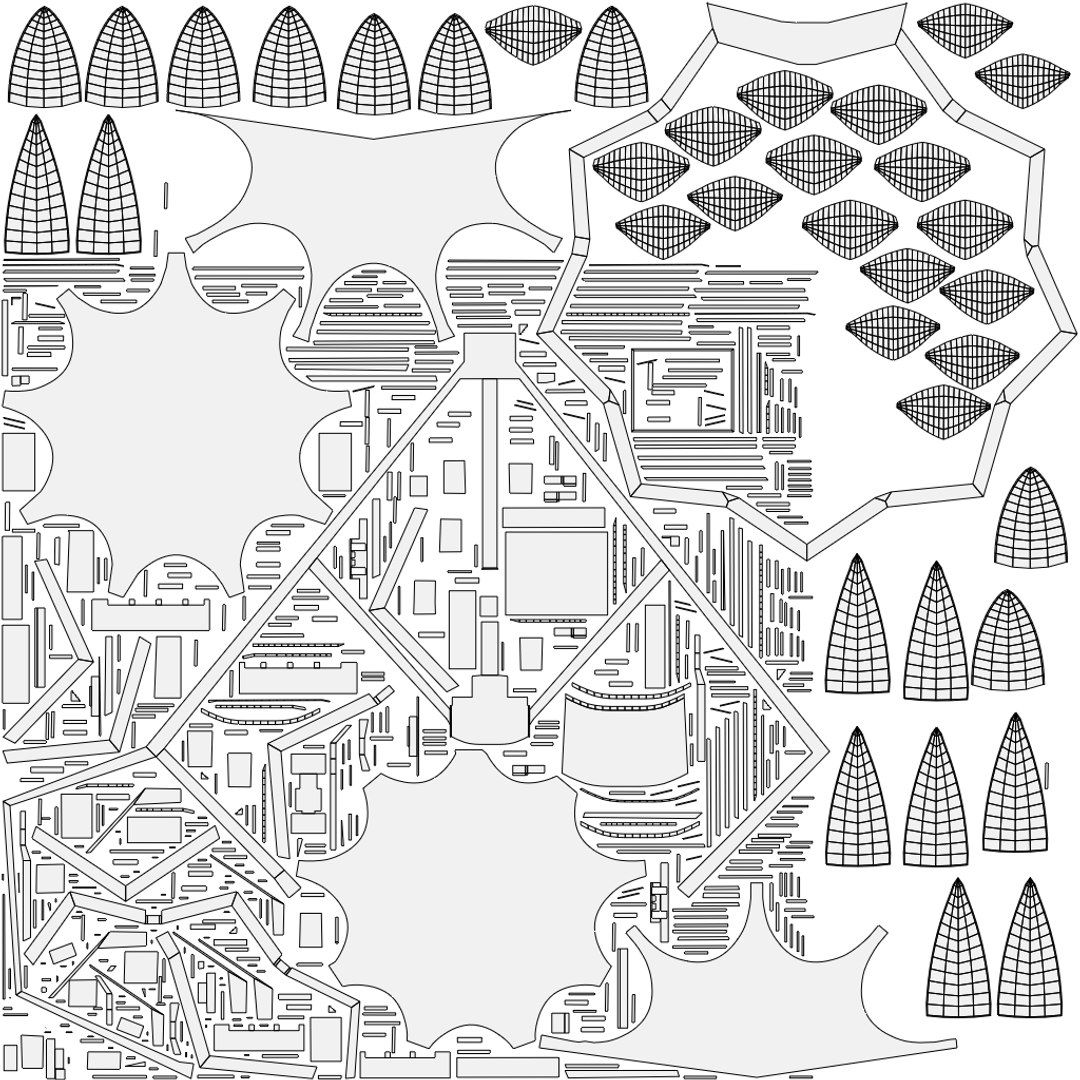
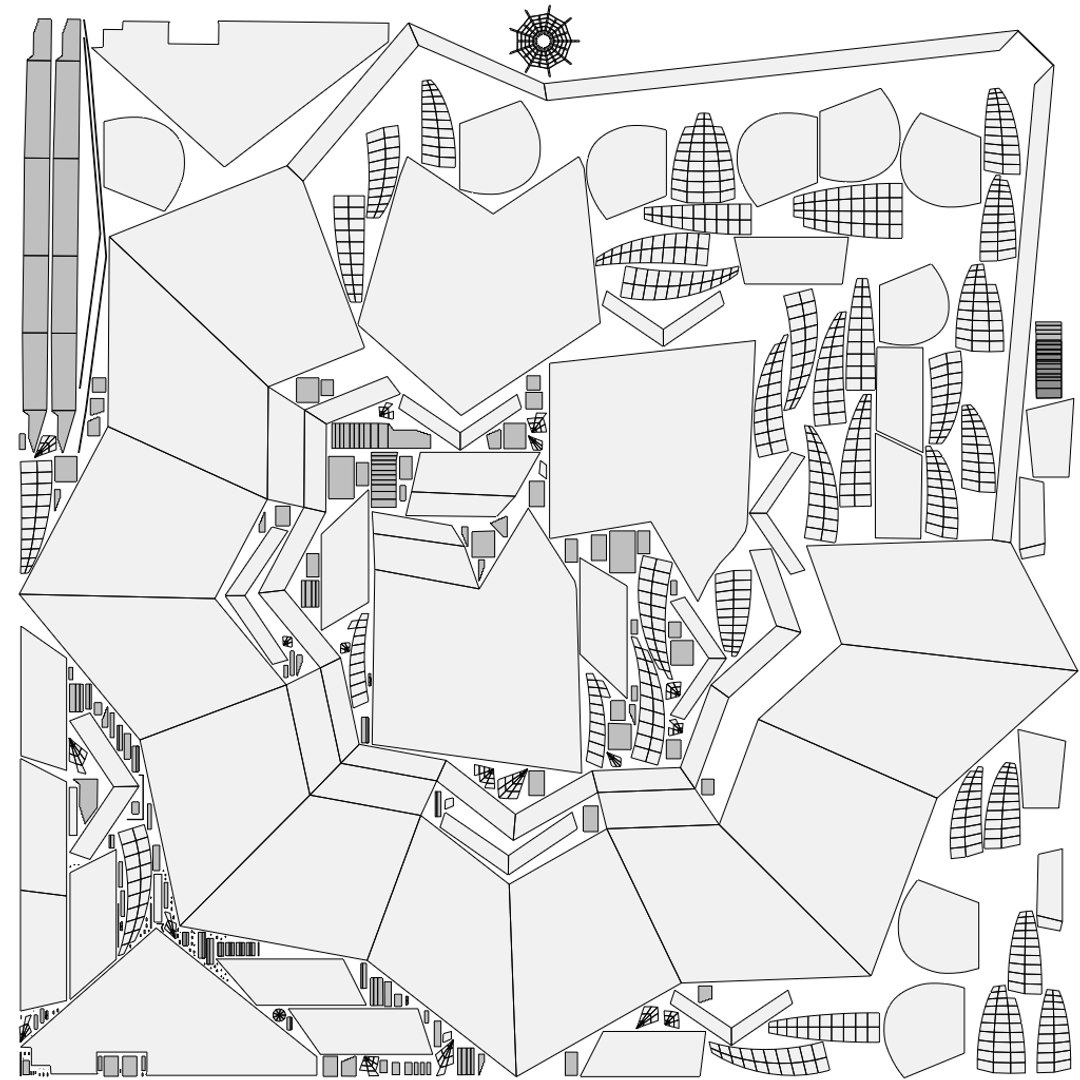
  • Includes 4 separate main objects, each with its own dedicated UV map.
  • Objects and baked files are organized and named by group.
  • The Blender scene features 41 different cameras, including animated camera paths.
  • 8K-resolution HDRI lighting setup.
  • Rendered using Blender’s Cycles engine.

Geometry Details

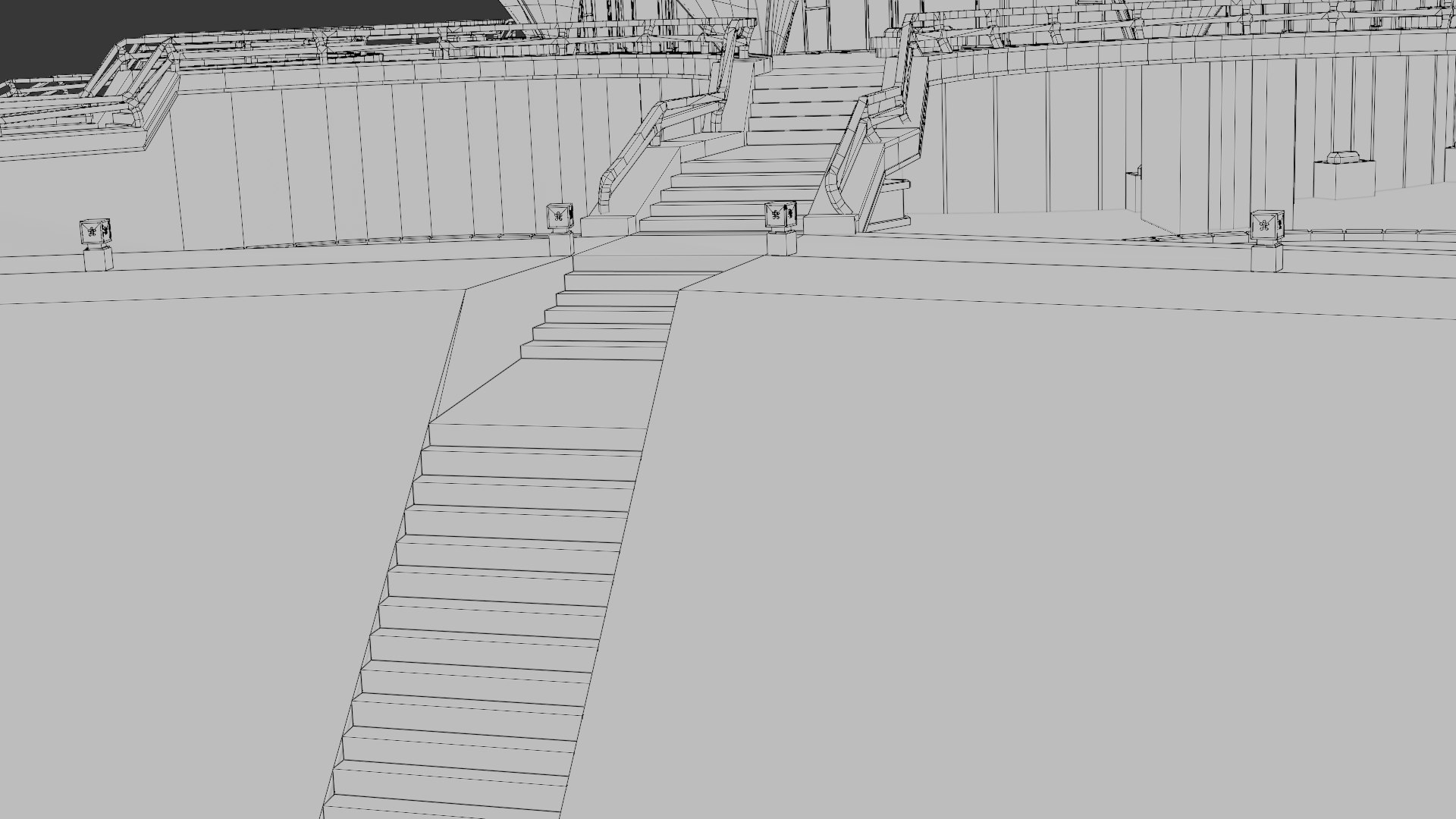
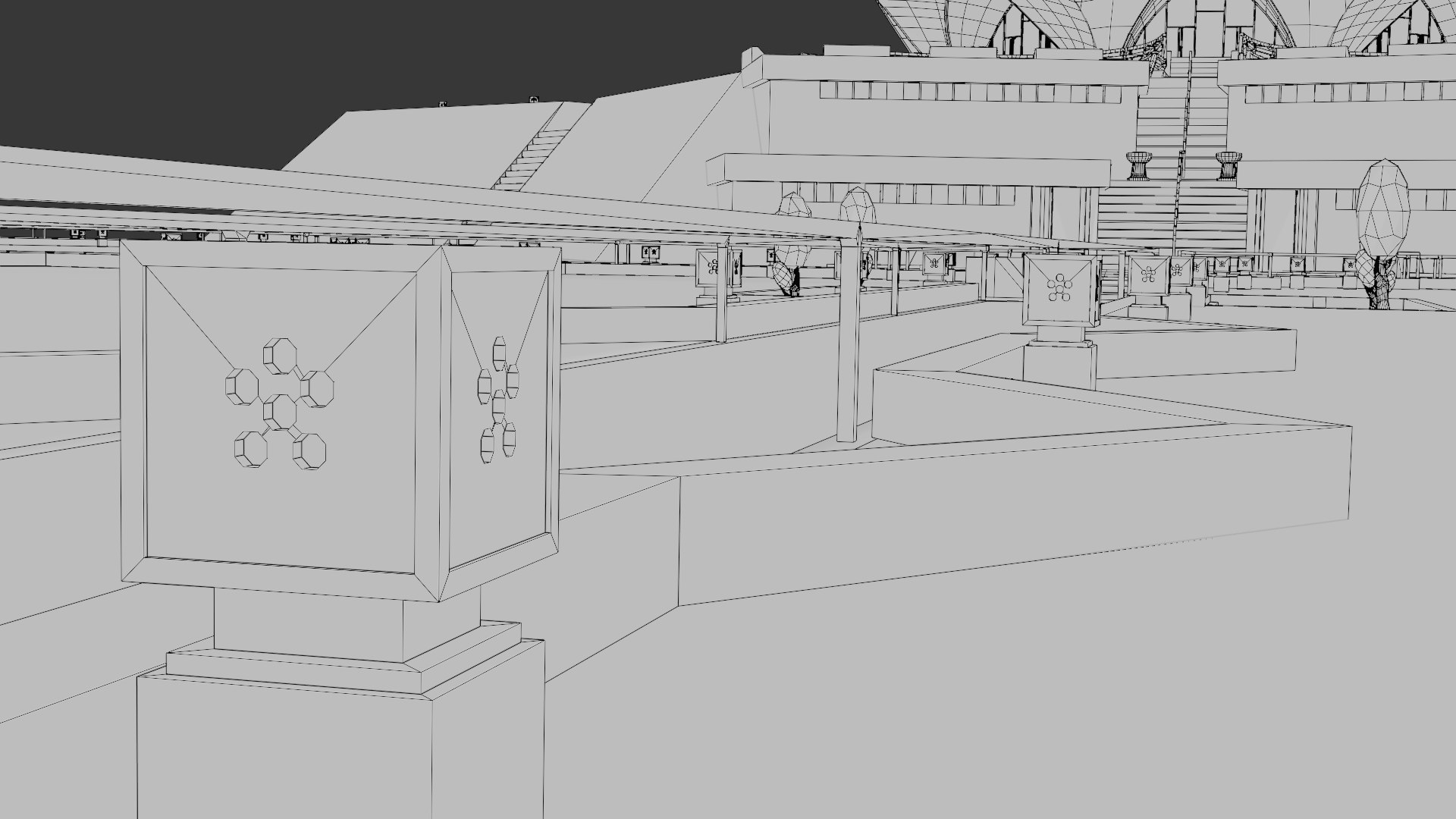
  • Vertices: 110,046
  • Edges: 188,672
  • Faces: 79,199
  • Triangles: 198,922

Textures and PBR Maps

  • Texture format: PNG
  • All UV maps are properly named and organized.
  • All PBR maps baked at 8K resolution.
  • Includes a total of 12 PBR maps (Base Color, Normal, and Roughness for each object).
  • The Blender file also contains Metallic, Displacement, Specular Level, Bump, Smooth, and Specular maps.
  • Baking was performed using the Base Color, Normal, and Roughness maps.
  • Node groups in the Blender file are separately named and organized.

File Formats and Compatibility

The model has been exported in the following formats, with each format provided in its own labeled folder:

  • .blend (original file with materials included)
  • .obj + .mtl (all 4 objects exported separately, with textures organized in folders)
  • .fbx
  • .glb (two versions included: original scene and baked model)
  • .dae (Collada – all 4 objects exported separately)
  • .abc format includes an integrated 4600-frame animation.
  • Unreal Engine compatible.

Technical Notes and Recommendations

  • OBJ and some other formats may not automatically include textures. It is recommended to keep the PBR texture files in the same folder as the OBJ and .mtl files.
  • When importing Normal and Roughness maps, remember to set them to “Non-Color” data.
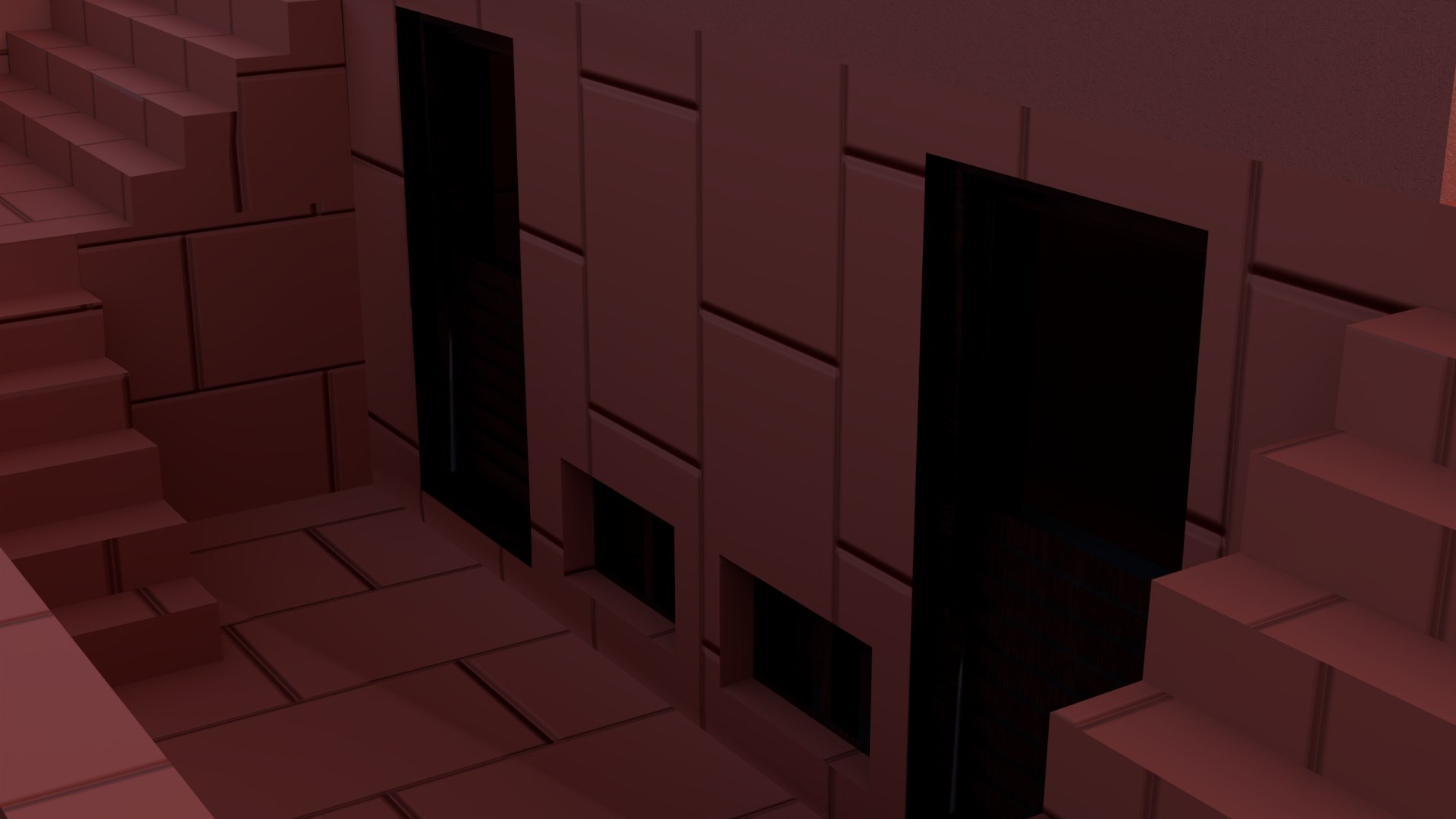
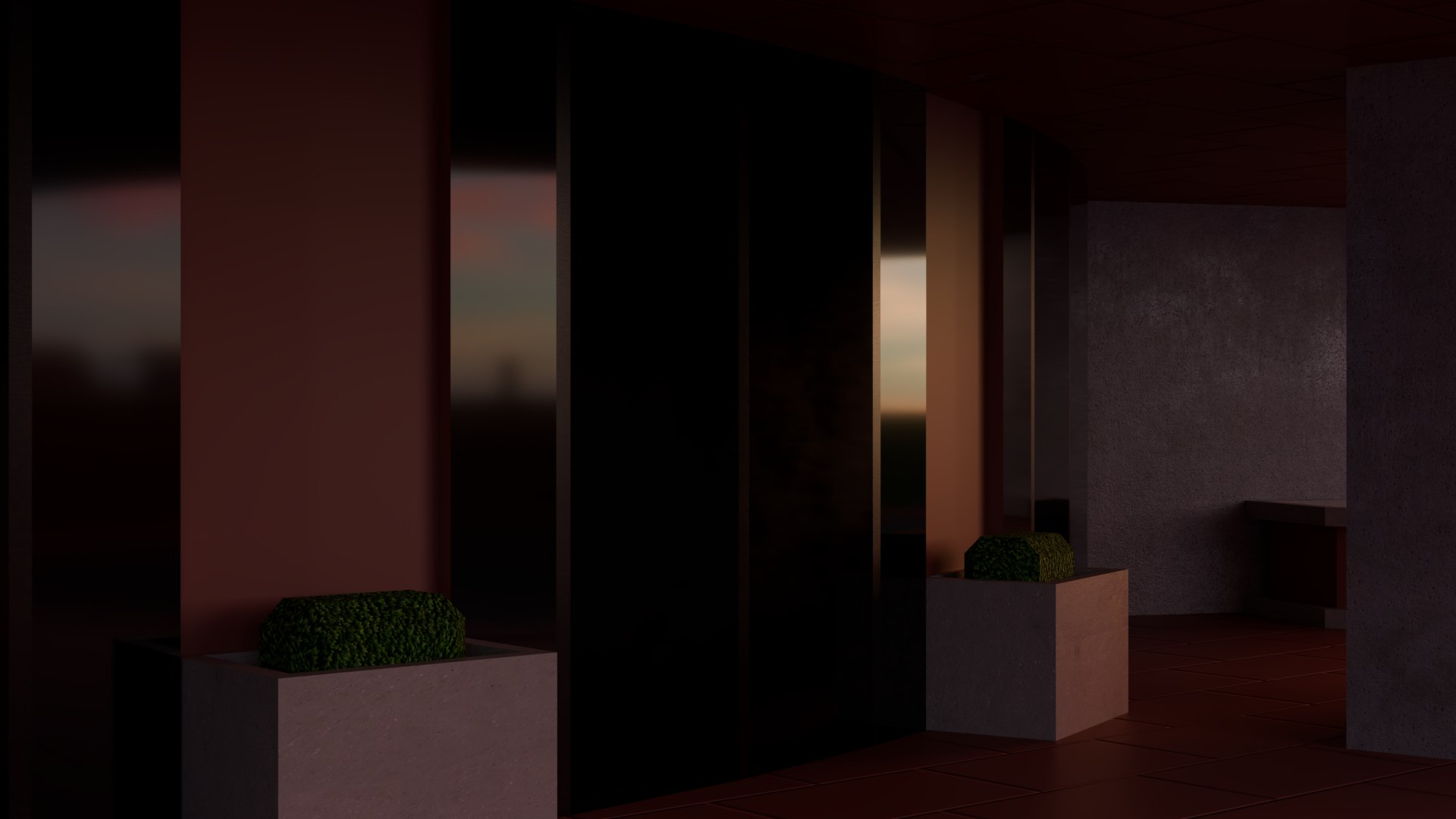
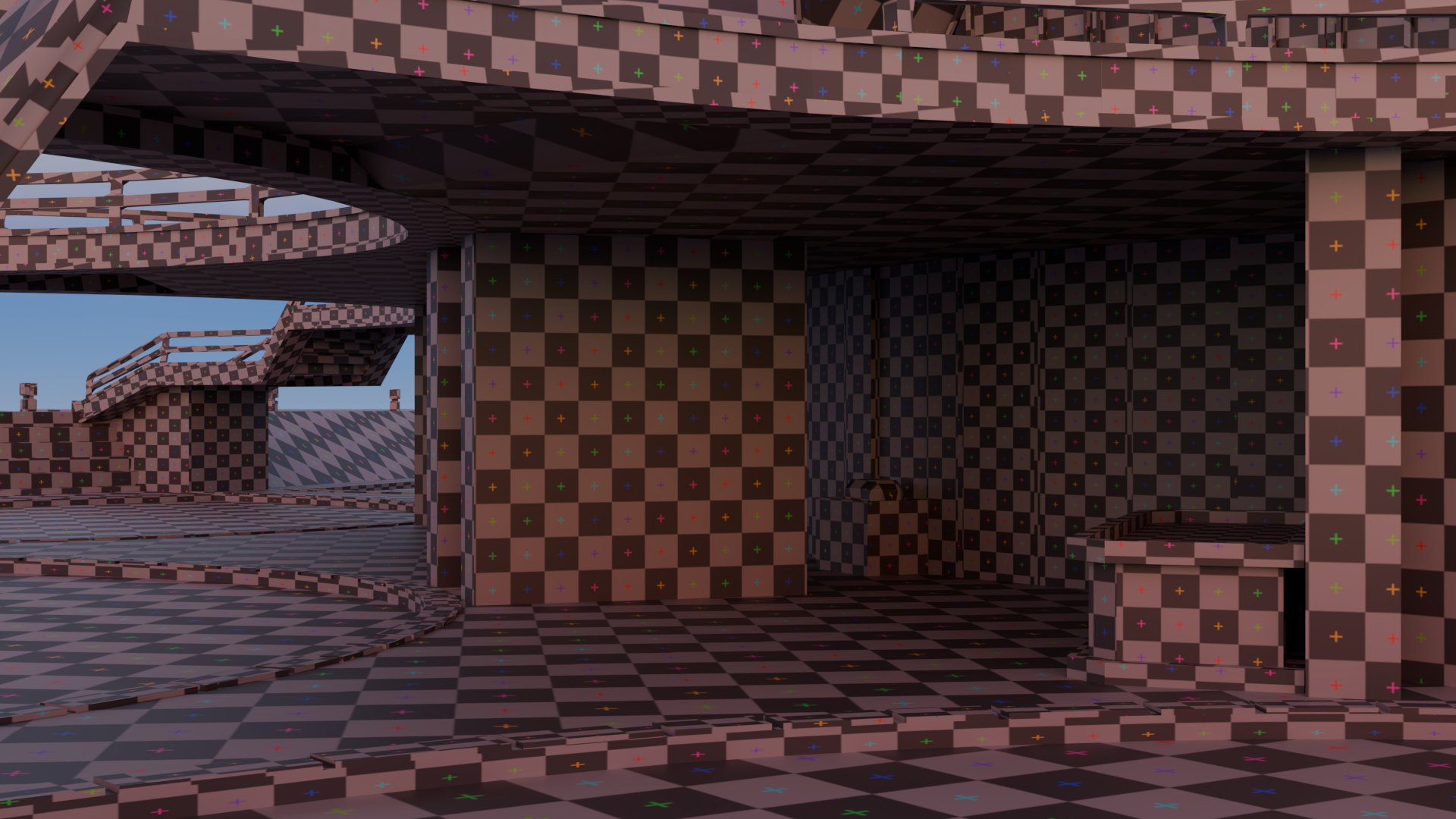
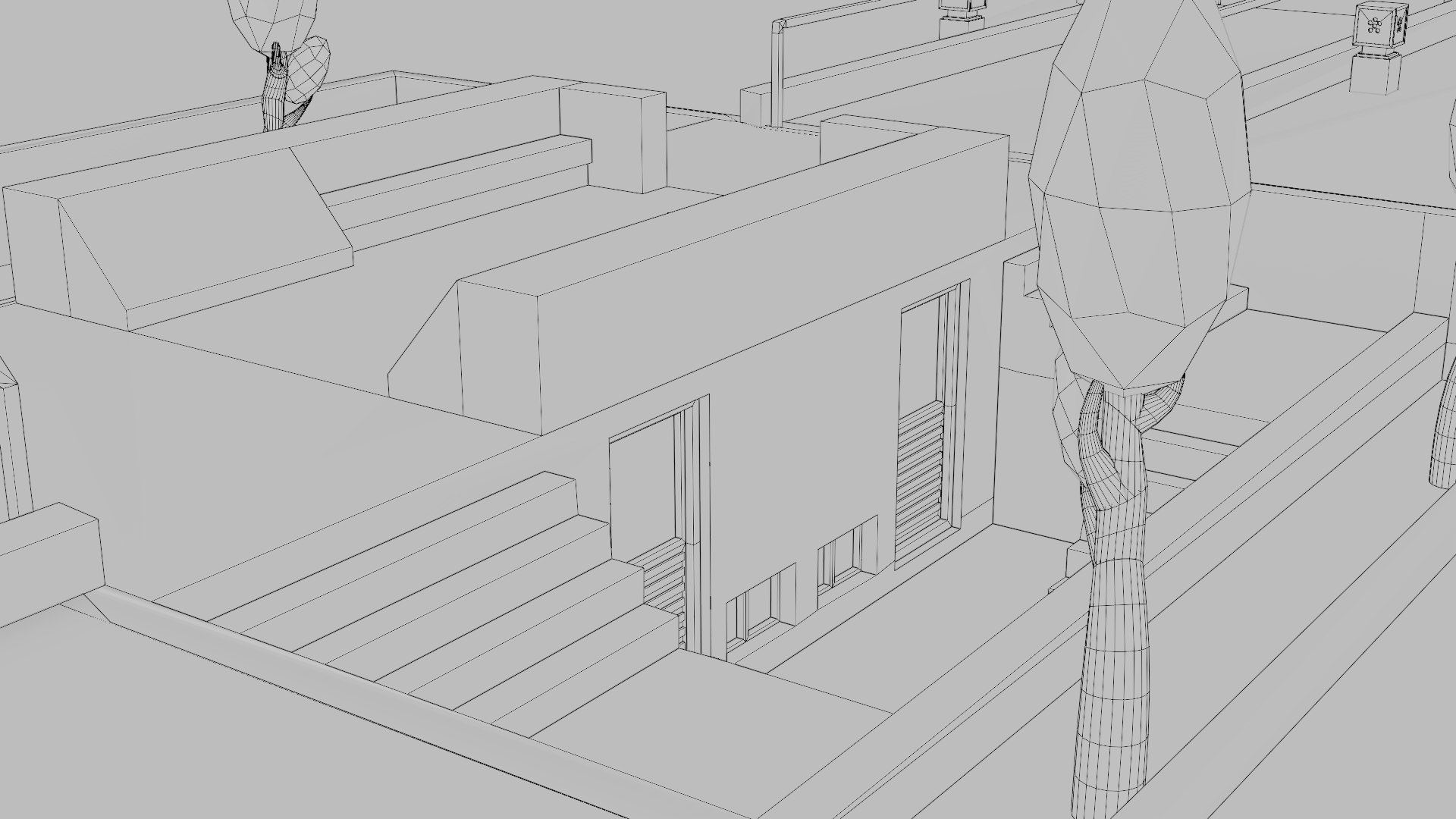
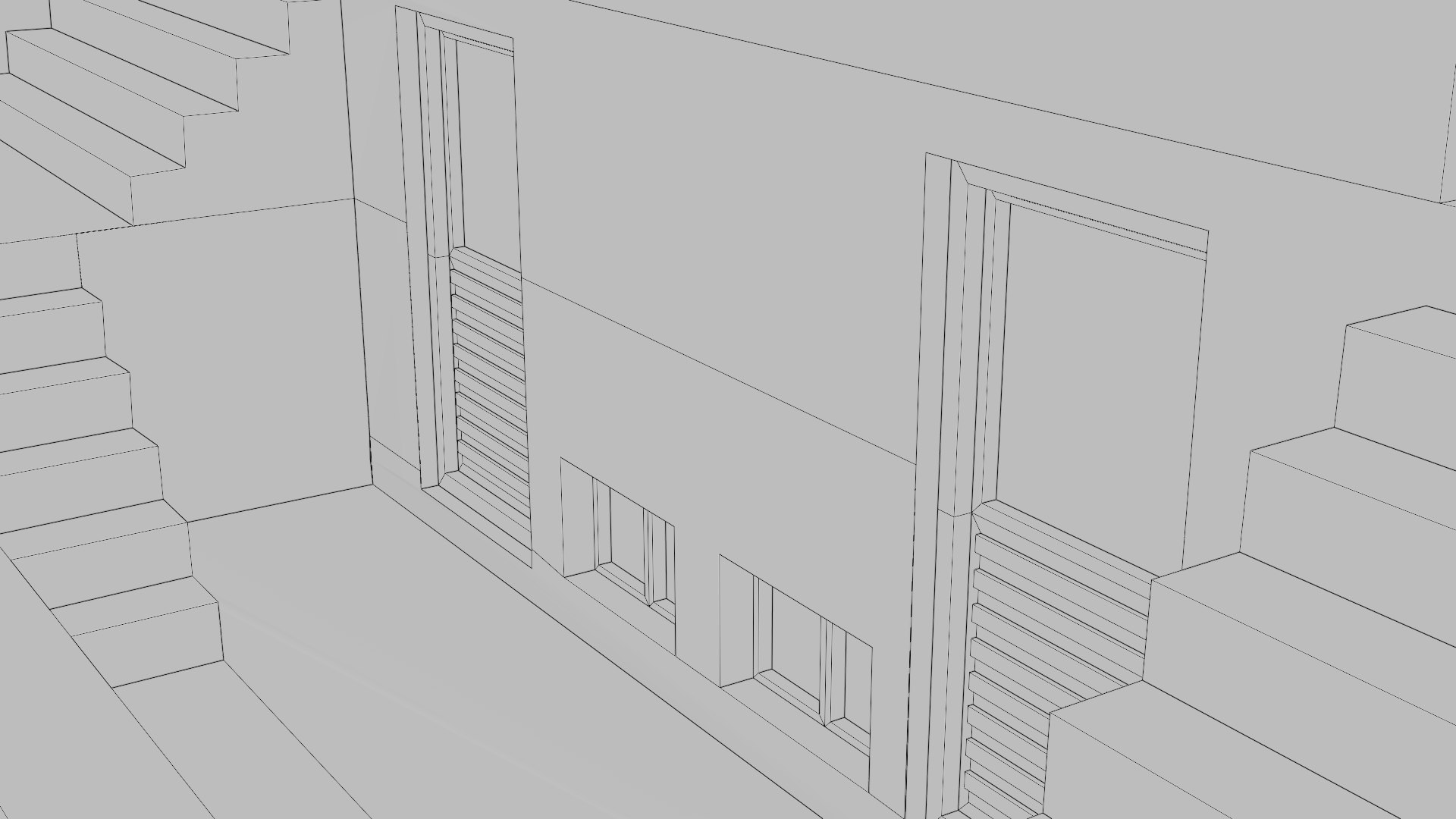
  • The door and window areas in the temple’s restroom section include glass and wood frame details, but these may appear subtle in renders due to HDRI lighting limitations.

(If you notice any issues with the model or would like any custom changes, please feel free to contact me.)

Select Enhanced License

  • $10,000 in Legal Protection (Indemnification)
  • Uncapped Legal Protection (Indemnification)
  • Waiver from injunctive relief
  • Assignable model rights
  • $1,000,000 in Legal Protection (Indemnification)
  • Waiver from injunctive relief
  • Assignable model rights
  • $250,000 in Legal Protection (Indemnification)
  • Assignable model rights
Read more about enhanced license tiers, or contact us at enterprise@turbosquid.com. Already a Shutterstock Enterprise Customer? Contact your Shutterstock Sales Support Agent to talk about adding 3D.

About Conversion Requests

To submit a conversion request for a purchased asset, please complete our Conversion Request Form.

If you have not yet purchased a model, please review our Documentation about Conversions to learn about what limitations you may encounter with a conversion.

For any additional questions about a model’s suitability for conversion, please contact TurboSquid Support.

Loading...