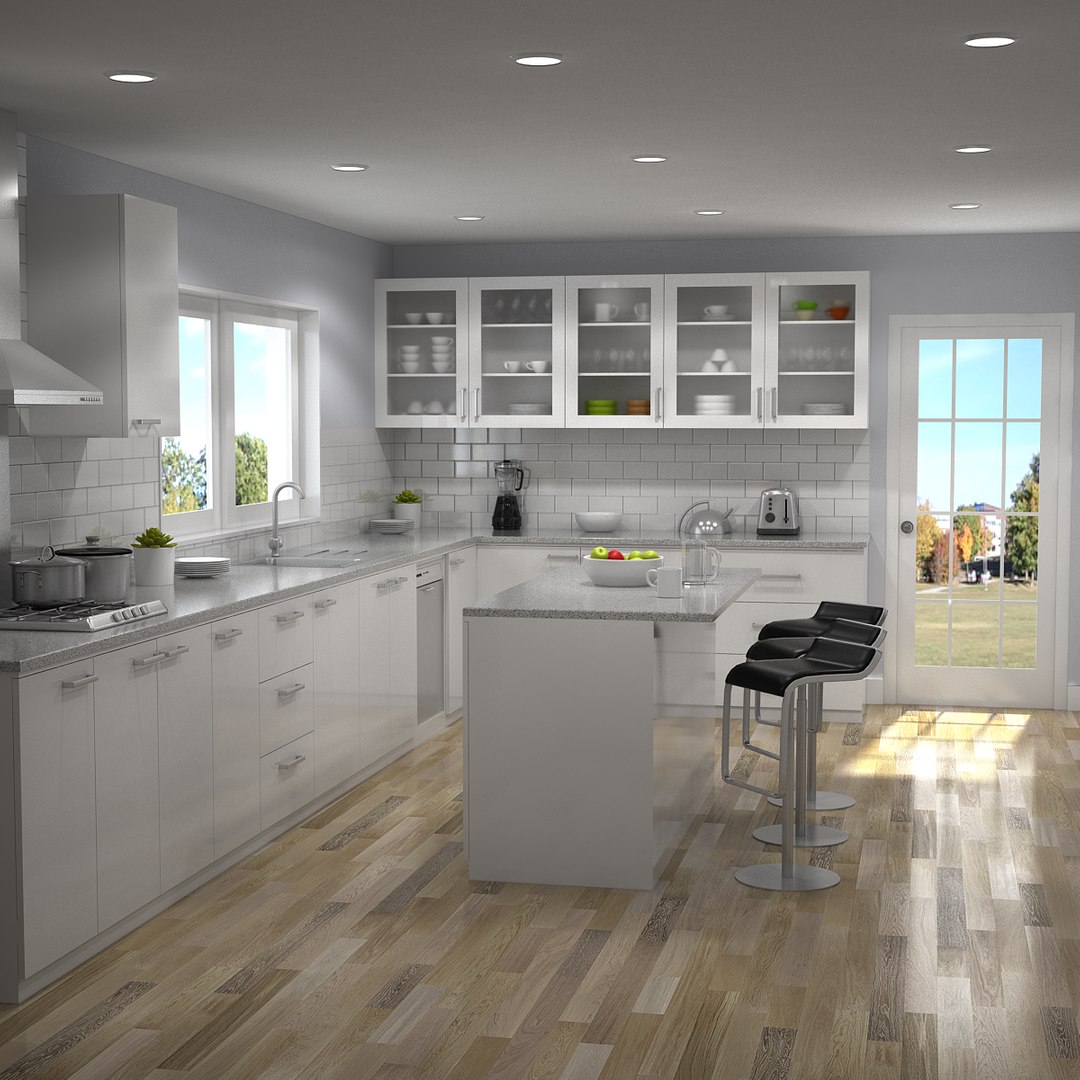
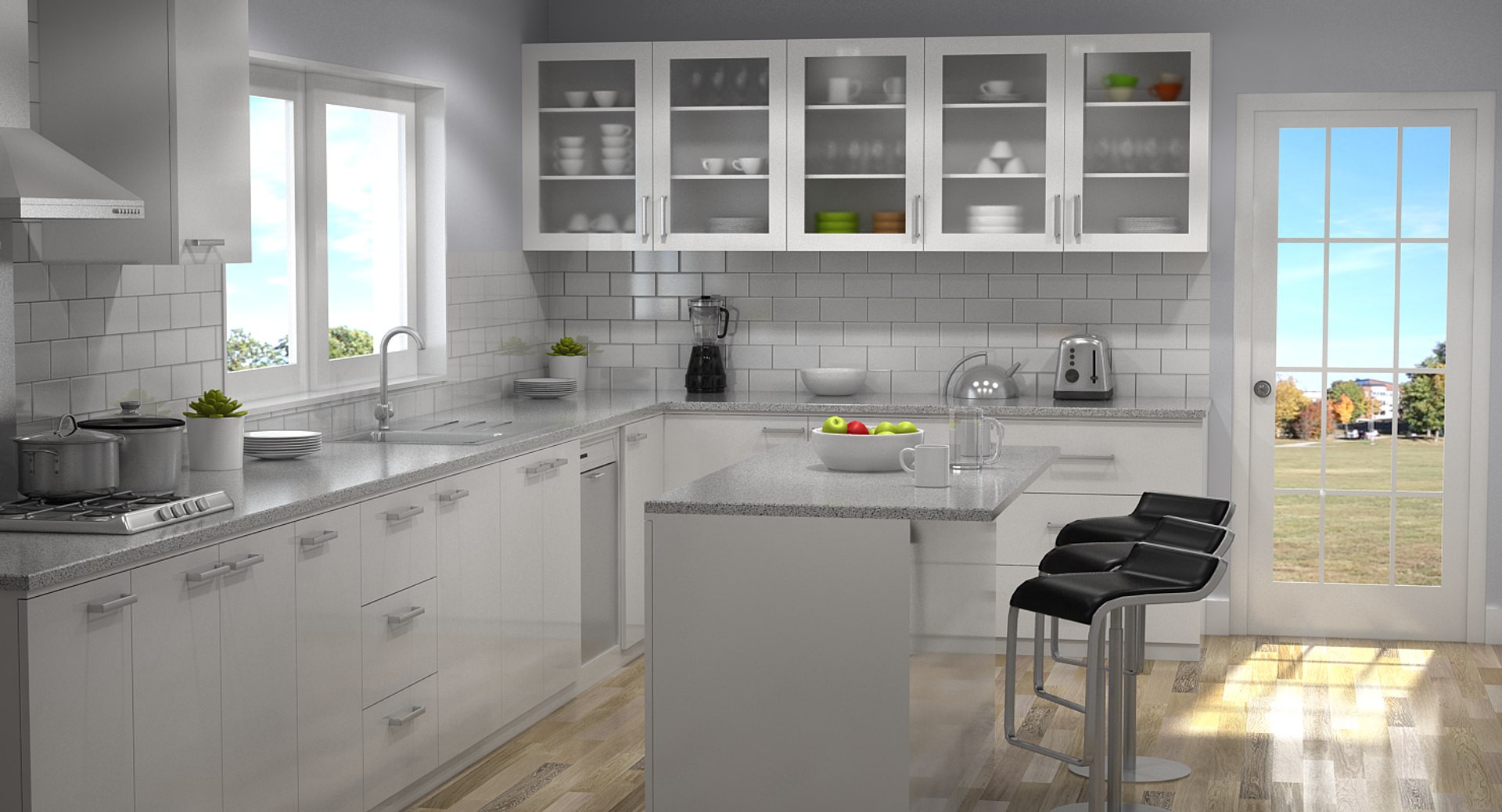
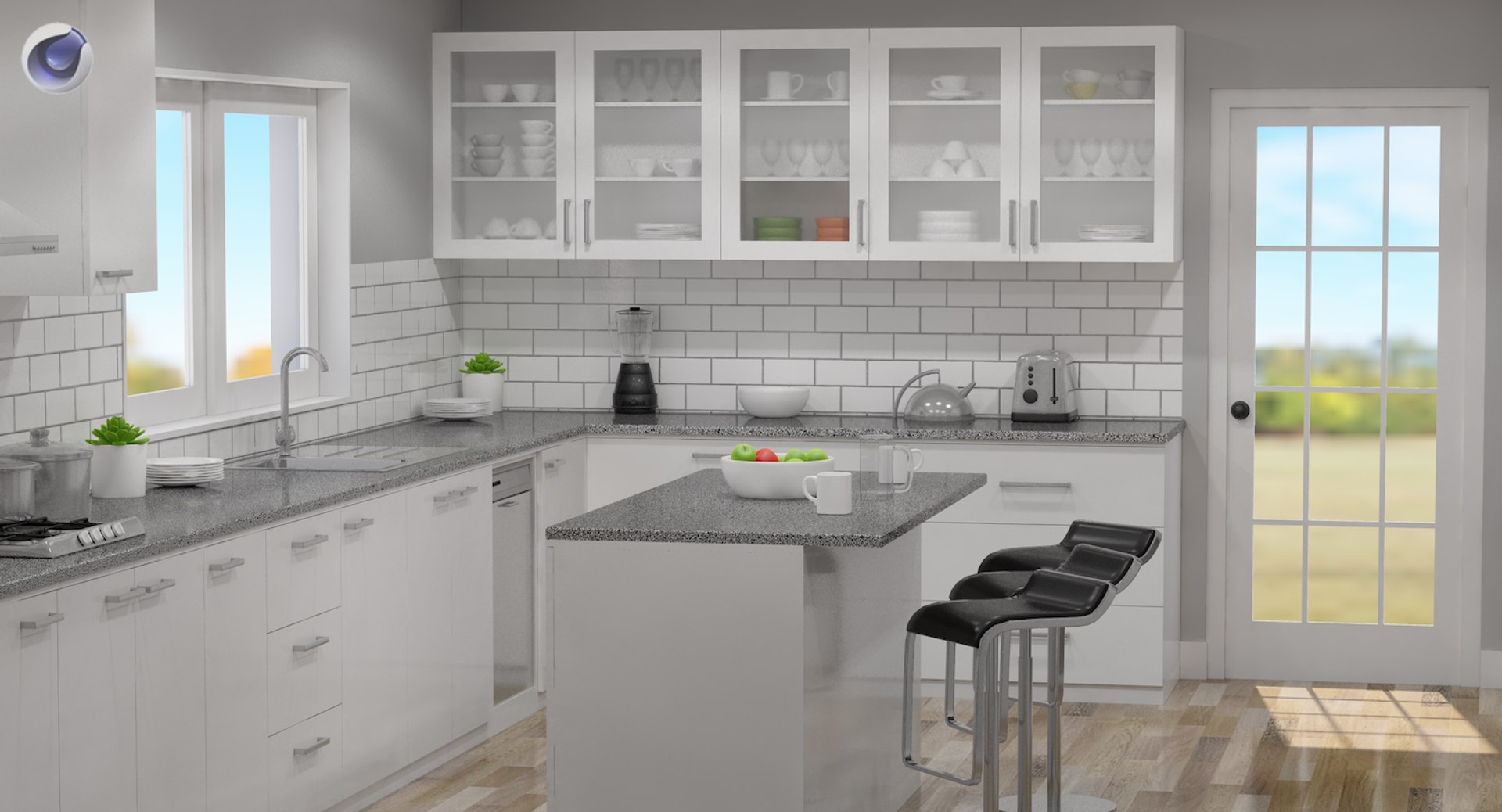
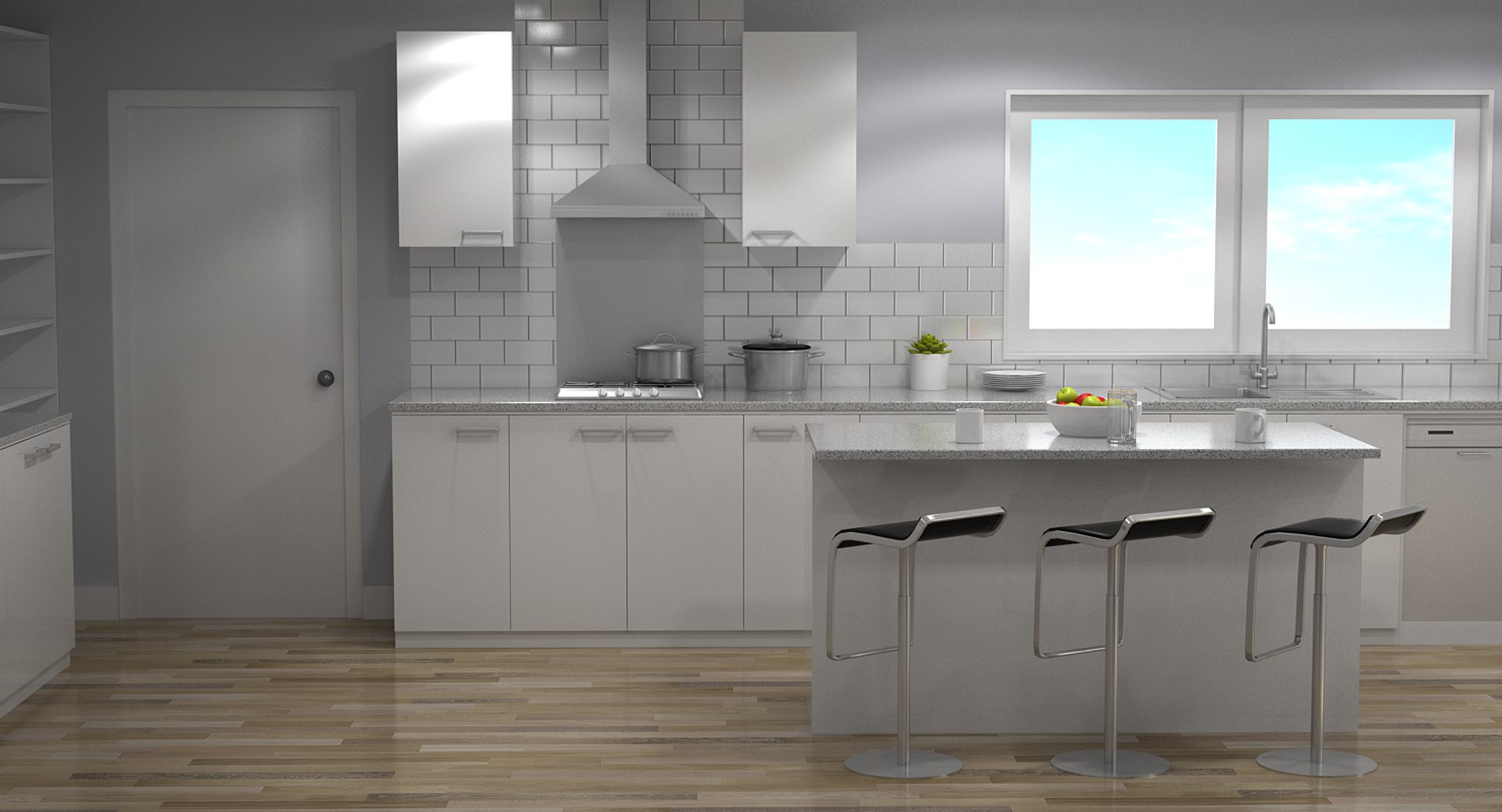
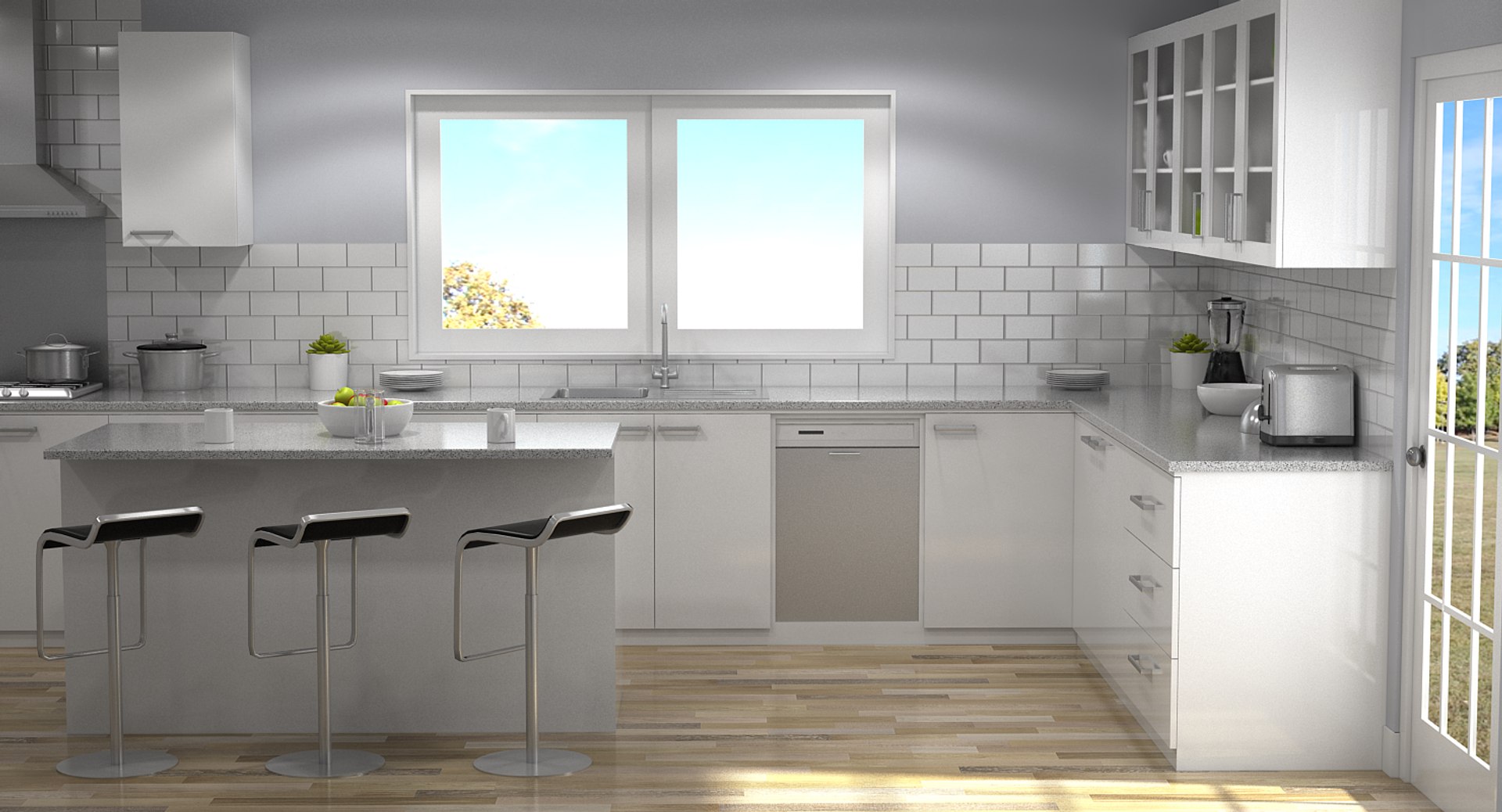
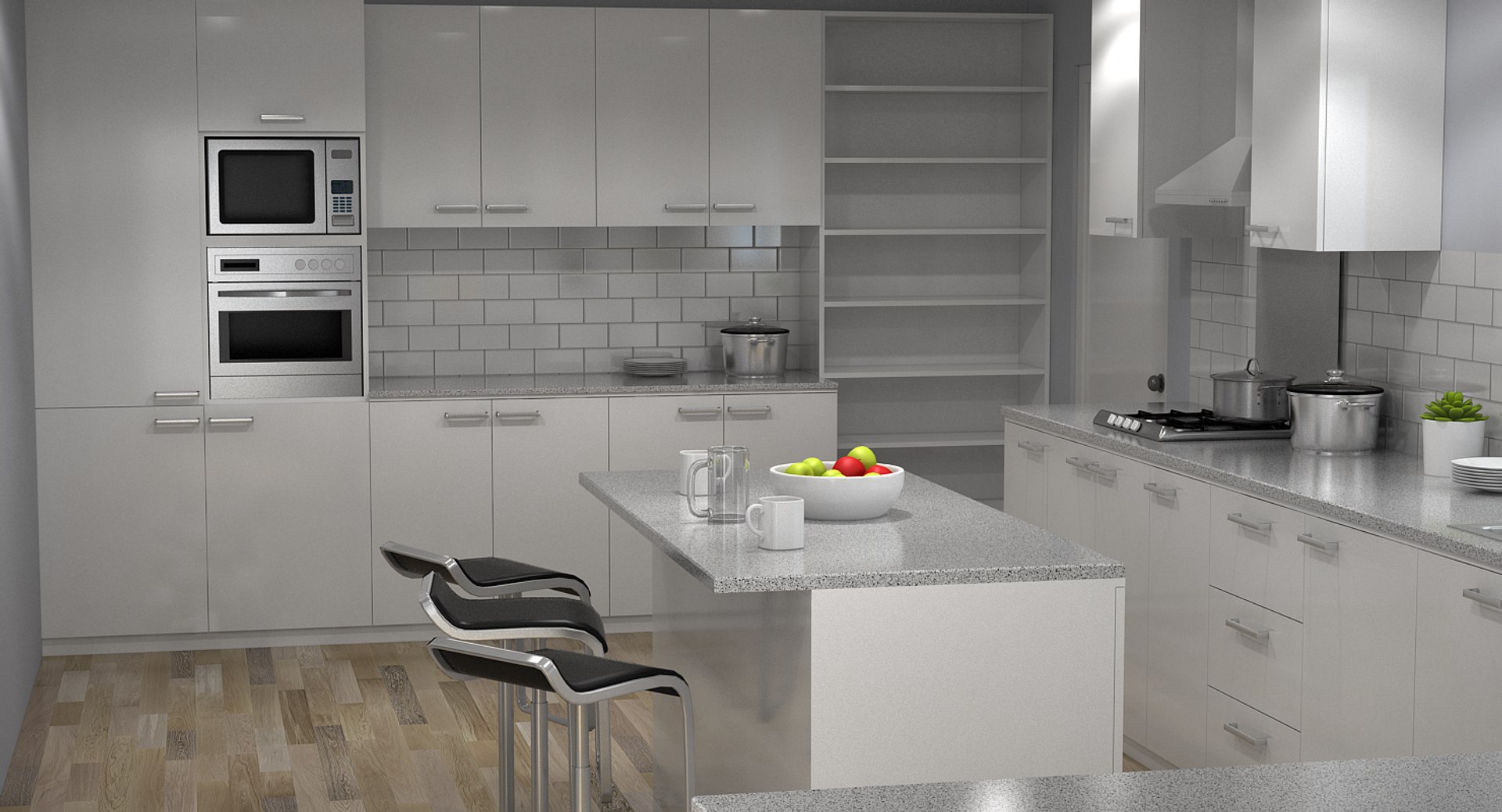
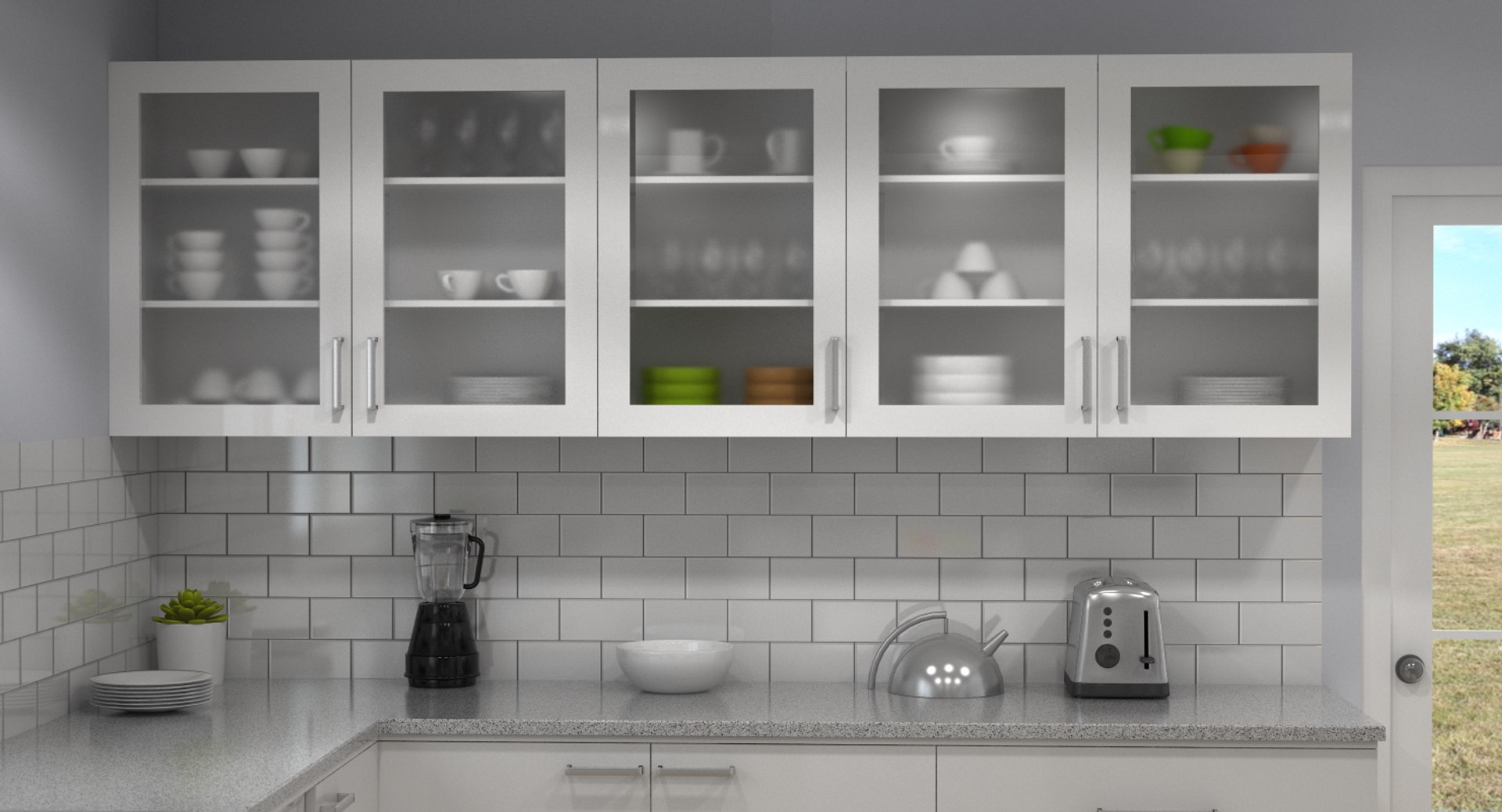
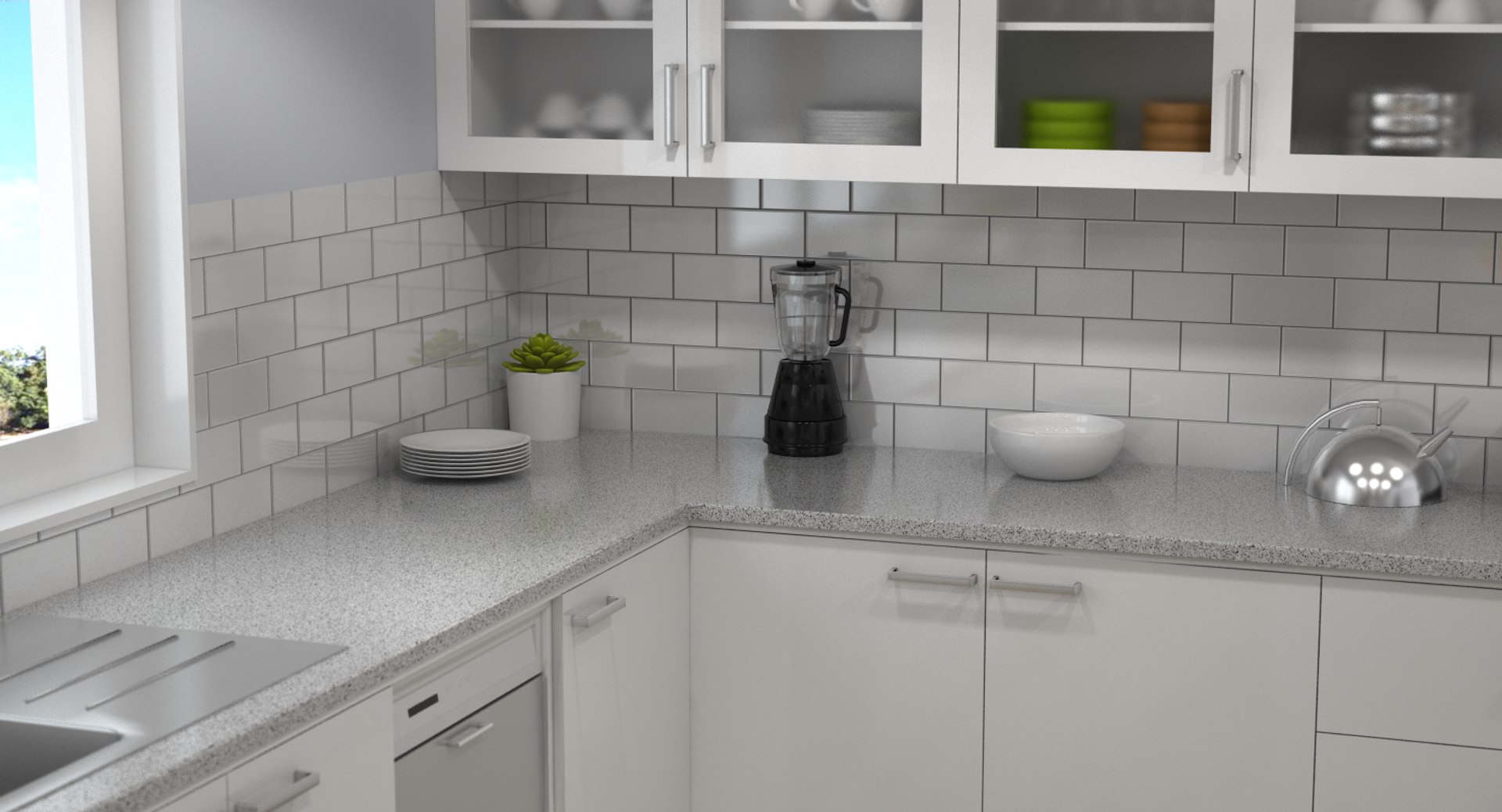
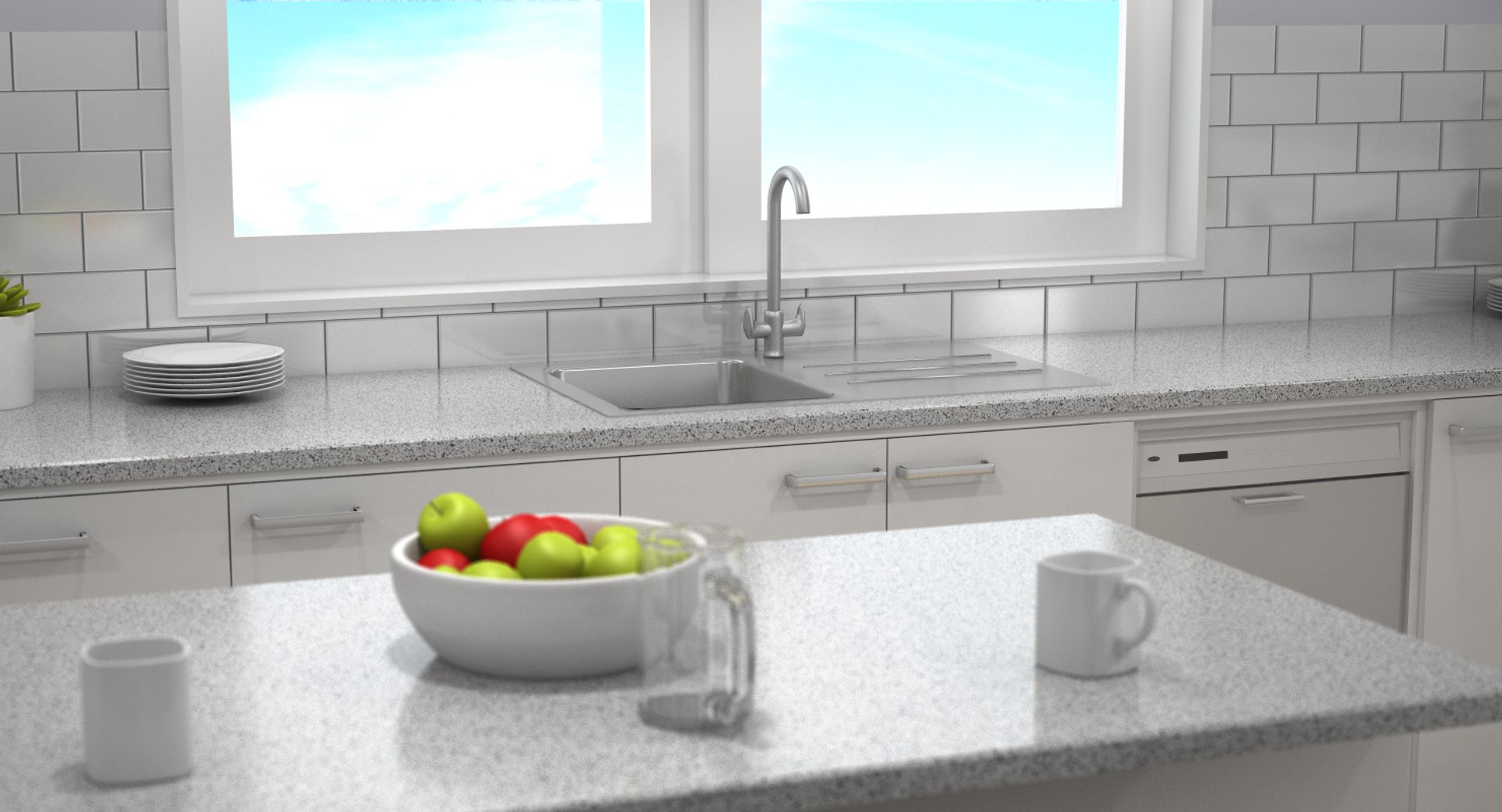
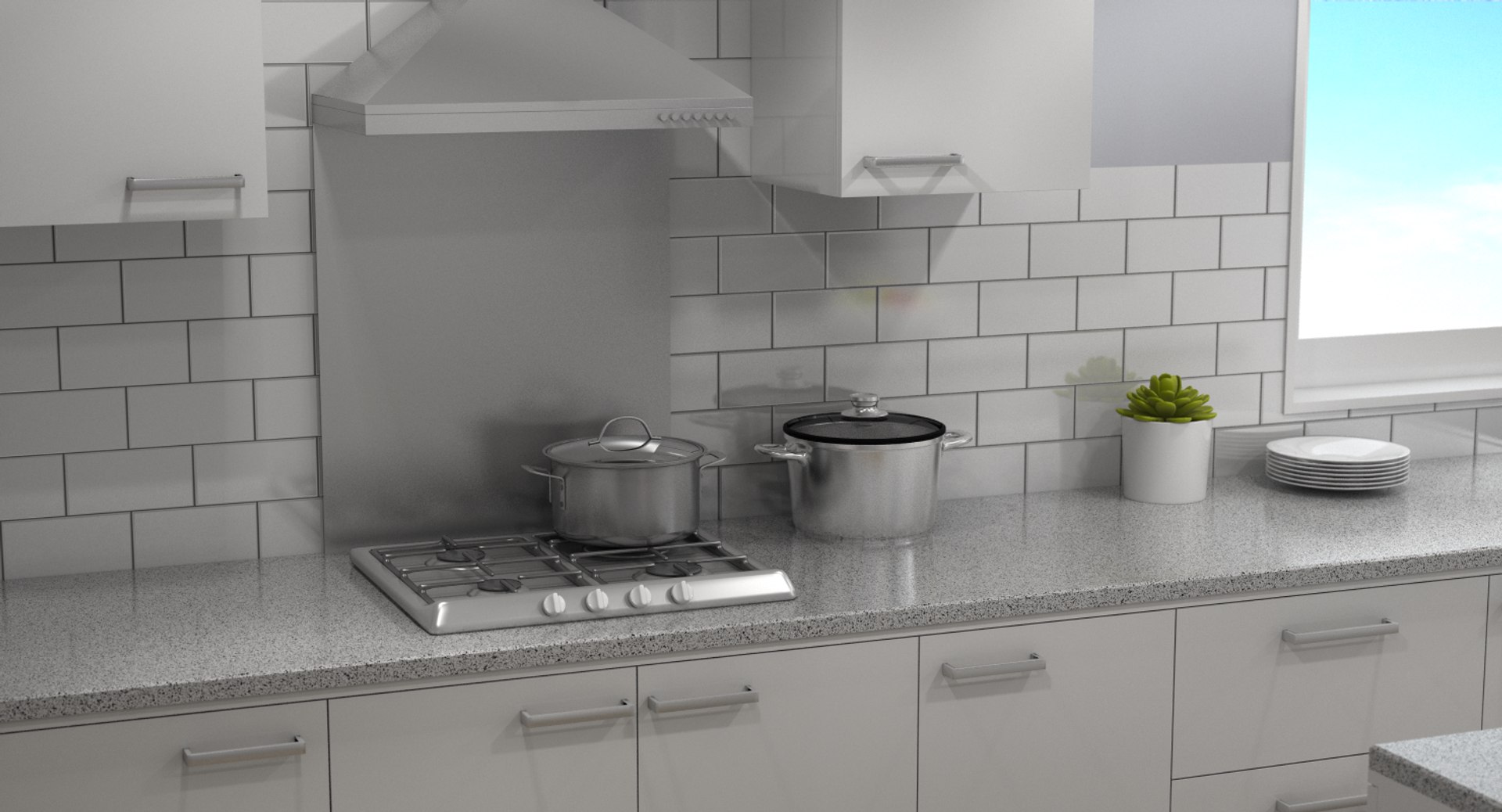
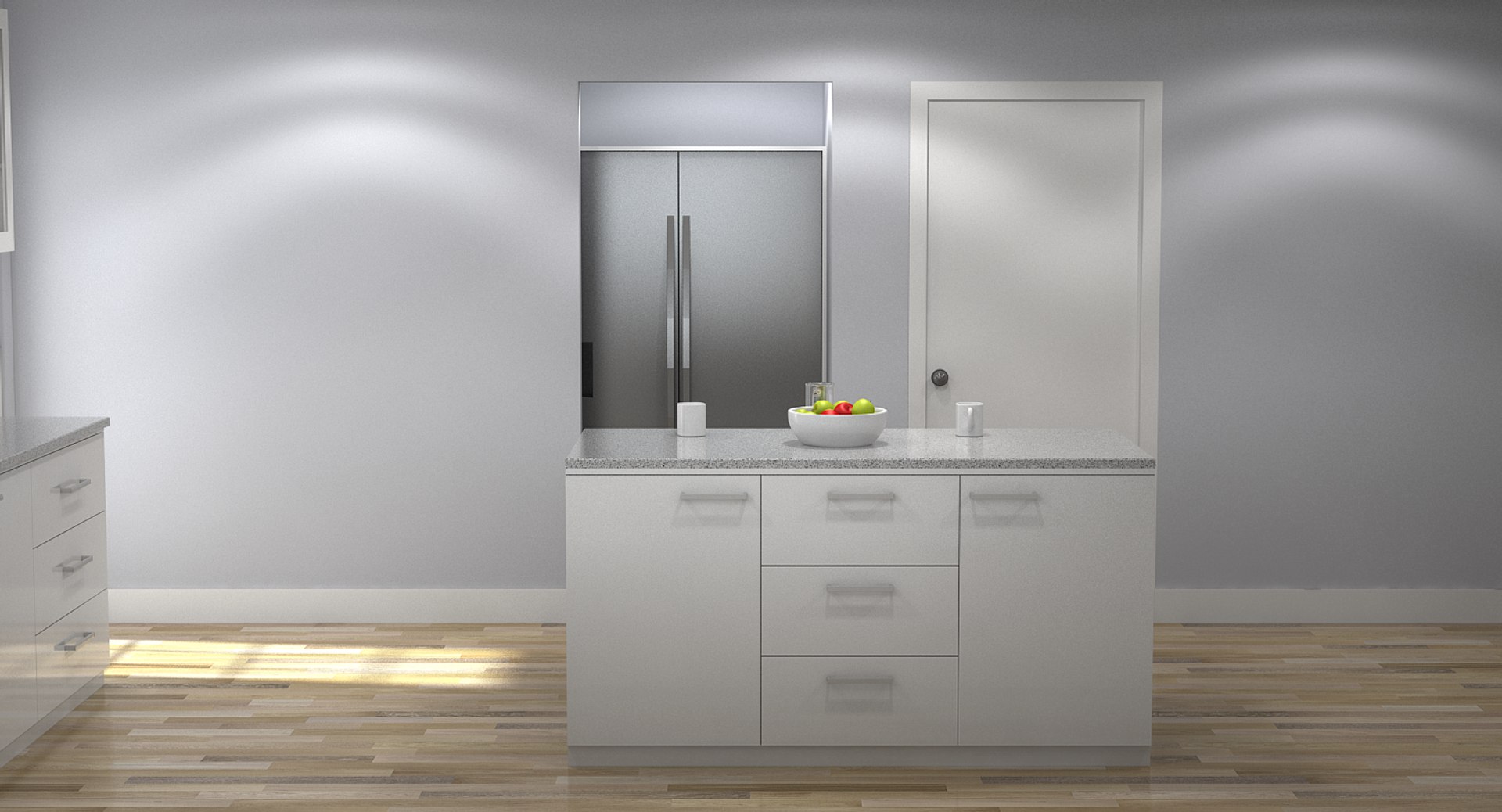
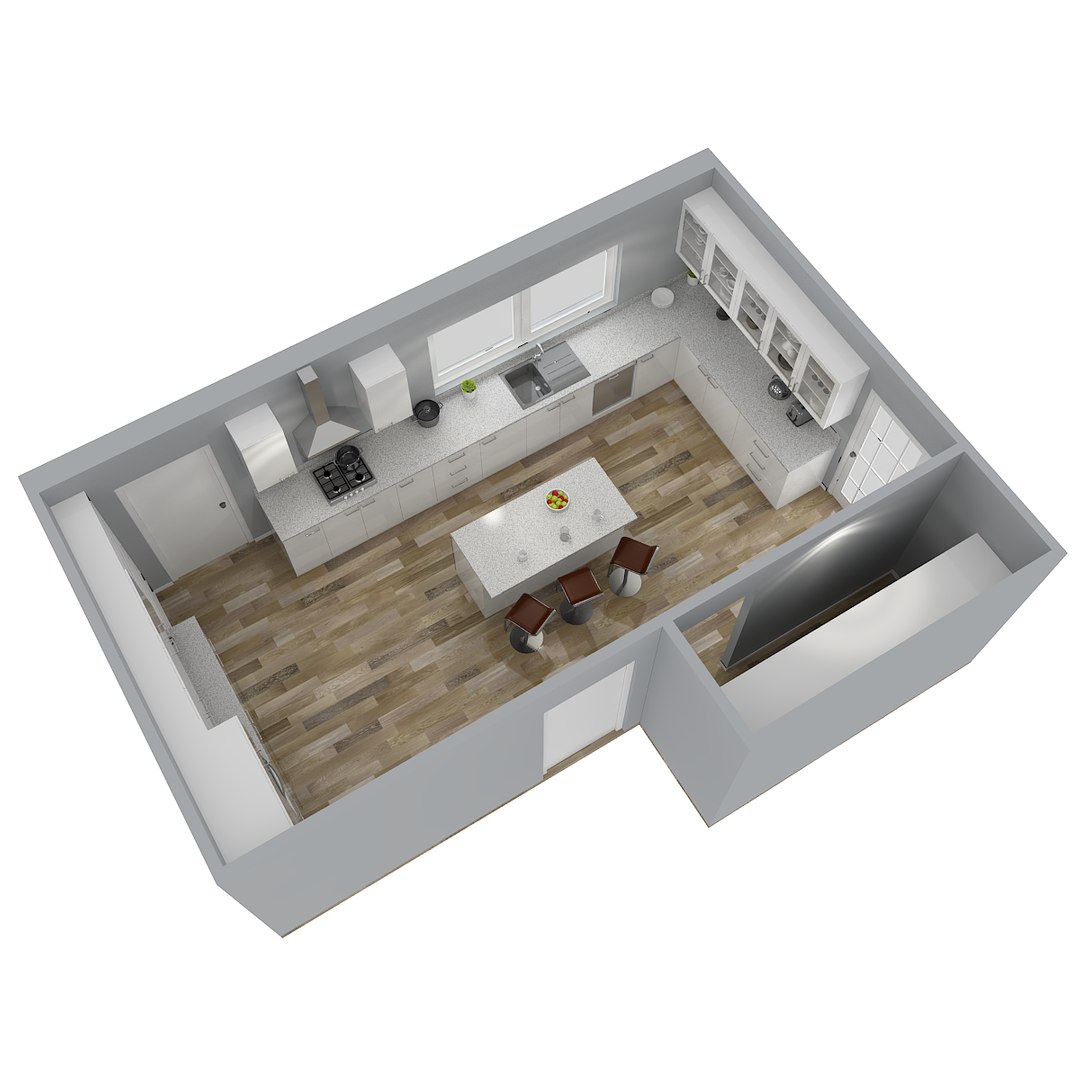
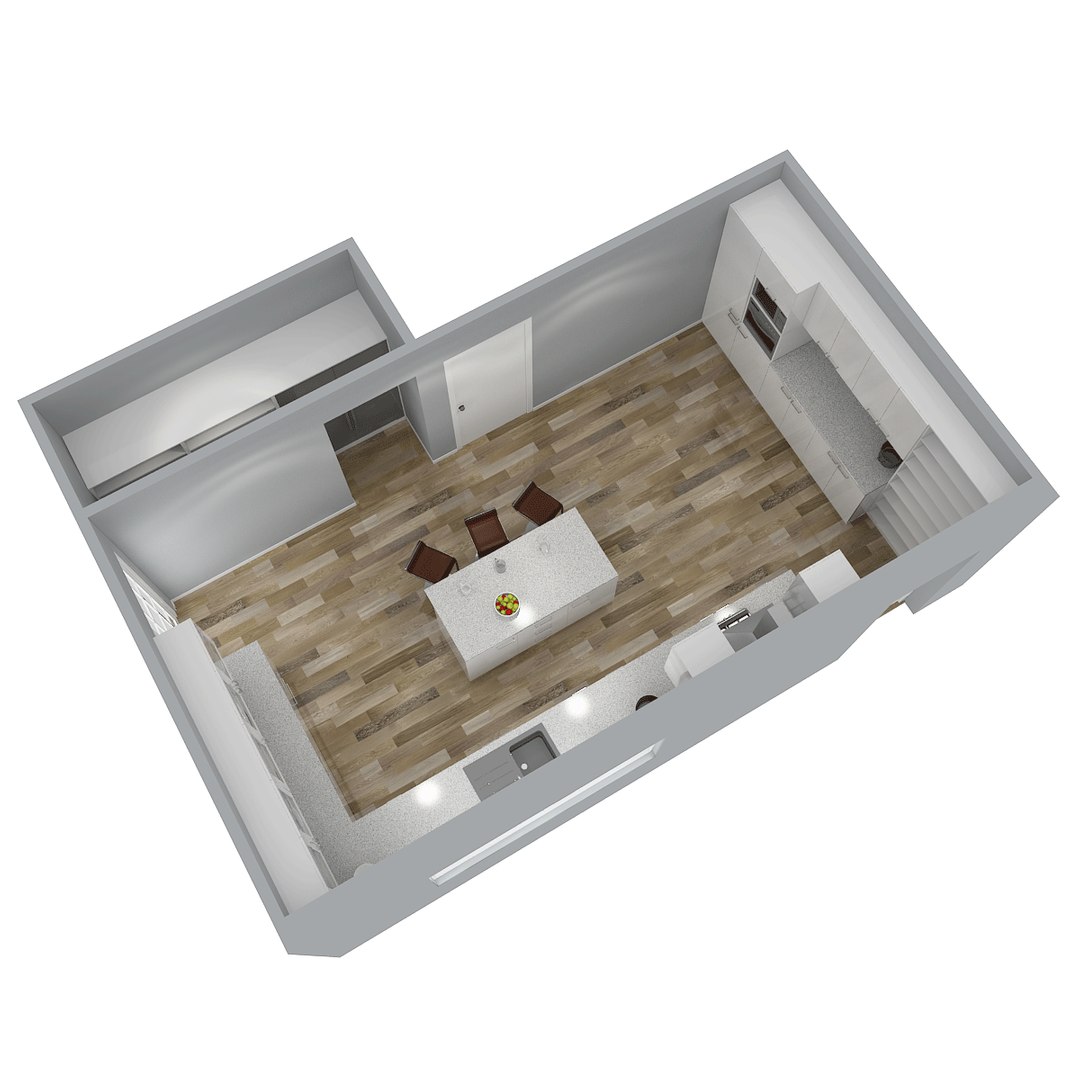
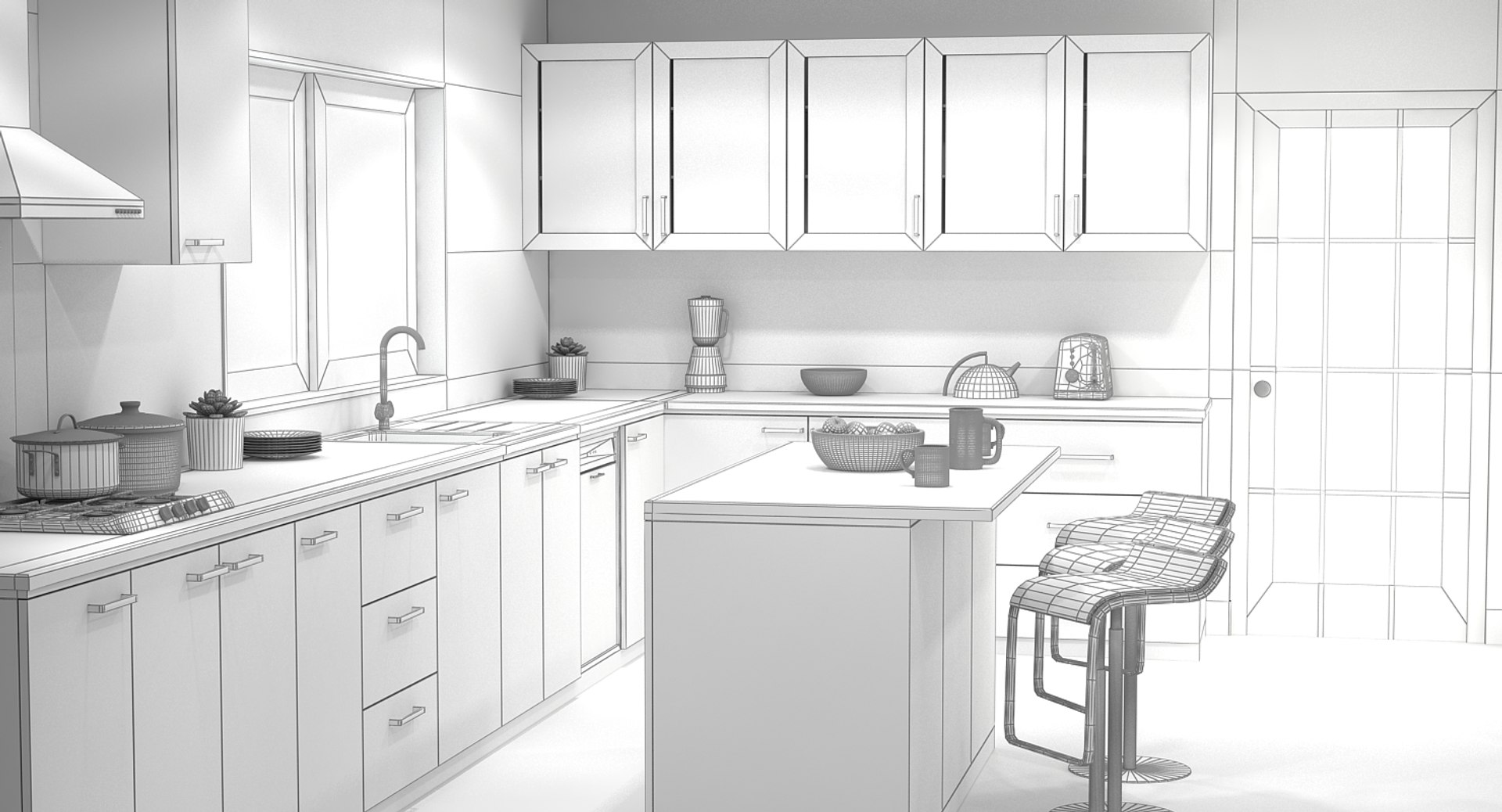
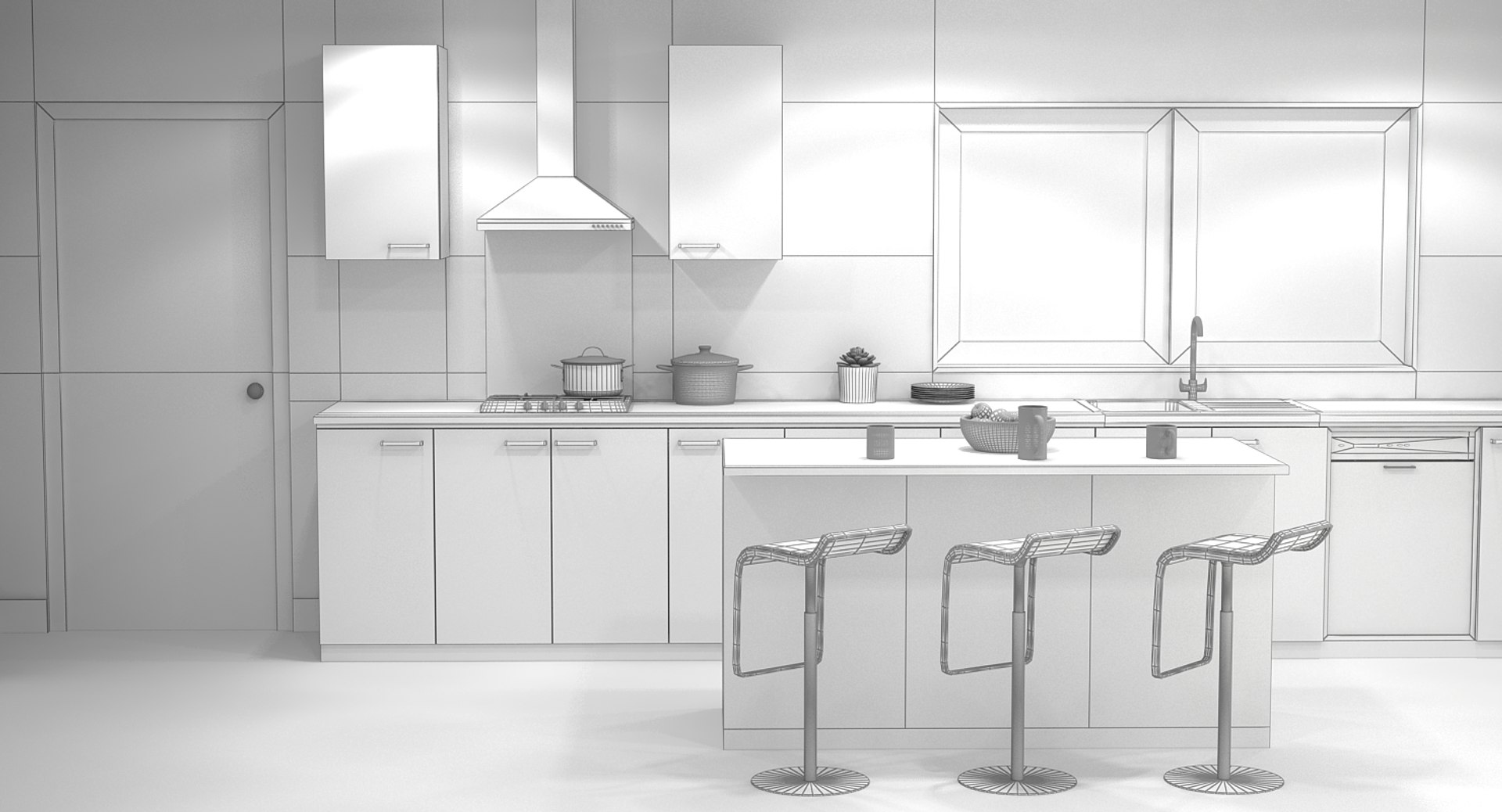
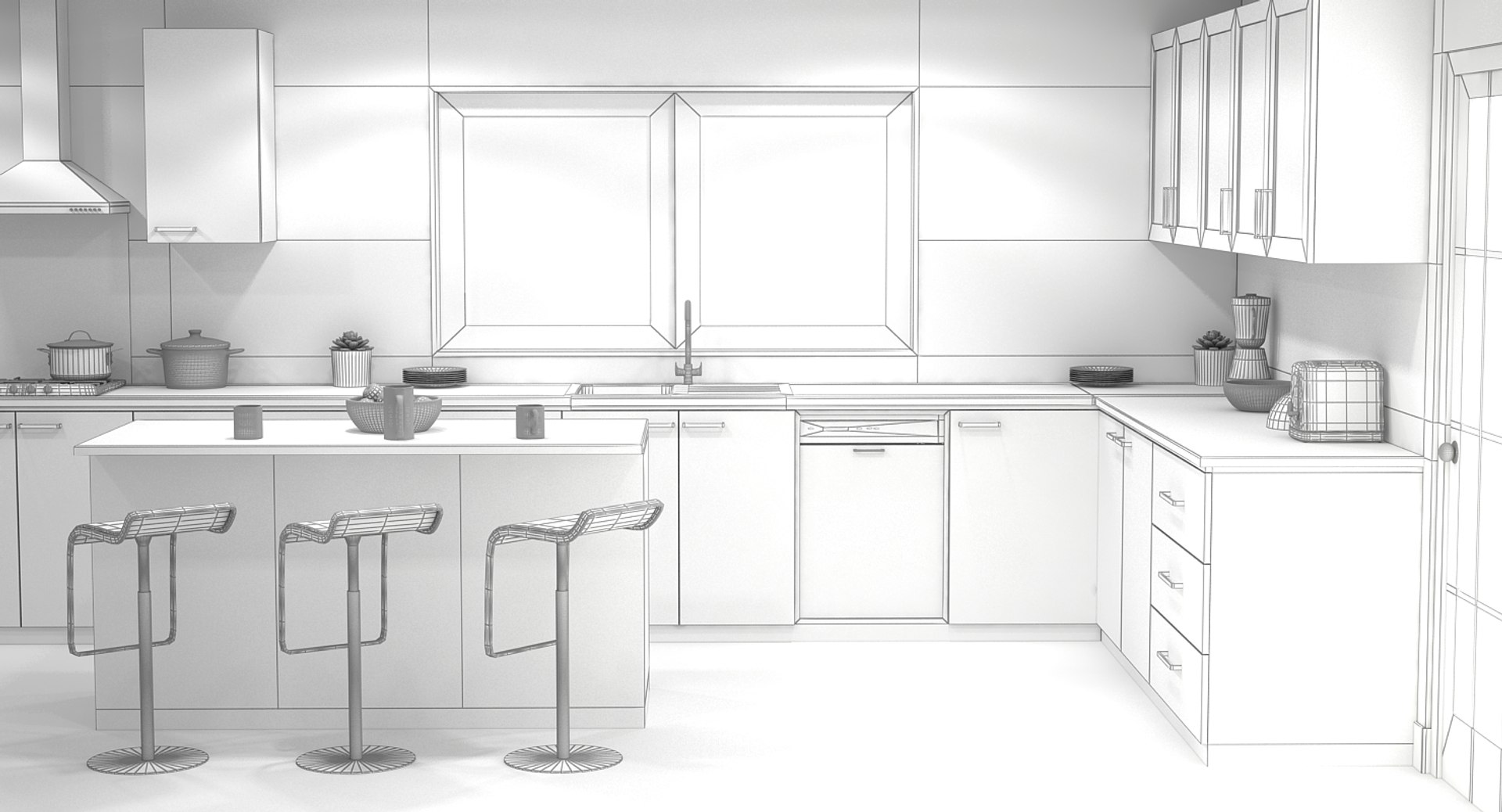
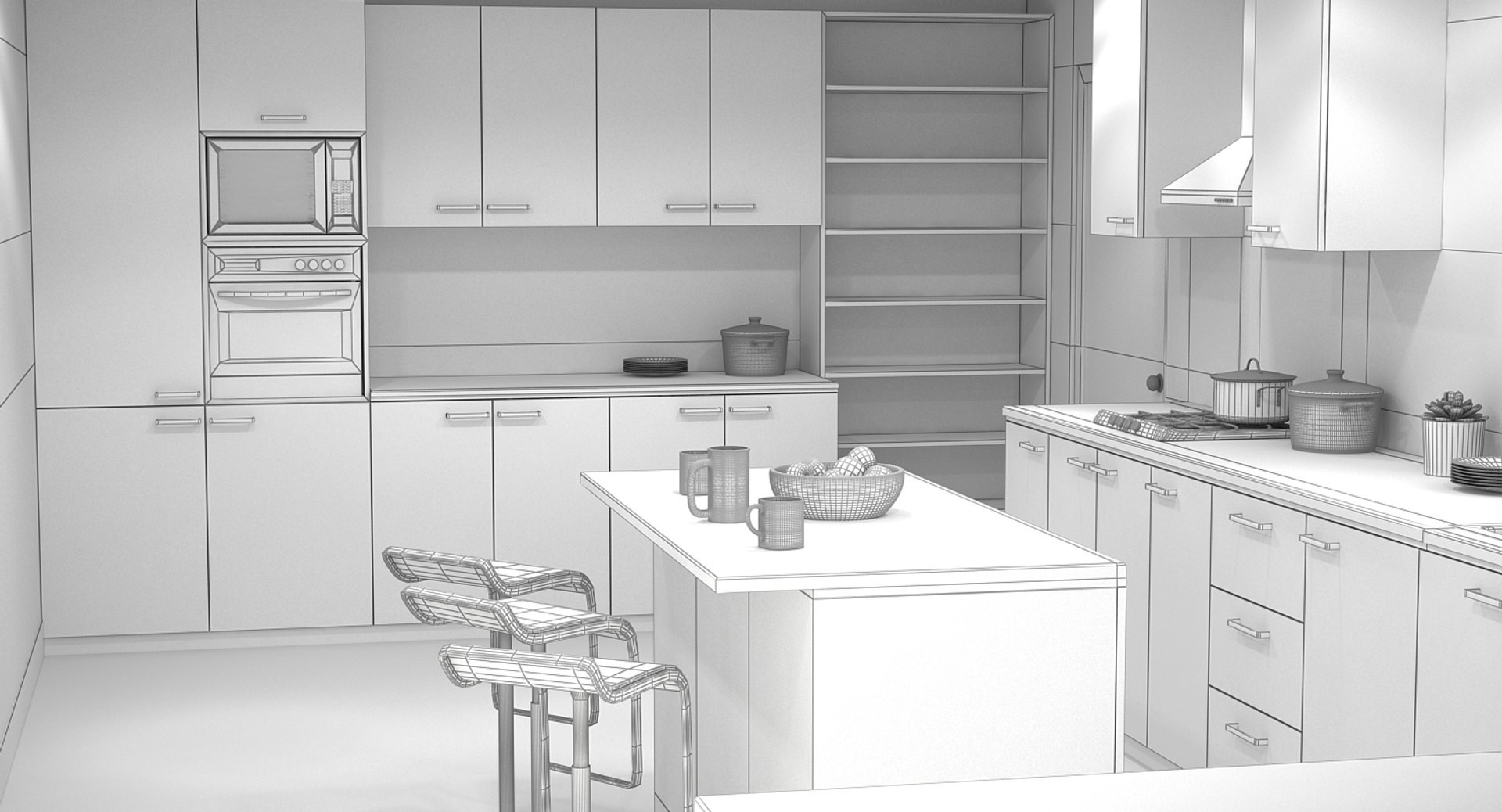
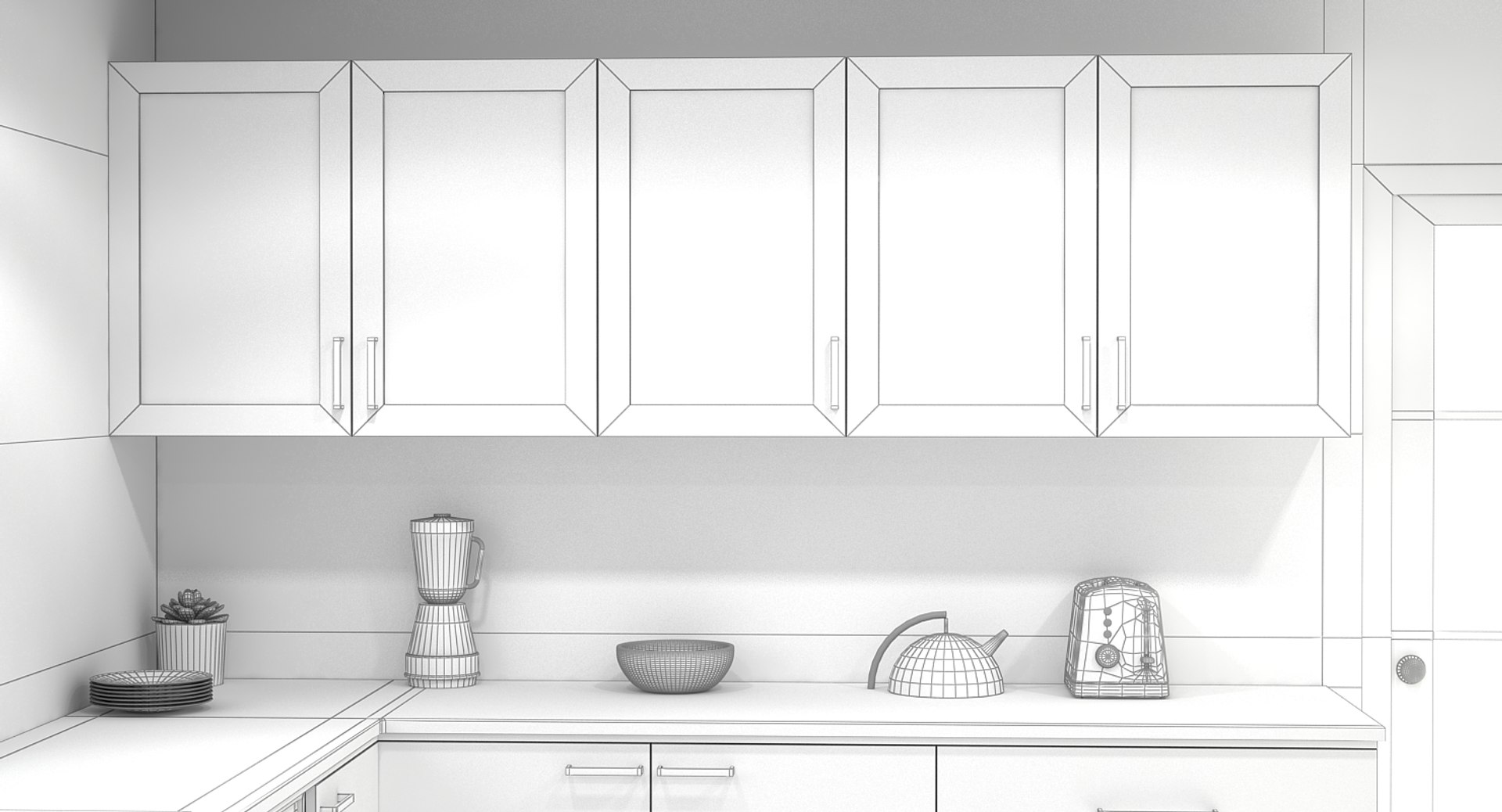
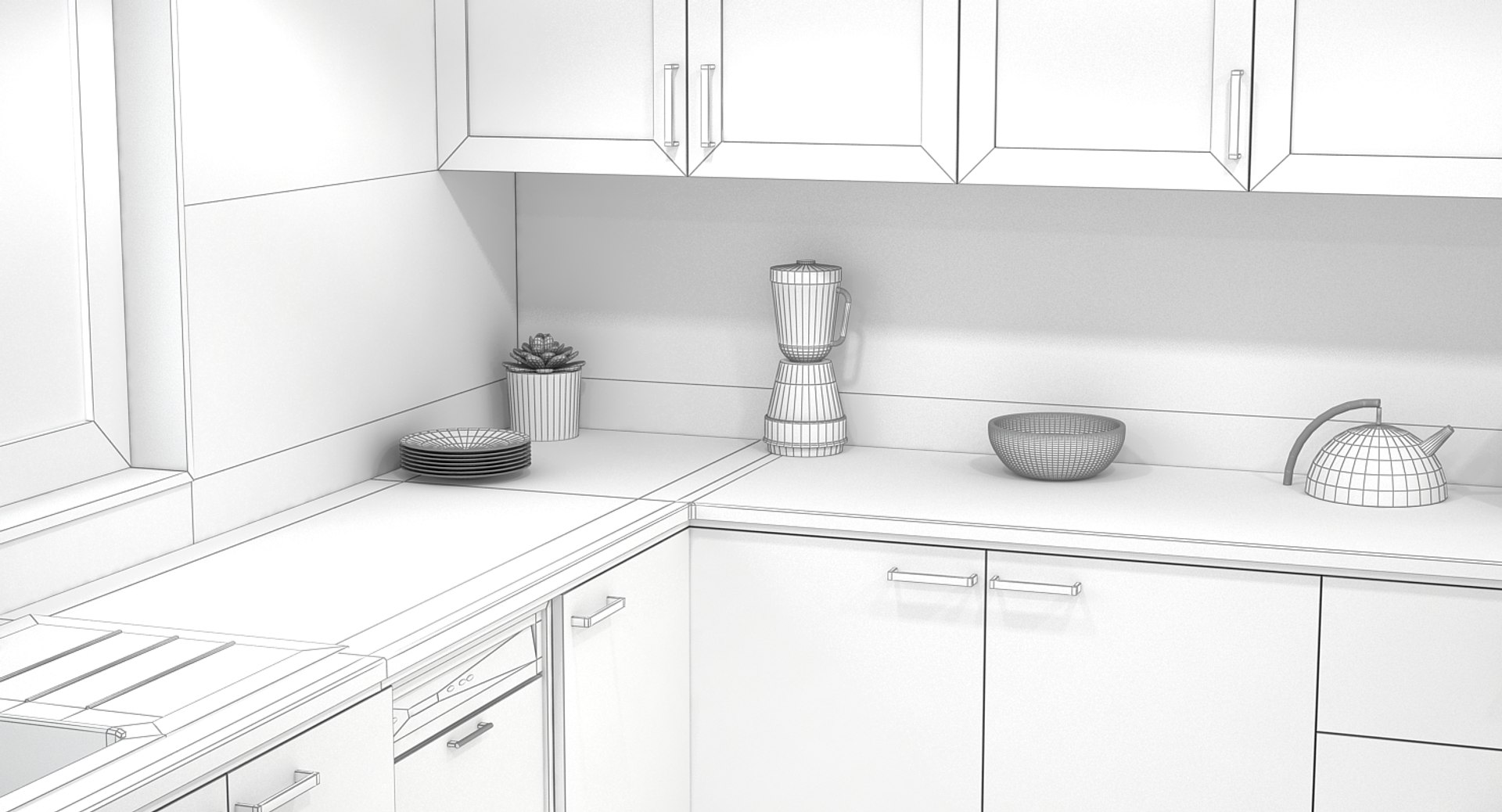
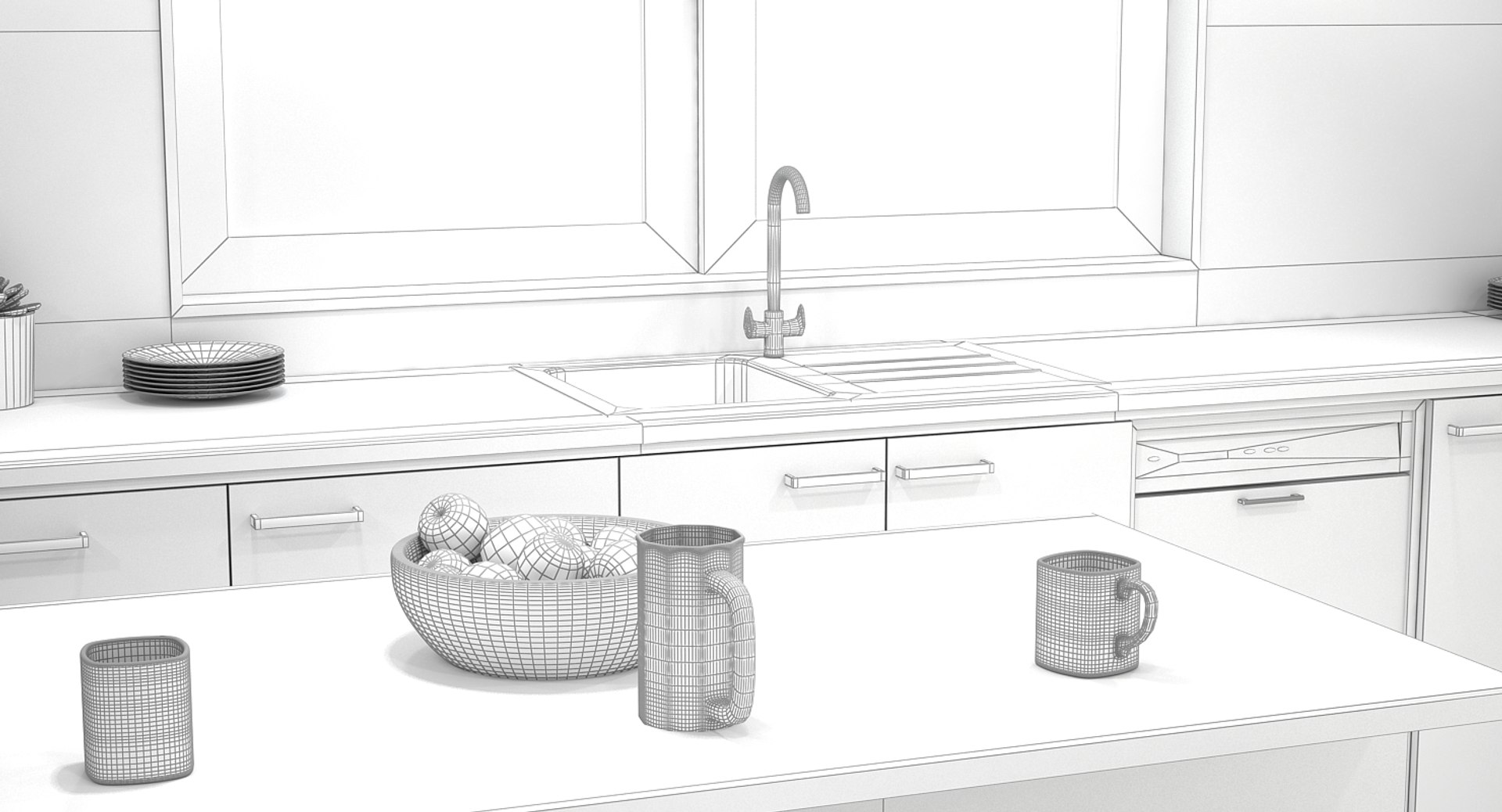
Kitchen interior 01

$99

Standard License | Upgrade License
Editorial Uses Only
Formats (2)
Free file format Conversions available
Native | 3ds Max 2012 | V-Ray 2.30
Cinema 4D 16 | Advanced Render
Other Files
IES & texture.rar
Specifications
Publish Date June 06, 2017
Product ID 1165535
Polygons 319,018
Vertices 319,724
Polygonal Quads/Tris Geometry
Textures
Materials
UV Mapped
Mixed Unwrapped UVs
member avatar
Benallal
338 Products | Contributor Since 2015
Have questions? Chat with us now.

Description

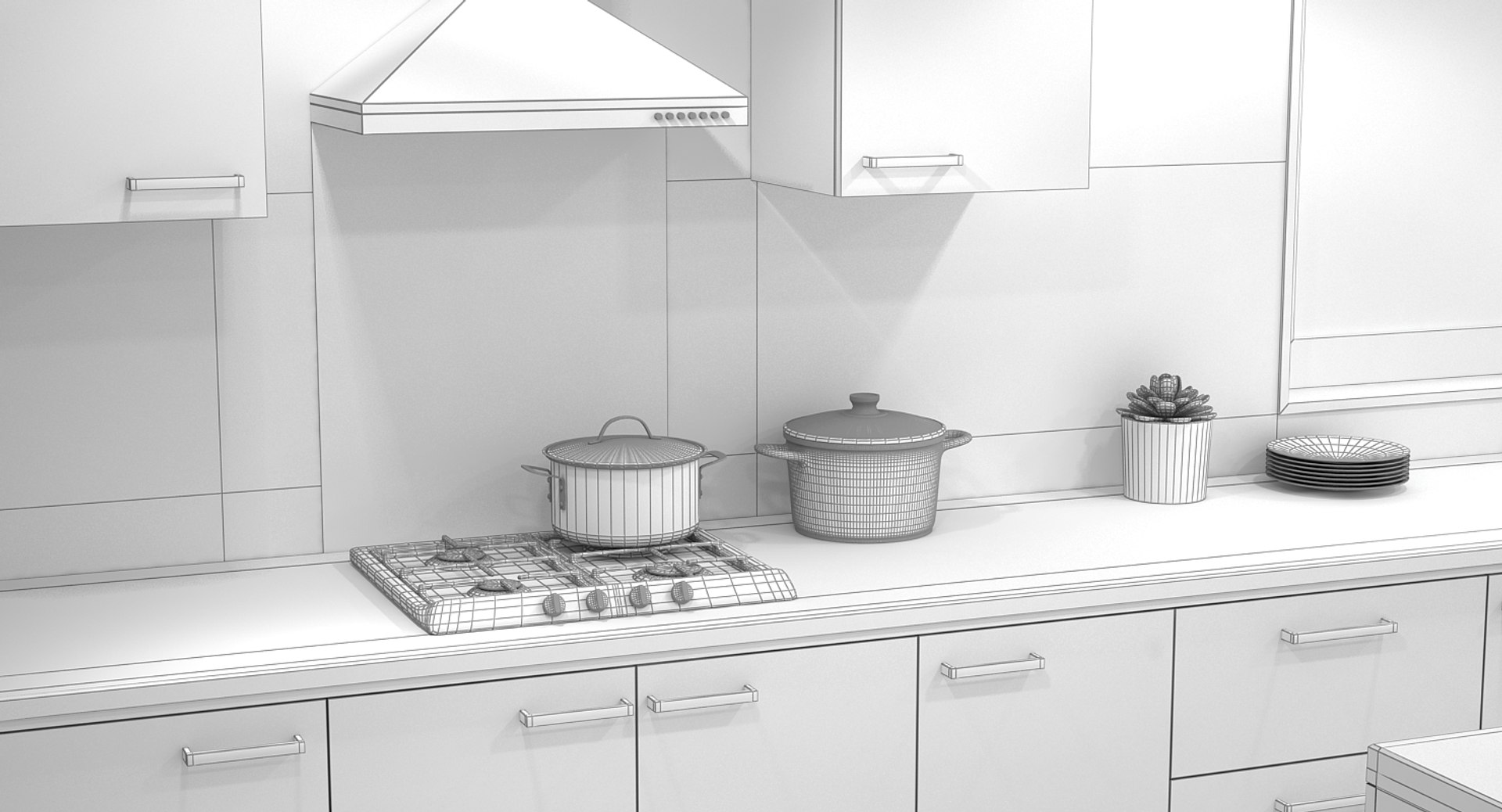
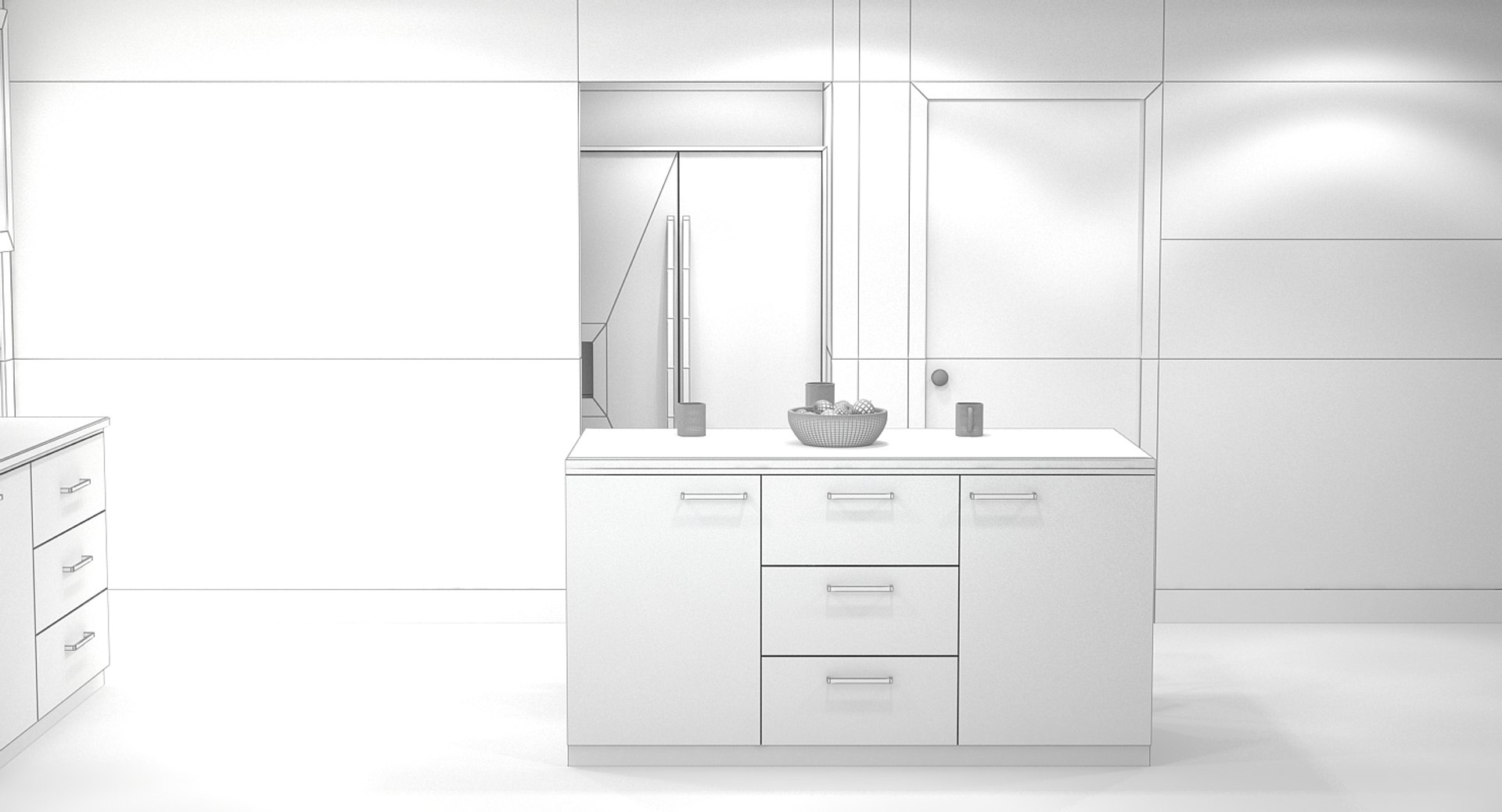
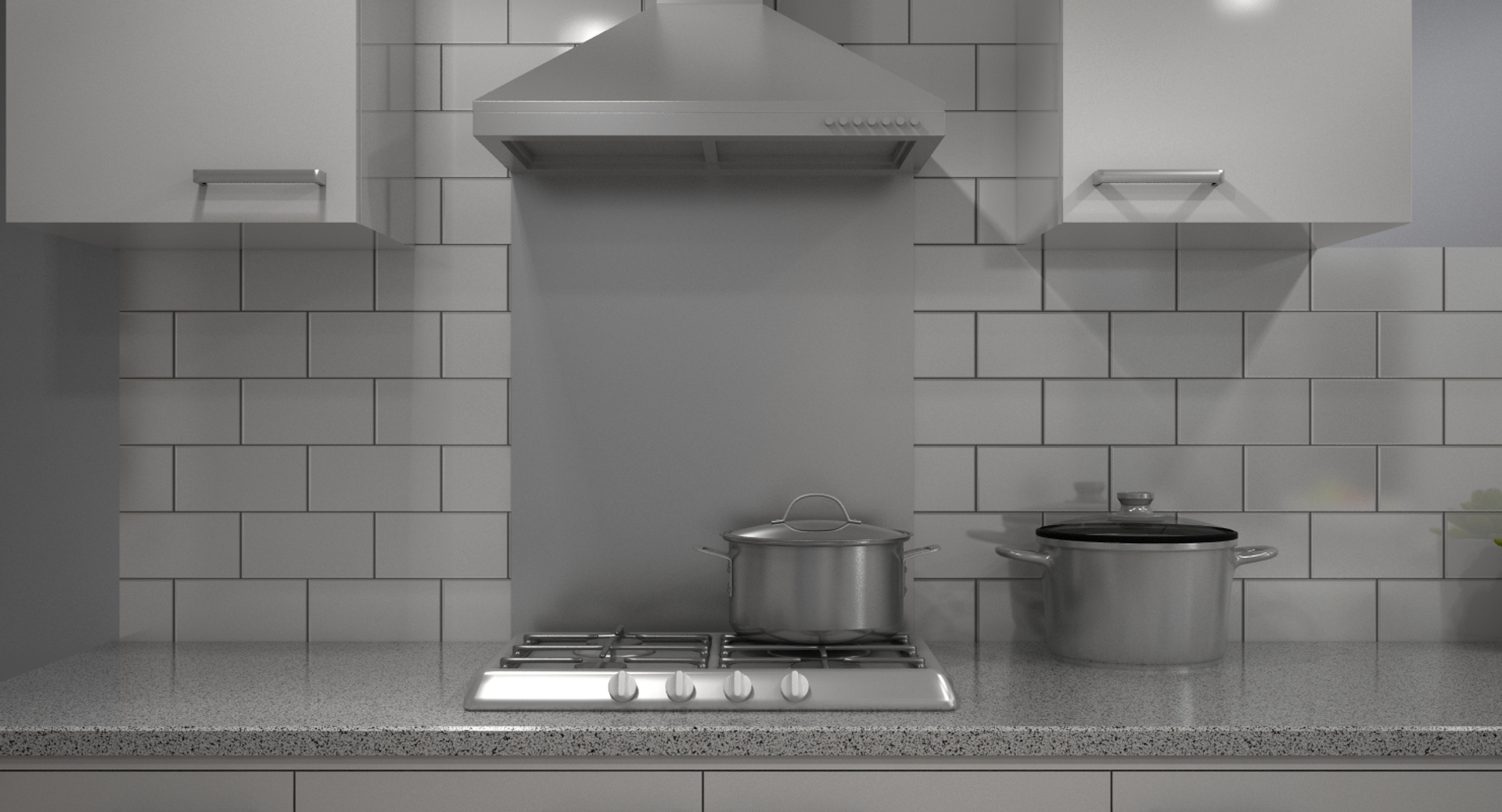
Kitchen Interior 01.

Last update (08/11/2017).

This is a detailed photo - realistic model of a modern kitchen interior including dining area and a large range of kitchen objects and accessories.
- just open the scene and start rendering !
- Material, textures, background, camera and lighting setup is included in both files 3ds max vray and cinema 4d.
- Carefully detailed and cleanly structured objects. All objects shown are included.
- Real world scale and exact proportions cm.
- Multiple file formats including 3ds Max vray and c4d version with IES lighting included.

Features:

Professional quality model designed for ease of use - No cleaning up necessary, just start rendering !
Polygonal structure using mostly quads !
Realistic and correctly scaled !
Excellent polygon & texture efficiency !

Multiple file formats: .MAX /C4D
Native file is 3ds Max (.max) Renders shown were created in 3ds Max with V-Ray render engine the render with logo cinema 4d is rendered with cinema 4d.

Please rate it if you like it thank you.

Select Enhanced License

  • $10,000 in Legal Protection (Indemnification)
  • Uncapped Legal Protection (Indemnification)
  • Waiver from injunctive relief
  • Assignable model rights
  • $1,000,000 in Legal Protection (Indemnification)
  • Waiver from injunctive relief
  • Assignable model rights
  • $250,000 in Legal Protection (Indemnification)
  • Assignable model rights
Read more about enhanced license tiers, or contact us at enterprise@turbosquid.com. Already a Shutterstock Enterprise Customer? Contact your Shutterstock Sales Support Agent to talk about adding 3D.

About Conversion Requests

To submit a conversion request for a purchased asset, please complete our Conversion Request Form.

If you have not yet purchased a model, please review our Documentation about Conversions to learn about what limitations you may encounter with a conversion.

For any additional questions about a model’s suitability for conversion, please contact TurboSquid Support.

Loading...