
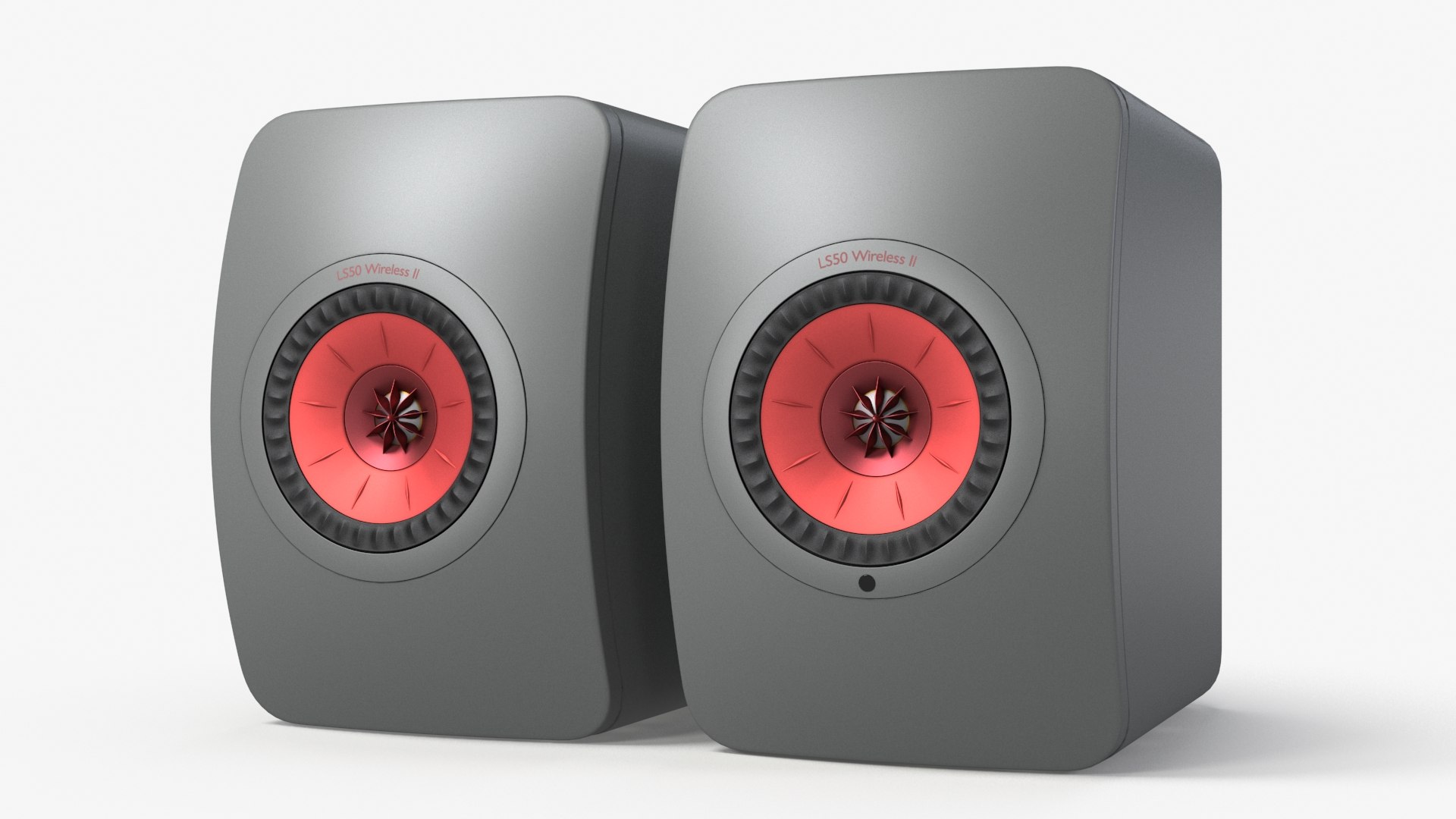
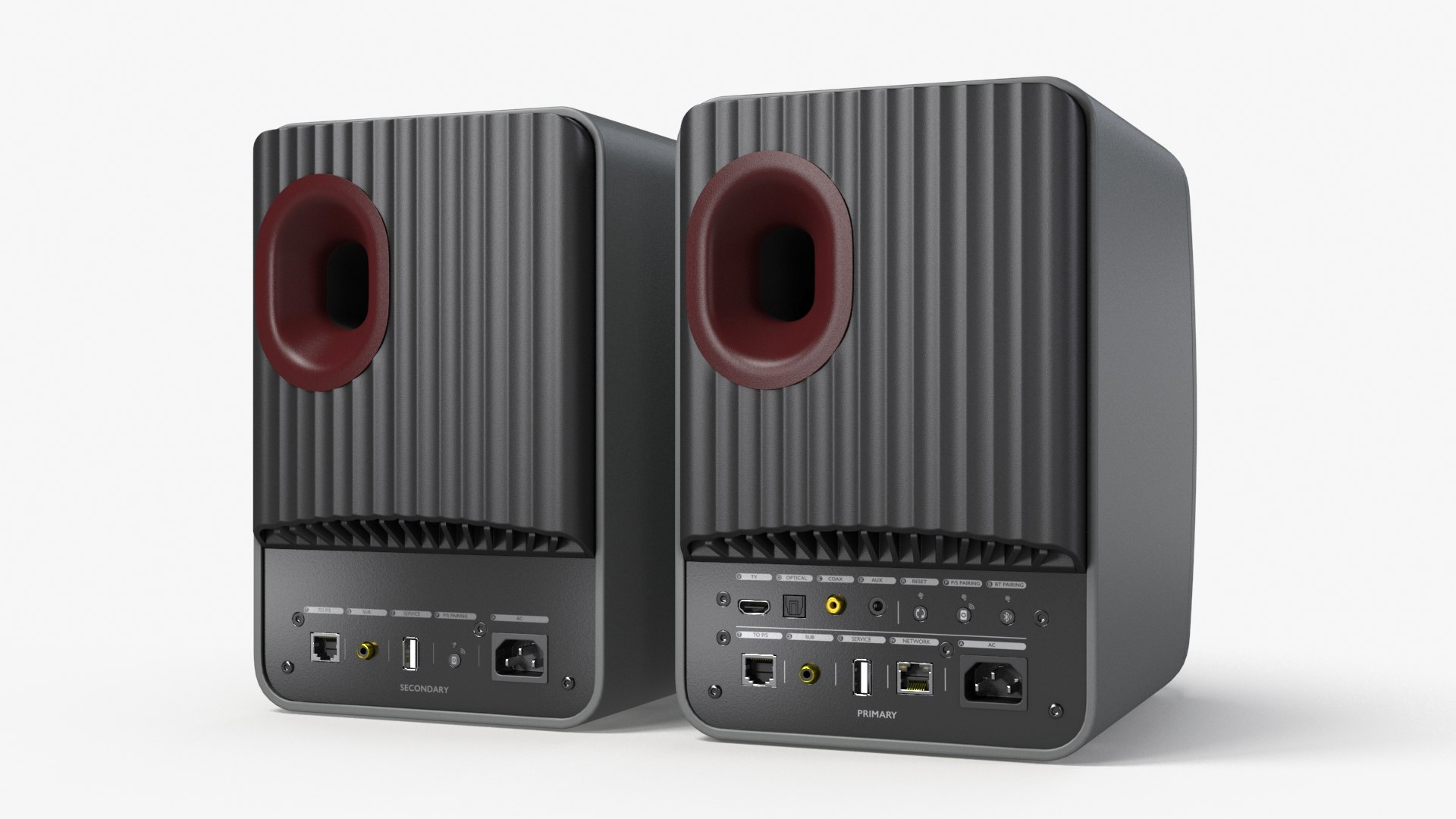
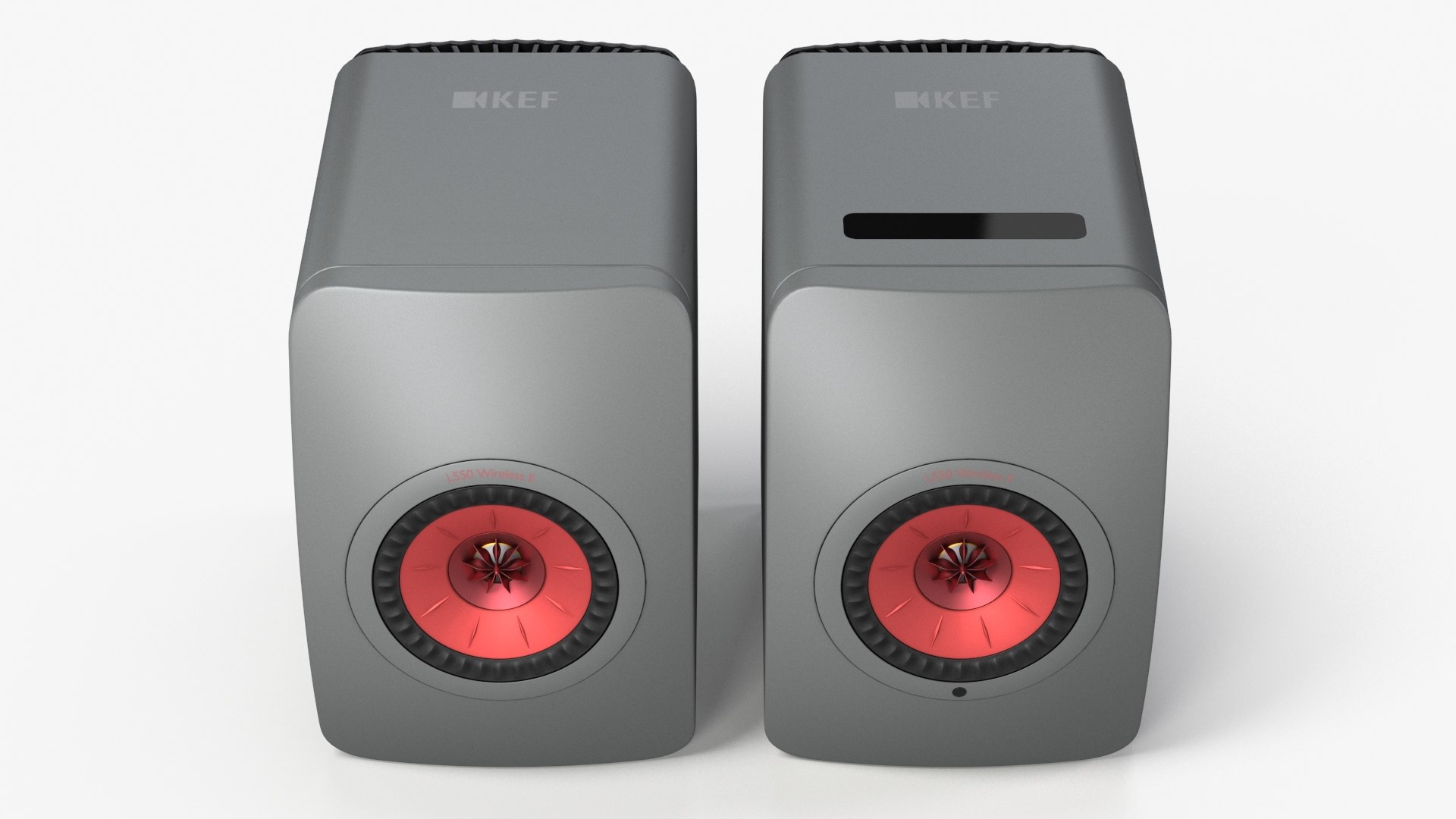
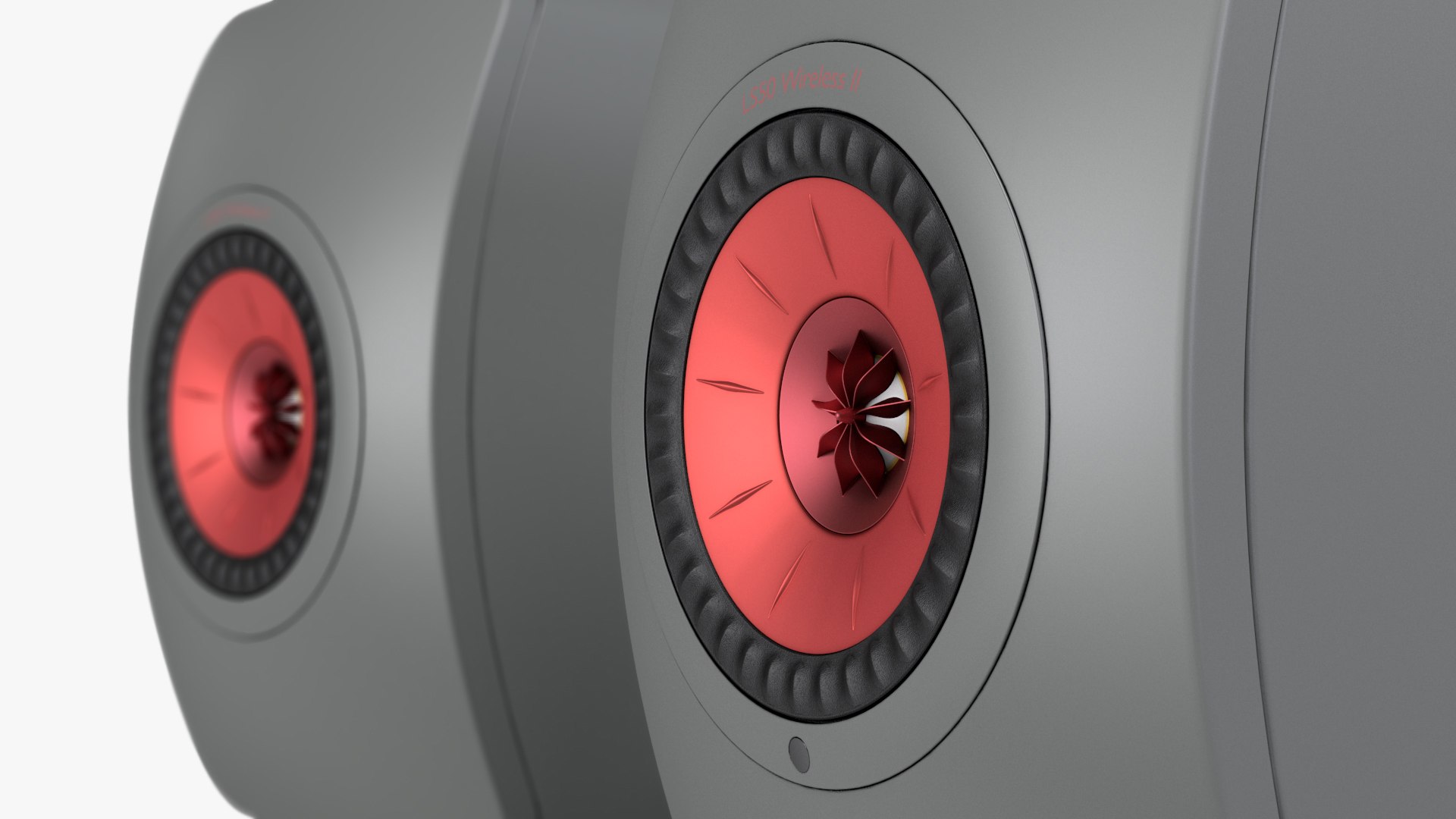
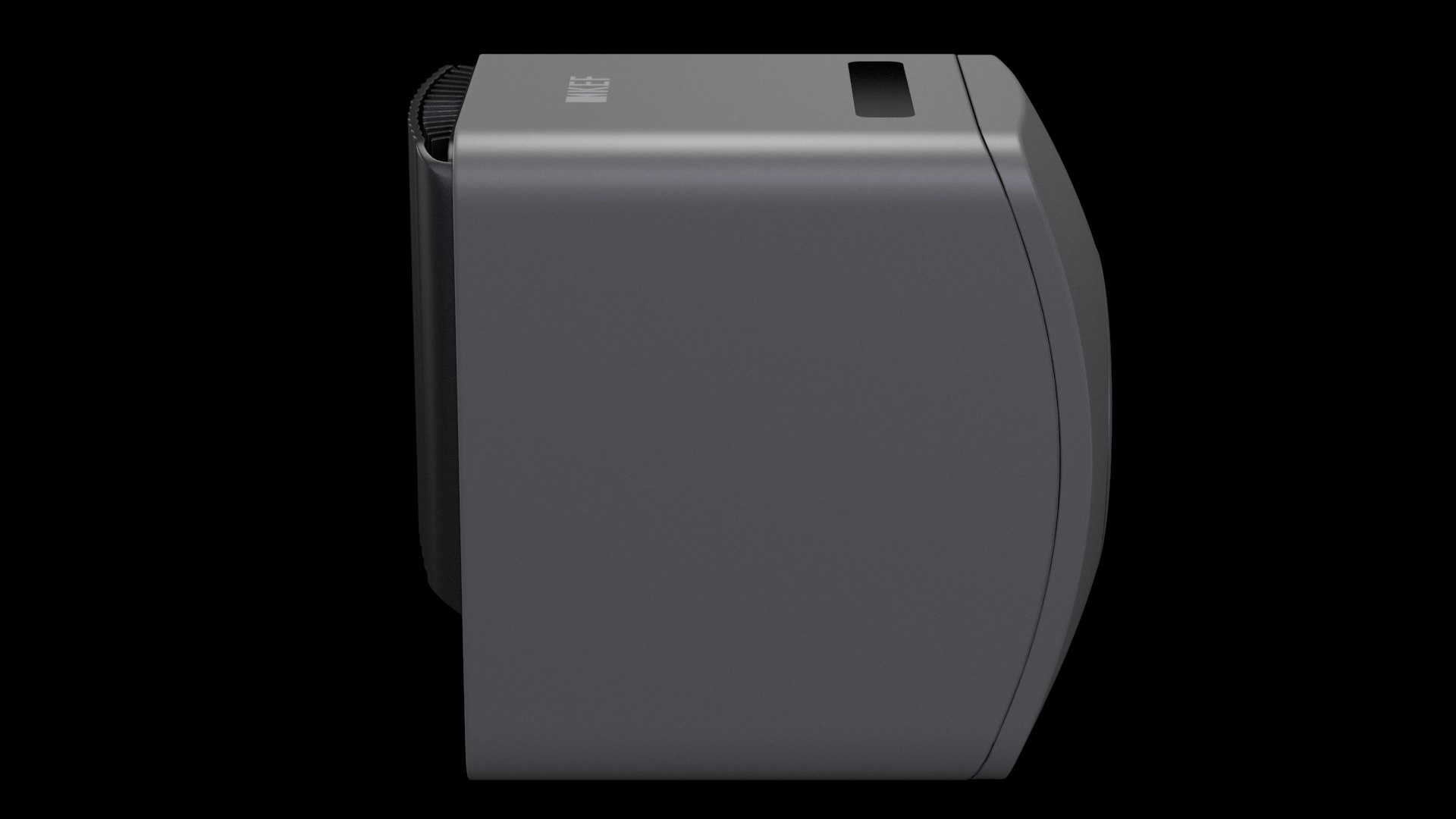
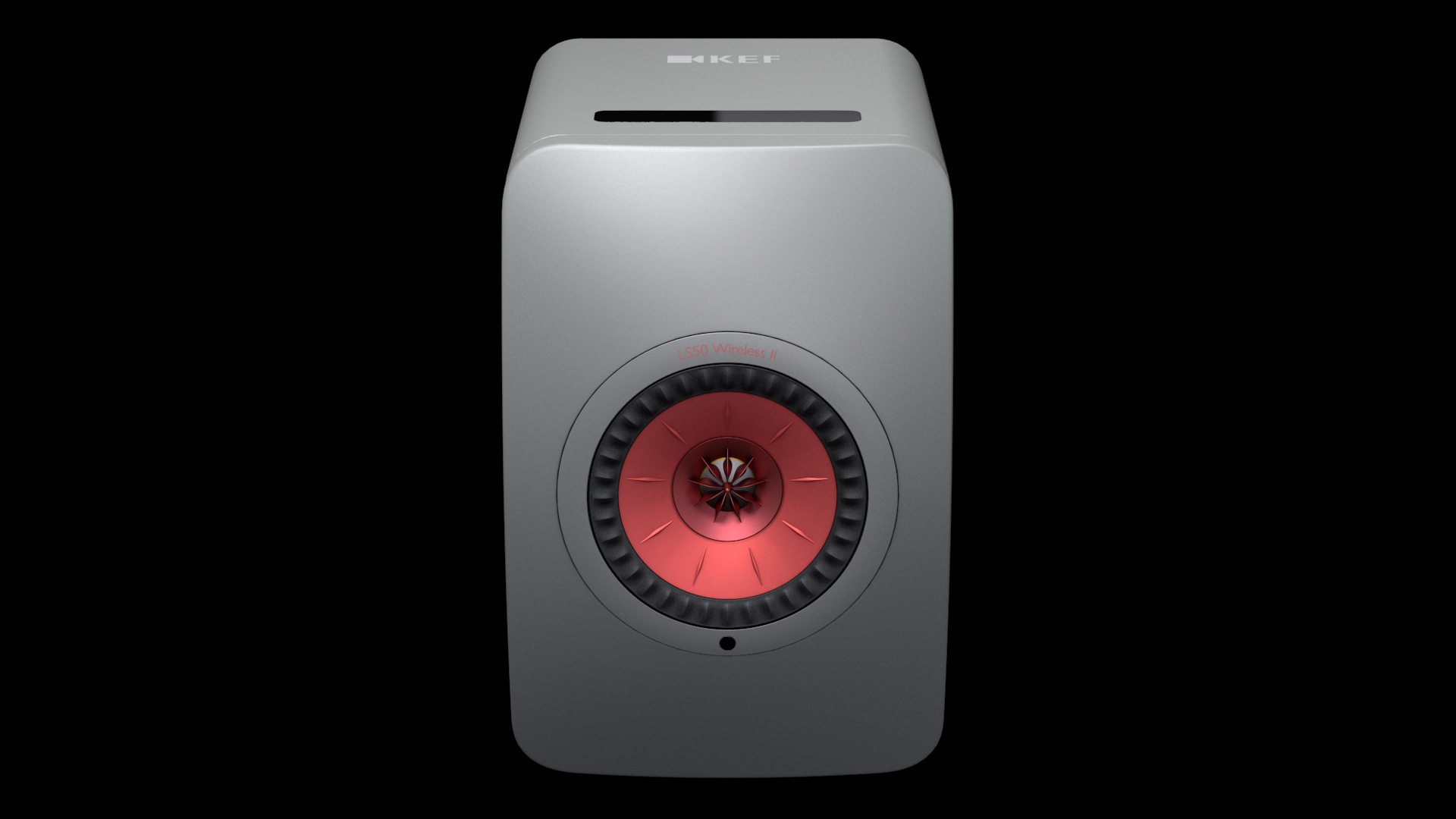
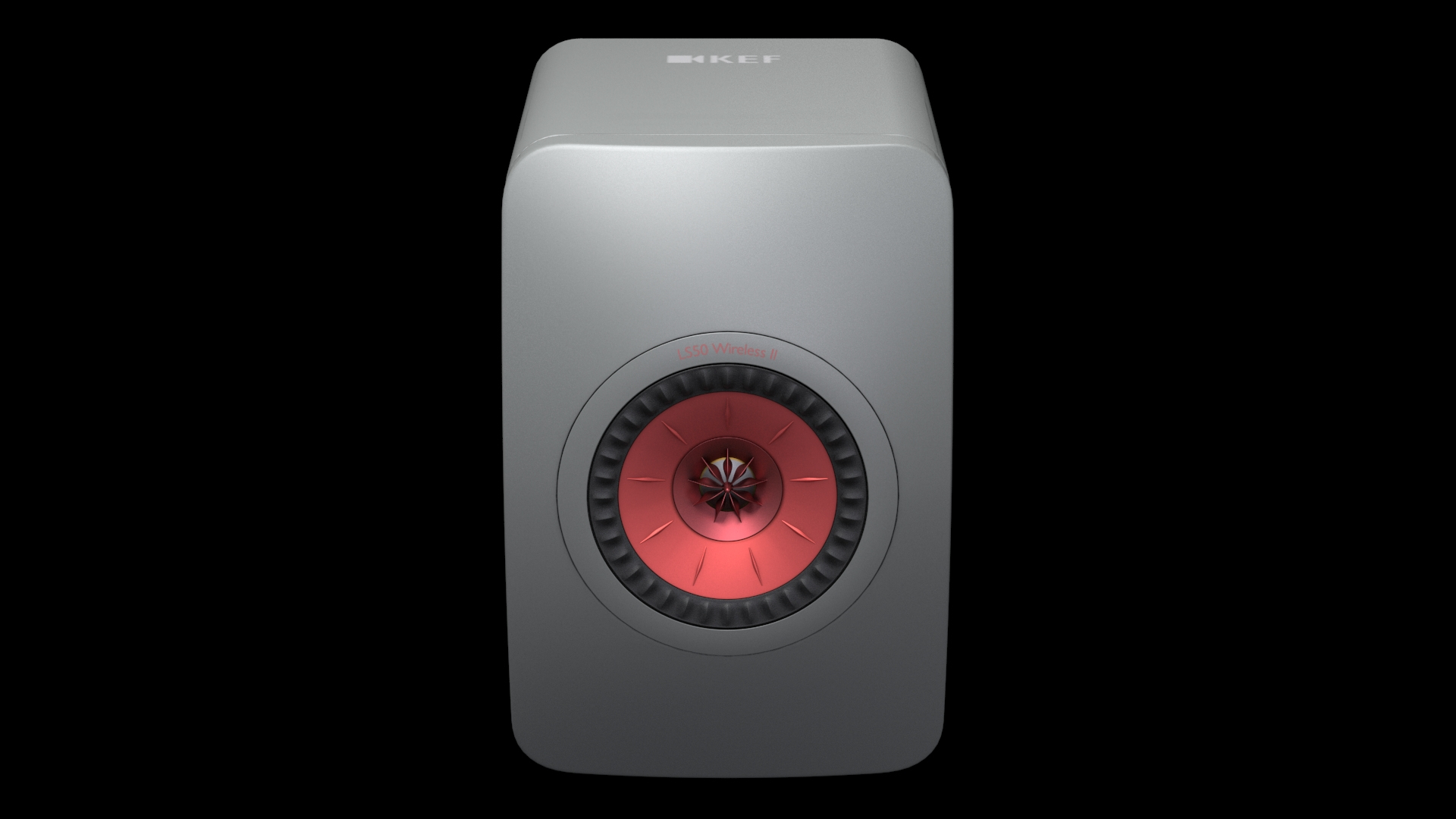
KEF LS50 Wireless II

$29

Standard License | Upgrade License
Editorial Uses Only
Formats (5)
Free file format Conversions available
Native | 3ds Max 2019 | V-Ray 4.30.01
3ds Max 2016 | V-Ray 4.30.01
3ds Max 2016 | Default Scanline
FBX 2014/15
OBJ
Other Files
Textures.zip
Specifications
Publish Date August 31, 2022
Product ID 1952409
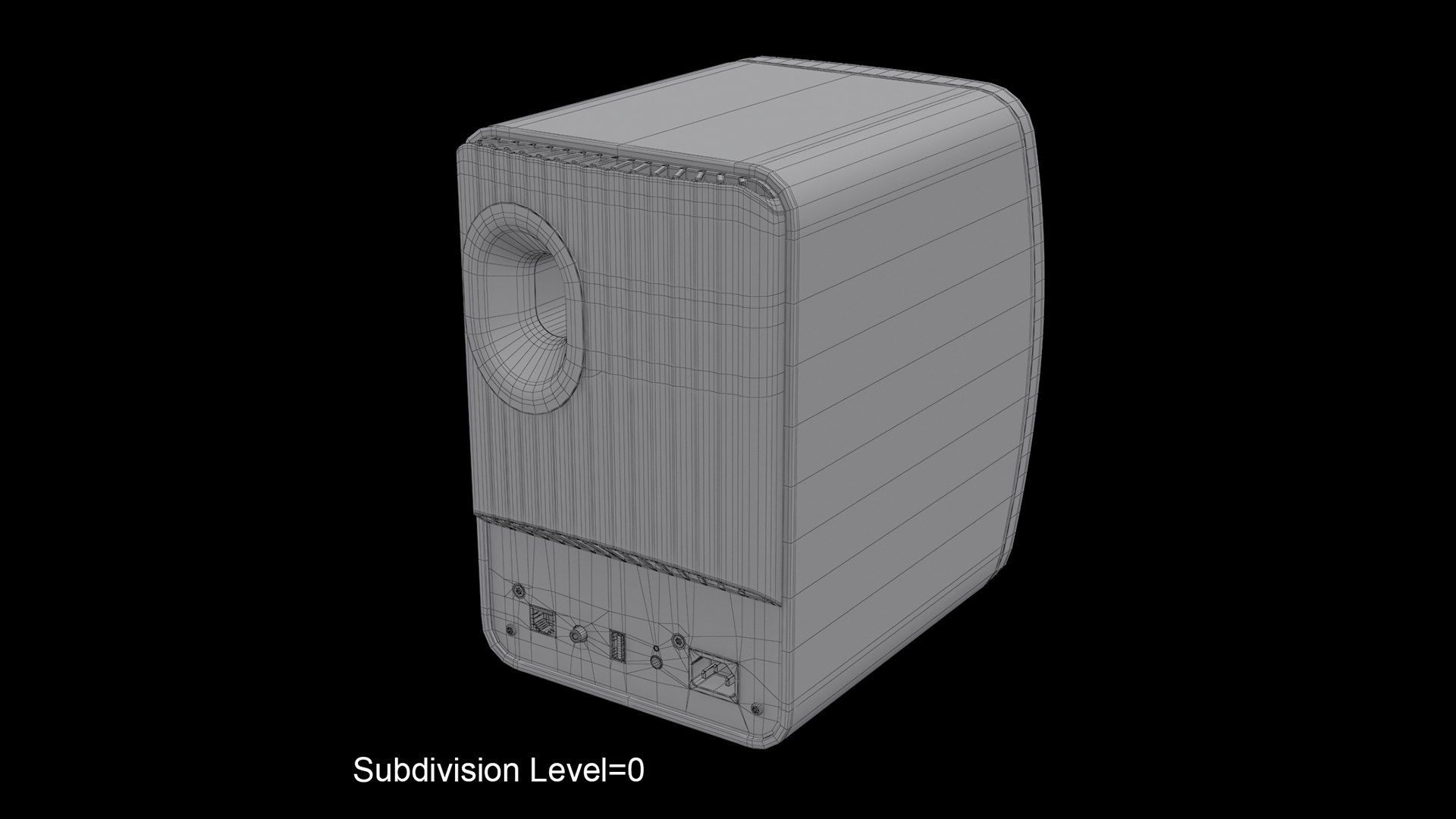
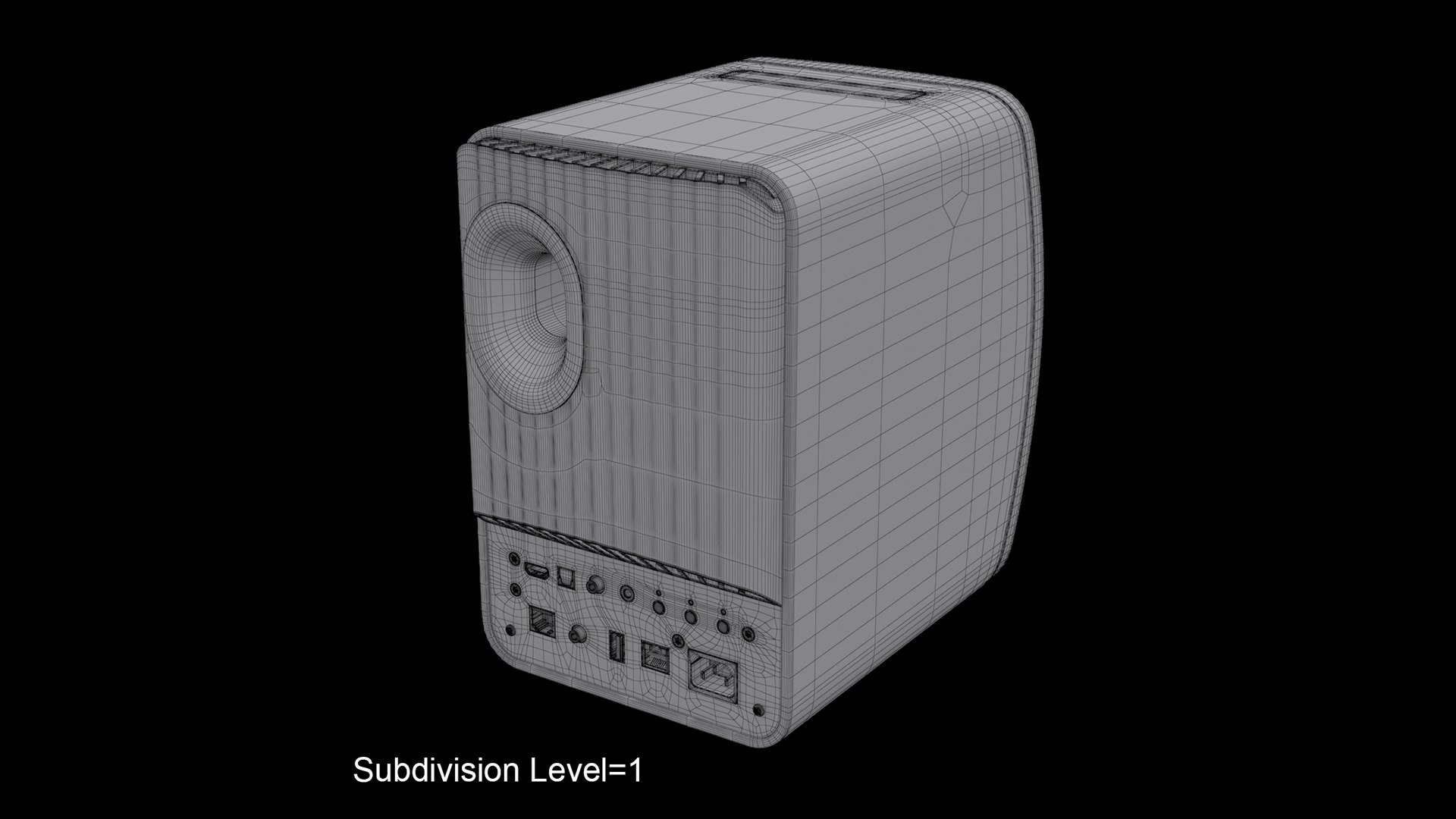
Polygons 47,241
Vertices 50,046
Polygonal Quads/Tris Geometry
Textures
Materials
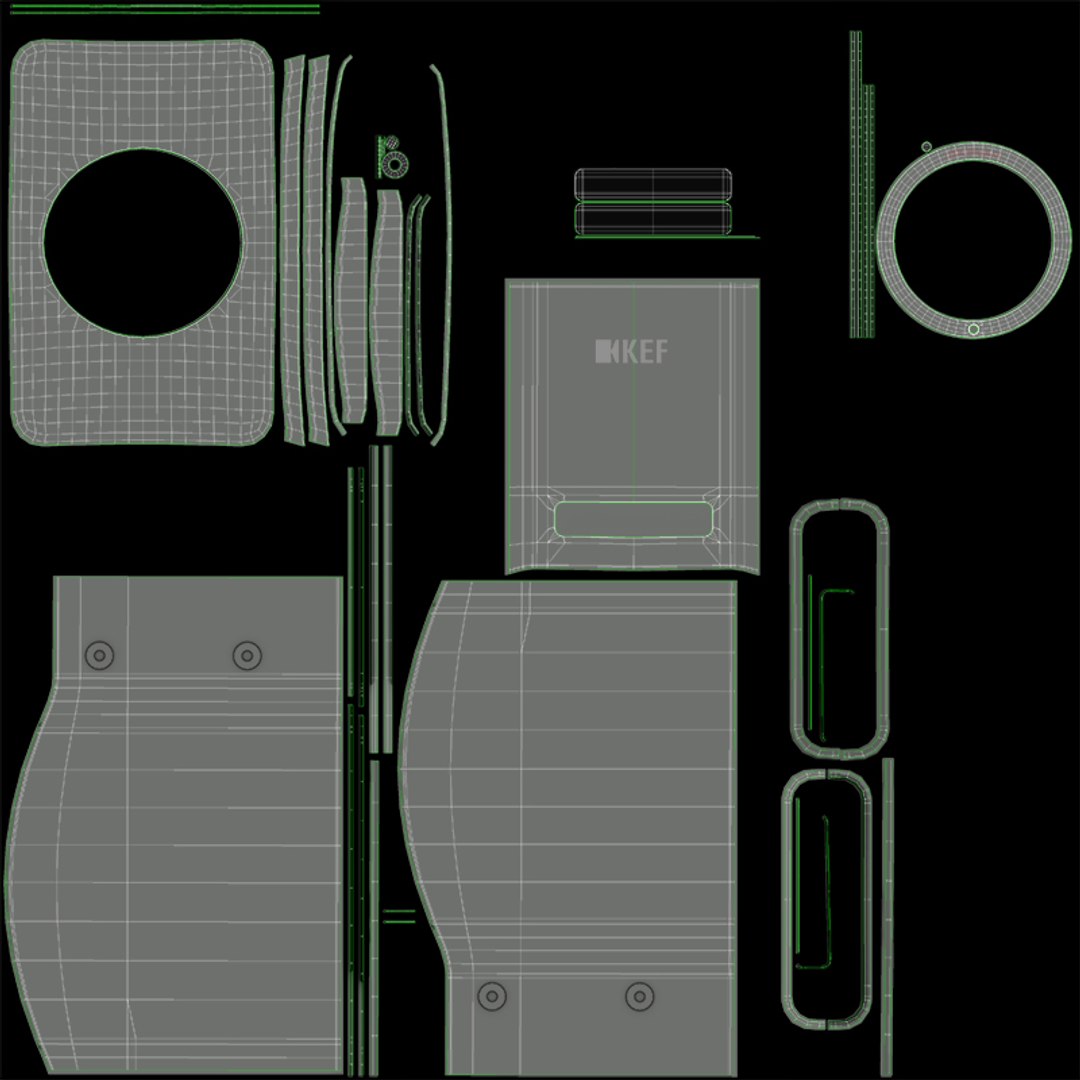
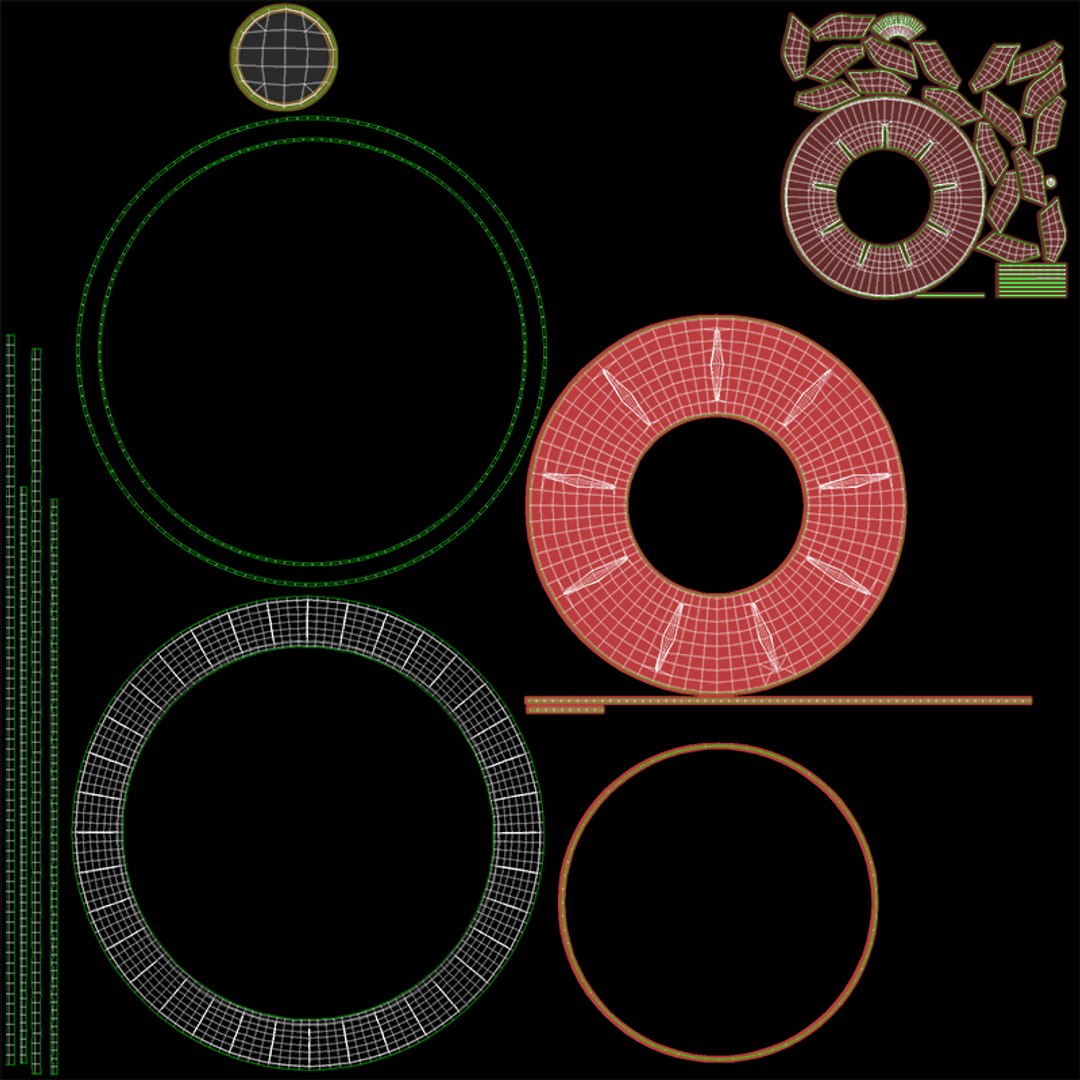
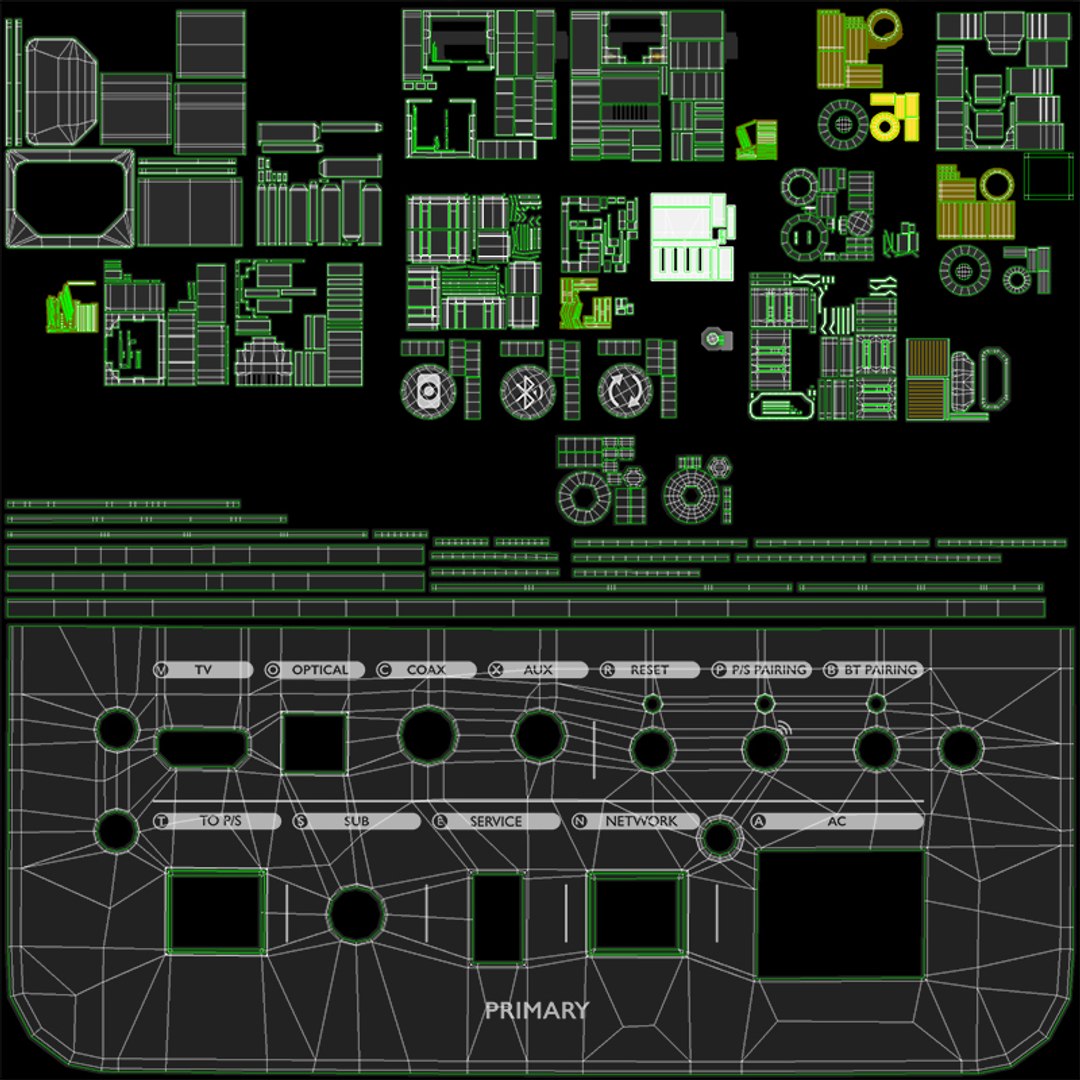
UV Mapped
Overlapping Unwrapped UVs
TurboSquid Exclusive
Get More Value with a Bundle
member avatar
JeeKay3d
51 Products | Contributor Since 2021
Have questions? Chat with us now.

Description

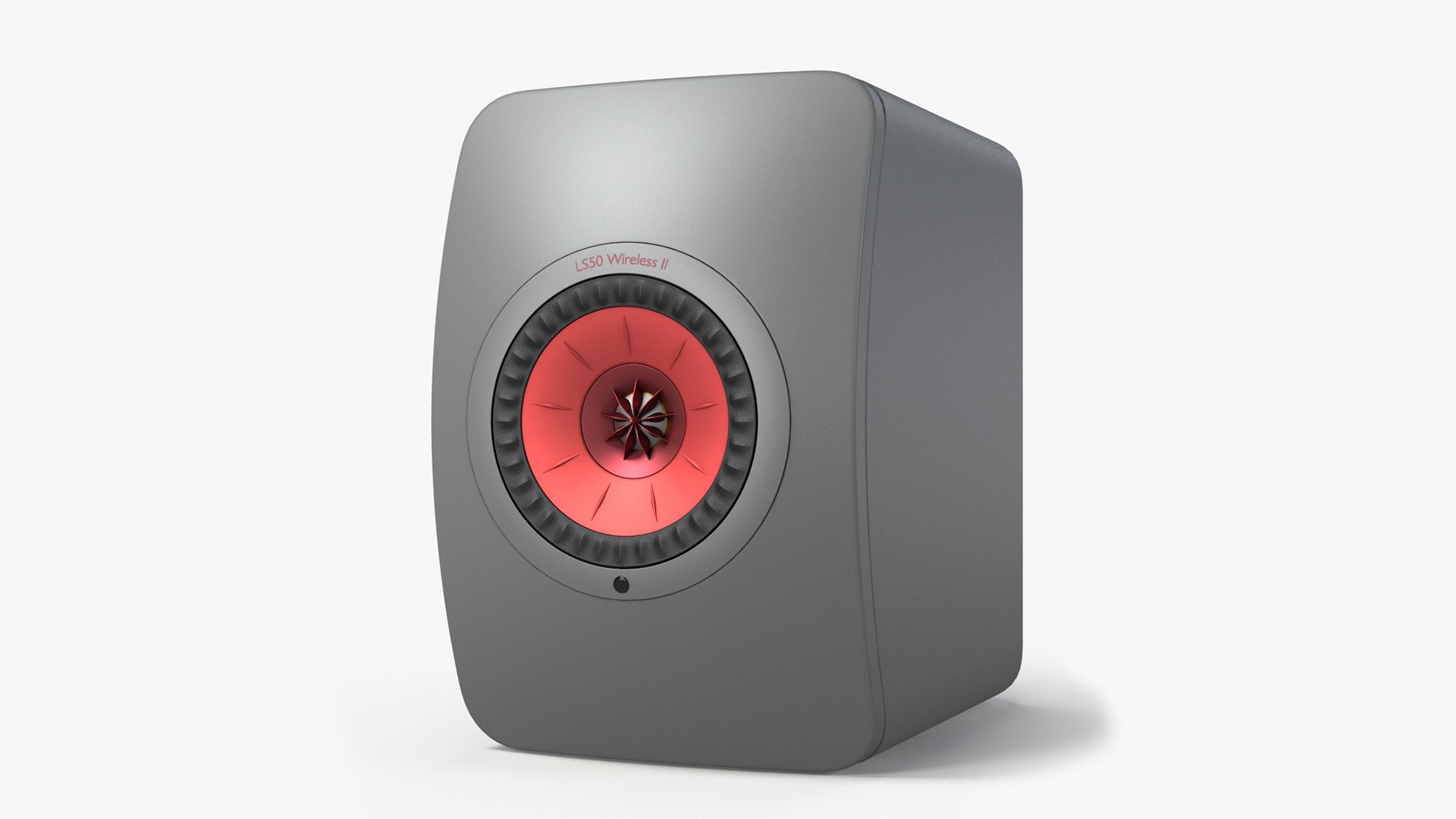
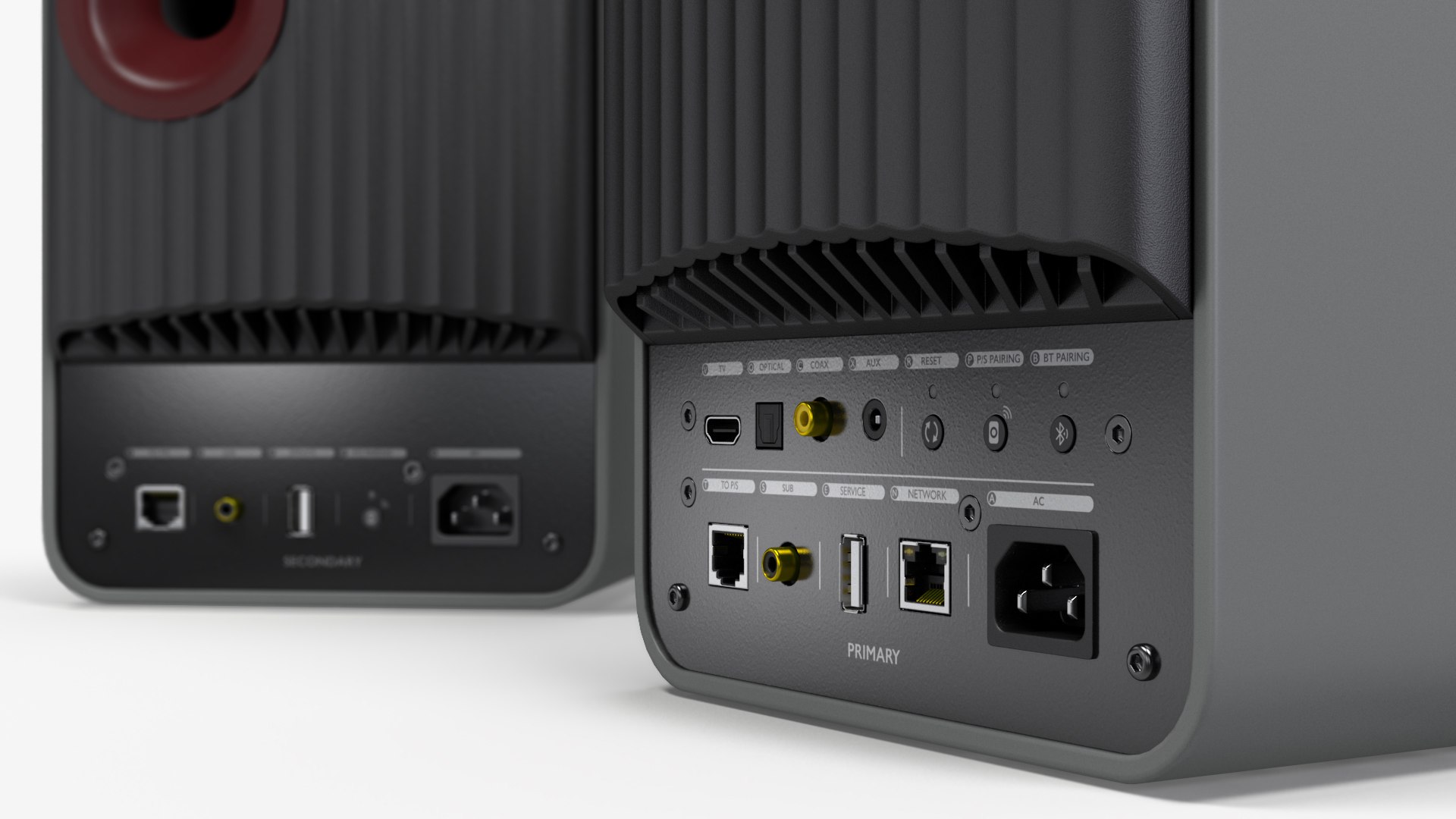
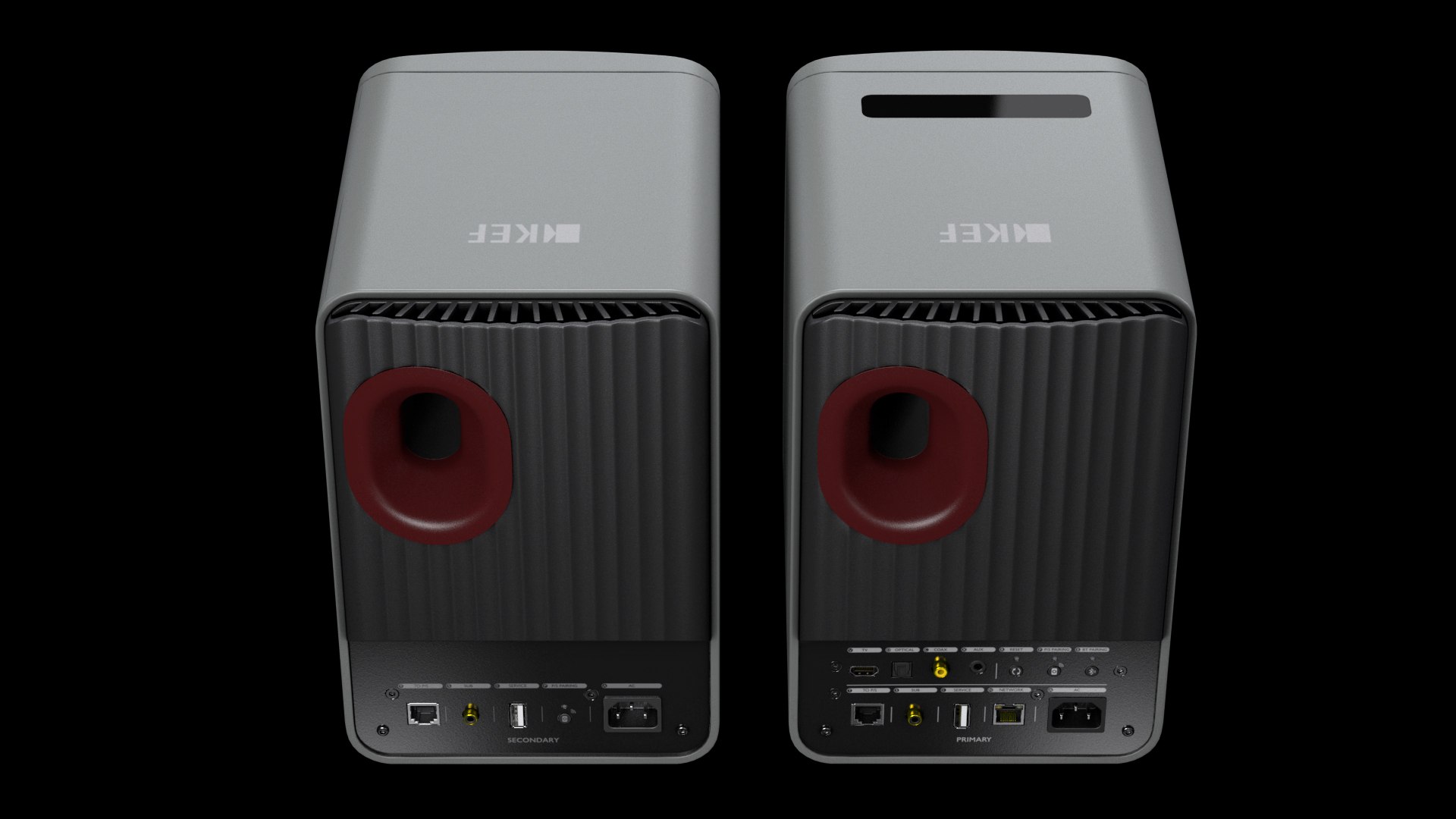
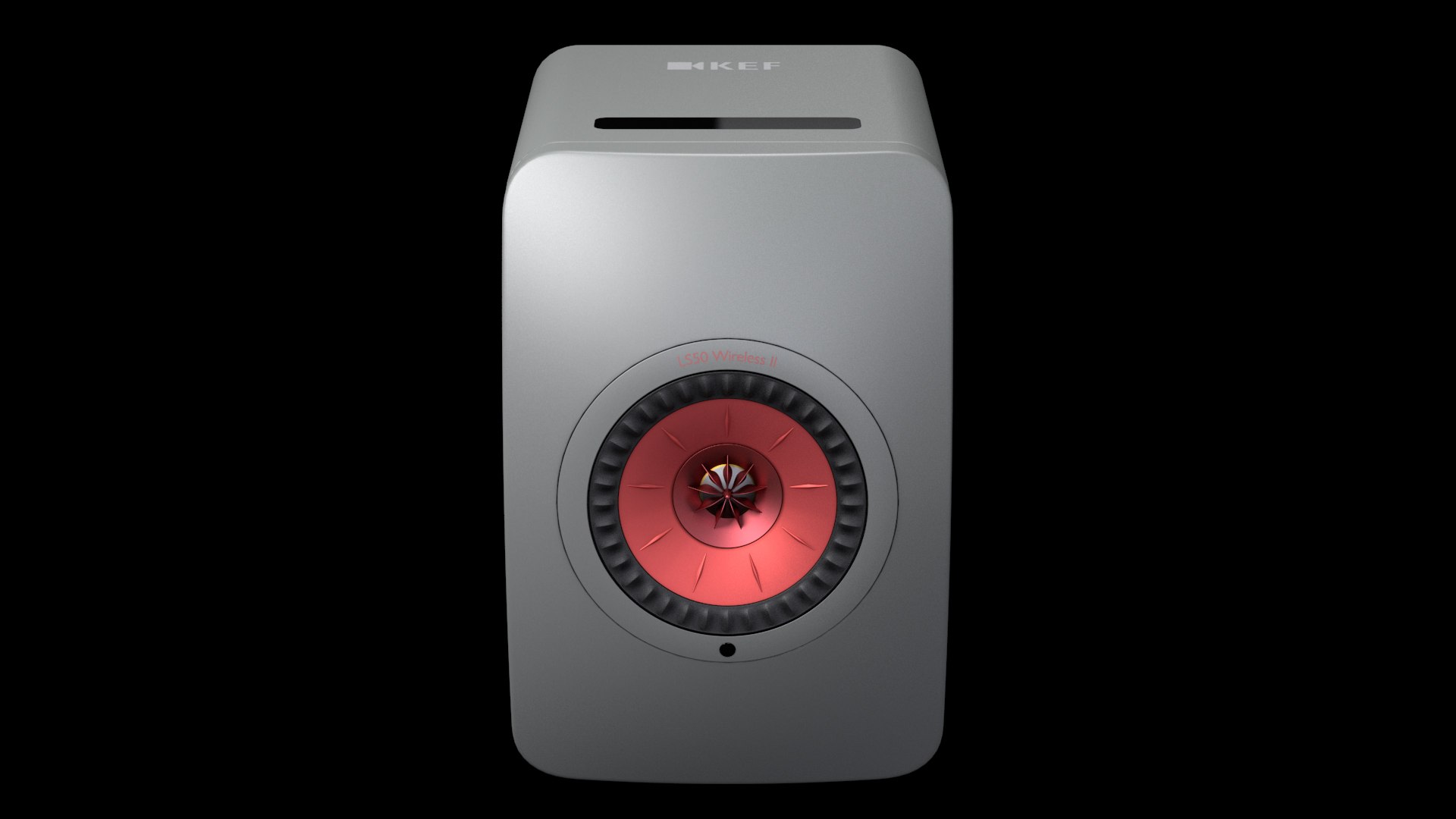
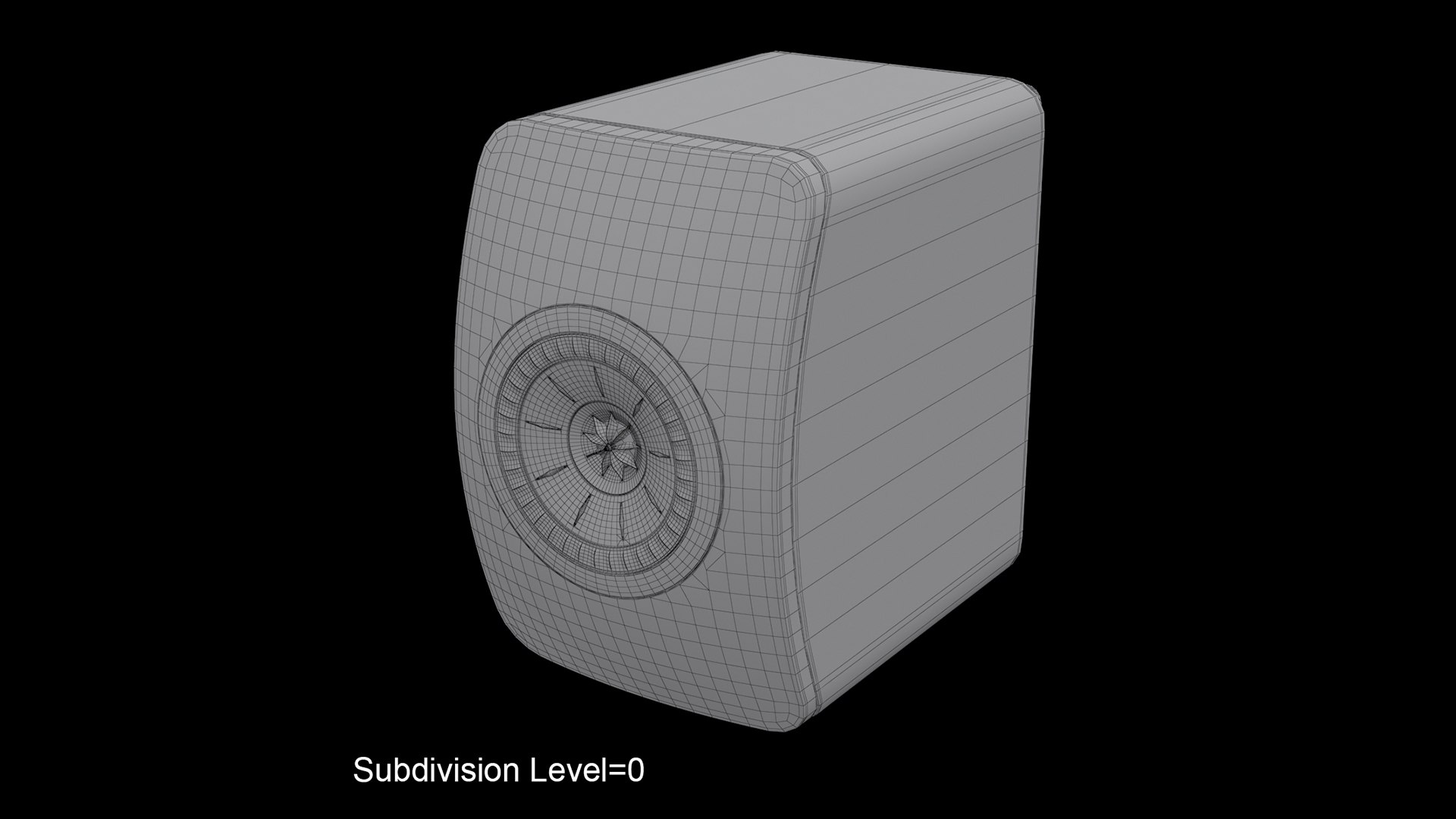
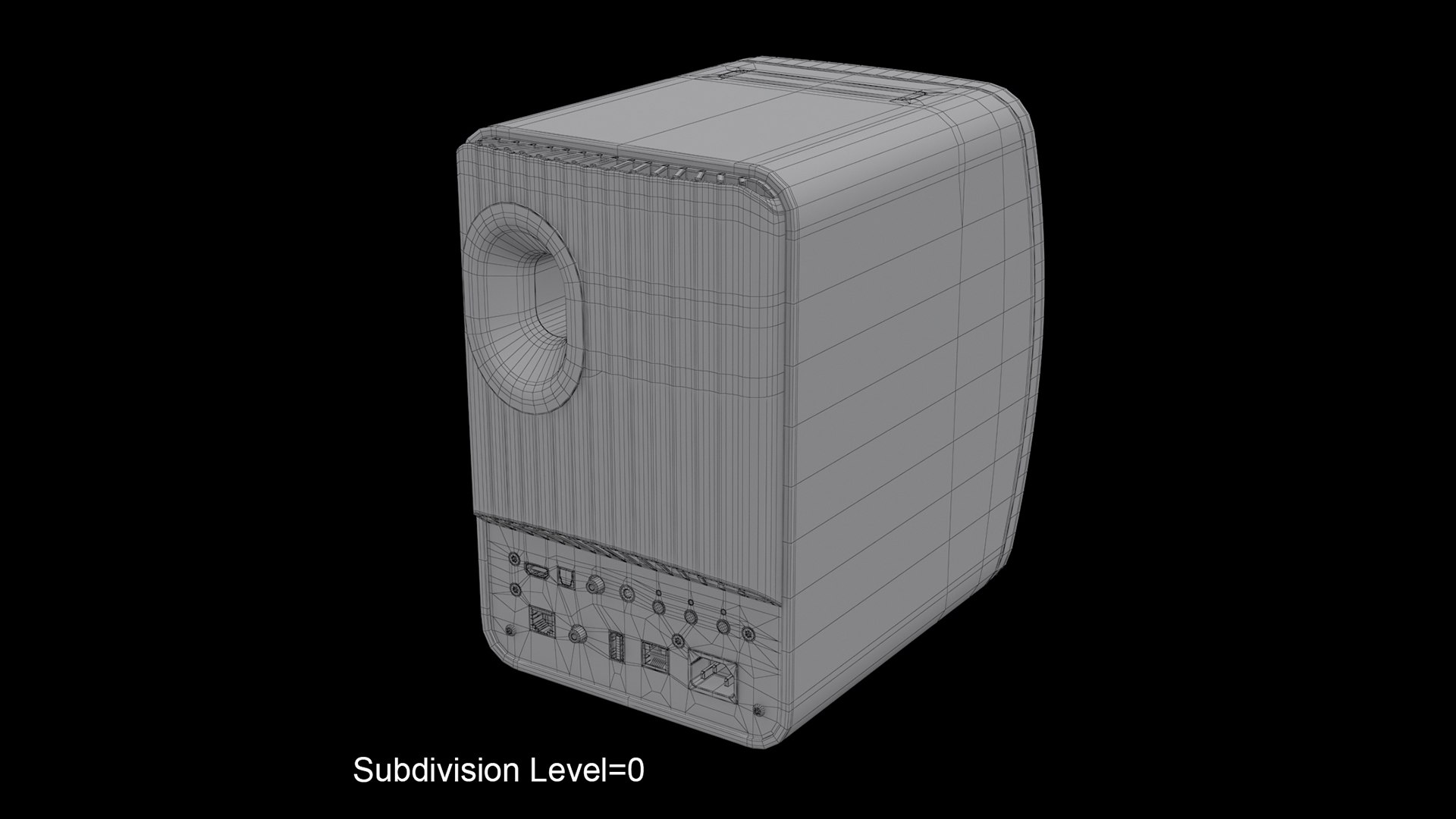
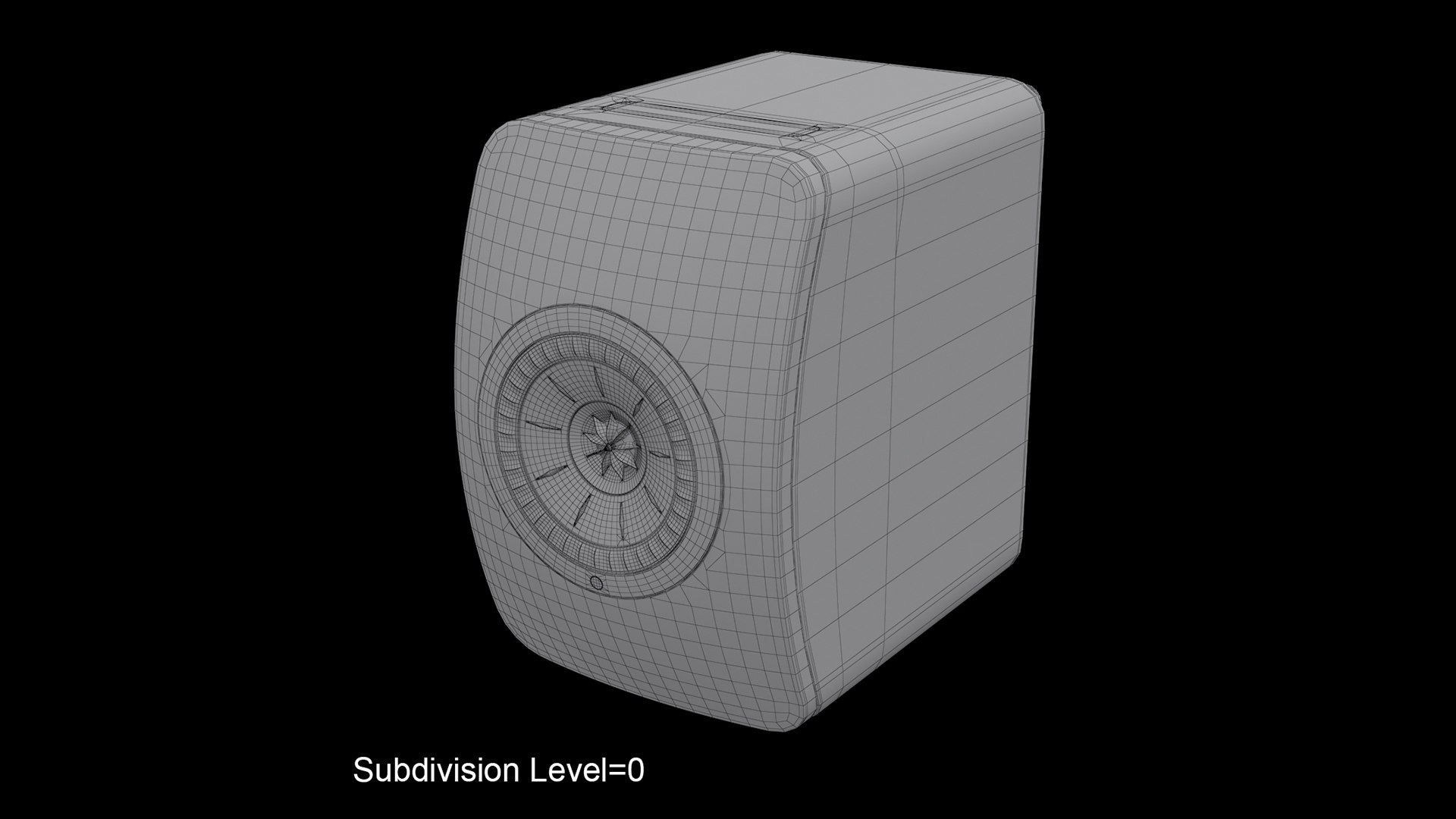
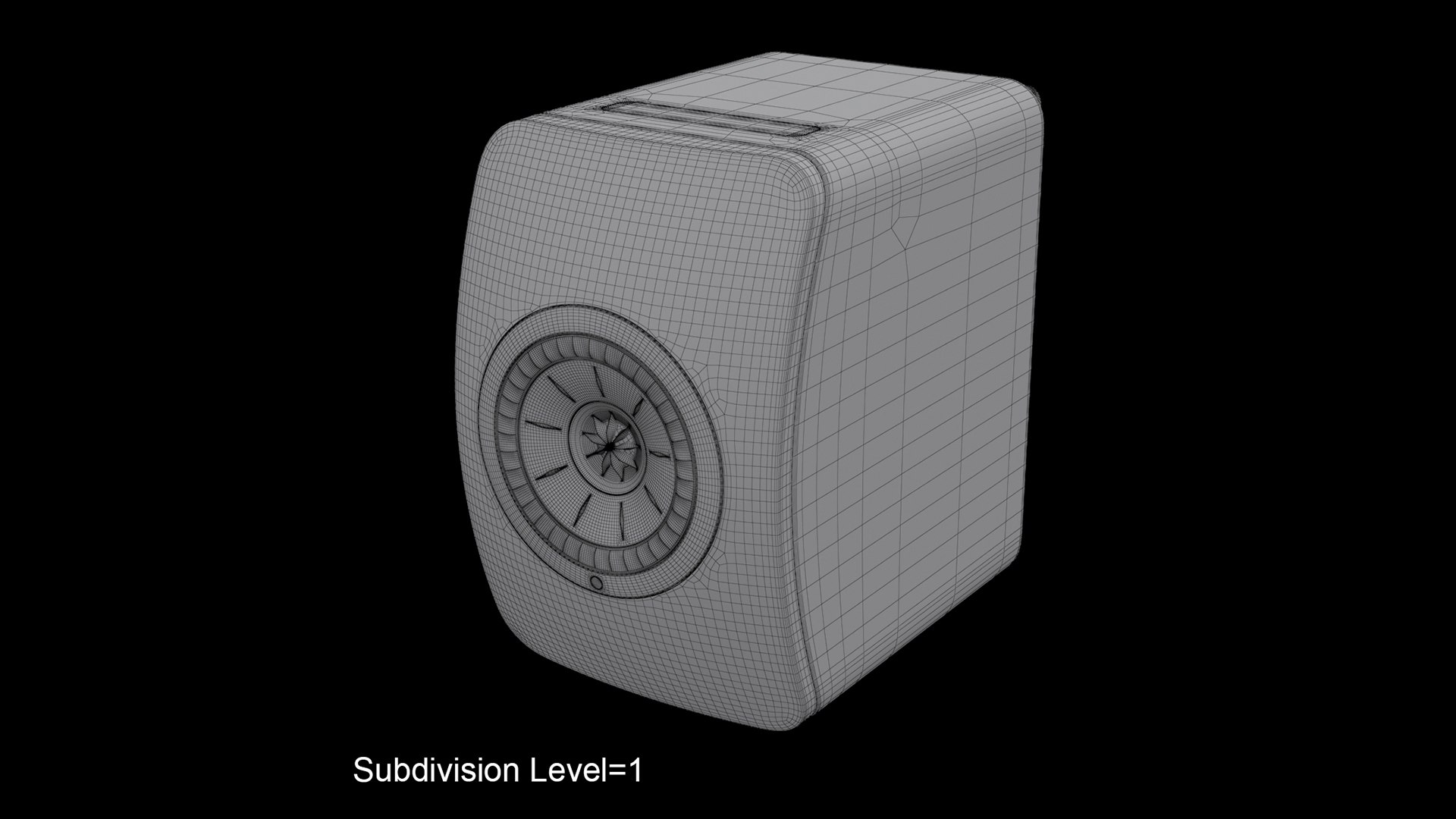
This is a 3D model of a Kef LS50 Wireless II speakers
- Originally created with 3ds Max 2019 + V-Ray 4.30.01


- Model is built to real-world scale
- Units used: Centimeters
- Model dimensions:
Height: 30.5cm(12 in.)
Width: 20cm(7.9 in.)
Depth: 31.1(12.2 in.)
- Scene objects are organized by groups


- This model contains 12 separate objects
- The Model contains 47241 polygons with TurboSmooth OFF
- The Model contains 187577 polygons with TurboSmooth ON (set to 1 iterations.)
- This model contain 45854 quads, 1387 tris, and no ngons
- Objects, Materials & Textures are named for easy scene management.

- Unwrapped UVs are mostly non-overlapping


- All preview images are rendered with V-Ray 4.30.01
- No Photoshop or compositing used, Product is ready to render out-of-the-box. Lights and cameras are included in the file.


- Number of textures - 26 (25 PNG's, 1 EXR)


- Texture Resolution:

4096*4096 - 5
2048*2048 - 20
4000*2000 - 1

Select Enhanced License

  • $10,000 in Legal Protection (Indemnification)
  • Uncapped Legal Protection (Indemnification)
  • Waiver from injunctive relief
  • Assignable model rights
  • $1,000,000 in Legal Protection (Indemnification)
  • Waiver from injunctive relief
  • Assignable model rights
  • $250,000 in Legal Protection (Indemnification)
  • Assignable model rights
Read more about enhanced license tiers, or contact us at enterprise@turbosquid.com. Already a Shutterstock Enterprise Customer? Contact your Shutterstock Sales Support Agent to talk about adding 3D.

About Conversion Requests

To submit a conversion request for a purchased asset, please complete our Conversion Request Form.

If you have not yet purchased a model, please review our Documentation about Conversions to learn about what limitations you may encounter with a conversion.

For any additional questions about a model’s suitability for conversion, please contact TurboSquid Support.

Loading...