
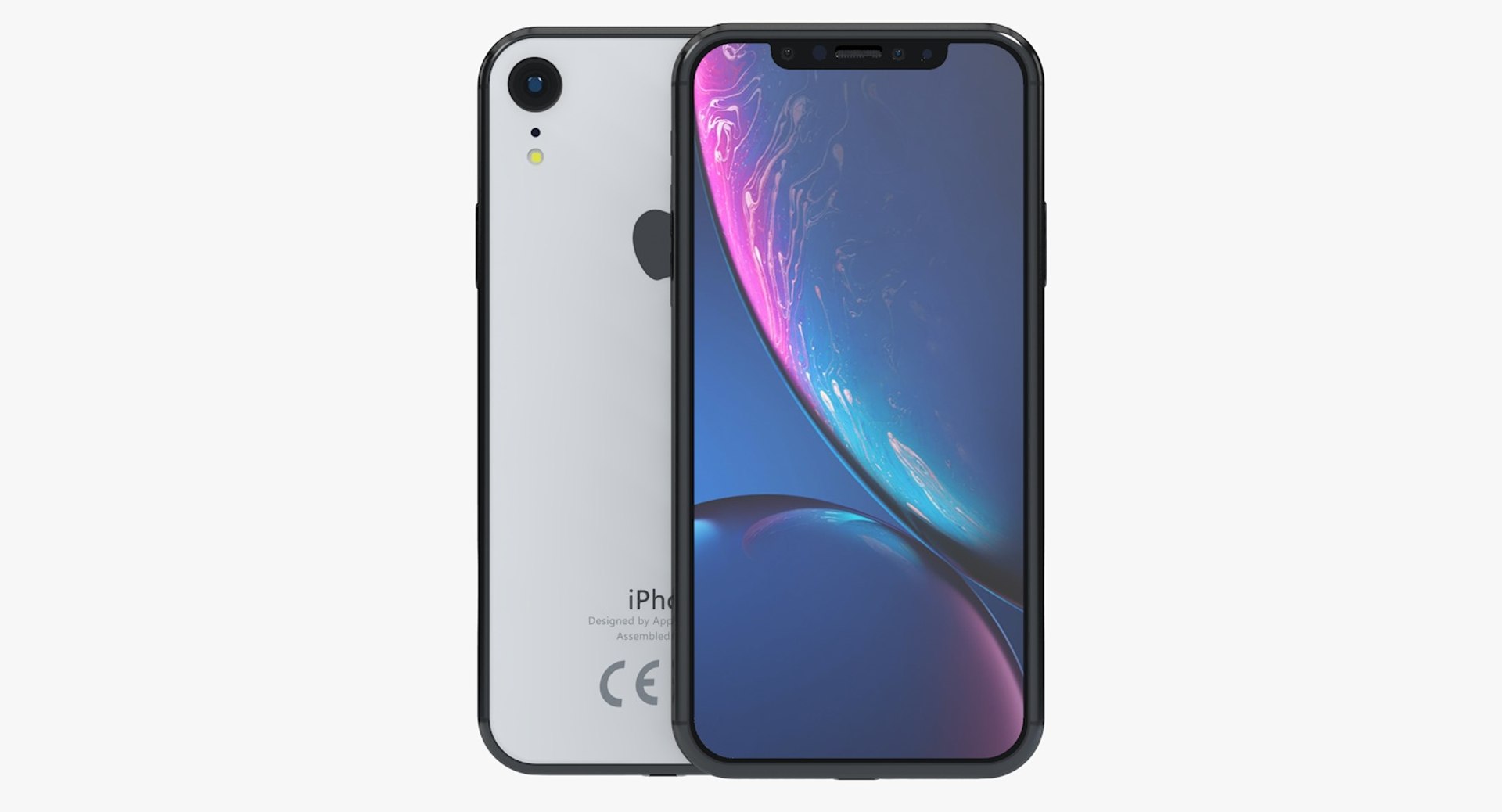
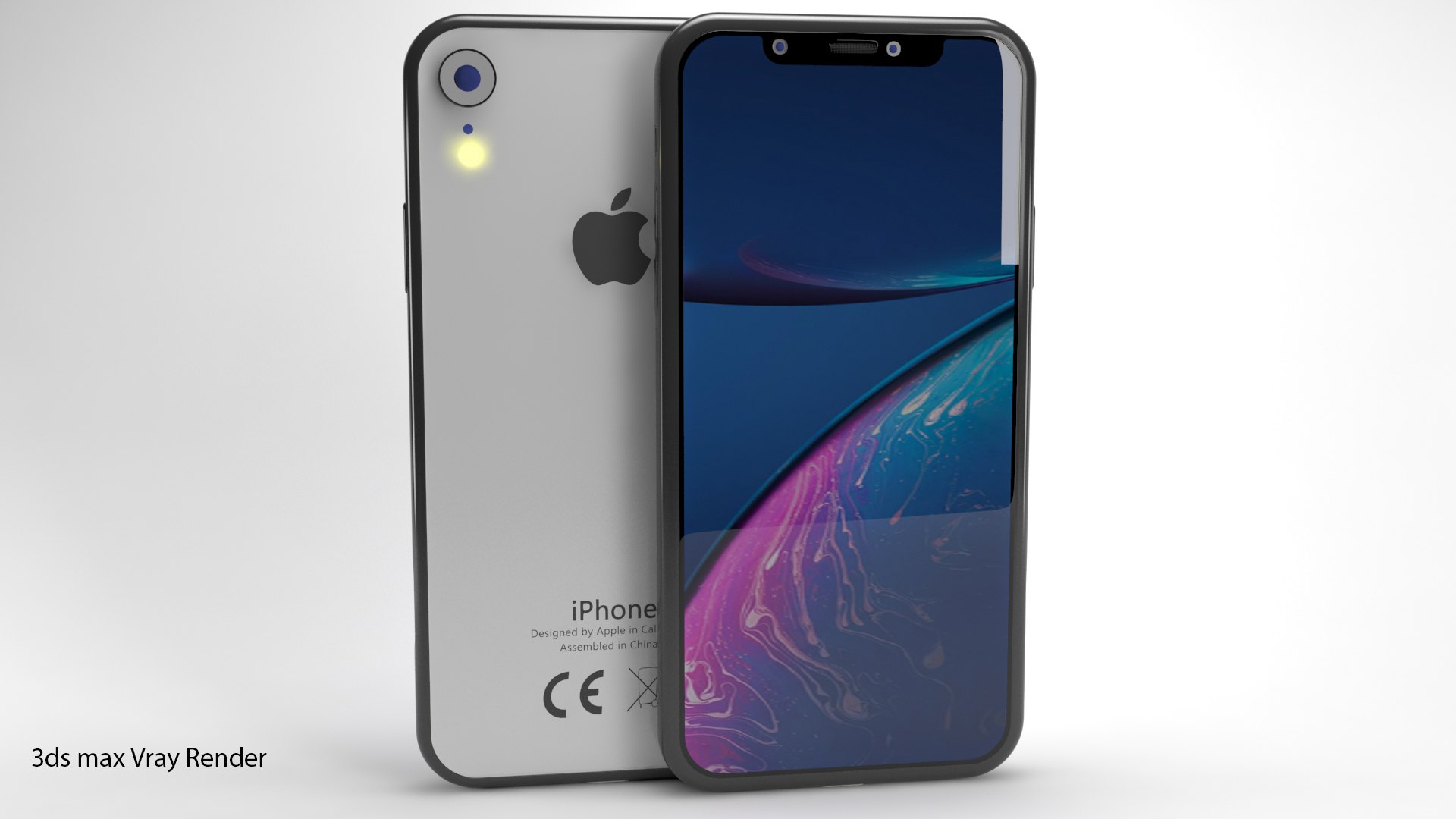
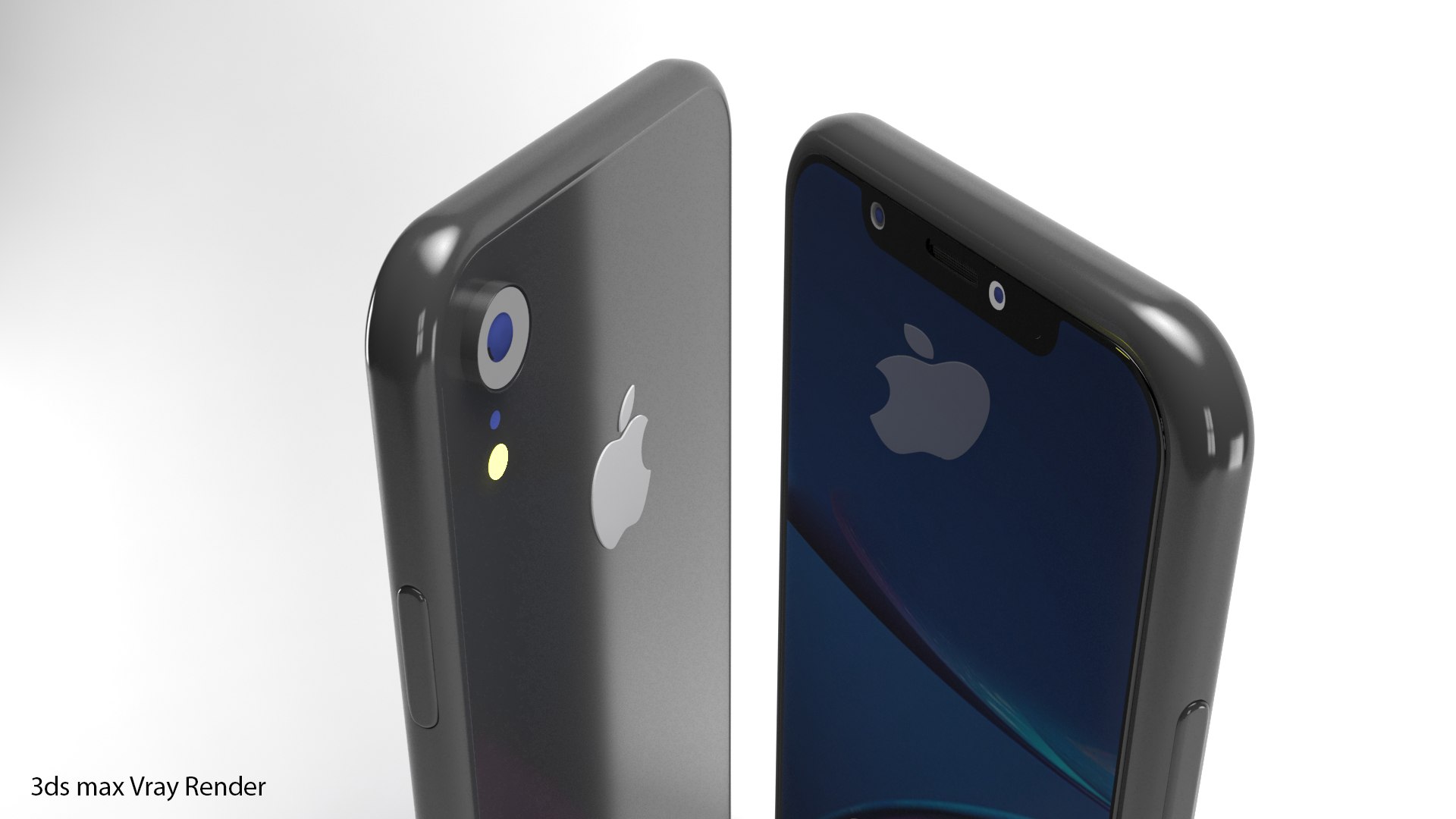
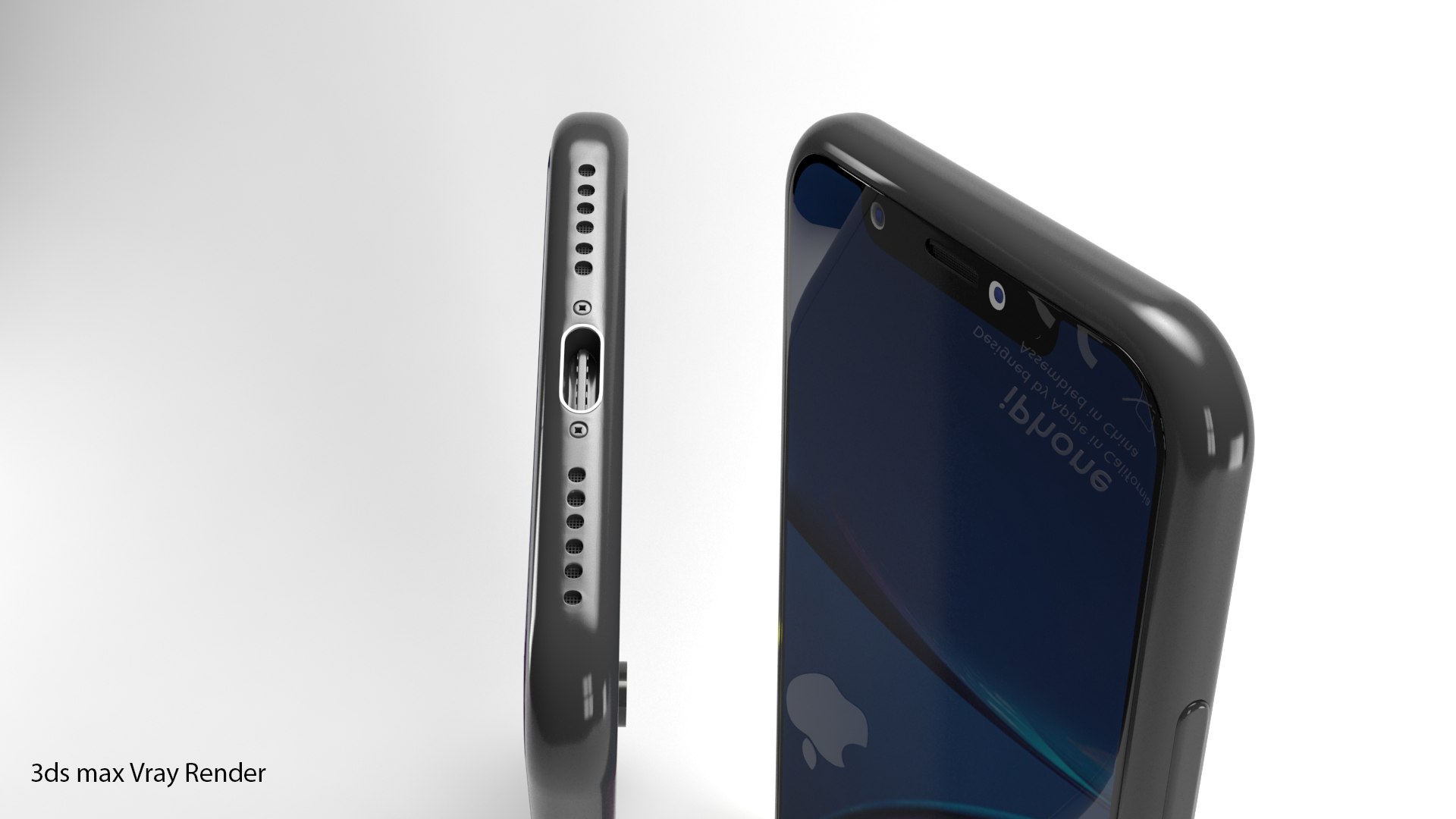
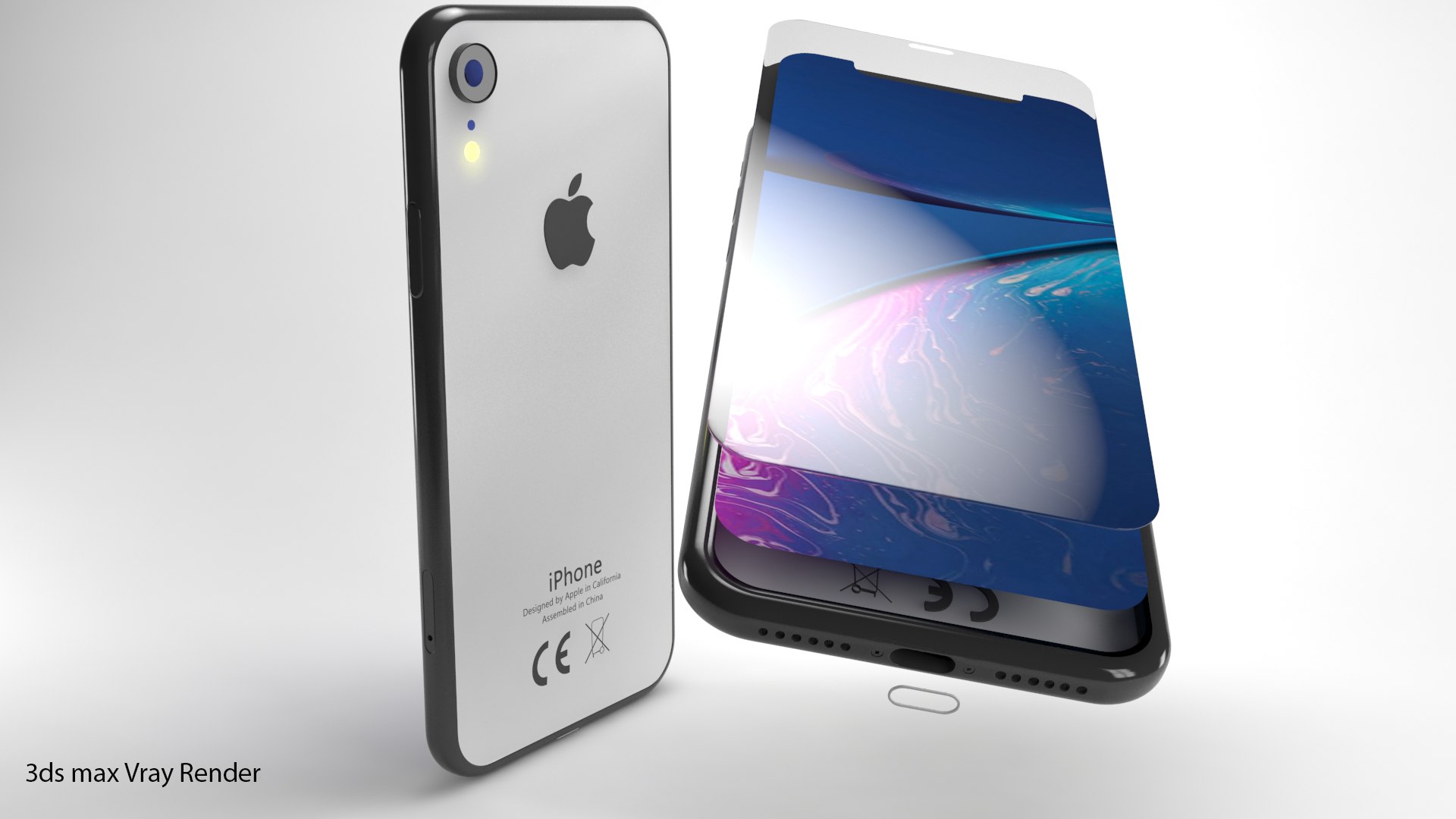

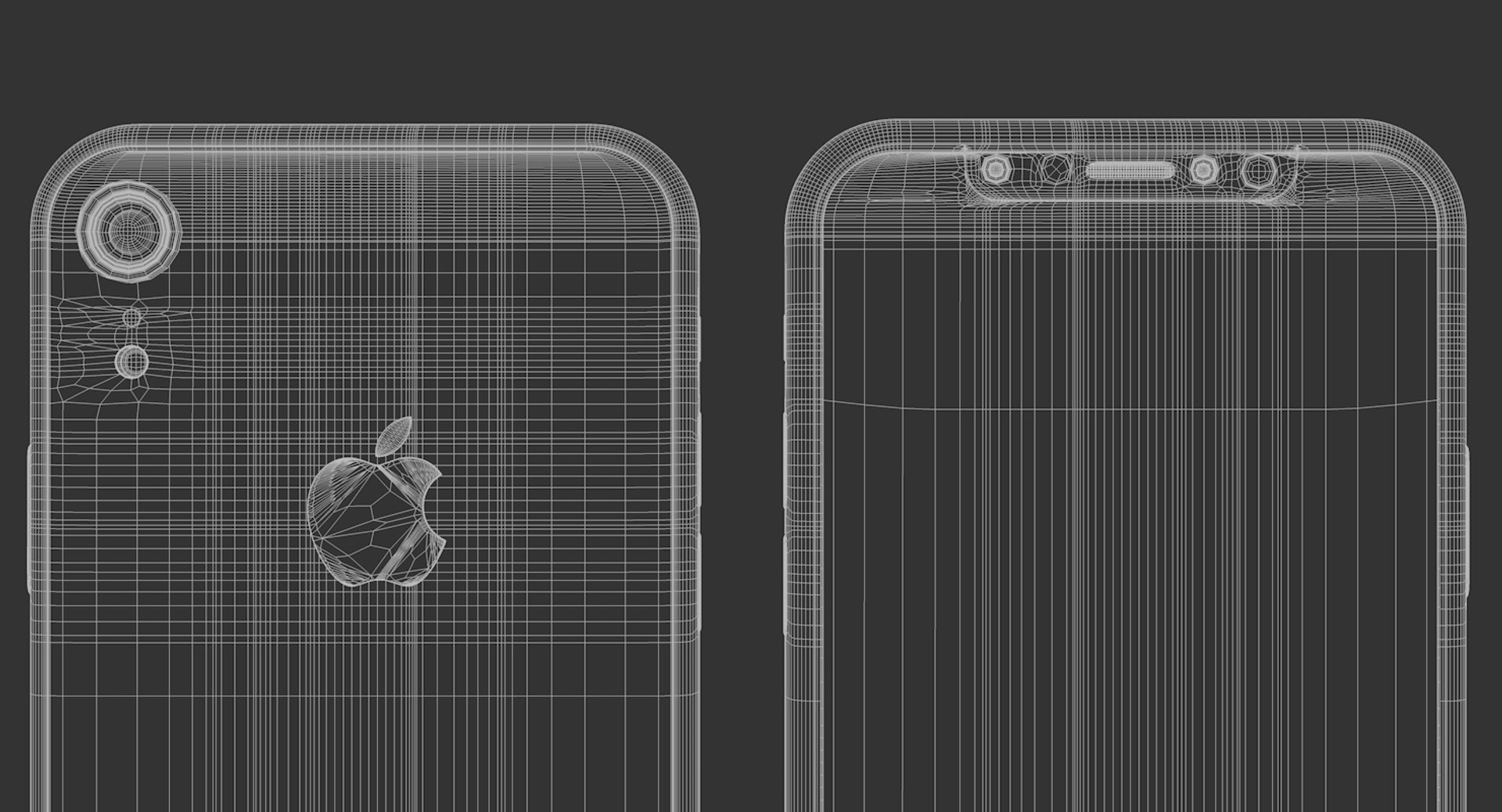
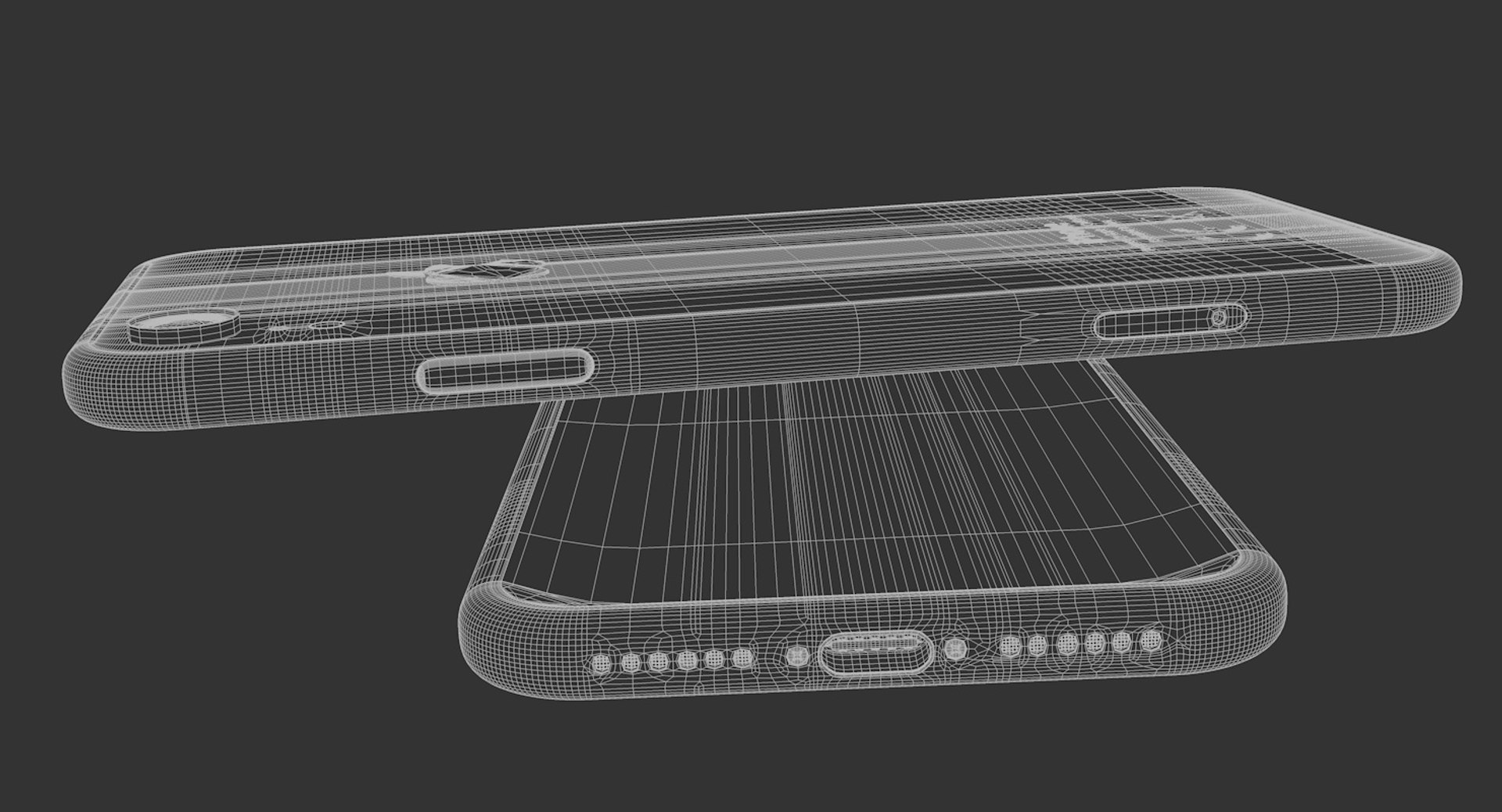
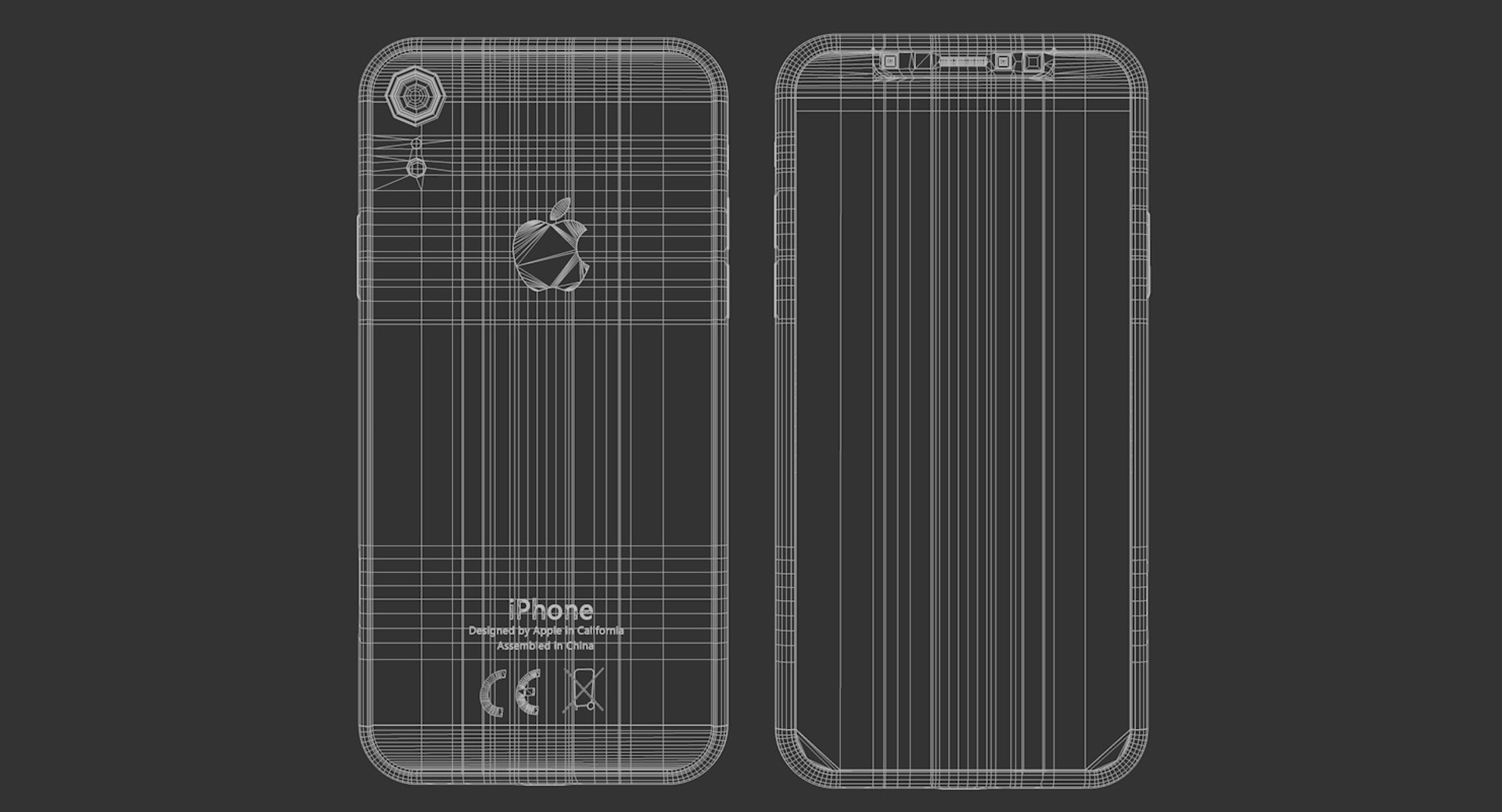
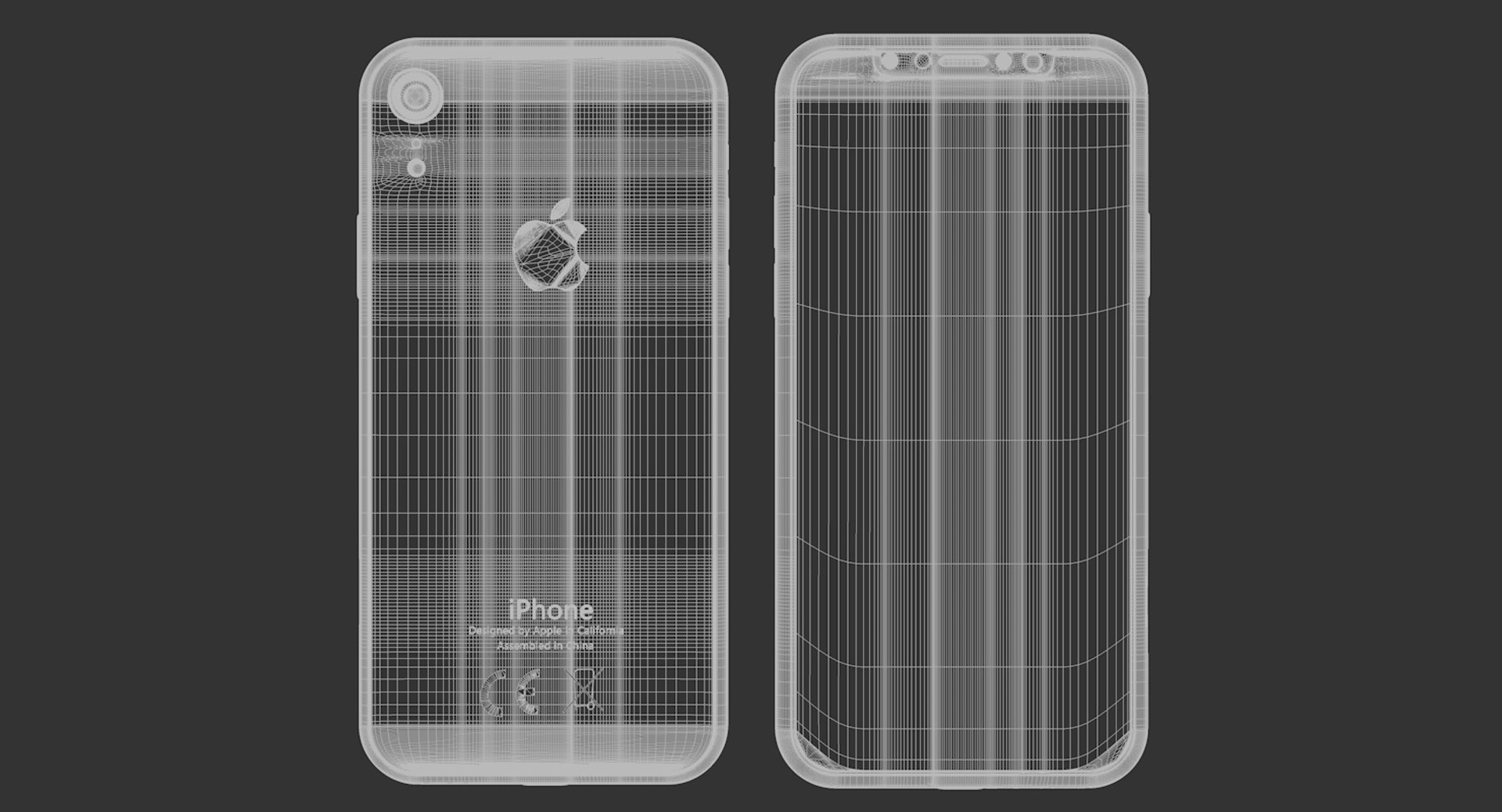
iPhone XR Element 3D

$14.90

Standard License | Upgrade License
Editorial Uses Only
Formats (11)
Native | Cinema 4D R18-all | Default Scanline
3ds Max 2017 | V-Ray
FBX
OBJ
Other Textures
glTF
3ds Max
USDz
Specifications
Publish Date November 01, 2019
Product ID 1466892
Polygons 39,223
Vertices 31,006
Polygonal Quads/Tris Geometry
Textures
Materials
UV Mapped
Unknown Unwrapped UVs
PBR
member avatar
Racksuz
333 Products | Contributor Since 2016
Have questions? Chat with us now.

Description

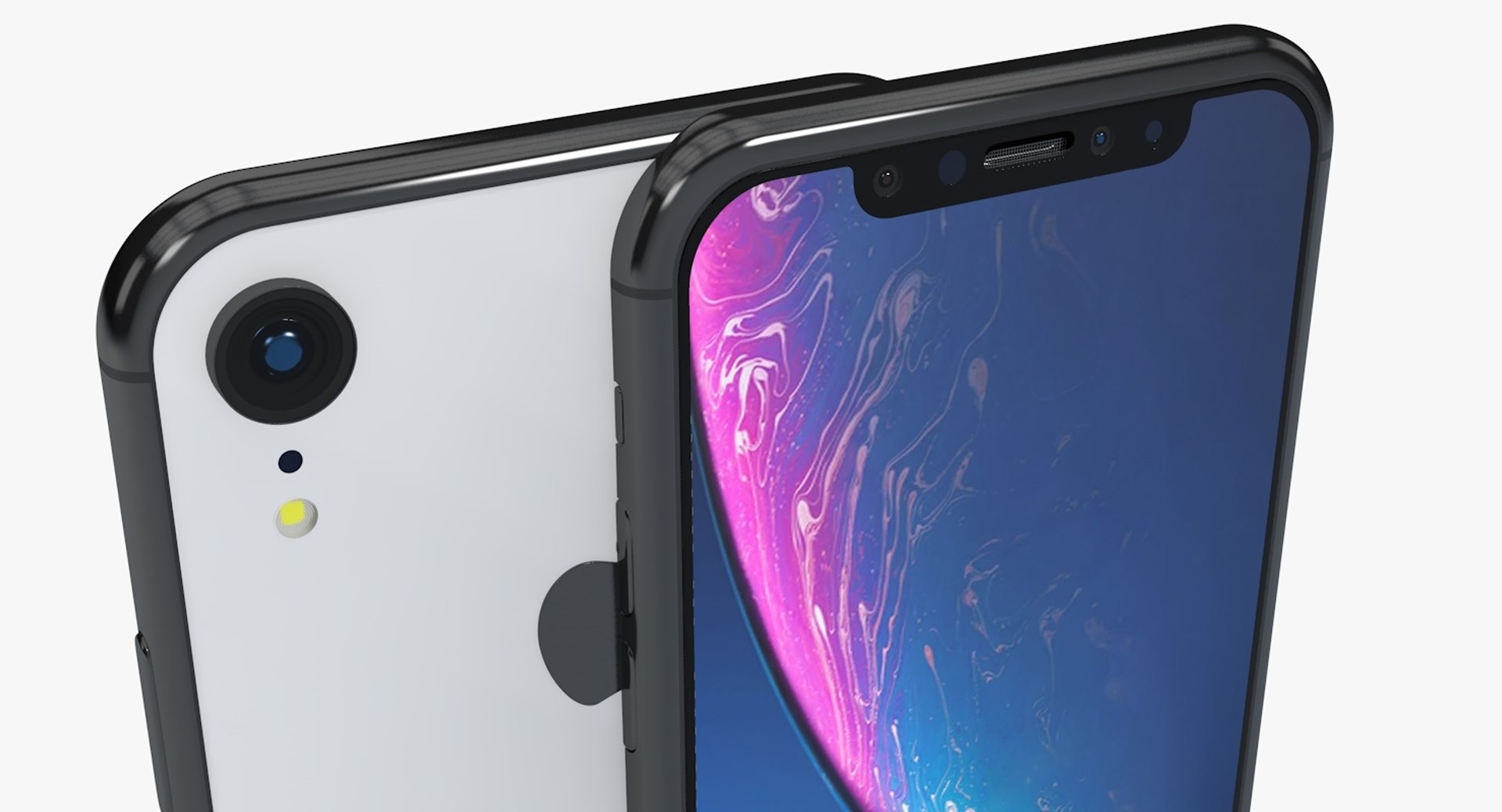
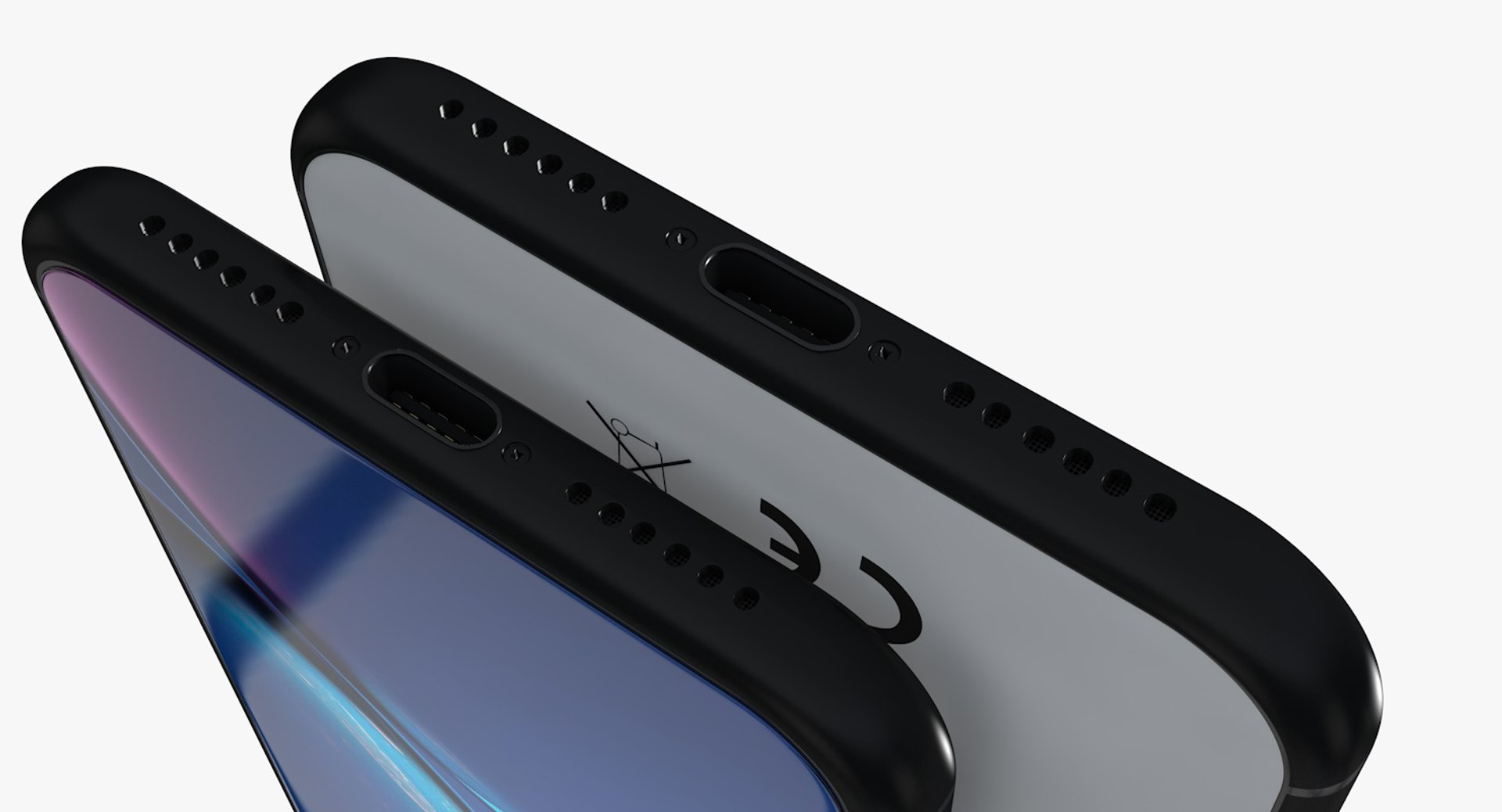
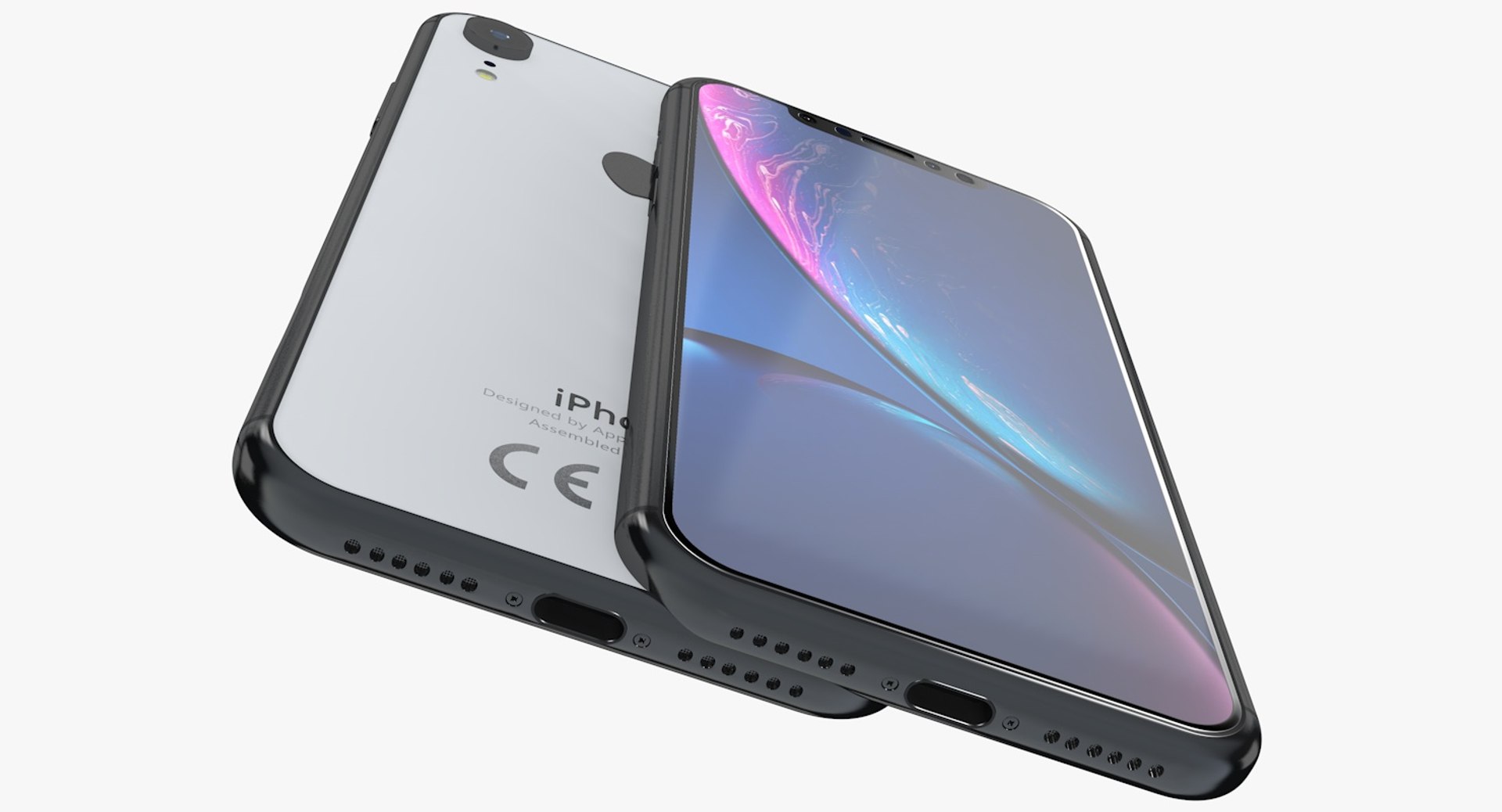
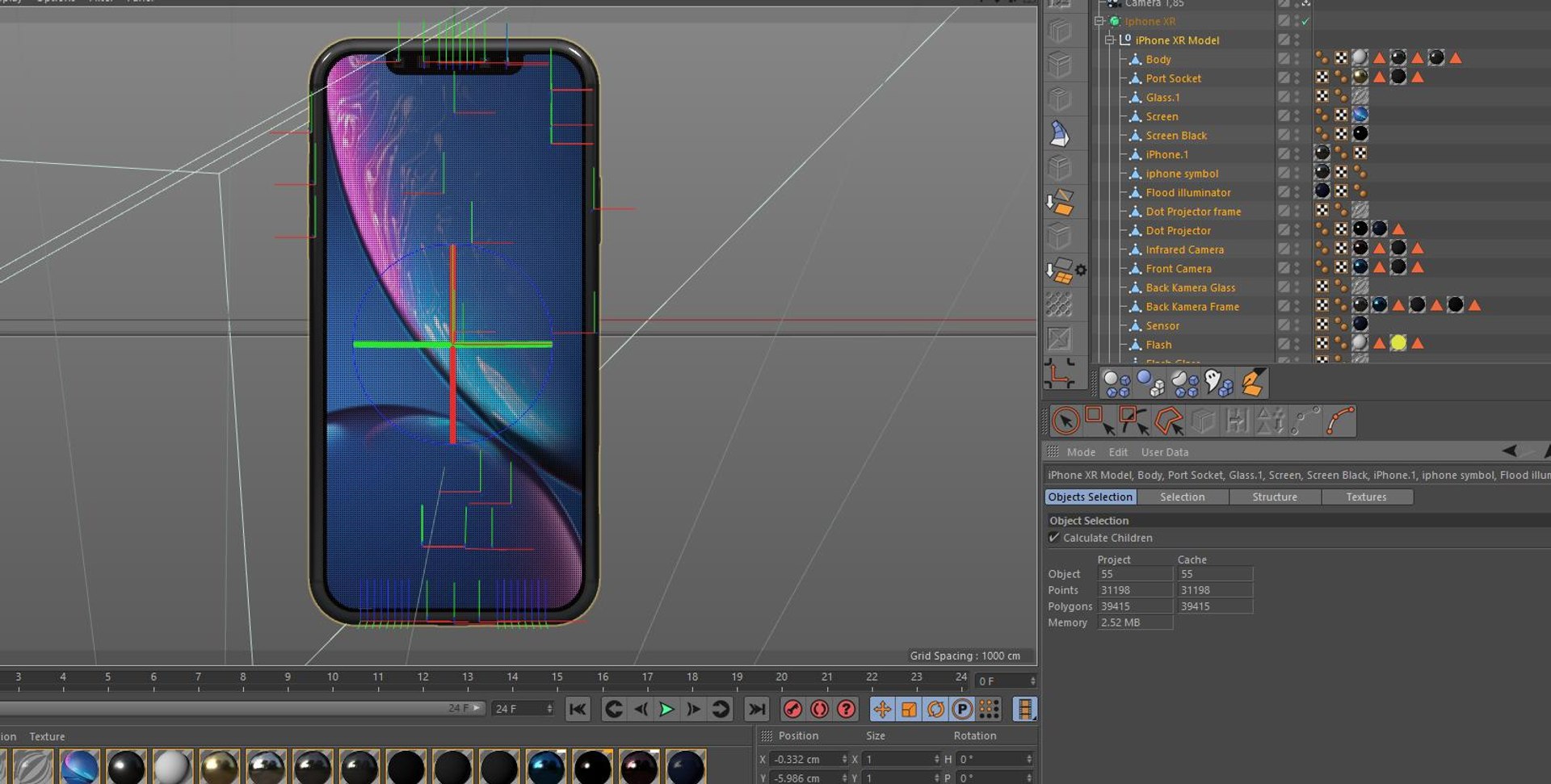
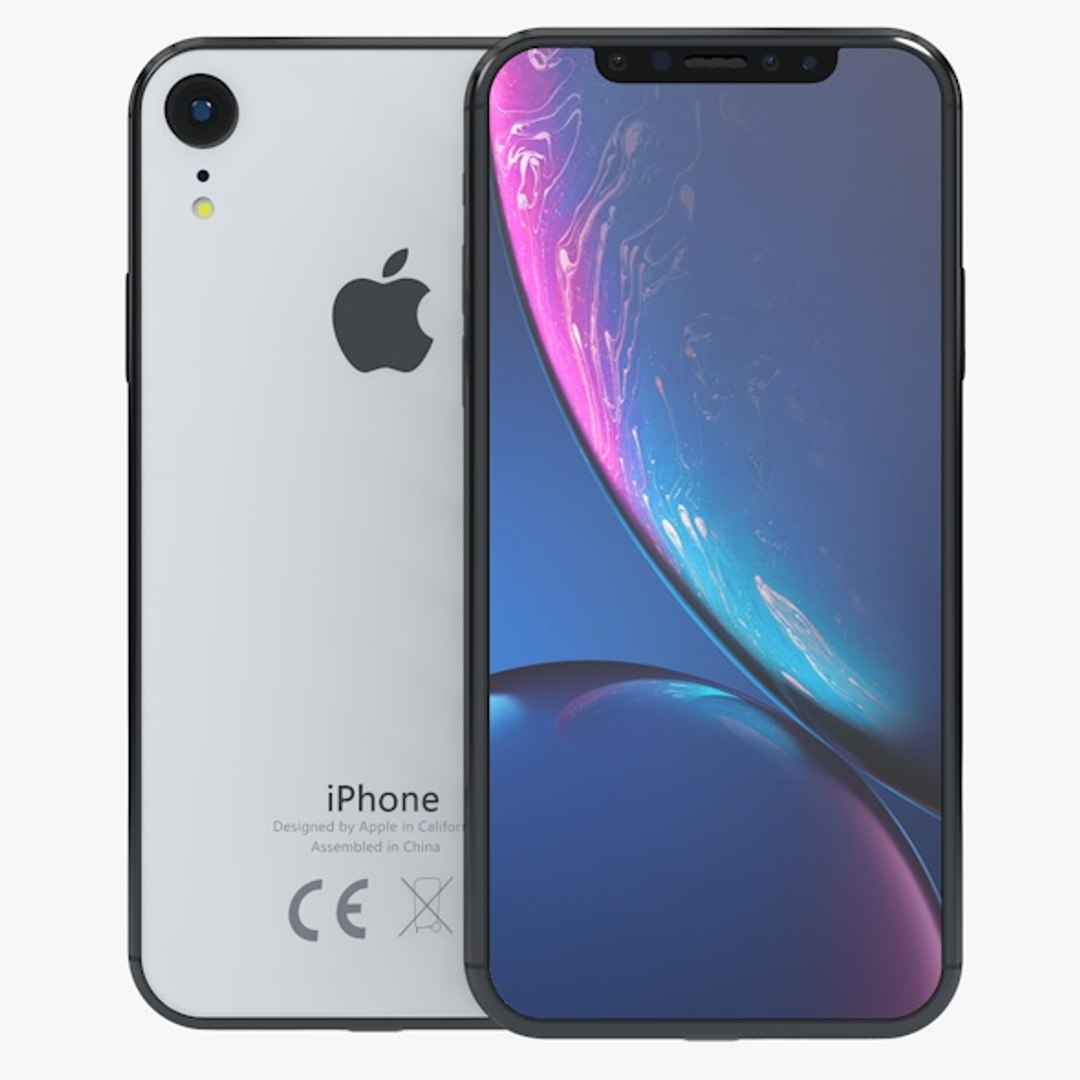
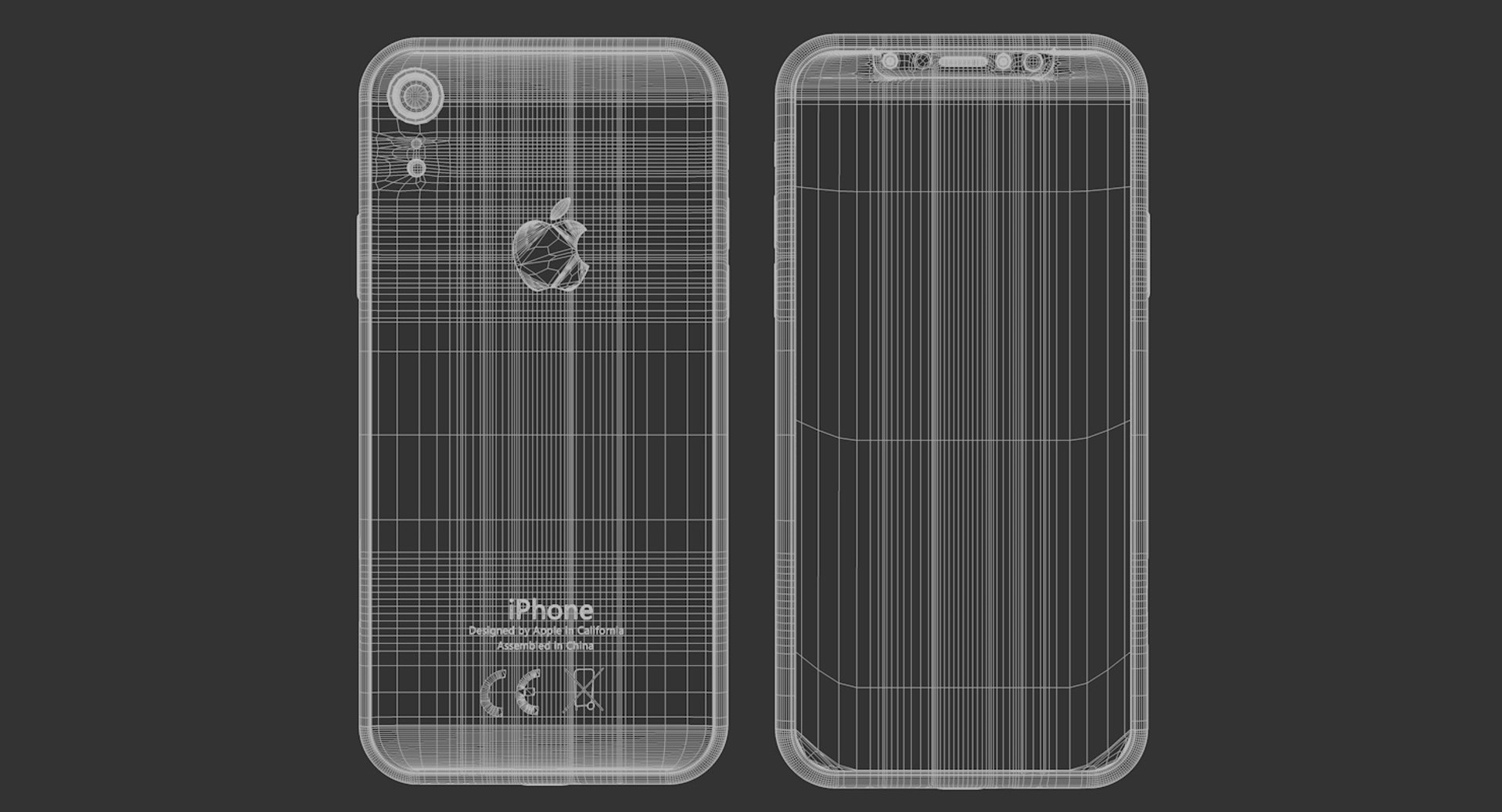
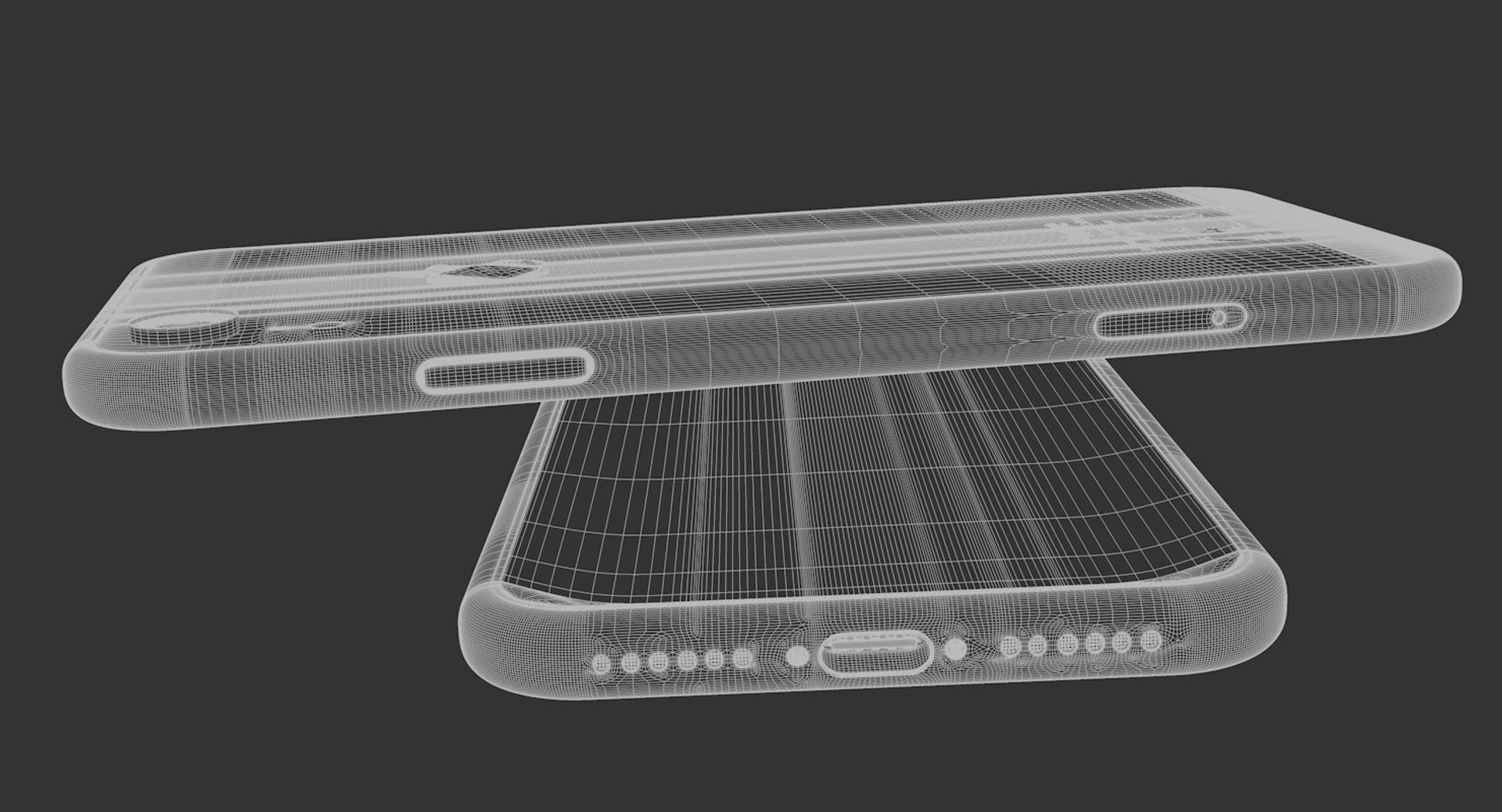
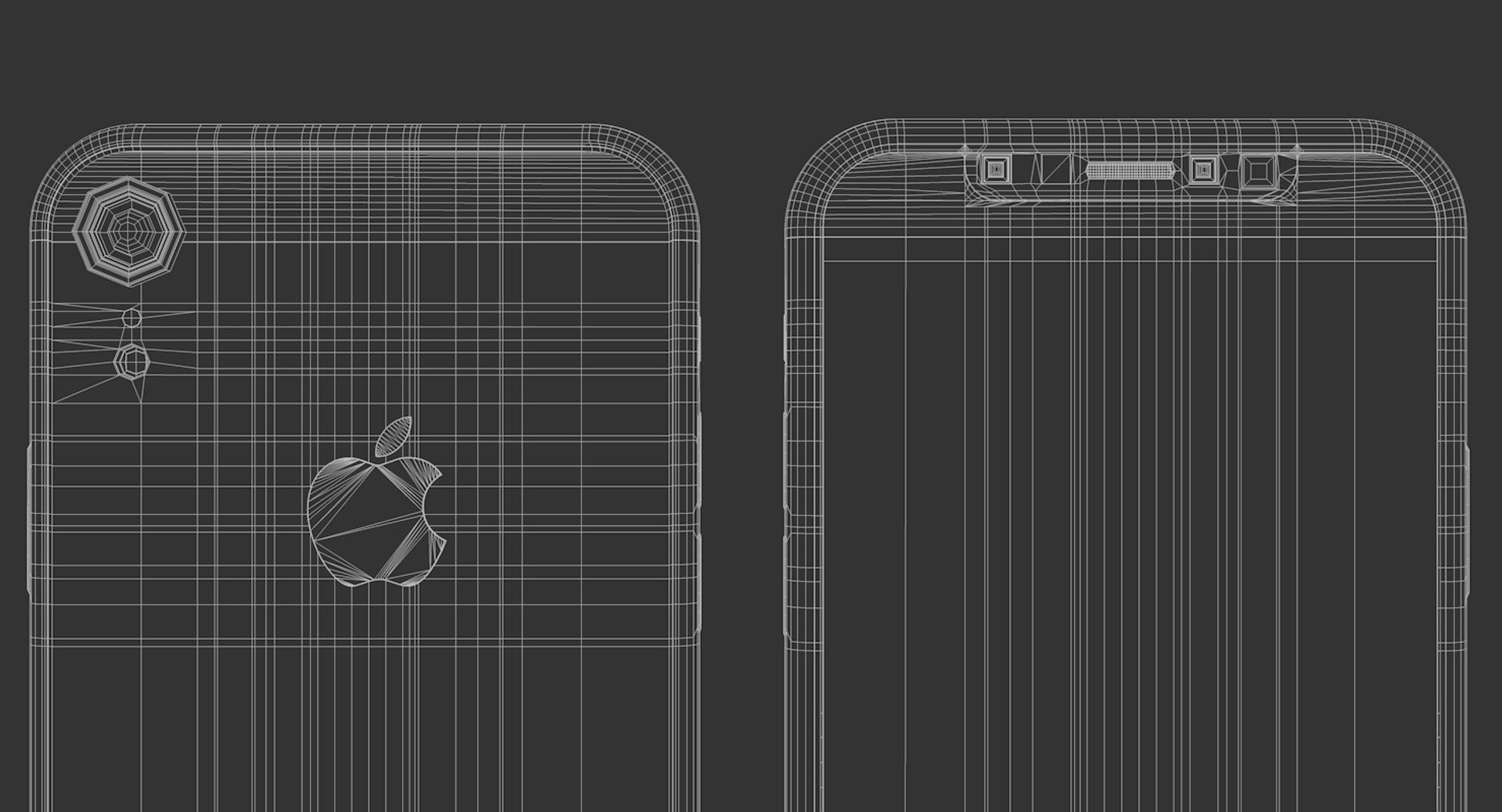
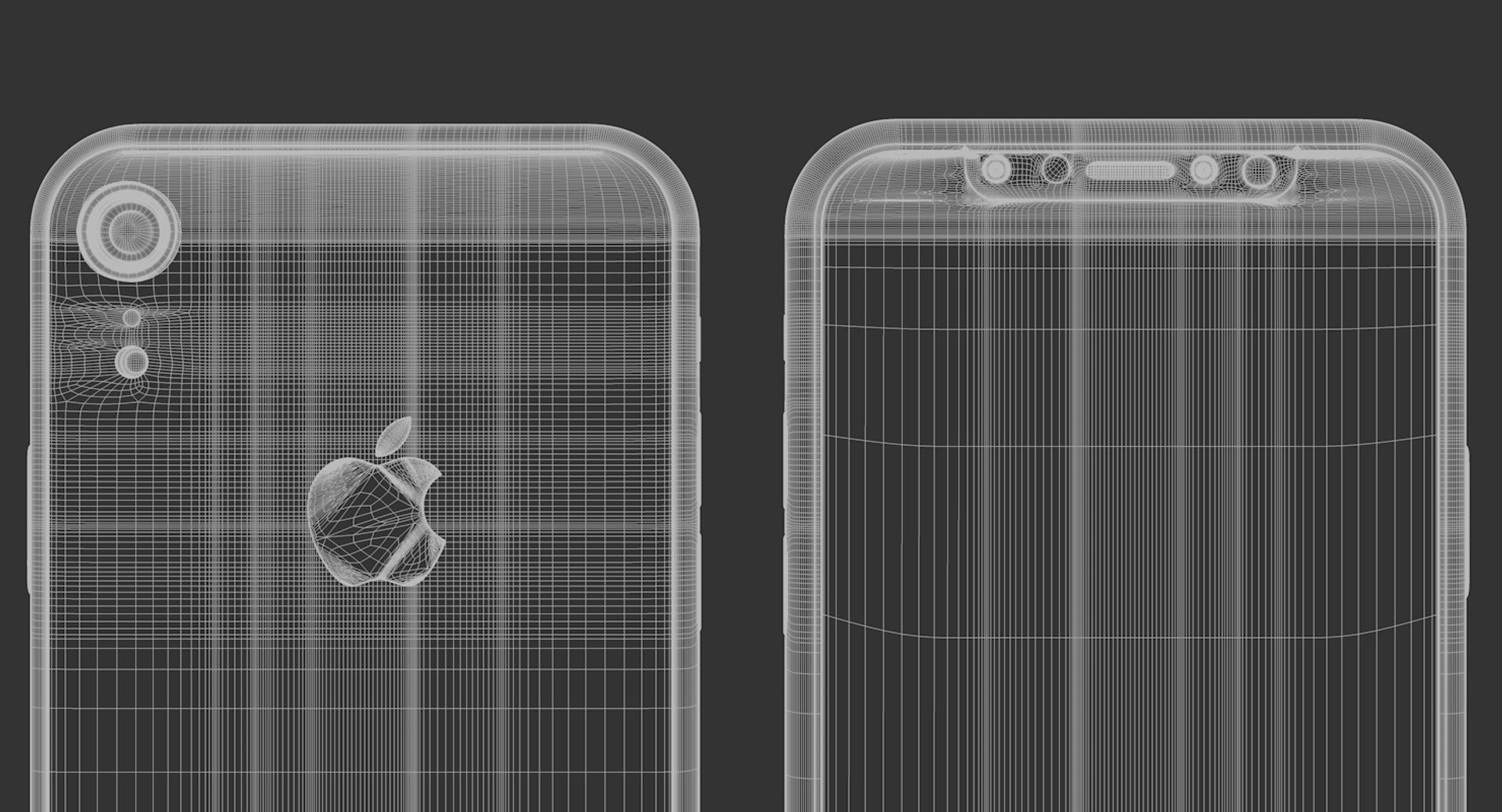
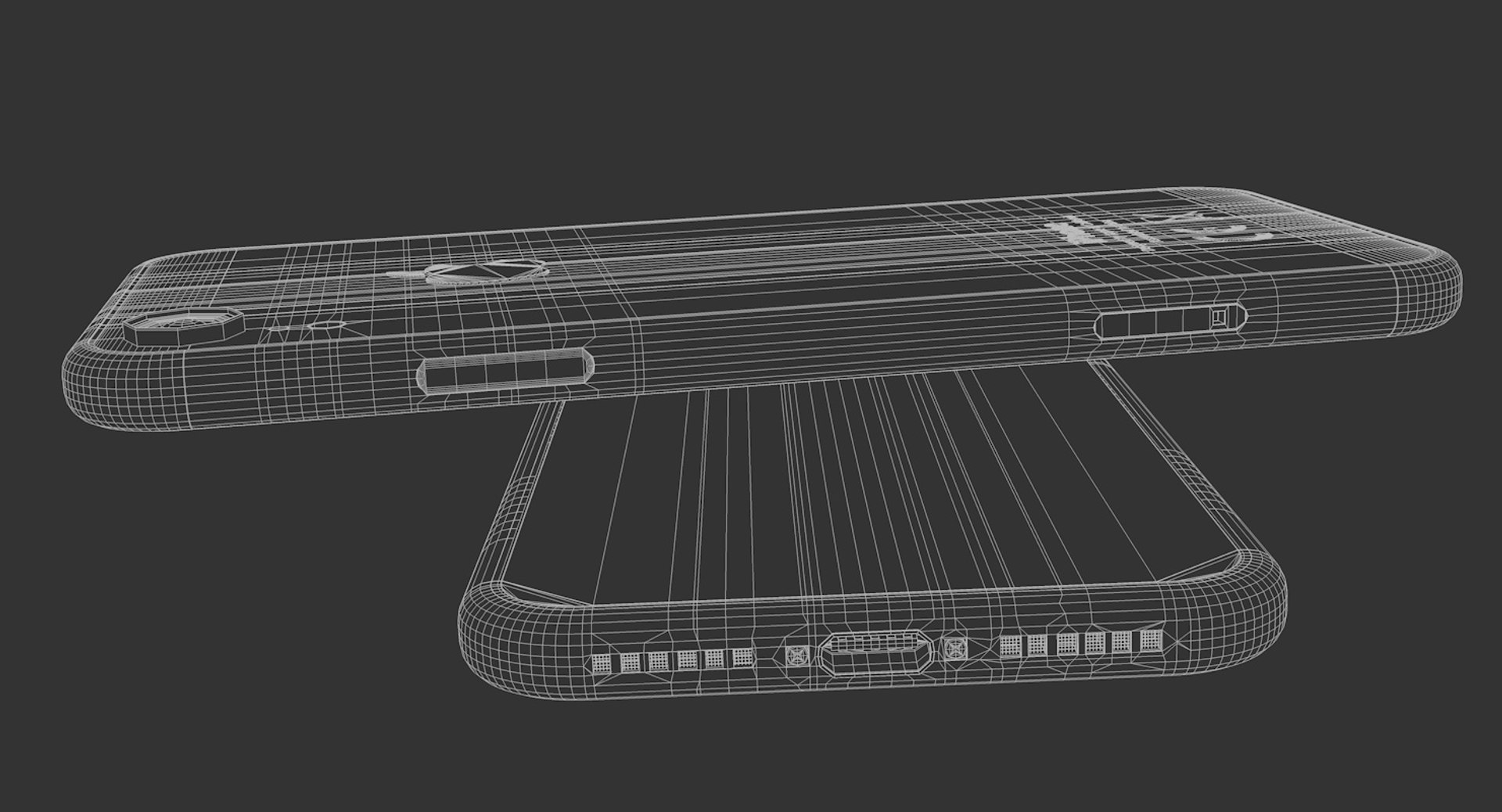
iPhone XR Element 3D Model V2.2 model I give prepared-after effects project as a gift in 13 and 18 versions.Also I made iPhone XR Element 3D Model E3D file open in all 3d versions. I exported to model without performing subdivision surface.To support low-poly , you can get high quality one opening subdivision surface.I created model in pieces and real sizes that you can create animations. Its a high quality model work, supports low poly, created by cinema 4D. You can increase quality using subdivision surface.

Im trying yo develop myself in 3D projects also trying to give you my works controlling issues and fixing them. Im trying to do best. Please feedback faulty works that I can help you.

After Effects Element 3D and supports file formats are available. - No cleaning up necessaryjust drop your models into the scene and start rendering. - No special plugin needed to open scene.

I will be happy when you rate and comment on my works.

Poly = 39223 Vertex = 31006

Formats : .c4d .3ds .stl .obj .fbx .dxf .aep(CC18-13)

Select Enhanced License

  • $10,000 in Legal Protection (Indemnification)
  • Uncapped Legal Protection (Indemnification)
  • Waiver from injunctive relief
  • Assignable model rights
  • $1,000,000 in Legal Protection (Indemnification)
  • Waiver from injunctive relief
  • Assignable model rights
  • $250,000 in Legal Protection (Indemnification)
  • Assignable model rights
Read more about enhanced license tiers, or contact us at enterprise@turbosquid.com. Already a Shutterstock Enterprise Customer? Contact your Shutterstock Sales Support Agent to talk about adding 3D.

About Conversion Requests

To submit a conversion request for a purchased asset, please complete our Conversion Request Form.

If you have not yet purchased a model, please review our Documentation about Conversions to learn about what limitations you may encounter with a conversion.

For any additional questions about a model’s suitability for conversion, please contact TurboSquid Support.

Loading...