
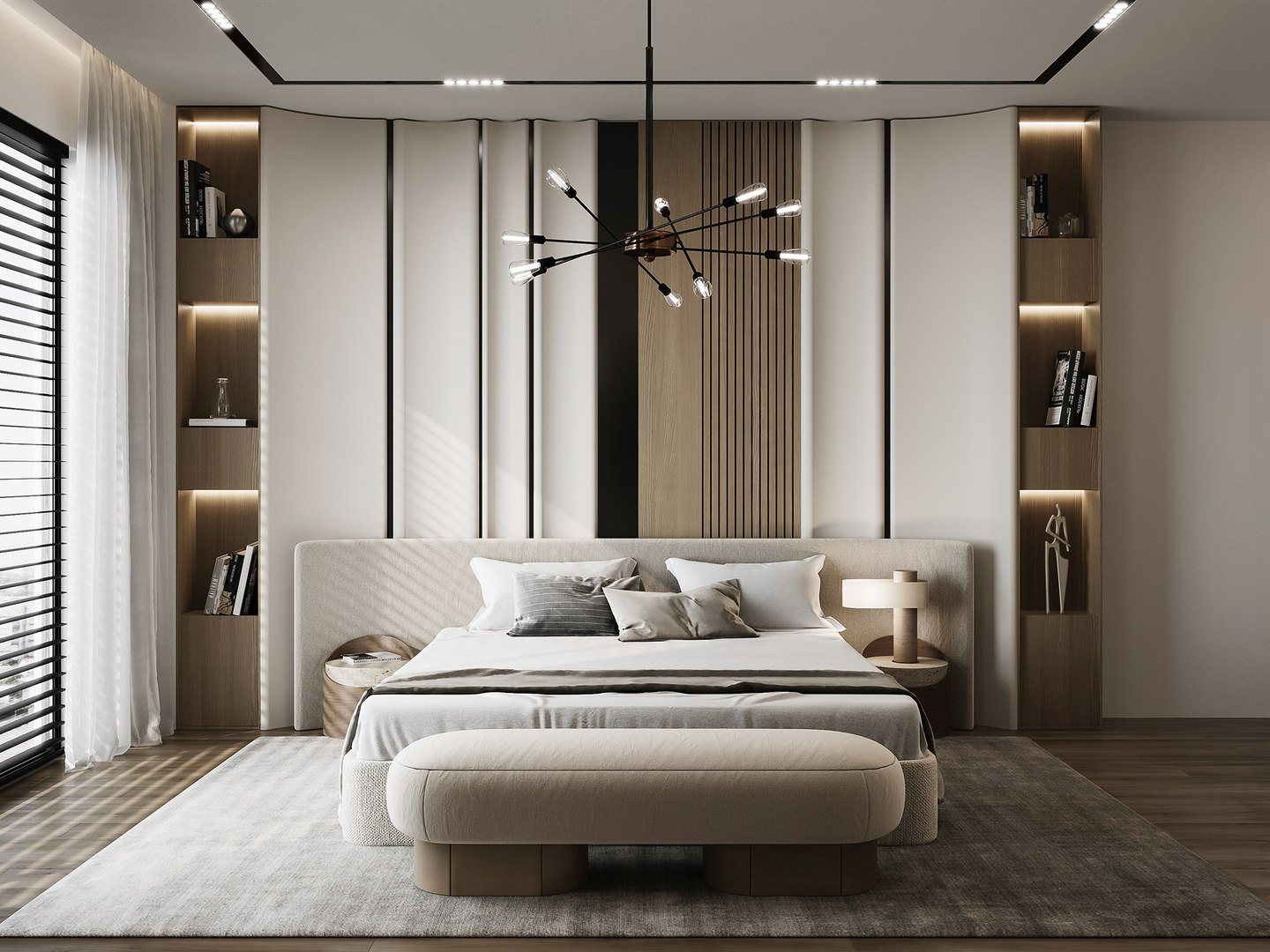
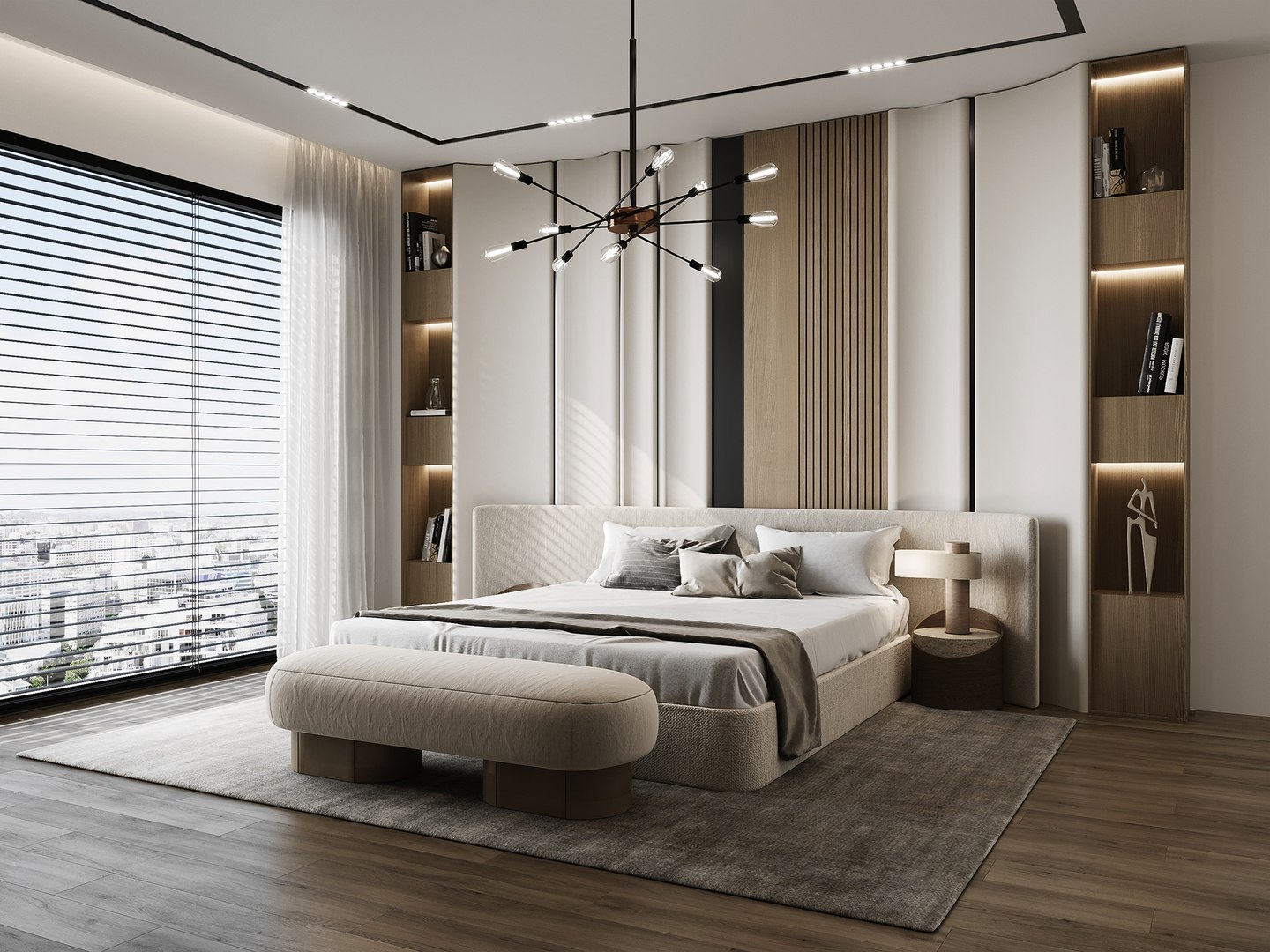
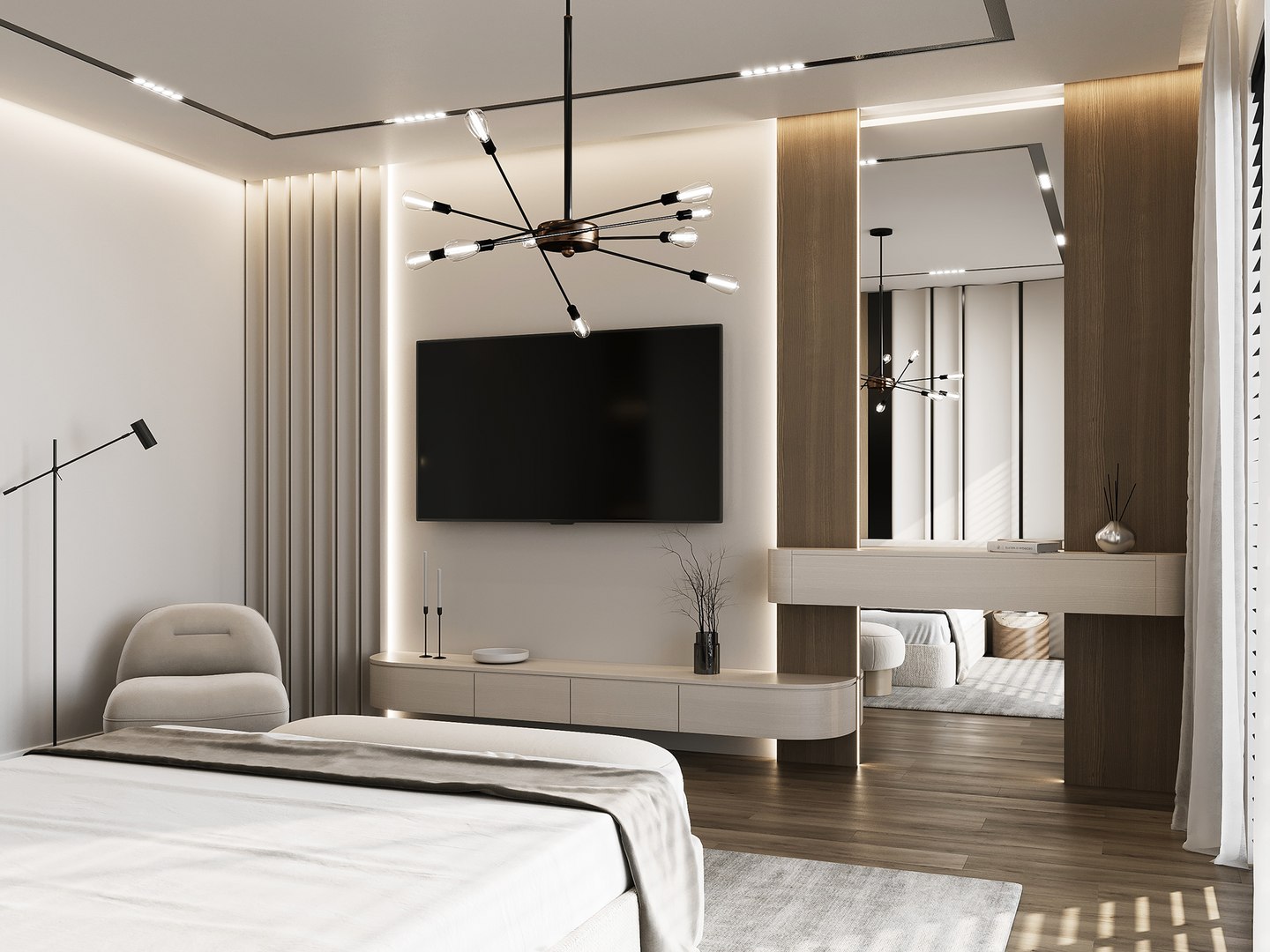
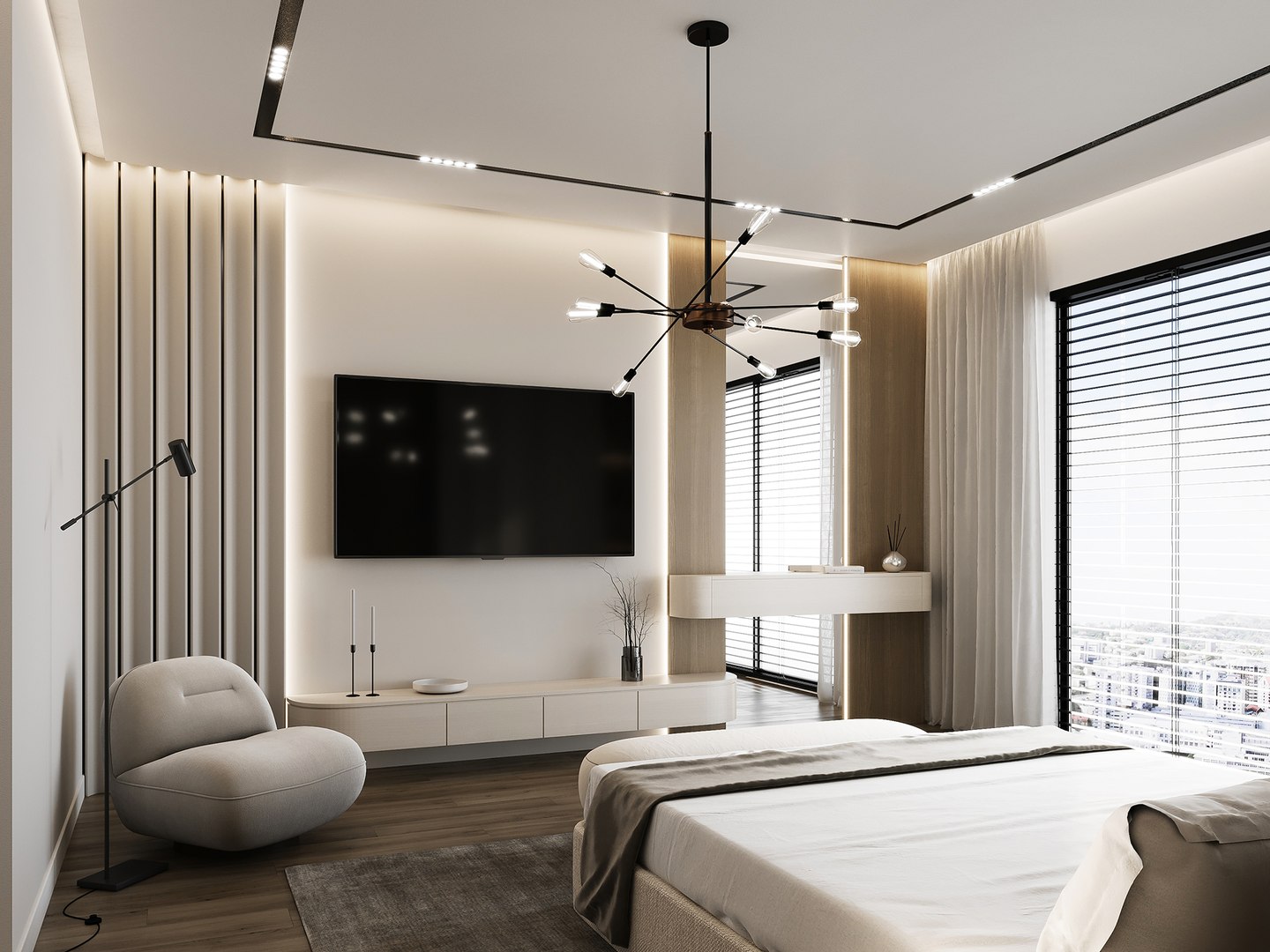
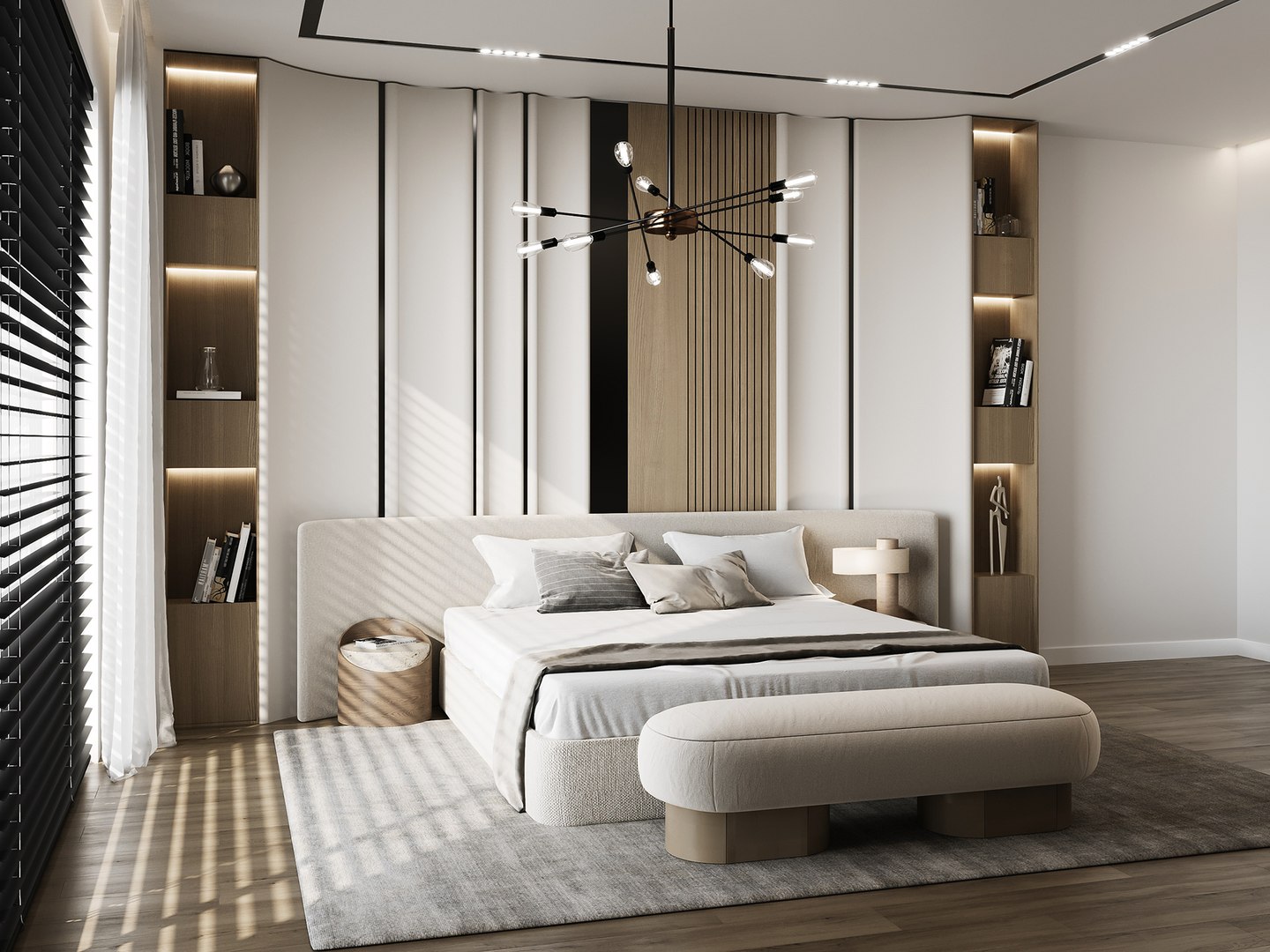
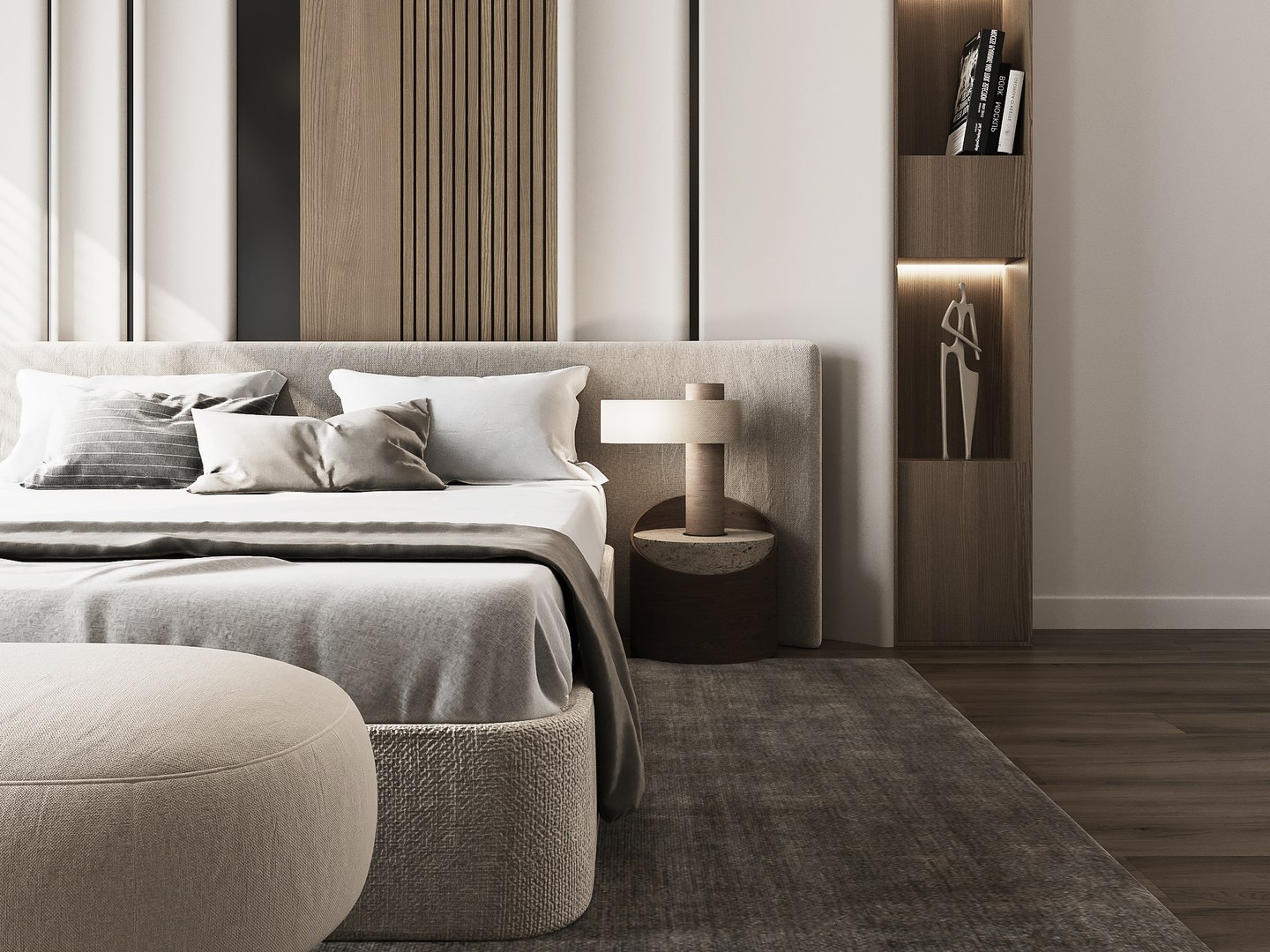
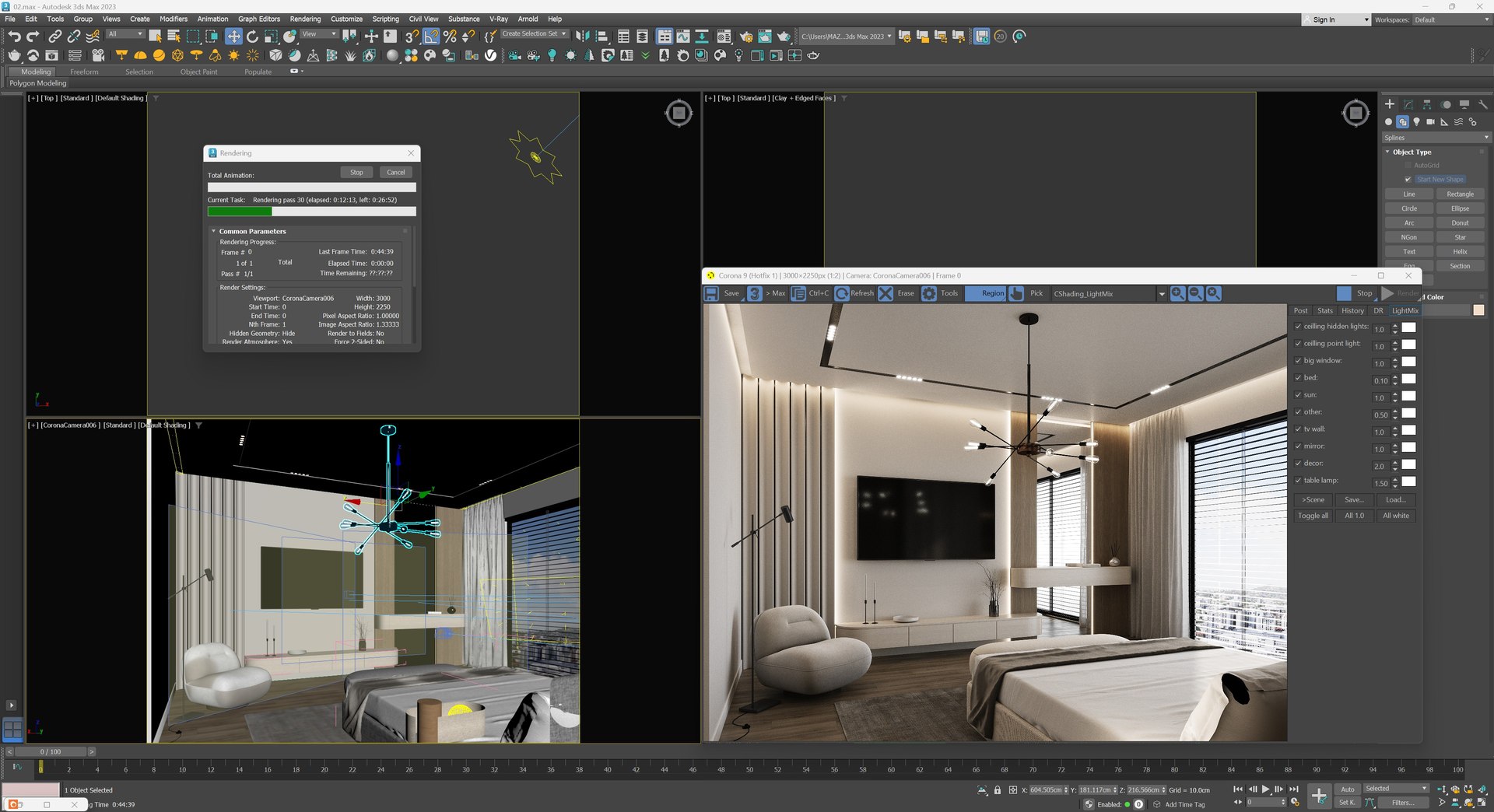
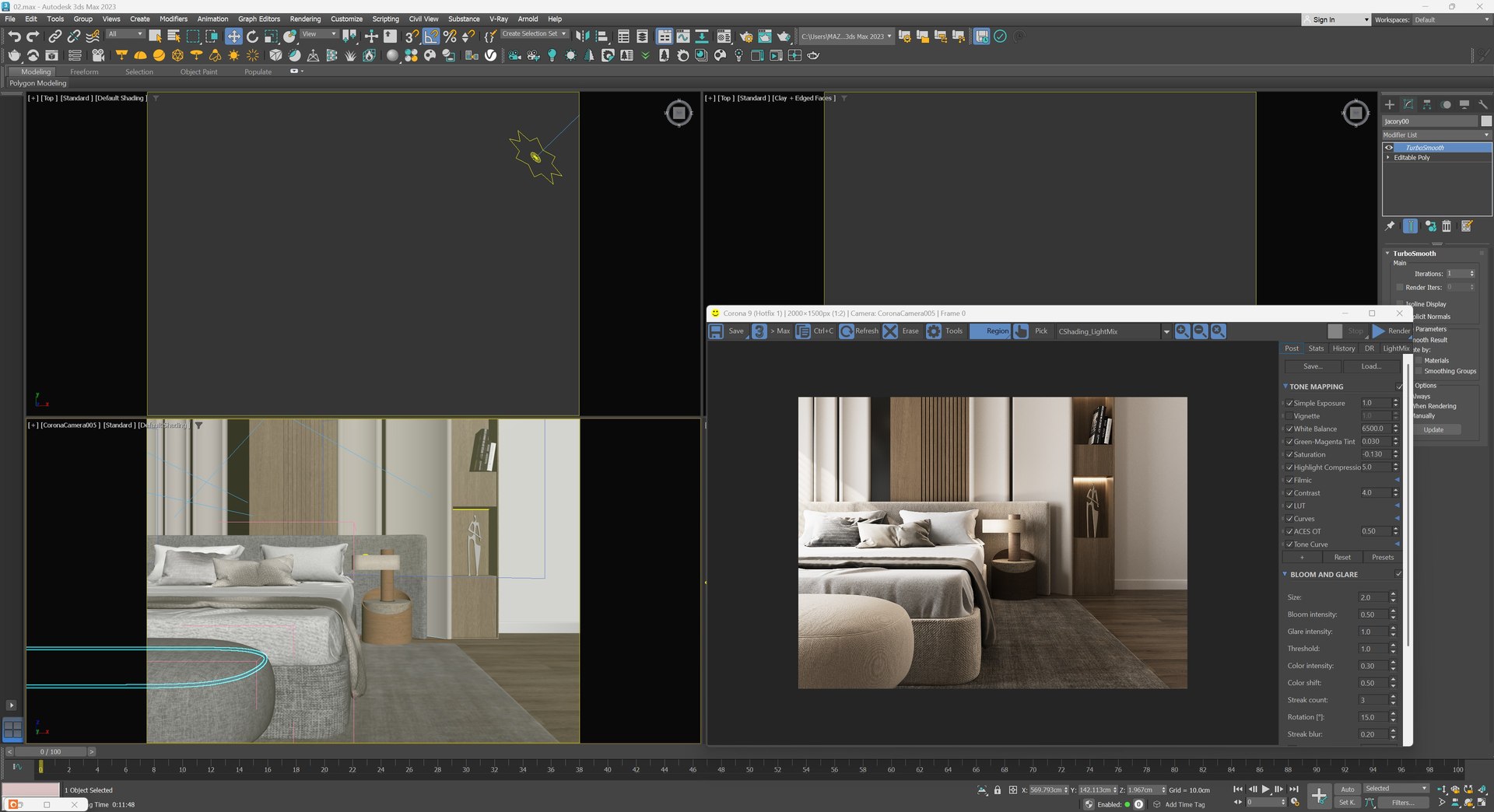
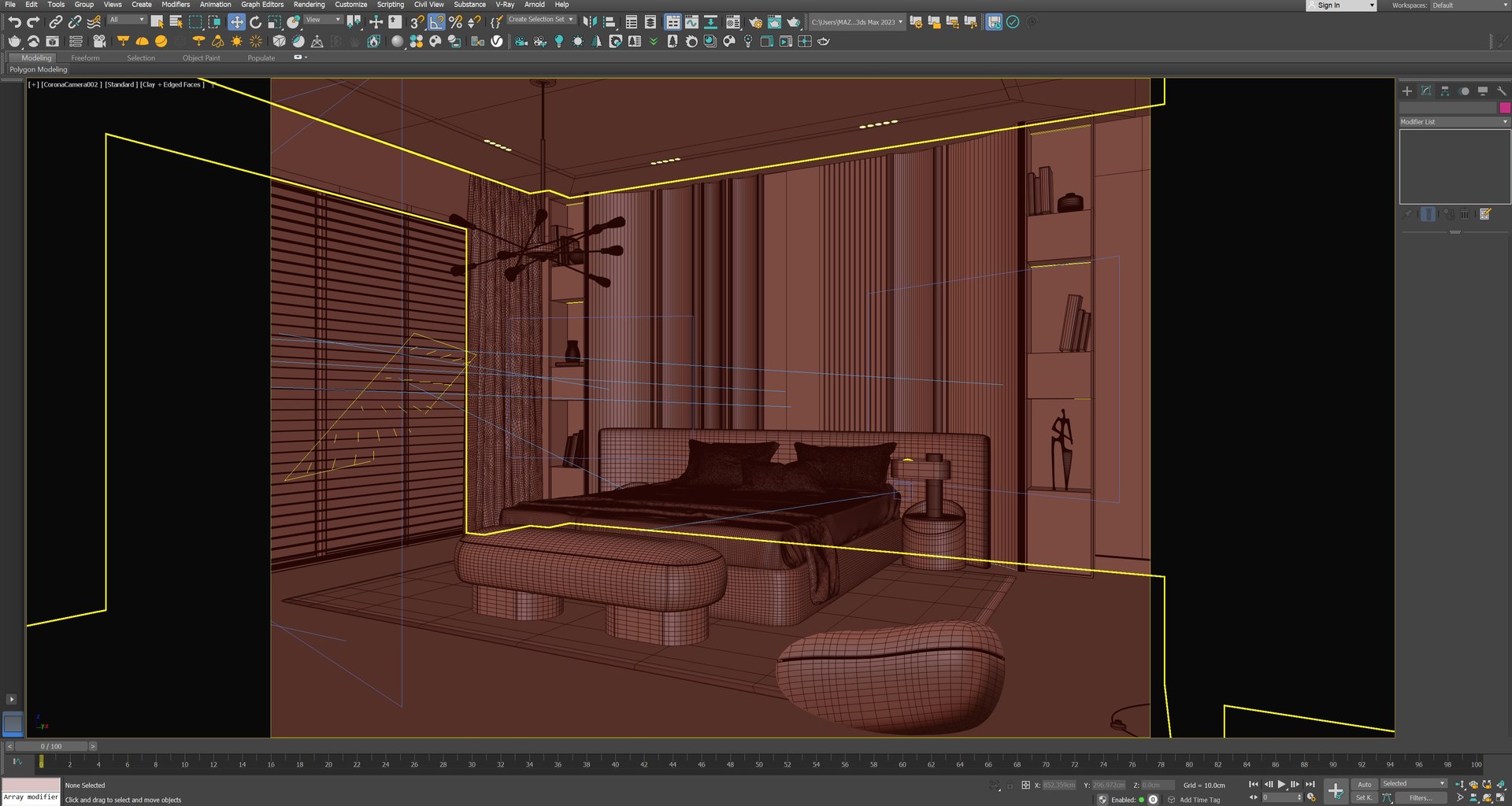
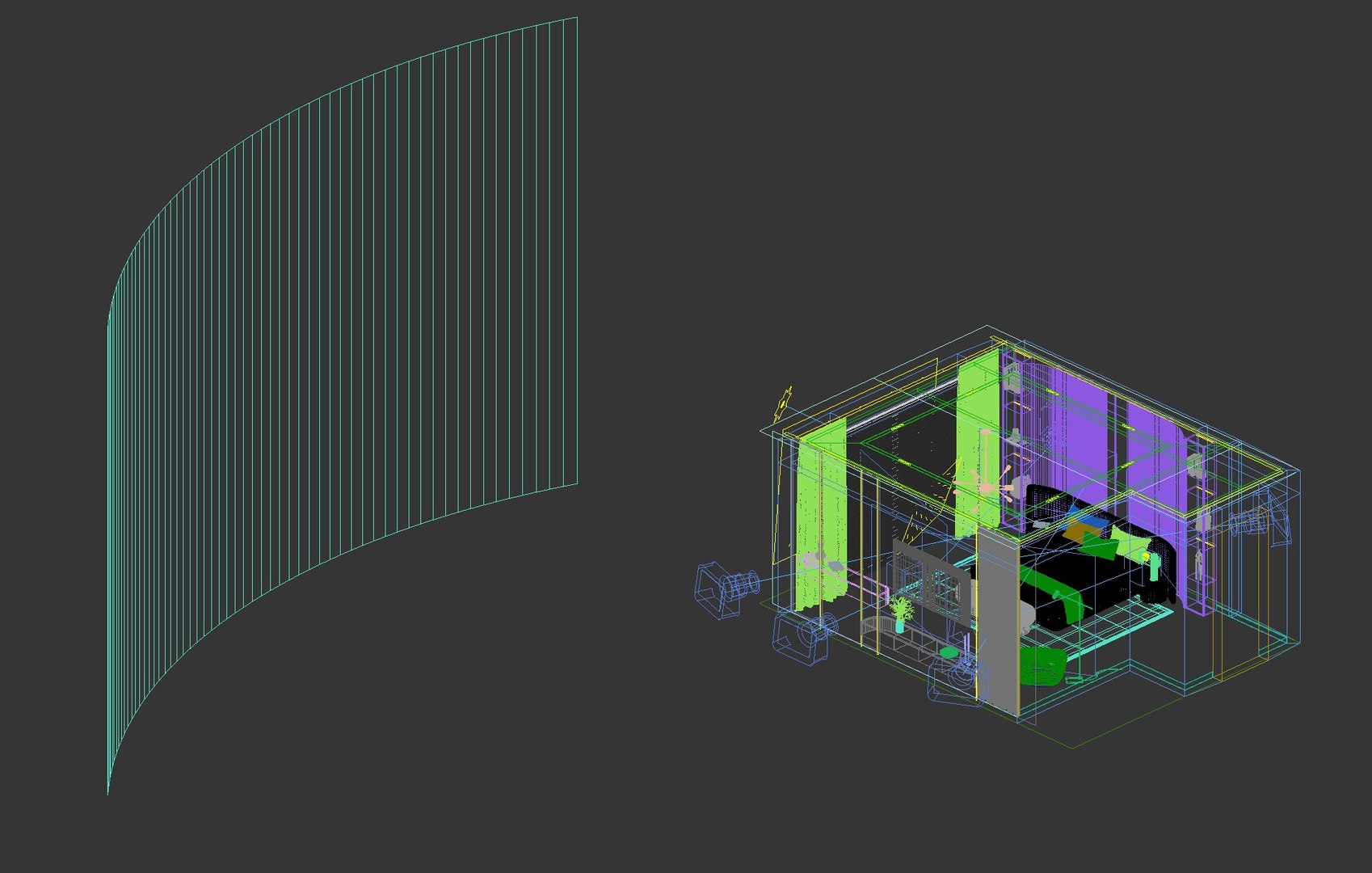
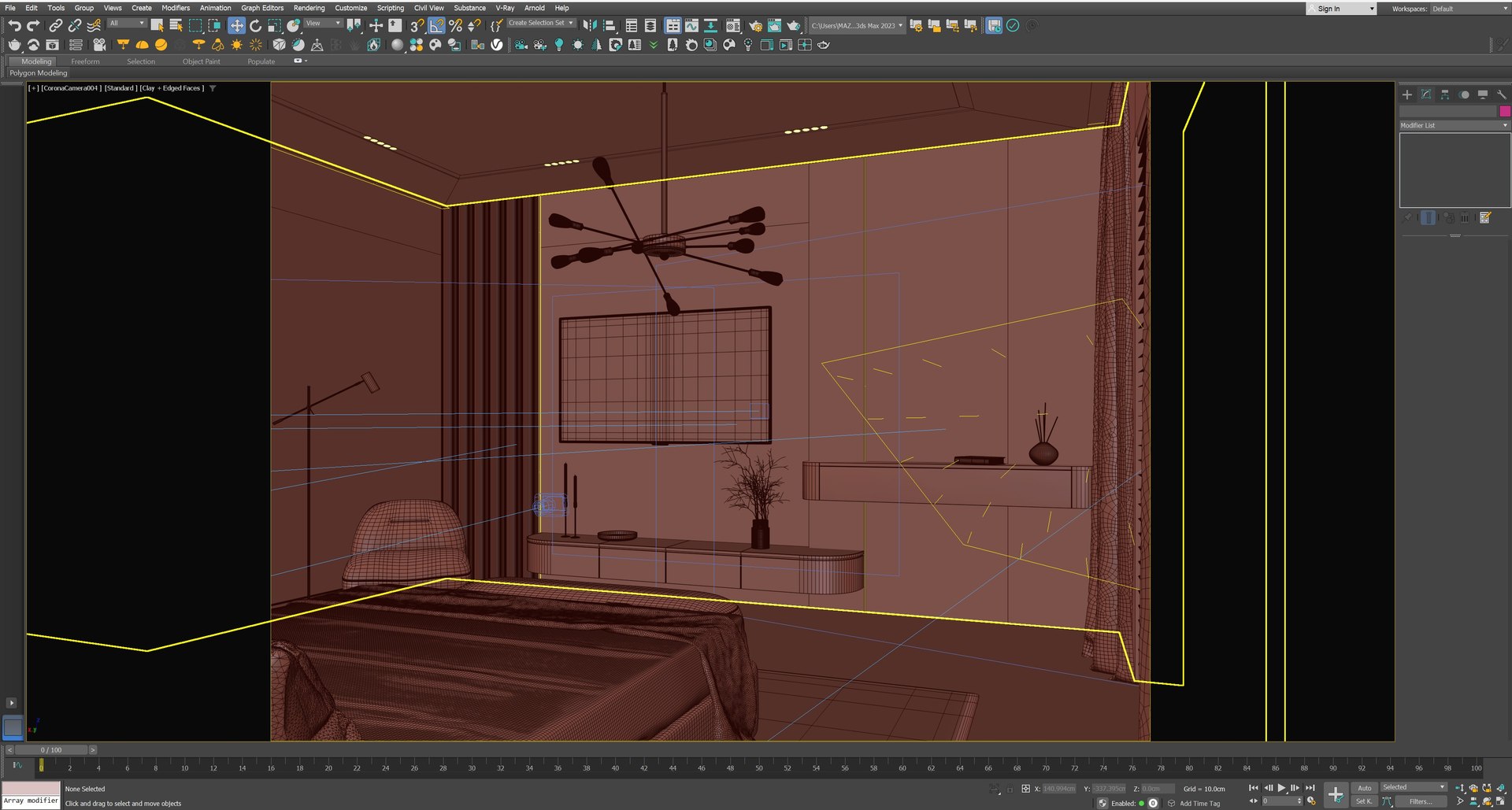
Interior scene bedroom 02

$75

Formats (2)
Free file format Conversions available
Native | 3ds Max 2015 | Corona 9
FBX
Other Files
map.zip
Specifications
Publish Date October 05, 2026
Product ID 2631066
Polygons 1
Vertices 1
Polygonal Quads Only
Textures
Materials
UV Mapped
Non-overlapping Unwrapped UVs
member avatar
infinity vision
753 Products | Contributor Since 2022
Have questions? Chat with us now.

Description

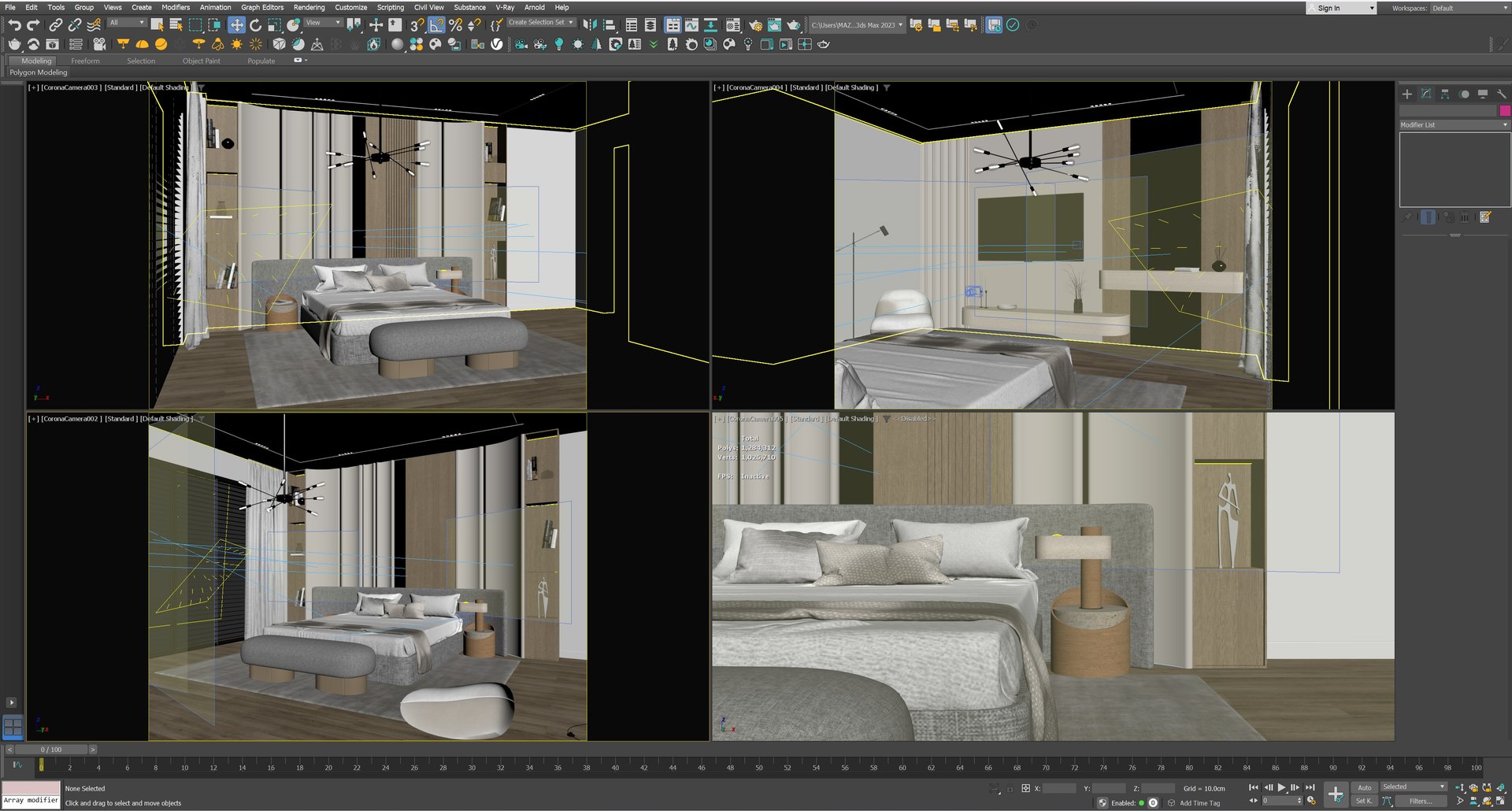
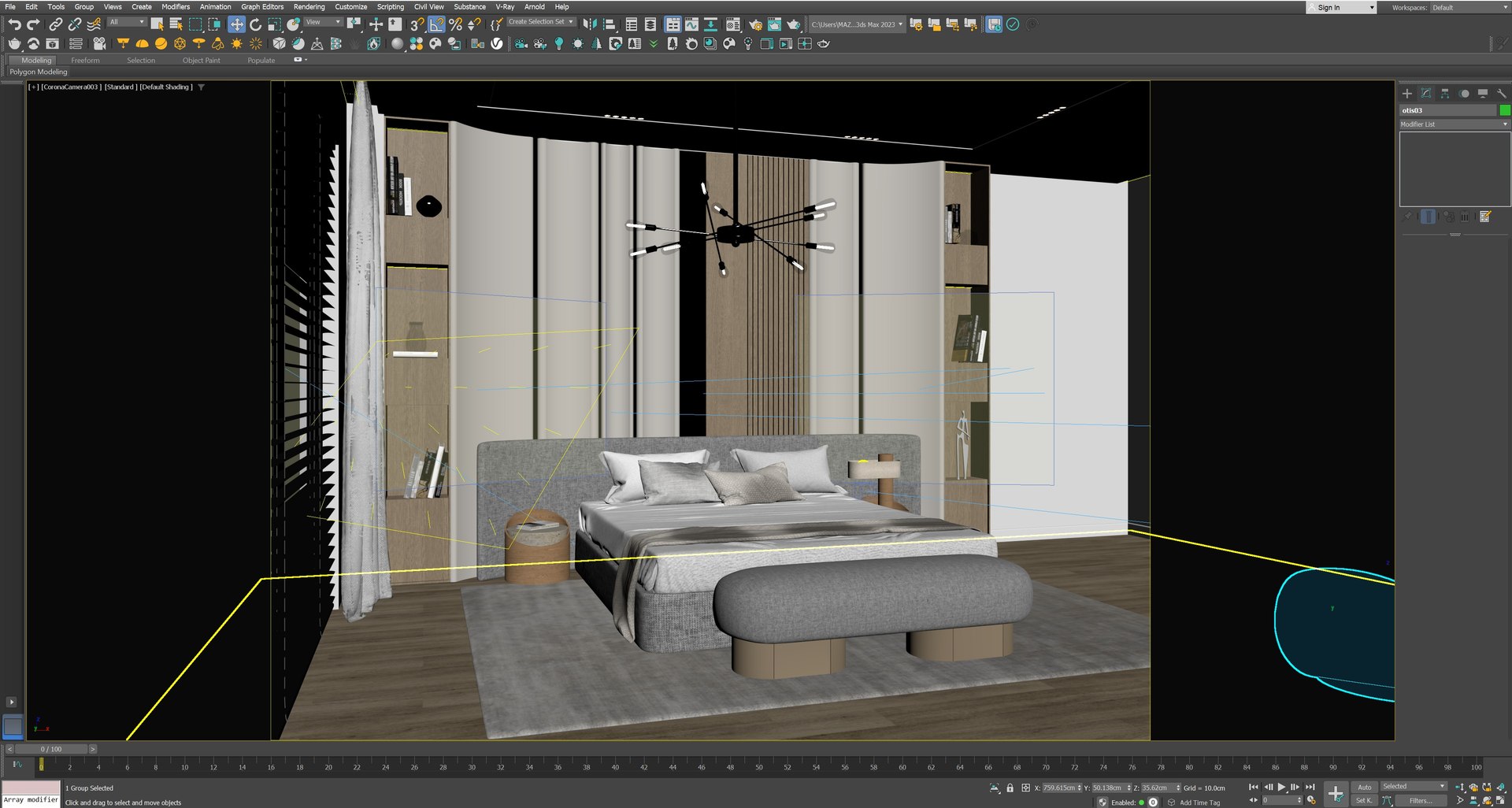
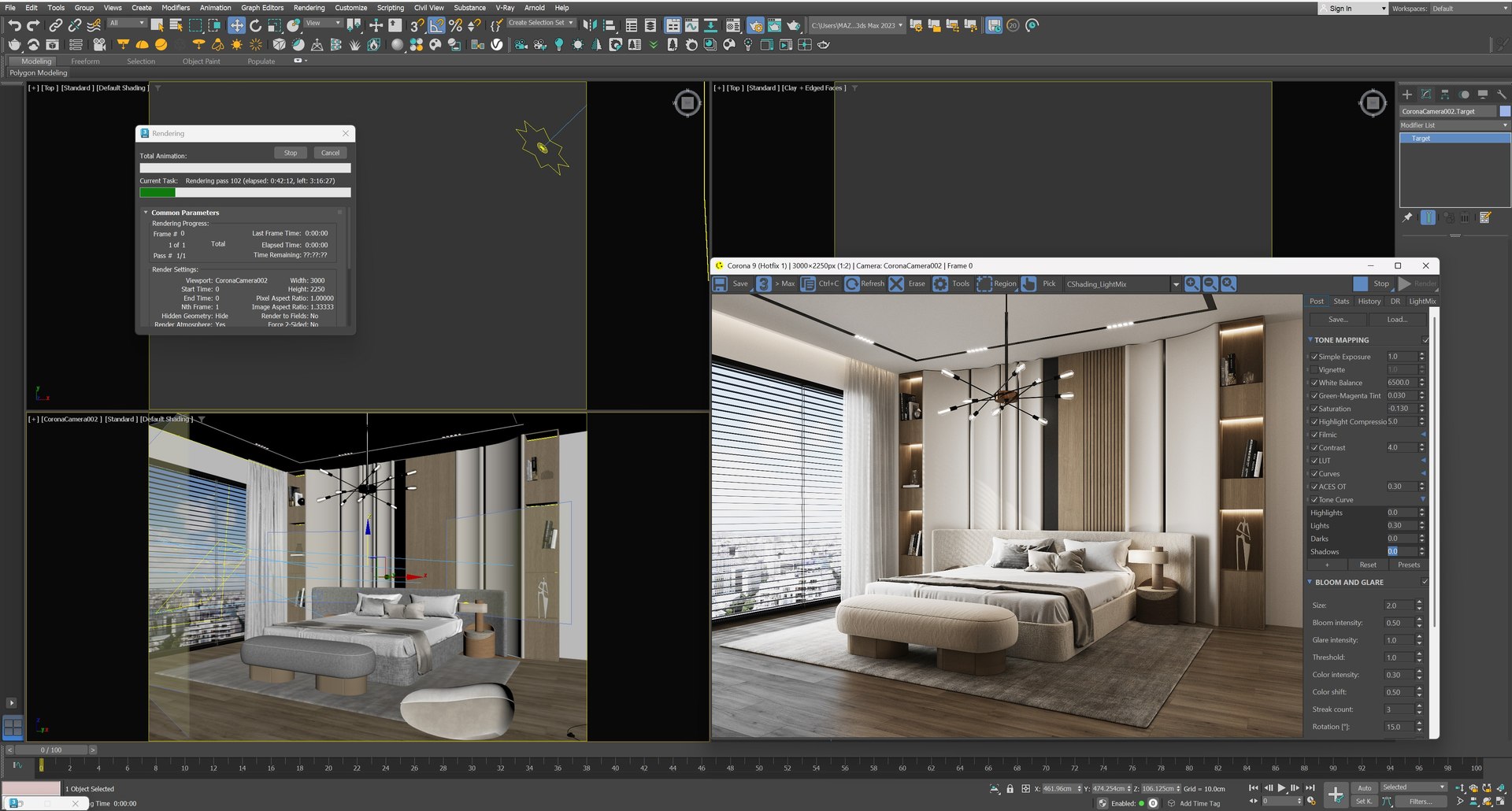
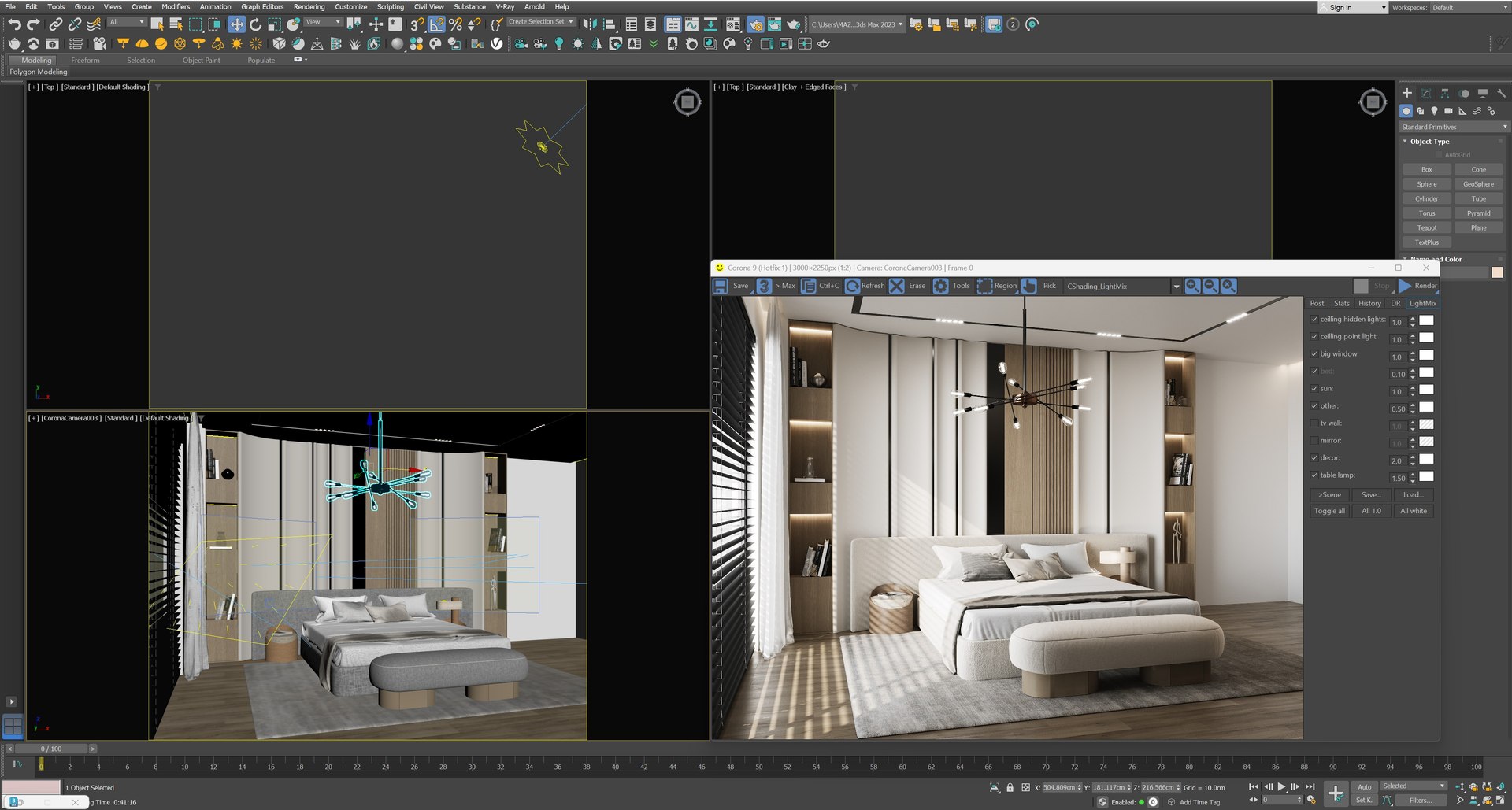
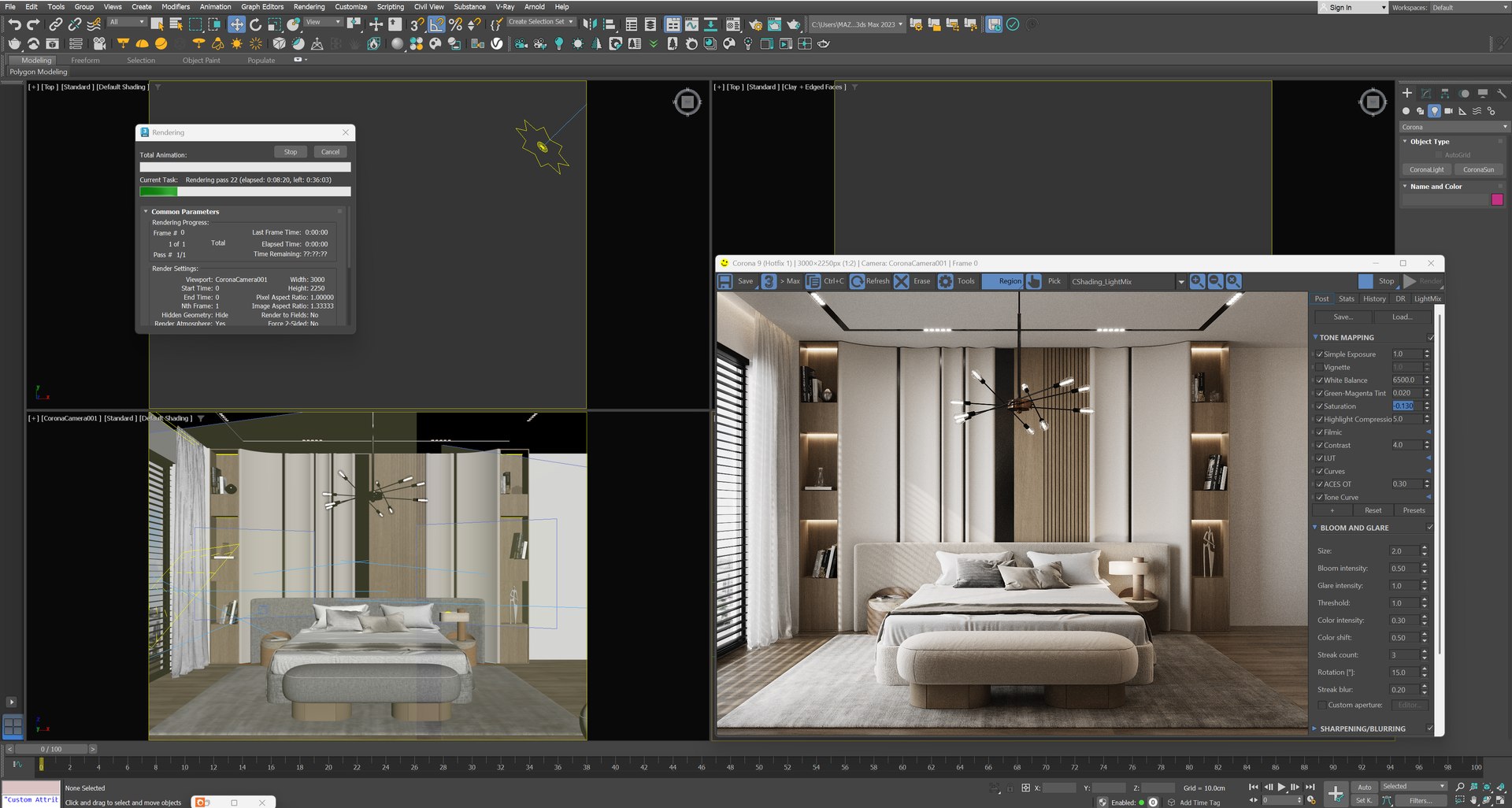
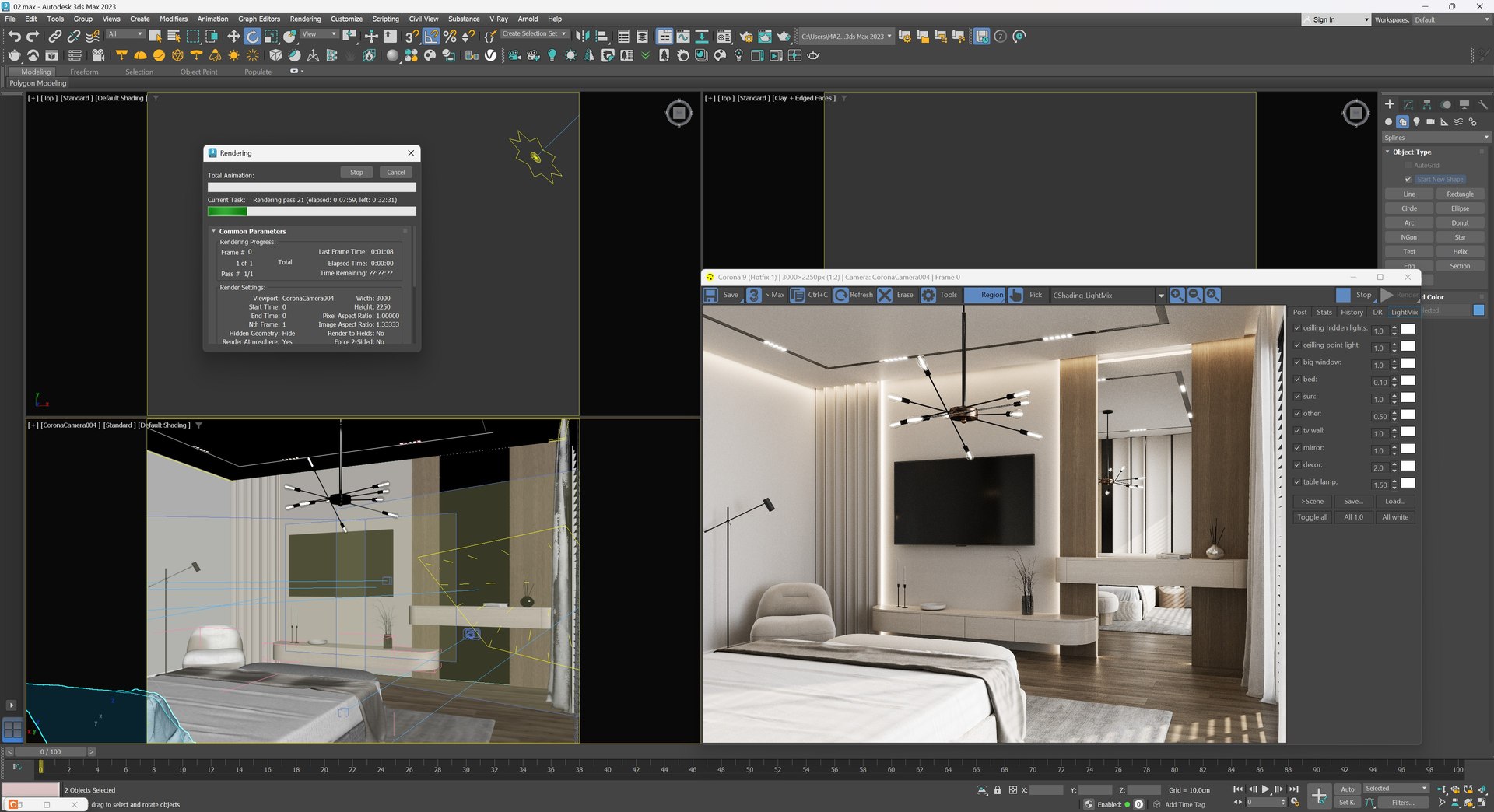
This premium interior modern, bright bedroom created in 3dsmax, fully set up with high-quality assets, natural lighting and pre-positioned cameras__ ready to render right out of the box.

This scene showcase a clean, contemprary design with modern furniture, soft materials and an airy layouts. This interior is ideal for architects visualization or product presentation.

Lighting is carefully optimised to simulate realistic daylight conditions through large window, providing soft shadows and natural atmosphere. All materials are detailed and UV-mapped for high-quality rendering, and all cameras are professionally placed to capture the most appealing angles.

The lightmix setting is included for each camera angle.

Whether you're a 3d artist looking to save time , or a studio in need of high-end interiors, this scene will accelerate your workflow and elevate your renders.

The scene is available in FBX, DAE and 3dsmax format.

There's no texture/material in dae formats.

Unit: centimeter

Renderer: corona 9

feel free to visit our profile to get much more interior scenes.

Select Enhanced License

  • $10,000 in Legal Protection (Indemnification)
  • Uncapped Legal Protection (Indemnification)
  • Waiver from injunctive relief
  • Assignable model rights
  • $1,000,000 in Legal Protection (Indemnification)
  • Waiver from injunctive relief
  • Assignable model rights
  • $250,000 in Legal Protection (Indemnification)
  • Assignable model rights
Read more about enhanced license tiers, or contact us at enterprise@turbosquid.com. Already a Shutterstock Enterprise Customer? Contact your Shutterstock Sales Support Agent to talk about adding 3D.

About Conversion Requests

To submit a conversion request for a purchased asset, please complete our Conversion Request Form.

If you have not yet purchased a model, please review our Documentation about Conversions to learn about what limitations you may encounter with a conversion.

For any additional questions about a model’s suitability for conversion, please contact TurboSquid Support.

Loading...